

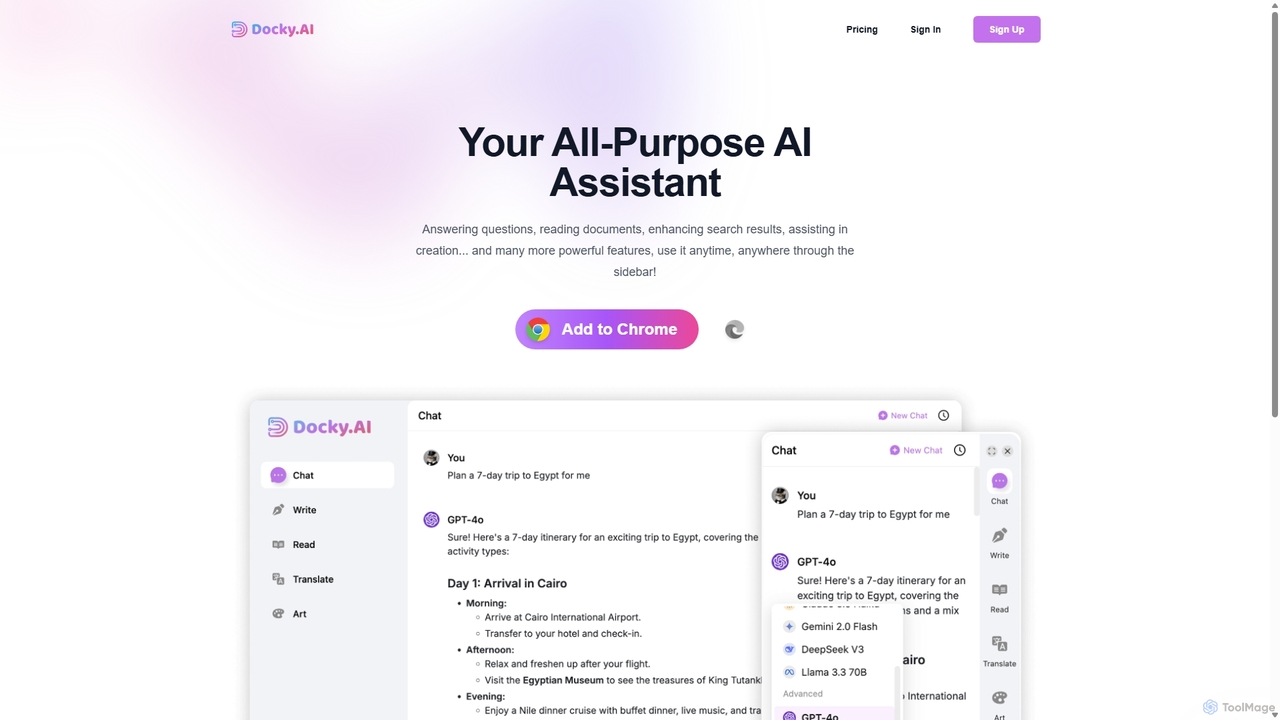
Docky.AI Overview
Docky.AI is a versatile and powerful AI assistant designed as a browser sidebar to seamlessly integrate into your daily workflow. It acts as an all-purpose copilot, bringing the capabilities of leading AI models like GPT-4, GPT-4o, Claude, and DALL-E directly to any webpage you visit. Whether you're conducting research, writing emails, creating content, or simply browsing the web, Docky.AI provides instant support to enhance your productivity and creativity without the need to switch between multiple tabs or applications.
How to use Docky.AI
Getting started with Docky.AI is simple and intuitive. Follow these steps to integrate this powerful AI assistant into your browser:
- Installation: Add the Docky.AI extension to your Chrome browser from the official web store.
- Activate the Sidebar: Once installed, you can open the Docky.AI sidebar on any webpage with a single click or a keyboard shortcut.
- Select a Model: Choose from a variety of advanced AI models like GPT-4o or Claude based on your specific task.
- Interact with AI: You can start a conversation, ask questions, or use the selected text on the page as context. Use it to summarize articles, translate text, explain complex concepts, or reply to emails.
- Utilize Specialized Tools: Leverage the built-in Text Assistant and Writing Assistant for tasks like drafting content, rephrasing sentences, or checking grammar. The Web Enhancement feature automatically augments your search engine results with concise AI-powered answers.
Core Features of Docky.AI
- Multi-Model Integration: Access a suite of top-tier AI models, including OpenAI's GPT-4 and GPT-4o, Anthropic's Claude, and the DALL-E image generator, all within a single interface.
- Seamless Sidebar UI: The non-intrusive sidebar allows you to use AI alongside your current tasks, maintaining context and workflow efficiency.
- Web Enhancement: Supercharges your search experience by providing direct, AI-generated answers and summaries next to your standard search results on Google, Bing, and other engines.
- Context-Aware Assistance: Docky.AI can read and understand the content of your current webpage, allowing you to ask questions, summarize articles, or extract key information effortlessly.
- Advanced Writing Assistant: From drafting professional emails and reports to generating creative blog posts and social media captions, the writing assistant helps you craft high-quality content faster.
- Document Reading: The tool is capable of processing and answering questions about various documents, making it an excellent assistant for research and analysis.
Use Cases for Docky.AI
Docky.AI is designed for a wide range of users and professions:
- Students and Researchers: Quickly summarize academic papers, explain complex theories, and gather relevant information from multiple sources without leaving the research page.
- Content Creators and Marketers: Brainstorm content ideas, draft articles, generate engaging social media posts, and create ad copy on the fly.
- Software Developers: Get coding help, debug snippets, and understand technical documentation directly within their development environment or forums like Stack Overflow.
- Business Professionals: Compose professional emails, summarize long reports and meeting transcripts, and conduct market research more efficiently.
- Everyday Users: Get quick answers to questions, translate foreign languages, and enhance their daily browsing experience with an intelligent companion.
Advantages of Docky.AI
Docky.AI stands out with several key benefits:
- Ultimate Convenience: Consolidates the power of multiple premium AI tools into one accessible browser extension, saving you money and time.
- Enhanced Productivity: By integrating directly into your browser, it eliminates context switching and streamlines tasks, leading to a significant boost in efficiency.
- Flexible and Affordable: With a generous free plan and multiple tiered subscriptions, it offers a cost-effective solution for both casual and power users.
- High-Quality Outputs: By leveraging state-of-the-art AI models, Docky.AI ensures accurate, coherent, and relevant responses for all your queries and tasks.
Pricing and Plans
Docky.AI offers a flexible pricing structure to suit different needs, with options for monthly or annual billing (saving 30-40%).
- Free Plan: Includes 30 Basic Credits per day for casual use.
- Standard Plan: $3.50/month. Provides 5,000 Basic Credits (for models like GPT-4o mini) and 100 Advanced Credits (for models like GPT-4o) per month.
- Pro Plan (Most Popular): $8/month. Offers Unlimited Basic Credits and 300 Advanced Credits per month, ideal for regular users.
- Mega Plan: $11.50/month. Includes Unlimited Basic Credits and Unlimited Advanced Credits (with at least 600 high-speed credits guaranteed per month), perfect for heavy users and professionals.
Docky.AI Alternatives

Microsoft Copilot
Microsoft Copilot is your everyday AI companion, enhancing productivity and creativity. It provides intelligent search, content generation, and image creation capabilities by leveraging the latest AI models like GPT-4 and DALL-E 3. Integrated across the Microsoft ecosystem, it assists with writing, coding, planning, and design tasks.
Image Generator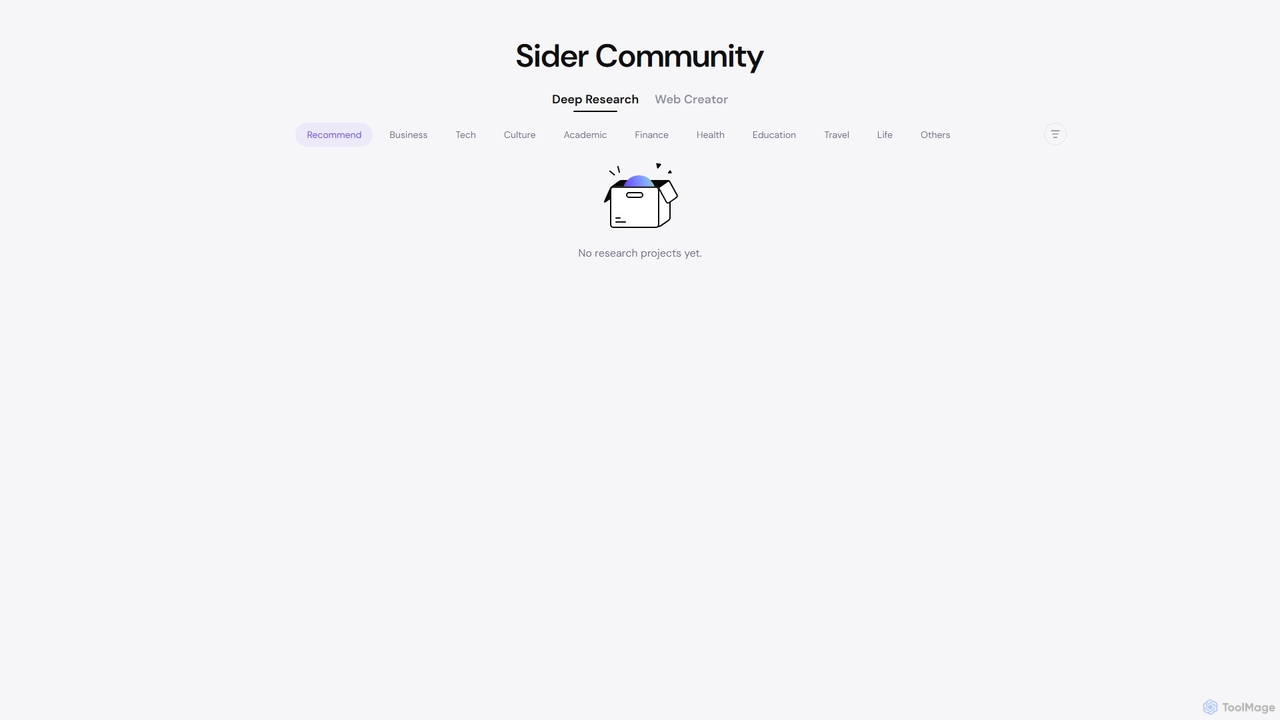
Sider
Sider is a powerful AI copilot integrated into your browser sidebar. It brings ChatGPT, GPT-4, Claude 3, and Gemini to any webpage, allowing you to seamlessly summarize content, enhance your writing, explain complex topics, and chat with documents or videos. It streamlines your workflow by eliminating the need to switch between tabs, boosting your overall productivity and creativity.
Learning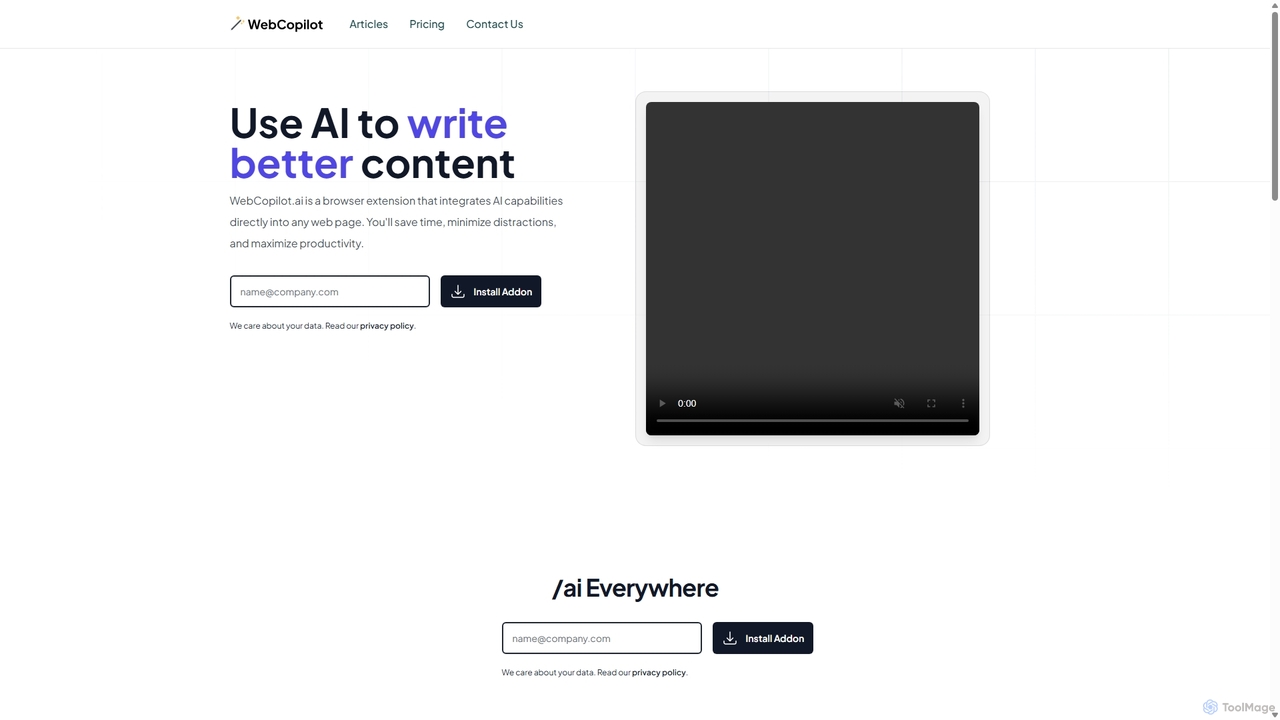
WebCopilot
WebCopilot is an AI-powered browser extension that integrates ChatGPT's capabilities into any webpage. Simply type `/ai` in any text field to generate, rewrite, or improve content for emails, social media posts, and more. It streamlines workflows on platforms like Gmail, Twitter, LinkedIn, and even helps create formulas in Google Sheets, boosting productivity and saving time by bringing AI assistance directly to where you work.
Code Assistant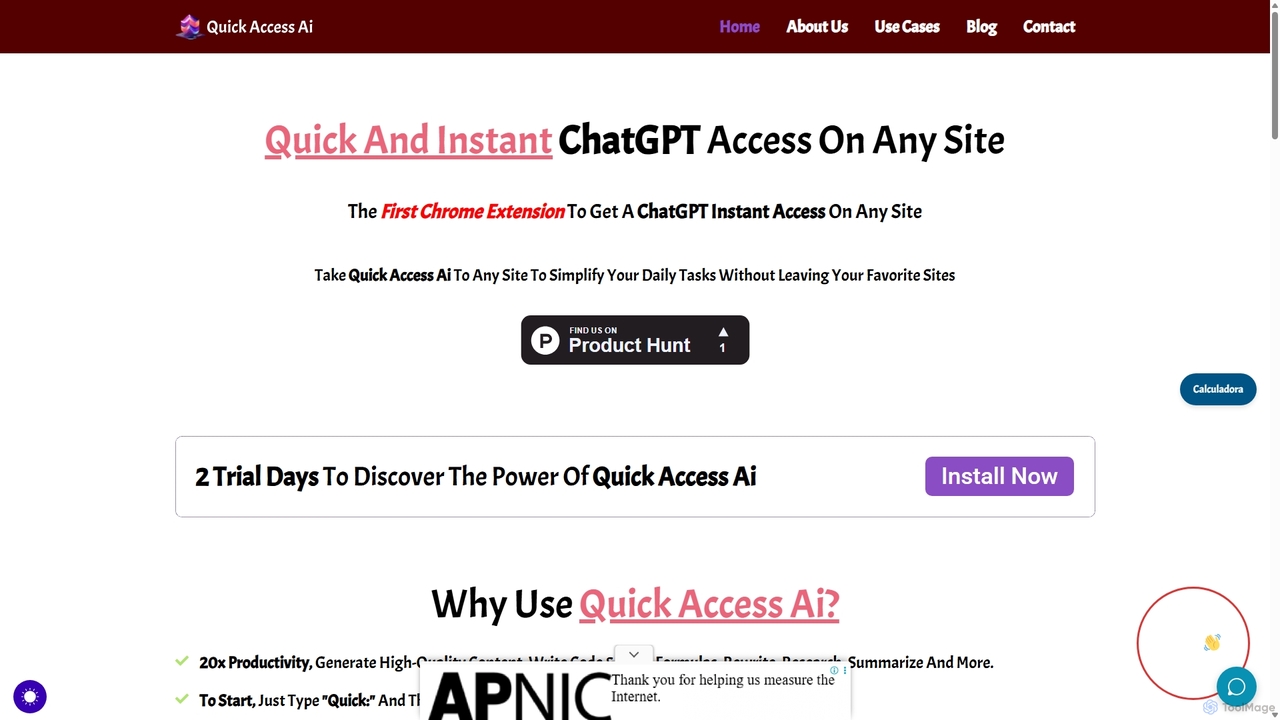
Quick Access Ai
Quick Access Ai is a Chrome extension that provides instant access to ChatGPT on any website. By simply typing a command, users can generate content, write code, summarize text, and perform research without switching tabs. It aims to boost productivity by integrating AI assistance directly into your existing workflow, making daily tasks faster and more efficient.
Code Assistant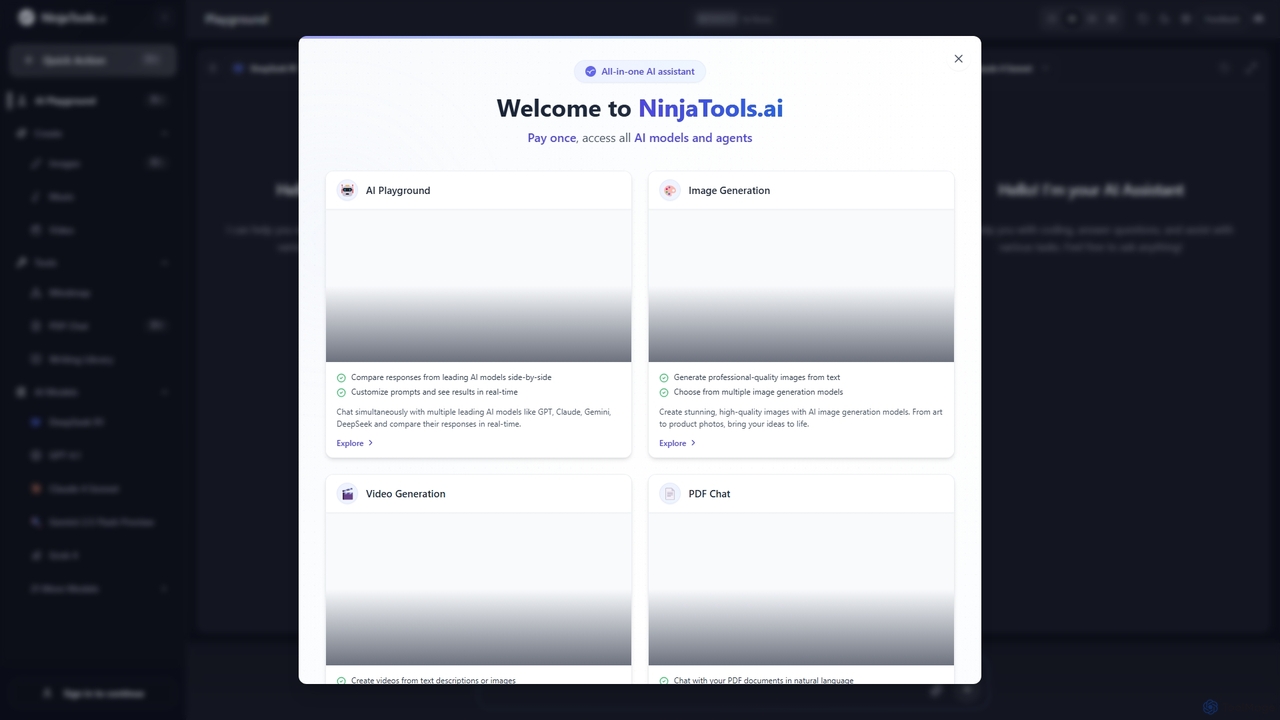
Ninjatools
Ninjatools is an all-in-one AI platform providing unified access to a vast array of leading AI models like GPT, Claude, Gemini, and more. It enables users to generate text, images, videos, and music, chat with PDFs, and compare model responses side-by-side in a single, intuitive interface. It's designed for creators, developers, and marketers seeking efficiency and versatility.
Music GenerationDocky.AI Categories
Docky.AI Jobs
Docky.AI Embed Widget
Copy this embed code to place the badge on your blog, article, or product site and send readers directly to this ToolMage detail page.

Related AI tools
Microsoft Copilot
Microsoft Copilot is your everyday AI companion, enhancing productivity and creativity. It provides intelligent search, content generation, and image creation capabilities by leveraging the latest AI models like GPT-4 and DALL-E 3. Integrated across the Microsoft ecosystem, it assists with writing, coding, planning, and design tasks.
Image GeneratorSider
Sider is a powerful AI copilot integrated into your browser sidebar. It brings ChatGPT, GPT-4, Claude 3, and Gemini to any webpage, allowing you to seamlessly summarize content, enhance your writing, explain complex topics, and chat with documents or videos. It streamlines your workflow by eliminating the need to switch between tabs, boosting your overall productivity and creativity.
Learning
Thinkbuddy
Thinkbuddy is a native desktop AI client designed for fast, secure, and organized interaction with multiple AI models. It acts as a unified workspace, allowing you to switch between models like GPT-4o, Claude 3, and Llama 3, manage conversations in projects, and save prompts in a library for a streamlined workflow.
Code Assistant
Merlin AI
Merlin is an all-in-one AI assistant, available as a browser extension and app, that integrates top AI models like GPT-4, Claude 3, and Gemini. It allows you to research, write, summarize content, generate images, and code with a single click on any website, streamlining your workflow and boosting productivity without switching tabs.
Chrome Extensions
Jyek
Jyek is an AI agent platform that understands objectives, creates execution plans, uses tools, and delivers verifiable results for complex, multi-step tasks.
AutomationWebCopilot
WebCopilot is an AI-powered browser extension that integrates ChatGPT's capabilities into any webpage. Simply type `/ai` in any text field to generate, rewrite, or improve content for emails, social media posts, and more. It streamlines workflows on platforms like Gmail, Twitter, LinkedIn, and even helps create formulas in Google Sheets, boosting productivity and saving time by bringing AI assistance directly to where you work.
Code AssistantQuick Access Ai
Quick Access Ai is a Chrome extension that provides instant access to ChatGPT on any website. By simply typing a command, users can generate content, write code, summarize text, and perform research without switching tabs. It aims to boost productivity by integrating AI assistance directly into your existing workflow, making daily tasks faster and more efficient.
Code Assistant
Side Space
Side Space is a powerful AI assistant that integrates seamlessly into your desktop workflow. It operates from a convenient sidebar, providing instant access to AI-powered tools for writing, coding, and general productivity without ever leaving your current application. Enhance your efficiency with contextual actions on selected text and customizable commands.
Code Assistant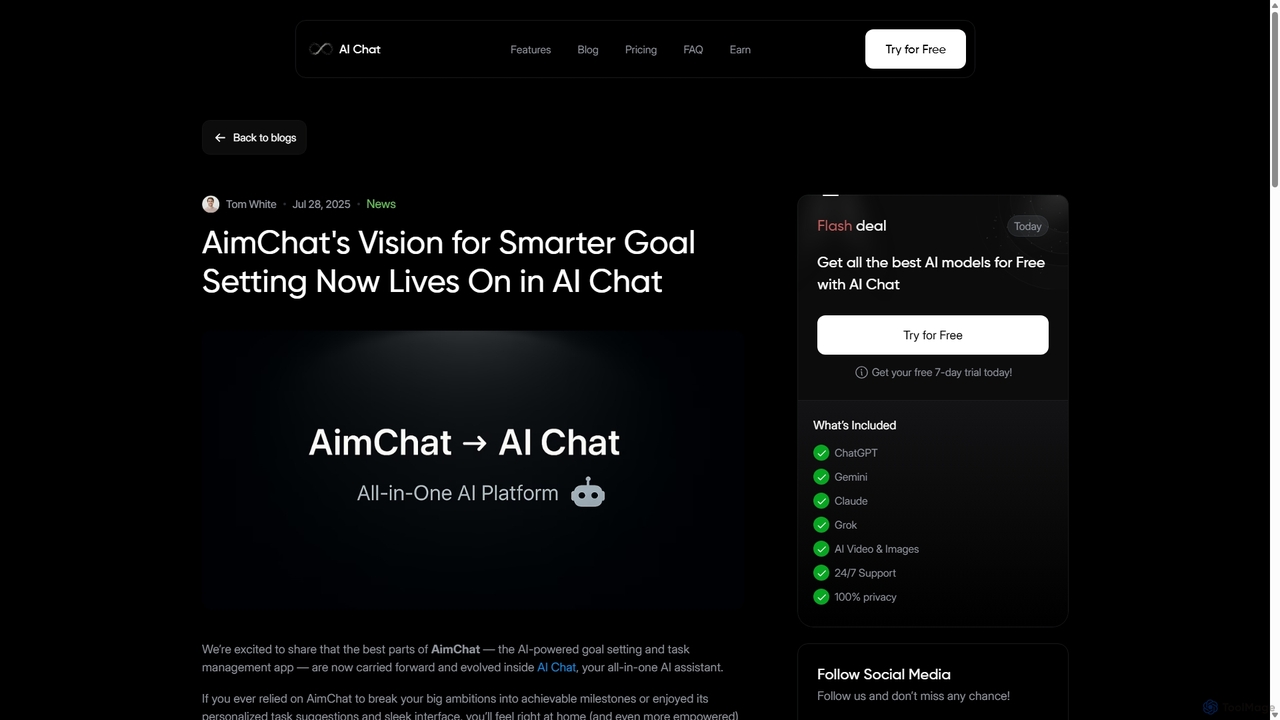
AI Chat
AI Chat is an all-in-one AI assistant that integrates top models like ChatGPT, Claude, and Gemini into a single platform. Evolving from the goal-setting app AimChat, it combines advanced conversational AI with powerful task management, research, and content creation tools to streamline your workflow and help you achieve your ambitions.
Assistant
Google Gemini
Google Gemini is a powerful, multimodal AI assistant designed to enhance creativity and productivity. It can understand and process text, code, images, and video to help you write, plan, learn, and create. Integrated with Google's ecosystem, it offers features like advanced content generation, deep research, and seamless collaboration within Google apps.
Image Generator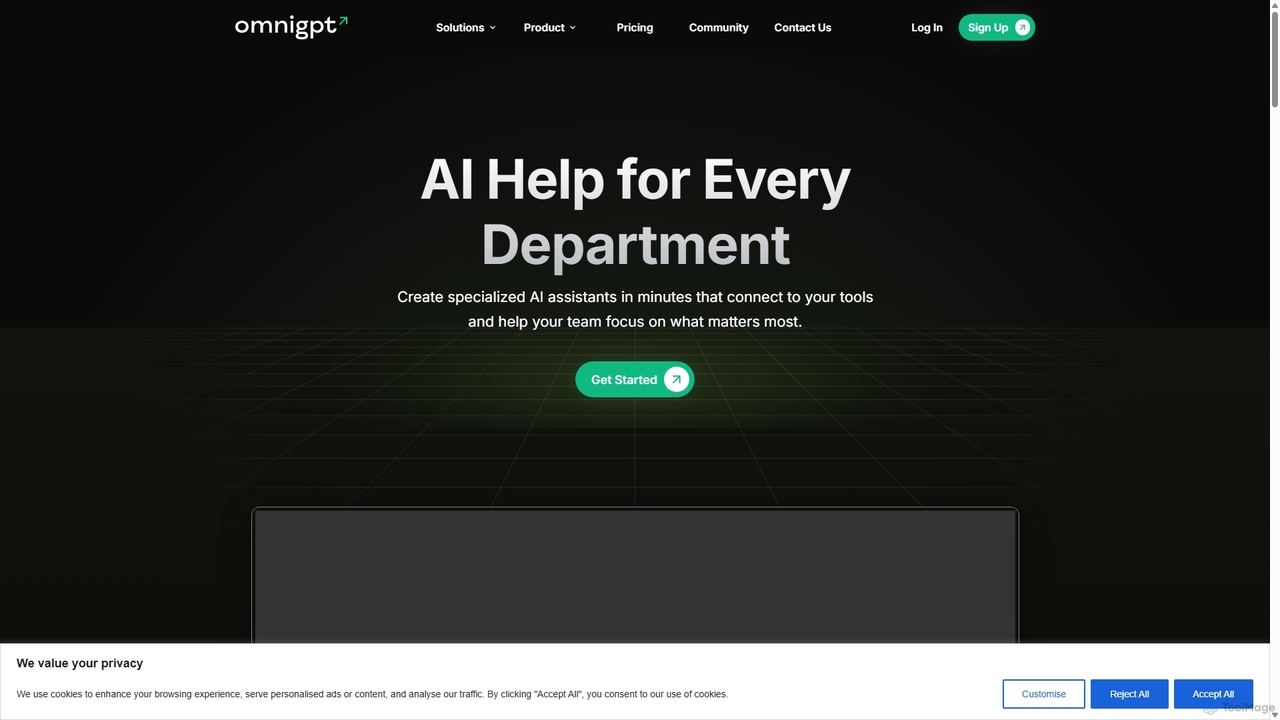
OmniGPT
OmniGPT is an all-in-one AI productivity platform that provides access to multiple leading AI models like GPT-4, Claude 3.5, and Llama 3 through a single subscription. Designed for individuals and teams, it enhances workflows with features such as document analysis, image generation, team collaboration, and seamless integrations with everyday tools like WhatsApp and Slack, offering a cost-effective alternative to multiple AI service subscriptions.
Code Assistant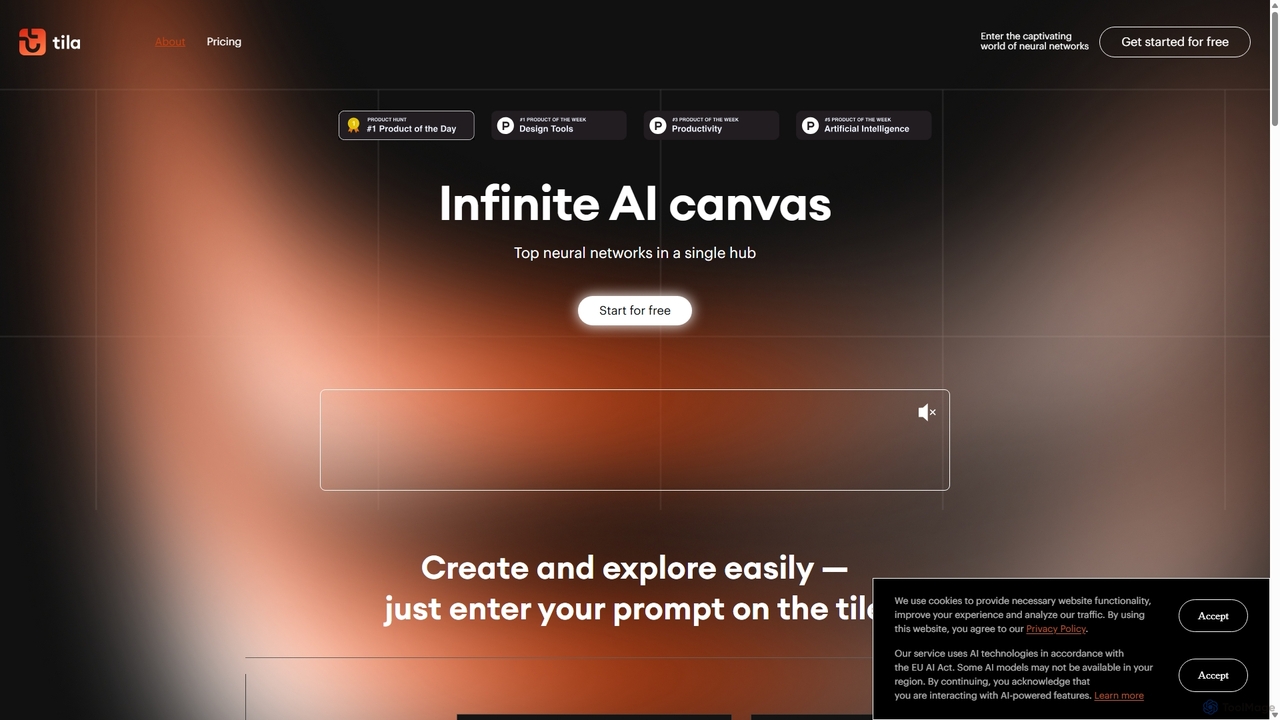
Tila
Tila is a multi-agent AI platform that combines workflow automation and content creation in a unified visual workspace. It offers an infinite canvas where users can connect various AI models like GPT-4o, Claude 3.5, and DALL-E 3 to generate text, images, videos, and audio. Its smart multi-agent technology automates complex tasks, from data analysis to app development, streamlining creative and productive workflows without needing multiple subscriptions.
Generative Ai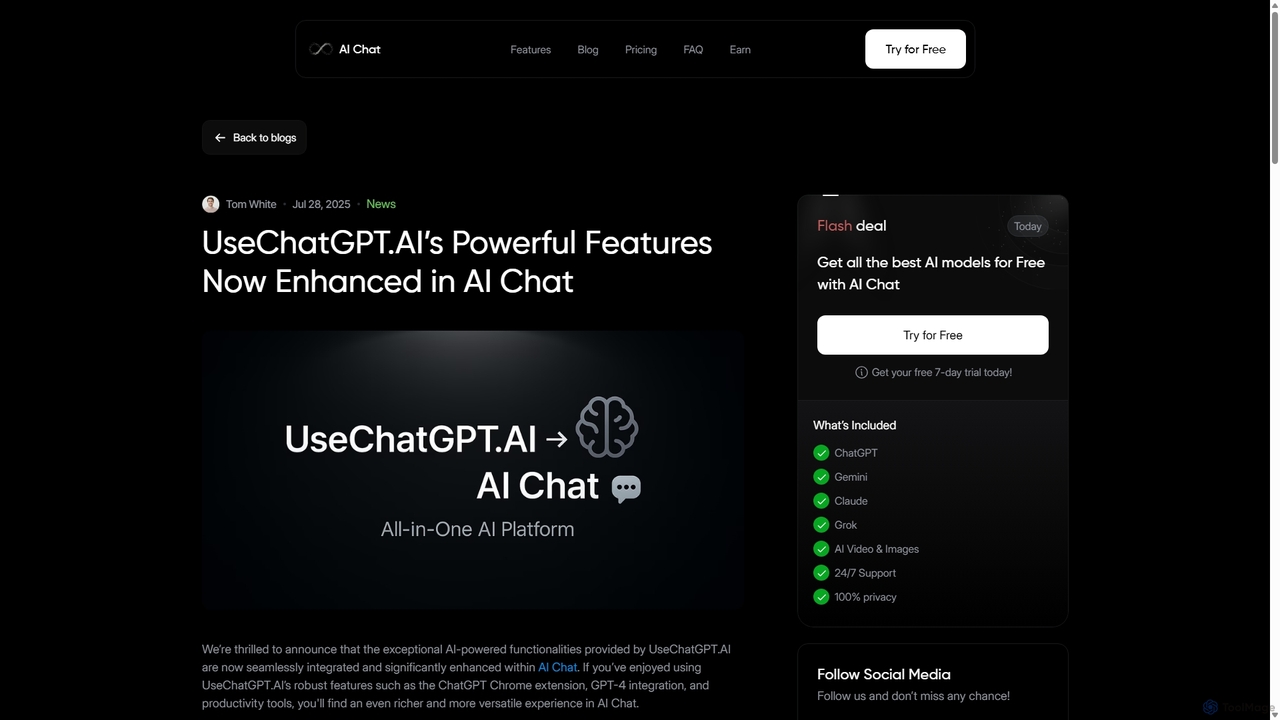
UseChatGPT.AI
UseChatGPT.AI is a powerful free Chrome extension that integrates GPT-4 directly into your browser. It enhances productivity by allowing you to instantly write, rewrite, summarize, translate, and explain text on any website without switching tabs. Its features are now enhanced within the new AI Chat platform.
Research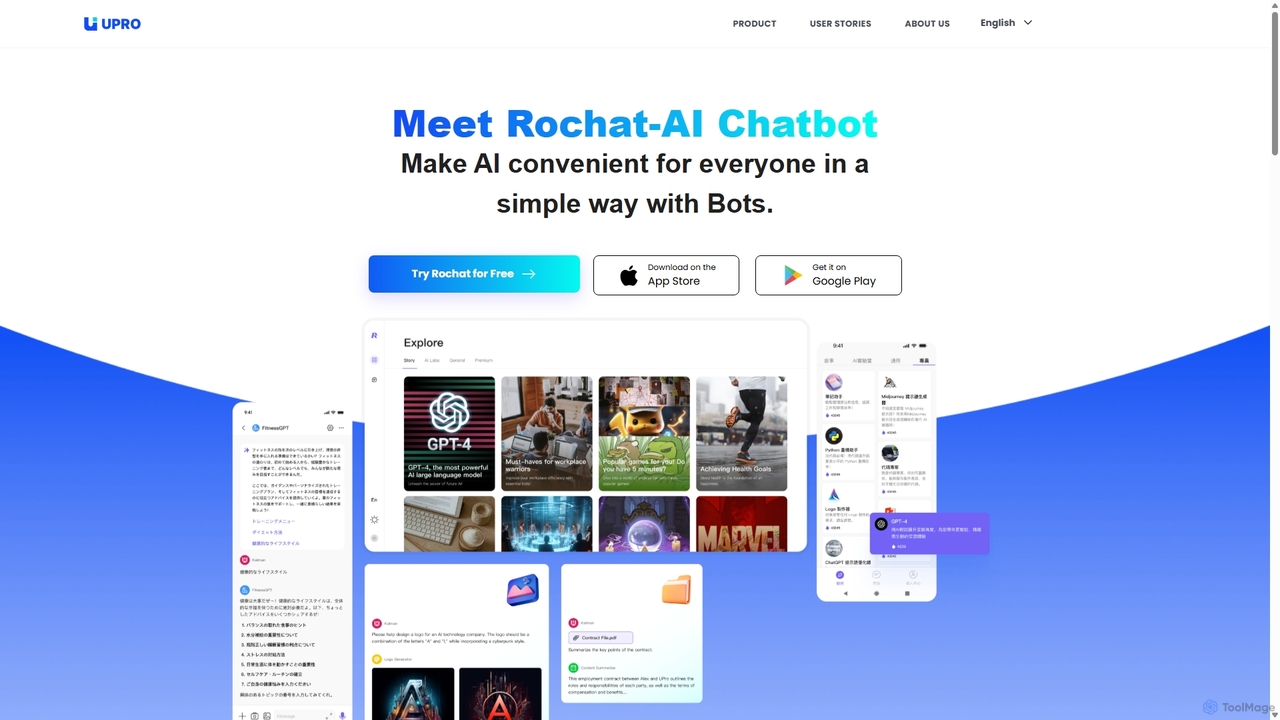
Upro
Upro is an AI platform featuring the Rochat chatbot, designed to make generative AI accessible. It integrates multiple models like GPT-4 and DALL-E for content creation, image generation, and task automation. Its standout feature is a no-code AI bot builder, enabling users to create custom bots for specific needs, enhancing productivity for professionals, students, and creators across web and mobile platforms.
Custom Chatbot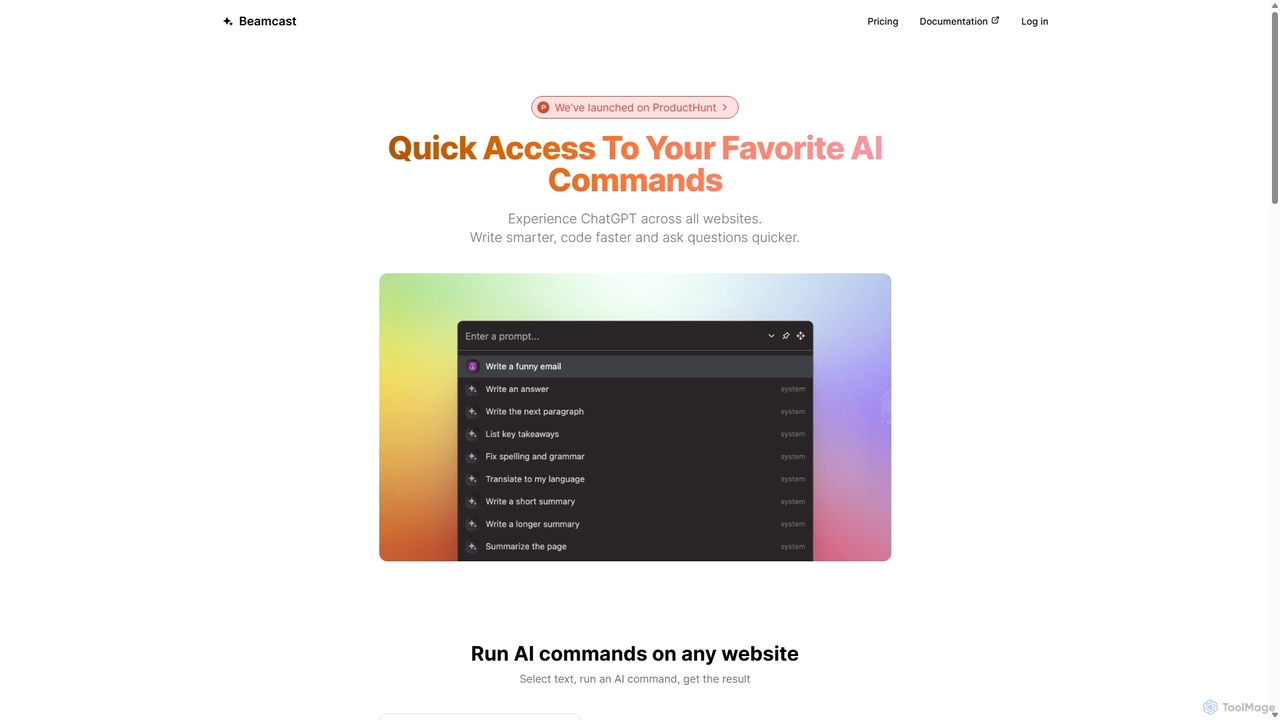
Beamcast
A browser extension that puts ChatGPT and Gemini at your fingertips. Select text on any website to run built-in or custom AI commands for writing, coding, and quick answers, streamlining your workflow and boosting productivity without ever leaving the page.
Search
Docky.AI Comments (0)
Sign in to comment.
Sign inNo comments yet.