

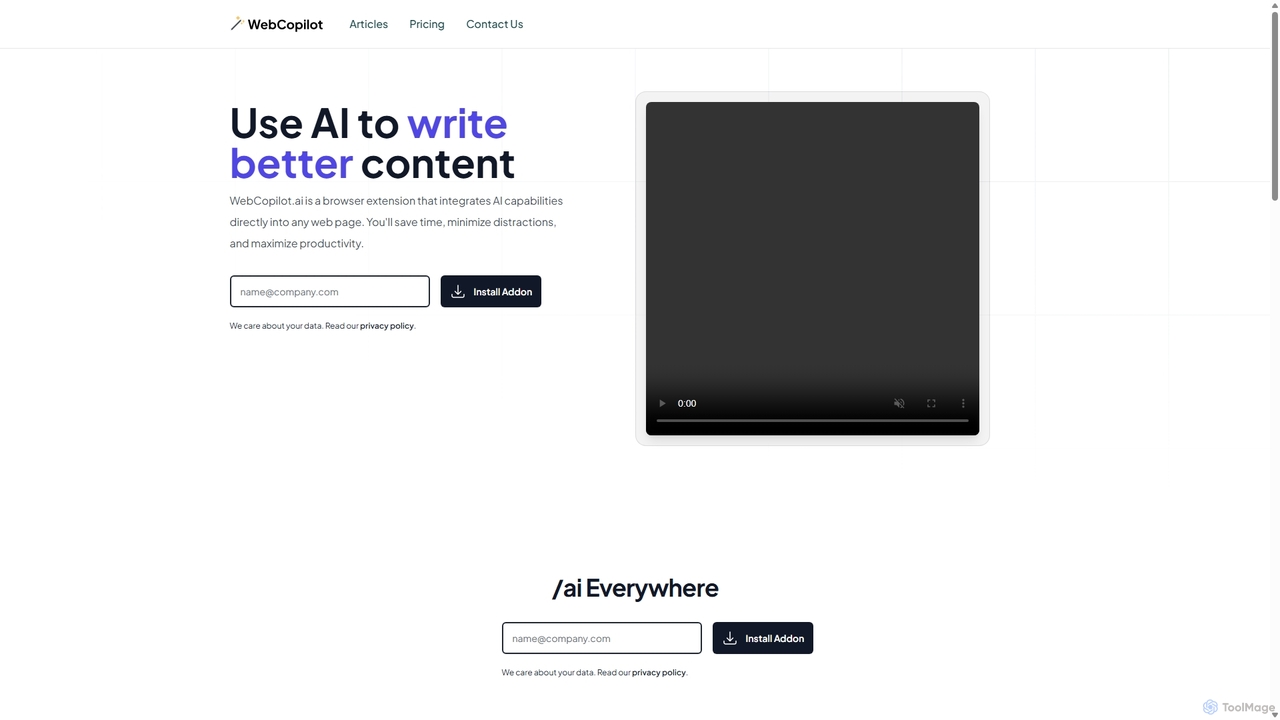
WebCopilot Overview
WebCopilot is a versatile AI-powered browser extension designed to embed the power of artificial intelligence directly into your daily web activities. It acts as a universal assistant, available on any webpage with a text input field. By simply typing the `/ai` command, users can instantly access a suite of content creation and automation tools, eliminating the need to switch between tabs or applications. This seamless integration is designed to save time, reduce distractions, and significantly enhance productivity for a wide range of professionals, from marketers and content creators to developers and data analysts.
The core philosophy behind WebCopilot is 'AI Everywhere'. Whether you're composing a critical email, crafting an engaging social media update, networking on a professional platform, or analyzing data in a spreadsheet, WebCopilot is there to assist. It leverages the advanced capabilities of OpenAI's models to provide context-aware suggestions, generate high-quality text, and even automate complex tasks like writing code snippets or spreadsheet formulas.
How to use WebCopilot
Getting started with WebCopilot is a straightforward, two-step process designed to be quick and easy:
- Create an OpenAI Account: The first step is to sign up for an account on the official OpenAI website. Once registered, you will need to generate an API key. This key is your personal credential that allows WebCopilot to connect to the powerful AI models. OpenAI typically offers a free tier to get you started.
- Install & Activate the Extension: Next, install the WebCopilot browser extension from your browser's official add-on store. After installation, open the extension's settings and paste your OpenAI API key into the designated field to activate it. Once activated, you can start using the `/ai` command in any text field across the web.
Core Features of WebCopilot
- Universal AI Integration: Works in any text box on any website. Simply type `/ai` followed by your prompt to generate, rewrite, summarize, or translate text.
- Email Management (GPT for Gmail): Drastically speeds up email composition. It can help you draft professional emails, reply to messages thoughtfully, and refine your tone to be more formal, friendly, or persuasive.
- Social Media Content Creation: Enhances your presence on various platforms. Generate engaging tweets for Twitter, write insightful posts for LinkedIn and Facebook, and craft compelling comments for Reddit communities.
- Google Sheets Formula Generation: Supercharges your spreadsheet capabilities. Describe the formula you need in plain English, and WebCopilot will generate the correct syntax, automating data analysis and complex calculations.
- AI-Powered Code Generation: A valuable tool for developers. The extension can help generate code snippets, debug existing code, and automate repetitive coding tasks, accelerating the web development process.
Use Cases for WebCopilot
WebCopilot is designed for a multitude of professional scenarios:
- Marketing Managers: Quickly draft ad copy, social media calendars, and email marketing campaigns directly within their respective platforms.
- Content Creators & Bloggers: Overcome writer's block by generating blog post ideas, outlines, and even entire paragraphs without leaving their content management system.
- Software Developers: Generate boilerplate code, write documentation, or find solutions to coding problems directly in platforms like GitHub or Stack Overflow.
- Data Analysts: Create complex formulas and scripts for Google Sheets on the fly, saving time on manual data manipulation and analysis.
- Sales & Customer Support: Craft personalized outreach emails and provide quick, accurate, and empathetic responses to customer inquiries in helpdesk software.
Advantages of WebCopilot
Using WebCopilot offers several key benefits:
- Increased Productivity: By bringing AI tools directly into your workflow, it eliminates context-switching and streamlines tasks, allowing you to accomplish more in less time.
- Enhanced Content Quality: Leverage AI to improve the clarity, tone, and overall quality of your writing across all digital communications.
- Versatility: A single tool that adapts to numerous platforms and tasks, from creative writing and social media management to technical coding and data analysis.
- Ease of Use: The simple `/ai` command and a quick setup process make it accessible to users of all technical skill levels.
- Multi-language Support: The tool supports all languages, making it a global solution for individuals and teams.
Pricing and Plans
WebCopilot offers a flexible pricing structure to suit different needs:
- Free Plan: $0/month. This plan includes 10 AI queries per month, access to query history, and support for all languages. It's perfect for light users or those wanting to try the service.
- Premium Monthly: $19/month. This plan offers unlimited AI queries, access to query history, and full language support, ideal for professionals who rely on the tool daily.
- Premium Yearly: $169/year. This plan provides all the benefits of the monthly premium plan but at a discounted annual rate, offering the best value for long-term users.
- Team License: Custom pricing is available for teams. Interested parties can contact support for more details.
Traffic
Latest traffic
Status
Monthly traffic trend
- 2025-9: 600
- 2026-1: 279
- 2026-2: 0
- 2026-3: 847
- 2026-4: 2.0K
- 2026-5: 1.5K
Geography
Top 5 countries / regions
- 🇬🇧United Kingdom100.0%
WebCopilot Alternatives
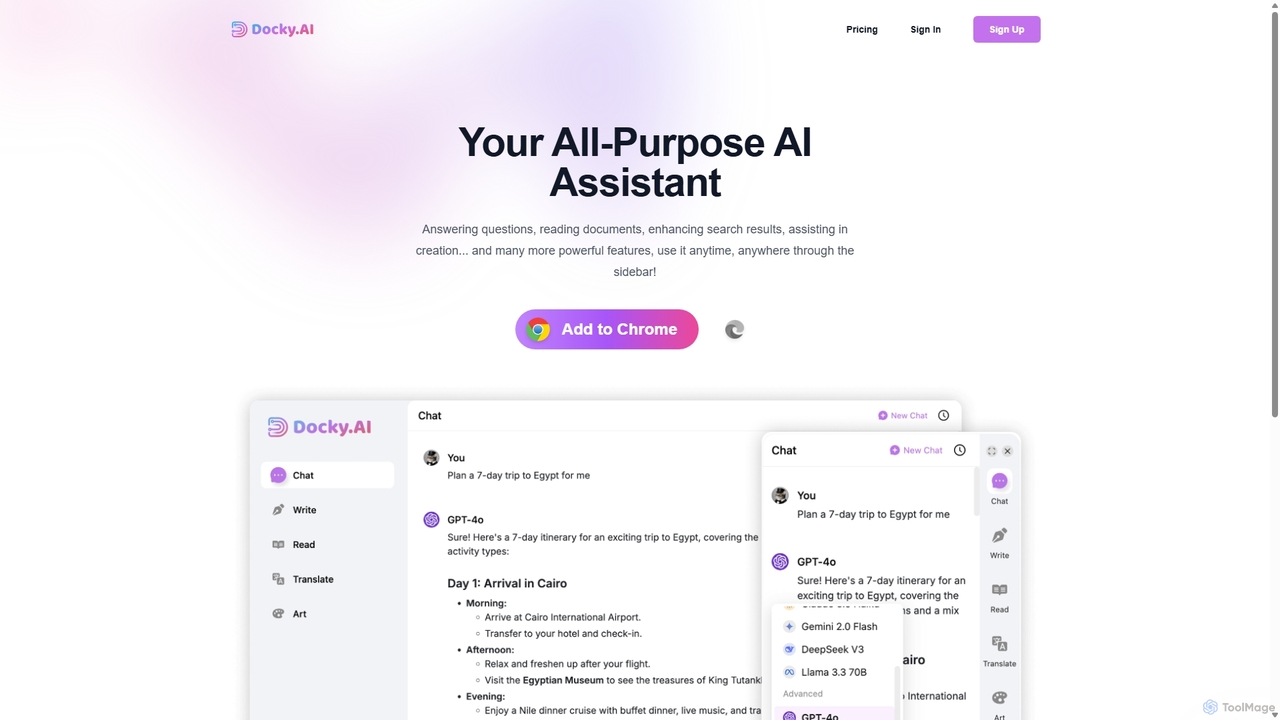
Docky.AI
Docky.AI is a powerful all-in-one AI sidebar for your browser. It integrates leading models like GPT-4, Claude, and DALL-E, allowing you to enhance search results, read documents, assist with writing, and generate content seamlessly on any webpage. Boost your productivity without ever switching tabs.
Search Assistant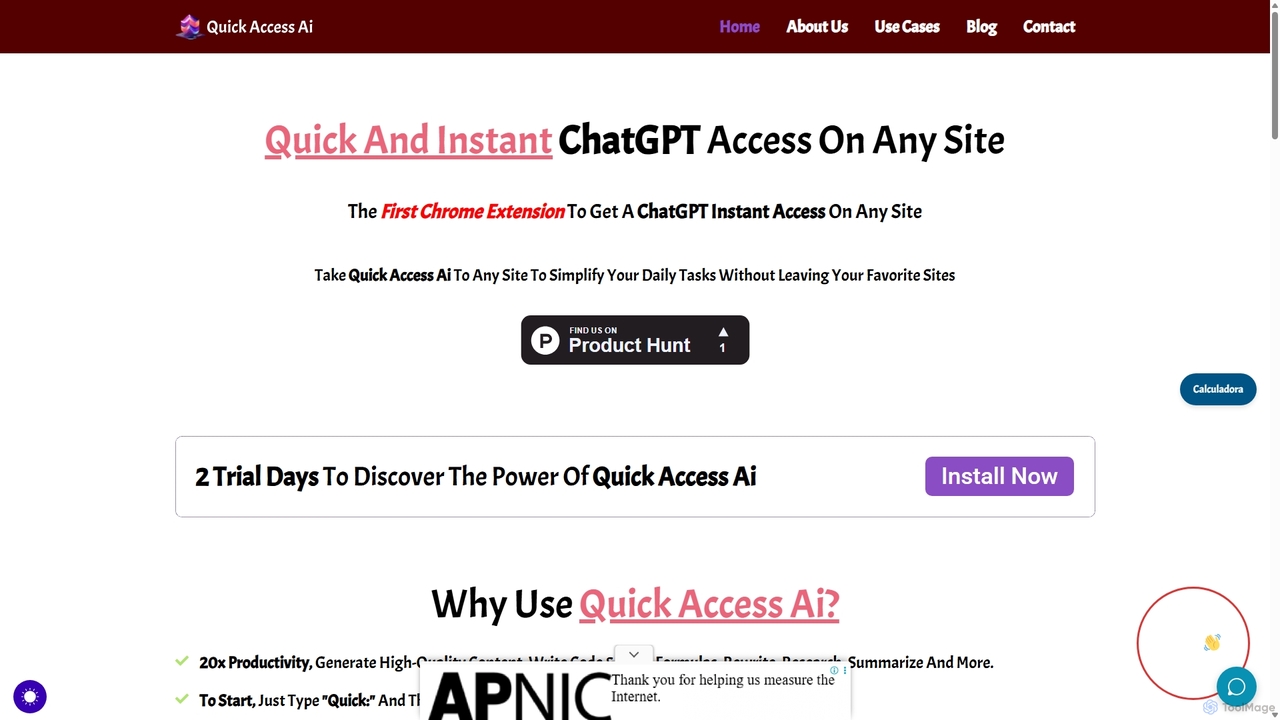
Quick Access Ai
Quick Access Ai is a Chrome extension that provides instant access to ChatGPT on any website. By simply typing a command, users can generate content, write code, summarize text, and perform research without switching tabs. It aims to boost productivity by integrating AI assistance directly into your existing workflow, making daily tasks faster and more efficient.
Code Assistant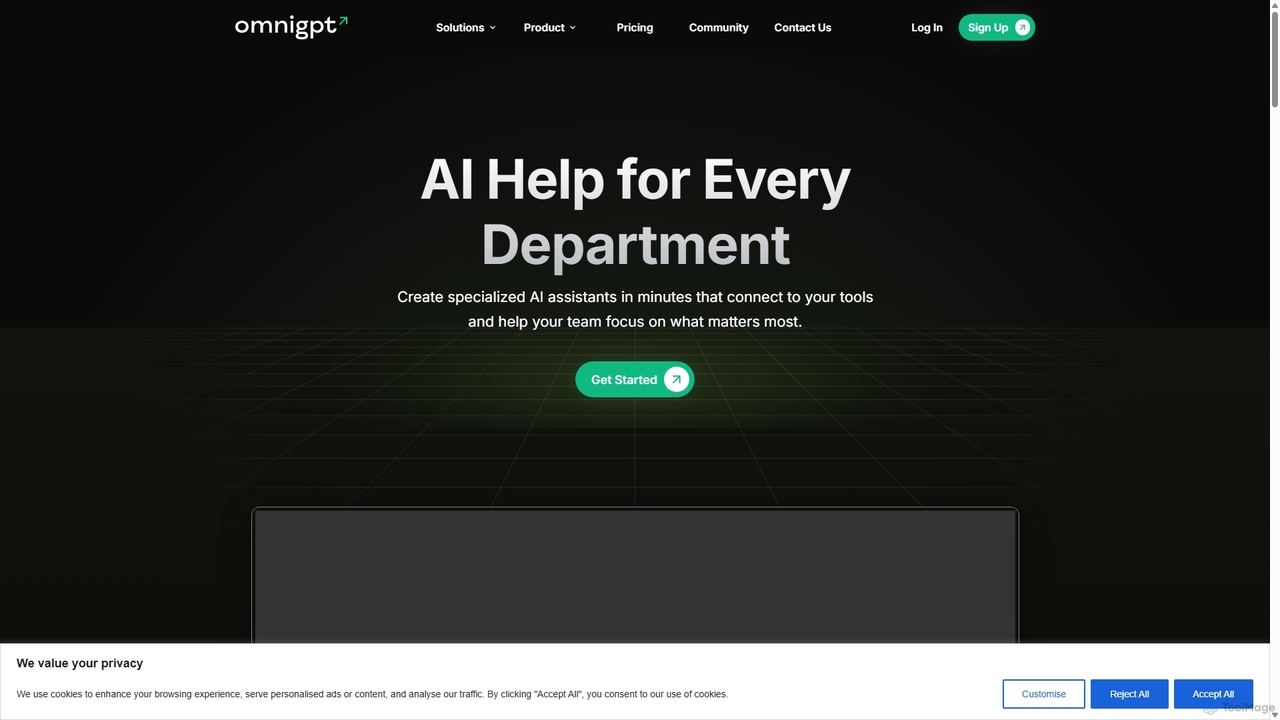
OmniGPT
OmniGPT is an all-in-one AI productivity platform that provides access to multiple leading AI models like GPT-4, Claude 3.5, and Llama 3 through a single subscription. Designed for individuals and teams, it enhances workflows with features such as document analysis, image generation, team collaboration, and seamless integrations with everyday tools like WhatsApp and Slack, offering a cost-effective alternative to multiple AI service subscriptions.
Code Assistant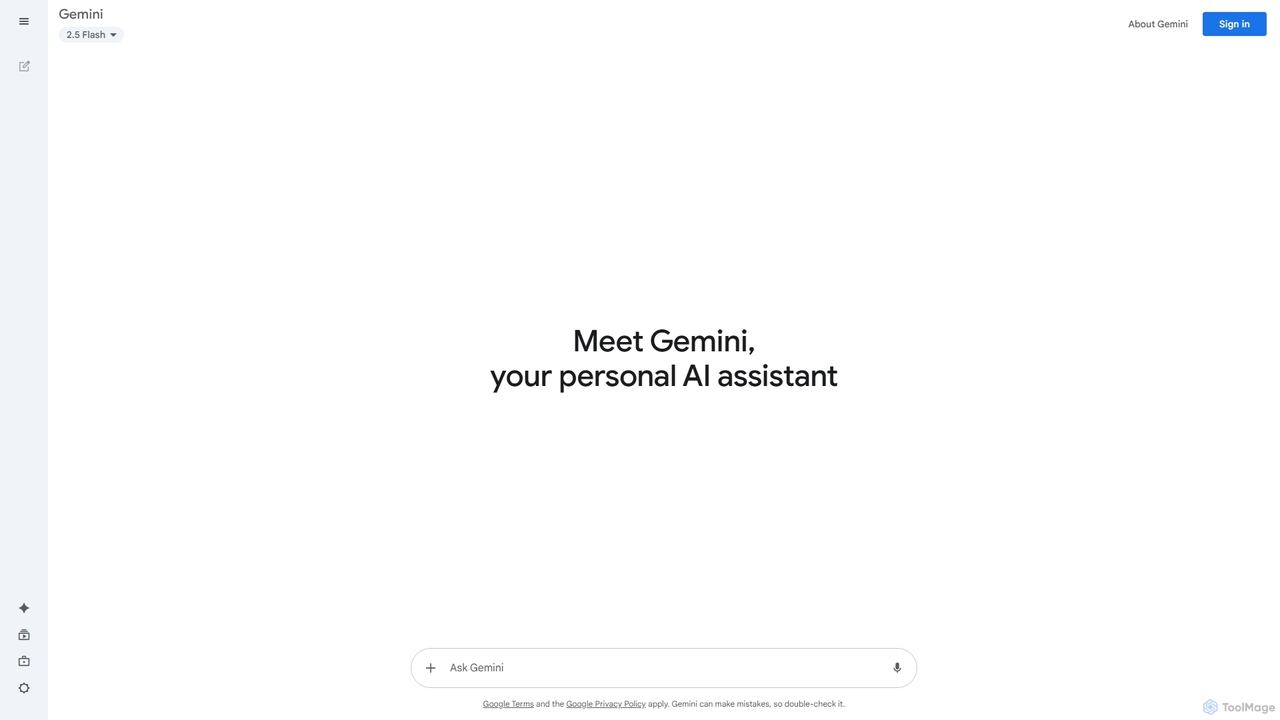
Google Gemini
Google Gemini is a powerful, multimodal AI assistant designed to enhance creativity and productivity. It can understand and process text, code, images, and video to help you write, plan, learn, and create. Integrated with Google's ecosystem, it offers features like advanced content generation, deep research, and seamless collaboration within Google apps.
Image Generator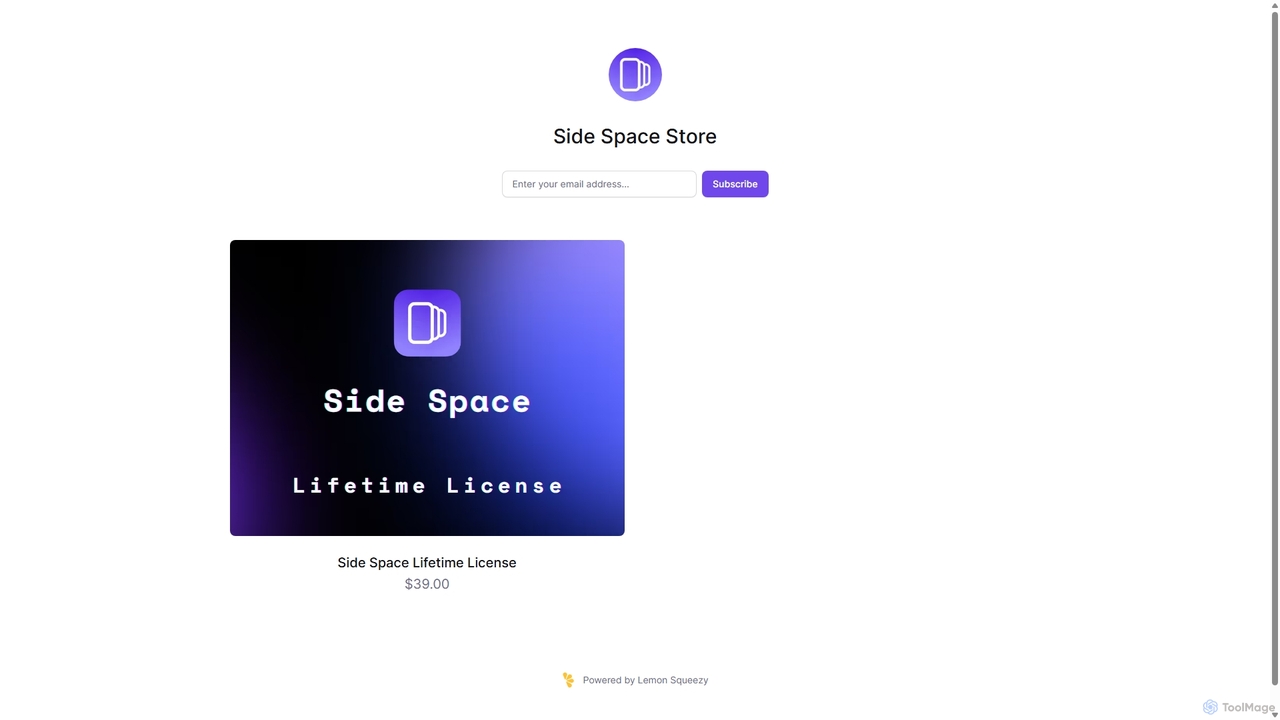
Side Space
Side Space is a powerful AI assistant that integrates seamlessly into your desktop workflow. It operates from a convenient sidebar, providing instant access to AI-powered tools for writing, coding, and general productivity without ever leaving your current application. Enhance your efficiency with contextual actions on selected text and customizable commands.
Code AssistantWebCopilot Categories
WebCopilot Jobs
WebCopilot Embed Widget
Copy this embed code to place the badge on your blog, article, or product site and send readers directly to this ToolMage detail page.

Related AI tools
Docky.AI
Docky.AI is a powerful all-in-one AI sidebar for your browser. It integrates leading models like GPT-4, Claude, and DALL-E, allowing you to enhance search results, read documents, assist with writing, and generate content seamlessly on any webpage. Boost your productivity without ever switching tabs.
Search AssistantOmniGPT
OmniGPT is an all-in-one AI productivity platform that provides access to multiple leading AI models like GPT-4, Claude 3.5, and Llama 3 through a single subscription. Designed for individuals and teams, it enhances workflows with features such as document analysis, image generation, team collaboration, and seamless integrations with everyday tools like WhatsApp and Slack, offering a cost-effective alternative to multiple AI service subscriptions.
Code AssistantQuick Access Ai
Quick Access Ai is a Chrome extension that provides instant access to ChatGPT on any website. By simply typing a command, users can generate content, write code, summarize text, and perform research without switching tabs. It aims to boost productivity by integrating AI assistance directly into your existing workflow, making daily tasks faster and more efficient.
Code Assistant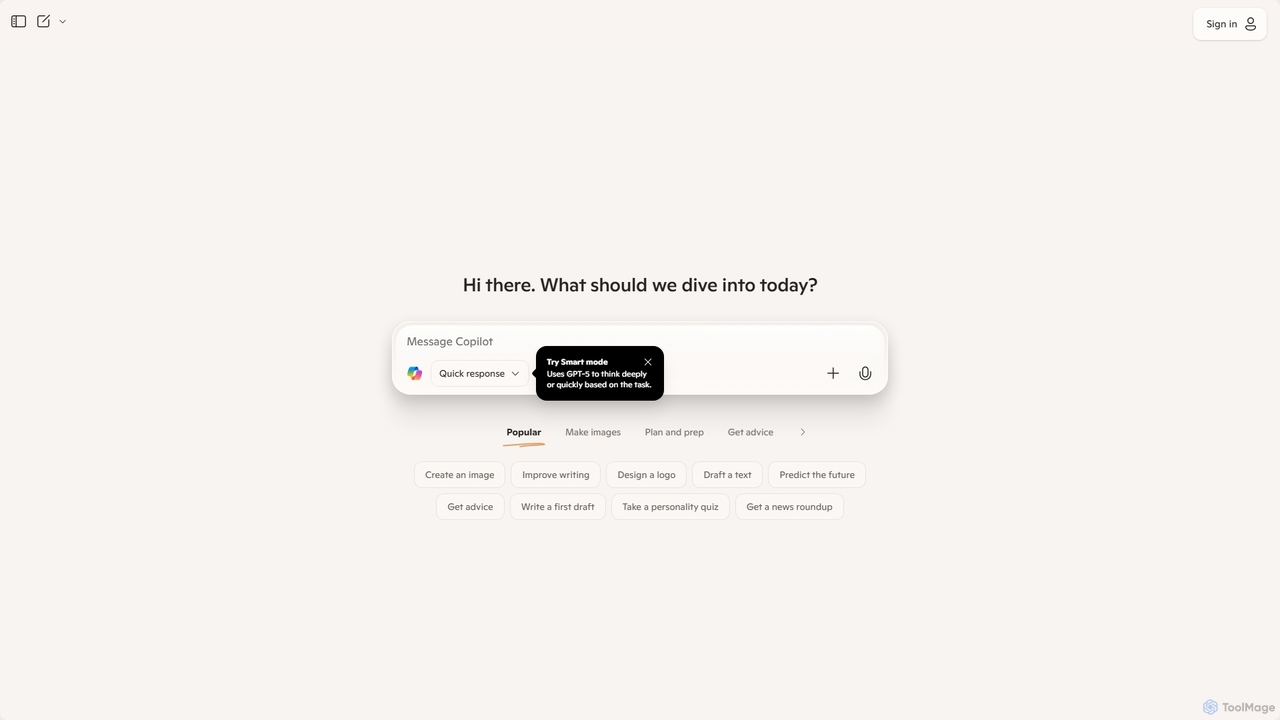
Microsoft Copilot
Microsoft Copilot is your everyday AI companion, enhancing productivity and creativity. It provides intelligent search, content generation, and image creation capabilities by leveraging the latest AI models like GPT-4 and DALL-E 3. Integrated across the Microsoft ecosystem, it assists with writing, coding, planning, and design tasks.
Image GeneratorGoogle Gemini
Google Gemini is a powerful, multimodal AI assistant designed to enhance creativity and productivity. It can understand and process text, code, images, and video to help you write, plan, learn, and create. Integrated with Google's ecosystem, it offers features like advanced content generation, deep research, and seamless collaboration within Google apps.
Image Generator
Copilotly
Copilotly is a personal AI copilot designed to enhance productivity and creativity across your digital workflow. It integrates seamlessly into your browser and favorite websites like Gmail, Twitter, and LinkedIn, providing contextual assistance, content generation, and strategic guidance. From drafting professional emails to brainstorming social media content and accessing expert advice from specialized AI personas like doctors and lawyers, Copilotly acts as your all-in-one digital assistant to help you achieve more, effortlessly.
Search Assistant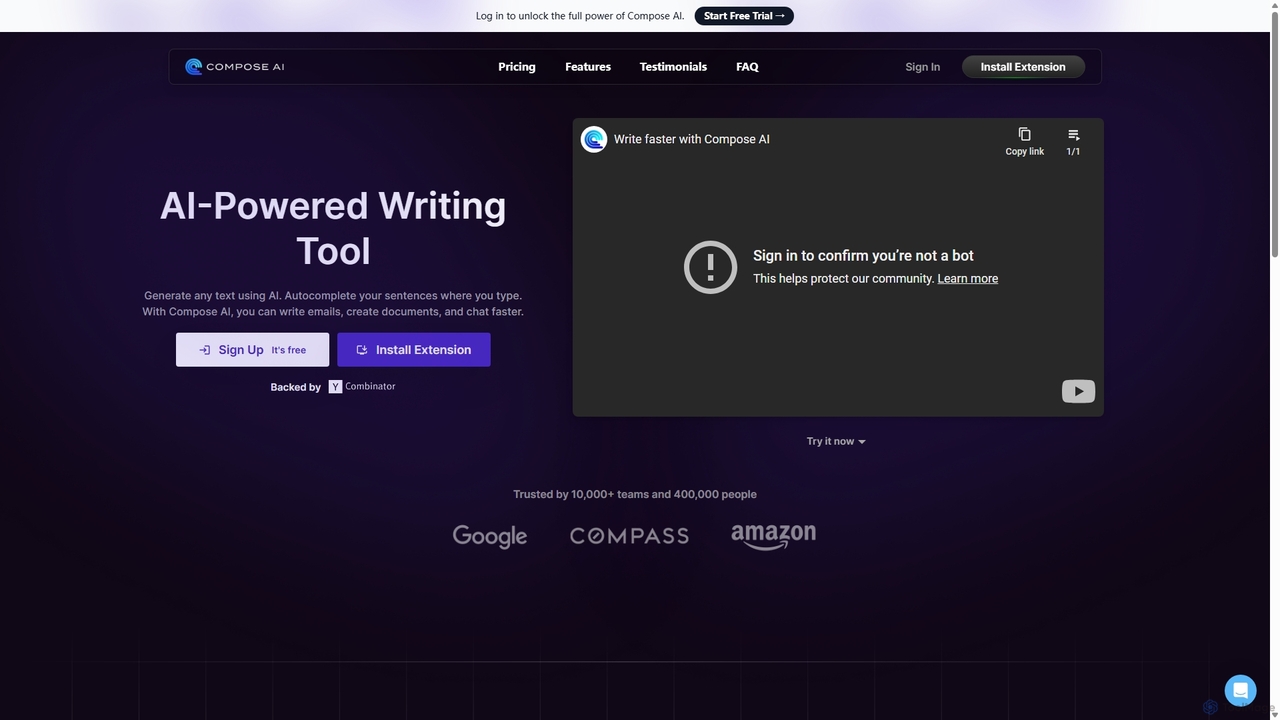
Compose AI
Compose AI is an AI-powered writing assistant and Chrome extension that accelerates your writing process. It offers intelligent autocompletion, text generation, and rephrasing capabilities across all your favorite sites, from emails to documents. By learning your personal writing style, it helps you write faster and more effectively, saving up to 40% of your time.
Chrome Extensions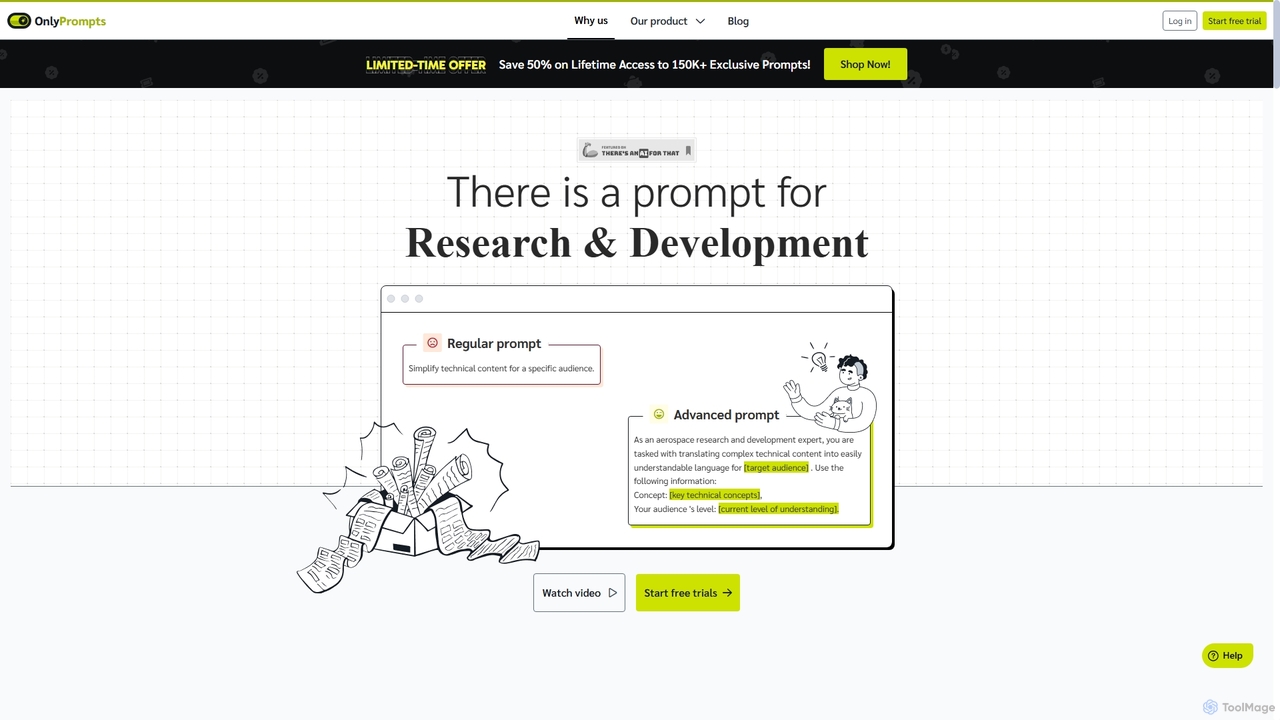
OnlyPrompts
OnlyPrompts is the ultimate AI prompt library, offering over 150,000 expertly crafted prompts for 37,000+ tasks. It features an integrated AI assistant compatible with GPT-4 and Claude 3, side-by-side prompt testing, and customizable templates. Designed for professionals in marketing, HR, finance, and more, it streamlines workflows, enhances productivity, and elevates the quality of AI-generated content.
Operations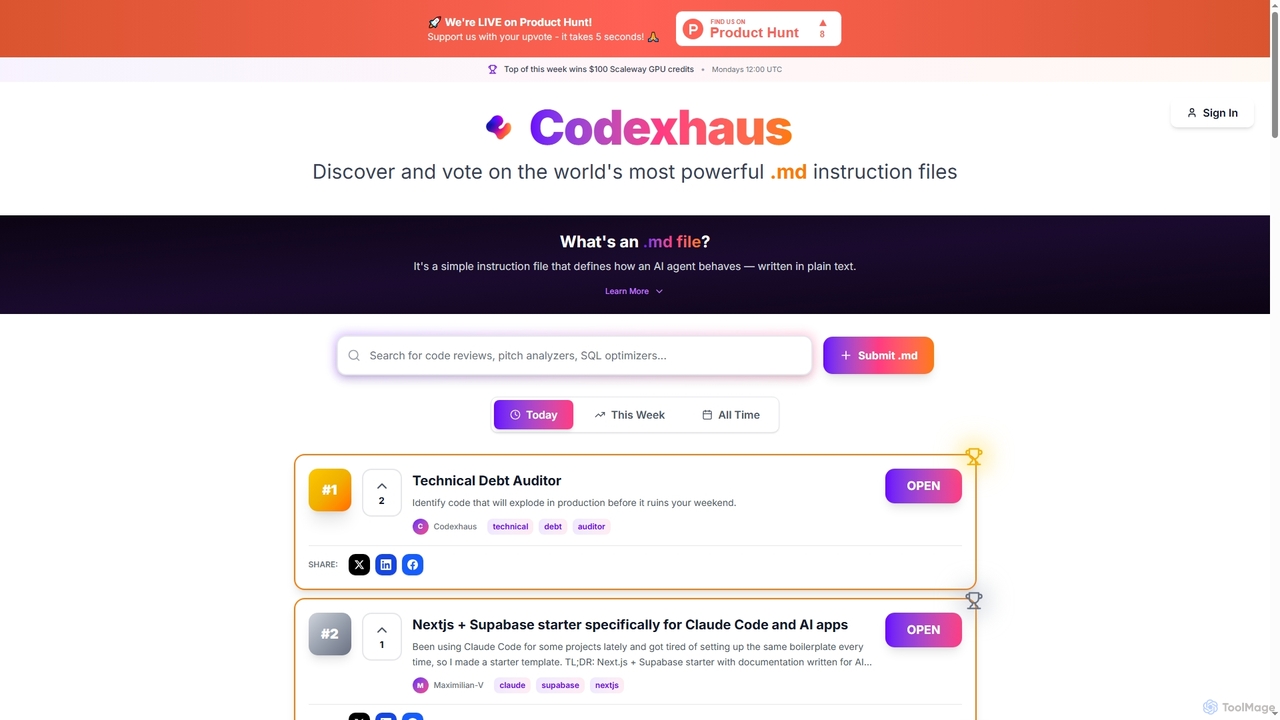
Codexhaus
A community-driven platform for discovering, sharing, and voting on high-quality AI instruction files. It offers a curated library of prompts for various professional tasks, from software development to product management.
Product Management
carlos_app
carlos_app is an intelligent AI personal assistant designed to streamline your workflow, manage tasks, automate scheduling, and enhance communication. It acts as your proactive partner, helping you focus on what truly matters by handling the administrative details.
Task Management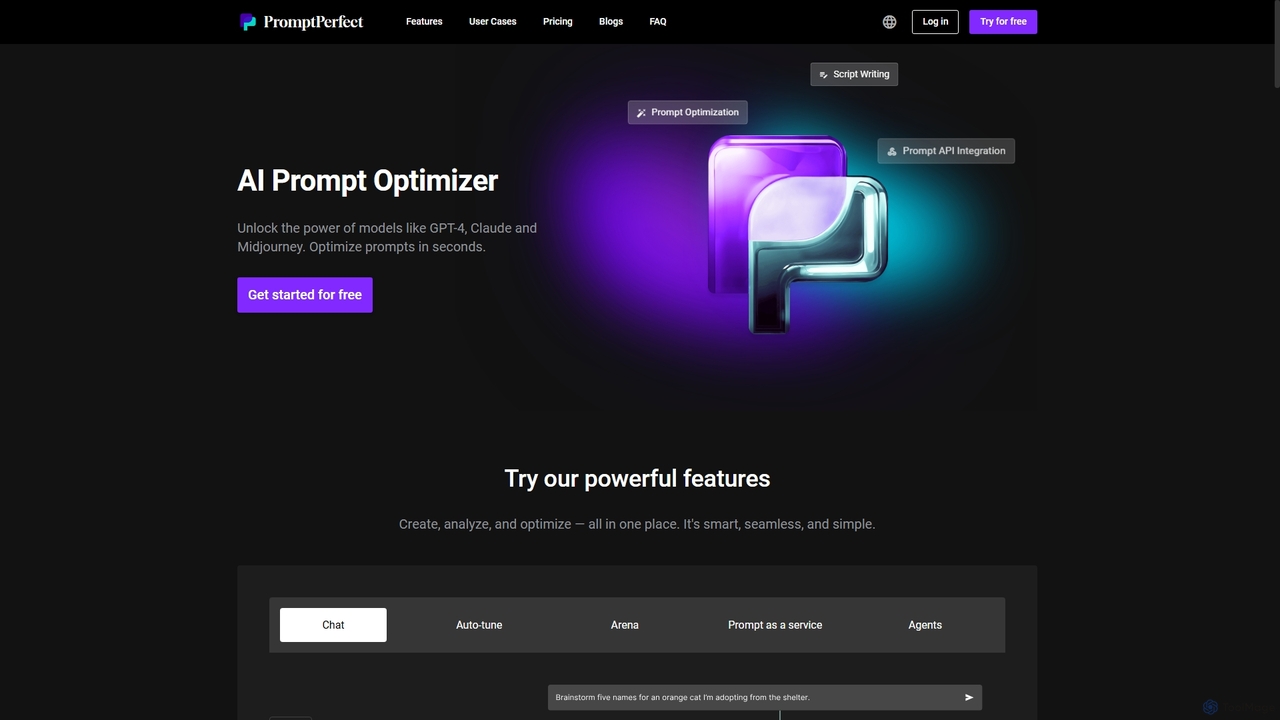
PromptPerfect
PromptPerfect is an advanced AI prompt engineering toolkit designed to help users create, optimize, and analyze prompts for large language and diffusion models like GPT-4, Claude, and Midjourney. It enhances the quality and relevance of AI-generated content, images, and code, saving time and effort for creators, marketers, and developers.
Image Generation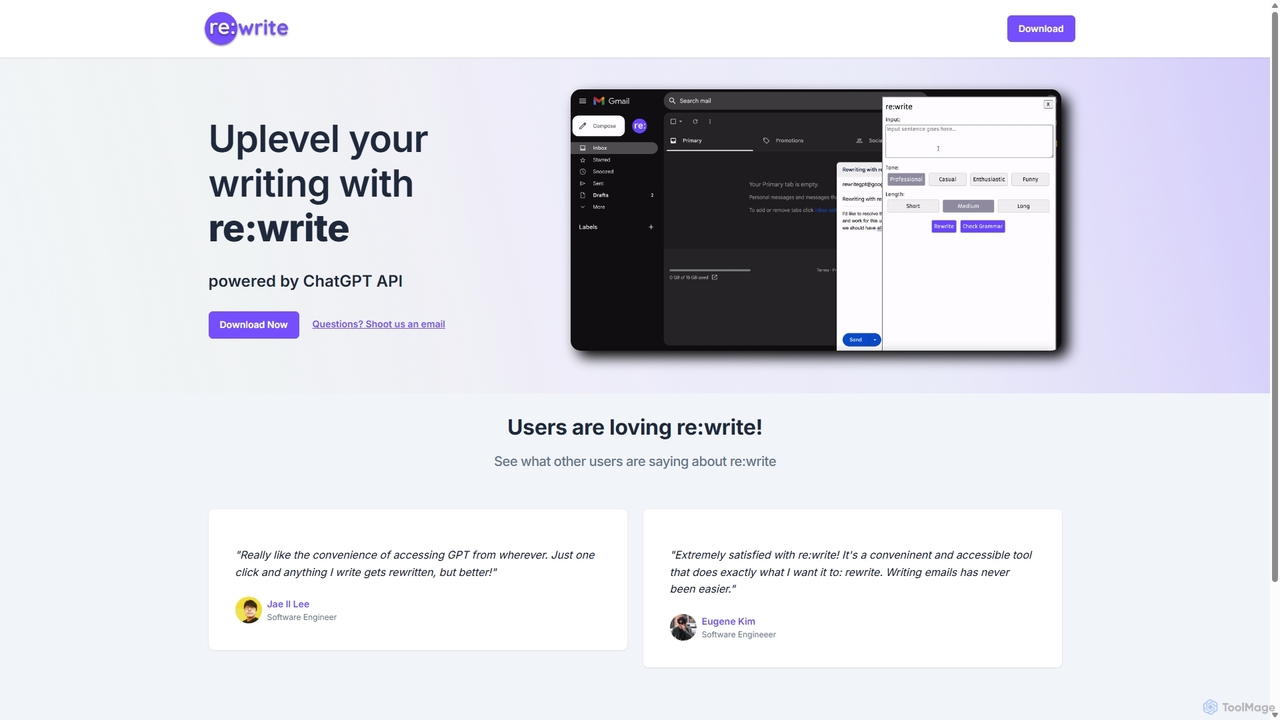
Rewritegpt
Rewritegpt is an AI-powered writing assistant and browser extension that helps you rewrite, paraphrase, and improve your text with a single click. It integrates seamlessly into your workflow, allowing you to enhance emails, reports, and social media posts directly on any website.
Study Tools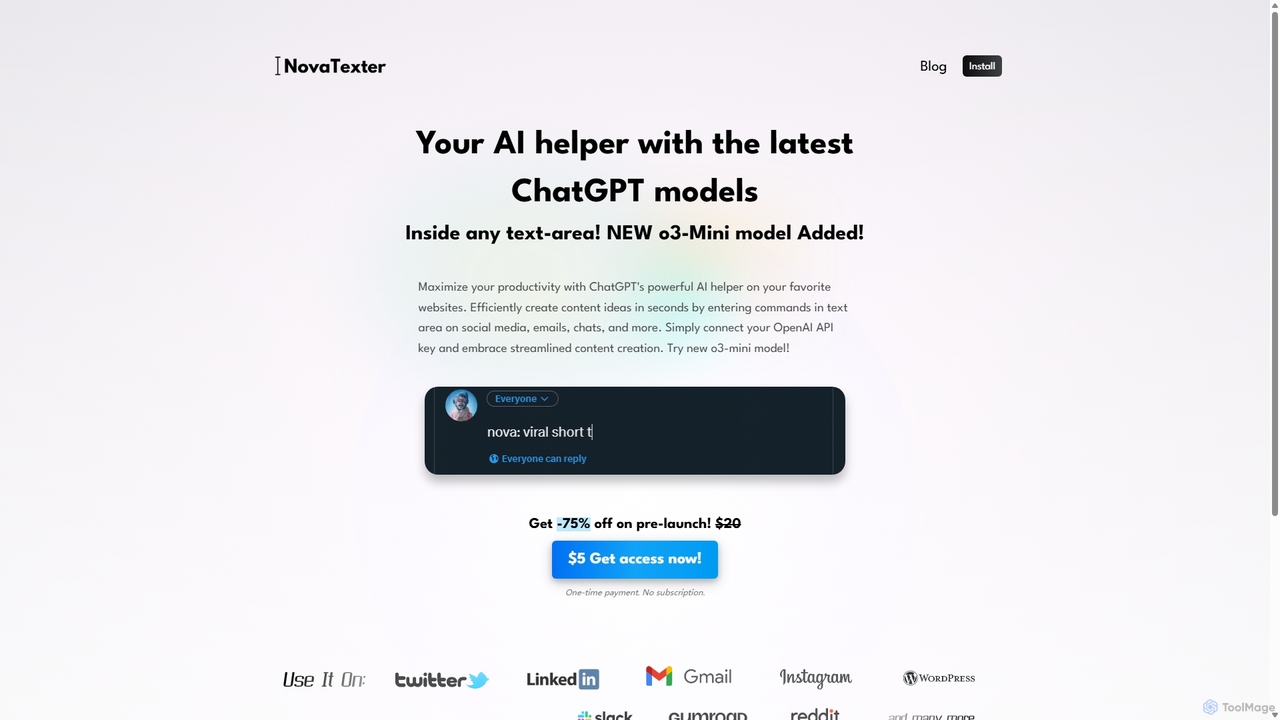
NovaTexter
NovaTexter is an AI-powered browser extension that integrates ChatGPT models directly into your workflow. It allows you to generate content, ideas, and responses on any website by simply typing commands in a text area. Connect your OpenAI API key for a seamless, productive content creation experience with a single one-time payment.
Chrome ExtensionsSide Space
Side Space is a powerful AI assistant that integrates seamlessly into your desktop workflow. It operates from a convenient sidebar, providing instant access to AI-powered tools for writing, coding, and general productivity without ever leaving your current application. Enhance your efficiency with contextual actions on selected text and customizable commands.
Code Assistant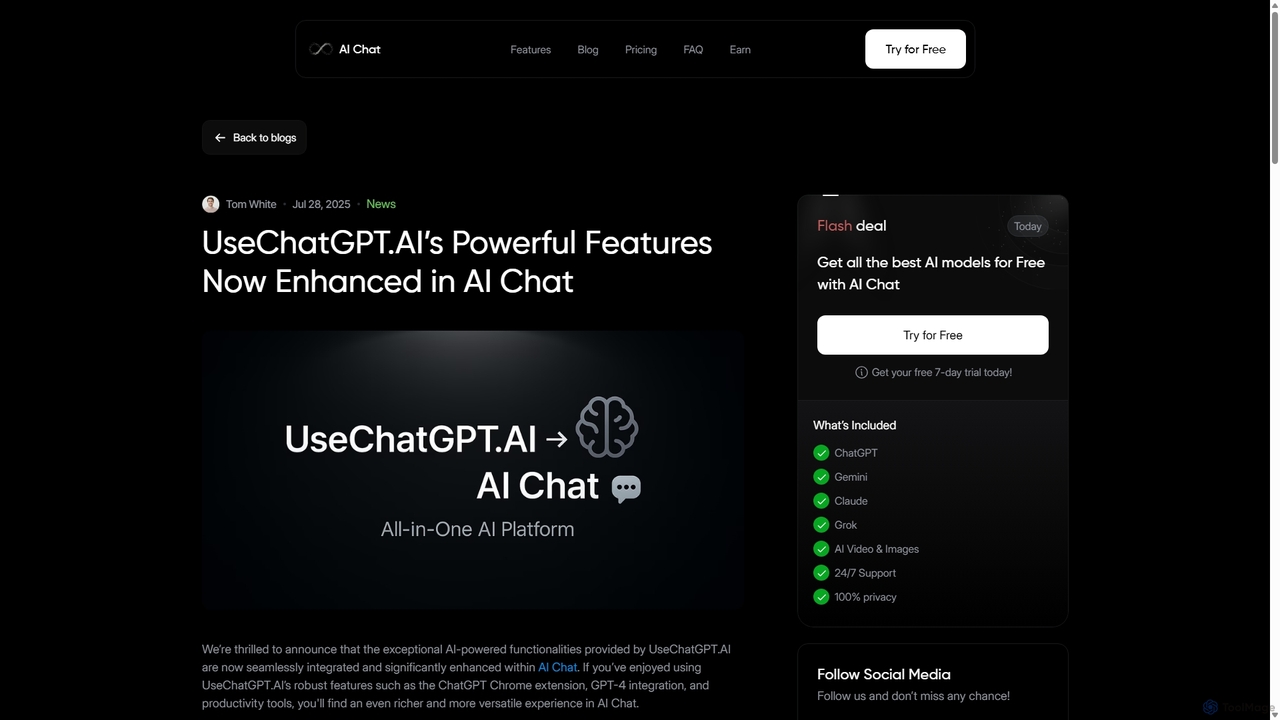
UseChatGPT.AI
UseChatGPT.AI is a powerful free Chrome extension that integrates GPT-4 directly into your browser. It enhances productivity by allowing you to instantly write, rewrite, summarize, translate, and explain text on any website without switching tabs. Its features are now enhanced within the new AI Chat platform.
Research
WebCopilot Comments (0)
Sign in to comment.
Sign inNo comments yet.