


carlos_app Overview
carlos_app is a next-generation AI-powered personal assistant designed to revolutionize the way professionals, teams, and individuals manage their daily tasks and communications. In a world of digital overload, carlos_app acts as a central, intelligent hub that understands your needs, learns your preferences, and proactively assists you in achieving your goals. It goes beyond a simple to-do list or calendar; it's a dynamic partner that integrates seamlessly into your digital life to boost productivity and bring clarity to your work.
The core philosophy behind carlos_app is to minimize administrative friction. By leveraging advanced natural language processing (NLP), it allows you to manage complex tasks through simple, conversational commands. Whether you need to organize your schedule, draft professional emails, or get quick summaries of long documents, carlos_app is equipped to handle it with efficiency and precision, freeing up your valuable time for strategic thinking and creative work.
How to use carlos_app
Getting started with carlos_app is designed to be intuitive and straightforward:
- Sign Up & Onboarding: Create an account on the carlos-app.com website. A brief onboarding process will help you set up your initial preferences and connect your primary accounts.
- Integrate Your Tools: Connect carlos_app to your essential applications, such as Google Workspace, Microsoft 365, Slack, Trello, and more. This integration allows the AI to access your calendar, emails, and project boards to provide context-aware assistance.
- Interact via Natural Language: Use the simple chat interface to communicate with your AI assistant. You can type commands like, "Carlos, find a 30-minute slot for a meeting with the design team next week and send an invite," or "Summarize my unread emails from this morning."
- Automate Workflows: Set up recurring tasks and automated workflows. For example, you can instruct carlos_app to generate a weekly performance report every Friday or to send a follow-up email 24 hours after a meeting.
- Leverage Smart Suggestions: Pay attention to the proactive suggestions from carlos_app. Based on your habits, it might recommend batching similar tasks, suggest optimal times for deep work, or remind you of upcoming deadlines.
Core Features of carlos_app
- Intelligent Task Management: Create, prioritize, and delegate tasks using natural language. The AI can automatically categorize tasks and set smart reminders based on urgency and context.
- Automated Scheduling: Eliminates the back-and-forth of scheduling. carlos_app analyzes all participants' availability across different time zones and finds the perfect time for a meeting.
- AI-Powered Communication Assistant: Draft professional emails, social media posts, and messages in seconds. You can specify the tone, length, and key points, and the AI will generate polished content.
- Information Synthesis: Provides quick summaries of long articles, reports, and email threads, allowing you to grasp key information without the need for extensive reading.
- Workflow Automation: Build custom, automated sequences for repetitive tasks, such as client onboarding, content publishing schedules, or lead follow-ups.
- Seamless Integrations: Natively connects with a wide range of popular business and productivity tools, ensuring it fits perfectly into your existing ecosystem.
Use Cases for carlos_app
carlos_app is versatile and benefits a wide range of users:
- Executives and Managers: For managing complex schedules, delegating tasks to the team, and preparing for meetings by getting quick summaries of relevant documents.
- Project Managers: To track project milestones, automate status update reminders, and facilitate communication between team members.
- Sales Professionals: For automating follow-up emails, scheduling client demos, and logging interactions in a CRM without manual entry.
- Content Creators & Marketers: To brainstorm content ideas, draft copy for campaigns, schedule social media posts, and analyze performance reports.
- Freelancers & Solopreneurs: To manage multiple clients and projects, track billable hours, and handle administrative tasks, allowing more time for client work.
Advantages of carlos_app
carlos_app stands out with its focus on proactive and context-aware assistance. Unlike reactive tools, it anticipates your needs. Its powerful learning algorithm adapts to your unique workflow, providing increasingly personalized and effective support over time. The intuitive, chat-based interface makes advanced automation accessible to everyone, regardless of technical skill. Furthermore, carlos_app prioritizes data security and privacy, ensuring all your information is handled with the utmost confidentiality.
Pricing and Plans
carlos_app offers a flexible pricing structure to suit different needs:
- Free Plan: Ideal for individuals starting out. Includes basic task management, up to 2 integrations, and 50 AI actions per month.
- Pro Plan ($15/month): Designed for professionals and power users. Offers unlimited AI actions, advanced scheduling features, up to 10 integrations, and priority support.
- Business Plan ($29/user/month): Built for teams and organizations. Includes all Pro features plus collaborative workspaces, centralized billing, advanced admin controls, and custom workflow automation.
carlos_app Alternatives

Jarvis
Jarvis is an intelligent AI assistant designed to automate tasks, manage schedules, and streamline communication for busy professionals and teams. It acts as a central command hub, integrating with your existing tools to boost productivity and reclaim your time.
Workflow
Side Space
Side Space is a powerful AI assistant that integrates seamlessly into your desktop workflow. It operates from a convenient sidebar, providing instant access to AI-powered tools for writing, coding, and general productivity without ever leaving your current application. Enhance your efficiency with contextual actions on selected text and customizable commands.
Code Assistant
Microsoft Copilot
Microsoft Copilot is your everyday AI companion, enhancing productivity and creativity. It provides intelligent search, content generation, and image creation capabilities by leveraging the latest AI models like GPT-4 and DALL-E 3. Integrated across the Microsoft ecosystem, it assists with writing, coding, planning, and design tasks.
Image Generator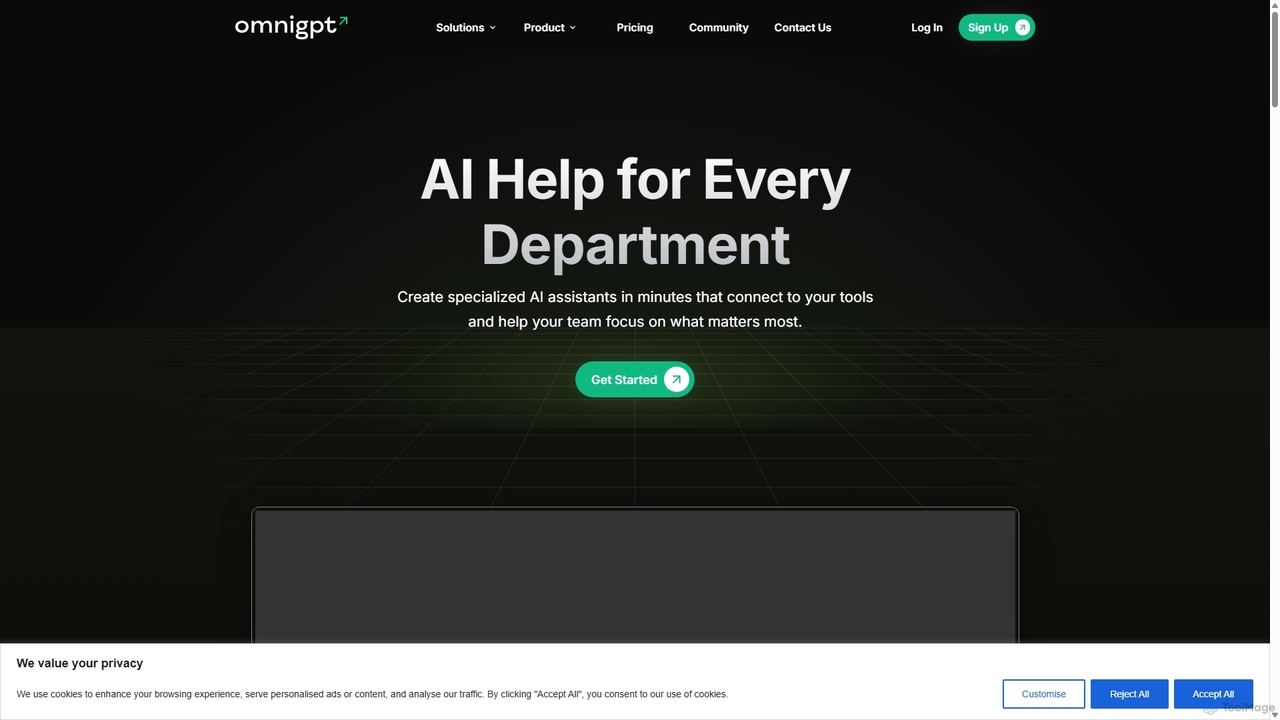
OmniGPT
OmniGPT is an all-in-one AI productivity platform that provides access to multiple leading AI models like GPT-4, Claude 3.5, and Llama 3 through a single subscription. Designed for individuals and teams, it enhances workflows with features such as document analysis, image generation, team collaboration, and seamless integrations with everyday tools like WhatsApp and Slack, offering a cost-effective alternative to multiple AI service subscriptions.
Code Assistant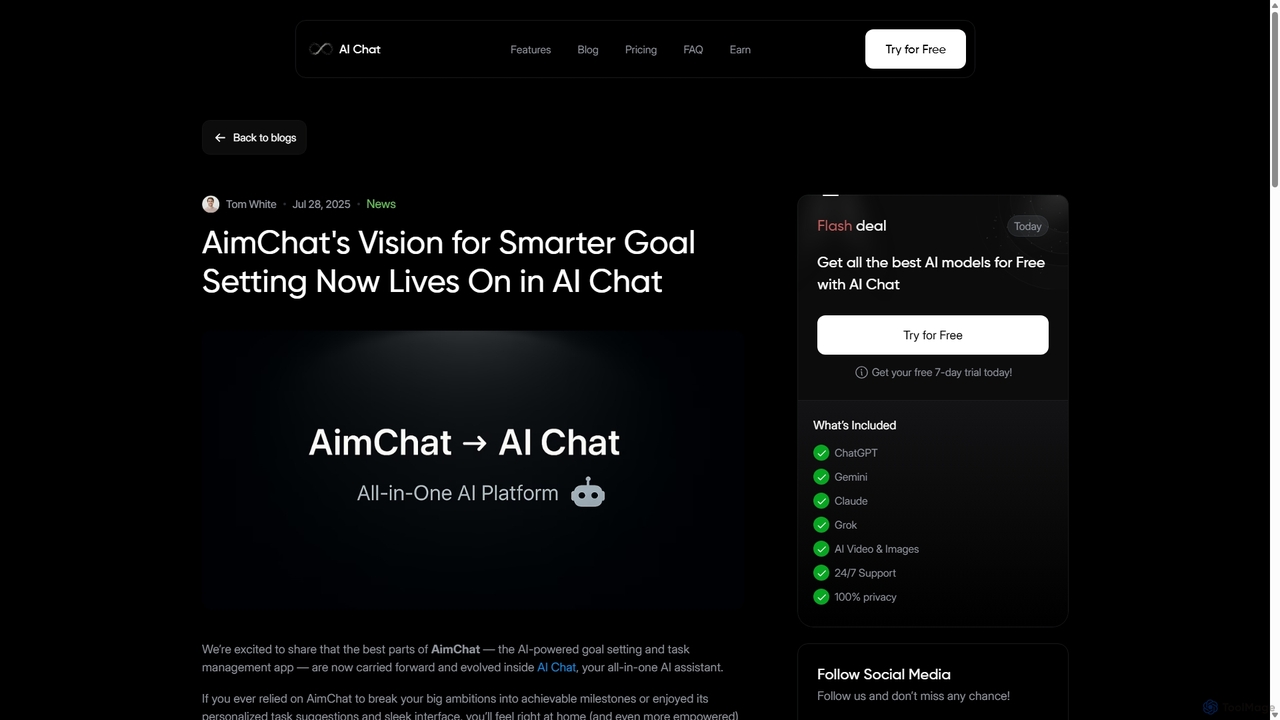
AI Chat
AI Chat is an all-in-one AI assistant that integrates top models like ChatGPT, Claude, and Gemini into a single platform. Evolving from the goal-setting app AimChat, it combines advanced conversational AI with powerful task management, research, and content creation tools to streamline your workflow and help you achieve your ambitions.
Assistantcarlos_app Categories
carlos_app Jobs
carlos_app Embed Widget
Copy this embed code to place the badge on your blog, article, or product site and send readers directly to this ToolMage detail page.

Related AI tools
Jarvis
Jarvis is an intelligent AI assistant designed to automate tasks, manage schedules, and streamline communication for busy professionals and teams. It acts as a central command hub, integrating with your existing tools to boost productivity and reclaim your time.
Workflow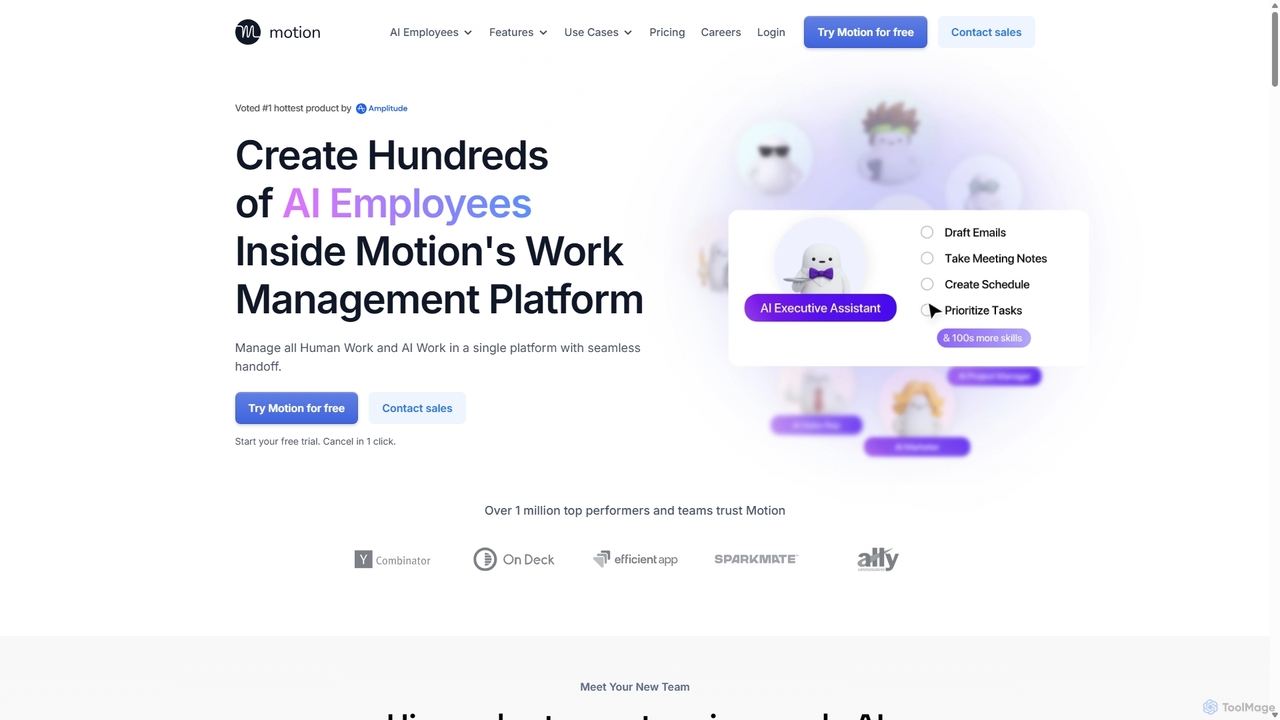
Motion
Motion is an AI-powered platform that provides a suite of AI Employees and productivity tools to automate tasks, manage projects, and organize schedules. It's designed to 10x your team's output by handling everything from calendar management and email replies to sales outreach and customer support, all within a single integrated workspace.
Virtual AssistantSide Space
Side Space is a powerful AI assistant that integrates seamlessly into your desktop workflow. It operates from a convenient sidebar, providing instant access to AI-powered tools for writing, coding, and general productivity without ever leaving your current application. Enhance your efficiency with contextual actions on selected text and customizable commands.
Code Assistant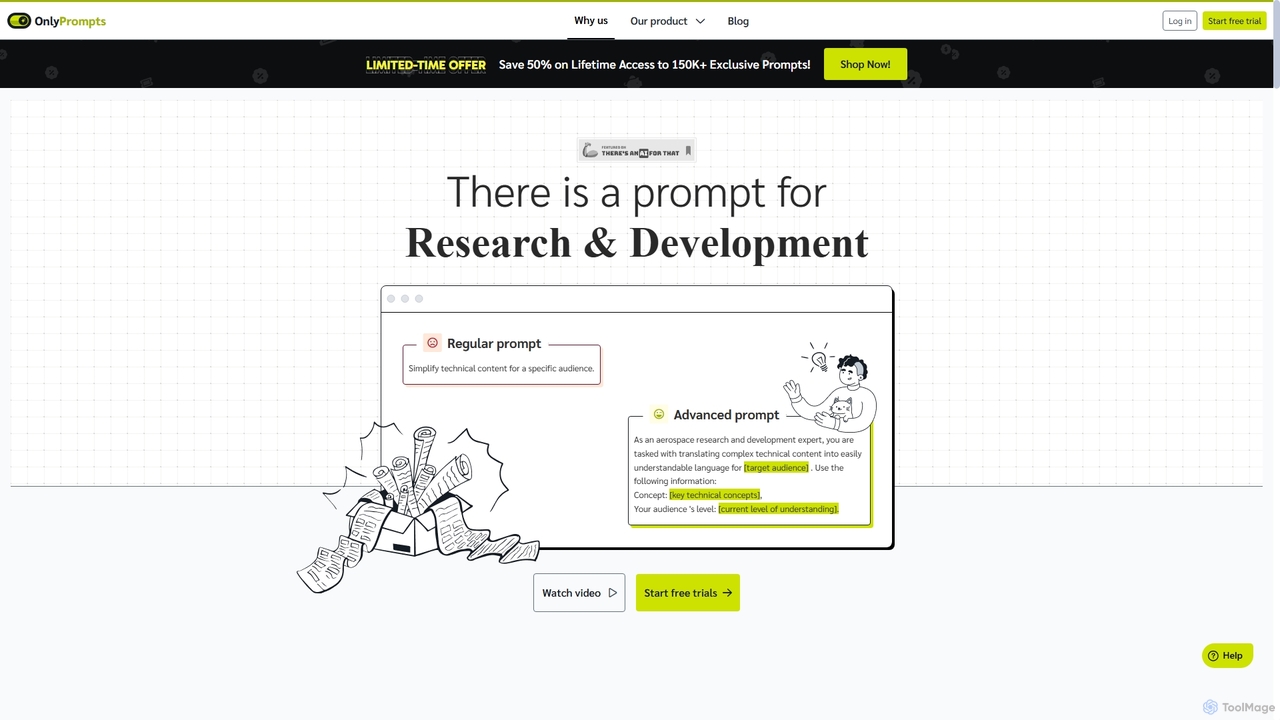
OnlyPrompts
OnlyPrompts is the ultimate AI prompt library, offering over 150,000 expertly crafted prompts for 37,000+ tasks. It features an integrated AI assistant compatible with GPT-4 and Claude 3, side-by-side prompt testing, and customizable templates. Designed for professionals in marketing, HR, finance, and more, it streamlines workflows, enhances productivity, and elevates the quality of AI-generated content.
Operations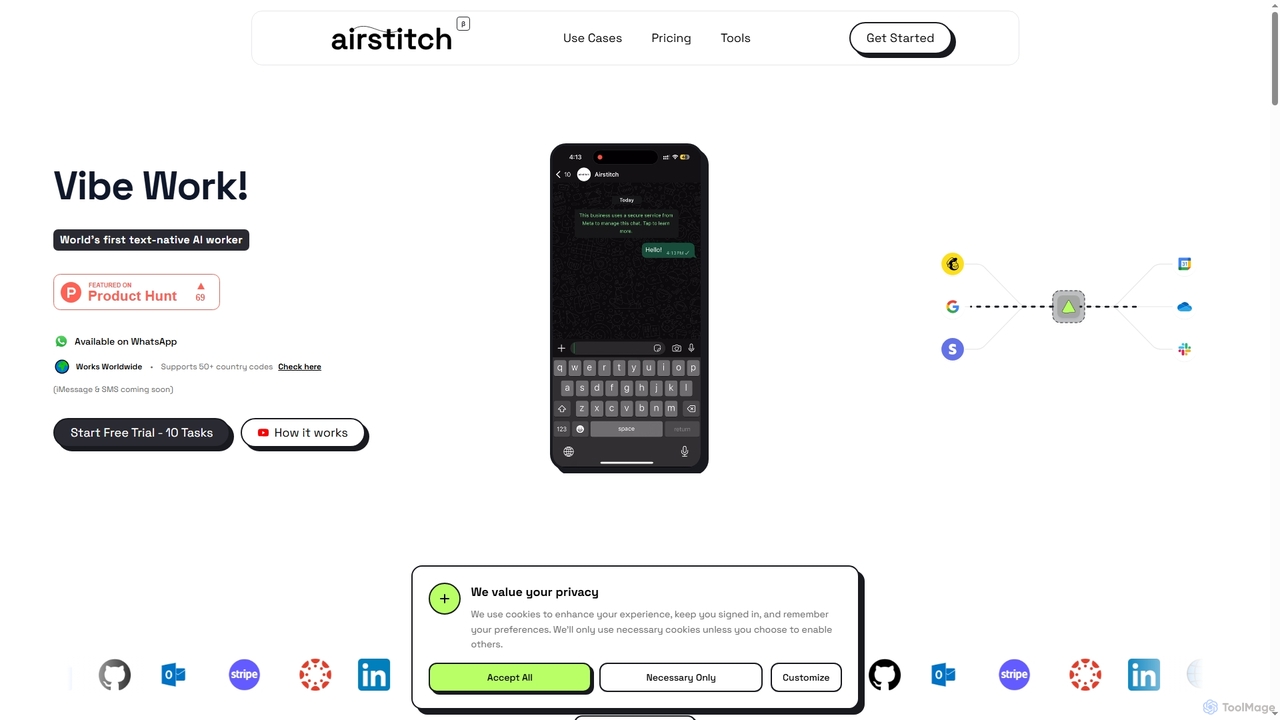
Airstitch
Airstitch is an AI-powered work assistant that automates over 40 hours of operational tasks weekly using natural language commands. It works 24/7, integrating with various apps to streamline workflows, manage communications, analyze data, and handle administrative duties, freeing up human resources for strategic work.
Operations ManagementMicrosoft Copilot
Microsoft Copilot is your everyday AI companion, enhancing productivity and creativity. It provides intelligent search, content generation, and image creation capabilities by leveraging the latest AI models like GPT-4 and DALL-E 3. Integrated across the Microsoft ecosystem, it assists with writing, coding, planning, and design tasks.
Image Generator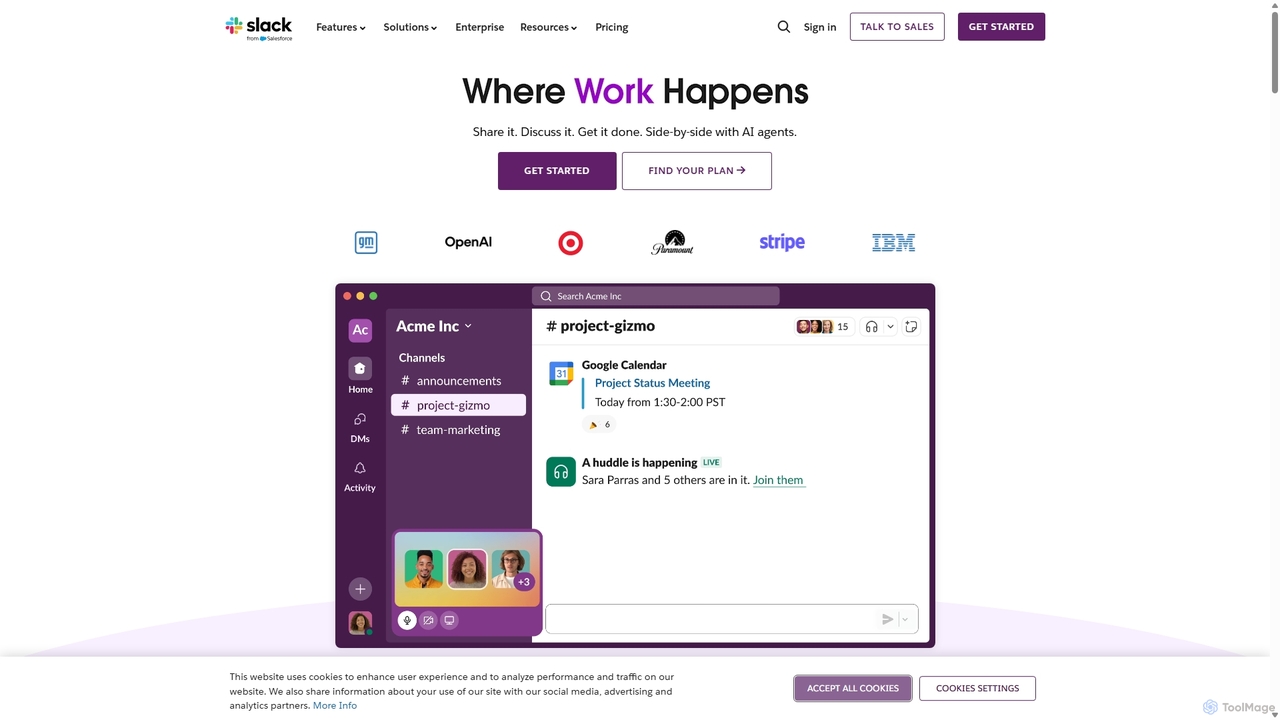
Slack
Slack is an AI-powered collaboration hub that connects your people, partners, and tools. It replaces email with faster, better-organized communication through channels. With integrated AI, workflow automation, and thousands of apps, Slack centralizes your work to boost productivity and streamline project management.
Project ManagementAI Chat
AI Chat is an all-in-one AI assistant that integrates top models like ChatGPT, Claude, and Gemini into a single platform. Evolving from the goal-setting app AimChat, it combines advanced conversational AI with powerful task management, research, and content creation tools to streamline your workflow and help you achieve your ambitions.
Assistant
ChatLLM
ChatLLM is an advanced conversational AI platform designed for professionals and developers. It provides unified access to multiple leading Large Language Models (LLMs) like GPT-4, Claude 3, and more. The platform focuses on enhancing productivity, streamlining workflows, and enabling powerful integrations through a robust API.
Api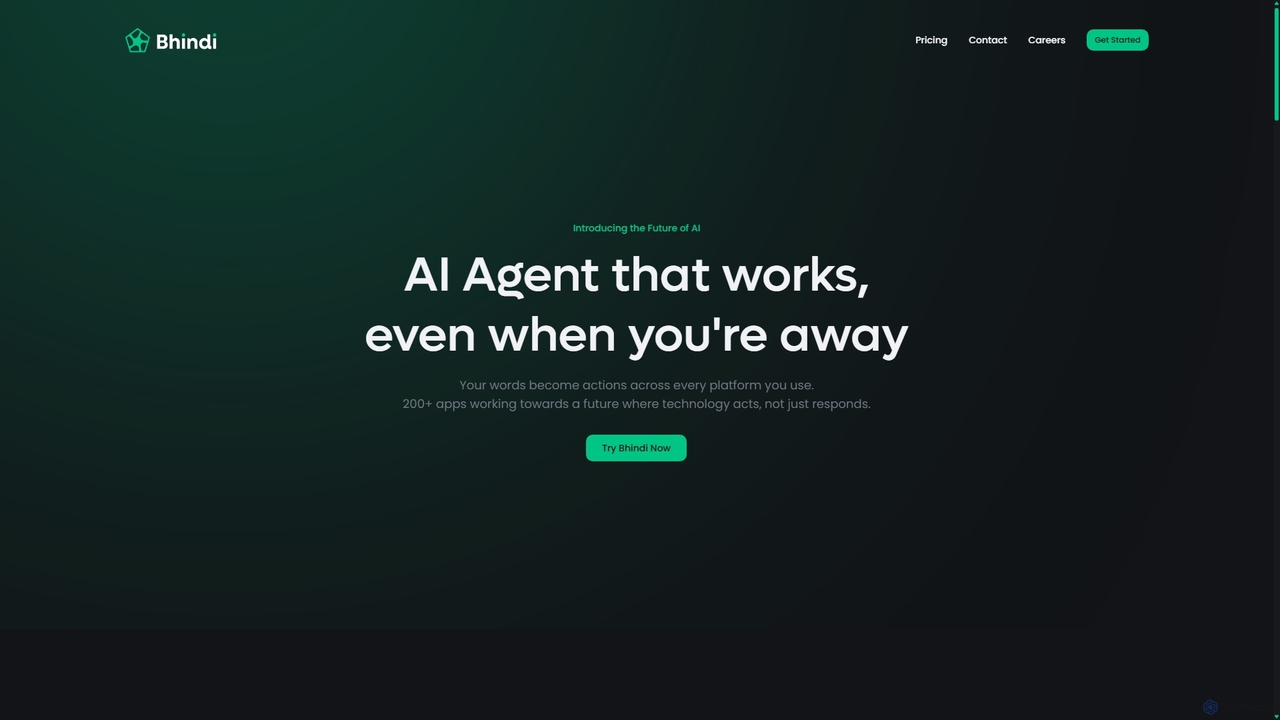
Bhindi
Bhindi is an AI agent platform that automates complex tasks and workflows across over 200 applications using simple natural language commands. It acts as an intelligent assistant that works in the background, connecting your favorite tools like Gmail, Slack, and Notion to execute multi-step actions, turning your words into a seamless, automated reality.
Personal Assistant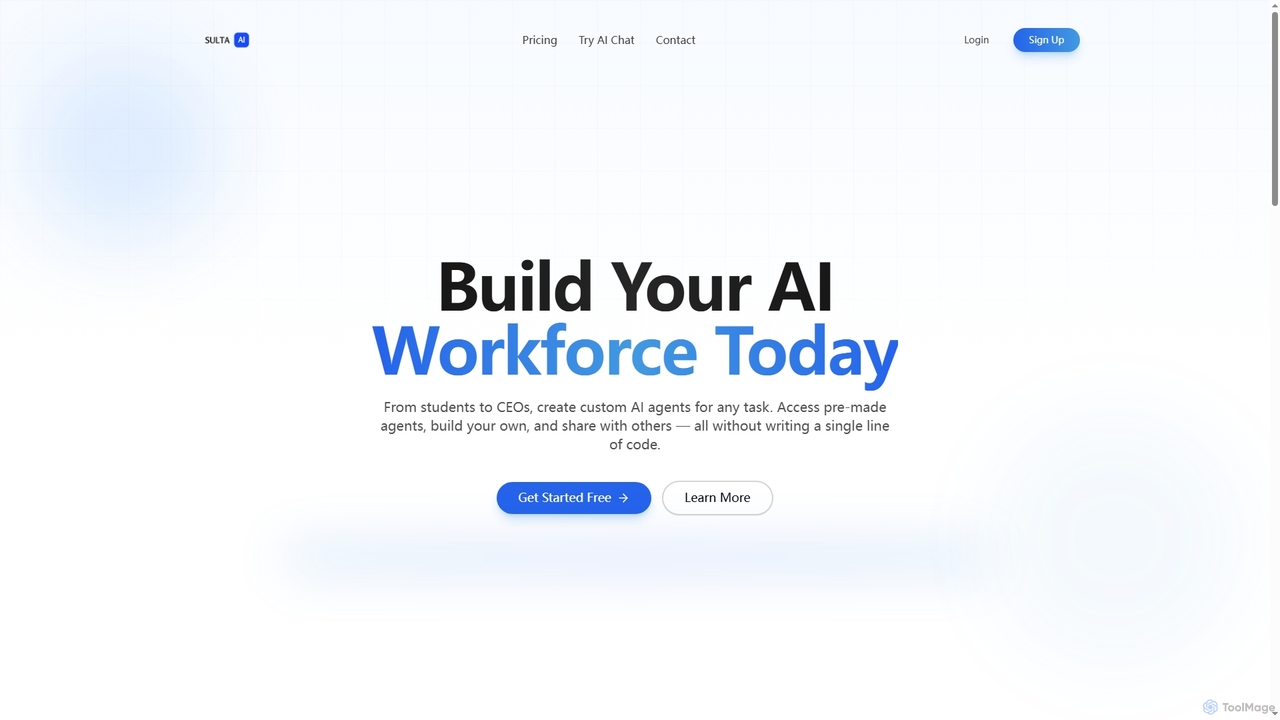
Sulta AI
Sulta AI is a no-code platform empowering users to build and deploy custom AI agents for any task, from student research to business operations. It offers a rich library of pre-built agents, community sharing, and data training capabilities to revolutionize individual and team workflows without writing a single line of code.
Content Generation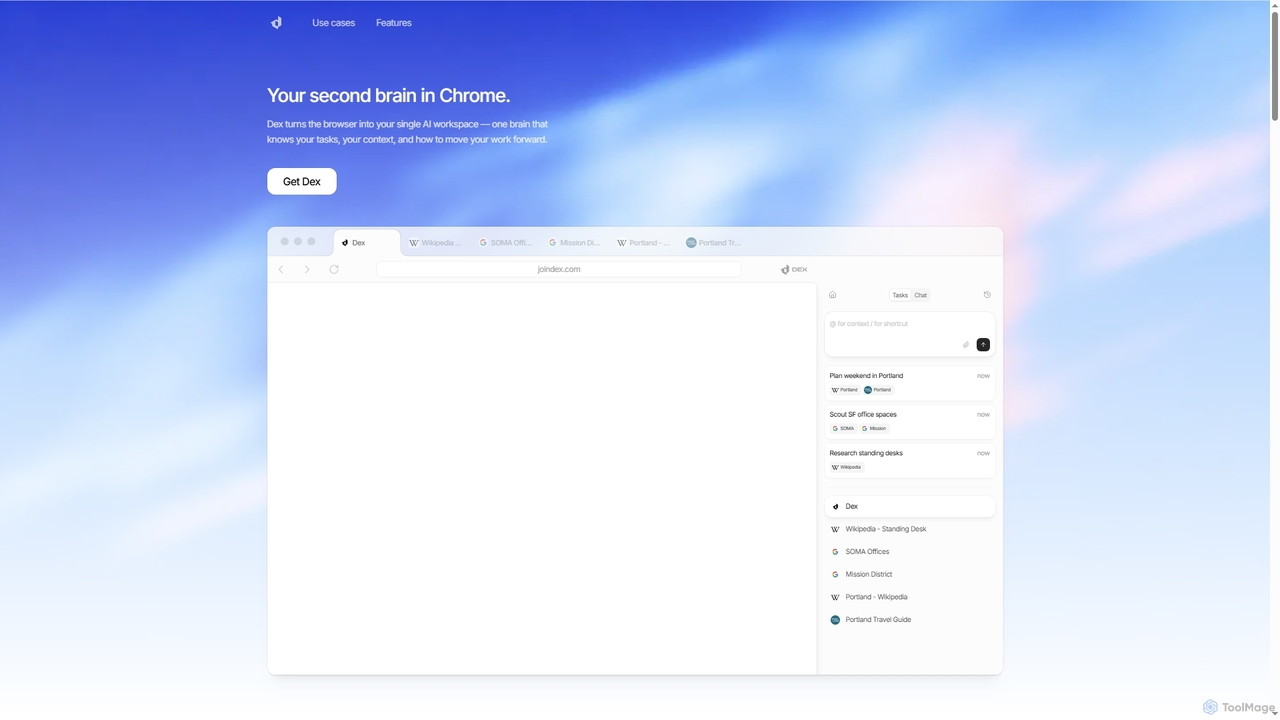
Dex
Dex is an AI-powered Chrome extension that transforms your browser into a smart, integrated workspace. It acts as your second brain, managing tasks, understanding context, and proactively moving your work forward by connecting with over 14 applications to eliminate context switching and boost productivity.
Workflow AutomationOmniGPT
OmniGPT is an all-in-one AI productivity platform that provides access to multiple leading AI models like GPT-4, Claude 3.5, and Llama 3 through a single subscription. Designed for individuals and teams, it enhances workflows with features such as document analysis, image generation, team collaboration, and seamless integrations with everyday tools like WhatsApp and Slack, offering a cost-effective alternative to multiple AI service subscriptions.
Code Assistant
Google Gemini
Google Gemini is a powerful, multimodal AI assistant designed to enhance creativity and productivity. It can understand and process text, code, images, and video to help you write, plan, learn, and create. Integrated with Google's ecosystem, it offers features like advanced content generation, deep research, and seamless collaboration within Google apps.
Image Generator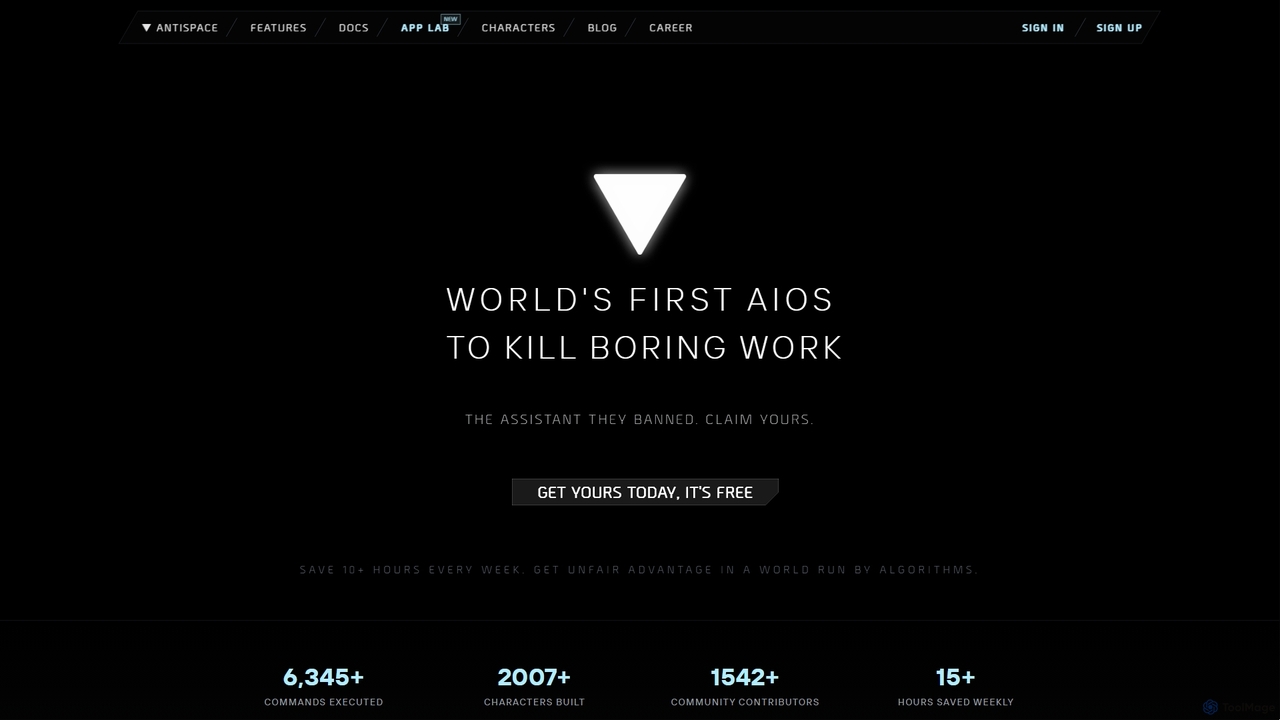
Antispace
Antispace is the world's first AI Operating System (AIOS) designed to eliminate boring work. It provides users with customizable AI sidekicks, each with a unique personality, to proactively manage emails, calendars, notes, and tasks. By predicting and executing the best actions, Antispace saves users over 10 hours per week and reduces decision fatigue.
Scheduling
carlos_app Comments (0)
Sign in to comment.
Sign inNo comments yet.