

Slack Overview
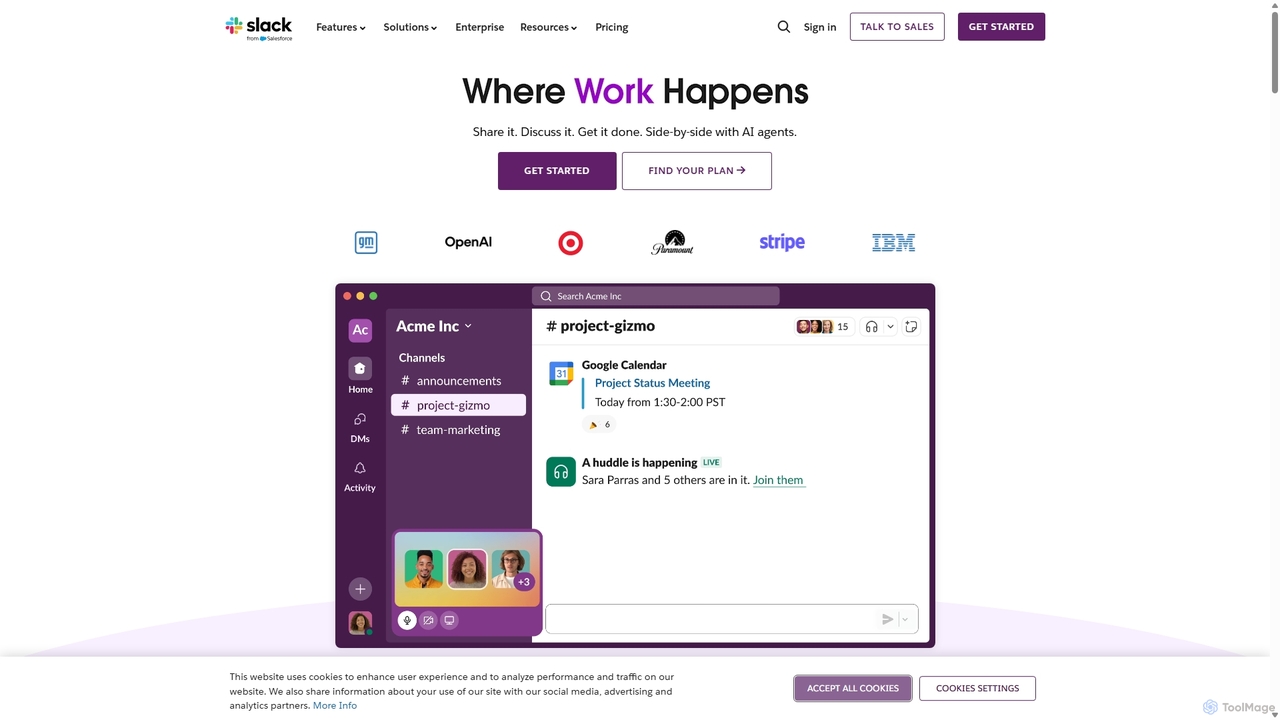
Slack is a revolutionary, AI-powered platform designed to be the digital headquarters for modern businesses. It transforms how organizations communicate by moving conversations out of siloed email inboxes and into organized, searchable channels. Slack brings together all of your team members, external partners, applications, and data into a single, unified workspace, making work simpler, more pleasant, and more productive. With the recent integration of powerful AI capabilities, Slack not only facilitates communication but also actively helps you find answers, summarize information, and automate tasks, allowing your team to focus on what matters most.
How to use Slack
Getting started with Slack is intuitive. The core of the platform revolves around a few key concepts:
- Channels: Create public or private channels for specific projects, teams, topics, or departments. This keeps conversations focused and organized. New members can simply join a channel and scroll up to get full context on past discussions.
- Messaging: Engage in real-time conversations, use threads to keep replies organized, mention specific colleagues to get their attention, and react with emojis for quick feedback.
- Huddles & Clips: Instantly start a live audio or video conversation with Huddles for quick discussions, or record and share audio/video Clips to provide updates without scheduling a meeting.
- Slack Connect: Securely extend channel-based communication to people outside your company, such as clients, vendors, and partners, replacing inefficient email chains.
- Integrations: Connect Slack with over 2,600 apps you already use, like Google Drive, Salesforce, Jira, and Office 365. This brings notifications and actions from other tools directly into your workflow, reducing context switching.
- Workflow Builder: Automate routine tasks and processes without writing any code. Create custom workflows for things like welcoming new team members, approving requests, or sending regular updates.
- Canvas: Use Canvas as a collaborative surface within any channel or DM to create, organize, and share information. Embed files, create to-do lists, and draft project plans. AI can even help you draft content directly within a canvas.
- Slack AI & Agentforce: Leverage AI to instantly get summaries of long conversations, search for answers across your company's entire message history, and receive daily recaps. Agentforce allows you to deploy AI agents to perform tasks like updating sales proposals or resolving IT issues.
Core Features of Slack
- Organized Channels: Dedicated spaces for every project, topic, and team.
- Slack Connect: Secure collaboration with external organizations.
- Huddles and Clips: Spontaneous audio/video conversations and recordings.
- Workflow Builder: No-code automation for routine processes.
- Extensive App Integrations: Connect with over 2,600 services to centralize work.
- Slack AI: AI-powered search, channel recaps, and thread summaries to save time.
- Agentforce: Action-taking AI agents to automate complex tasks.
- Canvas: A collaborative workspace for curating and sharing information.
- Enterprise-Grade Security: Comprehensive security features and compliance certifications (SOC 2, ISO/IEC 27001, GDPR, HIPAA).
- Advanced Search: Powerful search functionality to find messages, files, and people instantly.
Use Cases for Slack
Slack is versatile and used by companies of all sizes, from startups to Fortune 100 enterprises like OpenAI and Spotify.
- Project Management: Teams can create a channel for each project to share updates, files, and feedback, keeping everyone aligned from start to finish.
- Sales Teams: Integrate with Salesforce to get account updates, manage opportunities, and collaborate on deals directly within Slack.
- Engineering & IT: Use channels for incident response, code reviews, and deployment notifications, integrating with tools like Jira and GitHub.
- Marketing: Collaborate on campaigns, share creative assets, and track performance by integrating with marketing automation and analytics tools.
- Customer Support: Create channels to triage customer issues, collaborate on solutions, and share knowledge across the support team.
- Remote & Hybrid Work: Serve as the central digital office, keeping distributed teams connected, engaged, and informed regardless of their location.
Advantages of Slack
Slack offers significant advantages over traditional communication methods like email. Users report a 47% increase in productivity and save an average of 97 minutes per week with Slack AI. Key benefits include:
- Centralized Knowledge: All conversations and files are archived and searchable, creating a valuable repository of company knowledge.
- Increased Transparency: Public channels provide visibility into what different teams are working on, breaking down silos.
- Enhanced Efficiency: Workflow automation and app integrations reduce manual work and context switching.
- Faster Decision-Making: Real-time communication allows for quicker discussions and resolutions.
- Superior Security: More secure than email, protecting against spam and phishing while offering enterprise-grade data protection.
- Improved Team Cohesion: Fosters a more connected and collaborative culture, especially for remote teams.
Pricing and Plans
Slack offers a freemium model with several tiers to suit different needs:
- Free Plan: Ideal for small teams trying out Slack. Includes access to the last 90 days of message history, 10 app integrations, and one-on-one Huddles.
- Pro Plan: Designed for small and medium-sized businesses. Offers unlimited message history, unlimited app integrations, group Huddles with screen sharing, and Workflow Builder.
- Business+ Plan: For larger businesses requiring advanced tools. Includes everything in Pro, plus SAML-based single sign-on (SSO), data exports for all messages, and 99.99% guaranteed uptime.
- Enterprise Grid: Tailored for very large and complex organizations. Provides unlimited workspaces, enterprise-grade security and compliance (including HIPAA support), and centralized administrative controls.
Slack AI is available as a paid add-on for Pro, Business+, and Enterprise Grid plans.
Traffic
Latest traffic
Status
Monthly traffic trend
- 2025-9: 133.2M
- 2026-1: 127.0M
- 2026-2: 122.4M
- 2026-3: 139.0M
- 2026-4: 136.1M
- 2026-5: 129.1M
Geography
Top 5 countries / regions
- 🇺🇸United States50.2%
- 🇯🇵Japan31.8%
- 🇮🇳India8.5%
- 🇬🇧United Kingdom5.1%
- 🇵🇭Philippines4.4%
Traffic sources
| Source type | Percentage |
|---|---|
Direct | 92.9% |
Referral | 3.9% |
Email | 3.2% |
Top keywords
| Keyword | Cost per click |
|---|---|
| 슬랙 | $0.16 |
| slack | $2.13 |
| slack download | $3.00 |
| slack login | $3.04 |
| スラック | $1.78 |
Slack Videos on YouTube




Tool Finder

Salesforce


Salesforce Events
Slack Alternatives
Tingo.ai
Tingo.ai is an AI-powered productivity and workflow automation platform designed for modern teams. It integrates with your existing tools like Slack and Jira to automate meeting summaries, task management, and knowledge base creation, helping your team stay aligned and focus on what matters most.
Project Management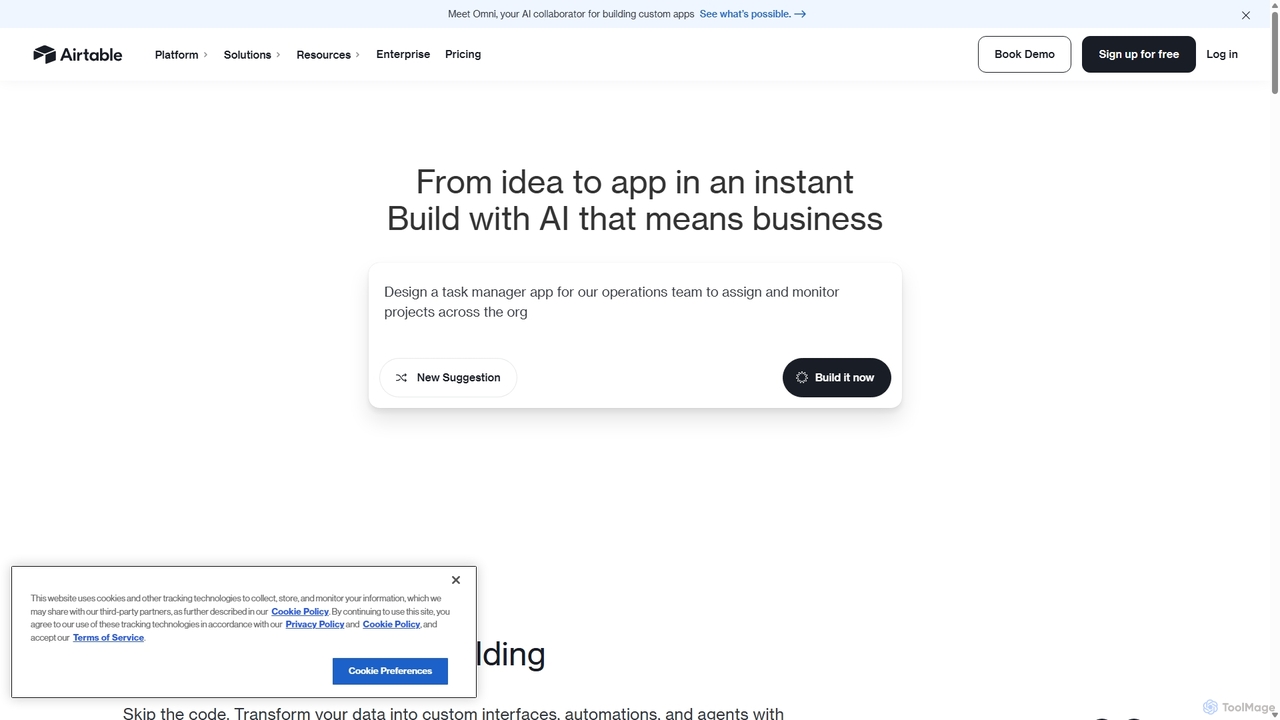
Airtable
Airtable is an AI-native app building platform for enterprises, combining the flexibility of a spreadsheet with the power of a database. It enables teams to create custom applications, automate complex workflows, and deploy intelligent AI agents without writing code, transforming critical data into actionable insights and streamlined operations.
Project Management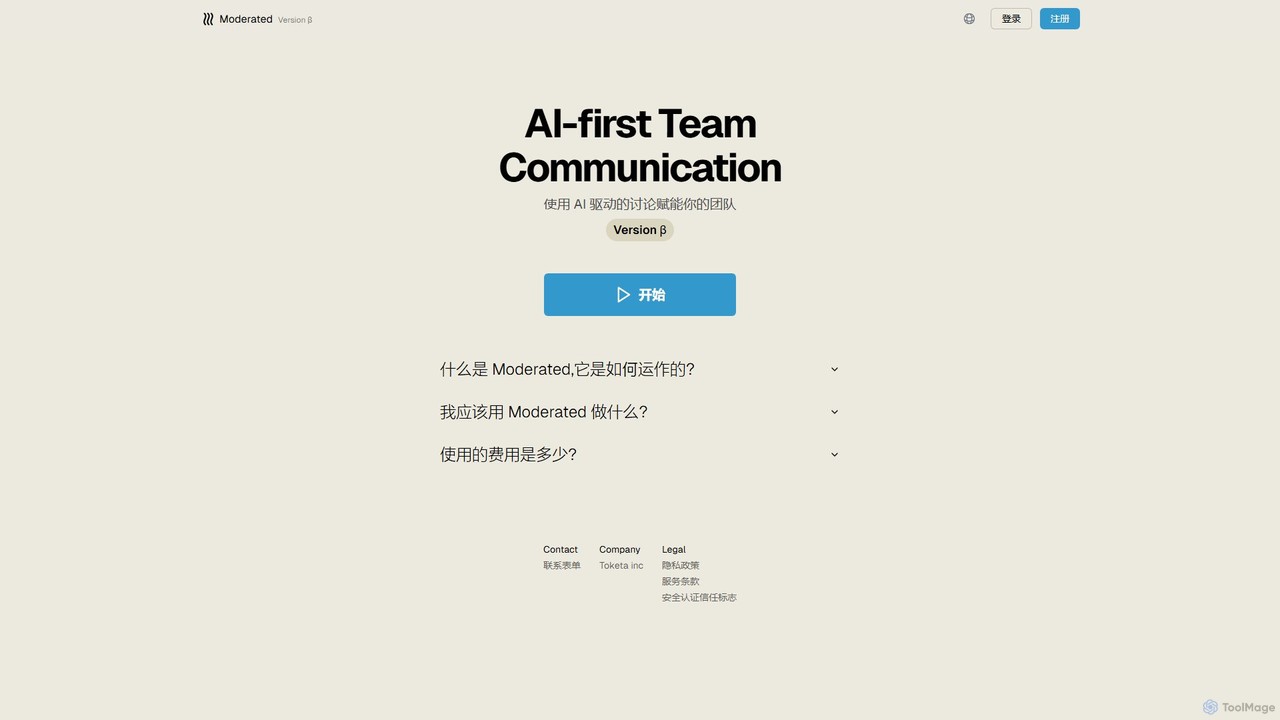
Moderated
Moderated is an AI-first team communication platform designed to empower teams with AI-driven discussions. It automatically summarizes conversations, extracts action items, and provides intelligent insights to enhance productivity and clarity in team collaboration.
Project Management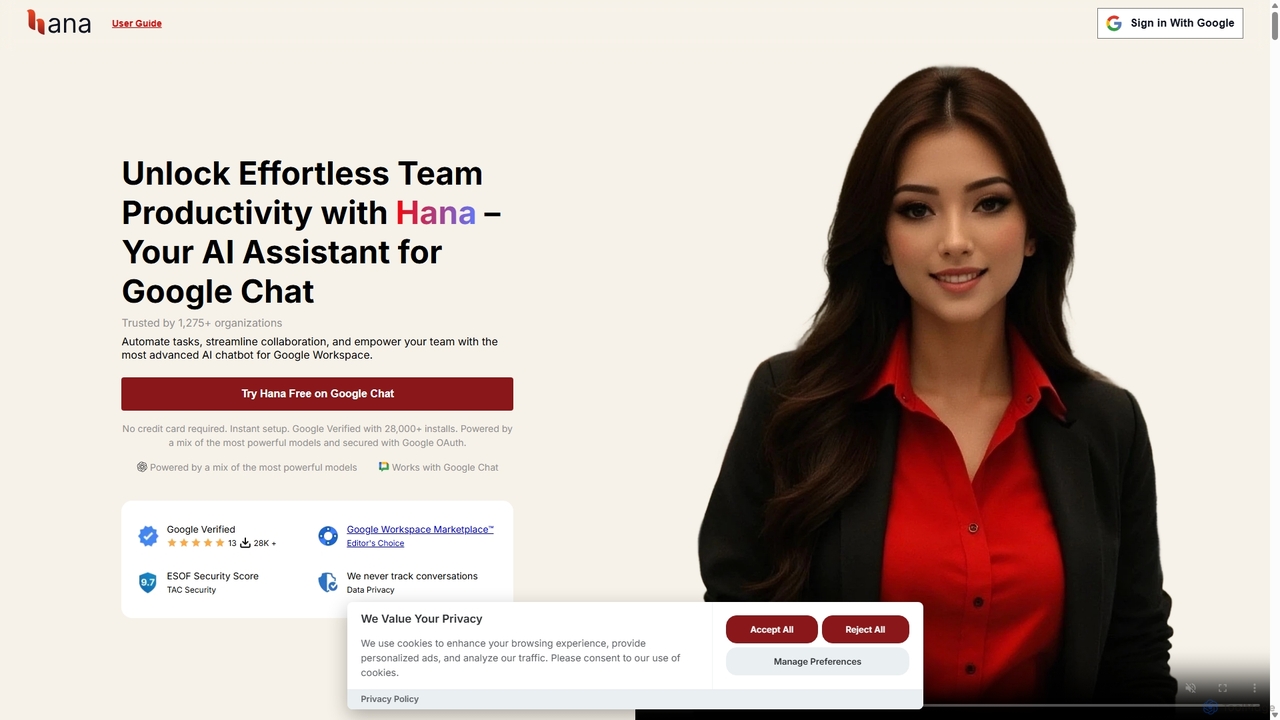
Hana
Hana is an advanced AI assistant integrated directly into Google Chat, designed to enhance team productivity and streamline collaboration. It automates tasks, manages reminders, and provides instant answers from a shared knowledge base, acting as an always-available AI teammate for Google Workspace users.
Chatbots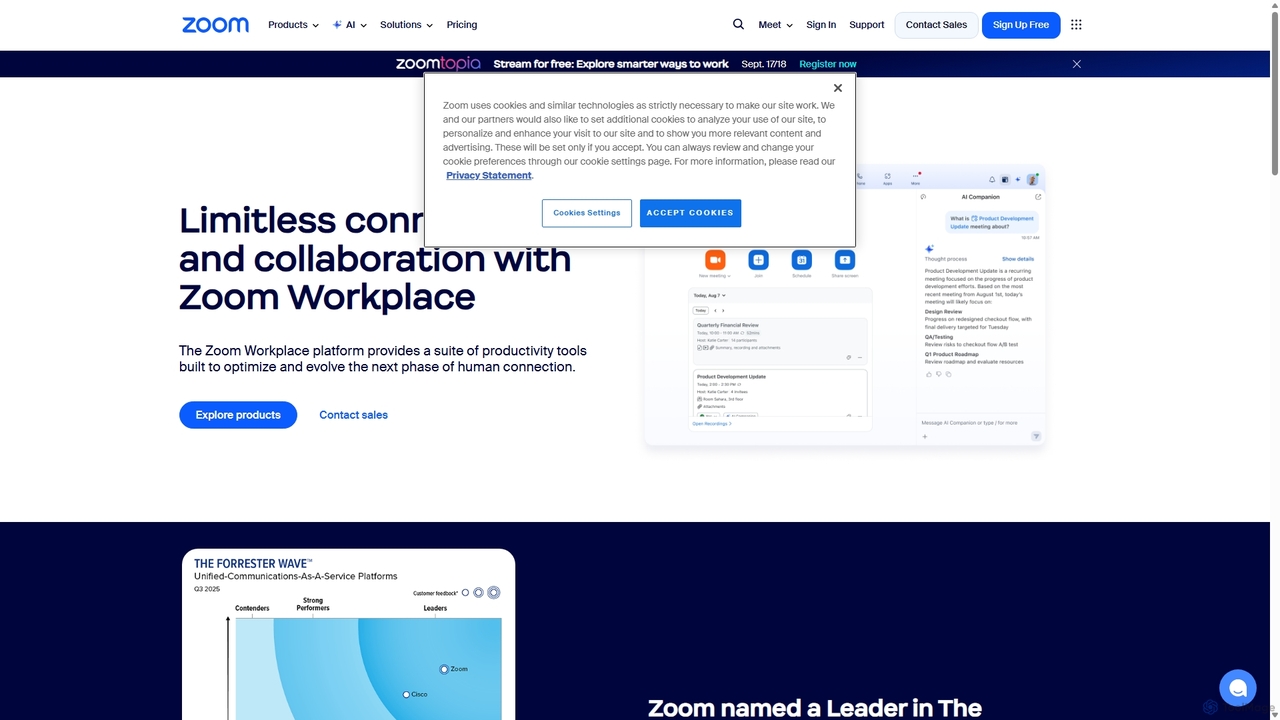
Zoom
Zoom is an AI-first, unified collaboration platform that connects people through video meetings, phone calls, team chat, webinars, and more. Featuring the AI Companion, it streamlines workflows, summarizes meetings, and enhances productivity for remote and hybrid teams across all industries.
Meeting ManagementSlack Categories
Slack Jobs
Slack Embed Widget
Copy this embed code to place the badge on your blog, article, or product site and send readers directly to this ToolMage detail page.

Related AI tools
Tingo.ai
Tingo.ai is an AI-powered productivity and workflow automation platform designed for modern teams. It integrates with your existing tools like Slack and Jira to automate meeting summaries, task management, and knowledge base creation, helping your team stay aligned and focus on what matters most.
Project ManagementAirtable
Airtable is an AI-native app building platform for enterprises, combining the flexibility of a spreadsheet with the power of a database. It enables teams to create custom applications, automate complex workflows, and deploy intelligent AI agents without writing code, transforming critical data into actionable insights and streamlined operations.
Project Management
carlos_app
carlos_app is an intelligent AI personal assistant designed to streamline your workflow, manage tasks, automate scheduling, and enhance communication. It acts as your proactive partner, helping you focus on what truly matters by handling the administrative details.
Task Management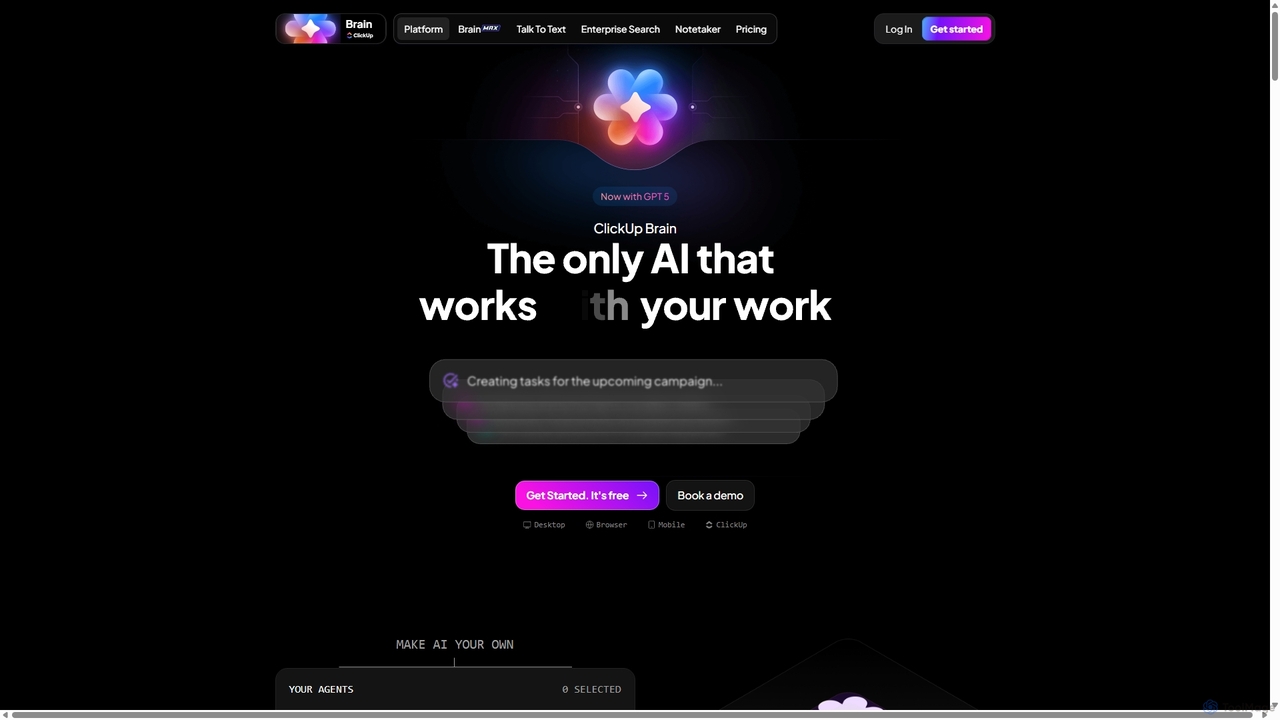
Qatalog
Qatalog is an intelligent work hub that unifies your teams, tools, and knowledge. It uses AI to create a central source of truth, enabling seamless search across all applications, clear visibility into projects and goals, and contextual understanding of who is working on what. By connecting disparate systems like Slack, Jira, and Google Drive, Qatalog reduces context switching and boosts productivity.
Enterprise Search
Slite
Slite is an AI-powered knowledge base and team collaboration tool. It serves as a single source of truth, helping teams organize their documents, share knowledge, and make decisions asynchronously. Its core AI feature, 'Ask', allows users to find answers from across the entire workspace using natural language questions, making information instantly accessible.
Internal Communication
Side Space
Side Space is a powerful AI assistant that integrates seamlessly into your desktop workflow. It operates from a convenient sidebar, providing instant access to AI-powered tools for writing, coding, and general productivity without ever leaving your current application. Enhance your efficiency with contextual actions on selected text and customizable commands.
Code Assistant
MindPlexa
MindPlexa is an AI-powered productivity platform that transforms ideas into actionable projects. It combines visual mind mapping with intelligent project management, allowing users to create, organize, and collaborate on ideas using intuitive canvases and smart nodes. The AI assistant helps generate project layouts, suggest tasks, and streamline workflows, making it an ideal tool for teams and individuals looking to boost creativity and efficiency.
Teamwork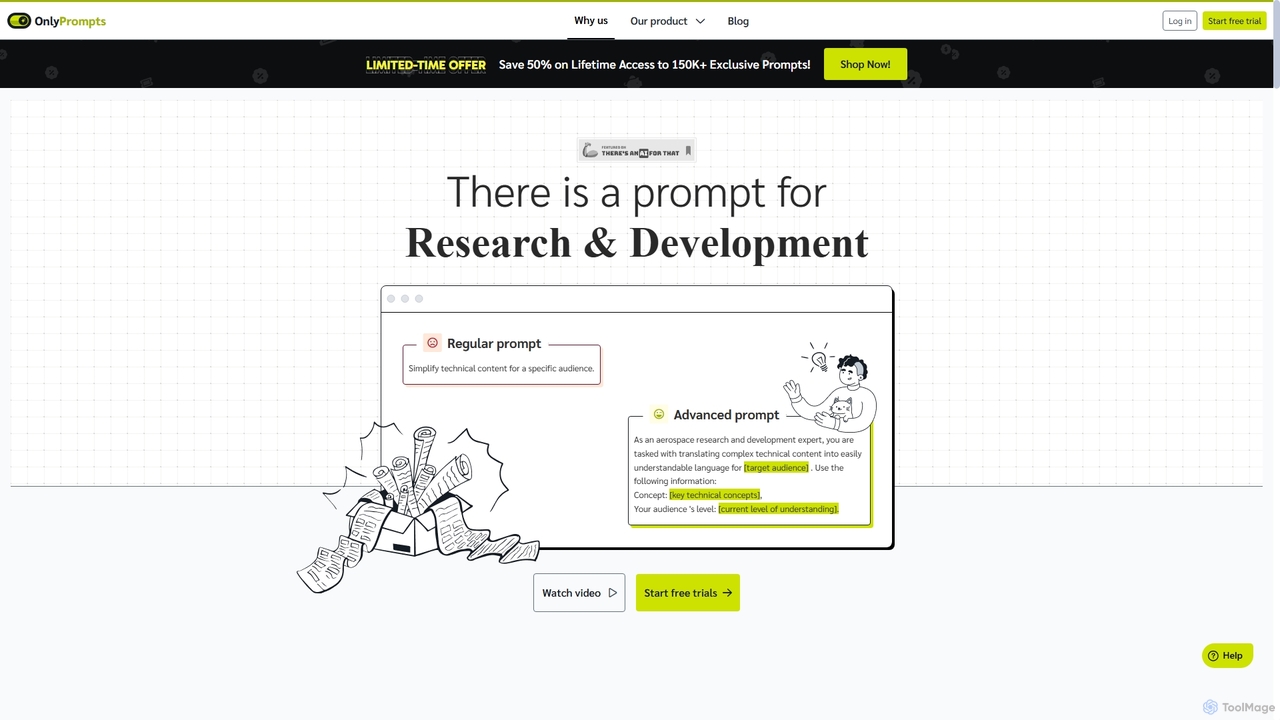
OnlyPrompts
OnlyPrompts is the ultimate AI prompt library, offering over 150,000 expertly crafted prompts for 37,000+ tasks. It features an integrated AI assistant compatible with GPT-4 and Claude 3, side-by-side prompt testing, and customizable templates. Designed for professionals in marketing, HR, finance, and more, it streamlines workflows, enhances productivity, and elevates the quality of AI-generated content.
OperationsHana
Hana is an advanced AI assistant integrated directly into Google Chat, designed to enhance team productivity and streamline collaboration. It automates tasks, manages reminders, and provides instant answers from a shared knowledge base, acting as an always-available AI teammate for Google Workspace users.
Chatbots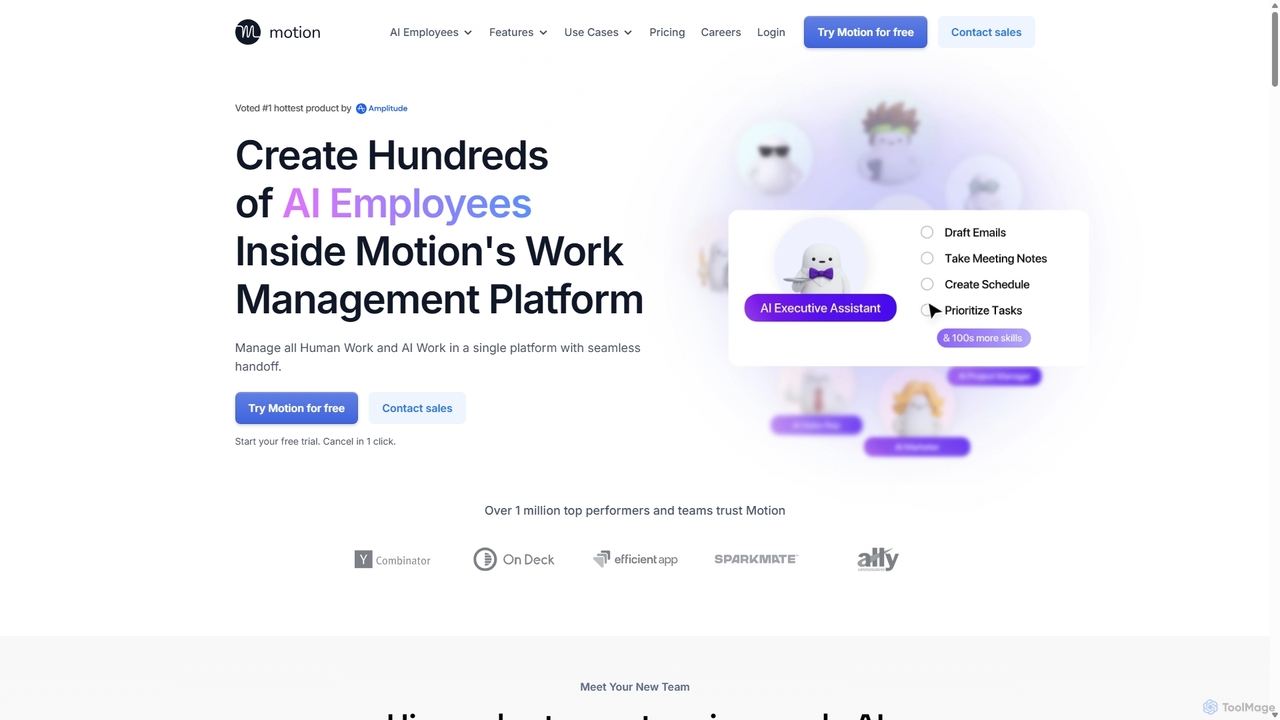
Motion
Motion is an AI-powered platform that provides a suite of AI Employees and productivity tools to automate tasks, manage projects, and organize schedules. It's designed to 10x your team's output by handling everything from calendar management and email replies to sales outreach and customer support, all within a single integrated workspace.
Virtual Assistant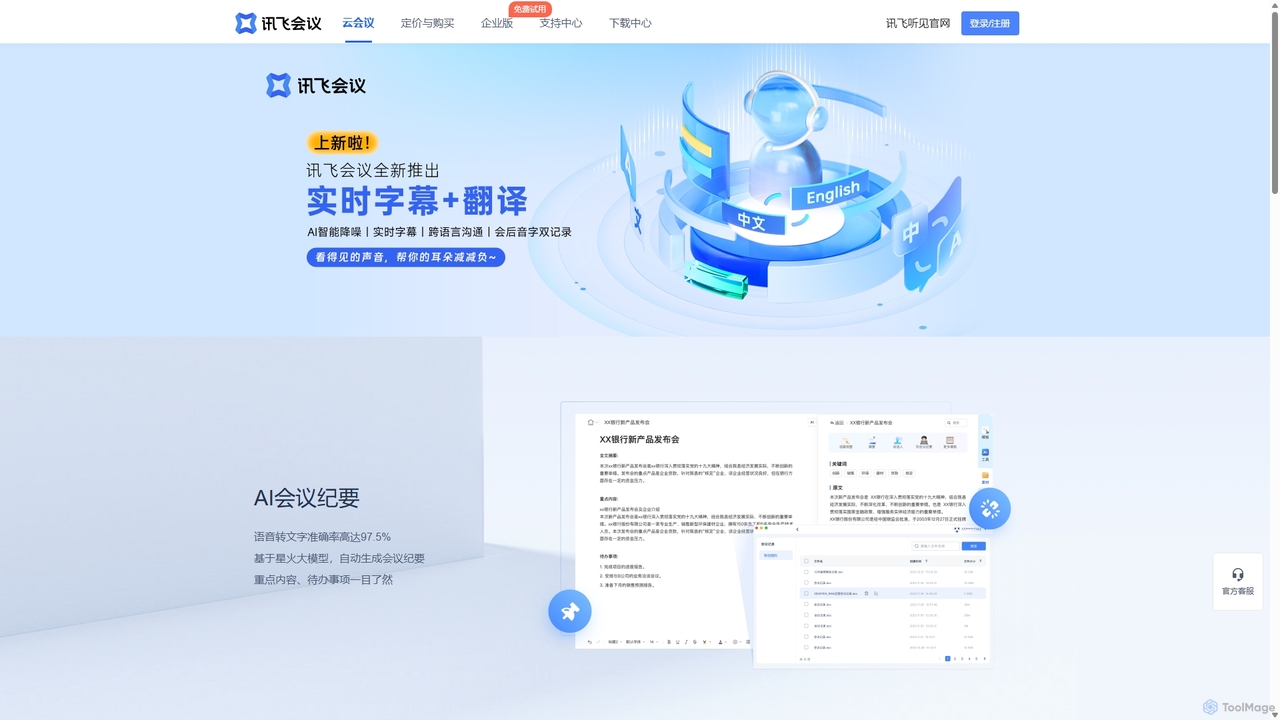
IFlytek Meeting
iFlytek Meeting is an AI-powered HD video conferencing platform. It offers high-accuracy real-time transcription, automatic meeting summaries, and to-do list generation. With features like stable HD video, cross-platform support, and robust security, it enhances meeting efficiency for individuals, teams, and large enterprises, providing a seamless remote collaboration experience.
Communication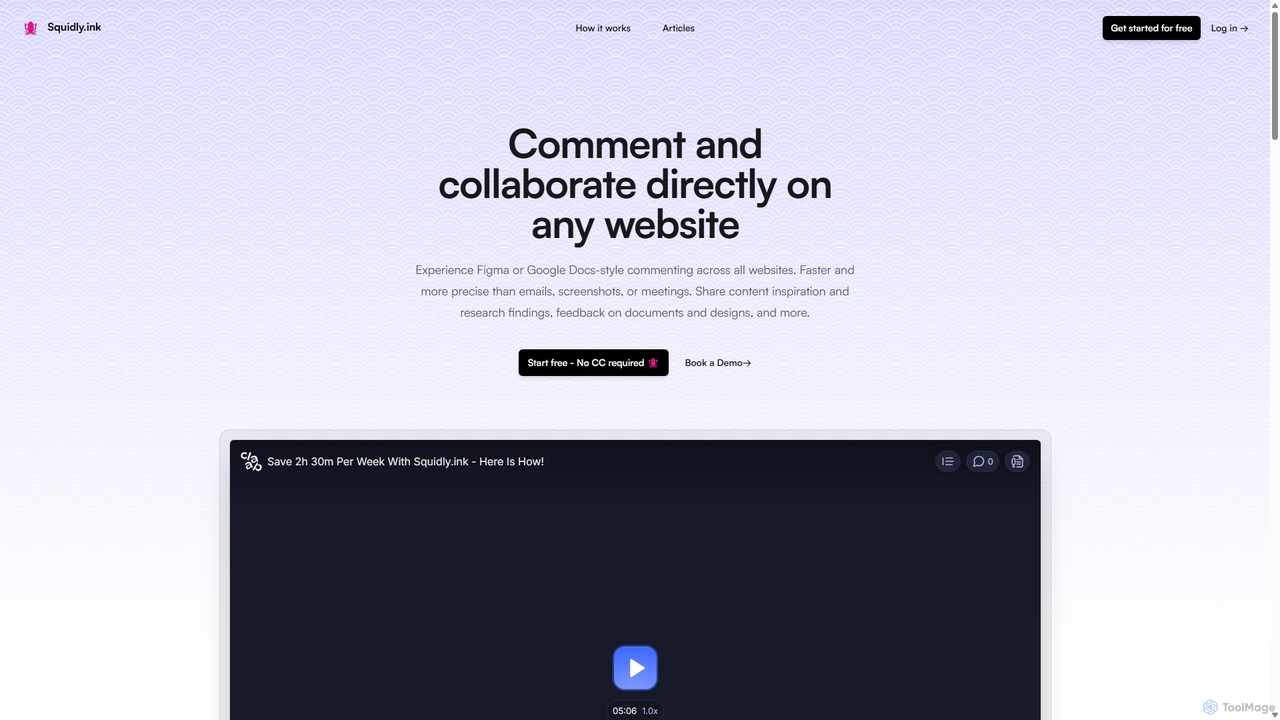
Squidly
Squidly is a collaborative browser extension that allows teams to leave comments directly on any website, similar to Figma or Google Docs. It streamlines feedback, eliminates the need for screenshots and meetings, and centralizes all discussions in one dashboard for enhanced productivity in remote and asynchronous work environments.
Review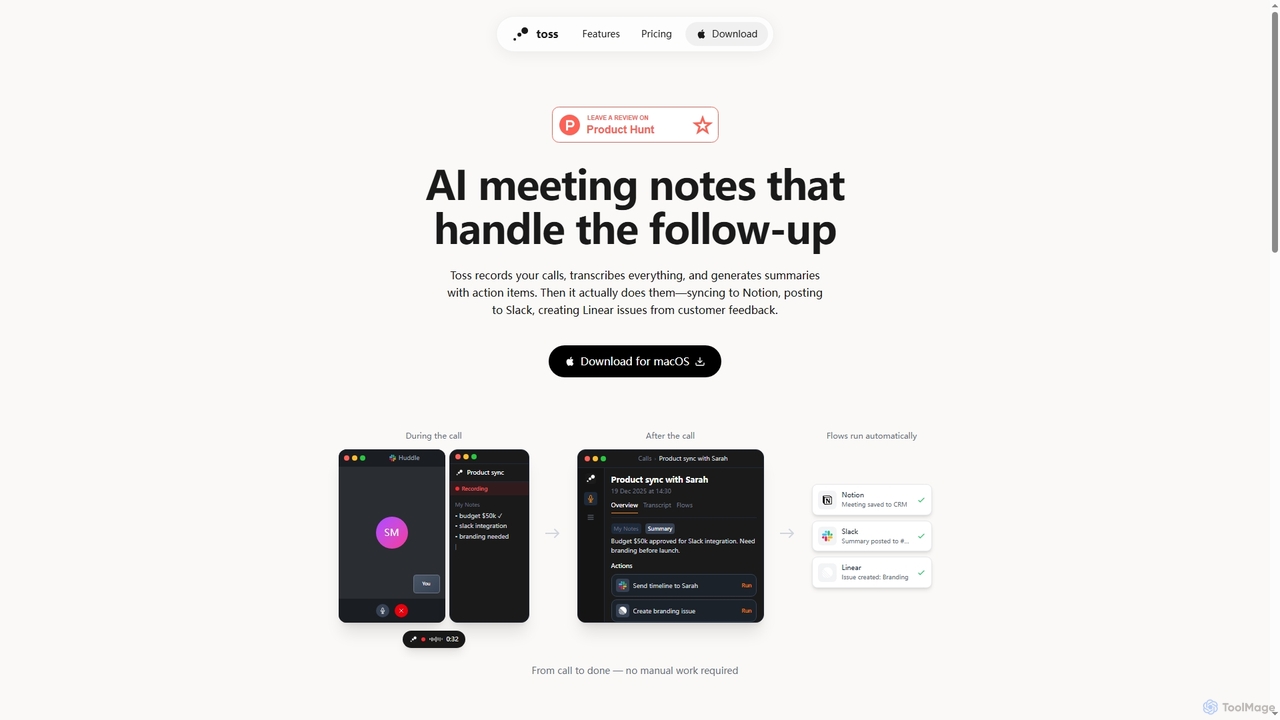
Toss
Toss is an AI-powered macOS application designed to automate meeting notes and follow-up actions. It records calls, transcribes discussions in real-time, generates summaries with actionable items, and automatically executes post-meeting tasks like syncing to Notion, posting to Slack, and creating issues in Linear, streamlining workflows and enhancing productivity for teams.
Dictation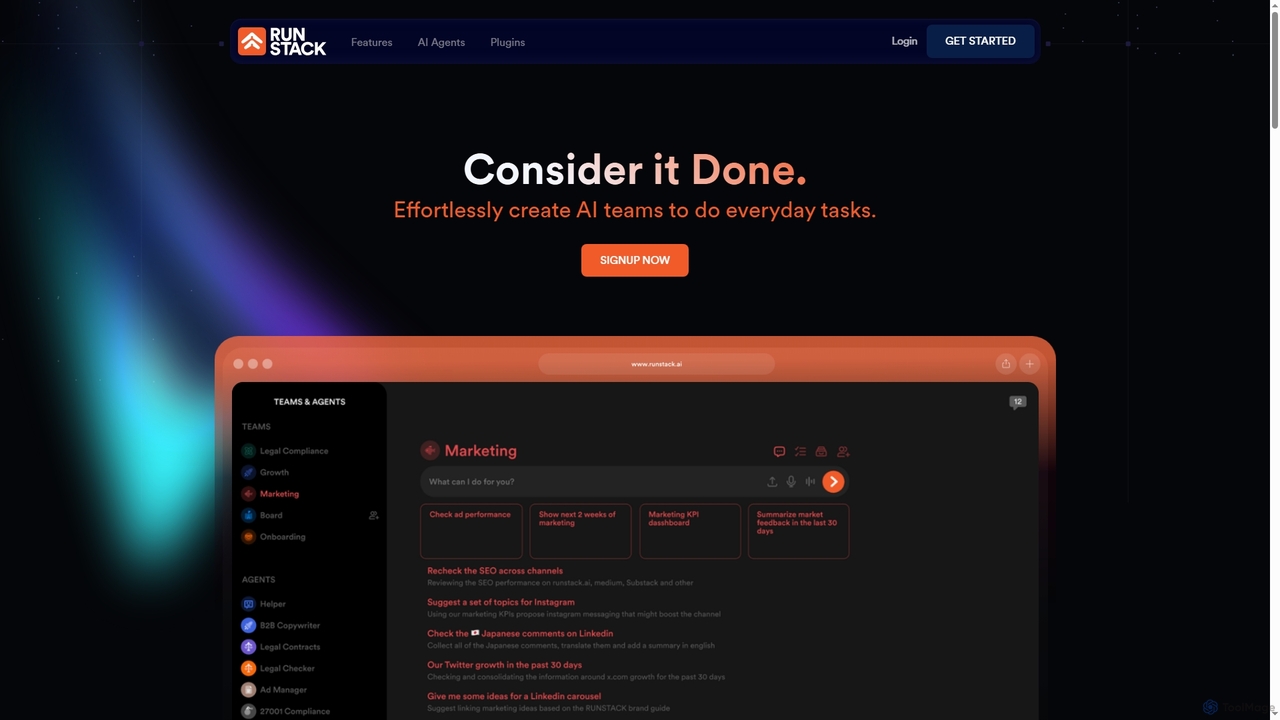
Runstack
Runstack is an innovative AI agent platform that empowers businesses to effortlessly create custom AI assistants. By simply describing tasks in plain English, users can deploy intelligent agents to automate workflows, integrate with over 50 business tools, and handle complex operations across various departments, from sales and marketing to finance and project management.
Sales Automation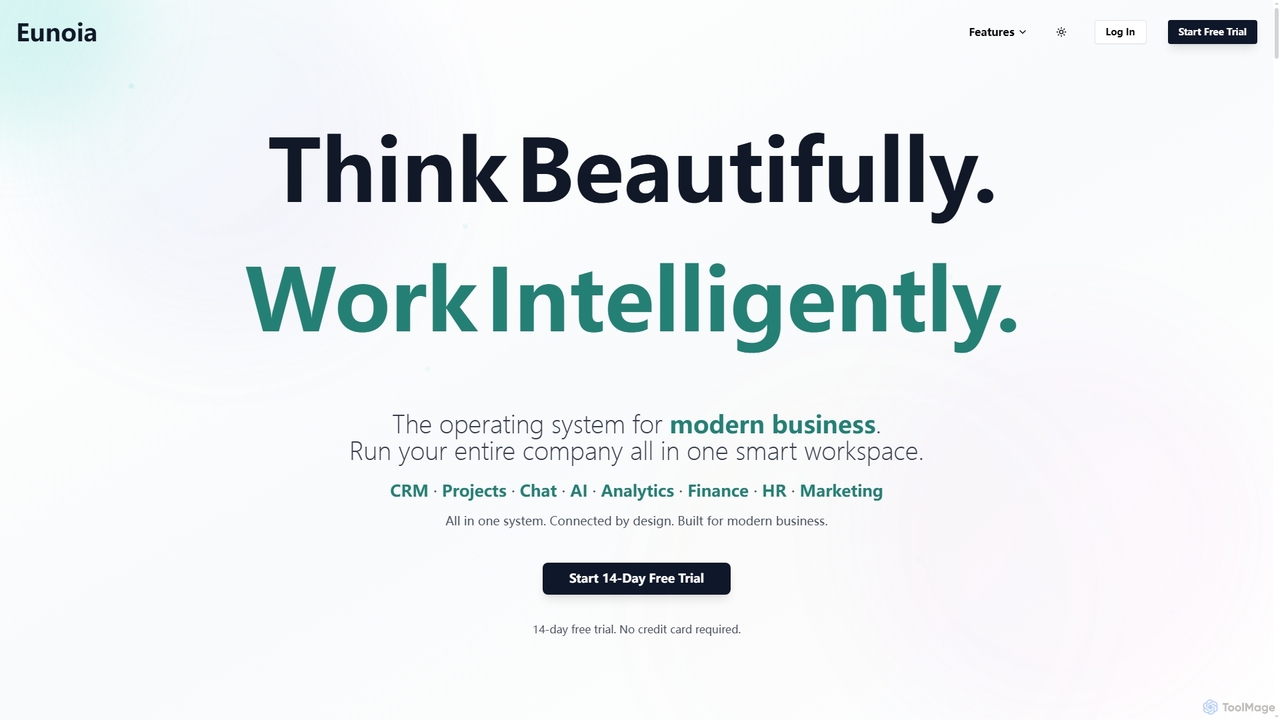
Eunoia
Eunoia is an all-in-one AI-powered business workspace designed to streamline operations by integrating CRM, project management, chat, AI, analytics, finance, HR, and marketing. It aims to replace numerous fragmented tools, offering a unified platform for modern businesses to think beautifully and work intelligently.
Business Automation
Slack Comments (0)
Sign in to comment.
Sign inNo comments yet.