Communication Best in category 8 results Team Chat AI Tool

Popular AI tools in the Team Chat field of Communication include Slack、DingTalk、Spotvirtual、Core、flycom.ai、Moderated、CircleChat、Razzle, etc., helping you quickly improve efficiency.

Slack

Slack

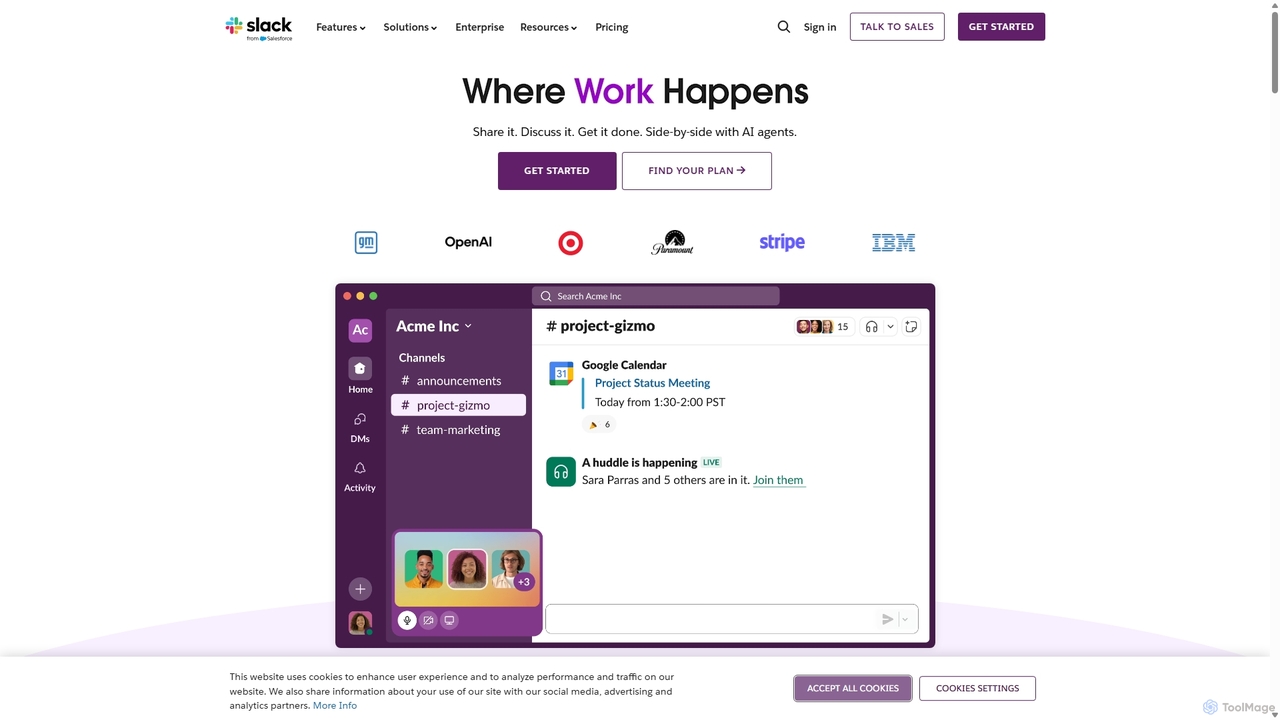
Slack is an AI-powered collaboration hub that connects your people, partners, and tools. It replaces email with faster, …

136.1M
Core

Core

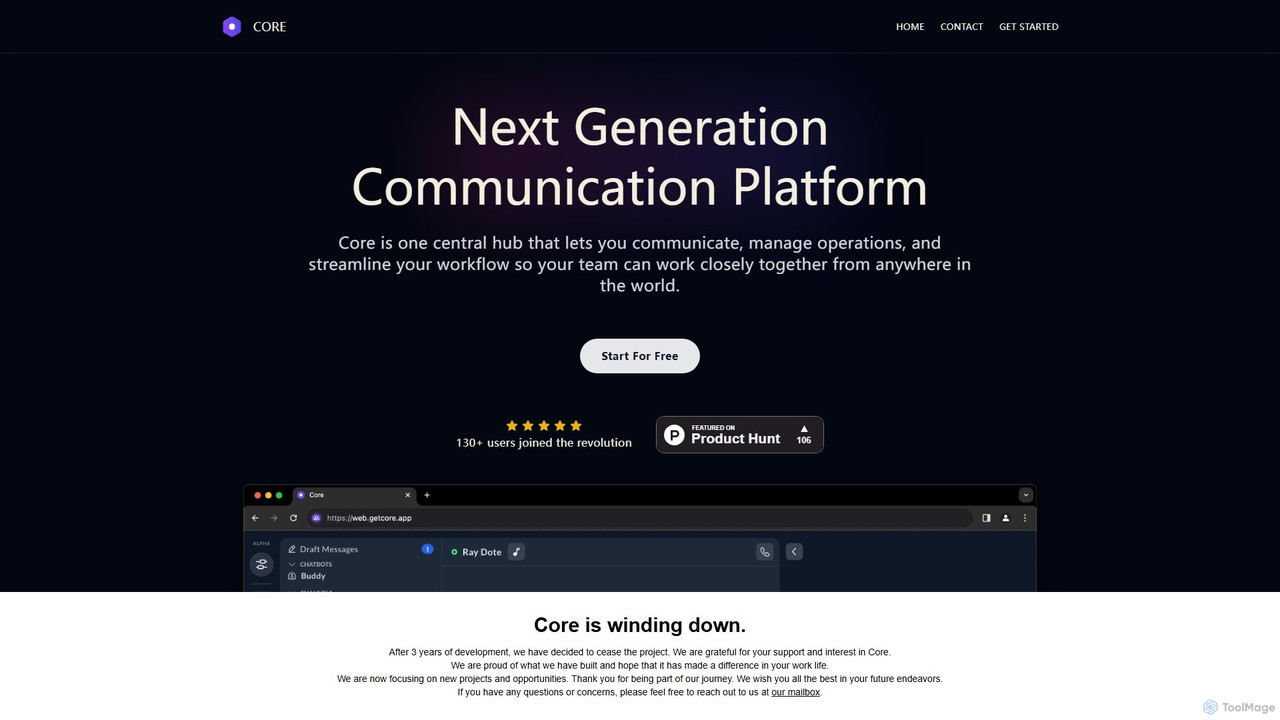
Core is an AI-powered, all-in-one communication and collaboration platform for teams. It centralizes chat, video calls, calendar, and …

3.0K
Moderated

Moderated

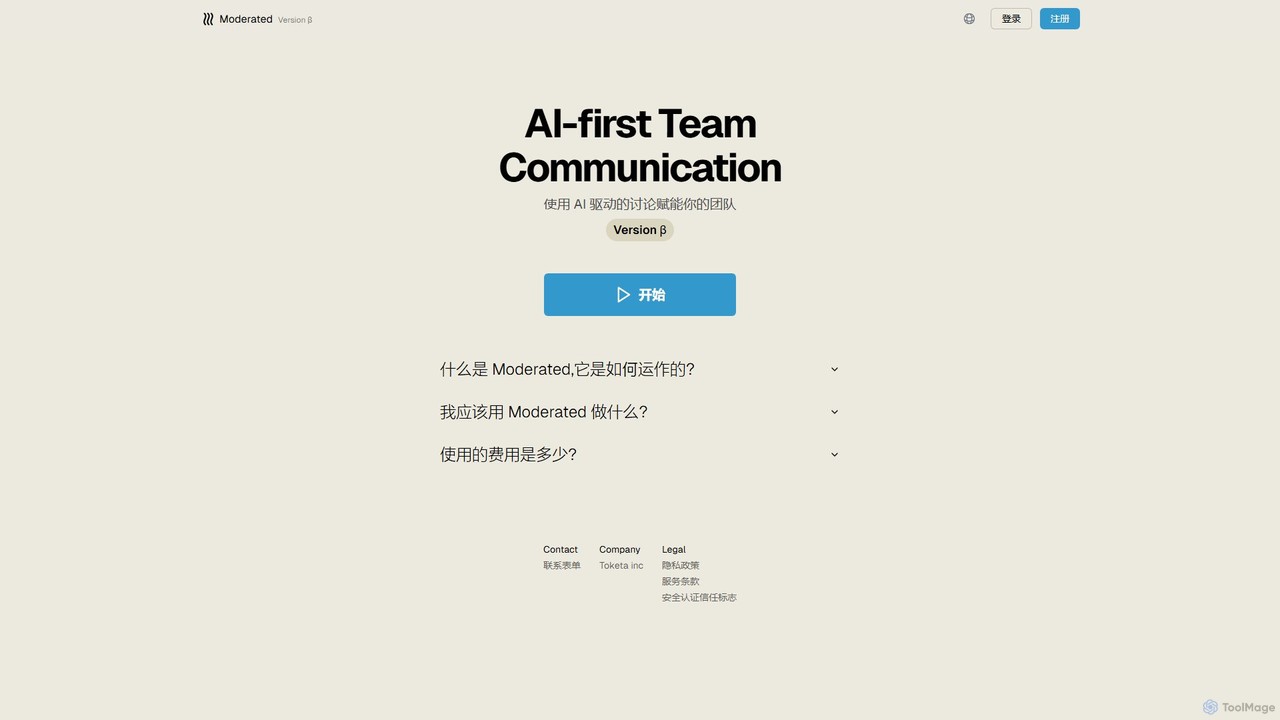
Moderated is an AI-first team communication platform designed to empower teams with AI-driven discussions. It automatically summarizes conversations, …

2.6K
flycom.ai

flycom.ai

flycom.ai is an AI-powered unified communication platform that streamlines team collaboration. It offers real-time meeting summaries, intelligent messaging, …

2.7K
DingTalk

DingTalk

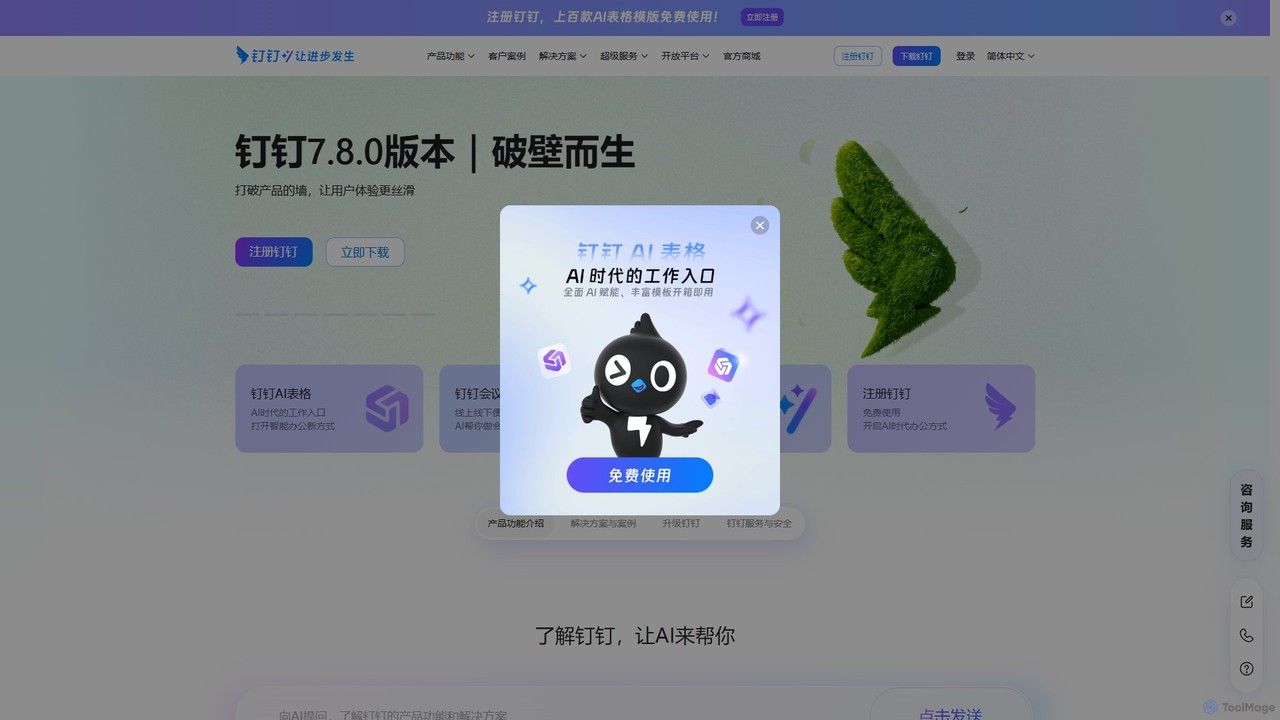
DingTalk is an all-in-one enterprise collaboration and management platform powered by AI. It integrates instant messaging, video conferencing, …

19.6M
CircleChat

CircleChat

CircleChat is an AI-powered communication platform that unifies internal team collaboration and external customer support. It leverages AI …

2.6K
Razzle

Razzle

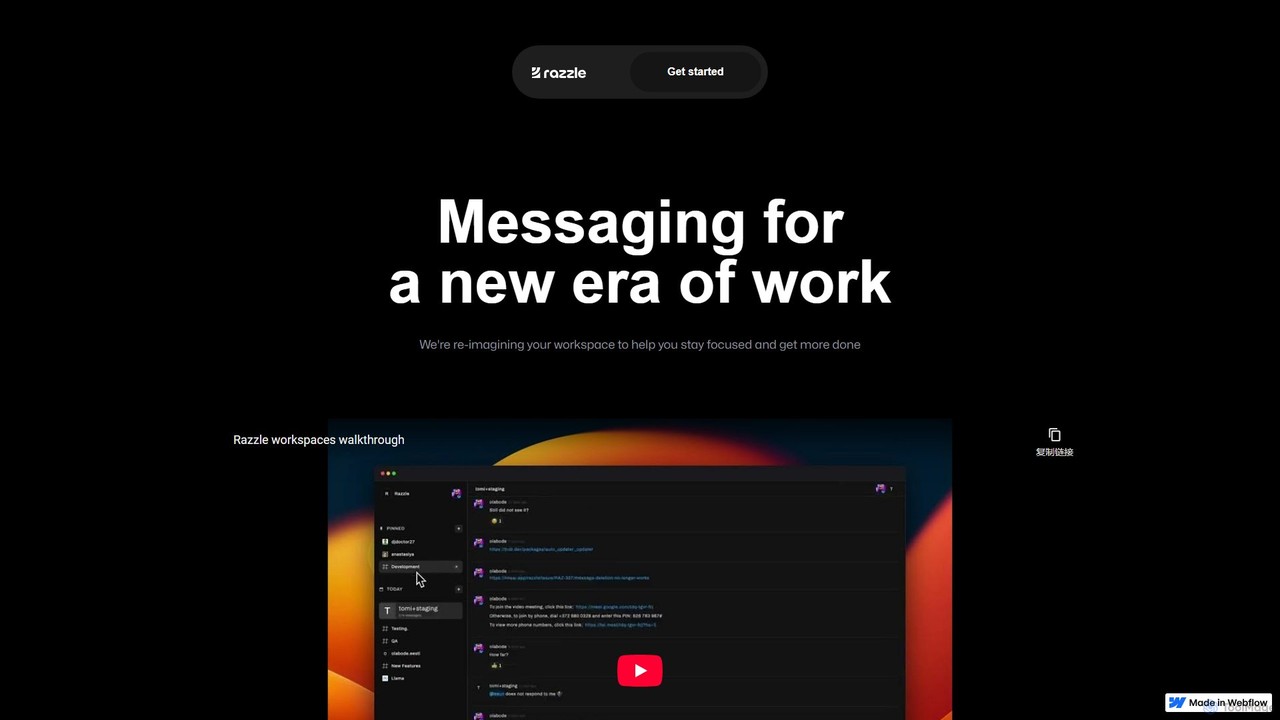
Razzle is a next-generation messaging platform designed for focused work. It integrates powerful AI tools to reduce distractions, …

2.5K
Spotvirtual

Spotvirtual

Spotvirtual is a virtual office platform that transforms remote work by creating an immersive, customizable 3D workspace. It …

20.7K

About Team Chat

Team Chat tools are AI-enhanced communication platforms designed to facilitate real-time collaboration and information exchange within teams. These tools leverage artificial intelligence to streamline workflows, improve message organization, and enhance overall team productivity. They serve as a central hub for discussions, file sharing, and project coordination, enabling seamless interaction for both co-located and remote teams.

Core Features

  • AI-Powered Summaries: Automatically condense long conversations or meeting transcripts into key takeaways, saving time for team members catching up.
  • Smart Notifications: Utilize AI to prioritize alerts, ensuring users focus on critical messages and tasks while minimizing distractions.
  • Integrated Task Management: Allow users to create, assign, and track tasks directly within chat threads, often with AI assistance for identification.
  • Real-time Translation: Provide instant language translation for messages, breaking down communication barriers in diverse global teams.
  • File Sharing & Collaboration: Securely share documents, images, and videos, with integrated tools for co-editing and feedback.

Use Cases

Team Chat tools are indispensable for modern workplaces, from startups to large enterprises. They are widely adopted by project teams for daily stand-ups and progress updates, by marketing departments for campaign coordination, and by customer support teams for internal knowledge sharing and issue resolution. These platforms ensure that all team members remain aligned and informed, regardless of their physical location.

How to Choose

When selecting a Team Chat tool, consider its integration capabilities with existing business software (e.g., project management, CRM). Evaluate the AI features offered, such as summarization or smart alerts, and assess their relevance to your team's needs. Security protocols, data privacy policies, and scalability for future growth are also crucial. Finally, compare pricing models and user interface intuitiveness to ensure a cost-effective and user-friendly solution.

Team ChatUse Cases

1

Streamlining Daily Stand-ups for Remote Teams

Project managers in distributed teams use Team Chat tools to conduct asynchronous daily stand-ups. Instead of scheduled video calls, team members post their progress, blockers, and plans in a dedicated channel. AI features can then summarize these updates, providing a quick overview for leadership and ensuring everyone is informed without time zone constraints, significantly boosting efficiency.

2

Accelerating Project Coordination and Feedback Cycles

Software development teams leverage Team Chat for rapid iteration and feedback. Developers share code snippets, design mock-ups, and bug reports directly in project-specific channels. Integrated AI can help identify key discussion points or suggest relevant documentation, allowing for immediate feedback from designers and QA, reducing communication delays by up to 30%.

3

Enhancing Internal Knowledge Sharing and Onboarding

HR and operations teams utilize Team Chat to build a searchable knowledge base. New hires can quickly find answers to common questions by querying dedicated channels or using integrated chatbots. AI-powered search capabilities help surface relevant documents and past conversations, drastically reducing onboarding time and empowering employees to self-serve information.

4

Facilitating Cross-Departmental Collaboration on Campaigns

Marketing and sales departments collaborate on new product launches or campaigns using Team Chat. They create shared channels to discuss strategies, share assets, and coordinate outreach efforts. AI can help track action items from discussions, ensuring all stakeholders are aware of their responsibilities and deadlines, leading to more cohesive and timely campaign execution.

5

Improving Customer Support Team Efficiency

Customer support teams use Team Chat for internal communication, escalating complex issues, and sharing solutions. When a support agent encounters an unfamiliar problem, they can quickly post it in a team channel. AI can suggest similar past issues or relevant knowledge base articles, enabling faster resolution times and improving customer satisfaction by providing quick, accurate answers.

6

Managing Urgent Communications and Crisis Response

Emergency response teams or IT operations teams rely on Team Chat for critical, real-time communication during incidents. Dedicated channels allow for immediate updates, status reports, and coordination of actions. AI can help filter out noise, highlight critical alerts, and ensure that key personnel receive urgent messages, facilitating a swift and organized response to minimize impact.

Team ChatFrequently Asked Questions