ToolMage
Sign in

Best 10 Chatbots AI tools for Communication

Popular Chatbots AI tools in Communication include iMini, Tanka, kAI, Hana, keepi, Kolank, Lilini, JiraGPT, and inappchat, helping you work more efficiently.

Lilini

Lilini

Lilini is your friendly AI-powered assistant designed to help you with a wide range of tasks. It offers an intuitive online platform to enhance your daily productivity and provide quick access to information, acting as a reliable digital companion for users seeking efficient support.

Chatbots
Visits 3.4KFavorites 20Likes 22
Kolank
Paid

Kolank

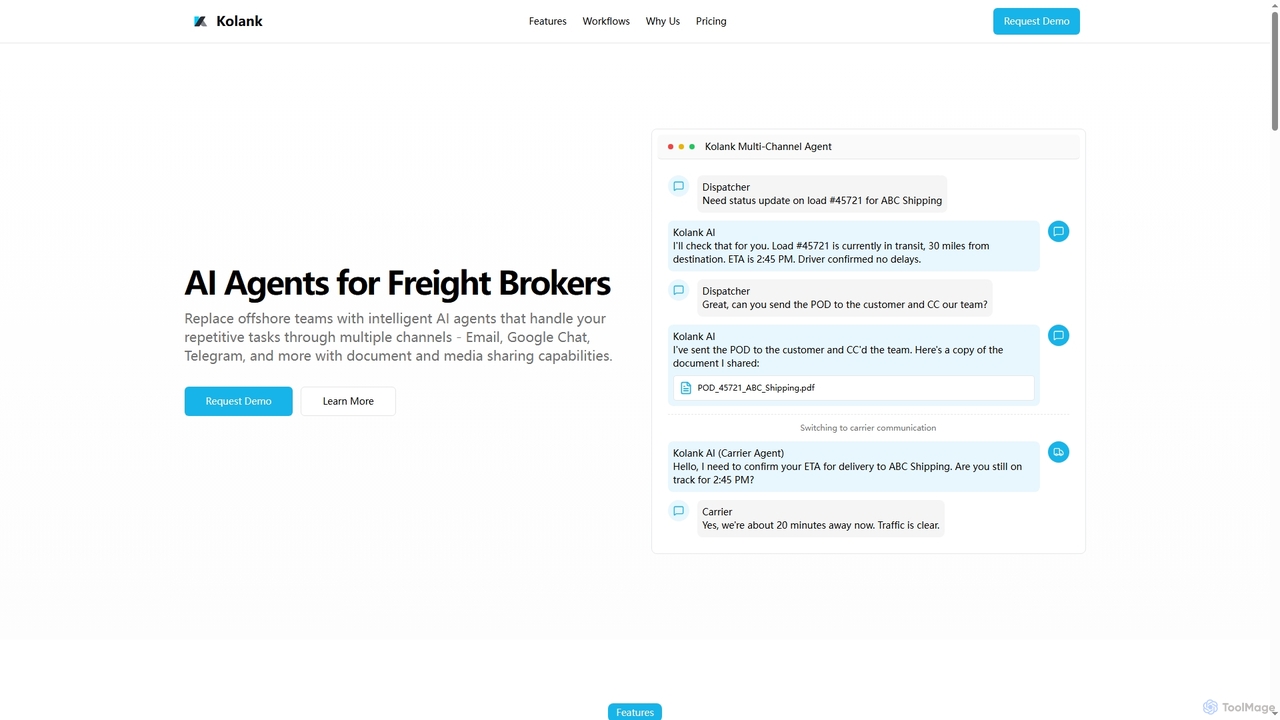
Kolank provides AI agents specifically designed for freight brokers to automate repetitive tasks across multiple communication channels, including email, Google Chat, and Telegram, with robust document and media sharing capabilities. It aims to replace offshore teams, reduce costs, and enhance operational efficiency.

Chatbots
Visits 3.4KFavorites 31Likes 31
iMini
Freemium

iMini

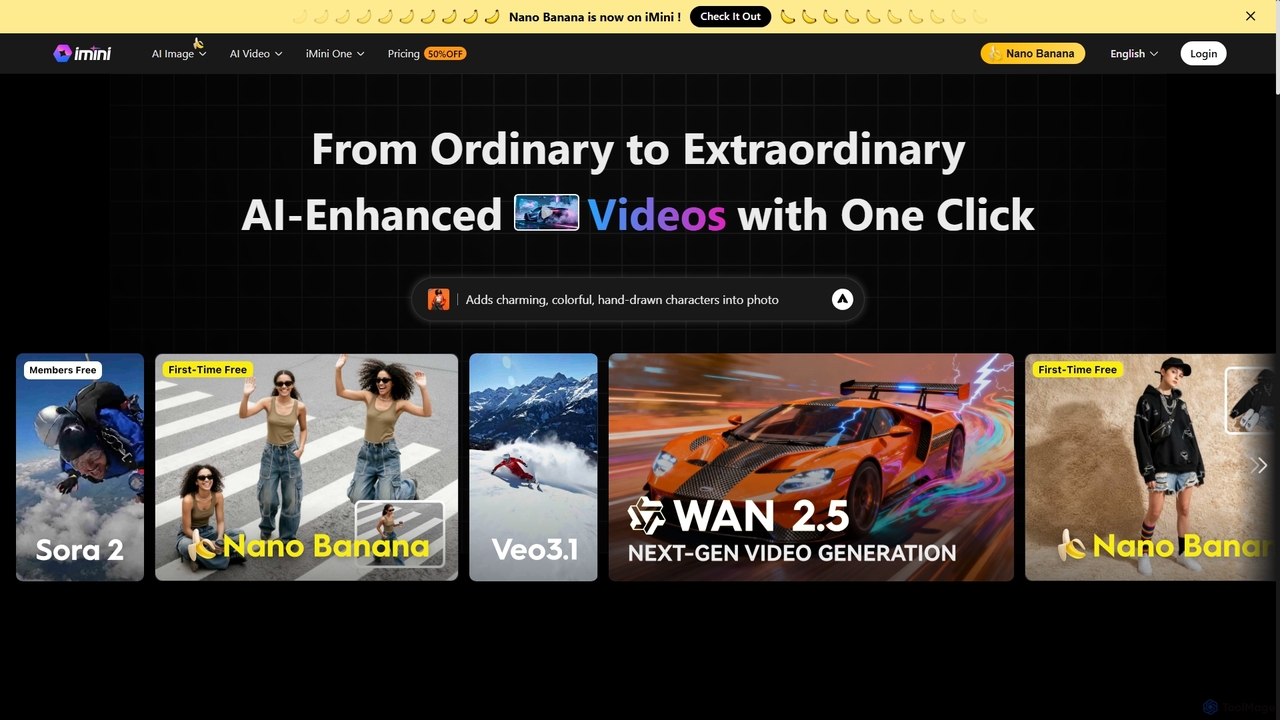
iMini is an all-in-one AI assistant and creation platform that integrates various AI agents for image generation, video creation, presentation slides, deep research, and document writing. It streamlines workflows, boosts productivity, and offers a unified chat interface for diverse creative and professional tasks.

Multifunctional Assistant
Visits 149.4KFavorites 118Likes 127
Hana
Freemium

Hana

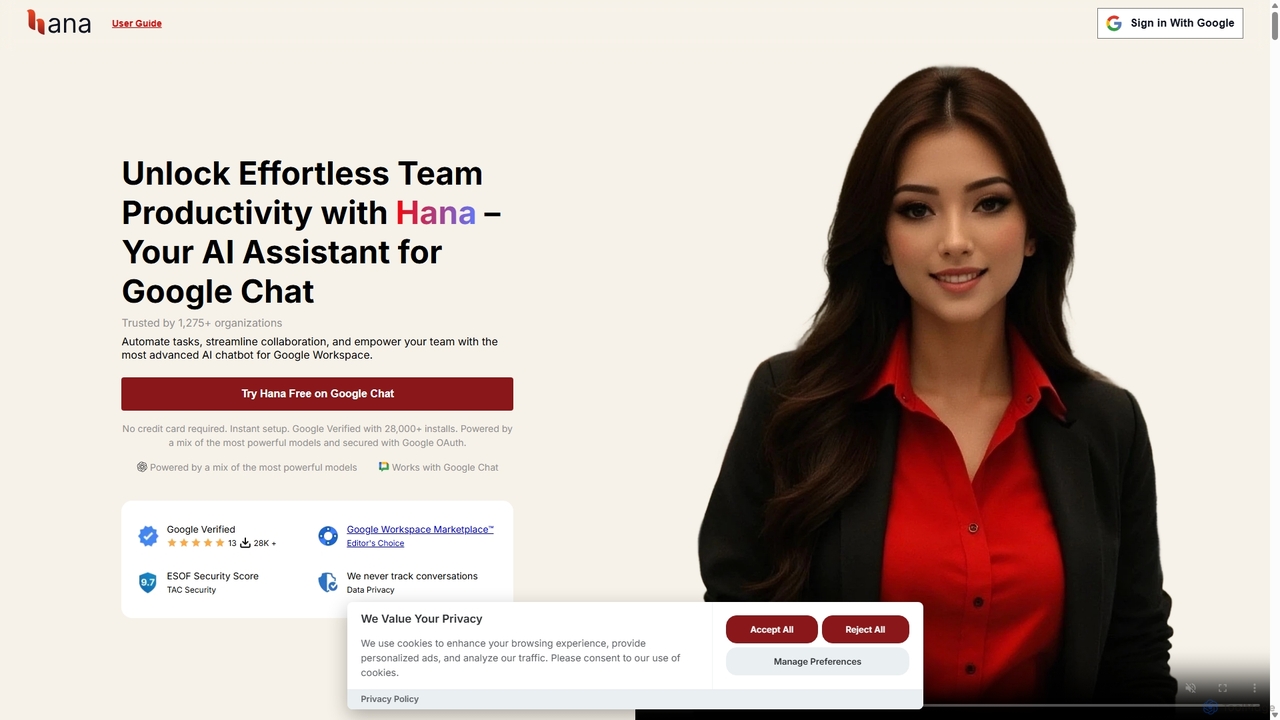
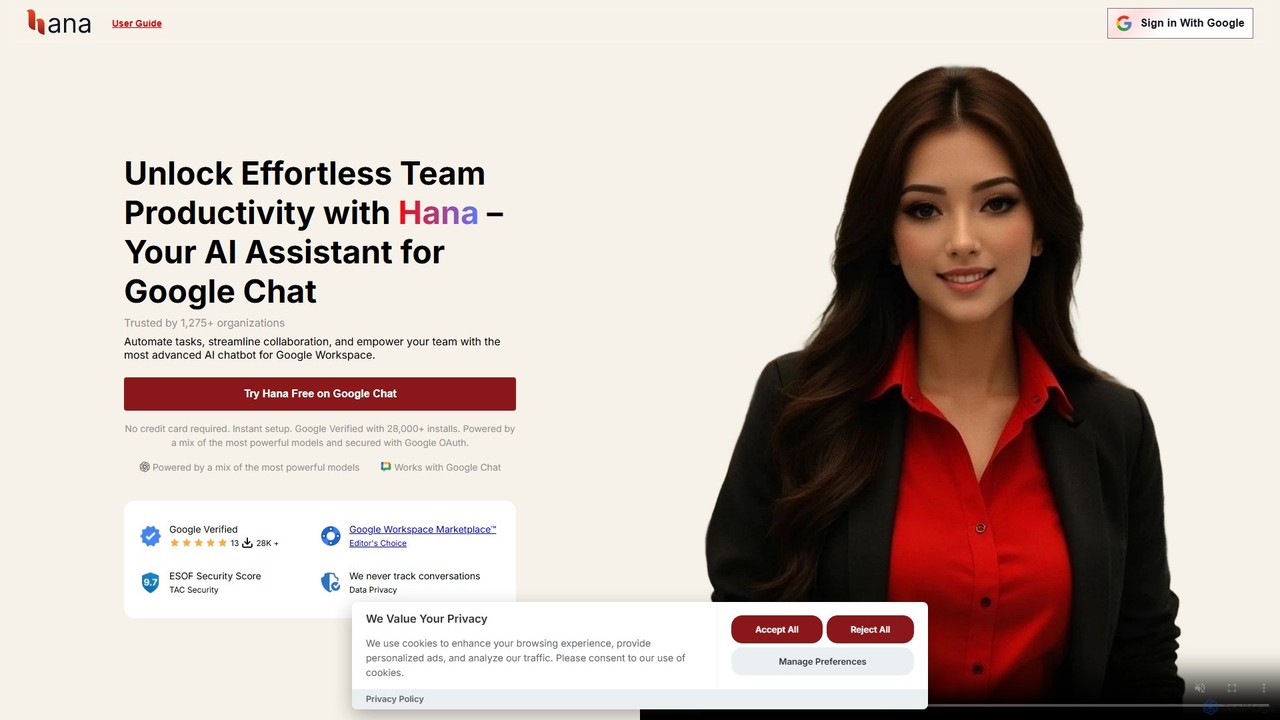
Hana is an advanced AI assistant integrated directly into Google Chat, designed to enhance team productivity and streamline collaboration. It automates tasks, manages reminders, and provides instant answers from a shared knowledge base, acting as an always-available AI teammate for Google Workspace users.

Chatbots
Visits 3.4KFavorites 131Likes 116
JiraGPT
Freemium

JiraGPT

JiraGPT is an AI-powered assistant that integrates with Slack, allowing teams to manage Jira issues using natural language. Search, create, and update tickets directly from your Slack channels without writing any JQL, streamlining project management and boosting productivity.

Chatbots
Visits 3.4KFavorites 98Likes 100
Tanka
Freemium

Tanka

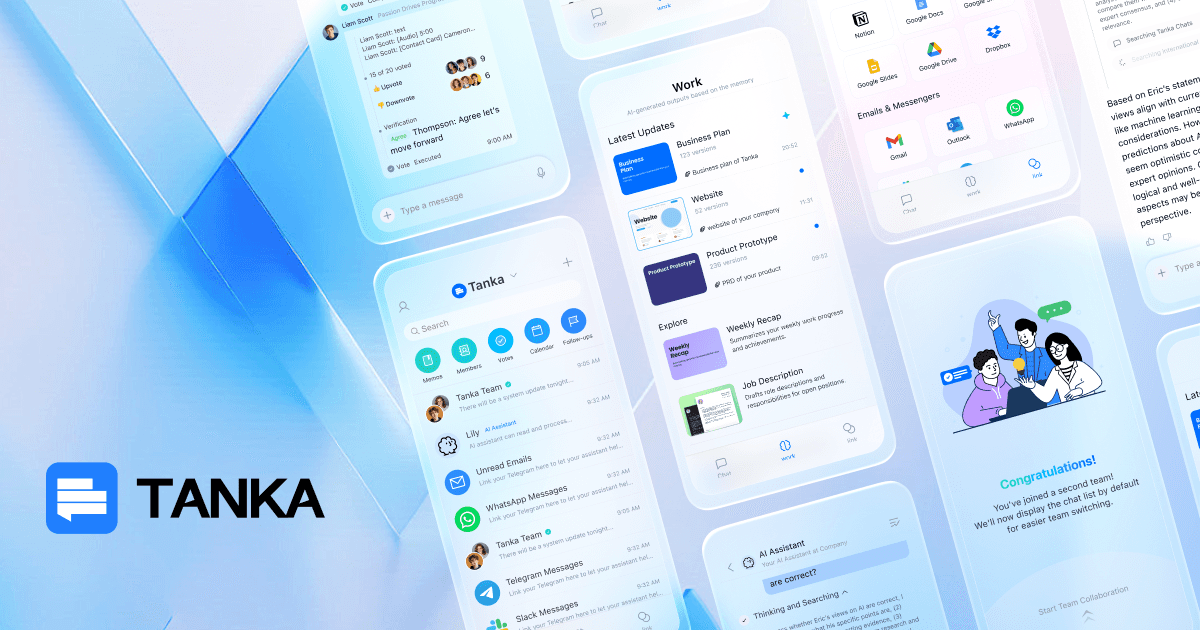
Tanka is an AI co-founder and team messenger with a persistent, brain-like memory. It learns from your conversations and connected apps to provide context-aware replies, summarize tasks, and offer proactive suggestions. By creating a shared knowledge base, Tanka helps teams collaborate more effectively, retain institutional knowledge, and stay agile.

Knowledge Management
Visits 39.8KFavorites 94Likes 85
inappchat
Freemium

inappchat

An AI-powered in-app chat SDK and API that enables businesses to integrate seamless, feature-rich chat functionalities into their mobile and web applications. Enhance user engagement, provide instant customer support, and build communities with customizable chatbots and live chat.

Chatbots
Visits 3.4KFavorites 142Likes 129
keepi
Freemium

keepi

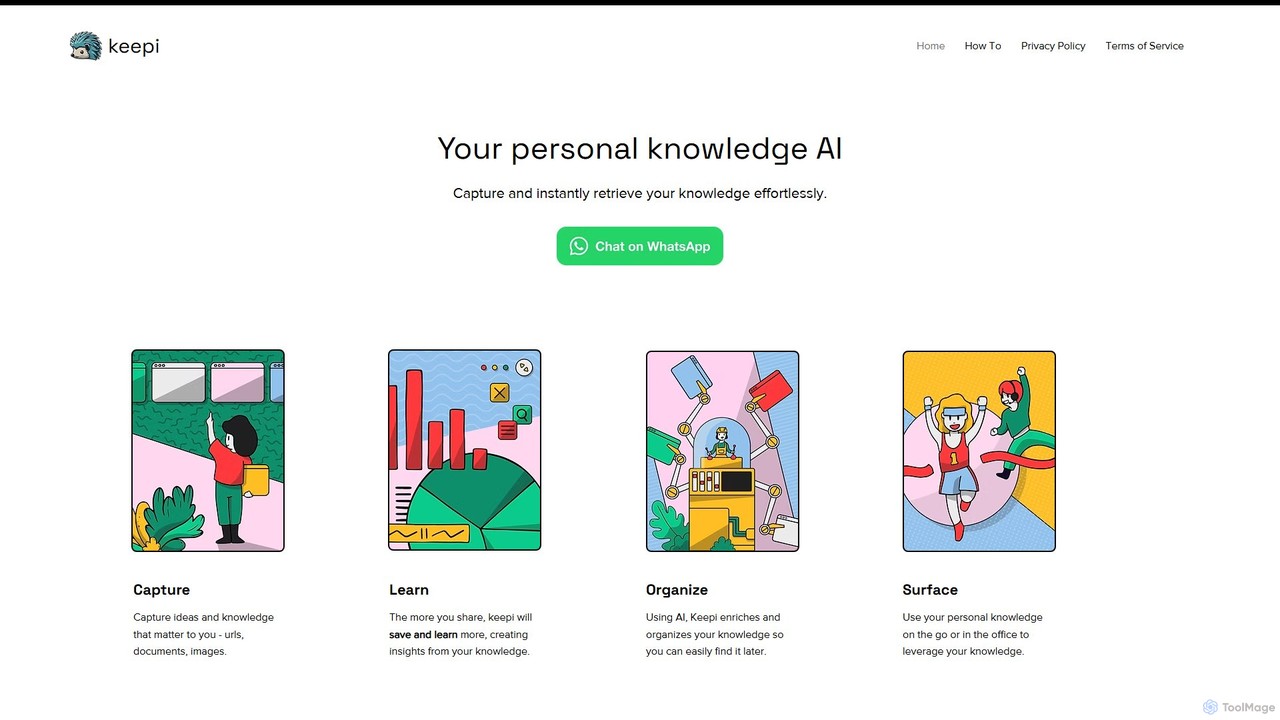
keepi is a personal knowledge AI that acts as your second brain within WhatsApp. Effortlessly capture, organize, and retrieve information like URLs, documents, images, and voice notes. It uses AI to learn from your content, provide insights, transcribe audio, and even generate images on command.

Chatbots
Visits 3.6KFavorites 121Likes 121
Hana
Freemium

Hana

Hana is an advanced AI assistant for Google Chat, designed to enhance team productivity. It automates tasks, manages a shared knowledge base, and streamlines collaboration by integrating directly into your Google Workspace. Acting as a virtual teammate, Hana handles reminders, project updates, and provides instant, context-aware answers, all within your familiar chat environment.

Knowledge Management
Visits 4.4KFavorites 86Likes 88
kAI
Freemium

kAI

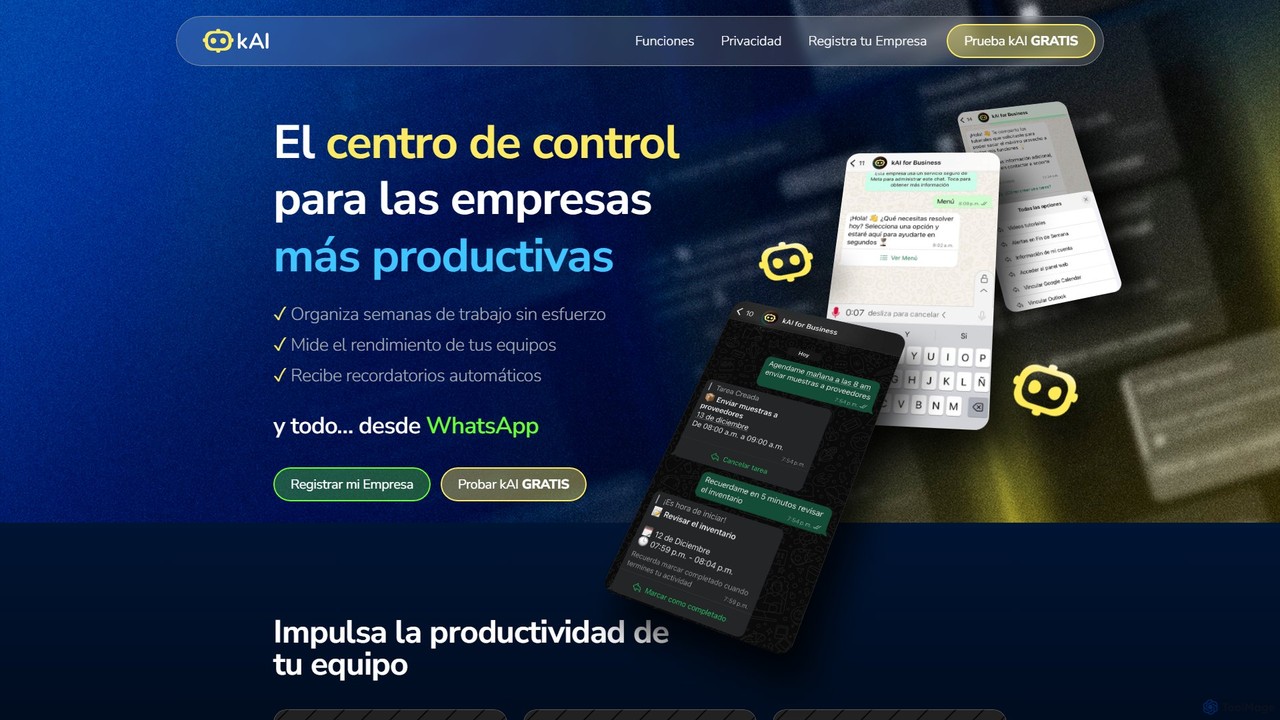
kAI is an AI-powered business assistant that operates within WhatsApp to streamline team productivity. It allows users to assign tasks, measure performance, sync calendars, and receive reminders using simple text or voice messages, centralizing team management in a familiar chat interface.

Chatbots
Visits 15.3KFavorites 121Likes 131

About Chatbots

Chatbots are AI-powered software applications designed to simulate human conversation through text or voice interactions. They utilize Natural Language Processing (NLP) and machine learning to understand user intent, process requests, and provide relevant, real-time responses. Chatbots are primarily used to automate communication tasks, offering 24/7 availability for customer support, lead generation, and information retrieval. Their ability to handle multiple conversations simultaneously makes them a scalable solution for businesses to enhance user engagement and operational efficiency.

Core Features

  • Natural Language Processing (NLP): Understands and interprets human language, including intent, sentiment, and context.
  • Multi-channel Deployment: Integrates seamlessly with websites, mobile apps, social media platforms, and messaging apps.
  • Visual Flow Builder: Allows users to design and customize conversation paths without writing code.
  • CRM & API Integration: Connects with customer relationship management systems and other third-party software to sync data.
  • Analytics & Reporting: Tracks key performance metrics like user engagement, resolution rates, and conversation trends.

Use Cases

Chatbots are widely adopted across various industries. In e-commerce, they handle order tracking and product inquiries. In healthcare, they assist with appointment scheduling and answering common health questions. For B2B companies, they qualify leads on websites by asking targeted questions and booking meetings for sales teams. They also serve as internal helpdesks, assisting employees with IT support or HR-related queries.

How to Choose

When selecting a chatbot, first define its primary goal—whether for customer support, sales, or internal automation. Evaluate its NLP capabilities to ensure it can handle the complexity of expected user queries. Check for essential integration options with your existing software stack, such as CRM or helpdesk platforms. Finally, consider the ease of use of its conversation builder and the quality of its analytics dashboard to measure performance effectively.

Featured tool rankings

Chatbots use cases

1

Automate E-commerce Customer Support

An online retail store manager uses an AI chatbot to provide 24/7 customer service. The chatbot is integrated into the website and Facebook Messenger to handle common inquiries instantly. Customers can ask about order status, shipping policies, and return procedures without waiting for a human agent. The chatbot uses order numbers to fetch real-time data from the store's backend system, providing personalized updates. This automation reduces support ticket volume by over 60% and improves customer satisfaction by offering immediate resolutions outside of business hours.

2

Qualify B2B Leads on a Website

A marketing manager at a SaaS company implements a chatbot on their pricing and product pages. The chatbot proactively engages visitors by asking questions to understand their needs, company size, and role. Based on the responses, it qualifies them as potential leads. For qualified leads, the chatbot can directly schedule a demo with a sales representative by integrating with their calendar. This process automates the top of the sales funnel, ensuring the sales team spends time only on high-potential prospects and increasing the demo booking rate by 30%.

3

Provide Internal IT Helpdesk Support

An IT administrator in a large corporation deploys a chatbot within the company's internal messaging platform, like Slack or Microsoft Teams. Employees can interact with the chatbot to resolve common IT issues, such as resetting passwords, requesting software access, or troubleshooting network connectivity. The chatbot guides users through step-by-step solutions and can create a support ticket for complex problems that require human intervention. This frees up the IT support team from repetitive tasks, allowing them to focus on critical issues and reduces the average resolution time for simple requests from hours to minutes.

4

Streamline Appointment Scheduling for Clinics

A healthcare clinic administrator uses a chatbot on their website and patient portal to manage appointments. Patients can book, reschedule, or cancel appointments by conversing with the bot at any time. The chatbot is integrated with the clinic's scheduling system to show real-time availability of doctors. It also sends automated reminders to patients before their appointments via SMS or email, reducing no-shows. This system improves patient experience by offering a convenient self-service option and reduces the administrative workload on front-desk staff, allowing them to focus on in-person patient care.

5

Gather Customer Feedback and Conduct Surveys

A product manager wants to collect user feedback after a new feature launch. They use a chatbot to proactively engage users within the application or via email. The chatbot initiates a conversational survey, asking open-ended and multiple-choice questions in a natural, interactive way. This approach feels less intrusive than traditional forms and results in a higher completion rate. The chatbot can also ask follow-up questions based on user sentiment, gathering richer, more contextual insights. All responses are automatically categorized and sent to a data analysis tool for review.

6

Onboard New Users for a SaaS Product

A customer success manager for a software product uses a chatbot to guide new users through the initial setup process. As soon as a user signs up, the chatbot welcomes them and provides a step-by-step interactive tutorial within the application. It highlights key features, asks users to complete essential first tasks (like creating a project or inviting a team member), and answers common questions they might have. This personalized, on-demand onboarding helps users understand the product's value faster, leading to higher activation rates and reduced early-stage churn.

Chatbots FAQ

What is an AI chatbot?

An AI chatbot is a computer program designed to simulate human conversation through text or voice. Unlike simple rule-based bots, AI chatbots use technologies like Natural Language Processing (NLP) and machine learning to understand the intent, context, and sentiment behind a user's query. This allows them to handle complex and varied questions, learn from interactions, and provide more accurate and personalized responses. They are commonly used for customer service, lead generation, and providing instant information across websites and messaging apps.

How to choose the right chatbot for my business?

Choosing the right chatbot involves several key considerations. First, define your primary goal: is it for customer support, lead generation, or internal automation? Second, evaluate the required intelligence. A simple rule-based bot might suffice for basic FAQs, while complex queries require a sophisticated AI-powered bot with strong NLP capabilities. Third, check for integration options with your existing tools like CRM, helpdesk software, and messaging platforms. Finally, consider the ease of setup and maintenance. Look for platforms with a user-friendly visual builder if you don't have a dedicated development team.

What is the difference between a chatbot and live chat?

The main difference lies in who is responding. A chatbot is an automated program that uses AI or pre-set rules to answer user queries without human intervention. It's available 24/7 and can handle a high volume of conversations simultaneously. Live chat, on the other hand, involves a real human agent communicating with users in real-time. It is better for handling complex, nuanced, or emotionally sensitive issues. Many businesses use a hybrid approach, where a chatbot handles initial queries and escalates the conversation to a live agent when necessary.

Can chatbots understand different languages?

Yes, many modern AI chatbot platforms are designed to be multilingual. They use advanced Natural Language Processing (NLP) models that can be trained to understand and respond in numerous languages. The level of proficiency and the number of supported languages vary by platform. When choosing a chatbot for a global audience, it's crucial to verify its multilingual capabilities, including its ability to detect the user's language automatically and maintain context when switching between languages. Some platforms offer auto-translation features, while others require building separate conversation flows for each language.

What are the key features of a modern chatbot platform?

Modern chatbot platforms offer a range of features to build and manage effective conversational AI. Key features include:

  • Visual Flow Builder: An intuitive, drag-and-drop interface to design conversation paths without coding.
  • NLP Engine: The core AI component that understands user intent, entities, and sentiment.
  • Multi-channel Support: The ability to deploy the same bot on websites, mobile apps, social media (like Facebook Messenger), and messaging apps (like WhatsApp).
  • Integrations: Pre-built connectors and APIs to link with CRM, helpdesk, e-commerce, and other business systems.
  • Analytics Dashboard: Tools to track performance metrics, analyze conversation logs, and identify areas for improvement.