

JiraGPT Overview
JiraGPT is a revolutionary AI-powered assistant designed to streamline your project management workflow by seamlessly integrating Jira with Slack. It acts as your personal Jira expert right within your communication hub, eliminating the need to constantly switch between applications. The core problem JiraGPT solves is the complexity and learning curve associated with Jira Query Language (JQL). Instead of mastering complex syntax, team members can now interact with Jira using simple, conversational English. This makes project tracking more accessible to everyone, from developers and project managers to non-technical stakeholders.
How to use JiraGPT
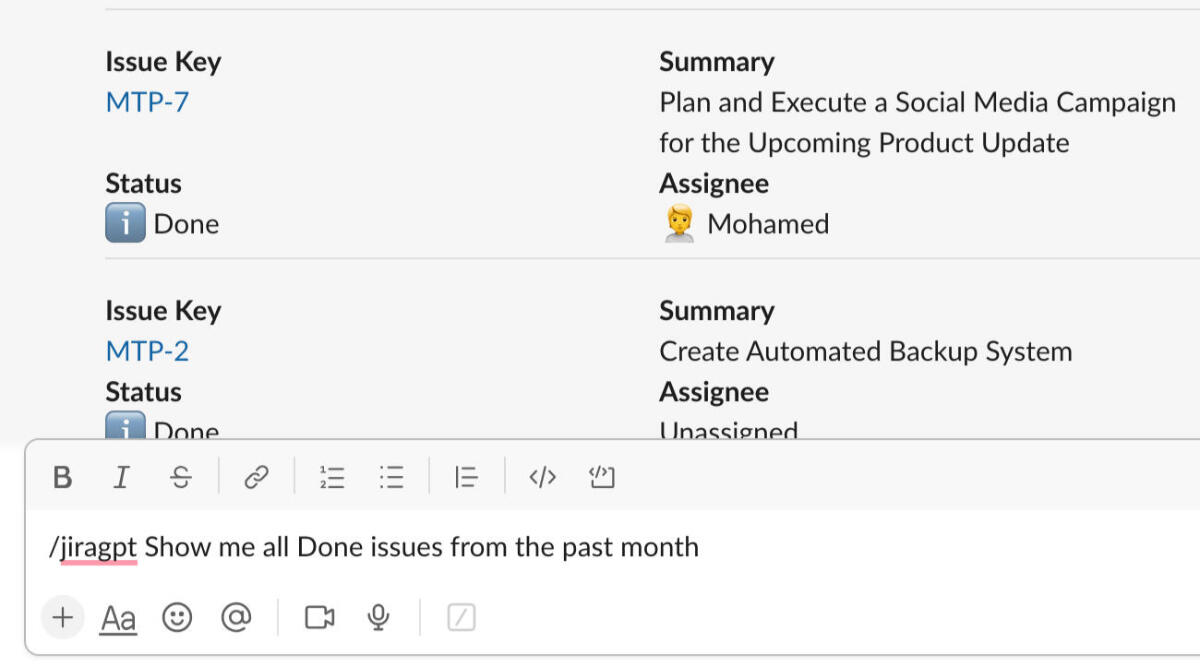
Getting started with JiraGPT is a straightforward process designed for quick adoption. First, you need to add the JiraGPT application to your Slack workspace from the Slack App Directory. Once installed, you'll be guided through a simple authentication process to securely connect your Jira account. After the connection is established, you can start interacting with JiraGPT in any Slack channel it's been invited to, or in a direct message. Simply use the slash command `/jiragpt` or mention `@JiraGPT` followed by your request in natural language. For example, you can ask, "@JiraGPT, show me all open bugs in the 'Mobile App' project" or "/jiragpt create a new task to 'Design the new homepage' and assign it to Jane Doe." The AI will parse your request, perform the action in Jira, and provide a confirmation or the requested information directly in the Slack thread.
Core Features of JiraGPT
- Natural Language Jira Querying: Search for issues, epics, and stories using plain English instead of complex JQL.
- Issue Creation from Slack: Instantly create new Jira tickets (tasks, bugs, stories) from a Slack message or command, automatically populating fields based on the conversation.
- Update Issue Status and Comments: Change the status of a ticket, assign it to a team member, or add comments without ever leaving Slack.
- AI-Powered Issue Summarization: Get concise summaries of long Jira ticket descriptions or comment threads to quickly catch up on progress.
- Intelligent Notifications: Receive smart, context-aware notifications about important Jira updates directly in relevant Slack channels.
- Seamless Workflow Integration: Embeds Jira functionality directly into your team's conversational workflow, reducing friction and saving time.
Use Cases for JiraGPT
JiraGPT is versatile and benefits various roles within a team. For Software Developers, it's an invaluable tool for quickly checking assigned tickets during a daily stand-up, updating task statuses as they work, and logging bugs discovered during development, all from within Slack. Project Managers can use it to get a real-time overview of a sprint's progress, ask about potential blockers, and generate quick reports without navigating the full Jira interface. QA Engineers can instantly convert a bug discussion in a Slack channel into a formal Jira bug report with all the necessary context. Even non-technical teams like marketing or support can easily create tasks for the development team, making cross-functional collaboration smoother.
Advantages of JiraGPT
The primary advantage of JiraGPT is the significant boost in productivity. By minimizing context switching and simplifying Jira interactions, it saves countless hours for the entire team. It democratizes access to Jira, empowering team members who are not JQL experts to find information and manage tasks effectively. This leads to a more streamlined and agile workflow, as project management becomes a natural part of the team's daily conversations. The reduced learning curve also makes onboarding new team members faster and easier.
Pricing and Plans
JiraGPT operates on a freemium model. There is a free plan available that allows small teams or individual users to get started and experience the core functionalities. This plan is ideal for trying out the tool and includes a generous limit on monthly queries and actions. For larger teams and businesses requiring more advanced features, higher usage limits, priority support, and enhanced security options, there are paid subscription plans available. Detailed pricing information for the premium tiers can be found on the official website.
JiraGPT Alternatives
PO Assistant
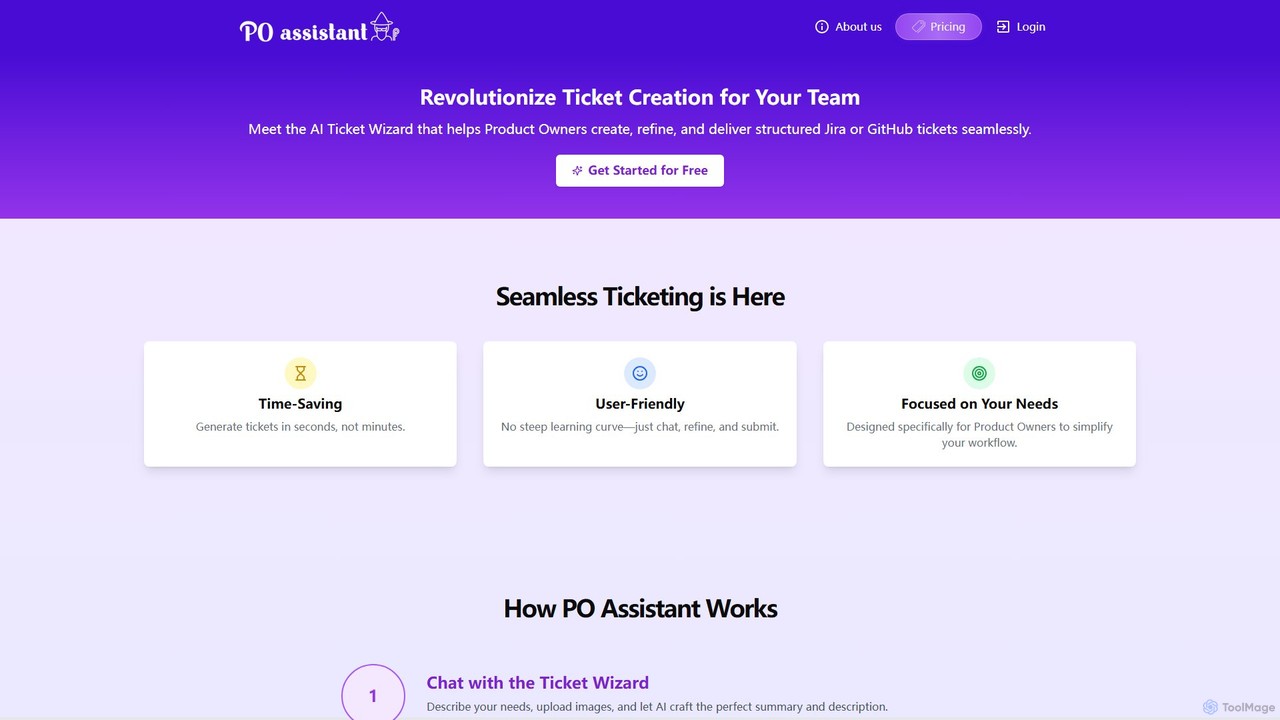
PO Assistant is an AI-powered ticket wizard designed for Product Owners to streamline the creation of structured tickets for Jira and GitHub. It transforms complex ideas into well-defined tasks through a simple chat interface, analyzes uploaded images for context, and integrates seamlessly with project management platforms, saving significant time and enhancing team productivity.
Issue Tracking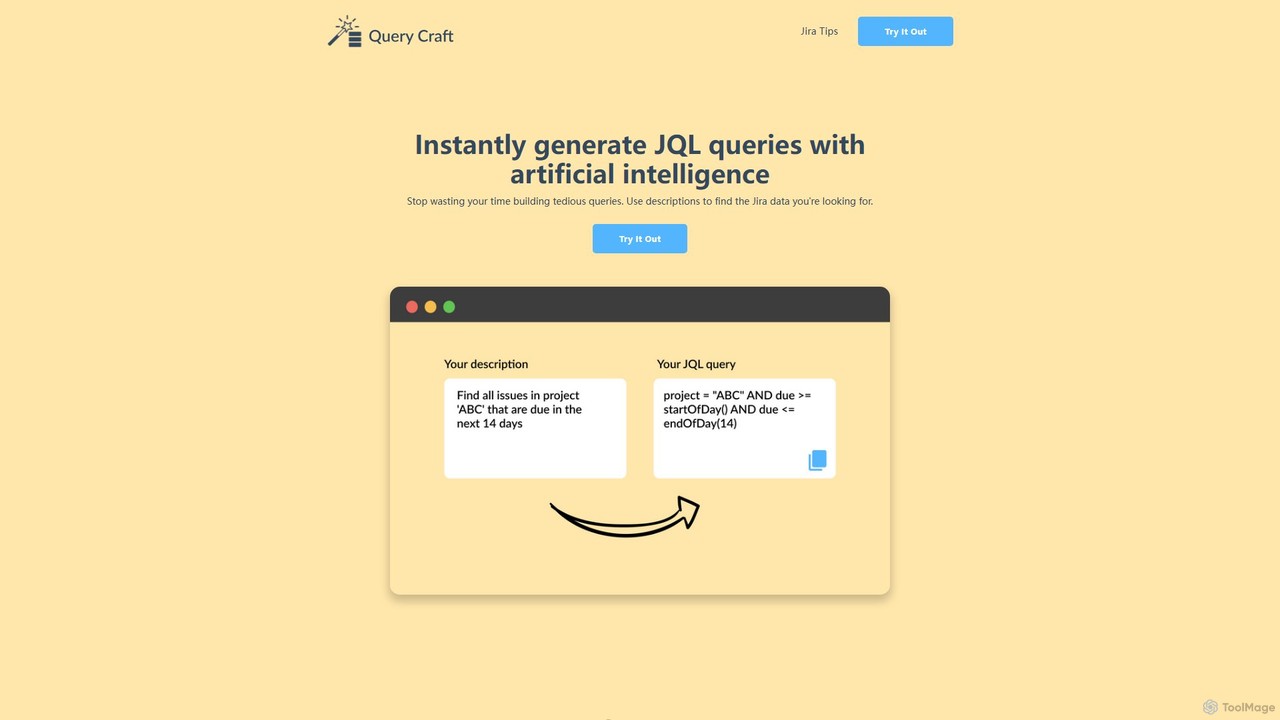
QueryCraft
QueryCraft is an AI-powered tool that instantly generates complex Jira Query Language (JQL) queries from simple, natural language descriptions. It's designed for project managers, developers, and Scrum masters to save time and enhance productivity by simplifying Jira searches.
Database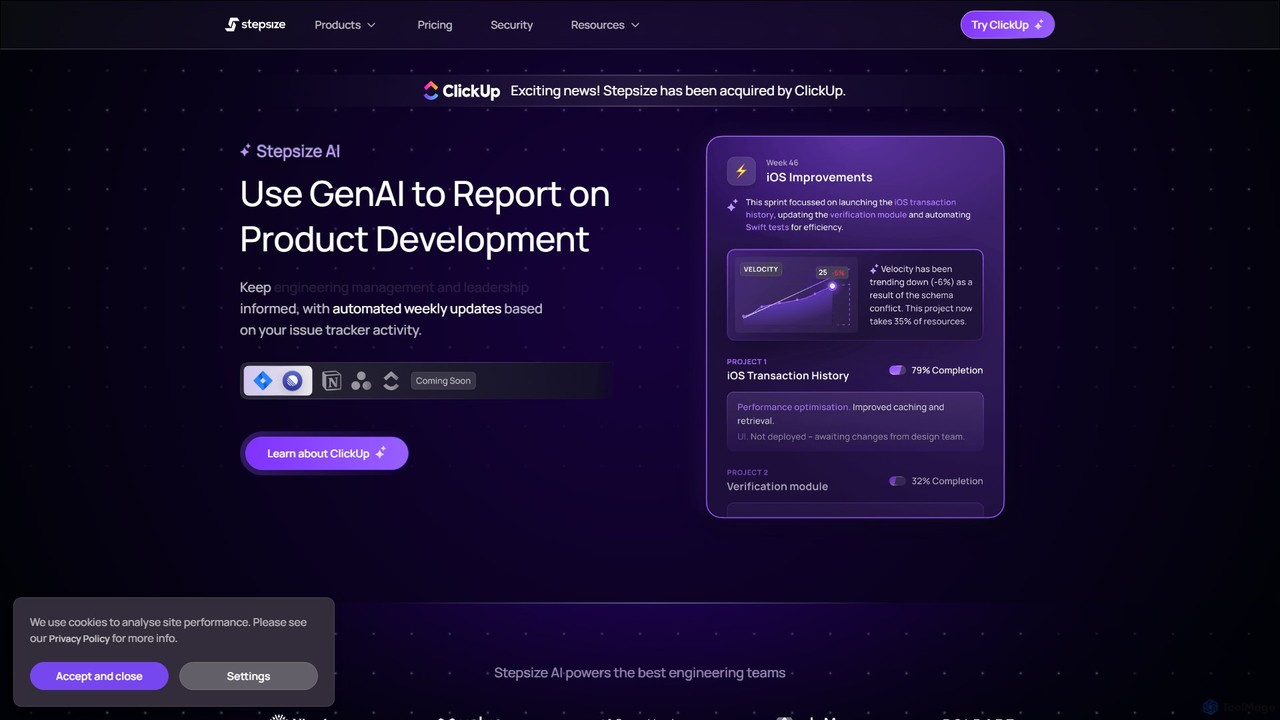
Stepsize AI
Stepsize AI is an intelligent reporting tool for software development teams. It integrates with Jira and Linear to automatically generate dashboards and weekly progress reports. Using AI, it provides metrics with plain-language commentary, identifies project themes, and surfaces delivery risks, eliminating manual reporting and keeping teams aligned.
Business Intelligence
narus
Narus is an AI-powered copilot for software and project teams, integrating seamlessly with Atlassian tools like Jira and Confluence. It automates workflows, generates intelligent insights from project data, and enhances knowledge management to boost team productivity and accelerate development cycles.
Development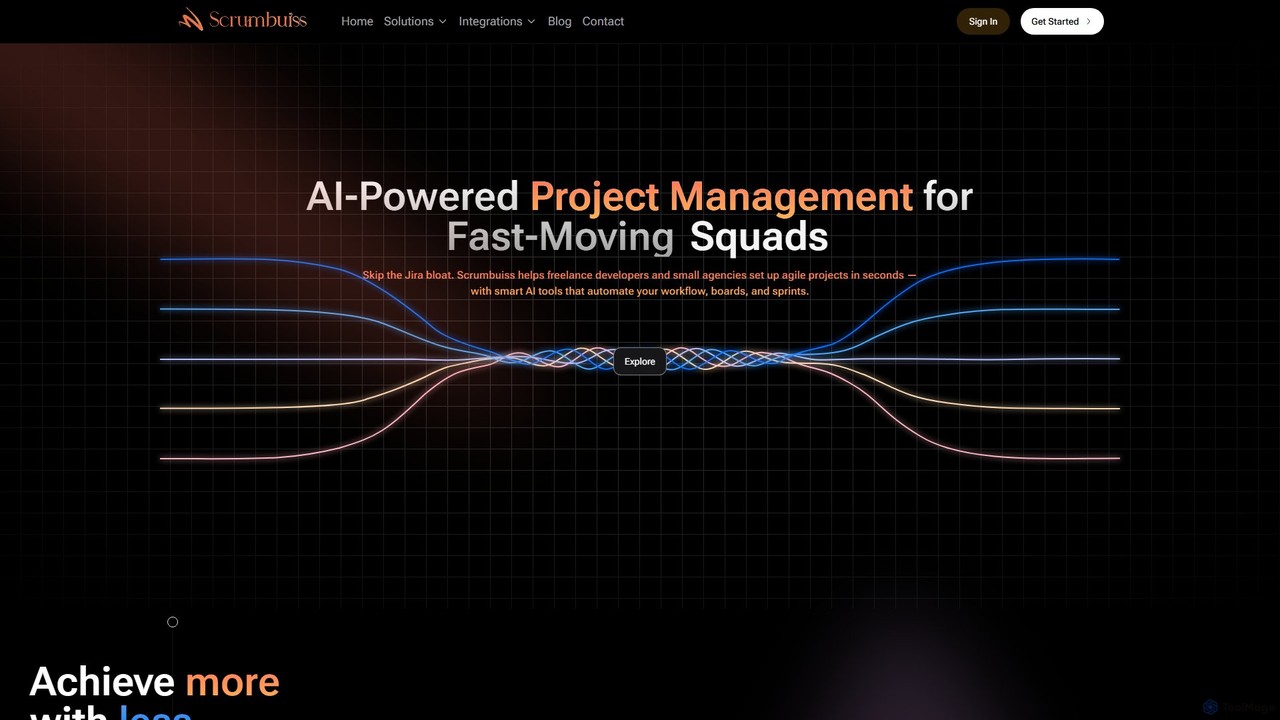
Scrumbuiss
Scrumbuiss is an AI-powered project management software designed for freelance developers and small agencies. It offers a streamlined, fast alternative to complex tools like Jira, enabling teams to set up agile projects, sprints, and boards in seconds. Automate your workflows and boost productivity with its intuitive, AI-driven features.
Task ManagementJiraGPT Categories
JiraGPT Embed Widget
Copy this embed code to place the badge on your blog, article, or product site and send readers directly to this ToolMage detail page.

Related AI tools
QueryCraft
QueryCraft is an AI-powered tool that instantly generates complex Jira Query Language (JQL) queries from simple, natural language descriptions. It's designed for project managers, developers, and Scrum masters to save time and enhance productivity by simplifying Jira searches.
DatabaseStepsize AI
Stepsize AI is an intelligent reporting tool for software development teams. It integrates with Jira and Linear to automatically generate dashboards and weekly progress reports. Using AI, it provides metrics with plain-language commentary, identifies project themes, and surfaces delivery risks, eliminating manual reporting and keeping teams aligned.
Business Intelligencenarus
Narus is an AI-powered copilot for software and project teams, integrating seamlessly with Atlassian tools like Jira and Confluence. It automates workflows, generates intelligent insights from project data, and enhances knowledge management to boost team productivity and accelerate development cycles.
Development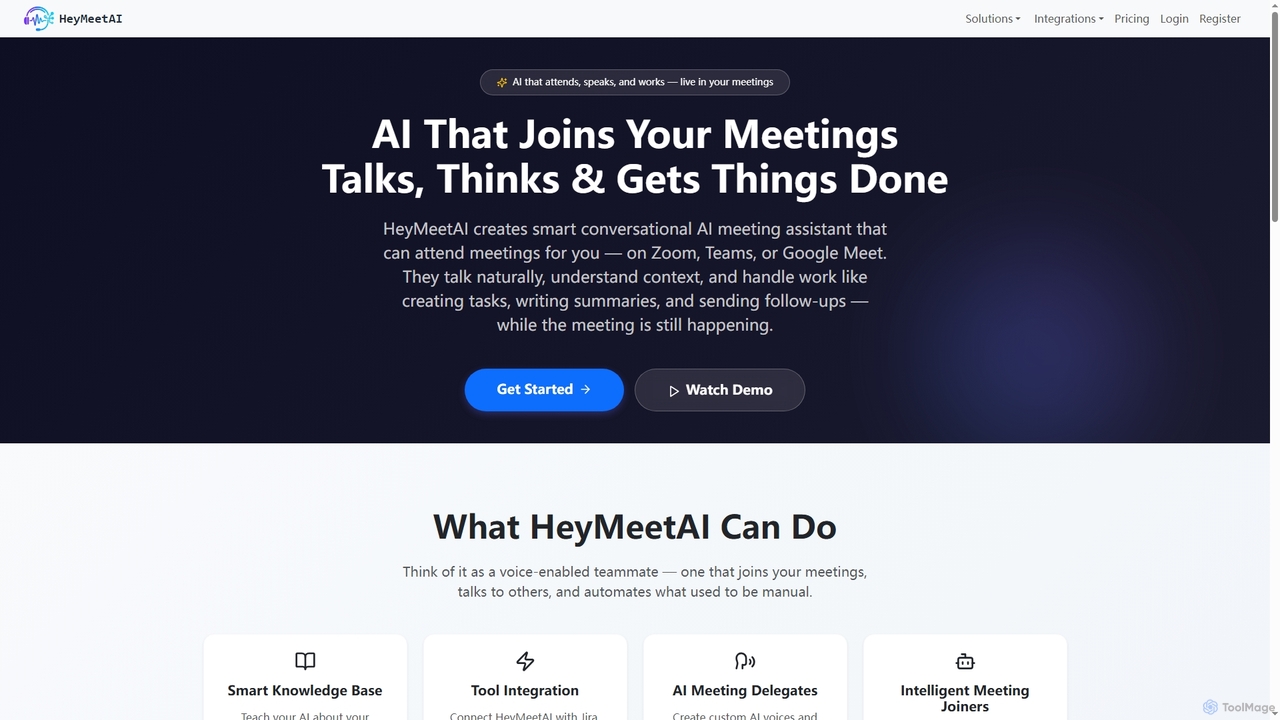
HeyMeetAI
HeyMeetAI is an intelligent conversational AI meeting assistant designed to actively participate in your virtual meetings on platforms like Zoom, Teams, and Google Meet. It speaks naturally, understands context, and automates tasks such as creating tickets, writing summaries, and sending follow-ups in real-time, enhancing team productivity and streamlining workflows.
AutomationPO Assistant
PO Assistant is an AI-powered ticket wizard designed for Product Owners to streamline the creation of structured tickets for Jira and GitHub. It transforms complex ideas into well-defined tasks through a simple chat interface, analyzes uploaded images for context, and integrates seamlessly with project management platforms, saving significant time and enhancing team productivity.
Issue TrackingScrumbuiss
Scrumbuiss is an AI-powered project management software designed for freelance developers and small agencies. It offers a streamlined, fast alternative to complex tools like Jira, enabling teams to set up agile projects, sprints, and boards in seconds. Automate your workflows and boost productivity with its intuitive, AI-driven features.
Task Management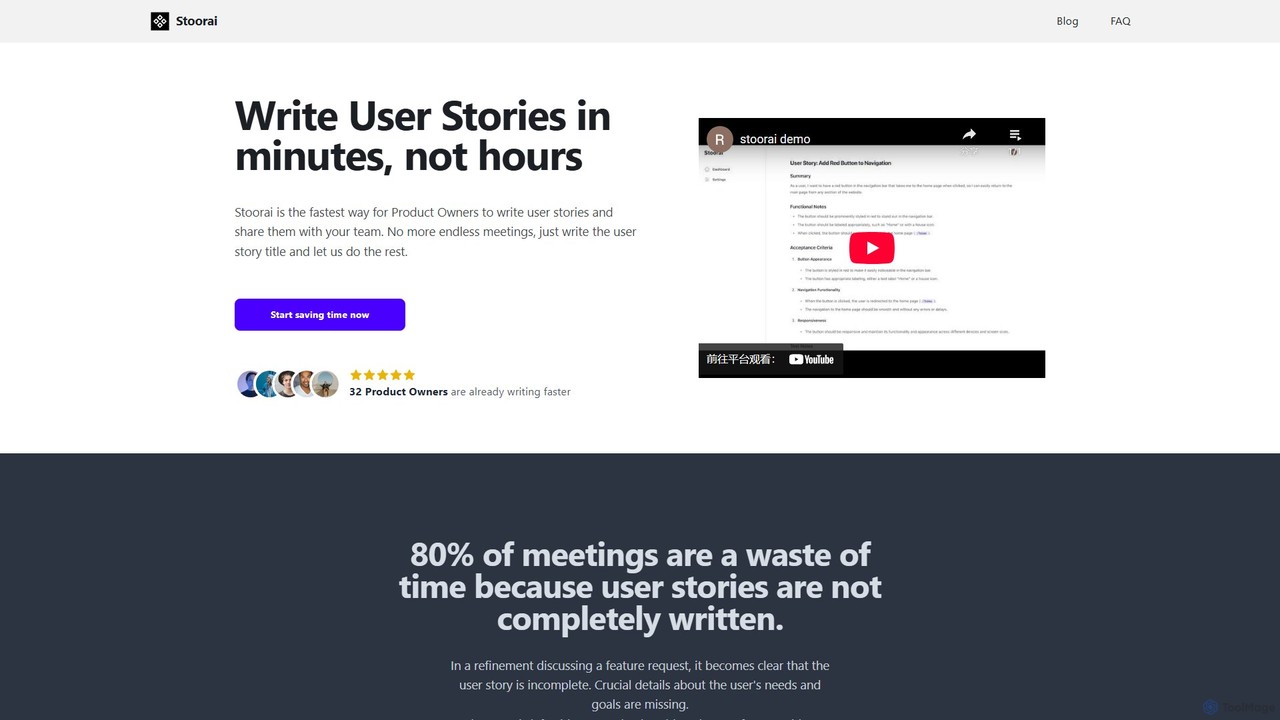
Stoorai
Stoorai is an AI-powered tool designed for Product Owners and agile teams to generate comprehensive user stories in minutes. By simply providing a title, users can create detailed, well-structured stories, saving hours of writing time, reducing meeting fatigue, and improving team clarity and productivity.
Agile Development
Kypso
Kypso is an AI platform for engineering teams that automates software development operations. It uses pre-built and custom AI agents, called "champions," to handle tasks like code reviews, scrum management, incident response, and backlog grooming. By integrating with your existing tools, Kypso helps teams increase productivity and focus on delivering value.
Code Review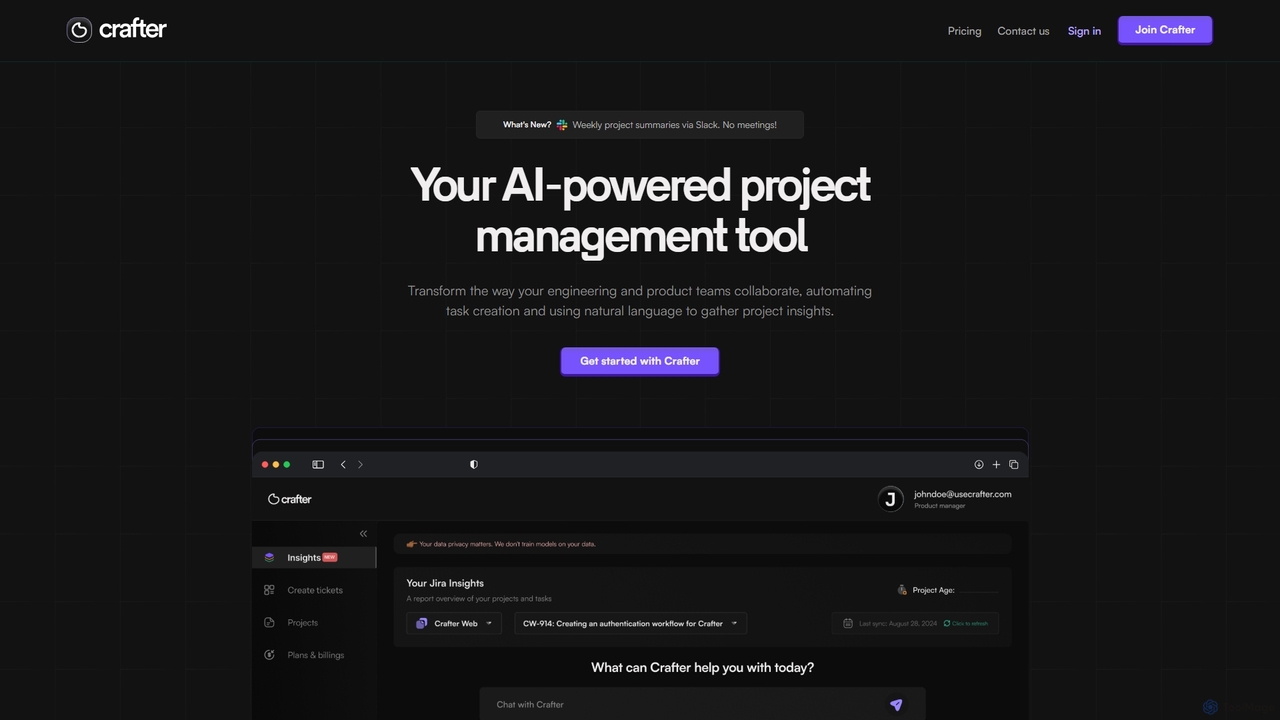
Crafter
Crafter is an AI-powered project management assistant for engineering and product teams. It automates Jira ticket creation from documents, provides real-time project insights, and features a smart chat assistant to streamline workflows, enhance collaboration, and keep projects on track.
Development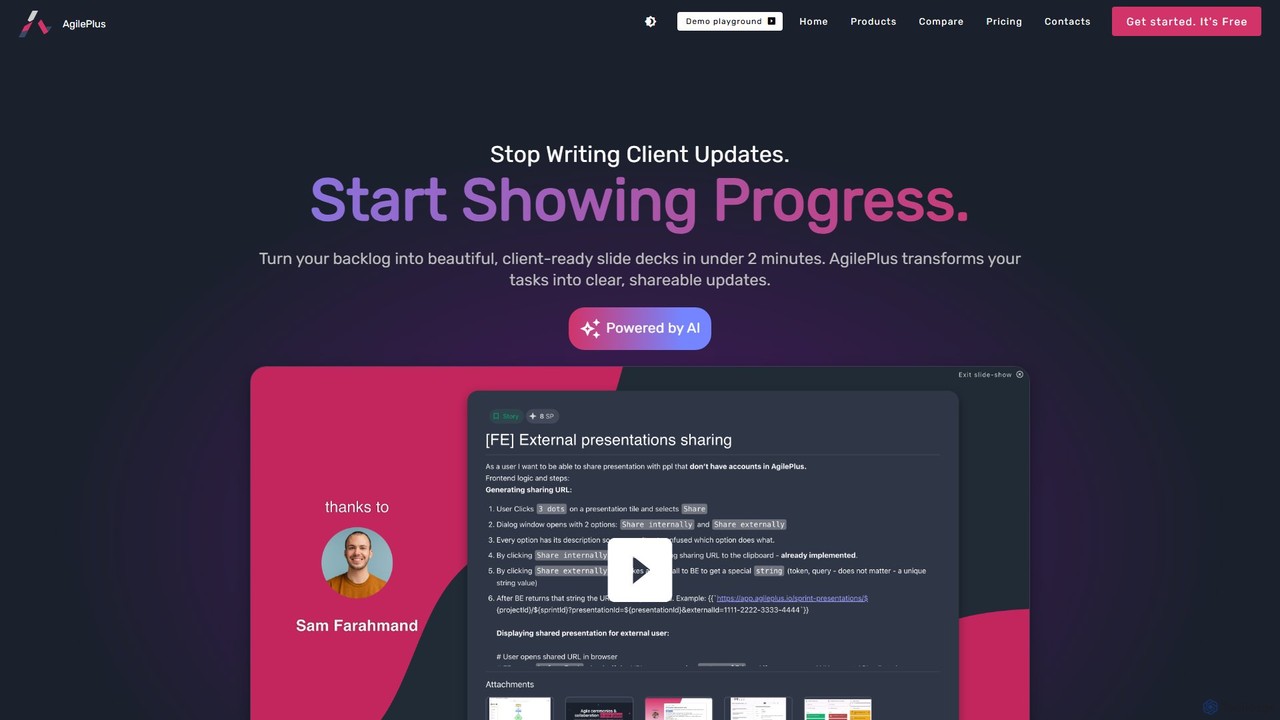
agileplus
AgilePlus is an all-in-one AI-powered platform that transforms your project backlog from Jira or Linear into beautiful, client-ready slide decks in minutes. It streamlines agile ceremonies like refinement, retrospectives, and daily check-ins, eliminating the need for multiple standalone tools. Enhance team collaboration, save time on reporting, and present progress with clarity and impact.
Reporting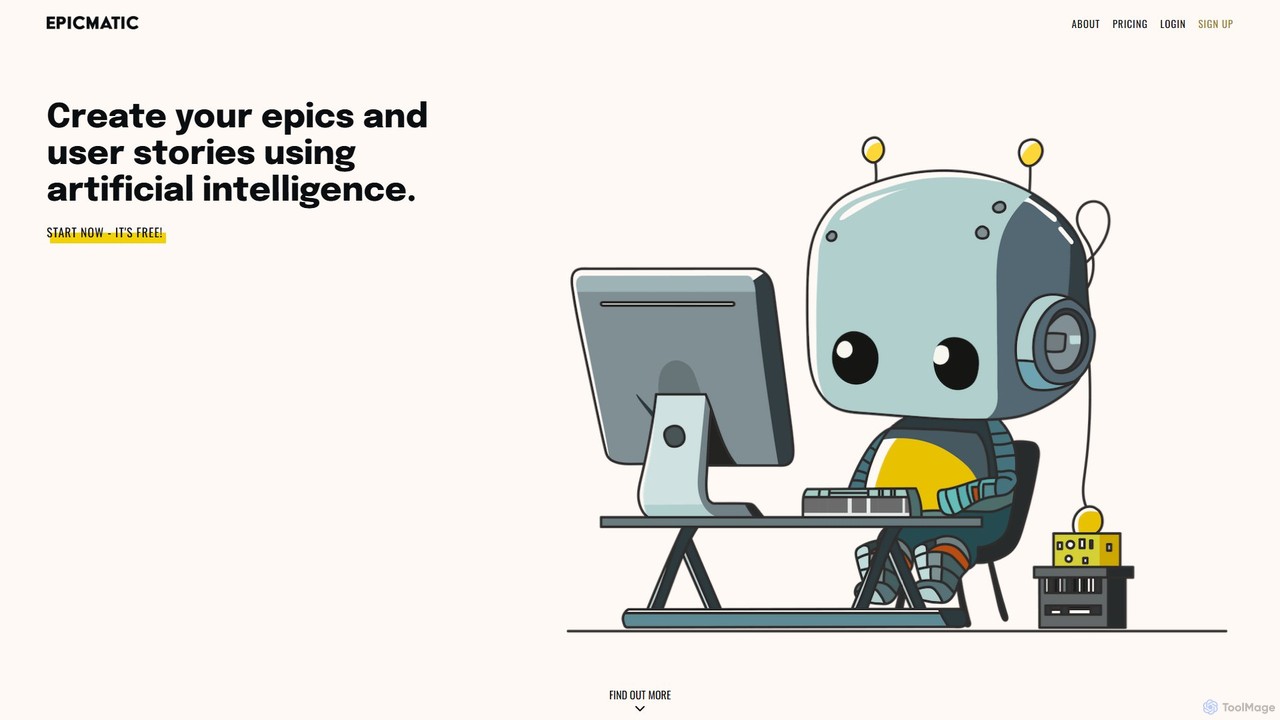
epicmatic
epicmatic is an AI-powered tool designed to simplify and accelerate the creation of epics and user stories for agile software development. It helps project managers and teams generate structured, detailed project requirements, including acceptance criteria and story points, from a simple task description.
Agile Development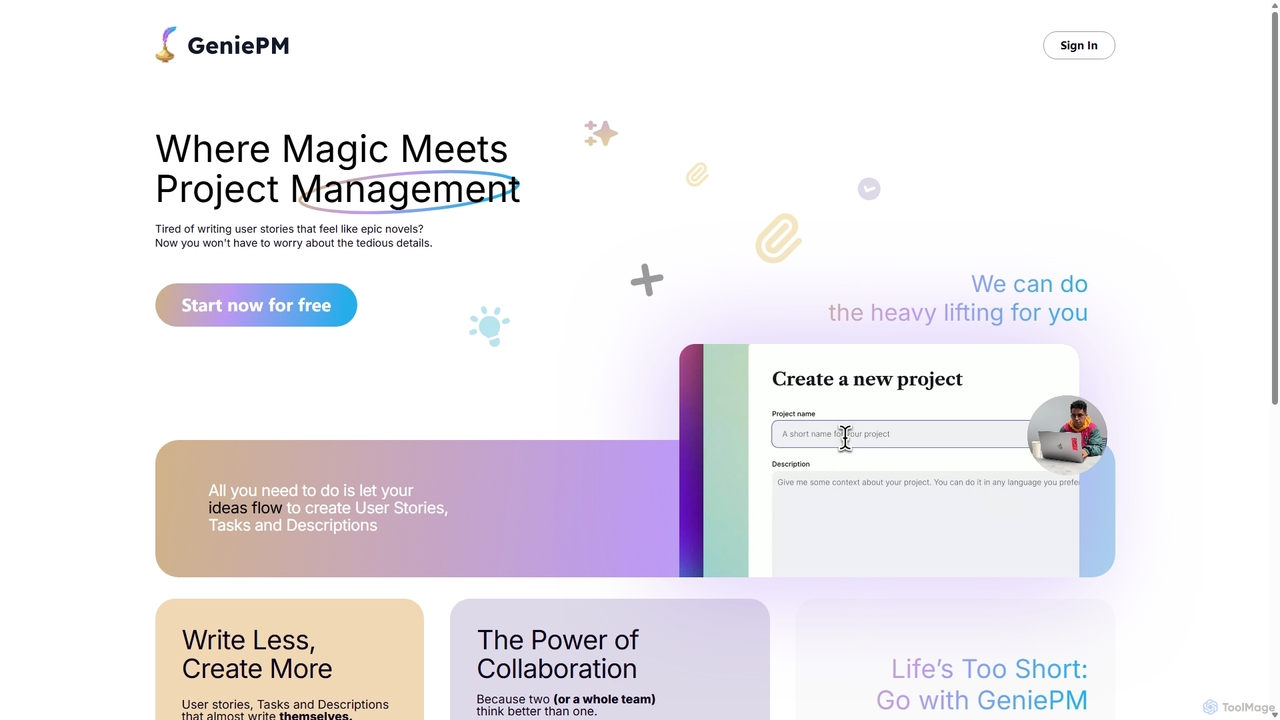
GeniePM
GeniePM is an AI-powered project management assistant designed to streamline the creation of user stories, tasks, and descriptions. By transforming simple ideas into detailed, structured project items, it eliminates tedious writing and allows teams to focus on collaboration and execution. It integrates with popular tools to fit seamlessly into your existing workflow.
Task Management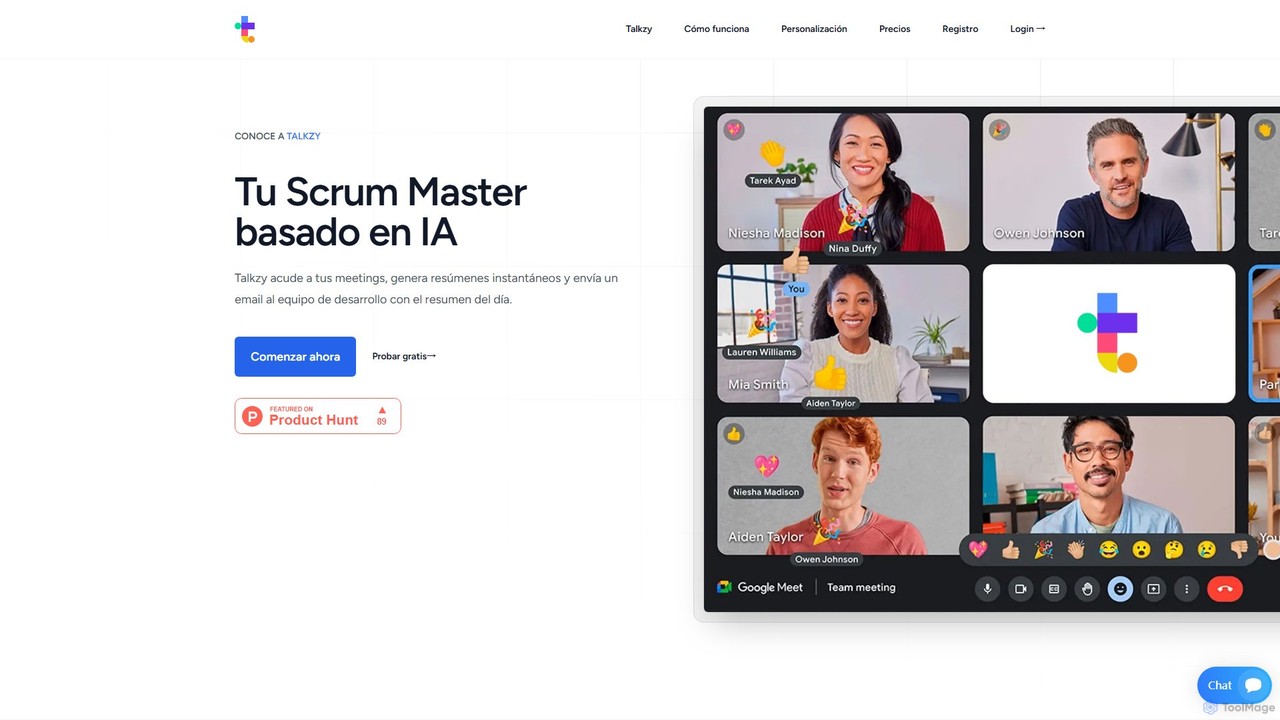
Talkzy
Talkzy is an AI-powered Scrum Master designed for agile development teams. It joins your meetings, automatically generates structured summaries focusing on action items, blockers, and decisions, and emails them to the team. It's tailored for agile ceremonies like Daily Standups, Sprint Planning, and Retrospectives to enhance productivity and streamline communication.
Transcription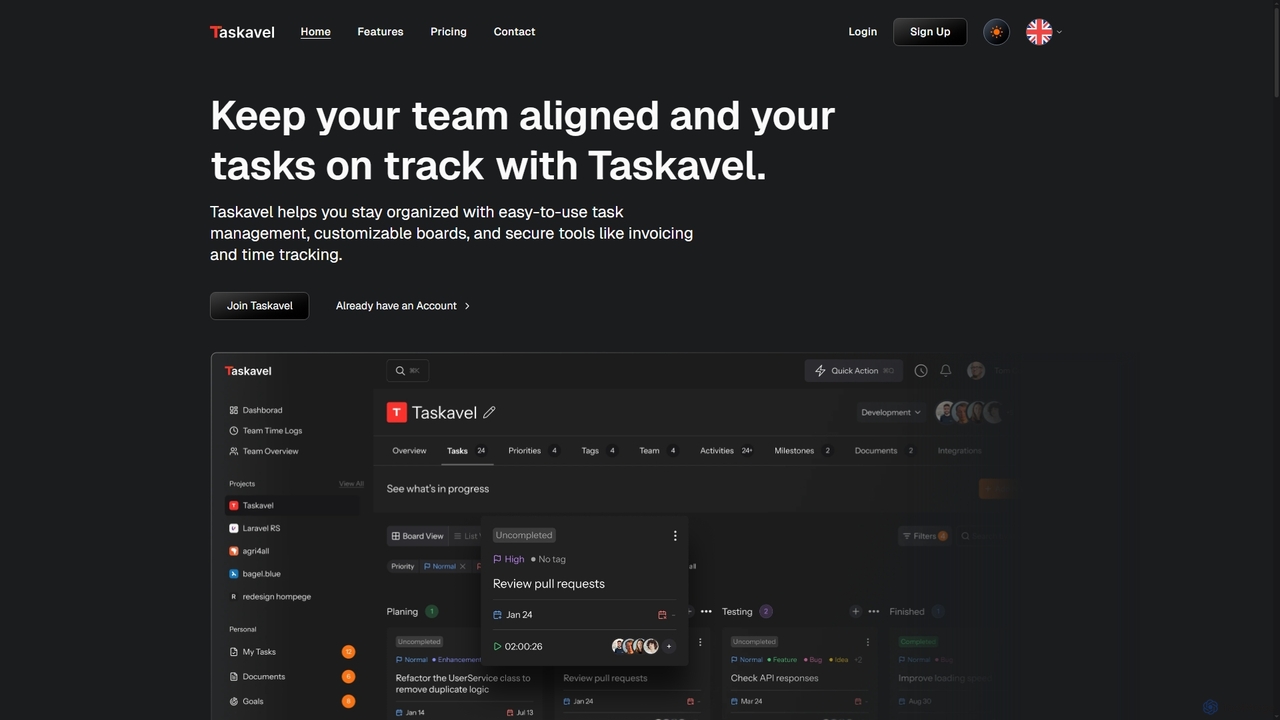
Taskavel
Taskavel is a comprehensive task and project management platform designed to keep teams aligned and tasks on track. It offers intuitive tools like customizable Kanban boards, integrated time tracking, invoicing, and robust collaboration features, especially tailored for developers and agile teams.
Workflow Automation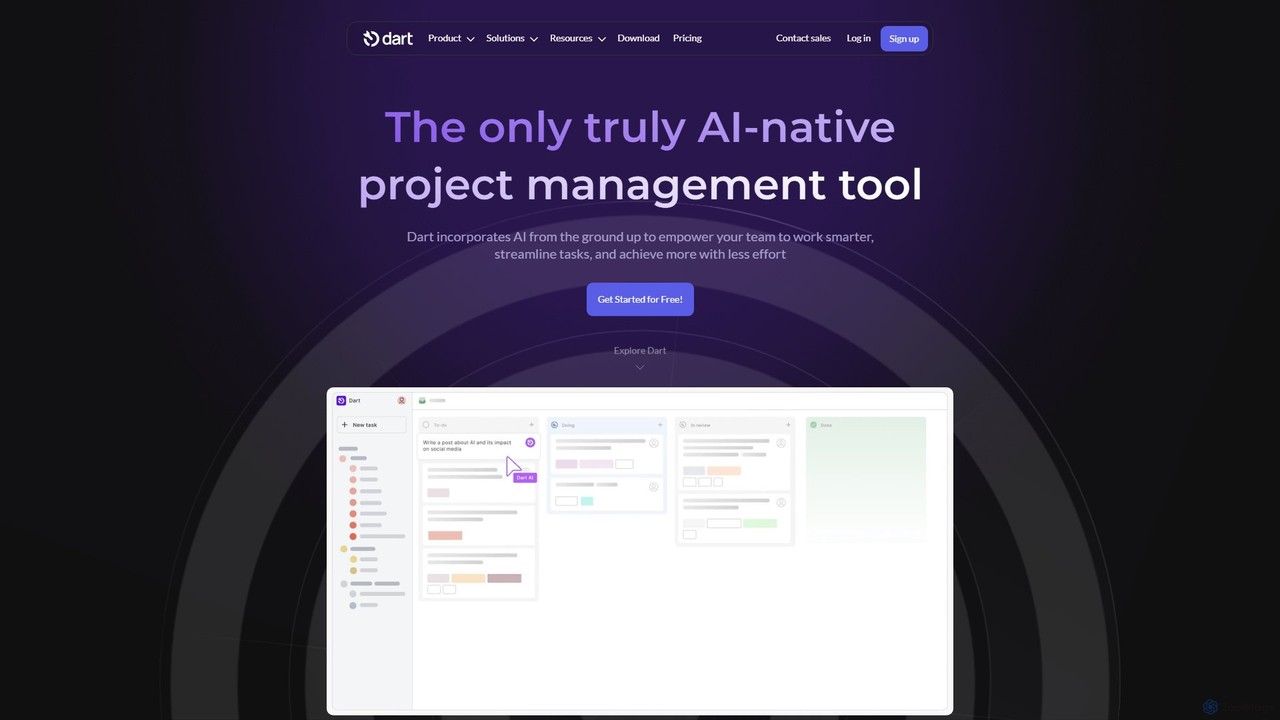
itsdart
Dart is an AI-native project management platform designed to automate workflows and enhance team productivity. It integrates AI from the ground up to handle tasks like subtask generation, project planning, and report creation. With features like intelligent task management, AI agents, integrated documents, and seamless integrations with tools like Slack and GitHub, Dart helps teams streamline operations, reduce manual overhead, and achieve goals faster.
Collaboration
JiraGPT Comments (0)
Sign in to comment.
Sign inNo comments yet.