ToolMage
Sign in

Best 4 Workflow Automation AI tools for Artificial Intelligence

Popular Workflow Automation AI tools in Artificial Intelligence include STEa, WayOfThat, Taskavel, and RFP360, helping you work more efficiently.

WayOfThat
Freemium

WayOfThat

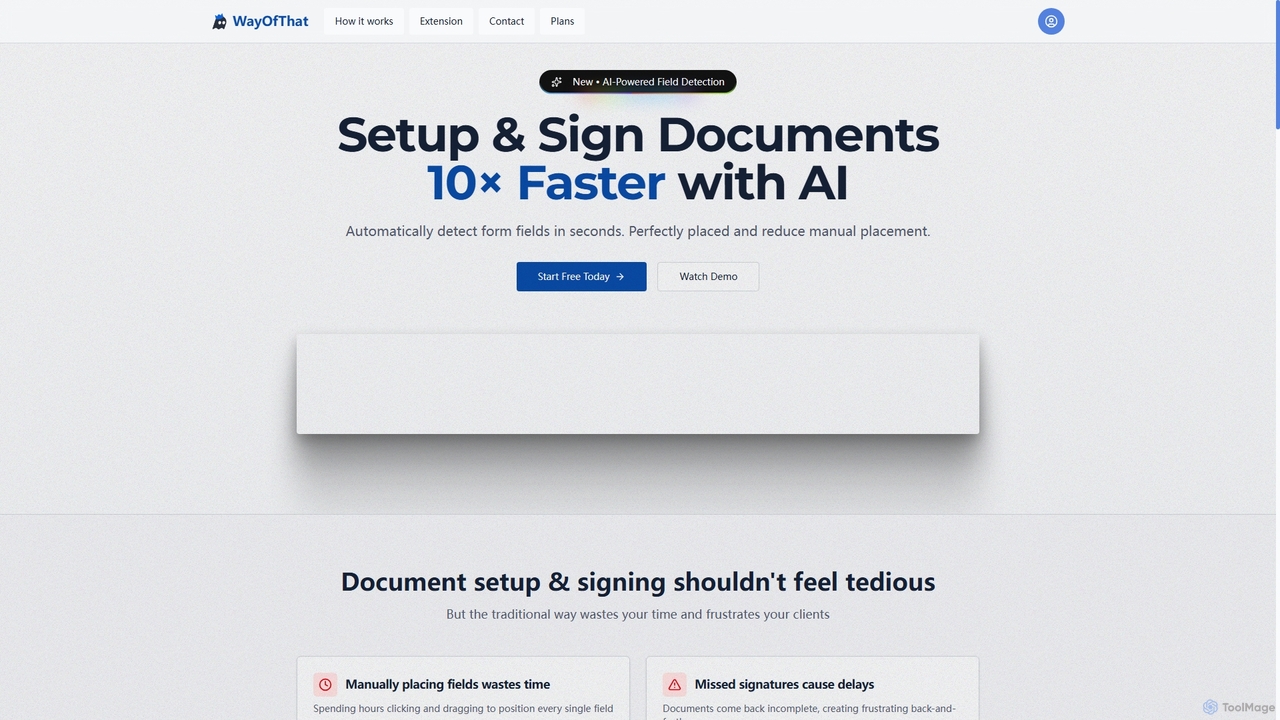
WayOfThat is an AI-powered document setup and e-signature platform designed to automate the detection and placement of form fields. It helps users sign documents up to 10 times faster, eliminating tedious manual work and improving workflow efficiency for various business and legal documents.

Workflow Automation
Visits 4.1KFavorites 68Likes 67
STEa

STEa

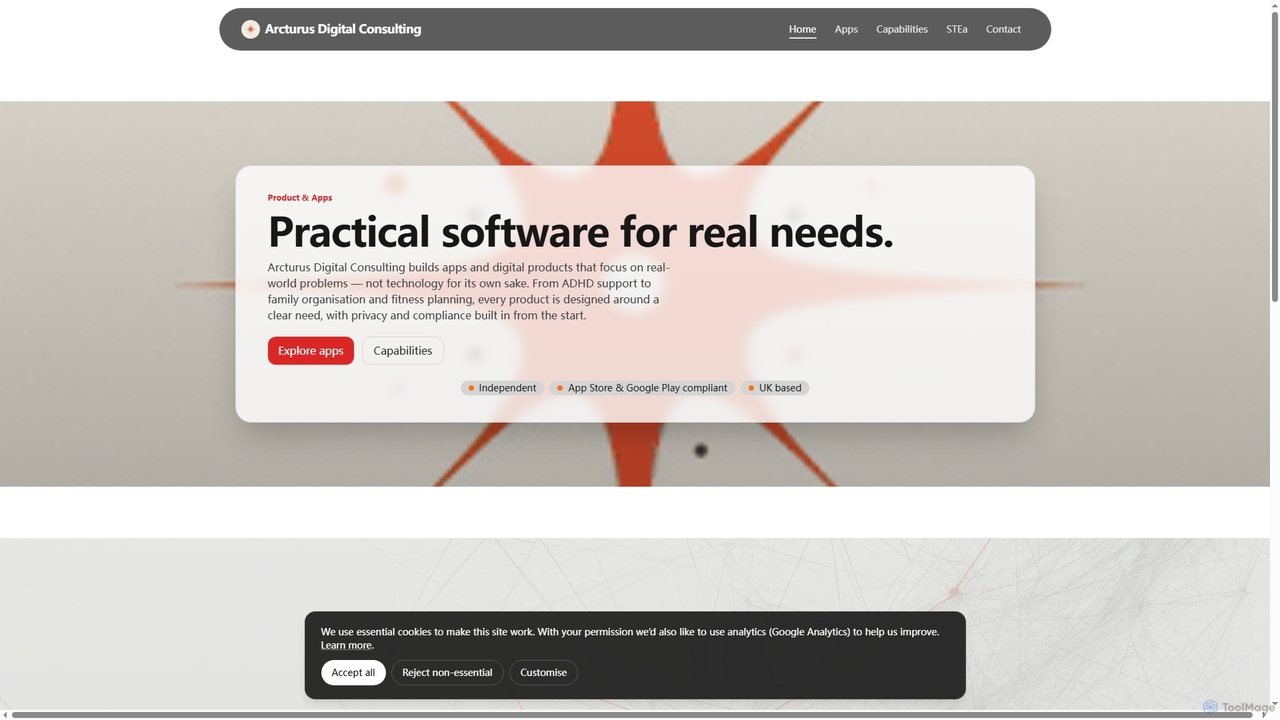
STEa is an AI-powered closed-loop product system by Arcturus Digital Consulting, designed to streamline product strategy, delivery, testing, and intelligence. It integrates discovery, planning, building, and documentation into a seamless workflow, leveraging AI for generation, linking, and automation to help teams ship faster with higher quality.

Workflow Automation
Visits 4.2KFavorites 146Likes 158
Taskavel
Freemium

Taskavel

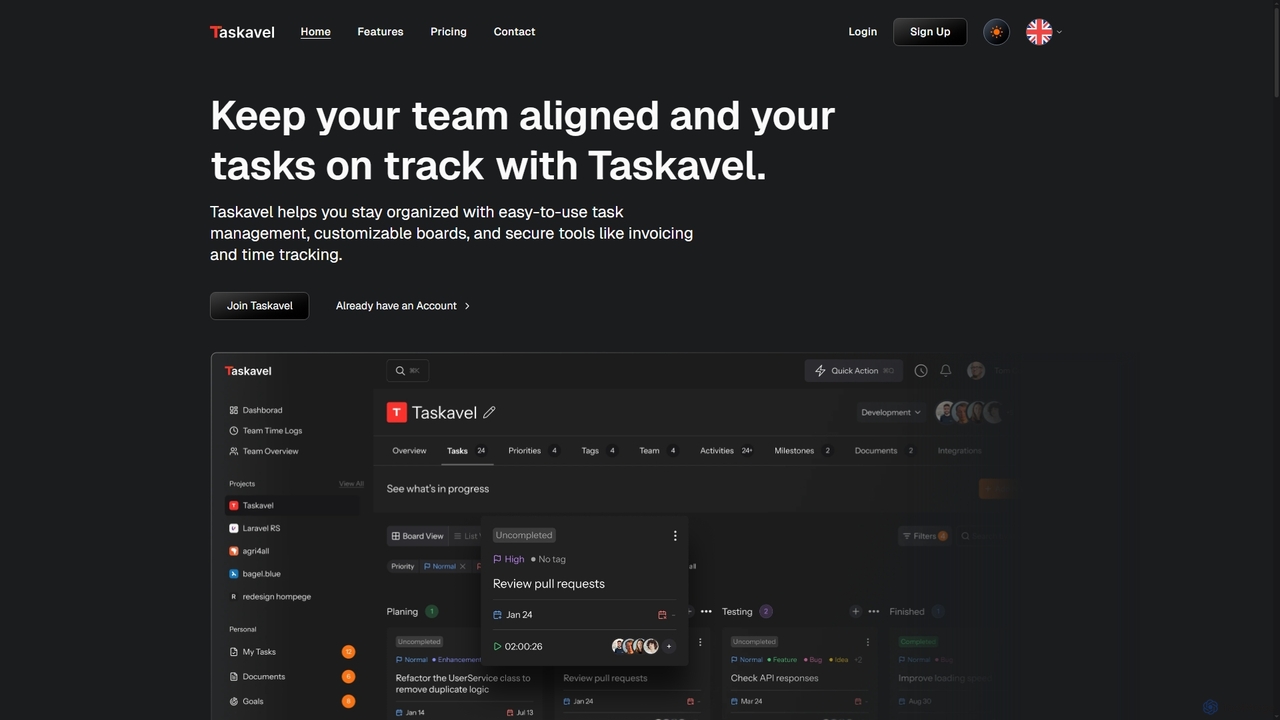
Taskavel is a comprehensive task and project management platform designed to keep teams aligned and tasks on track. It offers intuitive tools like customizable Kanban boards, integrated time tracking, invoicing, and robust collaboration features, especially tailored for developers and agile teams.

Workflow Automation
Visits 4KFavorites 87Likes 101
RFP360
Paid

RFP360

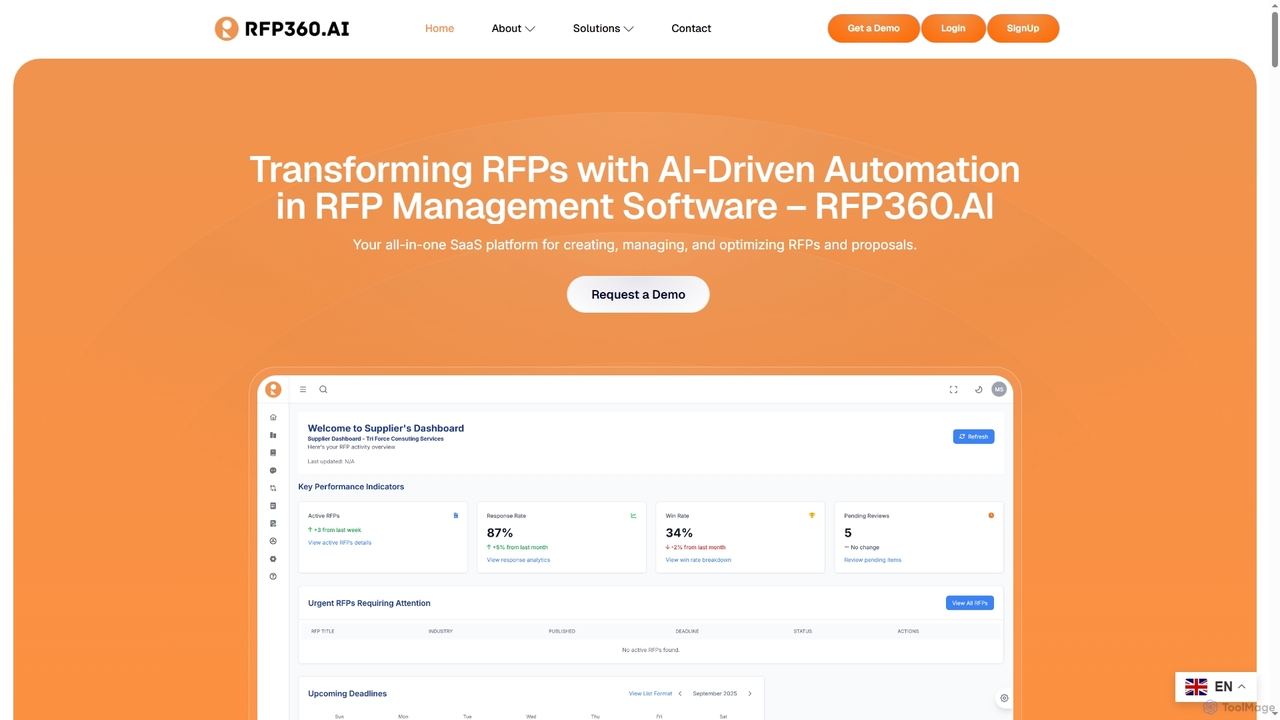
RFP360 is an AI-powered SaaS platform that revolutionizes the entire RFP and proposal lifecycle for both buyers and suppliers. It streamlines creation, management, and optimization of sourcing events and competitive bids, leveraging automation and intelligent insights to accelerate workflows and improve outcomes.

Workflow Automation
Visits 4KFavorites 118Likes 112

About Workflow Automation

Workflow Automation tools are a category of AI-powered solutions designed to streamline and optimize repetitive business processes and tasks. Leveraging artificial intelligence, these tools can learn from data, make intelligent decisions, and execute multi-step workflows with minimal human intervention. They significantly enhance operational efficiency, reduce errors, and free up human resources for more strategic activities across various industries.

Core Features

  • Intelligent Task Orchestration: Automatically sequence and execute tasks based on predefined rules or learned patterns.
  • Data Extraction & Processing: Utilize AI to extract, interpret, and process information from various sources, such as documents or emails.
  • Decision Automation: Employ machine learning models to make rule-based or predictive decisions within a workflow.
  • Integration Capabilities: Seamlessly connect with existing enterprise applications, databases, and third-party services.
  • Monitoring & Analytics: Provide real-time insights into workflow performance, bottlenecks, and areas for optimization.

Applicable Scenarios

Workflow Automation tools are invaluable for organizations seeking to optimize their operational processes. They are widely adopted in finance for invoice processing, in HR for onboarding new employees, in customer service for ticket routing, and in marketing for campaign management. Any department with repetitive, rule-based, or data-intensive tasks can benefit from automating these workflows to improve speed and accuracy.

How to Choose

When selecting a Workflow Automation tool, consider its integration capabilities with your current tech stack, the complexity of workflows it can handle, and its scalability to grow with your business. Evaluate the ease of use for non-technical users, the level of AI intelligence for decision-making, and the vendor's support and security features. Pricing models and compliance with industry regulations are also crucial factors.

Featured tool rankings

Workflow Automation use cases

1

Automate Customer Service Ticket Routing

A customer support team receives hundreds of inquiries daily. Workflow Automation tools can automatically categorize incoming tickets based on keywords, sentiment, and historical data, then route them to the most appropriate agent or department. This ensures faster response times, reduces manual sorting effort, and improves customer satisfaction by connecting customers with the right expert immediately.

2

Streamline Employee Onboarding Processes

HR departments often face complex, multi-step onboarding processes for new hires, involving paperwork, system access, and training. Workflow Automation tools can orchestrate this entire process, automatically sending welcome emails, assigning training modules, provisioning software access, and notifying relevant departments. This ensures a consistent, efficient, and positive onboarding experience, saving HR staff significant administrative time.

3

Automate Invoice Processing and Approval

Finance departments can use Workflow Automation to manage the entire invoice lifecycle. Tools can automatically extract data from incoming invoices, validate it against purchase orders, route invoices for approval based on predefined thresholds, and then initiate payment processing. This reduces manual data entry, accelerates approval cycles, minimizes human error, and ensures timely payments, leading to better vendor relationships and cash flow management.

4

Optimize Marketing Campaign Workflows

Marketing teams can leverage Workflow Automation to manage complex campaigns from conception to execution. This includes automating content scheduling across social media platforms, personalizing email marketing sequences based on user behavior, and tracking campaign performance. By automating these tasks, marketers can launch campaigns faster, ensure consistent messaging, and focus on strategic planning rather than repetitive manual execution, leading to higher ROI.

5

Automate Data Entry and Synchronization

Many businesses struggle with manual data entry across disparate systems, leading to errors and inefficiencies. Workflow Automation tools can automatically extract data from documents, forms, or emails and then accurately input and synchronize it across CRM, ERP, and other databases. This ensures data consistency, reduces the risk of human error, and frees up employees from tedious, repetitive data management tasks, allowing them to focus on analysis and strategic insights.

6

Automate IT Operations and Incident Management

IT departments can use Workflow Automation to streamline various operational tasks. This includes automating server provisioning, software deployment, security patch management, and incident response. When an issue arises, the system can automatically create a ticket, notify the relevant team, initiate diagnostic scripts, and even attempt self-healing actions. This significantly reduces downtime, improves system reliability, and allows IT staff to focus on proactive maintenance and innovation.

Workflow Automation FAQ

What are Workflow Automation tools?

Workflow Automation tools are AI-powered software solutions that automate sequences of tasks and entire business processes. They leverage artificial intelligence to understand, execute, and optimize multi-step workflows, reducing manual effort and improving efficiency. These tools are crucial for streamlining operations, from data entry and document processing to complex decision-making and system integrations across various departments.

How do Workflow Automation tools differ from Robotic Process Automation (RPA)?

While both Workflow Automation and RPA aim to automate tasks, Workflow Automation, especially with AI, focuses on end-to-end process orchestration and intelligent decision-making. RPA typically mimics human actions on user interfaces for repetitive, rule-based tasks. AI-driven Workflow Automation goes beyond simple task replication, incorporating machine learning to adapt to changing conditions, handle unstructured data, and make more complex, context-aware decisions within a broader process flow.

What are the main benefits of implementing Workflow Automation?

Implementing Workflow Automation offers several key benefits. It significantly increases operational efficiency by reducing manual, repetitive tasks, leading to faster process completion and higher throughput. It minimizes human error, ensuring greater accuracy and compliance. Furthermore, it frees up employees to focus on more strategic, creative, and value-added activities, boosting overall productivity and job satisfaction. Organizations also gain better visibility into their processes and can make data-driven decisions for continuous improvement.

Who can benefit most from Workflow Automation tools?

Workflow Automation tools benefit a wide range of users and organizations, particularly those with repetitive, rule-based, or data-intensive processes. This includes small businesses looking to scale efficiently, large enterprises aiming for digital transformation, and specific departments like HR, finance, marketing, IT, and customer service. Any role that spends significant time on administrative tasks, data entry, or coordinating multi-step approvals can gain substantial value by automating these workflows.

What should I consider when choosing a Workflow Automation platform?

When selecting a Workflow Automation platform, prioritize its integration capabilities with your existing software ecosystem (CRM, ERP, etc.). Evaluate the platform's flexibility to customize workflows to your specific business needs and its scalability to handle future growth. Consider the ease of use for both technical and non-technical users, the robustness of its AI capabilities for intelligent decision-making, and the level of security and compliance it offers. Finally, assess the vendor's support, pricing model, and community resources.