ToolMage
Sign in

Best 5 Development AI tools for Developer Tools

Popular Development AI tools in Developer Tools include Onetab AI, Salley, Crafter, narus, and Axwise, helping you work more efficiently.

Axwise
Freemium

Axwise

Axwise is an AI co-pilot for product development that transforms user research. It automates the generation of research questions, analysis of interview transcripts, and creation of detailed Product Requirement Documents (PRDs), reducing the process from weeks to minutes.

Market Research
Visits 6.4KFavorites 155Likes 165
Crafter
Freemium

Crafter

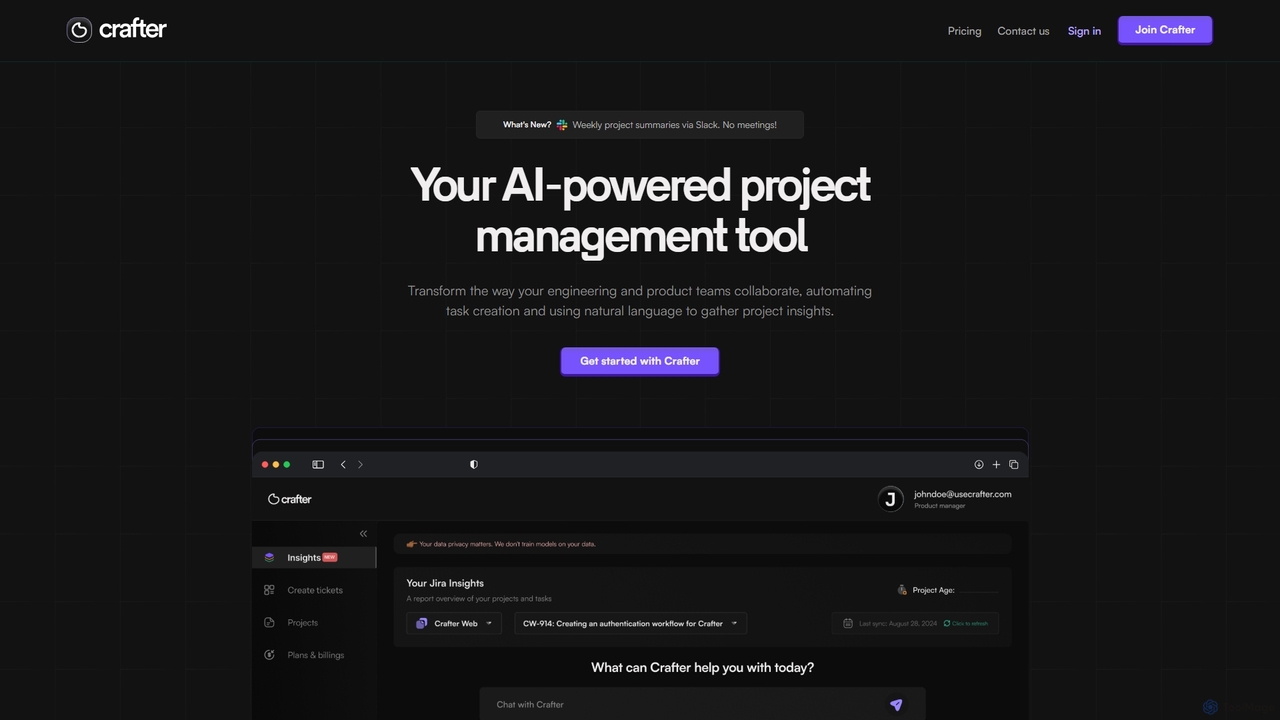
Crafter is an AI-powered project management assistant for engineering and product teams. It automates Jira ticket creation from documents, provides real-time project insights, and features a smart chat assistant to streamline workflows, enhance collaboration, and keep projects on track.

Development
Visits 7.2KFavorites 140Likes 146
Onetab AI
Freemium

Onetab AI

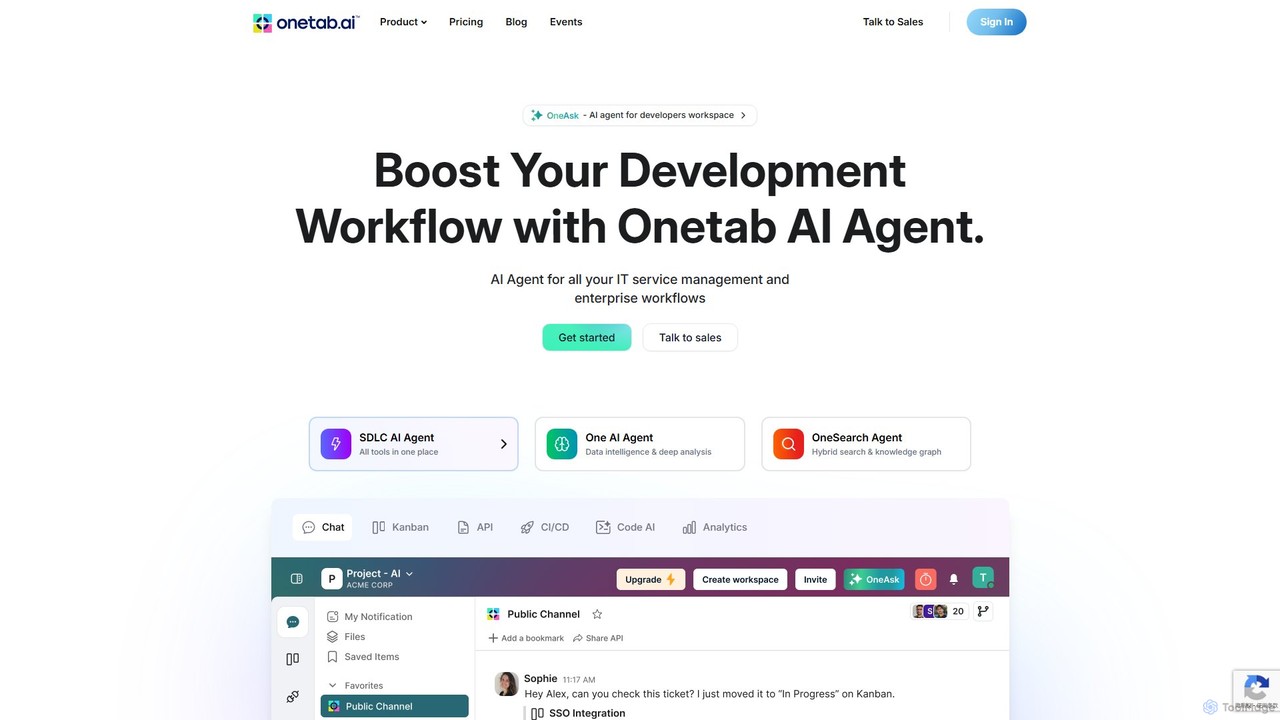
Onetab AI is an all-in-one AI agent platform designed for developers and enterprises. It centralizes tools, automates workflows across the software development lifecycle (SDLC) and IT service management, and acts as a single source of truth to boost team productivity and efficiency.

Knowledge Management
Visits 16.9KFavorites 160Likes 174
narus
Freemium

narus

Narus is an AI-powered copilot for software and project teams, integrating seamlessly with Atlassian tools like Jira and Confluence. It automates workflows, generates intelligent insights from project data, and enhances knowledge management to boost team productivity and accelerate development cycles.

Development
Visits 6.5KFavorites 131Likes 140
Salley

Salley

Salley is an AI-powered platform designed for product, engineering, and ops teams to enhance effectiveness. It uses behavior-aware AI to proactively identify risks, automate coordination tasks, and remove hidden blockers, helping teams maintain momentum and achieve better outcomes.

Team Collaboration
Visits 7.7KFavorites 181Likes 164

About Development

AI Development tools are specialized platforms and applications that leverage artificial intelligence to enhance, automate, and accelerate various stages of the software development lifecycle. These tools utilize machine learning, natural language processing, and advanced algorithms to assist developers with tasks ranging from code generation and debugging to testing and deployment. They aim to boost productivity, improve code quality, and enable faster innovation, making complex development processes more efficient and accessible.

Core Features

  • AI-Powered Code Generation: Automatically generates code snippets, functions, or even entire modules based on natural language descriptions or existing code patterns.
  • Intelligent Code Completion & Suggestion: Provides context-aware code suggestions, auto-completion, and refactoring recommendations within IDEs.
  • Automated Testing & Debugging: Identifies potential bugs, suggests fixes, and generates test cases to ensure code reliability and performance.
  • Low-Code/No-Code AI Platforms: Enables developers and even non-developers to build and deploy AI-powered applications with minimal manual coding.
  • AI Model Deployment & Management: Simplifies the process of deploying, monitoring, and managing machine learning models in production environments.

Use Cases

Software teams use these tools to streamline workflows, reduce manual errors, and accelerate project delivery. They are particularly valuable for startups needing rapid prototyping and large enterprises managing complex codebases, allowing for more efficient resource allocation and faster iteration cycles.

How to Choose

When selecting AI development tools, consider their integration capabilities with existing development environments, the specific programming languages and frameworks they support, the level of automation offered, and their scalability for future projects. Evaluate the accuracy of AI suggestions, the ease of customization, and the community support available.

Development use cases

1

Accelerate Backend API Development

For backend developers, AI development tools can significantly speed up the creation of RESTful APIs. By inputting data models or desired functionalities, the AI can generate boilerplate code for endpoints, database interactions, and authentication, reducing repetitive coding. This allows developers to focus on complex business logic, cutting development time by up to 30% and improving project delivery speed.

2

Enhance Frontend UI Component Generation

Frontend developers can leverage AI to generate UI components from design mockups or natural language descriptions. Tools can translate Figma designs into React or Vue code, or suggest CSS styles and HTML structures based on user input. This accelerates the initial build phase, ensuring design consistency and freeing up designers for more creative tasks, leading to faster UI development cycles.

3

Automate Code Review and Quality Checks

Development teams can integrate AI tools into their CI/CD pipelines to automate code reviews. The AI can identify potential bugs, security vulnerabilities, performance bottlenecks, and style guide violations before human reviewers. This ensures higher code quality, reduces the burden on senior developers, and maintains consistent coding standards across the team, leading to more robust and secure software.

4

Streamline Machine Learning Model Deployment

Data scientists and MLOps engineers use AI development platforms to simplify the deployment of trained machine learning models. These tools provide features for containerization, API endpoint creation, model versioning, and performance monitoring, allowing models to be moved from development to production quickly and reliably, ensuring continuous operation and efficient model lifecycle management.

5

Rapid Prototyping for New Features

Product managers and developers can use low-code/no-code AI development tools to rapidly prototype new application features or even entire MVPs. By visually assembling components and defining logic, they can quickly test ideas, gather user feedback, and iterate on designs without extensive manual coding, significantly shortening the time-to-market and fostering agile development.

6

Intelligent Debugging and Error Resolution

When encountering complex bugs, developers can utilize AI-powered debugging assistants. These tools analyze error logs, stack traces, and code context to suggest potential root causes and even propose code fixes. This drastically reduces the time spent on troubleshooting, especially in large, unfamiliar codebases, improving developer efficiency and accelerating bug resolution.

Development FAQ

What are AI Development tools?

AI Development tools are software applications and platforms that use artificial intelligence, such as machine learning and natural language processing, to assist and automate various tasks in the software development process. They aim to improve developer productivity, enhance code quality, and accelerate project delivery by handling repetitive or complex coding, testing, and deployment activities.

How do AI Development tools differ from traditional IDEs?

While traditional Integrated Development Environments (IDEs) provide essential coding, debugging, and building functionalities, AI Development tools integrate intelligent capabilities like AI-powered code generation, context-aware suggestions, and automated testing. Traditional IDEs are passive environments, whereas AI tools actively assist and learn from developer actions to offer proactive support and automation, significantly enhancing the development experience.

What are the main benefits of using AI in software development?

The main benefits include increased developer productivity through automation of repetitive tasks, improved code quality by identifying errors and vulnerabilities early, faster time-to-market for new features and applications, and reduced development costs. AI tools also enable developers to focus on more creative and complex problem-solving rather than mundane coding, fostering innovation and efficiency.

Who can benefit most from AI Development tools?

A wide range of users can benefit. Individual developers can boost their personal efficiency, especially with code completion and debugging. Development teams can streamline collaboration and maintain code standards. Startups can accelerate prototyping and MVP creation. Large enterprises can manage complex projects, automate testing, and deploy machine learning models more effectively, leading to overall improved software delivery.

What should I consider when integrating AI Development tools into my workflow?

When integrating AI development tools, consider their compatibility with your existing tech stack and programming languages. Evaluate the learning curve for your team, the security implications of using AI for code, and the cost-effectiveness. Start with tools that address your most pressing pain points, such as repetitive coding or testing, and gradually expand their use to maximize benefits and ensure a smooth transition.