

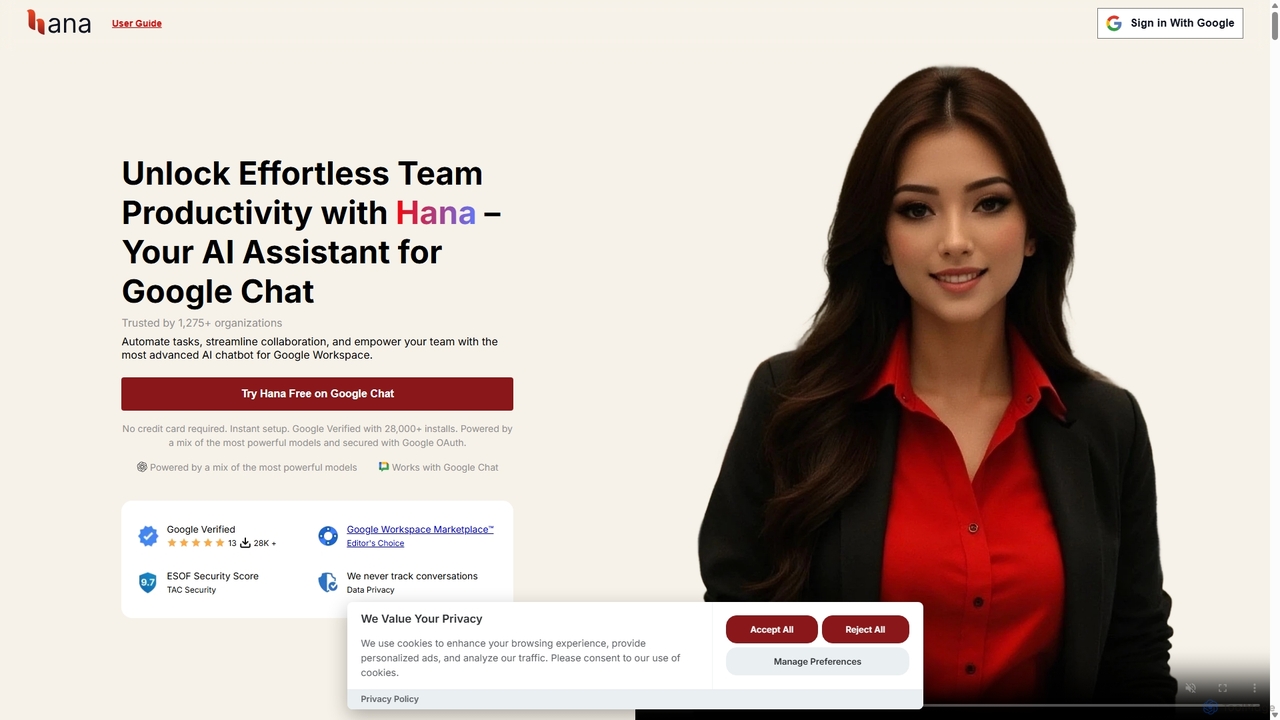
Hana Overview
Hana is a revolutionary AI-powered virtual assistant designed to function as an integral member of your team directly within Google Chat. It aims to supercharge productivity by automating routine tasks, streamlining complex workflows, and fostering seamless collaboration. Trusted by over 1,275 organizations and with more than 28,000 installs from the Google Workspace Marketplace, Hana leverages a powerful mix of the industry's leading AI models (including GPT-4o, GPT-4.1, and GROK 4) to deliver intelligent, context-aware responses and actions. It seamlessly blends into your team's daily conversations, helping manage tasks, schedule meetings, set reminders, and access a shared memory bank of company knowledge, all without leaving your chat interface.
How to use Hana
Getting started with Hana is a straightforward process designed for quick integration into your Google Workspace environment:
- Install Hana: Visit the Google Workspace Marketplace, search for 'Hana', and click to install the application for your domain or individual account.
- Authorize Permissions: After installation, you'll be prompted to authorize Hana to access necessary Google Workspace services like Chat and Calendar. This is a secure process using Google OAuth.
- Add to Google Chat: Open Google Chat and use the '+' icon to add a new app. Search for Hana and add it to any group chat (space) or as a direct message.
- Configure Your Team: Access the Hana Control Dashboard to set up your organization's account. Here, you can manage users, configure memory snippets (like company policies, SOPs), and customize settings.
- Start Interacting: Begin using Hana by mentioning '@Hana' in any chat space it has been added to. You can ask questions, assign tasks, set reminders, and more.
Core Features of Hana
- Task & Project Management: Create, update, and track tasks directly in chat. Hana helps ensure your team stays on top of responsibilities and deadlines.
- Intelligent Reminders: Set reminders for yourself or other team members for specific times or events. Hana will send a notification in the relevant chat space.
- Persistent Memory & Knowledge Base: Hana can remember key information, company policies, SOPs, and project details. This shared memory is accessible via chat, ensuring consistent and accurate answers based on your custom data. It can ingest information from text, Google Docs, PDFs, and URLs.
- Calendar Integration: Ask Hana about your schedule, find available times for meetings, and quickly schedule events by mentioning participants directly in the chat.
- Content Analysis: Hana can summarize YouTube videos (with subtitles), extract text and insights from images, and analyze content from documents and URLs.
- Code Generation & Technical Assistance: Provide coding help and generate code snippets directly within a group chat, facilitating technical discussions.
- Real-time Web Access: Hana can browse the internet to provide answers with the most up-to-date context and information.
- High-Level Security: Google Verified, CASA Tier-2 certified, and an ESOF security score of 9.7/10. Hana uses Google OAuth, encrypts data, and does not use customer data to train models. HIPAA compliance is available through a Business Associate Agreement (BAA).
Use Cases for Hana
Hana is versatile and can be applied across various team functions:
- Software Development Teams: Clarify technical concepts, generate code, discuss cron jobs, and keep track of development tasks.
- Project Management: Automate daily stand-ups, track project updates, manage task lists, and set reminders for deadlines.
- HR & Operations: Use the memory feature as an internal knowledge base for company policies, SOPs, and onboarding information, allowing new hires to get answers instantly.
- Marketing & Sales: Summarize competitor analysis videos, extract key points from marketing reports, and schedule team meetings to discuss strategy.
- Executive Support: Manage calendars, schedule meetings, and set reminders for important calls and events.
Advantages of Hana
Hana stands out by offering a unique combination of features and benefits:
- Seamless Workflow Integration: By living inside Google Chat, Hana eliminates the need to switch between applications, keeping all communication and task management in one place.
- Acts as a True Team Member: Hana can be mentioned in conversations, can mention other users, and participates in group discussions, making it feel like a natural part of the team.
- Powered by Multiple Advanced Models: Hana intelligently selects the best AI model for each specific request, ensuring high-quality and accurate outputs.
- Strong Commitment to Privacy: With robust security certifications and a clear privacy policy, Hana ensures your company's conversations and data remain secure.
- Scalability: From solo entrepreneurs to large enterprises, Hana's flexible plans and scalable cloud infrastructure grow with your team.
Pricing and Plans
Hana offers a flexible pricing structure to suit teams of all sizes:
- FREE Plan: $0/month. Includes unlimited users and groups, up to 5 interactions per user per month, access to powerful models like GPT-4o mini, and basic features like reminders, calendar, and memory (with limits).
- BASIC Plan: $7/user/month. Includes everything in Free, with an increased limit of 70 interactions per user per month, larger memory batches for various sources (Google Docs, PDF, etc.), and a 15-minute chat history context.
- PRO Plan: $15/user/month. The recommended plan includes everything in Basic, with unlimited interactions, access to the most advanced models (GPT-4.1, GROK 4), unlimited memory batches, a 20-minute chat history context, and priority support.
Discounts are available for non-profits, educational institutions, and large teams (50+ seats).
Hana Alternatives
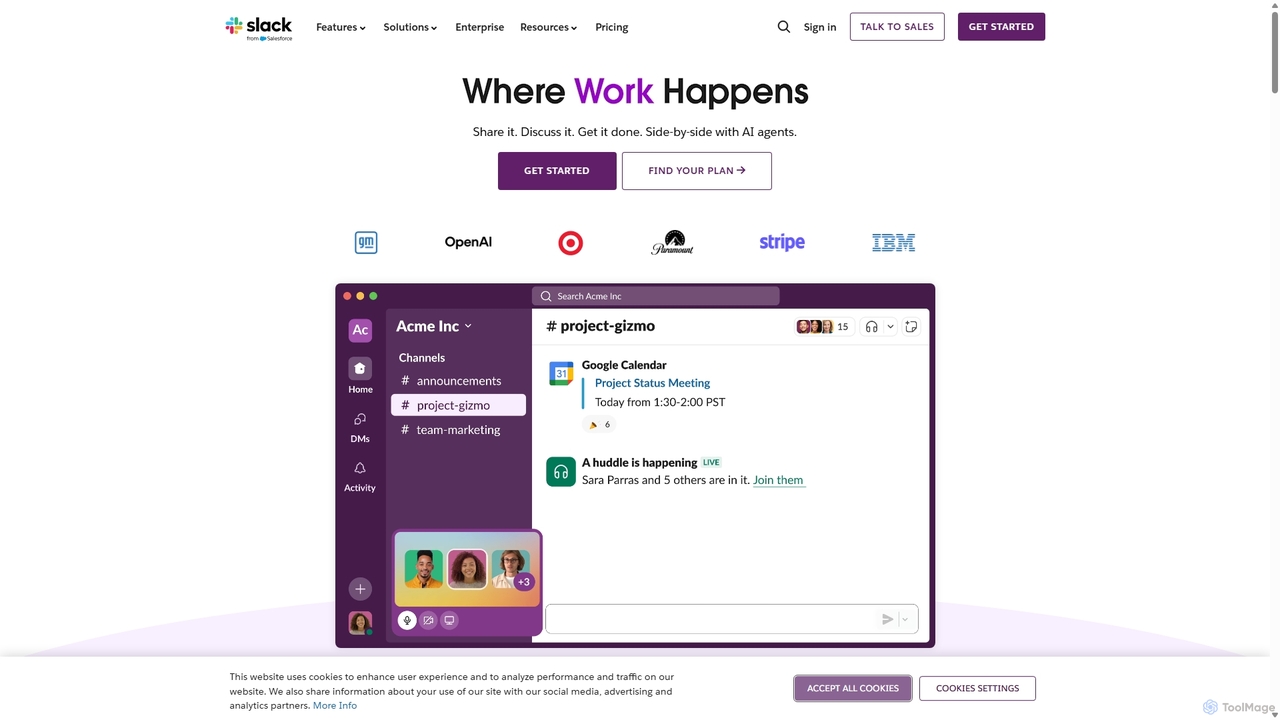
Slack
Slack is an AI-powered collaboration hub that connects your people, partners, and tools. It replaces email with faster, better-organized communication through channels. With integrated AI, workflow automation, and thousands of apps, Slack centralizes your work to boost productivity and streamline project management.
Project Management
Rayo
Rayo is an AI-powered work management platform designed to automate workflows, streamline project management, and enhance team collaboration. It intelligently organizes tasks, optimizes processes, and provides data-driven insights to help teams achieve their goals faster and more efficiently. Ideal for businesses of all sizes looking to boost productivity.
Collaboration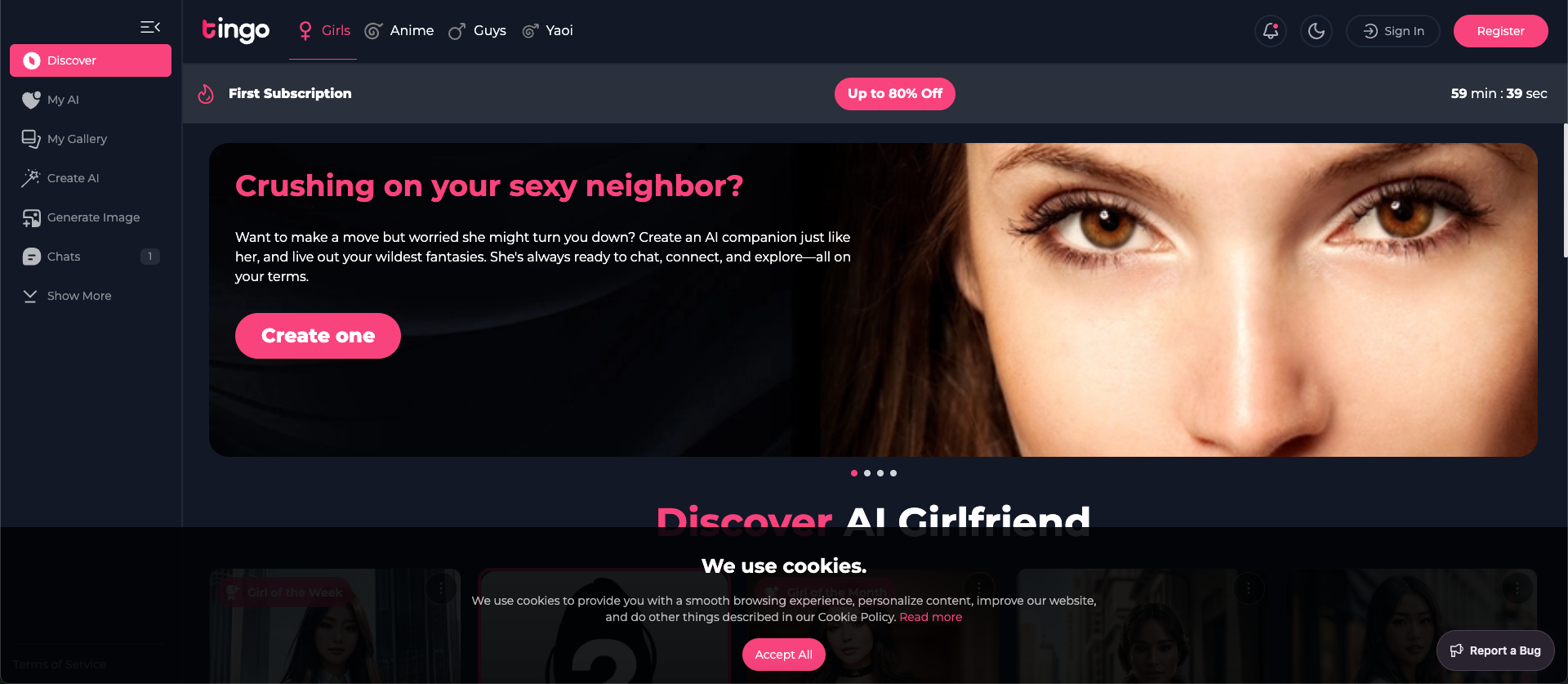
Tingo.ai
Tingo.ai is an AI-powered productivity and workflow automation platform designed for modern teams. It integrates with your existing tools like Slack and Jira to automate meeting summaries, task management, and knowledge base creation, helping your team stay aligned and focus on what matters most.
Project Management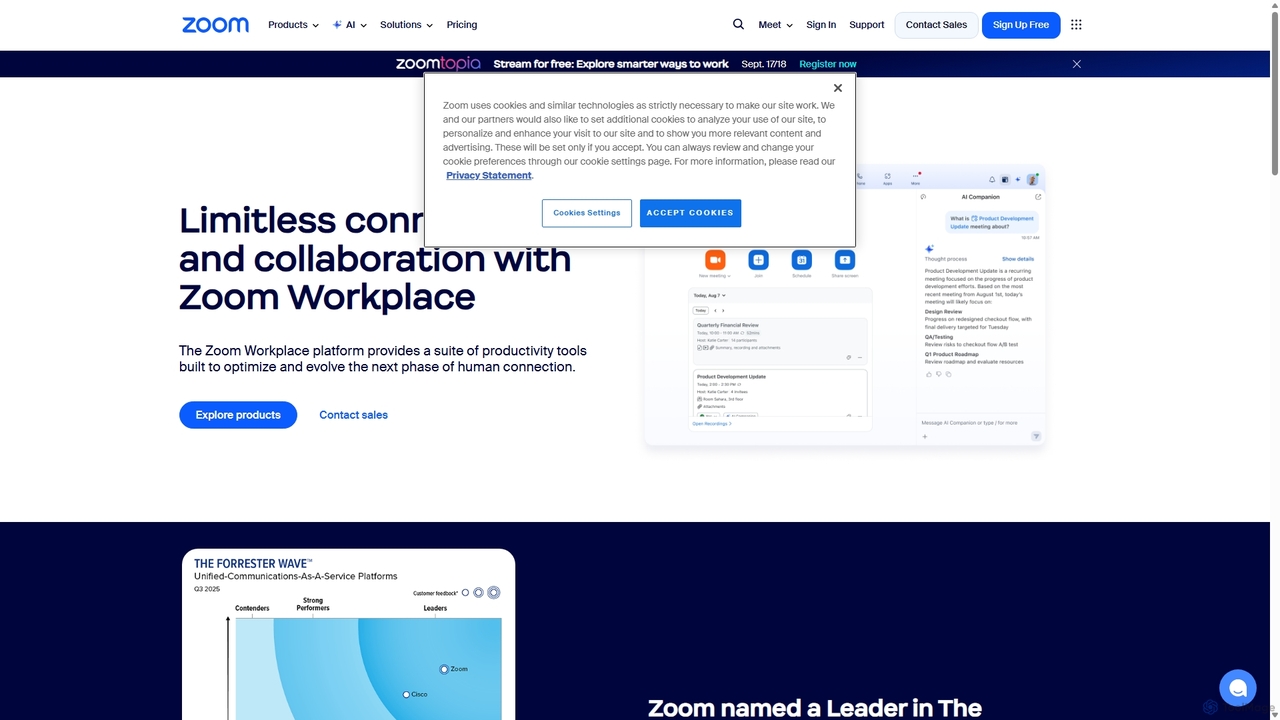
Zoom
Zoom is an AI-first, unified collaboration platform that connects people through video meetings, phone calls, team chat, webinars, and more. Featuring the AI Companion, it streamlines workflows, summarizes meetings, and enhances productivity for remote and hybrid teams across all industries.
Meeting Management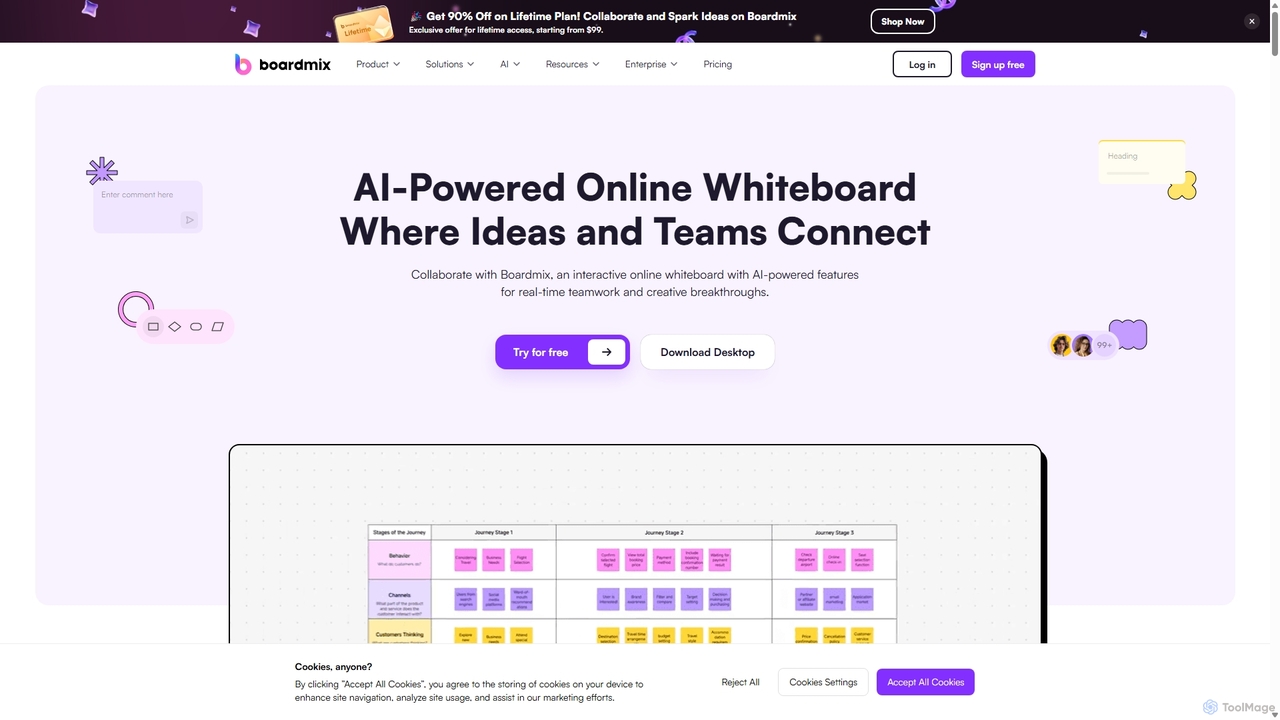
Boardmix
Boardmix is an AI-powered online collaborative whiteboard designed to connect ideas and teams. It integrates tools for mind mapping, diagramming, brainstorming, and project management into a single infinite canvas, facilitating real-time teamwork and creative breakthroughs for various professional teams.
Project ManagementHana Categories
Hana Jobs
Hana Embed Widget
Copy this embed code to place the badge on your blog, article, or product site and send readers directly to this ToolMage detail page.

Related AI tools
Tingo.ai
Tingo.ai is an AI-powered productivity and workflow automation platform designed for modern teams. It integrates with your existing tools like Slack and Jira to automate meeting summaries, task management, and knowledge base creation, helping your team stay aligned and focus on what matters most.
Project ManagementSlack
Slack is an AI-powered collaboration hub that connects your people, partners, and tools. It replaces email with faster, better-organized communication through channels. With integrated AI, workflow automation, and thousands of apps, Slack centralizes your work to boost productivity and streamline project management.
Project ManagementRayo
Rayo is an AI-powered work management platform designed to automate workflows, streamline project management, and enhance team collaboration. It intelligently organizes tasks, optimizes processes, and provides data-driven insights to help teams achieve their goals faster and more efficiently. Ideal for businesses of all sizes looking to boost productivity.
Collaboration
Slite
Slite is an AI-powered knowledge base and team collaboration tool. It serves as a single source of truth, helping teams organize their documents, share knowledge, and make decisions asynchronously. Its core AI feature, 'Ask', allows users to find answers from across the entire workspace using natural language questions, making information instantly accessible.
Internal Communication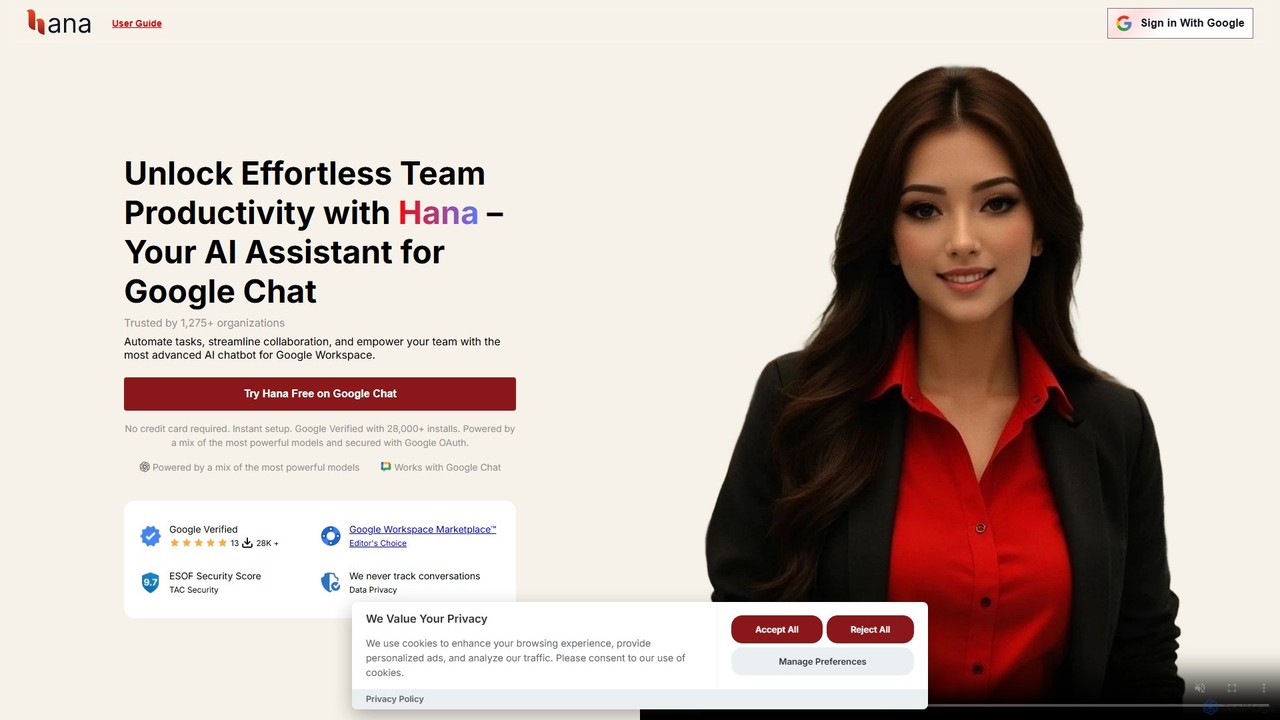
Hana
Hana is an advanced AI assistant for Google Chat, designed to enhance team productivity. It automates tasks, manages a shared knowledge base, and streamlines collaboration by integrating directly into your Google Workspace. Acting as a virtual teammate, Hana handles reminders, project updates, and provides instant, context-aware answers, all within your familiar chat environment.
Knowledge Management
Taurin
Taurin was an AI-powered project management and team collaboration platform designed to automate workflows, optimize task allocation, and provide intelligent insights to boost team productivity. (Note: This service will be discontinued on July 25th, 2025).
Collaboration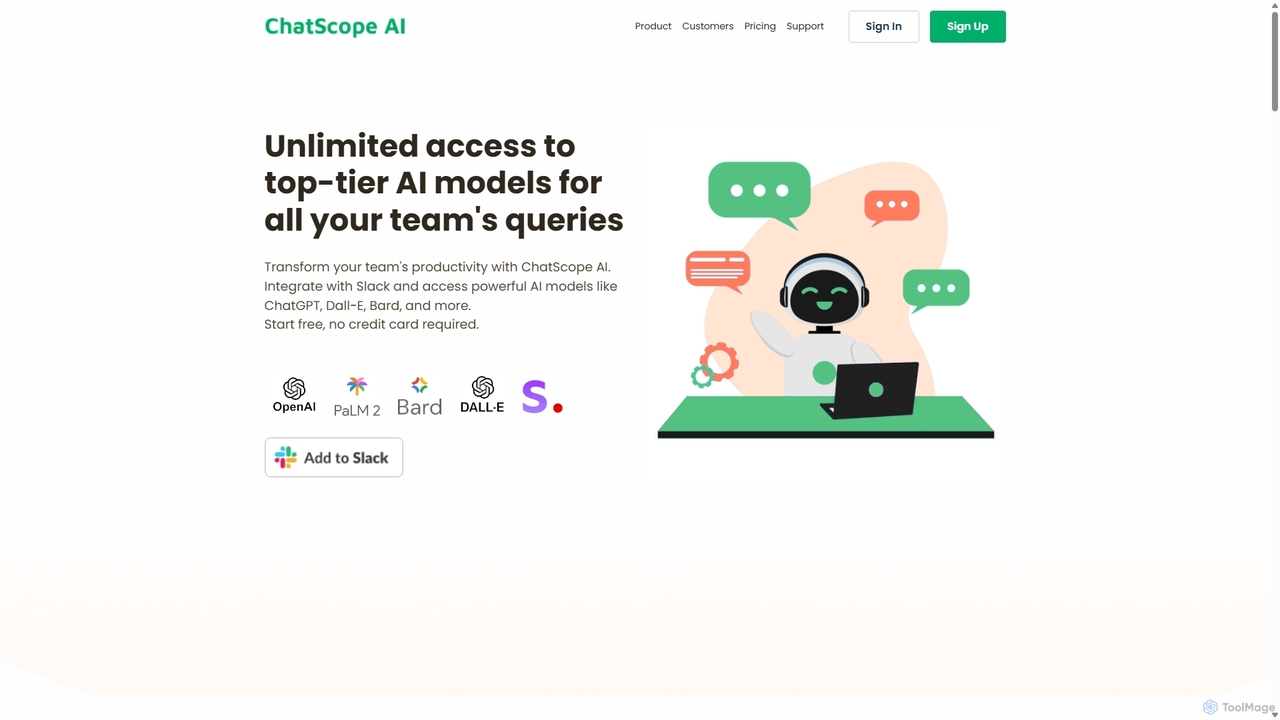
ChatScope AI
ChatScope AI integrates top-tier AI models like ChatGPT, Dall-E, and Bard directly into your Slack workspace. Boost team productivity by answering questions, summarizing threads, brainstorming ideas, and generating content, all within your existing communication channels. It's a cost-effective solution designed for seamless collaboration and enhanced efficiency.
Multi Model Access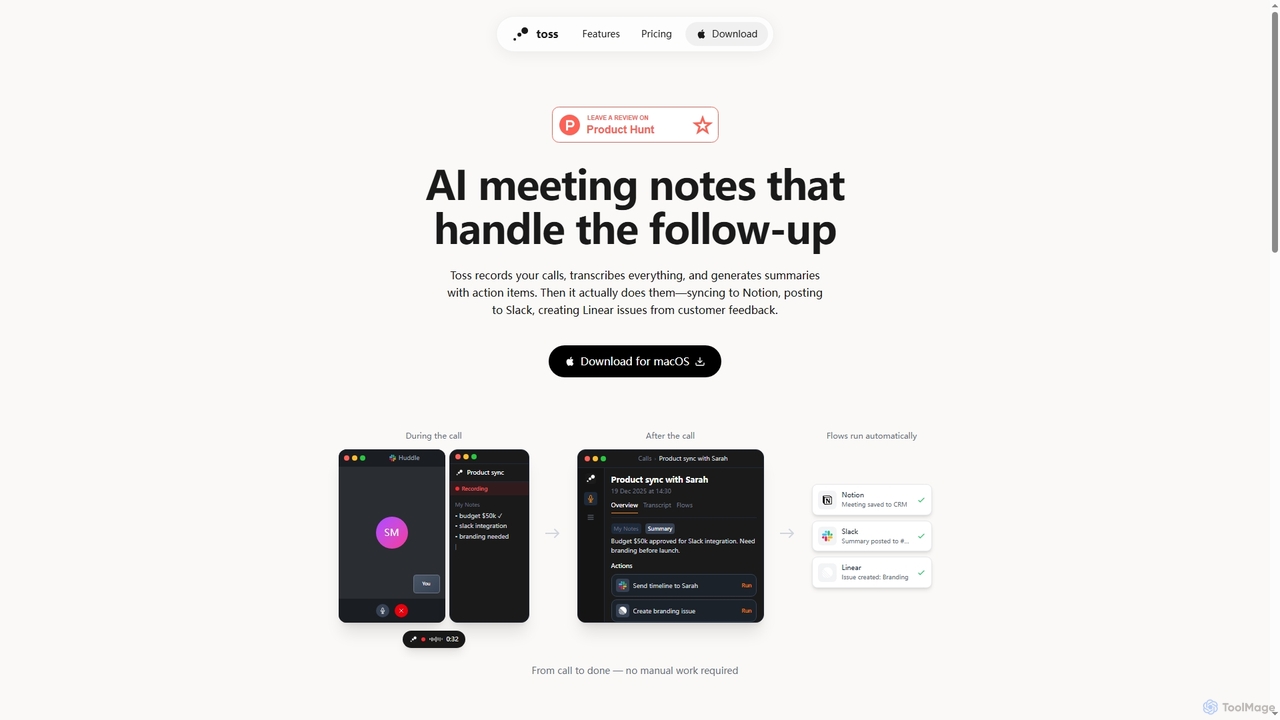
Toss
Toss is an AI-powered macOS application designed to automate meeting notes and follow-up actions. It records calls, transcribes discussions in real-time, generates summaries with actionable items, and automatically executes post-meeting tasks like syncing to Notion, posting to Slack, and creating issues in Linear, streamlining workflows and enhancing productivity for teams.
Dictation
Qatalog
Qatalog is an intelligent work hub that unifies your teams, tools, and knowledge. It uses AI to create a central source of truth, enabling seamless search across all applications, clear visibility into projects and goals, and contextual understanding of who is working on what. By connecting disparate systems like Slack, Jira, and Google Drive, Qatalog reduces context switching and boosts productivity.
Enterprise Search
carlos_app
carlos_app is an intelligent AI personal assistant designed to streamline your workflow, manage tasks, automate scheduling, and enhance communication. It acts as your proactive partner, helping you focus on what truly matters by handling the administrative details.
Task Management
Ambient
Ambient is an AI-powered meeting assistant that automatically joins your calls, records, transcribes, and generates intelligent summaries. It captures action items, key decisions, and important topics from your meetings on platforms like Zoom, Google Meet, and Microsoft Teams, saving you hours on manual note-taking and ensuring no detail is missed.
Transcription Services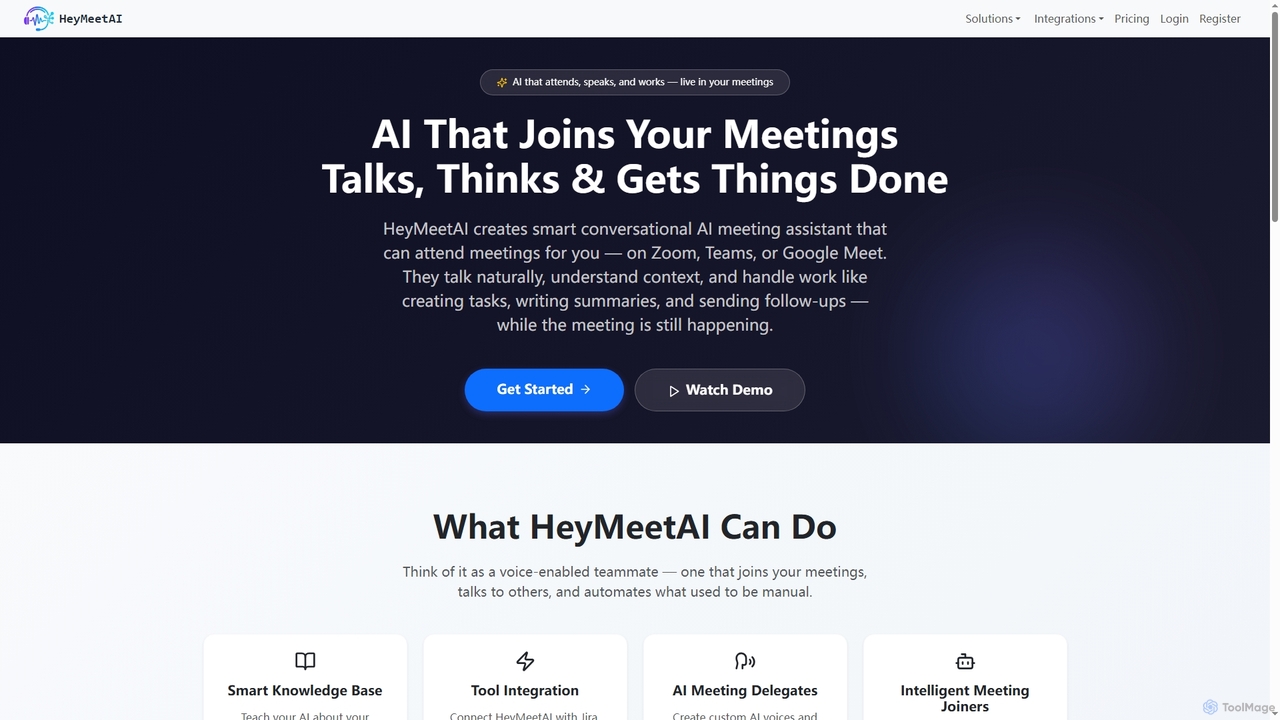
HeyMeetAI
HeyMeetAI is an intelligent conversational AI meeting assistant designed to actively participate in your virtual meetings on platforms like Zoom, Teams, and Google Meet. It speaks naturally, understands context, and automates tasks such as creating tickets, writing summaries, and sending follow-ups in real-time, enhancing team productivity and streamlining workflows.
Automation
Super
Super is an AI platform that transforms your company's scattered data into a unified, searchable knowledge base. It connects with tools like Slack, Google Drive, and Notion to provide instant answers, automate workflows, and deploy ready-to-use AI assistants, boosting team productivity and efficiency.
Enterprise Search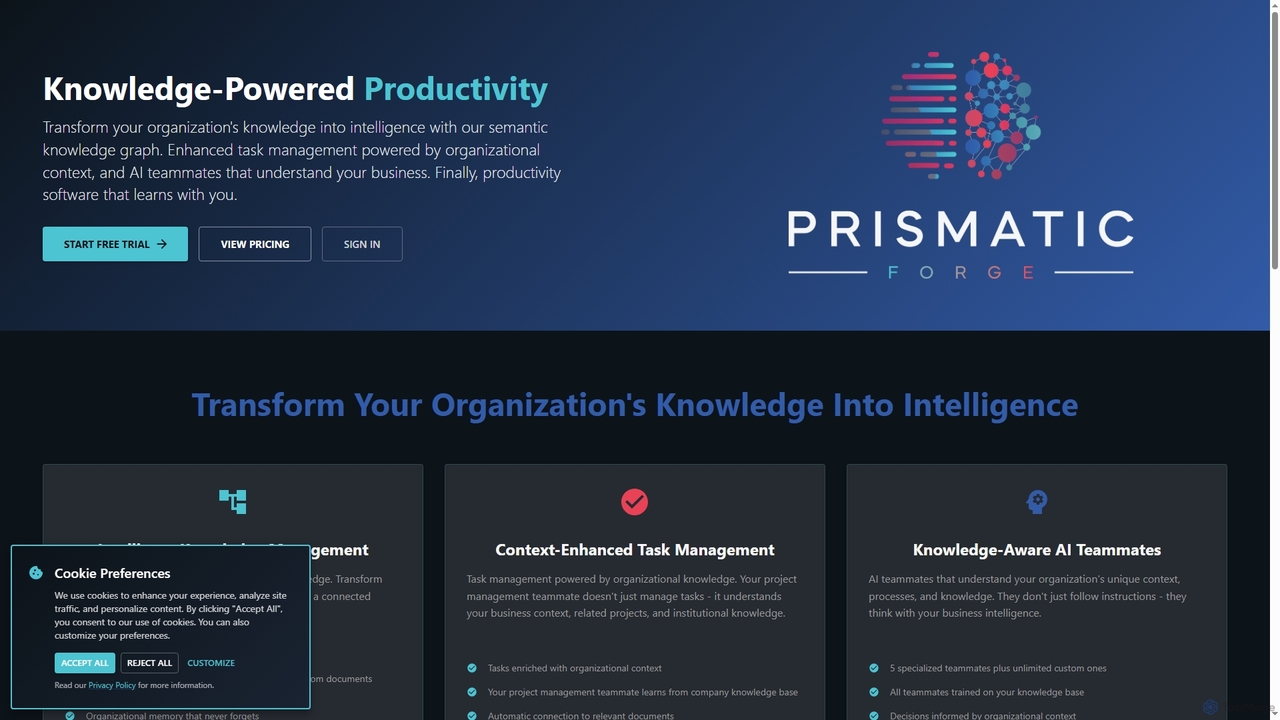
Prismatic Forge
Prismatic Forge is a knowledge-powered productivity platform that transforms an organization's scattered information into connected intelligence. It leverages a semantic knowledge graph and AI teammates to enhance task management, provide organizational context, and enable smarter decision-making for modern knowledge workers.
Ai Assistant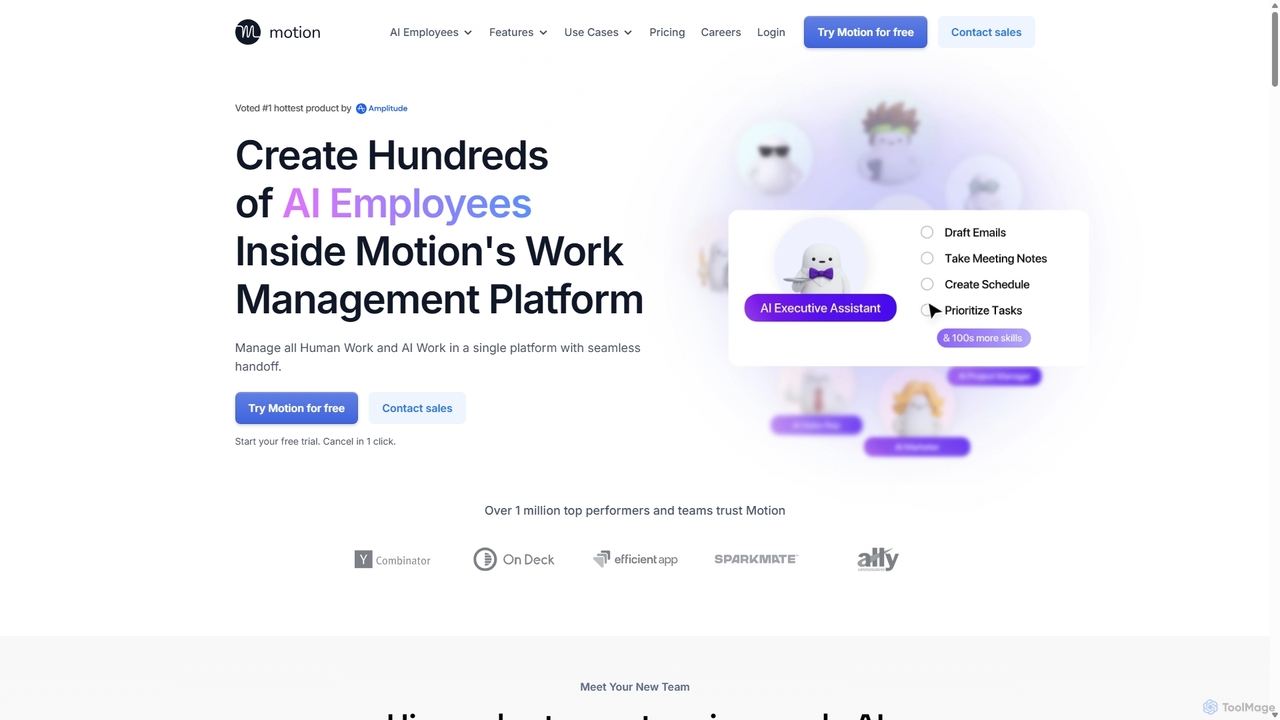
Motion
Motion is an AI-powered platform that provides a suite of AI Employees and productivity tools to automate tasks, manage projects, and organize schedules. It's designed to 10x your team's output by handling everything from calendar management and email replies to sales outreach and customer support, all within a single integrated workspace.
Virtual Assistant
Hana Comments (0)
Sign in to comment.
Sign inNo comments yet.