ToolMage
Sign in

Best 5 Ai Assistant for Business

Popular Ai Assistant in Business include Sana, Mother Computer, Prismatic Forge, Briefdeck, and Sensaio, helping you work more efficiently.

Sensaio
Freemium

Sensaio

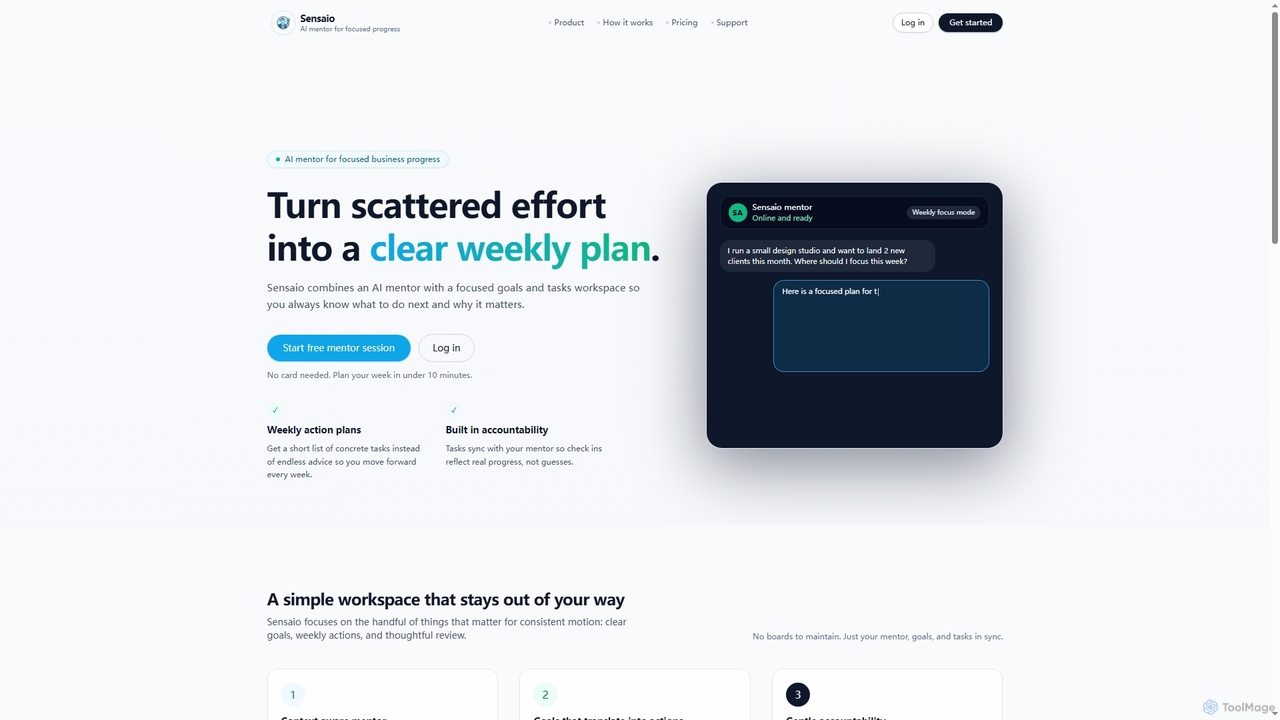
Sensaio is an AI mentor designed to help individuals and founders achieve consistent weekly progress by simplifying goal setting, task management, and reflective review. It provides a context-aware workspace to keep you focused on what truly matters for your business growth.

Ai Assistant
Visits 5.5KFavorites 70Likes 73
Briefdeck
Freemium

Briefdeck

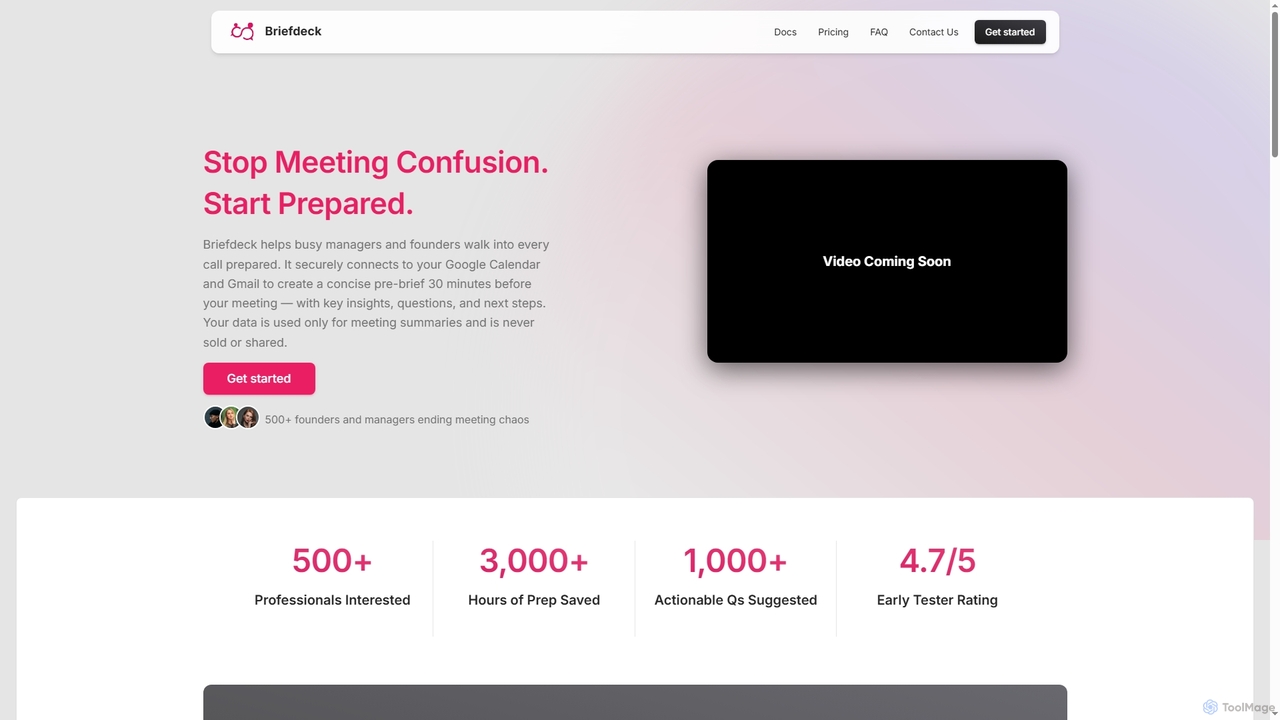
Briefdeck is an AI-powered meeting co-pilot that transforms how professionals prepare for and follow up on calls. It synthesizes fragmented data from emails, notes, and communications into concise, actionable summaries delivered before meetings, and generates post-meeting insights, saving valuable preparation time.

Ai Assistant
Visits 5.6KFavorites 143Likes 162
Prismatic Forge
Freemium

Prismatic Forge

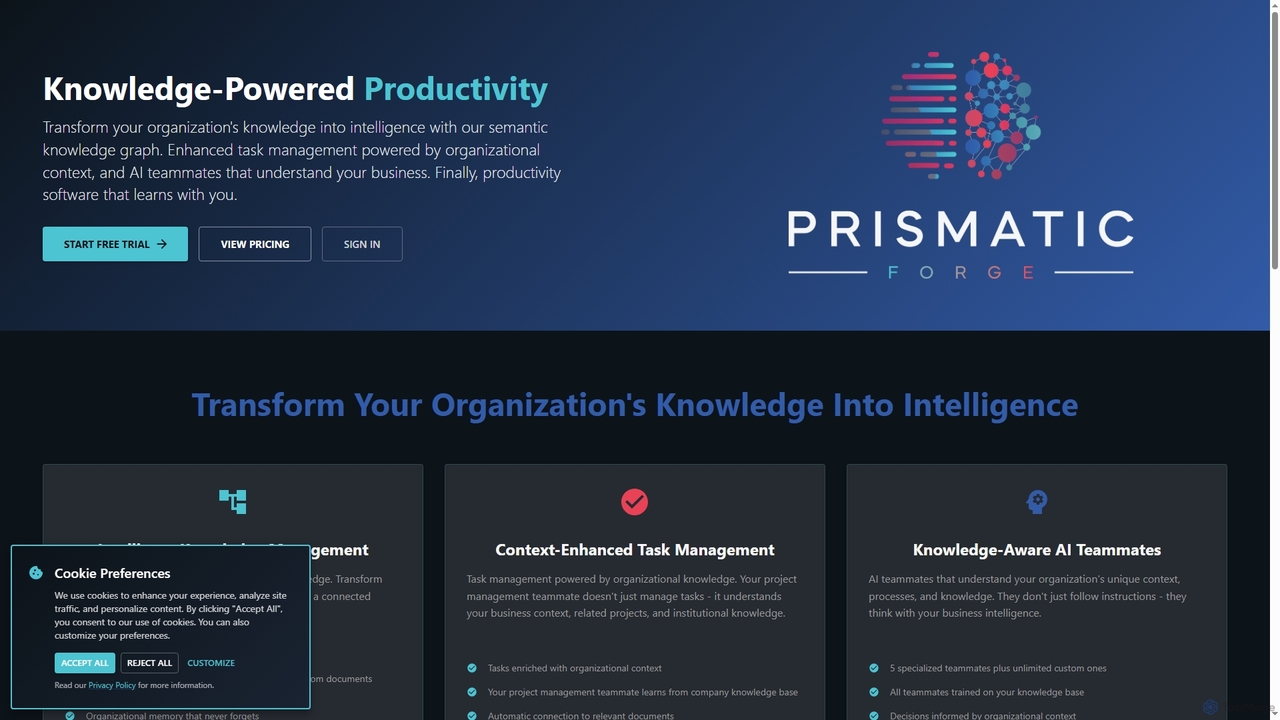
Prismatic Forge is a knowledge-powered productivity platform that transforms an organization's scattered information into connected intelligence. It leverages a semantic knowledge graph and AI teammates to enhance task management, provide organizational context, and enable smarter decision-making for modern knowledge workers.

Ai Assistant
Visits 5.8KFavorites 131Likes 112
Mother Computer
Freemium

Mother Computer

Mother Computer is a next-generation, AI-native operating system designed to unify your digital life. It acts as a central command center, integrating all your apps, automating complex workflows, and providing intelligent assistance to dramatically boost productivity for individuals and teams.

Ai Assistant
Visits 7KFavorites 120Likes 98
Sana
Freemium

Sana

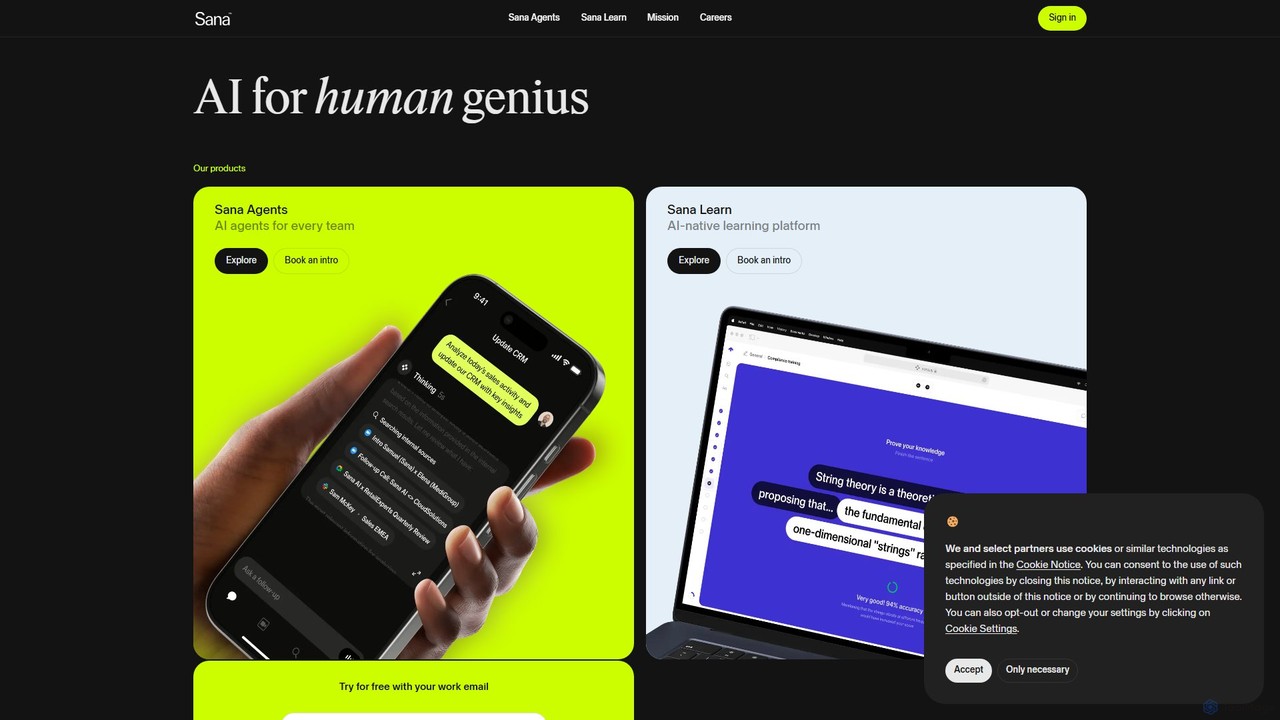
Sana is an all-in-one AI platform designed for the workplace. It combines a powerful knowledge assistant with an AI-native learning platform, enabling teams to find information, automate tasks, and accelerate learning. By connecting to all your company's apps, Sana acts as a central intelligence layer to unlock your organization's collective genius.

Ai Assistant
Visits 507.3KFavorites 140Likes 126

About Ai Assistant

AI Assistants are intelligent software tools designed to automate administrative tasks, manage information, and provide proactive support within a business environment. Leveraging natural language processing (NLP) and machine learning, these assistants understand complex requests, learn user preferences, and integrate with other business applications. They act as a central command hub, streamlining workflows by handling scheduling, email management, and data retrieval. This allows professionals to focus on strategic work rather than repetitive operational duties.

Core Features

  • Intelligent Task Automation: Automatically schedules meetings, sends reminders, and executes multi-step workflows based on commands.
  • Information Management: Quickly finds documents, summarizes reports or emails, and presents relevant data on demand.
  • Communication Assistance: Drafts email replies, manages social media interactions, and transcribes meeting notes.
  • Proactive & Personalized Support: Learns individual work patterns to anticipate needs and suggest relevant actions or information.
  • Seamless Integration: Connects with a wide range of business tools like CRMs, project management software, and calendars.

Use Cases

AI Assistants are widely used by executives to manage complex schedules, sales teams to automate lead follow-ups and CRM entries, and project managers to track deadlines and team progress. They are also valuable for HR departments in scheduling interviews and for marketing teams in coordinating content calendars.

How to Choose

When selecting an AI Assistant, consider its integration capabilities with your existing software stack. Evaluate the depth of its automation features, the level of customization available, and its security protocols for handling sensitive business data. Also, assess its platform availability (desktop, mobile, web) to ensure it fits your team's workflow.

Ai Assistant use cases

1

Executive Schedule & Communication Management

For busy executives and managers, an AI Assistant acts as a virtual chief of staff. It intelligently manages a complex calendar by finding optimal meeting times, resolving conflicts, and sending automated reminders to all participants. The assistant can also filter incoming emails, highlighting urgent messages and drafting standard replies. By handling these administrative burdens, it frees up an average of 5-10 hours per week, allowing leaders to concentrate on high-level strategy and decision-making.

2

Sales Team Workflow Automation

Sales representatives can use an AI Assistant to automate repetitive tasks in their sales cycle. After a call, the assistant can automatically log call notes into the CRM, schedule a follow-up meeting, and send a pre-written follow-up email. It can also monitor lead activity and suggest the best time to reach out. This automation reduces manual data entry, minimizes the risk of missed follow-ups, and allows sales reps to spend more time building relationships and closing deals.

3

Intelligent Project Management Support

For project managers and teams, an AI Assistant integrates with project management tools like Asana or Trello. It can automatically send deadline reminders to team members, summarize progress from daily stand-up notes, and generate weekly status reports. By asking the assistant, a project manager can quickly get updates on specific tasks or identify potential bottlenecks without manually digging through project boards. This provides a real-time overview and helps keep projects on track.

4

Automated Meeting Preparation and Follow-up

An AI Assistant streamlines the entire meeting lifecycle. Before a meeting, it can automatically compile a briefing document with participant profiles, relevant files, and past conversation summaries. During the meeting, it can transcribe the conversation in real-time. Afterwards, it generates a concise summary, identifies action items, and distributes them to the appropriate attendees. This ensures everyone is prepared, engaged, and clear on next steps, significantly improving meeting productivity.

5

Personalized Productivity for Solopreneurs

For freelancers and solopreneurs, an AI Assistant serves as an all-in-one business manager. It can help track billable hours, generate and send invoices, and manage client communications from a central dashboard. By connecting to their email and calendar, it can also proactively identify open slots for new client meetings or remind them of upcoming project deadlines. This level of organization helps individual business owners stay on top of their administrative work, allowing more focus on delivering client value.

6

Streamlining HR and Recruitment Processes

HR departments can leverage AI Assistants to streamline recruitment and onboarding. The assistant can screen resumes based on predefined criteria, schedule interviews with qualified candidates by coordinating multiple calendars, and send automated follow-up communications. For new hires, it can automate the distribution of onboarding documents and schedule introductory meetings. This reduces the administrative workload on HR personnel, speeds up the hiring process, and ensures a consistent experience for all candidates.

Ai Assistant FAQ

What is a business AI Assistant?

A business AI Assistant is a specialized software tool that automates administrative and organizational tasks within a professional setting. Unlike general consumer assistants (like Siri or Alexa), they are designed to integrate deeply with business software such as CRMs, calendars, and project management tools. Their primary functions include intelligent scheduling, task automation, information retrieval, and communication management to enhance workplace productivity.

How to choose the right AI Assistant for my team?

To choose the right AI Assistant, consider these key factors:

  • Integration Ecosystem: Ensure it connects seamlessly with the tools your team already uses (e.g., Microsoft 365, Google Workspace, Slack, Salesforce).
  • Automation Capabilities: Evaluate the complexity of workflows it can automate. Does it handle simple reminders or multi-step processes?
  • Security and Compliance: Verify its security protocols, especially if it will handle sensitive company or customer data.
  • Platform Availability: Check if it's available on the platforms your team prefers, such as desktop apps, mobile apps, or browser extensions.
What's the difference between an AI Assistant and a standard chatbot?

The main difference lies in their scope and proactivity. A standard chatbot is typically reactive, responding to user queries within a specific context (like a website's customer service). An AI Assistant is proactive and operates across multiple applications. It can initiate actions, manage complex workflows (like scheduling a multi-person meeting), and learn user preferences over time to provide personalized support, acting more like a personal productivity partner.

Can AI Assistants handle confidential business information securely?

Yes, reputable business-focused AI Assistants prioritize security. They typically employ enterprise-grade security measures, including end-to-end encryption, compliance with data protection regulations (like GDPR and SOC 2), and customizable access controls. However, it is crucial for businesses to review the specific security policies and certifications of any AI Assistant before implementation to ensure it meets their company's compliance and data privacy standards.

What kind of tasks can a business AI Assistant automate?

A business AI Assistant can automate a wide range of tasks, primarily those that are repetitive and administrative. Common examples include:

  • Scheduling: Finding mutual availability and booking internal and external meetings.
  • Data Entry: Automatically logging information into CRMs or spreadsheets.
  • Communication: Sending templated follow-up emails or meeting reminders.
  • Reporting: Compiling data from various sources to generate weekly progress reports.
  • Information Retrieval: Finding specific documents or summarizing long email threads on command.