


Mother Computer Overview
Mother Computer introduces a paradigm shift in how we interact with technology, functioning as a true AI-native operating system. It's designed to eliminate digital friction and the fragmentation of tools by creating a single, intelligent, and conversational interface for your entire digital world. Instead of juggling dozens of separate applications, Mother Computer provides a unified workspace where you can manage projects, communicate with your team, access knowledge, and automate tasks seamlessly. It learns from your behavior, understands your context, and proactively assists you in achieving your goals, acting as a powerful extension of your own mind.
How to use Mother Computer
Getting started with Mother Computer is an intuitive process designed for maximum efficiency:
- Initial Setup & Integration: Sign up and connect your essential cloud applications, such as Google Workspace, Slack, Notion, Jira, GitHub, and more. The platform securely authenticates these services to create a unified data layer.
- Define Your Context: Create dedicated workspaces for different projects or areas of your life (e.g., 'Q4 Marketing Campaign', 'Personal Finance'). This helps the AI understand the context of your requests.
- Interact via Natural Language: Use the central command line or conversational interface to issue commands. For example, you can say, "Summarize my unread emails from the marketing team and create a to-do list in Notion," or "Find all documents related to the 'Project Phoenix' and share them with John."
- Build Automations: Use the no-code workflow builder to create custom automations, which the platform calls 'Synapses'. You can trigger complex sequences of actions across multiple apps using simple text prompts or a visual drag-and-drop interface.
- Leverage Collective Intelligence: Ask complex questions that require synthesizing information from multiple sources. For instance, "What was our customer sentiment last month based on Intercom chats and Twitter mentions, and what are the top three suggestions?"
Core Features of Mother Computer
- Unified Command Center: A central dashboard that provides a bird's-eye view of all your connected apps, tasks, messages, and files.
- Conversational AI Interface: Interact with your entire digital stack using simple, natural language commands, eliminating the need to navigate complex UIs.
- Cross-Application Automation Engine: Build powerful, code-free workflows that connect and automate processes across different software, from simple notifications to complex data pipelines.
- Multi-Model AI Core: The platform dynamically selects the best AI model (e.g., GPT-4, Claude 3, Llama) for each specific task, ensuring optimal performance for writing, analysis, coding, or summarization.
- Context-Aware Knowledge Base: It ingests and indexes information from all connected sources (documents, emails, chats, wikis) to create a personal or team-wide knowledge graph that you can query in natural language.
- Proactive Assistance: The AI anticipates your needs, suggesting relevant files, automating routine reports, and flagging important deadlines before they arrive.
- Secure and Private: Built with enterprise-grade security and privacy at its core, ensuring your data is always encrypted and under your control.
Use Cases for Mother Computer
Mother Computer is versatile and can be adapted to numerous professional roles:
- For Executives & Managers: Automate daily briefings by summarizing key metrics from various departments, track project progress without manual check-ins, and draft communications to stakeholders.
- For Marketing Teams: Streamline campaign management by automating content creation, social media scheduling, performance data aggregation, and report generation.
- For Developers: Integrate with GitHub, Jira, and Slack to automate pull request notifications, generate boilerplate code, summarize technical documentation, and manage sprint planning.
- For Researchers & Academics: Consolidate research papers, notes, and data from multiple sources, generate literature reviews, and format citations automatically.
- For Entrepreneurs: Manage every aspect of a new venture, from investor relations and financial tracking to product roadmapping and customer support, all from a single, intelligent interface.
Advantages of Mother Computer
The primary advantage of Mother Computer is its ability to create a frictionless, intelligent workflow. It saves users countless hours lost to context switching and repetitive administrative tasks. By centralizing data and tools, it breaks down information silos, fostering better collaboration and decision-making. Its no-code automation capabilities empower non-technical users to build sophisticated systems, democratizing productivity. Ultimately, it's a future-proof platform that scales with your needs and integrates the latest AI advancements as they become available.
Pricing and Plans
Mother Computer offers a tiered pricing structure to suit different needs:
- Personal (Free): Designed for individuals, offering a limited number of app integrations, a set number of monthly AI actions, and basic automation features.
- Professional ($29/month): For power users and freelancers, this plan includes unlimited app integrations, a higher volume of AI actions, access to premium AI models, and advanced automation capabilities.
- Team ($69/user/month): Includes all Professional features plus collaborative workspaces, shared automations, centralized billing, and priority support.
- Enterprise (Custom Pricing): Tailored solutions for large organizations, featuring advanced security controls, custom integrations, dedicated account management, and on-premise deployment options.
Traffic
Latest traffic
Status
Monthly traffic trend
- 2025-9: 3.8K
- 2026-1: 2.0K
- 2026-2: 1.0K
- 2026-3: 1.8K
- 2026-4: 1.9K
- 2026-5: 1.6K
Geography
Top 5 countries / regions
- 🇺🇸United States100.0%
Top keywords
| Keyword | Cost per click |
|---|---|
| ai tiptop | $0.00 |
| mother ai | $0.00 |
| tiptop | $0.66 |
| tiptop electronics | $0.00 |
Mother Computer Alternatives
PixieBrix
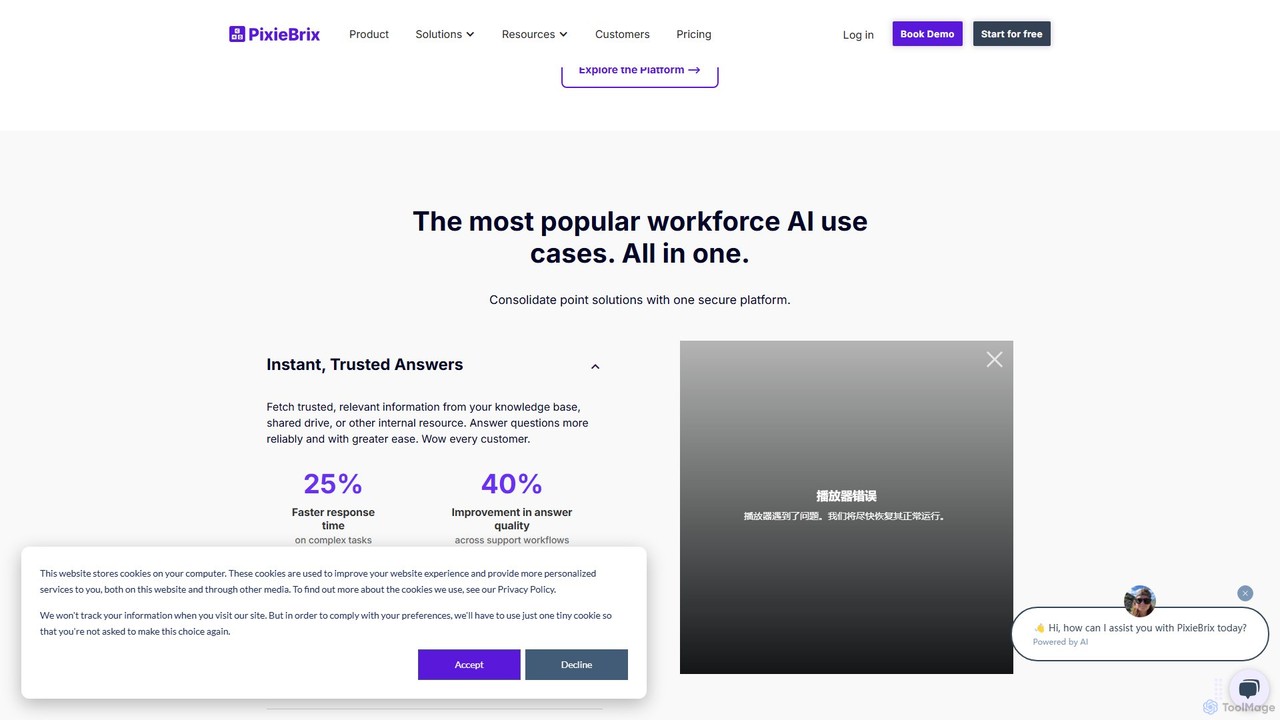
PixieBrix is a low-code browser extension that allows you to automate tasks, customize any website, and integrate AI tools directly into your workflow. Enhance your productivity by creating custom modifications, or "mods," to streamline processes, eliminate repetitive work, and connect your web applications without writing any code.
Low Code No Code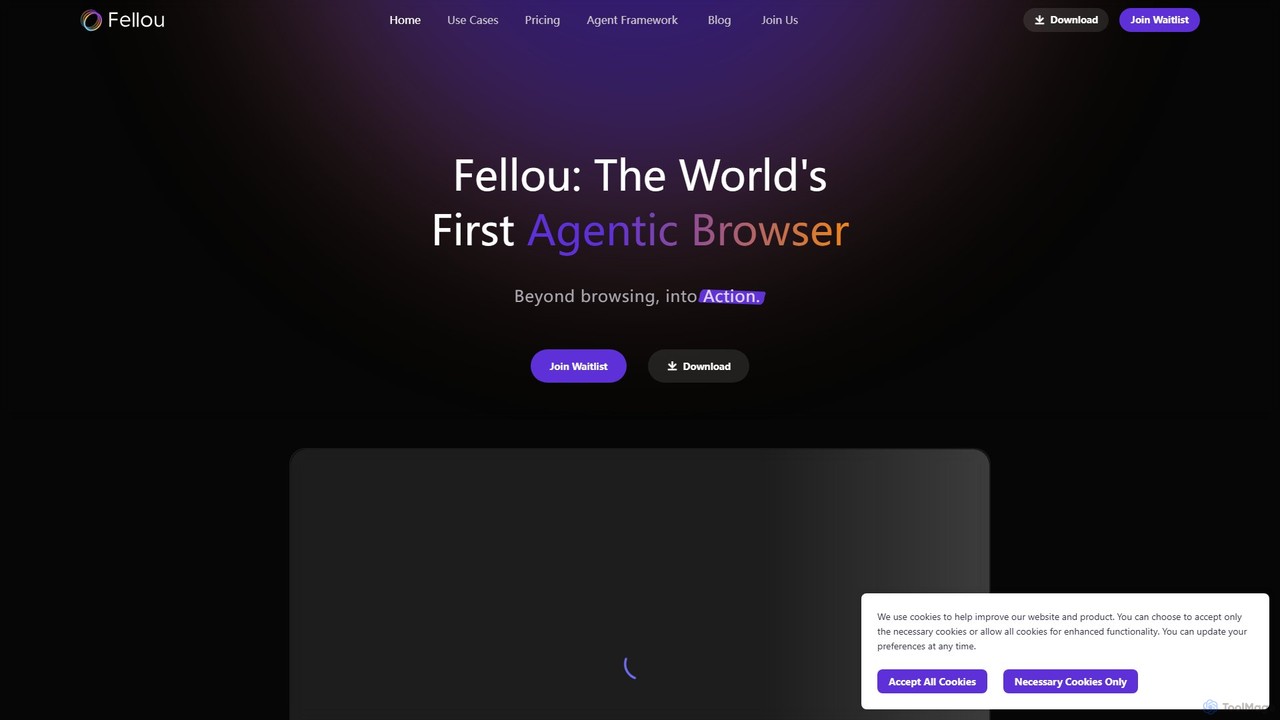
Fellou
Fellou is the world's first agentic browser, designed to transform browsing into action. It functions as an AI-powered digital partner that automates complex workflows, conducts deep research across public and private websites, and generates insightful reports. With no-code automation and a powerful developer framework, Fellou streamlines tasks from data analysis to social media management, significantly boosting productivity.
Ai Browser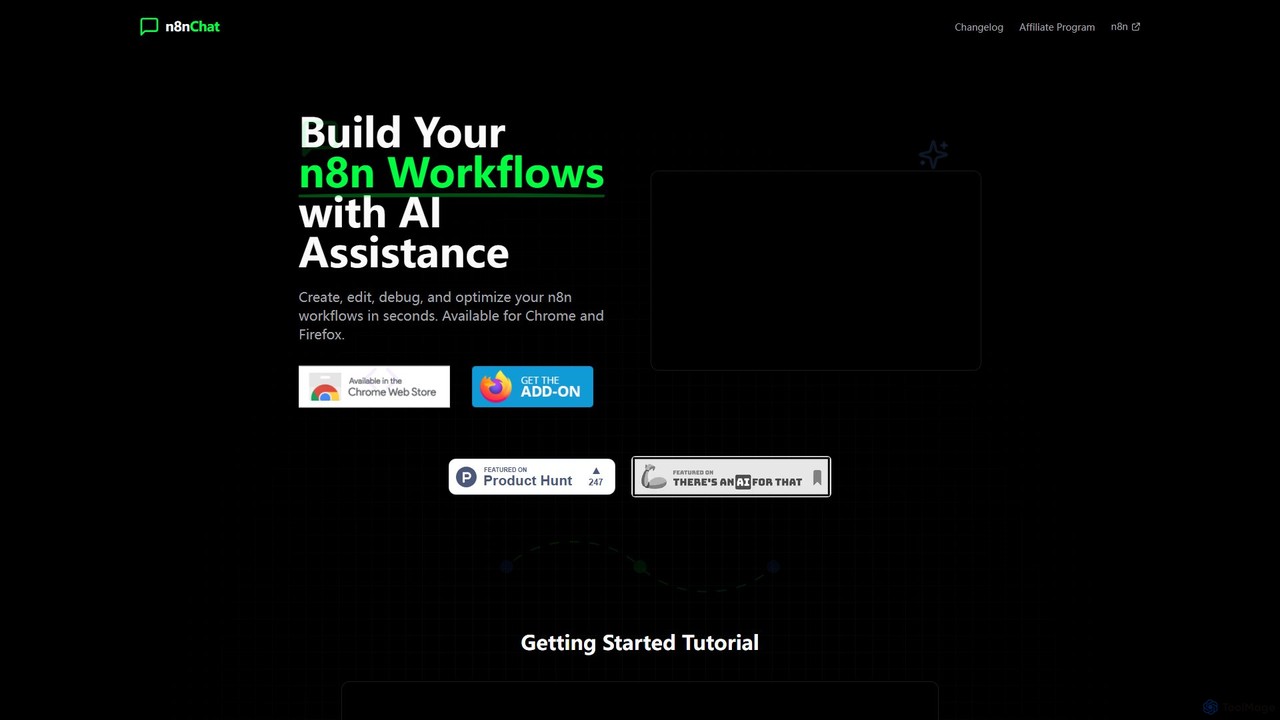
n8nChat
n8nChat is an AI-powered browser extension for Chrome and Firefox that accelerates n8n workflow creation. Describe your desired automation in natural language, and the AI will build, edit, debug, and optimize your workflows. It even generates custom JavaScript for Code nodes, making powerful automation accessible to everyone.
Ai Assistant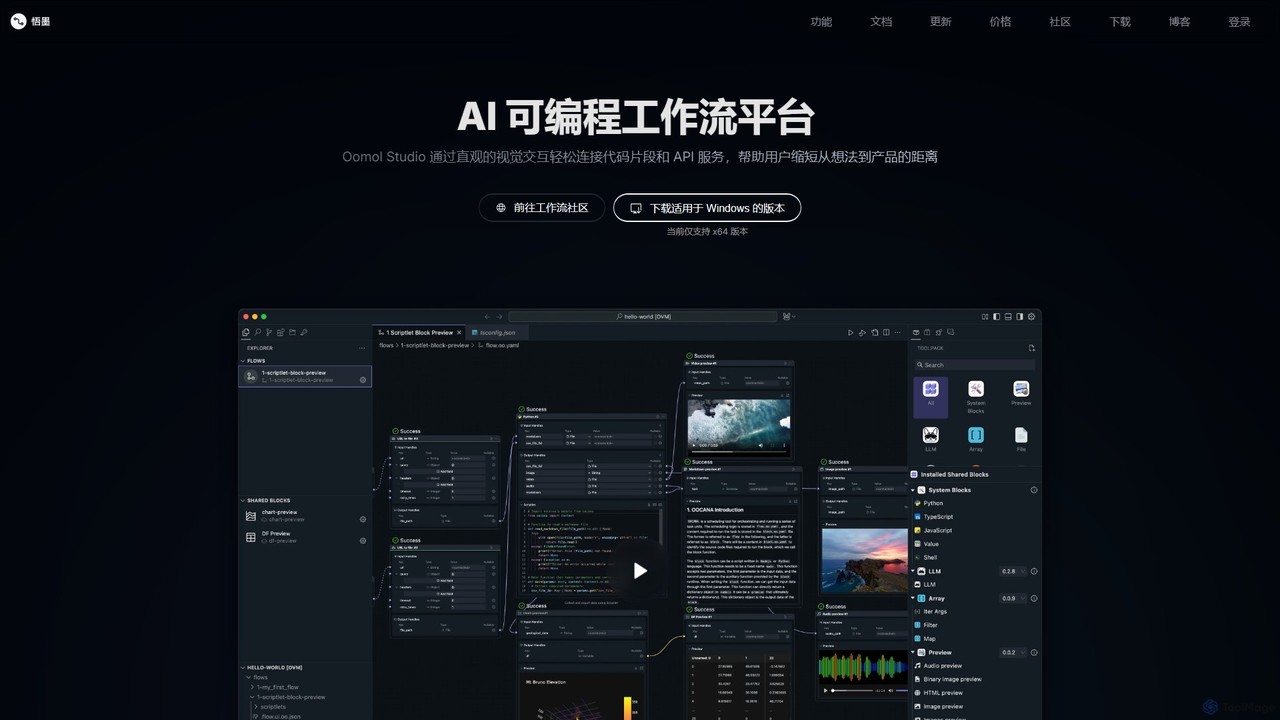
Oomol
Oomol is an AI-programmable workflow platform that allows users to visually connect code snippets and APIs. It combines a drag-and-drop interface with a professional code editor, enabling rapid development and automation of tasks in data science, multimedia processing, and more, all within a unified, containerized environment.
Low Code No Code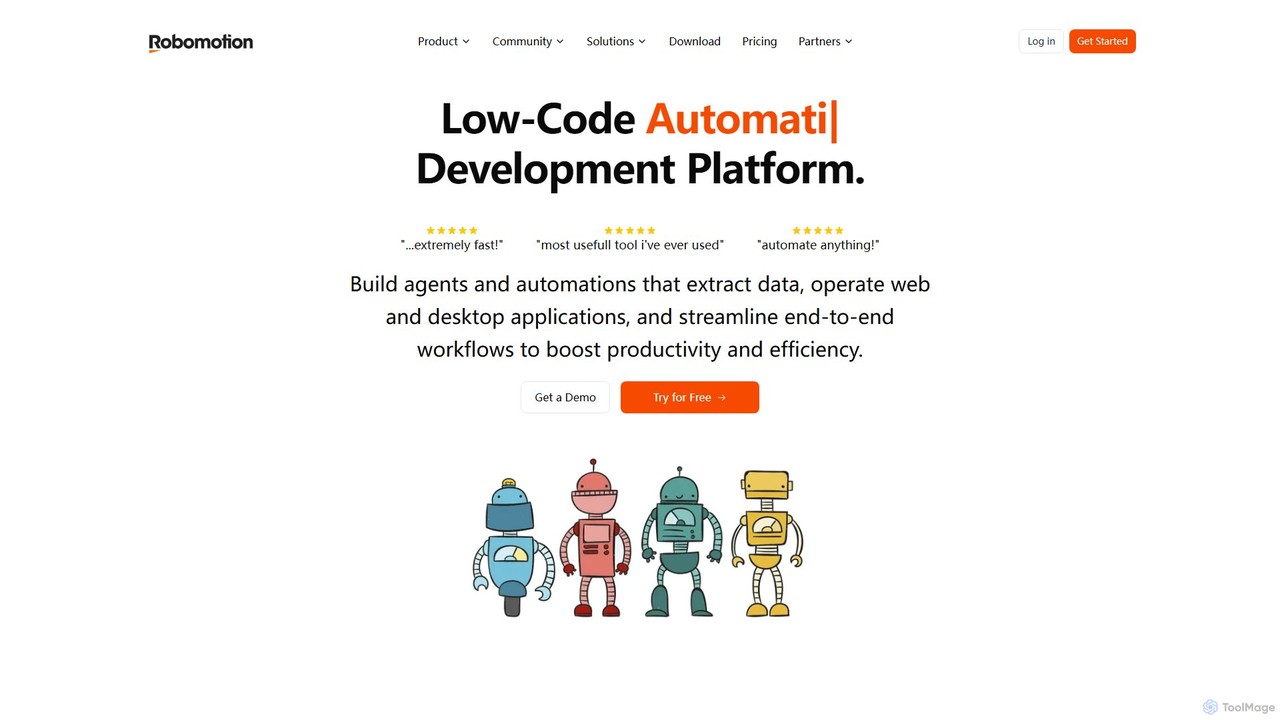
Robomotion
A low-code, cloud-native Robotic Process Automation (RPA) platform designed to automate repetitive tasks. Robomotion uses AI-powered software robots to extract data, operate web and desktop applications, and streamline workflows. It's built for developers, solopreneurs, and businesses of all sizes to boost productivity, reduce errors, and scale operations efficiently.
Workflow ManagementMother Computer Categories
Mother Computer Embed Widget
Copy this embed code to place the badge on your blog, article, or product site and send readers directly to this ToolMage detail page.

Related AI tools
aify
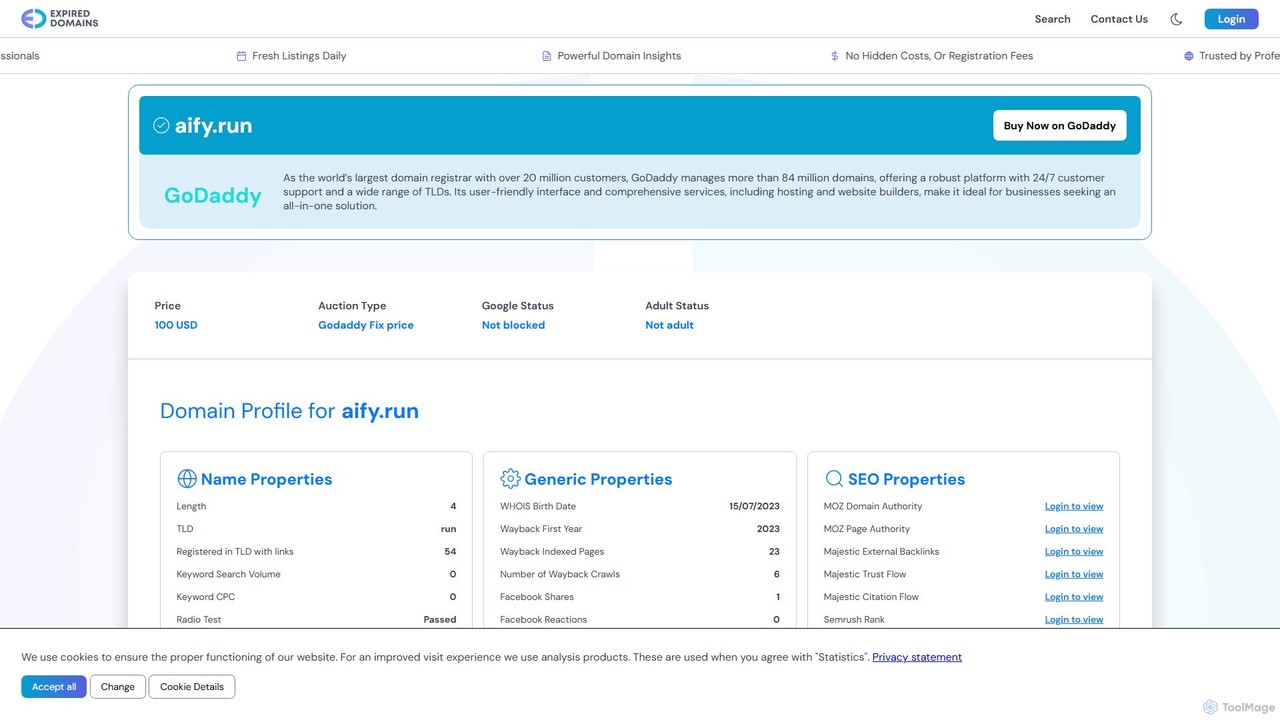
aify is a powerful no-code platform for building and running custom AI-powered workflows. Connect various AI models and applications to automate complex tasks, from content creation and data analysis to customer support and marketing campaigns, all within a visual, drag-and-drop interface.
No Code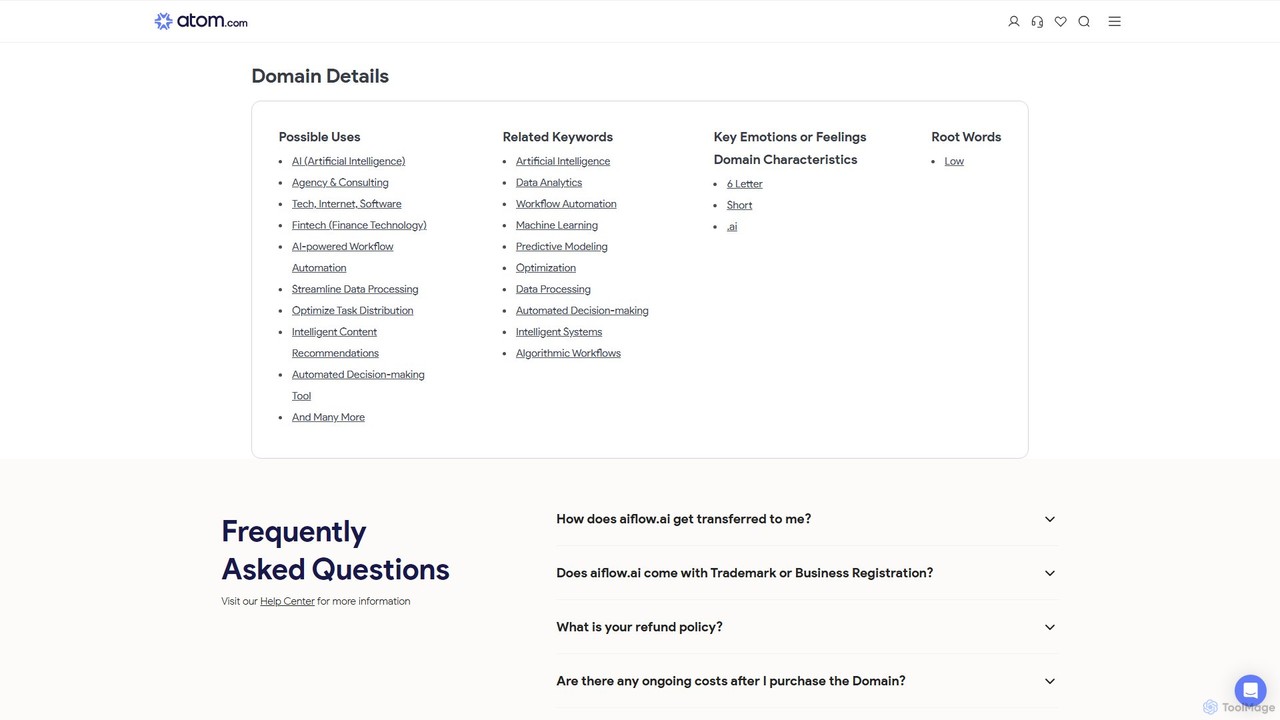
aiflow.ai
aiflow.ai is a no-code platform for building and automating AI-powered workflows. Visually connect your favorite apps and AI models to streamline tasks, from content creation and data analysis to customer support, boosting productivity and innovation for your business.
Workflow Management
Jyek
Jyek is an AI agent platform that understands objectives, creates execution plans, uses tools, and delivers verifiable results for complex, multi-step tasks.
Automation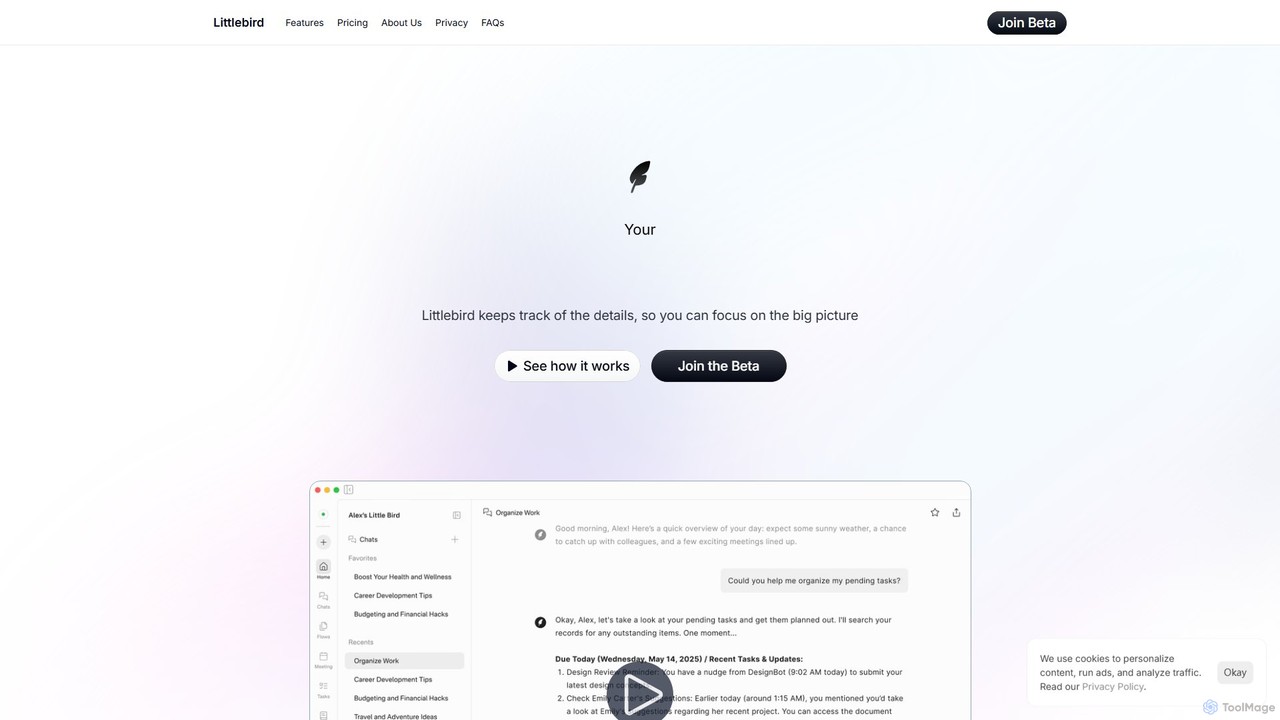
Littlebird
Littlebird is a personalized AI assistant that acts as your digital twin, learning your unique workflow across all applications. It automates tasks, organizes information, and provides contextual insights to help you focus on what matters most, eliminating busywork and context switching.
Personal Assistant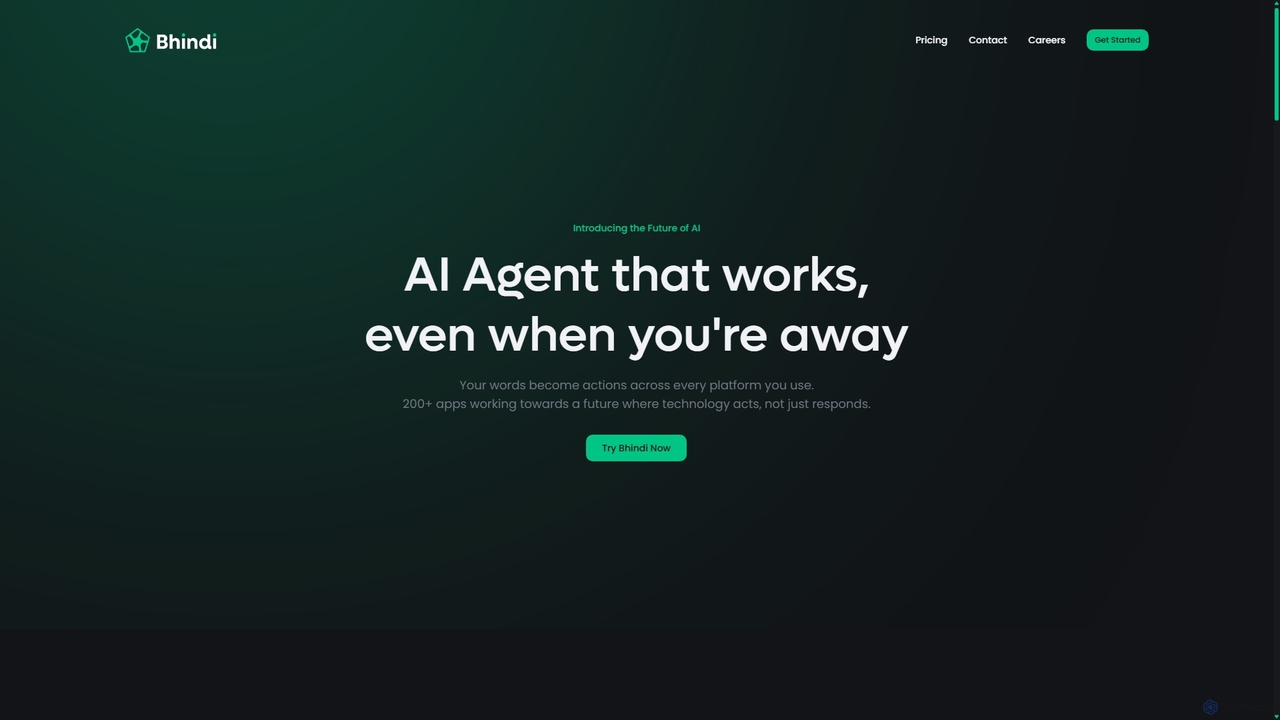
Bhindi
Bhindi is an AI agent platform that automates complex tasks and workflows across over 200 applications using simple natural language commands. It acts as an intelligent assistant that works in the background, connecting your favorite tools like Gmail, Slack, and Notion to execute multi-step actions, turning your words into a seamless, automated reality.
Personal Assistant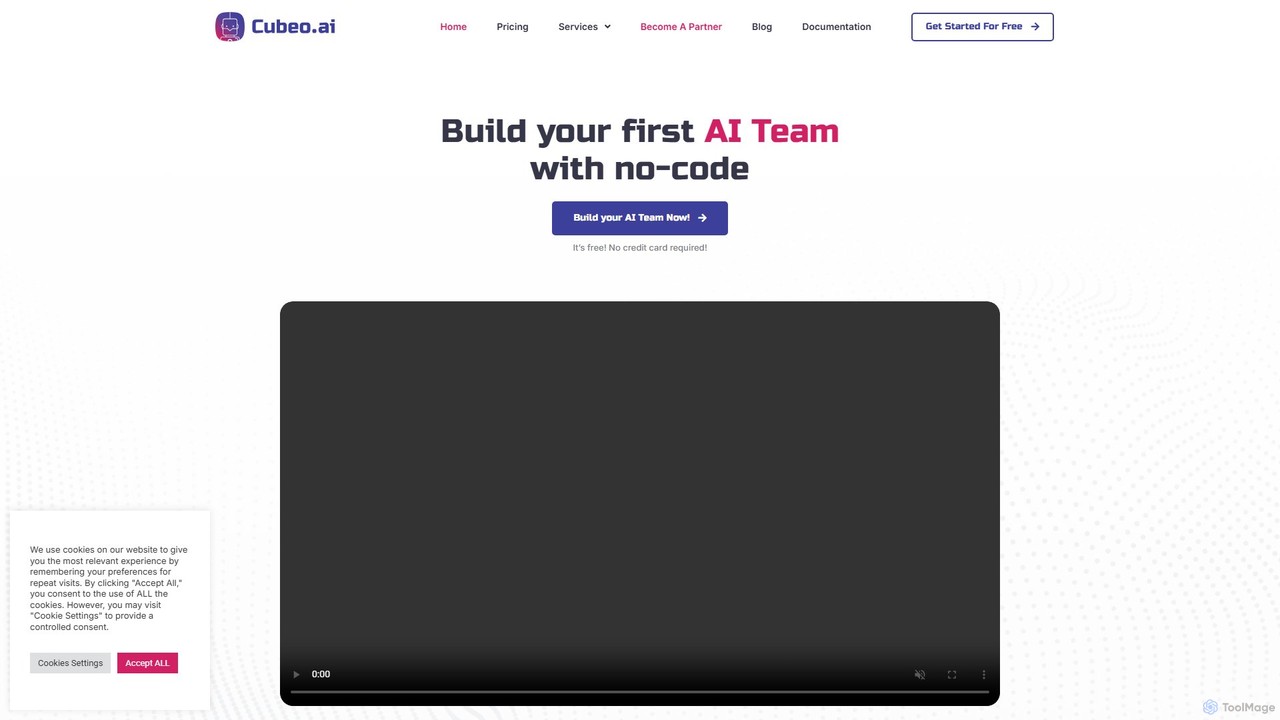
Cubeo AI
Cubeo AI is an innovative platform that enables users to build, manage, and deploy a 'Dream Team' of specialized AI agents. These agents collaborate to automate complex workflows, from market research and content creation to customer support and data analysis. It provides a no-code environment to assemble teams of AI assistants, each with a specific role, to streamline business operations and boost productivity.
Agent Management
Aify
Aify is a no-code AI platform that empowers users to build custom AI-powered applications and automate complex workflows. Integrate top AI models through a visual drag-and-drop interface to create tools for content generation, data analysis, and process automation without writing any code.
Workflow Management
doflow.io
doflow.io is an AI-native workflow automation platform designed to connect your apps and automate complex tasks. It allows you to build intelligent workflows using a visual canvas, integrating powerful AI models to streamline marketing, sales, and operational processes without writing any code.
Business Intelligence
Zigi.ai
Zigi.ai is an intelligent AI assistant designed to automate workflows, manage tasks, and enhance team collaboration. By integrating with your existing tools, Zigi proactively streamlines processes, summarizes meetings, and provides data-driven insights to boost productivity for individuals and businesses.
Intelligent Assistants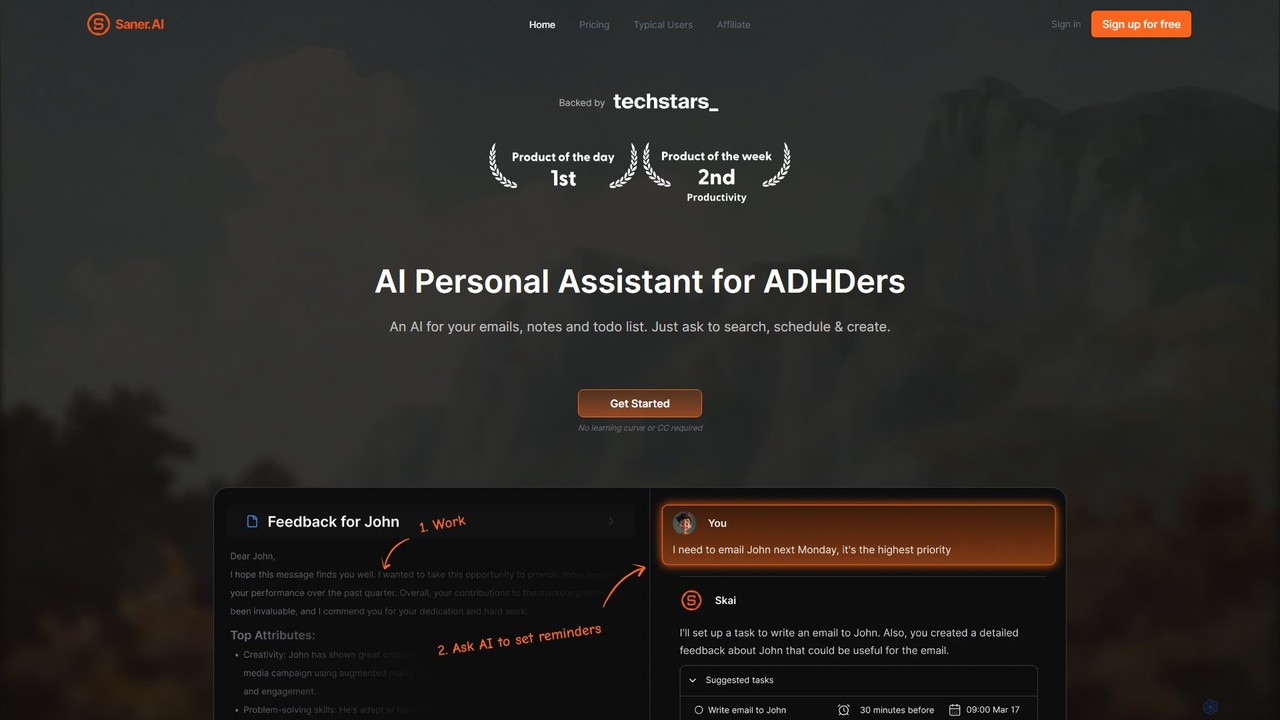
Saner.AI
Saner.AI is an AI personal assistant designed to help users, especially those with ADHD, manage notes, emails, and to-do lists. It acts as a unified workspace to capture, organize, and synthesize information, reducing cognitive load and context switching. With its AI assistant, Skai, it automates task planning, prioritization, and knowledge connection, creating a calmer, more productive workflow.
Second Brain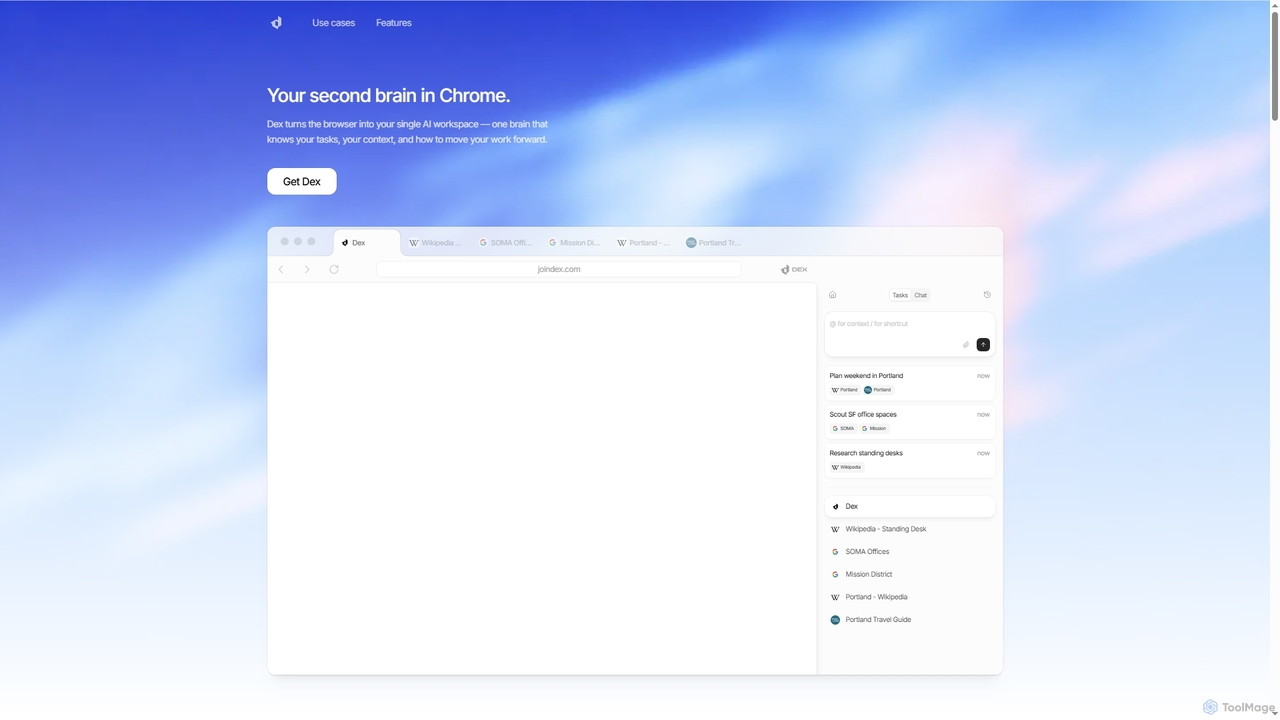
Dex
Dex is an AI-powered Chrome extension that transforms your browser into a smart, integrated workspace. It acts as your second brain, managing tasks, understanding context, and proactively moving your work forward by connecting with over 14 applications to eliminate context switching and boost productivity.
Workflow Automation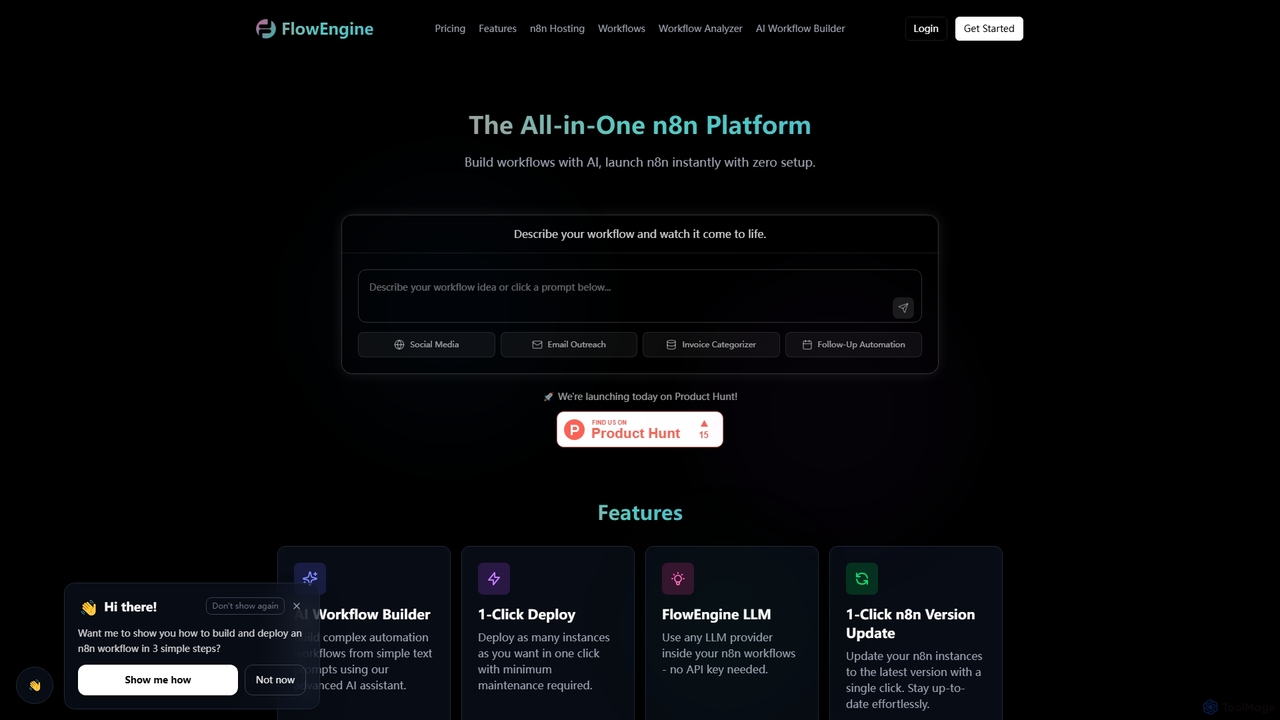
FlowEngine
FlowEngine is an all-in-one n8n hosting platform that simplifies workflow automation with AI. It allows users to build complex automation workflows from simple text prompts, deploy n8n instances instantly with zero setup, and manage them with ease. It integrates over 100 pre-loaded LLMs and offers managed hosting, ensuring security and reliability for all your automation needs.
Ai Workflow Generation
Ply
Ply is a no-code platform that allows businesses to build custom features, AI-powered solutions, and interactive workflows directly into their existing applications like HubSpot, Zendesk, and Gmail. It empowers teams to streamline operations and create powerful customer-facing portals without writing any code, enhancing productivity and user experience.
Crm Enhancement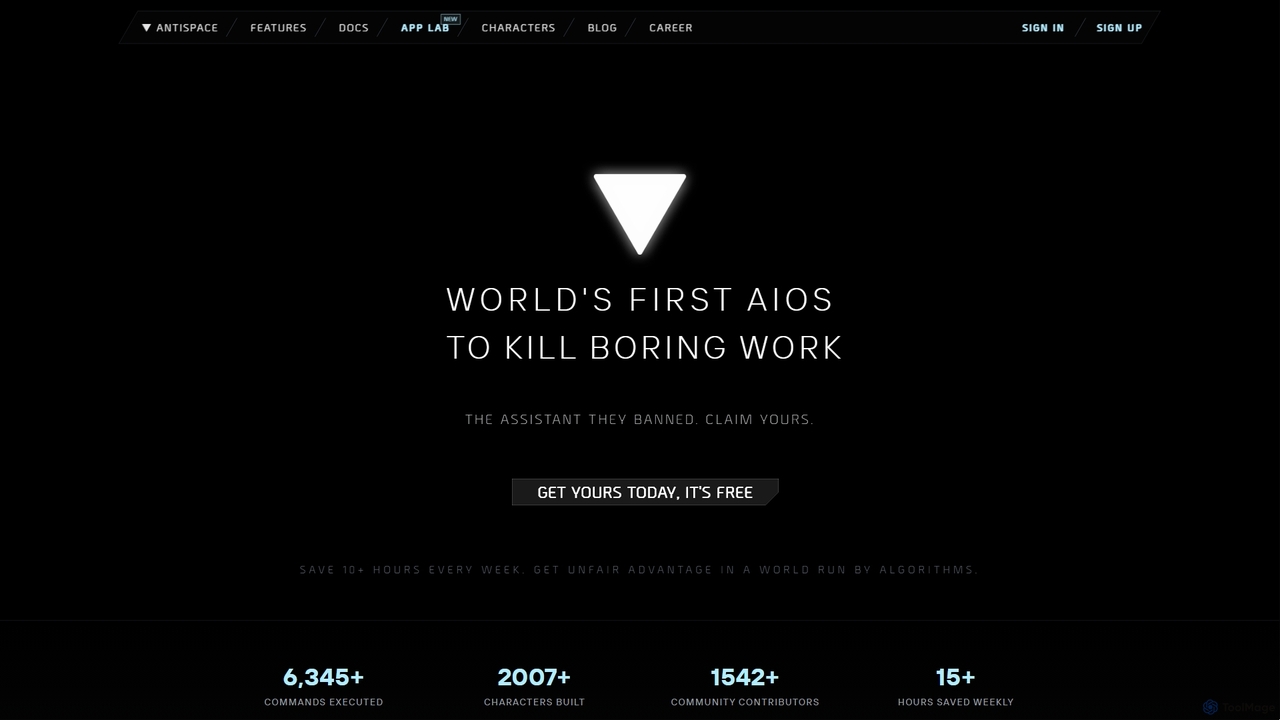
Antispace
Antispace is the world's first AI Operating System (AIOS) designed to eliminate boring work. It provides users with customizable AI sidekicks, each with a unique personality, to proactively manage emails, calendars, notes, and tasks. By predicting and executing the best actions, Antispace saves users over 10 hours per week and reduces decision fatigue.
Scheduling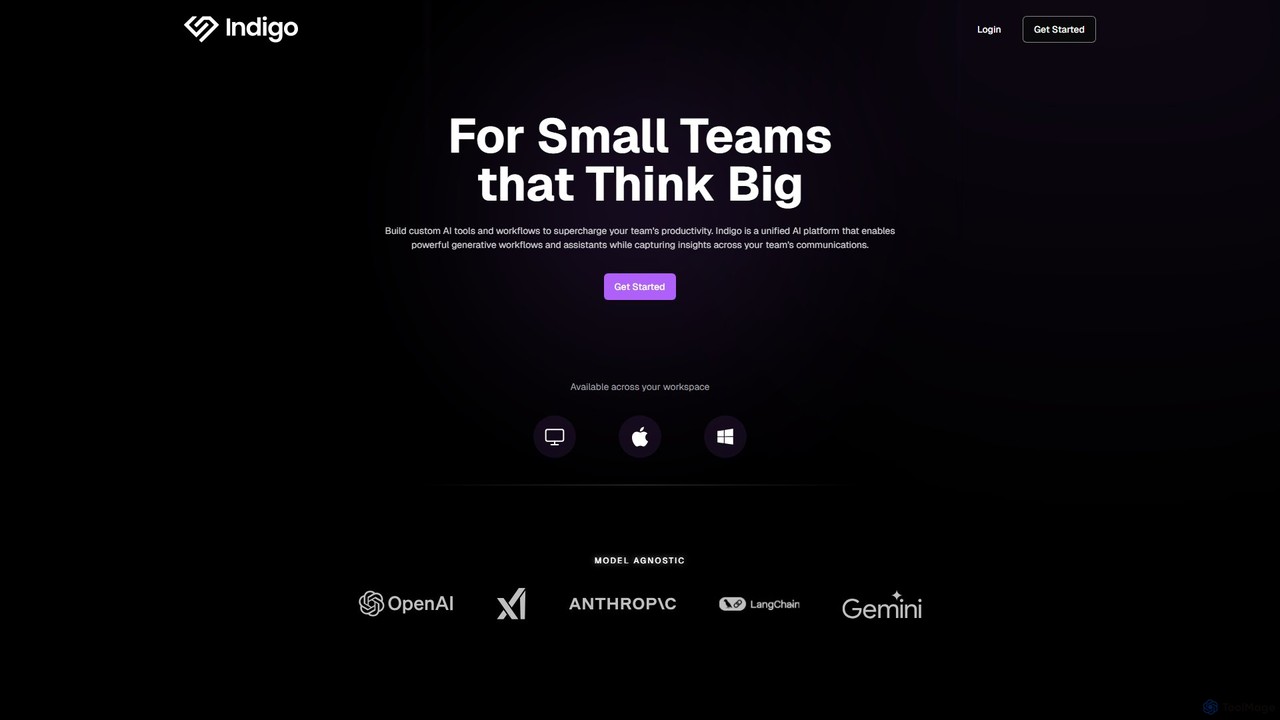
getindigo
Indigo is a unified AI copilot platform designed for high-performance teams. It enables the creation of custom, no-code AI workflows and specialized assistants trained on your team's data. By integrating with your workspace, Indigo automates tasks, analyzes meetings, and turns scattered communications into a structured, searchable team memory, significantly boosting productivity and providing actionable insights.
No Code Platform
Mother Computer Comments (0)
Sign in to comment.
Sign inNo comments yet.