
Calendar Best in category 1 results Scheduling AI Tool

Popular AI tools in the Scheduling field of Calendar include Antispace, etc., helping you quickly improve efficiency.

Free
Antispace

Antispace

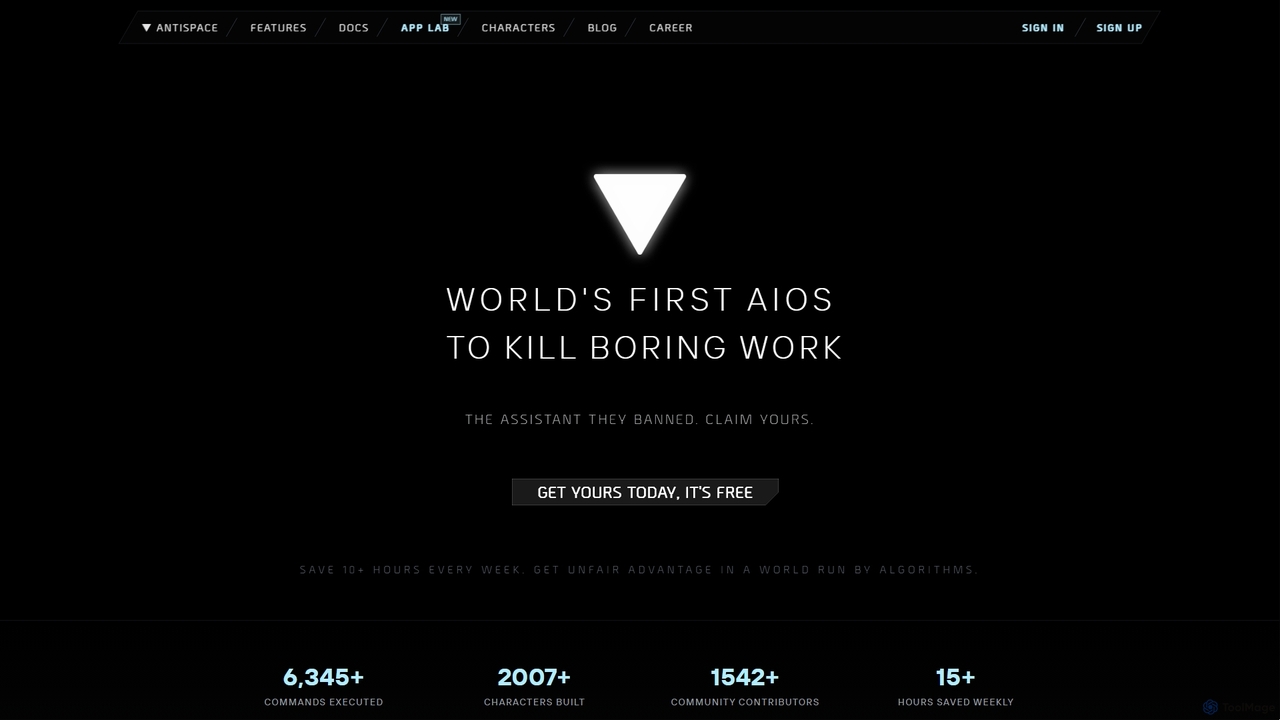
Antispace is the world's first AI Operating System (AIOS) designed to eliminate boring work. It provides users with …

4.6K

About Scheduling

AI Scheduling tools are a specialized category of calendar utilities designed to automate the process of finding and booking meeting times. These tools connect to multiple calendars to identify mutual availability in real-time, eliminating the tedious back-and-forth communication typically required to arrange appointments. By leveraging AI, they can suggest optimal times, manage time zones, and streamline the entire coordination workflow. This automation saves significant time for professionals, teams, and anyone who frequently coordinates with others.

Core Features

  • Automated Availability Syncing: Connects with multiple calendar systems (e.g., Google Calendar, Outlook) to show real-time, conflict-free availability.
  • Customizable Booking Pages: Create personal, shareable links where others can view your availability and book a time directly.
  • Intelligent Time Suggestions: AI analyzes participants' schedules and preferences to propose the most convenient meeting times for everyone.
  • Workflow Automation: Automatically sends confirmations, reminders, follow-ups, and can create video conference links (e.g., Zoom, Google Meet).
  • Group Scheduling: Simplifies finding a time for multiple people by overlaying calendars or using polls to find a consensus.

Use Cases

These tools are invaluable for client-facing roles such as sales teams coordinating demos, recruiters arranging interviews, and consultants booking client sessions. They are also widely used by executives and project managers to efficiently schedule internal meetings with multiple stakeholders across different departments and time zones.

How to Choose

When selecting a scheduling tool, consider its integration capabilities with your existing calendar, CRM, and video conferencing software. Evaluate the level of customization for booking pages and notifications. Assess whether you need individual or team-based features like round-robin or collective scheduling. Finally, consider the sophistication of its AI features and whether its pricing model aligns with your usage volume.

SchedulingUse Cases

1

Automating Sales Discovery Calls

A sales development representative (SDR) needs to schedule discovery calls with dozens of prospects each week. Instead of emailing back and forth, the SDR includes a personal scheduling link in their outreach emails. Prospects click the link, see the SDR's real-time availability synced from their Google Calendar, and pick a time that works for them. The tool automatically creates the event, adds a video conference link, and sends confirmation emails to both parties, reducing scheduling time by over 80%.

2

Streamlining Candidate Interview Coordination

A recruiter needs to schedule a multi-stage interview process involving a candidate, a hiring manager, and two team members. Using a group scheduling tool, the recruiter creates a single booking link that overlays the availability of all internal interviewers. The candidate selects a time that works for everyone. The tool then automatically books a sequence of meetings (e.g., 30 mins with manager, 45 mins with team) and sends customized invitations to each participant, saving hours of manual coordination.

3

Managing Client Consulting Sessions

A freelance consultant offers various paid services, such as 30-minute check-ins and 90-minute strategy sessions. They create a public booking page with different meeting types, each with its own duration and price. The tool integrates with a payment processor, requiring clients to pay upon booking. This automates the entire process from scheduling to payment, prevents no-shows, and ensures the consultant's calendar is filled efficiently without administrative overhead.

4

Organizing University Professor Office Hours

A university professor needs to manage office hours for hundreds of students. They set up a scheduling page with recurring 15-minute slots available twice a week. Students can access the link via the course syllabus and book a time without needing to email the professor. The tool automatically adds a buffer time between appointments to prevent back-to-back meetings and sends reminders to both the professor and the student 24 hours before the session, reducing missed appointments and administrative work.

5

Coordinating Cross-Functional Team Meetings

A project manager needs to schedule a critical sync-up meeting with team members from engineering, marketing, and design, all of whom have packed schedules. Instead of a long email chain, the manager uses a scheduling poll. They propose several potential times, and team members vote on the options that work for them. The tool identifies the time with the most votes and automatically schedules the meeting, inviting everyone and adding it to their calendars. This democratic approach ensures maximum attendance with minimal effort.

6

Optimizing Customer Onboarding with Round-Robin Scheduling

A customer success team needs to distribute new client onboarding calls evenly among its members. They set up a round-robin scheduling link for 'Onboarding Sessions'. When a new customer clicks the link to book a session, the tool automatically checks the availability of all team members and assigns the meeting to the person with the fewest recent meetings or who is next in the rotation. This ensures a balanced workload, provides faster response times for customers, and simplifies the assignment process for managers.

SchedulingFrequently Asked Questions