
PixieBrix Overview
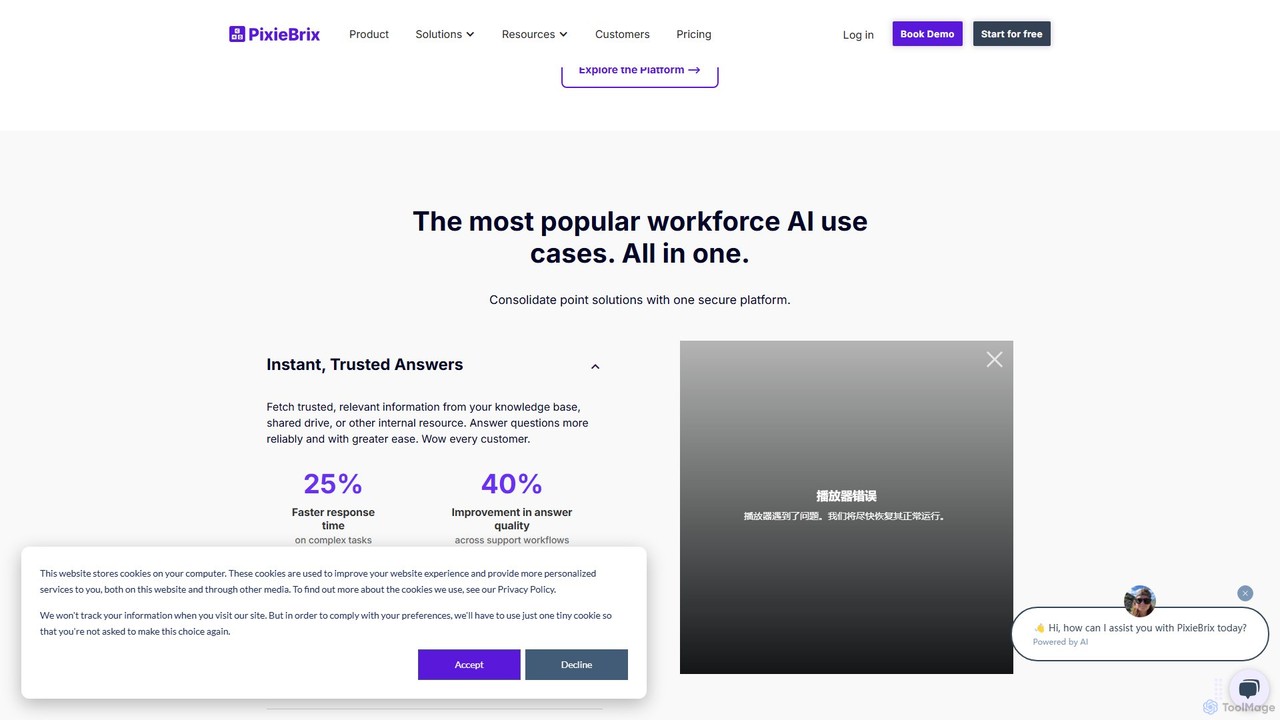
PixieBrix is a powerful low-code platform delivered as a browser extension, designed to enhance productivity and streamline workflows by allowing users to customize and automate any website. It acts as a personal UI layer on top of the web, enabling you to add buttons, context menus, and sidebars to your most-used applications. This eliminates the need to constantly switch between tabs and manually transfer data, saving significant time and reducing the potential for errors. With PixieBrix, you can connect your web apps, integrate with APIs, and leverage the power of AI to create a more efficient and personalized digital workspace.
The platform is built for everyone, from individual users looking to automate personal tasks to large enterprises seeking to deploy standardized workflows across their teams. It empowers non-technical users to build sophisticated automations that were once the exclusive domain of developers. By combining a user-friendly interface with powerful capabilities, PixieBrix makes it possible to transform how you interact with the web.
How to use PixieBrix
Getting started with PixieBrix is a straightforward process designed for quick adoption and immediate value:
- Install the Extension: Begin by adding the PixieBrix extension to your Chrome or Edge browser from their respective web stores.
- Explore the Marketplace: Browse the PixieBrix Marketplace for a wide range of pre-built "mods" (modifications) and templates. These ready-to-use solutions cover common use cases like data entry, AI content generation, and CRM integration.
- Activate and Customize: Activate a mod with a single click. You can use it as-is or open the Page Editor to customize it to your specific needs. The Page Editor provides a low-code, drag-and-drop interface for modifying the UI and workflow logic.
- Build from Scratch: For unique requirements, you can use the Page Editor to build your own mods. Use "bricks"—the building blocks of PixieBrix—to connect to APIs, interact with page elements, and integrate AI services like OpenAI, Claude, and more.
- Trigger Your Automations: Set up triggers for your mods, such as a right-click context menu, a custom button added to a page, or an automated action when a page loads.
- Deploy and Share: For teams, administrators can manage, version, and deploy mods to specific user groups, ensuring consistency and control across the organization.
Core Features of PixieBrix
- Low-Code Page Editor: An intuitive interface for building and customizing browser modifications without writing code. Add buttons, panels, and context menu items to any website.
- Marketplace of Mods: A rich library of pre-built templates and automations that can be activated instantly to solve common problems.
- AI Integration (Bricks): Seamlessly integrate with leading AI models for tasks like AI writing, summarization, translation, image generation, and enterprise search.
- RPA Integration: Embed and trigger Robotic Process Automation (RPA) bots from platforms like UiPath and Automation Anywhere directly from your browser interface.
- Contextual Actions: Create dynamic tools that appear exactly when and where you need them, based on the content of the page you're viewing.
- Web Scraping and Data Extraction: Easily extract information from web pages and pass it to other applications, spreadsheets, or databases automatically.
- Team Collaboration & Governance: Share mods with your team, manage access with granular controls, and use version control for safe and scalable deployments.
- Comprehensive Brick Library: Access a wide array of bricks for functionalities like creating checklists, decision trees, snippet managers, and chat copilots.
Use Cases for PixieBrix
PixieBrix is versatile and can be applied across various departments and industries:
- Customer Support: Equip agents with a sidebar that displays customer information from a CRM directly within the helpdesk ticket page. Use AI-powered snippets for faster, more consistent replies.
- Sales and Business Development: Automate the process of saving leads from LinkedIn to a CRM with a single click. Use AI to draft personalized outreach emails based on a prospect's profile.
- Human Resources: Streamline candidate sourcing by adding buttons to job boards that automatically parse resumes and send data to an Applicant Tracking System (ATS).
- Marketing: Automate content creation research by summarizing articles, generating social media posts with AI, and scheduling campaigns across different platforms.
- Operations and IT: Build custom internal tools and front-ends for legacy systems without extensive development resources. Guide users through complex processes with on-screen checklists and decision trees.
Advantages of PixieBrix
Users and organizations choose PixieBrix for several key benefits:
- Drastic Time Savings: Automates repetitive manual tasks, with users reporting saving 2-3 hours per day.
- Increased Efficiency and Accuracy: Reduces context switching and eliminates manual data entry errors.
- Empowerment of Non-Developers: Allows business users to create their own solutions, freeing up IT and development teams.
- Extreme Flexibility: Transforms any website or web application to perfectly match your team's workflow.
- Seamless Integration: Works on top of your existing software stack, enhancing the value of your current tools.
- Scalable and Secure: Offers enterprise-grade features like SSO, granular access controls, and versioning for secure, large-scale deployments.
Pricing and Plans
PixieBrix offers a tiered pricing model to suit different needs:
- Individual (Free): Ideal for individuals getting started. Includes unlimited mods, 100 Premium API credits per month, 5,000 PixieBrix database records, and access to community support.
- Business ($30 per user/month): Designed for teams and organizations. Includes everything in the Individual plan plus unlimited users, 1,000 Premium API credits per user, granular access controls, version control, API credit pooling, a 2GB asset database, and Business SLA support.
- Enterprise (Custom Pricing): For large organizations with advanced needs. Includes all Business features plus custom usage configurations, SAML 2.0 SSO (Okta, AD), Enterprise SLA support, white labeling, deployment groups, and premium brick add-ons.
Traffic
Latest traffic
Status
Monthly traffic trend
- 2025-9: 75.1K
- 2026-1: 57.1K
- 2026-2: 53.2K
- 2026-3: 72.2K
- 2026-4: 86.6K
- 2026-5: 89.0K
Geography
Top 5 countries / regions
- 🇺🇸United States36.6%
- 🇮🇳India21.4%
- 🇬🇭Ghana20.7%
- 🇳🇬Nigeria13.0%
- 🇹🇷Türkiye8.3%
Traffic sources
| Source type | Percentage |
|---|---|
Direct | 63.2% |
Referral | 30.1% |
Email | 6.7% |
Top keywords
| Keyword | Cost per click |
|---|---|
| google sheet | $1.10 |
| google sheets | $1.99 |
| google slides | $2.43 |
| jpg to excel | $0.18 |
| viggle ai | $0.32 |
PixieBrix Alternatives
deathtohumans
An advanced AI automation platform designed to eliminate repetitive human tasks. It leverages a multi-agent system to build and execute complex workflows for content creation, data analysis, coding, and business operations, radically boosting efficiency.
Business Intelligence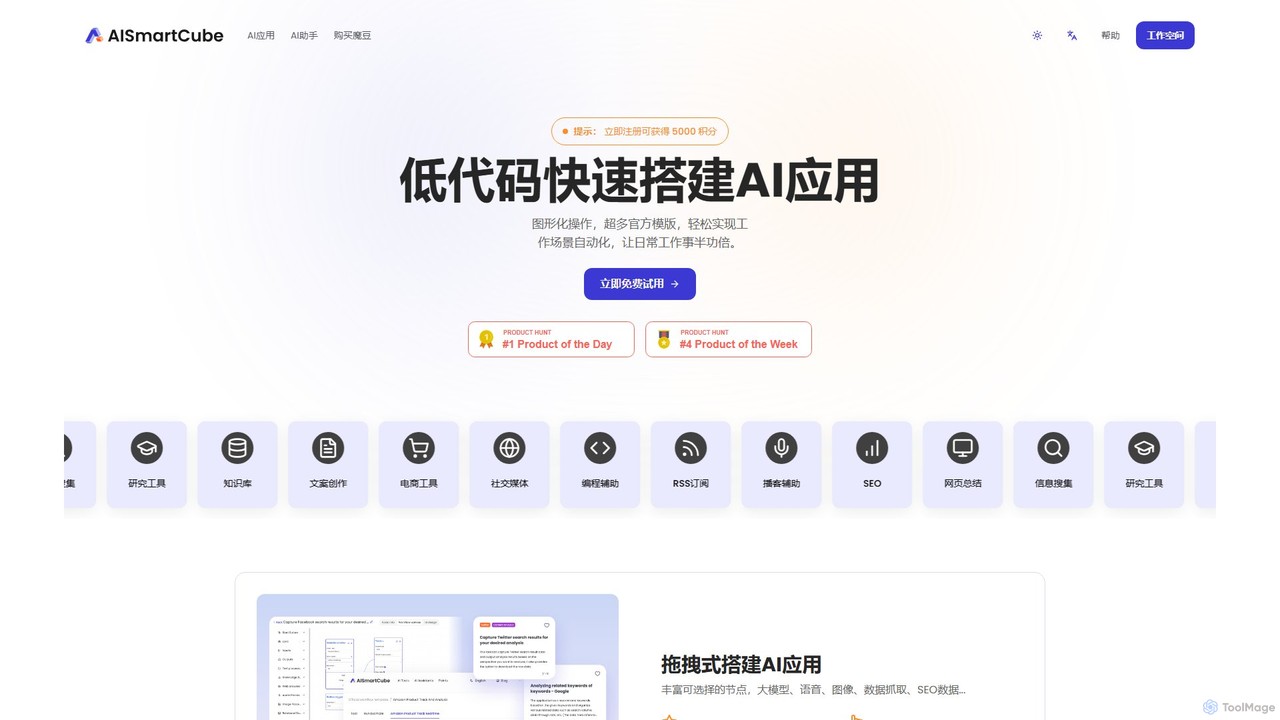
aismartcube
aismartcube is a low-code AI application development platform that allows users to build and automate complex workflows using a visual, drag-and-drop interface. It integrates with major large language models like ChatGPT, Claude, and Gemini, and offers a wide range of plugins for data scraping, SEO, social media, and more. Users can create custom "AI Employees" and leverage pre-built templates to streamline tasks in marketing, content creation, and research, all with a flexible pay-as-you-go pricing model.
Low Code No Code
n8nChat
n8nChat is an AI-powered browser extension for Chrome and Firefox that accelerates n8n workflow creation. Describe your desired automation in natural language, and the AI will build, edit, debug, and optimize your workflows. It even generates custom JavaScript for Code nodes, making powerful automation accessible to everyone.
Ai Assistant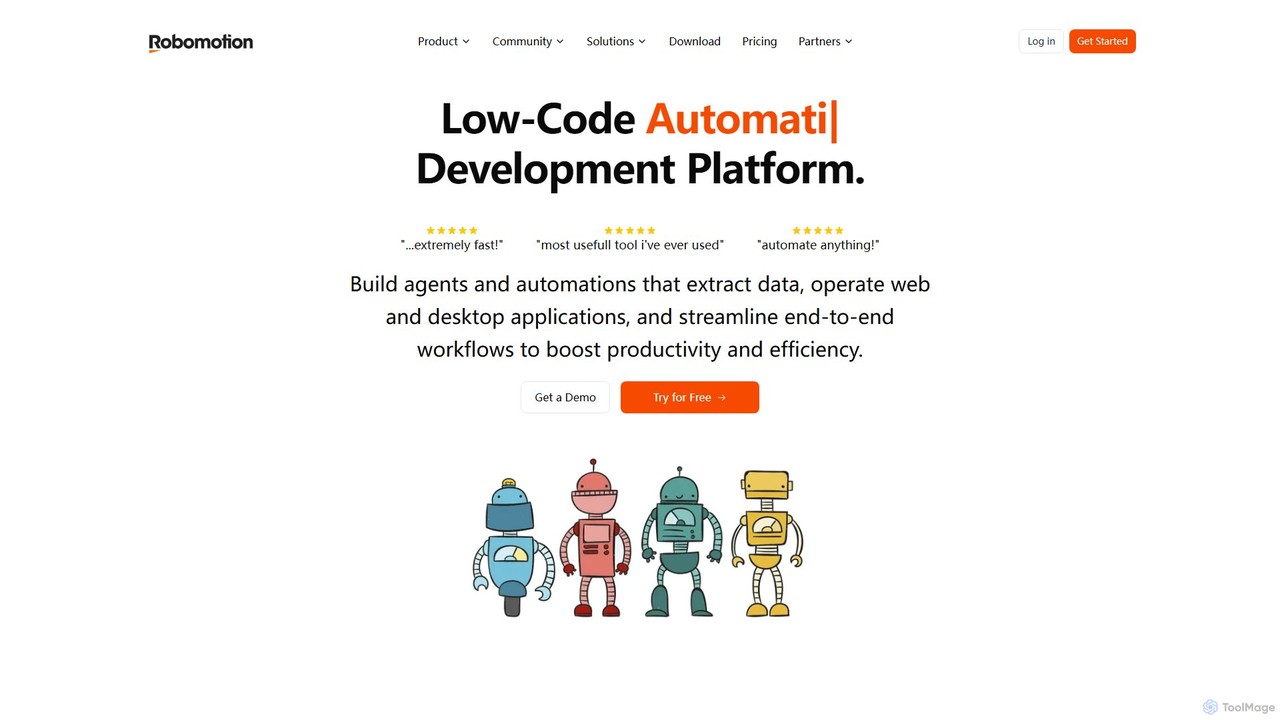
Robomotion
A low-code, cloud-native Robotic Process Automation (RPA) platform designed to automate repetitive tasks. Robomotion uses AI-powered software robots to extract data, operate web and desktop applications, and streamline workflows. It's built for developers, solopreneurs, and businesses of all sizes to boost productivity, reduce errors, and scale operations efficiently.
Workflow Management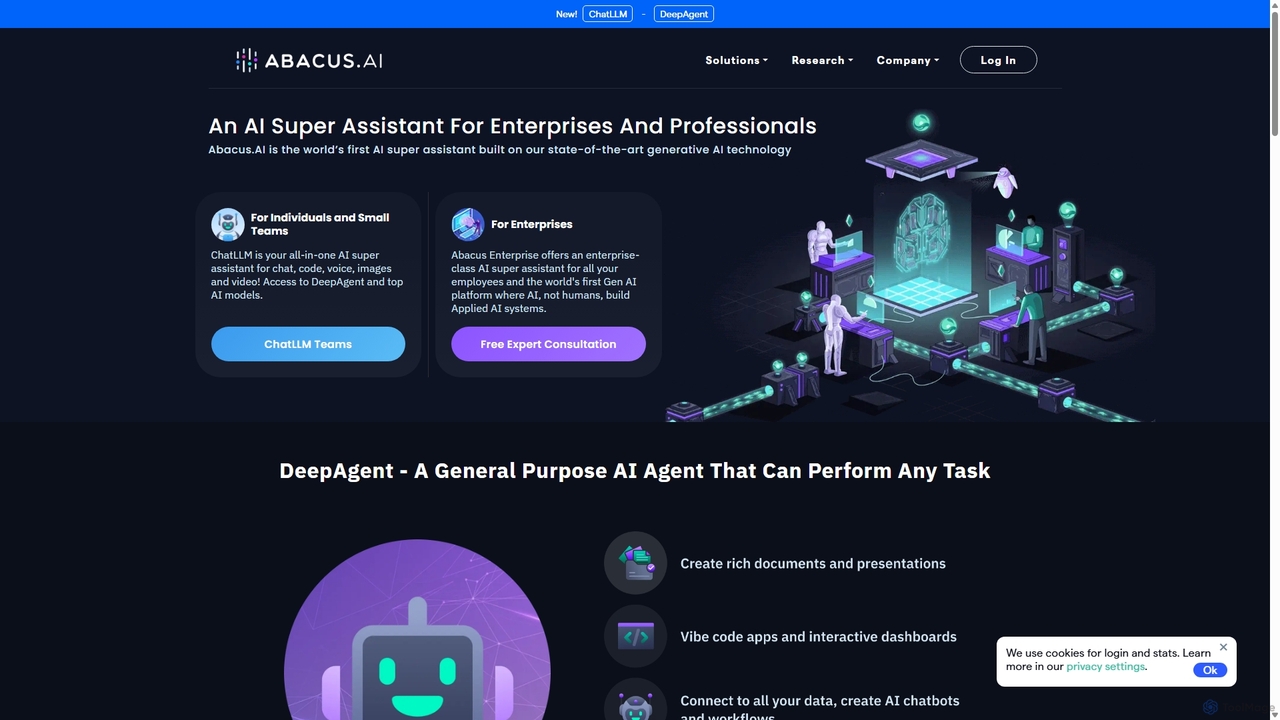
Abacus.AI
Abacus.AI is an advanced AI super assistant and generative AI platform designed for both enterprises and individuals. It enables the creation of AI agents, custom chatbots, and automated workflows to enhance productivity, analyze data, and build applied AI systems with minimal human intervention.
ChatbotPixieBrix Categories
PixieBrix Embed Widget
Copy this embed code to place the badge on your blog, article, or product site and send readers directly to this ToolMage detail page.

Related AI tools
axiom.ai
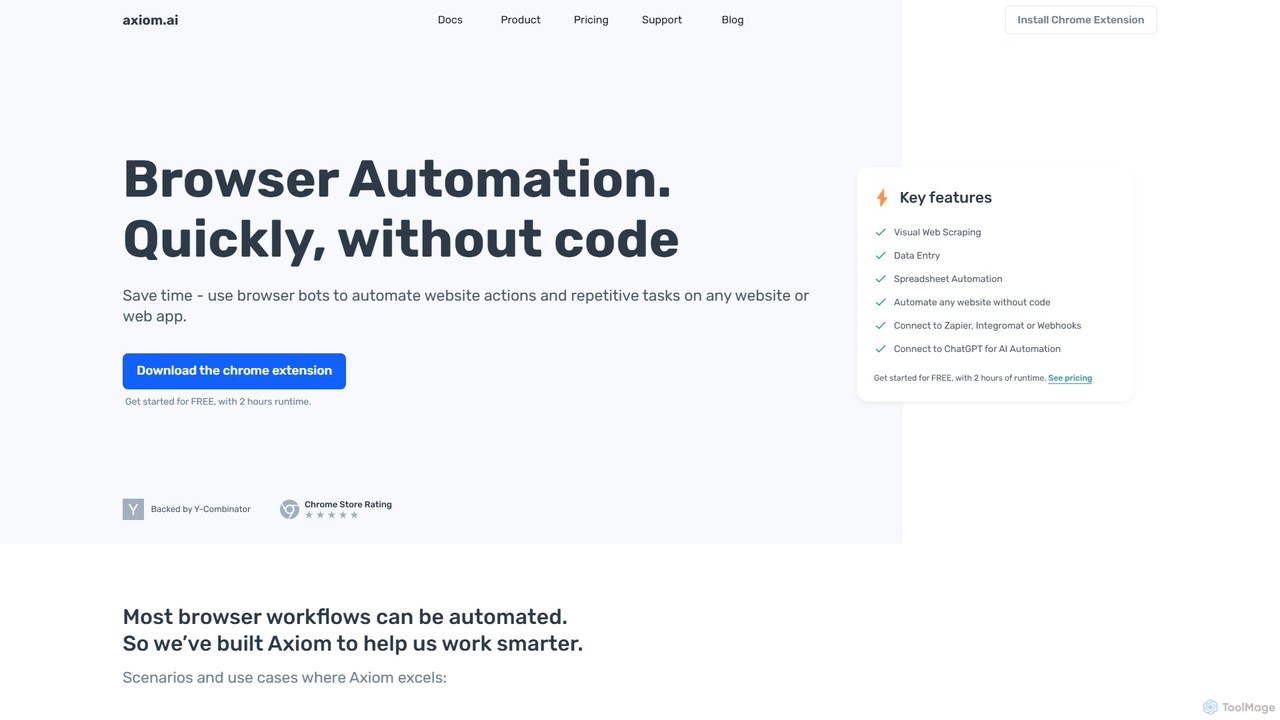
Axiom.ai is a no-code browser automation and web scraping tool. It allows you to build bots to automate repetitive tasks, data entry, and data extraction from any website or web app, directly in your browser. It integrates with ChatGPT, Zapier, and Google Sheets to create powerful, time-saving workflows without writing a single line of code.
Scraping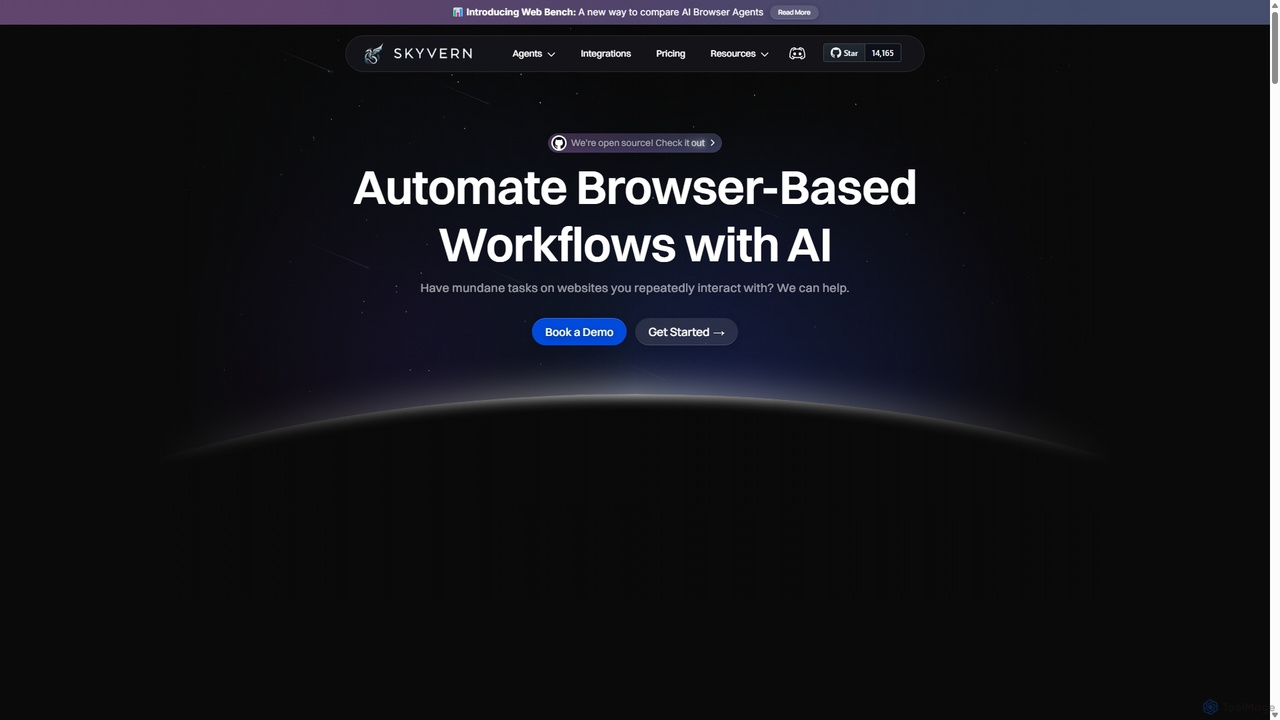
Skyvern
Skyvern is an AI-powered browser automation platform that uses computer vision and natural language to automate complex web workflows. It can handle data extraction, form submissions, invoice retrieval, and more on any website, adapting dynamically to changes without traditional scripting.
Api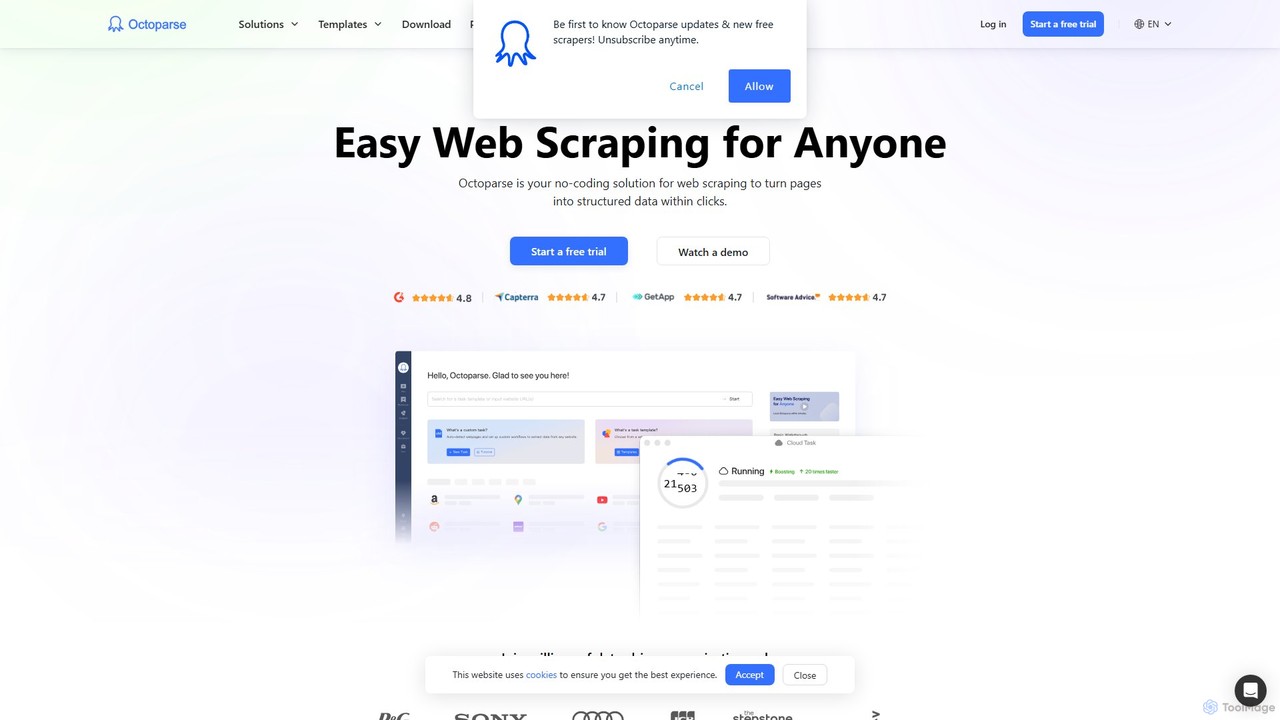
Octoparse AI
Octoparse AI is a no-code platform for building custom AI-powered workflows and RPA bots. It enables users to automate tasks, scrape web data, and integrate with various applications without writing any code. With a rich library of ready-to-use automation apps, it streamlines processes for sales, marketing, and data management, boosting productivity for individuals and teams.
Web Scraping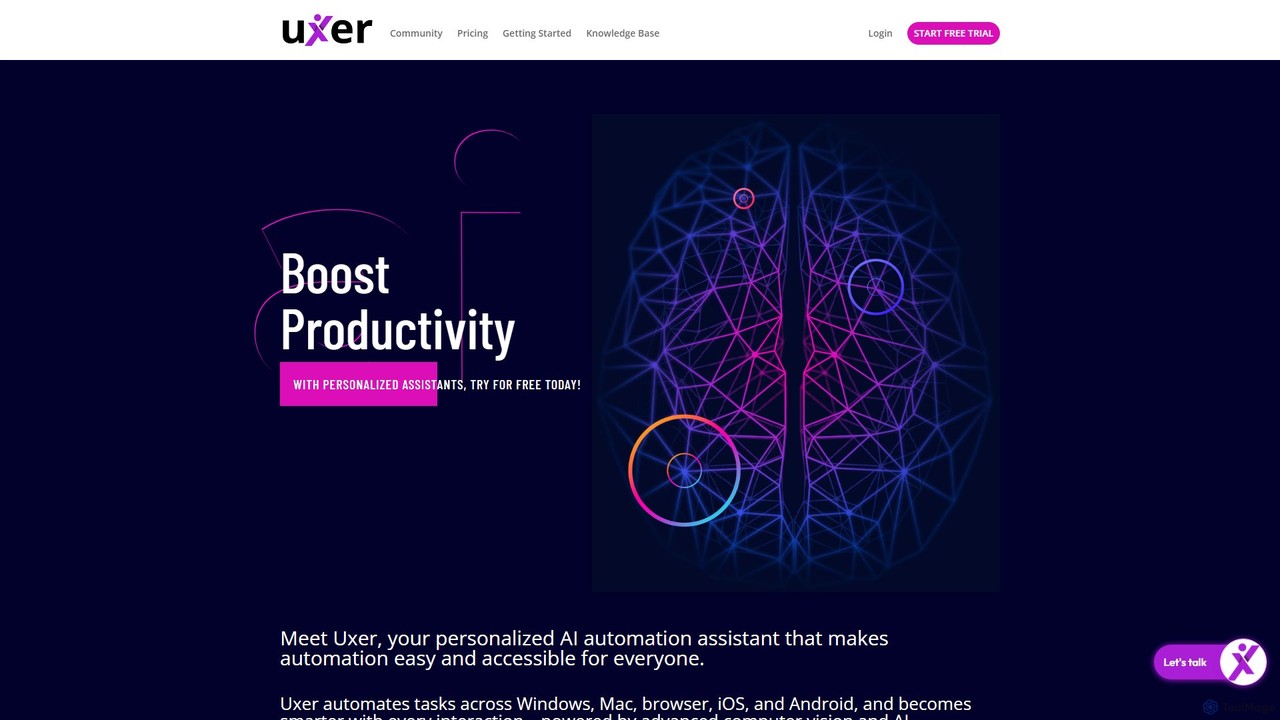
Uxer
Uxer is a no-code AI automation agent that boosts productivity by automating repetitive tasks across Windows, Mac, browsers, iOS, and Android. Using advanced computer vision and natural language, it allows both non-technical and advanced users to create powerful workflows without complex code. It learns from your interactions to become a smarter, personalized assistant.
Task Automation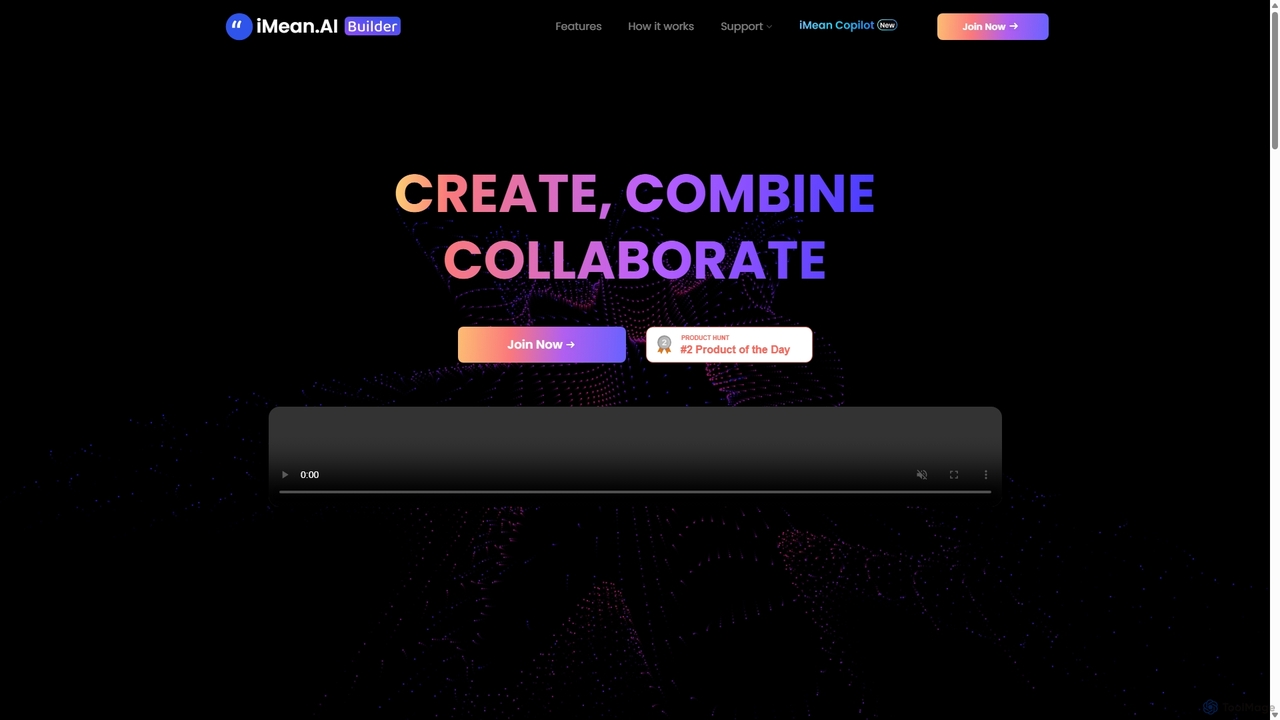
IMean AI Builder
iMean AI Builder is a no-code platform that allows you to create a personal AI assistant by simply recording your online activities. It learns from your actions, turning repetitive tasks like scheduling, research, and data entry into automated workflows. Customize your AI with a drag-and-drop editor to build a truly personalized digital companion.
No Code
takemebot
takemebot is a no-code/low-code Robotic Process Automation (RPA) platform designed to automate repetitive business tasks. It helps businesses lower operational costs, save time, and achieve error-free operations through a user-friendly drag-and-drop interface, record-and-play functionality, and seamless integration with existing systems.
Robotic Process Automationn8nChat
n8nChat is an AI-powered browser extension for Chrome and Firefox that accelerates n8n workflow creation. Describe your desired automation in natural language, and the AI will build, edit, debug, and optimize your workflows. It even generates custom JavaScript for Code nodes, making powerful automation accessible to everyone.
Ai AssistantRobomotion
A low-code, cloud-native Robotic Process Automation (RPA) platform designed to automate repetitive tasks. Robomotion uses AI-powered software robots to extract data, operate web and desktop applications, and streamline workflows. It's built for developers, solopreneurs, and businesses of all sizes to boost productivity, reduce errors, and scale operations efficiently.
Workflow Management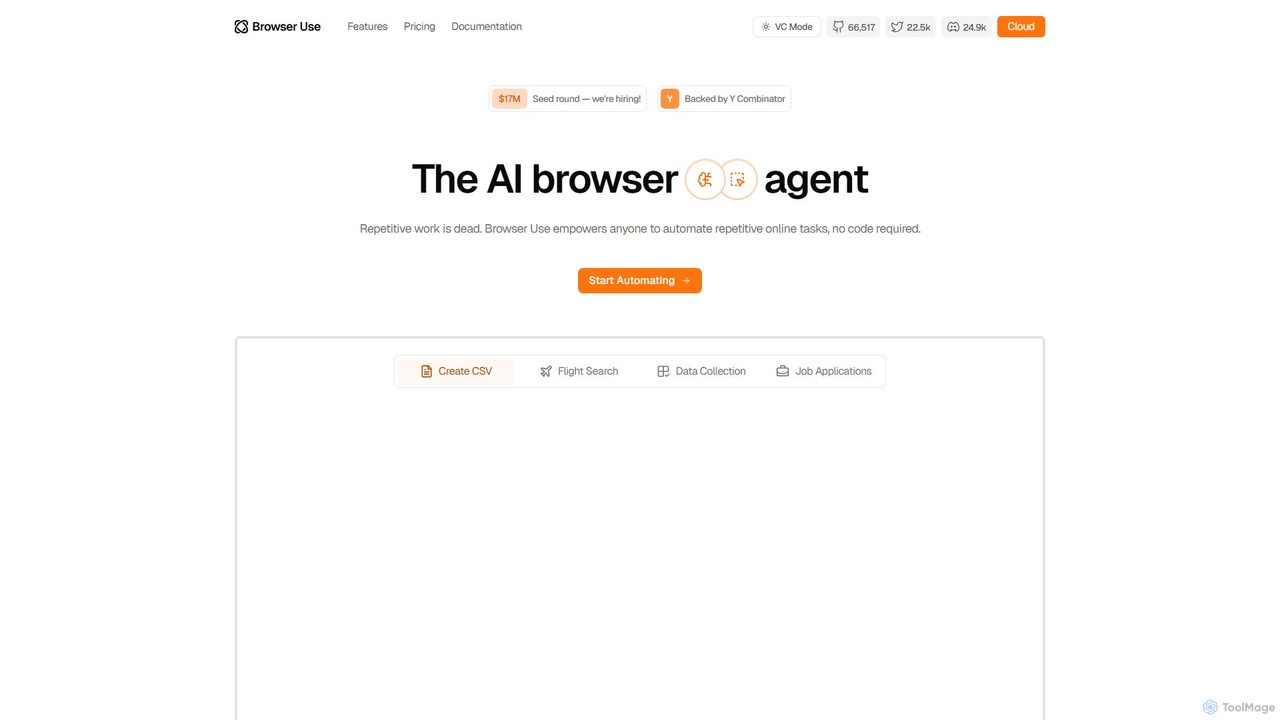
Browser Use
Browser Use is an AI-powered browser agent that automates repetitive online tasks without requiring any code. It can handle complex data scraping, form filling, and other web-based workflows. Backed by Y Combinator, it offers a simple chat interface for users and a powerful API for developers to streamline their online activities.
Data Extraction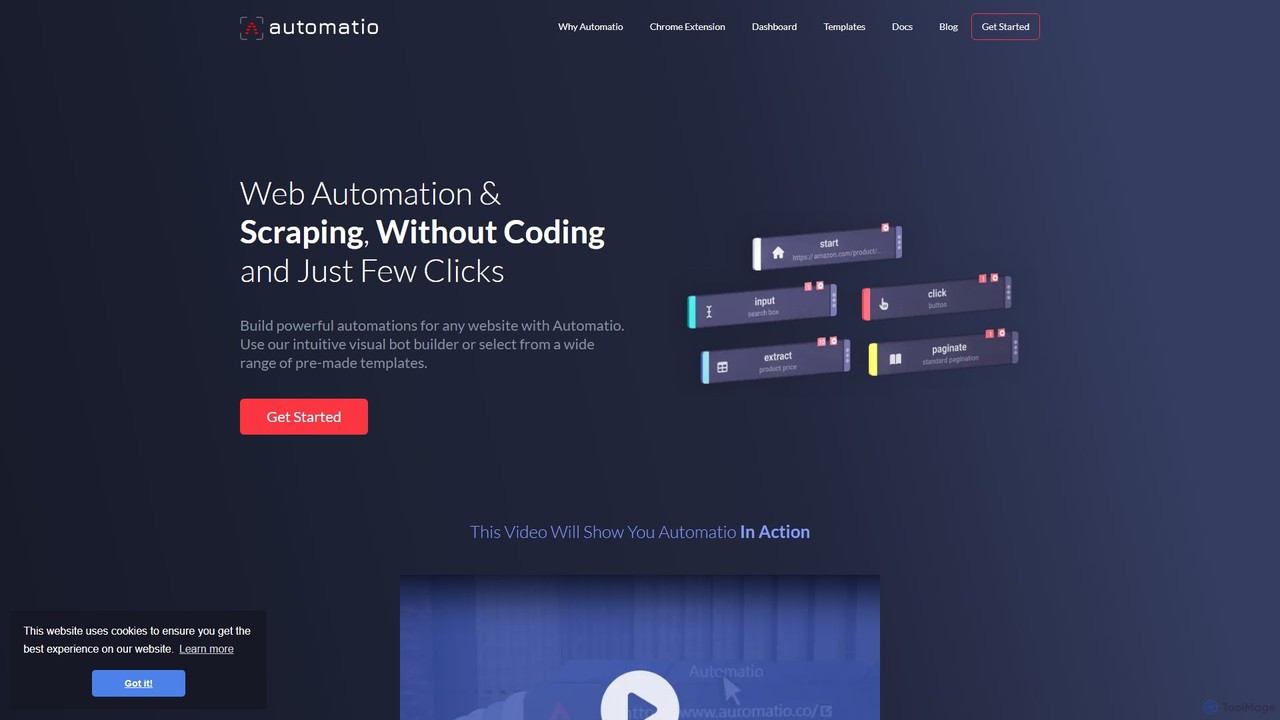
Automatio
Automatio is a powerful no-code platform for web scraping and browser automation. It allows users to build bots through a visual interface to extract data, fill forms, and automate repetitive tasks on any website without writing a single line of code. It's designed for both non-technical and technical users to save time and resources.
Scraping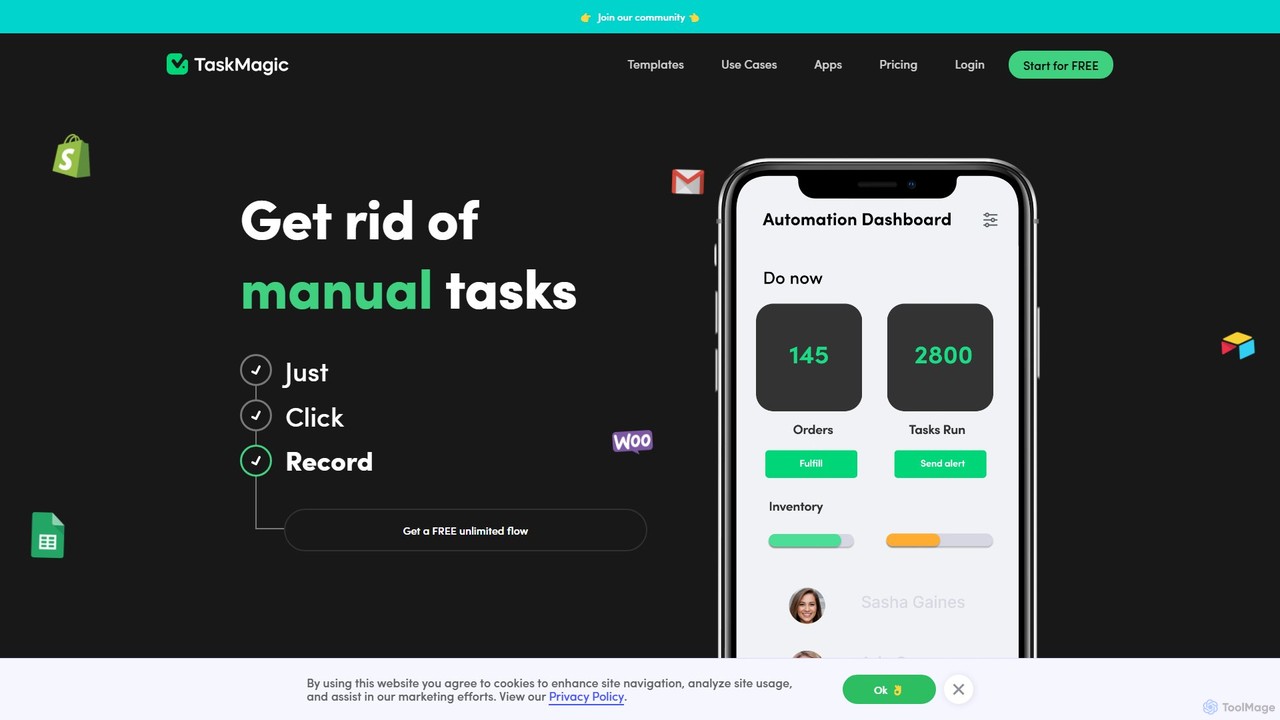
TaskMagic
TaskMagic is a no-code automation tool that records your web actions like clicks, typing, and scraping to create powerful workflows. It acts as a virtual assistant, automating repetitive tasks that traditional tools like Zapier can't handle due to API limitations. Simply record a task once, and let TaskMagic run it for you forever.
Web Scraping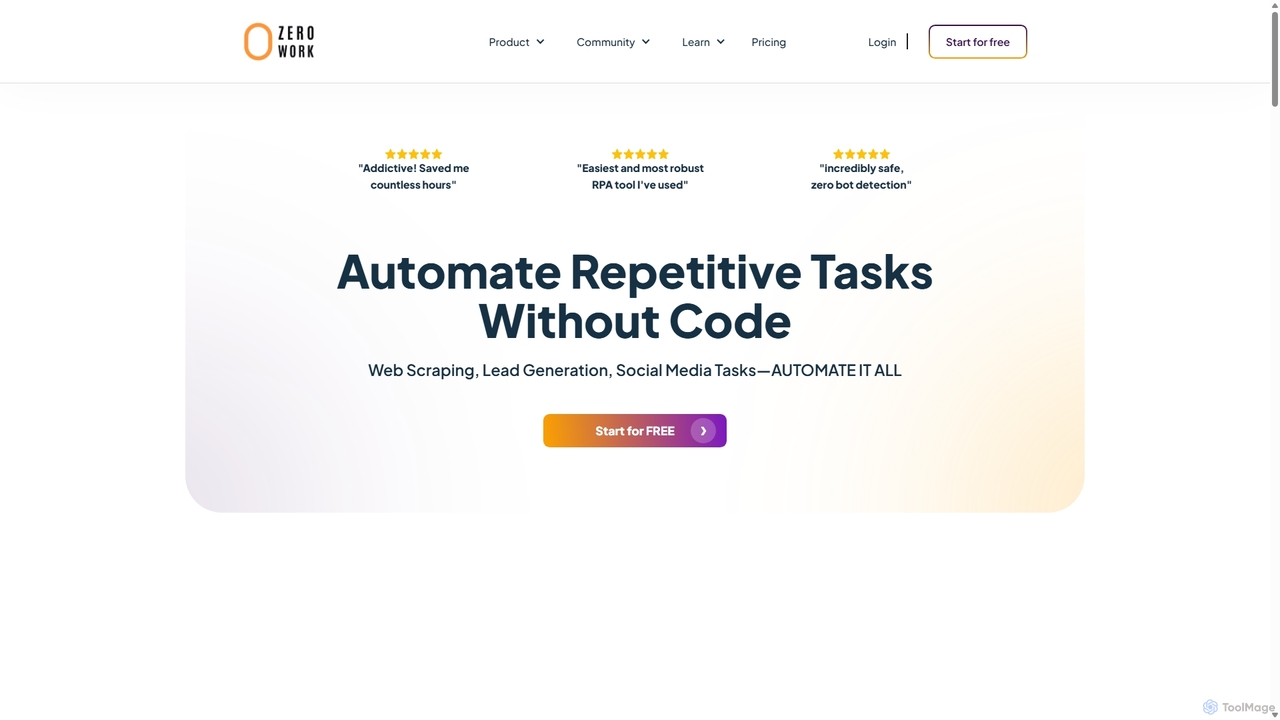
ZeroWork
A no-code Robotic Process Automation (RPA) tool to automate any repetitive web task. Build "TaskBots" with a visual drag-and-drop interface to scrape data, generate leads, manage social media, and more. Integrates AI for content generation and features robust anti-bot detection to ensure account safety.
No Code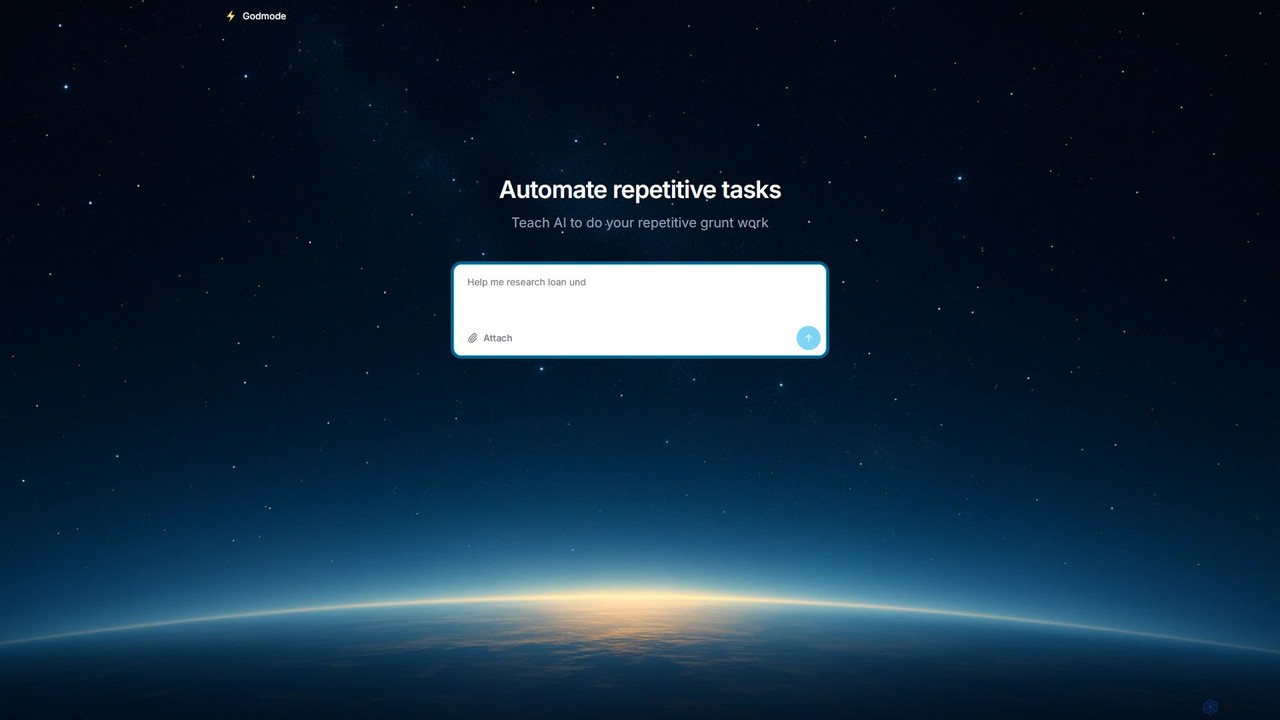
Godmode
Godmode is an AI agent platform that automates repetitive web tasks. Teach the AI to perform complex workflows, from data entry and web scraping to social media management, all through natural language instructions without writing any code.
Web Scraping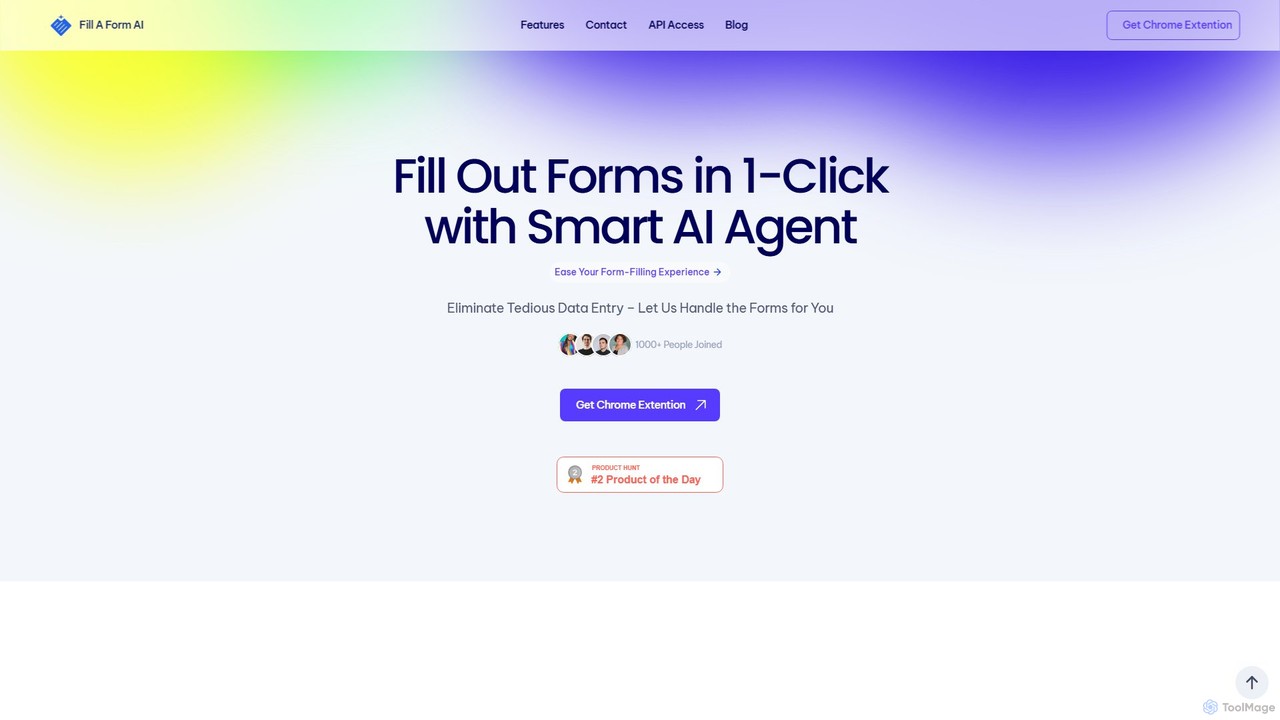
fillaform.ai
fillaform.ai is an AI-powered Chrome extension that automates form filling with a single click. It intelligently learns from your past entries and data libraries to accurately populate web forms, saving you time and eliminating tedious data entry. Ideal for online shoppers, business professionals, and HR managers, it streamlines workflows and boosts productivity by making online forms effortless.
Form Filler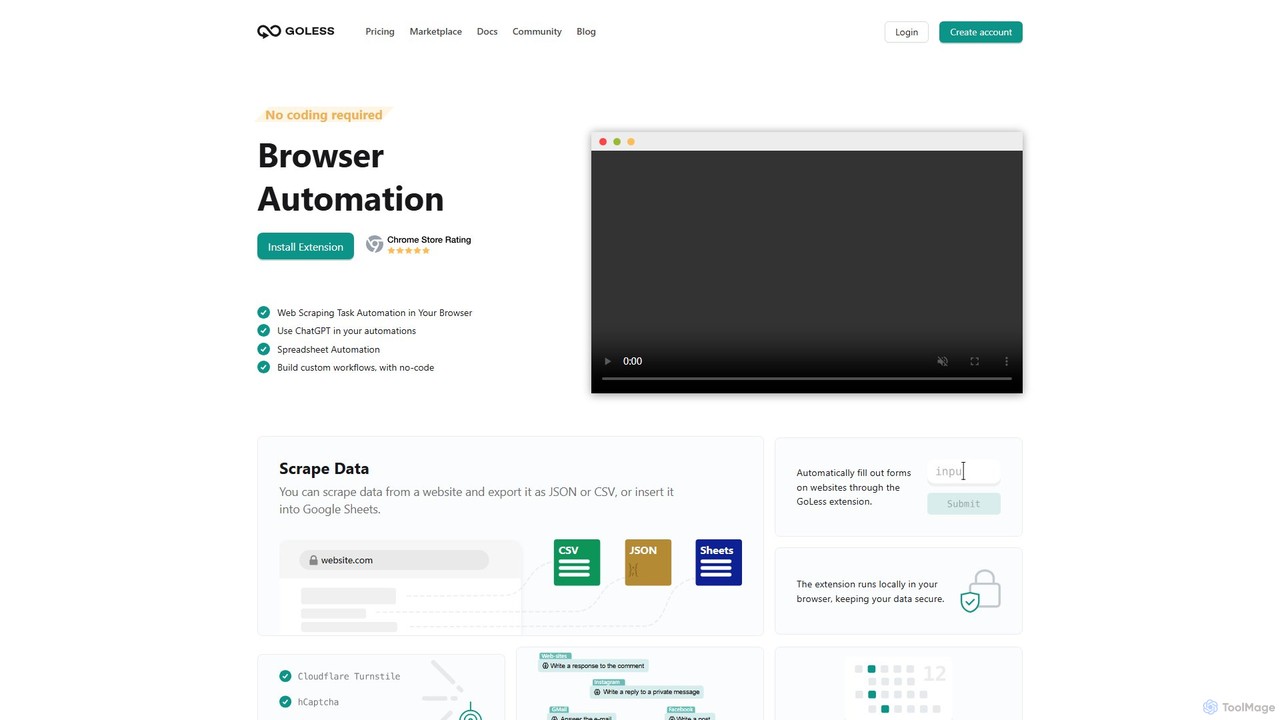
Goless
Goless is a no-code browser automation tool that allows you to automate repetitive tasks, scrape data, and create custom workflows directly in your browser. With a visual drag-and-drop interface and ChatGPT integration, it simplifies complex web operations like data entry, social media management, and website testing without any programming knowledge.
Web Scraping
PixieBrix Comments (0)
Sign in to comment.
Sign inNo comments yet.