ToolMage
Sign in

Best 3 Form Filler AI tools for Browser Extensions

Popular Form Filler AI tools in Browser Extensions include fillaform.ai, filliny, and aiformfill, helping you work more efficiently.

aiformfill
Paid

aiformfill

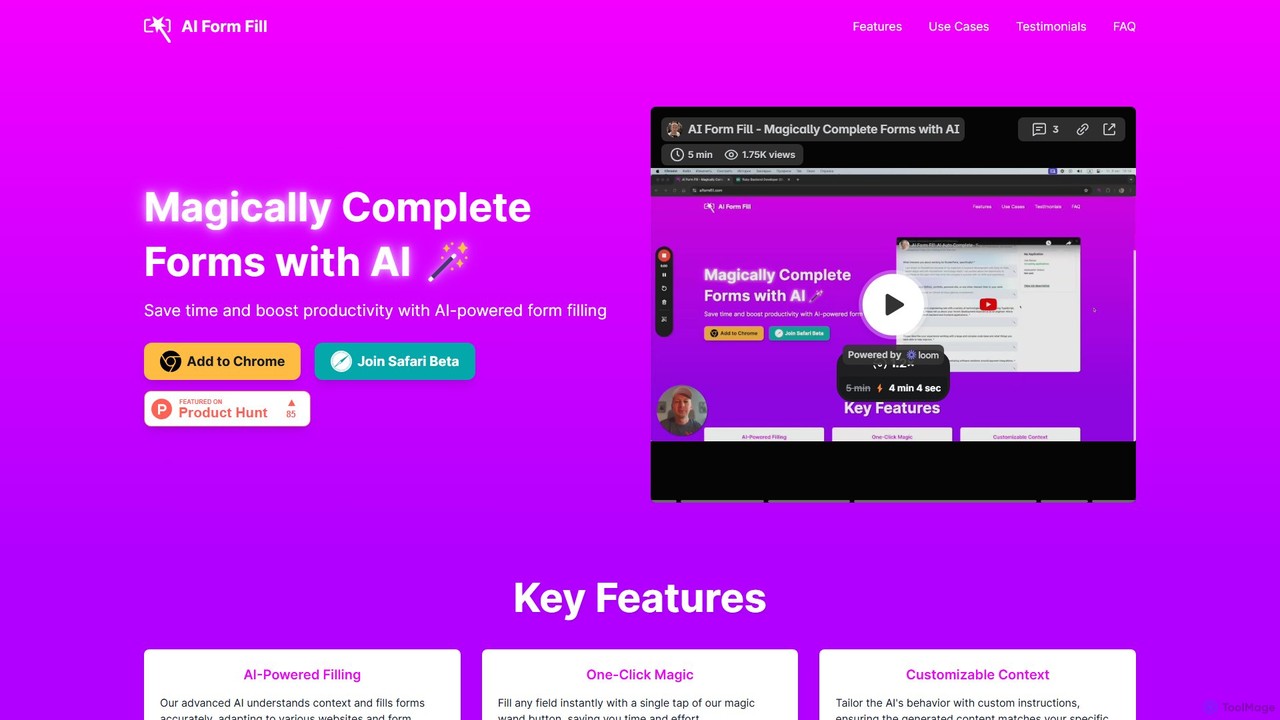
aiformfill is an AI-powered browser extension that automatically completes online forms. It saves time on job applications, surveys, content creation, and more. With customizable instructions and support for models like GPT-4o, it intelligently fills fields with relevant, context-aware information, streamlining repetitive data entry tasks with a single click.

Form Filler
Visits 5.5KFavorites 176Likes 159
fillaform.ai
Freemium

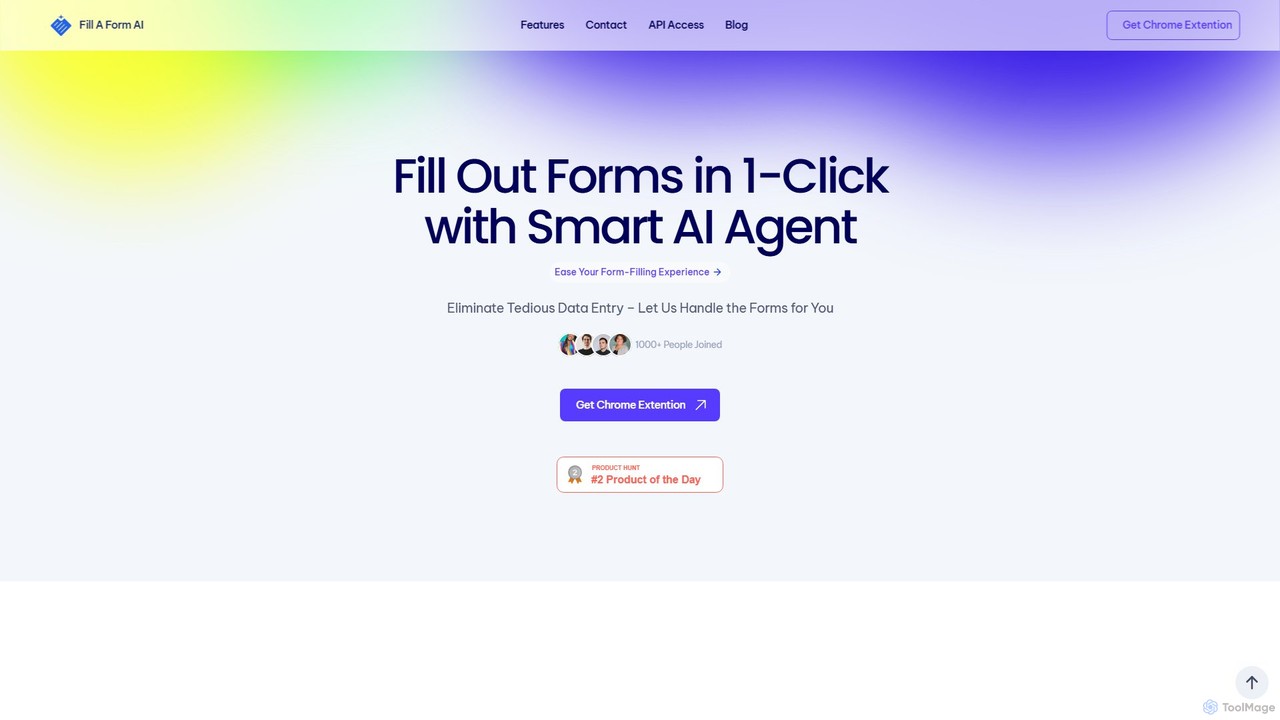
fillaform.ai

fillaform.ai is an AI-powered Chrome extension that automates form filling with a single click. It intelligently learns from your past entries and data libraries to accurately populate web forms, saving you time and eliminating tedious data entry. Ideal for online shoppers, business professionals, and HR managers, it streamlines workflows and boosts productivity by making online forms effortless.

Form Filler
Visits 11.8KFavorites 141Likes 156
filliny
Freemium

filliny

filliny is an AI-powered assistant designed to automate the tedious task of filling information. From web forms and applications to generating content for emails and documents, filliny intelligently completes fields and text, saving you time and reducing manual errors. It learns from your input to provide increasingly accurate and personalized suggestions.

Form Filler
Visits 7.3KFavorites 160Likes 171

About Form Filler

Form Filler tools are a type of browser extension that uses AI to automatically and intelligently complete web forms. These tools analyze the structure and labels of a form to accurately identify fields for names, addresses, emails, and payment information, populating them instantly from a user's securely stored profile. This significantly speeds up repetitive data entry tasks, such as online checkouts, registrations, and applications, while minimizing typos and errors. Their primary advantage over standard browser autofill is superior accuracy on complex or non-standard forms.

Core Features

  • AI-Powered Field Recognition: Intelligently identifies form fields based on context and labels, even on custom-designed websites.
  • Secure Profile Management: Allows users to create and securely store multiple profiles (e.g., personal, work, different addresses) with strong encryption.
  • One-Click Completion: Fills out entire multi-page forms with a single command, saving considerable time.
  • Custom Field Support: Enables saving and auto-filling non-standard information specific to certain websites or industries.
  • Cross-Device Synchronization: Keeps profiles and settings synced across different browsers and devices for a consistent experience.

Use Cases

Form Fillers are widely used by individuals and professionals who frequently interact with online forms. Key users include e-commerce shoppers completing checkout processes, job seekers submitting numerous applications, digital marketers filling out lead generation forms, and software testers using various data sets to test registration flows. They are invaluable for any task that involves repetitive data entry on the web.

How to Choose

When selecting a Form Filler, consider the following: First, evaluate its security model, ensuring it uses strong, client-side encryption to protect your data. Second, check its compatibility with the browsers and websites you use most often. Third, assess the accuracy of its AI field recognition on various form types. Finally, consider its profile management capabilities—does it support the complexity and number of identities you need to manage?

Form Filler use cases

1

Accelerate E-commerce Checkouts

For frequent online shoppers, the checkout process can be a tedious, repetitive task. An AI Form Filler transforms this experience. By securely storing shipping addresses, billing information, and payment details in an encrypted profile, shoppers can complete entire checkout forms on new websites with a single click. This not only saves several minutes per transaction but also drastically reduces the chance of inputting an incorrect address or credit card number, preventing shipping delays and payment failures. The tool intelligently adapts to various checkout layouts, ensuring a smooth and fast purchase process every time.

2

Streamline Repetitive Job Applications

Job seekers often apply for dozens of positions, each requiring them to fill out nearly identical forms with their personal details, work history, and education. An AI Form Filler is an essential tool in this process. It allows users to create a comprehensive professional profile, including past roles, responsibilities, and educational qualifications. When encountering an application form, the tool can populate over 90% of the required fields instantly. This enables job seekers to focus their time and energy on tailoring their resumes and writing compelling cover letters, rather than on manual data entry, significantly increasing their application throughput.

3

Manage Multiple Identities for Software Testing

Quality Assurance (QA) engineers and developers frequently need to test user registration, login, and profile management workflows. This often requires creating and managing numerous test accounts with different data sets (e.g., different user types, locations, or permissions). An AI Form Filler with multi-profile support is invaluable here. Testers can create distinct profiles for each test case—'Admin User,' 'New User US,' 'User with Invalid Email'—and switch between them effortlessly. This allows for rapid, consistent, and error-free population of registration and login forms, dramatically speeding up the testing cycle and improving the reliability of test results.

4

Efficiently Enter Online Contests and Giveaways

For individuals who regularly participate in online sweepstakes, contests, and giveaways, speed is often a key factor. Many contests require filling out an entry form with standard personal information. Using an AI Form Filler allows participants to enter dozens of contests in a fraction of the time it would take manually. By creating a dedicated profile for contest entries, users can populate name, address, email, and phone number fields instantly across various platforms. This efficiency maximizes the number of entries they can submit, increasing their chances of winning without spending hours on repetitive data entry.

5

Standardize Team Data Entry for Lead Generation

Sales and marketing teams often need to fill out forms on partner websites, industry directories, or lead capture pages with consistent company information. An AI Form Filler, when used by a team, ensures brand consistency and accuracy. A team lead can create a master 'Company Profile' with the official company name, address, website, and description. Team members can then use this shared profile to populate forms instantly and accurately. This eliminates variations in how the company is represented online and saves each team member significant time, allowing them to focus on higher-value activities like outreach and analysis.

6

Quickly Register for Webinars and Online Events

Professionals, students, and enthusiasts often sign up for multiple webinars, online courses, and virtual events to stay updated in their fields. Each registration typically requires entering the same information: name, email, company, and job title. An AI Form Filler streamlines this process entirely. Users can maintain a professional profile and complete registration forms in seconds. This efficiency is particularly useful when registering for multiple sessions in a large virtual conference or signing up for a series of workshops, ensuring no opportunity for learning is missed due to the hassle of filling out forms.

Form Filler FAQ

What is an AI Form Filler?

An AI Form Filler is a type of browser extension or software that automates the process of entering information into web forms. Unlike basic browser autofill, it uses artificial intelligence and machine learning to understand the context of each field (like 'First Name' vs. 'Last Name') on any website, resulting in higher accuracy. It securely stores your personal information—such as addresses, emails, and payment details—in encrypted profiles and uses them to complete forms with a single click, saving time and reducing data entry errors.

How is an AI Form Filler different from my browser's built-in autofill?

The key difference lies in intelligence and accuracy. A browser's built-in autofill relies on simple pattern matching (e.g., looking for field names like 'email' or 'address'). It often fails on poorly labeled or complex, multi-page forms. An AI Form Filler uses machine learning models to analyze the visual layout, labels, and structure of a form, allowing it to understand context and accurately fill fields even when they have non-standard names. Additionally, dedicated form fillers offer more advanced features like managing multiple identities, secure sharing, and custom field support.

Is it safe to store my personal information in a Form Filler?

Reputable AI Form Filler tools prioritize security. They typically use strong, end-to-end encryption, often at the device level (client-side encryption). This means your data is encrypted on your device before it's ever sent to their servers for syncing, and only you hold the key to decrypt it. The service provider cannot access your sensitive information like passwords or credit card numbers. However, it is crucial to choose a well-known provider with a transparent privacy policy and a strong security track record. Always enable two-factor authentication for your account if available.

What types of forms can an AI Form Filler handle?

AI Form Fillers are designed to be versatile and can handle a wide variety of web forms. Common examples include:

  • E-commerce Checkouts: Shipping, billing, and payment information.
  • Registration Forms: Creating new accounts for services, newsletters, or communities.
  • Job Applications: Personal details, work history, and education sections.
  • Contact Forms: Name, email, and message fields on company websites.
  • Event Sign-ups: Registration for webinars, conferences, and workshops.
Their AI capabilities allow them to adapt to most standard and many non-standard form layouts, making them far more flexible than basic autofill tools.

How do I choose the right AI Form Filler for my needs?

To choose the right tool, evaluate these four key areas:

  • Security: Does the provider use strong, client-side encryption? Check their privacy policy and security audits to ensure your data is protected.
  • Accuracy and Compatibility: Test the tool on the types of websites you use most. How well does it recognize and fill complex or custom forms? Does it support all your browsers (Chrome, Firefox, Safari, etc.)?
  • Profile Management: Does it allow you to create and easily switch between multiple profiles (e.g., personal and work)? Can it handle different addresses, payment methods, and custom fields?
  • User Experience: Is the interface intuitive and easy to use? How simple is it to save new information, edit profiles, and manage settings across your devices?
Considering these factors will help you find a tool that is not only efficient but also secure and well-suited to your specific workflow.