
Browser Extensions Best in category 1 results Firefox Extensions AI Tool

Popular AI tools in the Firefox Extensions field of Browser Extensions include scrivvy, etc., helping you quickly improve efficiency.

scrivvy

scrivvy

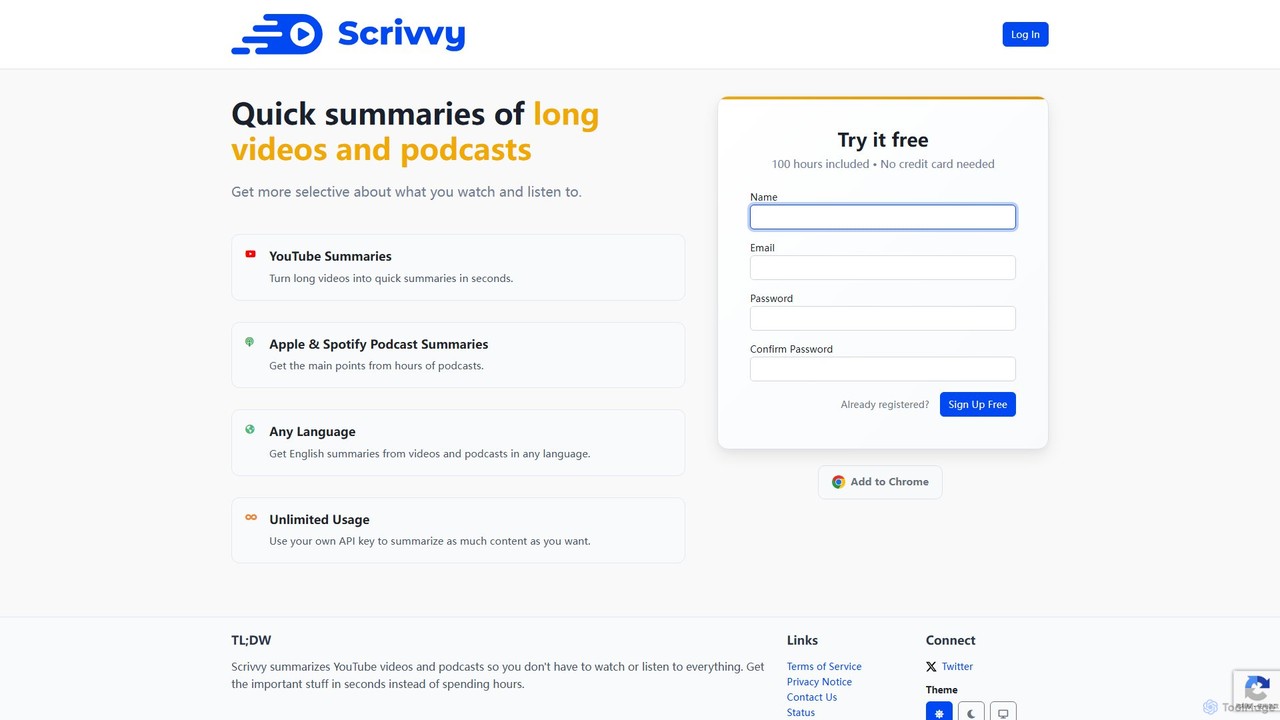
Scrivvy is an AI-powered tool that generates concise summaries of long YouTube videos and podcasts from platforms like …

2.4K

About Firefox Extensions

AI Firefox Extensions are add-ons that integrate artificial intelligence capabilities directly into the Mozilla Firefox browser. These tools leverage advanced AI models to analyze, generate, and modify content on any webpage you visit. They enhance browsing by providing contextual assistance, automating repetitive tasks, and unlocking new ways to interact with online information. Unlike standalone applications, these extensions operate seamlessly within your browser, making AI-powered features accessible with a single click.

Core Features

  • On-Page Content Analysis: Instantly summarize articles, explain complex topics, or extract key data from any webpage.
  • Contextual Content Generation: Draft emails, social media posts, or comments directly in web forms based on the page's context.
  • AI-Powered Search Assistance: Refine search queries, get summarized answers from search results, and discover related information more efficiently.
  • Real-Time Language Translation: Translate selected text or entire pages with higher accuracy than standard browser translators.

Use Cases

These extensions are widely used by researchers and students for summarizing academic papers, by content creators for brainstorming and drafting articles, and by marketers for analyzing competitor content. Developers also use them to understand code snippets on forums, while everyday users benefit from enhanced search and communication tools.

How to Choose

When selecting an AI Firefox Extension, consider its specific function—whether you need writing assistance, data extraction, or search enhancement. Evaluate its privacy policy and data handling practices, as extensions can access page content. Also, check for compatibility with your Firefox version and assess its impact on browser performance to ensure a smooth experience.

Firefox ExtensionsUse Cases

1

Summarize Academic Papers for Research

A university student writing a literature review needs to process dozens of dense academic articles. Instead of spending hours reading each one, they use an AI Firefox Extension. By navigating to an article's page in their university's online library, they activate the extension to generate a concise, structured summary of the abstract, methodology, and conclusions in seconds. This allows them to quickly assess the relevance of each paper, saving significant research time and enabling them to focus on the most impactful sources for their review.

2

Drafting Multilingual Customer Support Emails

A customer support agent working for an e-commerce company uses a web-based helpdesk in Firefox. They receive a query from a customer in French, a language they don't speak fluently. Using an AI Firefox Extension, they write a clear, helpful response in English. Then, with a single click, the extension translates their response into natural-sounding French directly within the text box of the helpdesk software. This ensures clear communication, improves customer satisfaction, and broadens the agent's ability to support a global customer base without leaving their primary workflow.

3

Optimize Blog Posts for SEO in Real-Time

A content marketer is writing a new blog post directly in their CMS (like WordPress or Ghost) within Firefox. They use an AI Firefox Extension to assist with SEO. As they write, the extension analyzes the text in real-time, suggesting relevant keywords, improving readability, and checking for an appropriate tone. It can also generate meta descriptions and title tag ideas based on the article's content. This integrated workflow allows the marketer to optimize their content for search engines as they create it, improving efficiency and the likelihood of ranking higher without needing to switch between multiple SEO tools.

4

Generate Social Media Post Variations

A social media manager needs to create multiple engaging posts for a new product launch across different platforms like Twitter, LinkedIn, and Facebook. Using an AI Firefox Extension, they write a core message about the product. The tool then generates several variations of the post, automatically adjusting the tone, length, and hashtag style to fit each platform's best practices. For example, it creates a short, punchy tweet with relevant hashtags, a professional and detailed LinkedIn post, and a more conversational Facebook update. This process happens directly in the browser, streamlining content creation and ensuring platform-specific optimization.

5

Explain Code Snippets on GitHub or Stack Overflow

A junior developer is browsing Stack Overflow in Firefox to solve a programming problem. They find a complex code snippet in a language they are still learning. Instead of copying it into a separate tool, they highlight the code directly on the page and use their AI Firefox Extension. The extension provides a clear, line-by-line explanation of what the code does, defines any unfamiliar functions, and explains the overall logic. This in-context learning accelerates their understanding and problem-solving skills without disrupting their research flow.

6

Summarize Product Reviews for Online Shopping

A consumer is shopping for a new laptop on an e-commerce website in Firefox. The product page has hundreds of user reviews, making it difficult to gauge overall sentiment. They use an AI Firefox Extension to analyze all the reviews on the page. The tool provides a summary of the most common pros and cons mentioned by customers, identifies recurring issues (like battery life or screen quality), and gives a balanced overview. This helps the consumer make a more informed purchasing decision in minutes, rather than spending an hour manually sifting through individual comments.

Firefox ExtensionsFrequently Asked Questions