
ToolMage
Sign in

Best 1 Reading Assistant for Browser Extensions

Popular Reading Assistant in Browser Extensions include BLUF, helping you work more efficiently.

BLUF
Freemium

BLUF

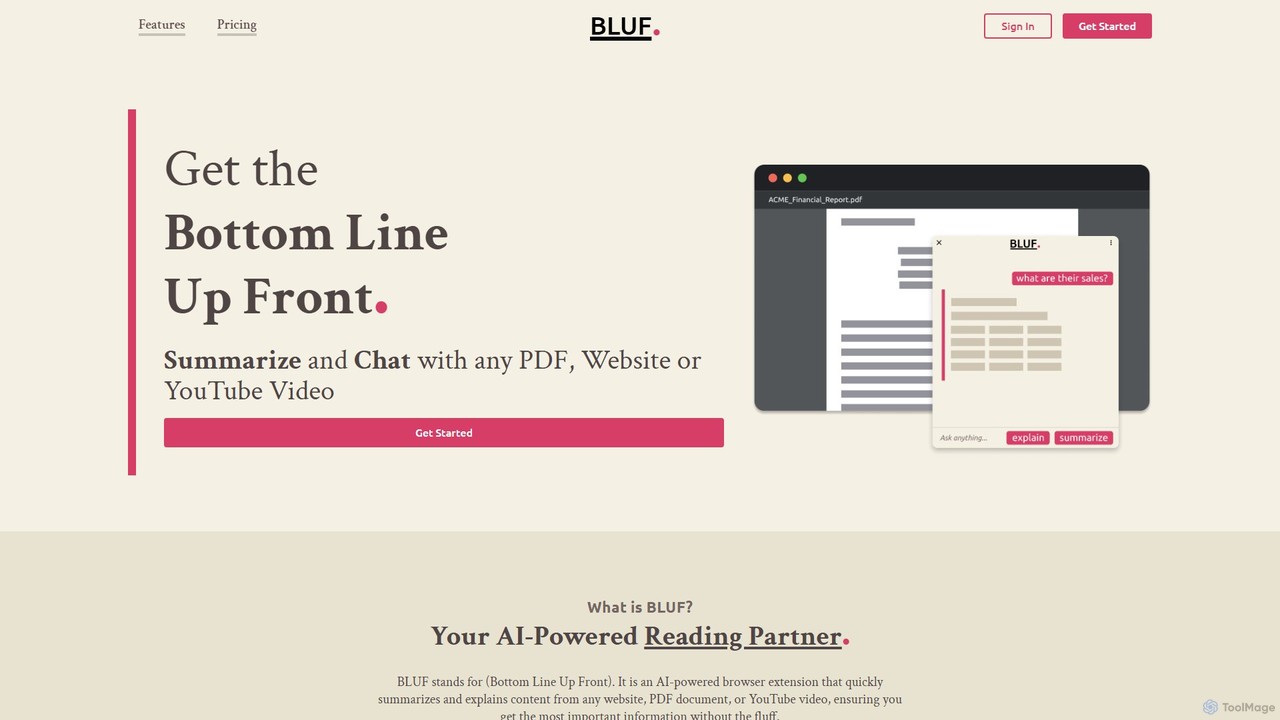
BLUF is an AI-powered browser extension that instantly summarizes and explains content from any website, PDF, or YouTube video. Get the main points, understand complex topics, and ask follow-up questions to save time and boost your comprehension.

Reading Assistant
Visits 10.3KFavorites 109Likes 108

About Reading Assistant

AI Reading Assistants are browser extensions designed to enhance and simplify the process of consuming digital text. Leveraging natural language processing (NLP), these tools can summarize long articles, explain complex terms, and convert text to speech. They are invaluable for students, researchers, and professionals who need to quickly digest large volumes of online information. Unlike simple bookmarking tools, they actively interact with content to improve comprehension and retention.

Core Features

  • AI-Powered Summarization: Generates concise summaries of articles, reports, and web pages to capture key insights instantly.
  • Text Simplification: Rephrases complex sentences and explains difficult vocabulary in simpler terms for better understanding.
  • Text-to-Speech (TTS): Listens to articles and documents with adjustable speeds and natural-sounding voices.
  • Information Extraction: Quickly identifies and extracts key entities like names, dates, and concepts from text.
  • Interactive Q&A: Asks questions directly about the content of a web page and receives AI-generated answers.

Use Cases

These tools are ideal for academic research, market analysis, and daily news consumption. For example, a student can summarize a lengthy research paper in seconds, or a market analyst can extract key data points from multiple industry reports without reading them in full.

How to Choose

When selecting a tool, consider the quality of its summarization, the range of supported languages, and its privacy policy regarding your reading data. Also, evaluate its integration capabilities with other platforms like Notion or Zotero and the user-friendliness of its interface within the browser.

Featured tool rankings

Reading Assistant use cases

1

Accelerate Literature Review for Research Papers

A graduate student needs to review dozens of academic papers for their thesis. Using an AI Reading Assistant, they can generate summaries for each paper's abstract and conclusion to quickly screen for relevance. They can also use the interactive Q&A feature to ask specific questions about methodologies or findings, saving hours of reading time and focusing only on the most pertinent sources.

2

Efficiently Analyze Competitor News and Reports

A market analyst tracks industry trends by reading competitor blogs, news sites, and financial reports. The reading assistant helps them quickly digest this information by highlighting key figures, summarizing lengthy articles into bullet points, and extracting company names or product mentions. This allows them to compile a weekly intelligence briefing for their team in a fraction of the time.

3

Improve Reading Comprehension for Non-Native Speakers

An employee learning English uses the assistant to read industry articles. When they encounter a complex sentence or unfamiliar idiom, the tool's simplification feature rephrases the text for clarity. The built-in dictionary defines new vocabulary in context. Furthermore, the text-to-speech function helps them associate the written words with correct pronunciation, improving both reading and listening skills simultaneously.

4

Quickly Curate and Summarize Content for Sharing

A social media manager finds interesting articles to share with their audience. The reading assistant generates a concise, shareable summary and pulls out key quotes. This allows them to create engaging posts across multiple platforms without spending excessive time reading each article in its entirety, ensuring a consistent and valuable content stream for their followers.

5

Assist Individuals with Reading Difficulties

A user with dyslexia or visual impairment uses the text-to-speech function to listen to web content. They can adjust the reading speed and voice for optimal comfort. The text simplification feature also helps break down dense paragraphs into more manageable chunks, reducing cognitive load and improving overall comprehension, making the web more accessible.

6

Stay Informed by Summarizing Daily News

A busy professional wants to keep up with current events but has limited time. They use the reading assistant on major news websites to get quick summaries of the day's top stories. This allows them to get a broad overview of important events in just a few minutes during their commute or coffee break, ensuring they stay informed without being overwhelmed by information.

Reading Assistant FAQ

What is an AI Reading Assistant?

An AI Reading Assistant is a browser extension that uses artificial intelligence to help you understand and process text on the web more efficiently. Its key features typically include summarizing articles, simplifying complex language, defining terms, and converting text to speech. It's designed for anyone who reads extensively online, from students and researchers to professionals and casual learners.

How is a Reading Assistant different from a bookmarking tool like Pocket?

A bookmarking tool saves an entire article for you to read later. In contrast, an AI Reading Assistant actively helps you process the content in real-time on the page. It doesn't just save the link; it summarizes, simplifies, and allows you to interact with the text to extract information more efficiently, saving you reading time rather than just deferring it.

How do I choose the right AI Reading Assistant?

Consider these key factors when choosing a tool:

  • Summarization Quality: Does it accurately capture the main points without losing critical context?
  • Core Features: Do you need text-to-speech, simplification, Q&A, or information extraction? Prioritize tools that excel in the features you need most.
  • Language Support: Ensure it works effectively with the primary languages you read.
  • Privacy Policy: Understand how the tool handles your data, as it will process the content you read.
  • User Interface: It should be intuitive and non-intrusive within your browser.
Who can benefit from using an AI Reading Assistant?

A wide range of users can benefit. This includes students conducting research, professionals analyzing reports and news, content creators curating information, non-native speakers improving language skills, and individuals with reading difficulties (like dyslexia) who need accessibility support. Essentially, anyone looking to save time and improve their comprehension of digital text will find these tools useful.

Do AI Reading Assistants work on all websites?

Most AI Reading Assistants are designed as browser extensions and work on the majority of websites with standard text content, such as news articles, blogs, and research papers. However, their performance may be limited on pages with complex layouts, interactive elements, or content embedded in images or proprietary formats like Flash. Some may also have difficulty with paywalled content or sites that block scripts. It's always a good idea to test a tool on the types of websites you frequent most.