Browser Extensions Best in category 3 results Assistants AI Tool

Popular AI tools in the Assistants field of Browser Extensions include Ddict、BrowseGPT、Replix, etc., helping you quickly improve efficiency.

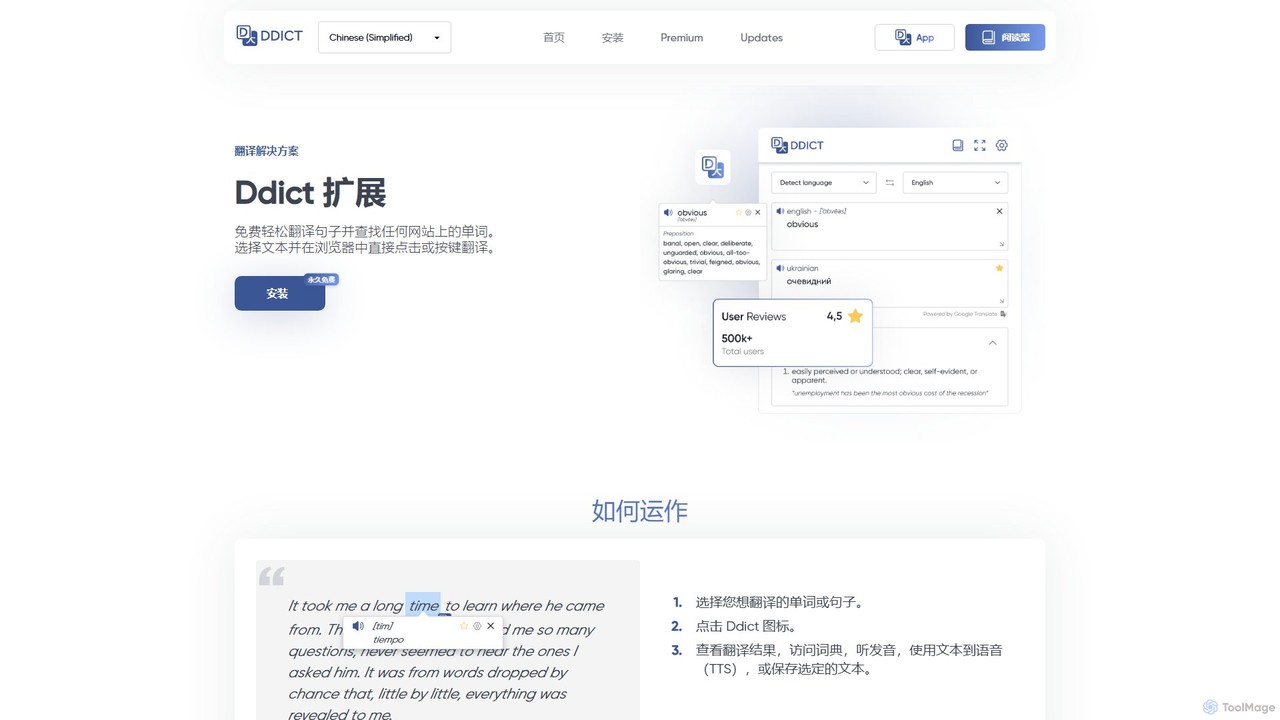
Ddict

Ddict

Ddict is an AI-powered browser extension that provides instant translation, writing assistance, grammar checking, and text summarization. It …

35.8K
Free
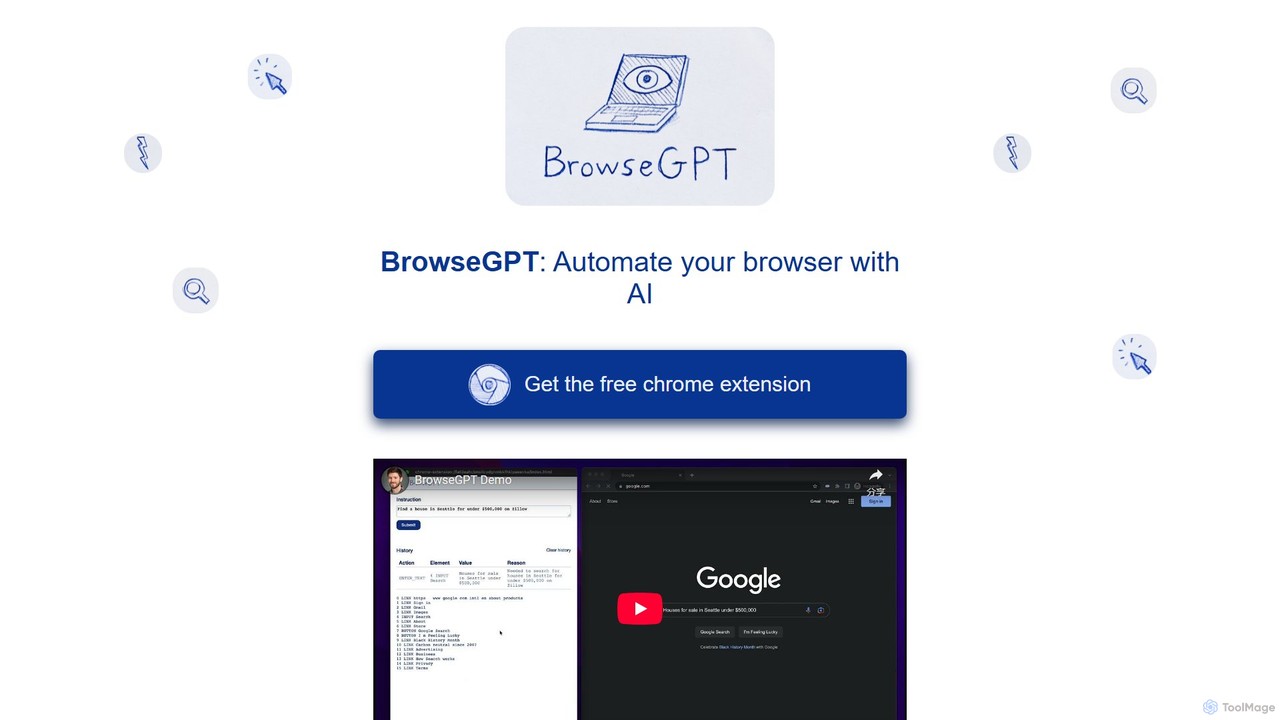
BrowseGPT

BrowseGPT

BrowseGPT is an experimental AI-powered Chrome extension that automates browser tasks. Simply give it instructions in natural language, …

4.8K
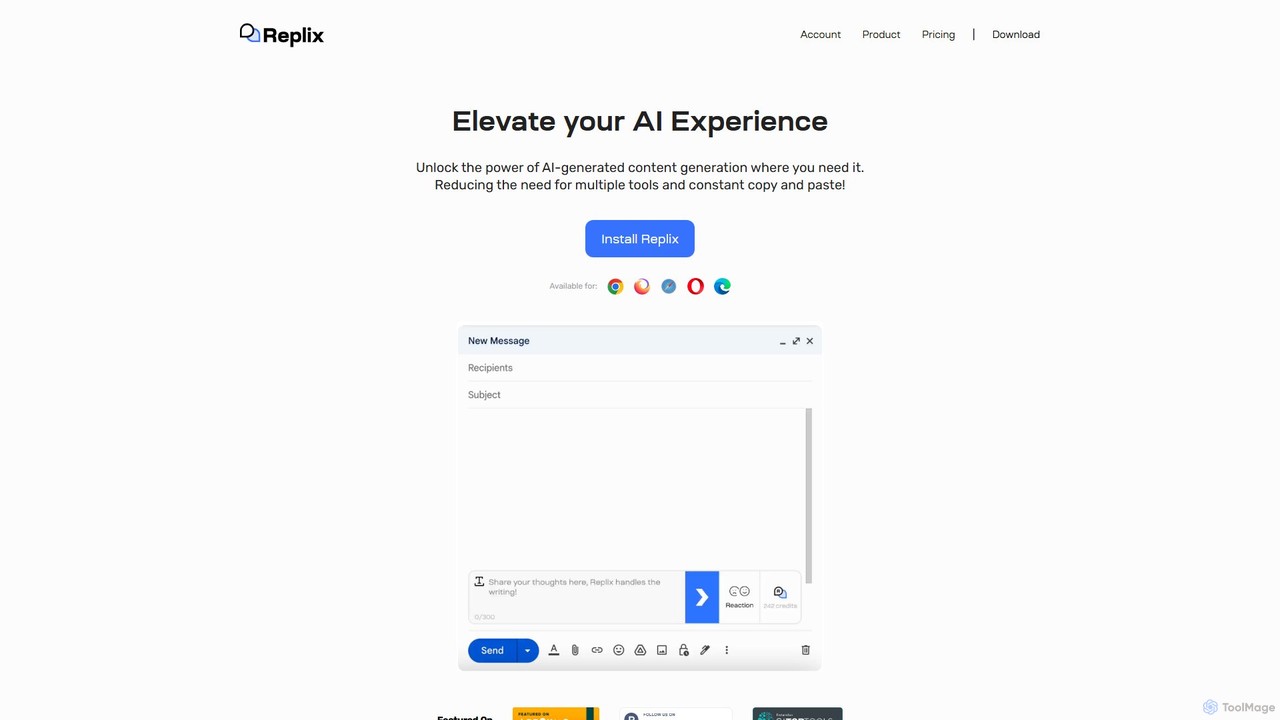
Replix

Replix

Replix is an AI-powered browser extension that generates content directly within text boxes on your favorite websites. It …

2.9K

About Assistants

Assistants are AI-powered tools, often integrated as browser extensions, designed to provide real-time, context-aware support directly within your digital workflow. They leverage advanced natural language processing and machine learning to automate tasks, generate content, and offer intelligent insights, acting as a smart companion for various online activities. These AI assistants streamline productivity by handling repetitive actions, summarizing information, and assisting with creative or analytical challenges, all without leaving your current browser tab.

Core Features

  • Contextual Understanding: Analyzes on-screen content to provide relevant suggestions, information, or actions based on the current web page.
  • Content Generation: Drafts emails, articles, social media posts, code snippets, or marketing copy based on user prompts and context.
  • Information Summarization: Condenses long articles, documents, videos, or web pages into key points, saving reading or viewing time.
  • Task Automation: Automates repetitive browser-based actions such as form filling, data extraction, or scheduling, guided by AI.
  • Real-time Assistance: Offers instant help with writing, grammar, translation, research queries, or coding directly within the application or website.

Applicable Scenarios

AI assistants are invaluable for professionals across various fields. Content creators use them to brainstorm ideas and draft initial content, while researchers leverage their summarization capabilities for academic papers and reports. Sales and marketing teams utilize them for personalizing outreach and generating campaign copy, and developers benefit from code generation and debugging assistance within their browser-based IDEs.

How to Choose

When selecting an AI assistant, consider its integration compatibility with your primary browser and web applications to ensure a seamless workflow. Evaluate the sophistication of its AI capabilities, including natural language understanding and content generation quality. Prioritize tools with robust privacy and security policies, especially if handling sensitive information. Finally, look for customization options that allow tailoring the assistant to your specific tasks and knowledge base.

AssistantsUse Cases

1

Streamlining Email Composition

Marketing managers or sales professionals use AI assistants to draft personalized email campaigns, generate compelling subject lines, and suggest content improvements based on recipient context and past interactions. This significantly reduces the time spent on manual writing and personalization, allowing for more targeted and efficient outreach efforts.

2

Accelerating Research and Summarization

Students, researchers, and analysts employ AI assistants to quickly summarize lengthy academic papers, news articles, or complex reports directly from their browser. The assistant extracts key insights, identifies main arguments, and condenses information, saving hours of reading and helping users grasp core concepts efficiently.

3

Enhancing Content Creation Workflow

Content writers, bloggers, and social media managers utilize AI assistants to brainstorm ideas, generate initial drafts for blog posts, articles, or social media updates, and refine grammar and style. This boosts creative output, ensures consistency in tone, and significantly speeds up the content production process, allowing creators to focus on strategic aspects.

4

Automating Customer Support Responses

Customer service agents leverage AI assistants to quickly generate accurate and personalized responses to common customer queries directly within their CRM or support platform. The assistant analyzes the customer's message and suggests relevant answers or knowledge base articles, improving response times, ensuring consistency, and enhancing overall service quality.

5

Assisting with Code Generation and Debugging

Developers integrate AI coding assistants into their browser-based IDEs or code editors to suggest code snippets, identify potential errors, and explain complex functions. This accelerates development cycles, reduces debugging time, and helps developers learn new languages or frameworks more efficiently by providing context-aware coding support.

6

Personalizing Sales Outreach

Sales development representatives (SDRs) use AI assistants to analyze prospect profiles, company information, and recent news to generate highly personalized cold emails or LinkedIn messages. This tailored approach increases engagement rates, improves the quality of leads, and saves SDRs significant time in researching and crafting individual outreach messages.

AssistantsFrequently Asked Questions