
BrowseGPT Overview
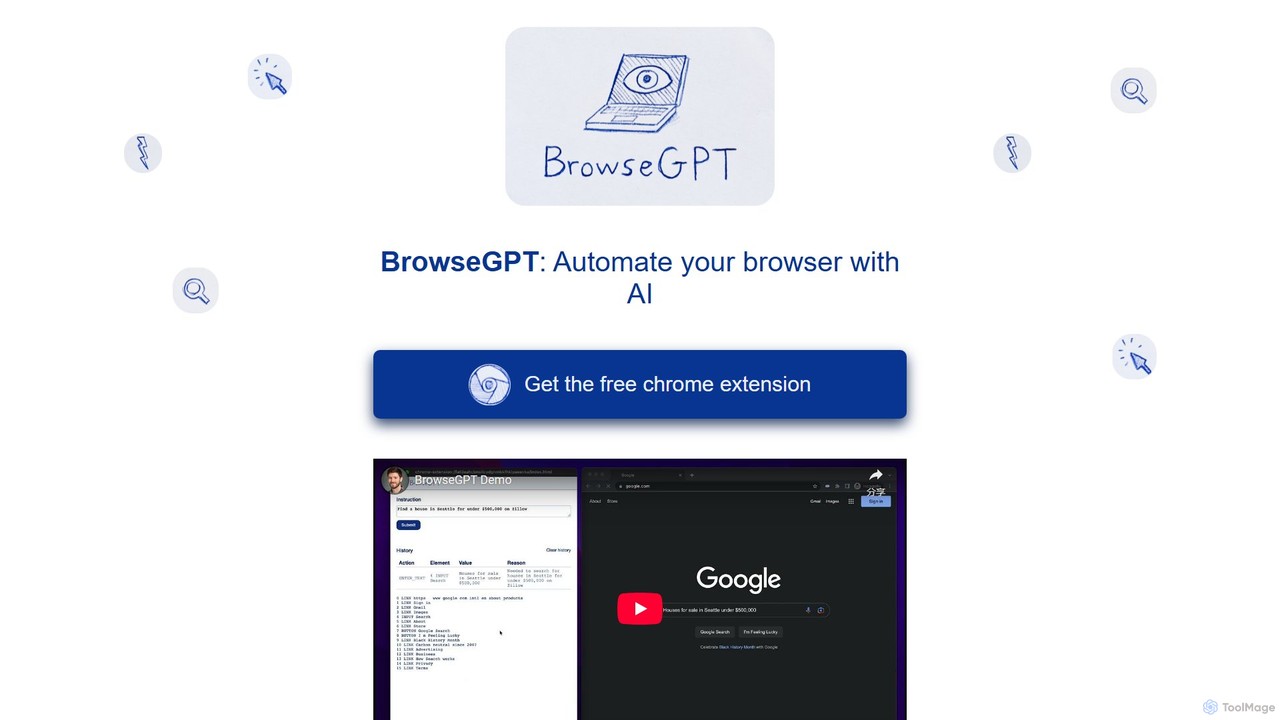
BrowseGPT is a cutting-edge, experimental Chrome extension designed to revolutionize how you interact with the web. It functions as an intelligent browser automation tool, leveraging the power of artificial intelligence to carry out tasks based on simple, natural language instructions. By integrating Anthropic's advanced Claude 3.5 Sonnet model, BrowseGPT can understand the content and structure of web pages, enabling it to perform complex, multi-step operations that would typically require manual effort.
The core concept behind BrowseGPT is to transform your textual commands into direct browser actions. Whether you want to research a topic, shop online, or book a trip, you can delegate the task to this AI agent. It analyzes your request, breaks it down into a series of logical steps, and then executes them by programmatically clicking elements, entering text into forms, and navigating across different URLs. While it's a powerful tool, its experimental nature means it may occasionally encounter errors or get stuck. To mitigate this, the extension provides a transparent log of its decision-making process, allowing you to understand its reasoning and guide it if it goes off course.
⚠️ Important Note: As an experimental tool, BrowseGPT should be used with caution. The developers strongly advise against using it on websites containing private or sensitive information, or on pages where an incorrect action could lead to significant consequences.
How to use BrowseGPT
Using BrowseGPT is straightforward and intuitive. Follow these simple steps to start automating your web tasks:
- Installation: First, install the free BrowseGPT extension from the Chrome Web Store.
- Activation: Navigate to the website where you want to perform a task and click on the BrowseGPT extension icon in your browser's toolbar to activate it.
- Provide Instructions: In the input field, type a clear and concise command describing what you want to achieve. For example, "Find a hotel in Paris for three nights starting next Friday" or "Search for the top-rated science fiction books on Amazon and add the first one to the cart."
- Execution: Press enter and watch as BrowseGPT takes control. It will highlight the elements it's interacting with and perform actions like clicking links, filling out search bars, and navigating through pages.
- Monitor and Intervene: The extension displays the reasoning behind each action it takes. You can monitor this log to understand its process. If it makes a mistake or gets stuck, you can stop the process and refine your instructions.
Core Features of BrowseGPT
- Natural Language Control: Interact with your browser using plain English commands, eliminating the need for complex scripting or manual repetition.
- Advanced AI Engine: Powered by Anthropic's Claude 3.5 Sonnet, the extension possesses a deep understanding of web page context and user intent.
- Automated Web Interaction: Capable of performing a wide range of actions, including clicking buttons, filling forms, selecting from dropdowns, and navigating between pages.
- Transparent Decision-Making: Provides a real-time log explaining the 'why' behind every action, offering users insight and control over the automation process.
- Multi-Step Task Handling: Can execute complex workflows that span multiple pages and require several sequential actions to complete.
- Experimental and Evolving: As an active project, it is continuously being improved, with its capabilities expanding over time.
Use Cases for BrowseGPT
BrowseGPT is versatile and can be applied to a wide variety of online activities:
- E-commerce and Shopping: Automate product searches, price comparisons, and even the process of adding items to a shopping cart. Example: "Find me a 13-inch laptop with at least 16GB of RAM on Best Buy and sort by customer rating."
- Travel Planning: Effortlessly search for flights, hotels, and rental cars across different platforms. Example: "Look for round-trip flights from JFK to LAX for the last week of September."
- Data Collection and Research: Gather information from various sources without manually opening tabs and copy-pasting. Example: "Go to Wikipedia's page on 'Artificial Intelligence' and summarize the first three paragraphs."
- Repetitive Task Automation: Automate mundane tasks like filling out standard forms, logging into websites, or navigating through corporate dashboards.
Advantages of BrowseGPT
The primary advantage of BrowseGPT is its ability to significantly boost productivity by automating time-consuming web tasks. It simplifies complex online workflows into a single command. By using a state-of-the-art language model, it offers a more robust and context-aware automation experience than traditional macro recorders. Its transparency is a key benefit, building user trust and allowing for collaborative problem-solving between the user and the AI. Being a free tool makes it accessible to everyone who wants to experiment with the future of web browsing.
Pricing and Plans
BrowseGPT is currently available as a completely free Chrome extension. As an experimental project, the developers are offering it at no cost to users who wish to explore its capabilities.
Traffic
Latest traffic
Status
Monthly traffic trend
- 2025-9: 754
- 2026-1: 1.1K
- 2026-2: 1.0K
- 2026-3: 778
- 2026-4: 2.1K
- 2026-5: 557
Geography
Top 5 countries / regions
- 🇦🇱Albania40.7%
- 🇧🇷Brazil31.5%
- 🇹🇭Thailand27.8%
Top keywords
| Keyword | Cost per click |
|---|---|
| ai browser automation | $15.01 |
| browse ai | $1.55 |
| browsegpt | $0.00 |
| browser automation ai | $1.14 |
| gpt ai browser | $0.00 |
BrowseGPT Alternatives
Browseragent
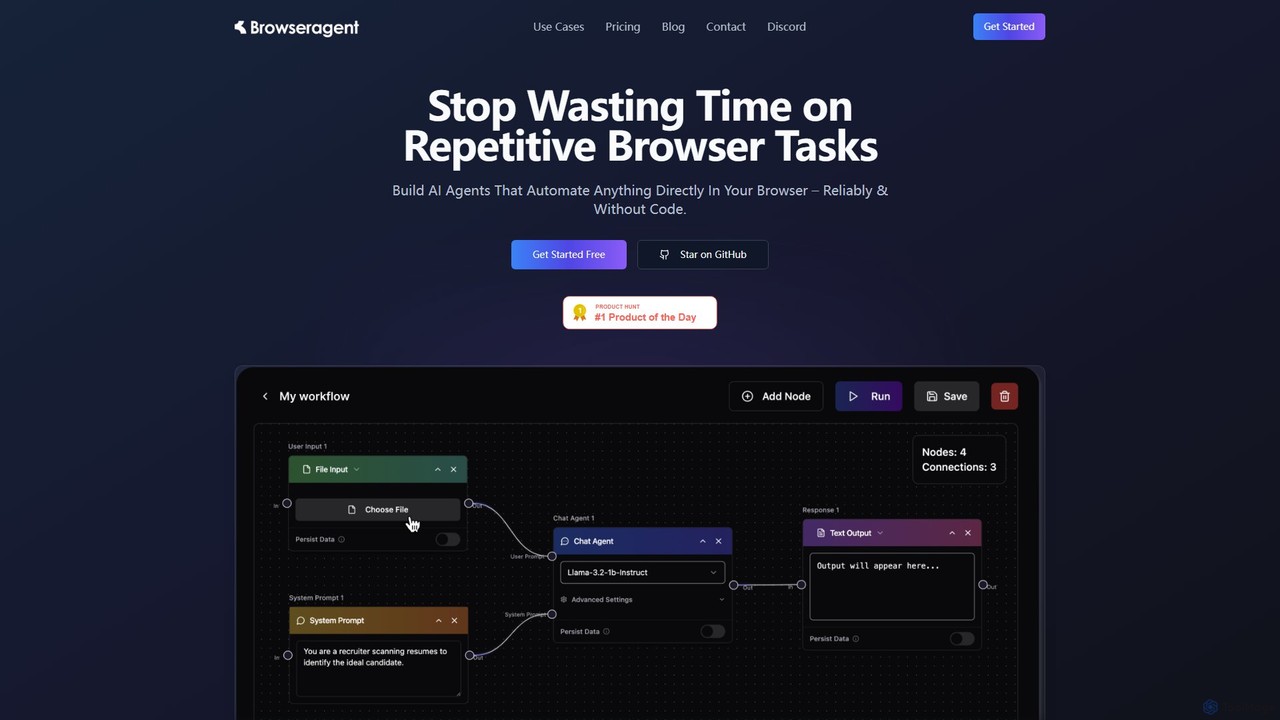
Browseragent is a no-code platform that builds AI agents to automate repetitive browser tasks directly within your browser. It uses a visual workflow builder and natural language commands to create, manage, and execute complex automations reliably and without coding.
Scraping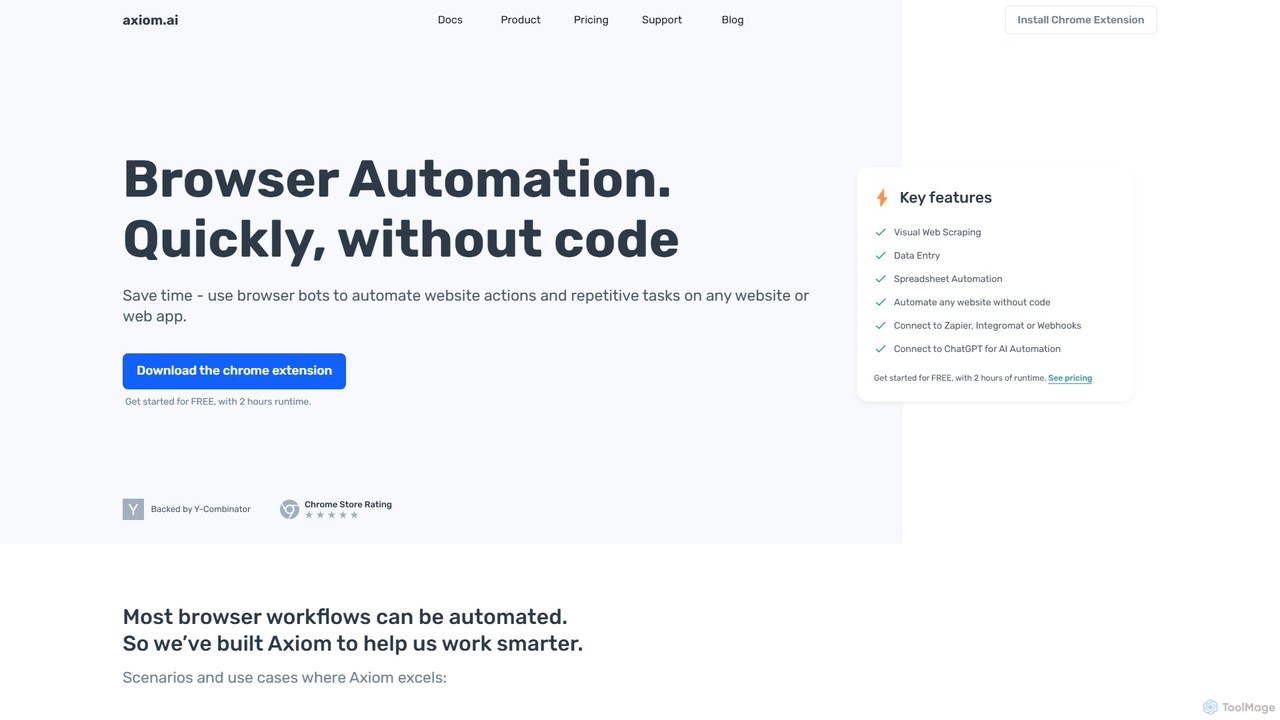
axiom.ai
Axiom.ai is a no-code browser automation and web scraping tool. It allows you to build bots to automate repetitive tasks, data entry, and data extraction from any website or web app, directly in your browser. It integrates with ChatGPT, Zapier, and Google Sheets to create powerful, time-saving workflows without writing a single line of code.
Scraping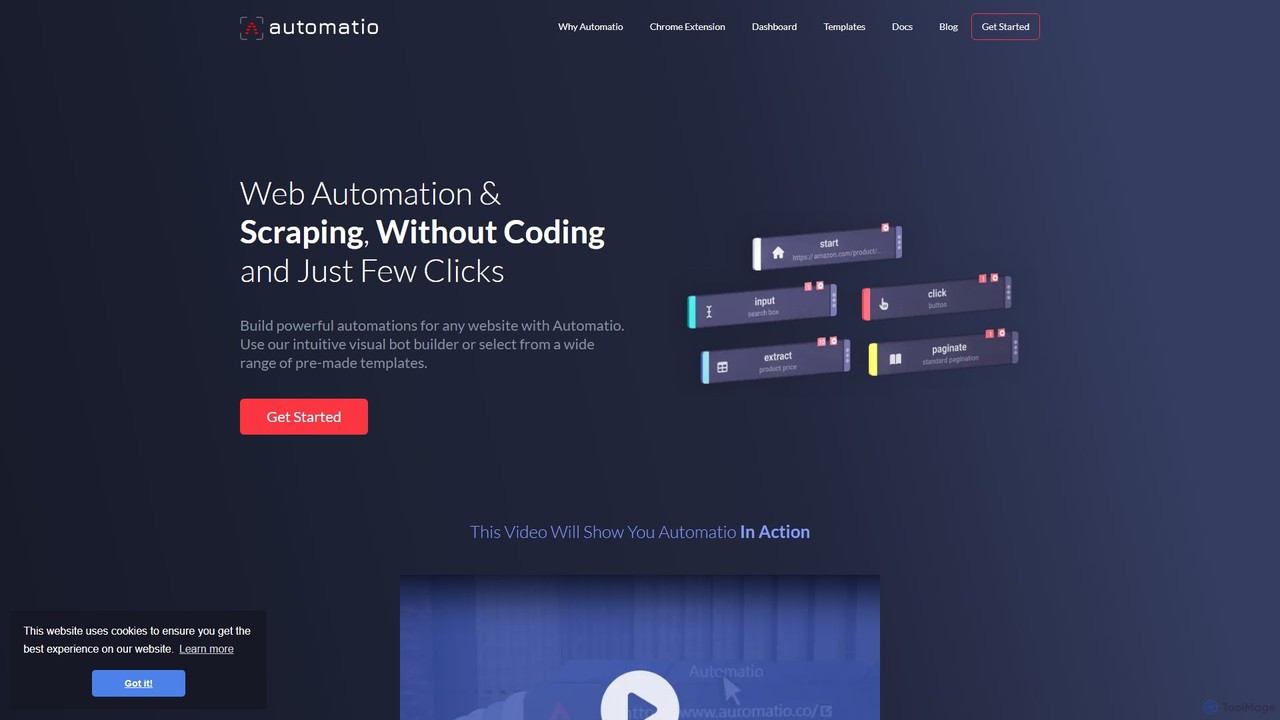
Automatio
Automatio is a powerful no-code platform for web scraping and browser automation. It allows users to build bots through a visual interface to extract data, fill forms, and automate repetitive tasks on any website without writing a single line of code. It's designed for both non-technical and technical users to save time and resources.
Scraping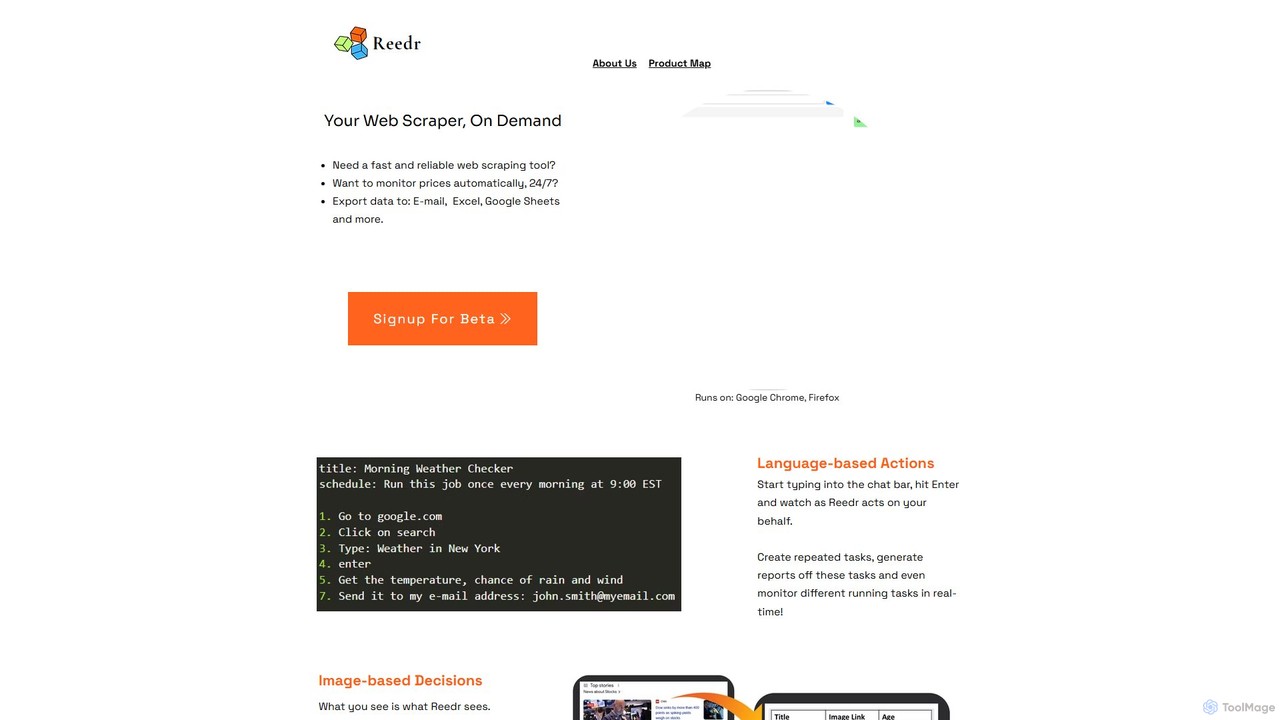
reedr
reedr is an AI-powered browser automation and web scraping tool. It uses natural language commands and visual recognition to extract data, monitor prices, and automate repetitive tasks directly in your browser, no coding required. It supports Chrome and Firefox.
Scraping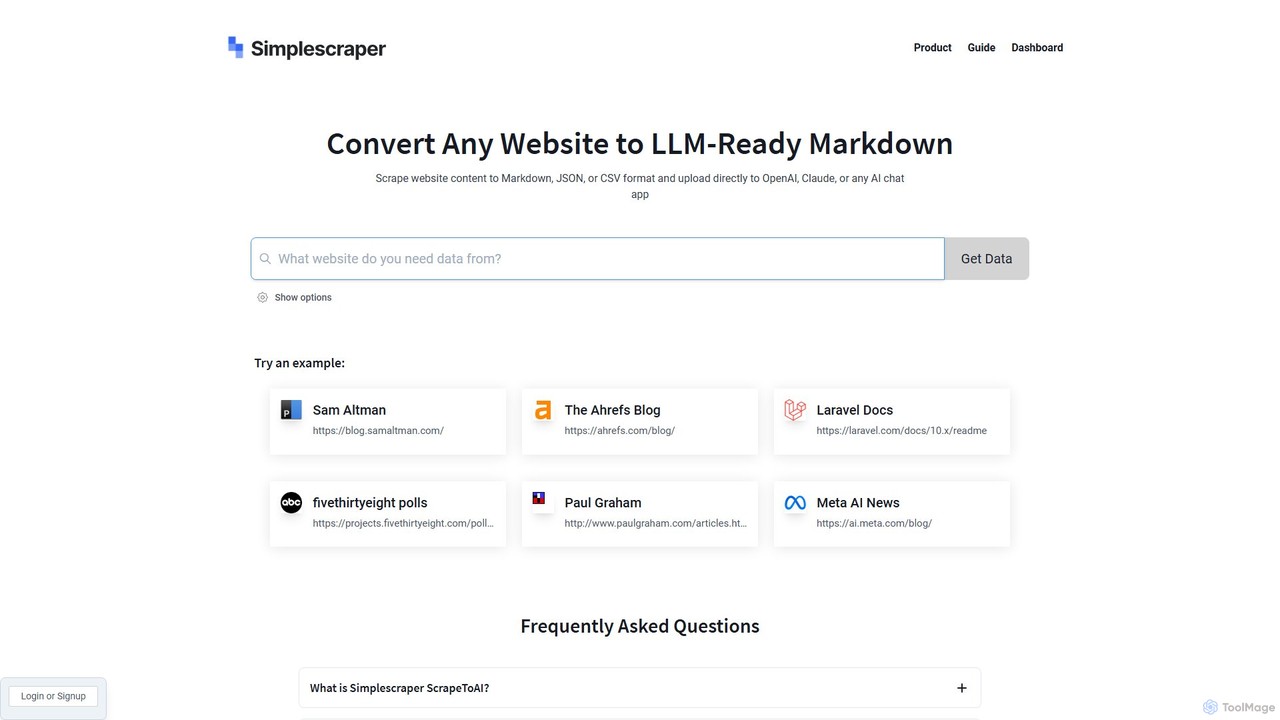
scrapetoai
scrapetoai is a free online tool that converts any website's content into clean, LLM-ready formats like Markdown, JSON, or CSV. Simply enter a URL to scrape and format data, making it easy to upload to custom GPTs, Claude, or other AI models for building knowledge bases or providing context.
Data PreparationBrowseGPT Categories
BrowseGPT Embed Widget
Copy this embed code to place the badge on your blog, article, or product site and send readers directly to this ToolMage detail page.

Related AI tools
Rtrvr
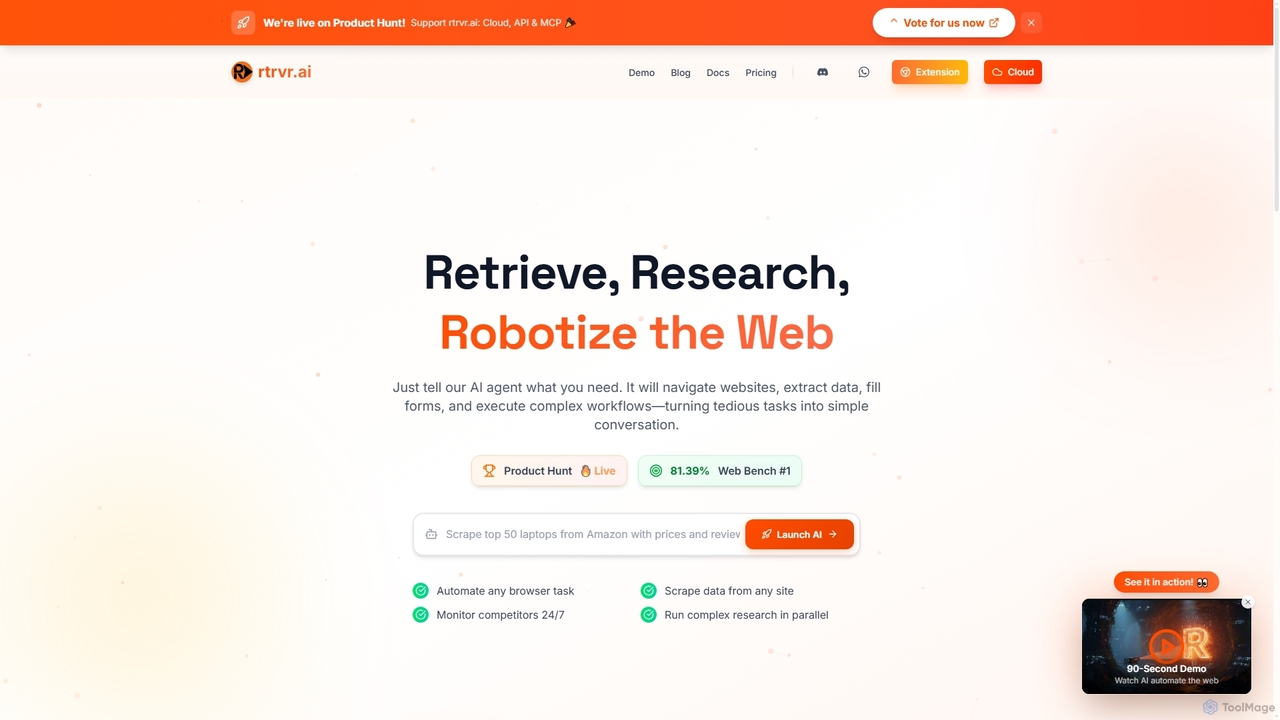
Rtrvr is an advanced AI agent designed to automate complex web tasks using natural language. It navigates websites, extracts data, fills forms, and executes workflows, transforming tedious operations into simple conversations.
Web AutomationBrowseragent
Browseragent is a no-code platform that builds AI agents to automate repetitive browser tasks directly within your browser. It uses a visual workflow builder and natural language commands to create, manage, and execute complex automations reliably and without coding.
Scraping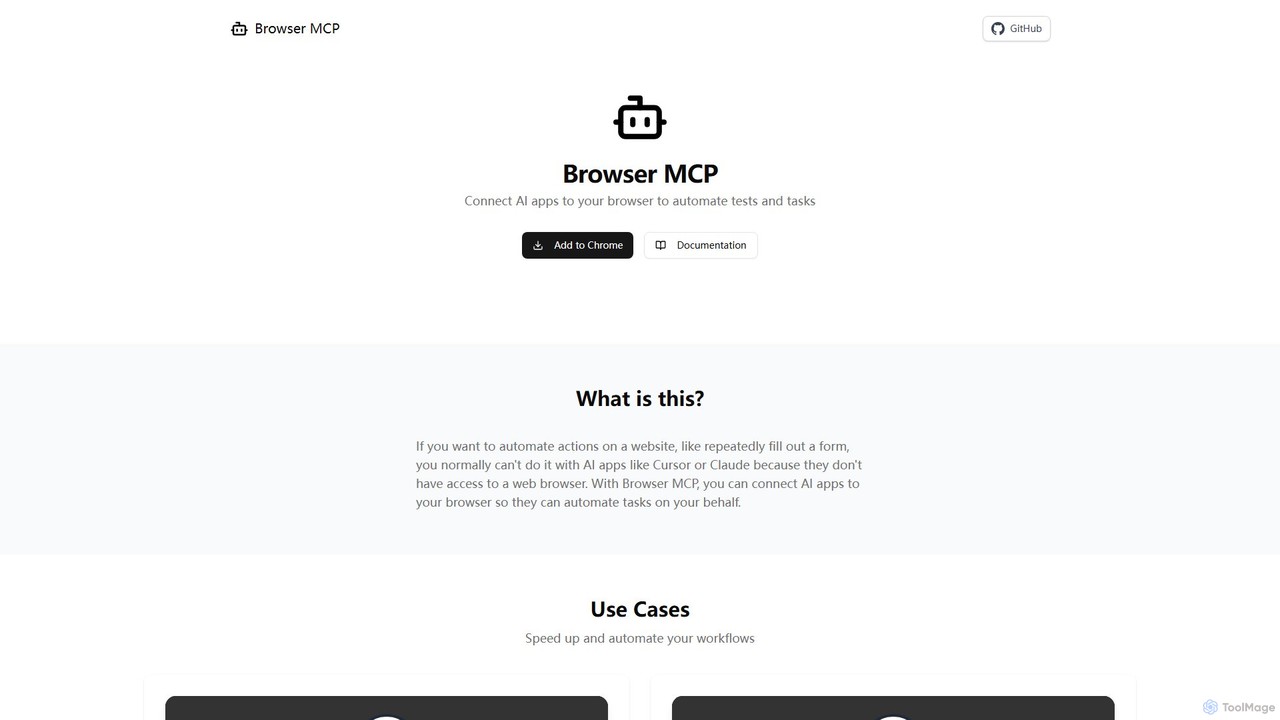
Browser MCP
Browser MCP connects AI applications like Claude or Cursor directly to your web browser. This enables you to automate repetitive tasks, conduct end-to-end software testing, and scrape web data using AI commands. It operates locally for maximum speed and privacy, leveraging your existing browser sessions to bypass logins and avoid bot detection.
Web Scraping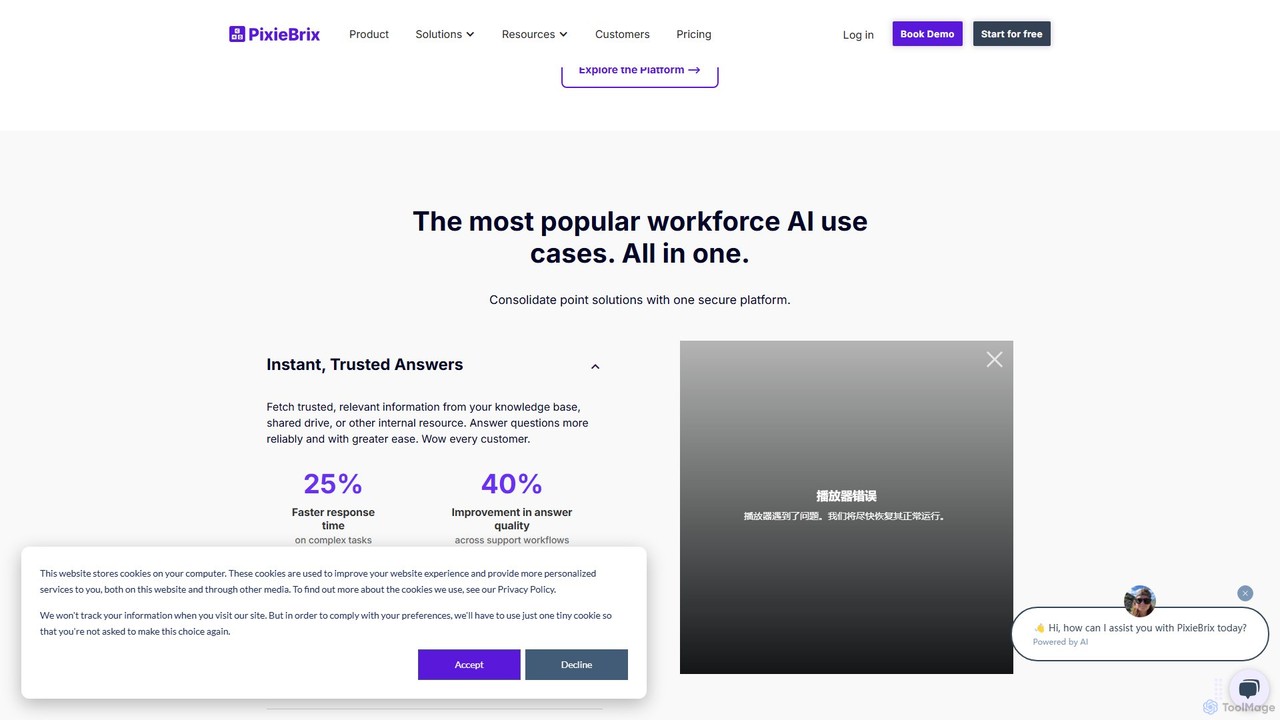
PixieBrix
PixieBrix is a low-code browser extension that allows you to automate tasks, customize any website, and integrate AI tools directly into your workflow. Enhance your productivity by creating custom modifications, or "mods," to streamline processes, eliminate repetitive work, and connect your web applications without writing any code.
Low Code No Code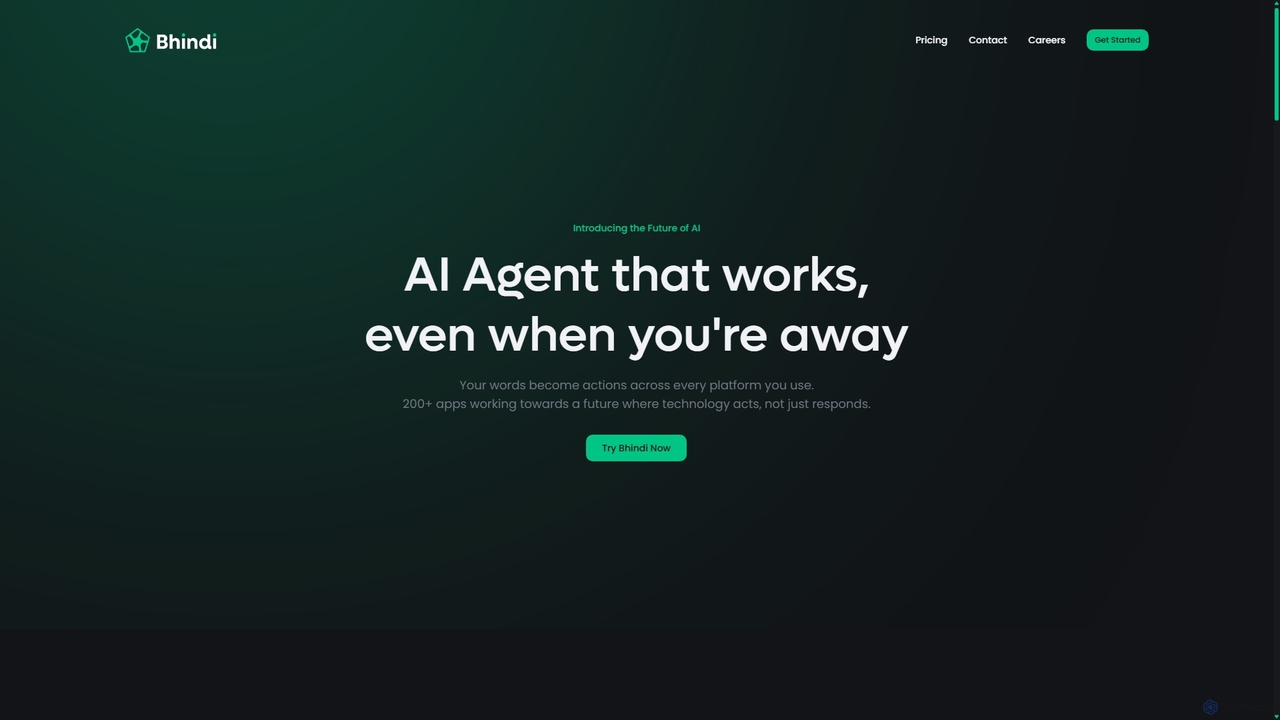
Bhindi
Bhindi is an AI agent platform that automates complex tasks and workflows across over 200 applications using simple natural language commands. It acts as an intelligent assistant that works in the background, connecting your favorite tools like Gmail, Slack, and Notion to execute multi-step actions, turning your words into a seamless, automated reality.
Personal Assistant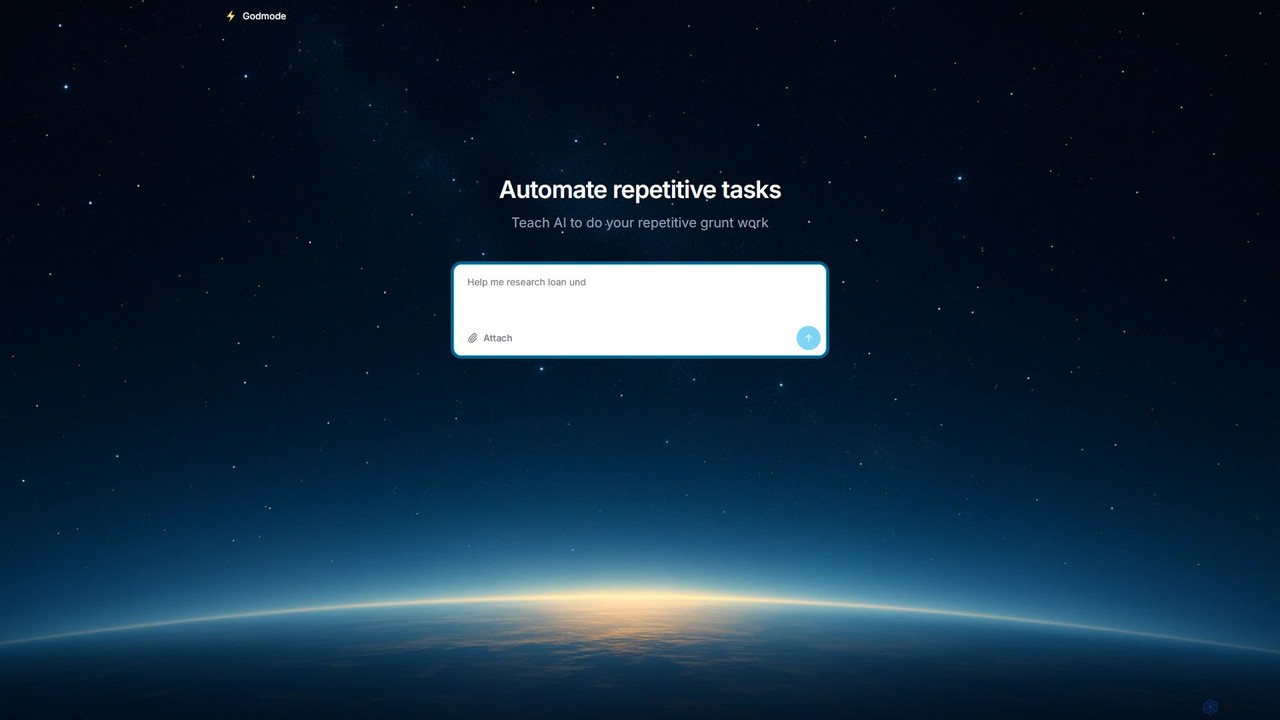
Godmode
Godmode is an AI agent platform that automates repetitive web tasks. Teach the AI to perform complex workflows, from data entry and web scraping to social media management, all through natural language instructions without writing any code.
Web Scraping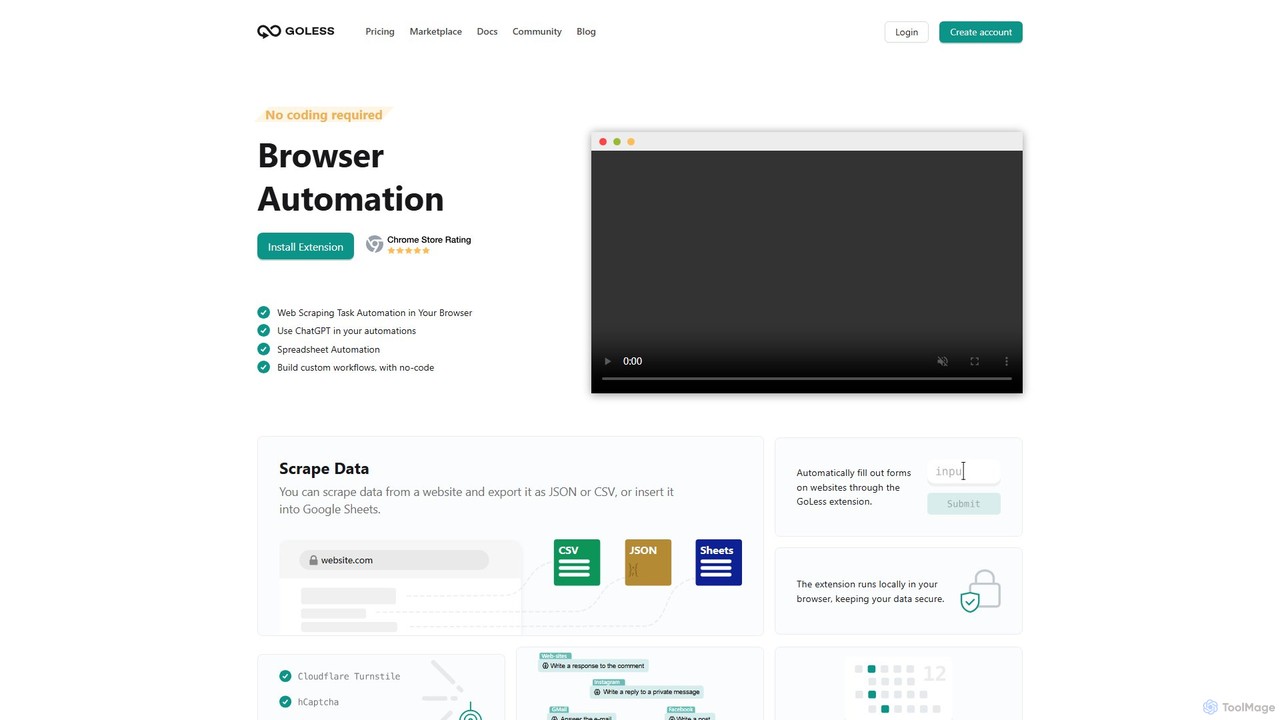
Goless
Goless is a no-code browser automation tool that allows you to automate repetitive tasks, scrape data, and create custom workflows directly in your browser. With a visual drag-and-drop interface and ChatGPT integration, it simplifies complex web operations like data entry, social media management, and website testing without any programming knowledge.
Web Scraping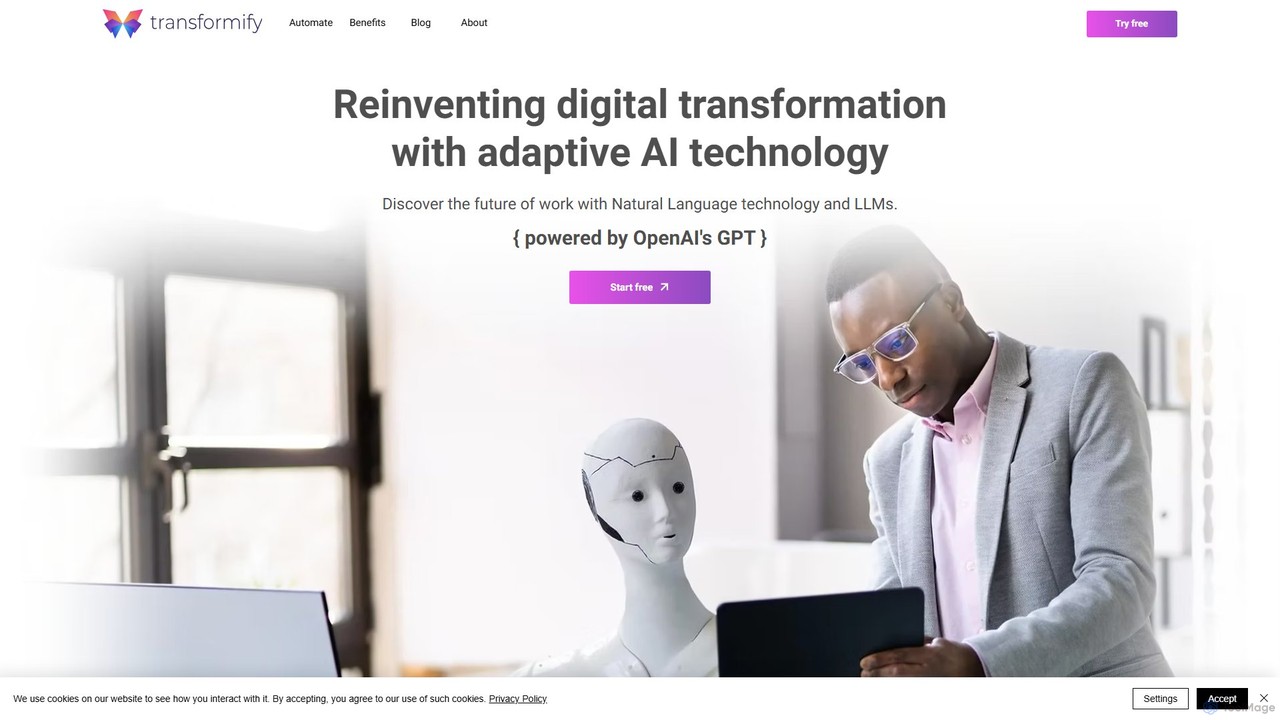
Transformify
Transformify is an AI-powered automation platform that turns natural language commands into complex workflows. Its AI Copilot allows users to describe tasks in a chat interface, automating everything from data processing to business operations, eliminating repetitive work and boosting productivity.
No Code & Low Code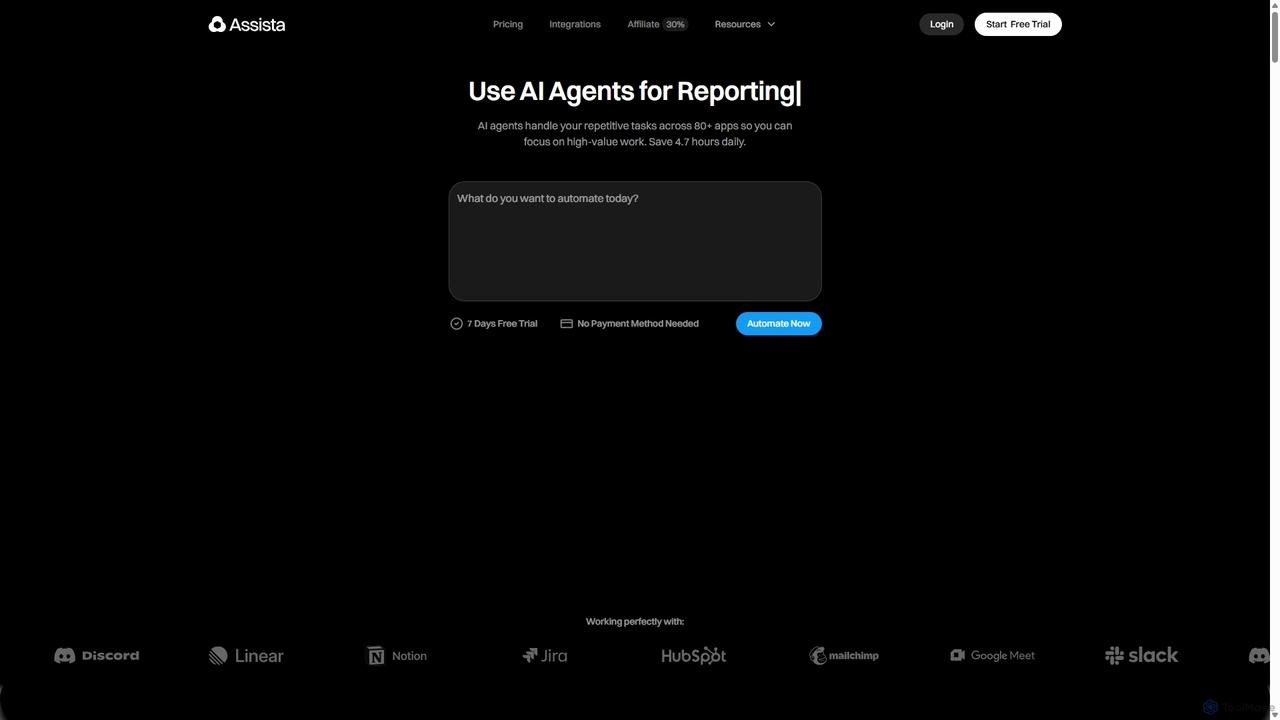
Assista
Assista is an AI agent platform that automates repetitive tasks and complex workflows across 80+ applications using simple, natural language commands. It acts as a complete AI workforce, allowing users to delegate tasks without any coding, saving hours of manual work daily and boosting overall productivity.
Workflow Management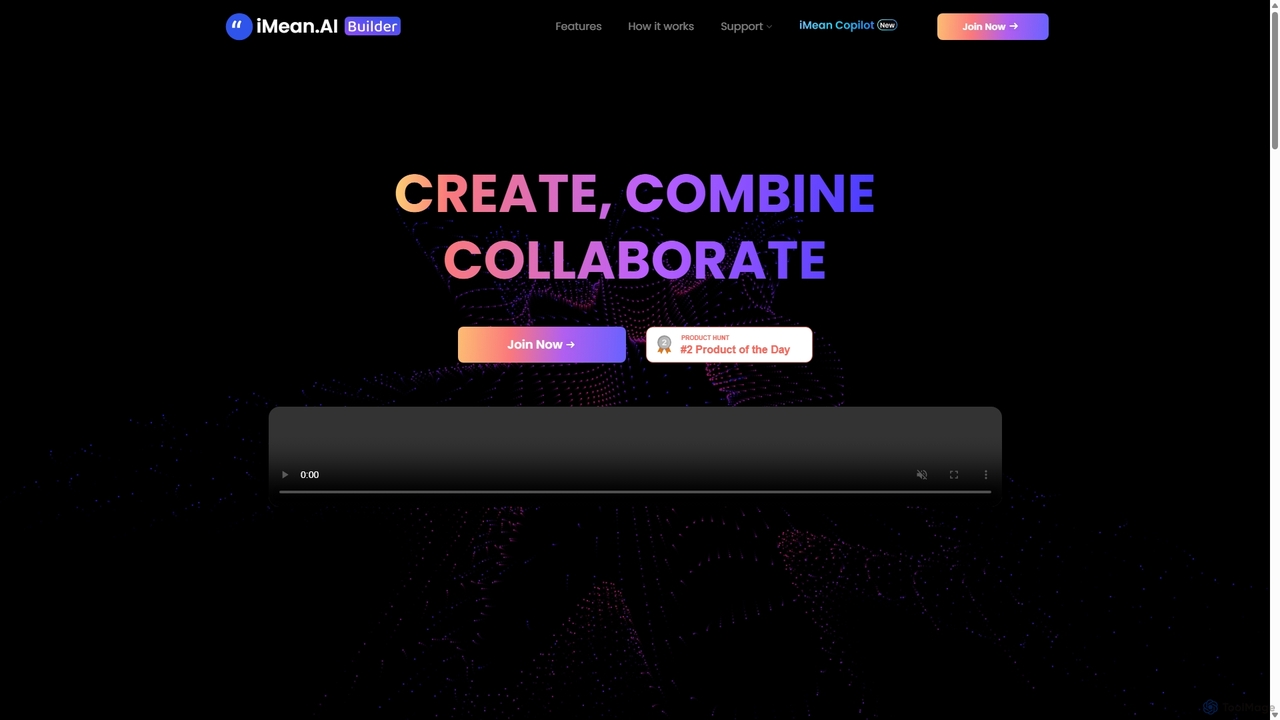
IMean AI Builder
iMean AI Builder is a no-code platform that allows you to create a personal AI assistant by simply recording your online activities. It learns from your actions, turning repetitive tasks like scheduling, research, and data entry into automated workflows. Customize your AI with a drag-and-drop editor to build a truly personalized digital companion.
No Code
Jyek
Jyek is an AI agent platform that understands objectives, creates execution plans, uses tools, and delivers verifiable results for complex, multi-step tasks.
Automation
Starizon
Starizon is an AI-powered Chrome extension that acts as an intelligent browser assistant. It simplifies web tasks by allowing users to extract and monitor data, create automation workflows, and interact with webpages through simple conversational commands. It's designed to boost productivity by automating repetitive online activities.
Chrome Extensions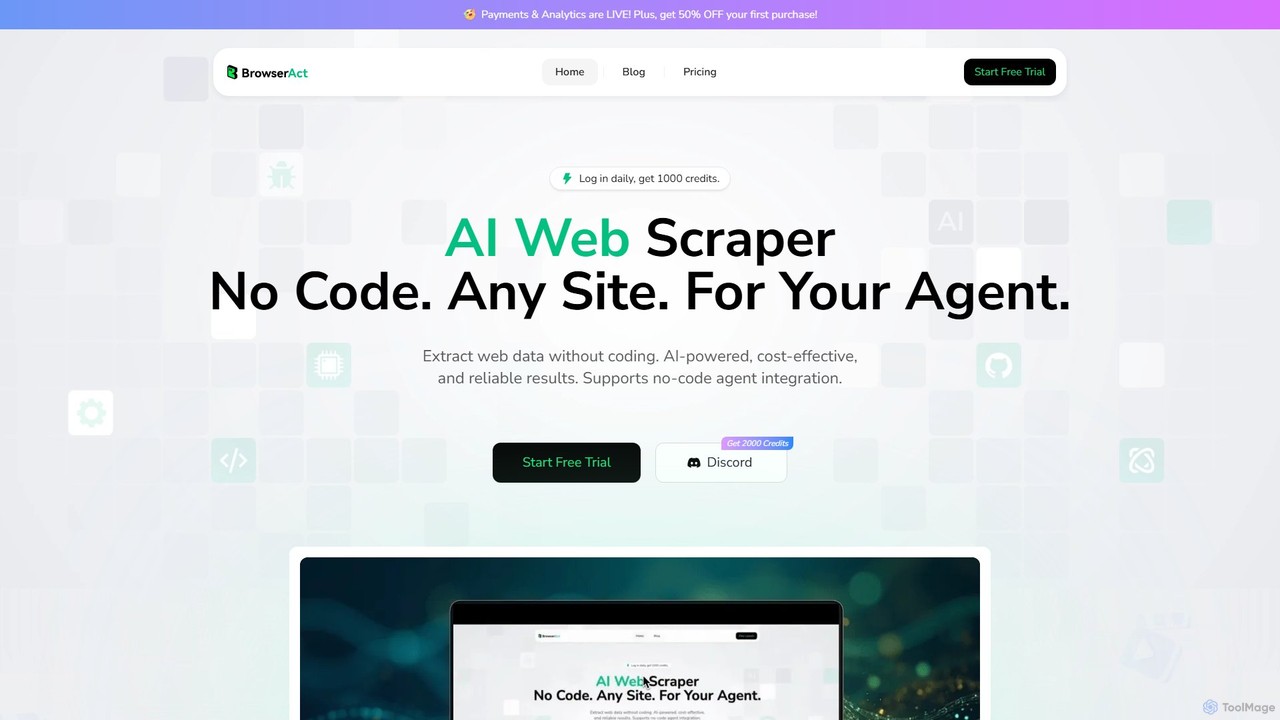
BrowserAct
BrowserAct is an AI-powered, no-code web scraper that allows users to extract data from any website using natural language commands. It's designed for easy integration with AI agents, automating data collection for market research, lead generation, and content monitoring without writing a single line of code.
Web Scraping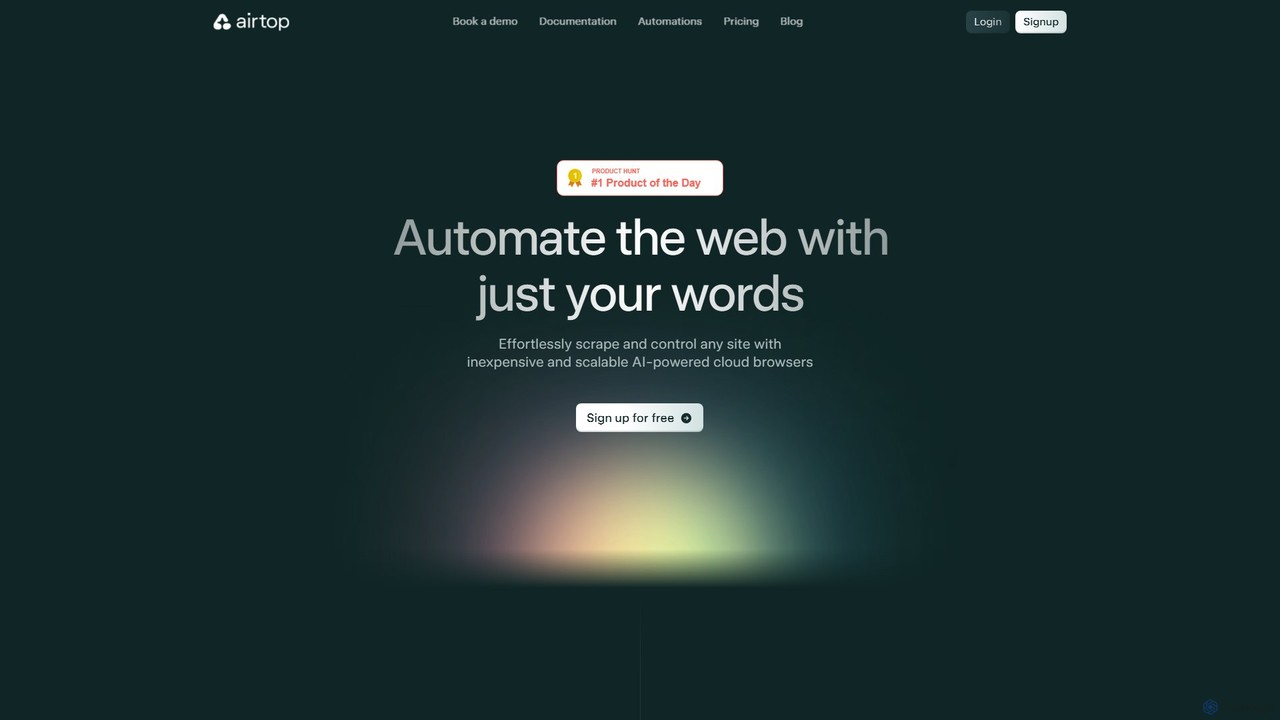
Airtop
Airtop is a browser automation platform designed for AI agents. It allows developers to control and scrape any website using natural language prompts or SDKs (Python, TypeScript). Airtop manages the complex cloud browser infrastructure, handling logins, CAPTCHAs, and scaling, enabling powerful automations for data extraction, social media engagement, and market research.
Automation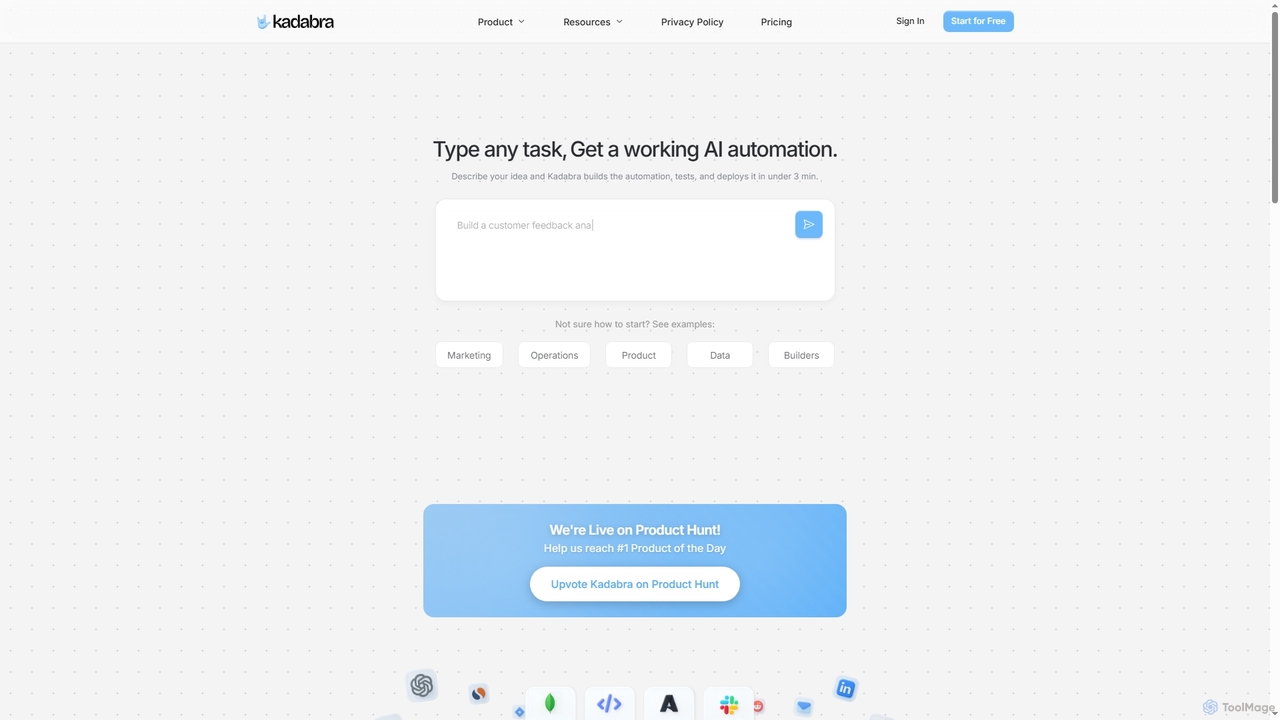
Kadabra
Kadabra is an AI-powered platform that transforms plain English descriptions into functional, deployable business and data automations. It allows users to build, test, and deploy complex workflows visually in minutes, integrating with a wide range of popular tools to streamline operations and enhance productivity.
Operations Management
BrowseGPT Comments (0)
Sign in to comment.
Sign inNo comments yet.