ToolMage
Sign in

Best 4 Task Automation AI tools for Automation

Popular Task Automation AI tools in Automation include CTRL Sheet, Mica AI, Suna, and Frankenfile, helping you work more efficiently.

Suna
Freemium

Suna

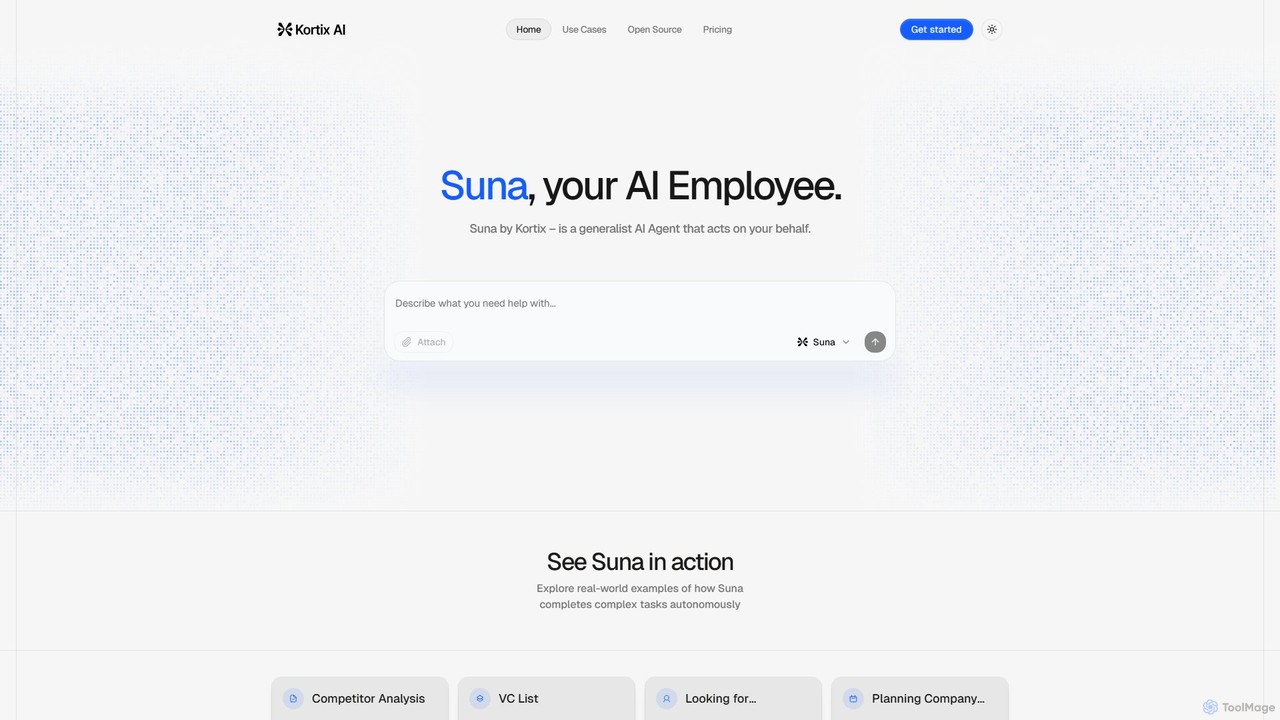
Suna is an open-source, generalist AI agent that acts as your AI employee. It autonomously executes complex tasks like market research, competitor analysis, lead generation, and data scraping by browsing the web and processing information.

Task Automation
Visits 4.5KFavorites 117Likes 135
Frankenfile
Paid

Frankenfile

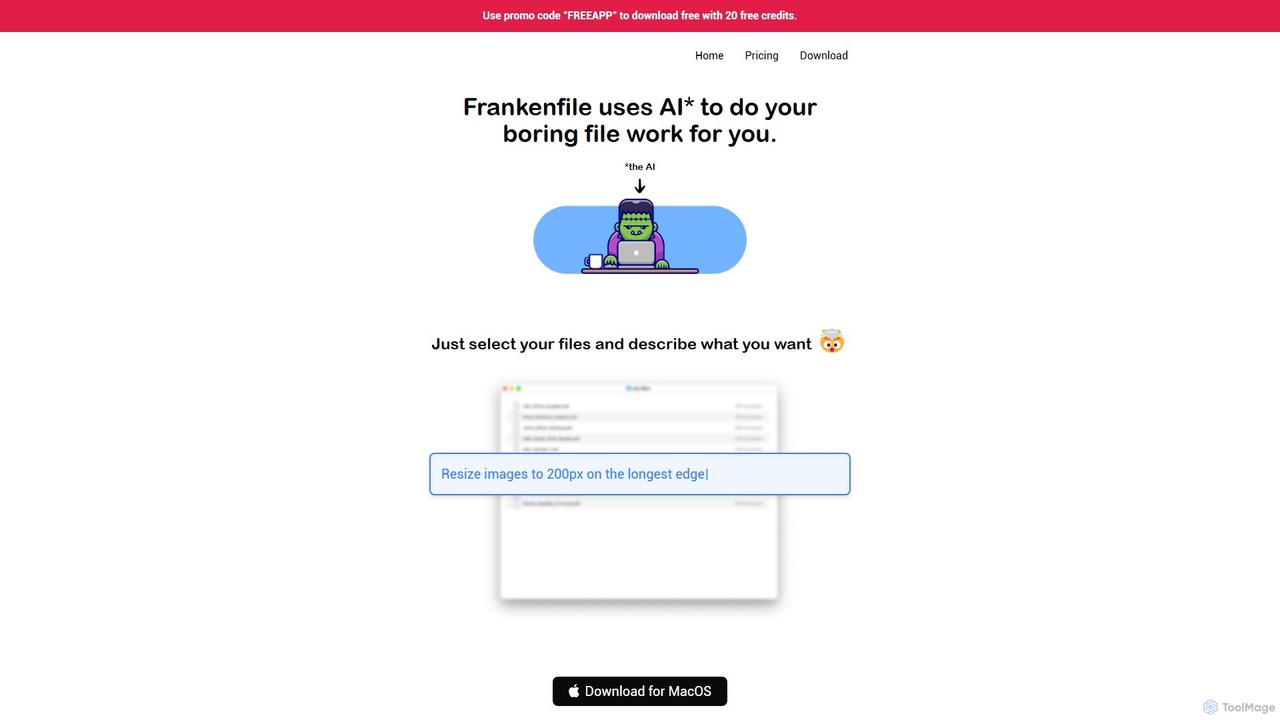
Frankenfile is an AI-powered assistant for MacOS that automates your file management tasks. Simply describe what you want to do in plain English, and the app handles complex operations on images, videos, audio, and PDFs. It runs entirely locally, ensuring your files remain private and secure.

Task Automation
Visits 4.3KFavorites 131Likes 121
CTRL Sheet
Freemium

CTRL Sheet

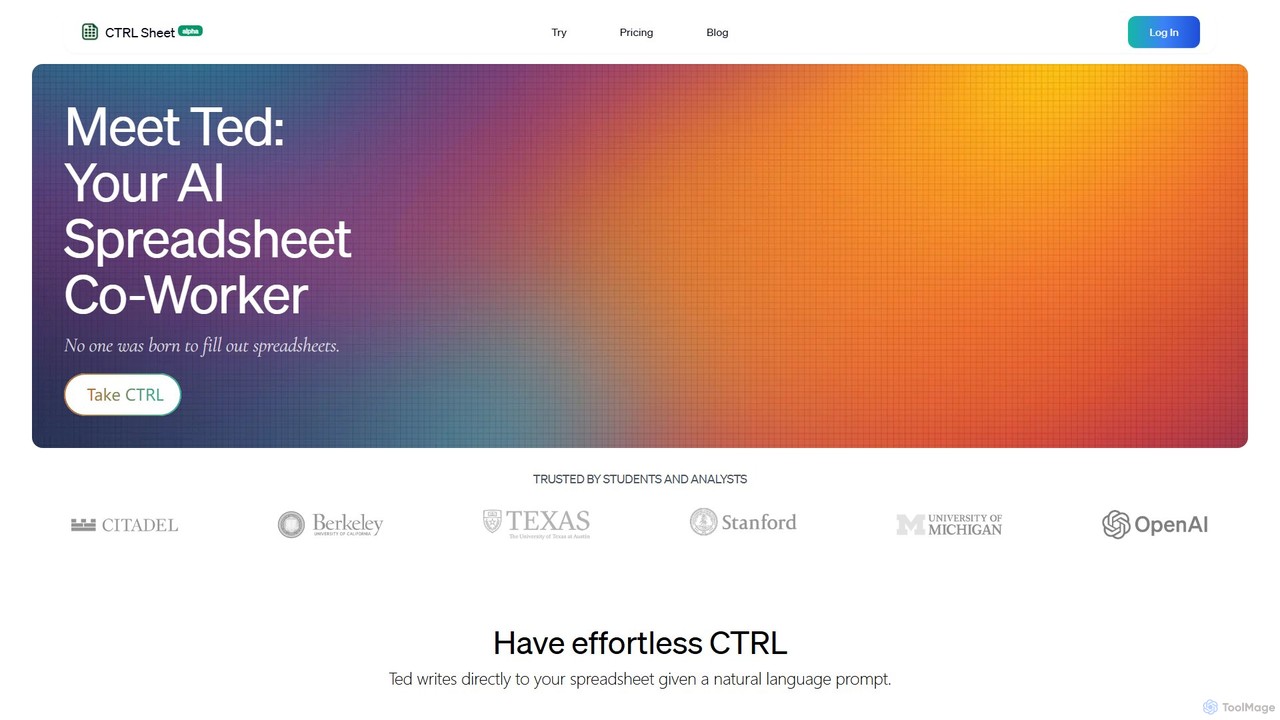
CTRL Sheet is an AI-powered spreadsheet co-worker named Ted that automates data tasks. It allows users to interact with spreadsheets using natural language, extract data from various files like PDFs and images, and generate complex formulas effortlessly. It's designed to save time and reduce errors for students, analysts, and professionals.

Task Automation
Visits 13.8KFavorites 118Likes 107
Mica AI

Mica AI

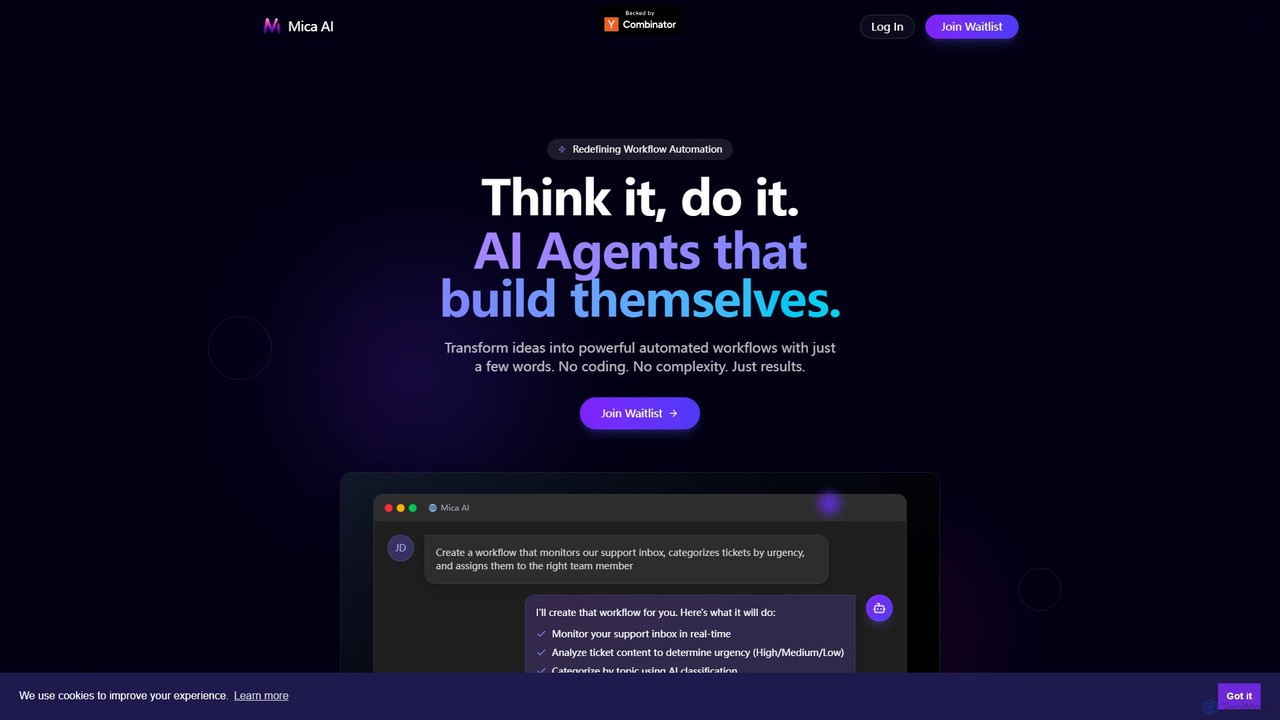
Mica AI is a no-code platform that transforms natural language descriptions into powerful, automated workflows. It deploys self-building AI agents that integrate with your existing tech stack, automating tasks and providing real-time insights across departments like sales, marketing, and engineering without any coding.

Autonomous Agents
Visits 5KFavorites 147Likes 133

About Task Automation

Task Automation tools are a class of AI-powered software designed to execute specific, repetitive, and rule-based digital tasks without human intervention. These tools often use techniques like Robotic Process Automation (RPA), macros, or simple AI agents to mimic human actions such as clicks, keystrokes, and data entry. Their primary value lies in freeing up users from mundane, time-consuming activities, thereby reducing errors and increasing personal productivity. Unlike broader workflow automation platforms that connect multiple applications, task automation focuses on streamlining individual actions within a single workflow or application.

Core Features

  • Action Recording: Captures user interactions like mouse clicks and keyboard inputs to create a repeatable script.
  • Scheduled Triggers: Allows tasks to be executed automatically at predefined times or intervals.
  • Data Scraping & Entry: Extracts information from web pages, documents, or applications and inputs it into another system.
  • Conditional Logic: Implements simple "if-then-else" rules to handle variations within a task.
  • Template Library: Provides pre-built automation templates for common tasks like file organization or data cleanup.

Use Cases

Task Automation is widely used by individuals and teams across various roles. For instance, marketing specialists automate the process of gathering competitor data from websites. Administrative assistants use it to sort emails and schedule meetings automatically. Data analysts employ these tools to clean and format datasets before analysis, saving hours of manual work.

How to Choose

When selecting a Task Automation tool, first assess the complexity of the tasks you need to automate. Consider the tool's user interface—whether it's a no-code, visual builder or requires scripting knowledge. Evaluate its integration capabilities with the specific applications you use daily. Finally, review the pricing model, checking if it's based on usage, number of tasks, or a flat subscription fee.

Featured tool rankings

Task Automation use cases

1

Automate Daily Social Media Posting

A social media manager for a small business needs to post content across multiple platforms daily. Using a task automation tool, they can create a single master content schedule in a spreadsheet. The tool is configured to automatically read a row from the sheet each day, log into the respective social media accounts, and publish the scheduled text and images. This eliminates the need for manual logins and copy-pasting, saving over an hour each day and ensuring consistent posting times.

2

Generate Weekly Sales Reports

A sales analyst is responsible for creating a weekly performance report. This involves exporting data from a CRM, opening it in a spreadsheet, filtering for specific criteria, creating charts, and pasting them into a presentation. A task automation tool can record this entire sequence. Now, the analyst simply runs the automation script every Monday morning. The tool automatically performs all the data extraction, processing, and formatting steps, delivering a complete report draft in minutes instead of hours.

3

Triage and Organize Incoming Emails

A project manager receives hundreds of emails daily from clients, team members, and system notifications. They set up a task automation tool to monitor their inbox. The tool uses rules based on sender, subject line, and keywords to automatically apply labels (e.g., 'Urgent', 'Client X', 'Invoice'), move messages to specific folders, and even forward certain emails to relevant team members. This creates a pre-organized inbox, allowing the manager to focus on high-priority communications immediately.

4

Scrape Competitor Pricing Data

An e-commerce strategist needs to monitor competitor pricing for top-selling products. They use a task automation tool with web scraping capabilities to visit a list of competitor websites daily. The tool automatically navigates to the product pages, extracts the price and stock status, and populates this data into a centralized dashboard or spreadsheet. This provides real-time market intelligence without the tedious and error-prone process of manual data collection.

5

Standardize and Rename Downloaded Files

A research assistant frequently downloads academic papers, reports, and datasets with inconsistent file names. They configure a task automation tool to watch their 'Downloads' folder. Whenever a new file appears, the tool automatically renames it based on predefined rules (e.g., 'YYYY-MM-DD_Author_Title.pdf'), extracts keywords from the content to add as tags, and moves the organized file to the correct project folder. This maintains a clean and searchable research library effortlessly.

6

Automate Customer Support Ticket Tagging

A customer support team lead wants to improve ticket routing. They use an AI-powered task automation tool that reads the content of new support tickets. Based on keywords and sentiment analysis, the tool automatically applies relevant tags like 'Billing Issue', 'Technical Problem', or 'Feature Request'. This ensures tickets are immediately categorized and assigned to the correct support agent or department, reducing response times and improving the accuracy of support analytics.

Task Automation FAQ

What is AI Task Automation?

AI Task Automation refers to software that uses artificial intelligence to perform specific, repetitive digital tasks on behalf of a user. Unlike simple macros, these tools can handle variations and make simple decisions. Key features include recording user actions, scheduling operations, and extracting data. They are commonly used to automate tasks like data entry, report generation, and file management to boost individual productivity.

How is Task Automation different from Workflow Automation?

The main difference lies in scope. Task Automation focuses on automating a single, discrete action or a short sequence of actions, often within one application (e.g., renaming files, scraping a website). Workflow Automation connects multiple different applications to automate a larger, multi-step process (e.g., when a new lead is added in a CRM, automatically send an email and create a task in a project management tool). Task automation is about micro-efficiency, while workflow automation is about process integration.

How do I choose the right Task Automation tool?

To choose the right tool, consider these factors:

  • Task Complexity: Do you need simple action recording or more advanced logic and AI capabilities?
  • User Interface: Is it a no-code, drag-and-drop builder suitable for non-technical users, or does it require scripting?
  • Application Compatibility: Does it work with the specific desktop or web applications you use most?
  • Pricing: Evaluate if the cost is based on the number of tasks, execution time, or a flat subscription.

What kinds of tasks are best suited for automation?

The best tasks for automation are those that are repetitive, rule-based, and high-volume. Ideal candidates include:

  • Copying and pasting data between applications.
  • Filling out standard forms with information from a source.
  • Generating regular reports from the same data sources.
  • Organizing files and folders based on consistent naming conventions.
  • Performing routine data cleanup in spreadsheets.
Tasks requiring creativity, complex problem-solving, or nuanced human judgment are generally not suitable.

Who benefits most from Task Automation tools?

Virtually any professional who performs repetitive digital tasks can benefit. Key user groups include:

  • Administrative Staff: For automating email sorting, scheduling, and data entry.
  • Marketing & Sales Teams: For lead data collection, social media posting, and report generation.
  • Data Analysts: For automating data extraction, cleaning, and formatting.
  • Individual Creators & Freelancers: For streamlining content publishing and managing administrative work.