

Frankenfile Overview
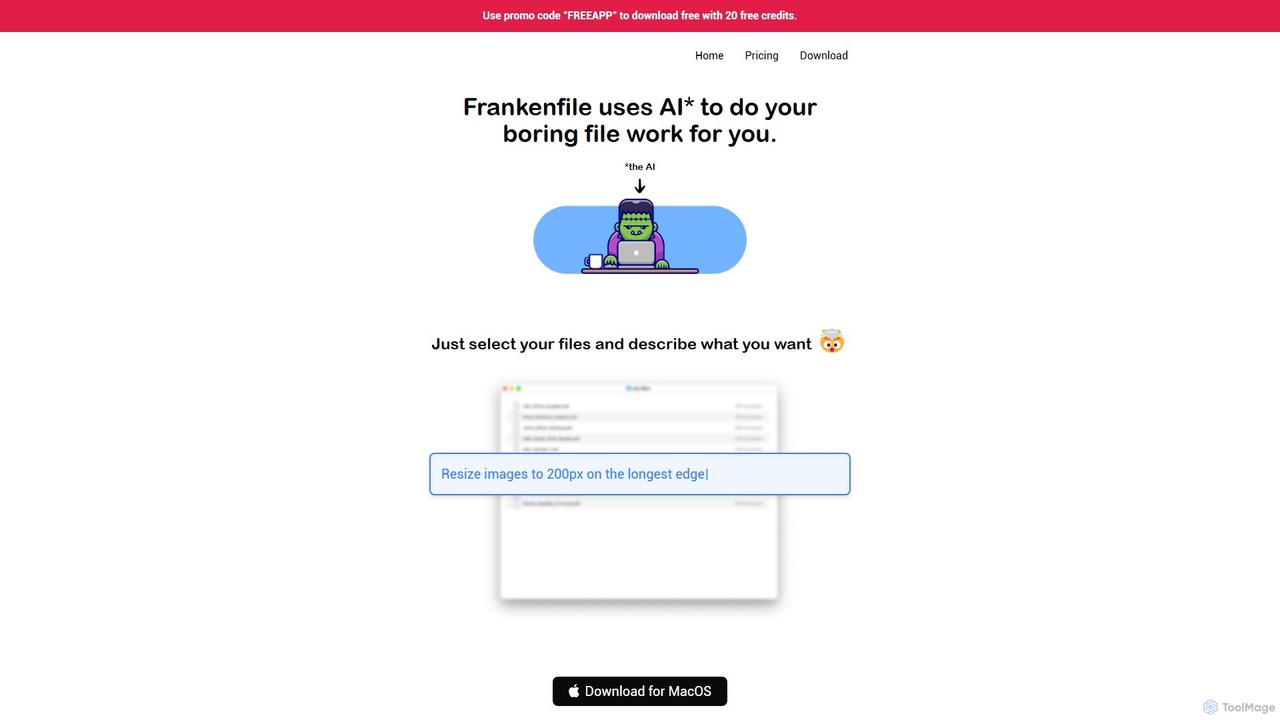
Frankenfile is a revolutionary AI assistant designed exclusively for MacOS to eliminate the tedious and repetitive work associated with file management. Instead of navigating complex menus or writing scripts, you can simply select your files and provide instructions in natural language. The AI interprets your request and automatically performs the necessary actions, streamlining your workflow and saving you significant time.
The application operates within a secure, contained environment. When you issue a command, Frankenfile creates a temporary sandbox with copies of your files, ensuring your original data is never at risk. It then intelligently determines the required tools and libraries, executes the commands, and even attempts to resolve any errors it encounters. This powerful process allows it to handle a vast array of tasks across different file types, from simple conversions to complex multi-step operations.
How to use Frankenfile
Using Frankenfile is designed to be incredibly intuitive. The process involves three simple steps:
1. Select Your Files: Drag and drop the files or folders you want to work on into the Frankenfile app.
2. Describe Your Task: In the input box, type a clear, plain-English command describing what you want to achieve. For example, you could type "Convert my images to circle thumbnails," "Overlay watermark.png over the center of video.mp4," or "Sort these files into 'expenses' and 'receipts' and rename them sequentially."
3. Execute and Refine: Frankenfile gets to work. It shows you the steps it's taking. If the result isn't perfect, you can provide follow-up instructions to refine the output, such as "Make the watermark 50% smaller" or "Actually, split the PDF into individual pages." For best results, it's recommended to be specific, break down complex tasks, and provide examples if possible.
Core Features of Frankenfile
- Natural Language Command Interface: Control complex file operations using simple, conversational English.
- Multi-Format File Processing: Works seamlessly with images (PNG, JPG, GIF), videos (MP4, MOV), audio files (MP3, WAV), and PDFs.
- Image Manipulation: Batch convert formats, resize, crop, overlay watermarks, and generate various styles of thumbnails.
- Video and Audio Editing: Trim/clip videos and audio, convert formats, separate audio from video tracks, and compress files.
- Advanced PDF Tools: Split PDFs into custom page ranges, merge multiple PDFs into one, and convert PDFs to other formats.
- Intelligent File Organization: Sort files into folders based on content or name, and perform sequential or pattern-based renaming.
- Local and Private: All processing happens on your Mac. Your files are never uploaded to a server, ensuring complete privacy and security. Only metadata like filenames may be used for processing the command.
- Flexible LLM Integration: Use Frankenfile's built-in Large Language Model or connect your own API key for services like OpenAI, Anthropic, or a local Ollama instance.
Use Cases for Frankenfile
Frankenfile is a versatile tool for a wide range of users:
- Content Creators & Designers: Batch resizing images for a website, applying a watermark to a portfolio of photos, or creating social media-ready video clips.
- Video Professionals: Quickly converting video footage to a different format, trimming multiple clips at once, or extracting audio for transcription.
- Students & Researchers: Splitting a large textbook PDF into individual chapters, merging multiple research articles into a single document for review.
- Office Administrators: Sorting hundreds of scanned documents into categories like invoices and receipts, and renaming them with a consistent date format.
- Developers: Automating the preparation of assets for an application, such as generating icons of different sizes from a single source image.
Advantages of Frankenfile
The primary advantage of Frankenfile is its ability to translate human intent into machine execution, saving time and reducing complexity. It acts as a universal file converter, editor, and organizer rolled into one, accessible through a simple chat-like interface. Its commitment to local processing is a major benefit for users concerned with data privacy. The flexibility to bring your own LLM key also gives power users control over cost and performance.
Pricing and Plans
Frankenfile is available as a one-time purchase for the MacOS app, priced at $19.
There is a promotional offer available: use the promo code "FREEAPP" to download the application for free, which includes 20 free credits to get started.
The app requires a Large Language Model (LLM) to function. While Frankenfile currently provides free access to their own LLM, this may change in the future. However, users have the option to connect their own API keys from providers like OpenAI, Anthropic, Ollama, etc., giving them full control over their usage and costs.
Frankenfile Alternatives

Ai Photo Sorter
A privacy-first, AI-powered web application that helps you efficiently organize local photo collections. Create custom categories, sort images, and detect duplicates securely on your own computer without uploading any data.
Photo Organization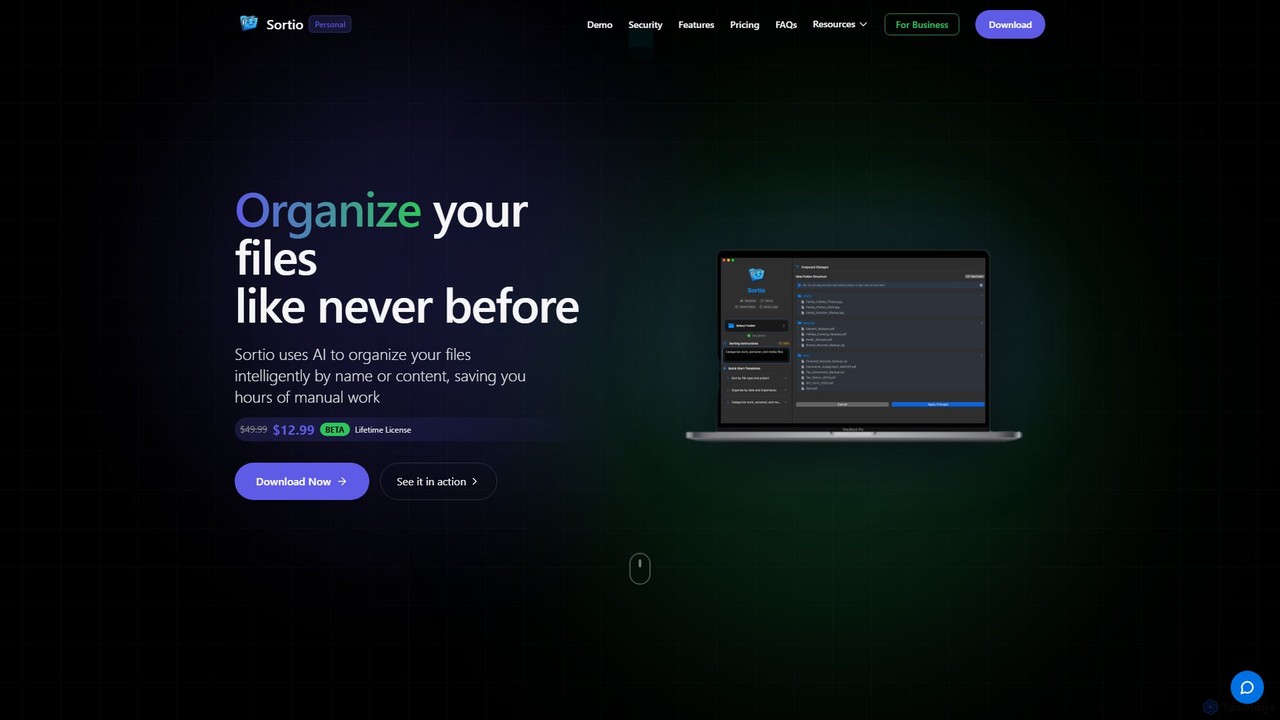
Sortio
Sortio is an AI-powered desktop application for macOS and Windows that intelligently organizes your files. Using natural language prompts, it can sort files by name, content, or metadata, saving you hours of manual work. It features smart folders, automatic renaming, and a strong focus on privacy with offline mode and end-to-end encryption.
Automation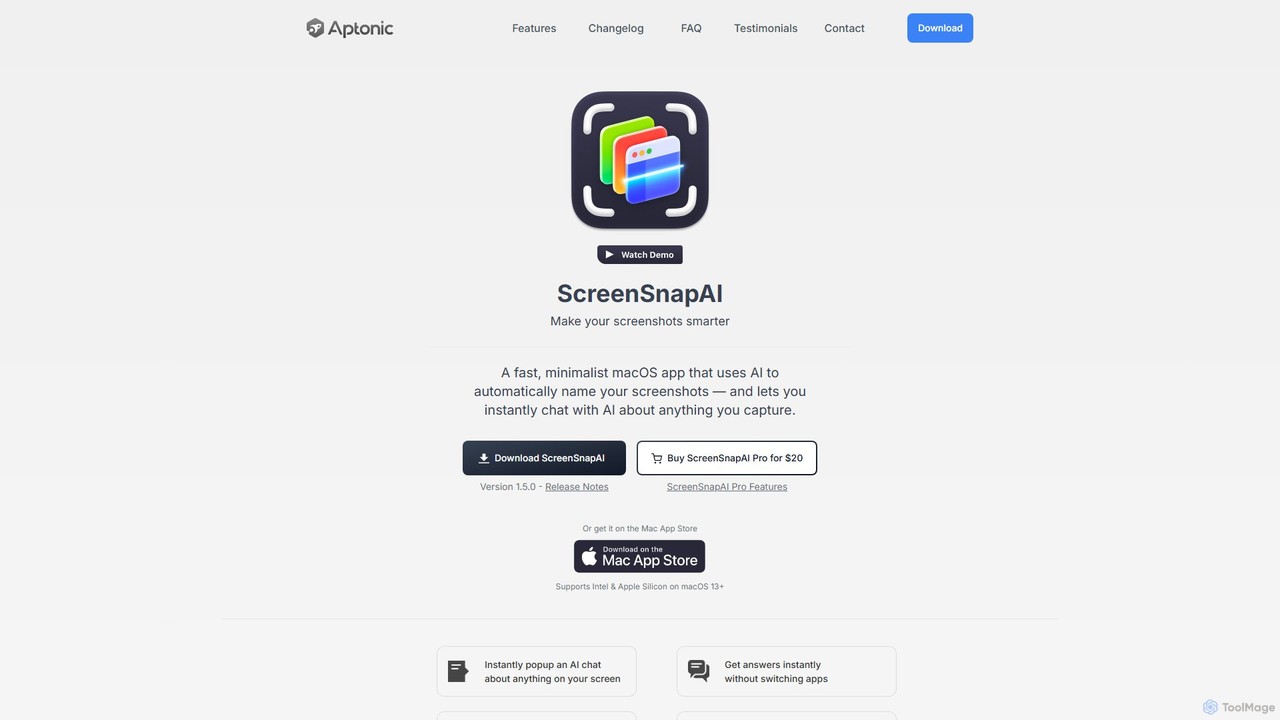
ScreenSnapAI
ScreenSnapAI is a smart macOS application that uses AI to automatically rename, tag, and organize your screenshots. It features an integrated AI assistant that allows you to instantly chat about, translate, or extract text and code from any captured image, dramatically improving productivity and workflow efficiency.
Code Assistant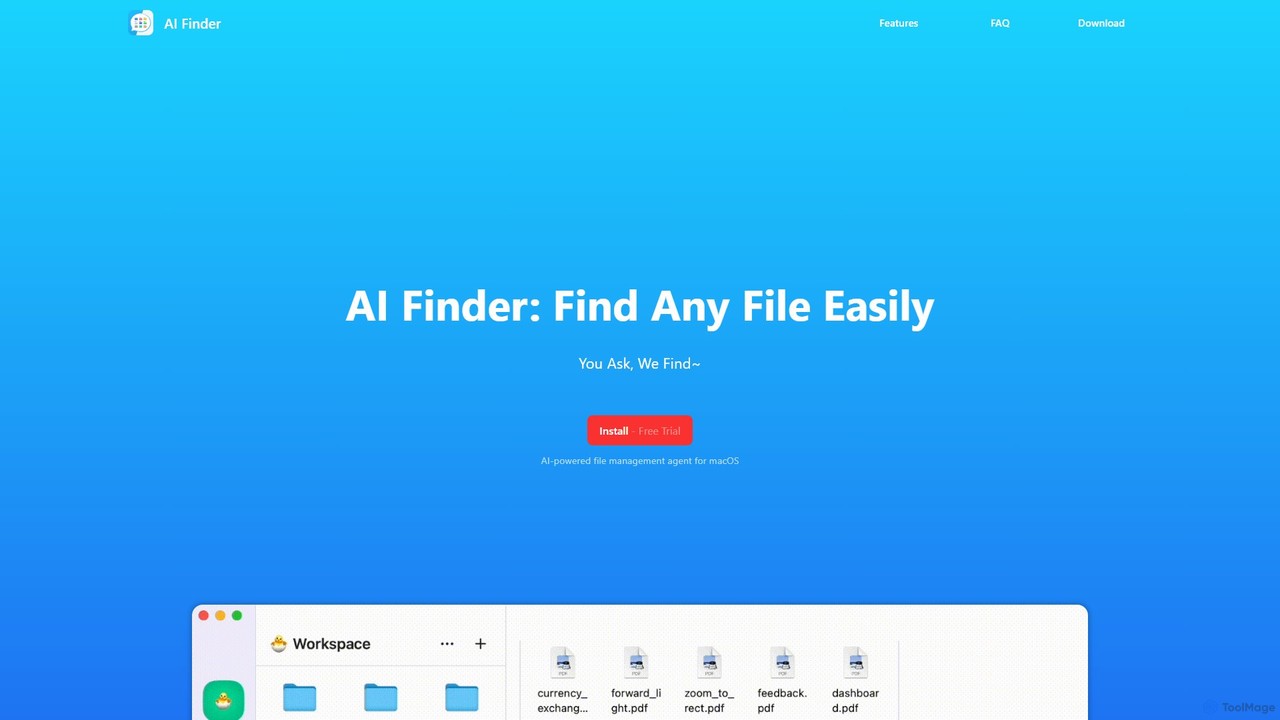
AI Finder
AI Finder is an intelligent file management agent for macOS that revolutionizes how you find files. Using natural language, you can search files by content, creation date, or even vague descriptions. It also features a 'Talk to PDF' function, allowing you to chat with, summarize, and extract key insights from your documents. All processing is done locally, ensuring your data remains private and secure.
Analysis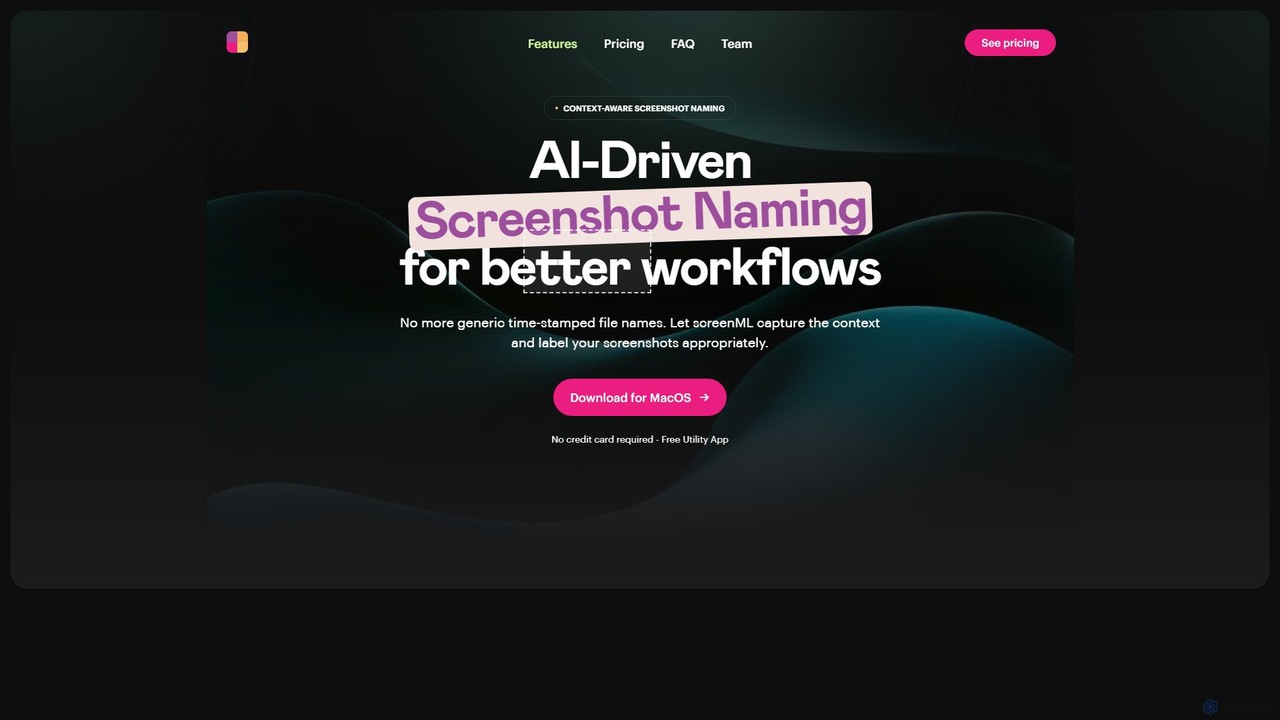
ScreenML
ScreenML is an AI-powered MacOS utility that automatically renames your screenshots with context-aware, descriptive filenames. It eliminates cluttered desktops and timestamped file names, making your screenshots organized, searchable, and easy to manage, streamlining your entire workflow.
Screenshot ToolFrankenfile Categories
Frankenfile Embed Widget
Copy this embed code to place the badge on your blog, article, or product site and send readers directly to this ToolMage detail page.

Related AI tools
Ai Photo Sorter
A privacy-first, AI-powered web application that helps you efficiently organize local photo collections. Create custom categories, sort images, and detect duplicates securely on your own computer without uploading any data.
Photo Organization
inbox_ai
inbox_ai is a powerful voice-driven AI automation tool for macOS. It allows you to create custom voice commands and build intelligent assistants to streamline your workflow. With features like on-screen quick capture, email filtering, and deep integration with native macOS apps and services like Raycast and PopClip, inbox_ai puts advanced AI capabilities at your fingertips. It operates entirely on-device, ensuring your data remains private and secure, with no login required.
WorkflowSortio
Sortio is an AI-powered desktop application for macOS and Windows that intelligently organizes your files. Using natural language prompts, it can sort files by name, content, or metadata, saving you hours of manual work. It features smart folders, automatic renaming, and a strong focus on privacy with offline mode and end-to-end encryption.
AutomationScreenSnapAI
ScreenSnapAI is a smart macOS application that uses AI to automatically rename, tag, and organize your screenshots. It features an integrated AI assistant that allows you to instantly chat about, translate, or extract text and code from any captured image, dramatically improving productivity and workflow efficiency.
Code AssistantAI Finder
AI Finder is an intelligent file management agent for macOS that revolutionizes how you find files. Using natural language, you can search files by content, creation date, or even vague descriptions. It also features a 'Talk to PDF' function, allowing you to chat with, summarize, and extract key insights from your documents. All processing is done locally, ensuring your data remains private and secure.
AnalysisScreenML
ScreenML is an AI-powered MacOS utility that automatically renames your screenshots with context-aware, descriptive filenames. It eliminates cluttered desktops and timestamped file names, making your screenshots organized, searchable, and easy to manage, streamlining your entire workflow.
Screenshot Tool
Keep It Shot
Keep It Shot is a macOS application that uses AI to intelligently rename your screenshots and other files. It automatically creates descriptive names and builds a private, offline, and fast search index, transforming your messy file collection into an organized and searchable second brain.
Automation
Raycast
Raycast is a blazingly fast, extendable launcher for macOS that supercharges your productivity. It replaces Spotlight with a powerful command-line interface to control your tools, search files, run scripts, and automate tasks. With an integrated AI assistant, a vast store of community-built extensions, and features like Clipboard History, Snippets, and Window Management, Raycast centralizes your workflow, saving you time and context-switching.
Workflow Automation
remio
remio is a local-first AI assistant that unifies all your data—notes, files, and web content—into a single, private knowledge base. It allows you to capture information from anywhere, find answers instantly with AI-powered search, and organize your knowledge securely on your device, boosting your productivity and creativity.
Personal Assistant
Omnipilot
Omnipilot, now part of Highlight, is a powerful AI assistant for Mac & Windows. It works across all your apps, providing context-aware assistance for writing, meetings, and tasks. It understands what's on your screen to reduce context switching and boost productivity without needing to copy-paste.
Utilities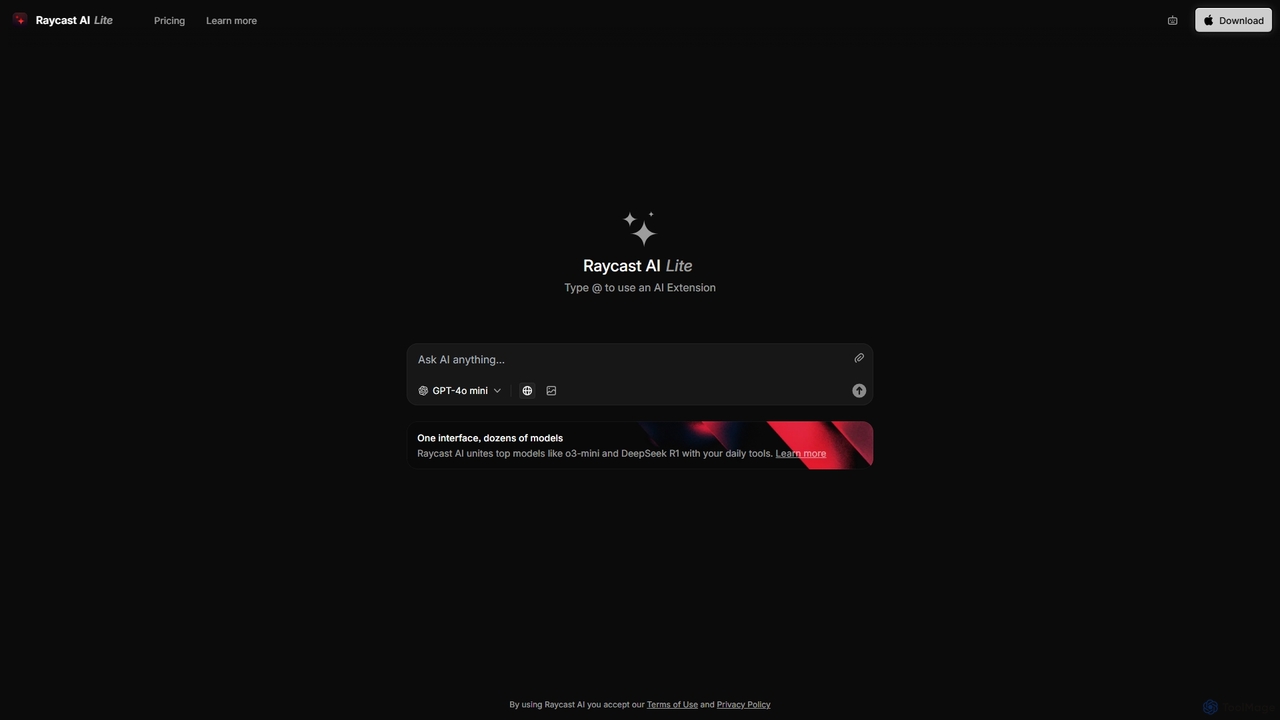
Raycast
Raycast is a blazingly fast, extensible launcher for macOS that supercharges your productivity. It acts as a central command bar to control your tools, with integrated AI, an extensive extension store, and powerful built-in features like window management and clipboard history. It's designed to reduce context switching and keep you in the flow.
Personal Assistant
Jumper
Jumper is an AI-powered video editing assistant that integrates with professional editing software. It enables editors to instantly search through hours of footage for any visual or spoken content, all locally on their device. By eliminating cloud uploads, Jumper offers unparalleled speed, privacy, and a streamlined workflow, saving countless hours on every project.
Transcription
heyalice
heyalice is a personal AI assistant for your desktop (macOS, Windows, Linux) that centralizes top AI models like GPT-4o and Claude 3.5. It enhances productivity through customizable assistants, reusable prompts (Skills), and seamless integration with automation tools like Zapier and Make. Bring your own API keys to control costs and work faster with powerful keyboard shortcuts, all within a privacy-focused, local application.
Code Assistant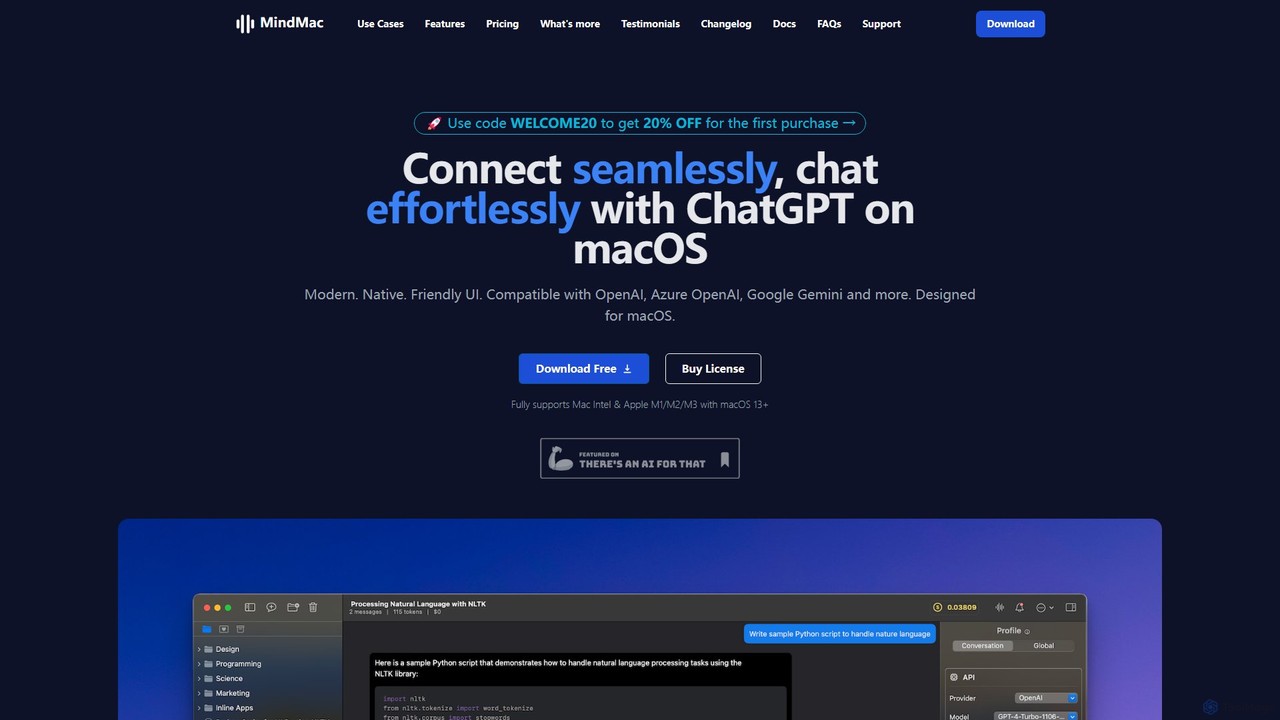
MindMac
MindMac is a powerful, native macOS client that provides a unified interface for interacting with a vast range of AI models, including OpenAI's GPT, Google Gemini, Claude, and local LLMs. It enhances productivity with features like an inline mode for use in any app, a rich prompt library, and extensive customization. It prioritizes privacy and security by storing API keys locally and communicating directly with AI providers.
Macos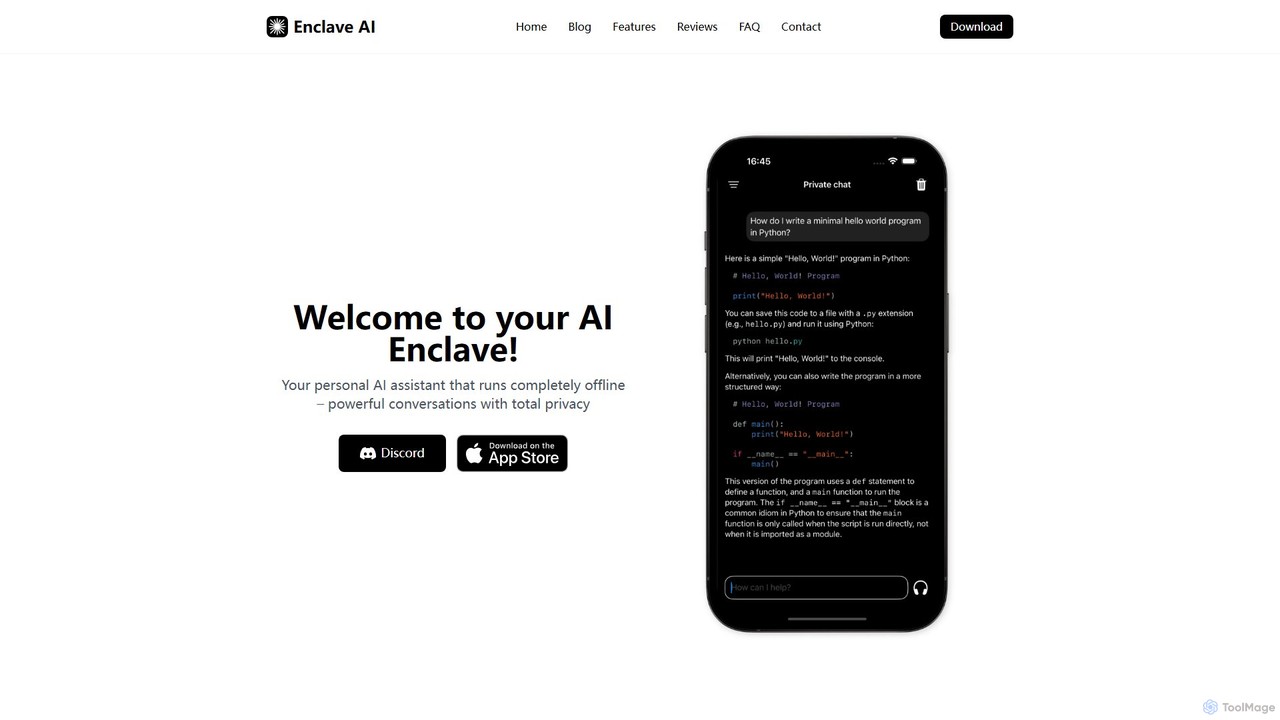
Enclave AI
Enclave AI is a private, local, and offline AI assistant for macOS and iOS. It runs powerful open-source models directly on your device, ensuring your conversations, documents, and data remain 100% private and secure, with no internet connection required.
Local Models
Frankenfile Comments (0)
Sign in to comment.
Sign inNo comments yet.