
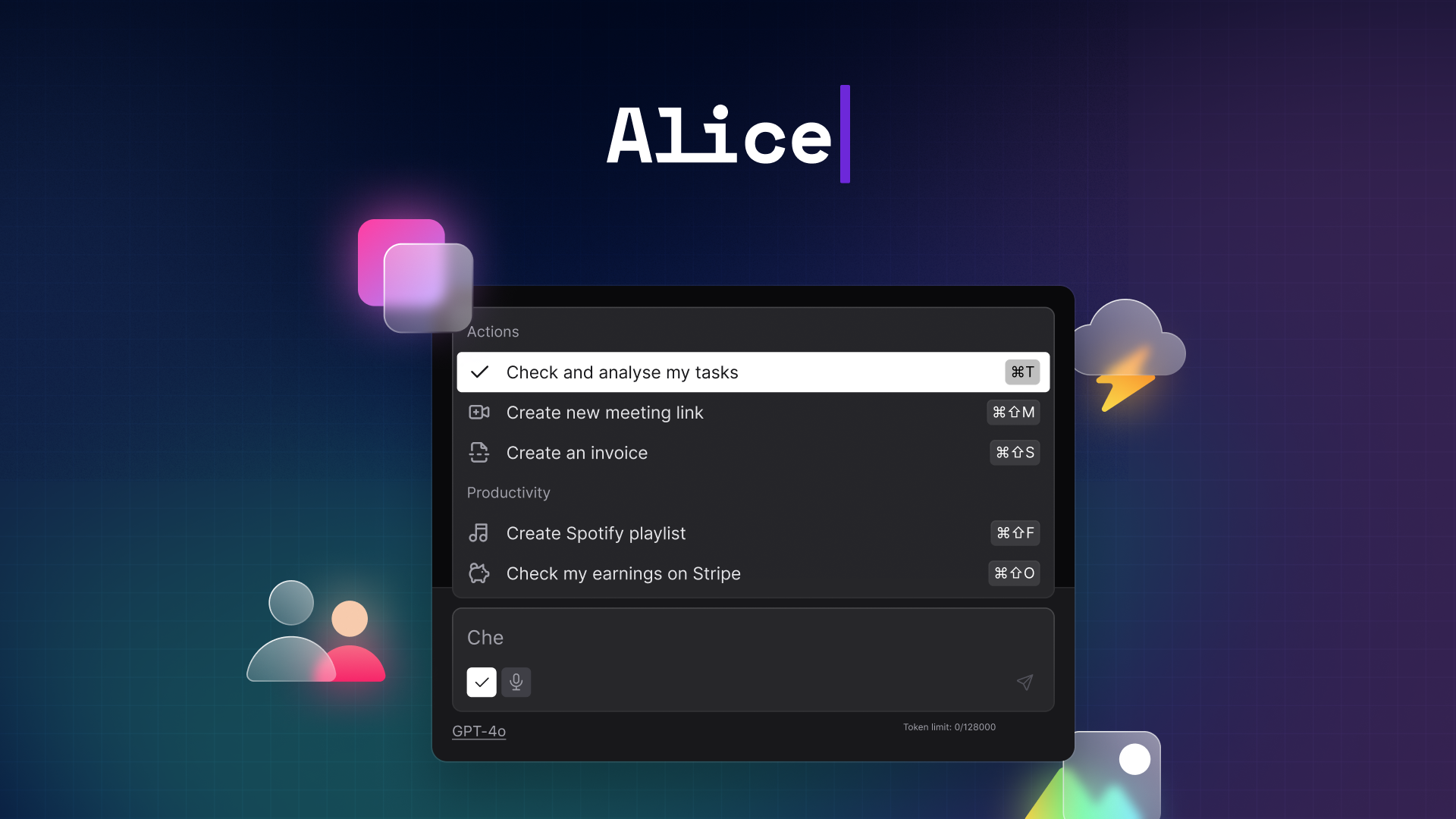

heyalice Overview
heyalice is a powerful, personal AI assistant designed to revolutionize your daily workflow directly from your desktop. Available for macOS, Windows, and Linux, it acts as a central hub for the world's most advanced AI models, including OpenAI's GPT-4o, Anthropic's Claude 3.5, Grok, Llama 3, and more. Instead of juggling multiple subscriptions and browser tabs, heyalice brings them all into one sleek, fast, and highly customizable application. It's built for creative minds, developers, marketers, and anyone looking to significantly boost their productivity and integrate AI seamlessly into their tasks.
The core philosophy of heyalice is personalization and efficiency. You can create your own specialized AI Assistants tailored to specific tasks, or browse a rich Assistant Library to use pre-built solutions from the community. These assistants can be enhanced with "Skills"—reusable prompts that can be triggered with a simple keyboard shortcut. This allows you to perform common actions like translating text, fixing code, or summarizing content in seconds, from anywhere in your operating system.
How to use heyalice
Getting started with heyalice is straightforward and designed for immediate productivity gains:
- Download and Install: Purchase a lifetime license and install the heyalice application on your macOS, Windows, or Linux device.
- Connect AI Models: Integrate your preferred AI models by adding your own API keys. This "Bring Your Own Key" (BYOK) model gives you full control over your usage and costs. Alternatively, you can opt for their unlimited plan.
- Summon with a Shortcut: Access heyalice instantly from any application using a customizable keyboard shortcut. No more switching windows to find a chat interface.
- Create or Choose an Assistant: Start with the default assistant or create your own with a unique personality and purpose (e.g., a coding expert, a marketing guru, a creative writer). You can also browse the Assistant Library to install assistants created by others.
- Build Your Skills: Define your most-used prompts as "Skills." For example, create a skill to "Make shorter" or "Optimize code" and assign a unique shortcut to it for instant execution.
- Automate Your Workflow: Connect heyalice to automation platforms like Zapier, Make, or n8n via webhooks. This allows you to turn conversations into actions, such as adding a lead to your CRM, creating a task in your project management tool, or reporting sales data.
- Use Advanced Features: Leverage features like web search for real-time information, vision capabilities to analyze images, and voice commands for hands-free operation.
Core Features of heyalice
- Multi-Model Integration: Access all major AI models (GPT, Claude, Grok, Llama, etc.) in one place. Switch between them easily to find the best one for your task.
- Custom AI Assistants & Skills: Build personalized assistants for different roles and save reusable prompts as "Skills" with keyboard shortcuts for lightning-fast execution.
- Assistant Library: Discover and install ready-made assistants and skills created by a community of users, saving you time on setup.
- Automation & No-Code Integration: Connect to Zapier, Make, n8n, and other tools via webhooks to automate workflows and link conversational AI with your favorite apps.
- Lightning-Fast Access: Summon the assistant and execute commands with global keyboard shortcuts, making it significantly faster than using browser-based AI tools.
- Web Search, Vision, and Image Generation: Allow your assistants to access the internet for up-to-date information, understand the content of images, and generate new visuals.
- Voice Control & Text-to-Speech: Interact with heyalice using your voice and have responses read back to you, enabling a hands-free experience.
- Enhanced Privacy: All data and conversations are stored locally on your device. heyalice also supports offline models for maximum security and privacy.
- Bring Your Own Key (BYOK): Use your own API keys from various model providers, paying only for what you use and avoiding multiple monthly subscriptions.
Use Cases for heyalice
heyalice is versatile and can be adapted to numerous professional and personal tasks:
- For Developers: Instantly fix bugs, optimize code snippets, write complex SQL queries, or get explanations for unfamiliar codebases without leaving the IDE.
- For Marketers & SEO Specialists: Use the SEO Content Writer assistant to perform research, generate brand ideas, craft blog posts, and even post directly to WordPress.
- For Writers & Editors: Quickly translate text, rephrase sentences for clarity, shorten long paragraphs, or brainstorm ideas for articles and stories.
- For Project Managers & Business Owners: Automate repetitive tasks like adding customers to a CRM, checking to-do lists, or summarizing sales reports from Stripe.
- For Designers & Creatives: Visualize ideas by generating images, get feedback on UX/UI design, or brainstorm innovative concepts with a dedicated creative assistant.
Advantages of heyalice
heyalice stands out from other AI tools with its unique combination of features:
- Cost-Effective: The one-time purchase model for the app, combined with the BYOK system, is more economical in the long run than multiple monthly AI subscriptions.
- Unmatched Personalization: The ability to create custom assistants and skills allows you to build an AI tool that is perfectly tailored to your specific needs and workflow.
- Seamless Workflow Integration: By living on your desktop and integrating with system-wide shortcuts and automation tools, heyalice becomes a natural extension of your work environment, not just another open tab.
- Speed and Efficiency: Instant access via shortcuts eliminates context switching, saving countless hours and boosting focus and productivity.
- Privacy-First Approach: With local data storage and support for offline models, you can use AI with confidence, knowing your sensitive information remains secure.
Pricing and Plans
heyalice offers a lifetime license with a one-time payment, ensuring you own the software forever. There are three main tiers:
- Solo: $149 for a lifetime license on 1 device. Ideal for individual users.
- Small Team & Family: $249 for a lifetime license on 3 devices. Perfect for small teams or users with multiple computers.
- Big Team & Enterprise: $1299 for a lifetime license with unlimited seats within a company domain.
*Note: The cost of the app license does not include AI model usage. Users must provide their own API keys (BYOK) from providers like OpenAI, Anthropic, etc., and pay for their token usage directly. Alternatively, heyalice offers an Unlimited AI Plan for $20/month, which covers chat usage across various models under a fair use policy. All plans come with a 21-day money-back guarantee.
Traffic
Latest traffic
Status
Monthly traffic trend
- 2025-9: 34.3K
- 2026-1: 28.9K
- 2026-2: 23.2K
- 2026-3: 22.3K
- 2026-4: 16.6K
- 2026-5: 19.8K
Geography
Top 5 countries / regions
- 🇺🇸United States25.6%
- 🇻🇳Vietnam21.6%
- 🇩🇪Germany19.8%
- 🇮🇳India18.6%
- 🇳🇬Nigeria14.3%
Top keywords
| Keyword | Cost per click |
|---|---|
| alica ai | $1.56 |
| alice ai | $1.92 |
| alice ai 1.0 | $0.00 |
| alice air update | $0.00 |
| 爱丽丝ai | $0.00 |
heyalice Alternatives

ChatGod
ChatGod is a powerful, all-in-one conversational AI platform that provides access to multiple advanced language models like GPT-4 and Claude 3. It's designed to boost productivity for professionals, developers, and content creators by centralizing various AI capabilities into a single, intuitive interface with enhanced features like web access and file analysis.
Code Assistant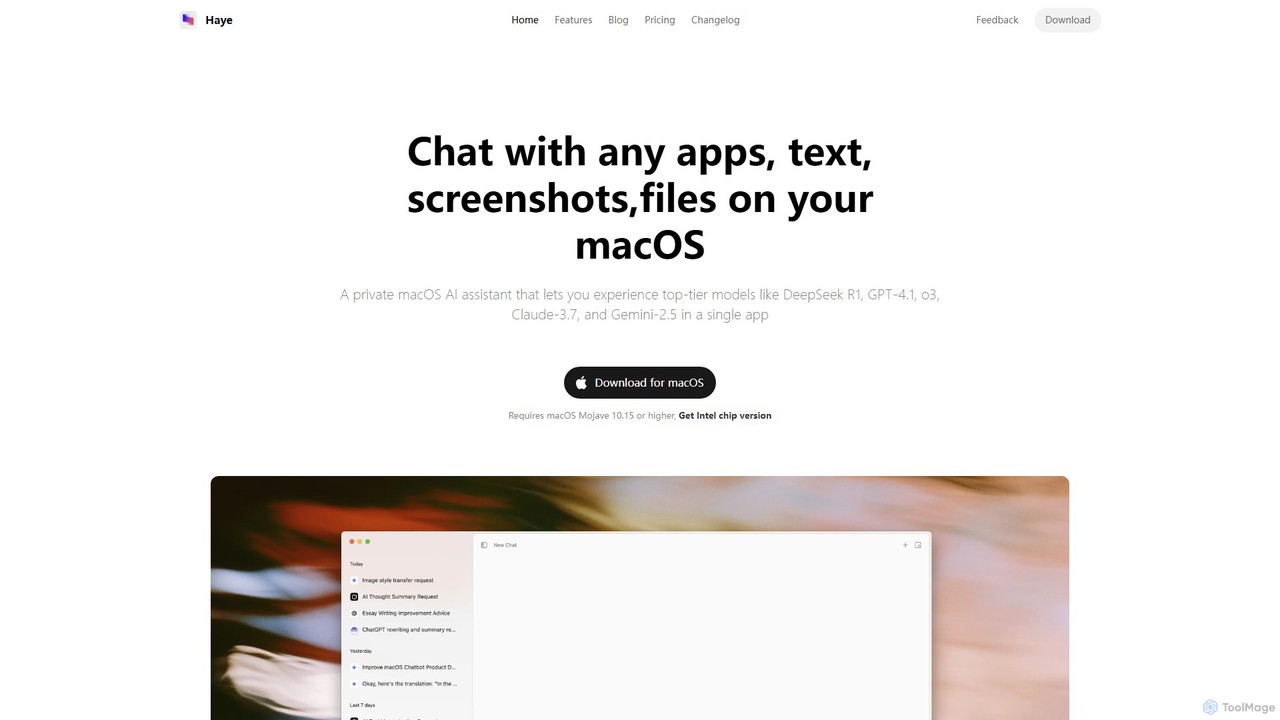
Haye
Haye is a powerful, all-in-one AI chat assistant for macOS, integrating top-tier models like GPT-4.1, Claude-3.7, and Gemini-2.5. It allows users to seamlessly interact with any app, text, screenshot, or file on their desktop, boosting productivity with features like AI search, document chat, and advanced customization.
Code Assistant
Chat Got
Chat Got is an all-in-one AI chat platform that provides access to multiple leading large language models like GPT-4, Claude, and Gemini in a single, unified interface. It simplifies the process of interacting with different AIs, allowing users to switch between models seamlessly to find the best one for any task, from writing and coding to research and brainstorming.
All In One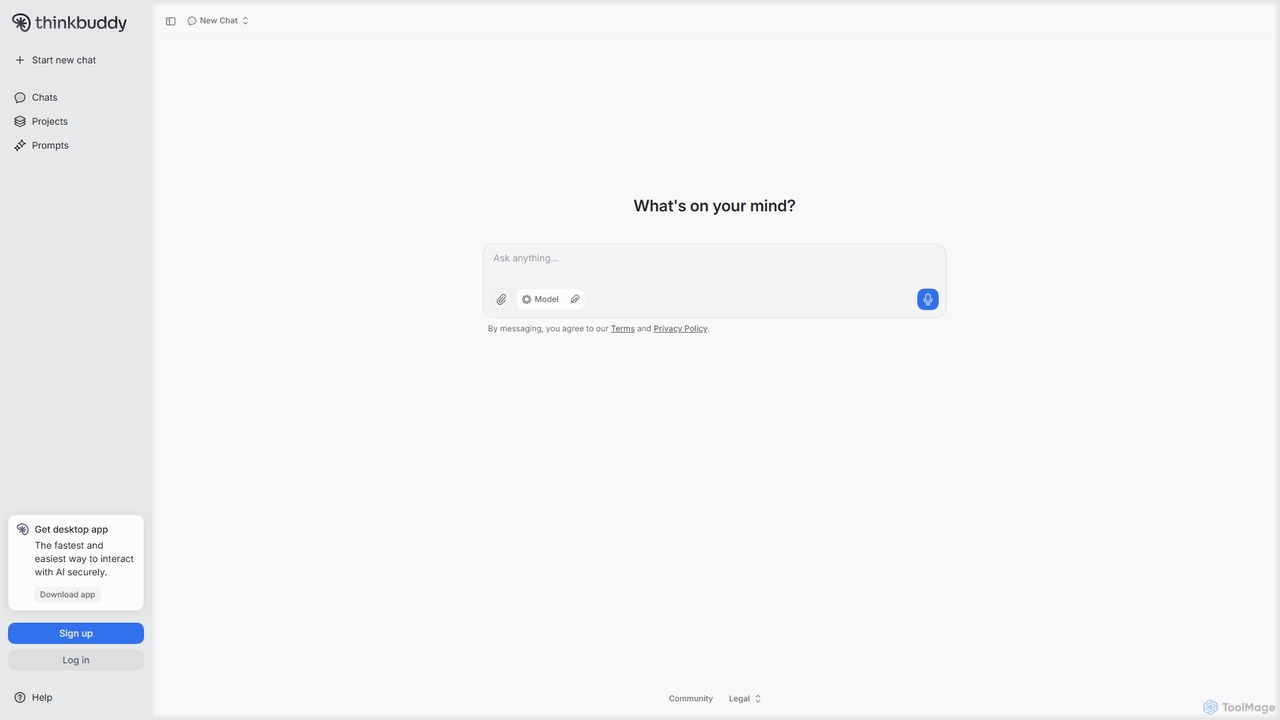
Thinkbuddy
Thinkbuddy is a native desktop AI client designed for fast, secure, and organized interaction with multiple AI models. It acts as a unified workspace, allowing you to switch between models like GPT-4o, Claude 3, and Llama 3, manage conversations in projects, and save prompts in a library for a streamlined workflow.
Code Assistant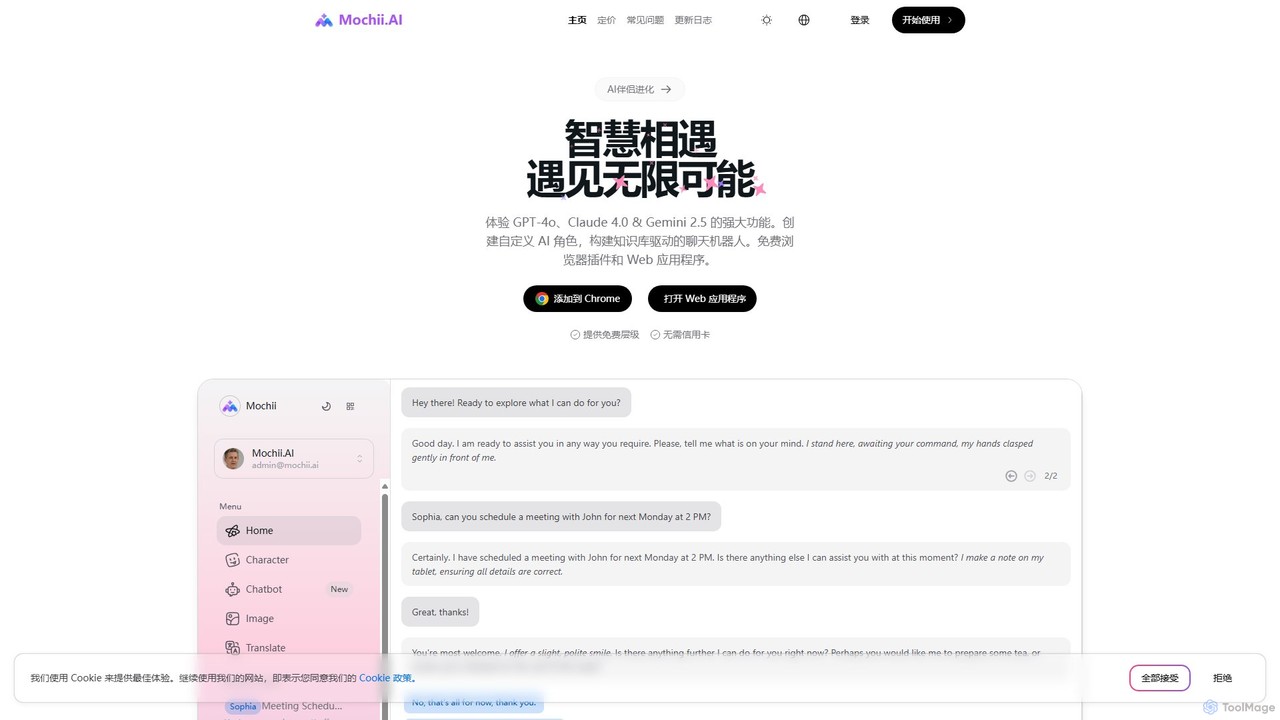
Mochii
Mochii is an all-in-one AI assistant that integrates leading models like GPT-4o, Claude, and Gemini into a seamless browser extension and web app. It enhances productivity by offering features like document analysis, web browsing, AI chatbot building, and customizable AI roles. A generous free tier provides access to advanced AI capabilities for everyone.
Productivityheyalice Categories
heyalice Embed Widget
Copy this embed code to place the badge on your blog, article, or product site and send readers directly to this ToolMage detail page.

Related AI tools
Haye
Haye is a powerful, all-in-one AI chat assistant for macOS, integrating top-tier models like GPT-4.1, Claude-3.7, and Gemini-2.5. It allows users to seamlessly interact with any app, text, screenshot, or file on their desktop, boosting productivity with features like AI search, document chat, and advanced customization.
Code AssistantChatGod
ChatGod is a powerful, all-in-one conversational AI platform that provides access to multiple advanced language models like GPT-4 and Claude 3. It's designed to boost productivity for professionals, developers, and content creators by centralizing various AI capabilities into a single, intuitive interface with enhanced features like web access and file analysis.
Code Assistant
Omnipilot
Omnipilot, now part of Highlight, is a powerful AI assistant for Mac & Windows. It works across all your apps, providing context-aware assistance for writing, meetings, and tasks. It understands what's on your screen to reduce context switching and boost productivity without needing to copy-paste.
Utilities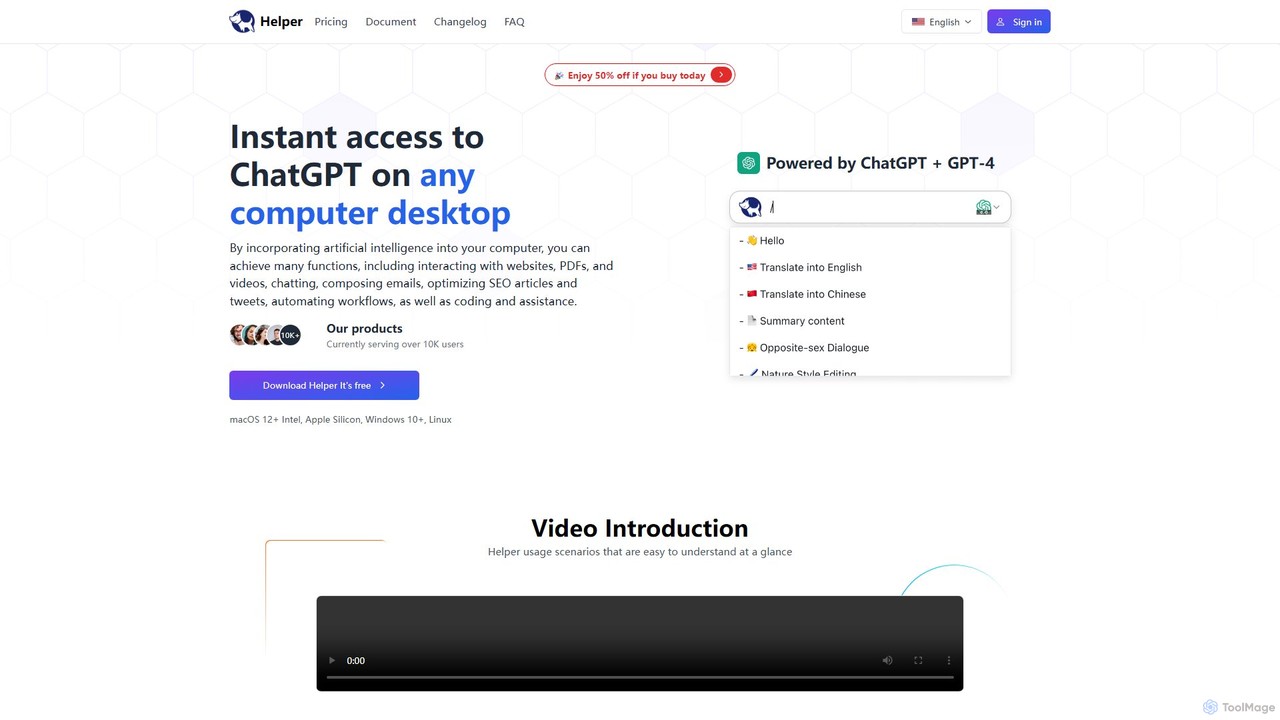
Ai Helper
Ai Helper is a versatile desktop client for macOS, Windows, and Linux, providing instant access to AI models like ChatGPT and Gemini from any application. It streamlines workflows for writing, coding, email composition, and more, acting as a universal AI assistant integrated directly into your operating system.
Code AssistantChat Got
Chat Got is an all-in-one AI chat platform that provides access to multiple leading large language models like GPT-4, Claude, and Gemini in a single, unified interface. It simplifies the process of interacting with different AIs, allowing users to switch between models seamlessly to find the best one for any task, from writing and coding to research and brainstorming.
All In OneThinkbuddy
Thinkbuddy is a native desktop AI client designed for fast, secure, and organized interaction with multiple AI models. It acts as a unified workspace, allowing you to switch between models like GPT-4o, Claude 3, and Llama 3, manage conversations in projects, and save prompts in a library for a streamlined workflow.
Code Assistant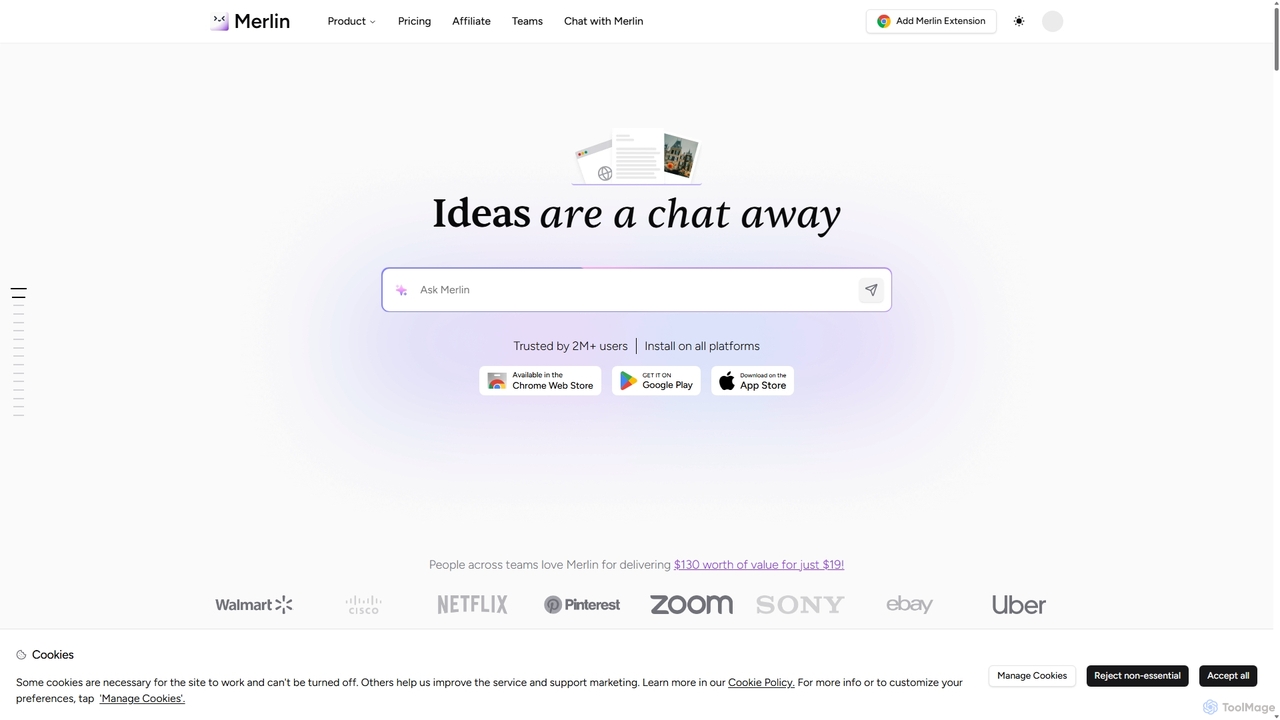
Merlin AI
Merlin is an all-in-one AI assistant, available as a browser extension and app, that integrates top AI models like GPT-4, Claude 3, and Gemini. It allows you to research, write, summarize content, generate images, and code with a single click on any website, streamlining your workflow and boosting productivity without switching tabs.
Chrome Extensions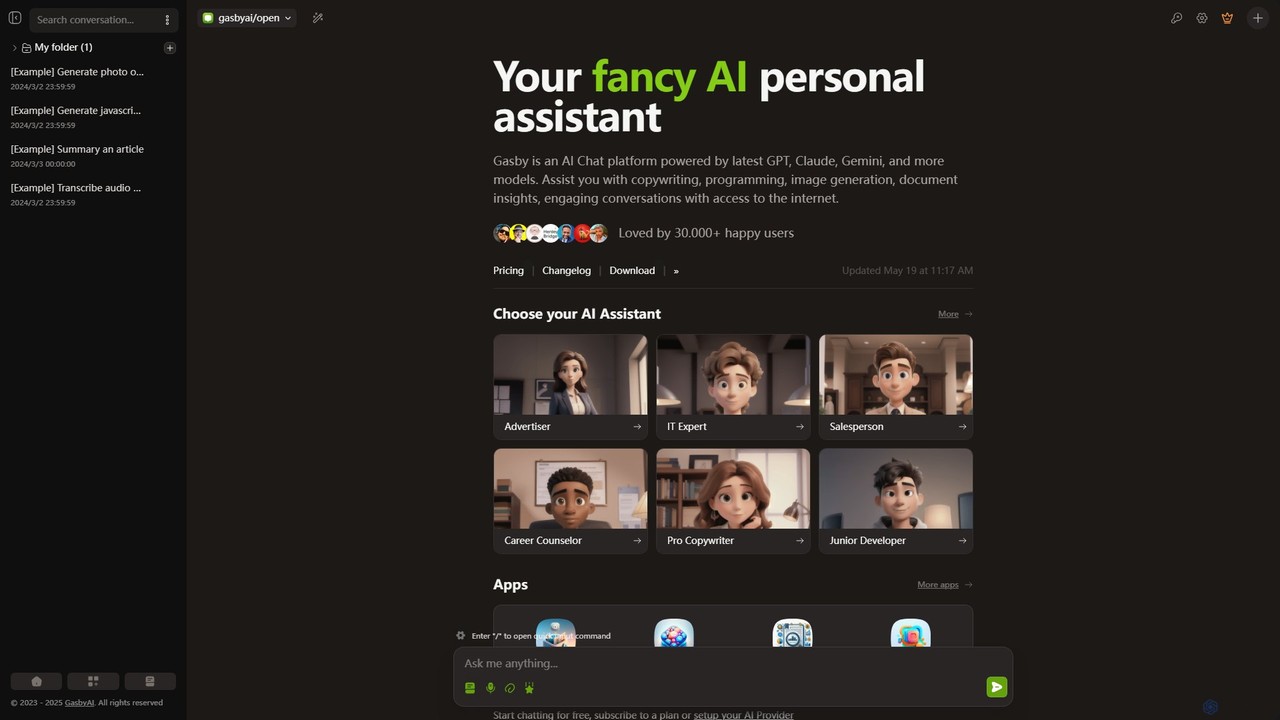
GasbyAI
GasbyAI is a versatile AI personal assistant and an all-in-one workspace that integrates over 100 AI models, including GPT-4, Claude 3, and Gemini. It offers a suite of specialized apps for image generation, audio transcription, document analysis, coding, and more, all within a unified, highly customizable, and user-friendly interface available on web and desktop.
TranscriptionMochii
Mochii is an all-in-one AI assistant that integrates leading models like GPT-4o, Claude, and Gemini into a seamless browser extension and web app. It enhances productivity by offering features like document analysis, web browsing, AI chatbot building, and customizable AI roles. A generous free tier provides access to advanced AI capabilities for everyone.
Productivity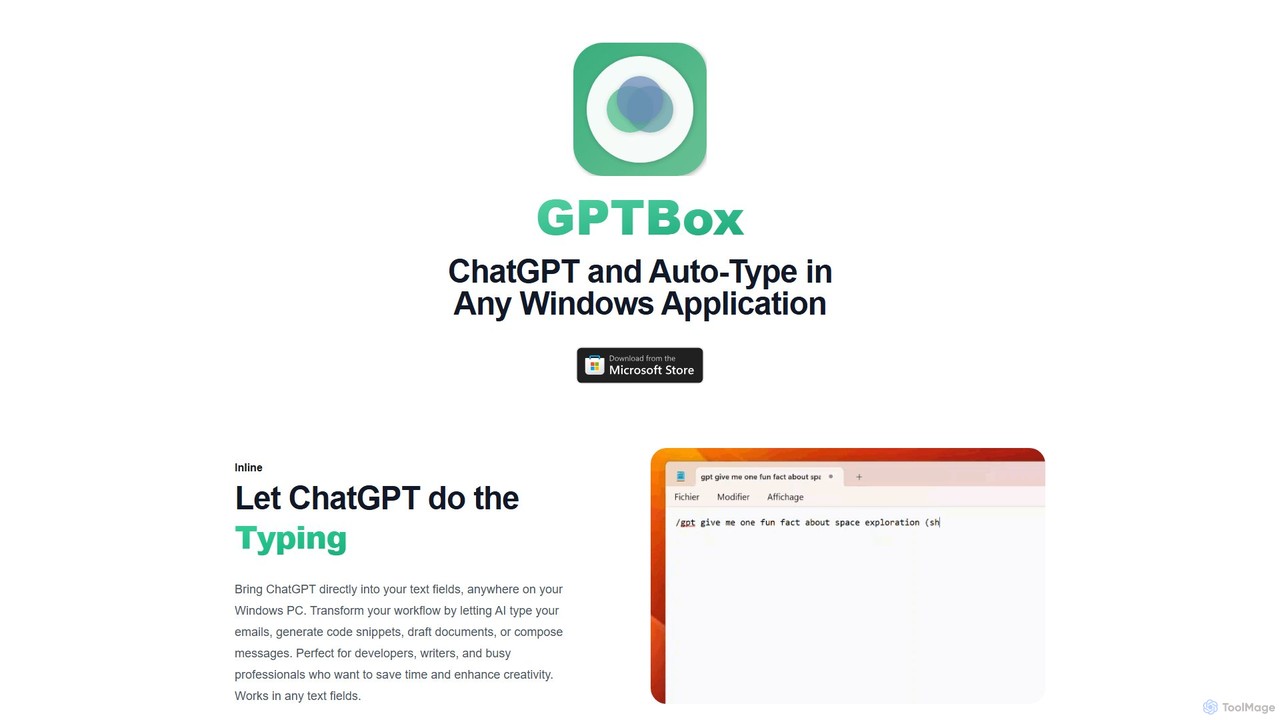
GPTBox
GPTBox is a native Windows application that seamlessly integrates ChatGPT and DeepSeek into your taskbar. It allows you to access AI assistance from anywhere on your PC with a simple keyboard shortcut and use an inline auto-type feature to draft emails, write code, and generate content directly in any text field. Designed for developers, writers, and professionals, it boosts productivity by embedding AI into your daily workflow.
Code Assistant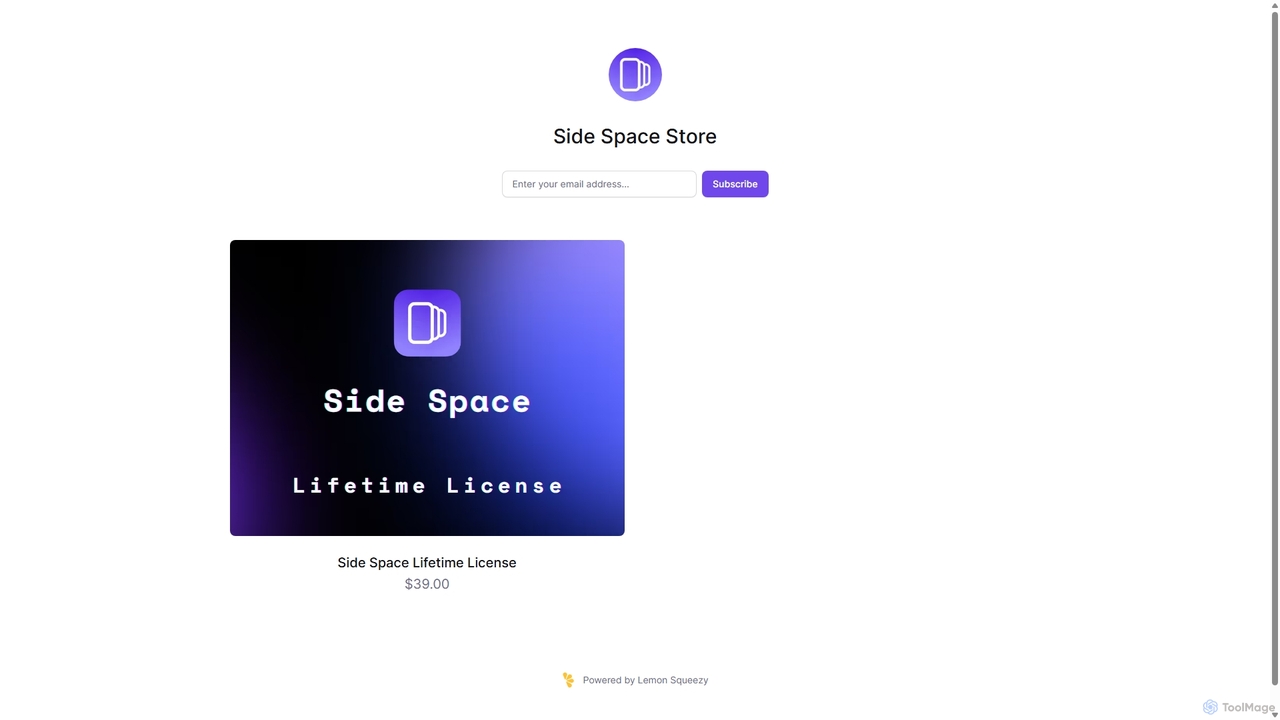
Side Space
Side Space is a powerful AI assistant that integrates seamlessly into your desktop workflow. It operates from a convenient sidebar, providing instant access to AI-powered tools for writing, coding, and general productivity without ever leaving your current application. Enhance your efficiency with contextual actions on selected text and customizable commands.
Code Assistant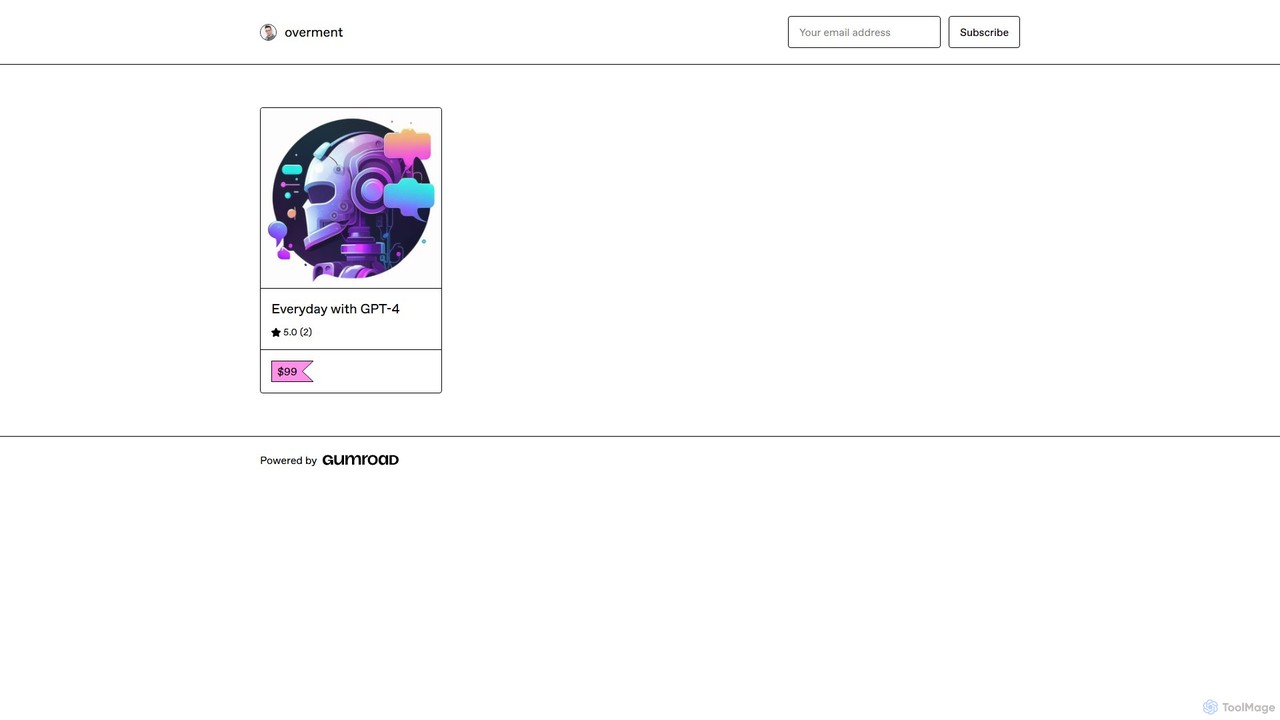
overment
overment offers the "Everyday with GPT-4" framework, a comprehensive 140+ page guide for integrating AI with automation. It teaches users to go beyond basic prompting by using tools like Zapier, Make, and Shortcuts to automate daily tasks in work, coding, and writing. This product is designed for both technical and non-technical users, providing ready-made scenarios, blueprints, and templates to unlock the full potential of GPT-4 across all devices.
Prompts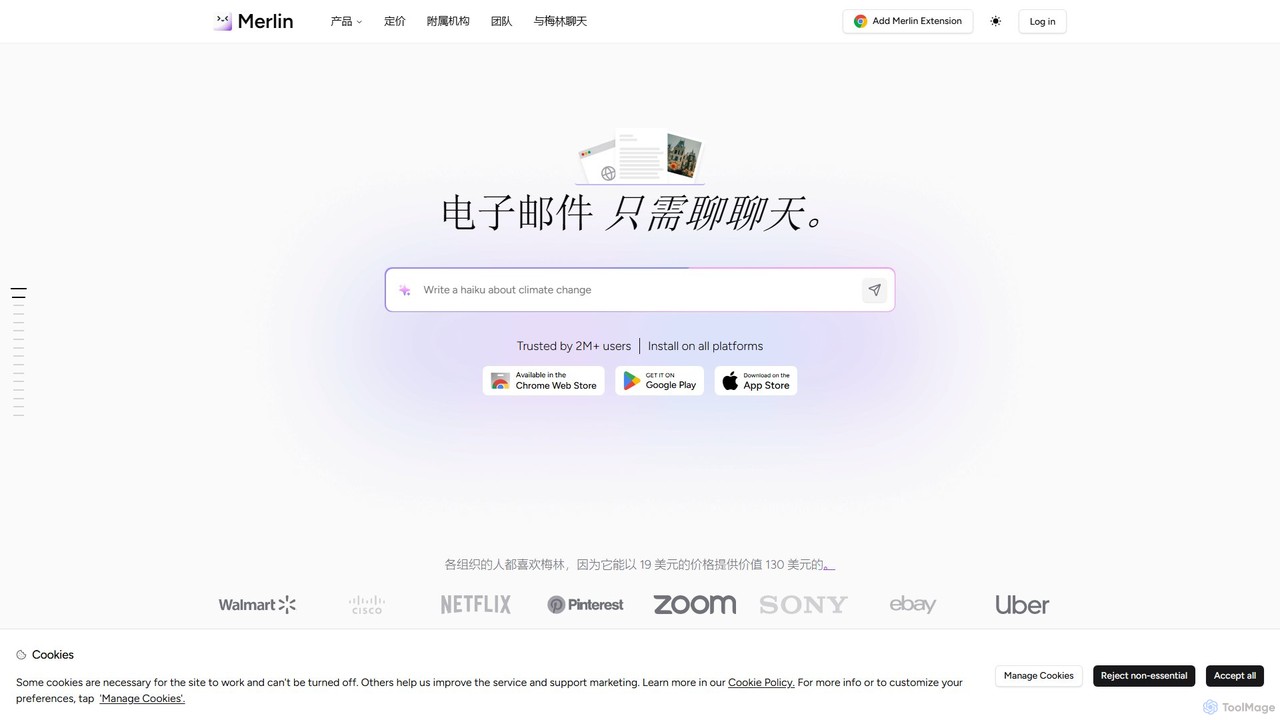
getmerlin
getmerlin is a versatile AI assistant powered by top models like GPT-4o and Claude 3.5. Available as a browser extension and app, it integrates seamlessly into your workflow to summarize content, draft emails, generate text and images, and enhance research on any website. It acts as an all-in-one productivity tool, saving time and money by consolidating multiple AI services into a single subscription.
Chrome Extensions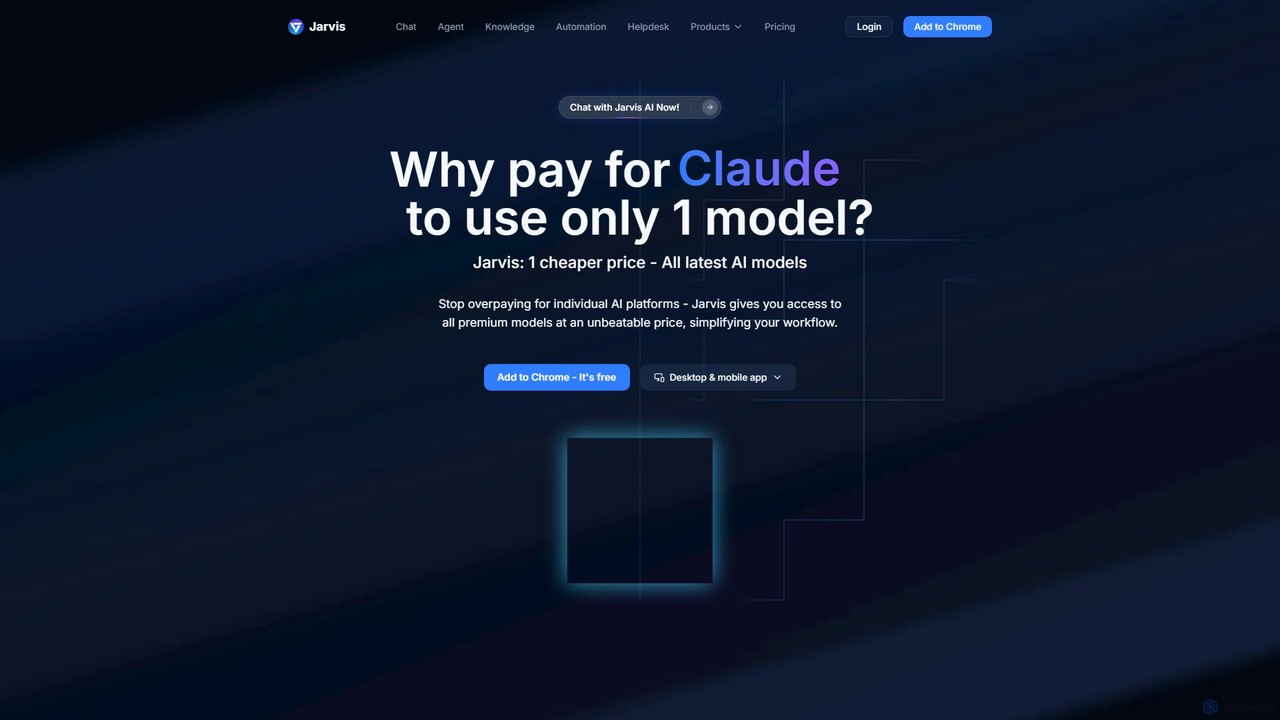
Jarvis AI
Jarvis AI is an all-in-one AI platform that integrates leading models like GPT-4o, Claude 3.5, and Gemini 2.0 into a single, cost-effective subscription. It functions as a cross-platform assistant, offering personalized knowledge bases, advanced writing tools, browser automation, and a dedicated AI helpdesk solution to streamline workflows across all your devices.
Chatbot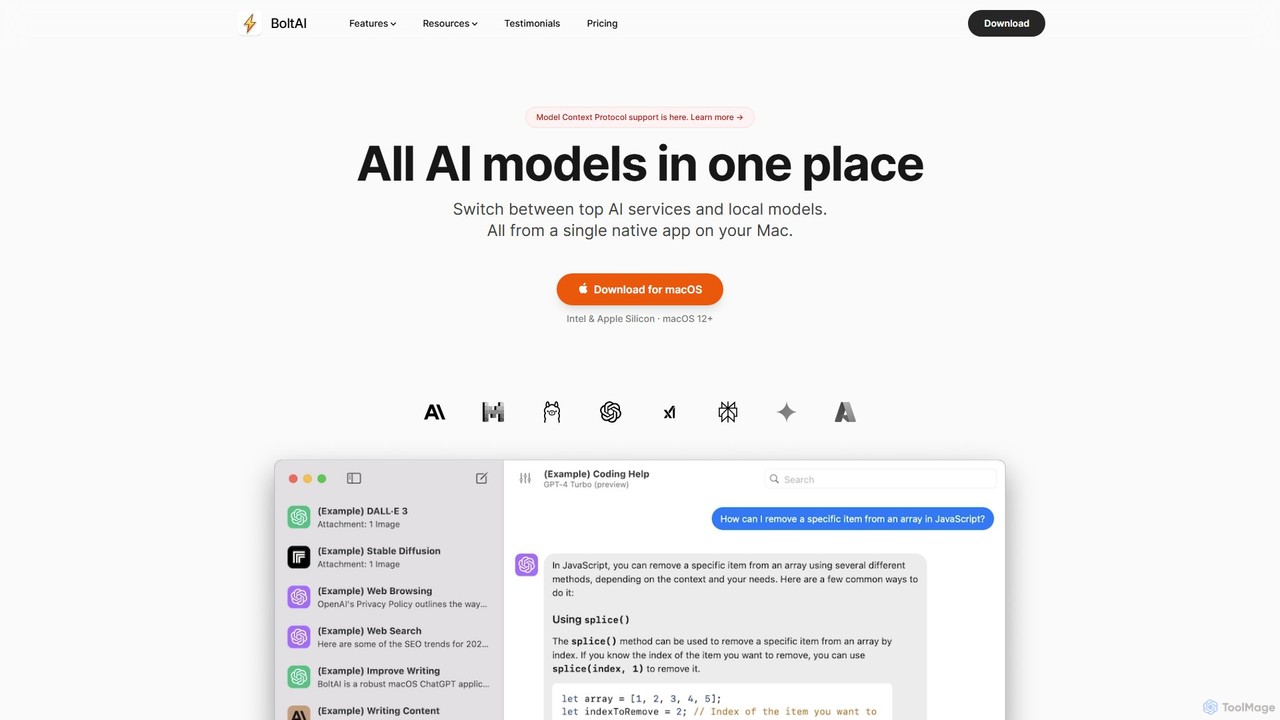
BoltAI
BoltAI is a native, high-performance AI assistant for macOS that integrates multiple AI models like GPT, Claude, and local models directly into your workflow. It offers features like an in-IDE coding assistant, custom AI assistants, a prompt library, and powerful plugins to boost productivity for developers, writers, and professionals.
Coding
heyalice Comments (0)
Sign in to comment.
Sign inNo comments yet.