
Chat Got Overview
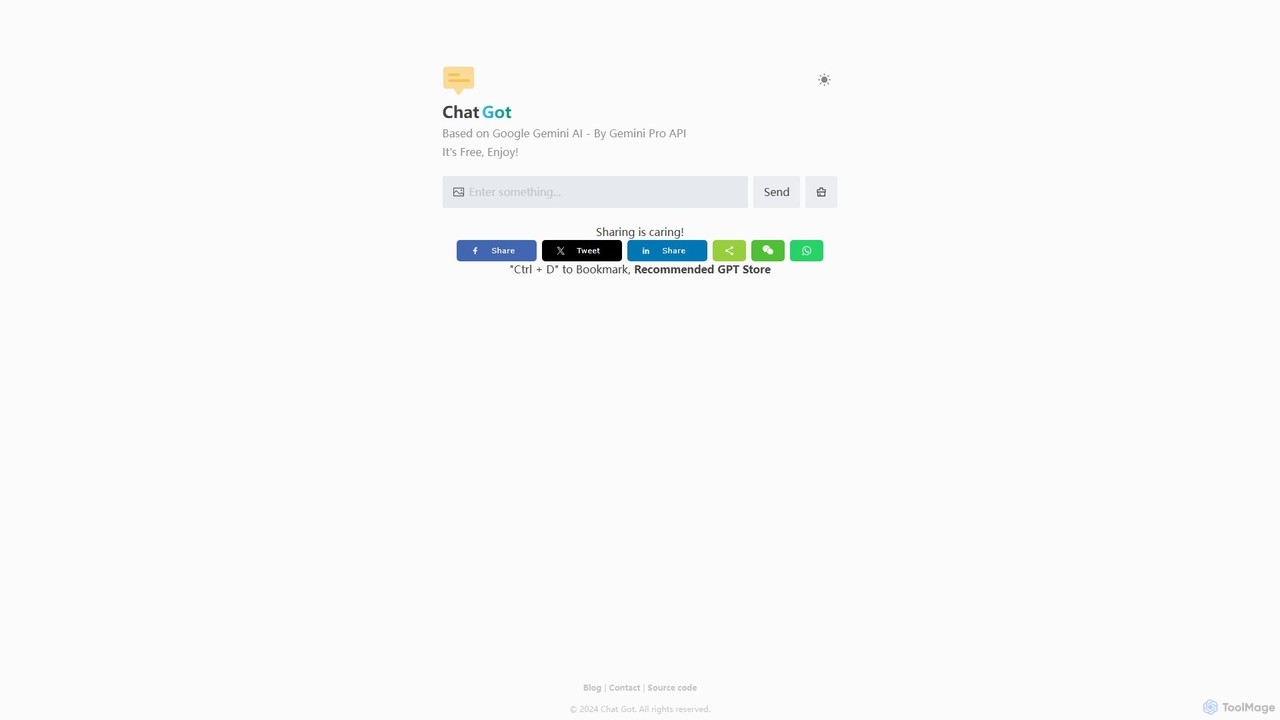
Chat Got is a powerful and versatile AI chat platform designed to serve as a central gateway to the world's most advanced large language models (LLMs). In an era where numerous AI models offer distinct strengths, Chat Got eliminates the need to juggle multiple accounts and interfaces. It consolidates top-tier models such as OpenAI's GPT-4, Anthropic's Claude 3, Google's Gemini, and others into one intuitive and streamlined web application. This allows users to leverage the unique capabilities of each model without leaving the platform, significantly boosting productivity and workflow efficiency.
The platform is built for a wide range of users, from developers and writers to marketers and students. By providing a unified experience, Chat Got empowers users to compare model outputs side-by-side, identify the most suitable AI for a specific task, and harness the collective power of modern artificial intelligence. The interface is clean and user-friendly, focusing on a seamless conversational experience while offering robust features for managing and organizing chats.
How to use Chat Got
Using Chat Got is designed to be straightforward and intuitive. First, users visit the website and sign up for an account, which typically involves a quick registration process. Once logged in, the main interface presents a chat window. A key feature is the model selector, usually located prominently on the screen. Here, users can browse a list of available AI models (e.g., GPT-4o, Claude 3 Opus, Llama 3). To start a conversation, simply select a model, type your query or prompt into the input box, and press enter. The AI's response will appear in the chat thread. To compare how different models handle the same prompt, you can easily switch to another model from the selector and ask the same question, all within the same conversation view or in a new chat.
Core Features of Chat Got
- Access to Multiple LLMs: Instantly switch between a curated selection of leading AI models, including various versions of GPT, Claude, Gemini, and other open-source alternatives.
- Unified Chat Interface: Enjoy a consistent and clean user experience regardless of the underlying AI model being used.
- GPT Store Integration: Access a curated collection of specialized GPTs for specific tasks, such as programming, creative writing, data analysis, and more.
- Conversation Management: Easily save, organize, and search through your chat history. Conversations can be grouped into folders for better project management.
- Real-time Model Switching: Seamlessly change the AI model mid-conversation to leverage different strengths for different parts of a task.
- Cross-Platform Accessibility: As a web-based application, Chat Got is accessible from any device with a web browser, ensuring your AI assistant is always available.
Use Cases for Chat Got
Chat Got is a versatile tool applicable across various professional and personal domains:
- Content Creation: Writers and marketers can generate blog posts, ad copy, social media updates, and emails, switching between models to find the perfect tone and style.
- Software Development: Programmers can write code, debug errors, and learn new programming languages by getting assistance from models specialized in coding.
- Research and Analysis: Students and researchers can summarize complex articles, brainstorm ideas, and analyze data by posing questions to different AIs to gather diverse perspectives.
- Business Operations: Professionals can draft reports, create presentations, and analyze business strategies, using the best model for each specific business context.
- Personal Productivity: Use it for daily tasks like planning trips, writing emails, learning new skills, or exploring creative ideas.
Advantages of Chat Got
The primary advantage of Chat Got is its efficiency. By aggregating multiple AIs, it saves users time and effort. Instead of managing several subscriptions and learning different interfaces, users have a single point of access. This also proves to be cost-effective, as a single subscription to Chat Got can provide access to premium models that would be more expensive if subscribed to individually. Furthermore, the ability to directly compare model outputs for the same prompt enhances the quality of work by allowing users to select the most accurate, creative, or contextually appropriate response.
Pricing and Plans
Chat Got operates on a freemium model to cater to a wide range of users.
- Free Plan: This plan is ideal for casual users. It typically offers limited access to basic AI models and a certain number of messages per day for premium models. It's a great way to explore the platform's core functionalities.
- Pro Plan: Aimed at professionals and power users, the Pro plan usually offers unlimited or very generous access to all premium models (like GPT-4 and Claude 3 Opus), faster response times, priority access to new features, and advanced conversation management capabilities.
For the most current and detailed pricing information, users are encouraged to visit the official Chat Got website.
Traffic
Latest traffic
Status
Monthly traffic trend
- 2025-9: 250
- 2026-1: 0
- 2026-2: 0
- 2026-3: 300
- 2026-4: 762
- 2026-5: 1.5K
Geography
Top 5 countries / regions
- 🇺🇸United States88.7%
- 🇷🇺Russia11.3%
Top keywords
| Keyword | Cost per click |
|---|---|
| chatgemini | $0.47 |
| claude app download | $3.50 |
| how can u tell if the conversation will get full with claude? | $0.00 |
| i have 100 usage on claude ai | $0.00 |
| user location is not supported for the api use. | $0.00 |
Chat Got Alternatives

ChatGod
ChatGod is a powerful, all-in-one conversational AI platform that provides access to multiple advanced language models like GPT-4 and Claude 3. It's designed to boost productivity for professionals, developers, and content creators by centralizing various AI capabilities into a single, intuitive interface with enhanced features like web access and file analysis.
Code Assistant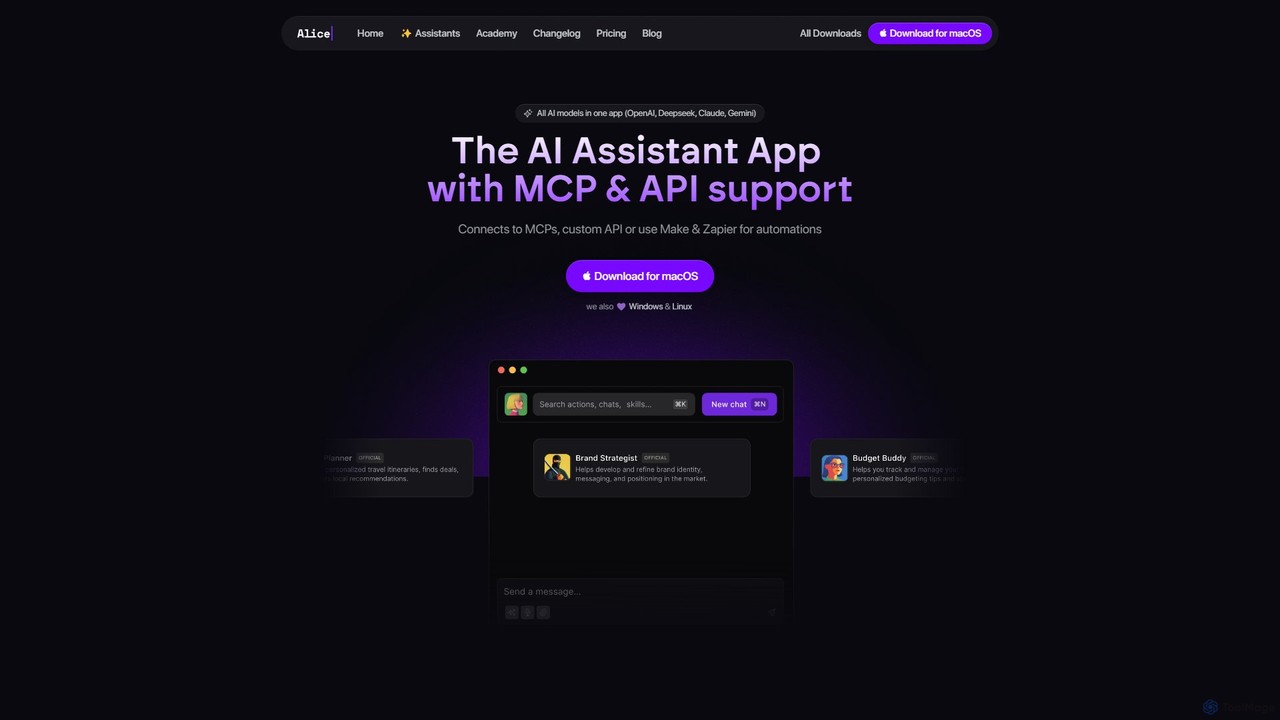
heyalice
heyalice is a personal AI assistant for your desktop (macOS, Windows, Linux) that centralizes top AI models like GPT-4o and Claude 3.5. It enhances productivity through customizable assistants, reusable prompts (Skills), and seamless integration with automation tools like Zapier and Make. Bring your own API keys to control costs and work faster with powerful keyboard shortcuts, all within a privacy-focused, local application.
Code Assistant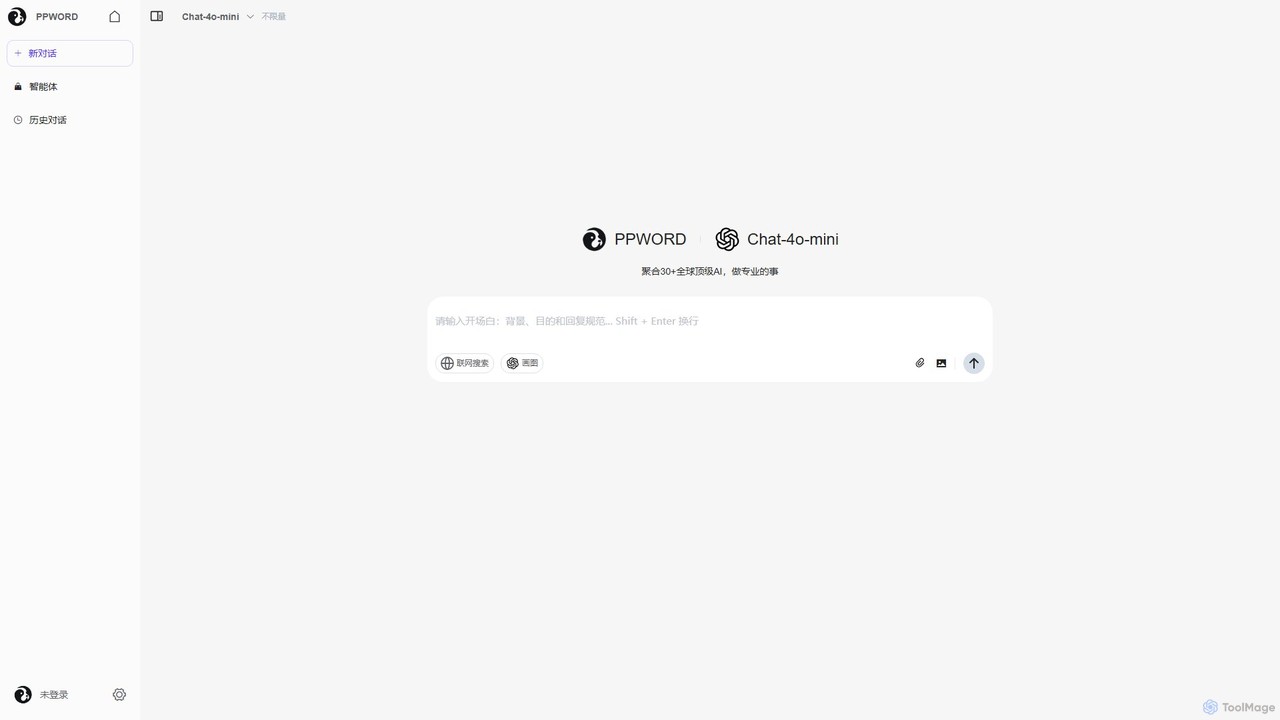
ppword
ppword is an AI aggregator platform that integrates over 30 top-tier global AI models, including GPT-4o, into a single, unified interface. It offers functionalities like advanced chat, real-time web search, and AI image generation, designed for professional tasks and creative endeavors.
Code Assistant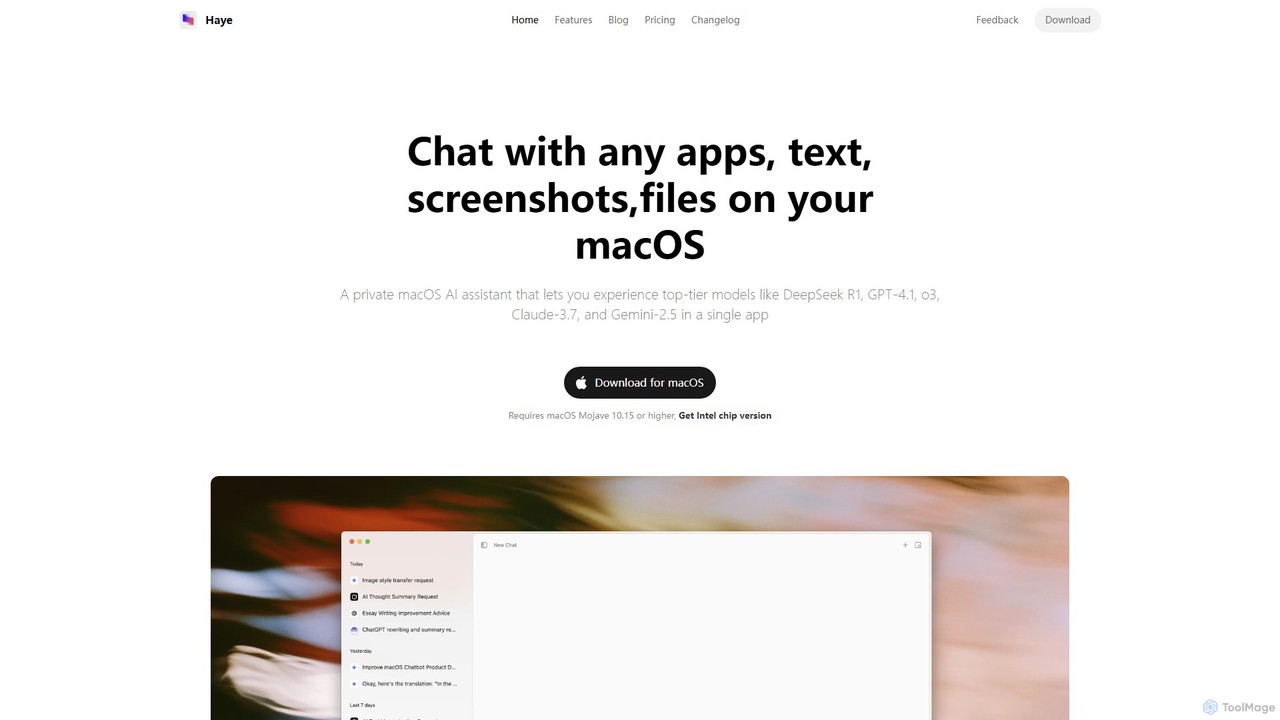
Haye
Haye is a powerful, all-in-one AI chat assistant for macOS, integrating top-tier models like GPT-4.1, Claude-3.7, and Gemini-2.5. It allows users to seamlessly interact with any app, text, screenshot, or file on their desktop, boosting productivity with features like AI search, document chat, and advanced customization.
Code Assistant
Thinkbuddy
Thinkbuddy is a native desktop AI client designed for fast, secure, and organized interaction with multiple AI models. It acts as a unified workspace, allowing you to switch between models like GPT-4o, Claude 3, and Llama 3, manage conversations in projects, and save prompts in a library for a streamlined workflow.
Code AssistantChat Got Categories
Chat Got Embed Widget
Copy this embed code to place the badge on your blog, article, or product site and send readers directly to this ToolMage detail page.

Related AI tools
ChatGod
ChatGod is a powerful, all-in-one conversational AI platform that provides access to multiple advanced language models like GPT-4 and Claude 3. It's designed to boost productivity for professionals, developers, and content creators by centralizing various AI capabilities into a single, intuitive interface with enhanced features like web access and file analysis.
Code Assistant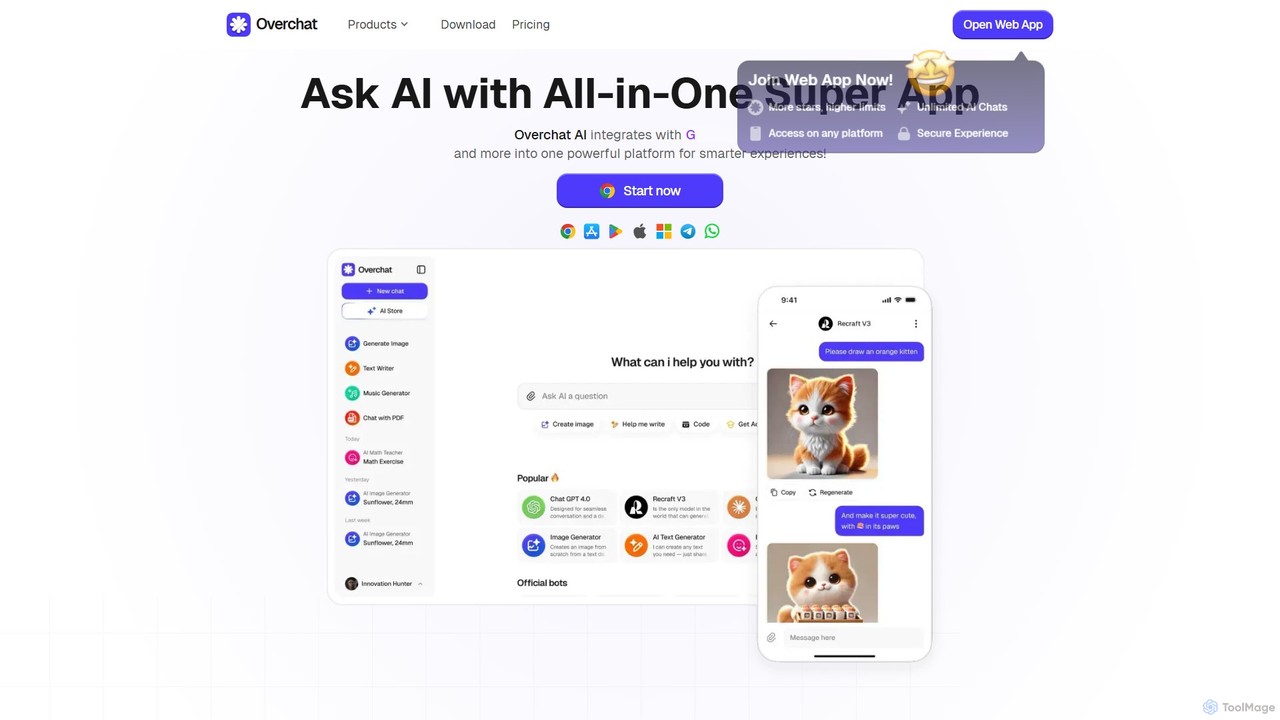
Overchat
Overchat is an all-in-one AI super app that integrates multiple leading language models like GPT-4 and Claude 3 into a single, intuitive interface. It functions as a versatile AI assistant for answering questions, completing tasks, writing content, and even advanced image editing, available across web and mobile platforms.
Image Editingheyalice
heyalice is a personal AI assistant for your desktop (macOS, Windows, Linux) that centralizes top AI models like GPT-4o and Claude 3.5. It enhances productivity through customizable assistants, reusable prompts (Skills), and seamless integration with automation tools like Zapier and Make. Bring your own API keys to control costs and work faster with powerful keyboard shortcuts, all within a privacy-focused, local application.
Code Assistant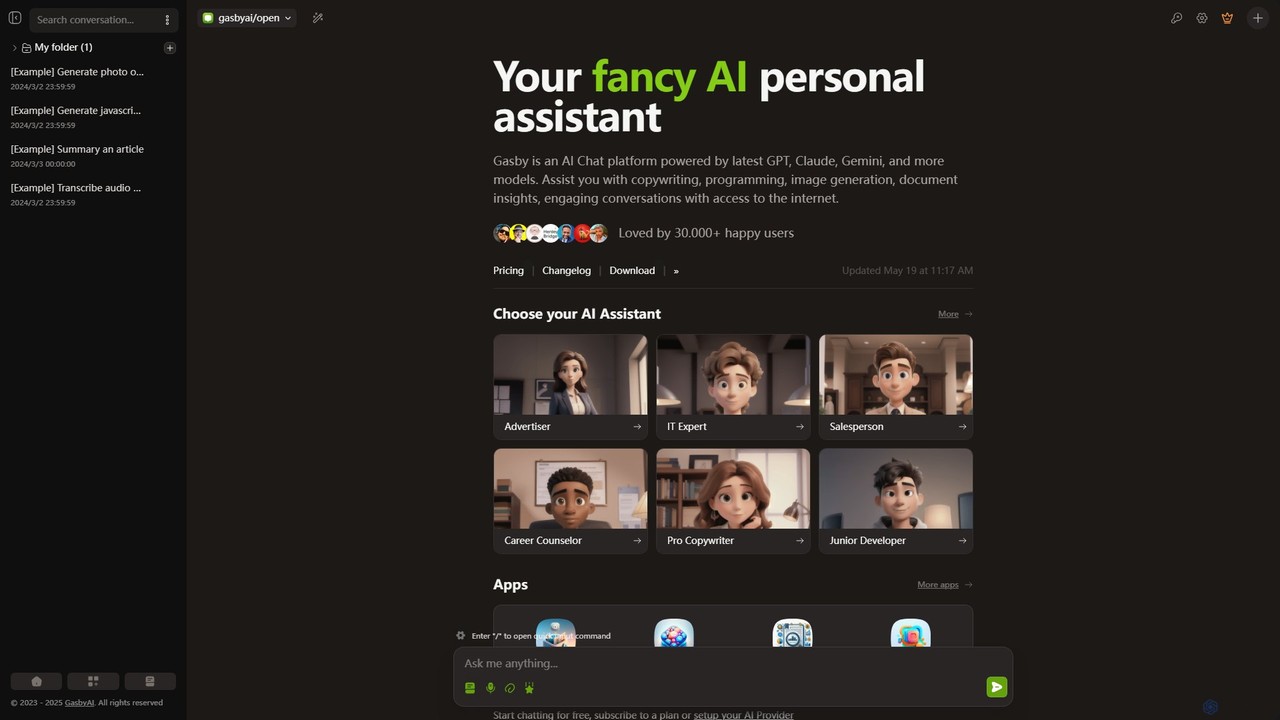
GasbyAI
GasbyAI is a versatile AI personal assistant and an all-in-one workspace that integrates over 100 AI models, including GPT-4, Claude 3, and Gemini. It offers a suite of specialized apps for image generation, audio transcription, document analysis, coding, and more, all within a unified, highly customizable, and user-friendly interface available on web and desktop.
Transcriptionppword
ppword is an AI aggregator platform that integrates over 30 top-tier global AI models, including GPT-4o, into a single, unified interface. It offers functionalities like advanced chat, real-time web search, and AI image generation, designed for professional tasks and creative endeavors.
Code Assistant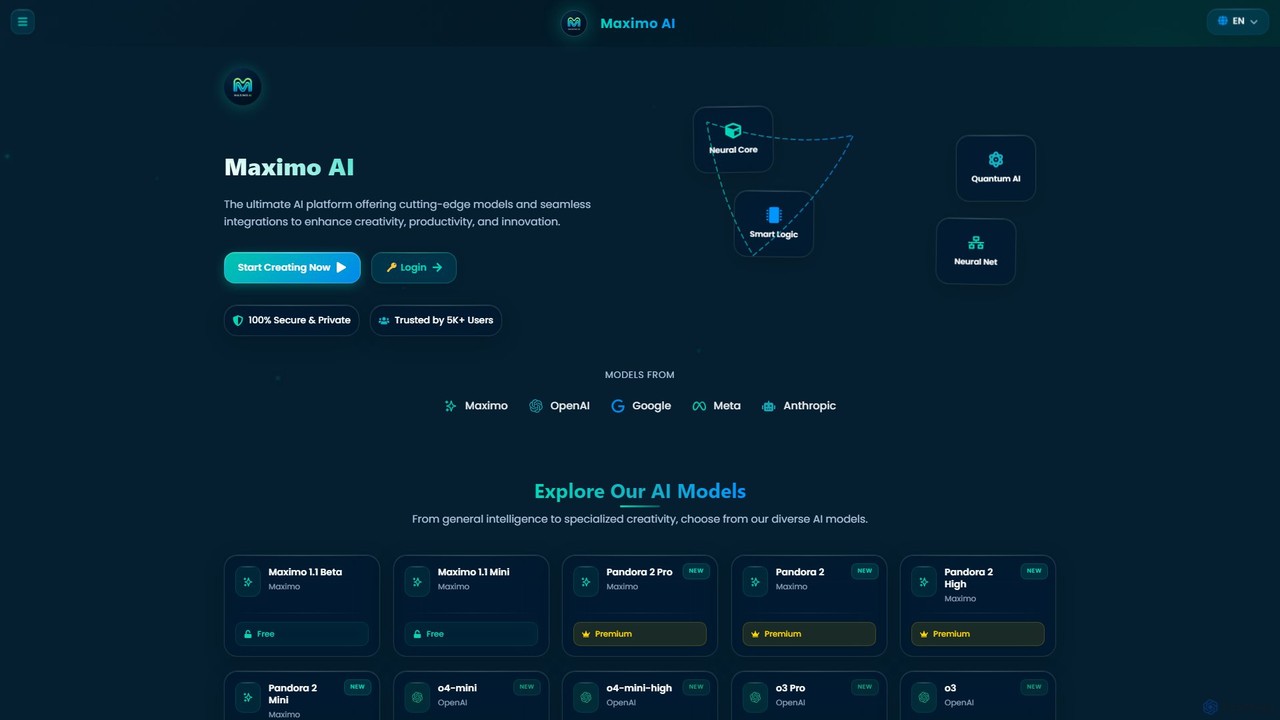
Maximo AI
Maximo AI is an advanced, all-in-one multi-modal AI platform that provides access to over 20 leading AI models, including GPT-4o, Claude 4, Gemini 2.5, and Llama 4. It's designed to supercharge your workflow by integrating AI chat, image generation, code assistance, and analysis of PDFs, audio, and video into a single, seamless interface. Enhance your creativity and productivity with this powerful AI toolkit.
Code Assistant
jynnt
jynnt is an all-in-one AI workspace that provides access to over 100 AI models through a single, streamlined interface. It's designed to simplify your AI experience with powerful organizational tools like folders, spaces, and tags for managing chats. This platform offers a lightweight, efficient, and clutter-free environment, allowing users to focus on innovation and productivity without limitations on chats or messages.
Code Assistant
Merlin AI
Merlin is an all-in-one AI assistant, available as a browser extension and app, that integrates top AI models like GPT-4, Claude 3, and Gemini. It allows you to research, write, summarize content, generate images, and code with a single click on any website, streamlining your workflow and boosting productivity without switching tabs.
Chrome Extensions
1min
1min is a comprehensive all-in-one AI platform that integrates a vast array of tools for text, image, audio, and video creation. It provides access to leading AI models like GPT-4, Claude 3, Midjourney, and Suno AI through a single, user-friendly interface. Users can generate content, edit media, translate languages, transcribe audio, and even write code, streamlining their creative and productive workflows without needing multiple separate subscriptions.
Music Generator
Zemith
Zemith is an all-in-one AI platform that integrates leading AI models like GPT, Gemini, and Claude. It offers a suite of tools for chat, search, document analysis, image generation, and coding, designed to boost productivity and creativity while reducing costs and eliminating the need for multiple subscriptions.
Code Assistant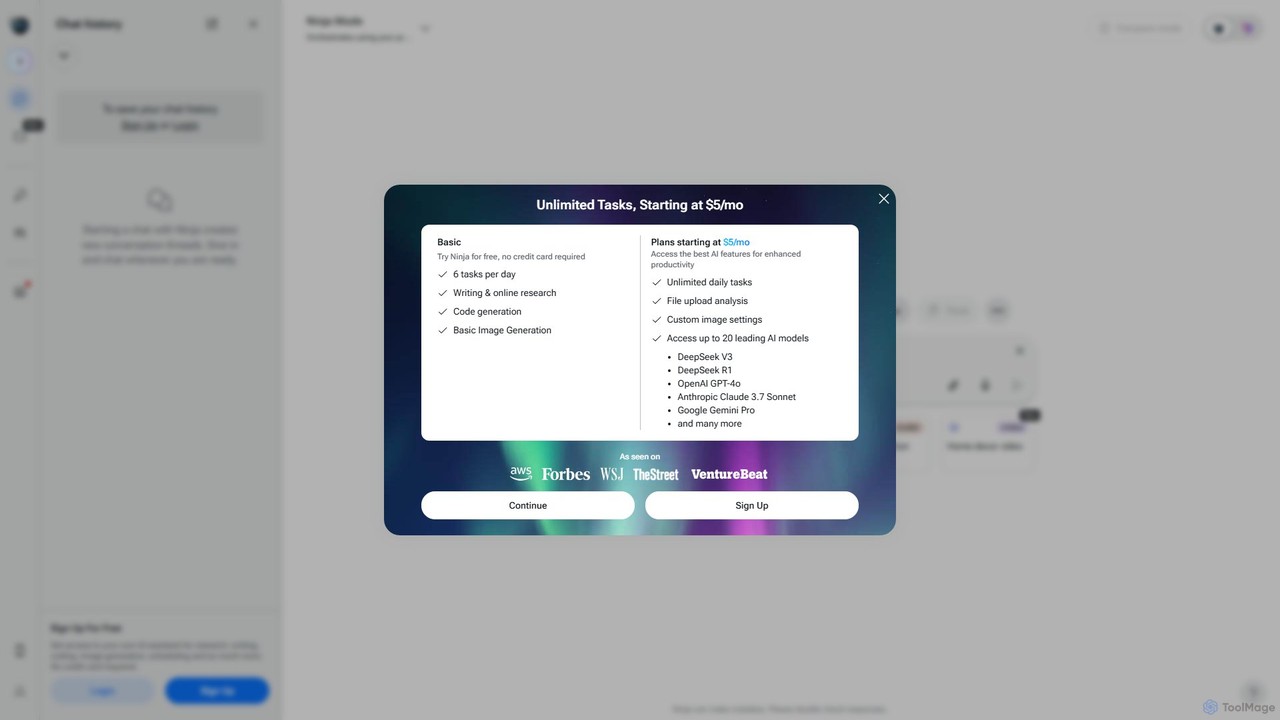
myninja.ai
myninja.ai is an all-in-one AI agent designed to boost productivity. It integrates over 20 leading AI models like GPT-4o, Claude 3.7, and Gemini Pro into a single platform. Users can perform deep research, write code, generate images, analyze files, and schedule meetings, all from one intuitive chat interface. It offers a free plan and affordable premium options starting at $5/mo.
Code Assistant
ChatLLM
ChatLLM is an advanced conversational AI platform designed for professionals and developers. It provides unified access to multiple leading Large Language Models (LLMs) like GPT-4, Claude 3, and more. The platform focuses on enhancing productivity, streamlining workflows, and enabling powerful integrations through a robust API.
Api
Fusion AI
Fusion AI is an intelligent platform that consolidates top-tier AI models from OpenAI, Anthropic, and Google into a single, unified interface. It orchestrates these models to collaborate on your requests, delivering superior, cross-verified results. With a flexible pay-as-you-go pricing model and a dedicated enterprise solution, Fusion AI simplifies complex AI tasks for individuals and businesses, enhancing productivity and ensuring high-quality outcomes without the need to manage multiple tools.
Ai Platform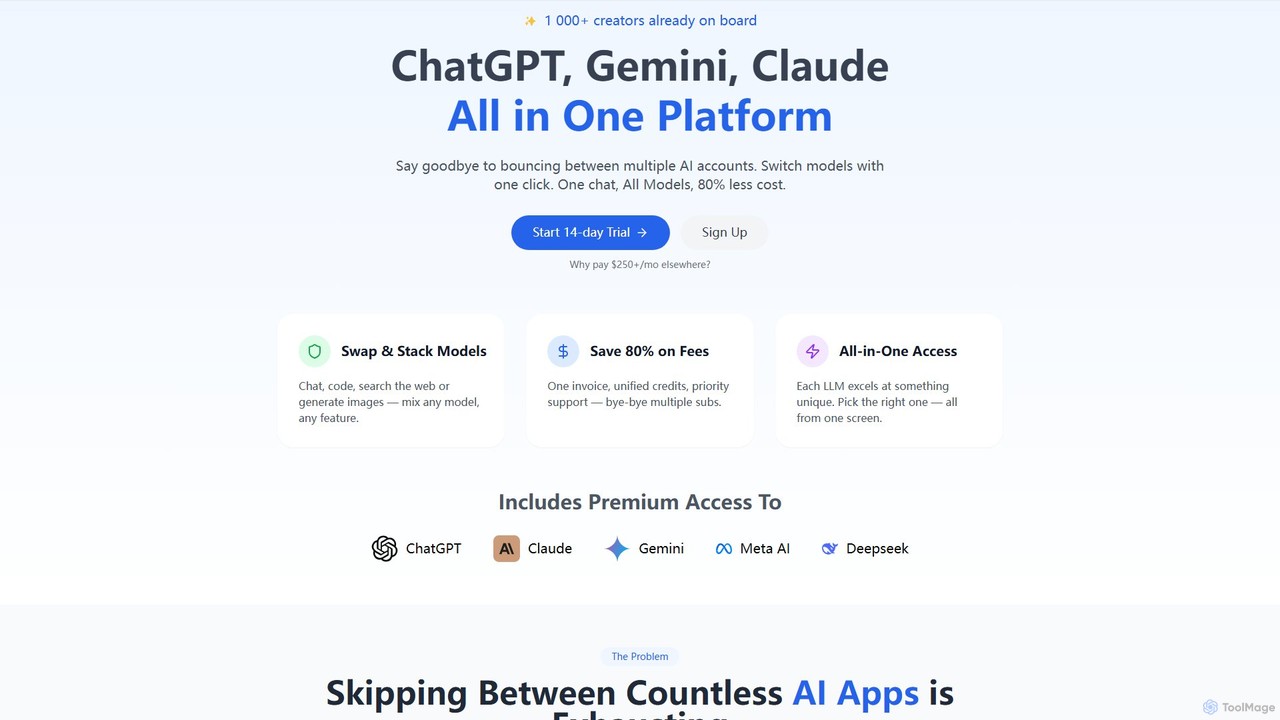
llmwizard
llmwizard is an all-in-one AI platform that consolidates leading AI models like ChatGPT, Gemini, and Claude into a single subscription. It allows users to seamlessly switch between models for text, image, and video generation, offering significant cost savings and enhanced productivity by eliminating the need for multiple accounts.
Code Assistant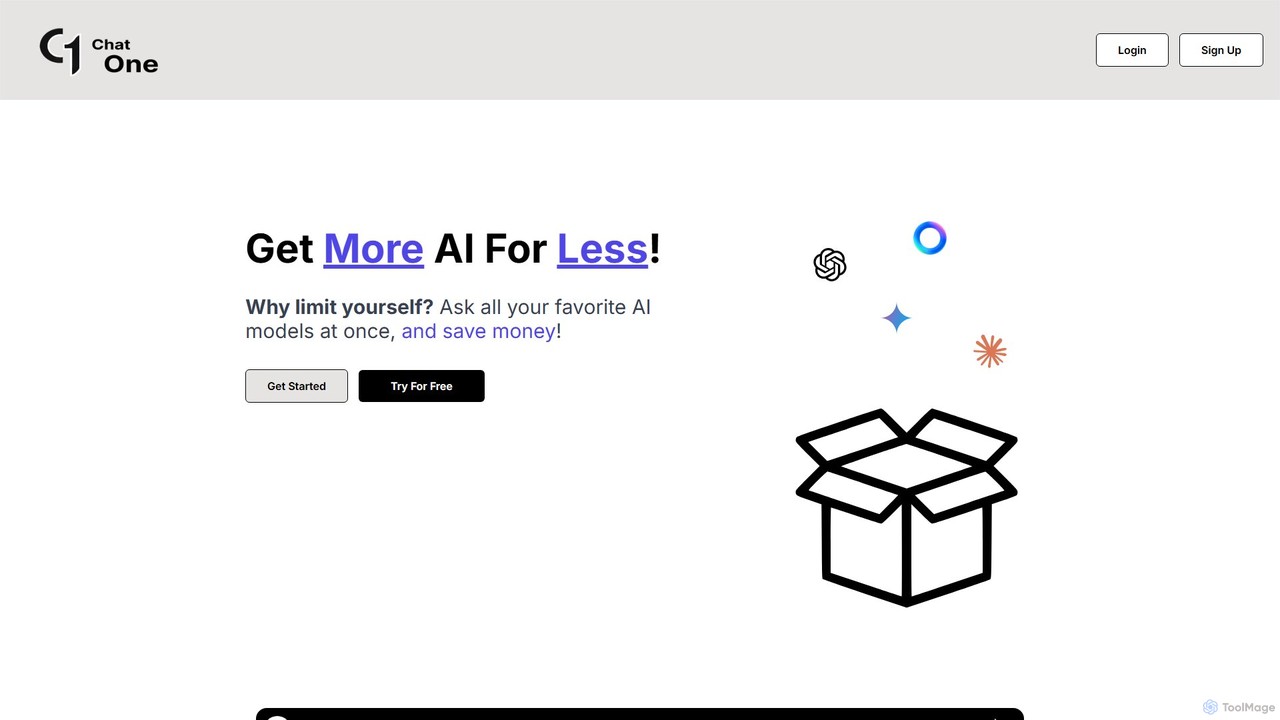
ChatOne
ChatOne is an AI chatbot aggregator that allows you to query multiple leading AI models like ChatGPT, Claude 3.5 Sonnet, and Gemini 1.5 Pro simultaneously. Compare responses in a single interface to get the best results, save time, and reduce costs.
Code Assistant
Chat Got Comments (0)
Sign in to comment.
Sign inNo comments yet.