
ChatOne Overview
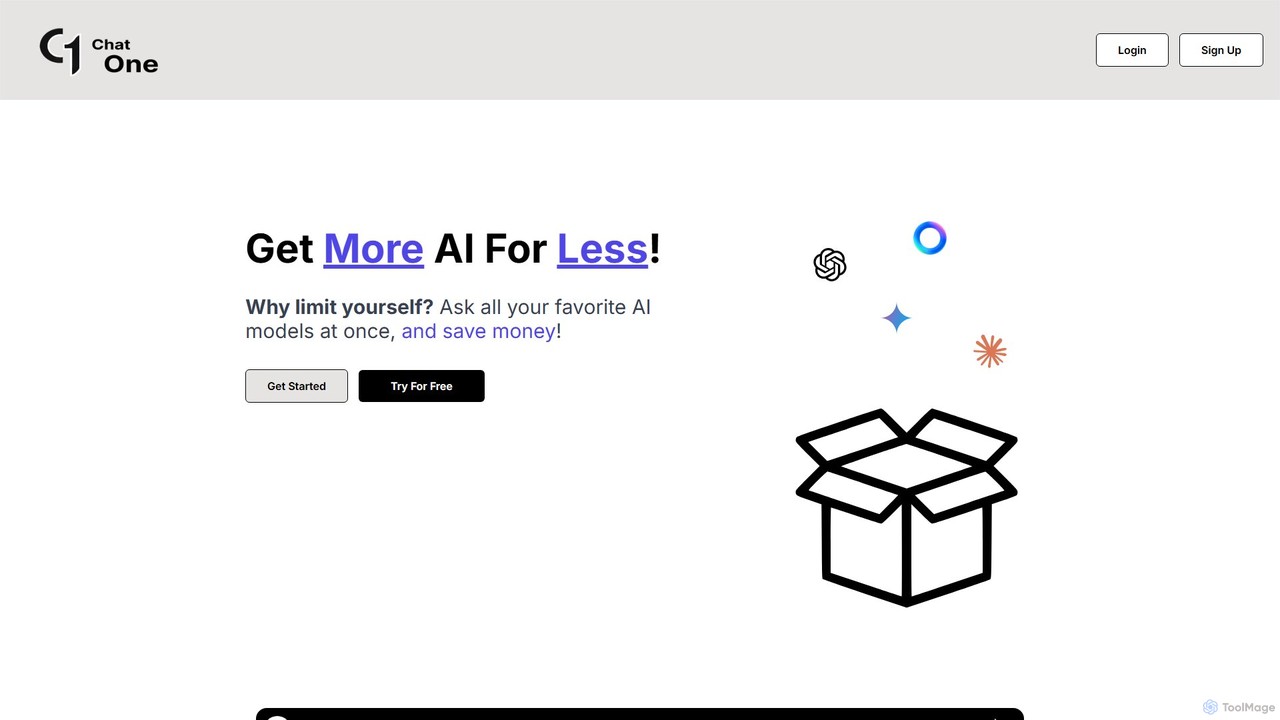
ChatOne is a revolutionary AI platform designed to streamline your interaction with the world's leading artificial intelligence models. In an era where multiple powerful AI chatbots exist, switching between tabs to compare answers from models like OpenAI's GPT-4o, Anthropic's Claude 3.5 Sonnet, and Google's Gemini 1.5 Pro can be cumbersome and inefficient. ChatOne solves this problem by providing a single, unified interface where you can submit a query once and receive responses from multiple AIs simultaneously. This unique approach allows you to compare perspectives, cross-verify information, and select the most accurate, creative, or suitable response for your needs, all while saving significant time and money.
The platform is built for anyone who relies on AI for productivity, creativity, or research—from writers and marketers to developers and students. By aggregating access to a diverse range of models, ChatOne ensures you are not limited to the capabilities of a single AI. It empowers users to leverage the distinct strengths of each model for any given task, transforming your workflow and enhancing the quality of your output.
How to use ChatOne
Getting started with ChatOne is simple and intuitive. Follow these steps to harness the power of multiple AIs at once:
- Create an Account: Sign up on the ChatOne website using your email address. No separate accounts for OpenAI, Google, or Anthropic are needed.
- Compose Your Prompt: In the main dashboard, you'll find a single input field. Type your question, instruction, or prompt just as you would in any other chatbot.
- Select Your AI Models: Before submitting, you can choose which AI models you want to query. The interface allows you to add or remove models from your selection, such as GPT-4o, Claude 3 Sonnet, Gemini 1.5 Pro, and more.
- Submit and Compare: Click the submit button. ChatOne will send your prompt to all selected models in parallel. The responses will appear side-by-side, making it easy to compare their content, style, and accuracy.
- Choose the Best Result: Analyze the different outputs and choose the one that best fits your requirements. You can copy, refine, or combine ideas from the various responses.
Core Features of ChatOne
- Multi-Model Querying: The flagship feature that allows you to ask a question to multiple AI models (up to 10, depending on your plan) at the same time.
- Side-by-Side Comparison: An intuitive interface that presents answers from different AIs next to each other for easy evaluation and comparison.
- Extensive Model Library: Access a wide array of top-tier models, including OpenAI's GPT-4o, GPT-4o-Mini, GPT-3.5-Turbo; Anthropic's Claude 3.5-Sonnet, 3-Opus, 3-Haiku; and Google's Gemini 1.5 Pro and 1.5 Flash.
- Unified Access: Interact with all supported AI models through a single ChatOne account, eliminating the need to manage multiple subscriptions and logins.
- Customizable AI Selection: Users have the flexibility to choose which combination of AIs they want to use for any given query.
- Secure and Private: ChatOne prioritizes user privacy with industry-standard encryption and data protection practices to ensure your conversations are secure.
Use Cases for ChatOne
ChatOne is a versatile tool suitable for a wide range of professional and personal tasks:
- Content Creation: Generate blog posts, marketing copy, or social media captions. Compare outputs from different models to find the most engaging and original content.
- Research and Analysis: When researching complex topics, get a more balanced and comprehensive view by gathering information from multiple AI sources simultaneously.
- Software Development: Generate, debug, and optimize code. Compare different coding solutions or explanations from models specialized in programming logic.
- Academic Work: Students and researchers can use it to draft essays, summarize articles, and explore different explanations of difficult concepts.
- Business Decision-Making: Brainstorm business ideas, create SWOT analyses, or draft reports by leveraging the diverse analytical strengths of various AIs.
Advantages of ChatOne
Using ChatOne provides several key benefits over single-model platforms:
- Enhanced Efficiency: Drastically reduces the time and effort required to get the best possible AI-generated response by eliminating the need to copy-paste prompts into different services.
- Superior Output Quality: By comparing different answers, you can cherry-pick the most accurate, well-written, or creative result, leading to a higher quality final product.
- Cost-Effectiveness: Access multiple premium AI models through a single, affordable subscription, which is often cheaper than subscribing to each service individually.
- Reduced Bias: Getting responses from multiple models with different training data can help mitigate the inherent biases of any single AI.
- Future-Proof: The platform is committed to integrating new and advanced AI models as they are released, ensuring you always have access to the latest technology.
Pricing and Plans
ChatOne offers a flexible pricing structure to suit different needs:
- Free Plan: Get started with 5 free credits to test the platform. Allows you to run 6 AI models at once with standard support.
- Credit Plan: For occasional users, purchase 1000 credits for a one-time payment of $9.99. Includes the ability to run 6 AI models.
- Monthly Basic Subscription: For regular users, this plan costs $15.99/month and offers unlimited queries, access to 6 AI models, and standard support.
- Monthly Premium Subscription: For power users, this plan costs $34.99/month and provides unlimited queries, access to 10 AI models simultaneously, and priority support.
Traffic
Latest traffic
Status
Monthly traffic trend
- 2025-9: 3.8K
- 2026-1: 0
- 2026-2: 0
- 2026-3: 124
- 2026-4: 0
- 2026-5: 923
Geography
Top 5 countries / regions
- 🇺🇸United States100.0%
Top keywords
| Keyword | Cost per click |
|---|---|
| chat 1 | $0.00 |
| chat edn | $0.00 |
| chat on | $0.65 |
| chat on ai | $1.85 |
| cjat | $0.18 |
ChatOne Alternatives
ChatHub
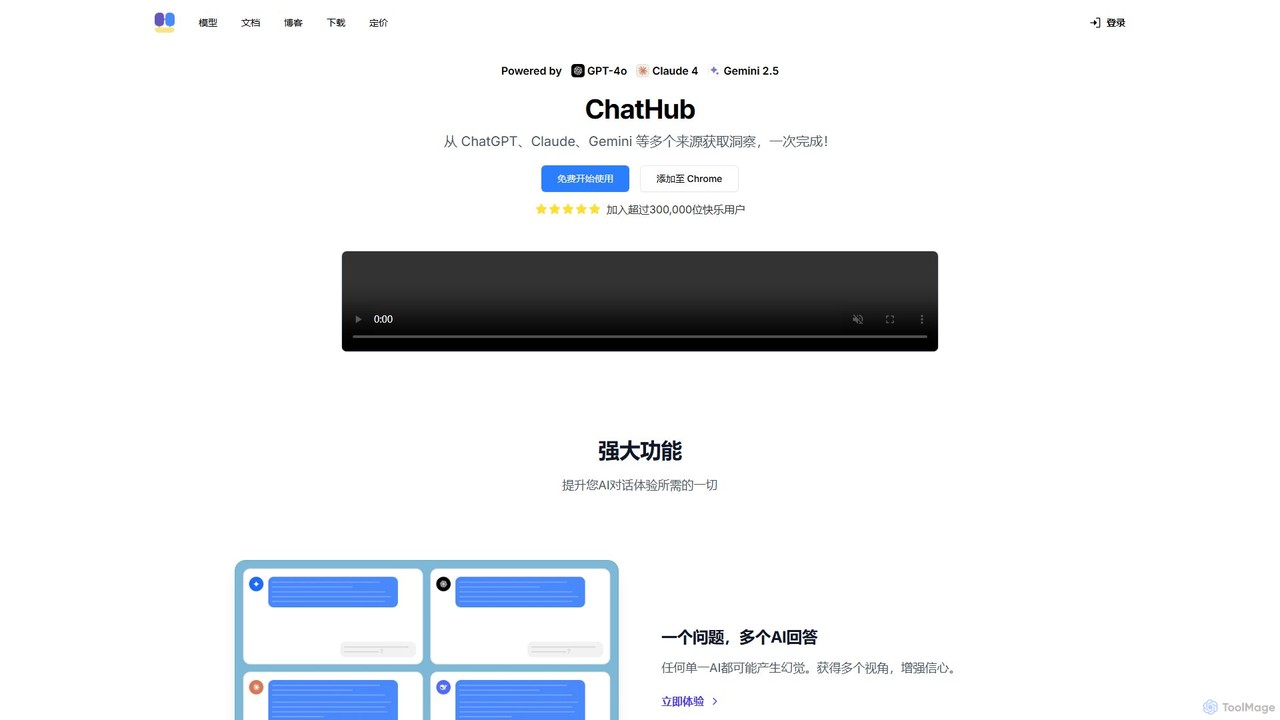
ChatHub is an all-in-one chatbot client that allows you to simultaneously use and compare responses from multiple AI models like GPT-4o, Claude 4, and Gemini 2.5 in a single interface. It enhances productivity by providing diverse perspectives, reducing AI hallucinations, and integrating features like image generation and file analysis.
Image Generator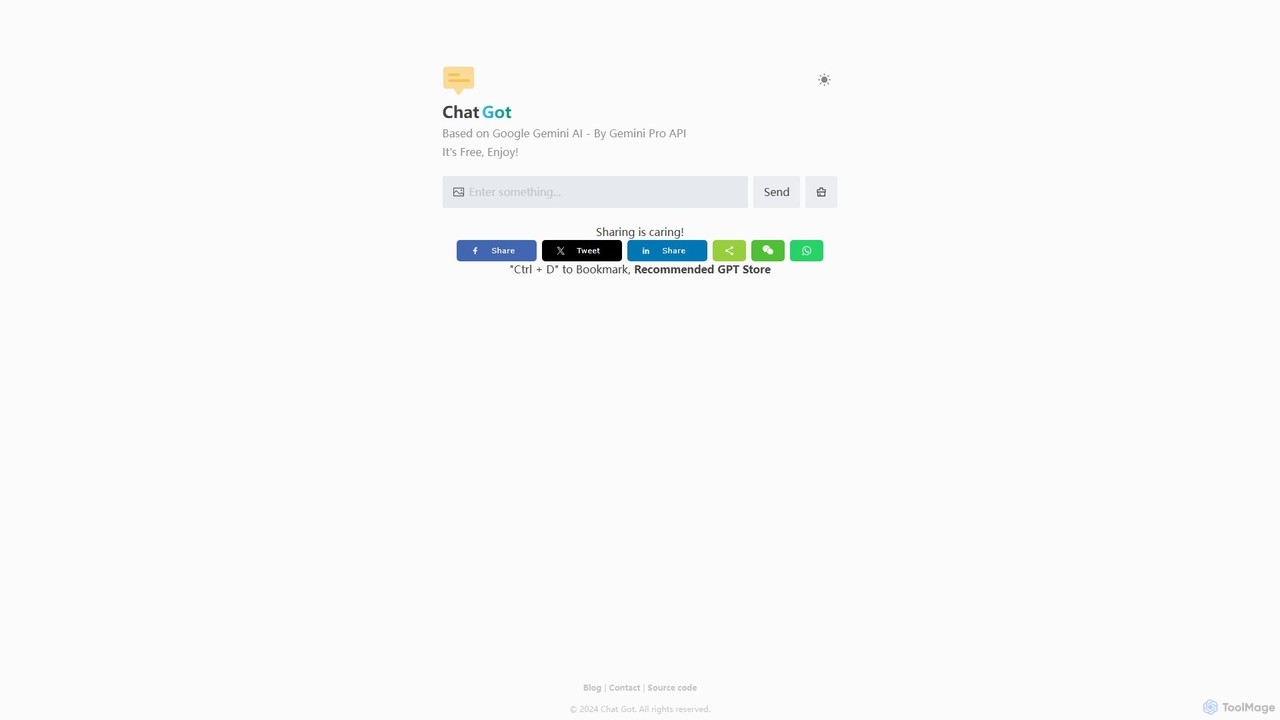
Chat Got
Chat Got is an all-in-one AI chat platform that provides access to multiple leading large language models like GPT-4, Claude, and Gemini in a single, unified interface. It simplifies the process of interacting with different AIs, allowing users to switch between models seamlessly to find the best one for any task, from writing and coding to research and brainstorming.
All In One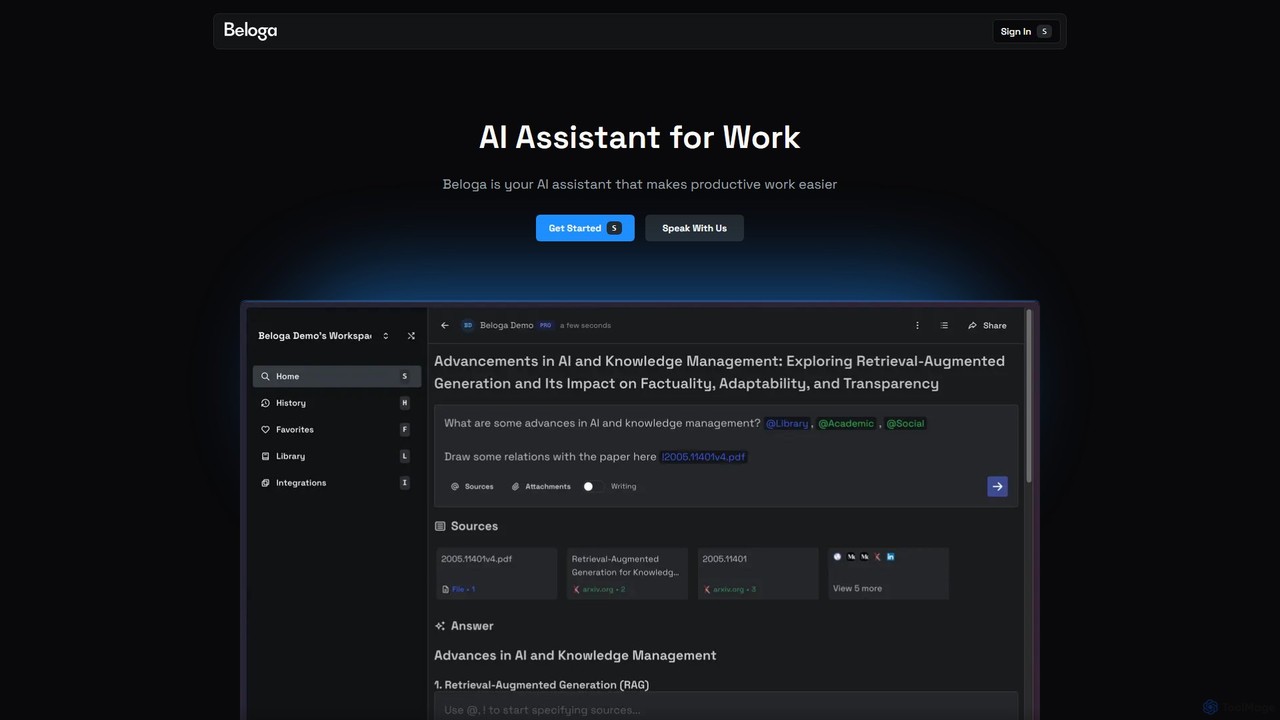
Beloga
Beloga is an AI-powered productivity platform that integrates multiple large language models (like GPT-4o, Claude 3, Gemini 1.5) into a seamless workflow. Through its command spotlight interface, users can perform intelligent searches, automate tasks, and access personalized knowledge bases, boosting efficiency for individuals and teams.
Code Assistant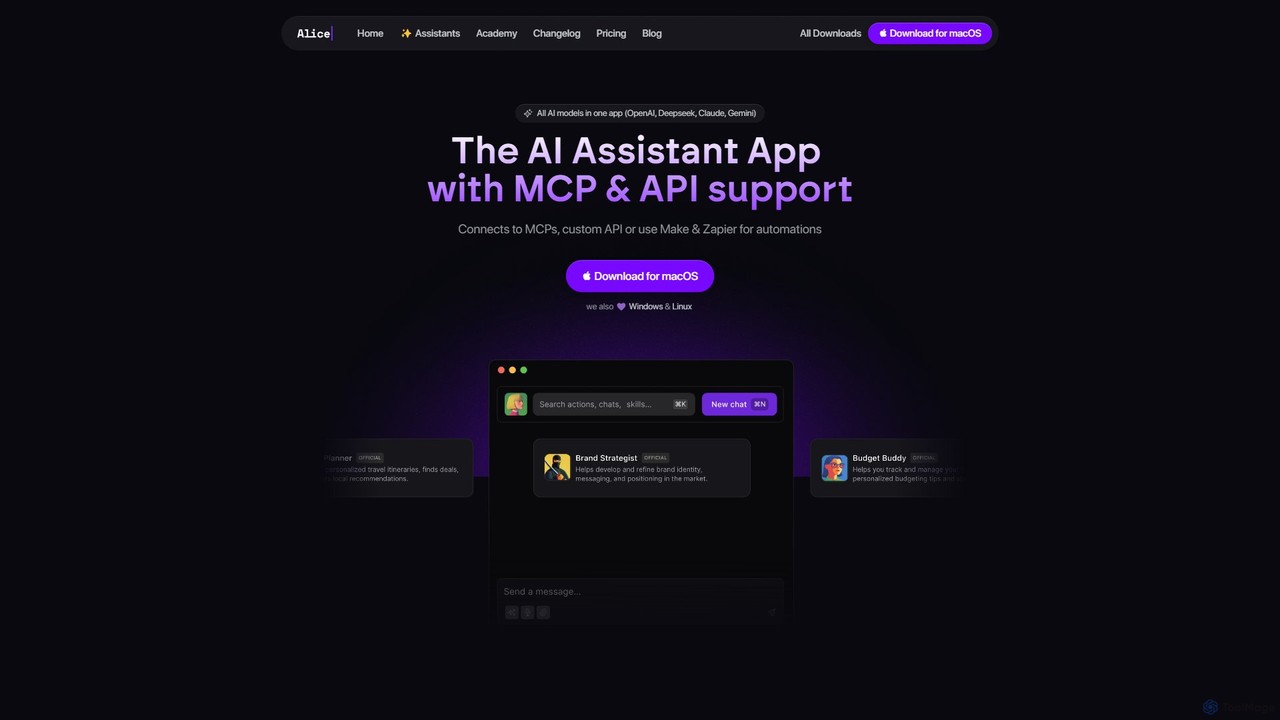
heyalice
heyalice is a personal AI assistant for your desktop (macOS, Windows, Linux) that centralizes top AI models like GPT-4o and Claude 3.5. It enhances productivity through customizable assistants, reusable prompts (Skills), and seamless integration with automation tools like Zapier and Make. Bring your own API keys to control costs and work faster with powerful keyboard shortcuts, all within a privacy-focused, local application.
Code Assistant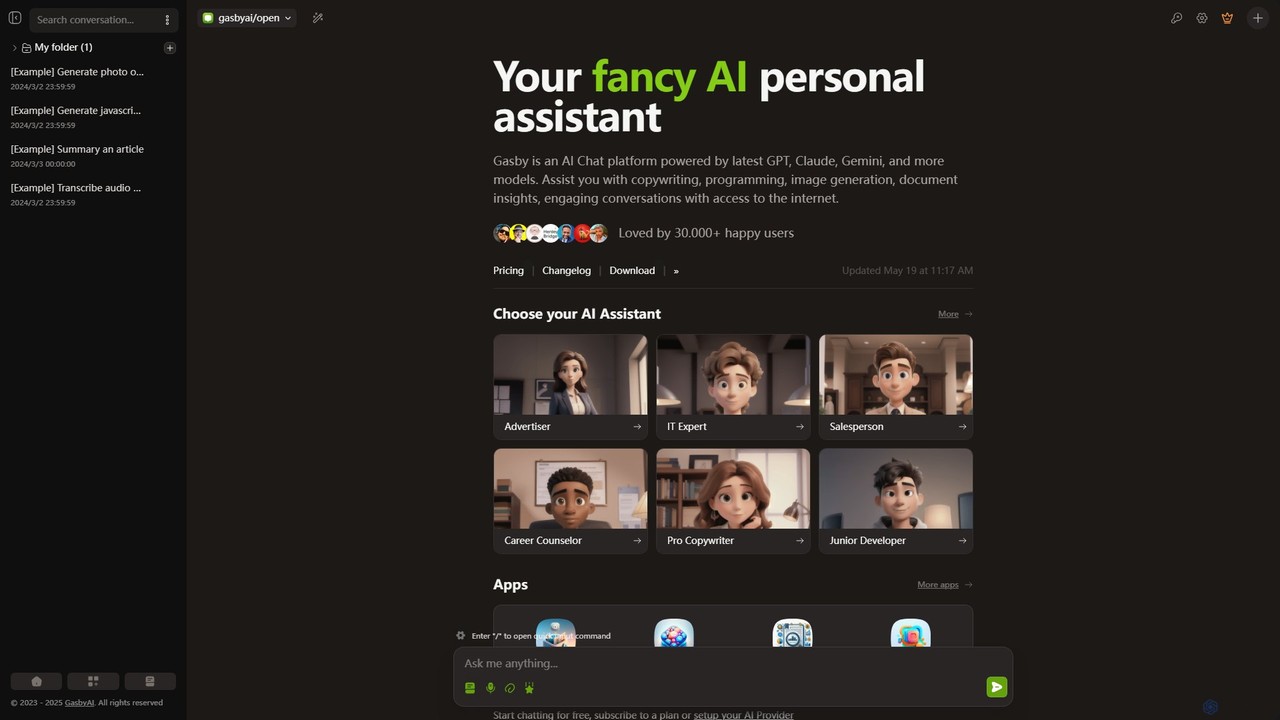
GasbyAI
GasbyAI is a versatile AI personal assistant and an all-in-one workspace that integrates over 100 AI models, including GPT-4, Claude 3, and Gemini. It offers a suite of specialized apps for image generation, audio transcription, document analysis, coding, and more, all within a unified, highly customizable, and user-friendly interface available on web and desktop.
TranscriptionChatOne Categories
ChatOne Embed Widget
Copy this embed code to place the badge on your blog, article, or product site and send readers directly to this ToolMage detail page.

Related AI tools
Chat Got
Chat Got is an all-in-one AI chat platform that provides access to multiple leading large language models like GPT-4, Claude, and Gemini in a single, unified interface. It simplifies the process of interacting with different AIs, allowing users to switch between models seamlessly to find the best one for any task, from writing and coding to research and brainstorming.
All In OneBeloga
Beloga is an AI-powered productivity platform that integrates multiple large language models (like GPT-4o, Claude 3, Gemini 1.5) into a seamless workflow. Through its command spotlight interface, users can perform intelligent searches, automate tasks, and access personalized knowledge bases, boosting efficiency for individuals and teams.
Code Assistant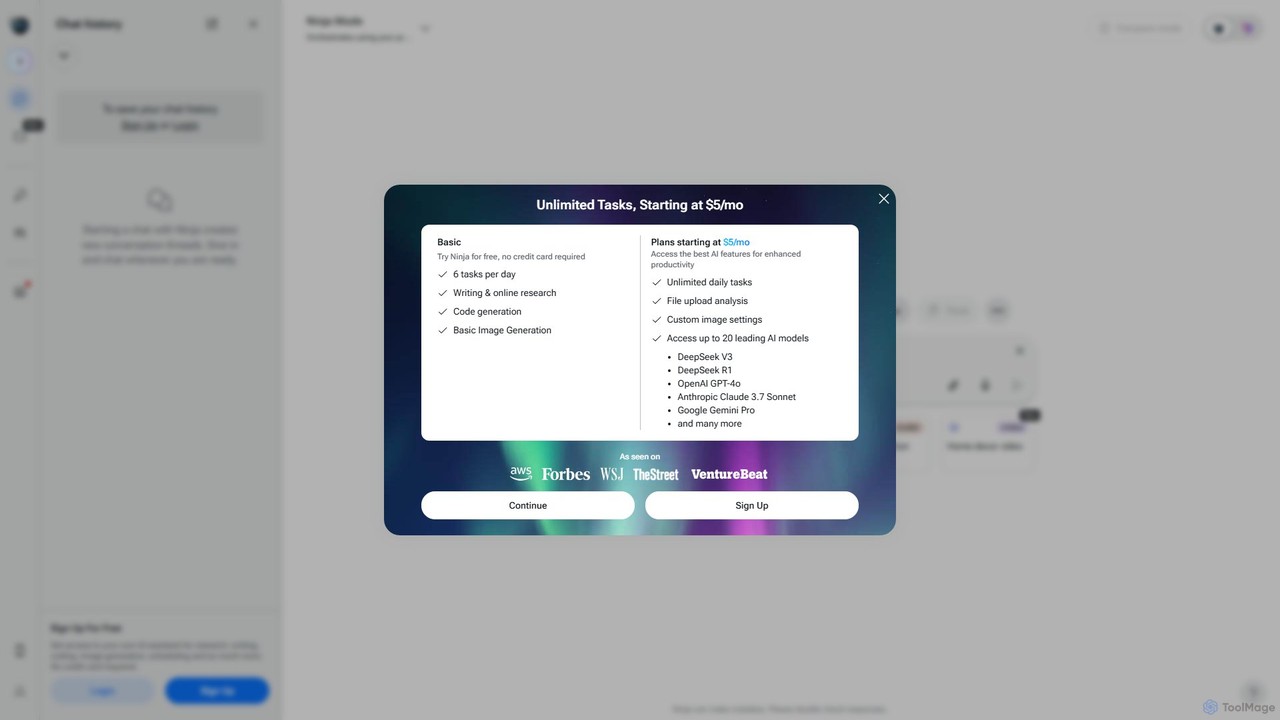
myninja.ai
myninja.ai is an all-in-one AI agent designed to boost productivity. It integrates over 20 leading AI models like GPT-4o, Claude 3.7, and Gemini Pro into a single platform. Users can perform deep research, write code, generate images, analyze files, and schedule meetings, all from one intuitive chat interface. It offers a free plan and affordable premium options starting at $5/mo.
Code AssistantChatHub
ChatHub is an all-in-one chatbot client that allows you to simultaneously use and compare responses from multiple AI models like GPT-4o, Claude 4, and Gemini 2.5 in a single interface. It enhances productivity by providing diverse perspectives, reducing AI hallucinations, and integrating features like image generation and file analysis.
Image Generatorheyalice
heyalice is a personal AI assistant for your desktop (macOS, Windows, Linux) that centralizes top AI models like GPT-4o and Claude 3.5. It enhances productivity through customizable assistants, reusable prompts (Skills), and seamless integration with automation tools like Zapier and Make. Bring your own API keys to control costs and work faster with powerful keyboard shortcuts, all within a privacy-focused, local application.
Code AssistantGasbyAI
GasbyAI is a versatile AI personal assistant and an all-in-one workspace that integrates over 100 AI models, including GPT-4, Claude 3, and Gemini. It offers a suite of specialized apps for image generation, audio transcription, document analysis, coding, and more, all within a unified, highly customizable, and user-friendly interface available on web and desktop.
Transcription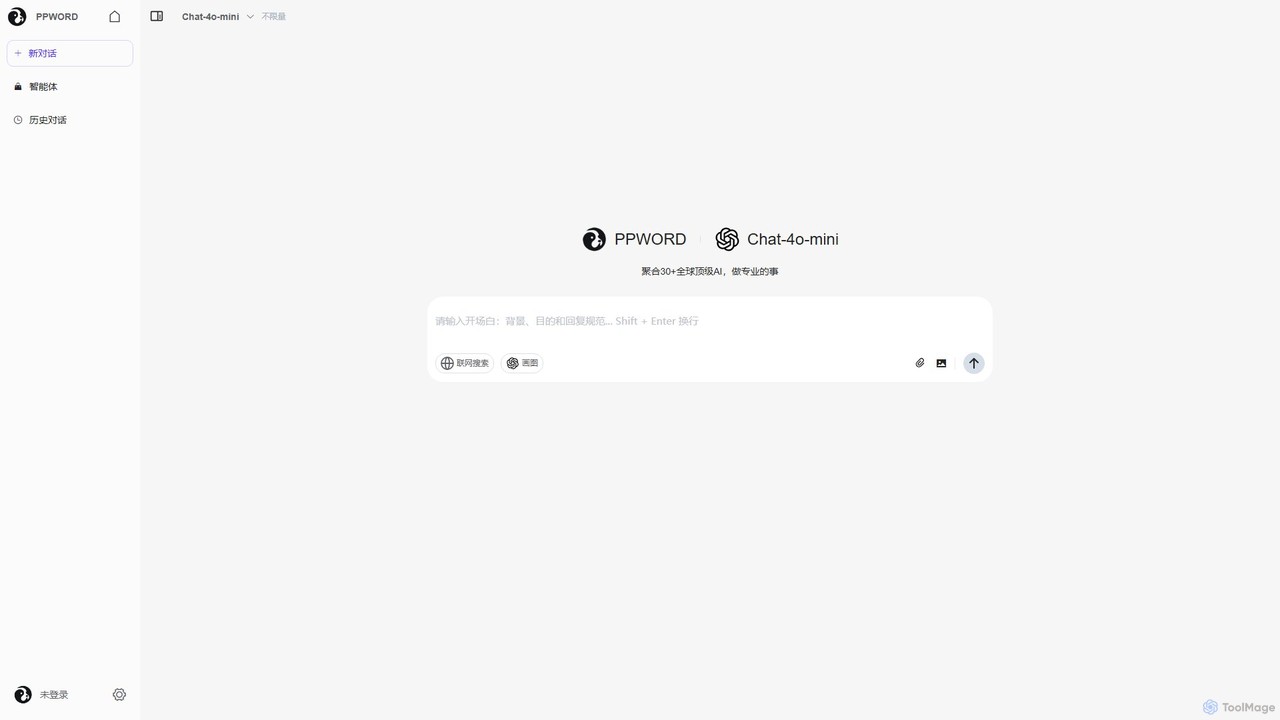
ppword
ppword is an AI aggregator platform that integrates over 30 top-tier global AI models, including GPT-4o, into a single, unified interface. It offers functionalities like advanced chat, real-time web search, and AI image generation, designed for professional tasks and creative endeavors.
Code Assistant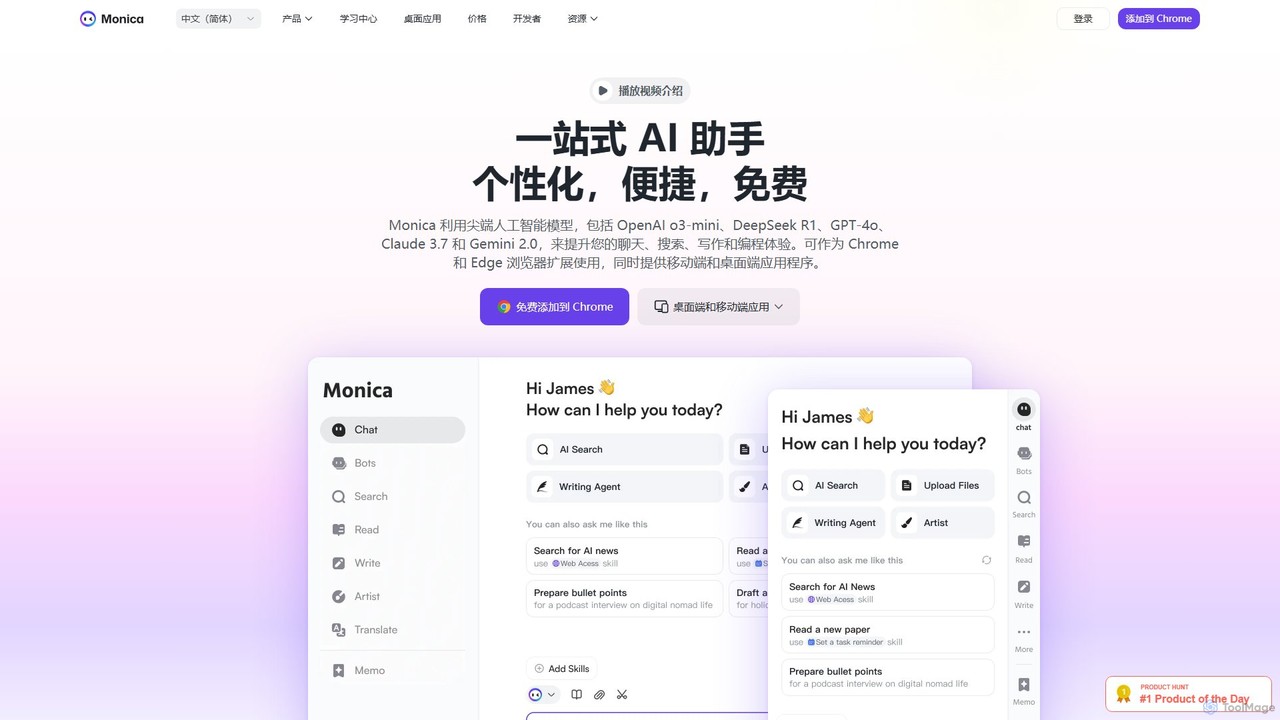
Monica
Monica is an all-in-one AI assistant powered by leading models like GPT-4o, Claude 3.7, and Gemini 1.5. It integrates seamlessly into your workflow as a browser extension, desktop, and mobile app, offering features for chat, search, writing, translation, and image creation to boost productivity.
Chrome Extensions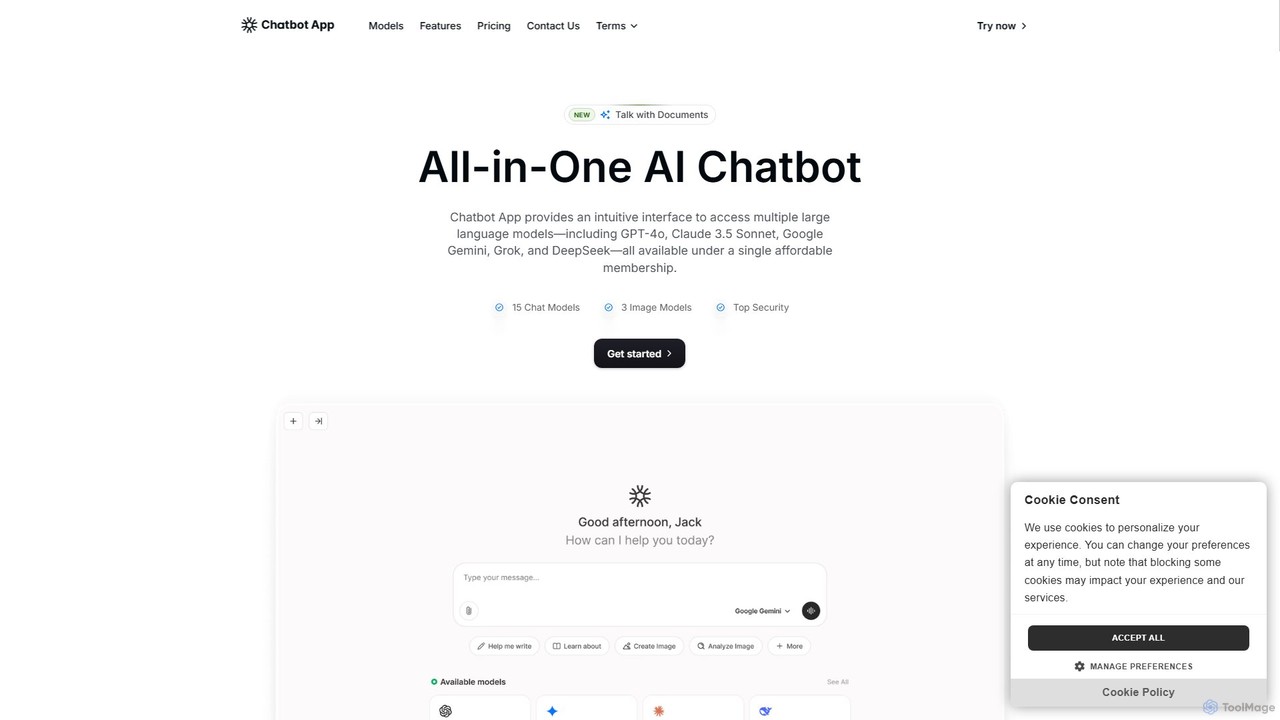
Chatbot App
An all-in-one AI platform providing access to over 10 leading AI models like GPT-4o, Claude 3.5, and Gemini in a single interface. It enables users to chat, generate content, create images, and analyze documents, streamlining workflows and significantly reducing costs compared to separate subscriptions. Ideal for professionals in marketing, content creation, and development.
Ai Chat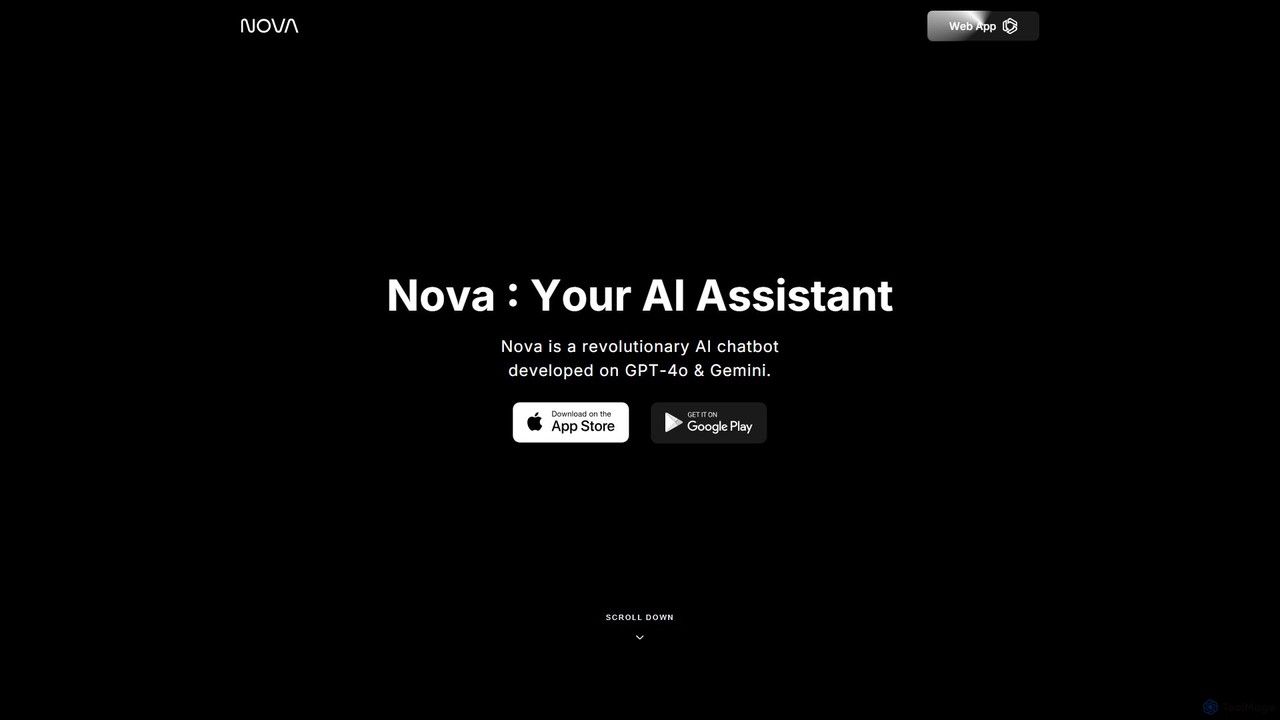
Nova
Nova is a revolutionary AI chatbot assistant powered by GPT-4o and Gemini. Available on web, iOS, Android, macOS, and Apple Watch, it serves as a versatile tool for answering questions, writing assistance, proofreading, homework help, and creative brainstorming.
Homework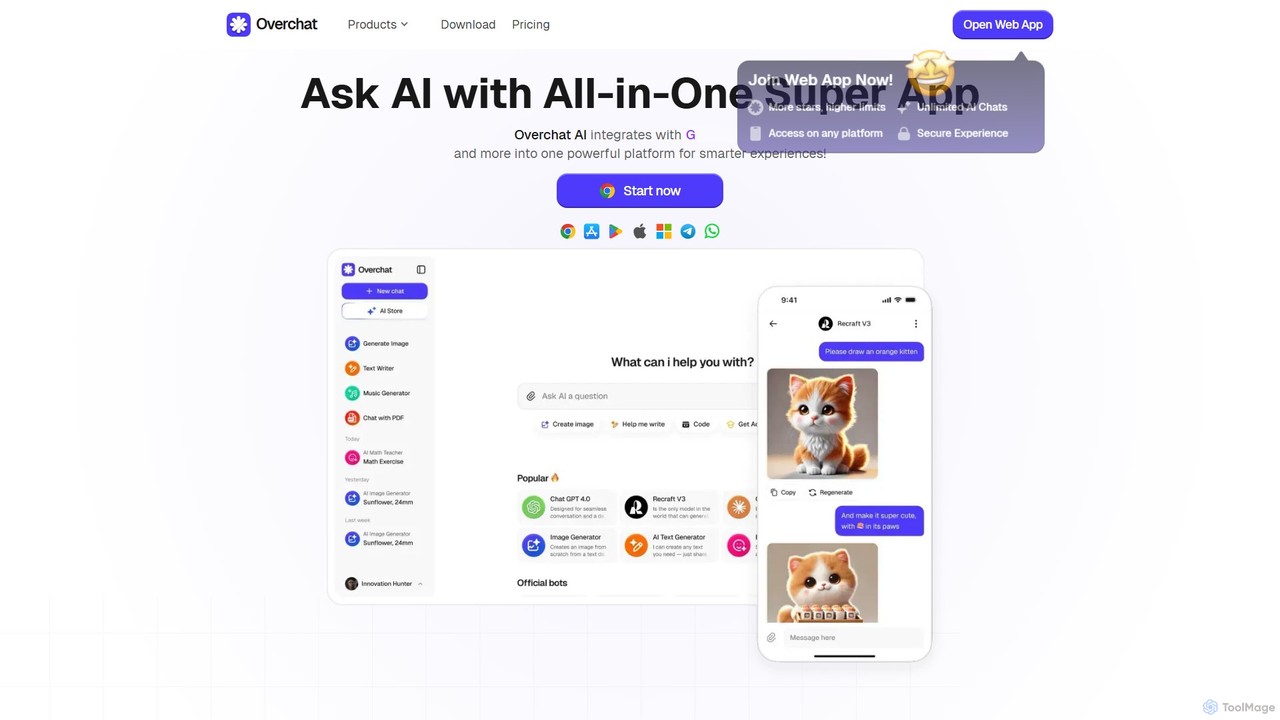
Overchat
Overchat is an all-in-one AI super app that integrates multiple leading language models like GPT-4 and Claude 3 into a single, intuitive interface. It functions as a versatile AI assistant for answering questions, completing tasks, writing content, and even advanced image editing, available across web and mobile platforms.
Image Editing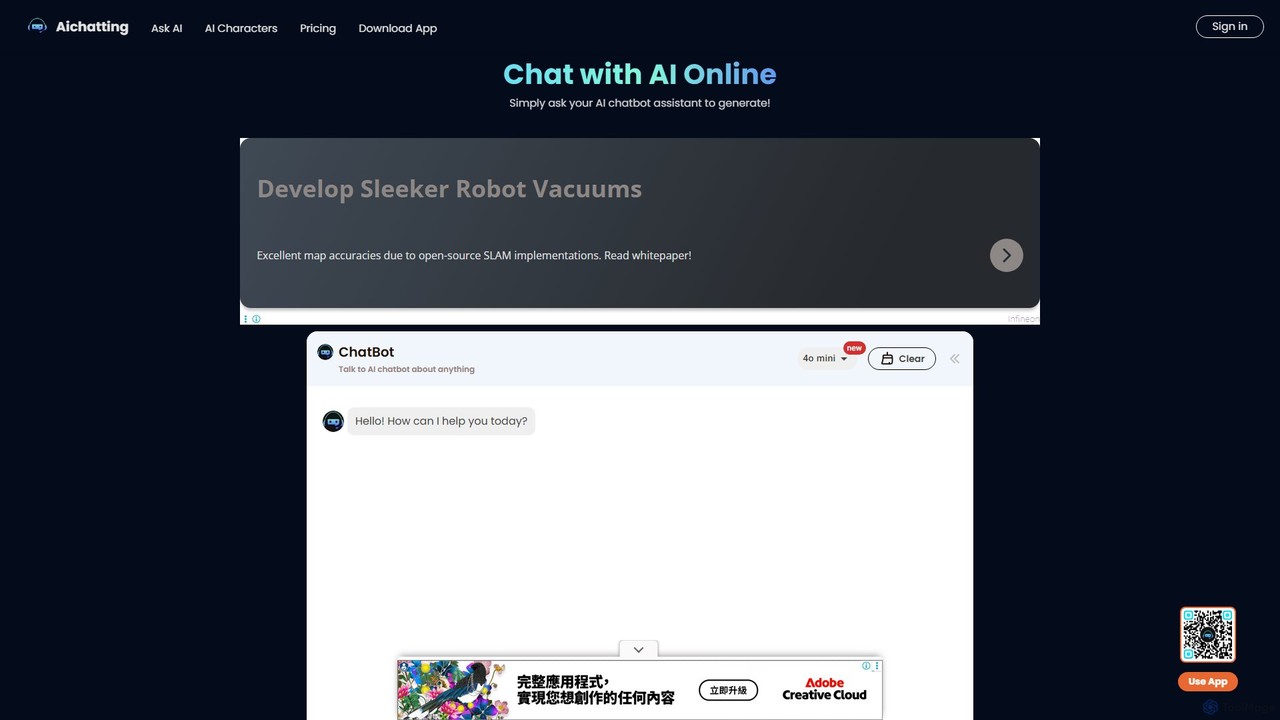
aichatting
aichatting is a versatile AI chatbot platform powered by advanced GPT models. Engage in natural conversations, ask any question, or interact with specialized AI characters for expert advice. It also functions as a powerful writing assistant, helping you generate emails, articles, and creative content 10x faster. Available online and via a mobile app, it's a free and user-friendly tool for productivity, learning, and creativity.
Learning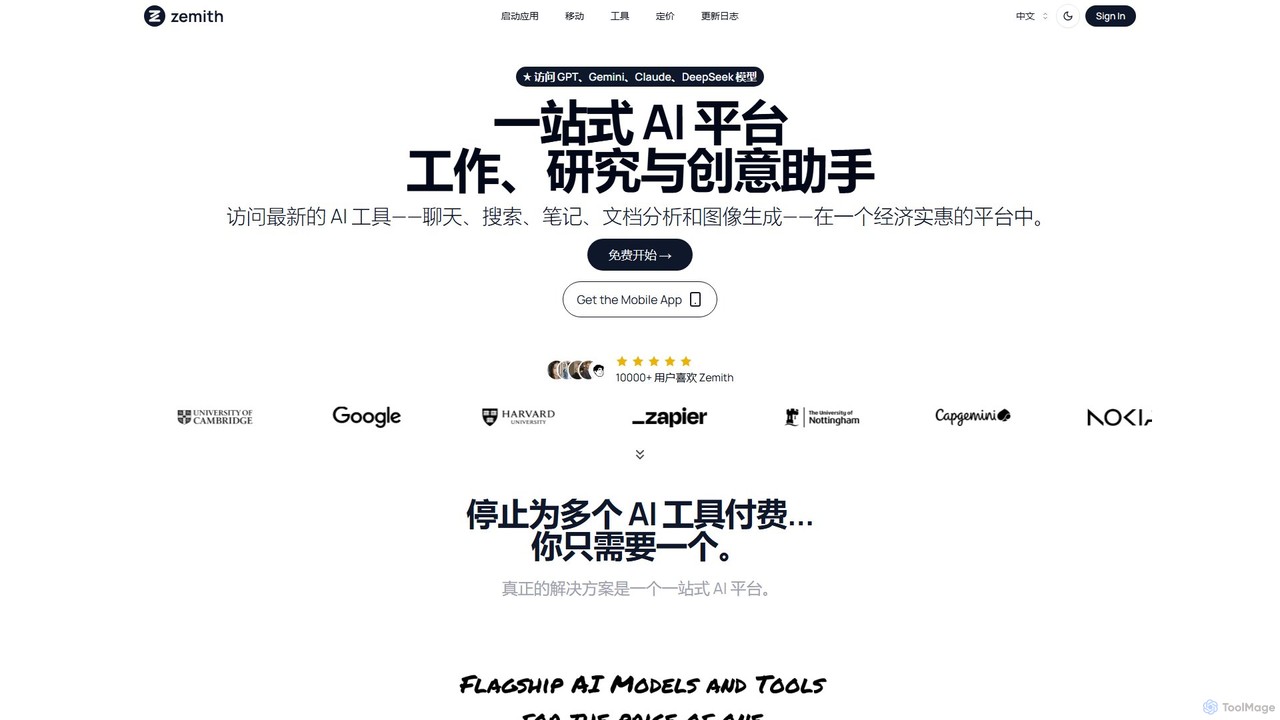
Zemith
Zemith is an all-in-one AI platform that integrates leading AI models like GPT, Gemini, and Claude. It offers a suite of tools for chat, search, document analysis, image generation, and coding, designed to boost productivity and creativity while reducing costs and eliminating the need for multiple subscriptions.
Code Assistant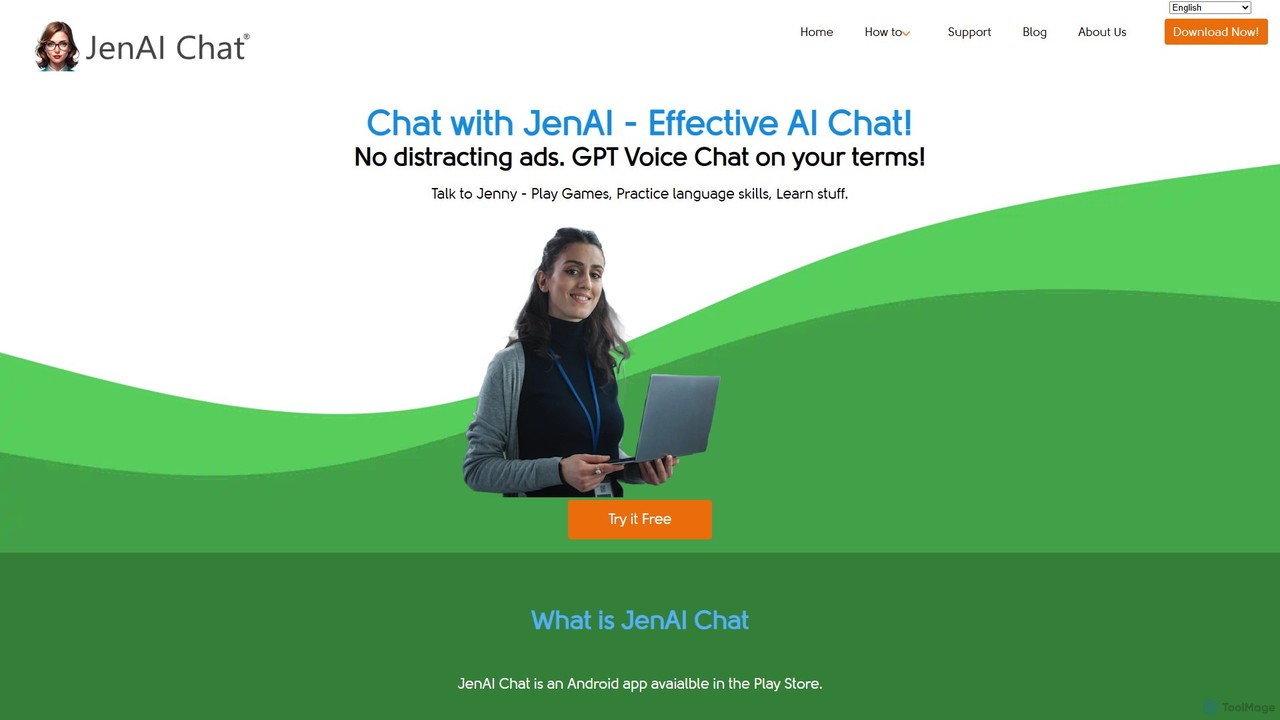
JenAI Chat
JenAI Chat is an ad-free AI chat application for Android, powered by advanced models like GPT-4o, GPT-4, and Gemini Pro. It offers a seamless voice chat experience and a flexible pay-as-you-go pricing model, eliminating subscriptions. Users can engage in conversations, play games, learn languages, and automate tasks with custom commands, all within a simple, user-friendly interface.
Language Learning
FineChat
FineChat offers free, no-login access to OpenAI's advanced GPT-4o model. This powerful web-based tool allows users to generate high-quality content, analyze text, images, and documents (PDFs, Word), and leverage state-of-the-art AI for a wide range of tasks. It features multi-modal capabilities, an extended context window, and API access for developers, making it a versatile solution for productivity, creativity, and development.
Api
ChatOne Comments (0)
Sign in to comment.
Sign inNo comments yet.