
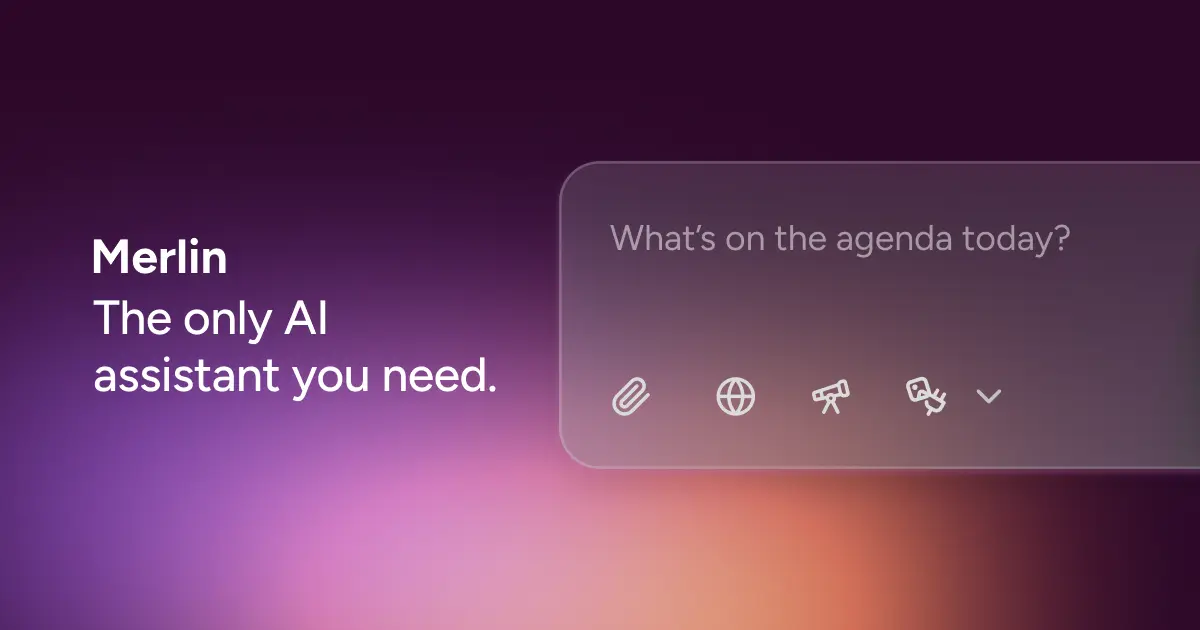

Merlin AI Overview
Merlin AI is a comprehensive AI-powered assistant designed to enhance productivity and streamline workflows across various digital tasks. Functioning primarily as a browser extension (for Chrome) and also available as a web and mobile app (iOS & Android), Merlin integrates over 10 leading AI models, including OpenAI's GPT-4 series, Anthropic's Claude 3, Google's Gemini, and others like Llama 3.1 and Mistral Large. This multi-model approach provides users with the flexibility to choose the best AI for their specific needs, all within a single, cost-effective subscription.
The core philosophy of Merlin is to bring AI capabilities directly into your existing workflow, eliminating the need to constantly switch between tabs or applications. Whether you're researching on Google, writing an email in Gmail, engaging on social media like X (Twitter) and LinkedIn, or watching videos on YouTube, Merlin provides contextual assistance with a single click or a simple keyboard shortcut. It aims to be the 'Swiss Army Knife' for knowledge workers, students, developers, and creators by consolidating numerous AI tools into one accessible platform.
How to use Merlin AI
Getting started with Merlin AI is straightforward and designed for seamless integration:
- Installation: The primary way to use Merlin is by installing its free extension from the Chrome Web Store. Once installed, pin it to your browser toolbar for easy access. Mobile apps are also available on the Apple App Store and Google Play Store.
- Activation: On any webpage, you can summon the Merlin AI chatbot using the keyboard shortcut Ctrl/⌘+M. This opens a chat interface where you can ask questions, request summaries, or generate text.
- Contextual Integration: Merlin automatically embeds itself into popular websites. You'll find Merlin buttons within Gmail for composing emails, on YouTube for summarizing videos with timestamps, and on LinkedIn/X for drafting posts and replies.
- Content Interaction: Simply select text on any website to get contextual options from Merlin, such as summarizing, rephrasing, or explaining. You can also chat with the current webpage or uploaded documents (PDFs, PPTs) to extract information.
- Advanced Features: Use the Merlin web app to access more powerful features like Projects to build custom knowledge bases, Crafts to generate diagrams and code snippets, and the Image Generator to create visuals from text prompts.
Core Features of Merlin AI
- Multi-Model Access: Instantly switch between top-tier AI models like GPT-4.1, Claude 3.7 Sonnet, Gemini 2.5 Pro, Llama 3.1, Mistral Large, and more, all under one subscription.
- Seamless Browser Extension: Works on any website, providing one-click access to AI for summarizing, writing, and research without leaving your current tab.
- Content Summarization: Quickly generate concise summaries of YouTube videos (with timestamps), lengthy articles, blogs, and documents (PDFs/PPTs).
- AI-Powered Writing Assistant: Effortlessly compose emails, generate replies in context, draft engaging social media posts, and write essays or reports with academic citations.
- Merlin Projects: Create and chat with custom knowledge bases by uploading documents, adding web links, or connecting to Google Drive. This allows for highly tailored and context-aware responses.
- Merlin Crafts: Turn simple text prompts into complex outputs, including flowcharts, mind maps, interactive charts, and even working React/Shadcn app components.
- Advanced Image Generation: Access over 20 image models, including FLUX 1.1 Pro and Ideogram V3, to create high-quality images in various aspect ratios for web and social media.
- Cross-Platform Sync: Your history, custom prompts, and chatbots are synced across all your devices, including the web app, Chrome extension, iOS, and Android apps.
- Deep Research Mode: An agentic research tool that can scrape and synthesize information from up to 150 sources to generate comprehensive reports on complex topics.
- Data Security: Industry-grade security with GDPR, ISO 27001, and SOC 2 compliance, ensuring your data is safe and private.
Use Cases for Merlin AI
Merlin is versatile and caters to a wide range of professionals and individuals:
- Students: Summarize long lecture notes and videos, conduct research for assignments with proper citations, and use custom course bots for homework help.
- Marketers and Creators: Generate SEO-friendly blog posts, create social media content calendars, write compelling ad copy in a consistent brand voice, and repurpose video content into articles.
- Developers: Write, debug, and explain code snippets, generate boilerplate code, and create knowledge bases from technical documentation for quick reference.
- Entrepreneurs: Brainstorm business ideas using mind maps, draft professional emails and outreach messages, and stay productive by getting quick answers without breaking focus.
- Consultants and Analysts: Conduct real-time market research, analyze data from uploaded spreadsheets (XLS/CSV), and visualize insights with various chart types for presentations.
Advantages of Merlin AI
Merlin stands out by offering a powerful, consolidated AI experience. Its main advantage is value for money, replacing multiple expensive subscriptions (like ChatGPT Plus, Claude Pro, etc.) with a single, affordable plan. The seamless integration into the browser workflow is a major productivity booster, saving time and reducing cognitive load from context switching. Furthermore, its global availability makes powerful AI models accessible even in regions where they might otherwise be restricted. The platform's commitment to security and continuous addition of new features and models ensures it remains a cutting-edge tool.
Pricing and Plans
Merlin AI operates on a freemium model, offering plans for different levels of usage:
- Free Plan: $0/month. Provides a feel for the platform with 102 free queries credited daily. This includes limited access to basic and plus-level models, basic image generation, and limited use of the 70+ AI tools.
- Pro Plan: $19/month (billed annually at $228). Aimed at individual power users, this plan offers unlimited access to basic models, significantly higher usage limits (50x) on premium models, access to exclusive models, advanced image generation, unlimited access to all AI tools, and priority support.
- Teams Plan: $15 per seat/month (billed annually). Includes all Pro features plus centralized team management, access and usage dashboards, a larger context window, and industry-standard data security. A minimum of 5 seats is required.
All plans are subject to a Fair Use Policy to ensure service quality for all users.
Merlin AI Alternatives

getmerlin
getmerlin is a versatile AI assistant powered by top models like GPT-4o and Claude 3.5. Available as a browser extension and app, it integrates seamlessly into your workflow to summarize content, draft emails, generate text and images, and enhance research on any website. It acts as an all-in-one productivity tool, saving time and money by consolidating multiple AI services into a single subscription.
Chrome Extensions
Google Gemini
Google Gemini is a powerful, multimodal AI assistant designed to enhance creativity and productivity. It can understand and process text, code, images, and video to help you write, plan, learn, and create. Integrated with Google's ecosystem, it offers features like advanced content generation, deep research, and seamless collaboration within Google apps.
Image Generator
Microsoft Copilot
Microsoft Copilot is your everyday AI companion, enhancing productivity and creativity. It provides intelligent search, content generation, and image creation capabilities by leveraging the latest AI models like GPT-4 and DALL-E 3. Integrated across the Microsoft ecosystem, it assists with writing, coding, planning, and design tasks.
Image Generator
Thinkbuddy
Thinkbuddy is a native desktop AI client designed for fast, secure, and organized interaction with multiple AI models. It acts as a unified workspace, allowing you to switch between models like GPT-4o, Claude 3, and Llama 3, manage conversations in projects, and save prompts in a library for a streamlined workflow.
Code Assistant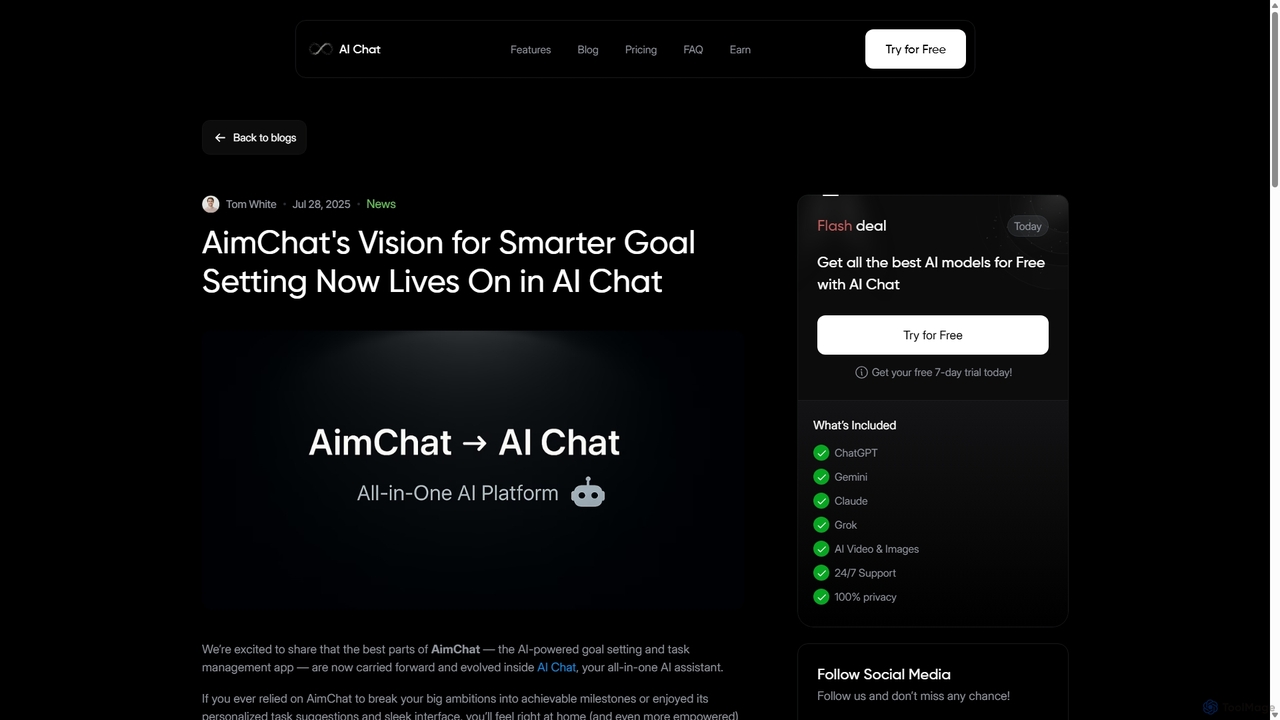
AI Chat
AI Chat is an all-in-one AI assistant that integrates top models like ChatGPT, Claude, and Gemini into a single platform. Evolving from the goal-setting app AimChat, it combines advanced conversational AI with powerful task management, research, and content creation tools to streamline your workflow and help you achieve your ambitions.
AssistantMerlin AI Categories
Merlin AI Jobs
Merlin AI Embed Widget
Copy this embed code to place the badge on your blog, article, or product site and send readers directly to this ToolMage detail page.

Related AI tools
Google Gemini
Google Gemini is a powerful, multimodal AI assistant designed to enhance creativity and productivity. It can understand and process text, code, images, and video to help you write, plan, learn, and create. Integrated with Google's ecosystem, it offers features like advanced content generation, deep research, and seamless collaboration within Google apps.
Image GeneratorAI Chat
AI Chat is an all-in-one AI assistant that integrates top models like ChatGPT, Claude, and Gemini into a single platform. Evolving from the goal-setting app AimChat, it combines advanced conversational AI with powerful task management, research, and content creation tools to streamline your workflow and help you achieve your ambitions.
Assistantgetmerlin
getmerlin is a versatile AI assistant powered by top models like GPT-4o and Claude 3.5. Available as a browser extension and app, it integrates seamlessly into your workflow to summarize content, draft emails, generate text and images, and enhance research on any website. It acts as an all-in-one productivity tool, saving time and money by consolidating multiple AI services into a single subscription.
Chrome ExtensionsThinkbuddy
Thinkbuddy is a native desktop AI client designed for fast, secure, and organized interaction with multiple AI models. It acts as a unified workspace, allowing you to switch between models like GPT-4o, Claude 3, and Llama 3, manage conversations in projects, and save prompts in a library for a streamlined workflow.
Code Assistant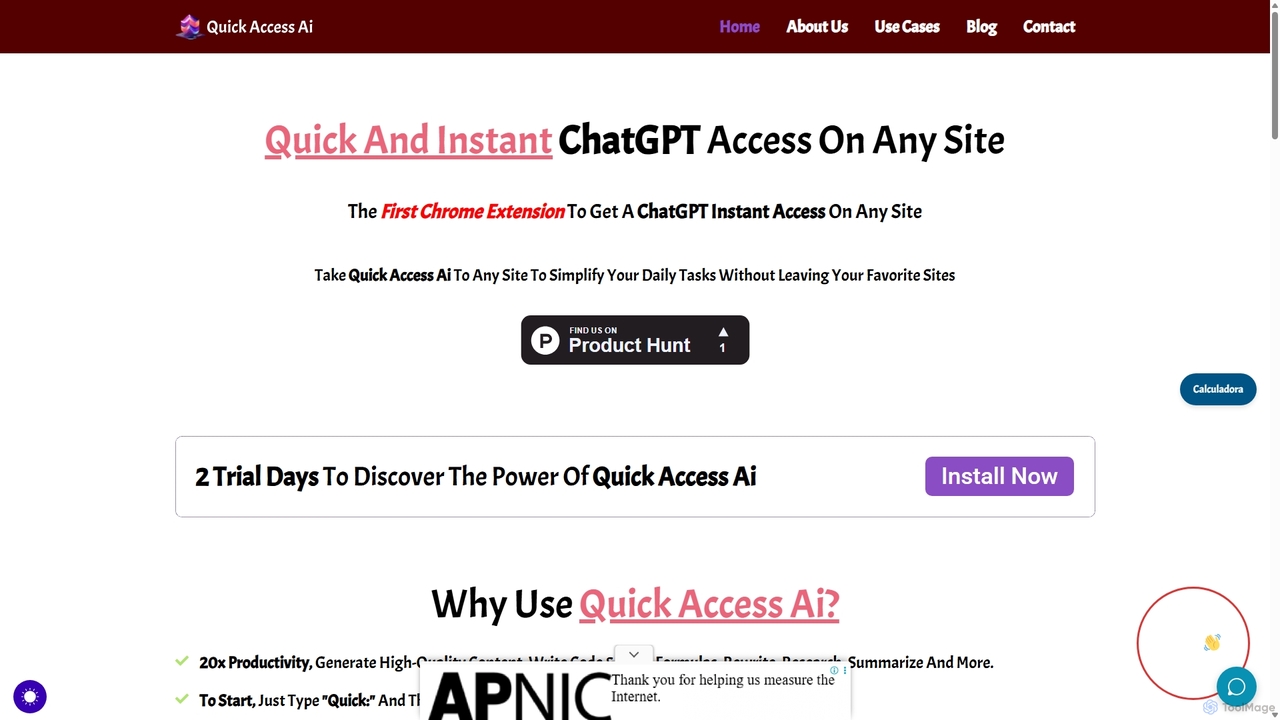
Quick Access Ai
Quick Access Ai is a Chrome extension that provides instant access to ChatGPT on any website. By simply typing a command, users can generate content, write code, summarize text, and perform research without switching tabs. It aims to boost productivity by integrating AI assistance directly into your existing workflow, making daily tasks faster and more efficient.
Code AssistantMicrosoft Copilot
Microsoft Copilot is your everyday AI companion, enhancing productivity and creativity. It provides intelligent search, content generation, and image creation capabilities by leveraging the latest AI models like GPT-4 and DALL-E 3. Integrated across the Microsoft ecosystem, it assists with writing, coding, planning, and design tasks.
Image Generator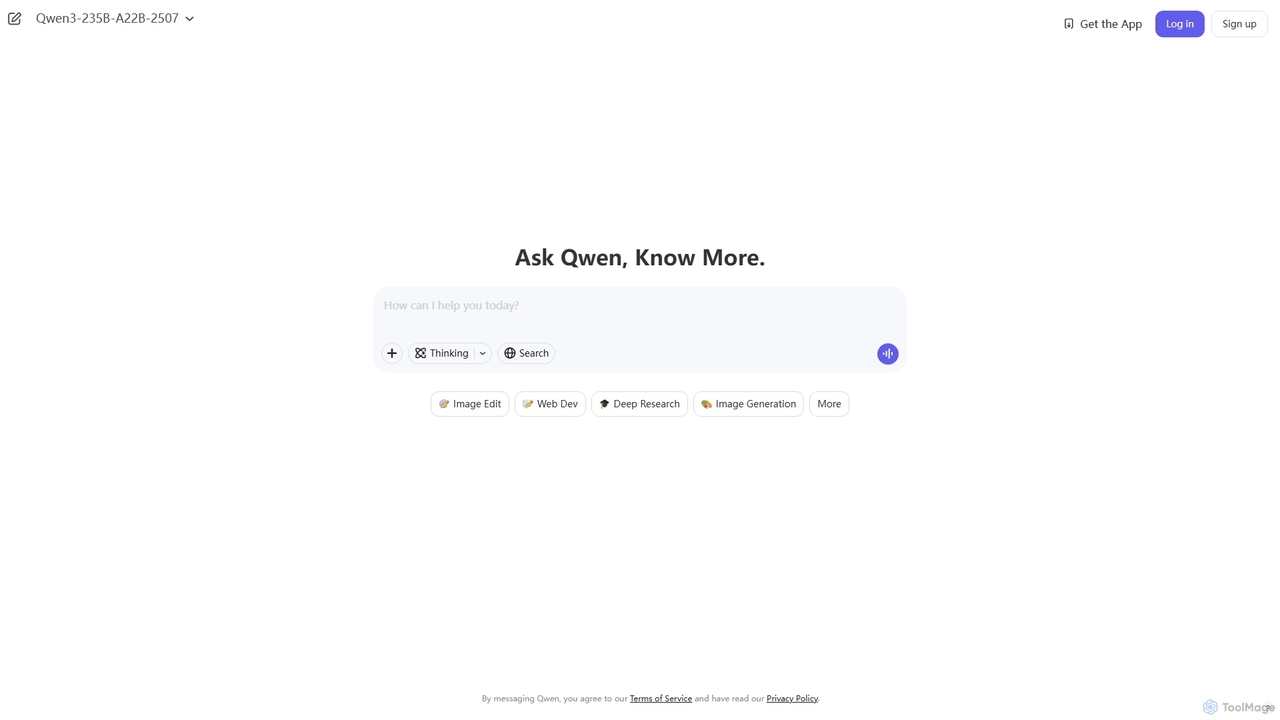
Qwen
Qwen is a powerful multimodal AI chat assistant from Alibaba Cloud. It excels at natural language conversations, content creation, code generation, data analysis, and even image generation. With integrated web search and document analysis, Qwen provides comprehensive, up-to-date, and accurate answers for a wide range of tasks.
Image Generation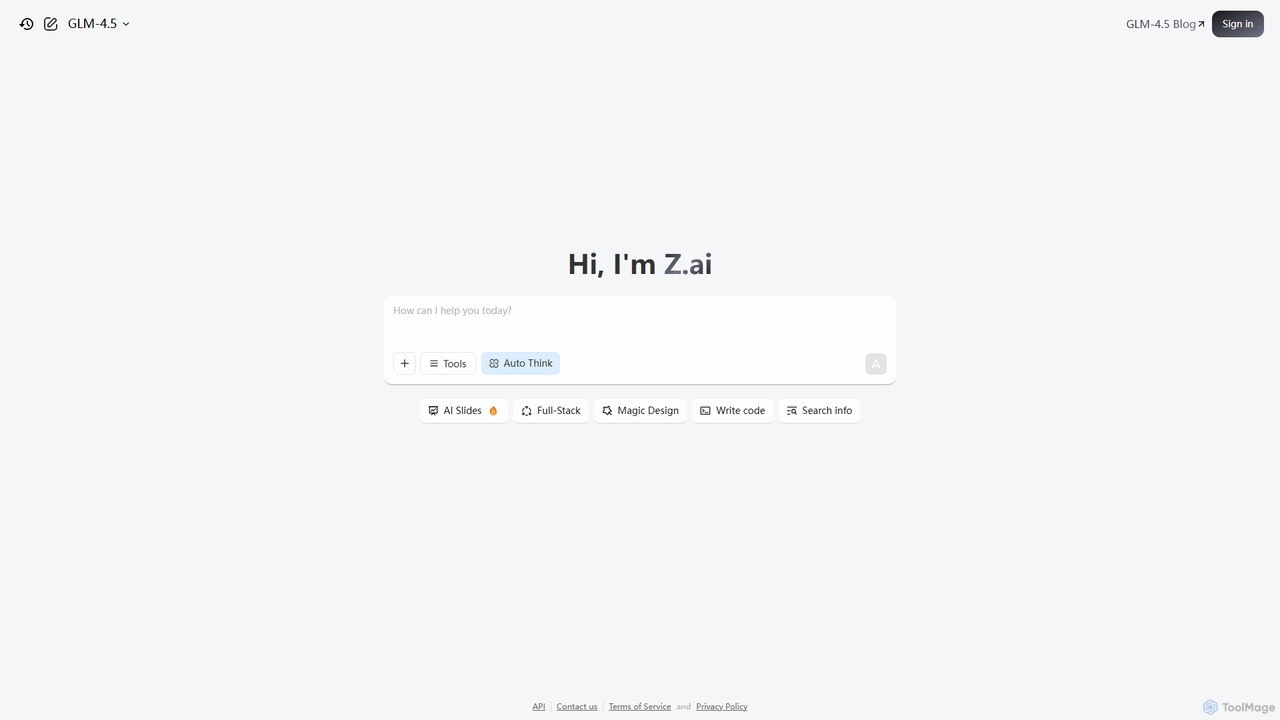
Z.ai
Z.ai is a powerful, free AI assistant powered by the advanced GLM-4.5 model. It's more than just a chatbot, offering a suite of integrated tools for coding, creating presentations, designing, and conducting research. Z.ai aims to be an all-in-one productivity platform, streamlining complex tasks through a simple conversational interface.
Code Assistant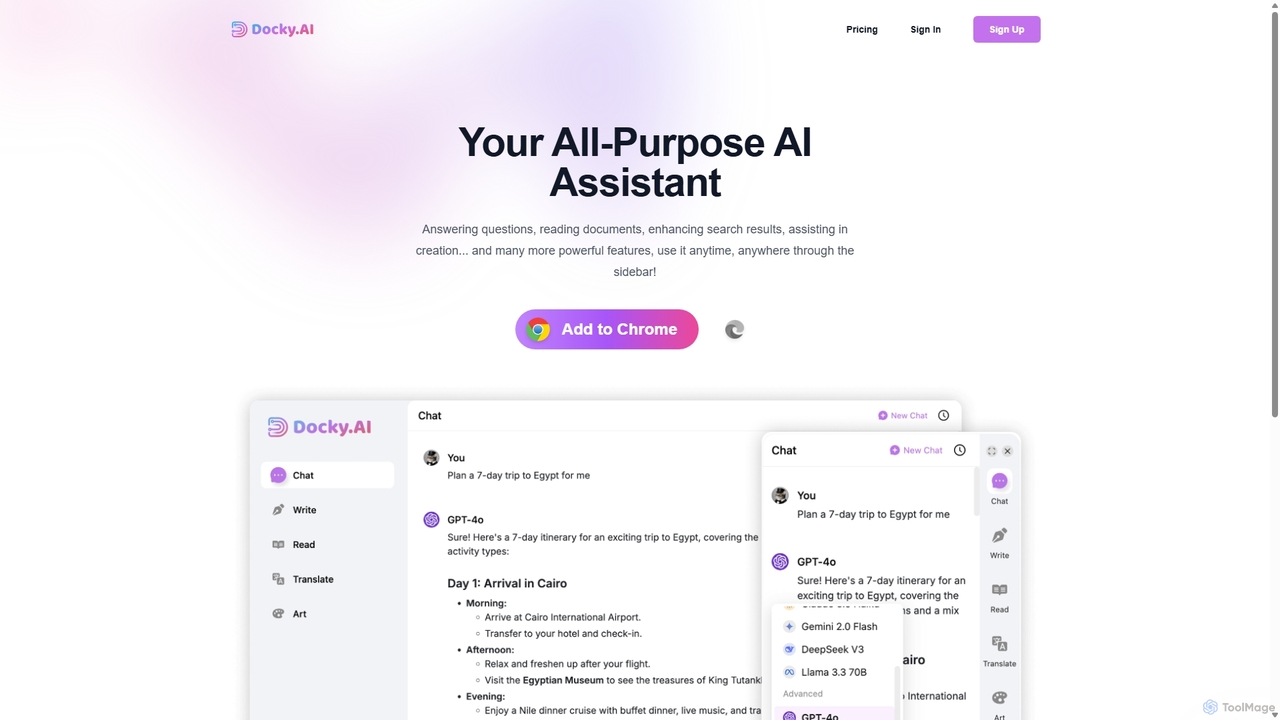
Docky.AI
Docky.AI is a powerful all-in-one AI sidebar for your browser. It integrates leading models like GPT-4, Claude, and DALL-E, allowing you to enhance search results, read documents, assist with writing, and generate content seamlessly on any webpage. Boost your productivity without ever switching tabs.
Search Assistant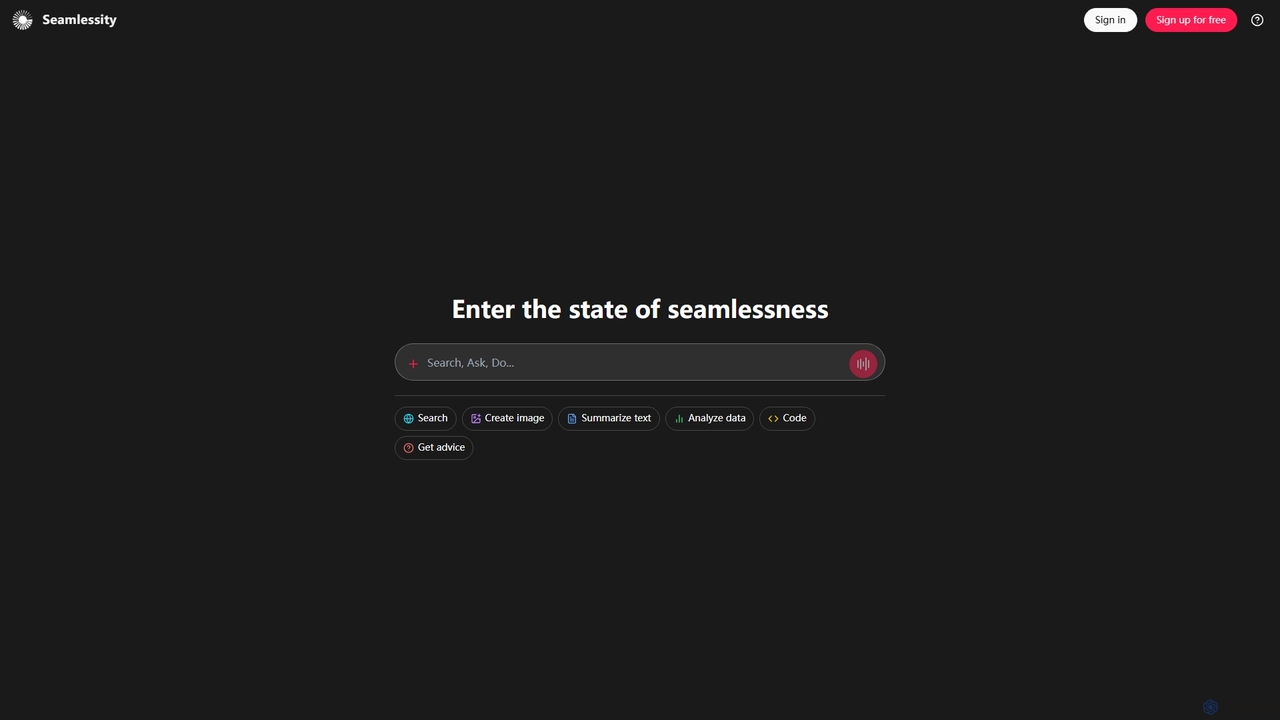
Seamlessity
Seamlessity is a versatile AI platform designed to streamline various tasks, offering functionalities such as image creation, text summarization, data analysis, code generation, and expert advice. It aims to provide a unified experience for users seeking efficiency across multiple domains, from creative content generation to complex data interpretation and development support.
Image Generation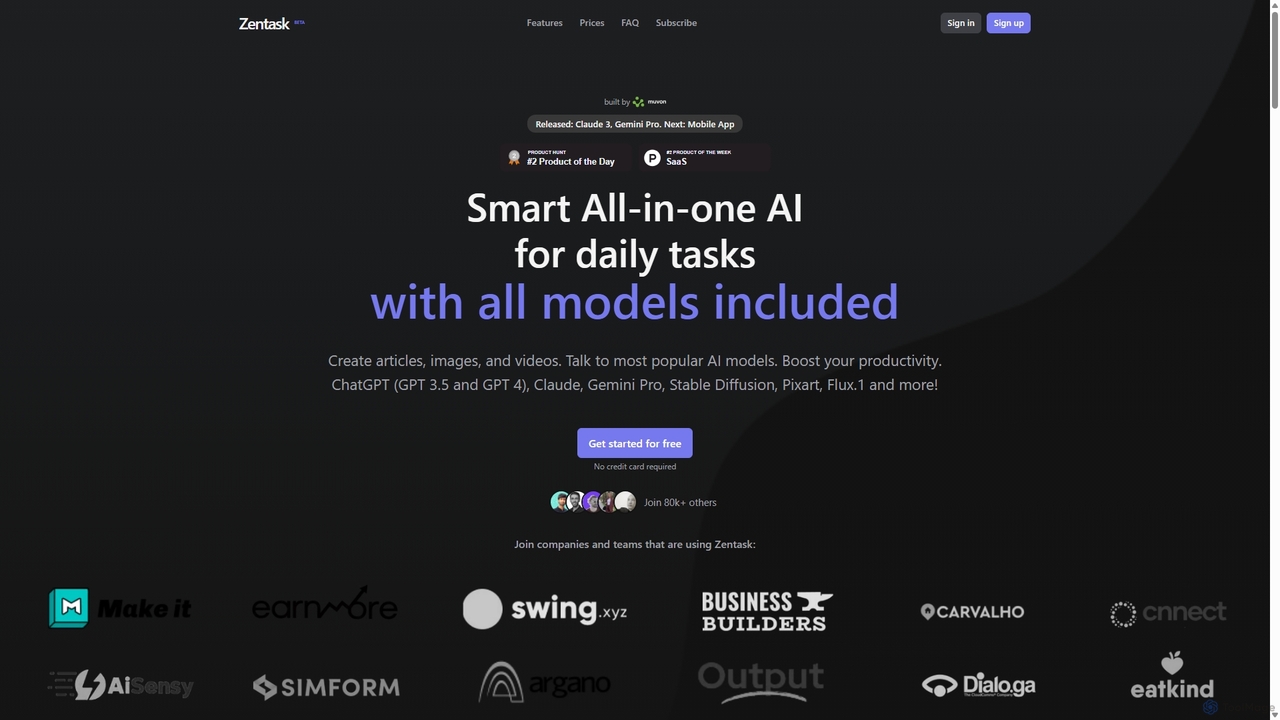
Zentask
Zentask is an all-in-one AI platform that provides access to multiple leading AI models like GPT-4, Claude 3, and Gemini Pro through a single subscription. It's designed to boost productivity by centralizing tools for creating articles, images, videos, and more, making it a cost-effective and efficient solution for daily tasks.
Image Generation
Omnipilot
Omnipilot is a system-wide AI copilot for macOS, designed to integrate seamlessly into any application. It provides contextual assistance, allowing you to generate text, write code, and automate tasks in any text field, boosting productivity by eliminating the need to switch between apps. Note: Omnipilot has been acquired by and merged into Highlight AI.
Coding Assistant
Sider
Sider is a powerful AI copilot integrated into your browser sidebar. It brings ChatGPT, GPT-4, Claude 3, and Gemini to any webpage, allowing you to seamlessly summarize content, enhance your writing, explain complex topics, and chat with documents or videos. It streamlines your workflow by eliminating the need to switch between tabs, boosting your overall productivity and creativity.
Learning
Side Space
Side Space is a powerful AI assistant that integrates seamlessly into your desktop workflow. It operates from a convenient sidebar, providing instant access to AI-powered tools for writing, coding, and general productivity without ever leaving your current application. Enhance your efficiency with contextual actions on selected text and customizable commands.
Code Assistant
ChatLLM
ChatLLM is an advanced conversational AI platform designed for professionals and developers. It provides unified access to multiple leading Large Language Models (LLMs) like GPT-4, Claude 3, and more. The platform focuses on enhancing productivity, streamlining workflows, and enabling powerful integrations through a robust API.
Api
Merlin AI Comments (0)
Sign in to comment.
Sign inNo comments yet.