


Omnipilot Overview
Omnipilot is a revolutionary AI assistant designed to function as a universal copilot across the entire macOS ecosystem. Its core philosophy is to bring the power of artificial intelligence directly into your existing workflow, no matter what application you are using. Instead of opening a separate app or browser tab to interact with an AI, Omnipilot allows you to invoke its capabilities in any text box on your Mac. This deep system integration makes it an incredibly powerful tool for boosting productivity and streamlining daily tasks. It's important to note that Omnipilot has been acquired by Highlight, a leading desktop AI assistant, and its technology and vision are now part of the Highlight application. Users looking for Omnipilot's functionality should now explore Highlight.
How to use Omnipilot
Using Omnipilot is designed to be intuitive and non-disruptive. The process generally follows these steps:
- Navigate to any application on your Mac where you can type text. This could be an email client, a code editor, a web browser, a note-taking app, or even the system's terminal.
- Place your cursor in the desired text field.
- Use a simple keyboard shortcut (such as pressing the 'Tab' key after a prompt) to activate Omnipilot.
- Type your request or prompt. For example, you could type "Write an email to my team about the Q3 project deadline" or "generate a bash command to find all .js files in the current directory."
- Omnipilot analyzes the context on your screen—such as the content of the current document or webpage—and generates the appropriate text directly into the text field, ready for you to use or edit.
Core Features of Omnipilot
- System-Wide Integration: Omnipilot works universally across all macOS applications. Whether you're in Mail, VS Code, Safari, Notes, or Slack, the AI is always just a keystroke away.
- Contextual Awareness: A key differentiator is its ability to understand the context of what's on your screen. This allows it to provide highly relevant and accurate responses, whether it's summarizing a webpage or answering a question based on an open document.
- Versatile Text Generation: From composing professional emails and writing detailed reports to crafting social media updates and brainstorming ideas, Omnipilot handles a wide range of writing tasks.
- Developer Assistance: It's a powerful tool for developers, capable of generating shell commands (e.g., Bash), writing code snippets in various languages, and explaining complex code blocks.
- Seamless Workflow: By eliminating the need to copy and paste between a dedicated AI tool and your work application, Omnipilot saves significant time and reduces the cognitive load of context switching.
Use Cases for Omnipilot
Omnipilot is versatile and can be adapted to numerous professional and personal workflows:
- Software Developers: Instantly generate terminal commands, debug code, or write boilerplate code without leaving their IDE.
- Marketers & Content Creators: Draft email newsletters, social media posts, and blog articles directly within their content management systems or marketing platforms.
- Students & Researchers: Summarize academic papers, rephrase sentences for clarity, and generate citations directly in their research documents.
- Project Managers: Quickly write team updates, create project timelines, and draft meeting agendas in their preferred project management tool.
Advantages of Omnipilot
The primary advantage of Omnipilot is its deep, seamless integration with macOS. This approach fundamentally changes how users interact with AI, making it a natural extension of their own capabilities. It boosts efficiency, maintains user focus, and provides powerful, context-aware assistance that standalone AI tools cannot match. Its ability to adapt to any task, from creative writing to technical coding, makes it an indispensable tool for any Mac user looking to enhance their productivity.
Pricing and Plans
Omnipilot has been acquired by and integrated into the Highlight AI assistant. Therefore, specific pricing for Omnipilot is no longer available. Users interested in this functionality should visit the official Highlight AI website to explore their current subscription plans and pricing details.
Traffic
Latest traffic
Status
Monthly traffic trend
- 2025-9: 4.4K
- 2026-1: 6.5K
- 2026-2: 3.2K
- 2026-3: 1.3K
- 2026-4: 2.9K
- 2026-5: 1.3K
Geography
Top 5 countries / regions
- 🇺🇸United States100.0%
Top keywords
| Keyword | Cost per click |
|---|---|
| claude desktop | $3.39 |
| claude for desktop | $4.68 |
| productivity synonym | $0.00 |
| synonym for productivity | $0.00 |
| synonyms of productivity | $0.00 |
Omnipilot Alternatives

Iris
Iris is a seamless AI assistant for macOS, designed to integrate into your workflow. It provides instant access to top AI models like GPT-4o and Claude 3.5, allowing you to chat, capture your screen for context, and get answers without ever leaving your current application. With intuitive gestures and powerful shortcuts, Iris is there when you need it and invisible when you don't.
Coding Assistant
Merlin AI
Merlin is an all-in-one AI assistant, available as a browser extension and app, that integrates top AI models like GPT-4, Claude 3, and Gemini. It allows you to research, write, summarize content, generate images, and code with a single click on any website, streamlining your workflow and boosting productivity without switching tabs.
Chrome Extensions
Side Space
Side Space is a powerful AI assistant that integrates seamlessly into your desktop workflow. It operates from a convenient sidebar, providing instant access to AI-powered tools for writing, coding, and general productivity without ever leaving your current application. Enhance your efficiency with contextual actions on selected text and customizable commands.
Code Assistant
Google Gemini
Google Gemini is a powerful, multimodal AI assistant designed to enhance creativity and productivity. It can understand and process text, code, images, and video to help you write, plan, learn, and create. Integrated with Google's ecosystem, it offers features like advanced content generation, deep research, and seamless collaboration within Google apps.
Image Generator
Microsoft Copilot
Microsoft Copilot is your everyday AI companion, enhancing productivity and creativity. It provides intelligent search, content generation, and image creation capabilities by leveraging the latest AI models like GPT-4 and DALL-E 3. Integrated across the Microsoft ecosystem, it assists with writing, coding, planning, and design tasks.
Image GeneratorOmnipilot Categories
Omnipilot Jobs
Omnipilot Embed Widget
Copy this embed code to place the badge on your blog, article, or product site and send readers directly to this ToolMage detail page.

Related AI tools
Merlin AI
Merlin is an all-in-one AI assistant, available as a browser extension and app, that integrates top AI models like GPT-4, Claude 3, and Gemini. It allows you to research, write, summarize content, generate images, and code with a single click on any website, streamlining your workflow and boosting productivity without switching tabs.
Chrome Extensions
Jyek
Jyek is an AI agent platform that understands objectives, creates execution plans, uses tools, and delivers verifiable results for complex, multi-step tasks.
AutomationSide Space
Side Space is a powerful AI assistant that integrates seamlessly into your desktop workflow. It operates from a convenient sidebar, providing instant access to AI-powered tools for writing, coding, and general productivity without ever leaving your current application. Enhance your efficiency with contextual actions on selected text and customizable commands.
Code AssistantIris
Iris is a seamless AI assistant for macOS, designed to integrate into your workflow. It provides instant access to top AI models like GPT-4o and Claude 3.5, allowing you to chat, capture your screen for context, and get answers without ever leaving your current application. With intuitive gestures and powerful shortcuts, Iris is there when you need it and invisible when you don't.
Coding Assistant
Shift
Shift is a system-wide AI assistant for macOS that enhances your workflow by allowing you to edit text and code anywhere with a simple keyboard shortcut. Just highlight text, double-tap Shift, and let the AI rewrite, debug, translate, or rephrase it instantly within any application.
Code AssistantGoogle Gemini
Google Gemini is a powerful, multimodal AI assistant designed to enhance creativity and productivity. It can understand and process text, code, images, and video to help you write, plan, learn, and create. Integrated with Google's ecosystem, it offers features like advanced content generation, deep research, and seamless collaboration within Google apps.
Image Generator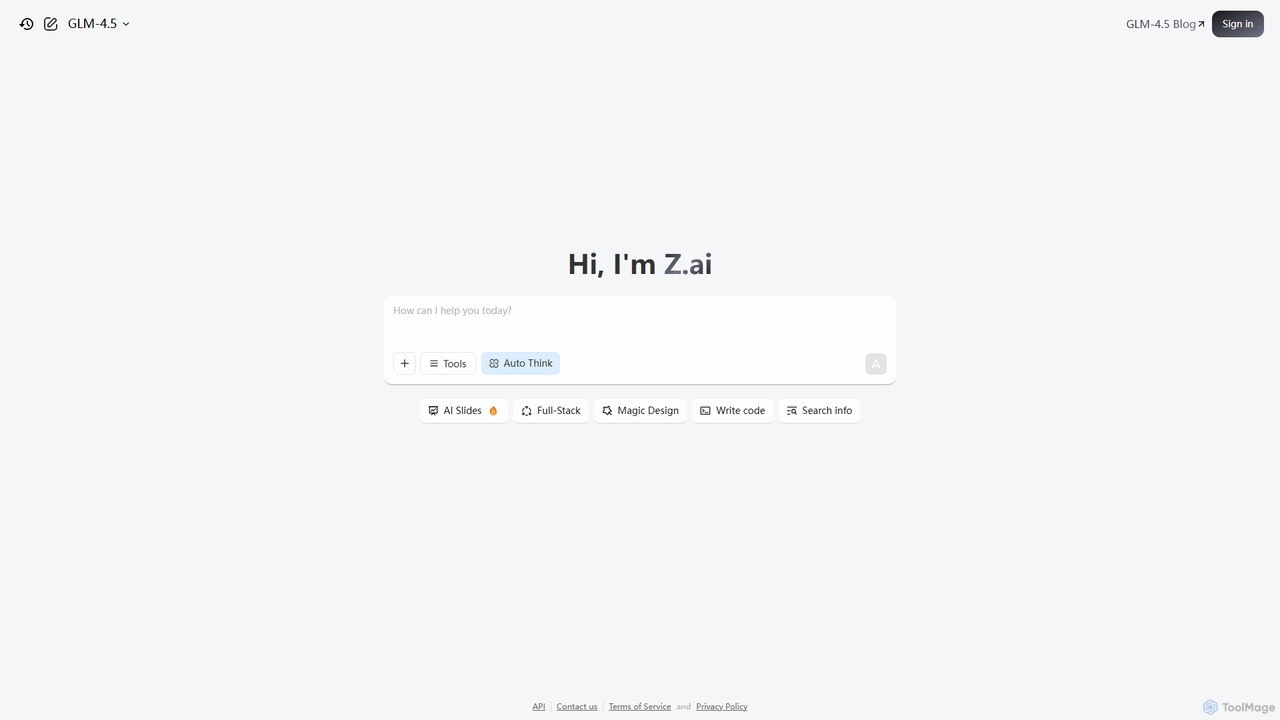
Z.ai
Z.ai is a powerful, free AI assistant powered by the advanced GLM-4.5 model. It's more than just a chatbot, offering a suite of integrated tools for coding, creating presentations, designing, and conducting research. Z.ai aims to be an all-in-one productivity platform, streamlining complex tasks through a simple conversational interface.
Code Assistant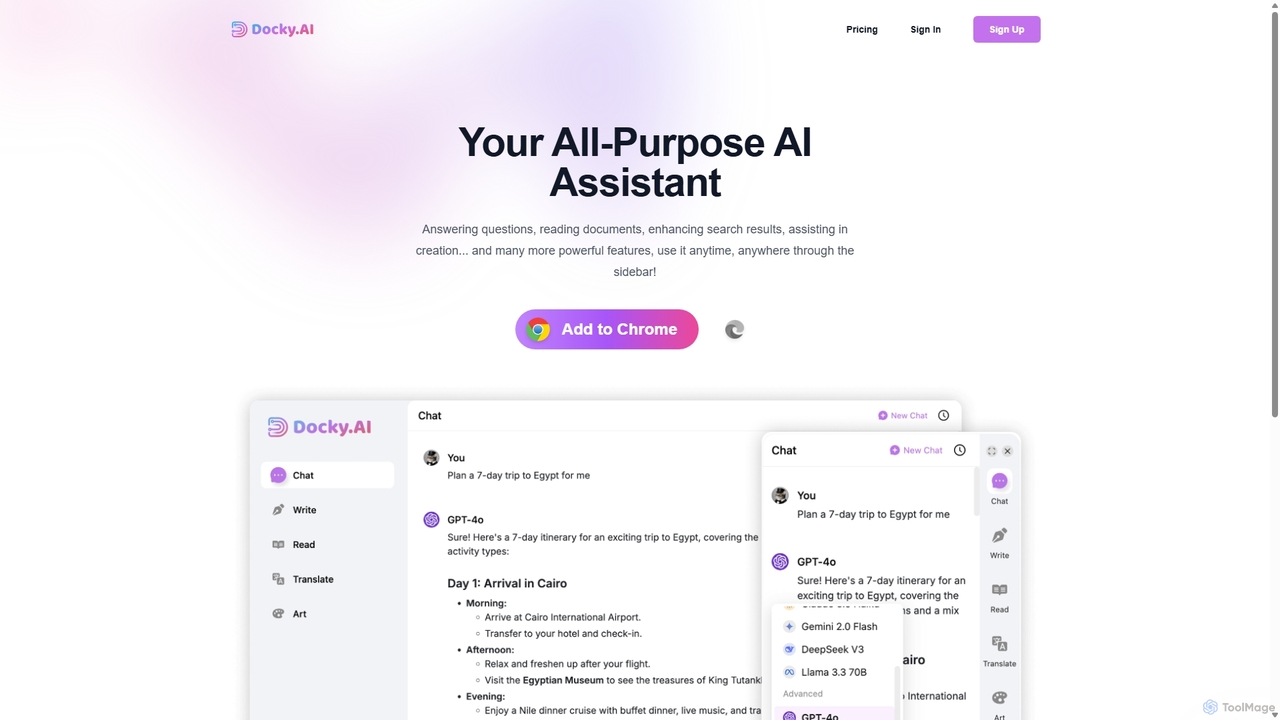
Docky.AI
Docky.AI is a powerful all-in-one AI sidebar for your browser. It integrates leading models like GPT-4, Claude, and DALL-E, allowing you to enhance search results, read documents, assist with writing, and generate content seamlessly on any webpage. Boost your productivity without ever switching tabs.
Search Assistant
RewriteBar
RewriteBar is a native macOS menu bar app that acts as your personal AI writing assistant. It works seamlessly across all applications, allowing you to instantly correct grammar, change tone, translate text, summarize content, and more with a simple keyboard shortcut. It supports over 12 AI providers, including local models for ultimate privacy, offering a powerful and flexible writing enhancement experience.
Code Assistant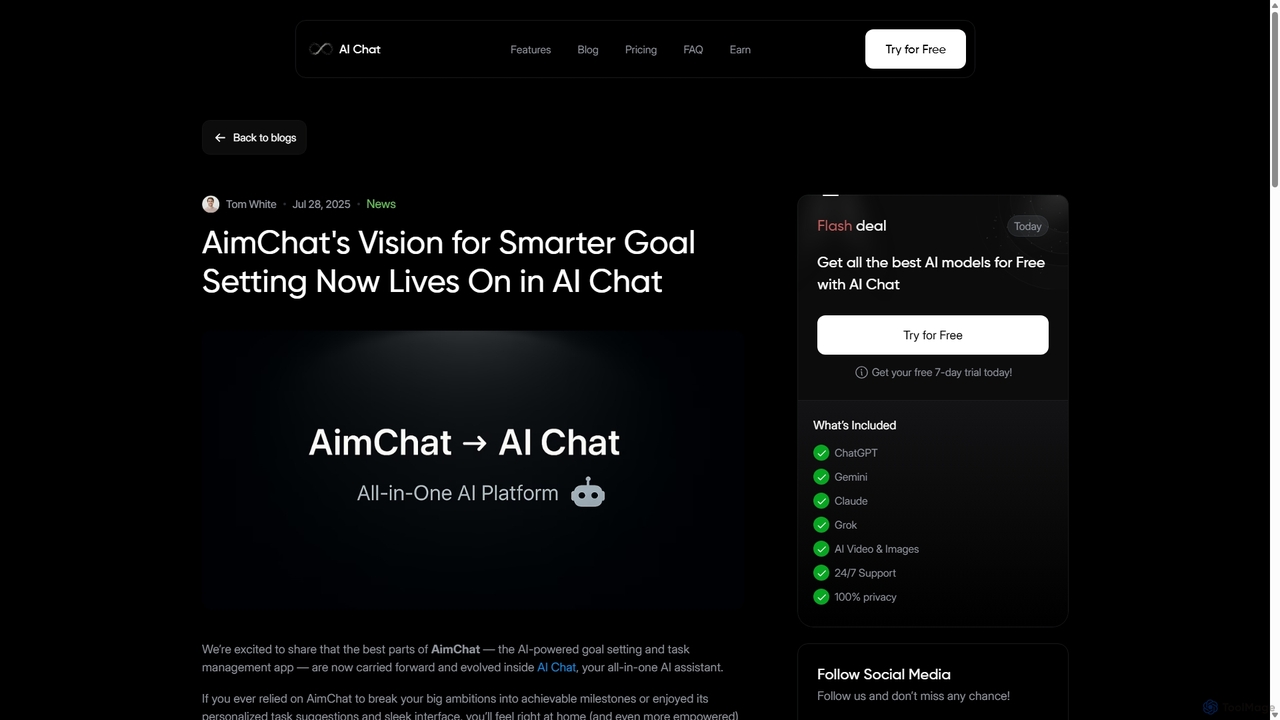
AI Chat
AI Chat is an all-in-one AI assistant that integrates top models like ChatGPT, Claude, and Gemini into a single platform. Evolving from the goal-setting app AimChat, it combines advanced conversational AI with powerful task management, research, and content creation tools to streamline your workflow and help you achieve your ambitions.
Assistant
DaVinsiri
DaVinsiri is an advanced Siri Shortcut powered by OpenAI's GPT-3.5 Turbo, transforming Siri into a powerful AI assistant. It allows users to generate intelligent responses, get quick answers, and create content directly through voice or text commands. With seamless iOS integration like Back Tap and Share Sheet, it enhances productivity across all Apple devices.
Voice AssistantMicrosoft Copilot
Microsoft Copilot is your everyday AI companion, enhancing productivity and creativity. It provides intelligent search, content generation, and image creation capabilities by leveraging the latest AI models like GPT-4 and DALL-E 3. Integrated across the Microsoft ecosystem, it assists with writing, coding, planning, and design tasks.
Image Generator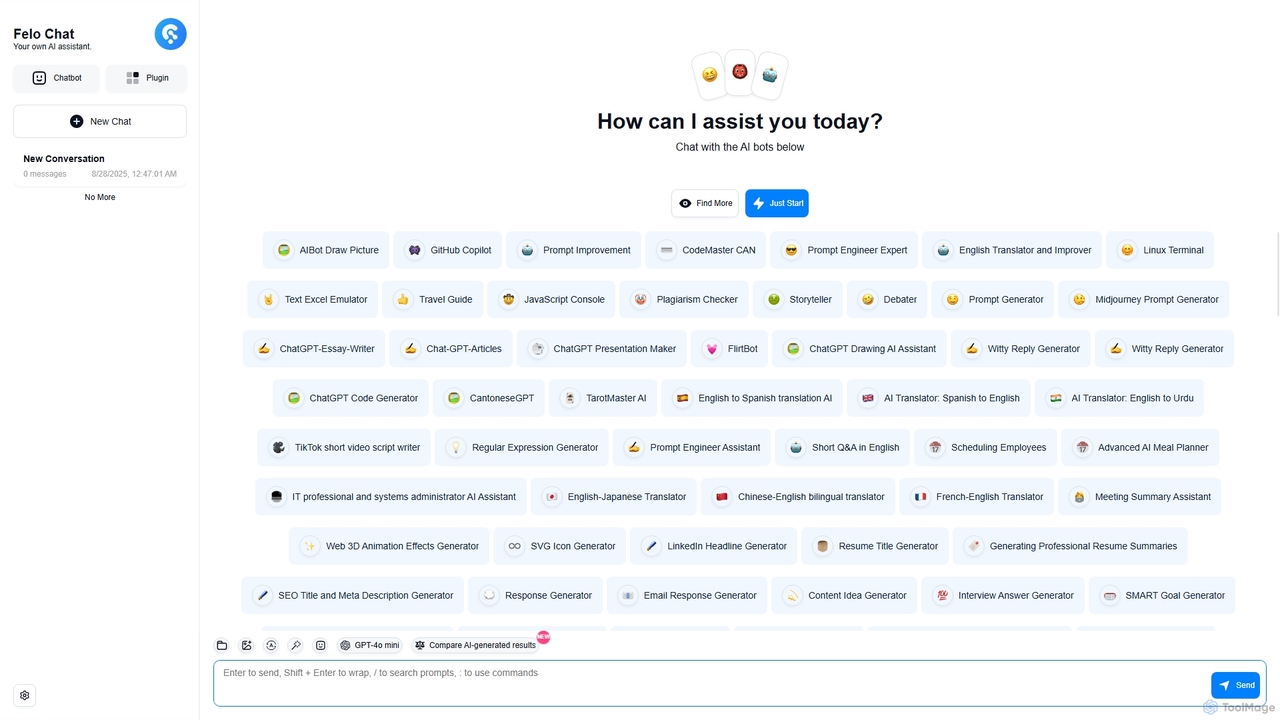
Felo Chat
Felo Chat is a versatile AI assistant platform providing free access to leading AI models like GPT-4o, Claude, and Gemini. It features an extensive library of specialized AI bots for various tasks, from coding and content creation to translation and data analysis. With support for text, file, and image uploads, Felo Chat serves as a comprehensive, all-in-one solution for professionals, students, and creatives.
Code Assistant
Thinkbuddy
Thinkbuddy is a native desktop AI client designed for fast, secure, and organized interaction with multiple AI models. It acts as a unified workspace, allowing you to switch between models like GPT-4o, Claude 3, and Llama 3, manage conversations in projects, and save prompts in a library for a streamlined workflow.
Code Assistant
ChatLLM
ChatLLM is an advanced conversational AI platform designed for professionals and developers. It provides unified access to multiple leading Large Language Models (LLMs) like GPT-4, Claude 3, and more. The platform focuses on enhancing productivity, streamlining workflows, and enabling powerful integrations through a robust API.
Api
Omnipilot Comments (0)
Sign in to comment.
Sign inNo comments yet.