

Shift Overview
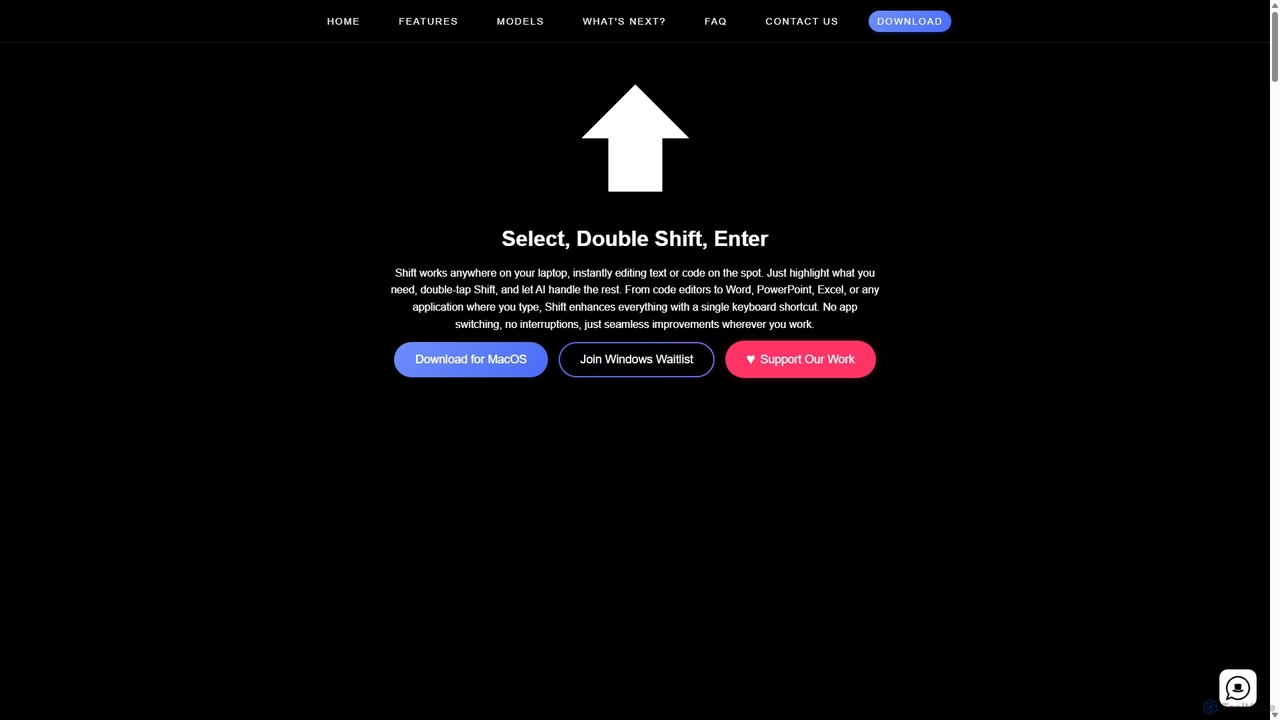
Shift is a revolutionary AI-powered productivity tool designed to seamlessly integrate into your daily workflow on macOS. It eliminates the constant need to switch between applications to access AI assistance. With Shift, the power of advanced AI is just a keyboard shortcut away, working natively in any application where you can type—from code editors like VS Code to productivity suites like Microsoft Office and browsers like Chrome.
The core principle of Shift is simplicity and efficiency. It operates on a straightforward 'Select, Double Shift, Enter' mechanism. This intuitive process allows users to instantly leverage AI to perform a wide range of tasks on any selected text or code snippet, dramatically speeding up writing, coding, and data-entry tasks.
How to use Shift
Using Shift is designed to be effortless and blend into your existing habits. The process is simple:
- Select Text: Highlight any piece of text or code in any application on your Mac. This could be a sentence in an email, a paragraph in a document, or a function in your code editor.
- Double-Tap Shift: Press the Shift key twice in quick succession. This action will bring up the Shift AI command interface directly over your selected content.
- Give a Command: Type a simple instruction for the AI, such as 'fix grammar', 'make this more professional', 'explain this code', 'translate to Spanish', or 'find bugs'.
- Get Instant Results: The AI processes your request and replaces the selected text with the improved version instantly. There's no copying, pasting, or leaving your current window.
Core Features of Shift
- System-Wide Integration: Shift works universally across all macOS applications, including text editors, IDEs, browsers, email clients, and office software.
- Contextual AI Actions: Perform a variety of tasks like grammar correction, rephrasing, summarizing, changing the tone of voice, and expanding on ideas.
- Advanced Code Assistance: For developers, Shift can explain complex code, find and fix bugs, refactor code for better readability, generate documentation, and even translate code snippets between different programming languages.
- Instant Translation: Select text and instantly translate it into dozens of languages without needing to open a separate translation app or website.
- Customizable Prompts: Go beyond pre-set commands by giving the AI any custom instruction to manipulate the selected text, offering limitless possibilities.
- Seamless Workflow: By eliminating the need to switch applications, Shift keeps you focused and in the flow, significantly boosting productivity.
Use Cases for Shift
Shift is a versatile tool that benefits a wide range of professionals:
- Software Developers: Can debug code, write unit tests, or refactor functions directly within their IDE without breaking their coding rhythm.
- Writers and Content Creators: Can quickly overcome writer's block, rephrase sentences for better impact, and check grammar and style in any writing application.
- Marketers and Social Media Managers: Can craft compelling copy, adjust the tone for different platforms, and generate creative ideas for campaigns on the fly.
- Students and Researchers: Can summarize academic papers, paraphrase information to avoid plagiarism, and improve the clarity of their essays and reports.
- Business Professionals: Can draft professional emails, refine reports in Word or Excel, and create concise talking points for presentations in PowerPoint.
Advantages of Shift
The primary advantage of Shift is its deep, native integration into the operating system, which provides a frictionless user experience. Unlike browser extensions or separate apps, Shift is always available, everywhere. This leads to a significant increase in efficiency, as the time and mental energy spent on context-switching are completely eliminated. Its speed and versatility make it an indispensable tool for anyone who writes or codes regularly.
Pricing and Plans
Shift operates on a freemium model, making it accessible to everyone while offering advanced capabilities for power users.
- Free Plan: Ideal for casual users, offering a limited number of AI actions per month to handle basic text and code editing tasks.
- Pro Plan (Estimated $10/month): Designed for professionals and power users, this plan includes unlimited AI actions, access to more powerful AI models (like GPT-4), faster response times, and priority support. This ensures that you always have the full power of AI at your fingertips without any limitations.
(Note: A Windows version is currently on a waitlist, indicating future cross-platform support.)
Traffic
Latest traffic
Status
Monthly traffic trend
- 2025-9: 922
- 2026-1: 277
- 2026-2: 988
- 2026-3: 1.4K
- 2026-4: 1.4K
- 2026-5: 1.7K
Geography
Top 5 countries / regions
- 🇺🇸United States70.3%
- 🇩🇪Germany29.7%
Top keywords
| Keyword | Cost per click |
|---|---|
| shifpt | $2.65 |
| shift ai | $3.15 |
| shift app | $6.99 |
| shiftapp | $0.00 |
| shift app ai | $0.00 |
Shift Alternatives

RewriteBar
RewriteBar is a native macOS menu bar app that acts as your personal AI writing assistant. It works seamlessly across all applications, allowing you to instantly correct grammar, change tone, translate text, summarize content, and more with a simple keyboard shortcut. It supports over 12 AI providers, including local models for ultimate privacy, offering a powerful and flexible writing enhancement experience.
Code Assistant
Side Space
Side Space is a powerful AI assistant that integrates seamlessly into your desktop workflow. It operates from a convenient sidebar, providing instant access to AI-powered tools for writing, coding, and general productivity without ever leaving your current application. Enhance your efficiency with contextual actions on selected text and customizable commands.
Code Assistant
Google Gemini
Google Gemini is a powerful, multimodal AI assistant designed to enhance creativity and productivity. It can understand and process text, code, images, and video to help you write, plan, learn, and create. Integrated with Google's ecosystem, it offers features like advanced content generation, deep research, and seamless collaboration within Google apps.
Image Generator
Thinkbuddy
Thinkbuddy is a native desktop AI client designed for fast, secure, and organized interaction with multiple AI models. It acts as a unified workspace, allowing you to switch between models like GPT-4o, Claude 3, and Llama 3, manage conversations in projects, and save prompts in a library for a streamlined workflow.
Code Assistant
Compose AI
Compose AI is an AI-powered writing assistant and Chrome extension that accelerates your writing process. It offers intelligent autocompletion, text generation, and rephrasing capabilities across all your favorite sites, from emails to documents. By learning your personal writing style, it helps you write faster and more effectively, saving up to 40% of your time.
Chrome ExtensionsShift Categories
Shift Jobs
Shift Embed Widget
Copy this embed code to place the badge on your blog, article, or product site and send readers directly to this ToolMage detail page.

Related AI tools
RewriteBar
RewriteBar is a native macOS menu bar app that acts as your personal AI writing assistant. It works seamlessly across all applications, allowing you to instantly correct grammar, change tone, translate text, summarize content, and more with a simple keyboard shortcut. It supports over 12 AI providers, including local models for ultimate privacy, offering a powerful and flexible writing enhancement experience.
Code AssistantSide Space
Side Space is a powerful AI assistant that integrates seamlessly into your desktop workflow. It operates from a convenient sidebar, providing instant access to AI-powered tools for writing, coding, and general productivity without ever leaving your current application. Enhance your efficiency with contextual actions on selected text and customizable commands.
Code Assistant
Omnipilot
Omnipilot is a system-wide AI copilot for macOS, designed to integrate seamlessly into any application. It provides contextual assistance, allowing you to generate text, write code, and automate tasks in any text field, boosting productivity by eliminating the need to switch between apps. Note: Omnipilot has been acquired by and merged into Highlight AI.
Coding AssistantGoogle Gemini
Google Gemini is a powerful, multimodal AI assistant designed to enhance creativity and productivity. It can understand and process text, code, images, and video to help you write, plan, learn, and create. Integrated with Google's ecosystem, it offers features like advanced content generation, deep research, and seamless collaboration within Google apps.
Image GeneratorThinkbuddy
Thinkbuddy is a native desktop AI client designed for fast, secure, and organized interaction with multiple AI models. It acts as a unified workspace, allowing you to switch between models like GPT-4o, Claude 3, and Llama 3, manage conversations in projects, and save prompts in a library for a streamlined workflow.
Code Assistant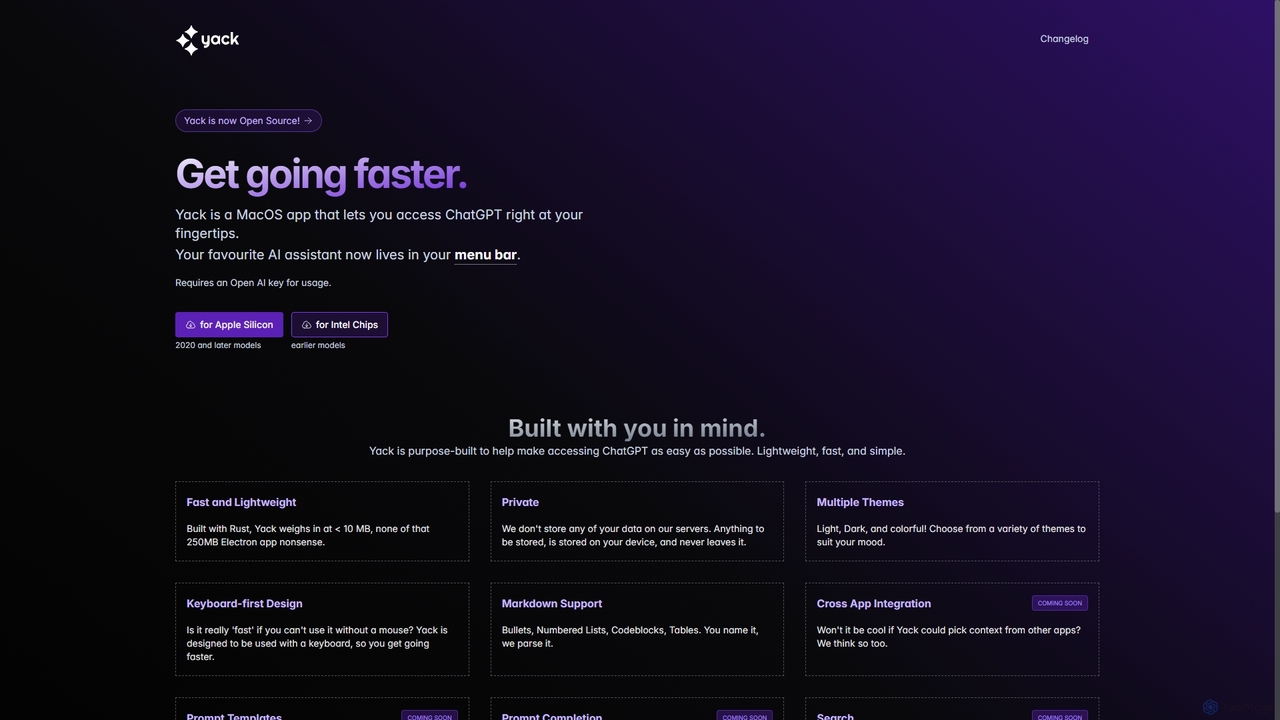
Yack
Yack is a lightweight, fast, and private open-source native macOS application that provides instant access to ChatGPT directly from your menu bar. Built with Rust, it's designed for efficiency with a keyboard-first approach, ensuring you can interact with AI without disrupting your workflow.
Api Client
Microsoft Copilot
Microsoft Copilot is your everyday AI companion, enhancing productivity and creativity. It provides intelligent search, content generation, and image creation capabilities by leveraging the latest AI models like GPT-4 and DALL-E 3. Integrated across the Microsoft ecosystem, it assists with writing, coding, planning, and design tasks.
Image GeneratorCompose AI
Compose AI is an AI-powered writing assistant and Chrome extension that accelerates your writing process. It offers intelligent autocompletion, text generation, and rephrasing capabilities across all your favorite sites, from emails to documents. By learning your personal writing style, it helps you write faster and more effectively, saving up to 40% of your time.
Chrome Extensions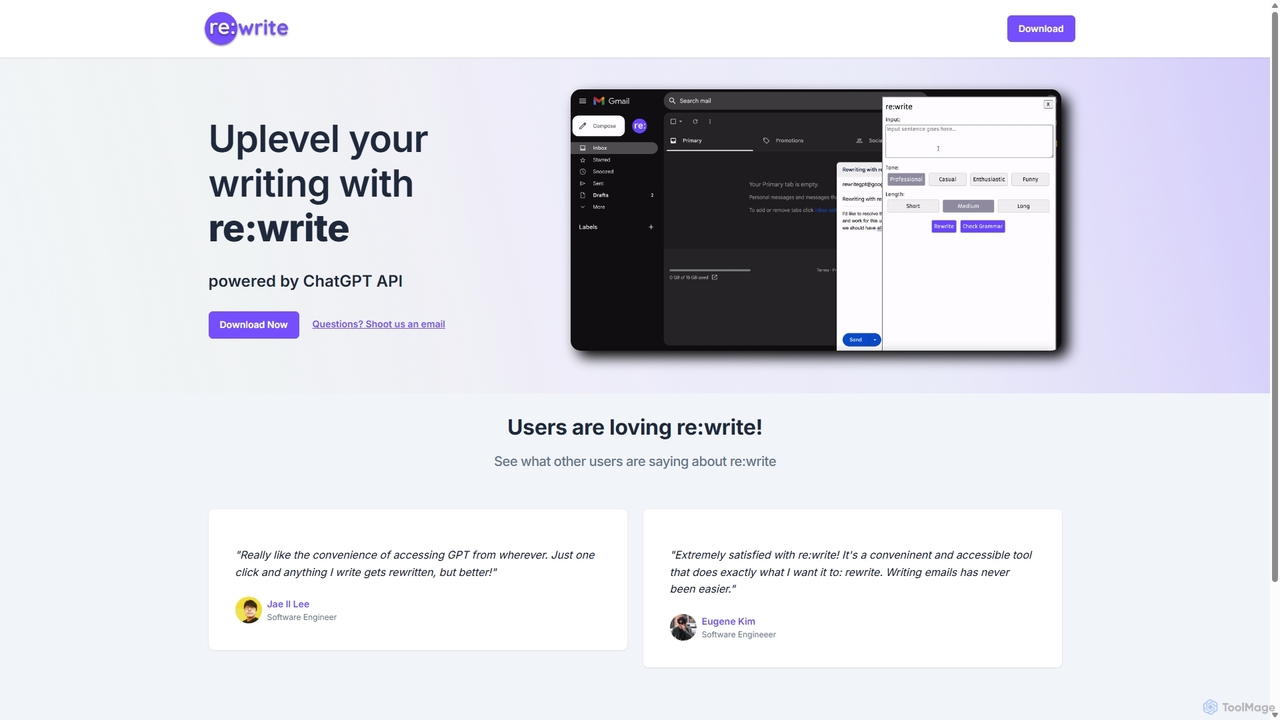
Rewritegpt
Rewritegpt is an AI-powered writing assistant and browser extension that helps you rewrite, paraphrase, and improve your text with a single click. It integrates seamlessly into your workflow, allowing you to enhance emails, reports, and social media posts directly on any website.
Study Tools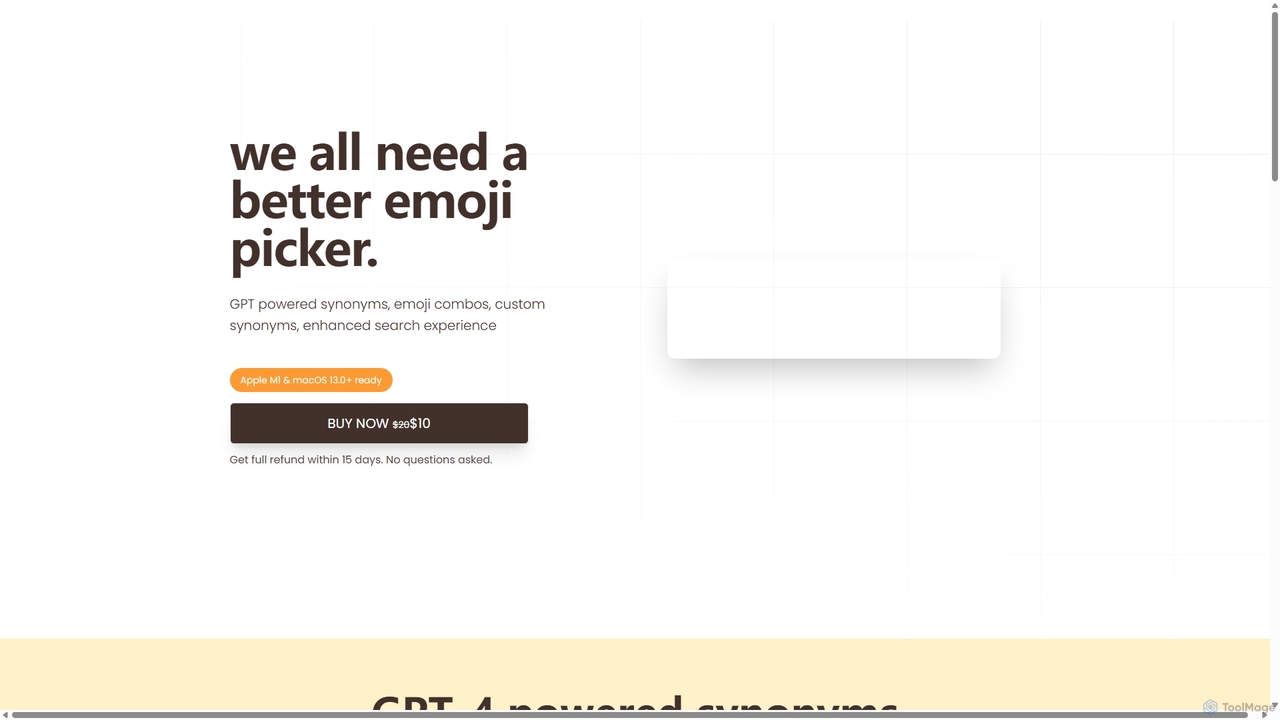
Emojibu
emojibu is an advanced emoji picker for macOS, powered by GPT-4. It revolutionizes how you find and use emojis with AI-driven synonym search, creative emoji combinations, and personalized keywords. Its multi-tab search interface and one-time purchase model make it a powerful and cost-effective tool for anyone who communicates digitally, enhancing expression and productivity.
Writing
Iris
Iris is a seamless AI assistant for macOS, designed to integrate into your workflow. It provides instant access to top AI models like GPT-4o and Claude 3.5, allowing you to chat, capture your screen for context, and get answers without ever leaving your current application. With intuitive gestures and powerful shortcuts, Iris is there when you need it and invisible when you don't.
Coding Assistant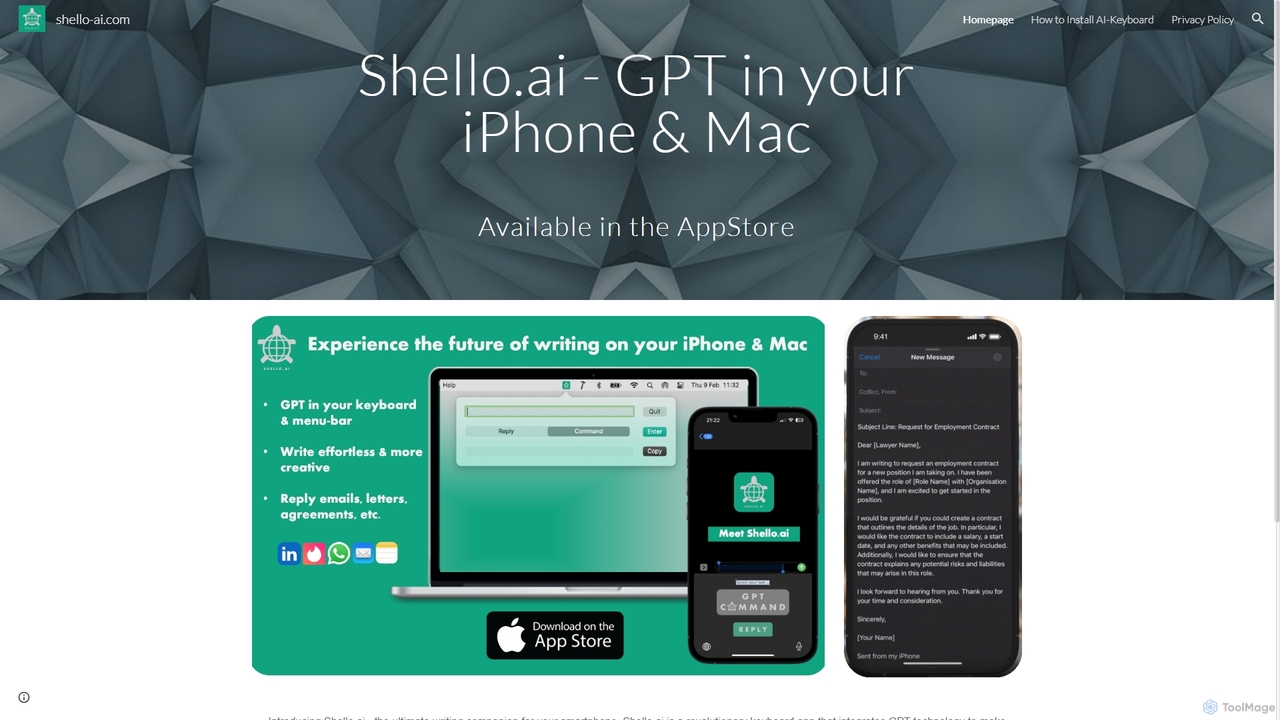
Shello Ai
Shello.ai is a revolutionary GPT-powered keyboard app for iPhone and Mac. It acts as an intelligent writing companion, integrating directly into your system to help you write faster, smarter, and more efficiently in any application. From autocompleting sentences to rephrasing text, Shello.ai enhances your productivity and writing quality.
Email Assistant
Merlin AI
Merlin is an all-in-one AI assistant, available as a browser extension and app, that integrates top AI models like GPT-4, Claude 3, and Gemini. It allows you to research, write, summarize content, generate images, and code with a single click on any website, streamlining your workflow and boosting productivity without switching tabs.
Chrome Extensions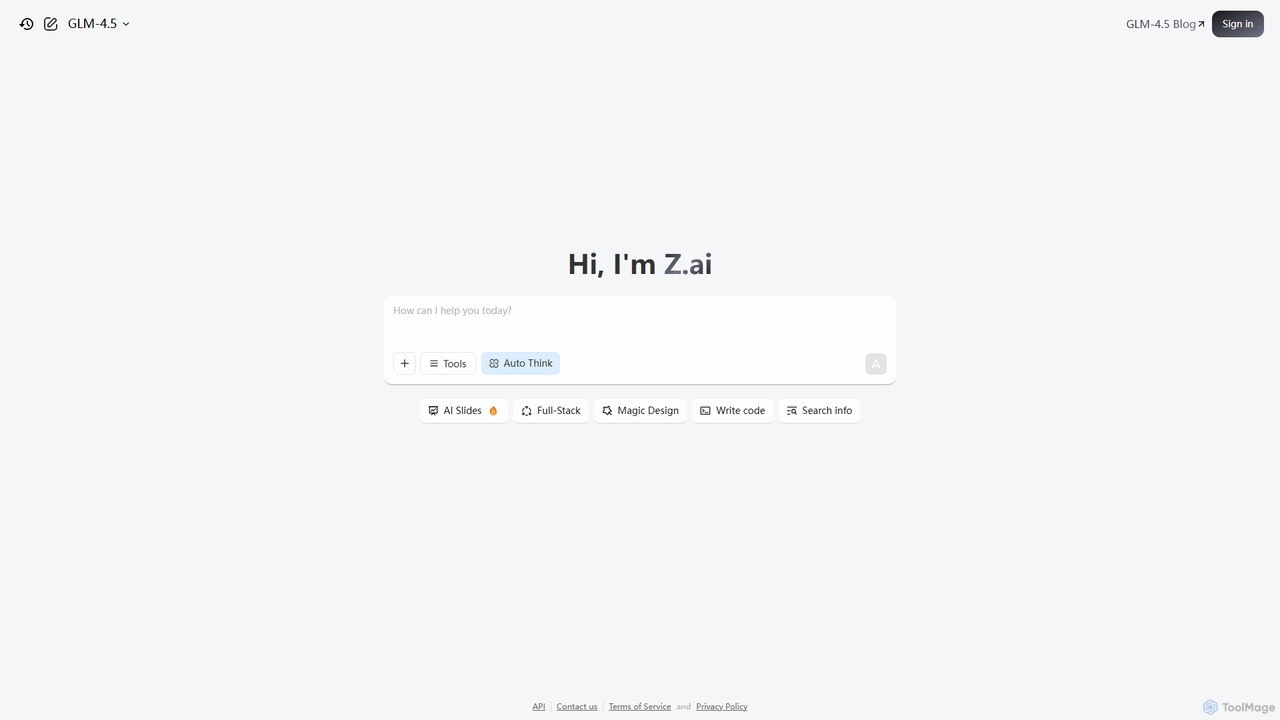
Z.ai
Z.ai is a powerful, free AI assistant powered by the advanced GLM-4.5 model. It's more than just a chatbot, offering a suite of integrated tools for coding, creating presentations, designing, and conducting research. Z.ai aims to be an all-in-one productivity platform, streamlining complex tasks through a simple conversational interface.
Code Assistant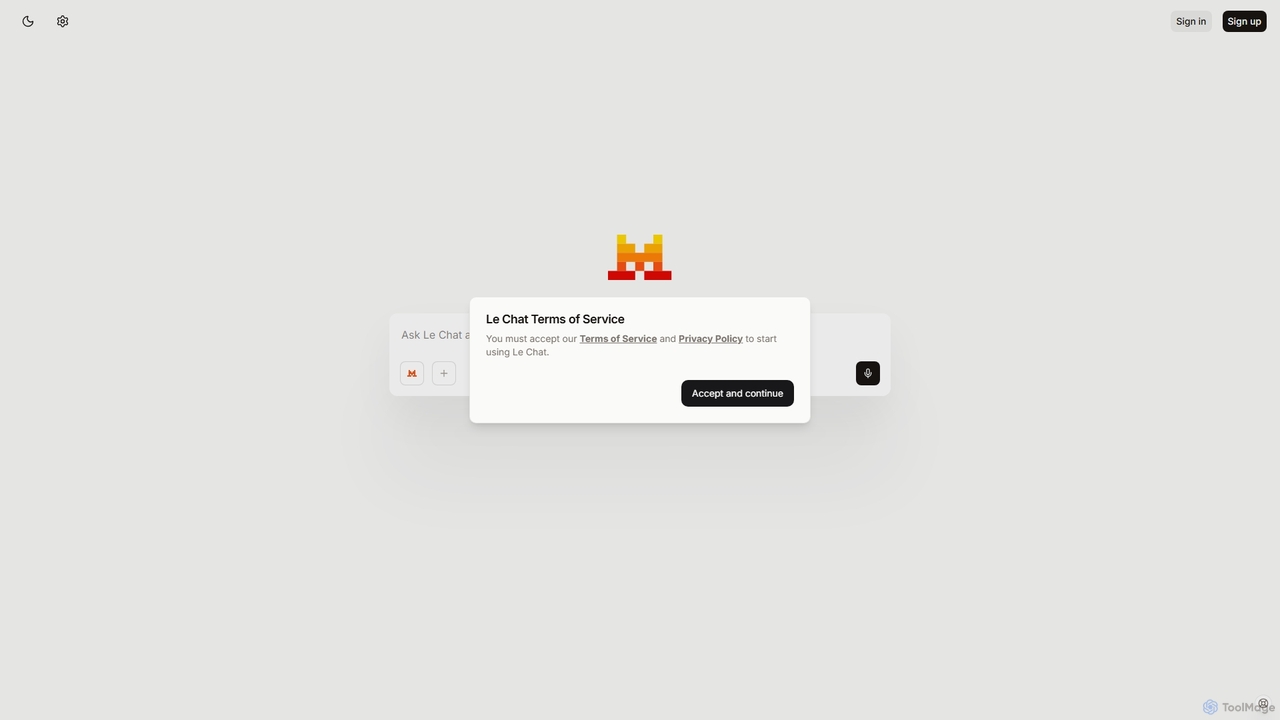
Le Chat
Le Chat is a powerful conversational AI assistant from Mistral AI, providing direct access to their cutting-edge language models. It excels at complex reasoning, code generation, and multilingual tasks. Le Chat offers a streamlined interface for users to brainstorm ideas, create content, and get instant answers, leveraging Mistral's high-performance and efficient AI technology for both personal and professional use.
Code Assistant
Shift Comments (0)
Sign in to comment.
Sign inNo comments yet.