


Side Space Overview
Side Space is a revolutionary productivity tool designed to embed the power of artificial intelligence directly into your daily desktop experience. It functions as a sleek, unobtrusive sidebar that can be summoned instantly with a keyboard shortcut, providing immediate access to a versatile AI assistant. This eliminates the constant need to switch between applications or browser tabs, allowing you to maintain focus and streamline your workflow significantly.
Whether you're a writer looking to overcome a block, a developer debugging code, a marketer crafting compelling copy, or a student summarizing research papers, Side Space is built to accelerate your tasks. It's designed to be context-aware, meaning you can highlight any text in any application and instantly perform actions like summarizing, translating, rephrasing, or explaining complex concepts.
How to use Side Space
Using Side Space is designed to be intuitive and blend into your natural workflow:
- Installation: After purchasing, download and install the Side Space application on your desktop (macOS or Windows).
- Activation: Use a customizable global keyboard shortcut (e.g., Ctrl+Space) to open the Side Space sidebar at any time, from within any application.
- Direct Queries: Simply type your question or command into the sidebar to get instant answers, generate ideas, or draft text.
- Contextual Actions: Select text in your browser, document, code editor, or any other app. Use another hotkey to bring up Side Space with the selected text as context.
- Perform Actions: Choose from a list of predefined actions (e.g., 'Improve Writing', 'Explain Code', 'Translate to French') or write a custom prompt to manipulate the text.
- Paste and Go: The AI-generated response can be copied with a single click and pasted back into your work, saving valuable time and effort.
Core Features of Side Space
- Instant Sidebar Access: A persistent but hidden AI assistant available at your fingertips with a simple hotkey.
- Context-Aware Operations: Select text anywhere on your screen and use it as direct input for AI prompts.
- Powerful Writing Assistant: Improve grammar, rephrase sentences, change tone, summarize long documents, and brainstorm ideas effortlessly.
- Developer's Companion: Explain complex code snippets, generate boilerplate code, debug errors, and write documentation in seconds.
- Customizable Prompts: Save your frequently used prompts as custom commands for one-click execution.
- Seamless Integration: Works across your entire operating system, including web browsers, text editors, IDEs, email clients, and more.
- Clean & Minimalist UI: A beautifully designed interface that stays out of your way until you need it.
Use Cases for Side Space
Side Space is a versatile tool for a wide range of professionals:
- Content Creators & Writers: Quickly generate blog post outlines, rephrase paragraphs for clarity, and create engaging social media content.
- Software Developers: Understand legacy code, convert code between languages, and get quick solutions to programming problems without leaving the IDE.
- Marketers: Draft persuasive ad copy, write effective email marketing campaigns, and brainstorm slogans.
- Students & Researchers: Summarize academic articles, explain difficult concepts, and translate foreign-language sources.
- Customer Support Agents: Formulate polite and comprehensive replies to customer inquiries in a fraction of the time.
Advantages of Side Space
The primary advantage of Side Space is its ability to deeply integrate AI into your existing habits, drastically reducing friction and context-switching. Instead of treating AI as a separate destination, it becomes an omnipresent tool that enhances your current applications. The one-time lifetime license offers exceptional value, providing permanent access to a constantly improving tool without recurring subscription fees. It's fast, lightweight, and designed for power users who value efficiency.
Pricing and Plans
Side Space offers a straightforward and highly attractive pricing model:
- Lifetime License: A one-time payment of $39.00 gives you permanent, lifetime access to Side Space and all future updates. There are no monthly or annual subscription fees.
This plan is ideal for individuals and professionals looking for a powerful AI productivity tool without the commitment of a recurring subscription.
Side Space Alternatives

Microsoft Copilot
Microsoft Copilot is your everyday AI companion, enhancing productivity and creativity. It provides intelligent search, content generation, and image creation capabilities by leveraging the latest AI models like GPT-4 and DALL-E 3. Integrated across the Microsoft ecosystem, it assists with writing, coding, planning, and design tasks.
Image Generator
Google Gemini
Google Gemini is a powerful, multimodal AI assistant designed to enhance creativity and productivity. It can understand and process text, code, images, and video to help you write, plan, learn, and create. Integrated with Google's ecosystem, it offers features like advanced content generation, deep research, and seamless collaboration within Google apps.
Image Generator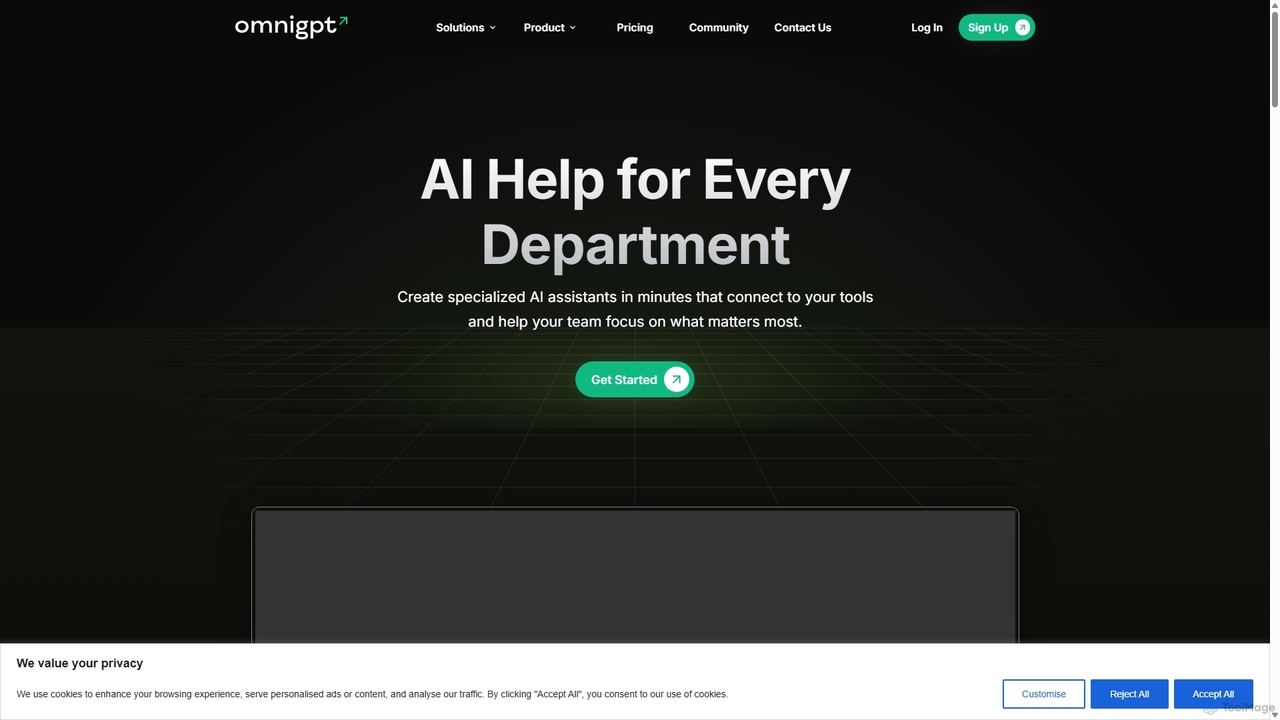
OmniGPT
OmniGPT is an all-in-one AI productivity platform that provides access to multiple leading AI models like GPT-4, Claude 3.5, and Llama 3 through a single subscription. Designed for individuals and teams, it enhances workflows with features such as document analysis, image generation, team collaboration, and seamless integrations with everyday tools like WhatsApp and Slack, offering a cost-effective alternative to multiple AI service subscriptions.
Code Assistant
Thinkbuddy
Thinkbuddy is a native desktop AI client designed for fast, secure, and organized interaction with multiple AI models. It acts as a unified workspace, allowing you to switch between models like GPT-4o, Claude 3, and Llama 3, manage conversations in projects, and save prompts in a library for a streamlined workflow.
Code Assistant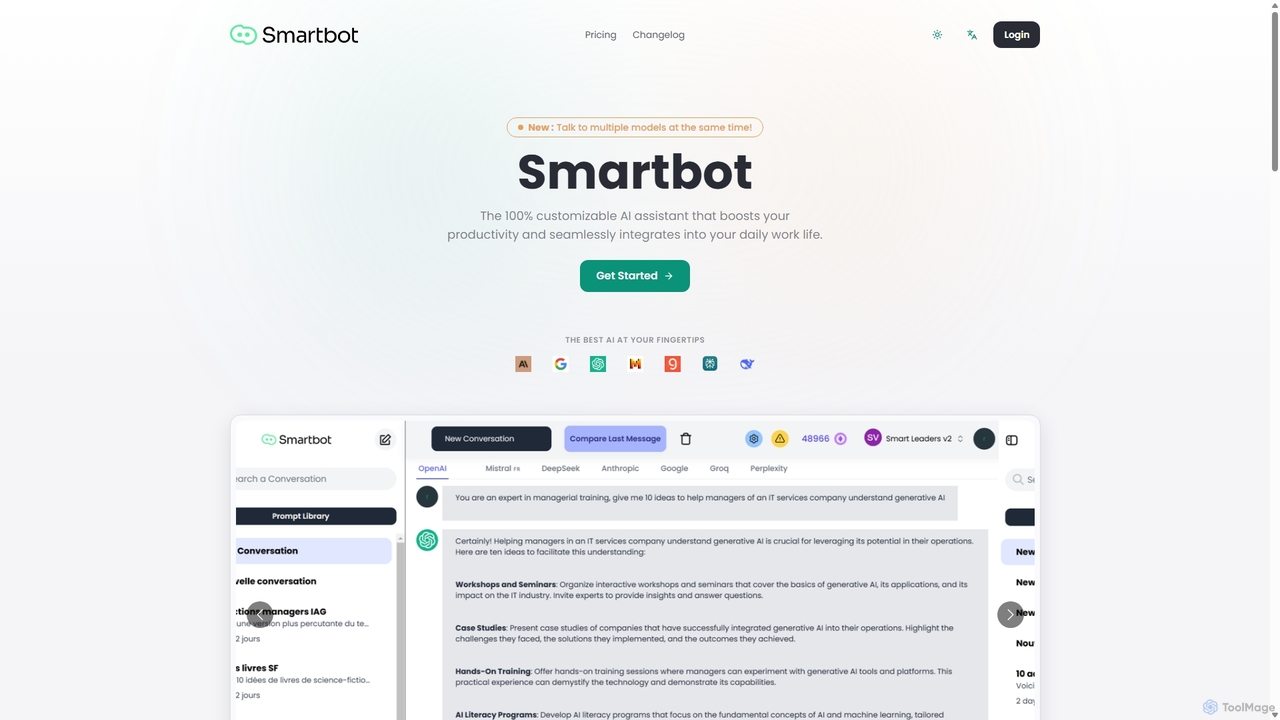
Smart Bot
Smart Bot is a highly customizable AI assistant that boosts productivity by integrating multiple top-tier AI models like ChatGPT, Claude, and Gemini into a single interface. It allows users to compare responses simultaneously, manage a shared library of custom prompts for team collaboration, and even visualize and test generated code. With features like image and file reading, it streamlines daily workflows for individuals and organizations.
Code AssistantSide Space Categories
Side Space Jobs
Side Space Embed Widget
Copy this embed code to place the badge on your blog, article, or product site and send readers directly to this ToolMage detail page.

Related AI tools
Microsoft Copilot
Microsoft Copilot is your everyday AI companion, enhancing productivity and creativity. It provides intelligent search, content generation, and image creation capabilities by leveraging the latest AI models like GPT-4 and DALL-E 3. Integrated across the Microsoft ecosystem, it assists with writing, coding, planning, and design tasks.
Image Generator
Iris
Iris is a seamless AI assistant for macOS, designed to integrate into your workflow. It provides instant access to top AI models like GPT-4o and Claude 3.5, allowing you to chat, capture your screen for context, and get answers without ever leaving your current application. With intuitive gestures and powerful shortcuts, Iris is there when you need it and invisible when you don't.
Coding Assistant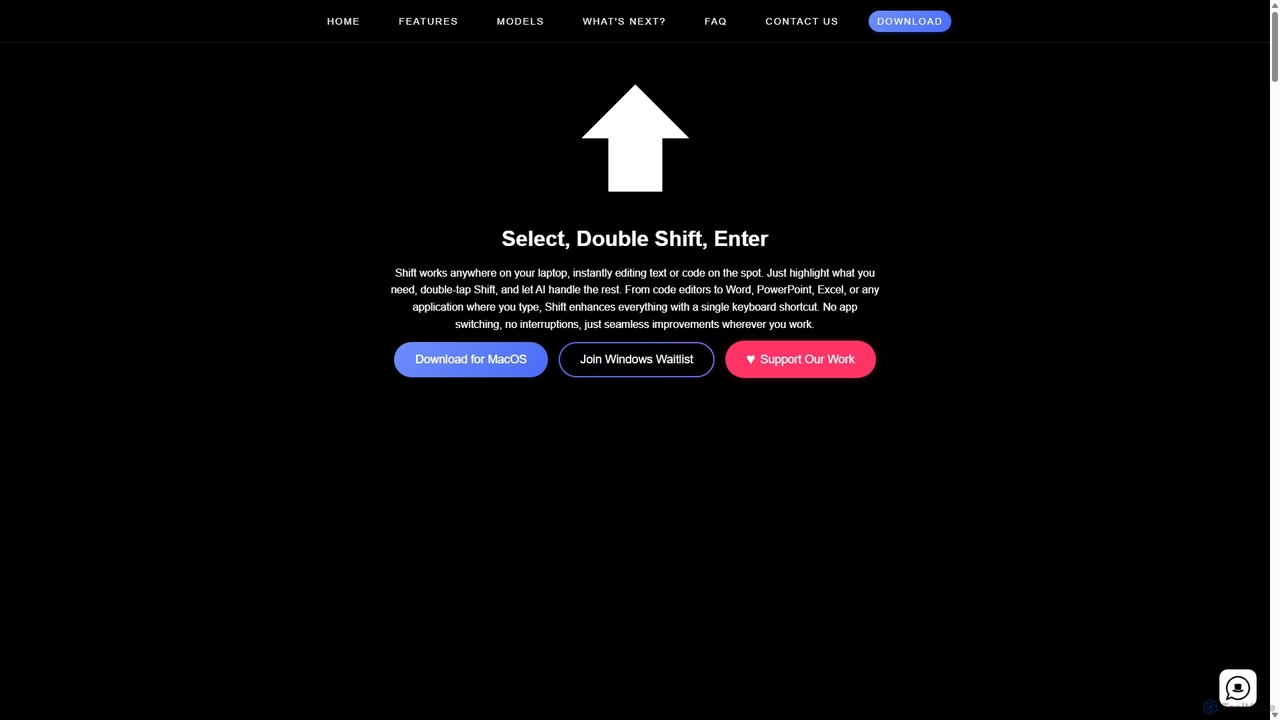
Shift
Shift is a system-wide AI assistant for macOS that enhances your workflow by allowing you to edit text and code anywhere with a simple keyboard shortcut. Just highlight text, double-tap Shift, and let the AI rewrite, debug, translate, or rephrase it instantly within any application.
Code AssistantGoogle Gemini
Google Gemini is a powerful, multimodal AI assistant designed to enhance creativity and productivity. It can understand and process text, code, images, and video to help you write, plan, learn, and create. Integrated with Google's ecosystem, it offers features like advanced content generation, deep research, and seamless collaboration within Google apps.
Image Generator
carlos_app
carlos_app is an intelligent AI personal assistant designed to streamline your workflow, manage tasks, automate scheduling, and enhance communication. It acts as your proactive partner, helping you focus on what truly matters by handling the administrative details.
Task Management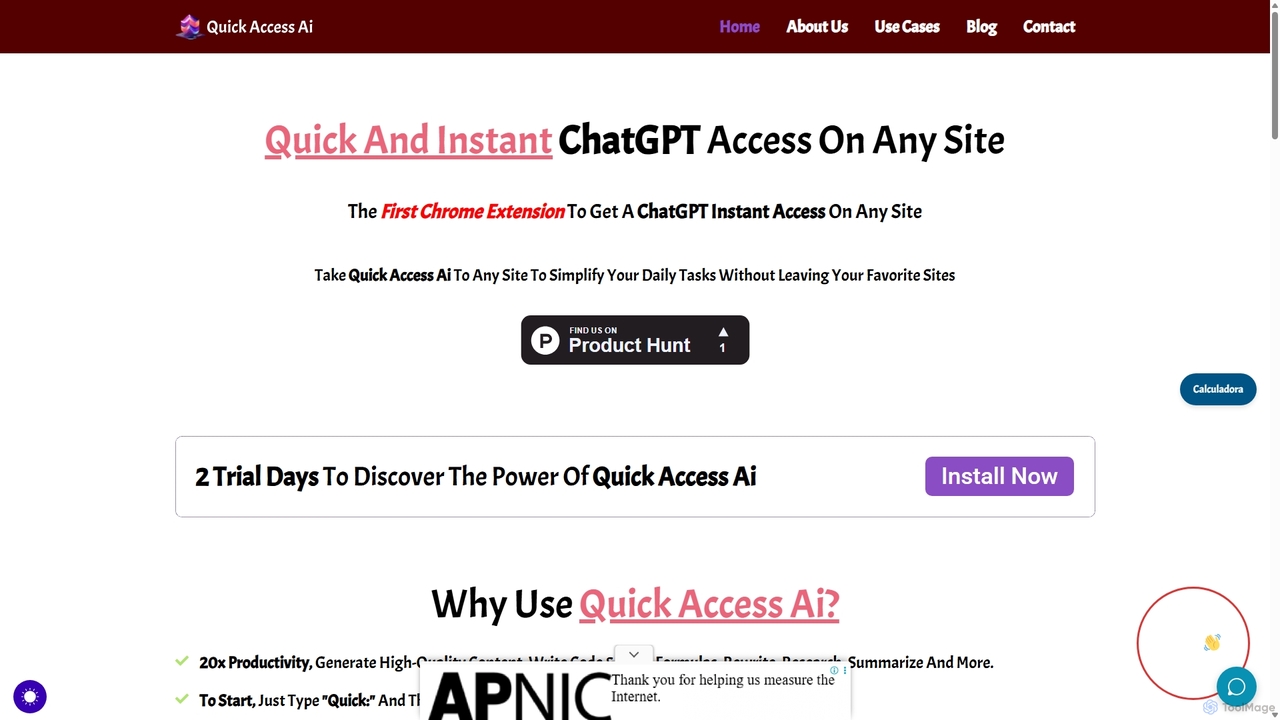
Quick Access Ai
Quick Access Ai is a Chrome extension that provides instant access to ChatGPT on any website. By simply typing a command, users can generate content, write code, summarize text, and perform research without switching tabs. It aims to boost productivity by integrating AI assistance directly into your existing workflow, making daily tasks faster and more efficient.
Code Assistant
Omnipilot
Omnipilot is a system-wide AI copilot for macOS, designed to integrate seamlessly into any application. It provides contextual assistance, allowing you to generate text, write code, and automate tasks in any text field, boosting productivity by eliminating the need to switch between apps. Note: Omnipilot has been acquired by and merged into Highlight AI.
Coding Assistant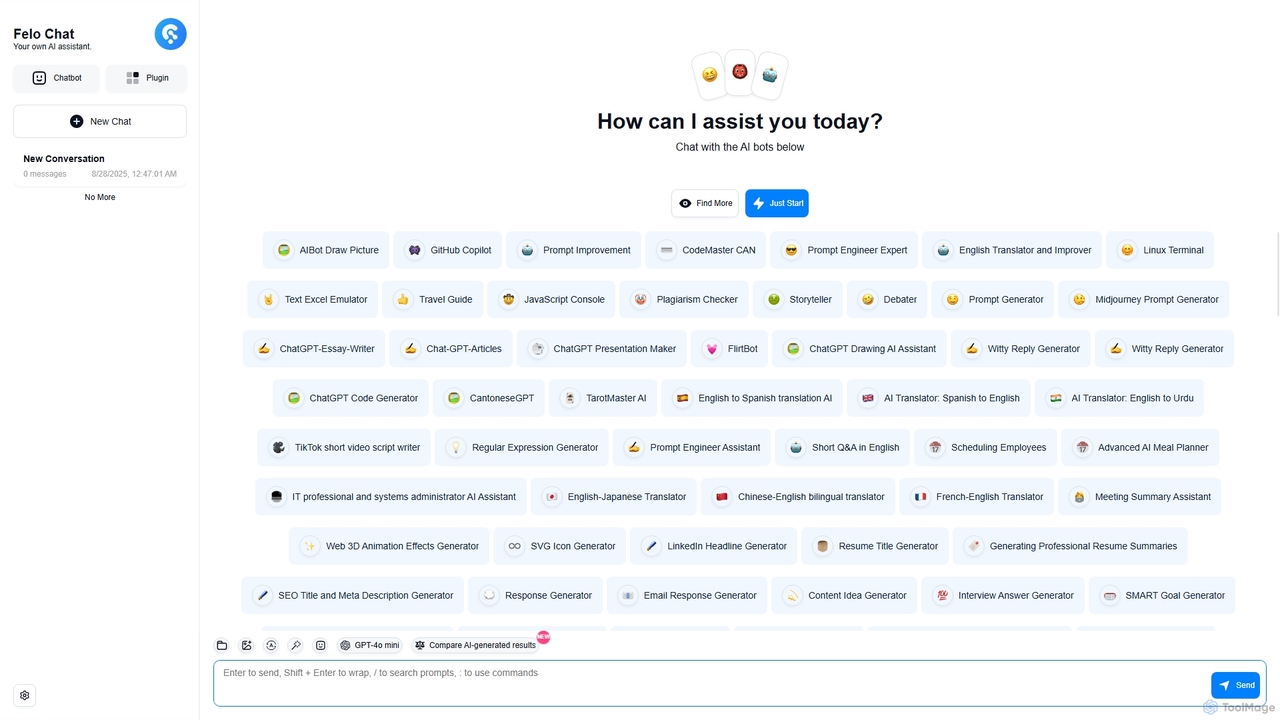
Felo Chat
Felo Chat is a versatile AI assistant platform providing free access to leading AI models like GPT-4o, Claude, and Gemini. It features an extensive library of specialized AI bots for various tasks, from coding and content creation to translation and data analysis. With support for text, file, and image uploads, Felo Chat serves as a comprehensive, all-in-one solution for professionals, students, and creatives.
Code Assistant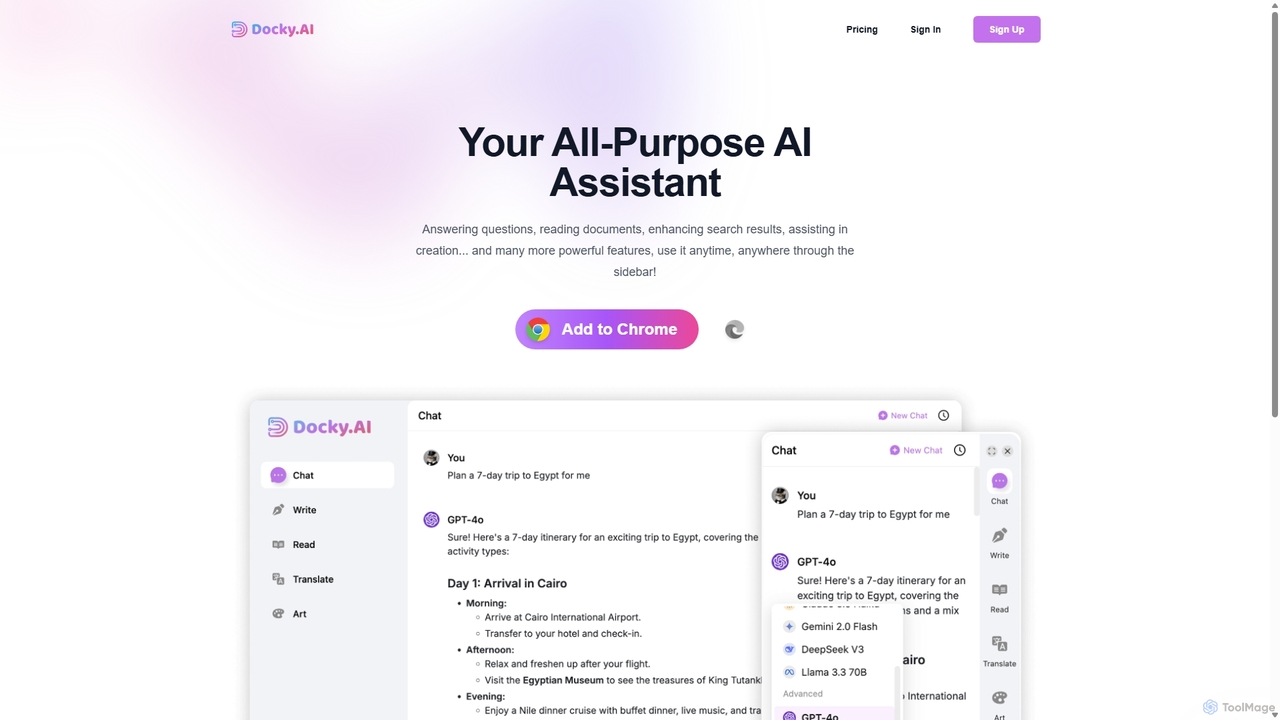
Docky.AI
Docky.AI is a powerful all-in-one AI sidebar for your browser. It integrates leading models like GPT-4, Claude, and DALL-E, allowing you to enhance search results, read documents, assist with writing, and generate content seamlessly on any webpage. Boost your productivity without ever switching tabs.
Search Assistant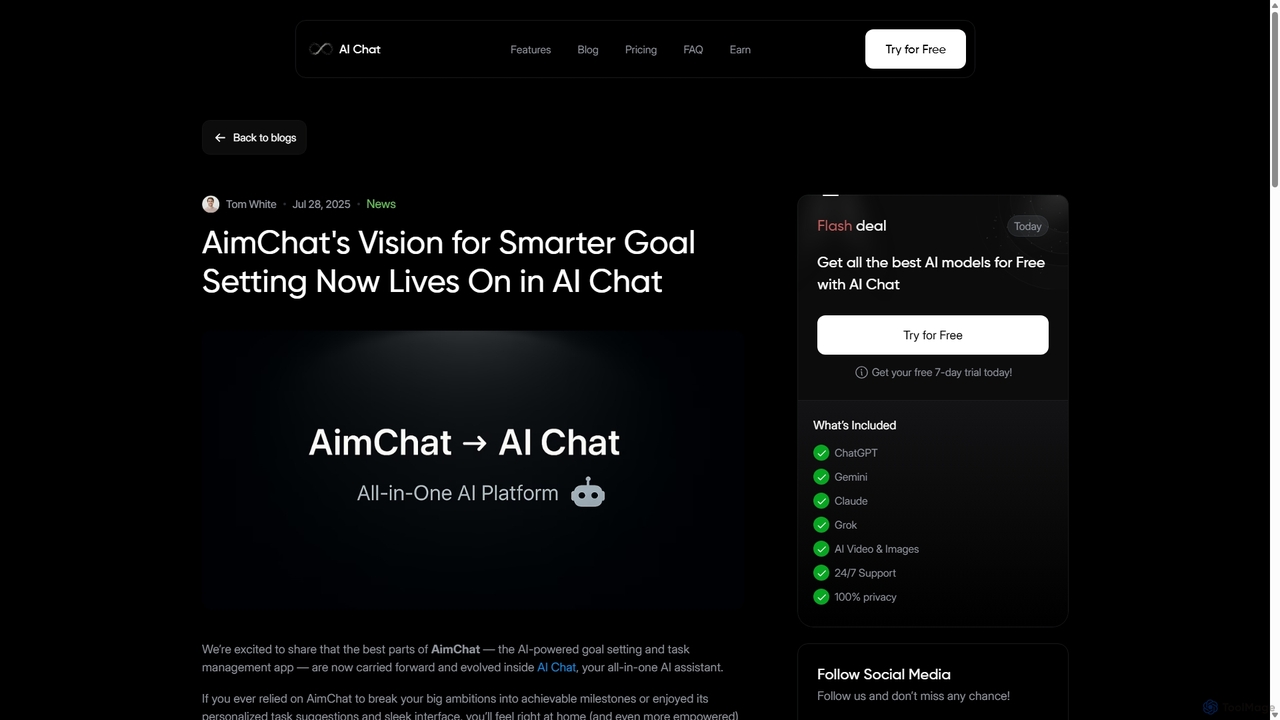
AI Chat
AI Chat is an all-in-one AI assistant that integrates top models like ChatGPT, Claude, and Gemini into a single platform. Evolving from the goal-setting app AimChat, it combines advanced conversational AI with powerful task management, research, and content creation tools to streamline your workflow and help you achieve your ambitions.
Assistant
Merlin AI
Merlin is an all-in-one AI assistant, available as a browser extension and app, that integrates top AI models like GPT-4, Claude 3, and Gemini. It allows you to research, write, summarize content, generate images, and code with a single click on any website, streamlining your workflow and boosting productivity without switching tabs.
Chrome ExtensionsOmniGPT
OmniGPT is an all-in-one AI productivity platform that provides access to multiple leading AI models like GPT-4, Claude 3.5, and Llama 3 through a single subscription. Designed for individuals and teams, it enhances workflows with features such as document analysis, image generation, team collaboration, and seamless integrations with everyday tools like WhatsApp and Slack, offering a cost-effective alternative to multiple AI service subscriptions.
Code Assistant
ChatLLM
ChatLLM is an advanced conversational AI platform designed for professionals and developers. It provides unified access to multiple leading Large Language Models (LLMs) like GPT-4, Claude 3, and more. The platform focuses on enhancing productivity, streamlining workflows, and enabling powerful integrations through a robust API.
Api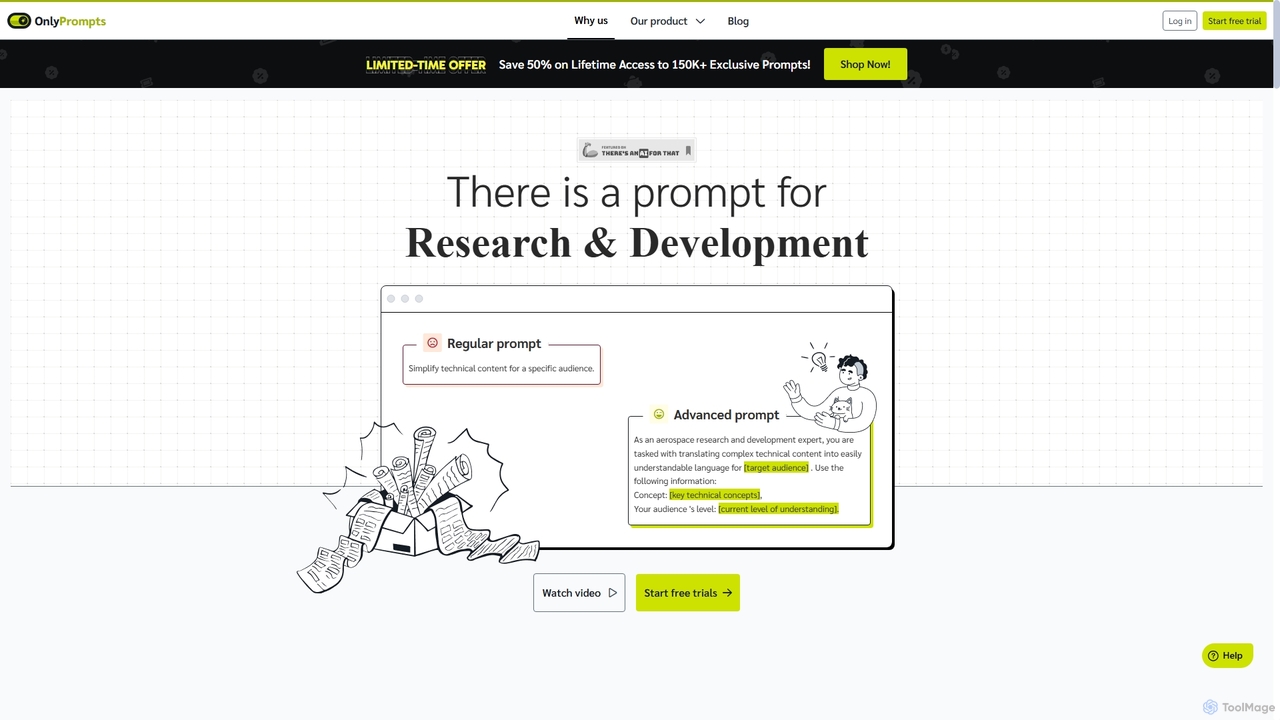
OnlyPrompts
OnlyPrompts is the ultimate AI prompt library, offering over 150,000 expertly crafted prompts for 37,000+ tasks. It features an integrated AI assistant compatible with GPT-4 and Claude 3, side-by-side prompt testing, and customizable templates. Designed for professionals in marketing, HR, finance, and more, it streamlines workflows, enhances productivity, and elevates the quality of AI-generated content.
Operations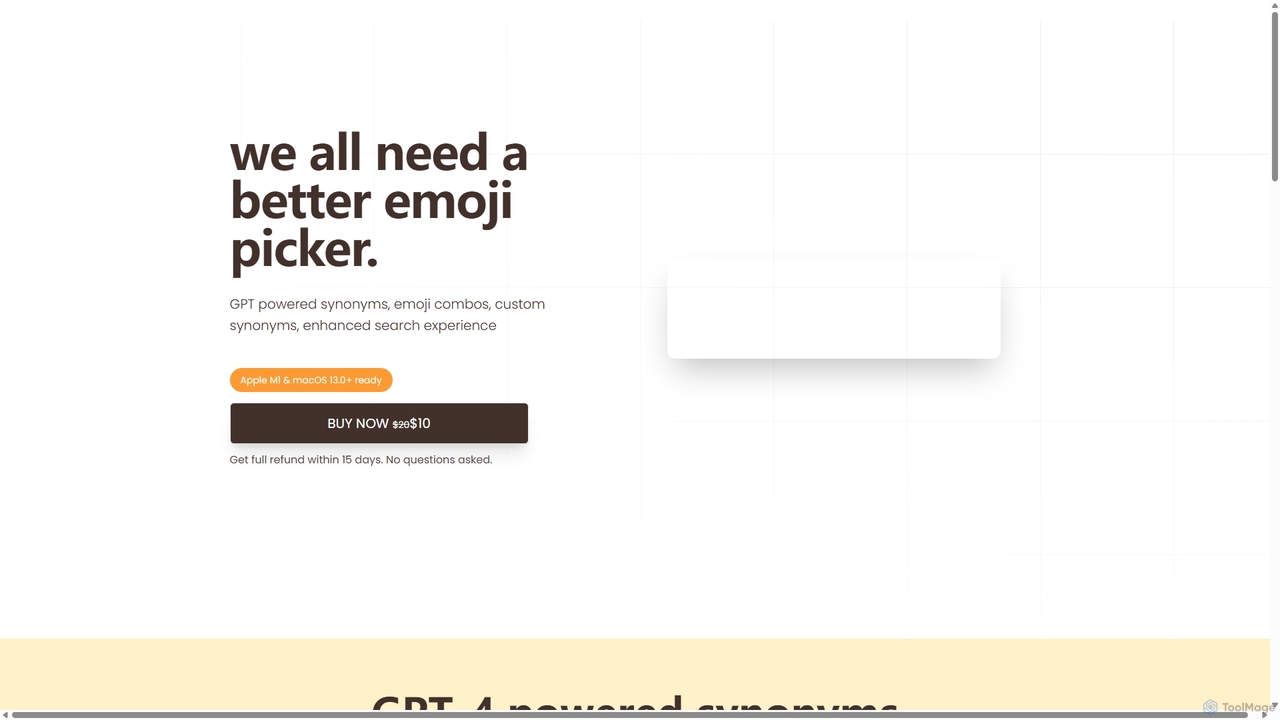
Emojibu
emojibu is an advanced emoji picker for macOS, powered by GPT-4. It revolutionizes how you find and use emojis with AI-driven synonym search, creative emoji combinations, and personalized keywords. Its multi-tab search interface and one-time purchase model make it a powerful and cost-effective tool for anyone who communicates digitally, enhancing expression and productivity.
Writing
Side Space Comments (0)
Sign in to comment.
Sign inNo comments yet.