

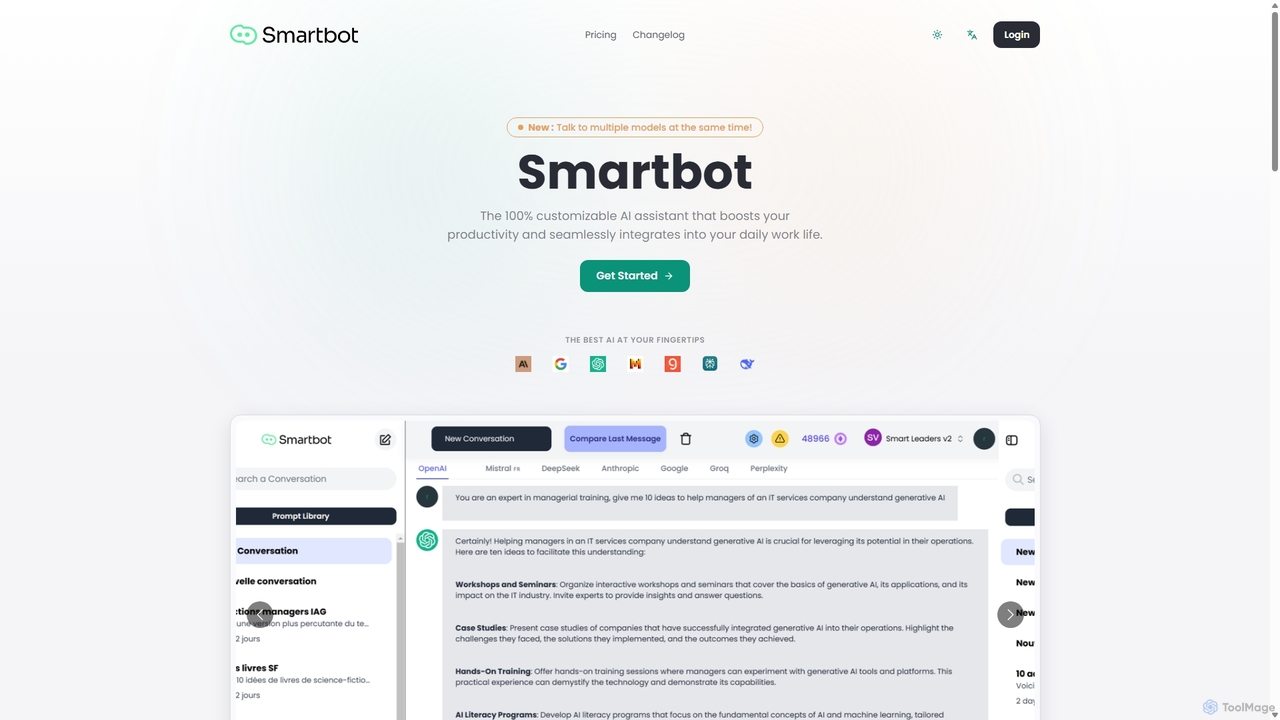
Smart Bot Overview
Smart Bot is a powerful and versatile AI assistant designed to revolutionize your productivity and seamlessly integrate into your daily professional life. It acts as a central hub, providing access to the market's leading AI models, including ChatGPT, Mistral AI, Claude, Gemini, Groq, and Perplexity, all within a single, intuitive interface. This unique capability allows you to stop switching between countless tabs and instead query multiple AIs at the same time, comparing their responses side-by-side to select the most accurate, creative, or suitable output for your specific needs.
At its core, Smart Bot is built for customization and efficiency. One of its standout features is the 100% customizable prompt library. Users can leverage hundreds of ready-to-use prompts or build their own extensive library. For organizations, this feature is a game-changer, enabling teams to create and share a centralized repository of prompts. This not only saves a significant amount of time on repetitive tasks but also standardizes communication, aligns practices, and ensures consistent quality across all outputs.
Beyond text generation, Smart Bot is equipped with advanced functionalities catering to a diverse range of professionals. For developers, it offers an integrated code visualization interface, a powerful playground that supports most common programming languages. This allows you to not only generate code but also instantly visualize, test, and debug it, dramatically speeding up the development cycle. Furthermore, its multimodal capabilities, including the ability to read and process images and files, open up new possibilities for data analysis, content extraction, and complex problem-solving.
How to use Smart Bot
Getting started with Smart Bot is straightforward. First, sign up on the platform to access your personal dashboard. From there, you can immediately begin interacting with the AI models. Simply type your query into the input field and select which AIs (e.g., ChatGPT, Claude, Gemini) you want to process the request. The platform will display the responses from each model in parallel, making comparison effortless. To enhance your workflow, explore the prompt library. You can use existing prompts for common tasks like writing emails or generating marketing copy, or you can create a new prompt, fine-tune it, and save it for future use. For team collaboration, invite your colleagues to your workspace and start building a shared prompt library to streamline your collective projects. Developers can paste their coding queries and use the dedicated 'Playground' to see their generated code in action.
Core Features of Smart Bot
- Multi-Model Access: Simultaneously query and compare responses from the best AI models on the market, including ChatGPT, Mistral AI, Claude, Gemini, Groq, and Perplexity.
- Customizable Prompt Library: Build, manage, and share a personal or team-wide library of prompts to accelerate daily tasks and ensure output consistency.
- Team Collaboration: Create a shared workspace for your organization to collaborate on prompts, align AI usage, and boost collective productivity.
- Code Visualization Playground: An integrated interface for developers to generate, visualize, test, and debug code in real-time, supporting major programming languages.
- Multimodal Input: Process and analyze information from uploaded images and files, extending the tool's capabilities beyond text.
- Training and Resources: Access to events, learning resources, and premium support to enhance your AI skills and optimize your use of the platform.
Use Cases for Smart Bot
Smart Bot is designed for a wide array of professionals. Content creators can compare different AI outputs to find the most engaging tone for articles or social media posts. Marketing teams can use the shared prompt library to generate consistent brand messaging for campaigns. Software developers can accelerate their workflow by generating and testing code snippets from multiple AI models at once. Business analysts can upload reports and have various AIs provide summaries and insights, offering diverse perspectives. For team leaders, it's an invaluable tool for standardizing processes and training new members by providing a library of best-practice prompts.
Advantages of Smart Bot
The primary advantage of Smart Bot is its massive efficiency boost. By consolidating multiple AIs into one platform, it eliminates the need for multiple subscriptions and context-switching. The ability to compare responses ensures you always get the highest quality output tailored to your needs. The customizable prompt library fosters standardization and saves time, especially for teams. Its developer-friendly features make it a unique and powerful tool for technical tasks. Ultimately, Smart Bot empowers users to leverage the best of AI in a smarter, more integrated, and collaborative way.
Pricing and Plans
Smart Bot offers flexible pricing tailored to different needs. While the 'Get Started' option suggests a free or trial plan for individuals, the primary focus is on team and enterprise solutions. The following plans are available by quote:
- Enterprise Plan: Designed for organizations with more than 10 users. This plan is fully customized and priced on a per-quote basis. Contact their sales team for more information.
- Training & Support Plan: For teams looking for dedicated support, this plan offers professional training on using the tool effectively and assistance in creating a bespoke prompt library for your organization. This is also priced on a per-quote basis.
Traffic
Latest traffic
Status
Monthly traffic trend
- 2025-9: 709
- 2026-1: 0
- 2026-2: 0
- 2026-3: 269
- 2026-4: 1.3K
- 2026-5: 661
Geography
Top 5 countries / regions
- 🇳🇬Nigeria100.0%
Top keywords
| Keyword | Cost per click |
|---|---|
| slsmartbot | $0.00 |
| smart bot | $0.00 |
| smartbot | $0.46 |
| smart bot ai | $0.00 |
| smartbot chatbot | $0.00 |
Smart Bot Alternatives
OmniGPT
OmniGPT is an all-in-one AI productivity platform that provides access to multiple leading AI models like GPT-4, Claude 3.5, and Llama 3 through a single subscription. Designed for individuals and teams, it enhances workflows with features such as document analysis, image generation, team collaboration, and seamless integrations with everyday tools like WhatsApp and Slack, offering a cost-effective alternative to multiple AI service subscriptions.
Code Assistant
Side Space
Side Space is a powerful AI assistant that integrates seamlessly into your desktop workflow. It operates from a convenient sidebar, providing instant access to AI-powered tools for writing, coding, and general productivity without ever leaving your current application. Enhance your efficiency with contextual actions on selected text and customizable commands.
Code Assistant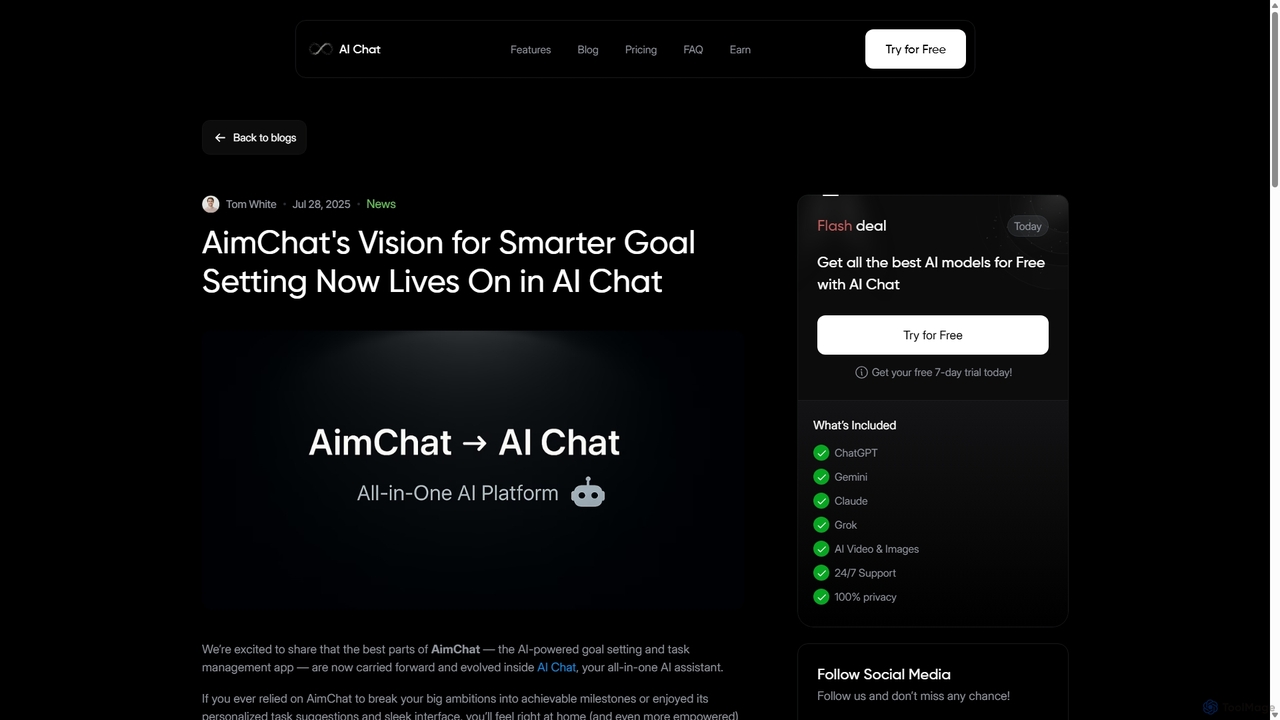
AI Chat
AI Chat is an all-in-one AI assistant that integrates top models like ChatGPT, Claude, and Gemini into a single platform. Evolving from the goal-setting app AimChat, it combines advanced conversational AI with powerful task management, research, and content creation tools to streamline your workflow and help you achieve your ambitions.
Assistant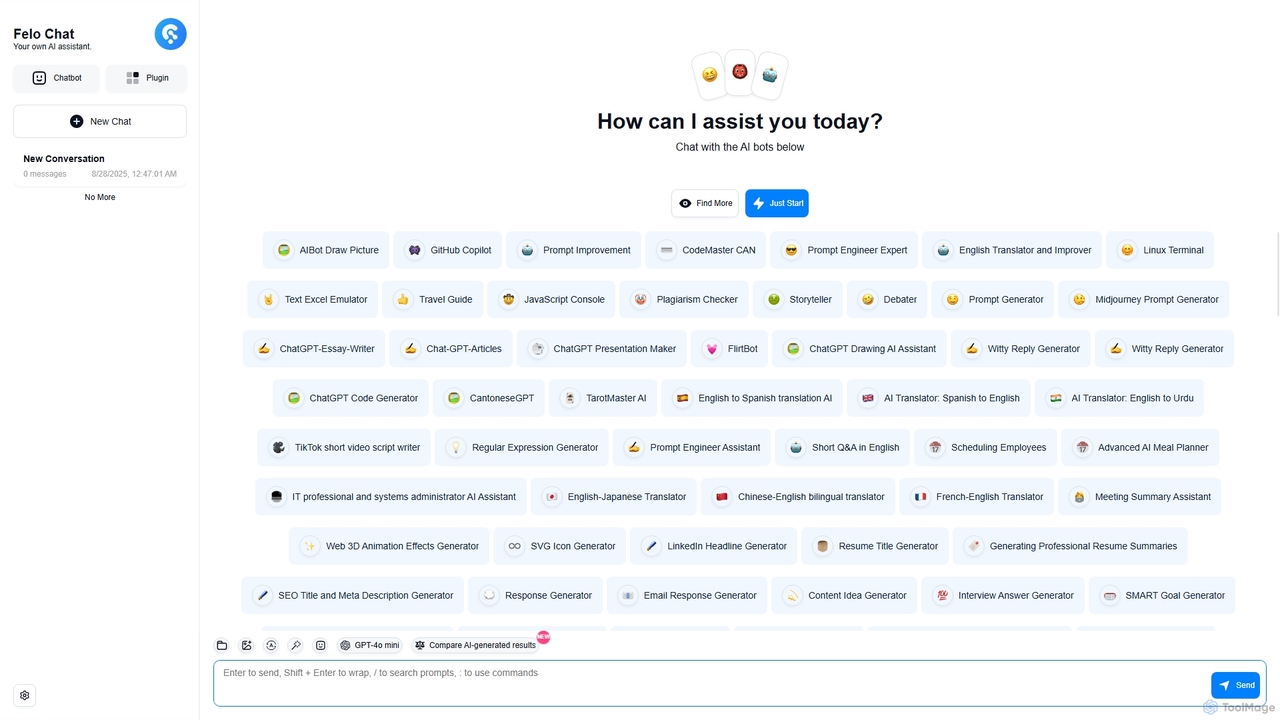
Felo Chat
Felo Chat is a versatile AI assistant platform providing free access to leading AI models like GPT-4o, Claude, and Gemini. It features an extensive library of specialized AI bots for various tasks, from coding and content creation to translation and data analysis. With support for text, file, and image uploads, Felo Chat serves as a comprehensive, all-in-one solution for professionals, students, and creatives.
Code Assistant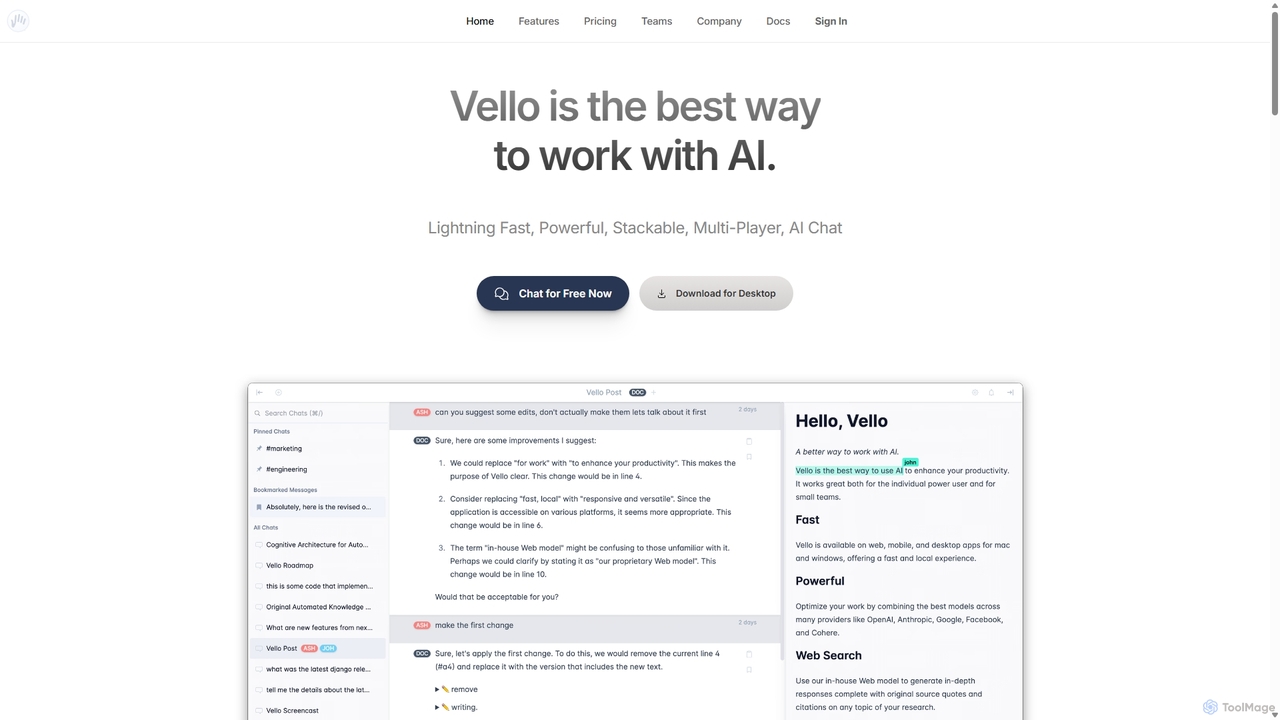
Vello
Vello is a powerful, collaborative AI platform that centralizes top models from OpenAI, Anthropic, and Google. It enables teams to work together with AI in real-time, create custom AI personas, conduct cited research, and edit documents seamlessly across web, desktop, and mobile apps.
TeamworkSmart Bot Categories
Smart Bot Jobs
Smart Bot Embed Widget
Copy this embed code to place the badge on your blog, article, or product site and send readers directly to this ToolMage detail page.

Related AI tools
AI Chat
AI Chat is an all-in-one AI assistant that integrates top models like ChatGPT, Claude, and Gemini into a single platform. Evolving from the goal-setting app AimChat, it combines advanced conversational AI with powerful task management, research, and content creation tools to streamline your workflow and help you achieve your ambitions.
Assistant
Cosmicup
Cosmicup is an all-in-one AI platform offering unlimited access to a wide array of advanced AI models like ChatGPT 5, Claude 4.5, Gemini 2.5, and Grok 4 through a single subscription. It streamlines workflows with features including multi-model interaction, code assistance, document analysis, real-time web search, deep research, and AI image generation, eliminating the need for multiple subscriptions.
Multimodal AiFelo Chat
Felo Chat is a versatile AI assistant platform providing free access to leading AI models like GPT-4o, Claude, and Gemini. It features an extensive library of specialized AI bots for various tasks, from coding and content creation to translation and data analysis. With support for text, file, and image uploads, Felo Chat serves as a comprehensive, all-in-one solution for professionals, students, and creatives.
Code Assistant
Sider
Sider is a powerful AI copilot integrated into your browser sidebar. It brings ChatGPT, GPT-4, Claude 3, and Gemini to any webpage, allowing you to seamlessly summarize content, enhance your writing, explain complex topics, and chat with documents or videos. It streamlines your workflow by eliminating the need to switch between tabs, boosting your overall productivity and creativity.
Learning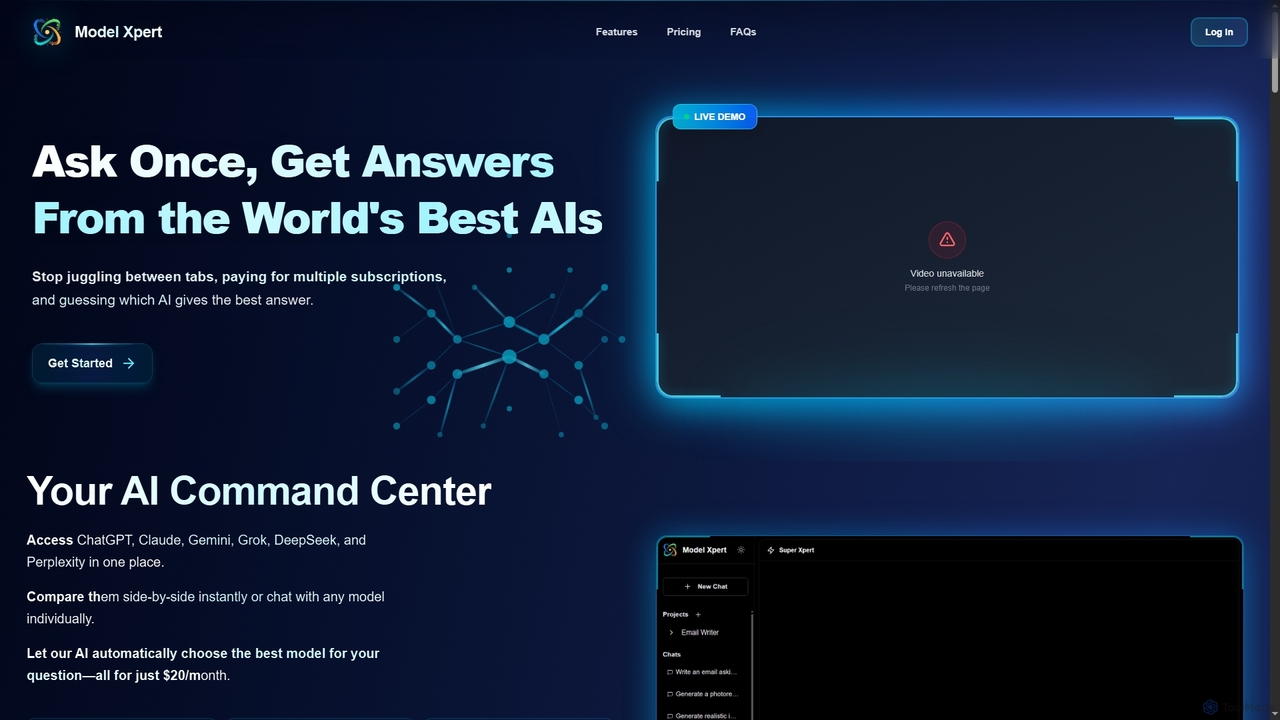
Model Xpert
Model Xpert provides unified access to the world's top AI models like ChatGPT, Claude, Gemini, Grok, DeepSeek, and Perplexity in one chat interface. It eliminates the need for multiple subscriptions and offers features like side-by-side comparison, intelligent auto-selection, prompt enhancement, and an AI image suite for maximum efficiency and cost savings.
Writing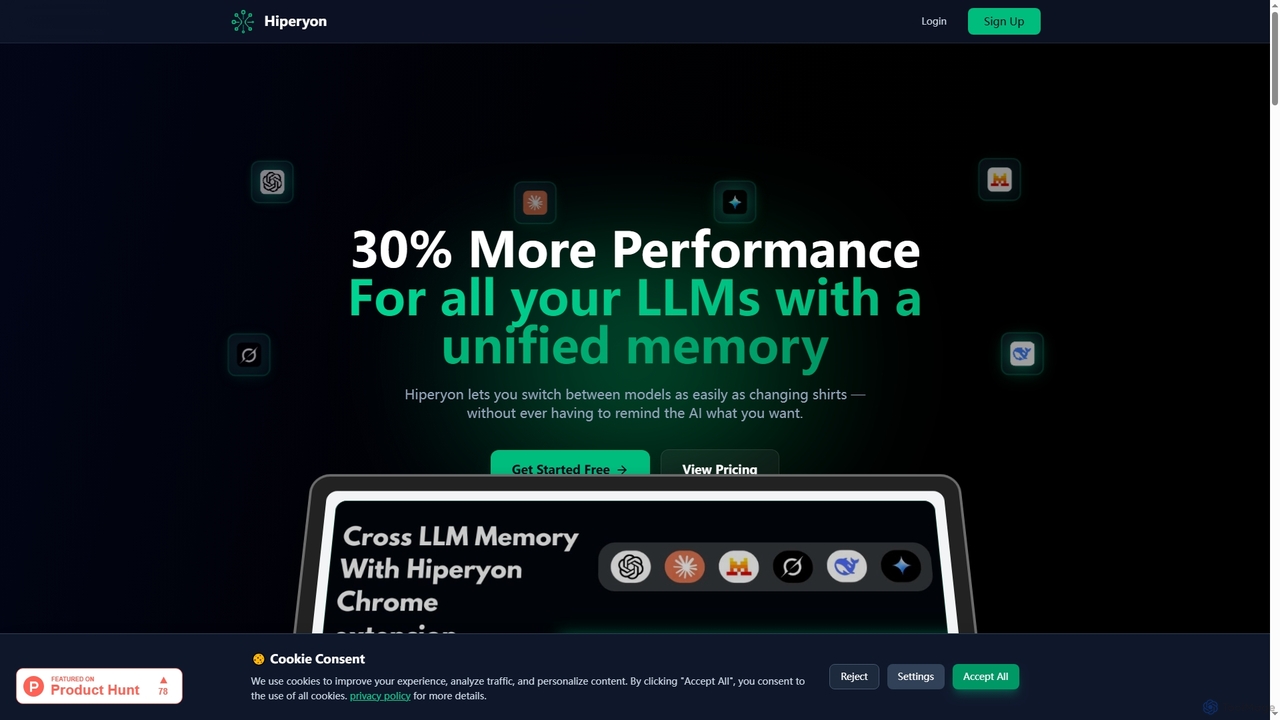
Hiperyon
Hiperyon is an AI tool that provides a unified contextual memory layer for multiple Large Language Models (LLMs) like ChatGPT, Claude, and Gemini. It enhances productivity by allowing users to switch between different AI models without losing context or repeating information, ensuring consistent and efficient interactions.
Context ManagementOmniGPT
OmniGPT is an all-in-one AI productivity platform that provides access to multiple leading AI models like GPT-4, Claude 3.5, and Llama 3 through a single subscription. Designed for individuals and teams, it enhances workflows with features such as document analysis, image generation, team collaboration, and seamless integrations with everyday tools like WhatsApp and Slack, offering a cost-effective alternative to multiple AI service subscriptions.
Code Assistant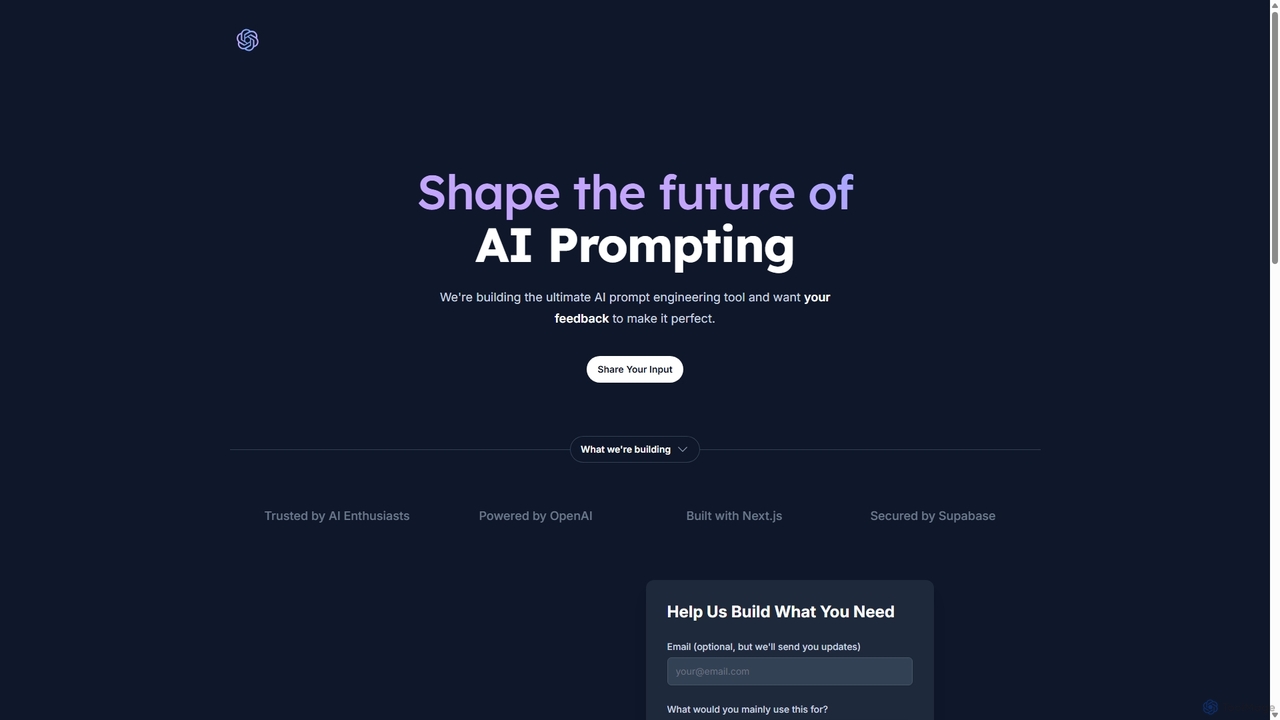
PromptifyPRO
PromptifyPRO is an advanced AI prompt engineering platform designed to help users create, test, and optimize prompts for various AI models like ChatGPT and Claude. It offers tools like pre-built templates, performance analytics, and collaboration features to unlock higher quality outputs, save time, and enhance creativity.
Code Generation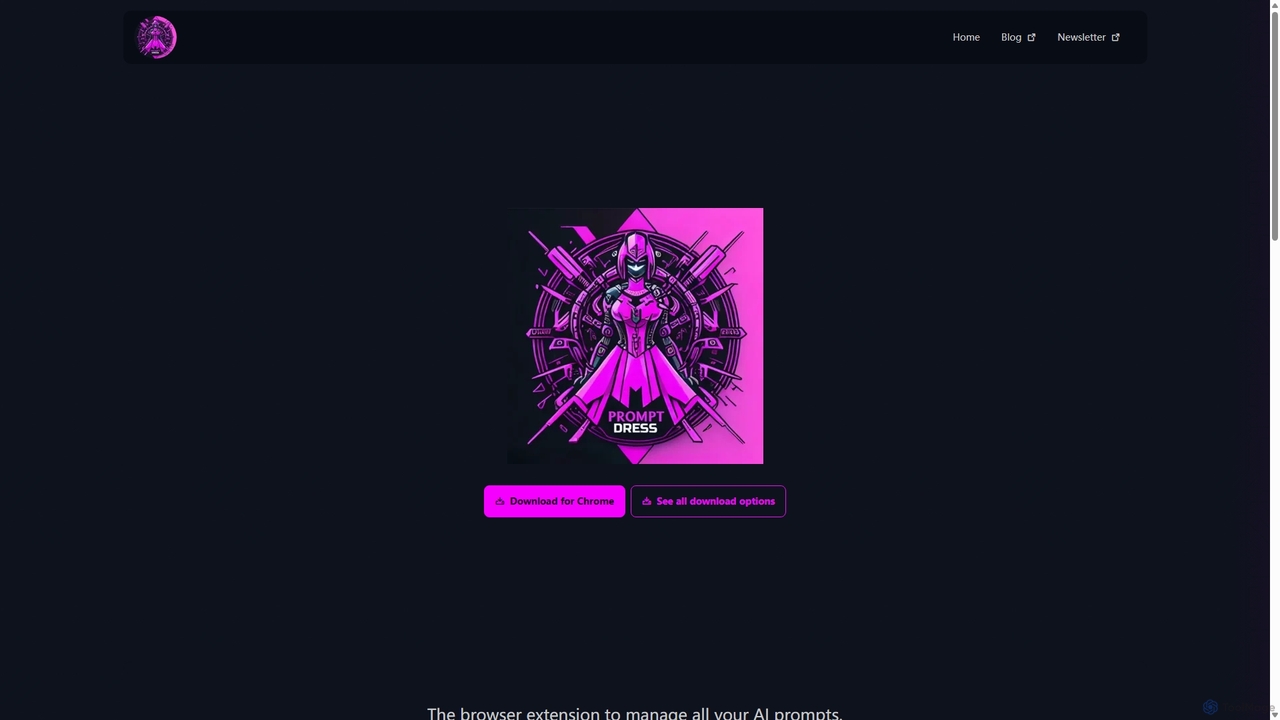
Prompt Dress
Prompt Dress is a powerful browser extension designed to manage, organize, and quickly access all your AI prompts. It acts as a central library, eliminating scattered text files and streamlining your workflow with AI models. Ideal for marketers, developers, writers, and anyone who frequently uses AI.
Workflow Automation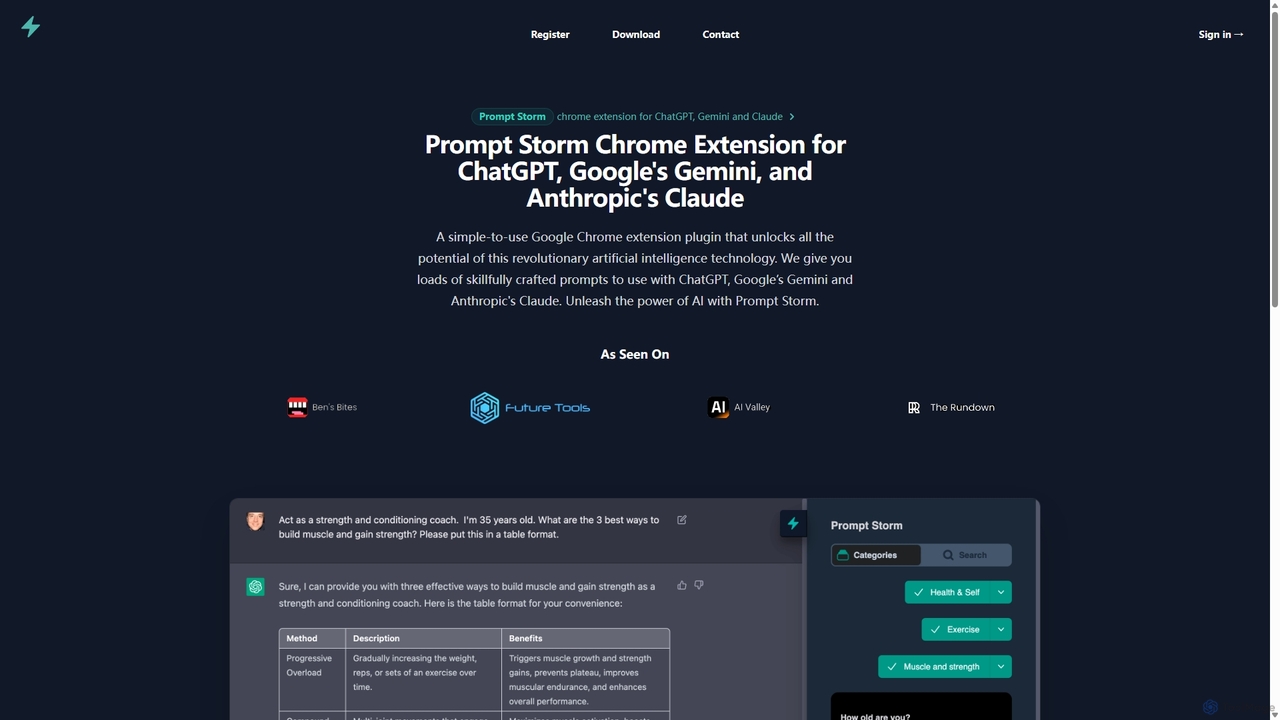
Prompt Storm
Prompt Storm is a powerful Chrome extension that enhances your interactions with ChatGPT, Google Gemini, and Anthropic's Claude. It provides a vast library of expertly crafted prompts, enabling users to unlock the full potential of AI for tasks like content creation, marketing, coding, and learning. Boost your productivity and get higher-quality AI responses with just a few clicks.
Code Generation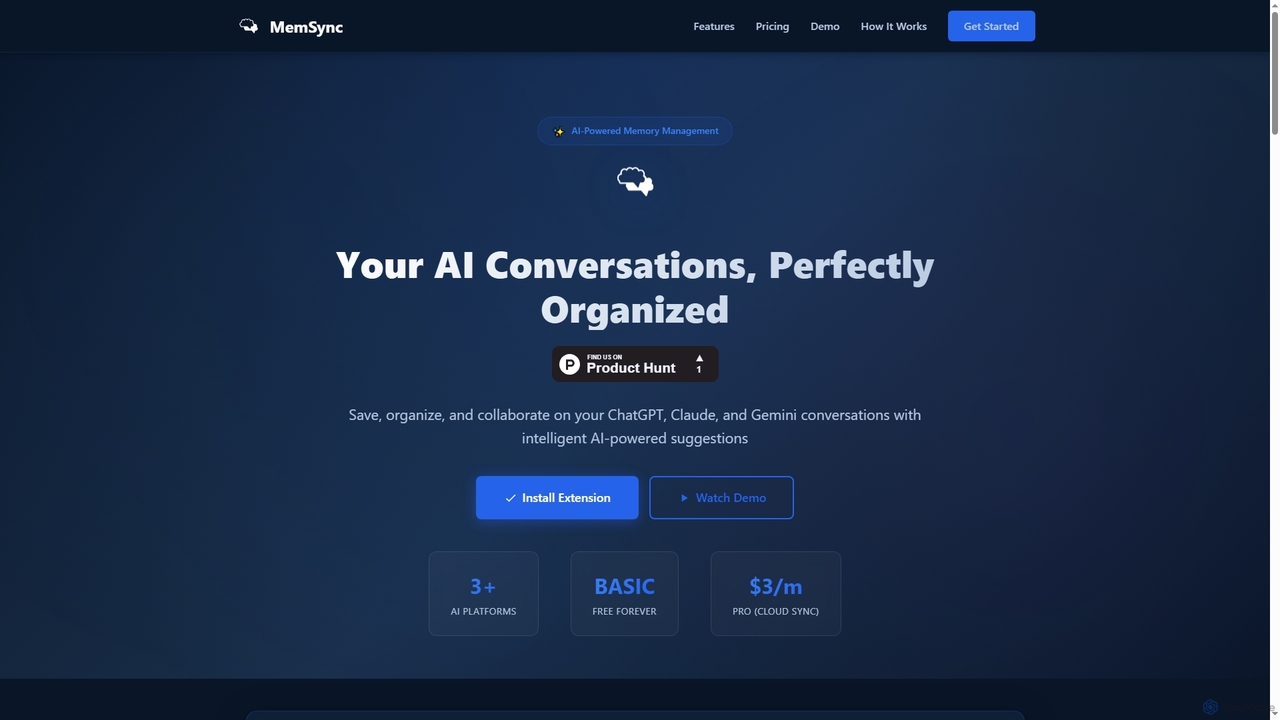
MemSync
MemSync is an AI-powered browser extension designed to effortlessly save, organize, and collaborate on your AI conversations from platforms like ChatGPT, Claude, and Gemini. It offers smart memory saving, AI-driven organization suggestions, and seamless cloud synchronization.
Conversation ToolsSide Space
Side Space is a powerful AI assistant that integrates seamlessly into your desktop workflow. It operates from a convenient sidebar, providing instant access to AI-powered tools for writing, coding, and general productivity without ever leaving your current application. Enhance your efficiency with contextual actions on selected text and customizable commands.
Code Assistant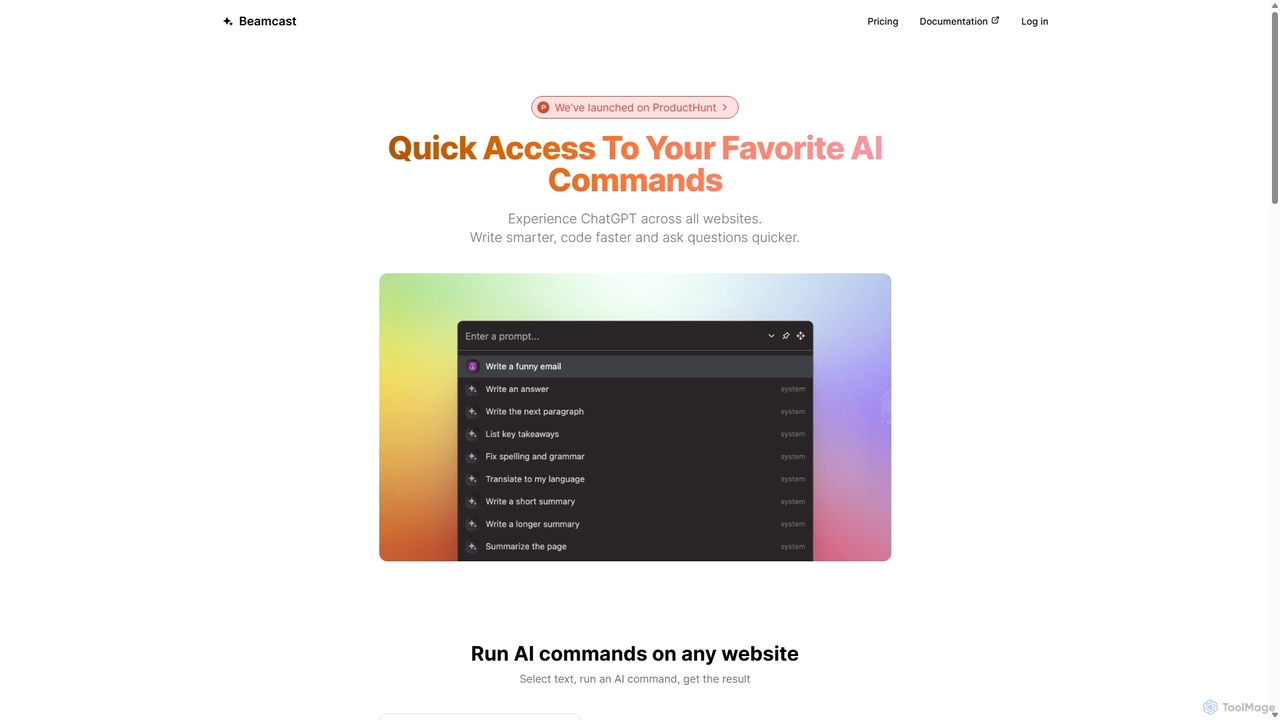
Beamcast
A browser extension that puts ChatGPT and Gemini at your fingertips. Select text on any website to run built-in or custom AI commands for writing, coding, and quick answers, streamlining your workflow and boosting productivity without ever leaving the page.
Search
ChatLLM
ChatLLM is an advanced conversational AI platform designed for professionals and developers. It provides unified access to multiple leading Large Language Models (LLMs) like GPT-4, Claude 3, and more. The platform focuses on enhancing productivity, streamlining workflows, and enabling powerful integrations through a robust API.
Api
Iris
Iris is a seamless AI assistant for macOS, designed to integrate into your workflow. It provides instant access to top AI models like GPT-4o and Claude 3.5, allowing you to chat, capture your screen for context, and get answers without ever leaving your current application. With intuitive gestures and powerful shortcuts, Iris is there when you need it and invisible when you don't.
Coding Assistant
Smart Bot Comments (0)
Sign in to comment.
Sign inNo comments yet.