

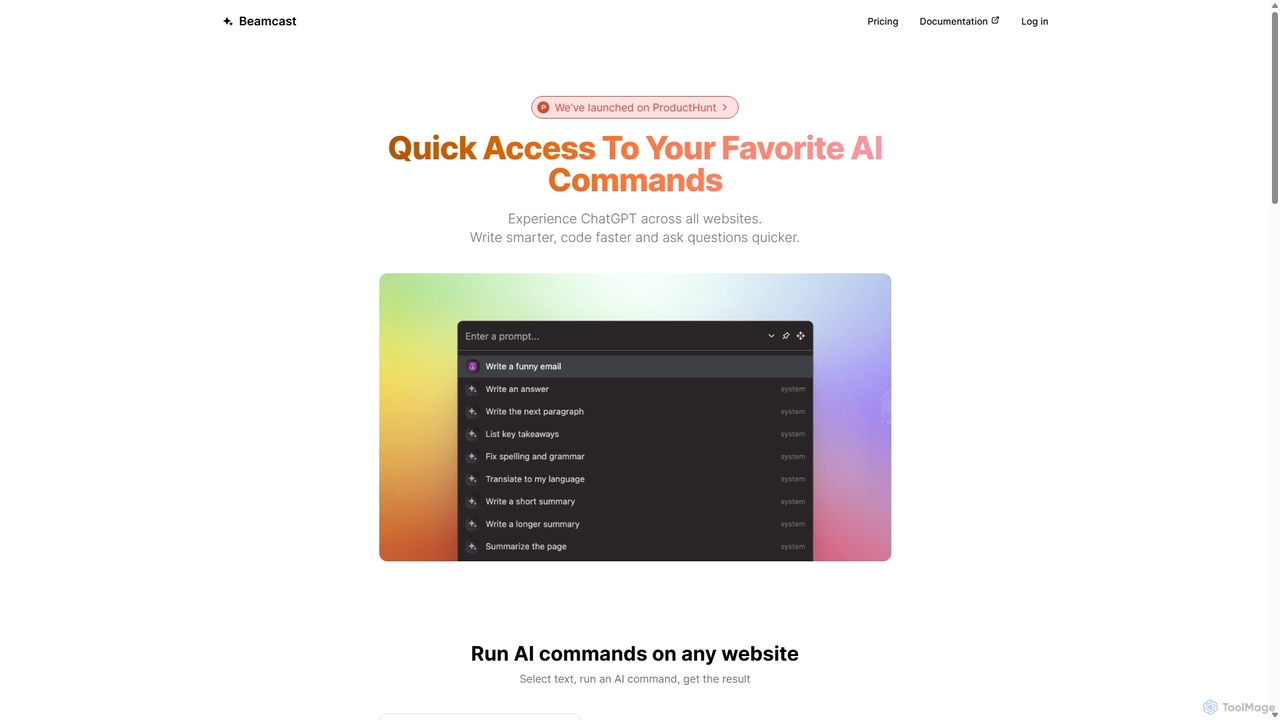
Beamcast Overview
Beamcast is a powerful browser extension designed to seamlessly integrate the capabilities of advanced AI models like ChatGPT and Gemini into your daily online activities. It acts as a universal AI assistant that works across all websites, allowing you to enhance your writing, accelerate your coding, and find answers to your questions instantly. By eliminating the need to switch between tabs, Beamcast fundamentally changes how you interact with AI, making it a contextual and highly efficient part of your workflow.
How to use Beamcast
Getting started with Beamcast is simple and intuitive. First, install the Beamcast extension on your preferred browser. Once installed, its functionality is just a text selection away. Simply highlight any piece of text on any webpage, and a menu will appear. From this menu, you can choose from a curated list of pre-built AI commands or access your own custom-saved prompts. You can also type a unique, on-the-fly prompt to address a specific need. The AI-generated response appears almost instantly, ready for you to copy and use.
Core Features of Beamcast
- Universal Website Integration: Works on any website, transforming your browser into an AI-powered workspace.
- Contextual AI Actions: Select text and directly apply AI commands such as summarize, rephrase, translate, or explain.
- Built-in Command Library: Comes with a curated list of practical, ready-to-use AI commands designed to boost productivity for common tasks.
- Custom Prompts & Cloud Sync: Create, save, and manage your own personalized AI commands. These are securely stored and synced across all your browsers via the cloud.
- Multi-Model Support: Powered by state-of-the-art AI models from OpenAI (ChatGPT) and Google (Gemini), ensuring high-quality and versatile responses.
- On-the-Fly Prompting: In addition to saved commands, you can input any custom prompt directly for one-off tasks without needing to save it.
- API Key Flexibility: Users on all plans have the option to use their own API key, giving them more control over their usage.
Use Cases for Beamcast
Beamcast is a versatile tool that caters to a wide range of professionals and individuals:
- For Content Creators & Writers: Quickly rephrase sentences for better clarity, check grammar and spelling, generate blog post ideas, or create social media captions directly from source material.
- For Software Developers: Select code snippets to have them explained, debugged, or translated into another programming language. Generate documentation or write unit tests with ease.
- For Students & Researchers: Summarize lengthy articles or research papers, explain complex concepts in simple terms, and translate foreign-language content without leaving the source page.
- For Marketers & Sales Professionals: Draft compelling emails, personalize outreach messages based on a LinkedIn profile, or generate creative ad copy from a product description.
Advantages of Beamcast
The primary advantage of Beamcast is its seamless integration, which significantly enhances productivity. By keeping you in your current context, it saves valuable time and reduces mental friction. The ability to customize and save prompts allows you to tailor the tool to your specific workflow, making it a personalized AI assistant. Its support for multiple leading AI models provides flexibility and access to the best technology available. Furthermore, its freemium model makes it accessible to everyone, with an affordable premium plan for power users.
Pricing and Plans
Beamcast offers a straightforward and accessible pricing structure:
- Free Plan: $0 forever. This plan includes 50 free credits, access to all AI models, the ability to save up to 10 custom AI commands, and the option to use your own API key. No credit card is required to get started.
- Premium Plan: $24 per year. This plan is designed for heavy users and includes 2000 credits every month, access to all models, unlimited custom AI commands, priority support, and the option to use your own API key.
Beamcast Alternatives
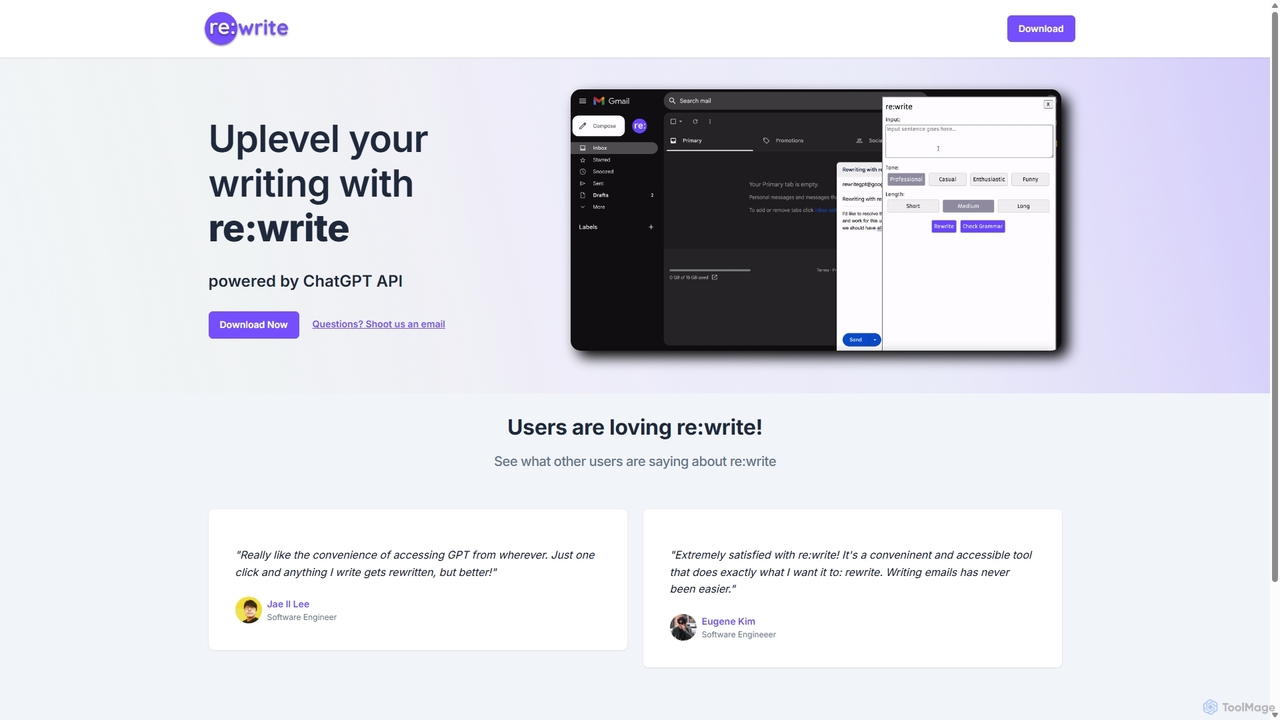
Rewritegpt
Rewritegpt is an AI-powered writing assistant and browser extension that helps you rewrite, paraphrase, and improve your text with a single click. It integrates seamlessly into your workflow, allowing you to enhance emails, reports, and social media posts directly on any website.
Study Tools
QuillWord
QuillWord is an all-in-one AI writing and research assistant designed for academics, students, and professionals. It combines an AI copilot that can chat with documents and websites, an advanced AI writer with autocompletion and editing tools, and robust citation management. Streamline your workflow, overcome writer's block, and produce high-quality, well-researched content with ease.
Research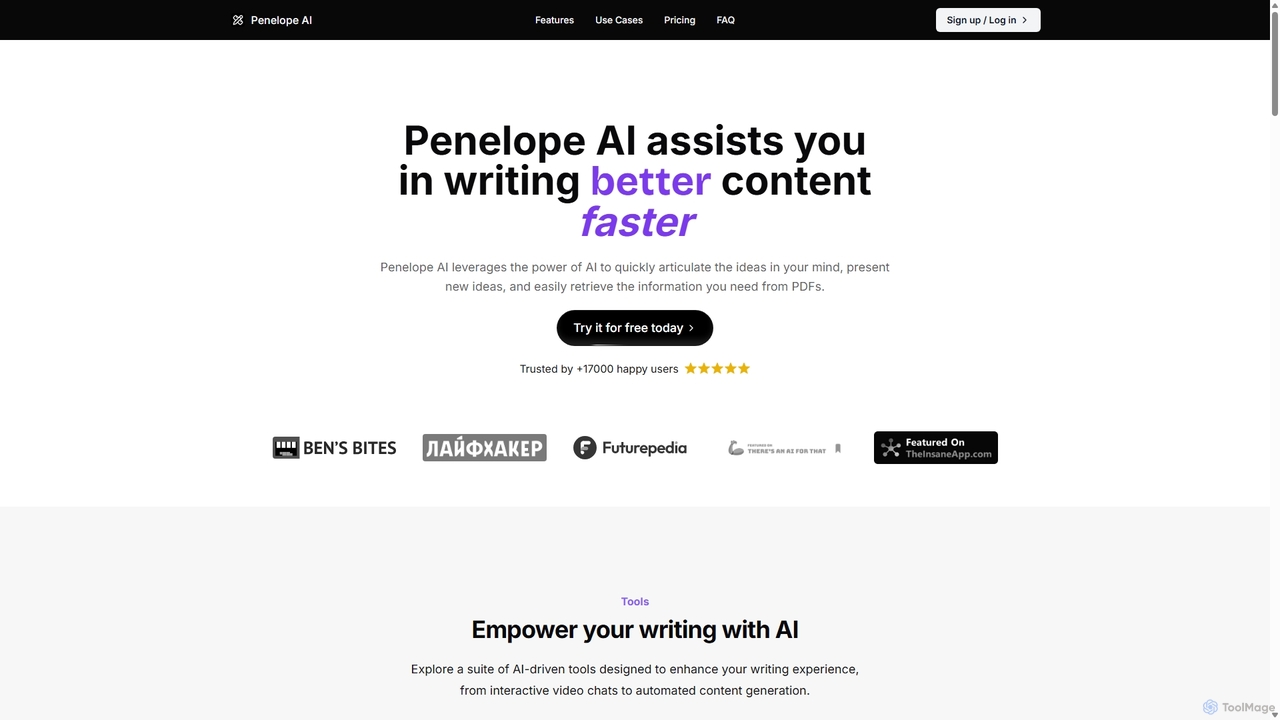
Penelope AI
Penelope AI is an advanced AI writing assistant designed to help you write better content faster. It features intelligent autocomplete, PDF interaction, paraphrasing, and summarizing tools to streamline your writing process for essays, blogs, research, and more.
Research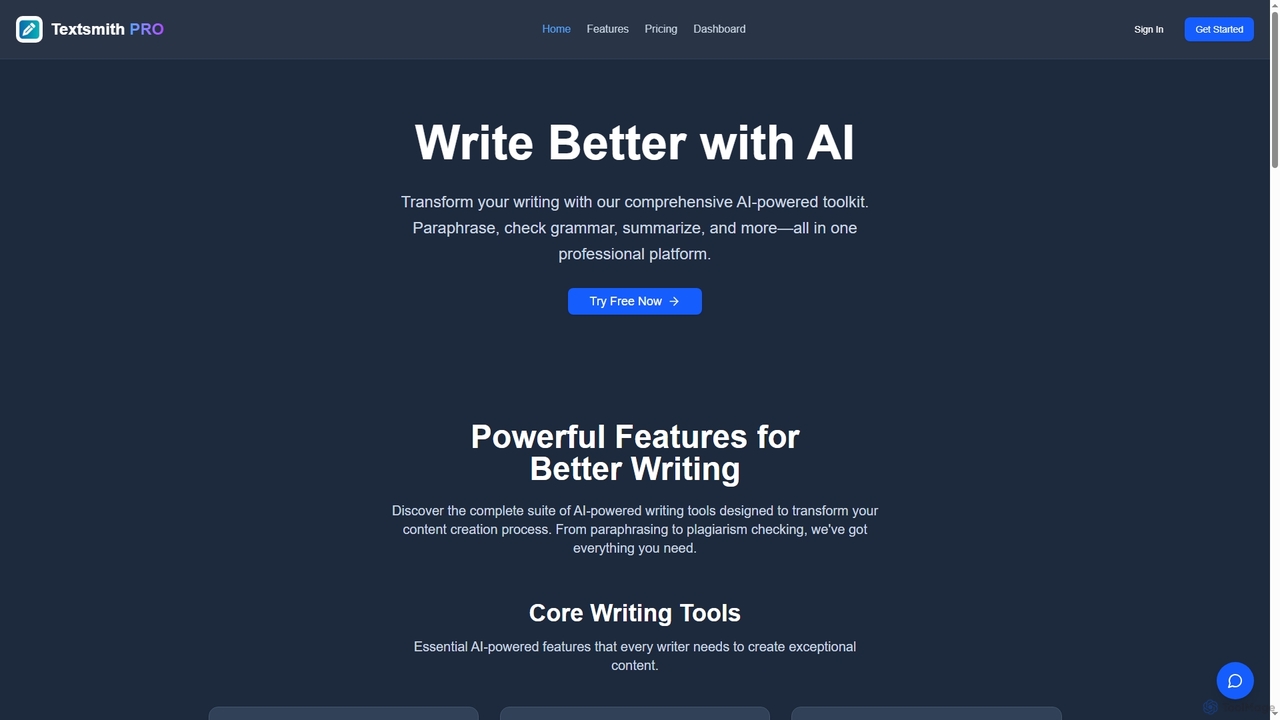
Textsmith Pro
Textsmith Pro is a comprehensive AI writing assistant designed to enhance writing quality and productivity. It offers a suite of tools including an advanced paraphraser with 10+ modes, a grammar checker, plagiarism detection, an AI humanizer, a smart translator for over 20 languages, and a citation generator. Ideal for writers, students, and professionals, it helps create clear, original, and publication-ready content efficiently.
Research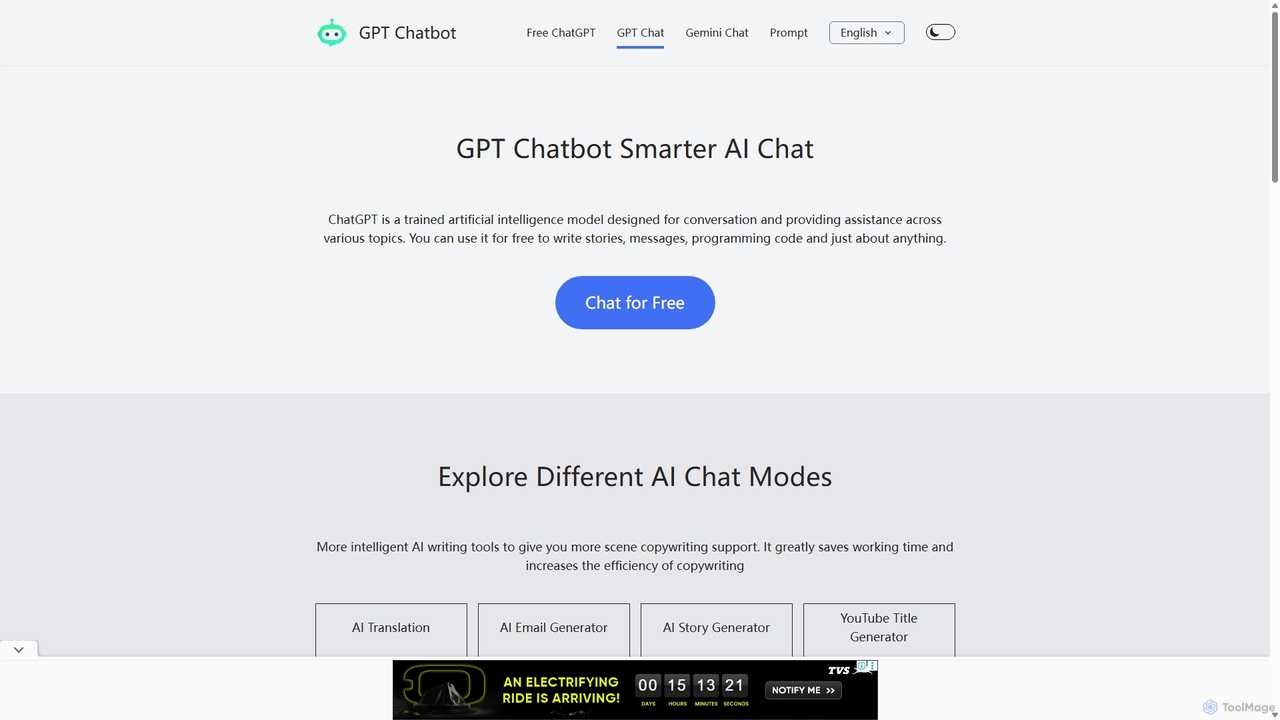
Chat GPT Online
Chat GPT Online is a free-to-use AI chatbot platform powered by advanced language models. It provides a seamless conversational experience for answering questions, generating text, writing code, and more. The platform includes specialized tools like an AI translator, email generator, story creator, and YouTube title generator, making it a versatile assistant for students, writers, developers, and marketers without any cost or registration.
Generative AiBeamcast Categories
Beamcast Jobs
Beamcast Embed Widget
Copy this embed code to place the badge on your blog, article, or product site and send readers directly to this ToolMage detail page.

Related AI tools
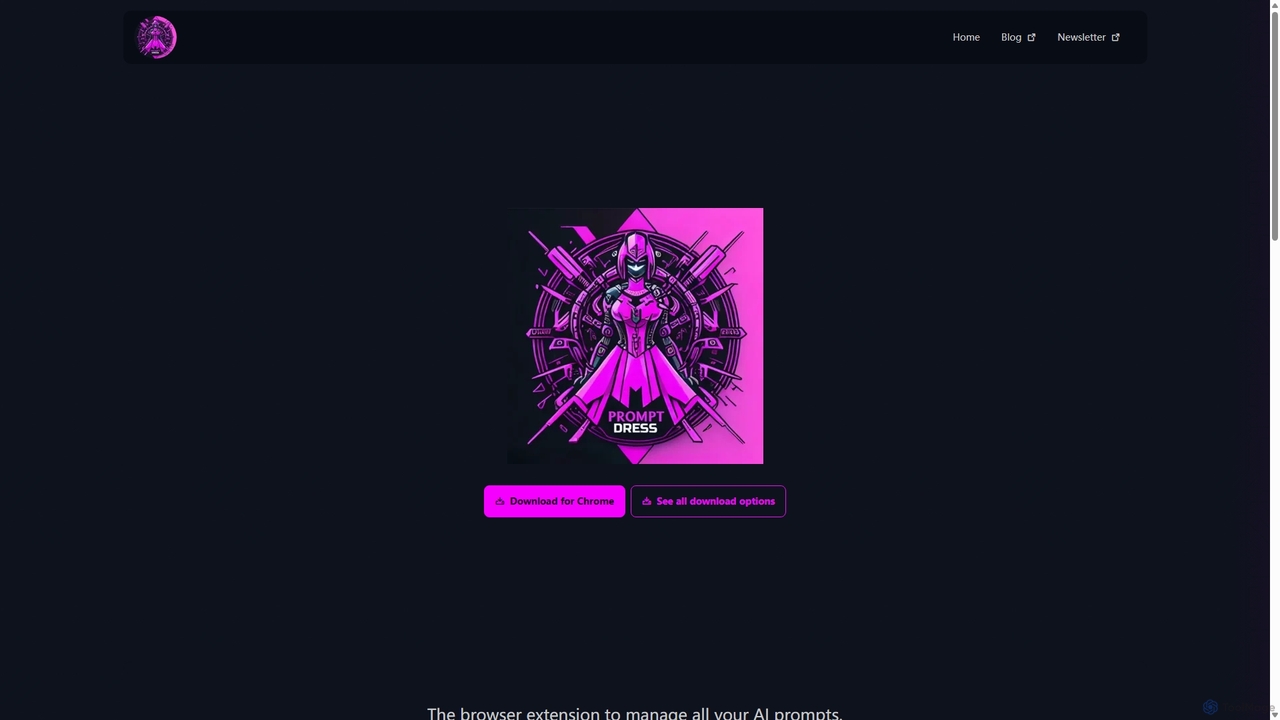
Prompt Dress
Prompt Dress is a powerful browser extension designed to manage, organize, and quickly access all your AI prompts. It acts as a central library, eliminating scattered text files and streamlining your workflow with AI models. Ideal for marketers, developers, writers, and anyone who frequently uses AI.
Workflow Automation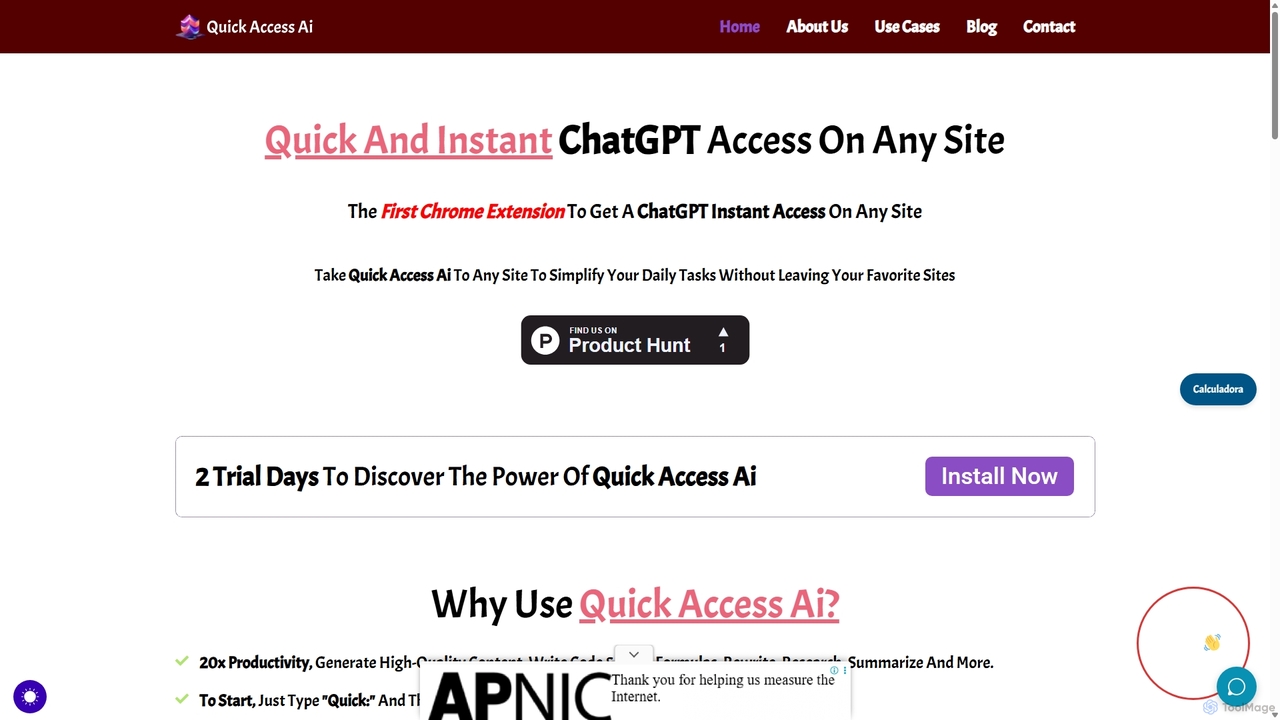
Quick Access Ai
Quick Access Ai is a Chrome extension that provides instant access to ChatGPT on any website. By simply typing a command, users can generate content, write code, summarize text, and perform research without switching tabs. It aims to boost productivity by integrating AI assistance directly into your existing workflow, making daily tasks faster and more efficient.
Code Assistant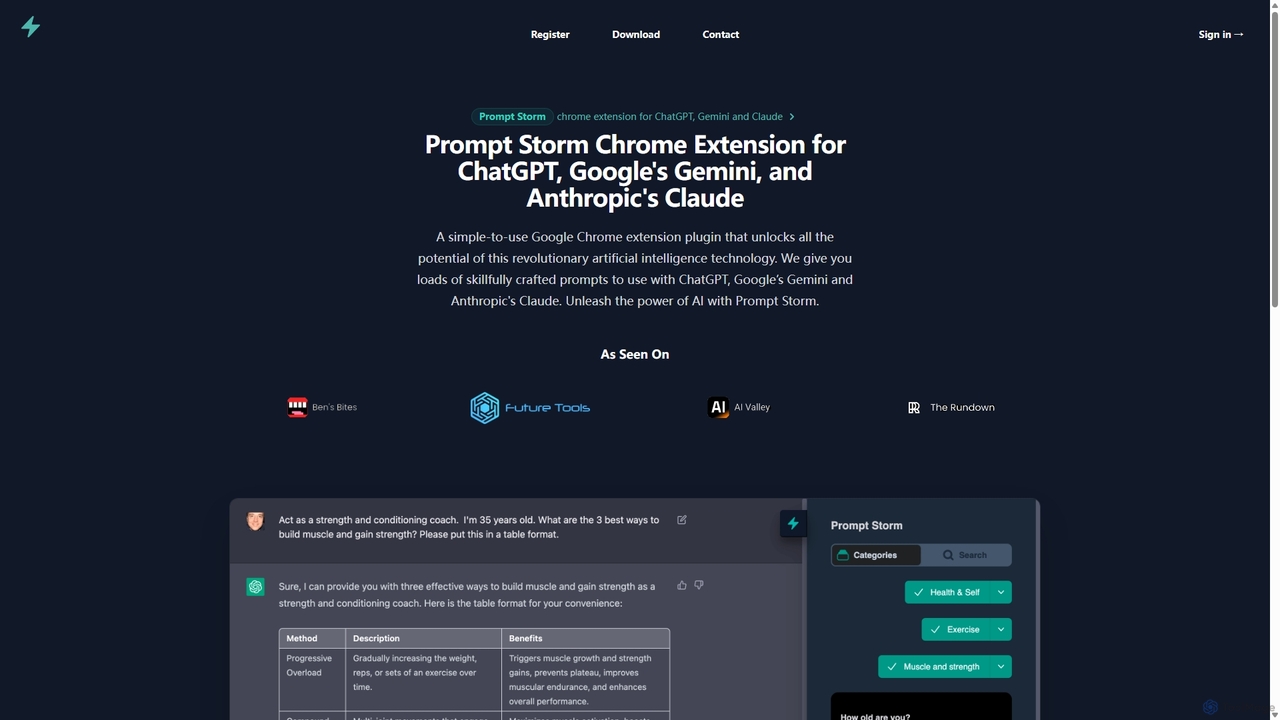
Prompt Storm
Prompt Storm is a powerful Chrome extension that enhances your interactions with ChatGPT, Google Gemini, and Anthropic's Claude. It provides a vast library of expertly crafted prompts, enabling users to unlock the full potential of AI for tasks like content creation, marketing, coding, and learning. Boost your productivity and get higher-quality AI responses with just a few clicks.
Code Generation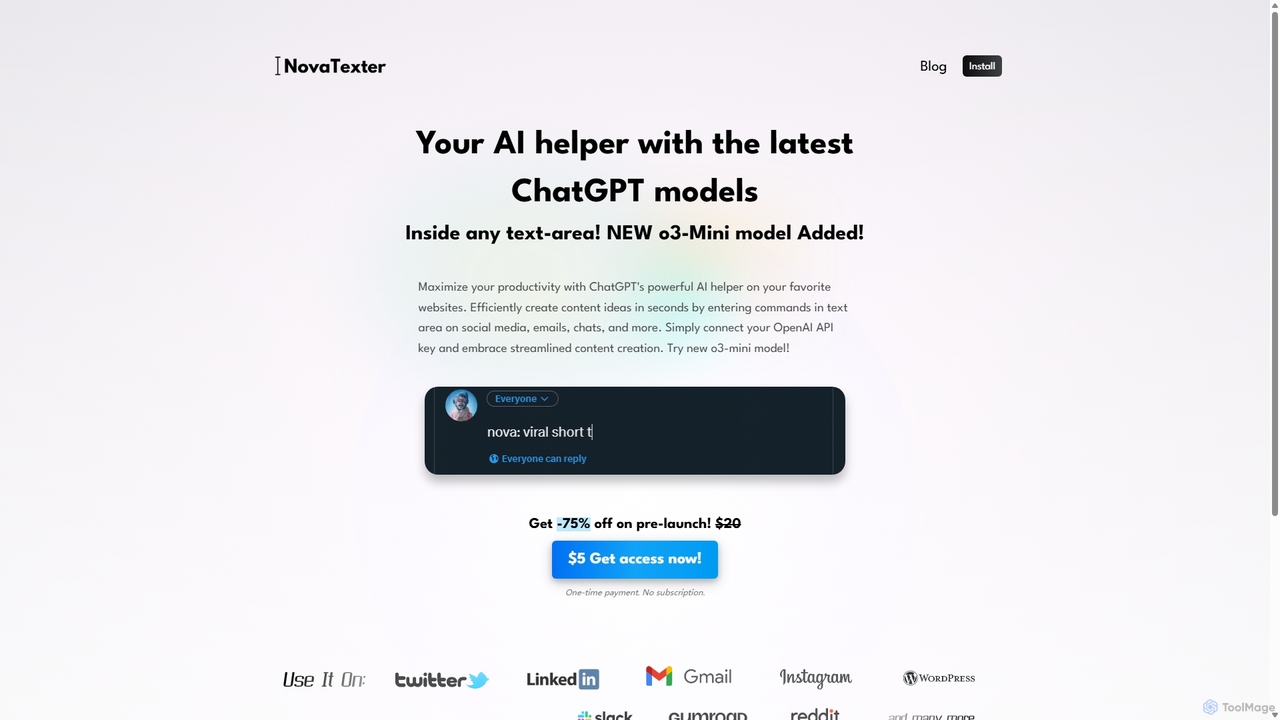
NovaTexter
NovaTexter is an AI-powered browser extension that integrates ChatGPT models directly into your workflow. It allows you to generate content, ideas, and responses on any website by simply typing commands in a text area. Connect your OpenAI API key for a seamless, productive content creation experience with a single one-time payment.
Chrome ExtensionsRewritegpt
Rewritegpt is an AI-powered writing assistant and browser extension that helps you rewrite, paraphrase, and improve your text with a single click. It integrates seamlessly into your workflow, allowing you to enhance emails, reports, and social media posts directly on any website.
Study Tools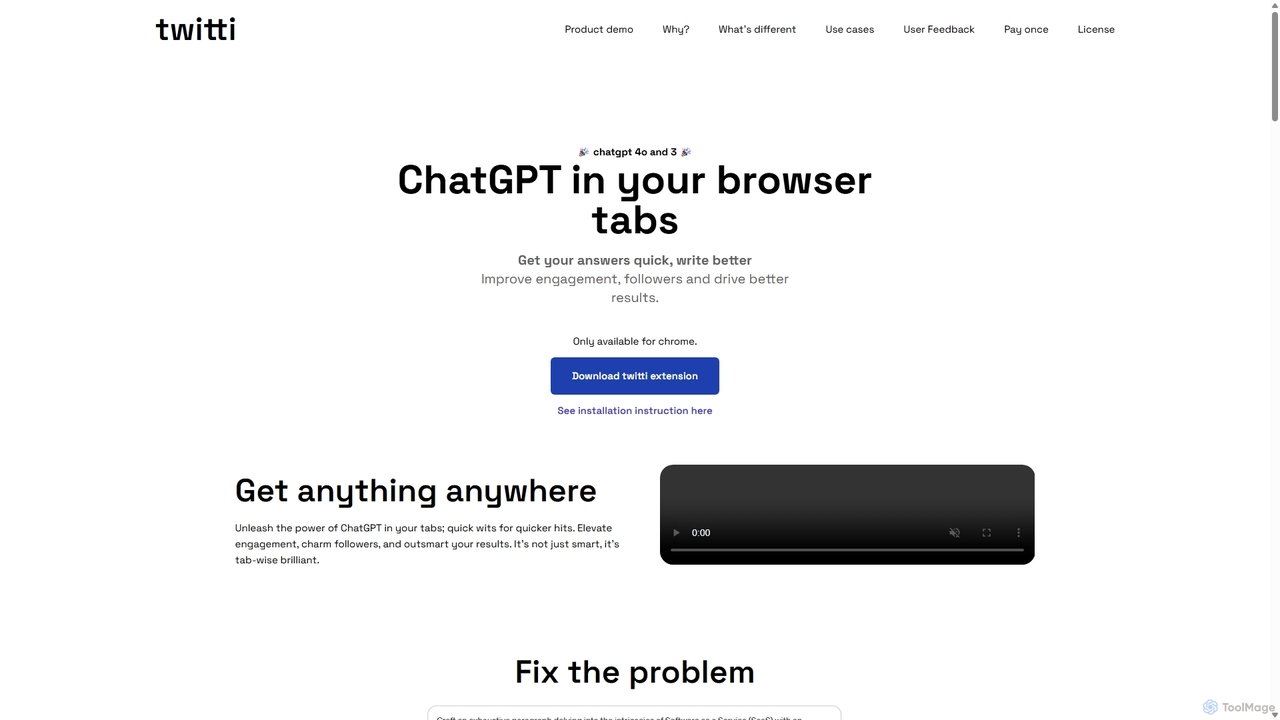
Twitti
Twitti is a powerful ChatGPT browser extension that integrates AI into any tab. It enhances writing, boosts social media engagement, and increases productivity with 25+ tones, advanced copywriting frameworks, and a one-time purchase model, eliminating recurring subscriptions.
Chrome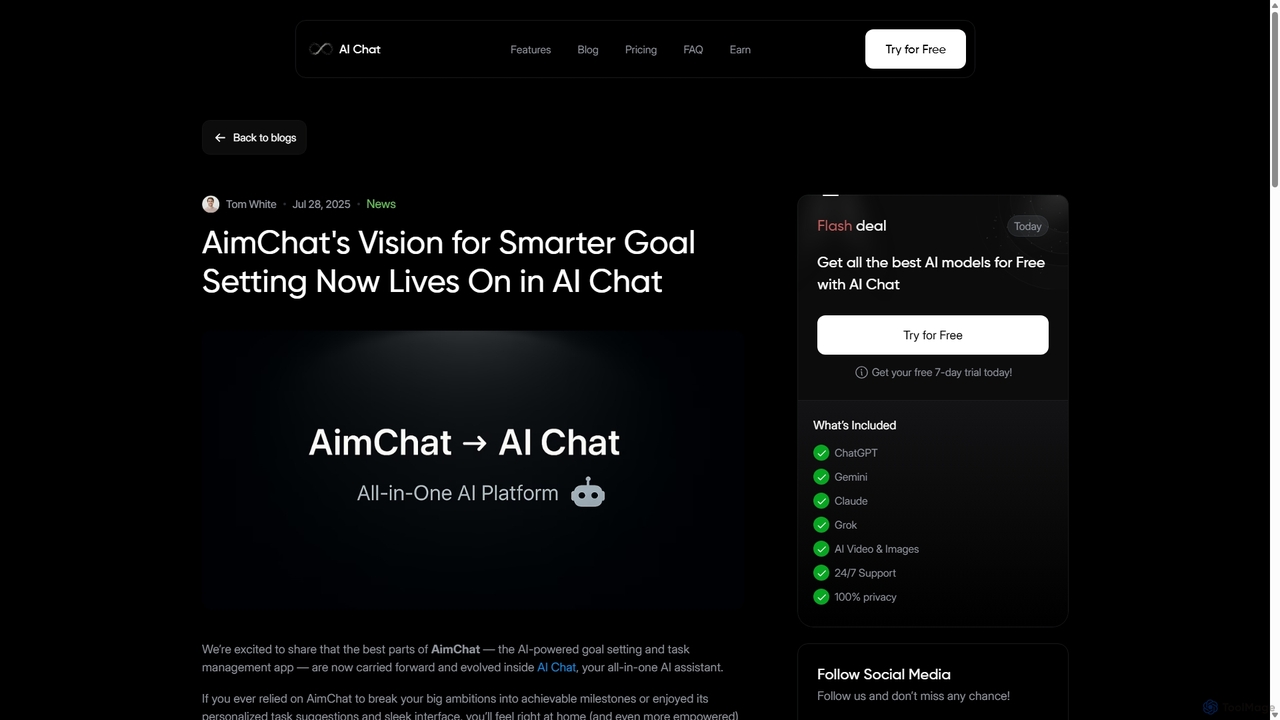
AI Chat
AI Chat is an all-in-one AI assistant that integrates top models like ChatGPT, Claude, and Gemini into a single platform. Evolving from the goal-setting app AimChat, it combines advanced conversational AI with powerful task management, research, and content creation tools to streamline your workflow and help you achieve your ambitions.
AssistantChat GPT Online
Chat GPT Online is a free-to-use AI chatbot platform powered by advanced language models. It provides a seamless conversational experience for answering questions, generating text, writing code, and more. The platform includes specialized tools like an AI translator, email generator, story creator, and YouTube title generator, making it a versatile assistant for students, writers, developers, and marketers without any cost or registration.
Generative Ai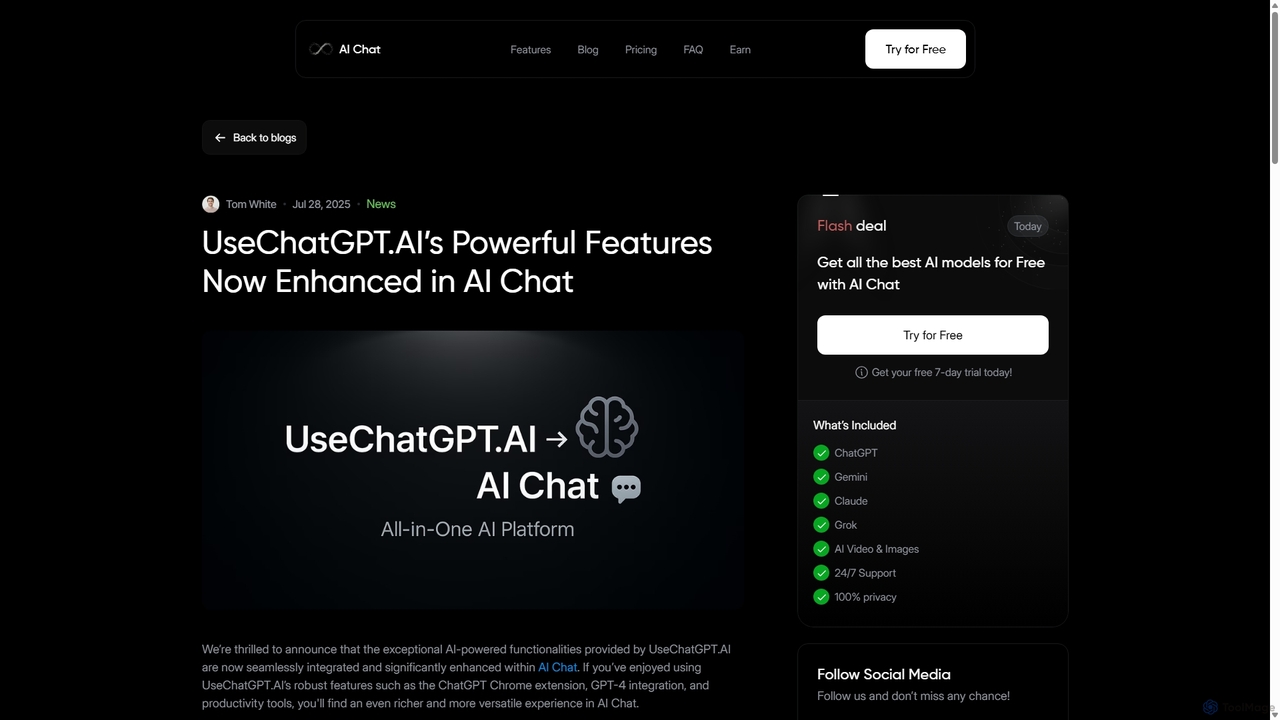
UseChatGPT.AI
UseChatGPT.AI is a powerful free Chrome extension that integrates GPT-4 directly into your browser. It enhances productivity by allowing you to instantly write, rewrite, summarize, translate, and explain text on any website without switching tabs. Its features are now enhanced within the new AI Chat platform.
Research
RewriteBar
RewriteBar is a native macOS menu bar app that acts as your personal AI writing assistant. It works seamlessly across all applications, allowing you to instantly correct grammar, change tone, translate text, summarize content, and more with a simple keyboard shortcut. It supports over 12 AI providers, including local models for ultimate privacy, offering a powerful and flexible writing enhancement experience.
Code Assistant
Sider
Sider is a powerful AI copilot integrated into your browser sidebar. It brings ChatGPT, GPT-4, Claude 3, and Gemini to any webpage, allowing you to seamlessly summarize content, enhance your writing, explain complex topics, and chat with documents or videos. It streamlines your workflow by eliminating the need to switch between tabs, boosting your overall productivity and creativity.
Learning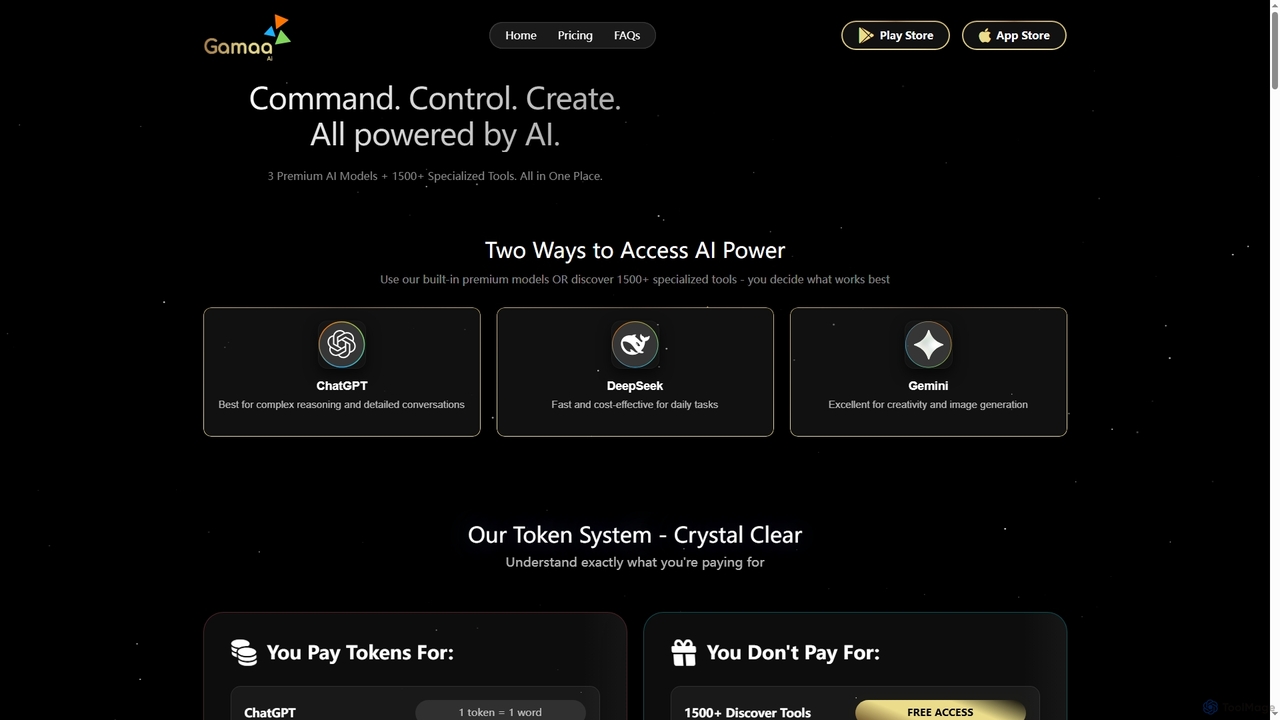
Gamaa
Gamaa is an advanced AI platform offering a unified chat interface that integrates the reasoning power of DeepSeek, the creativity of ChatGPT, and the data context of Gemini. It provides access to over 1500 AI tools for writing, coding, analytics, and research, alongside a trending gallery of prompts and workflows. Its flexible credit system ensures users only pay for what they generate.
Analytics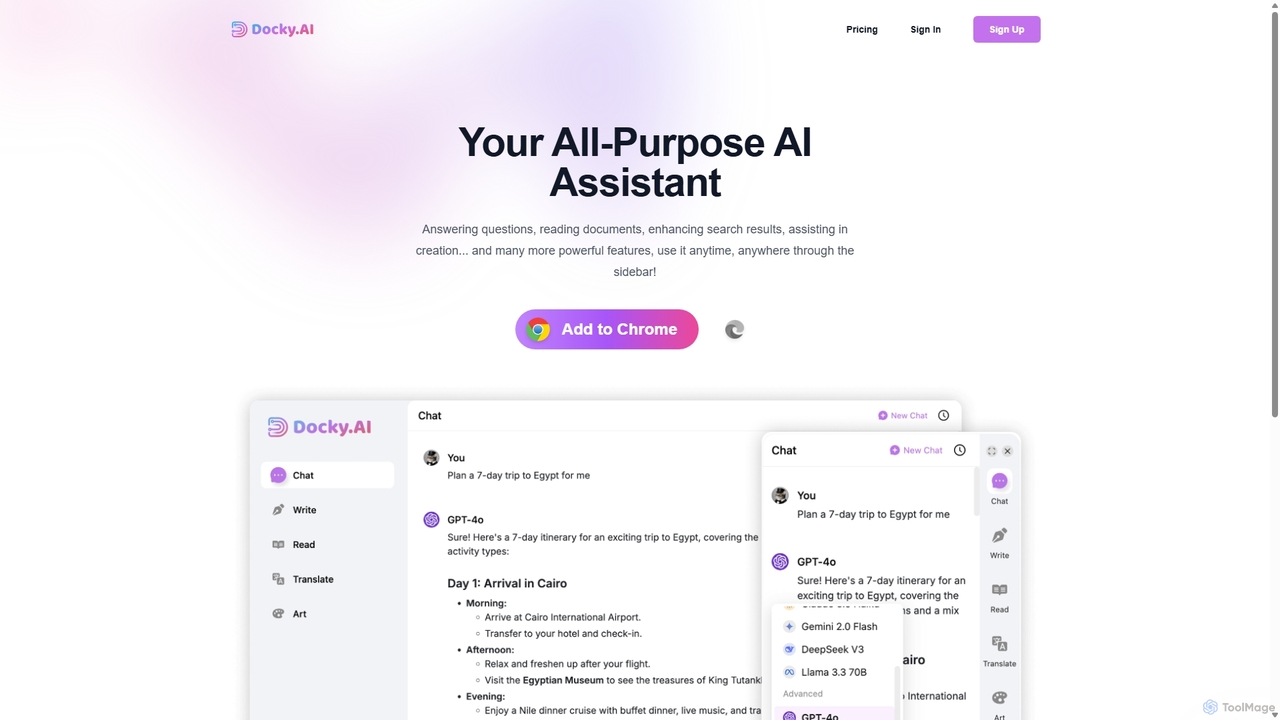
Docky.AI
Docky.AI is a powerful all-in-one AI sidebar for your browser. It integrates leading models like GPT-4, Claude, and DALL-E, allowing you to enhance search results, read documents, assist with writing, and generate content seamlessly on any webpage. Boost your productivity without ever switching tabs.
Search Assistant
Side Space
Side Space is a powerful AI assistant that integrates seamlessly into your desktop workflow. It operates from a convenient sidebar, providing instant access to AI-powered tools for writing, coding, and general productivity without ever leaving your current application. Enhance your efficiency with contextual actions on selected text and customizable commands.
Code Assistant
ChatGPT Phantom
ChatGPT Phantom is a free, privacy-focused browser extension that integrates ChatGPT, Google Bard, and Bing Chat into a single powerful copilot. It enables users to generate real-time, data-driven content like news articles, YouTube scripts, and code, enhancing productivity for creators, writers, and developers.
Productivity
Beamcast Comments (0)
Sign in to comment.
Sign inNo comments yet.