ToolMage
Sign in

Best 3 Search AI tools for Browser Extensions

Popular Search AI tools in Browser Extensions include Liner, Locus, and Beamcast, helping you work more efficiently.

Beamcast
Freemium

Beamcast

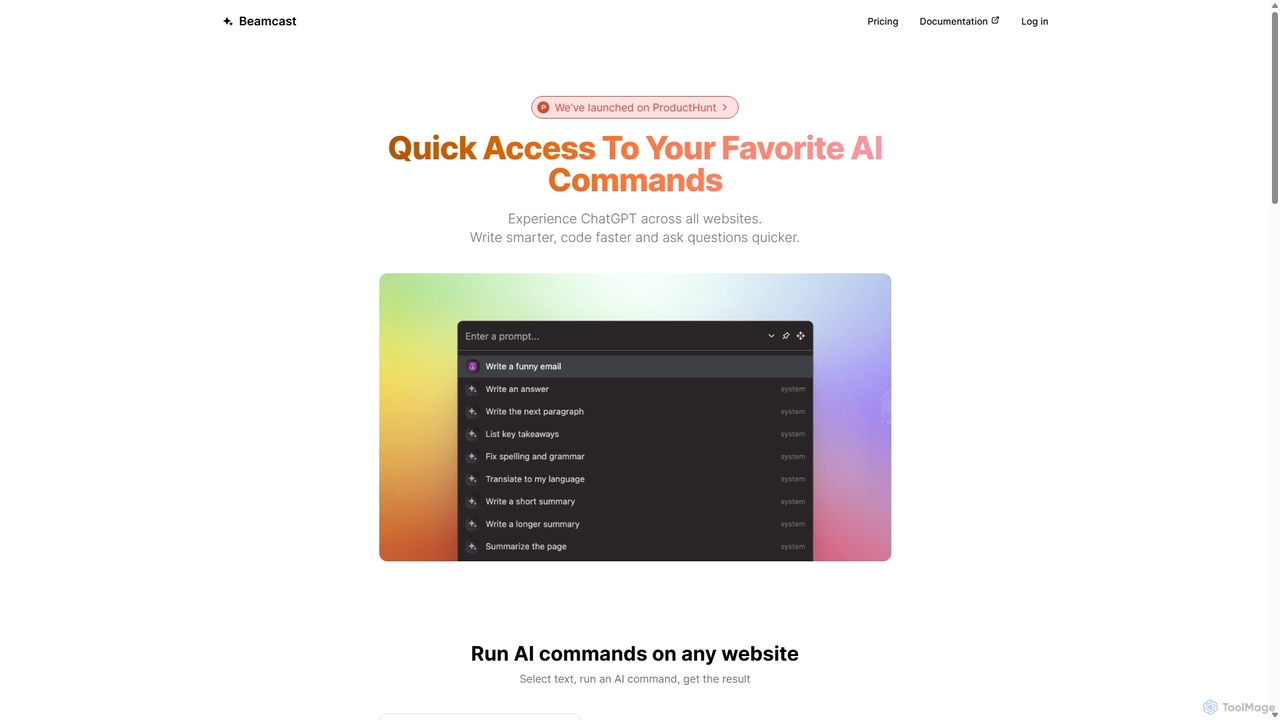
A browser extension that puts ChatGPT and Gemini at your fingertips. Select text on any website to run built-in or custom AI commands for writing, coding, and quick answers, streamlining your workflow and boosting productivity without ever leaving the page.

Search
Visits 3.7KFavorites 118Likes 118
Liner
Freemium

Liner

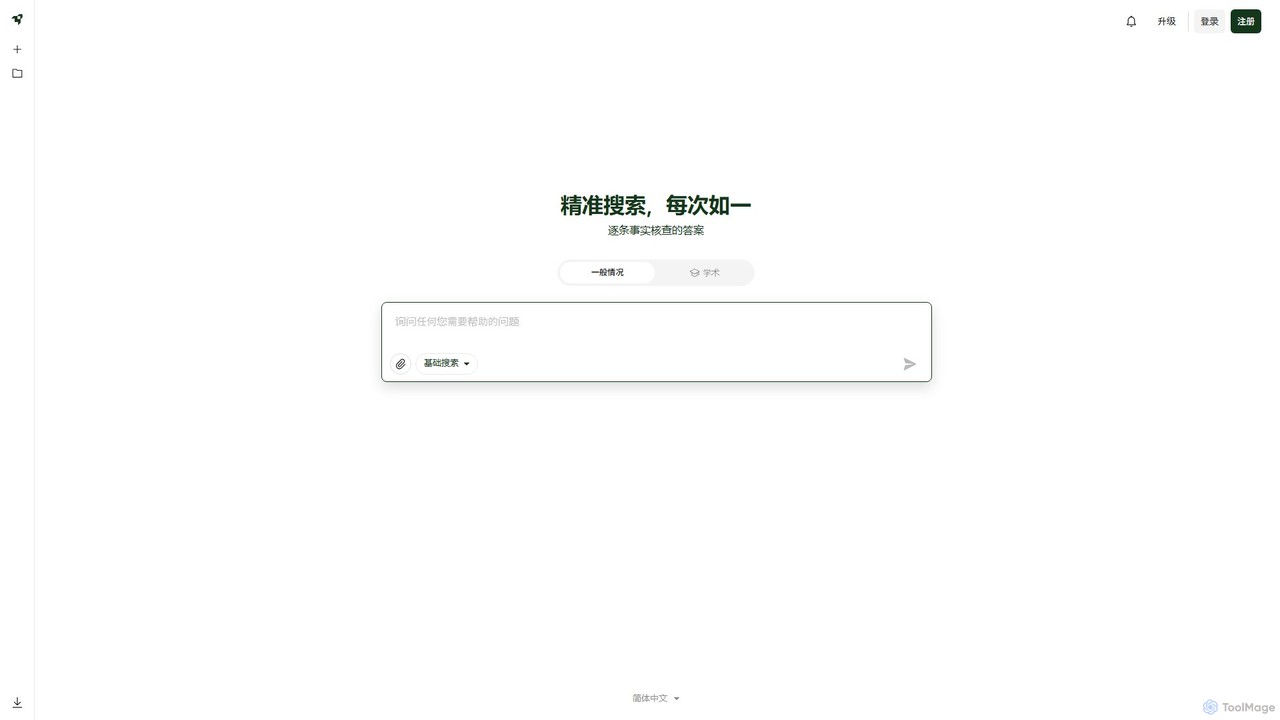
Liner is an AI-powered research assistant and web highlighter that enhances your online reading and research. It acts as an AI copilot, providing instant, fact-checked answers and summaries on search result pages and websites. Highlight text on any webpage or PDF, organize your findings into collections, and accelerate your learning and productivity.

Search
Visits 396KFavorites 133Likes 127
Locus
Freemium

Locus

Locus is an AI-powered browser extension that reimagines the Ctrl+F function. It allows you to use natural language to search web pages and PDFs, instantly finding relevant information without needing exact keywords. Locus also offers AI assistance to summarize content, brainstorm ideas, and create study notes, significantly boosting your research and reading productivity.

Search
Visits 4.4KFavorites 108Likes 118

About Search

Search browser extensions are add-ons that enhance and streamline your web searching experience. They integrate directly with your browser to provide advanced functionalities, such as combining results from multiple search engines or adding AI-powered summaries to your search pages. This allows users to find more accurate and relevant information faster, without needing to switch between tabs or websites. Many of these tools leverage AI to understand context and deliver synthesized answers alongside traditional links.

Core Features

  • Multi-Engine Aggregation: Consolidate results from Google, Bing, DuckDuckGo, and other sources into a single, unified view.
  • AI-Powered Summaries: Display concise, AI-generated answers and summaries directly on the search results page.
  • Contextual Search: Highlight any text on a webpage to instantly search for it with your preferred engines without opening a new tab.
  • Custom Search Shortcuts: Create and manage quick search commands for frequently used websites like Wikipedia or GitHub.
  • Advanced Result Filtering: Block unwanted domains, highlight keywords, and apply powerful filters to refine search results.

Use Cases

These extensions are widely used by researchers, students, and journalists who need to gather and cross-reference information from diverse sources efficiently. Developers also use them to quickly search across multiple coding documentation sites, while content creators rely on them for rapid fact-checking and topic exploration.

How to Choose

When selecting a search extension, consider its integration with your preferred search engines, the quality and speed of its AI summaries, and its customization options. Also, evaluate its privacy policy to understand how your search data is handled, and check its performance impact on your browser.

Featured tool rankings

Search use cases

1

Streamlining Academic and Market Research

Researchers and analysts often need to consult multiple sources simultaneously. A search extension allows them to input a single query and receive aggregated results from academic journals (like Google Scholar, JSTOR), news outlets, and standard web search engines. This eliminates the need to open dozens of tabs. By viewing results side-by-side, they can quickly identify patterns, cross-verify data, and synthesize information, significantly reducing research time for papers, reports, or competitive analysis.

2

Enhancing Developer Coding Workflow

Developers frequently search for code solutions, API documentation, and error explanations. With a custom search extension, they can create shortcuts to search Stack Overflow, GitHub, and MDN Web Docs directly from their browser's address bar (e.g., 'gh my-repo-issue'). Some extensions can even display code snippets or AI-generated solutions directly on the search results page, providing immediate answers without clicking through multiple links.

3

Accelerating Content Creation and Fact-Checking

For content creators, journalists, and writers, accuracy and speed are crucial. Using a contextual search feature, they can highlight a name, date, or claim within a document and instantly trigger a search across multiple trusted news sources or reference sites. This seamless fact-checking process helps maintain credibility and streamlines the writing and editing workflow, ensuring all information presented is verified efficiently.

4

Optimizing Online Shopping and Price Comparison

Online shoppers can use search extensions to become more effective consumers. When viewing a product, they can highlight its name to instantly search for reviews, specifications, and prices across various e-commerce platforms like Amazon, eBay, and other retailers. This provides a comprehensive market overview in seconds, helping them find the best deal and make informed purchasing decisions without manually visiting each site.

5

Integrating AI Summaries into Daily Browsing

Users seeking quick, synthesized answers can benefit from extensions that inject AI summaries into their search results. Instead of sifting through ten blue links to understand a complex topic, the extension presents a concise paragraph at the top of the page, summarizing the key information from the best sources. This is ideal for quick lookups, learning new concepts, or getting a high-level overview before diving deeper into the source material.

6

Customizing Search for Niche Interests

Hobbyists, enthusiasts, or professionals in niche fields can configure search extensions to create a personalized search environment. For example, a board game enthusiast could set up custom shortcuts to search BoardGameGeek for reviews, a recipe site for cooking instructions, and YouTube for video tutorials, all using simple commands. This transforms the browser into a highly specialized tool tailored to their specific information-gathering needs.

Search FAQ

What are AI Search browser extensions?

AI Search browser extensions are add-ons that augment your web browser's native search capabilities. They often integrate AI to provide summaries, combine results from multiple search engines, and allow for contextual searching directly from any webpage. Their primary goal is to make information discovery faster, more relevant, and more efficient than using a standard search engine alone.

How do search extensions differ from a standard search engine like Google?

A standard search engine like Google operates on its own website and uses its own index to provide results. A search extension, however, works on top of search engines. It doesn't have its own index; instead, it modifies, aggregates, or enhances the results pages from Google, Bing, etc. It can combine their results, add AI summaries, or provide new ways to initiate a search, acting as a powerful layer that customizes the search experience.

How do I choose the right search browser extension?

To choose the best search extension, consider these factors:

  • Features: Does it offer AI summaries, multi-engine search, or custom shortcuts that match your needs?
  • Performance: Does the extension slow down your browser? Check user reviews for feedback on speed.
  • Privacy: Review its privacy policy. Understand what data it collects and how it's used, as it will have access to your search queries.
  • Customization: Can you add your own search engines, disable certain features, and tailor it to your workflow?
What are the key benefits of using a search extension?

The main benefits include increased efficiency and improved information quality. By aggregating results, you save time from switching between tabs. AI summaries provide quick answers to complex questions. Contextual search allows for seamless fact-checking and research without interrupting your workflow. Ultimately, these extensions help you find more accurate and diverse information in less time.

Are search browser extensions secure to use?

Security varies by extension. Reputable extensions from official sources like the Chrome Web Store or Firefox Add-ons are generally scanned for malware. However, it's crucial to read the permissions an extension requests before installing it. A search extension will need permission to read and change data on search engine websites. Always choose well-reviewed extensions from trusted developers and review their privacy policy.