
Liner Overview
Liner is a versatile AI-powered tool designed to streamline the research and information gathering process for students, professionals, and lifelong learners. It functions as a personal research assistant, integrating directly into your web browser to enhance your productivity. By combining a powerful web/PDF highlighter with an intelligent AI copilot, Liner helps users cut through the noise of the internet, find reliable information faster, and organize their knowledge effectively.
The core of Liner's functionality is its ability to augment your search engine experience. When you search on Google or other supported engines, Liner's AI Copilot automatically generates a concise, well-referenced summary of the answer you're looking for, complete with links to the original sources. This saves you from clicking through multiple links and allows for quick, trustworthy fact-checking.
How to use Liner
Getting started with Liner is a simple and intuitive process designed to integrate seamlessly into your existing workflow:
- Installation: Begin by installing the Liner browser extension, which is available for major browsers like Chrome, Edge, and Safari. You can also download the Liner mobile app for iOS and Android to sync your research on the go.
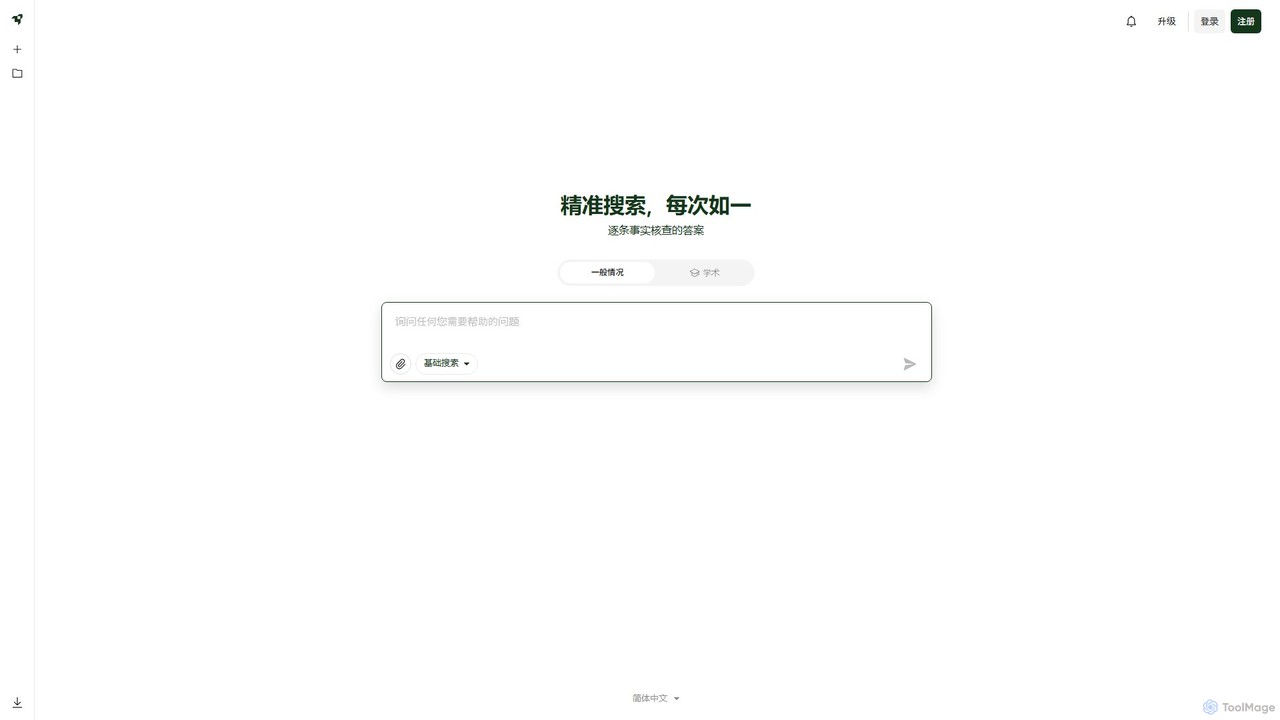
- AI-Powered Search: Once installed, simply perform a search on Google. The Liner AI Copilot will automatically appear alongside your search results, providing a synthesized answer with source citations.
- Highlighting & Annotating: While browsing any webpage or opening a PDF, select the text you find important. A small pop-up menu will appear, allowing you to choose a highlight color. Your highlights are automatically saved to your account.
- Summarizing Content: Click on the Liner extension icon on any webpage to request an instant summary of the article or even a YouTube video.
- Asking Questions: Use the AI assistant to ask specific questions about the content you are currently reading to gain deeper understanding or clarification without leaving the page.
- Organizing Knowledge: All your highlighted pages are saved in your Liner account. You can access them anytime, organize them into specific folders (Collections) for different projects, and search through your saved knowledge base.
Core Features of Liner
- AI Search Copilot: Provides instant, AI-generated answers with source references directly on search engine results pages.
- Web & PDF Highlighter: A simple and effective tool to highlight and save key information from any website or PDF document.
- Content Summarizer: Generates concise summaries for articles, research papers, and YouTube videos, saving you significant reading time.
- Content Curation & Management: Save and organize all your research materials, including highlights and full pages, into structured folders and collections.
- Cross-Platform Synchronization: Seamlessly syncs all your highlights, notes, and collections across your desktop browser extension and mobile apps.
- In-Page AI Assistant: Ask contextual questions about the content you're reading to get immediate, AI-powered explanations and insights.
Use Cases for Liner
Liner is beneficial for a wide range of users:
- Students & Academics: Efficiently gather sources for research papers, highlight key arguments in academic articles, and organize notes for exams.
- Professionals & Analysts: Quickly conduct market research, track industry news, analyze competitor materials, and build a centralized knowledge base for their team.
- Content Creators & Writers: Streamline the research phase for blog posts, articles, and videos by quickly gathering and organizing source material.
- Curious Minds & Lifelong Learners: Explore new topics deeply by summarizing complex articles and using the AI assistant to clarify difficult concepts.
Advantages of Liner
Liner offers a distinct advantage by transforming passive reading into an active, engaging research process. Its primary strengths include a massive boost in efficiency, improved information retention through active highlighting, and the creation of a personalized, searchable knowledge library. The integration of a trustworthy, source-citing AI copilot directly into the search experience sets it apart, ensuring users not only get answers quickly but can also verify their accuracy with ease.
Pricing and Plans
Liner operates on a freemium model, making it accessible to everyone.
- Free Plan: Includes a limited number of AI Copilot uses per month, basic highlighting features, and content saving. Ideal for casual users.
- Essential Plan: A paid subscription that offers a higher limit on AI features, unlimited highlights, advanced search within your saved content, and more color options.
- Professional Plan: The premium tier offering unlimited use of all AI features, advanced collaboration options, priority support, and other powerful features for heavy researchers and professional teams.
For the most current pricing details, please visit the official Liner website.
Traffic
Latest traffic
Status
Monthly traffic trend
- 2026-1: 21.6K
- 2026-2: 34.2K
- 2026-3: 27.0K
- 2026-4: 317.5K
- 2026-5: 392.3K
Geography
Top 5 countries / regions
- 🇺🇸United States34.1%
- 🇰🇷South Korea23.6%
- 🇮🇳India17.9%
- 🇵🇭Philippines12.8%
- 🇻🇳Vietnam11.5%
Traffic sources
| Source type | Percentage |
|---|---|
Direct | 89.6% |
Referral | 9.0% |
Email | 1.4% |
Top keywords
| Keyword | Cost per click |
|---|---|
| get liner | $1.60 |
| linear ai | $3.18 |
| liner | $0.70 |
| liner ai | $1.83 |
| liner youtube summarizer | $0.00 |
Liner Videos on YouTube

App Insider Pro
dad reads research
Liner Alternatives
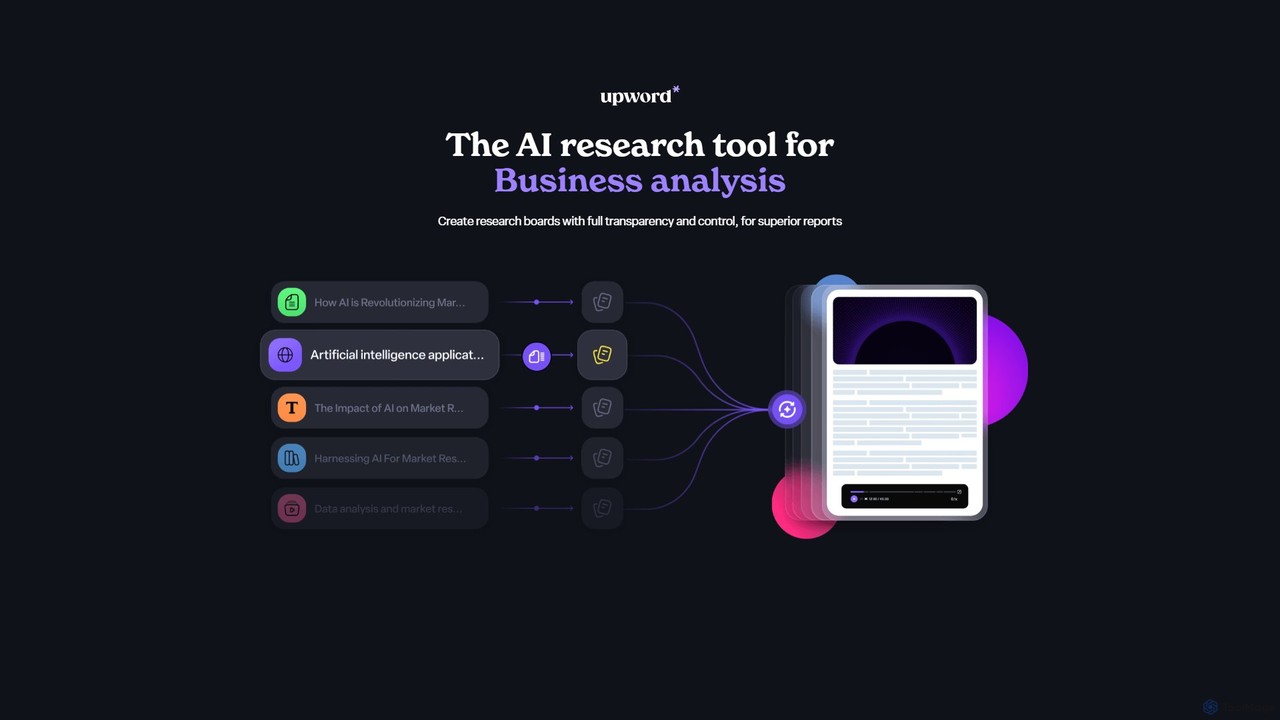
Upword
Upword is an AI-powered research platform designed for business analysis and knowledge management. It helps users summarize content from various sources like PDFs, URLs, and YouTube videos, create detailed reports with AI assistance, and organize all research in a centralized, collaborative library. It offers full control over the AI process, ensuring transparent and trustworthy results.
Analysis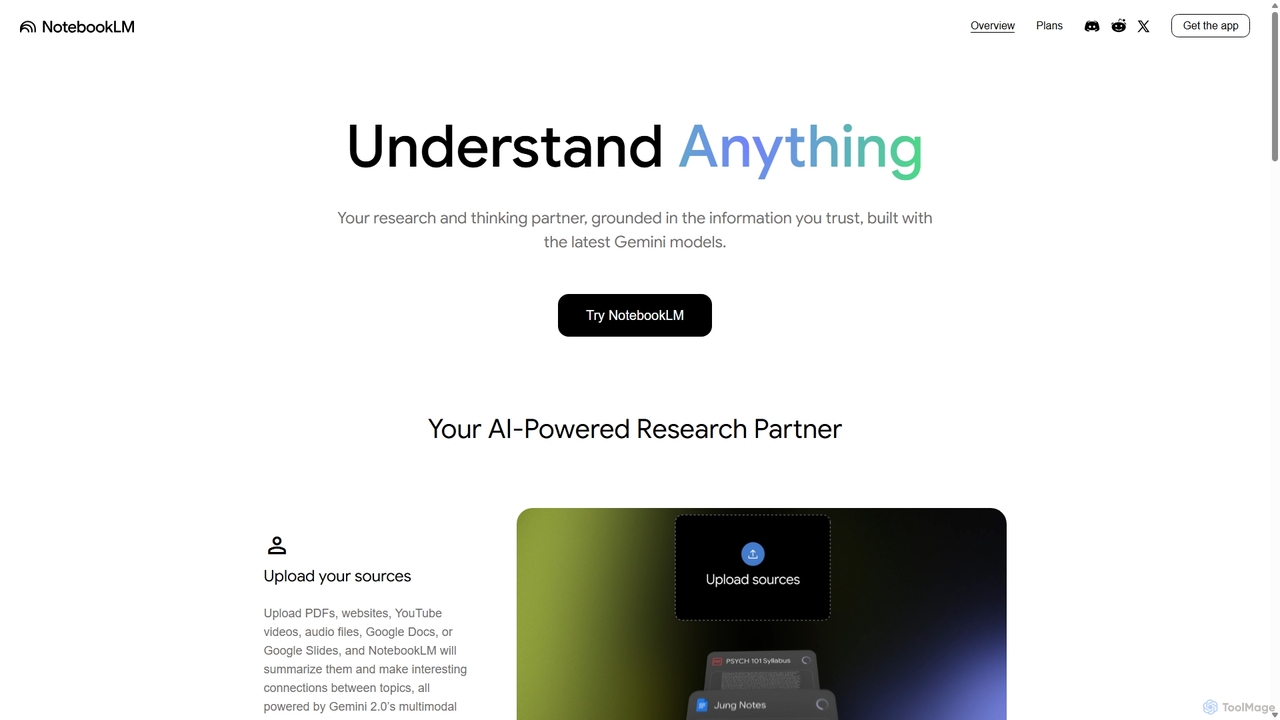
NotebookLM
NotebookLM is an AI-powered research assistant and thinking partner from Google. It helps you understand, synthesize, and generate insights from your own documents. Upload PDFs, Google Docs, websites, and more to create a personalized knowledge base, then ask questions, get summaries, and brainstorm new ideas, with all responses grounded in your source material.
Knowledge Management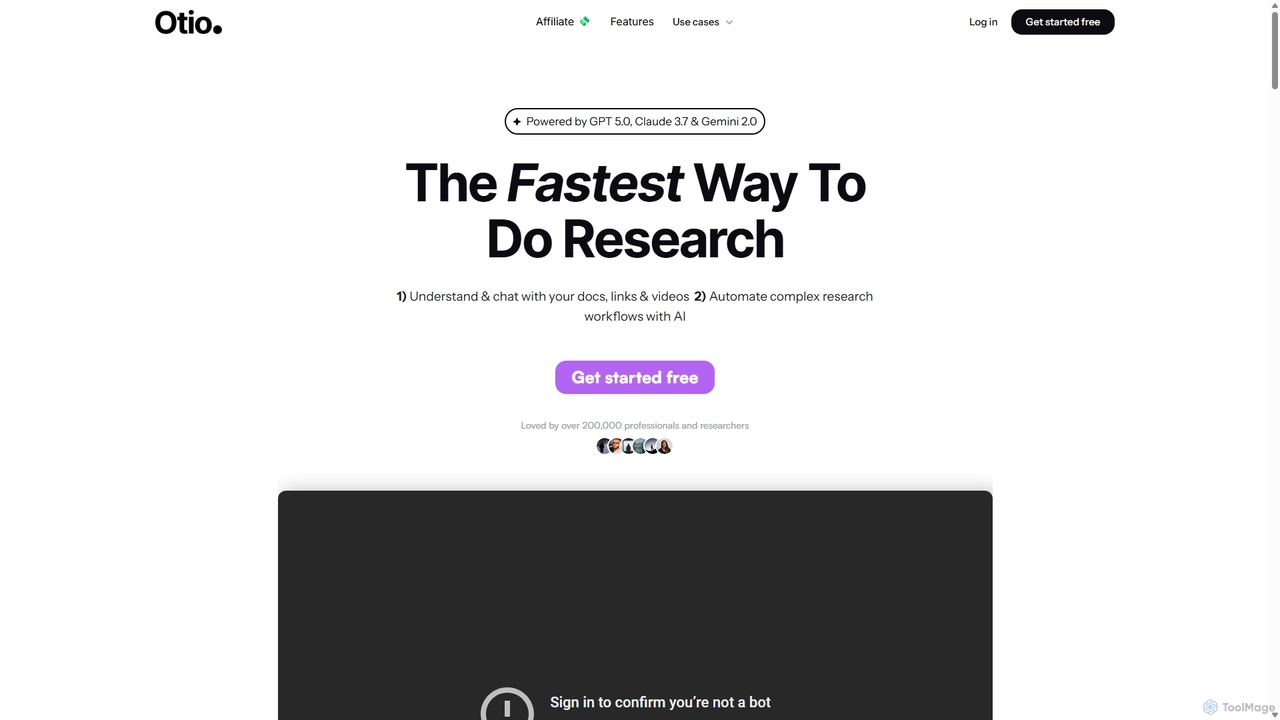
Otio
Otio is an AI-powered research and writing partner that streamlines your workflow. It allows you to understand and chat with documents, links, and videos, automate complex research tasks, and draft reports in an integrated AI editor. It's designed for students, researchers, and professionals to extract insights and produce high-quality written content efficiently.
Workflow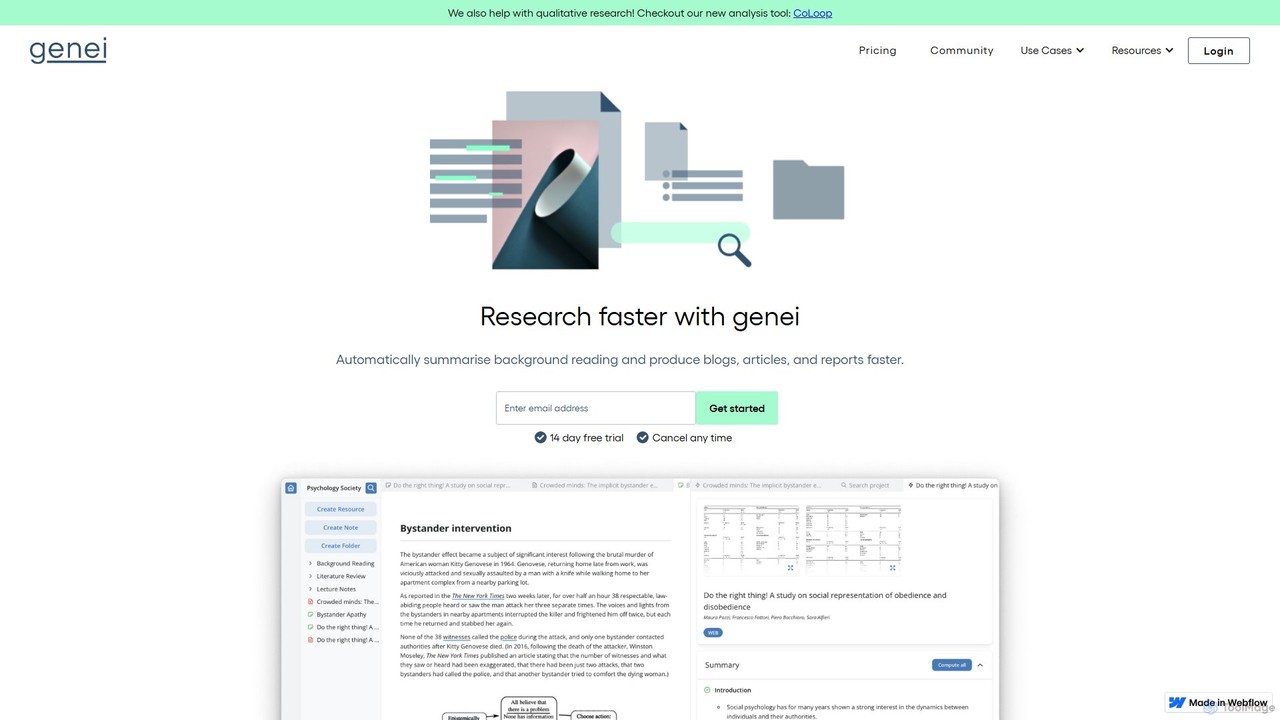
genei
genei is an AI-powered research and summarization tool designed to enhance productivity for students, academics, and professionals. It helps users read faster, organize information, and uncover key insights by automatically summarizing documents, extracting keywords, and answering questions from your text. It supports PDFs and webpages, integrating research into a seamless workflow.
Study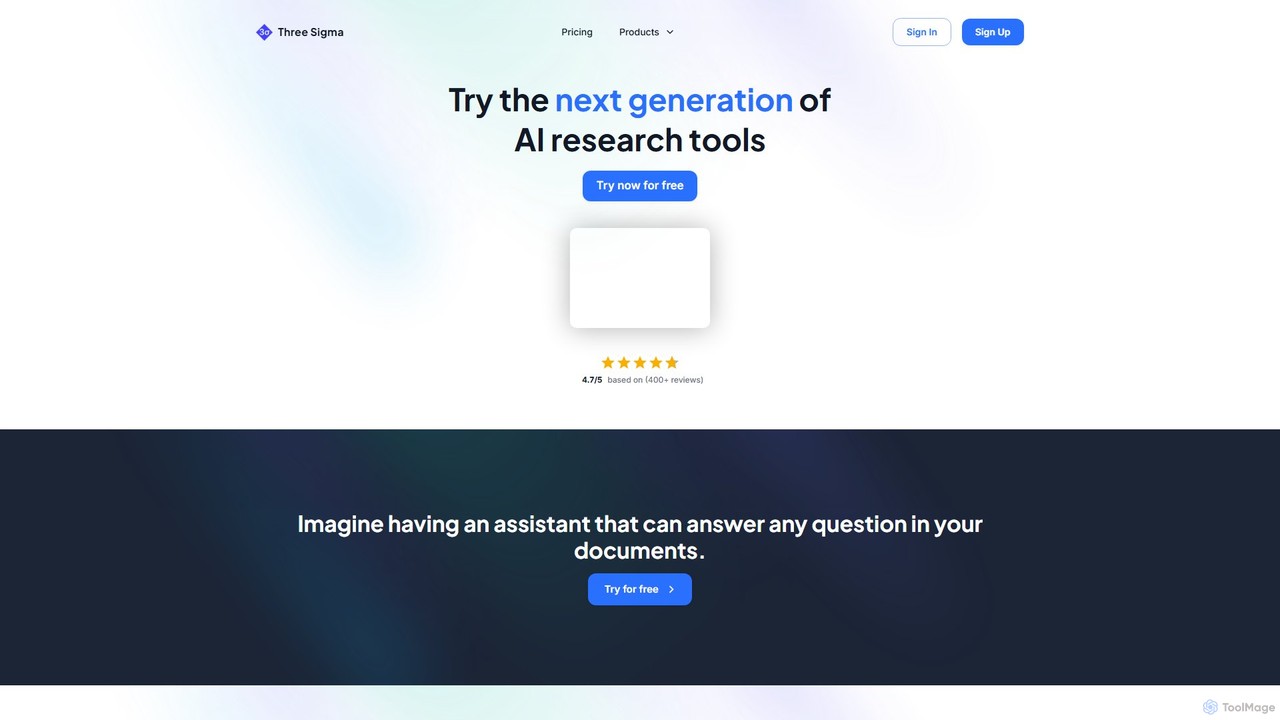
Three Sigma
Three Sigma is an AI-powered research assistant that allows you to chat with your documents. Upload PDFs, Word docs, and PowerPoints to ask questions, extract key information, and get instant, source-cited answers, reducing reading time by up to 90%.
StudyLiner Categories
Liner Embed Widget
Copy this embed code to place the badge on your blog, article, or product site and send readers directly to this ToolMage detail page.

Related AI tools
Upword
Upword is an AI-powered research platform designed for business analysis and knowledge management. It helps users summarize content from various sources like PDFs, URLs, and YouTube videos, create detailed reports with AI assistance, and organize all research in a centralized, collaborative library. It offers full control over the AI process, ensuring transparent and trustworthy results.
Analysis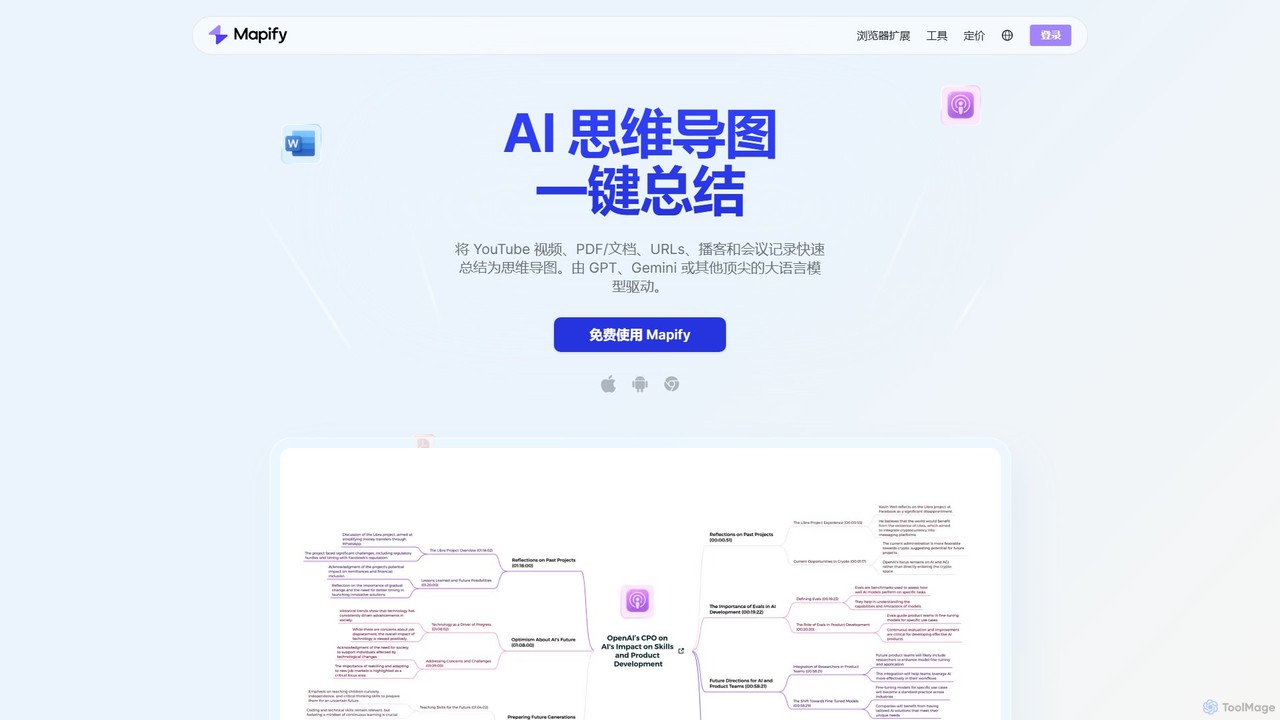
Mapify
Mapify is an AI-powered tool that instantly transforms YouTube videos, PDFs, web pages, audio, and text into structured, interactive mind maps. It leverages top LLMs like GPT and Gemini to summarize complex information, helping users learn faster, brainstorm effectively, and enhance productivity.
Study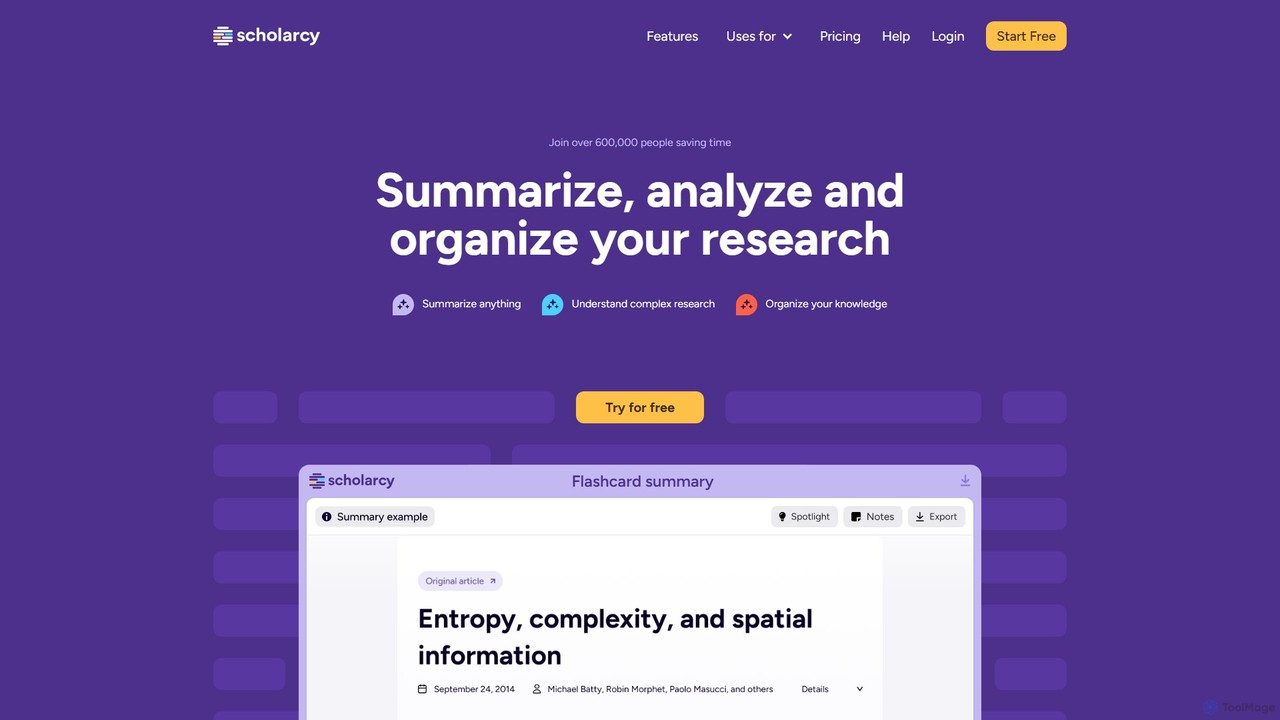
Scholarcy
Scholarcy is an AI-powered research assistant that transforms long articles, papers, and book chapters into interactive summary flashcards. It helps students, researchers, and academics to quickly read, understand, and analyze complex texts. By highlighting key findings, extracting references, and enabling critical analysis, Scholarcy streamlines the literature review process and boosts research productivity.
Academic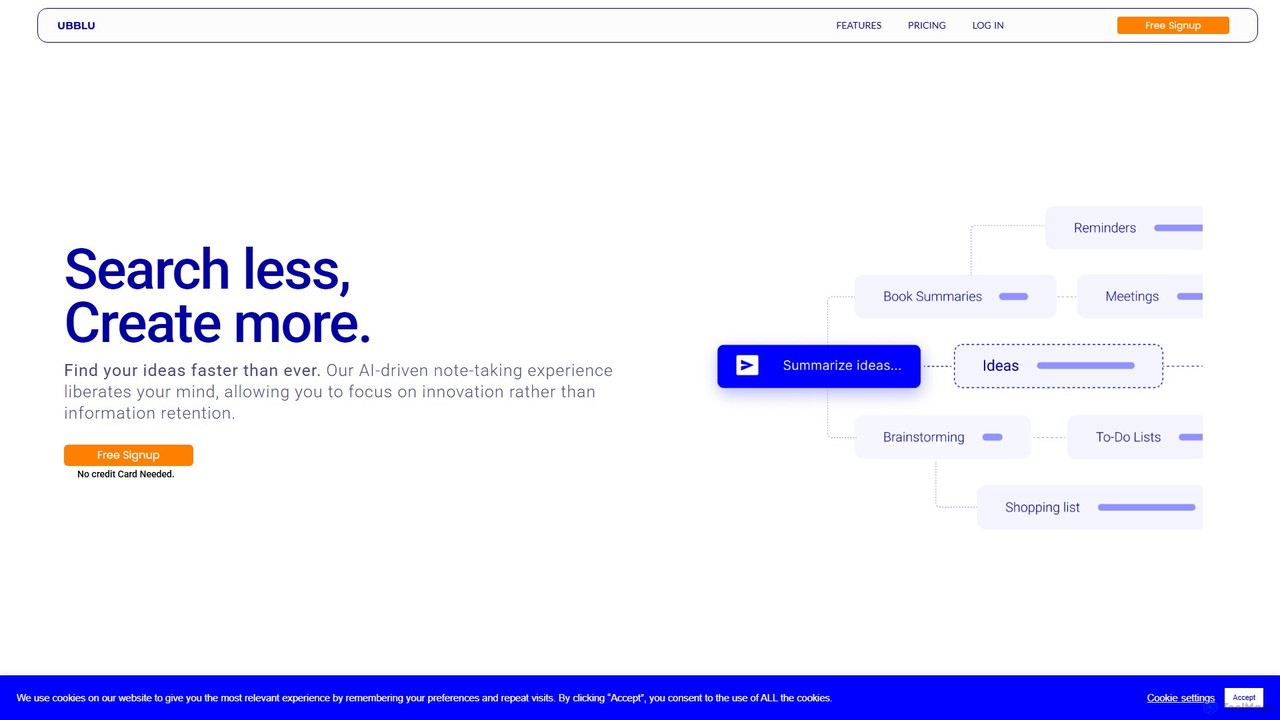
Ubblu
Ubblu is an AI-powered research and creation platform designed to help users 'Search Less, Create More.' It streamlines workflows by unifying intelligent search, knowledge management, and content generation, enabling professionals to quickly turn scattered information into structured insights and actionable drafts.
Personal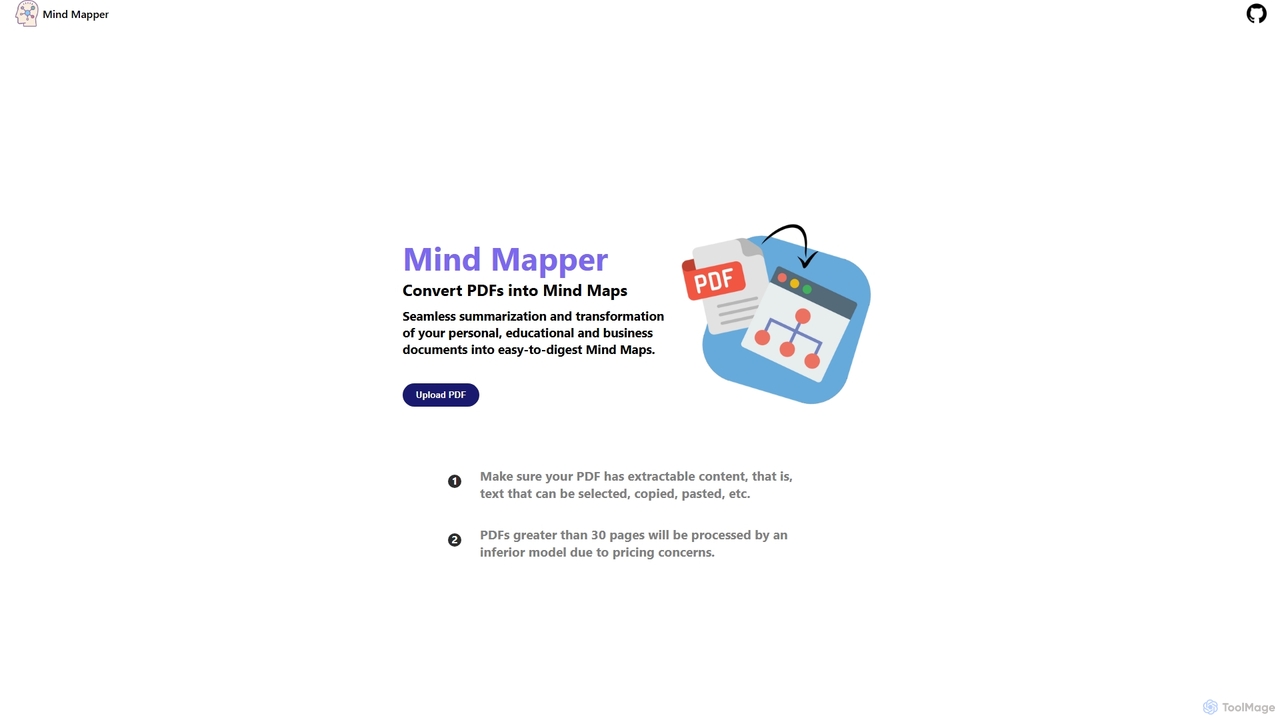
MindmapAI
MindmapAI is an AI-powered tool that transforms PDF documents into clear, structured mind maps. Using Google's Gemini AI, it automatically summarizes and visualizes complex information, making it ideal for students, researchers, and professionals to quickly grasp key concepts from dense texts.
Document Management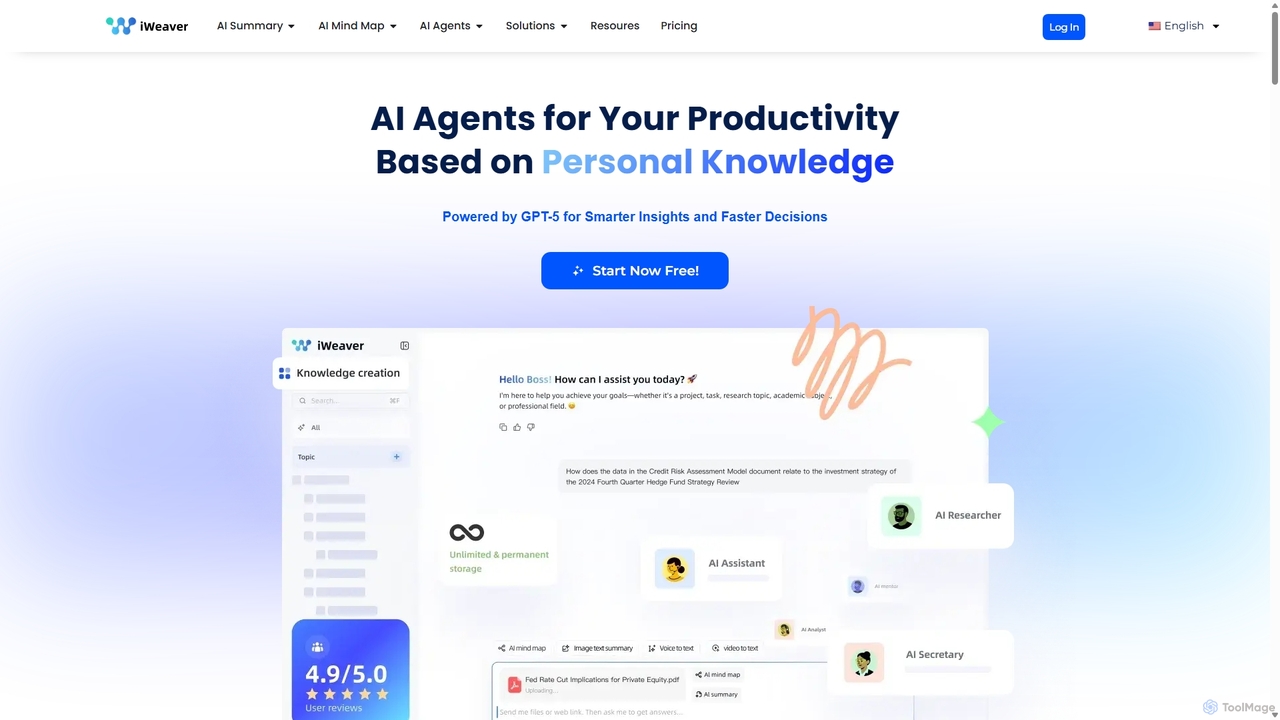
Iweaver
Iweaver is an AI-powered personal knowledge management platform that transforms your documents, images, and videos into an intelligent knowledge base. Utilize over 200 specialized AI agents to automate tasks, generate summaries, create mind maps, and get precise answers from your data. It learns your work habits to provide personalized, context-aware assistance, streamlining workflows for professionals in finance, research, law, and content creation.
Study Tools
OpenCraft AI
OpenCraft AI is an all-in-one AI workspace for professionals, integrating multiple AI models like GPT and Gemini with a unified file hub. It offers deep reasoning, real-time document editing, and context-aware responses to streamline research, content creation, and complex workflows.
Document Management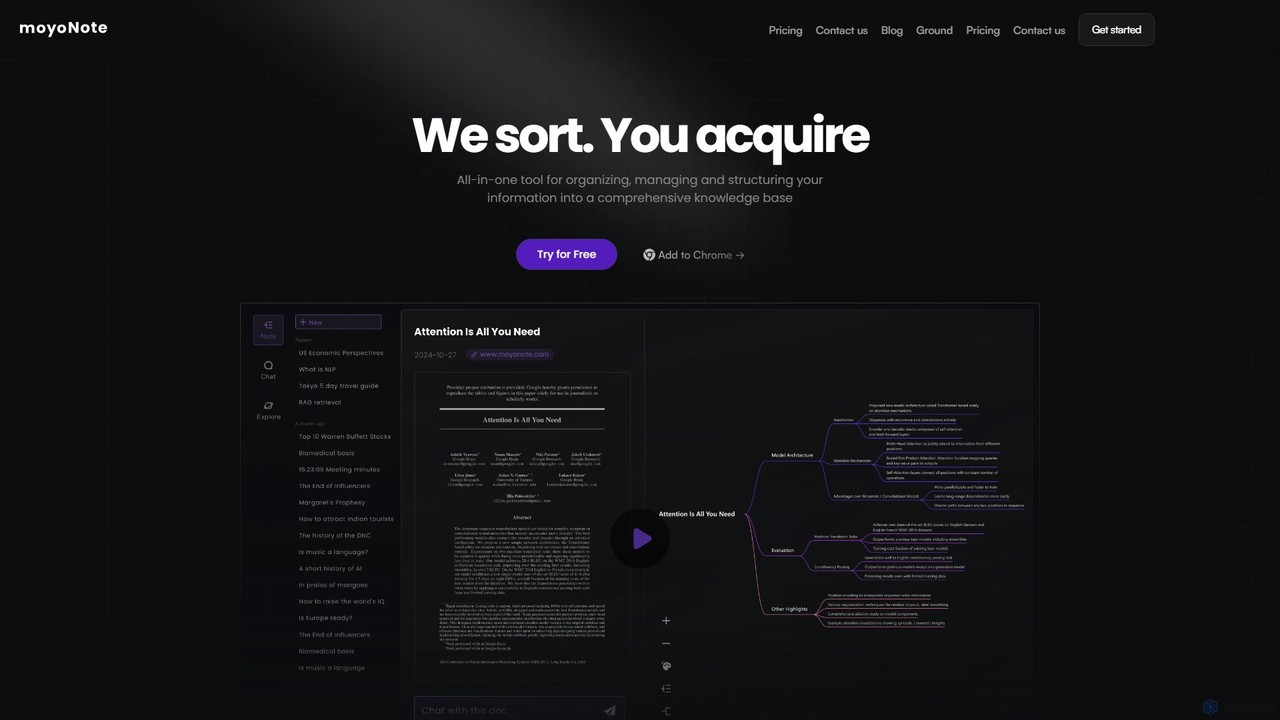
moyonote
moyonote is an AI-powered tool that automatically transforms documents, text, and various files into structured, interactive mind maps. It helps users quickly sort and acquire knowledge, enhancing productivity for students, professionals, and teams by simplifying complex information.
Document Analysis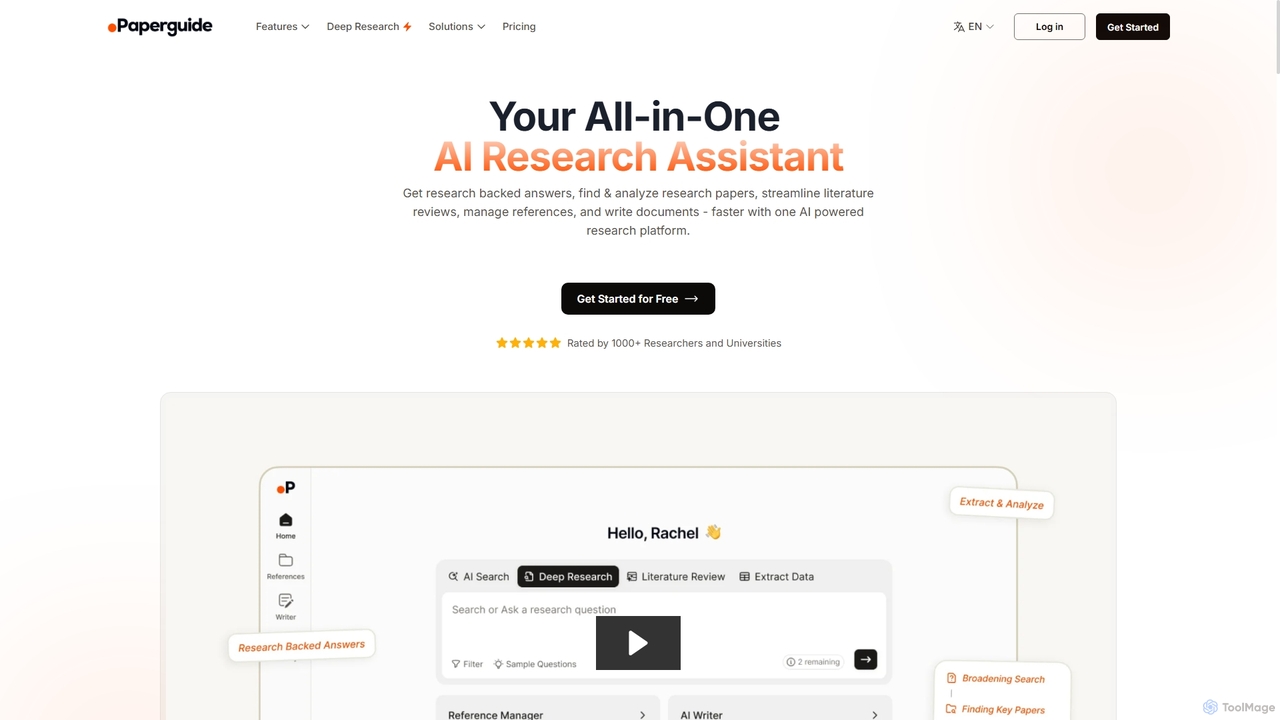
Chatwithpdf
Chatwithpdf is an AI-powered tool that allows you to interact with your PDF documents conversationally. Simply upload a file and start asking questions, get summaries, and extract key information instantly. It's designed for students, researchers, and professionals to analyze documents faster and more efficiently.
Data Extraction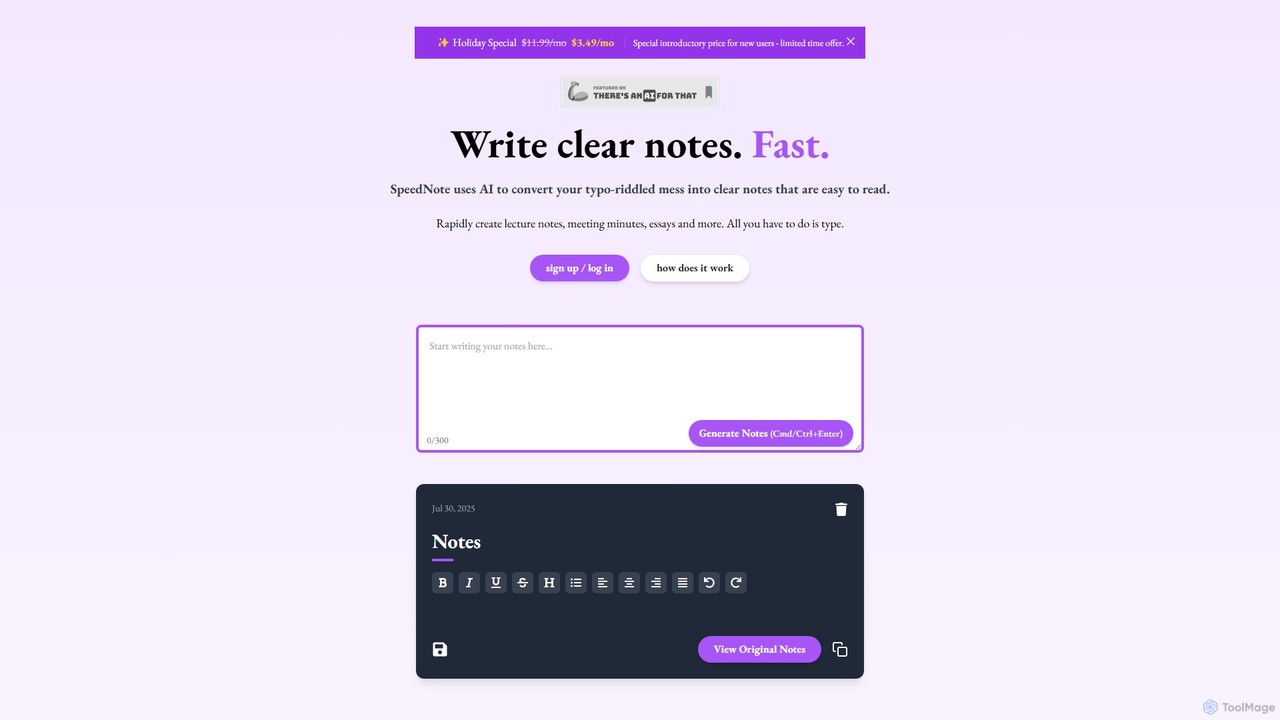
SpeedNote AI
An AI-powered tool that automatically transforms your raw, messy notes into structured, summarized, and insightful documents. Ideal for students and professionals, it saves time by formatting text, highlighting key points, and adding valuable comments, boosting productivity and comprehension.
Meeting Management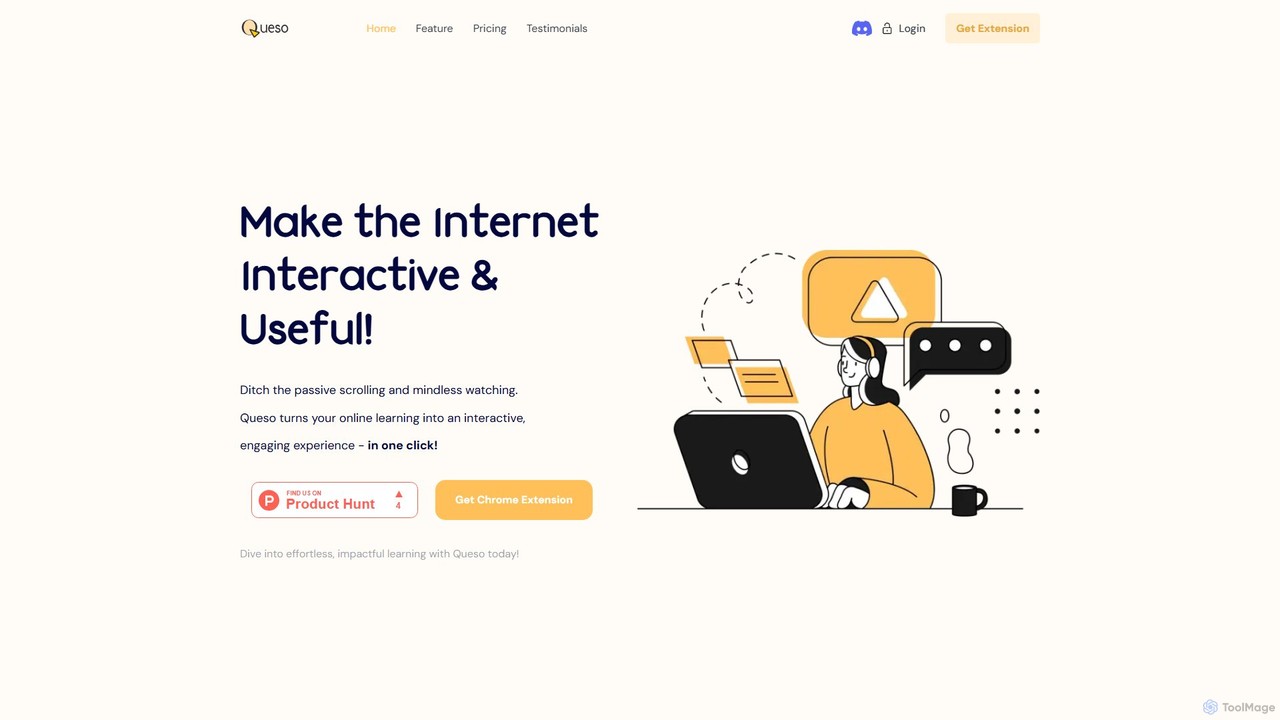
Queso
Queso is an AI-powered Chrome extension that transforms passive online learning into an active, engaging experience. It enhances content from YouTube, PDFs, and webpages by adding interactive questions, AI-generated summaries, and context-aware assistance. With integrated tools like mind mapping and whiteboarding, Queso helps you understand, retain, and organize information effortlessly, making it your all-in-one learning sidekick.
Chrome Extensions
cognizise
Cognizise is an AI-powered learning and knowledge synthesis platform designed to help students, educators, and professionals understand complex information faster. It transforms documents, articles, and notes into interactive learning materials, including summaries, mind maps, and quizzes, accelerating comprehension and retention.
Learning AssistantNotebookLM
NotebookLM is an AI-powered research assistant and thinking partner from Google. It helps you understand, synthesize, and generate insights from your own documents. Upload PDFs, Google Docs, websites, and more to create a personalized knowledge base, then ask questions, get summaries, and brainstorm new ideas, with all responses grounded in your source material.
Knowledge Management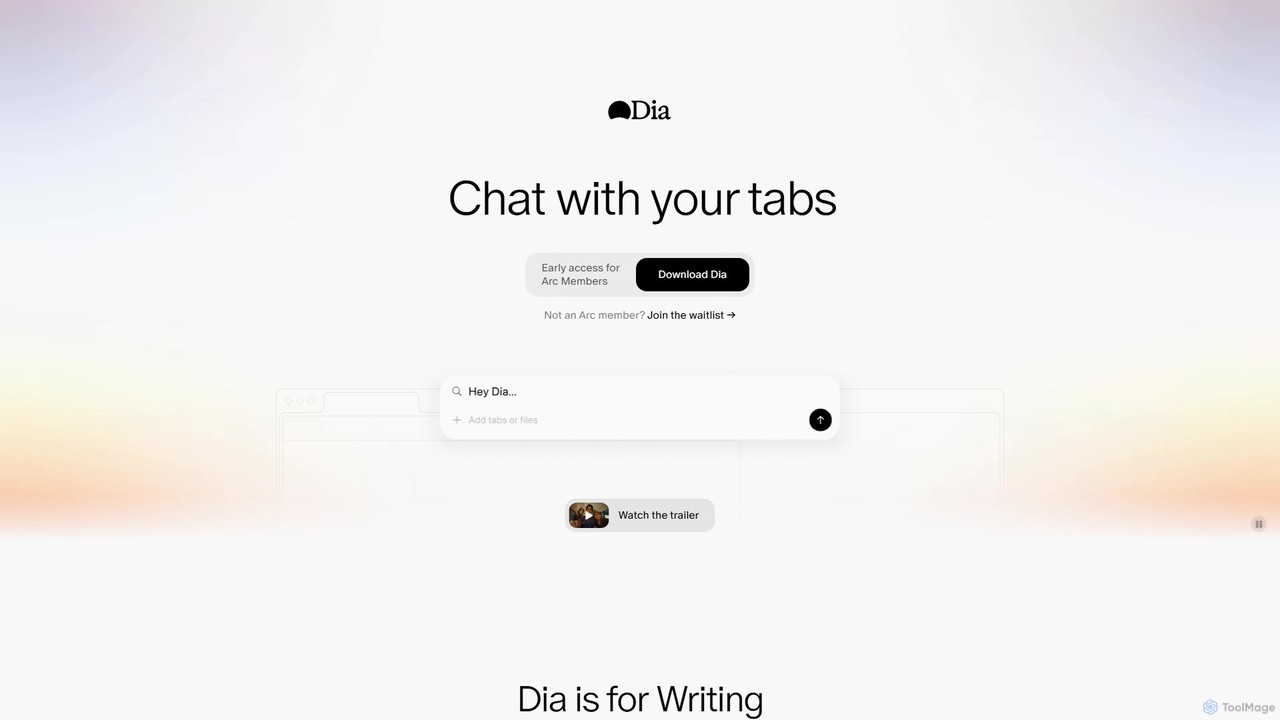
diabrowser
Dia is a revolutionary AI-powered browser for macOS that allows you to chat directly with your open tabs. It acts as a contextual assistant for writing, research, learning, and planning, synthesizing information across multiple pages to provide instant, relevant answers and content without constant copy-pasting.
Learning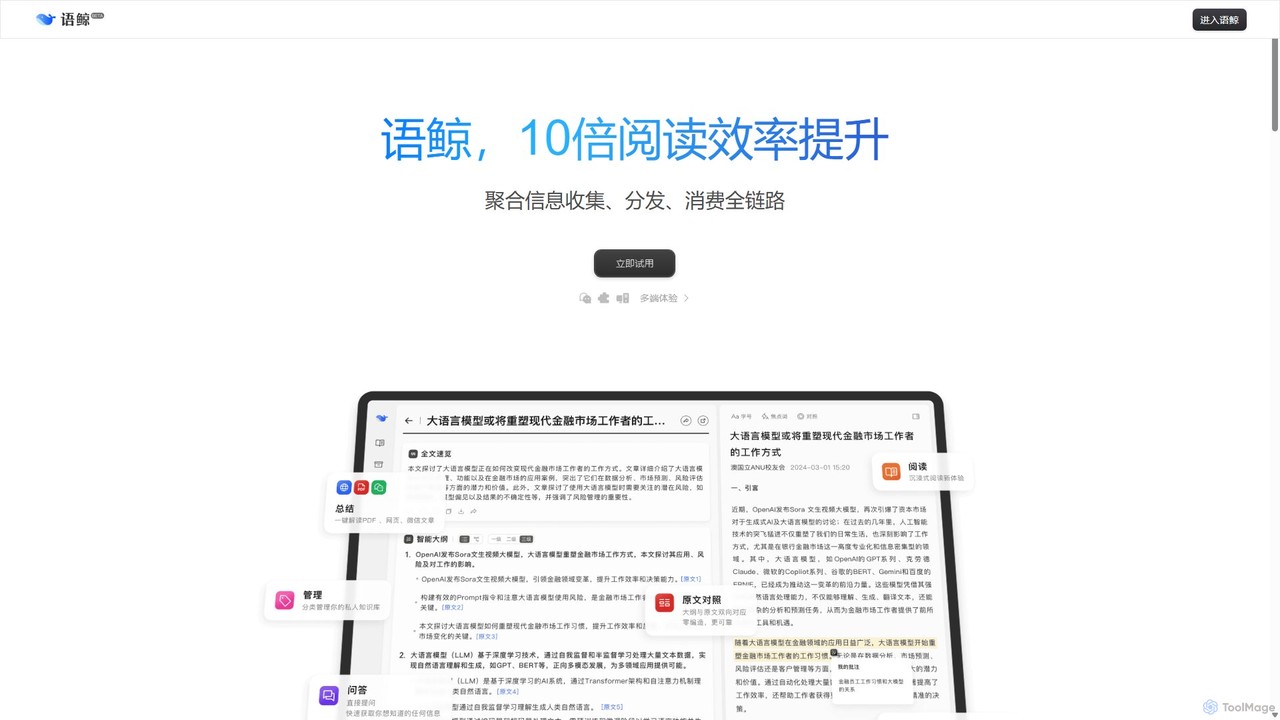
lingowhale
LingoWhale is an AI-powered reading and research assistant designed to enhance information processing. It intelligently summarizes web pages, documents (PDF, Word, PPT), and even multiple sources simultaneously, helping users quickly grasp key insights and compare different perspectives.
Study
Liner Comments (0)
Sign in to comment.
Sign inNo comments yet.