

NotebookLM Overview
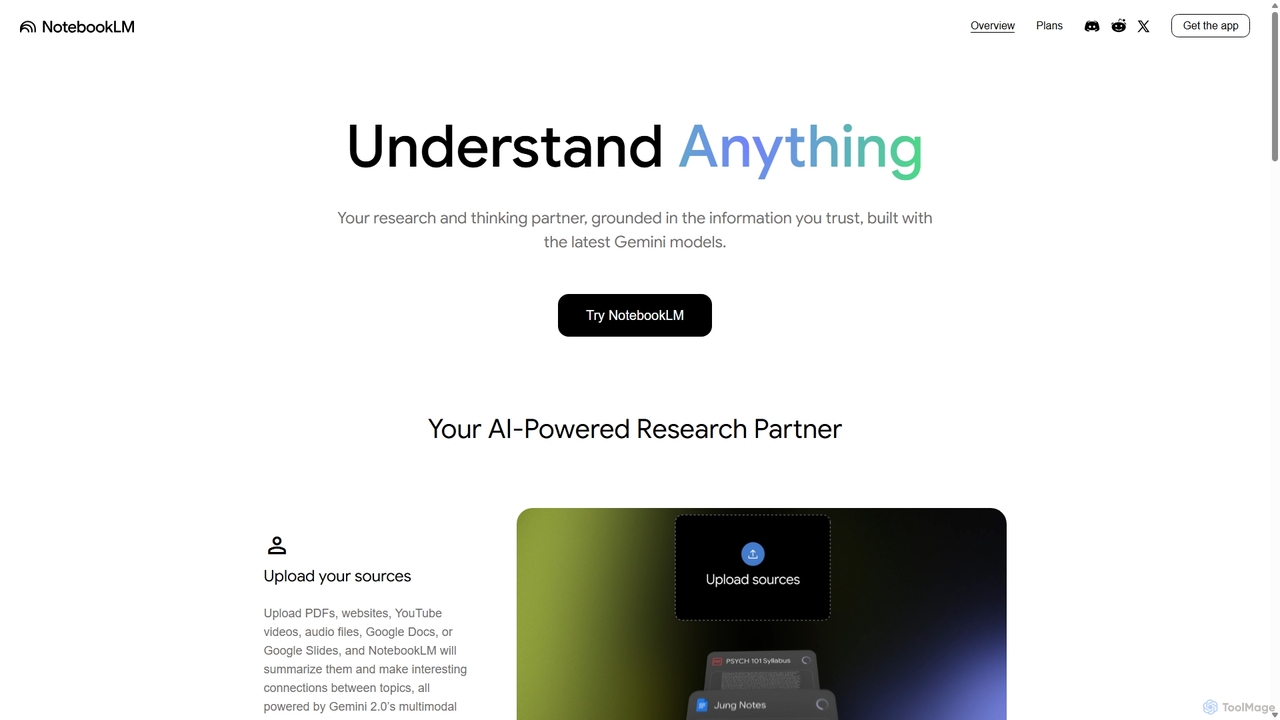
NotebookLM, developed by Google, is a sophisticated AI-powered research and writing assistant designed to function as your personal thinking partner. Unlike general-purpose chatbots, NotebookLM is grounded in the specific source materials you provide, ensuring that its insights, summaries, and answers are relevant, accurate, and directly tied to your information. This makes it an invaluable tool for students, researchers, professionals, and creatives who need to work deeply with dense material.
By uploading your documents—such as research papers, textbook chapters, project notes, marketing reports, or even transcripts of YouTube videos—you create a personalized AI model that understands the nuances of your content. NotebookLM then helps you distill critical information, uncover hidden connections, and accelerate your learning and creation process. It's built on Google's powerful Gemini models, offering advanced reasoning and comprehension capabilities.
How to use NotebookLM
Getting started with NotebookLM is straightforward. First, you create a new 'notebook' for your project. Then, you add your sources by uploading files directly from your computer or Google Drive (including PDFs, Google Docs, and Slides), pasting text, or adding website and YouTube URLs. Once your sources are loaded, you can interact with them in several ways:
- Ask Questions: Pose complex questions about your documents. NotebookLM will provide detailed answers, complete with in-line citations that link directly back to the specific passages in your source material.
- Generate Automatic Overviews: With a single click, you can generate summaries, FAQs, timelines, or detailed briefing documents based on your sources.
- Create Audio Overviews: Transform your notes into audio summaries, making it easy to review key information on the go.
- Brainstorm and Organize: Use NotebookLM as a creative partner. Ask it to identify trends in your market research, generate presentation outlines, or suggest new angles for a blog post.
Core Features of NotebookLM
- Source-Grounded AI: All responses are based exclusively on the documents you upload, minimizing AI 'hallucinations' and ensuring factual accuracy.
- In-line Citations: Every answer is supported by citations, allowing you to instantly verify information and dive deeper into the original context.
- Multi-Format Support: Upload a wide variety of sources, including PDFs, Google Docs, Google Slides, websites, YouTube video transcripts, and raw text.
- Intelligent Content Generation: Automatically create useful formats like summaries, study guides, FAQs, outlines, and briefing documents.
- Audio Overviews: Listen to AI-generated summaries of your materials, perfect for multitasking or auditory learning.
- Team Collaboration (Pro): Create shared notebooks for your team, enabling everyone to work from a centralized, AI-powered knowledge base.
- Customization and Analytics (Pro): Pro users can customize the style and length of AI responses and access analytics on how notebooks are being used.
- Privacy and Security: Google emphasizes user privacy, stating that data from organizations using the Pro version is not used to train its models.
Use Cases for NotebookLM
NotebookLM is versatile and can be applied across various fields:
- Education & Academia: Students can upload lecture notes and textbooks to create study guides, explain complex concepts, and draft research papers. Teachers can generate lesson plans and discussion questions.
- Marketing & Content Creation: Marketers can analyze reports, blog posts, and webinars to repurpose content, identify key themes, and create engaging new material consistently.
- Sales & Business Development: Sales teams can build a shared knowledge base with product information and competitor analysis to answer customer questions accurately and make informed decisions.
- Product Development: Teams can centralize product specifications, design documents, and user feedback to accelerate development and ensure everyone is aligned.
- Training & Onboarding: HR and training managers can convert manuals and presentations into interactive learning modules to help new hires get up to speed quickly.
Advantages of NotebookLM
The primary advantage of NotebookLM is its ability to provide trustworthy, cited answers based on your own trusted information. This source-grounded approach sets it apart from other AI tools. It enhances productivity by automating the tedious process of sifting through documents, allowing you to move from research to insight to creation much faster. Its collaborative features also make it a powerful tool for teams, ensuring consistent knowledge sharing and decision-making.
Pricing and Plans
NotebookLM operates on a freemium model:
- NotebookLM Free: A generous free plan for individuals to get started. It includes core features like uploading various source types, generating summaries and FAQs, and asking questions with citations, all powered by the latest Gemini models.
- NotebookLM Pro: Aimed at power users, teams, and organizations. This plan offers significantly higher limits (5x more audio overviews, notebooks, queries, and sources), response customization, shared notebooks for collaboration, usage analytics, and enhanced privacy controls. Pro features are available through subscriptions like Google One AI Premium (for consumers), Google Workspace (for businesses), and Google Cloud (for enterprises).
Traffic
Latest traffic
Status
Monthly traffic trend
- 2025-9: 14.9M
- 2026-1: 29.2M
- 2026-2: 28.8M
- 2026-3: 34.6M
- 2026-4: 38.5M
- 2026-5: 37.7M
Geography
Top 5 countries / regions
- 🇺🇸United States39.0%
- 🇮🇳India20.5%
- 🇮🇩Indonesia14.2%
- 🇵🇪Peru13.2%
- 🇯🇵Japan13.1%
Traffic sources
| Source type | Percentage |
|---|---|
Direct | 79.2% |
Referral | 18.3% |
Email | 2.6% |
Top keywords
| Keyword | Cost per click |
|---|---|
| notebook | $0.59 |
| notebook llm | $1.84 |
| notebookllm | $0.83 |
| notebook lm | $0.79 |
| notebooklm | $0.78 |
NotebookLM Videos on YouTube
Kevin Stratvert


Linking Your Thinking with Nick Milo


Classnotes with Nicole

NotebookLM Alternatives
YouMind
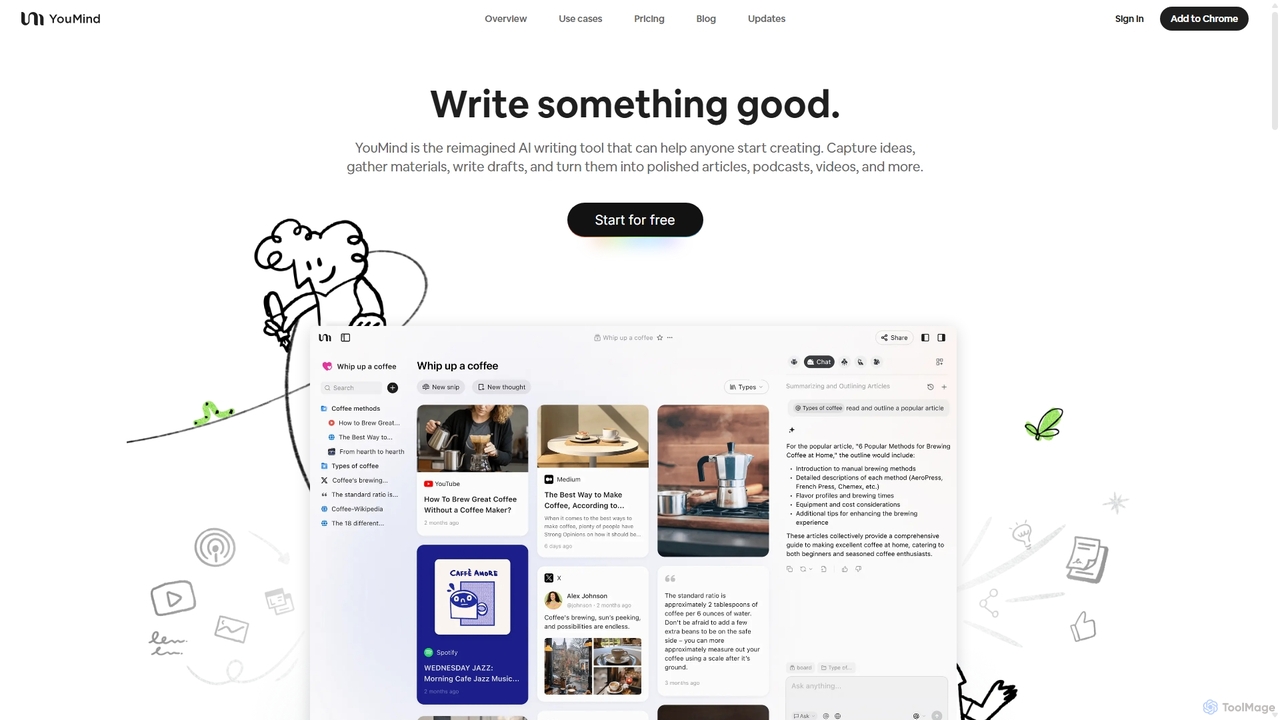
YouMind is an AI-powered creation studio designed to streamline the entire content creation workflow. It integrates material collection from various sources like YouTube, podcasts, and articles into a unified workspace. Users can research, organize, and collaborate with top AI models to transform their ideas into polished articles, videos, and more, all within a single, project-based environment.
Knowledge Management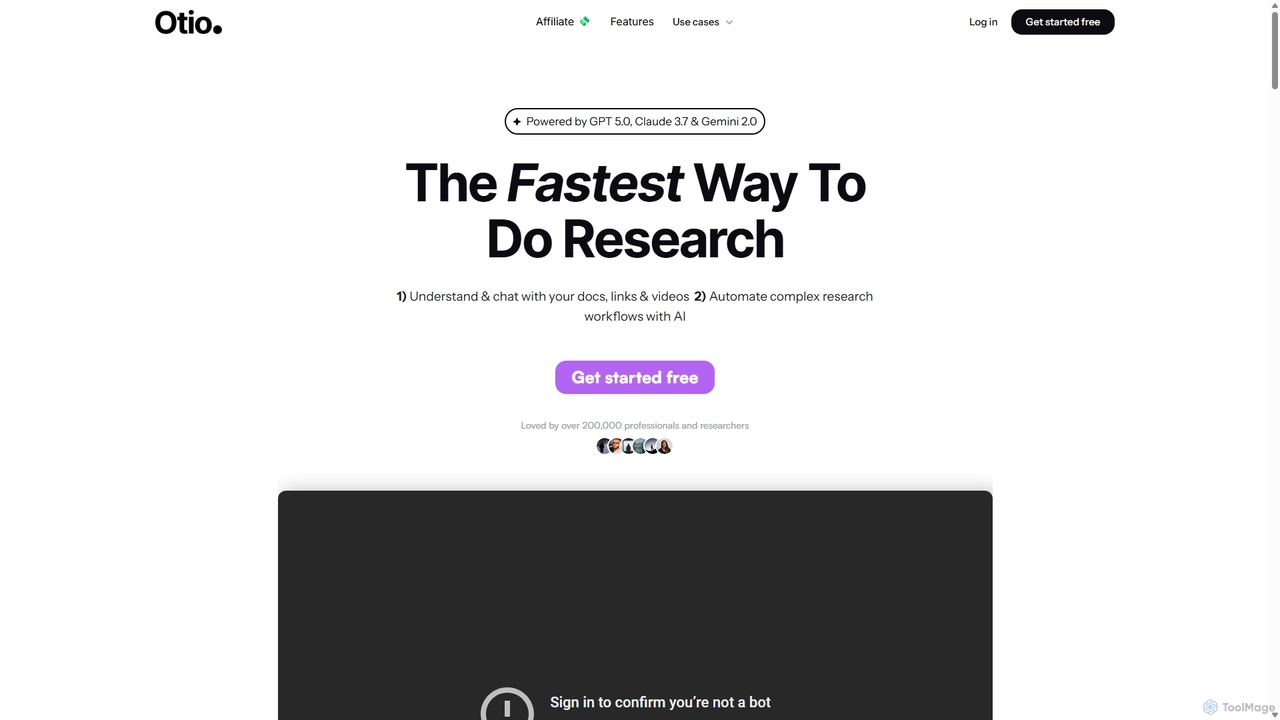
Otio
Otio is an AI-powered research and writing partner that streamlines your workflow. It allows you to understand and chat with documents, links, and videos, automate complex research tasks, and draft reports in an integrated AI editor. It's designed for students, researchers, and professionals to extract insights and produce high-quality written content efficiently.
Workflow
Compose AI
Compose AI is an AI-powered writing assistant and Chrome extension that accelerates your writing process. It offers intelligent autocompletion, text generation, and rephrasing capabilities across all your favorite sites, from emails to documents. By learning your personal writing style, it helps you write faster and more effectively, saving up to 40% of your time.
Chrome Extensions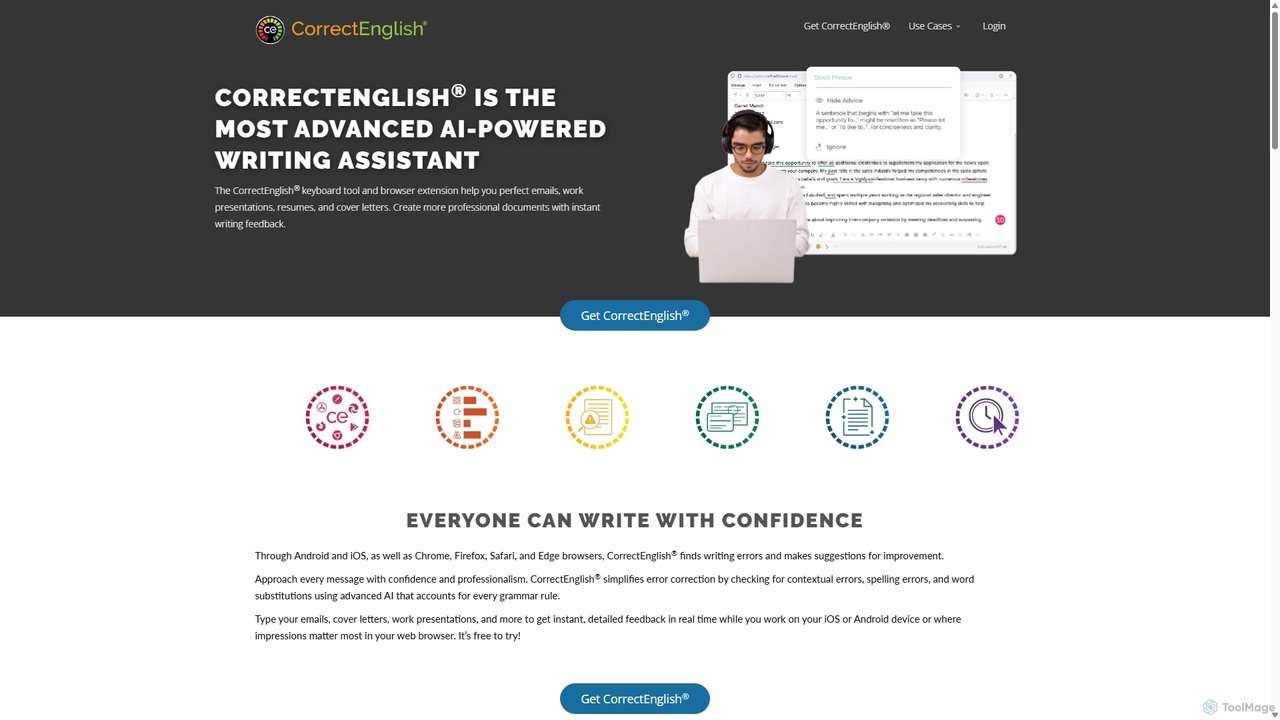
CorrectEnglish
CorrectEnglish is an advanced AI-powered writing assistant designed to improve your writing. It offers real-time grammar, spelling, and punctuation checks, along with plagiarism detection and vocabulary enhancement. Available as a browser extension and mobile keyboard, it helps professionals, students, and job seekers write with confidence and clarity everywhere.
Resume Builder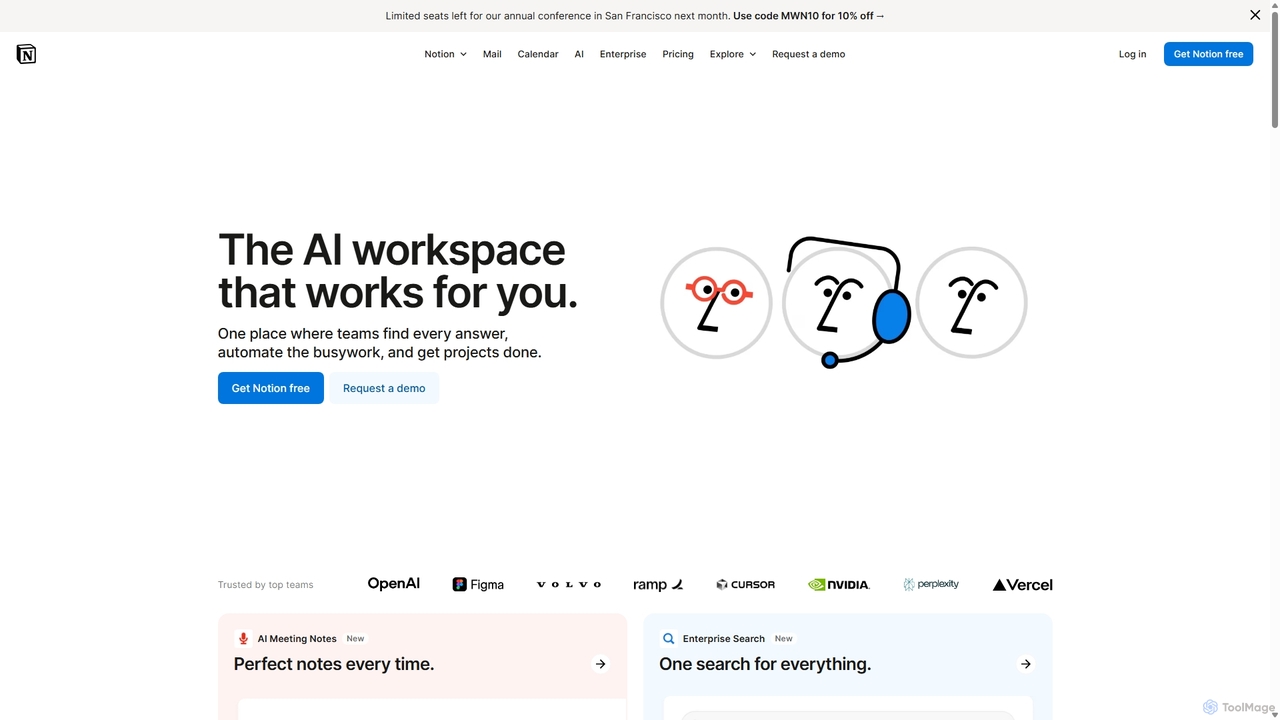
Notion
Notion is an all-in-one AI workspace that combines notes, docs, project management, and wikis into a single, highly customizable platform. It empowers teams and individuals to organize information, manage projects, and collaborate more effectively, all within a flexible, block-based editor enhanced with powerful AI capabilities.
Knowledge ManagementNotebookLM Categories
NotebookLM Jobs
NotebookLM Embed Widget
Copy this embed code to place the badge on your blog, article, or product site and send readers directly to this ToolMage detail page.

Related AI tools
Pi
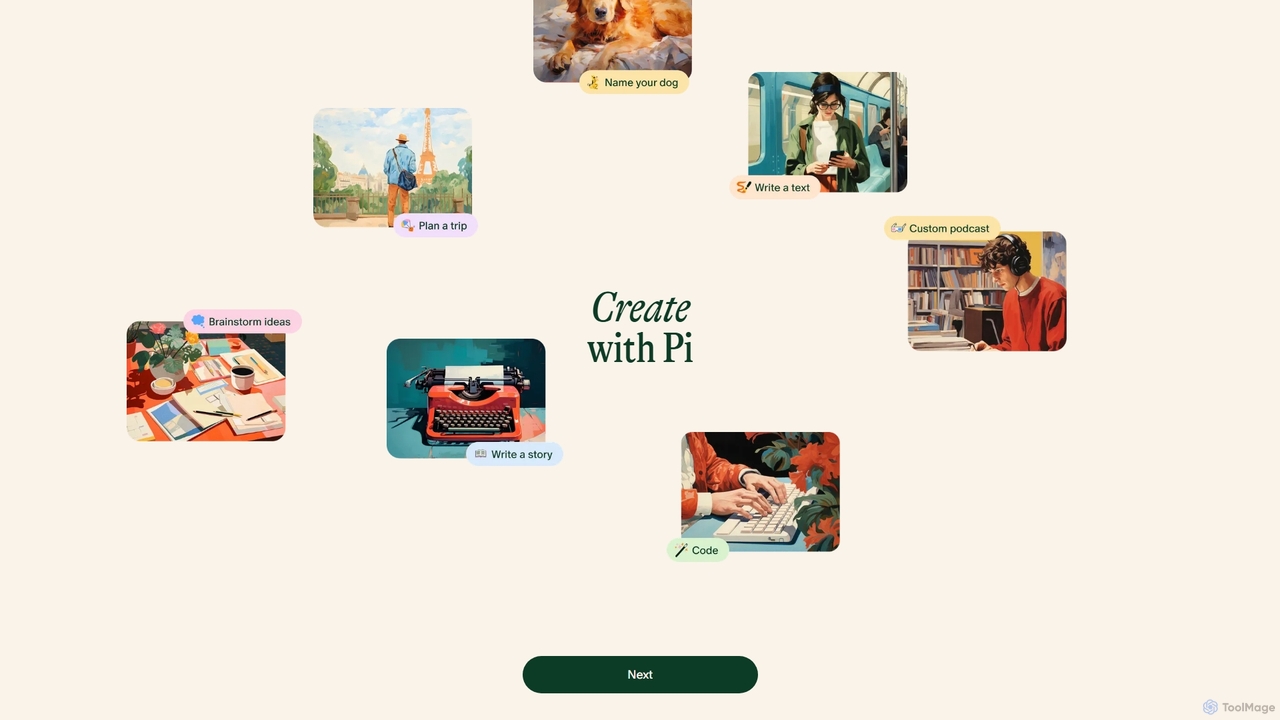
Pi is a personal AI designed to be a supportive and intelligent companion. Developed by Inflection AI, it focuses on natural, empathetic conversations. You can use Pi for brainstorming ideas, getting advice, learning new things, or simply having a friendly chat. With its high-quality voice options and multi-platform availability, Pi aims to provide a kind and helpful AI experience, making it more than just a tool—it's a personal companion for your daily life.
Conversational AiOtio
Otio is an AI-powered research and writing partner that streamlines your workflow. It allows you to understand and chat with documents, links, and videos, automate complex research tasks, and draft reports in an integrated AI editor. It's designed for students, researchers, and professionals to extract insights and produce high-quality written content efficiently.
Workflow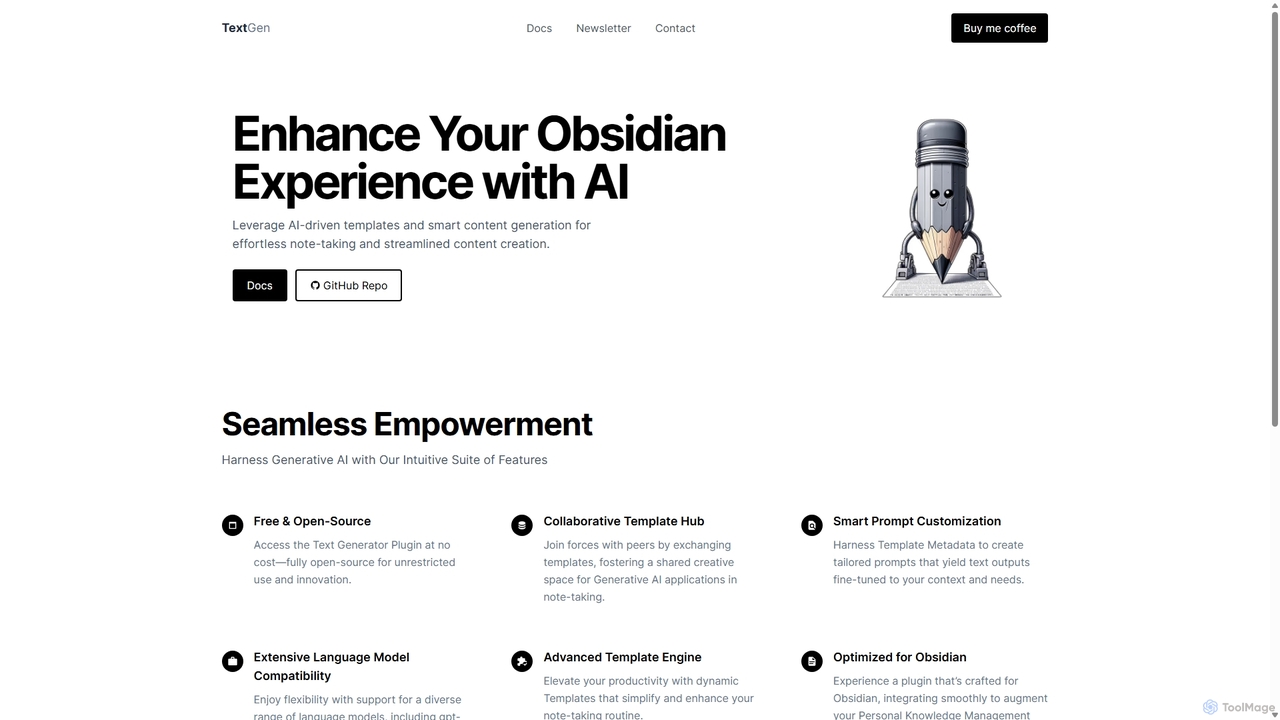
TextGen
TextGen is a free, open-source AI plugin for Obsidian that supercharges your note-taking and content creation. It integrates seamlessly with various large language models like GPT-4, Claude, and Llama, allowing you to generate, summarize, and transform text using customizable templates directly within your knowledge base.
Code Assistant
BookAI.chat
BookAI.chat is an innovative AI-powered platform that allows you to have interactive conversations with any book. Simply provide the book's title and author, and the AI, powered by GPT-3 and GPT-4, generates a knowledgeable chatbot for you to engage with. Explore themes, ask about characters, or get summaries in over 30 languages. It's a revolutionary tool for students, readers, and researchers.
LearningYouMind
YouMind is an AI-powered creation studio designed to streamline the entire content creation workflow. It integrates material collection from various sources like YouTube, podcasts, and articles into a unified workspace. Users can research, organize, and collaborate with top AI models to transform their ideas into polished articles, videos, and more, all within a single, project-based environment.
Knowledge Management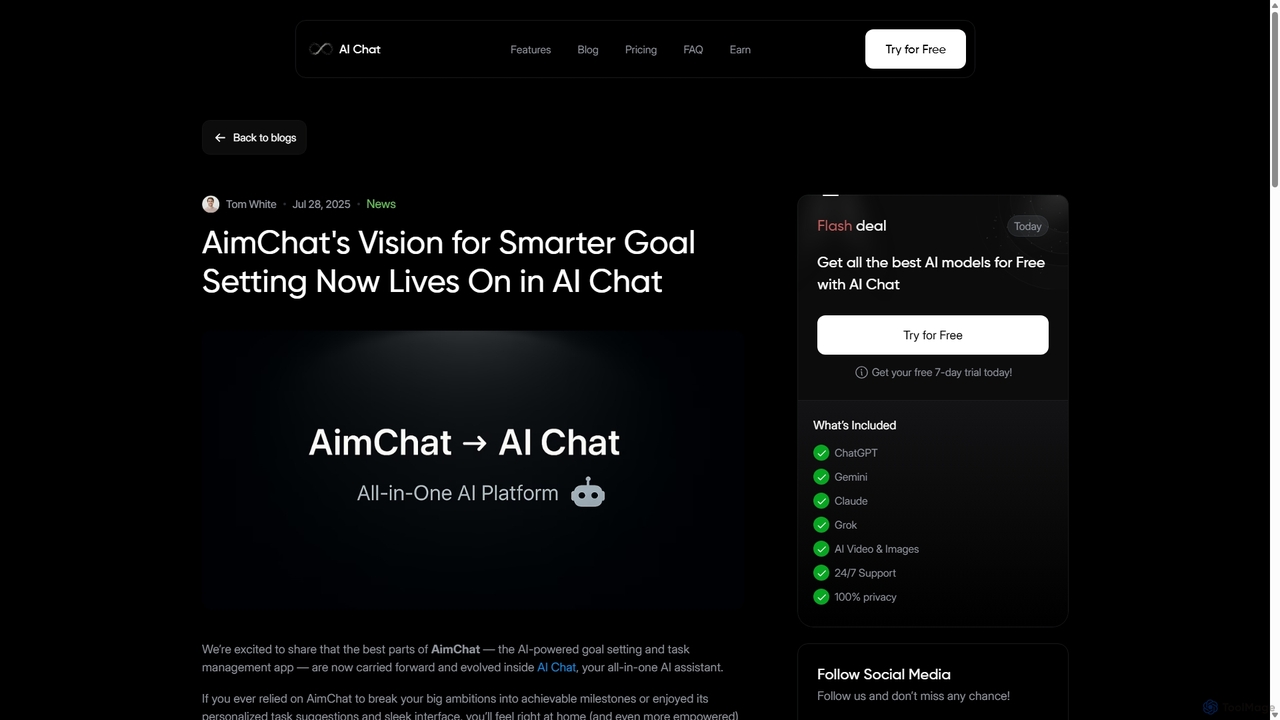
AI Chat
AI Chat is an all-in-one AI assistant that integrates top models like ChatGPT, Claude, and Gemini into a single platform. Evolving from the goal-setting app AimChat, it combines advanced conversational AI with powerful task management, research, and content creation tools to streamline your workflow and help you achieve your ambitions.
Assistant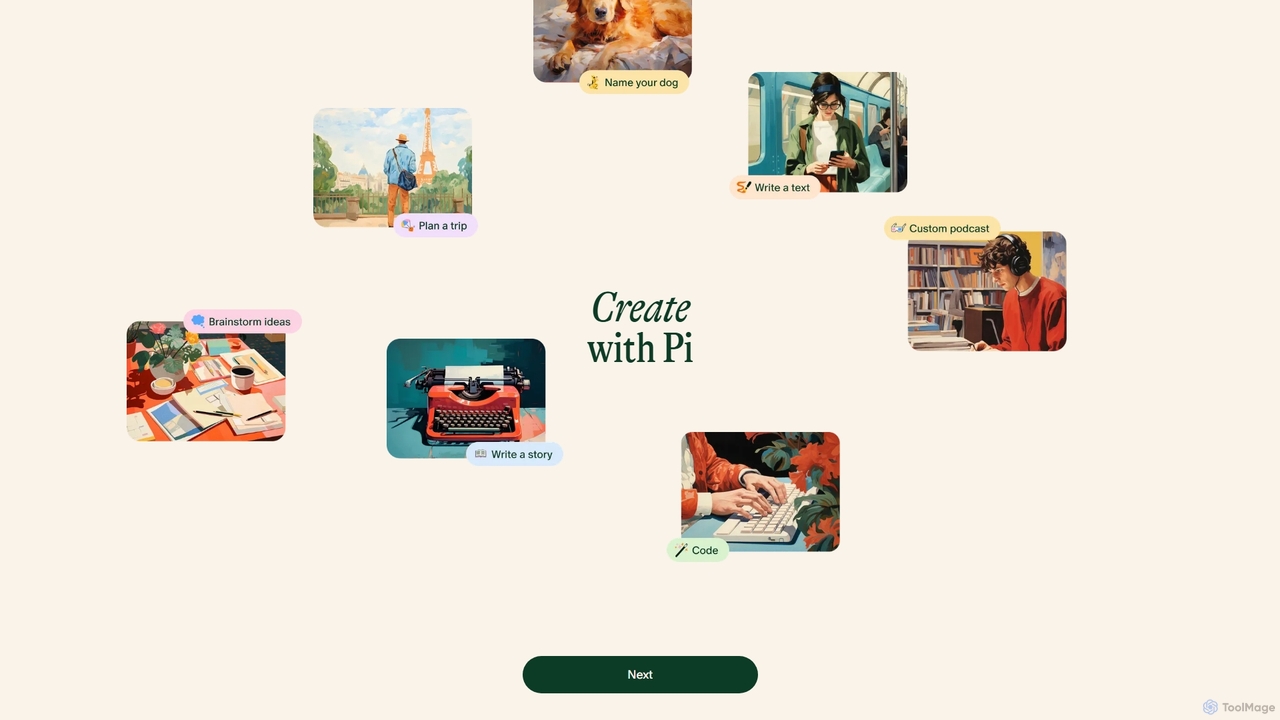
Heypi
Heypi, also known as Pi, is a personal AI companion from Inflection AI, designed for supportive and empathetic conversations. It excels at being a kind and helpful partner for brainstorming ideas, processing thoughts, learning new things, or simply having a friendly chat. With its highly natural voice interface and focus on emotional intelligence, Pi offers a uniquely human-like conversational experience across web, mobile apps, and messaging platforms.
Conversational
Nex
Nex is an AI Knowledge Copilot, a Chrome extension that summarizes long YouTube videos and articles. It extracts key takeaways, creates interactive timelines for videos, and highlights essential text, helping you absorb information up to 10x faster and build a personal knowledge base.
Chrome Extensions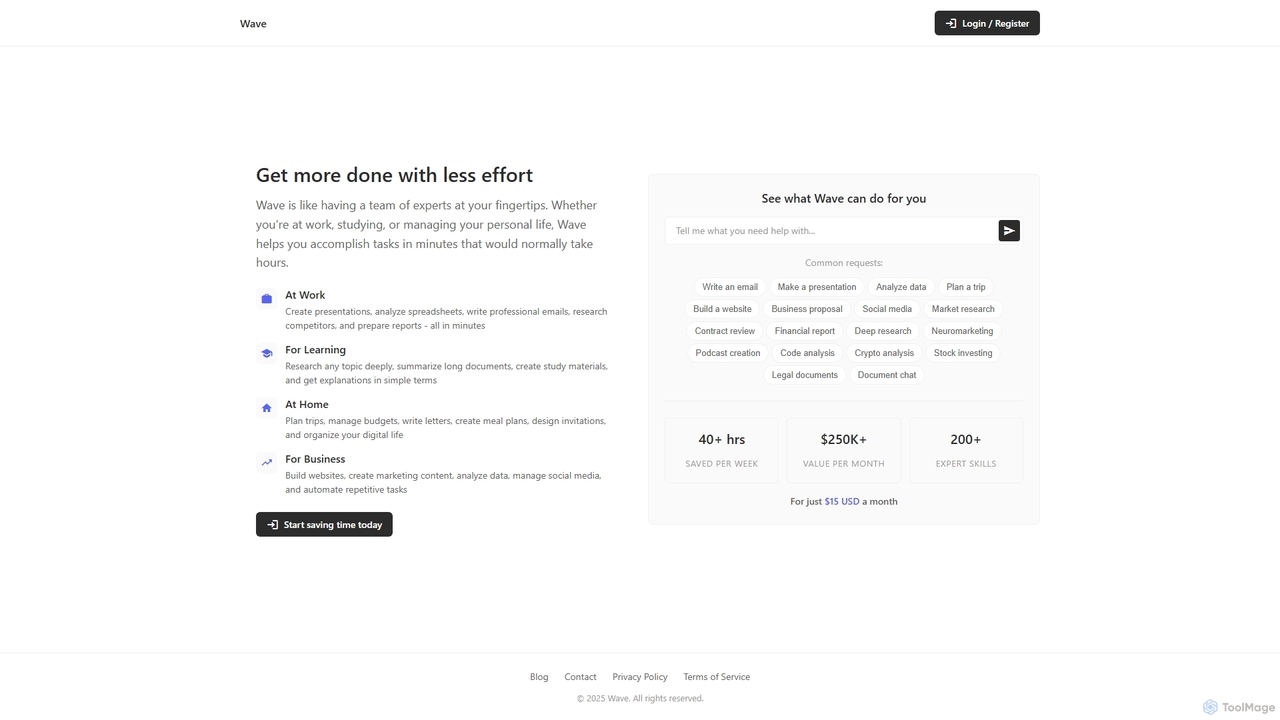
ChatDocuments
ChatDocuments is an AI-powered platform that allows you to interact with your documents through a conversational chat interface. Upload PDFs, Word files, and other formats to ask questions, get instant summaries, extract key information, and gain insights without manually reading through pages. It's designed to boost productivity for students, researchers, and professionals.
Data AnalysisCompose AI
Compose AI is an AI-powered writing assistant and Chrome extension that accelerates your writing process. It offers intelligent autocompletion, text generation, and rephrasing capabilities across all your favorite sites, from emails to documents. By learning your personal writing style, it helps you write faster and more effectively, saving up to 40% of your time.
Chrome ExtensionsCorrectEnglish
CorrectEnglish is an advanced AI-powered writing assistant designed to improve your writing. It offers real-time grammar, spelling, and punctuation checks, along with plagiarism detection and vocabulary enhancement. Available as a browser extension and mobile keyboard, it helps professionals, students, and job seekers write with confidence and clarity everywhere.
Resume Builder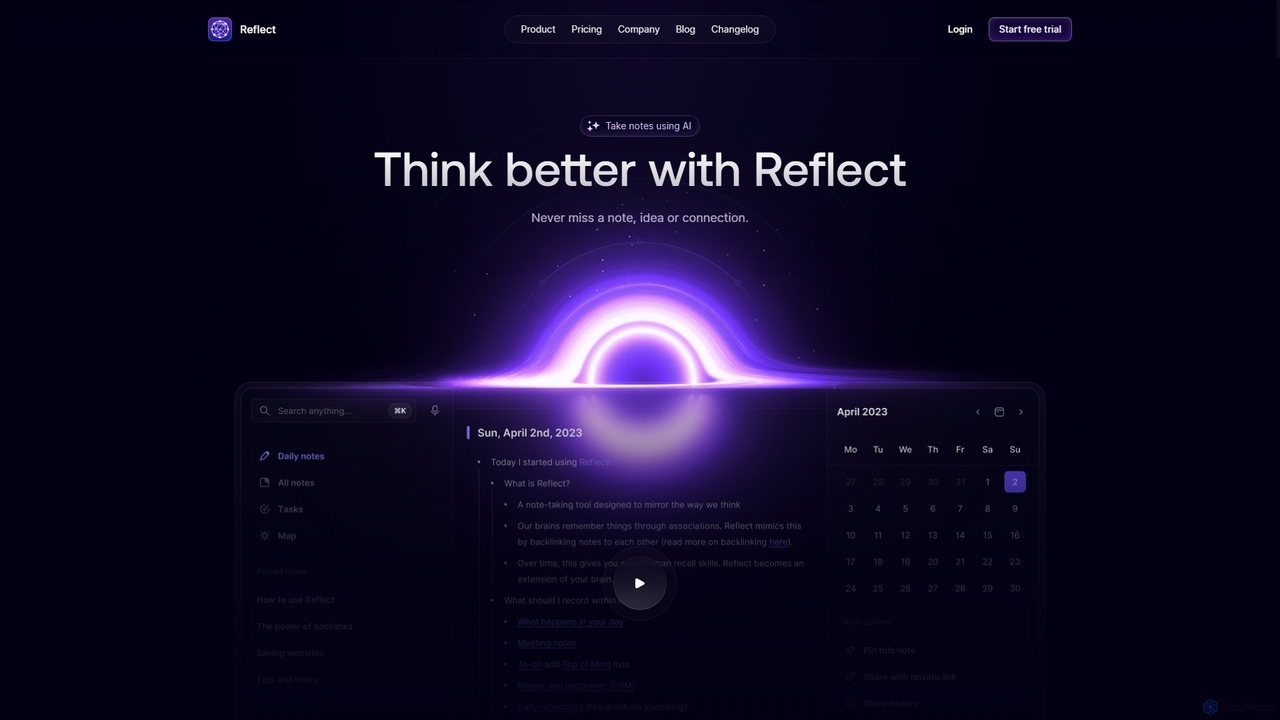
Reflect
Reflect is an AI-powered, networked note-taking app designed to help you think better. It acts as a 'second brain' by connecting your notes through backlinks, creating a graph of your ideas. With features like AI-driven transcription, summarization, end-to-end encryption, and seamless cross-device sync, it's built for speed, security, and frictionless thought capture.
Personal Assistant
Matter
Matter is a modern read-later app designed for avid readers. It allows you to save articles, newsletters, and threads into a clean, distraction-free library. A key feature is its advanced AI-powered text-to-speech, which converts any saved content into natural-sounding audio. With powerful highlighting, tagging, and integrations with knowledge management tools, Matter helps you not just read, but also retain and grow from what you consume.
Curation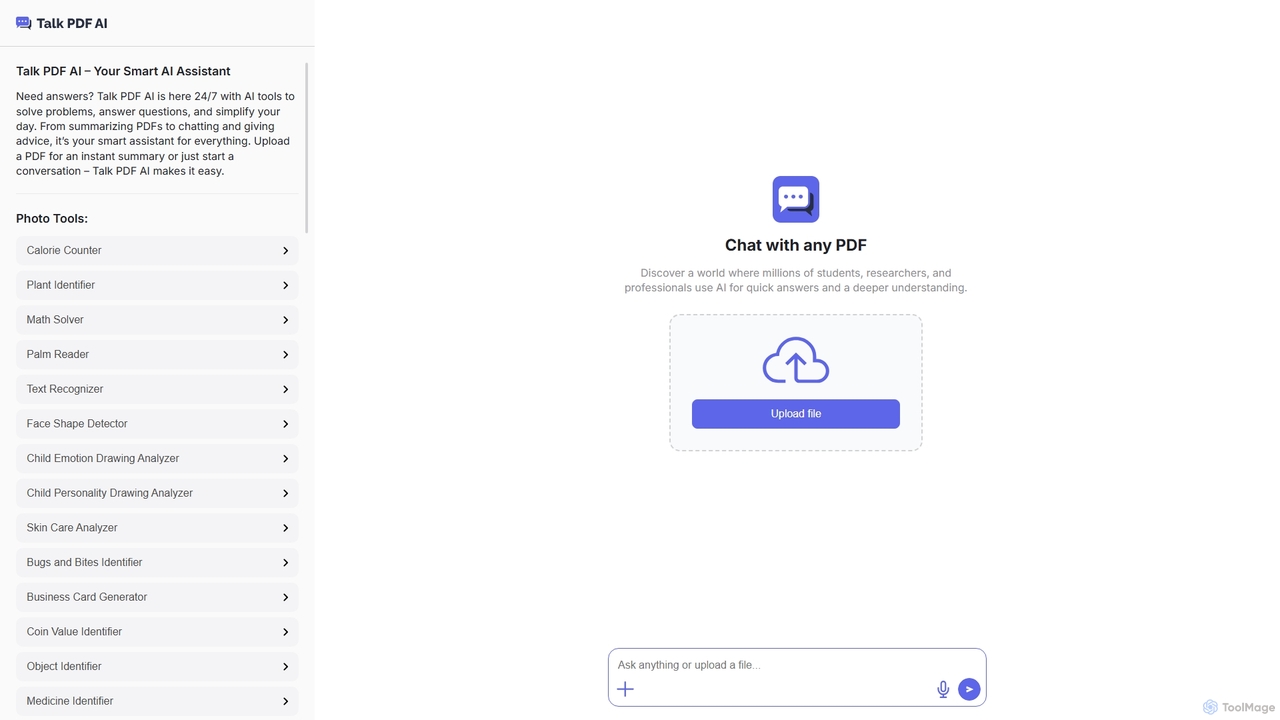
TalkPDF
TalkPDF is an intelligent AI assistant designed to simplify daily tasks by offering a wide array of tools. It excels at interacting with PDFs, providing instant summaries, answering questions, and facilitating conversations. Beyond PDF capabilities, it integrates numerous AI-powered photo, text, and audio tools for diverse needs.
Writing Assistant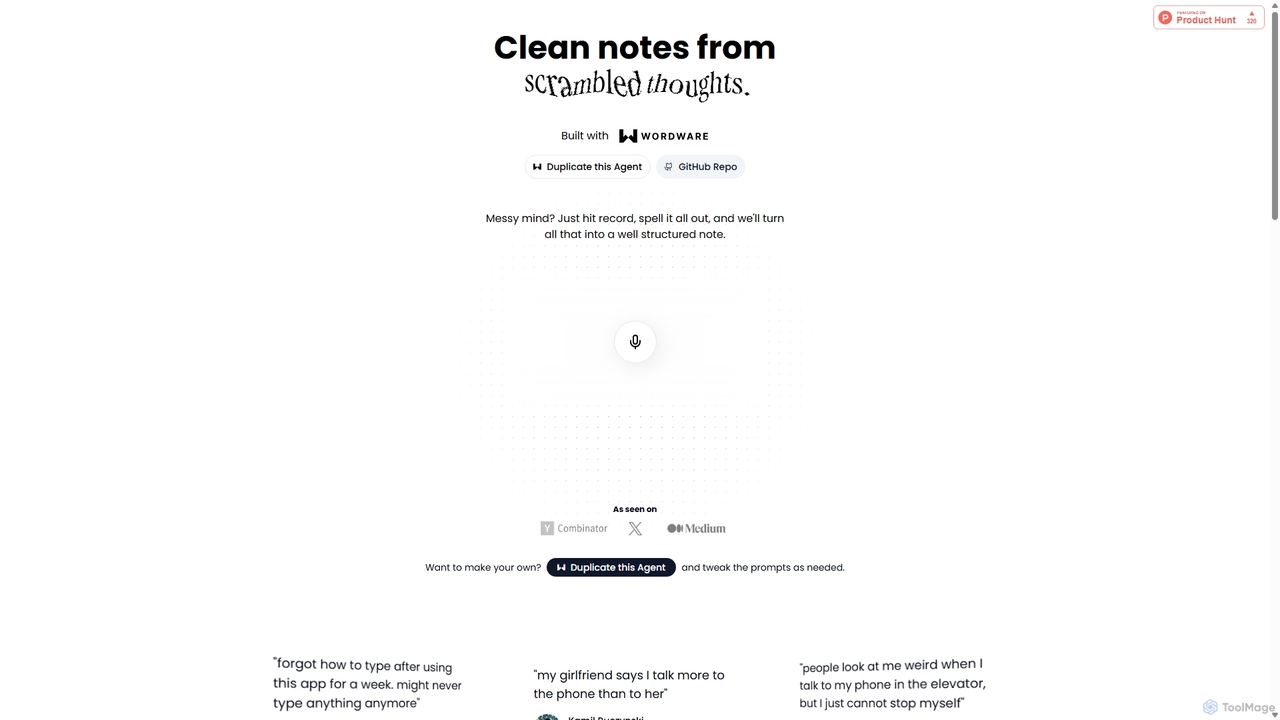
Audioscribe
Audioscribe is an AI-powered tool that transforms your messy, spoken thoughts into clean, well-structured notes. Simply record your voice, and the AI will transcribe, organize, and format your ideas into coherent text for project plans, emails, journals, and more, streamlining your workflow and boosting productivity.
Speech To Text
NotebookLM Comments (0)
Sign in to comment.
Sign inNo comments yet.