Automation Best in category 20 results Workflow AI Tool

Popular AI tools in the Workflow field of Automation include Circleback、Sigmabrowser、Otio、Superjoin、dialzara、Laxis、NotionSender、Riffo、Cradl AI、Klu, etc., helping you quickly improve efficiency.

Audity

Audity

Audity is an AI-powered platform for business transformation consultants and automation agencies. It automates comprehensive business audits, quantifies …

4.1K
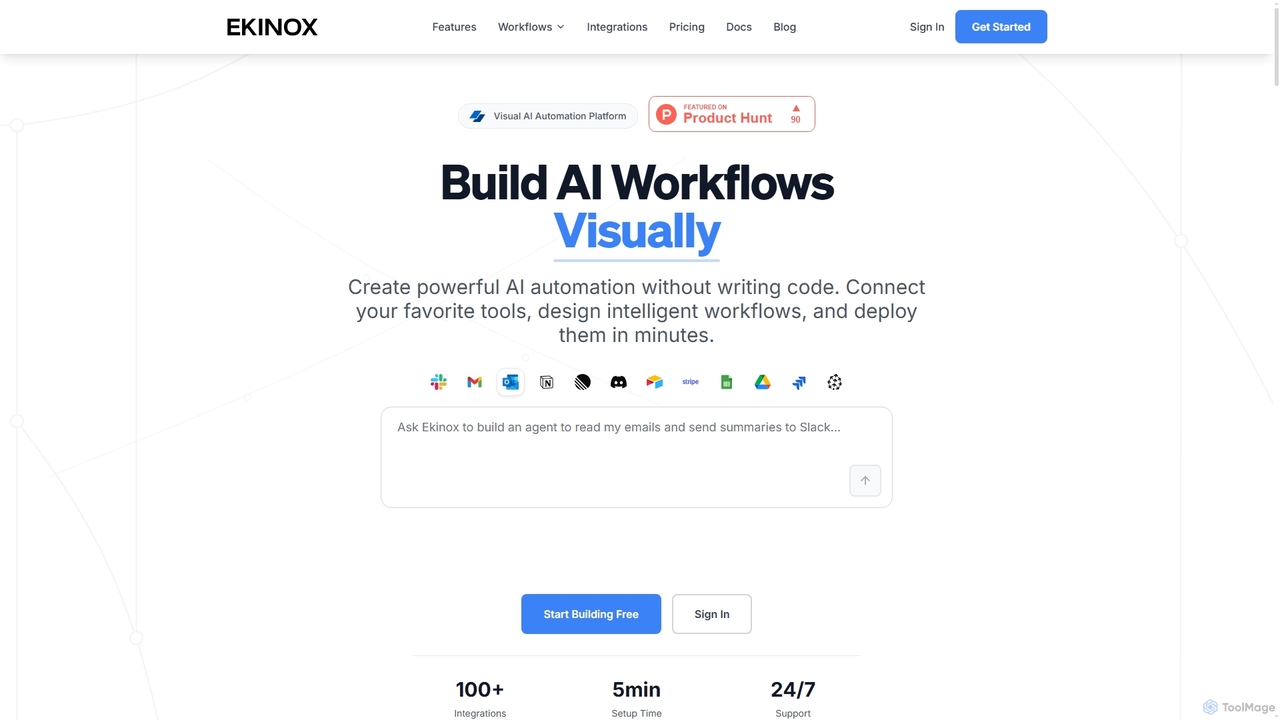
Ekinox

Ekinox

Ekinox is a visual AI automation platform that allows users to build, connect, and deploy complex AI workflows …

2.8K
Otio

Otio

Otio is an AI-powered research and writing partner that streamlines your workflow. It allows you to understand and …

95.9K
Jarvis

Jarvis

Jarvis is an intelligent AI assistant designed to automate tasks, manage schedules, and streamline communication for busy professionals …

2.7K
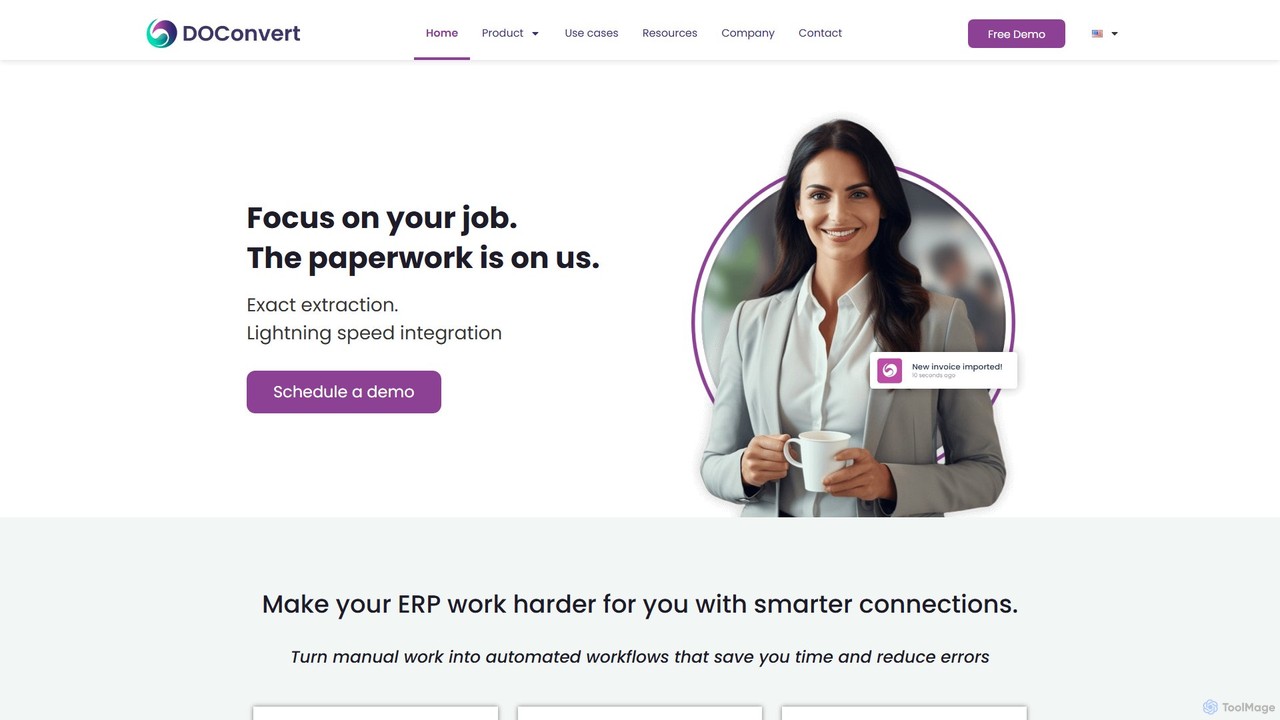
doconvert

doconvert

doconvert is an AI-powered intelligent document processing (IDP) platform that automates data extraction from business documents. It seamlessly …

2.8K
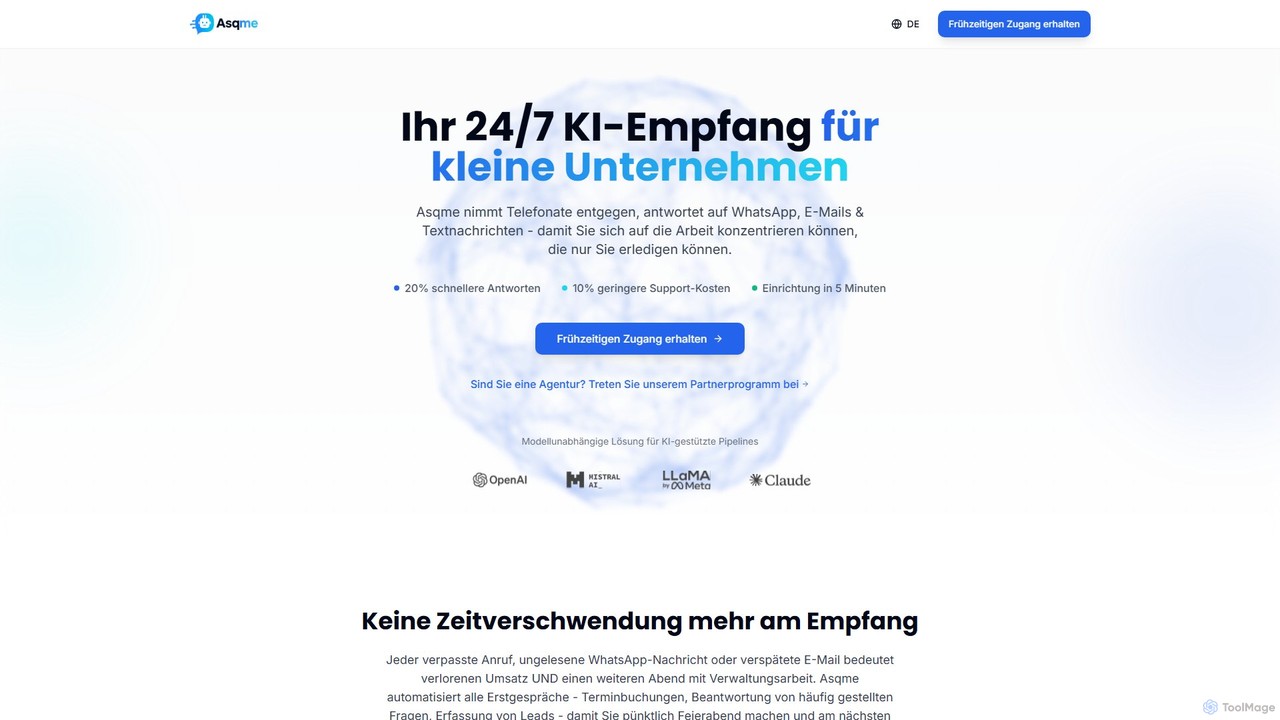
Asqme AI

Asqme AI

Asqme AI is a 24/7 AI receptionist for small businesses. It handles phone calls, WhatsApp, emails, and SMS …

2.8K
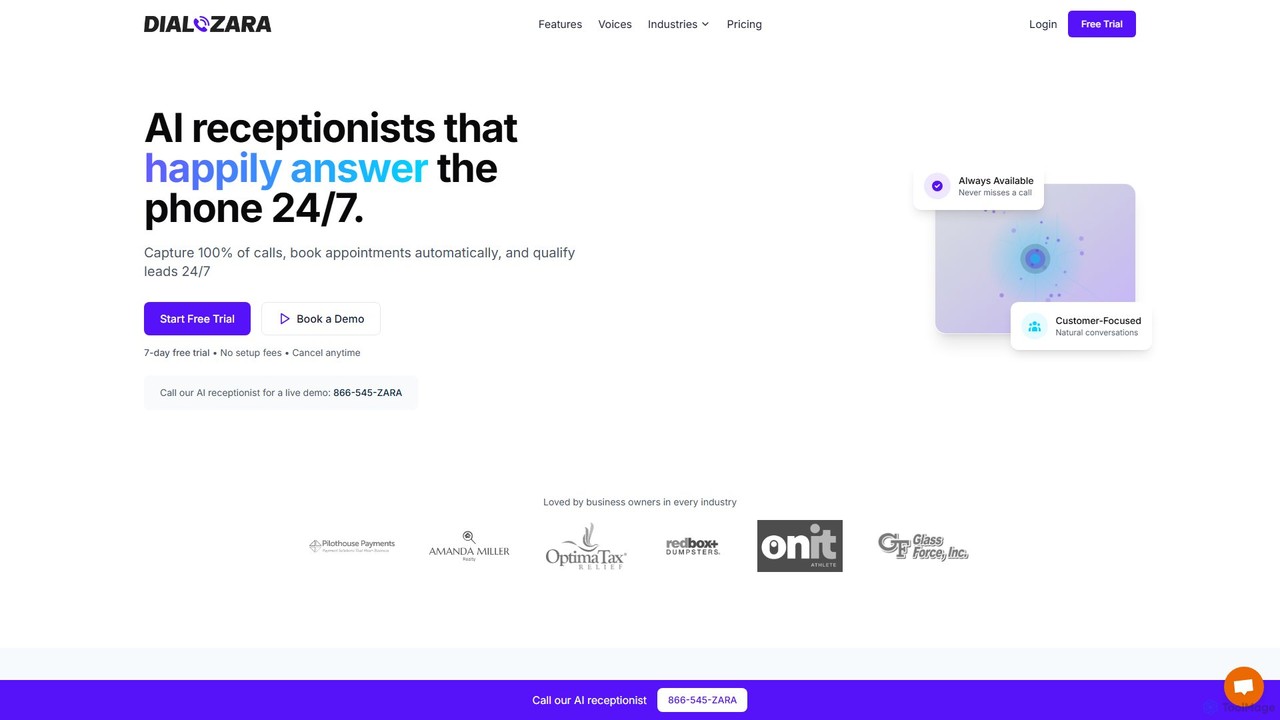
dialzara

dialzara

Dialzara is an AI-powered receptionist and 24/7 phone answering service. It captures 100% of calls, automatically books appointments, …

27.8K
Riffo

Riffo

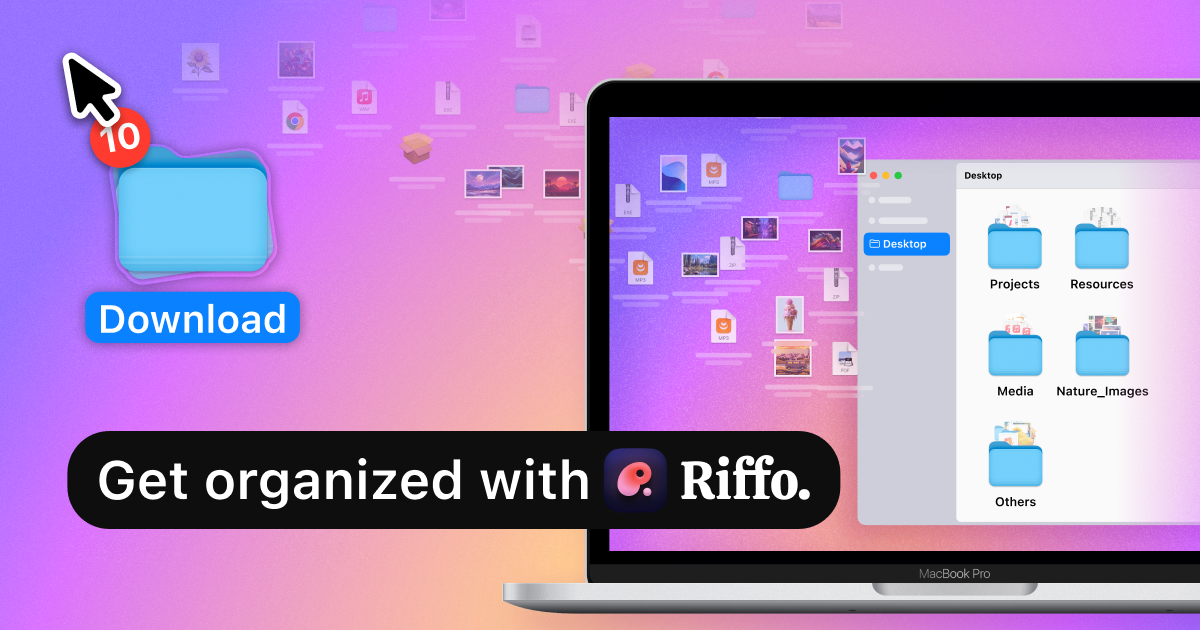
Riffo is an AI-powered file management tool for Mac that automatically renames and organizes your files. It intelligently …

9.8K
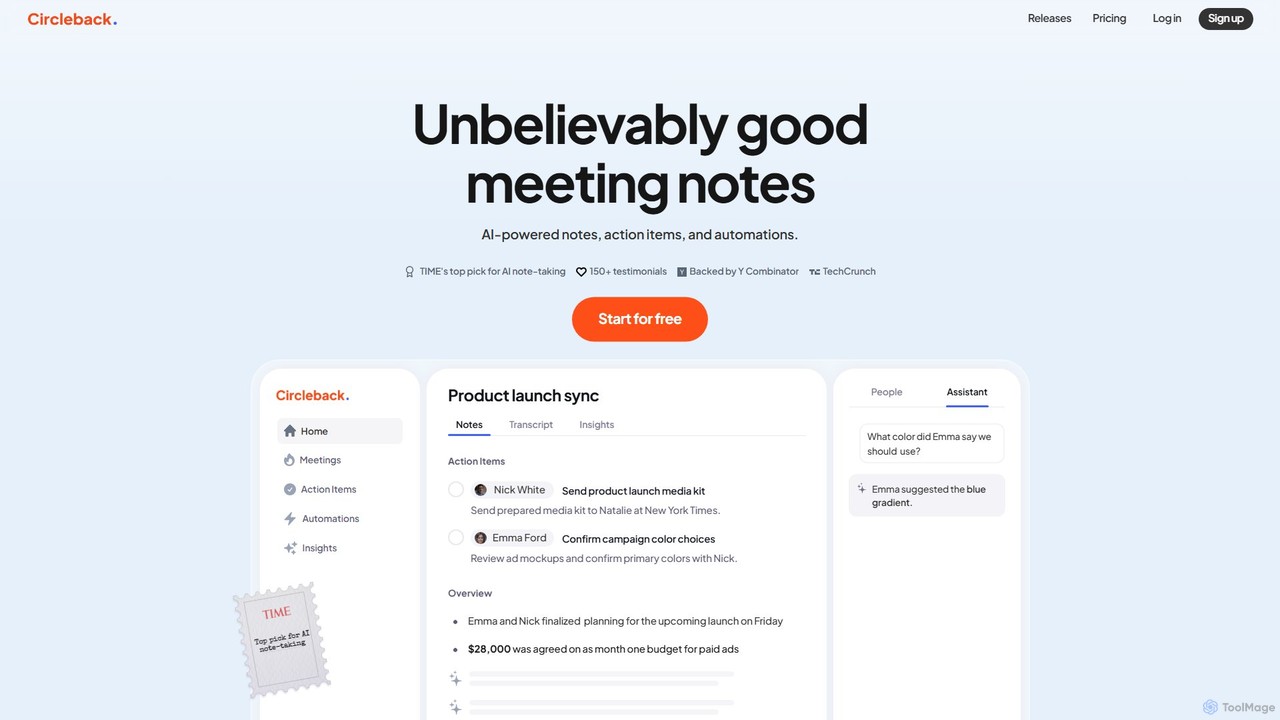
Circleback

Circleback

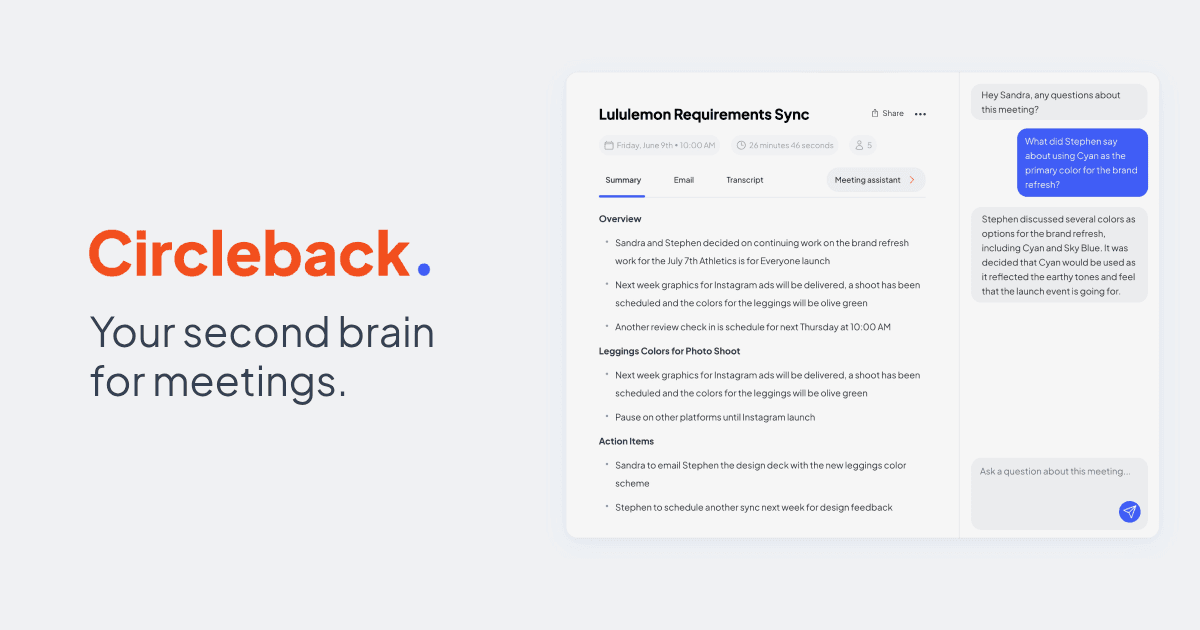
Circleback is an AI-powered meeting assistant that automatically generates meticulous notes, assigns action items, and provides accurate transcriptions …

255.7K
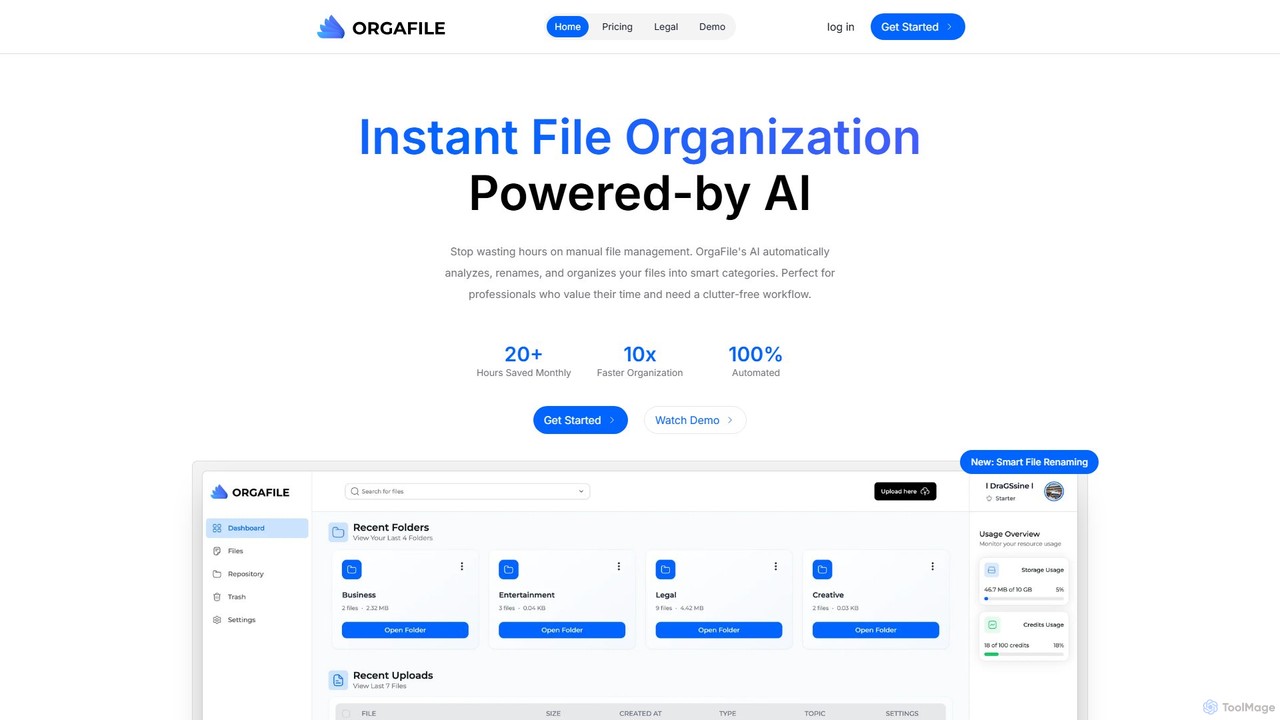
OrgaFile

OrgaFile

OrgaFile is an AI-powered tool that automatically analyzes, renames, and organizes your files into smart, customizable categories. Designed …

2.8K
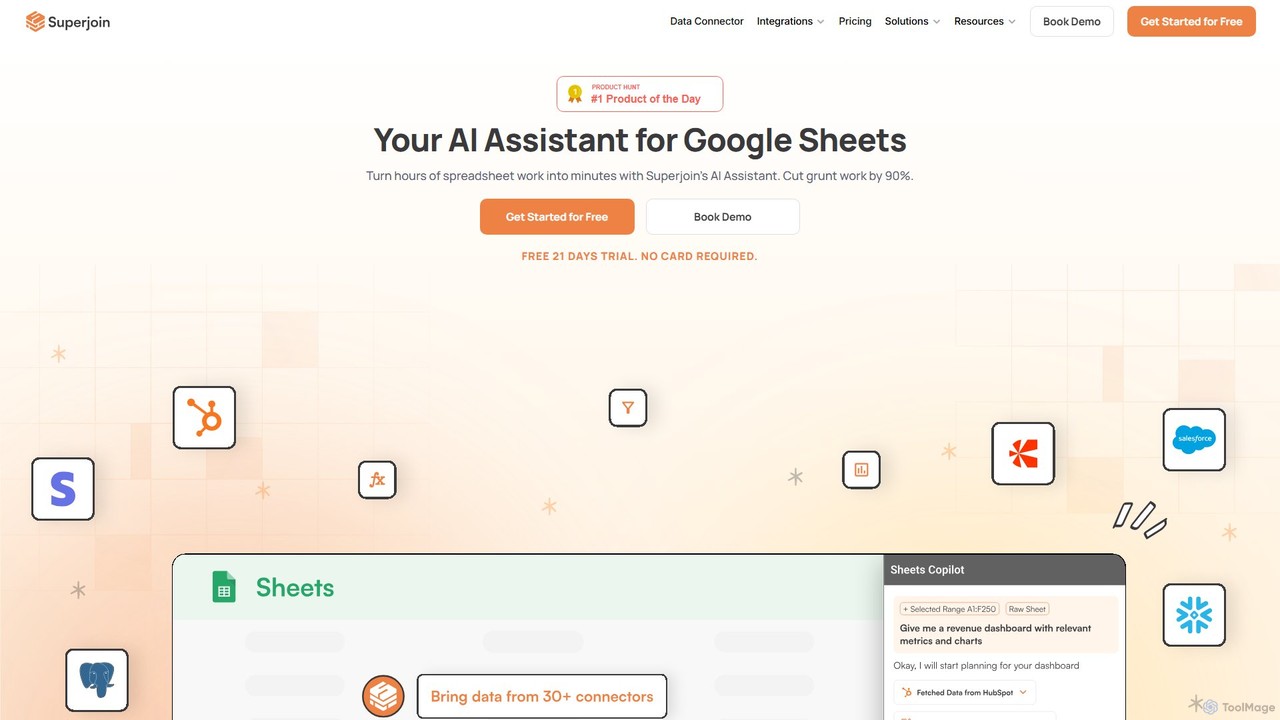
Superjoin

Superjoin

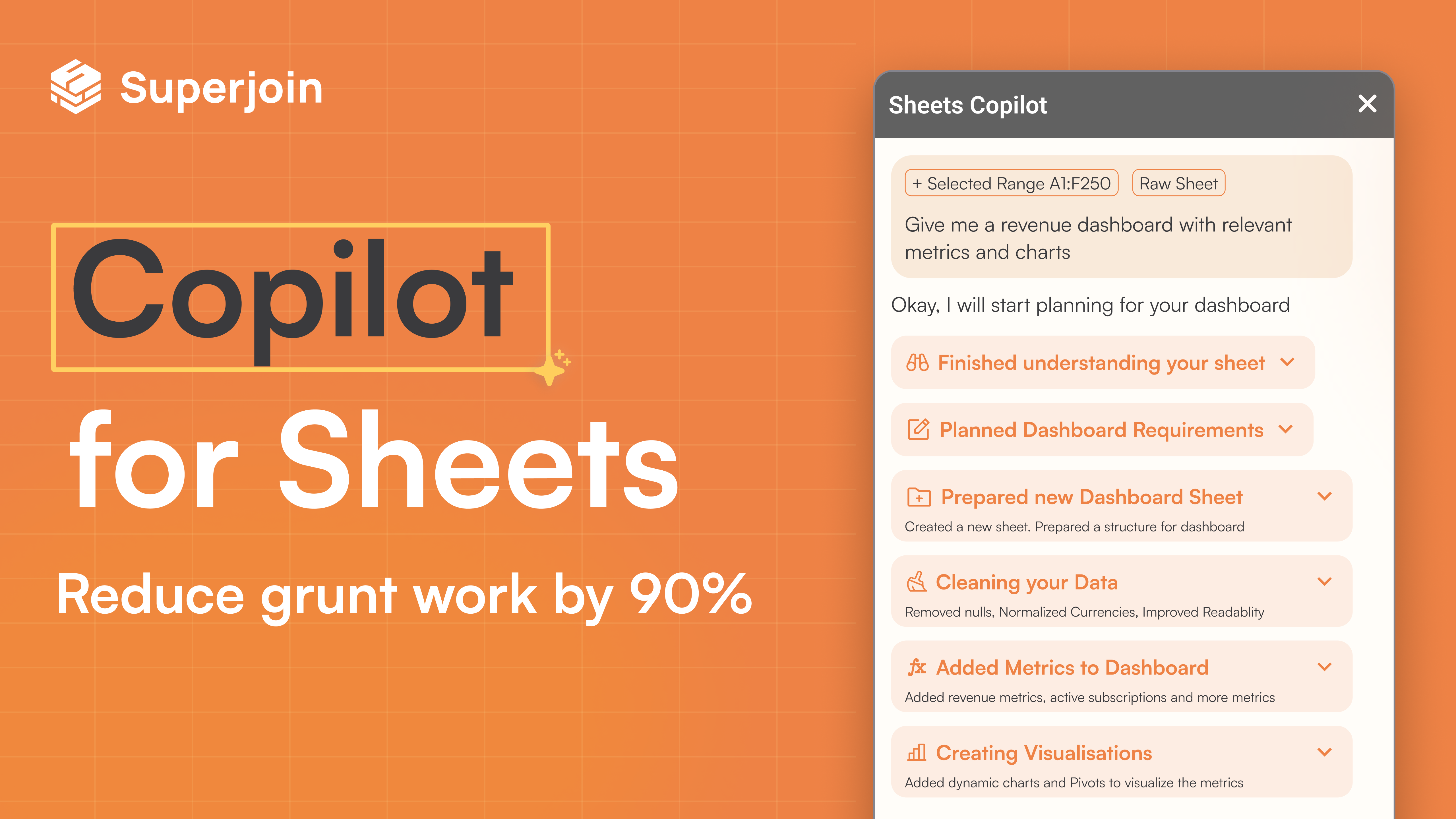
Superjoin is an AI assistant for Google Sheets designed to automate data tasks. It connects to over 30 …

44.6K
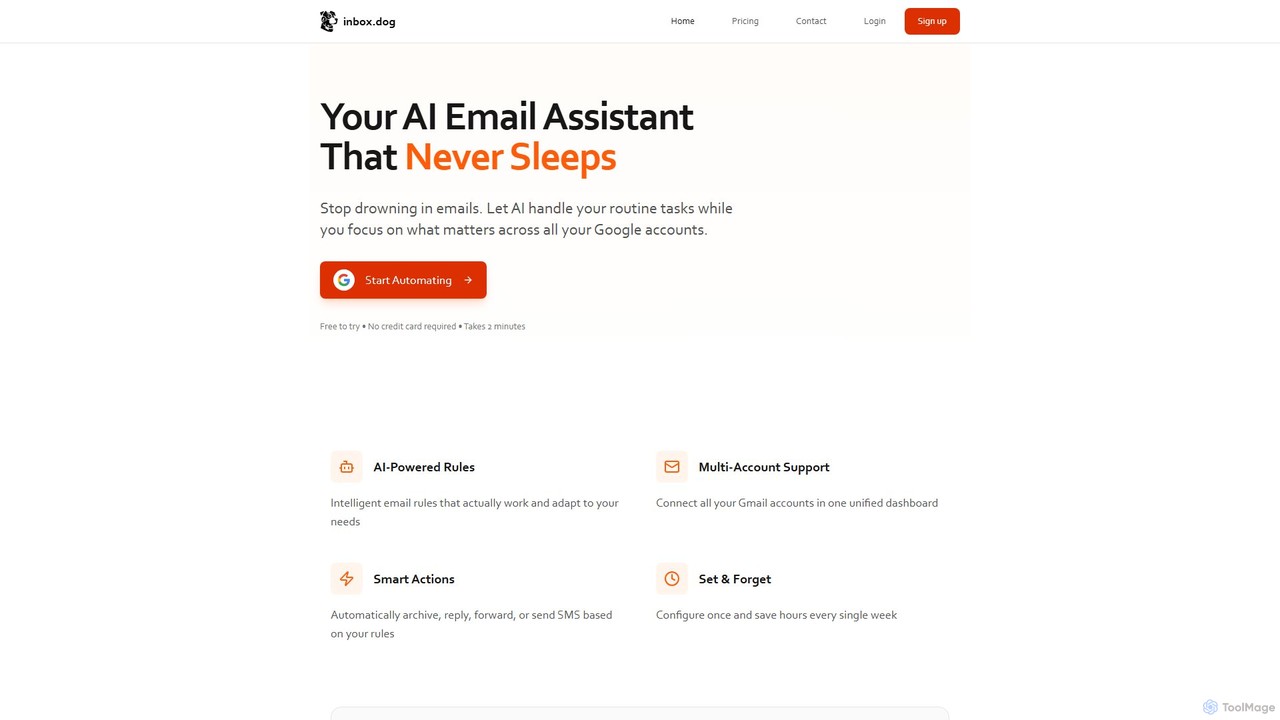
inbox.dog

inbox.dog

inbox.dog is an AI-powered email assistant for Gmail that automates your inbox. It uses intelligent rules to handle …

2.8K
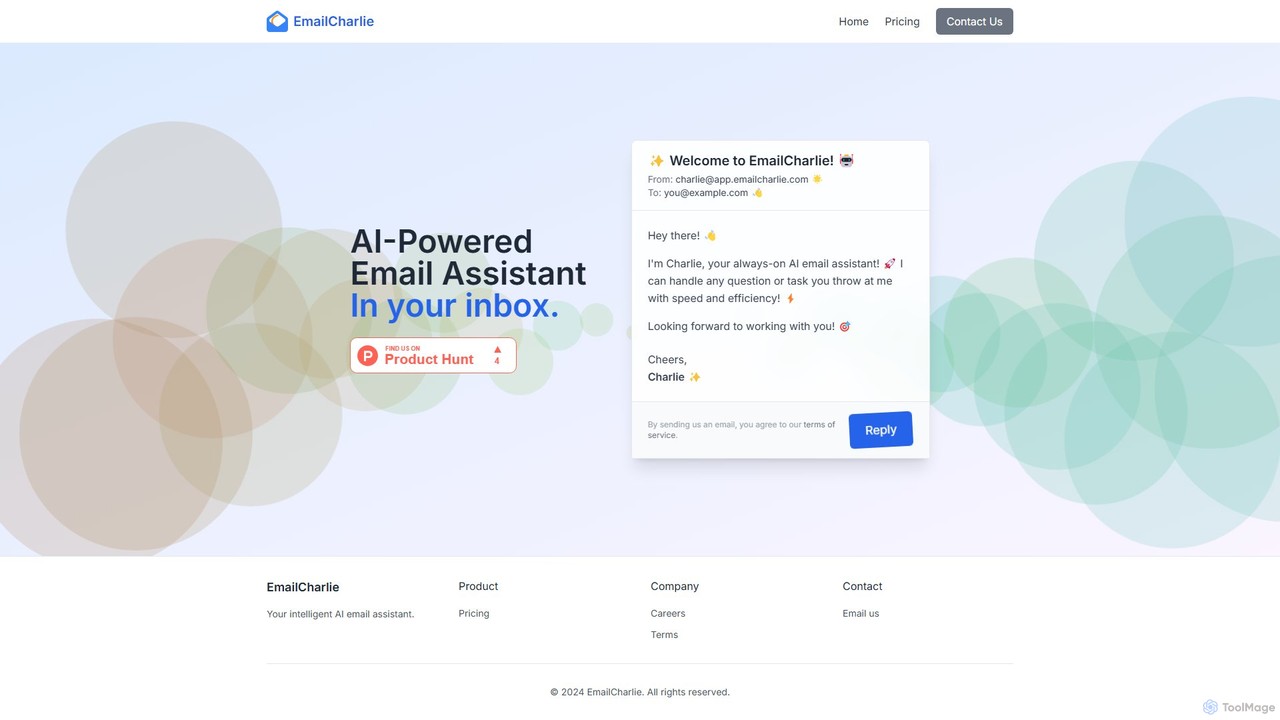
EmailCharlie

EmailCharlie

EmailCharlie is an AI-powered email assistant that automates tasks directly within your inbox. Simply send an email with …

2.7K
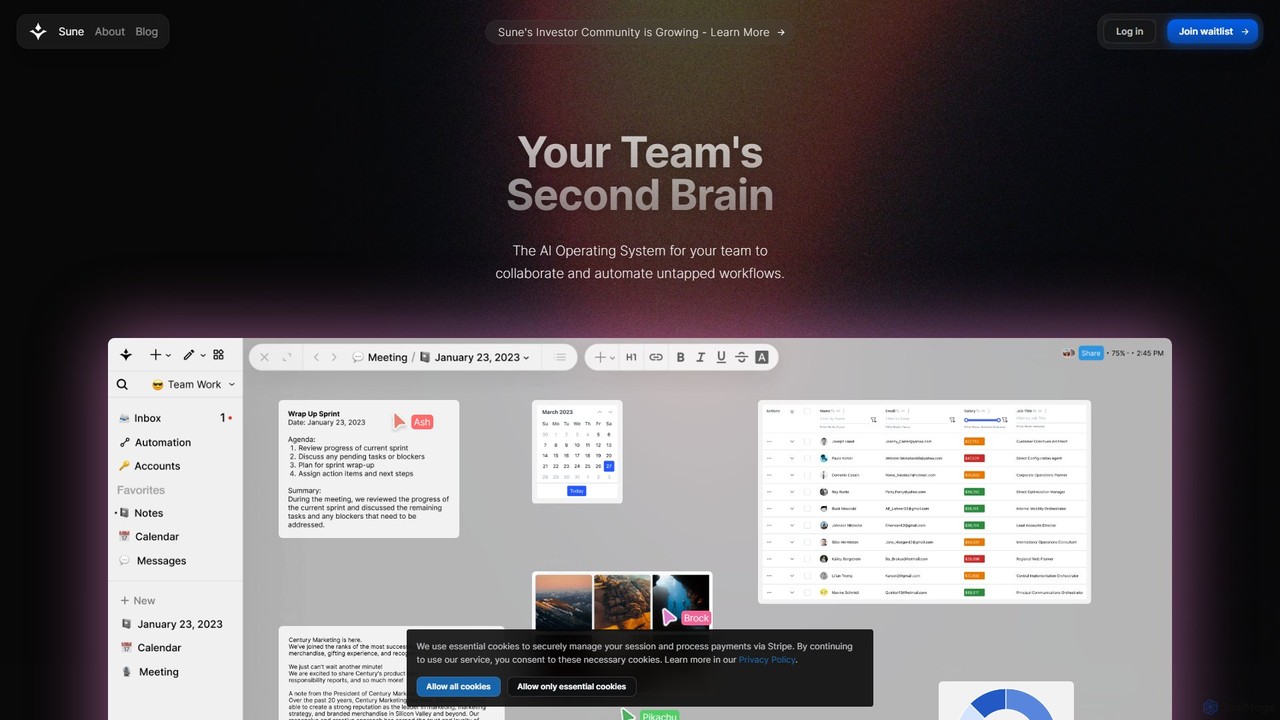
Sune AI

Sune AI

Sune AI is a collaborative AI operating system designed to be your team's second brain. It integrates documents, …

5.1K
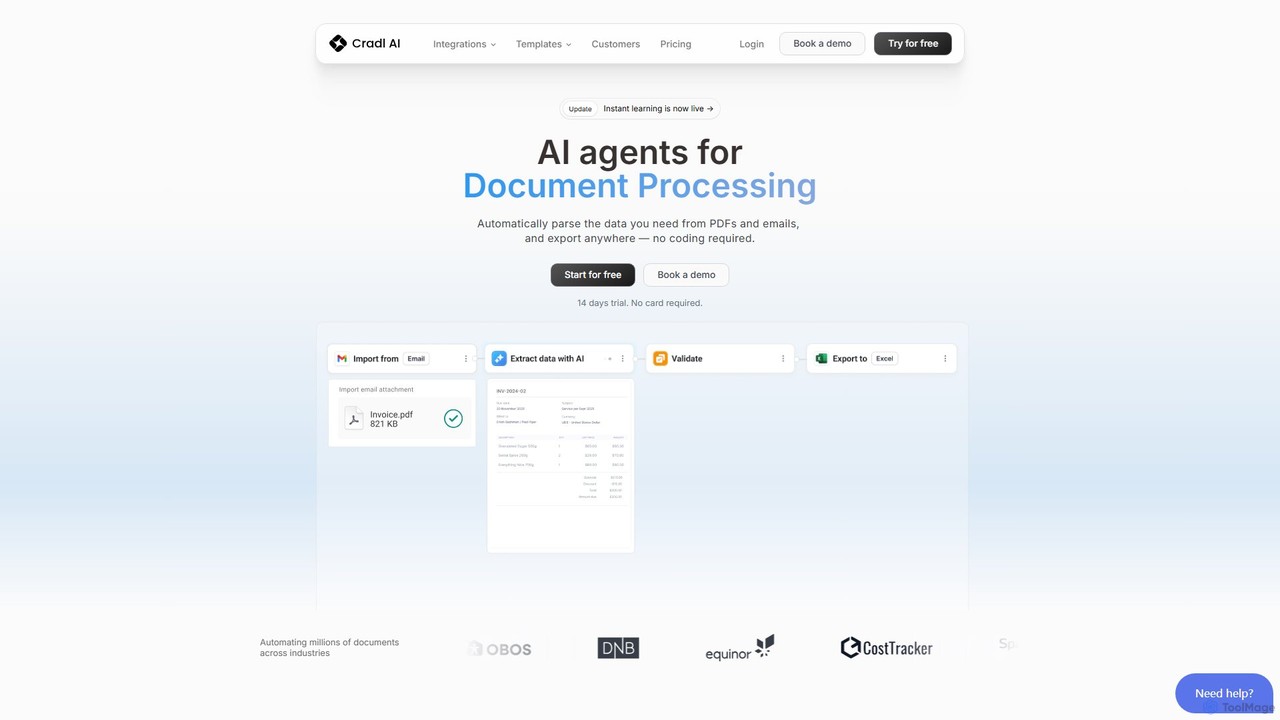
Cradl AI

Cradl AI

Cradl AI is a no-code platform that uses AI agents to automate document data extraction and workflows. Easily …

8.0K
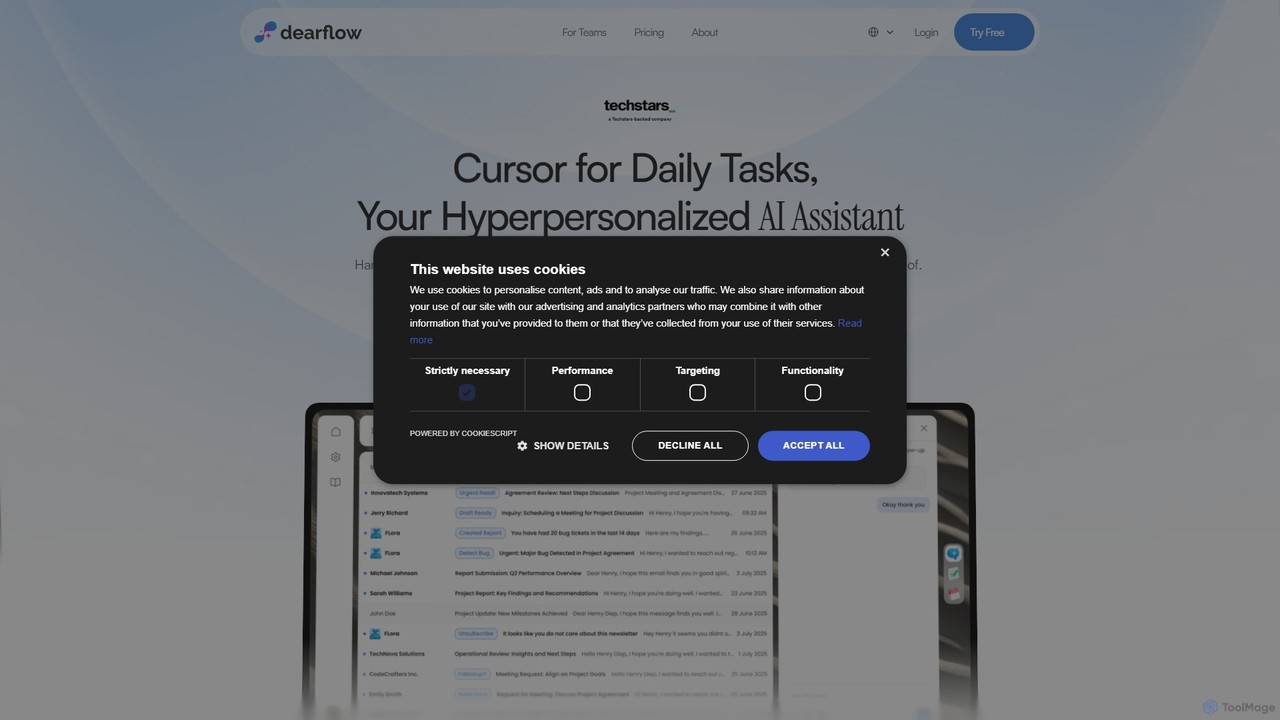
DearFlow

DearFlow

DearFlow is a hyper-personalized AI administrative assistant named Flora that proactively manages your daily chaos. It handles emails, …

5.2K
Laxis

Laxis

Laxis is an AI-powered sales copilot designed to streamline the entire sales workflow. It automates lead generation, provides …

23.9K
Klu

Klu

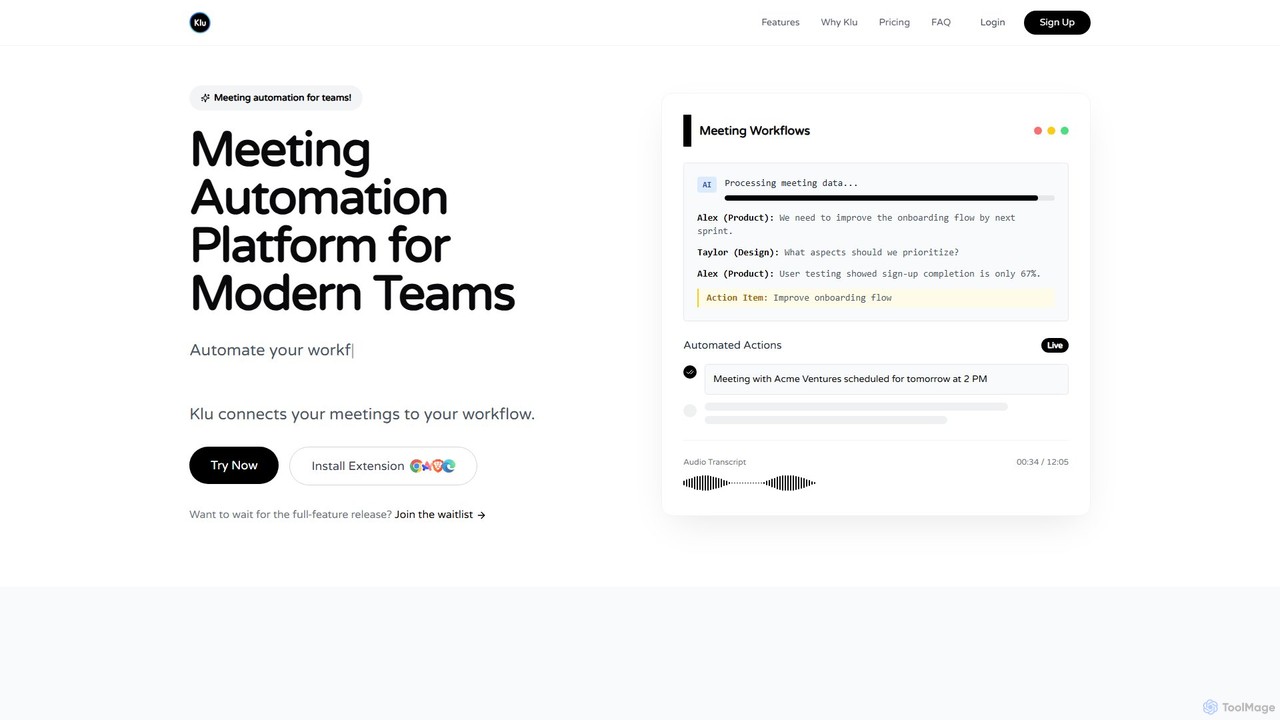
Klu is an AI-powered meeting automation platform designed for modern teams. It records, transcribes, and summarizes your meetings, …

7.9K
Sigmabrowser

Sigmabrowser

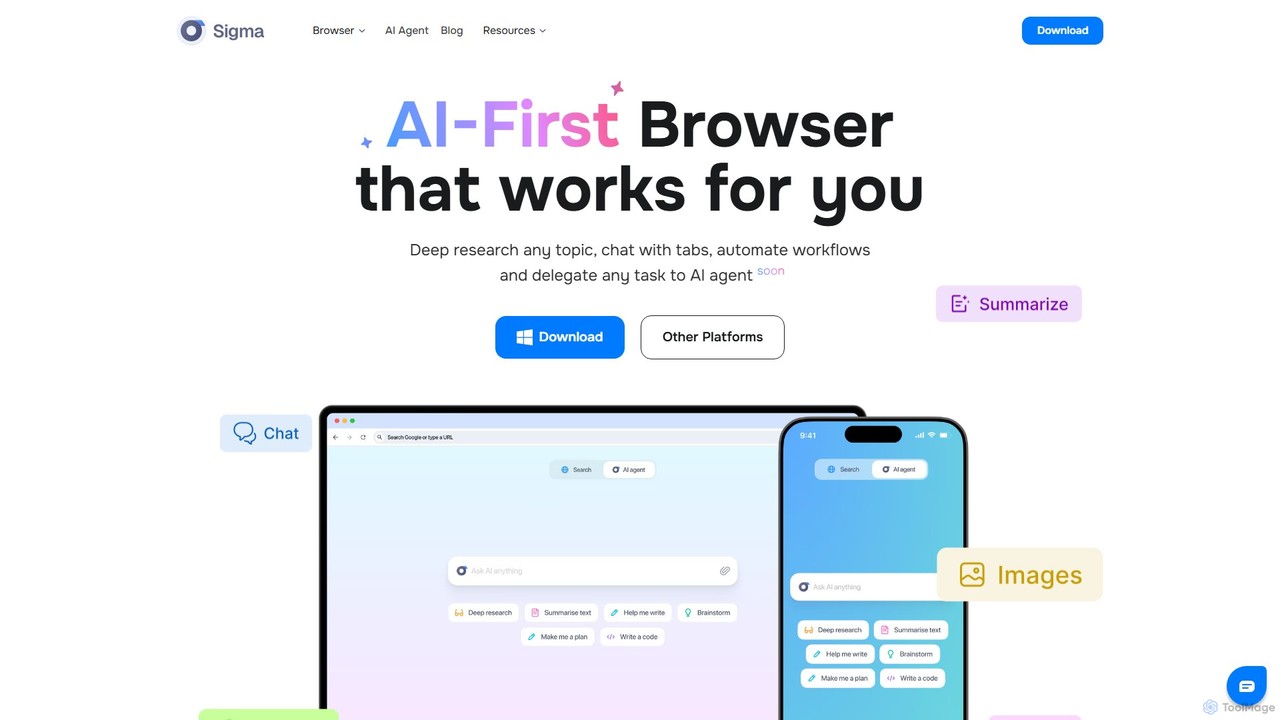
Sigmabrowser is an AI-first browser built on Chromium, designed to automate workflows and enhance productivity. It features an …

102.6K
NotionSender

NotionSender

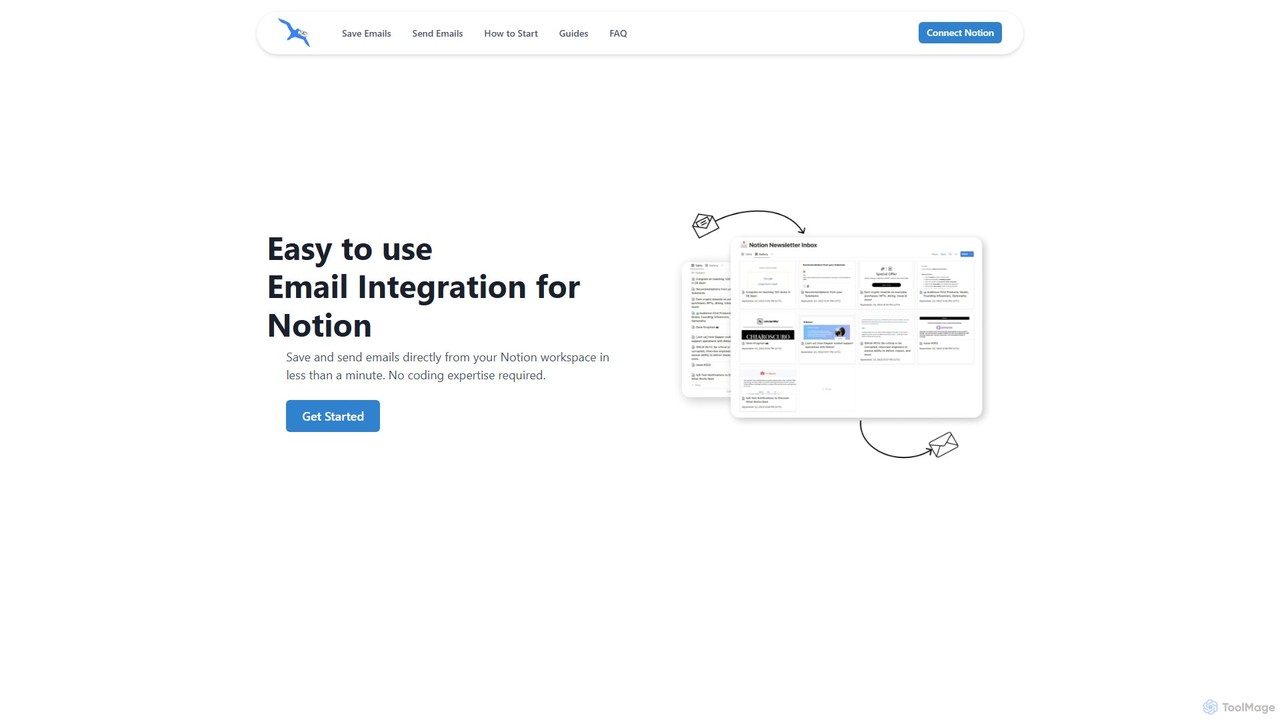
NotionSender is an email integration tool for Notion that allows you to send and receive emails directly within …

13.8K

About Workflow

AI Workflow tools are platforms for designing, automating, and executing multi-step processes by connecting various applications, APIs, and AI models. These tools typically use a visual, node-based interface where users can drag and drop components to build complex sequences of actions without extensive coding. They empower users to create sophisticated automations, such as content generation pipelines or data processing chains, by orchestrating different services into a single, cohesive flow. This approach moves beyond simple task automation to enable the creation of dynamic, intelligent systems.

Core Features

  • Visual Canvas Builder: Design complex workflows using a drag-and-drop interface with nodes representing actions and triggers.
  • Multi-App Integration: Connect hundreds of third-party applications, databases, and APIs to create seamless data flows.
  • Conditional Logic & Branching: Implement if/then/else conditions, loops, and parallel processing paths for dynamic workflows.
  • AI Model Integration: Directly incorporate large language models (LLMs), image generators, and other AI services as steps in the workflow.
  • Real-time Execution & Monitoring: Run workflows on-demand or based on triggers, and monitor their progress and results through detailed logs.

Use Cases

AI Workflow tools are widely used by marketing teams for automating content creation and distribution, by operations managers for streamlining business processes like customer onboarding, and by developers for building complex data enrichment and processing pipelines. For instance, a sales team could automate lead qualification by enriching new contacts with data from multiple sources and then sending personalized follow-ups.

How to Choose

When selecting an AI Workflow tool, consider the breadth and depth of its app integrations to ensure it connects with your existing stack. Evaluate the user interface—whether you need a pure no-code visual builder or a low-code environment with scripting capabilities. Also, examine the pricing model (e.g., per-task, per-workflow, or subscription-based) and the platform's scalability and error-handling features to match your operational needs.

WorkflowUse Cases

1

Automated Content Repurposing Pipeline

A content marketing manager needs to maximize the reach of their company's blog posts. Using an AI Workflow tool, they build a pipeline that triggers whenever a new article is published on their RSS feed. The workflow first sends the article text to an AI model to generate a concise summary and three key takeaways. Next, it feeds these takeaways into an AI image generator to create a relevant graphic for social media. Finally, the workflow automatically drafts posts for Twitter, LinkedIn, and Facebook, combining the summary, takeaways, and the generated image, then saves them as drafts for final review. This process reduces the manual effort of repurposing content by over 80%.

2

Intelligent Customer Support Ticket Triage

An operations manager for a SaaS company aims to improve support response times. They create a workflow that connects their support email inbox to an AI model. When a new email arrives, the workflow extracts the content and sends it to an AI for sentiment analysis and categorization (e.g., 'Billing Issue', 'Technical Bug', 'Feature Request'). Based on the category, the workflow automatically creates a ticket in the appropriate Jira project and posts a notification with the ticket summary in a specific Slack channel, tagging the correct team. This automation ensures tickets are routed correctly in seconds, reducing manual triage time and improving team efficiency.

3

Automated Lead Enrichment and Outreach

A sales development representative (SDR) needs to personalize outreach to new leads from a website form. They design a workflow that triggers when a new form is submitted. The workflow takes the lead's email, uses an API to find their LinkedIn profile, and extracts their company name and job title. It then searches for recent news about their company. All this information is fed into an AI model to draft a highly personalized email mentioning their role and recent company news. The final draft is automatically created in their Gmail, ready for the SDR to review and send. This workflow saves hours of manual research per day and increases email response rates.

4

Video-to-Blog Post Conversion Workflow

A YouTuber or video creator wants to repurpose their video content into blog articles to improve SEO. They set up a workflow that monitors their YouTube channel for new uploads. Once a new video is detected, the workflow downloads the audio, sends it to an AI transcription service to get a full text transcript. This transcript is then passed to a large language model with a prompt to write a well-structured, SEO-friendly blog post based on the content. The final article is automatically created as a draft in their WordPress site, complete with a title and relevant headings, ready for a final polish and publication.

5

E-commerce Order Fulfillment Automation

An e-commerce store owner using Shopify wants to streamline their order fulfillment process. They build a workflow that triggers with each new paid order. The workflow first checks the inventory level in a Google Sheet. If the item is in stock, it proceeds to add the customer's details to a Mailchimp mailing list for future marketing. It then uses a shipping API to generate a shipping label and sends a confirmation email to the customer with the tracking number. If the item is out of stock, it sends a notification to the owner's Slack channel to manually handle the order. This automates 95% of the fulfillment process, reducing errors and saving significant time.

6

Automated Market Research and Reporting

A market analyst needs to track competitor activity and industry trends. They create a workflow that monitors a list of competitor websites and specific industry news RSS feeds. Every day, the workflow scrapes new articles and announcements, then sends the collected text to an AI model for summarization and sentiment analysis. The results—a daily digest of key competitor updates with sentiment scores—are automatically compiled and appended to a new row in a Google Sheet. Finally, a summary report is sent to the analyst's email, providing a concise overview for the day without needing to manually visit dozens of websites.

WorkflowFrequently Asked Questions