

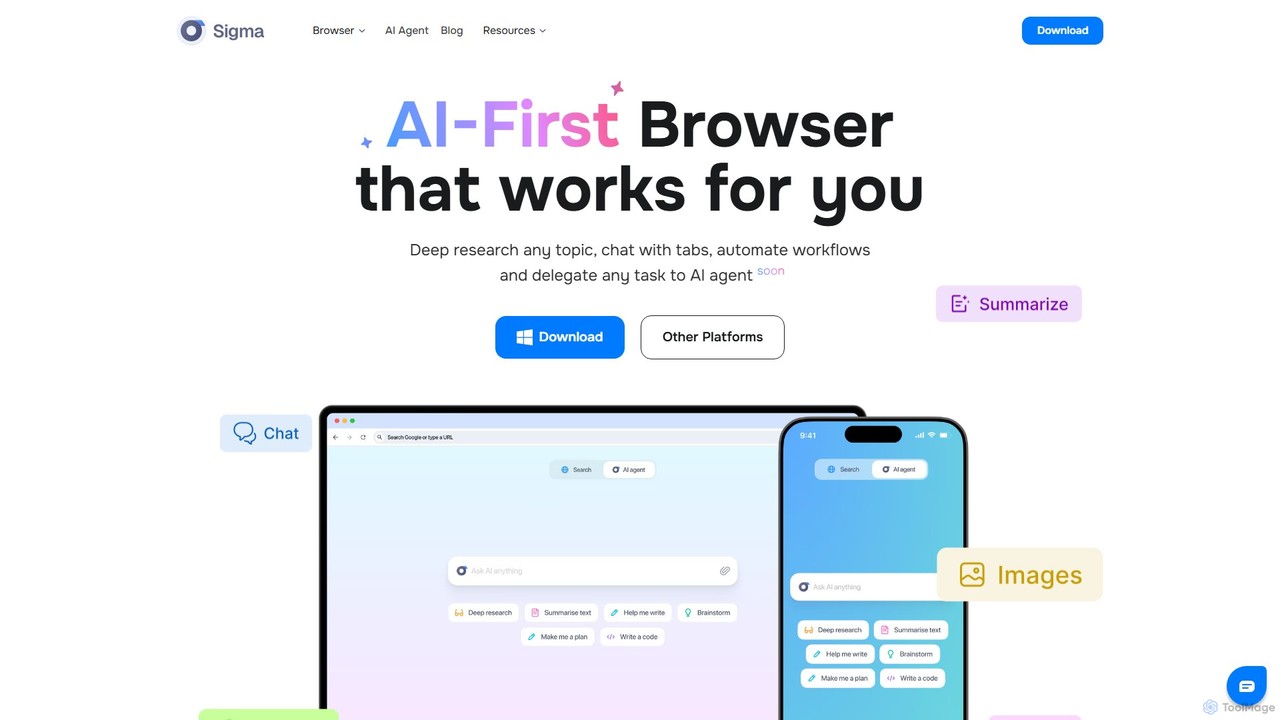
Sigmabrowser Overview
Sigmabrowser is a revolutionary, AI-first web browser designed to fundamentally change how users interact with the internet. Built on the secure and reliable Chromium engine, it goes beyond traditional browsing by integrating a powerful suite of artificial intelligence tools directly into the browser experience. At its core, Sigmabrowser aims to be your personal work assistant, capable of understanding complex requests, automating tedious workflows, and providing intelligent insights on demand. It's engineered for professionals, researchers, students, and anyone looking to maximize their productivity and streamline their online activities.
The standout feature of Sigmabrowser is its upcoming AI Agent, a sophisticated autonomous system that can perform multi-step tasks on your behalf. You can delegate activities like in-depth research, filling out complex forms, managing bookings, or even executing social media campaigns. The agent interprets your natural language commands, plans the necessary steps, interacts with websites, and delivers the final result, effectively acting as an autopilot for your web-based work. Complementing the agent is SigmaGPT, an integrated AI chat assistant powered by advanced models like GPT-4. It allows you to chat with your tabs, get instant summaries of long articles, generate text for emails or social media, and get answers to complex questions without leaving your current page.
How to use Sigmabrowser
Getting started with Sigmabrowser is straightforward. First, you download and install the browser application, which is available for Windows, macOS, and Linux. Once installed, it functions like any familiar browser but with supercharged capabilities. You can immediately start using the built-in AI tools. For instance, you can highlight text on any webpage and use the context menu to summarize, rephrase, or expand on it with the Writing Assistant. To interact with SigmaGPT, you can open the chat interface to ask questions or generate content. For the most advanced automation, users can join the waitlist for the AI Agent. Once access is granted, you can simply describe a task in plain English—such as "Find the top 5 academic papers on quantum computing from the last year and summarize their findings"—and the agent will execute the entire workflow.
Core Features of Sigmabrowser
- Autonomous AI Agent: Delegates multi-step workflows like research, data entry, bookings, and social media management to an AI that plans and executes tasks in the browser.
- SigmaGPT Assistant: An integrated AI chatbot for summarizing web pages, chatting with tabs, generating content, and answering questions instantly.
- Deep Research Mode: A specialized feature (coming soon) that scours academic journals, datasets, and expert sources to provide distilled, citation-rich insights on any topic.
- AI Writing Assistant: Offers real-time suggestions, rephrasing, and content generation for emails, social media posts, and articles.
- Complete AI Toolkit: Includes built-in tools like an AI Paragraph Generator, AI Story Generator, and AI Image Generator, ready to use out of the box.
- Enhanced Privacy and Security: Features end-to-end encryption for AI chats, no user tracking, phishing protection, and encrypted DNS. It is fully GDPR and CCPA compliant.
- Chromium-Based Engine: Built on the fast, secure, and reliable foundation of Chromium, ensuring compatibility with all your favorite websites and extensions, but with significant improvements.
- Productivity Tools: Includes smart bookmarks, a streamlined history, and an efficient password manager to enhance workflow.
Use Cases for Sigmabrowser
Sigmabrowser is versatile and can be applied across various professional and personal scenarios. Researchers can use the Deep Research feature to quickly gather and synthesize academic literature. Marketers can automate social media posting, customer research, and lead generation by logging leads directly into a CRM. For administrative tasks, the AI Agent can handle calendar management, book flights and hotels, and perform bulk email clean-up. Content creators can leverage the AI Writing and Image Generators to draft blog posts, create tweet threads, and produce visuals seamlessly. In daily use, it can simplify online shopping by automating check-outs or help manage personal finances by extracting data from receipts into spreadsheets.
Advantages of Sigmabrowser
The primary advantage of Sigmabrowser is its all-in-one, integrated approach. It eliminates the need for multiple separate AI tools and extensions by building them directly into a cohesive, user-friendly browser. This deep integration allows for unparalleled workflow automation that context-aware extensions cannot match. Its strong emphasis on privacy, with features like end-to-end encryption and a no-tracking policy, sets it apart from many mainstream browsers. By building on the robust Chromium engine, it ensures a familiar, stable, and secure browsing experience while pushing the boundaries of what a browser can do with agentic AI technology.
Pricing and Plans
Sigmabrowser operates on a freemium model. The core browser, including its enhanced privacy features and basic AI tools, is available for free download on Windows, macOS, and Linux. This allows users to experience the improved browsing and fundamental AI capabilities without any cost. More advanced and resource-intensive features, particularly the autonomous AI Agent and potentially unlimited access to the full AI toolkit, are expected to be part of a premium subscription plan in the future. For the most current and detailed pricing information, users should visit the official Sigmabrowser website.
Traffic
Latest traffic
Status
Monthly traffic trend
- 2025-9: 61.4K
- 2026-1: 108.4K
- 2026-2: 93.0K
- 2026-3: 93.8K
- 2026-4: 99.8K
- 2026-5: 162.4K
Geography
Top 5 countries / regions
- 🇺🇸United States48.1%
- 🇧🇷Brazil16.9%
- 🇮🇳India15.0%
- 🇹🇷Türkiye10.6%
- 🇩🇪Germany9.3%
Traffic sources
| Source type | Percentage |
|---|---|
Direct | 91.8% |
Referral | 4.4% |
Email | 3.8% |
Top keywords
| Keyword | Cost per click |
|---|---|
| is firefox safer than chrome browser | $0.00 |
| sigma ai browser | $0.00 |
| sigma browser | $2.33 |
| uncensored ai | $0.68 |
| сигма gpt | $0.00 |
Sigmabrowser Videos on YouTube
Tech Deiyo
Sigmabrowser Alternatives
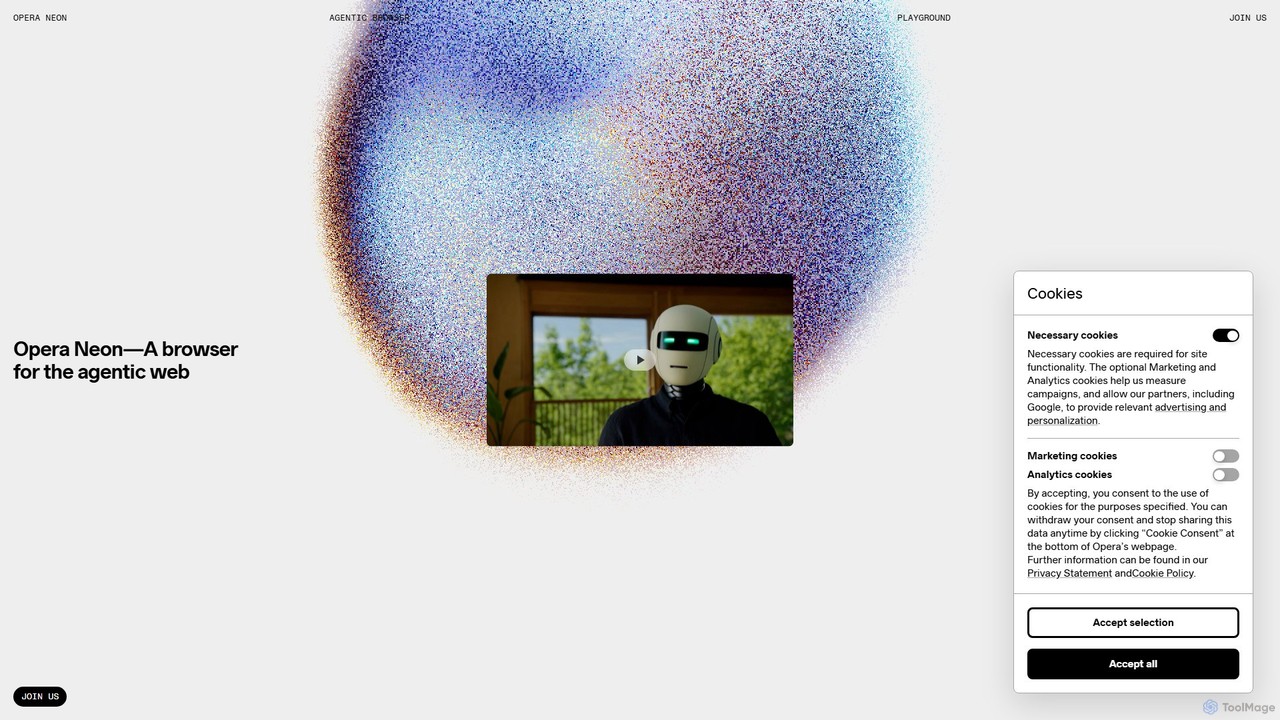
Opera Neon
Opera Neon is a next-generation agentic AI browser designed to understand user intent, automate complex tasks, and create digital content. It integrates AI chat, task automation, and creative generation into a single, seamless browsing experience, acting as a proactive digital assistant.
Low Code No Code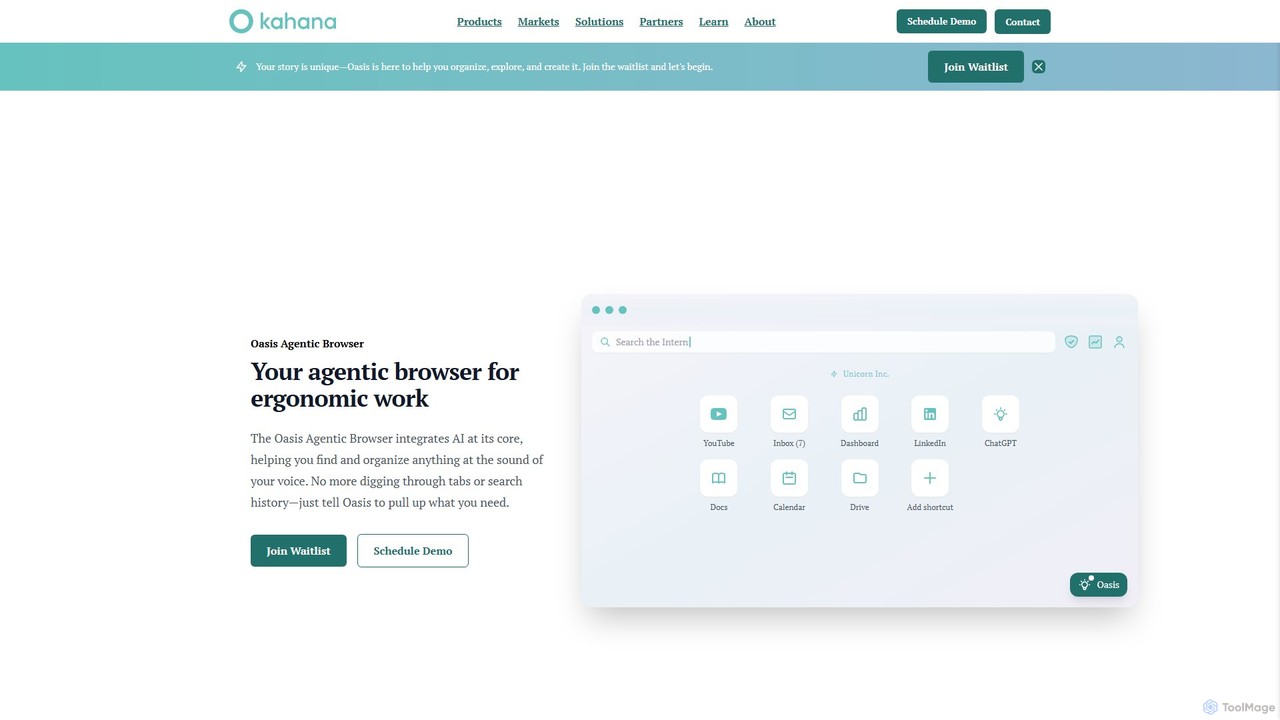
Kahana
Kahana is an AI-powered agentic browser designed to enhance productivity, organization, and security. It replaces the chaos of modern browsing with an intelligent, voice-controlled workspace. Automate workflows, organize ideas into focused hubs, and collaborate securely, all within a browser that acts as your personal productivity companion.
Browser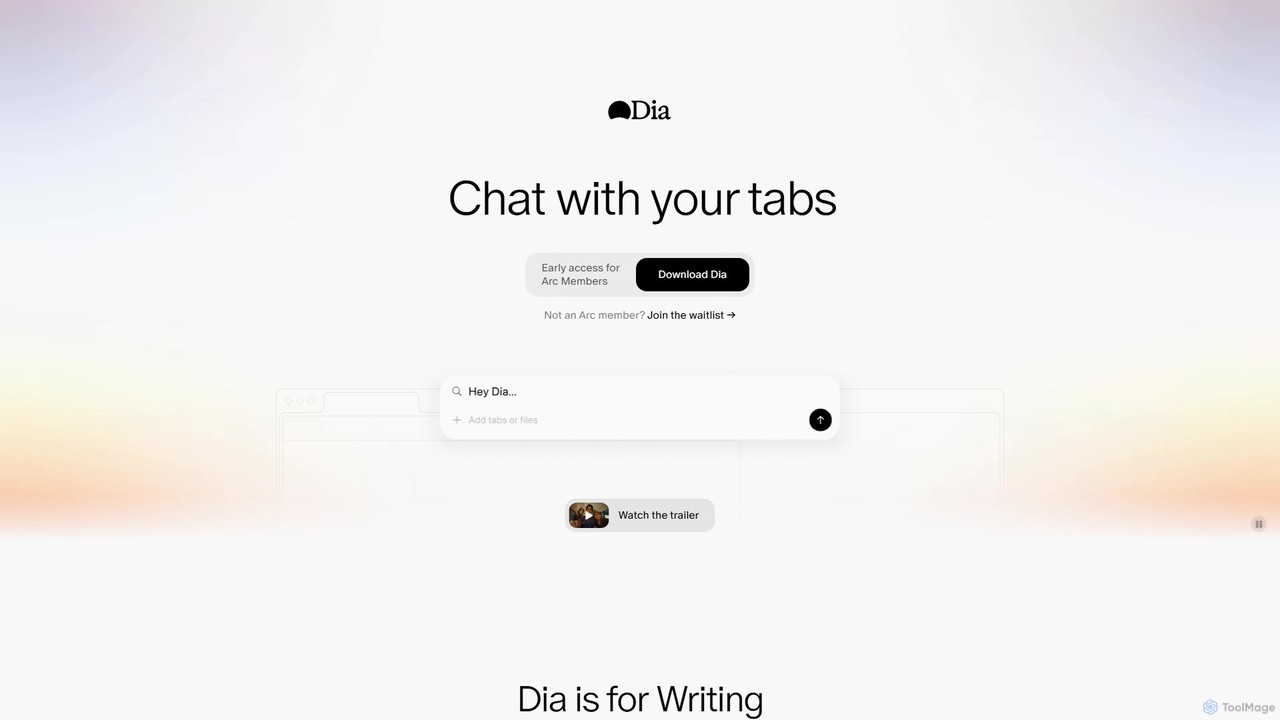
diabrowser
Dia is a revolutionary AI-powered browser for macOS that allows you to chat directly with your open tabs. It acts as a contextual assistant for writing, research, learning, and planning, synthesizing information across multiple pages to provide instant, relevant answers and content without constant copy-pasting.
Learning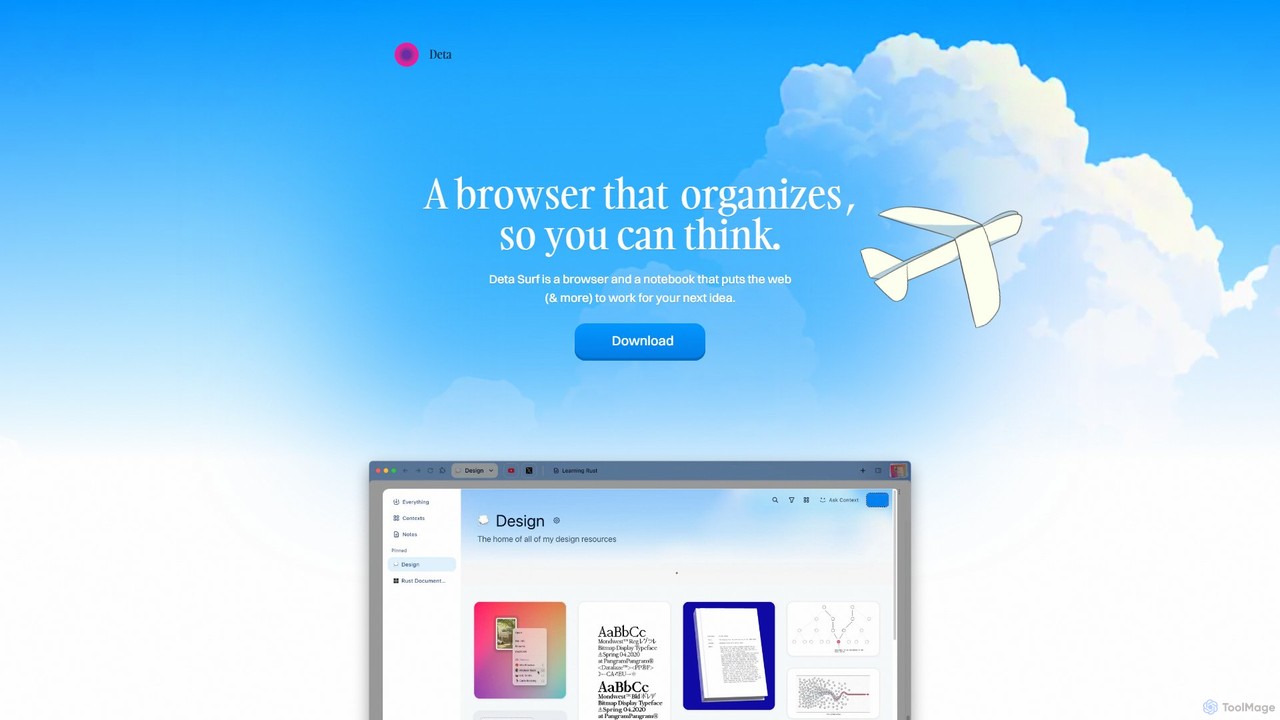
Deta Surf
Deta Surf is an intelligent browser and notebook that organizes your web experience. It uses AI to help you collect, remember, and synthesize information, all while keeping your data private and local on your device. It's designed to reduce context switching and enhance your thinking and creativity.
Browser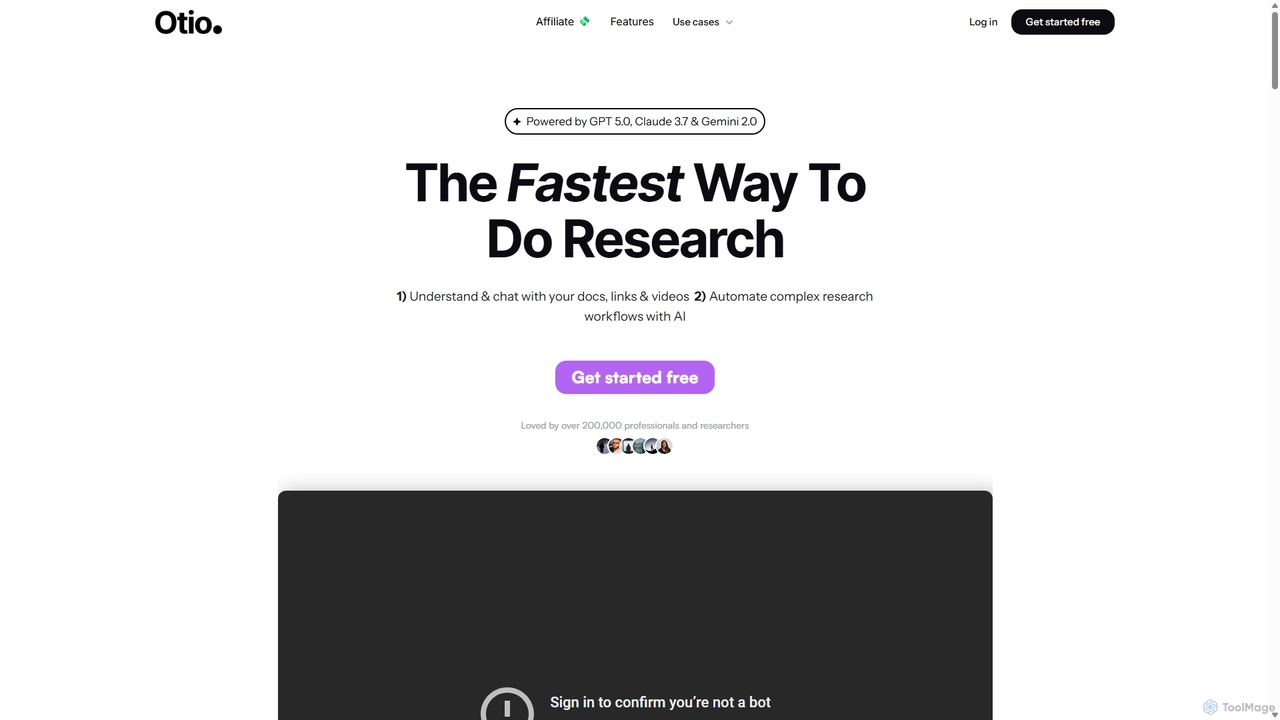
Otio
Otio is an AI-powered research and writing partner that streamlines your workflow. It allows you to understand and chat with documents, links, and videos, automate complex research tasks, and draft reports in an integrated AI editor. It's designed for students, researchers, and professionals to extract insights and produce high-quality written content efficiently.
WorkflowSigmabrowser Categories
Sigmabrowser Embed Widget
Copy this embed code to place the badge on your blog, article, or product site and send readers directly to this ToolMage detail page.

Related AI tools
Opera Neon
Opera Neon is a next-generation agentic AI browser designed to understand user intent, automate complex tasks, and create digital content. It integrates AI chat, task automation, and creative generation into a single, seamless browsing experience, acting as a proactive digital assistant.
Low Code No CodeKahana
Kahana is an AI-powered agentic browser designed to enhance productivity, organization, and security. It replaces the chaos of modern browsing with an intelligent, voice-controlled workspace. Automate workflows, organize ideas into focused hubs, and collaborate securely, all within a browser that acts as your personal productivity companion.
Browser
Jyek
Jyek is an AI agent platform that understands objectives, creates execution plans, uses tools, and delivers verifiable results for complex, multi-step tasks.
Automation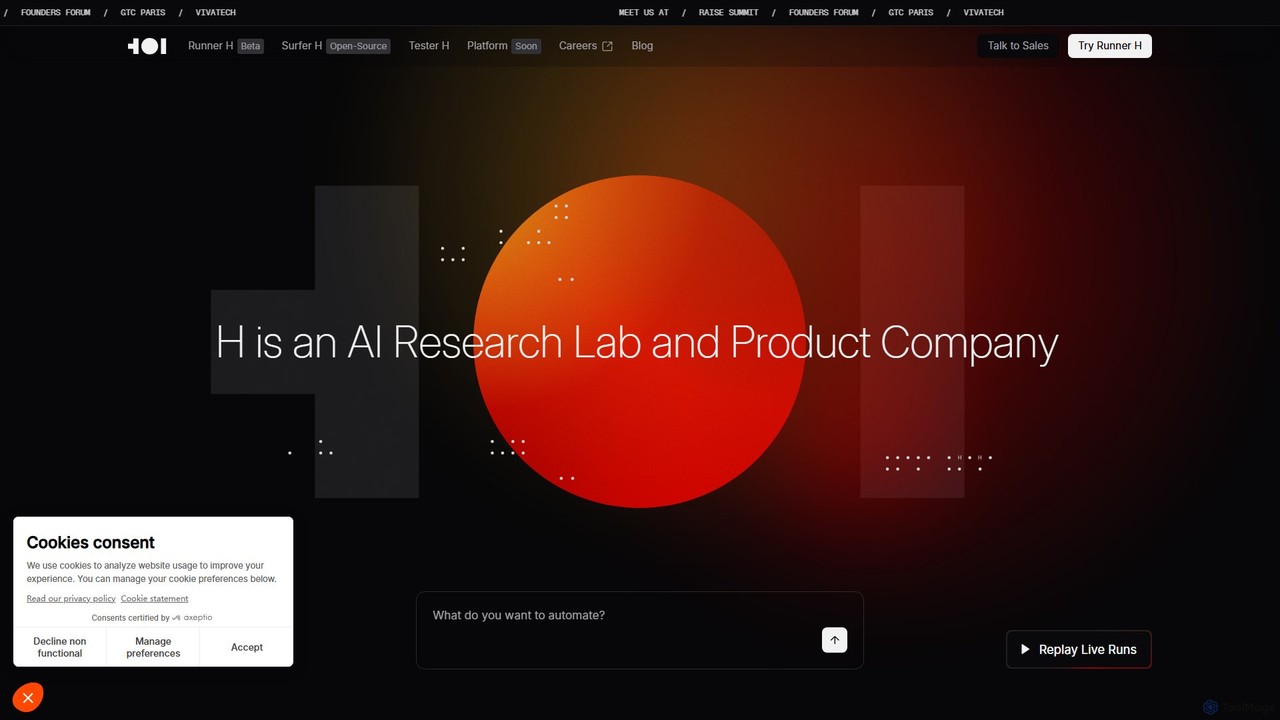
H Company
H Company is an AI research lab and product company developing Agentic AI. Their platform, featuring agents like Runner H, Surfer H, and Tester H, automates complex digital tasks by orchestrating AI agents that can navigate websites, integrate with apps, and execute multi-step workflows. It's designed to function as the next generation of autonomous teammates for individuals and enterprises.
Workflow Management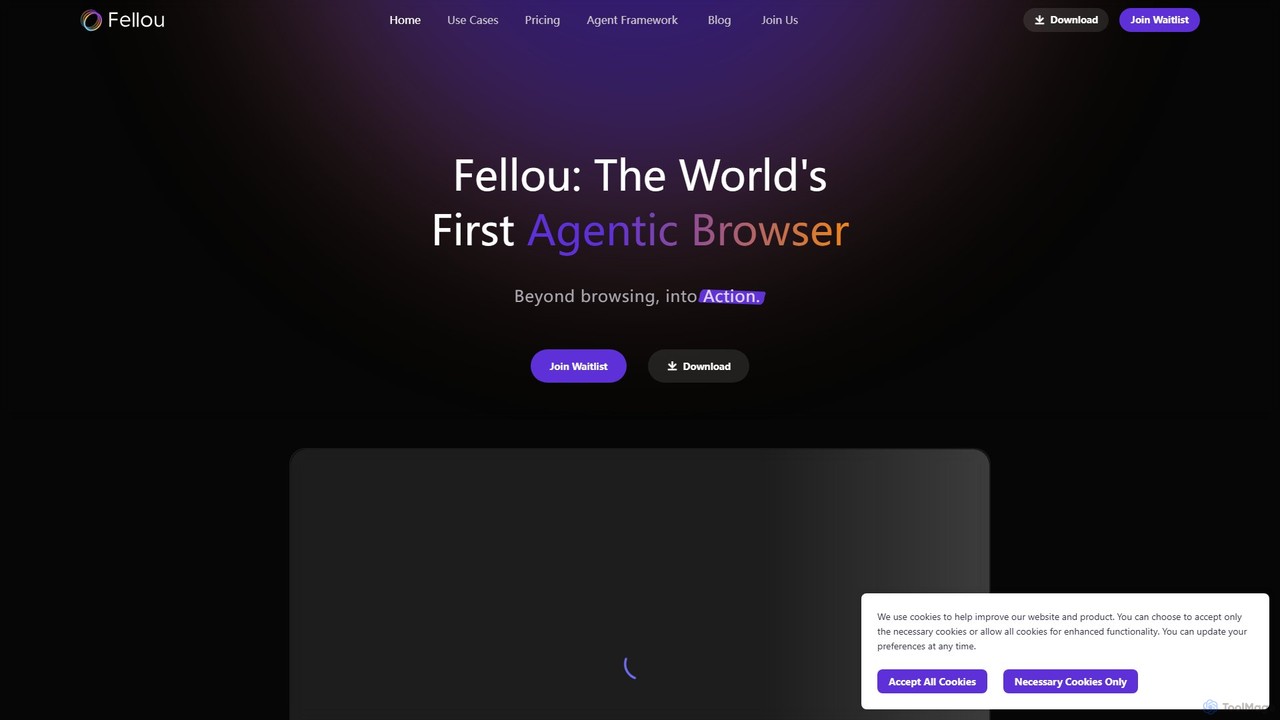
Fellou
Fellou is the world's first agentic browser, designed to transform browsing into action. It functions as an AI-powered digital partner that automates complex workflows, conducts deep research across public and private websites, and generates insightful reports. With no-code automation and a powerful developer framework, Fellou streamlines tasks from data analysis to social media management, significantly boosting productivity.
Ai Browser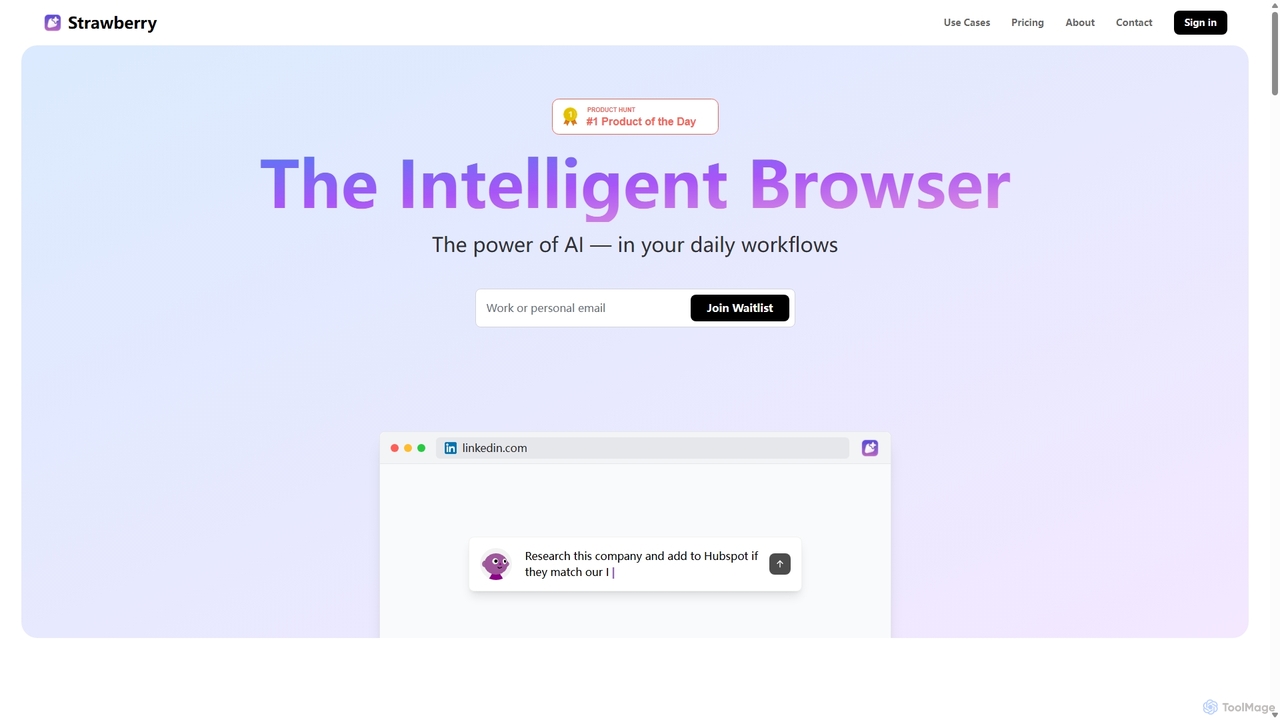
Strawberry Browser
Strawberry Browser is an intelligent, AI-powered browser designed to automate your daily workflows. It allows you to build a team of customizable AI assistants that handle repetitive tasks like research, data extraction, and lead generation directly within your browser. Eliminate grunt work, stay focused, and enhance your productivity.
Ai Assistant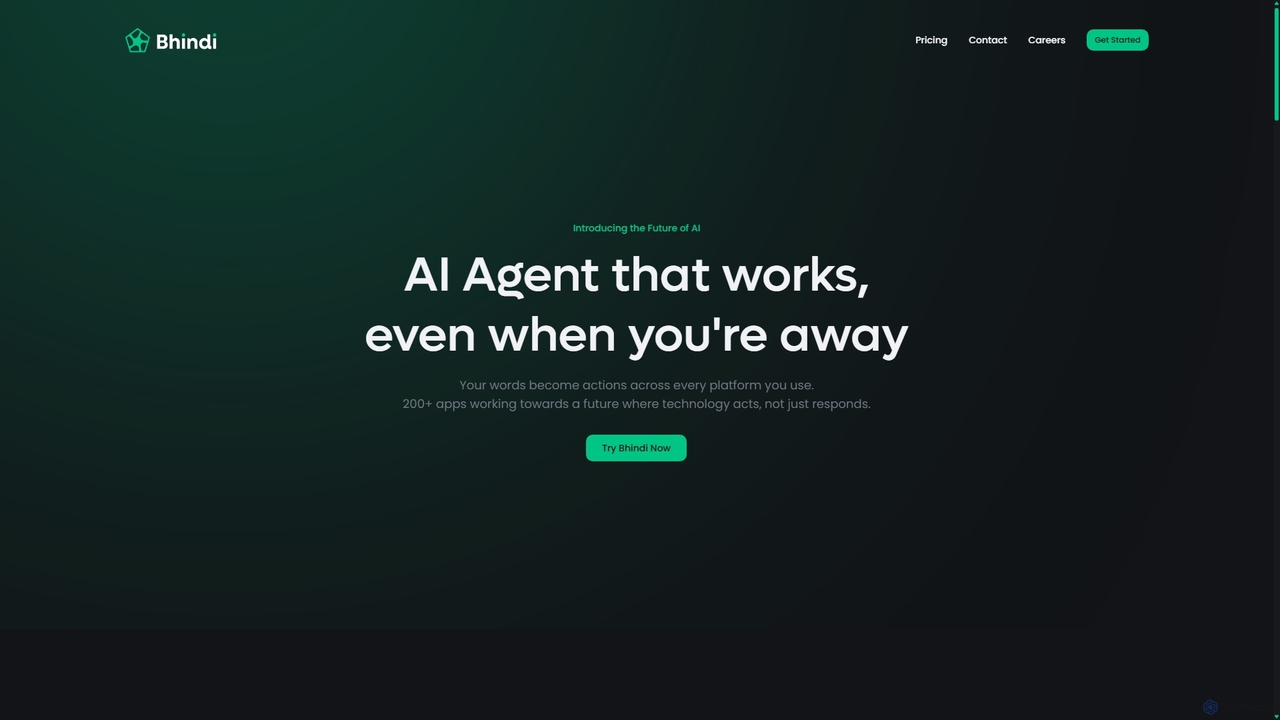
Bhindi
Bhindi is an AI agent platform that automates complex tasks and workflows across over 200 applications using simple natural language commands. It acts as an intelligent assistant that works in the background, connecting your favorite tools like Gmail, Slack, and Notion to execute multi-step actions, turning your words into a seamless, automated reality.
Personal Assistant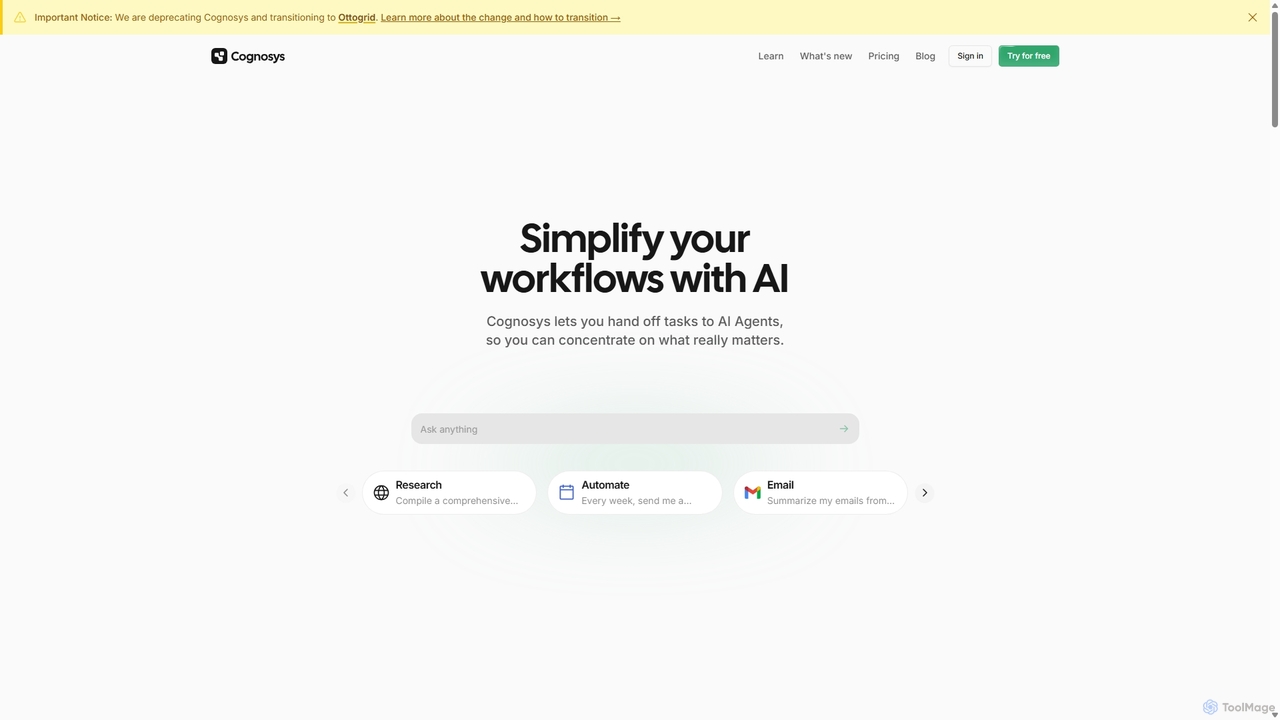
Cognosys
Cognosys is an AI-powered automation platform that simplifies complex workflows. By giving objectives to AI agents, users can automate tasks like in-depth research, email management, and data analysis. It integrates with popular apps like Google Suite and Notion to act as a central hub for productivity, allowing you to focus on strategic work while AI handles the execution.
Email Marketing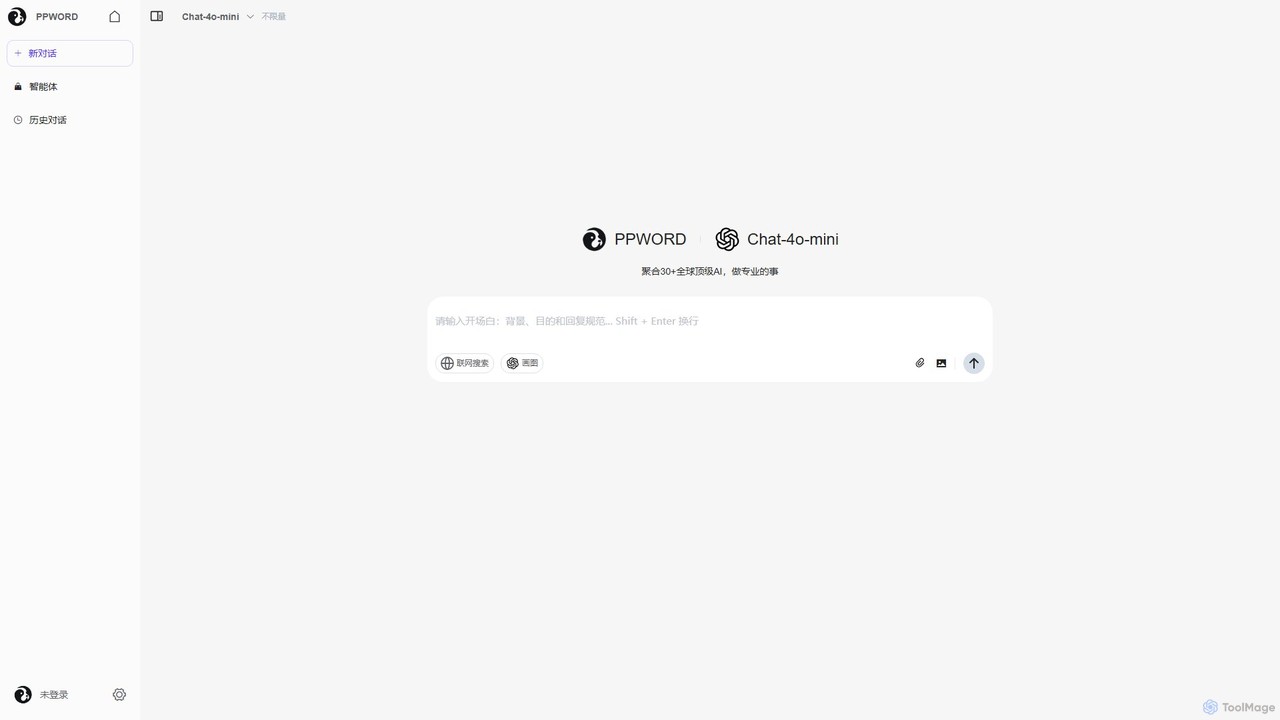
ppword
ppword is an AI aggregator platform that integrates over 30 top-tier global AI models, including GPT-4o, into a single, unified interface. It offers functionalities like advanced chat, real-time web search, and AI image generation, designed for professional tasks and creative endeavors.
Code Assistantdiabrowser
Dia is a revolutionary AI-powered browser for macOS that allows you to chat directly with your open tabs. It acts as a contextual assistant for writing, research, learning, and planning, synthesizing information across multiple pages to provide instant, relevant answers and content without constant copy-pasting.
LearningDeta Surf
Deta Surf is an intelligent browser and notebook that organizes your web experience. It uses AI to help you collect, remember, and synthesize information, all while keeping your data private and local on your device. It's designed to reduce context switching and enhance your thinking and creativity.
Browser
Google Gemini
Google Gemini is a powerful, multimodal AI assistant designed to enhance creativity and productivity. It can understand and process text, code, images, and video to help you write, plan, learn, and create. Integrated with Google's ecosystem, it offers features like advanced content generation, deep research, and seamless collaboration within Google apps.
Image Generator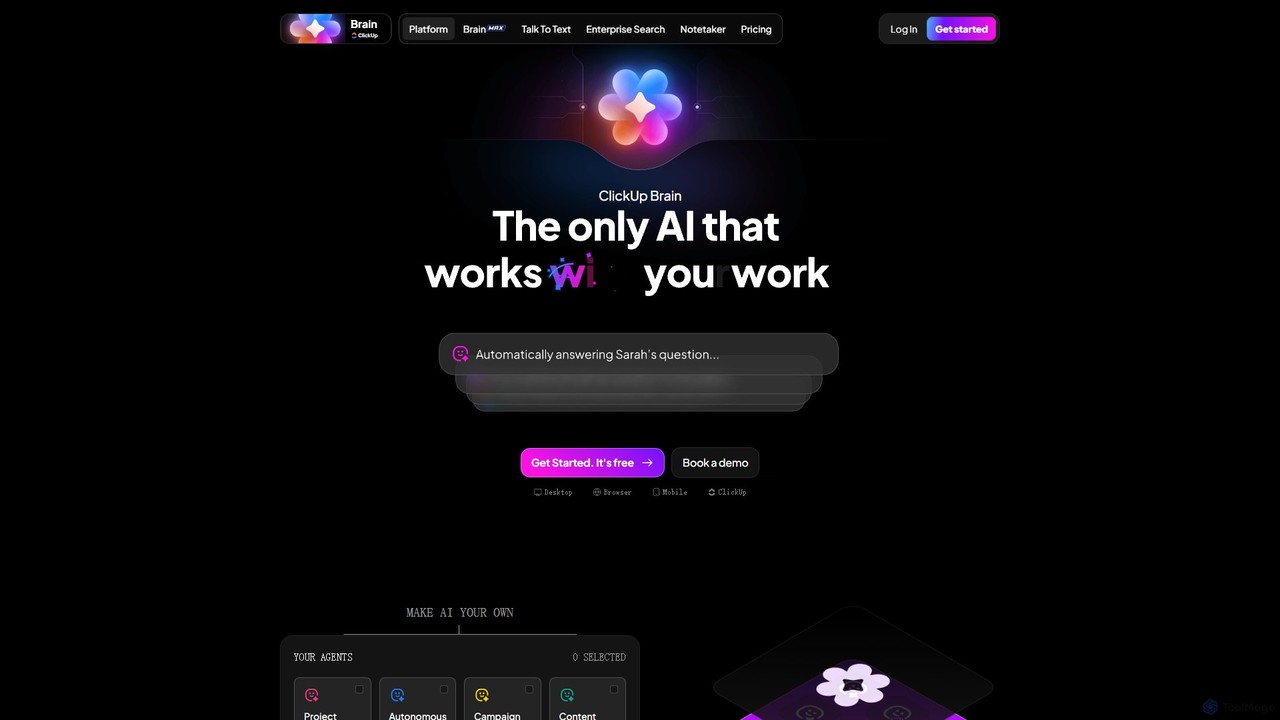
ClickUp Brain
ClickUp Brain is an all-in-one AI assistant integrated directly into the ClickUp productivity platform. It automates tasks, manages projects, summarizes meetings, and generates content by leveraging the full context of your work. It aims to replace multiple standalone AI tools by providing a unified, intelligent workspace that enhances team collaboration and accelerates project completion.
Collaboration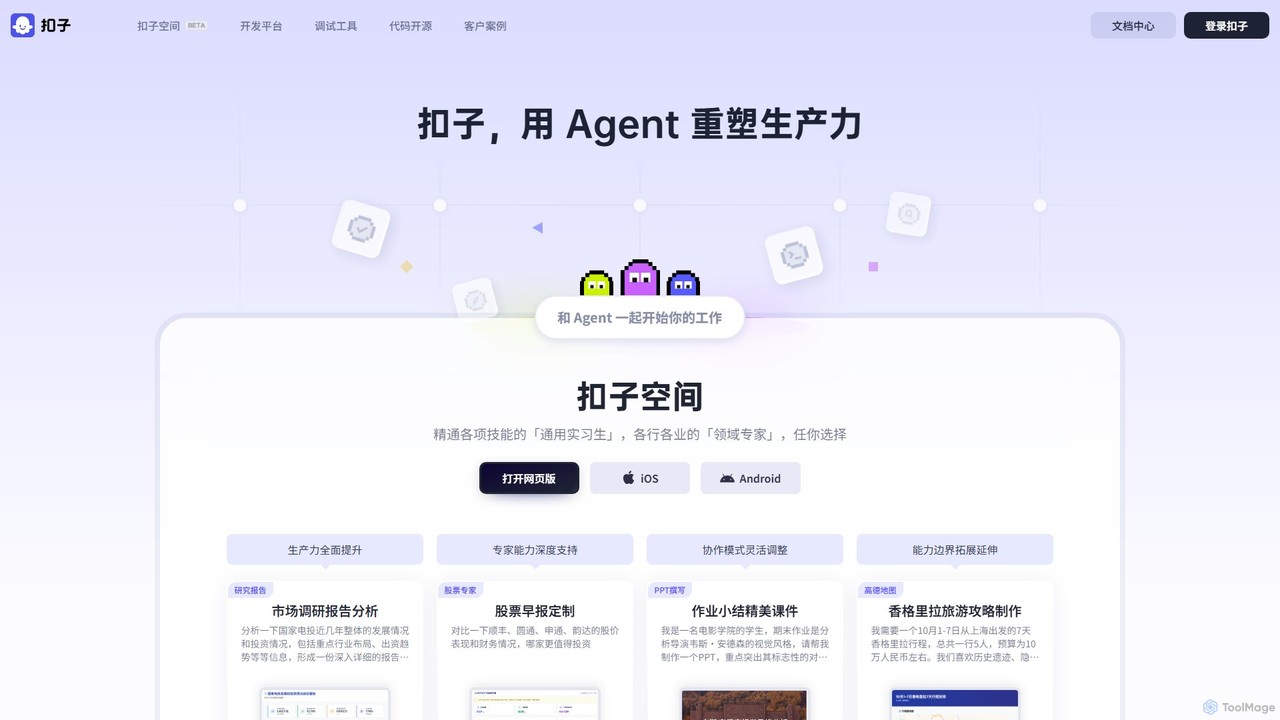
Coze
Coze is an all-in-one, no-code and low-code AI Agent development platform. It empowers users to quickly build, debug, and deploy next-generation AI chatbots and Agents by leveraging a rich ecosystem of large language models, plugins, and visual workflow editors. It's designed for both beginners and professional developers.
Bot Builder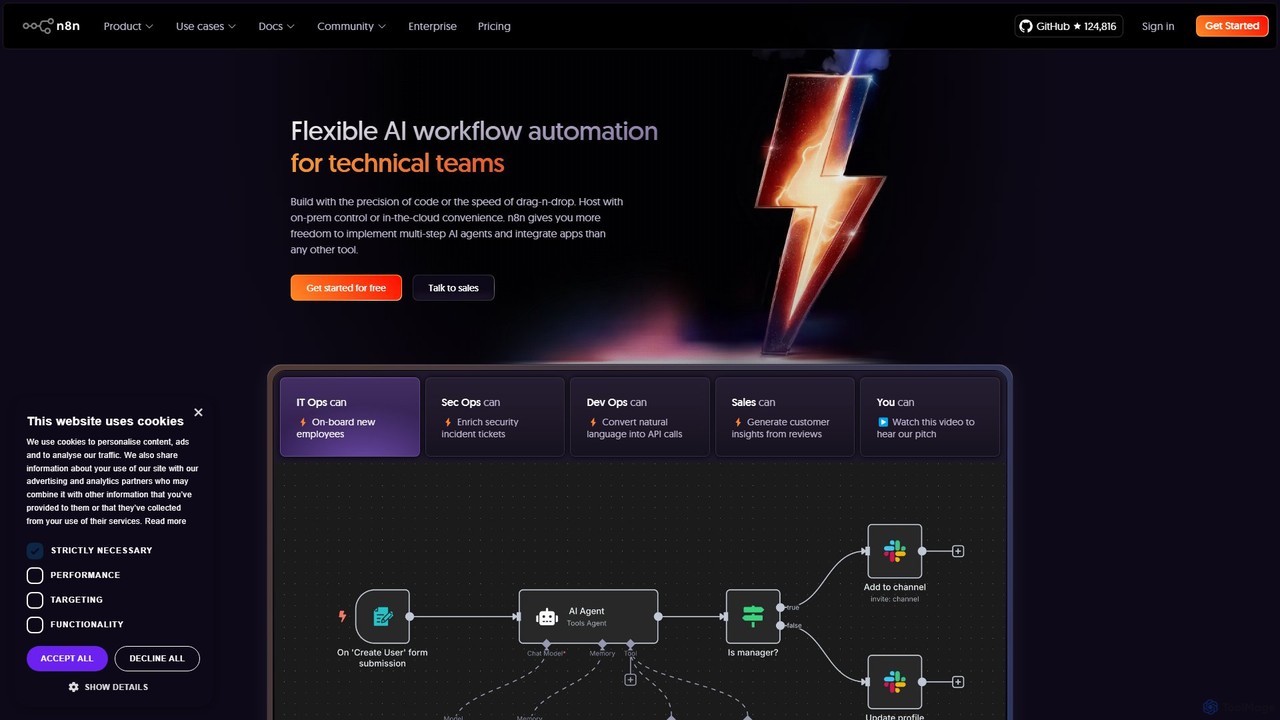
n8n
n8n is a source-available, node-based workflow automation platform designed for both technical and non-technical users. It enables you to connect hundreds of applications and services, including powerful AI models, to automate complex tasks and processes. With options for both cloud hosting and self-hosting, n8n offers unparalleled flexibility, control, and scalability for building everything from simple data syncs to sophisticated AI agents.
Crm
Sigmabrowser Comments (0)
Sign in to comment.
Sign inNo comments yet.