

Coze Overview
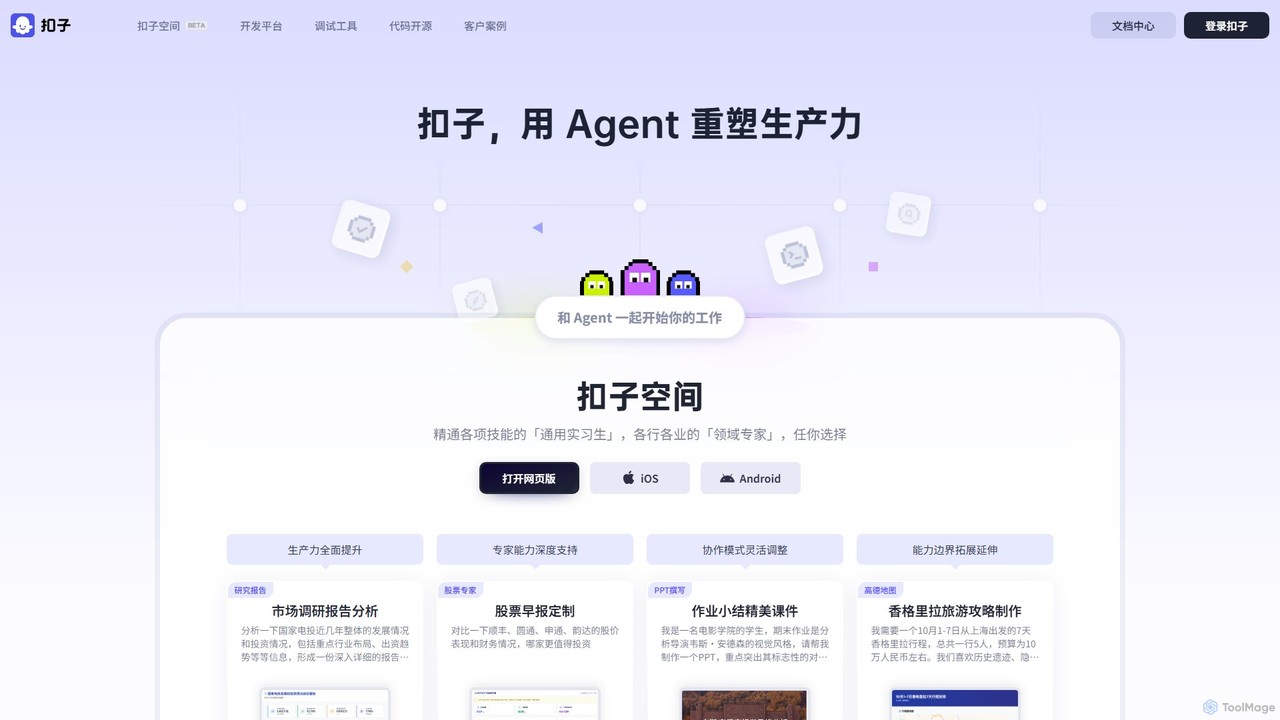
Coze is a comprehensive AI Agent and chatbot development platform created by ByteDance, designed to dramatically simplify the process of creating and deploying intelligent AI applications. It provides a full-stack, one-stop solution that caters to everyone from non-technical users to professional developers. The platform is structured around two main components: the Coze Development Platform and Coze Space.
The Coze Development Platform is the core of the service, offering a visual, no-code/low-code interface for building AI Agents. Users can define an Agent's identity and skills through simple prompts, and then enhance its capabilities by integrating a wide array of plugins. These plugins connect the Agent to real-world tools, such as web search, image generation, travel planning via Gaode Maps, and data management with Feishu Docs. For more complex logic, Coze features a powerful visual workflow editor where users can drag and drop nodes to orchestrate multi-step tasks without writing a single line of code.
The Coze Space is a collaborative environment where users can interact with and utilize these AI Agents. It acts as a workspace where you can deploy your created Agents or use pre-built ones for various tasks, effectively serving as a team of AI 'interns' or 'experts' to boost productivity.
How to use Coze
Using Coze involves a straightforward, multi-step process:
- Define Your Agent: Start by giving your Agent a name and a 'persona' or 'prompt'. This defines its character, primary function, and communication style.
- Add Skills with Plugins: Browse the extensive plugin library to add capabilities. For example, add a news plugin to get real-time information, a DALL-E plugin for image generation, or a custom API plugin to connect to your own services.
- Build Complex Logic with Workflows: For tasks that require multiple steps, use the visual workflow editor. You can create sequences where the Agent first searches the web, then analyzes the data, and finally generates a report in a specific format.
- Incorporate Knowledge: Enhance your Agent's accuracy and domain expertise by uploading your own documents (PDFs, TXT, etc.) to create a dedicated knowledge base. The Agent will prioritize this information when answering questions.
- Test and Debug: Use the built-in debugging tools to test your Agent's responses and workflow logic in real-time, ensuring it performs as expected.
- Publish and Deploy: Once you're satisfied, you can publish your Agent with a single click to various platforms, including websites, mobile apps (iOS/Android), and messaging services like Feishu.
Core Features of Coze
- No-Code/Low-Code Workflow Editor: Visually design complex task flows using a drag-and-drop interface.
- Rich Plugin Ecosystem: Access a wide range of pre-built plugins for search, image generation, data analysis, and more. Users can also create their own custom plugins.
- Multi-LLM Support: Seamlessly switch between and test various leading large language models to find the best fit for your Agent.
- Knowledge Base Integration: Upload personal or enterprise documents to provide your Agent with specialized, private knowledge.
- Long-Term Memory: Equip your Agent with the ability to remember past interactions, allowing for more personalized and context-aware conversations.
- One-Click Multi-Platform Deployment: Easily publish your created Agents to web, mobile apps, and other third-party platforms.
- Coze Compass: An advanced toolset for professional developers to observe, evaluate, and optimize Agent performance throughout its lifecycle.
Use Cases for Coze
Coze is incredibly versatile and can be used to create a wide variety of applications:
- Productivity & Business: Create Agents that generate market research reports, analyze financial data, draft presentations (PPTs), and automate customer service inquiries.
- Content Creation: Build bots that write articles, generate podcast scripts from text, create interactive web pages, or design comic strips.
- Education & Learning: Develop interactive educational tools, such as a physics simulator, a biology lesson generator, or a language learning partner.
- Personal Assistants: Design personal Agents for tasks like planning a detailed travel itinerary, generating meal plans with calorie tracking, or creating a personalized news briefing.
- Entertainment & Gaming: Build simple web-based games, interactive stories, or character-driven chatbots for entertainment.
Advantages of Coze
Coze stands out due to its accessibility, power, and efficiency. It lowers the barrier to AI development, allowing anyone with an idea to bring it to life. The platform's modular design and extensive plugin library enable rapid prototyping and deployment, significantly reducing development time from weeks to hours. For enterprises, it offers a secure and scalable solution to build and integrate custom AI capabilities into their existing workflows and products.
Pricing and Plans
Coze is currently available for free. Users can sign up and access the full suite of features on the development platform, including the workflow editor, plugins, and deployment options, without any cost. This makes it an exceptionally accessible tool for individual developers, students, and small teams looking to experiment and build powerful AI Agents. While it is free for general use, custom enterprise solutions or high-volume usage may be subject to specific plans in the future.
Traffic
Latest traffic
Status
Monthly traffic trend
- 2025-9: 5.3M
- 2026-1: 5.3M
- 2026-2: 4.7M
- 2026-3: 7.4M
- 2026-4: 6.0M
- 2026-5: 7.2M
Geography
Top 5 countries / regions
- 🇨🇳China95.8%
- 🇺🇸United States2.2%
- 🇹🇼Taiwan1.0%
- 🇭🇰Hong Kong SAR China0.6%
- 🇸🇬Singapore0.4%
Traffic sources
| Source type | Percentage |
|---|---|
Direct | 91.9% |
Referral | 8.0% |
Email | 0.1% |
Coze Videos on YouTube

CyberAI

Test Drive AI with Jack X

Coze Alternatives
Lamatic.ai
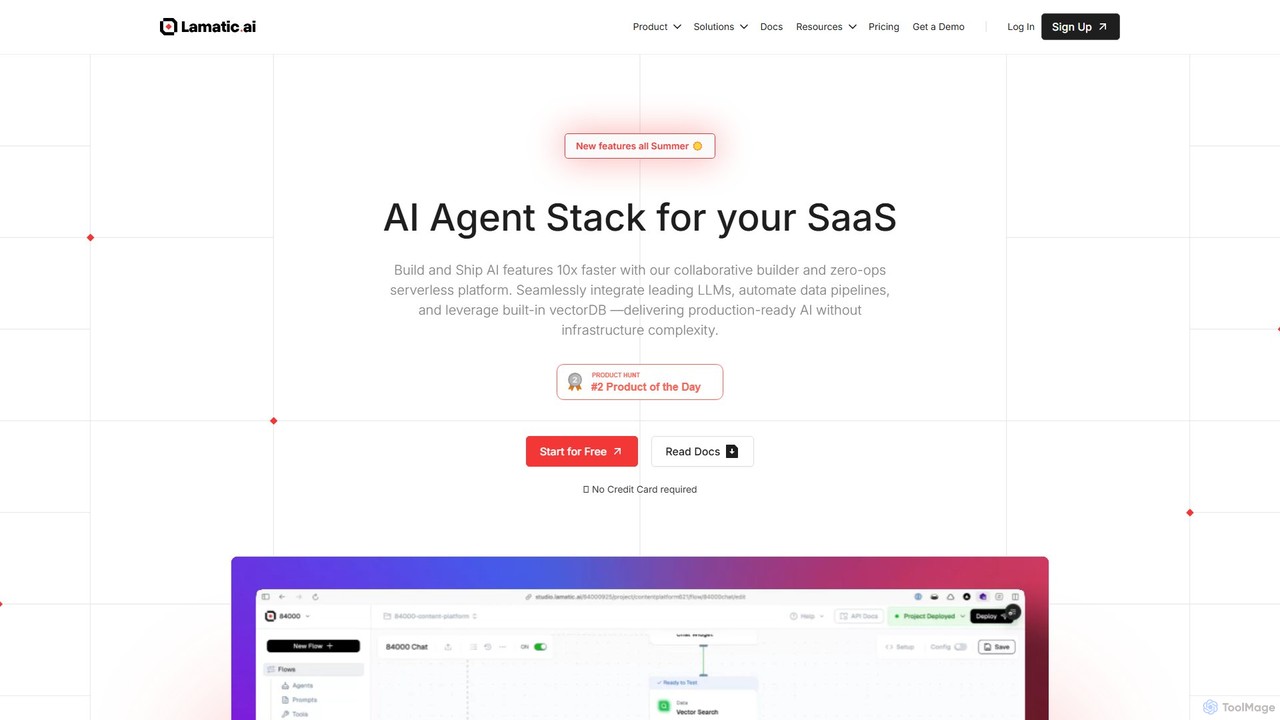
Lamatic.ai is a comprehensive platform designed for engineering teams to build, connect, and deploy AI agents on both cloud and edge environments. It features a visual flow builder, pre-built templates, and seamless one-click integrations to accelerate the development of agentic AI systems, from chatbots to image generators.
Ai Agent Development
Pulze.ai
Pulze.ai is a no-code AI workspace that enables teams to build, deploy, and manage custom AI agents without developers. It provides access to over 50 top AI models, automates repetitive tasks, and centralizes control over data and usage. Ideal for sales, support, and marketing teams looking to streamline workflows, reduce costs, and enhance collaboration in a secure, privacy-first environment.
Ai Agent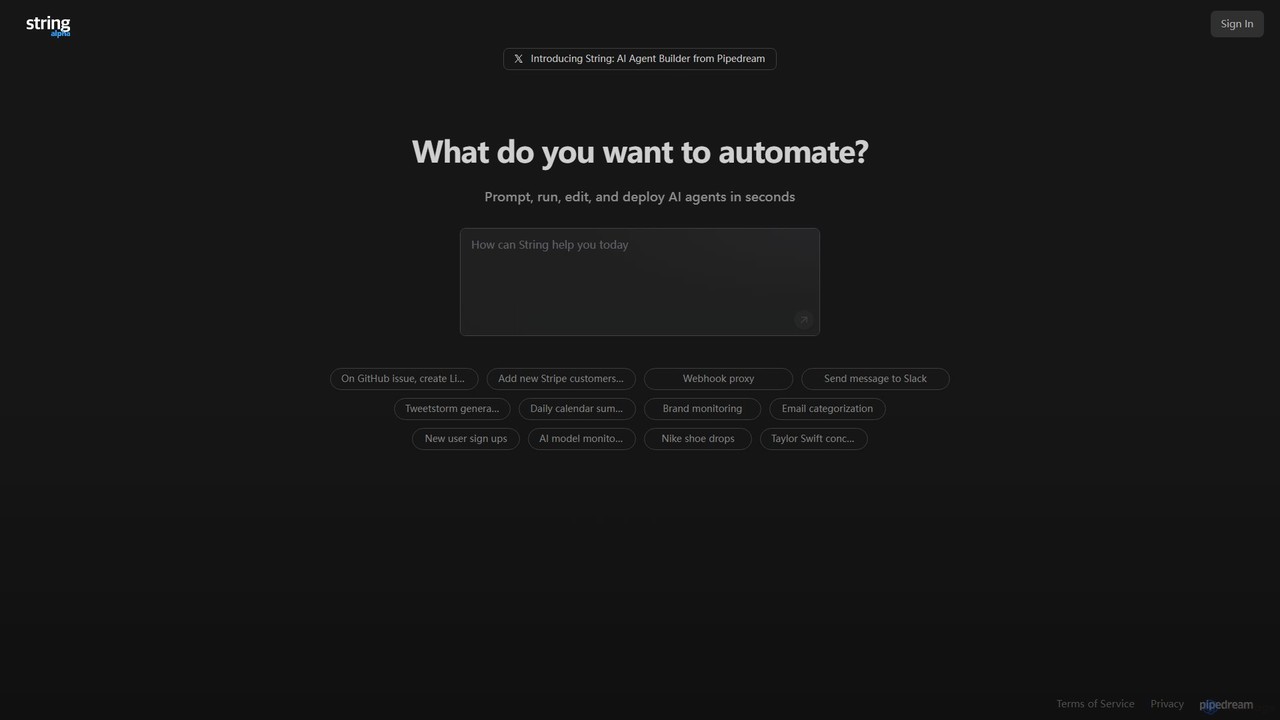
String
String is an AI agent builder from Pipedream that allows you to create, run, and deploy automated workflows in seconds. Using natural language prompts, you can build agents that connect various applications like Google Sheets, GitHub, Stripe, and HubSpot. It's designed for automating complex tasks, from data synchronization and brand monitoring to content generation and custom notifications, without needing extensive coding knowledge.
No Code & Low Code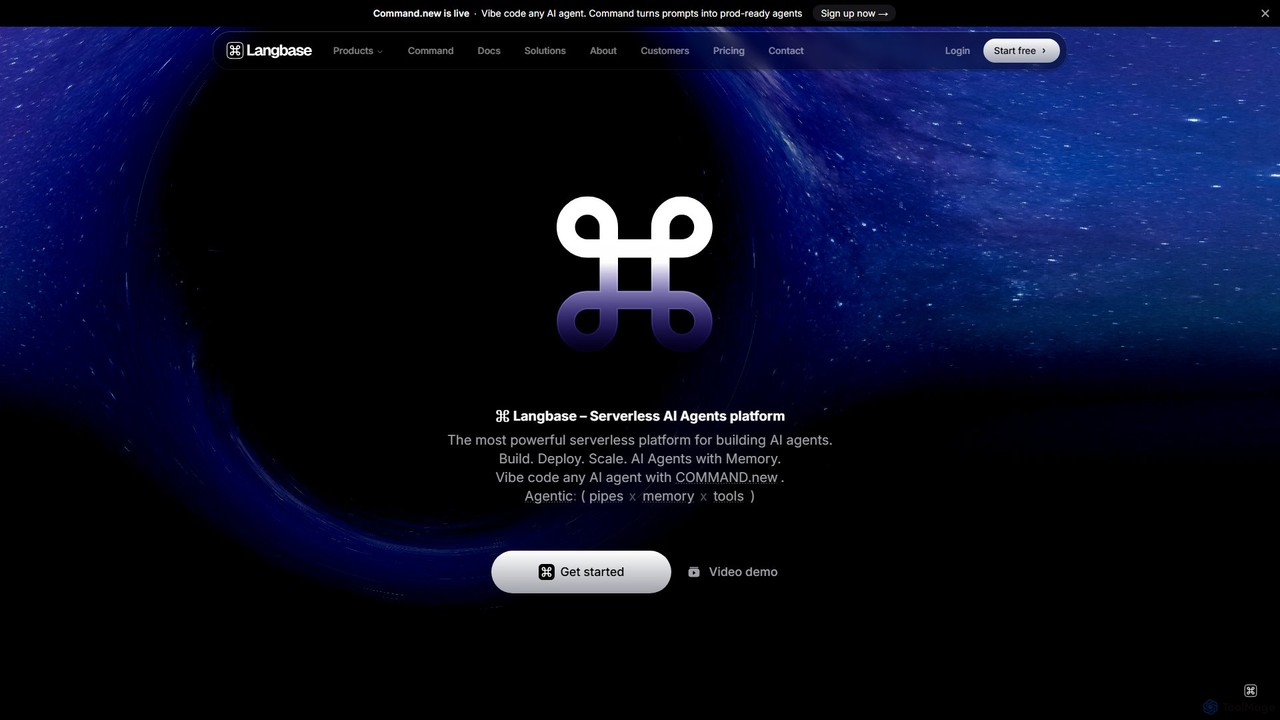
Langbase
Langbase is a serverless developer platform designed for building, deploying, and scaling AI agents. It provides a unified infrastructure with features like composable AI agents (Pipes), long-term memory (RAG), and a single API for over 250 LLMs, empowering any developer to create powerful AI applications with an exceptional developer experience.
Infrastructure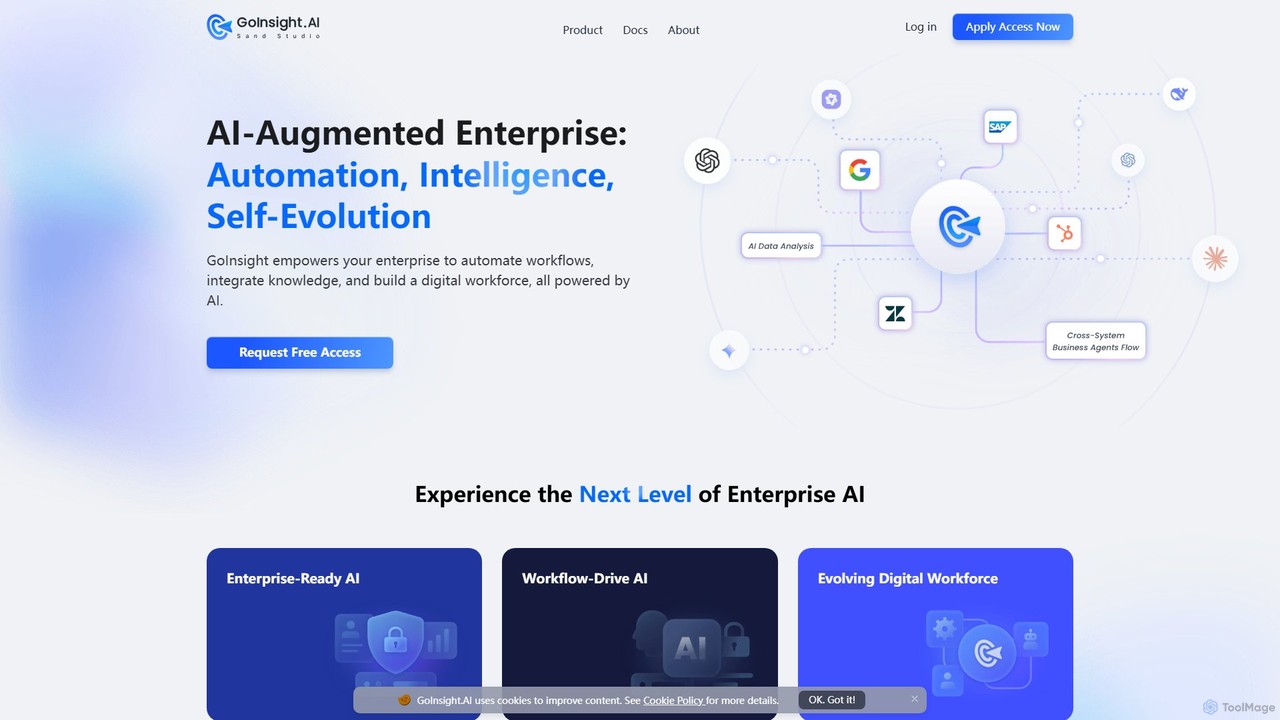
GoInsight.AI
GoInsight.AI is an enterprise-grade AI automation platform designed to build a digital workforce. It empowers businesses to automate complex workflows, integrate private knowledge for contextual intelligence, and deploy specialized AI agents. With a strong focus on security, compliance, and scalability, GoInsight.AI provides a unified environment to govern all AI initiatives, transforming core operations across departments like IT, marketing, and finance.
Enterprise SolutionsCoze Categories
Coze Embed Widget
Copy this embed code to place the badge on your blog, article, or product site and send readers directly to this ToolMage detail page.

Related AI tools
Rowboat
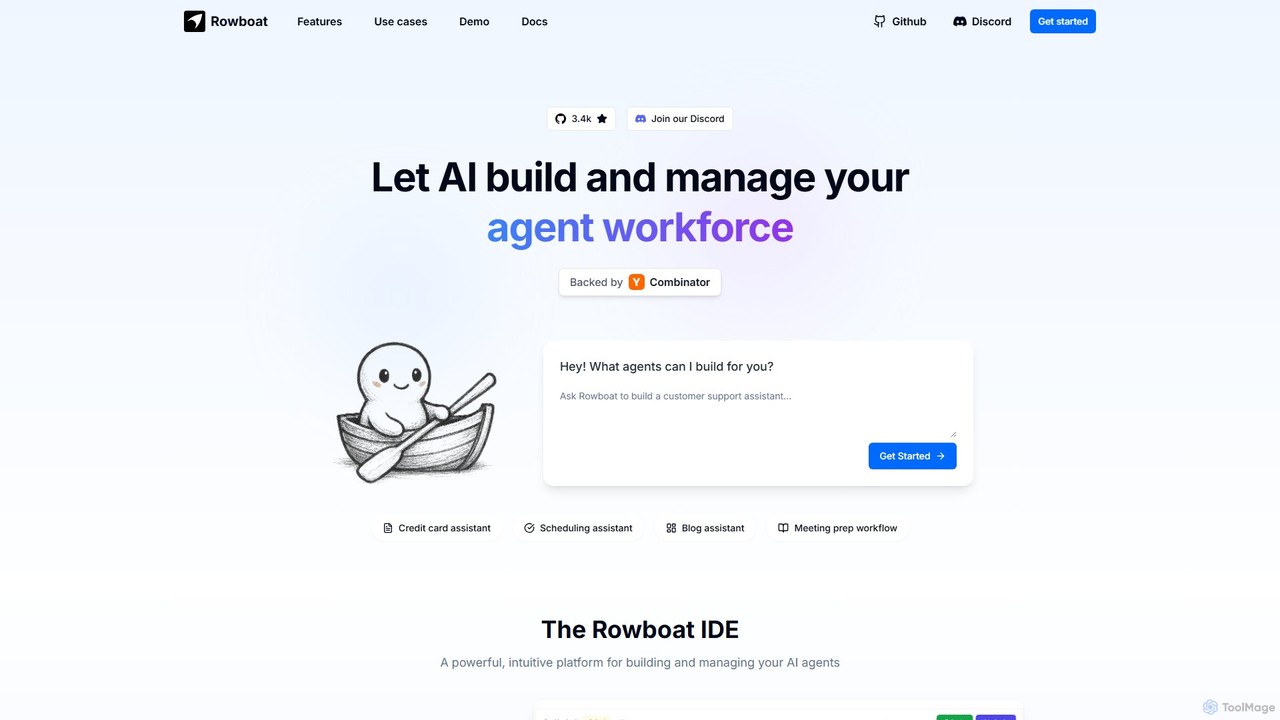
Rowboat is a powerful, AI-powered IDE for building, managing, and deploying complex multi-agent systems. Backed by Y Combinator, it allows users to describe workflows in plain English, and its AI copilot automatically generates the entire agent graph, including roles, prompts, and tool integrations. It's designed to simplify the creation of robust, real-world AI agents for productivity, e-commerce, support, and more, with features like open-source flexibility and support for over 100 LLMs.
Agent Builder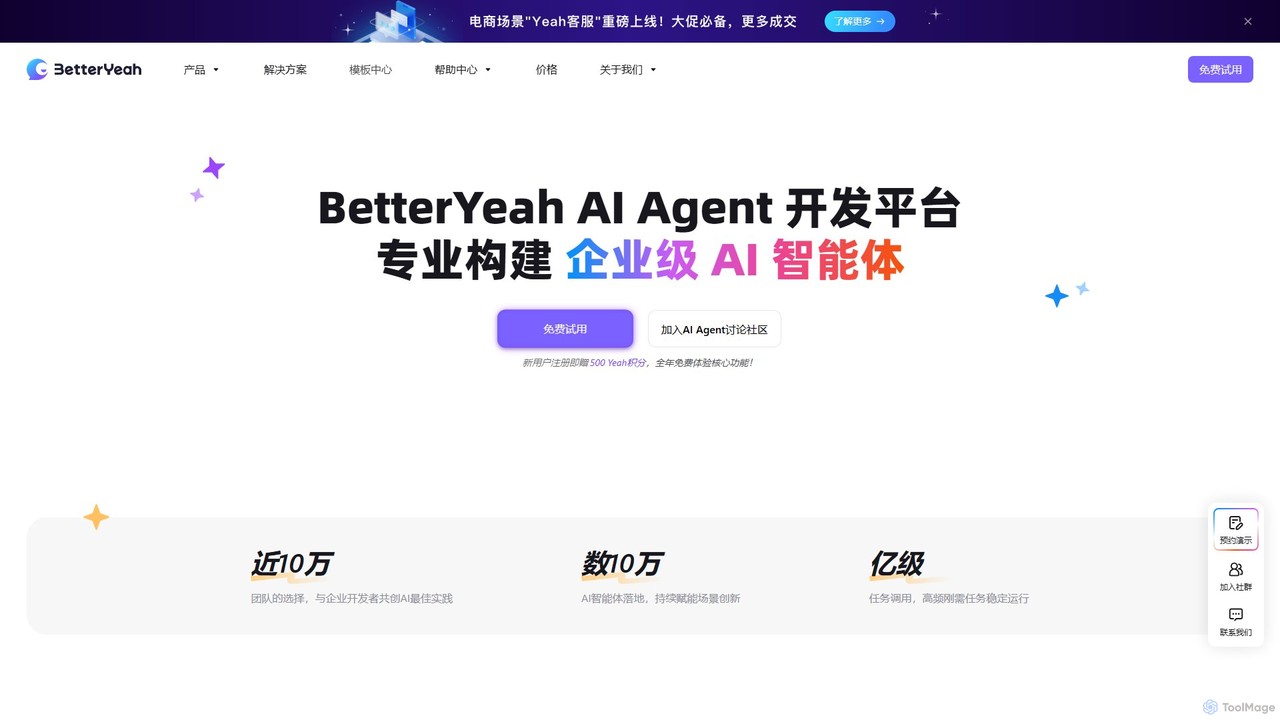
BetterYeah
BetterYeah is an enterprise-grade, one-stop AI Agent development platform. It enables businesses to build, deploy, and manage custom AI agents for sales, marketing, and customer service without extensive coding. The platform features a visual workflow builder, extensive integrations, and robust management tools to accelerate AI transformation.
Chatbot
deathtohumans
An advanced AI automation platform designed to eliminate repetitive human tasks. It leverages a multi-agent system to build and execute complex workflows for content creation, data analysis, coding, and business operations, radically boosting efficiency.
Business IntelligenceLamatic.ai
Lamatic.ai is a comprehensive platform designed for engineering teams to build, connect, and deploy AI agents on both cloud and edge environments. It features a visual flow builder, pre-built templates, and seamless one-click integrations to accelerate the development of agentic AI systems, from chatbots to image generators.
Ai Agent DevelopmentPulze.ai
Pulze.ai is a no-code AI workspace that enables teams to build, deploy, and manage custom AI agents without developers. It provides access to over 50 top AI models, automates repetitive tasks, and centralizes control over data and usage. Ideal for sales, support, and marketing teams looking to streamline workflows, reduce costs, and enhance collaboration in a secure, privacy-first environment.
Ai Agent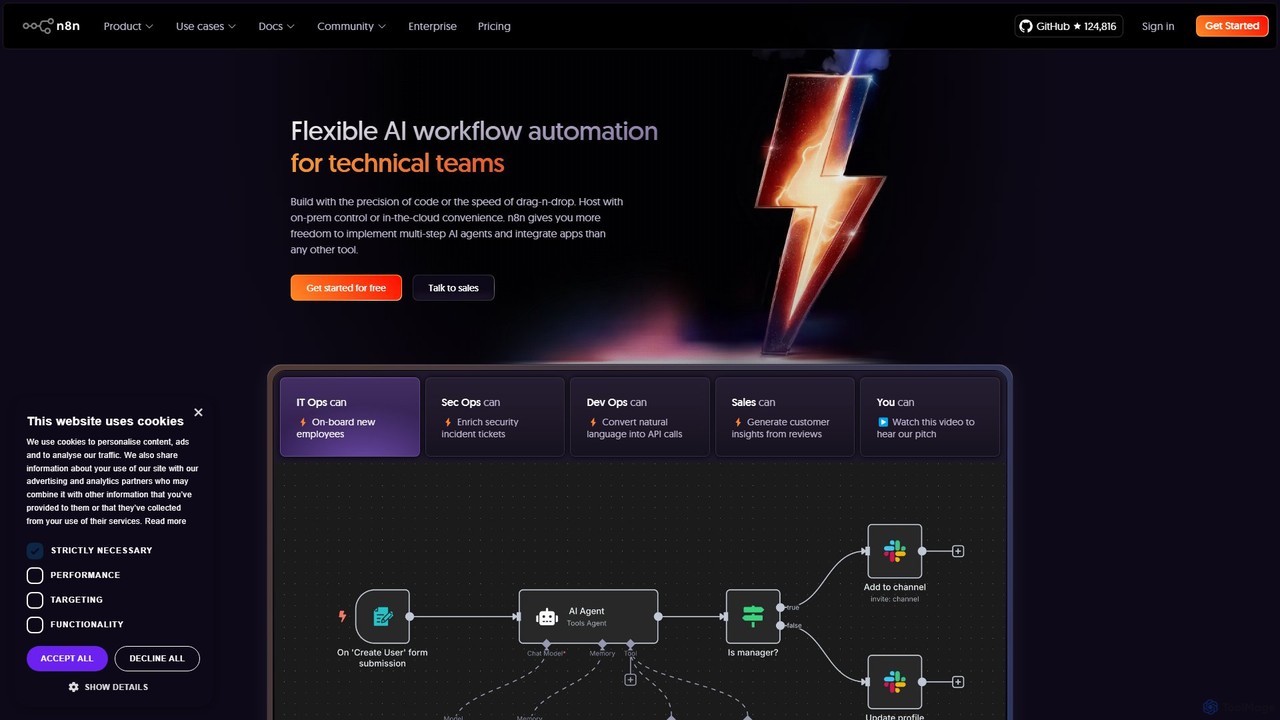
n8n
n8n is a source-available, node-based workflow automation platform designed for both technical and non-technical users. It enables you to connect hundreds of applications and services, including powerful AI models, to automate complex tasks and processes. With options for both cloud hosting and self-hosting, n8n offers unparalleled flexibility, control, and scalability for building everything from simple data syncs to sophisticated AI agents.
Crm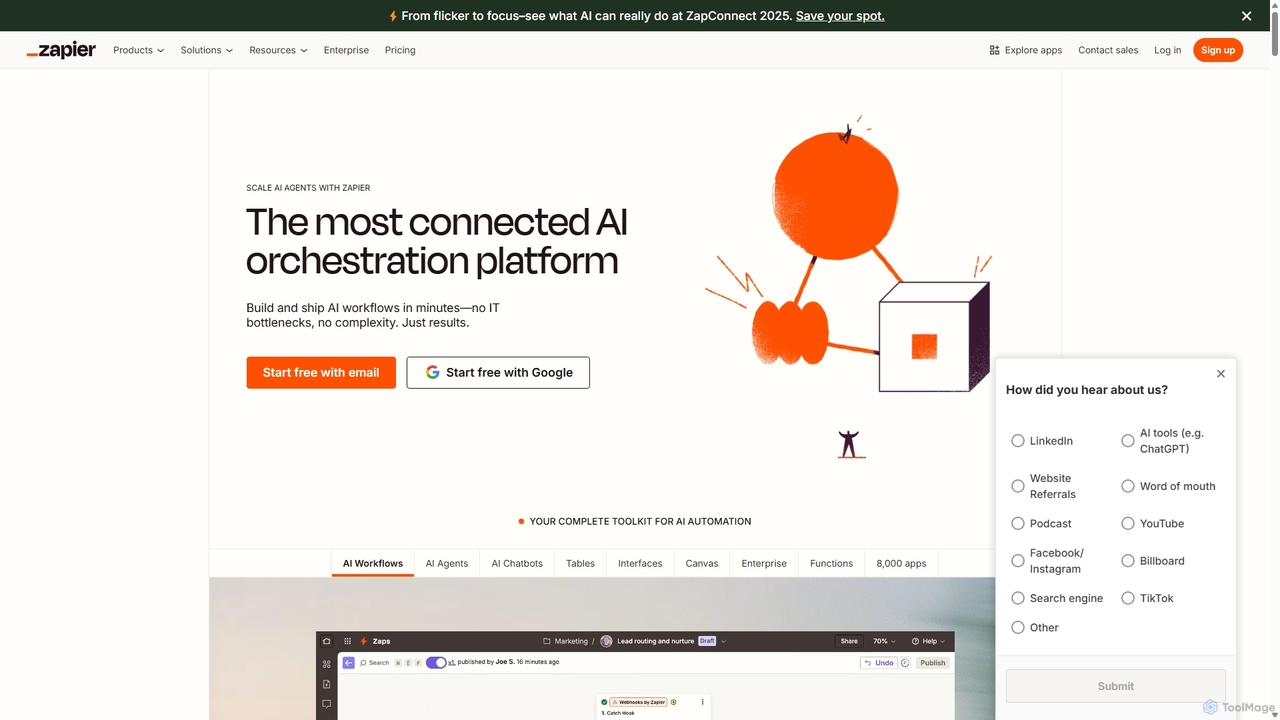
Zapier
Zapier is a leading no-code automation platform that empowers you to connect over 8,000 web apps. It now features a powerful AI toolkit, allowing you to build custom AI workflows, agents, and chatbots to automate tasks, streamline processes, and scale your business operations without writing a single line of code. From simple two-step integrations to complex, multi-step AI-powered workflows, Zapier makes automation accessible to everyone.
Ai Agent Builder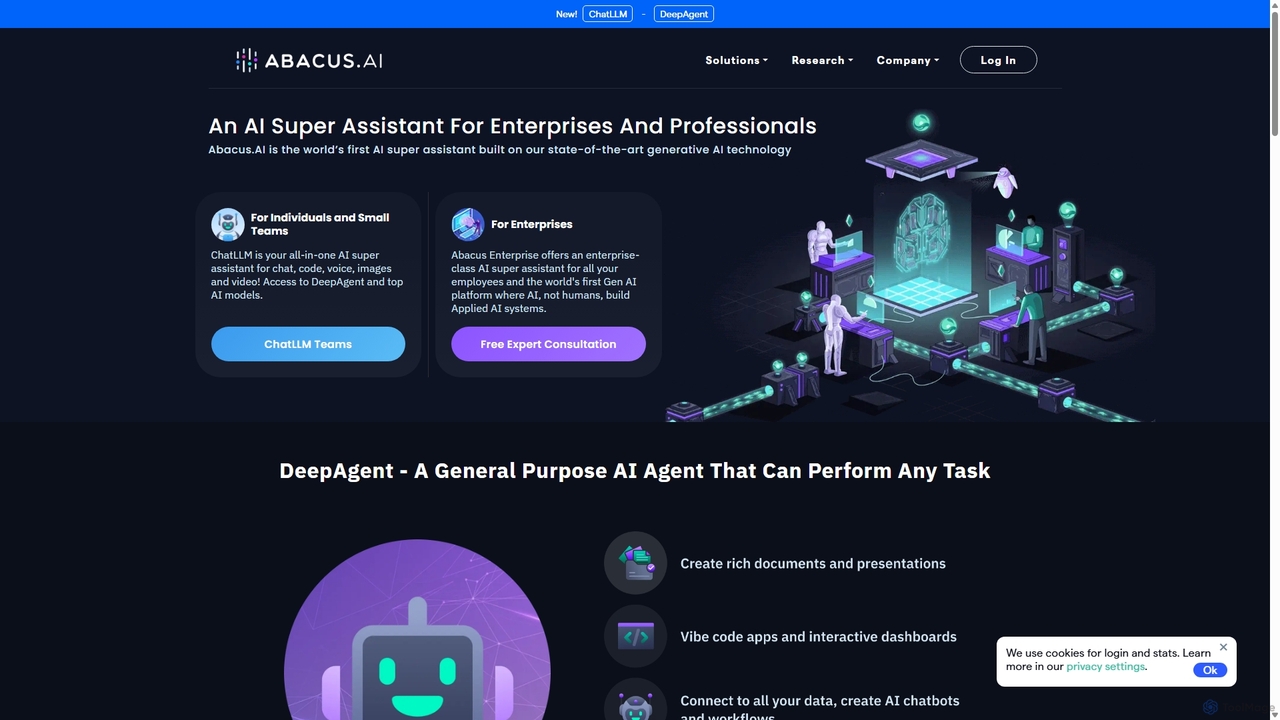
Abacus.AI
Abacus.AI is an advanced AI super assistant and generative AI platform designed for both enterprises and individuals. It enables the creation of AI agents, custom chatbots, and automated workflows to enhance productivity, analyze data, and build applied AI systems with minimal human intervention.
Chatbot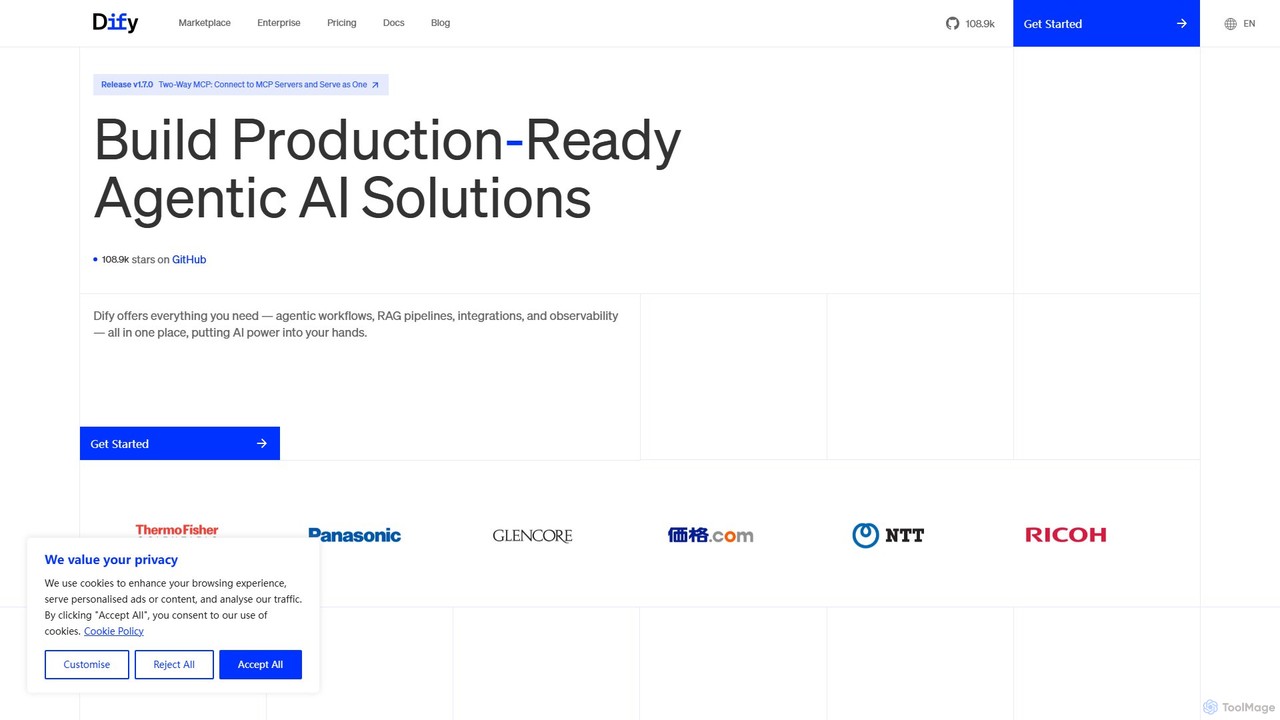
Dify
Dify is an open-source, low-code AI development platform for building and operating production-ready generative AI applications. It enables the creation of AI agents and workflows powered by RAG pipelines, extensive model support, and full observability, simplifying the entire development lifecycle from idea to deployment.
Ai Agent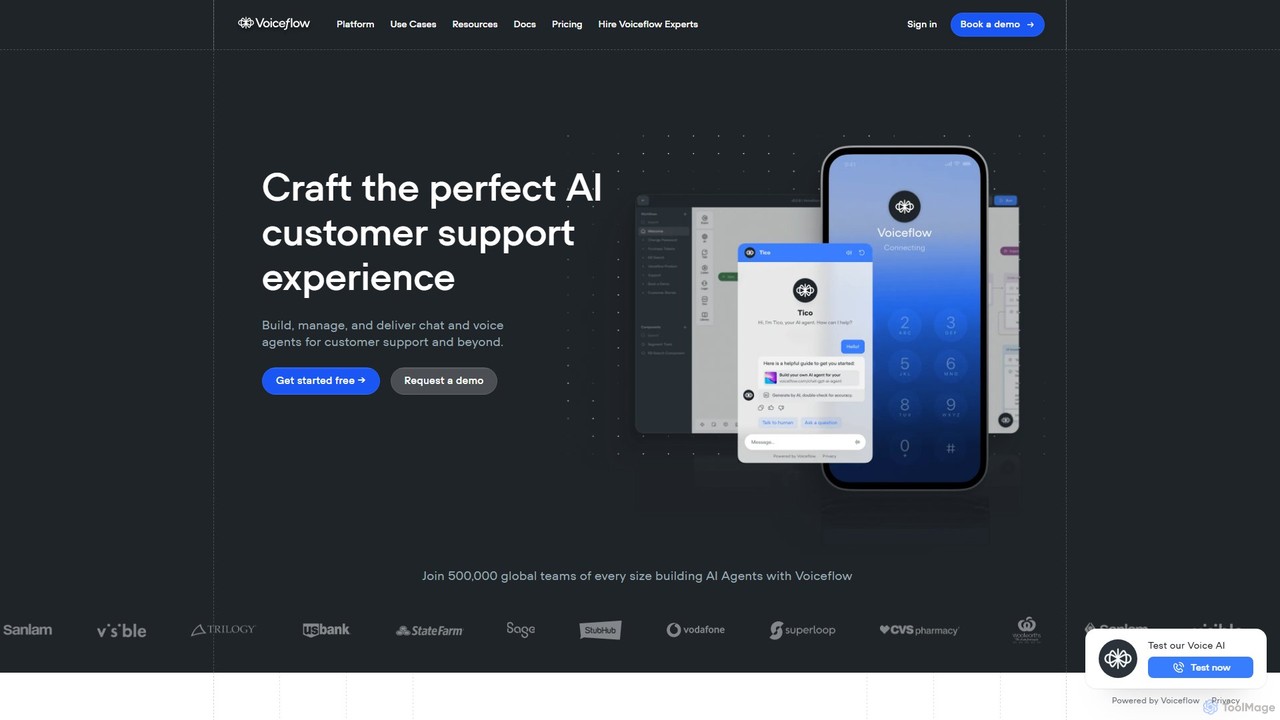
Voiceflow
Voiceflow is a collaborative platform for product teams to design, build, and deploy advanced AI agents. Create human-like voice and chat experiences for customer support and beyond, with full control, scalability, and integration capabilities, independent of any single LLM vendor.
Chatbot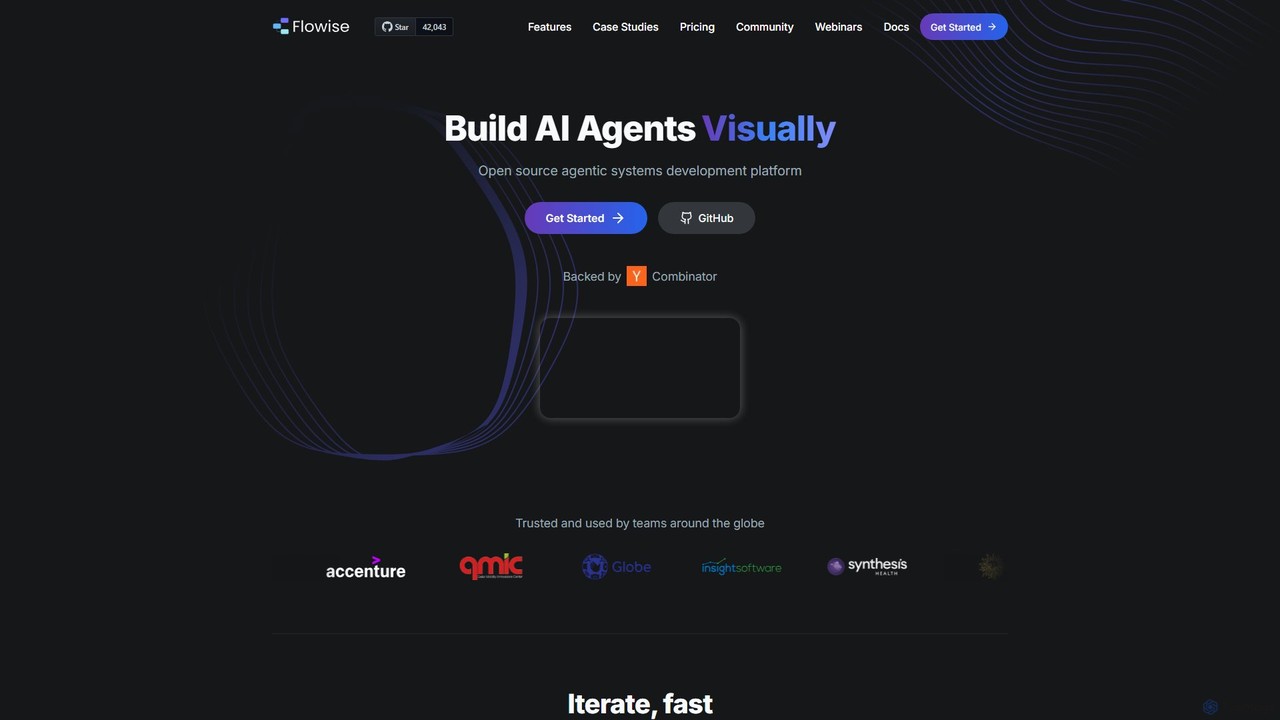
Flowise
Flowise is an open-source, low-code platform for visually building customized AI agents and applications. Using a drag-and-drop interface, developers and teams can rapidly prototype and deploy complex systems, from RAG-powered chatbots to multi-agent workflows. It supports over 100 LLMs, various data sources, and offers enterprise-grade features for scalable deployment.
Model Deployment
Xunfei Spark Agent Development Platform
A comprehensive, one-stop platform by iFlytek for building, debugging, and deploying AI agents. Powered by the Spark Large Language Model, it enables developers to create intelligent applications through a low-code interface, an extensive plugin marketplace, and robust management tools, covering the entire agent lifecycle.
Agent Builder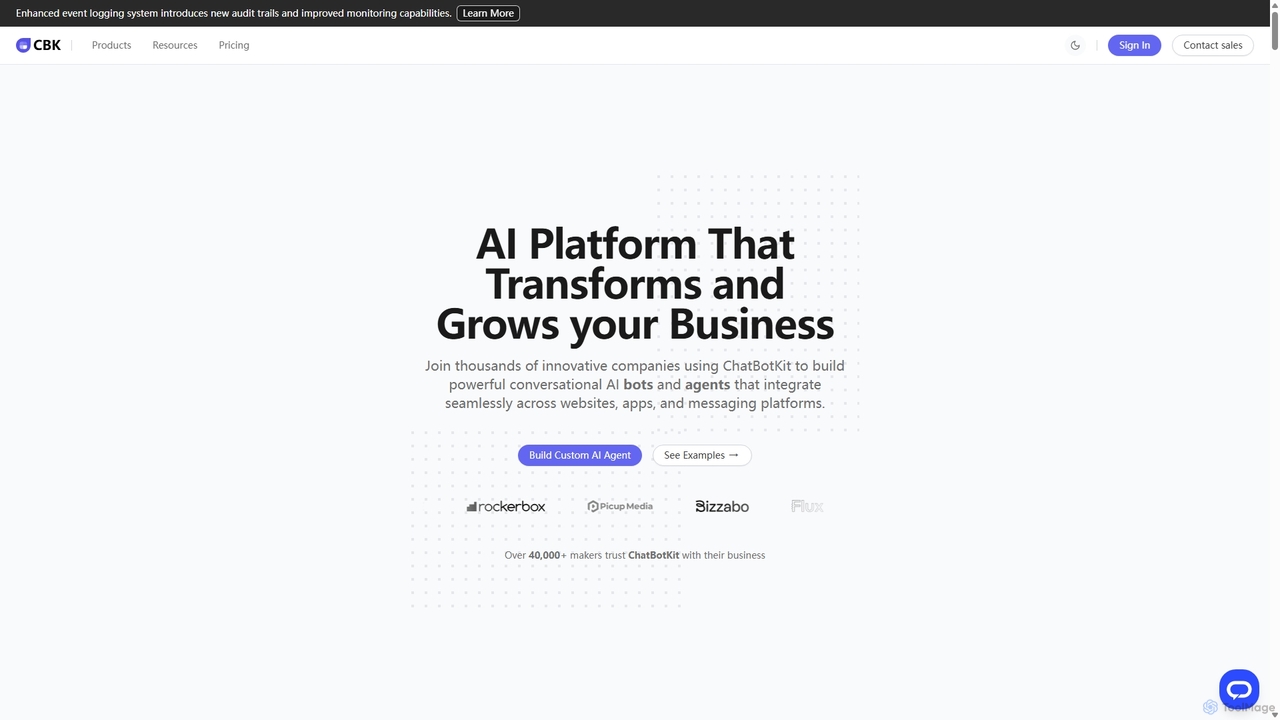
ChatBotKit
ChatBotKit is a comprehensive conversational AI platform for building, deploying, and managing custom AI bots and agents. It offers a suite of modular tools, seamless integrations with websites and messaging apps like Slack and WhatsApp, and intuitive templates for rapid development. Ideal for businesses seeking to enhance customer engagement, automate tasks, and streamline workflows with powerful, customizable AI solutions.
Chatbots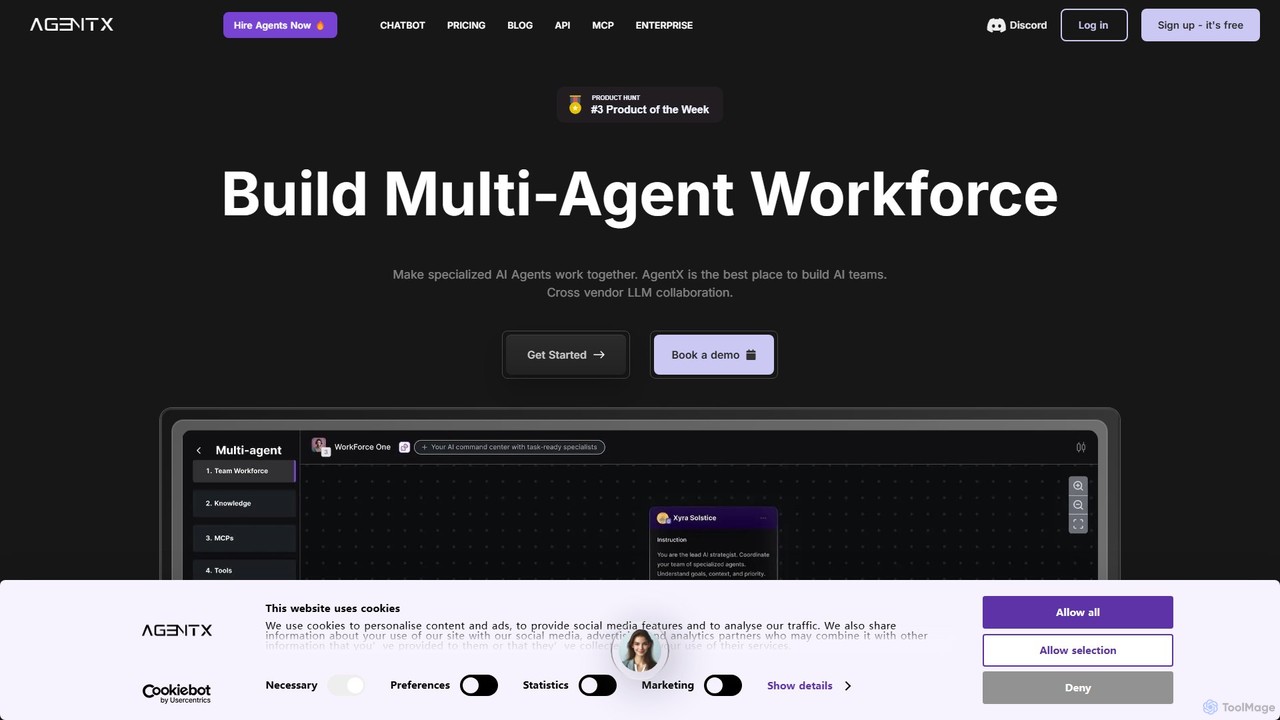
AgentX
AgentX is a no-code platform for building, training, and deploying sophisticated AI agents and collaborative multi-agent workforces. It supports a wide range of LLMs like GPT-4o and Claude 3.5, enabling seamless integration into websites, Slack, Discord, and more for tasks like lead generation, customer support, and process automation.
Chatbots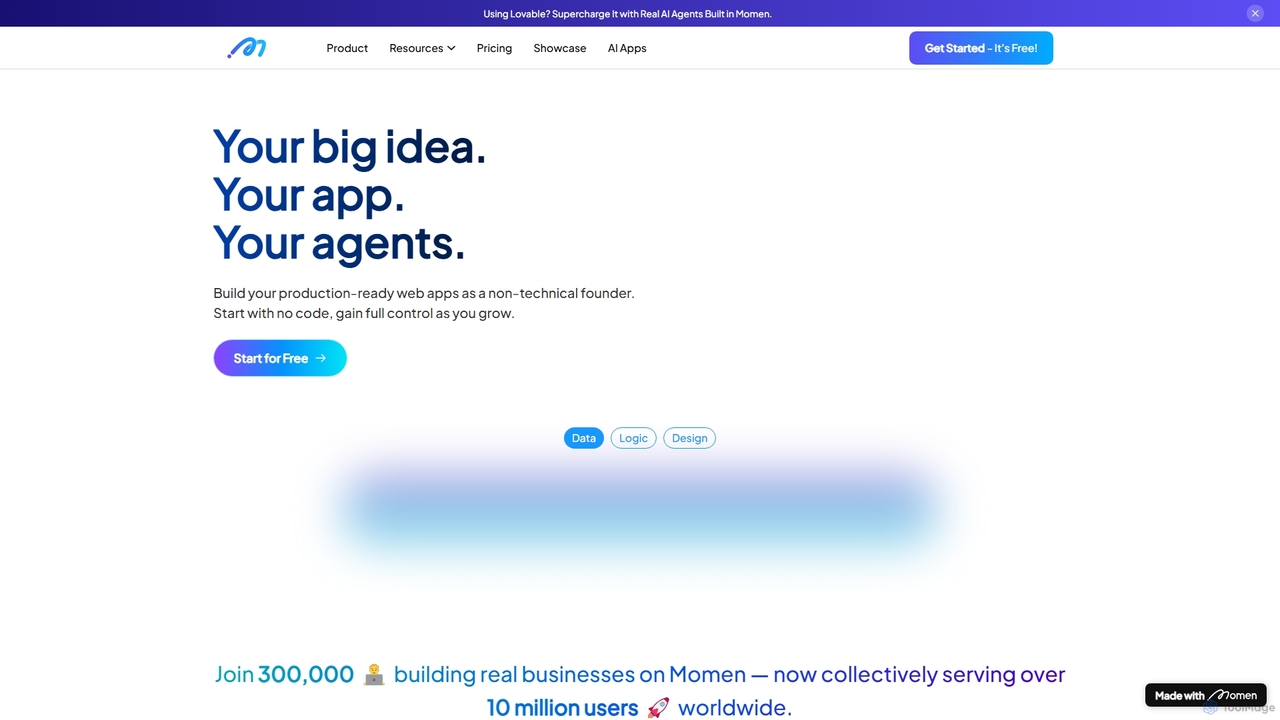
Momen
Momen is a powerful no-code platform for building, launching, and scaling production-ready web applications and AI agents. It empowers non-technical founders and developers with a visual interface, AI workflow automation, robust scalability for millions of users, and built-in monetization tools. Momen offers the flexibility to start without code and later integrate custom JavaScript or React components, making it an ideal solution for projects of any size, from MVPs to complex business applications.
Ai App Builders
Coze Comments (0)
Sign in to comment.
Sign inNo comments yet.