Coze
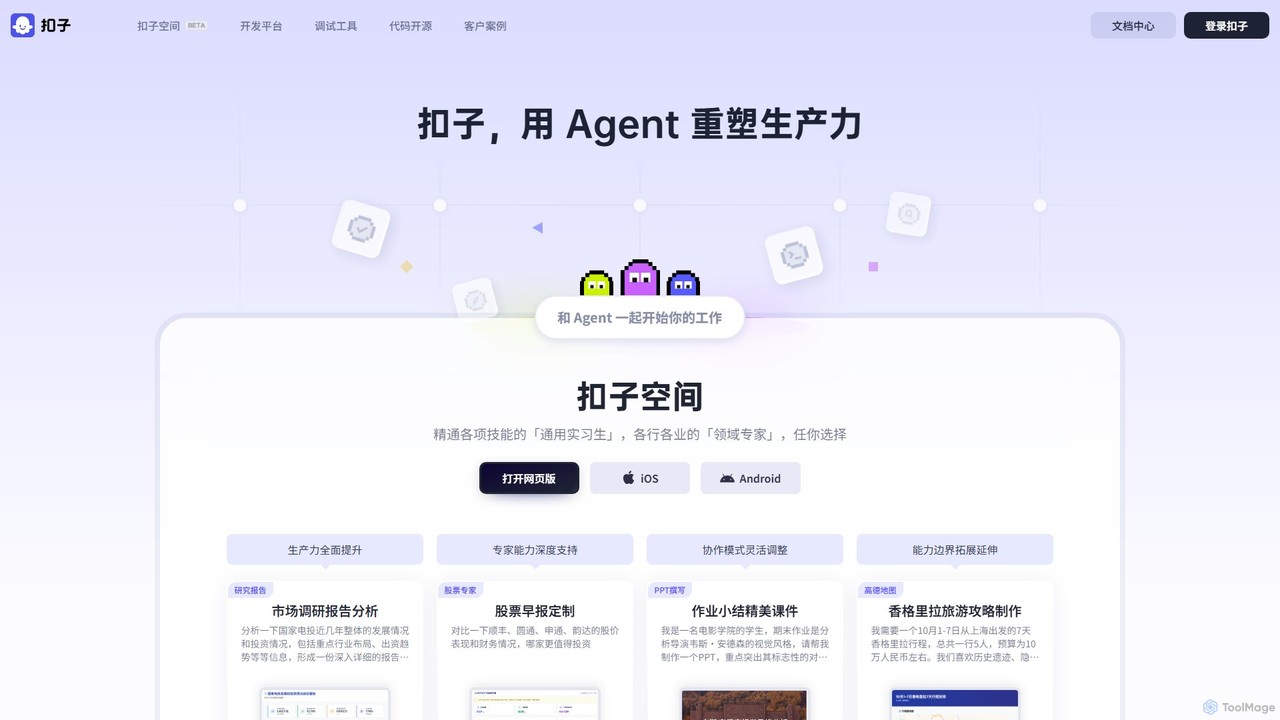
Coze is an all-in-one, no-code and low-code AI Agent development platform. It empowers users to quickly build, debug, …
Coze is an all-in-one, no-code and low-code AI Agent development platform. It empowers users to quickly build, debug, and deploy next-generation AI chatbots and Agents by leveraging a rich ecosystem of large language models, plugins, and visual workflow editors. It's designed for both beginners and professional developers.
About Bot Builder
Bot Builder tools are platforms designed to create, deploy, and manage AI-powered conversational agents without extensive coding. These platforms leverage natural language processing (NLP) and machine learning to enable users to design interactive dialogue flows, integrate with various services, and automate communication. They empower businesses and individuals to build custom chatbots for customer service, marketing, internal support, and more, significantly enhancing user engagement and operational efficiency.
Core Features
- Visual Dialogue Editor: Drag-and-drop interfaces to design conversational flows, define user intents, and script bot responses.
- NLP & NLU Integration: Built-in capabilities to understand user input, extract entities, and interpret intent for more natural interactions.
- Multi-channel Deployment: Ability to deploy bots across various platforms like websites, messaging apps (e.g., WhatsApp, Messenger), and voice assistants.
- Integration with APIs & Databases: Connect bots to external systems for data retrieval, transaction processing, and personalized responses.
- Analytics & Performance Monitoring: Tools to track bot interactions, identify common queries, and analyze performance for continuous improvement.
Use Cases
Bot Builder tools are essential for organizations looking to scale their communication and support efforts. They are widely adopted in customer service to automate FAQs, in marketing for lead generation and personalized campaigns, and in HR for onboarding and internal queries. These platforms enable rapid prototyping and deployment of intelligent agents, reducing reliance on human agents for repetitive tasks and providing 24/7 availability.
How to Choose
When selecting a Bot Builder, consider its ease of use and visual interface for non-developers, the robustness of its NLP/NLU capabilities, and the range of integration options with your existing tech stack. Evaluate its multi-channel deployment flexibility, scalability to handle varying user loads, and the availability of analytics tools for performance tracking. Finally, assess the pricing model and community support.

Bot BuilderUse Cases
Automating Customer Support FAQs
Customer service teams can use Bot Builder platforms to create a chatbot that automatically answers frequently asked questions (FAQs) on their website or messaging apps. By defining common intents and responses, the bot can instantly resolve routine queries like "What's my order status?" or "How do I reset my password?", freeing up human agents for complex issues and providing 24/7 support.
Generating Sales Leads on Websites
Marketing professionals can deploy a bot on their company's website to engage visitors, qualify leads, and collect contact information. The bot can ask targeted questions about user needs, recommend relevant products or services, and even schedule demos, effectively guiding potential customers through the sales funnel and increasing conversion rates.
Streamlining HR Onboarding Processes
HR departments can build an internal bot to assist new hires with onboarding. This bot can answer questions about company policies, benefits, IT setup, and provide links to necessary forms or resources. It ensures new employees get immediate answers to common queries, making the onboarding experience smoother and reducing the workload on HR staff.
Personalized Product Recommendations
E-commerce businesses can leverage Bot Builders to create shopping assistants that offer personalized product recommendations. By asking users about their preferences, style, or budget, the bot can suggest relevant items, provide product details, and even facilitate the purchase process, enhancing the shopping experience and driving sales.
Internal IT Helpdesk Automation
IT support teams can develop a bot to handle common technical issues and requests from employees. The bot can guide users through troubleshooting steps for software problems, reset passwords, or direct them to the correct knowledge base articles, significantly reducing the volume of support tickets and improving resolution times.
Collecting User Feedback and Surveys
Product managers or researchers can design bots to conduct interactive surveys and collect user feedback. Instead of static forms, the bot can engage users in a conversational manner, asking follow-up questions based on their responses, leading to richer insights and higher completion rates for feedback collection.