

Featured
Jyek
Jyek is an AI agent platform that understands objectives, creates execution plans, uses tools, and delivers verifiable results for complex, multi-step tasks.
AutomationVisits 7.1KFavorites 39Likes 44
Popular Automation AI tools in Ai Tools include Rose Rocket, testRigor, Reflect, Sortio, Nodus AI, and Jyek, helping you work more efficiently.
Jyek is an AI agent platform that understands objectives, creates execution plans, uses tools, and delivers verifiable results for complex, multi-step tasks.
Automation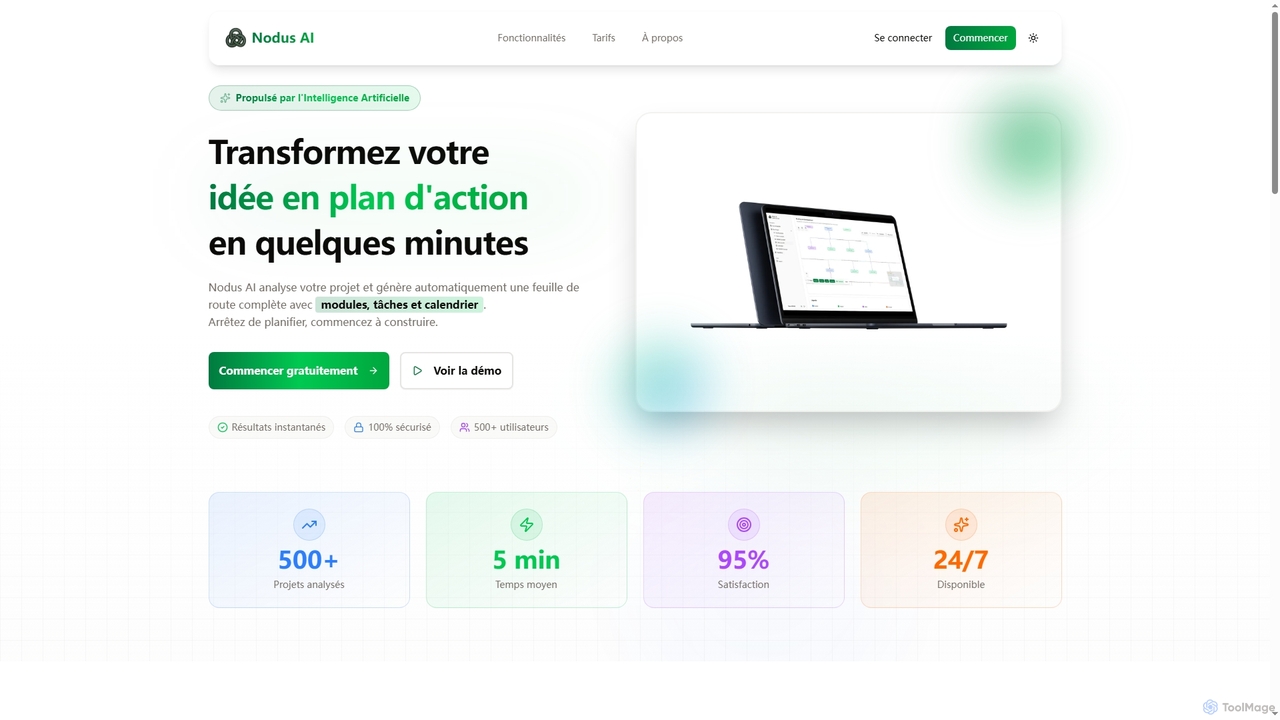
Nodus AI is an AI-powered platform that transforms project ideas into comprehensive action plans in minutes. It analyzes your specifications to automatically generate interactive mind maps, structured to-do lists, predictive calendars, and technical architecture, streamlining the entire planning process for developers.
Automation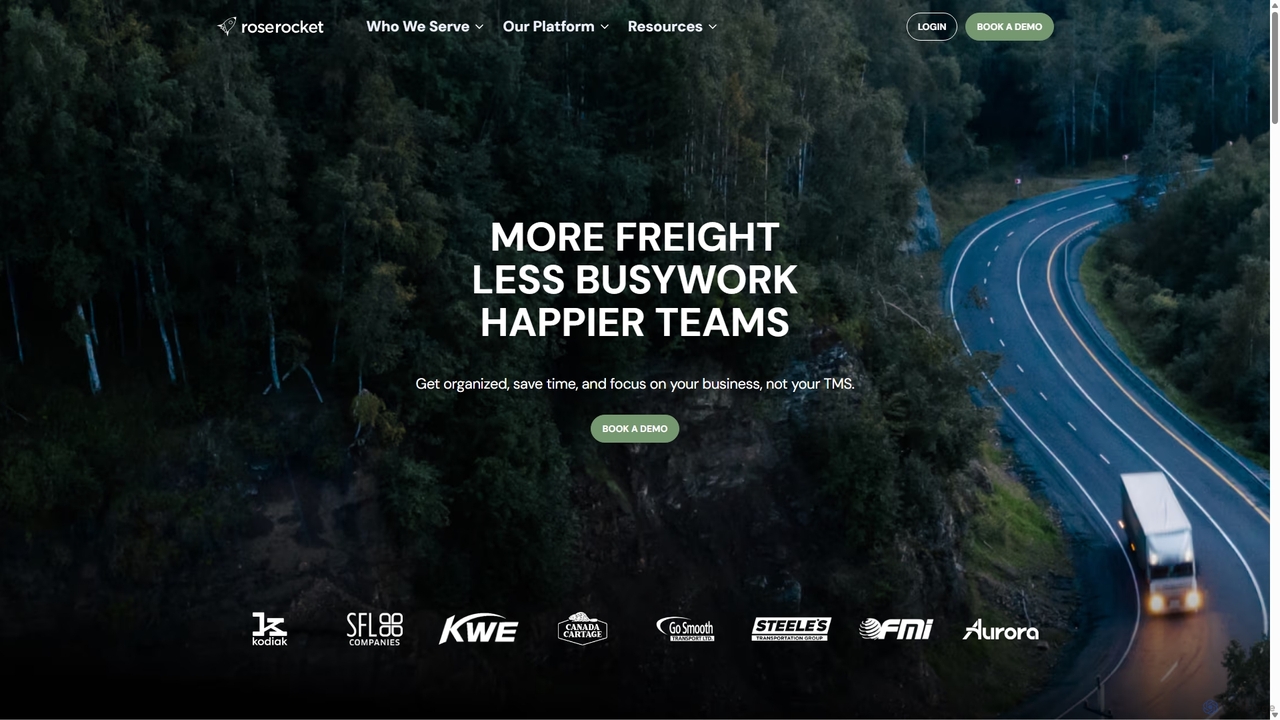
Rose Rocket is the first AI-native Transportation Management System (TMS) designed for the modern freight industry. It helps carriers, brokers, and enterprise hybrids automate tedious tasks, gain real-time visibility, and accelerate business growth by centralizing orders, tracking, and invoicing in one intelligent platform.
Automation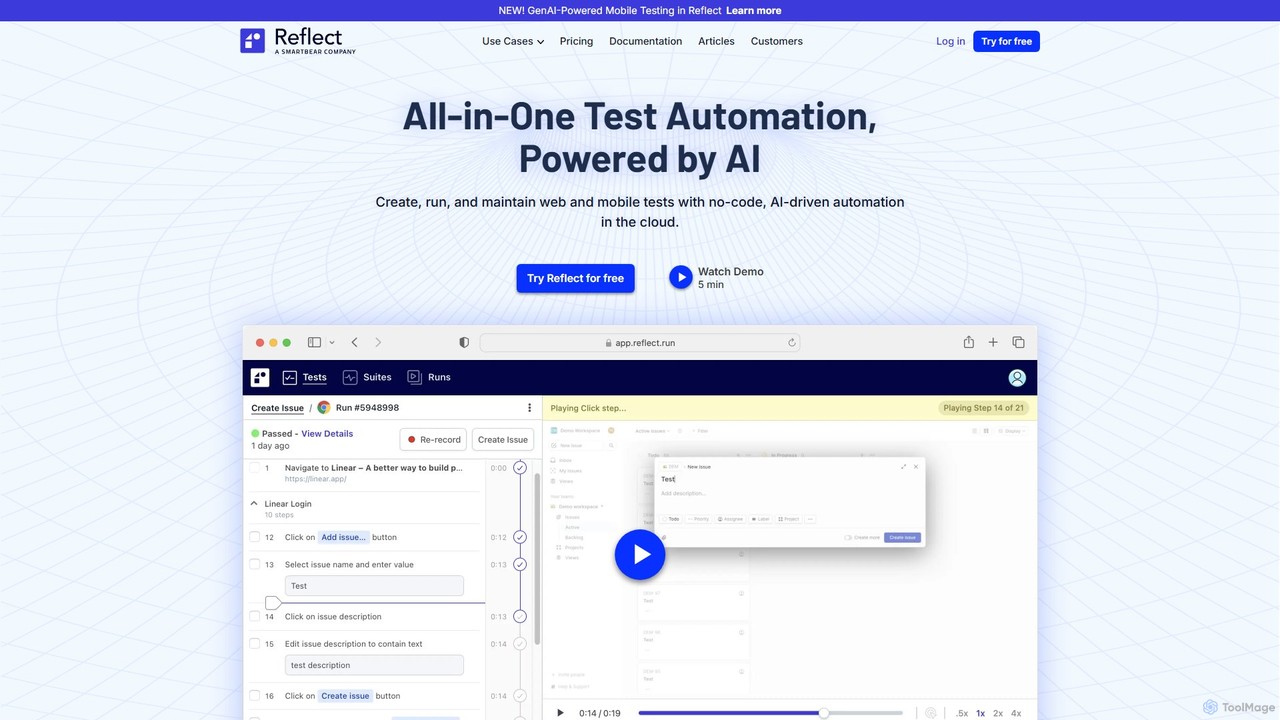
Reflect is an AI-powered, no-code automated web testing platform. It uses generative AI to convert plain English instructions into robust tests, eliminating the need for fragile selectors. Reflect accelerates testing by 10x, automatically adapting to UI changes and reducing maintenance. It supports web, mobile, API, and visual testing, integrating seamlessly with existing CI/CD and project management workflows to enhance test coverage and development speed.
Automation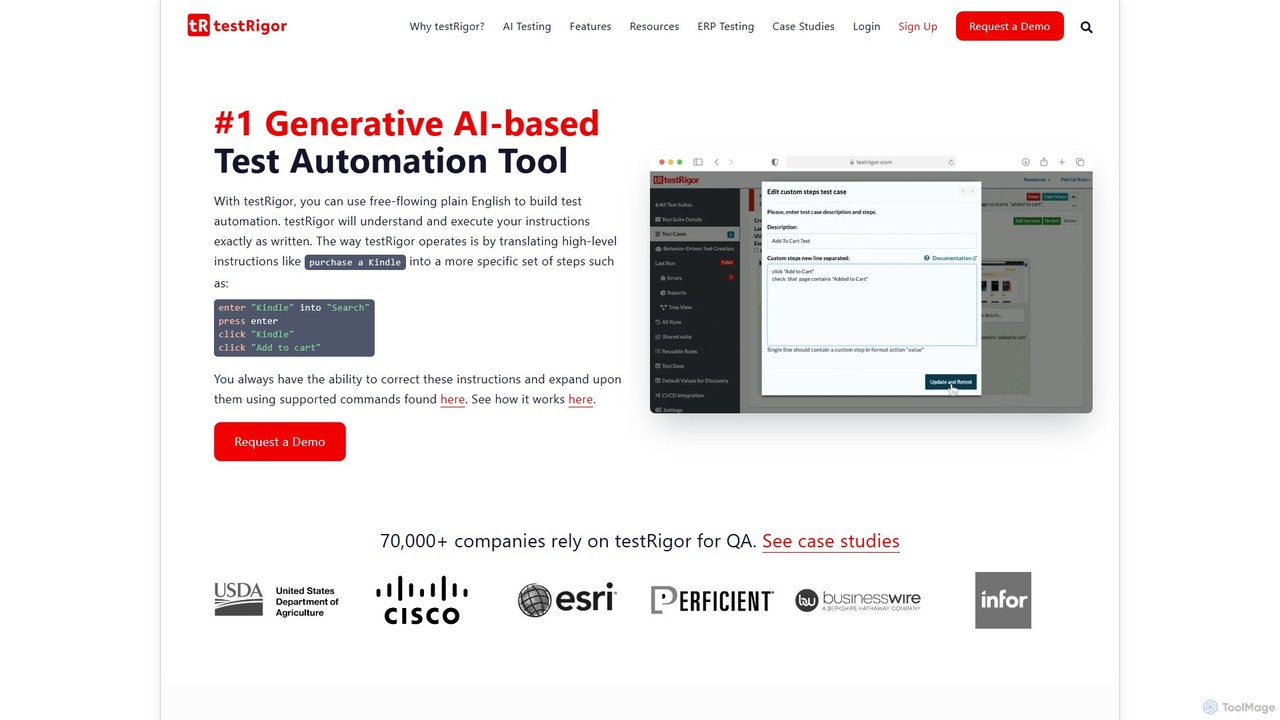
testRigor is a generative AI-powered test automation platform that allows users to create complex end-to-end tests using plain English. It supports web, mobile, API, and desktop testing, drastically reducing test maintenance and enabling non-technical team members to contribute to QA, accelerating development cycles.
Automation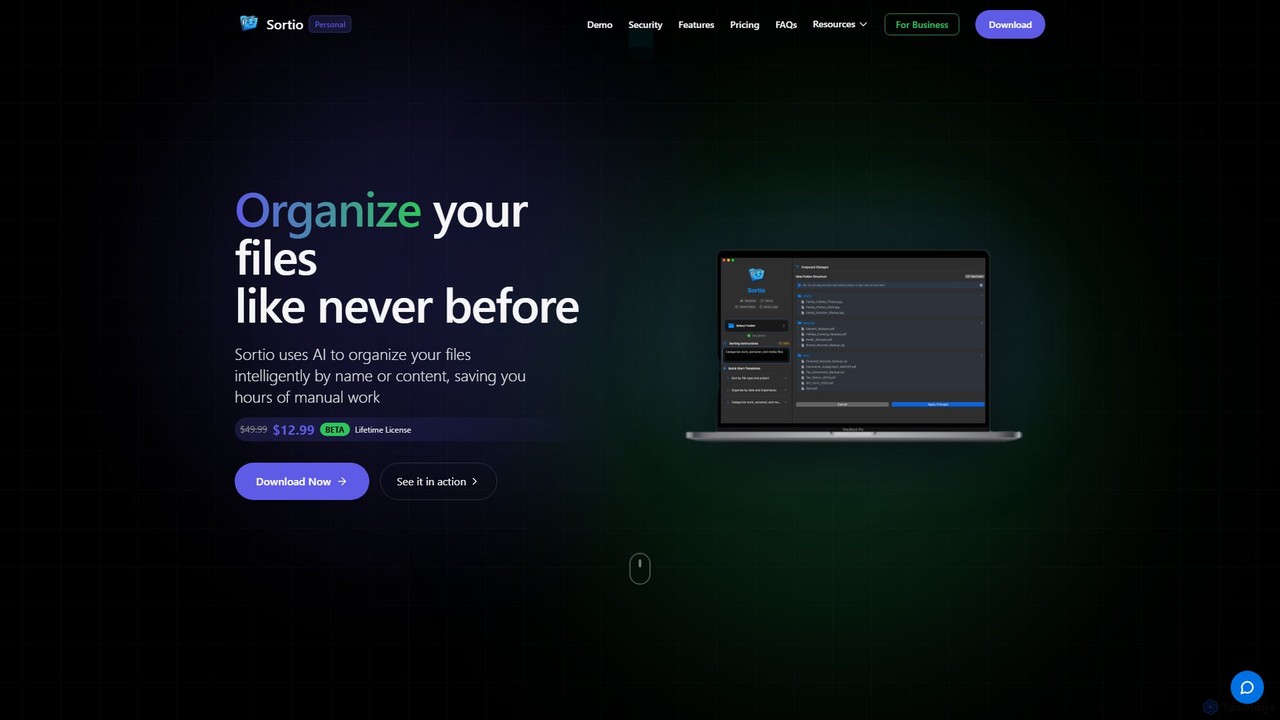
Sortio is an AI-powered desktop application for macOS and Windows that intelligently organizes your files. Using natural language prompts, it can sort files by name, content, or metadata, saving you hours of manual work. It features smart folders, automatic renaming, and a strong focus on privacy with offline mode and end-to-end encryption.
AutomationAI Automation tools are a class of AI-powered software designed to execute tasks and workflows autonomously. These tools integrate machine learning, natural language processing, and computer vision to mimic human intelligence in performing repetitive, rule-based, or even complex cognitive processes. They aim to streamline operations, reduce manual errors, and free up human resources for more strategic work. By intelligently handling data and decisions, AI automation significantly enhances operational efficiency and scalability.
AI Automation tools are widely adopted across industries like finance, healthcare, customer service, and IT. They are crucial for businesses looking to scale operations without proportional increases in human capital. For instance, a finance department might automate invoice processing, while a customer service team could use AI to route inquiries and generate initial responses.
When selecting an AI automation tool, consider its integration capabilities with existing systems, the complexity of tasks it can handle, and its scalability. Evaluate the ease of use for non-technical staff, the level of AI intelligence (e.g., machine learning for decision-making), and the vendor's support. Data security and compliance are also critical factors, especially for sensitive operations.
Customer service teams can leverage AI automation to automatically classify incoming support tickets based on their content, urgency, and customer history. The AI routes tickets to the most appropriate department or agent, and can even generate initial draft responses, significantly reducing response times and ensuring customers receive expert assistance faster. This frees agents to focus on complex issues.
Finance departments often spend hours manually processing invoices. AI automation tools can automatically extract relevant data (vendor, amount, date, line items) from various invoice formats (PDFs, scans), validate it against purchase orders, and initiate payment workflows. This minimizes human error, accelerates processing cycles, and ensures compliance, allowing finance professionals to focus on analysis rather than data entry.
Marketing teams can use AI automation to schedule social media posts across multiple platforms. Beyond simple scheduling, AI can analyze audience engagement data, optimal posting times, and content performance to suggest improvements or automatically adjust the publishing calendar. This ensures maximum reach and engagement while saving marketers significant time on manual planning and execution.
HR departments can automate the entire employee onboarding process, from sending offer letters and collecting new hire paperwork to setting up IT accounts and scheduling initial training. AI automation ensures all necessary steps are completed accurately and on time, providing a seamless experience for new employees and reducing the administrative burden on HR staff.
Businesses can use AI automation to analyze historical sales data, market trends, and external factors to accurately forecast future demand. Based on these predictions, the system can automatically trigger reorder processes with suppliers, optimize inventory levels, and prevent stockouts or overstocking. This leads to more efficient inventory management and reduced operational costs.
Many organizations struggle with transferring large volumes of data between disparate systems or performing repetitive data entry. AI automation, often combined with RPA, can intelligently extract data from one source (e.g., legacy systems, spreadsheets) and accurately input it into another, handling variations and exceptions. This ensures data integrity and saves countless hours of manual labor.
AI Automation tools are software solutions that use artificial intelligence, including machine learning and natural language processing, to perform tasks and workflows autonomously. They go beyond traditional automation by intelligently interpreting data, making decisions, and adapting to changing conditions, aiming to streamline business processes, reduce manual effort, and improve efficiency and accuracy across various functions.
Traditional Robotic Process Automation (RPA) primarily automates rule-based, repetitive tasks by mimicking human interactions with digital systems. AI Automation, on the other hand, integrates AI capabilities like machine learning, NLP, and computer vision into RPA or other automation platforms. This allows AI Automation to handle unstructured data, make cognitive decisions, learn from experience, and adapt to exceptions, making it suitable for more complex and dynamic processes that traditional RPA cannot manage alone.
Implementing AI Automation offers several significant benefits. Firstly, it dramatically increases operational efficiency by automating repetitive and time-consuming tasks, freeing human employees for more strategic work. Secondly, it enhances accuracy and reduces errors inherent in manual processes. Thirdly, it provides scalability, allowing businesses to handle increased workloads without proportional increases in staff. Lastly, it can lead to significant cost savings and improved compliance by standardizing processes.
Virtually any industry with repetitive, data-intensive, or rule-based processes can benefit from AI Automation. Key sectors include finance (invoice processing, fraud detection), healthcare (patient intake, claims processing), customer service (ticket routing, chatbot interactions), human resources (onboarding, payroll), and IT operations (system monitoring, incident response). Manufacturing and supply chain management also leverage AI automation for demand forecasting and inventory optimization.
Choosing the right AI Automation solution involves several considerations. First, identify your specific business needs and the processes you want to automate. Evaluate the tool's capabilities in handling structured vs. unstructured data, its integration potential with your existing IT infrastructure, and its scalability. Consider the vendor's support, security features, and pricing model. Finally, assess the ease of use and the learning curve for your team, opting for solutions that offer intuitive interfaces and robust training resources.