

Sortio Overview
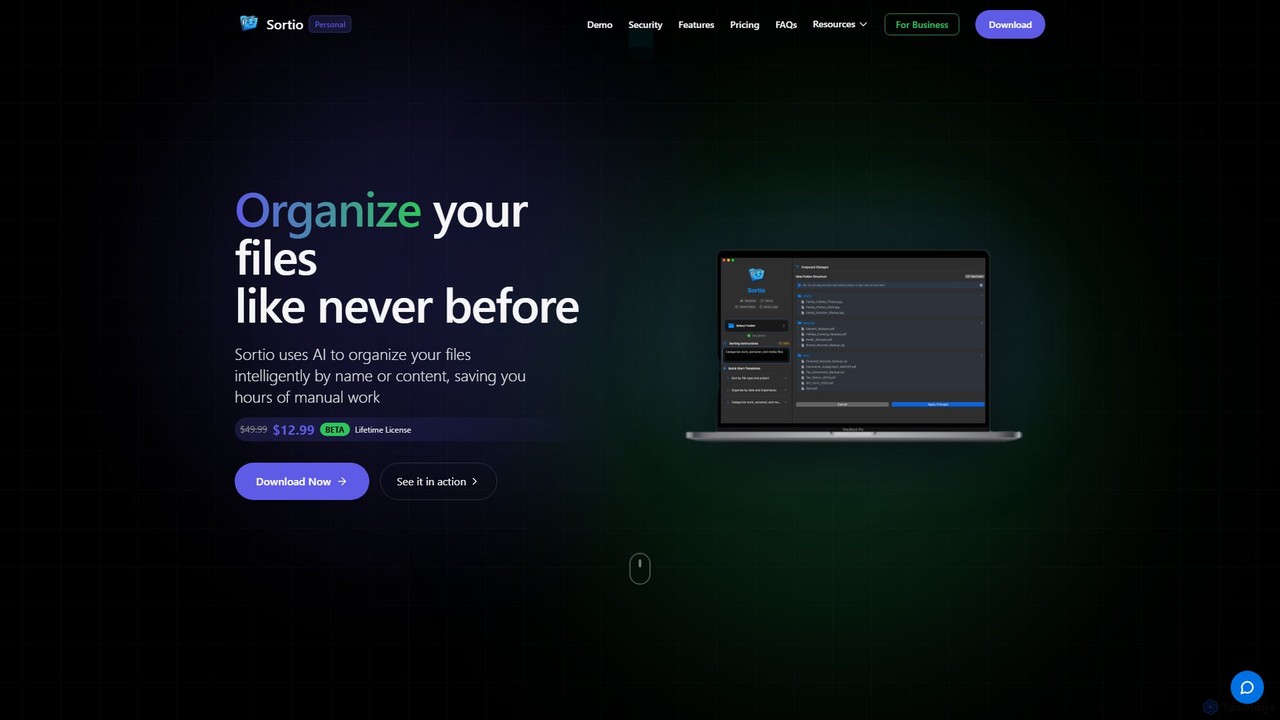
Sortio is a revolutionary AI-powered desktop application designed to bring order to your digital chaos. Built for both macOS and Windows users, it transforms the tedious task of file management into a simple, conversational process. Instead of manually dragging and dropping files into folders, you can simply tell Sortio how you want them organized using natural language. Whether you're a professional managing vast project archives, a student organizing academic materials, or anyone looking to declutter their digital life, Sortio offers an intelligent, secure, and efficient solution.
The core mission of Sortio is to make file organization effortless and intuitive. It was born from the common frustration of spending countless hours sorting through messy desktops and download folders. By leveraging advanced machine learning algorithms, Sortio understands the context of your files—based on their names, metadata, or even their content—and arranges them according to your specific instructions. The application is built with a user-centric and privacy-first approach, ensuring your data remains secure while delivering powerful organizational capabilities.
How to use Sortio
Using Sortio is designed to be incredibly straightforward. The process can be broken down into a few simple steps:
- Select a Folder: Begin by choosing the folder you want to organize. This could be your cluttered 'Downloads' folder, 'Desktop', or a specific project directory.
- Provide Instructions: In a simple text box, tell Sortio how to organize the files. You can use natural language prompts like "Sort by file type and project," "Organize by date and importance," or "Categorize work, personal, and media files." The AI can even understand instructions in any language.
- Execute and Review: Click the 'Organize Files' button and watch as Sortio intelligently sorts your files into a clean, logical structure. For added peace of mind, Sortio creates backups before making any changes, allowing you to easily revert the process if needed.
- Automate with Smart Folders: For ongoing organization, you can set up 'Smart Folders'. These are dedicated folders that automatically sort any new files dropped into them based on your pre-defined rules, keeping your workspace tidy without any manual effort.
Core Features of Sortio
- Intelligent Sorting: Uses AI to organize files based on natural language prompts. It can analyze file names, metadata, and even file content (optional) to perform complex sorting tasks.
- Smart Folders: Automate your workflow by setting up folders that automatically organize new files as they arrive.
- Intelligent File Renaming: Automatically renames files based on their content, context, or custom patterns. This feature is optional and can be toggled on or off.
- Privacy-First Design: Features an Offline Mode to ensure your data never leaves your device. All file metadata is protected with end-to-end encryption.
- Secure Activity Logging: Keeps a detailed and secure log of all file operations, so you can track what was moved, when, and where.
- Backup and Revert: Automatically backs up your files before organizing, allowing you to undo any changes with a single click.
- Community-Driven Development: Users can vote on and suggest new features, directly influencing the app's development roadmap. Planned features include cloud storage integration (Google Drive, Dropbox), semantic search, and advanced rule-building.
- Cross-Platform Compatibility: Available for both macOS (10.14+) and Windows (10/11).
Use Cases for Sortio
Sortio is versatile and can be adapted to numerous organizational needs:
- Professionals: Organize client folders, project documents, reports, invoices, and contracts. For example, a user could instruct Sortio to "sort all files into folders by client name, then create subfolders for 'Invoices', 'Proposals', and 'Final Deliverables'."
- Students: Arrange lecture notes, research papers, assignments, and resources by course, semester, or topic.
- Creatives: Manage large libraries of photos, videos, and design assets by sorting them based on date, event, project, or camera settings.
- Personal Use: Clean up years of digital clutter by organizing personal documents like tax returns, receipts, family photos, and personal projects into a neat folder structure.
Advantages of Sortio
The primary advantage of Sortio is the immense time savings it offers. Beyond that, it provides:
- Effortless Organization: Replaces complex manual sorting with simple, intuitive commands.
- Enhanced Productivity: A clean digital environment helps you find files faster and focus on more important tasks.
- Uncompromising Security: With end-to-end encryption, secure authentication via Auth0, and an offline mode, your privacy is a top priority.
- Total Control: Features like optional content analysis, toggleable renaming, and the ability to revert changes give you complete control over the process.
- Affordable Lifetime Access: A simple, one-time payment model eliminates recurring subscription fees.
Pricing and Plans
Sortio offers a straightforward and highly affordable pricing model, especially for early adopters.
- Lifetime Deal (BETA): For a limited time, Sortio is available for a one-time payment of $12.99 (discounted from the regular price of $49.99).
- This one-time purchase grants you lifetime access to the application.
- It includes all current and future features, regular updates, and priority support.
- There are no subscriptions or recurring fees. A single license can be used on multiple devices of the same operating system (e.g., one macOS license for multiple Macs).
Traffic
Latest traffic
Status
Monthly traffic trend
- 2025-9: 4.9K
- 2026-1: 19.1K
- 2026-2: 21.1K
- 2026-3: 18.4K
- 2026-4: 15.1K
- 2026-5: 26.4K
Geography
Top 5 countries / regions
- 🇺🇸United States44.9%
- 🇦🇺Australia17.5%
- 🇳🇬Nigeria16.6%
- 🇮🇳India11.2%
- 🇬🇧United Kingdom9.7%
Traffic sources
| Source type | Percentage |
|---|---|
Direct | 79.5% |
Referral | 20.5% |
Top keywords
| Keyword | Cost per click |
|---|---|
| ai file sorter | $6.69 |
| file automation | $0.00 |
| fileneatai | $0.00 |
| folder structure for clients as a freelancer | $0.00 |
| sortio | $0.00 |
Sortio Videos on YouTube
Sortio Alternatives
Filezen
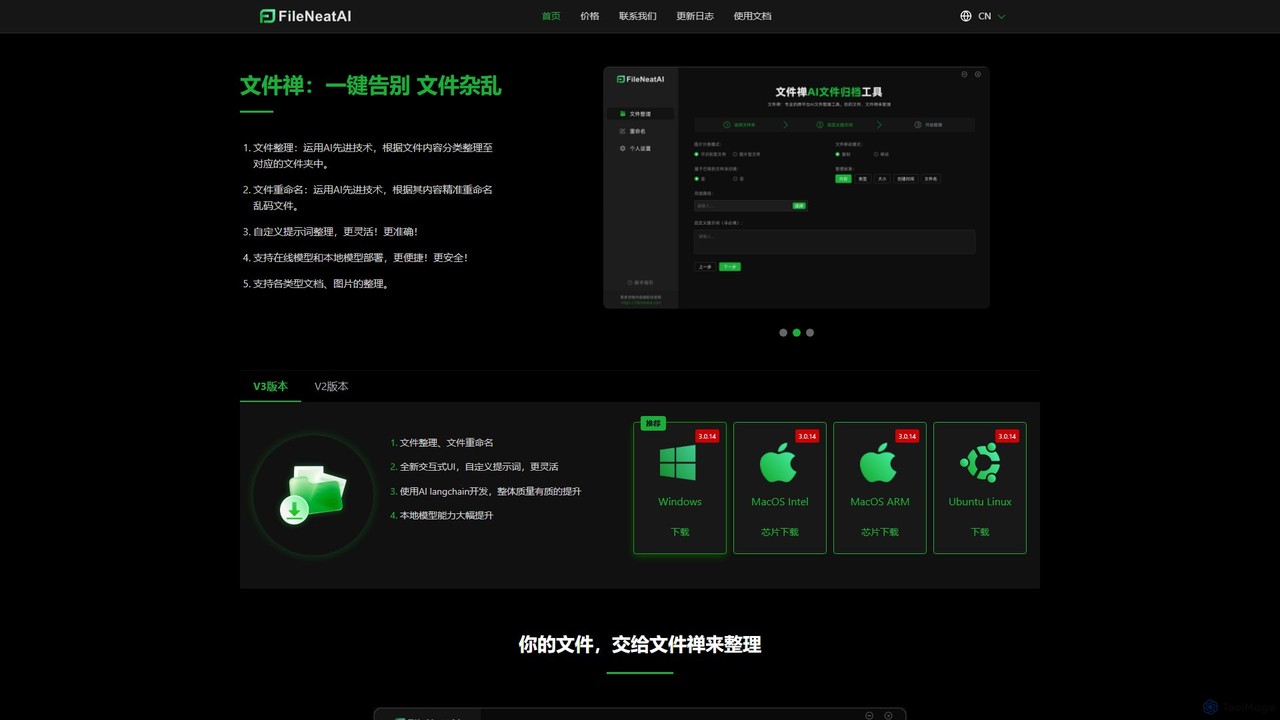
Filezen is an AI-powered desktop application that automatically organizes messy files and renames them based on their content. It supports custom prompts for flexible sorting, works with various document and image types, and offers local model deployment for enhanced privacy.
Organization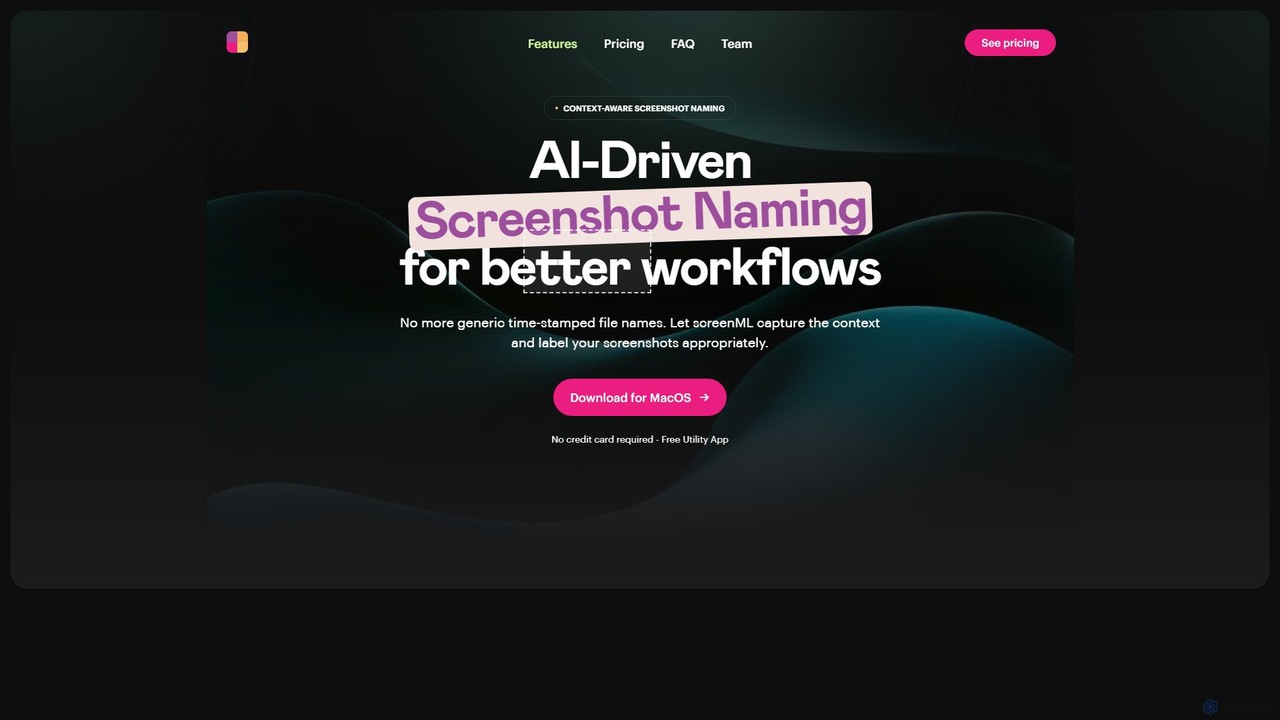
ScreenML
ScreenML is an AI-powered MacOS utility that automatically renames your screenshots with context-aware, descriptive filenames. It eliminates cluttered desktops and timestamped file names, making your screenshots organized, searchable, and easy to manage, streamlining your entire workflow.
Screenshot Tool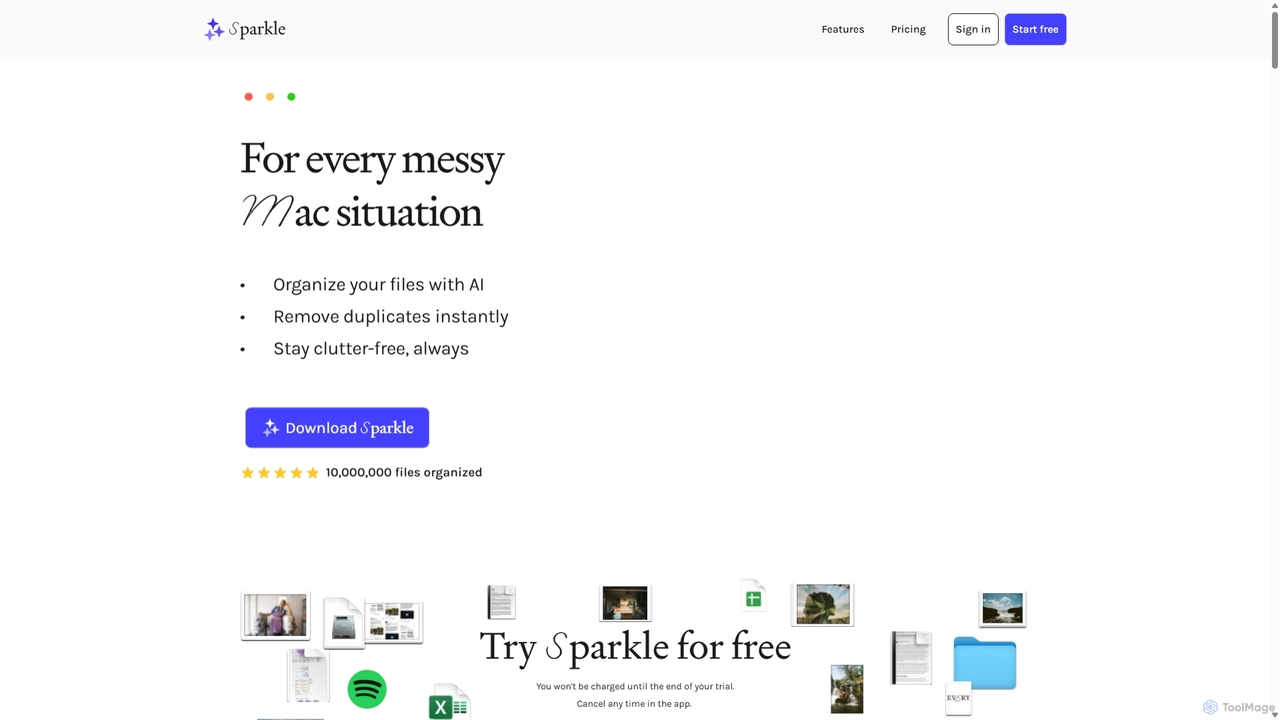
Sparkle
Sparkle is an AI-powered Mac application that automatically organizes your files. It intelligently creates custom folder structures for your Desktop, Downloads, and cloud drives, sorting files into relevant categories. With built-in duplicate detection and a privacy-first approach, Sparkle eliminates digital clutter and saves you hours of manual organization.
Personal Assistant
Keep It Shot
Keep It Shot is a macOS application that uses AI to intelligently rename your screenshots and other files. It automatically creates descriptive names and builds a private, offline, and fast search index, transforming your messy file collection into an organized and searchable second brain.
Automation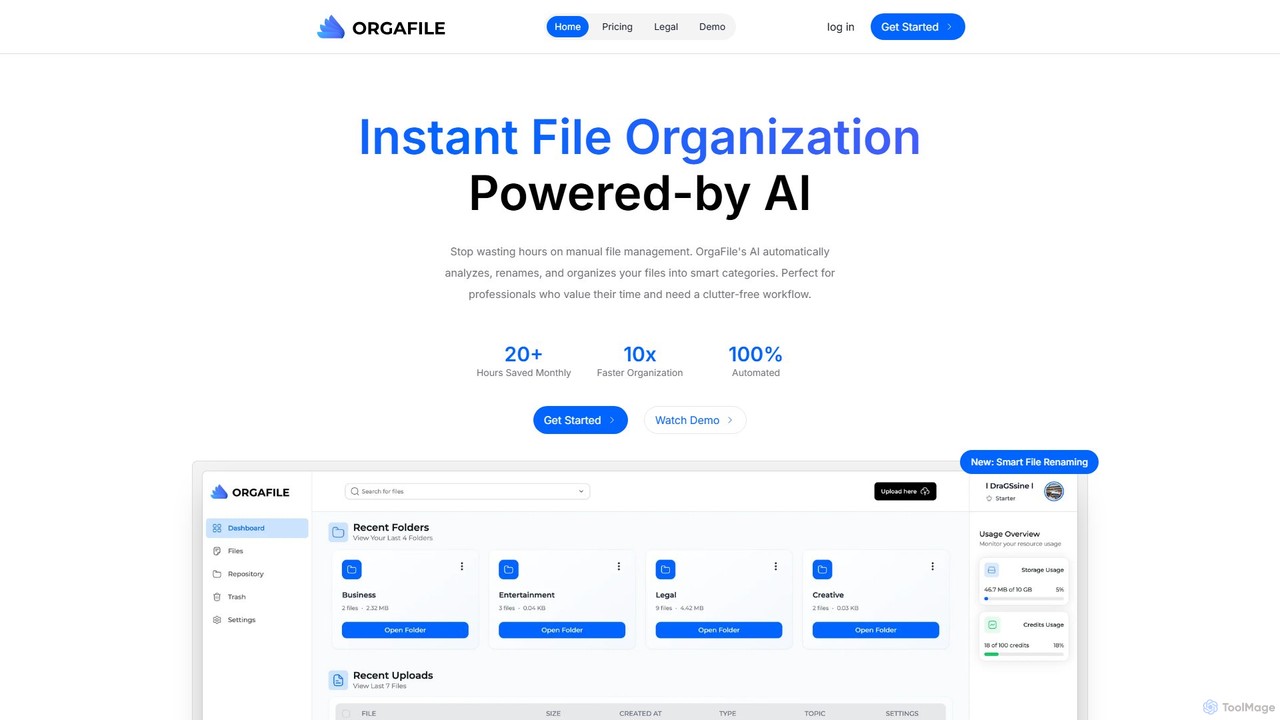
OrgaFile
OrgaFile is an AI-powered tool that automatically analyzes, renames, and organizes your files into smart, customizable categories. Designed for professionals and individuals, it saves hours of manual work, enhances productivity with a 10x faster organization process, and ensures your digital workspace remains clutter-free and secure.
WorkflowSortio Categories
Sortio Embed Widget
Copy this embed code to place the badge on your blog, article, or product site and send readers directly to this ToolMage detail page.

Related AI tools
Filezen
Filezen is an AI-powered desktop application that automatically organizes messy files and renames them based on their content. It supports custom prompts for flexible sorting, works with various document and image types, and offers local model deployment for enhanced privacy.
OrganizationScreenML
ScreenML is an AI-powered MacOS utility that automatically renames your screenshots with context-aware, descriptive filenames. It eliminates cluttered desktops and timestamped file names, making your screenshots organized, searchable, and easy to manage, streamlining your entire workflow.
Screenshot ToolSparkle
Sparkle is an AI-powered Mac application that automatically organizes your files. It intelligently creates custom folder structures for your Desktop, Downloads, and cloud drives, sorting files into relevant categories. With built-in duplicate detection and a privacy-first approach, Sparkle eliminates digital clutter and saves you hours of manual organization.
Personal AssistantKeep It Shot
Keep It Shot is a macOS application that uses AI to intelligently rename your screenshots and other files. It automatically creates descriptive names and builds a private, offline, and fast search index, transforming your messy file collection into an organized and searchable second brain.
AutomationOrgaFile
OrgaFile is an AI-powered tool that automatically analyzes, renames, and organizes your files into smart, customizable categories. Designed for professionals and individuals, it saves hours of manual work, enhances productivity with a 10x faster organization process, and ensures your digital workspace remains clutter-free and secure.
Workflow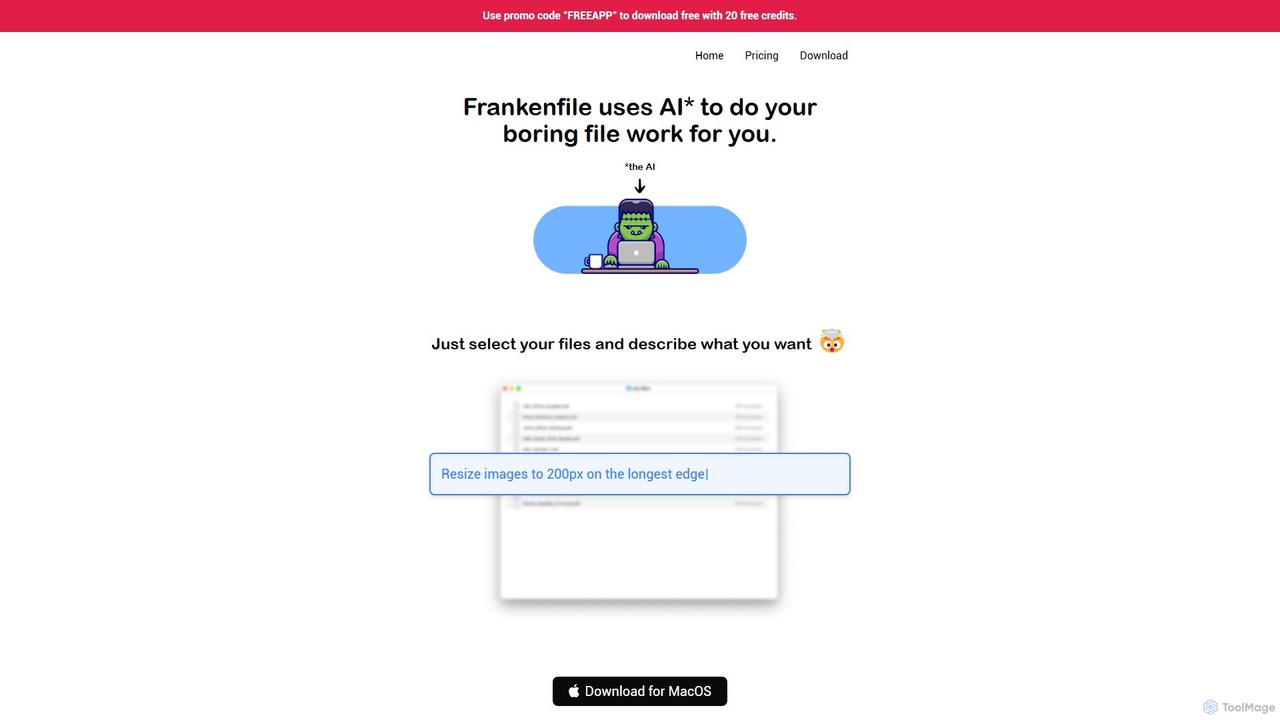
Frankenfile
Frankenfile is an AI-powered assistant for MacOS that automates your file management tasks. Simply describe what you want to do in plain English, and the app handles complex operations on images, videos, audio, and PDFs. It runs entirely locally, ensuring your files remain private and secure.
Task Automation
Omnipilot
Omnipilot, now part of Highlight, is a powerful AI assistant for Mac & Windows. It works across all your apps, providing context-aware assistance for writing, meetings, and tasks. It understands what's on your screen to reduce context switching and boost productivity without needing to copy-paste.
Utilities
heyalice
heyalice is a personal AI assistant for your desktop (macOS, Windows, Linux) that centralizes top AI models like GPT-4o and Claude 3.5. It enhances productivity through customizable assistants, reusable prompts (Skills), and seamless integration with automation tools like Zapier and Make. Bring your own API keys to control costs and work faster with powerful keyboard shortcuts, all within a privacy-focused, local application.
Code Assistant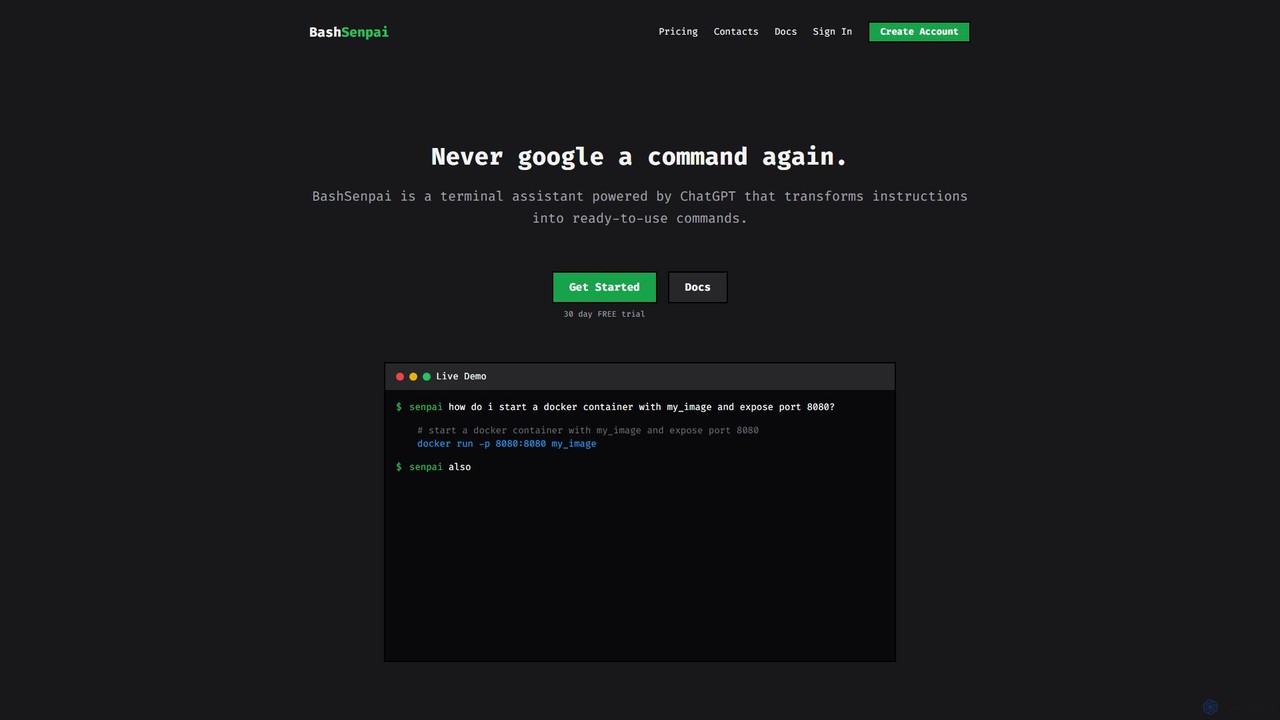
BashSenpai
BashSenpai is a ChatGPT-powered terminal assistant that transforms natural language instructions into ready-to-use shell commands. It operates directly within your terminal, providing context-aware, accurate commands for developers and system administrators, eliminating the need to search online.
Code Assistant
mega
mega is an intelligent cloud storage and digital asset management platform. It uses powerful AI to automatically organize, tag, and search your files, transforming how you manage your digital life. Securely store, share, and collaborate with AI-driven features that streamline workflows and help you find what you need instantly.
Digital Asset Management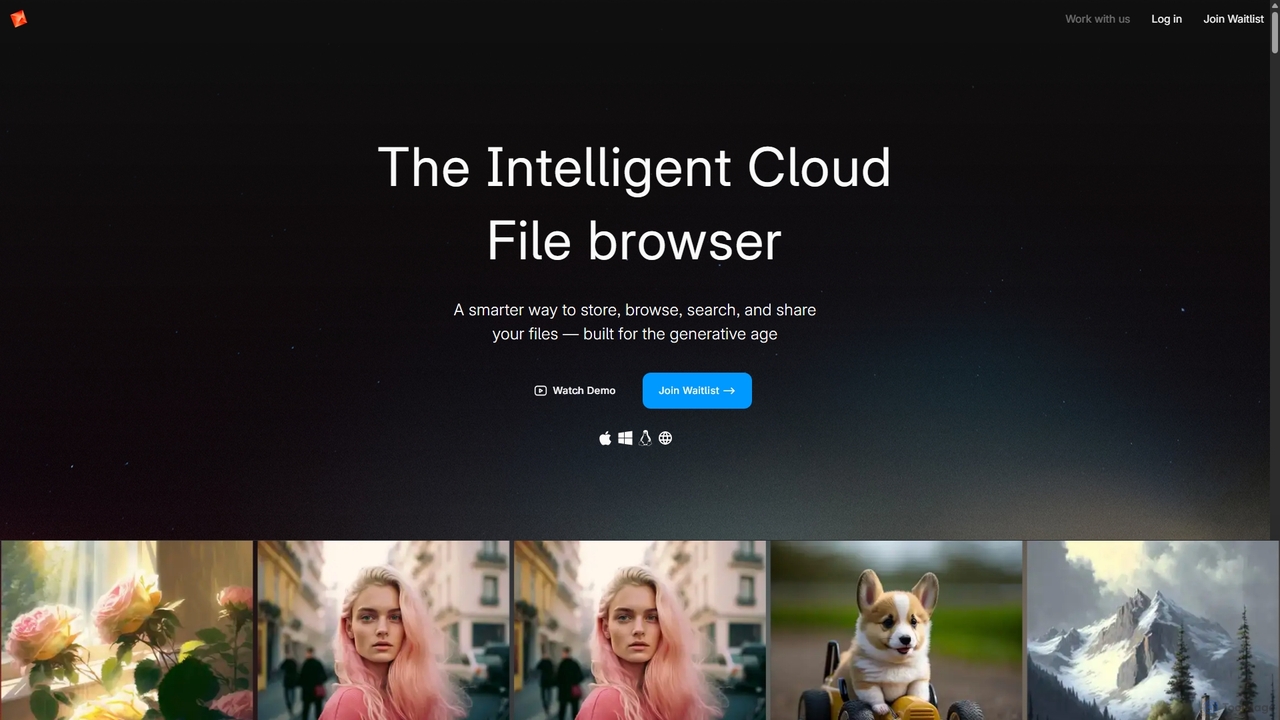
Poly
Poly is an intelligent cloud file browser designed for the generative age. It leverages multimodal AI to help you store, browse, search, and share your digital creations with unprecedented ease. Search by natural language, enjoy hyper-fast previews, and collaborate in real-time.
Search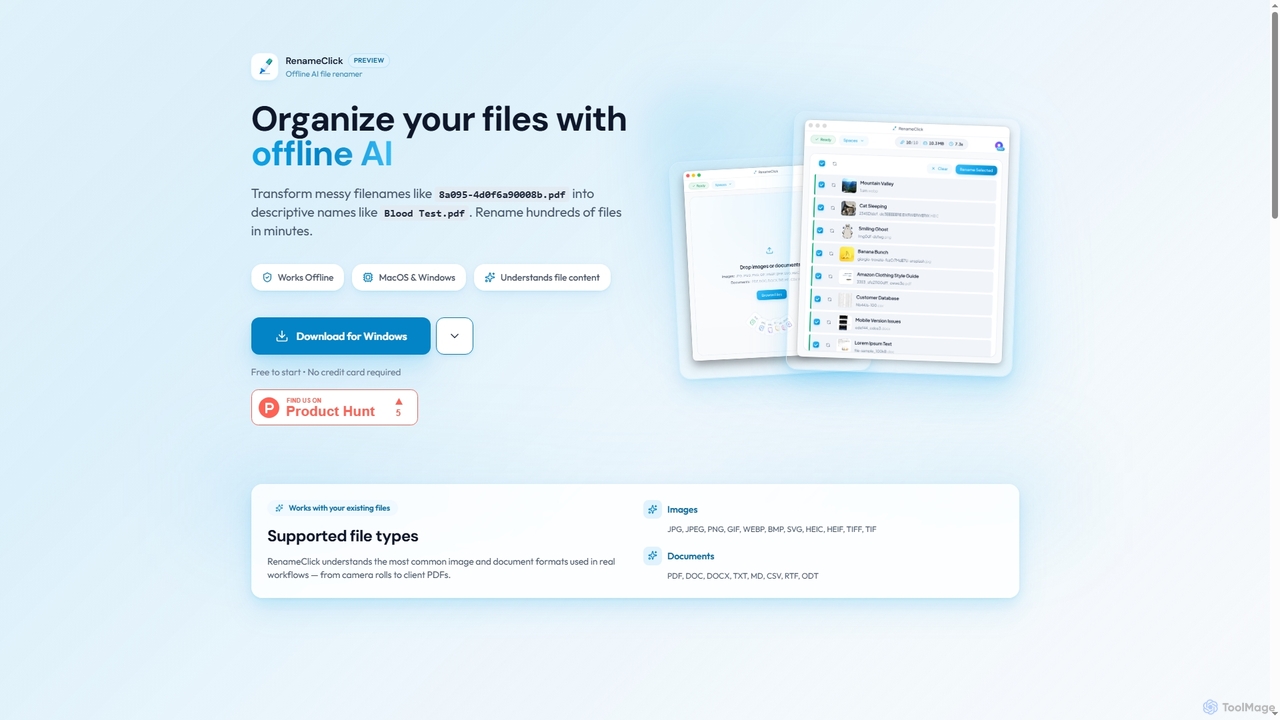
RenameClick
RenameClick is an offline AI file renamer for Mac and Windows that intelligently transforms messy, unorganized filenames into descriptive, clean labels. It leverages local AI to understand file content, enabling efficient batch renaming of hundreds of images and documents while ensuring complete privacy.
Offline Processing
Riffo
Riffo is an AI-powered file management tool for Mac that automatically renames and organizes your files. It intelligently analyzes file content, including text in images and documents, to generate descriptive names and sort them into relevant subfolders, transforming a cluttered desktop into an organized digital workspace.
Workflow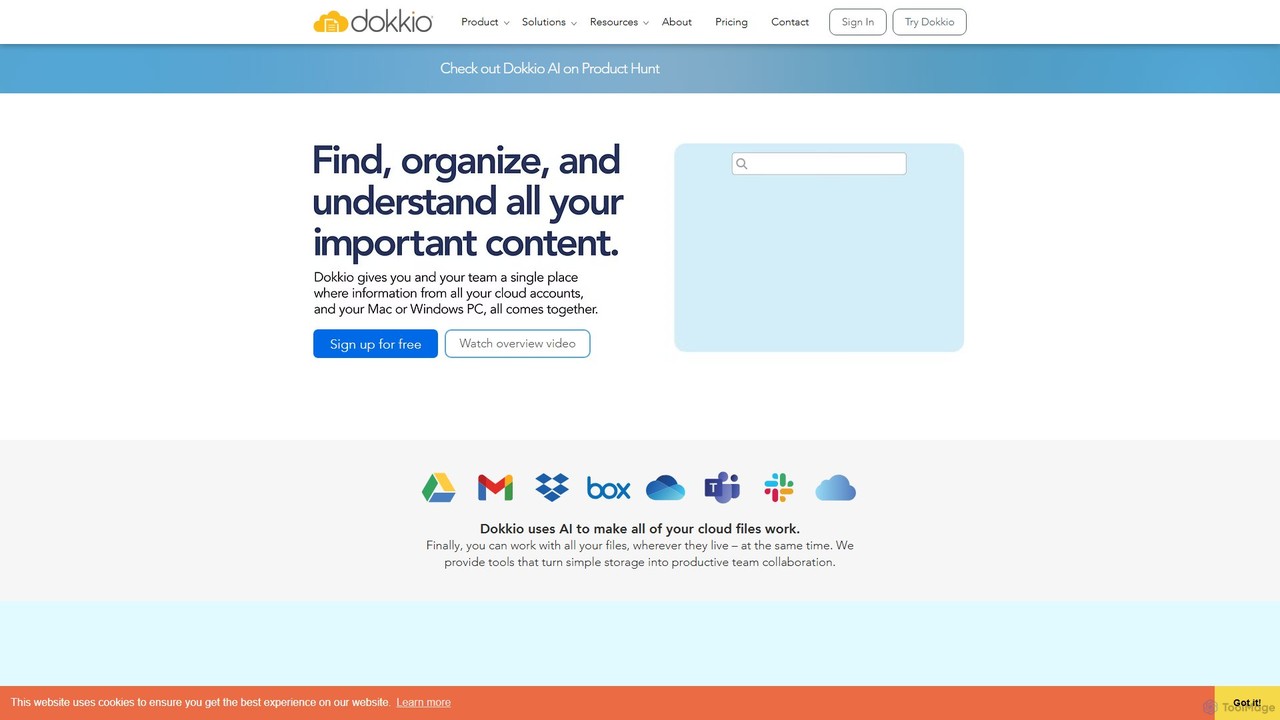
Dokkio
Dokkio is an AI-powered platform that unifies all your files from various cloud services like Google Drive, Dropbox, and Slack. It intelligently finds, organizes, and helps you understand your content, transforming scattered files into a centralized, searchable knowledge base for enhanced productivity and team collaboration.
Teamwork
Knock
Knock is a macOS utility that transforms your MacBook into a gesture-sensitive interface. By detecting taps on the laptop's chassis using the built-in accelerometer, Knock allows you to trigger custom shortcuts, launch applications, run scripts, or control system functions—all without touching the keyboard or trackpad. It's designed to boost productivity for Apple Silicon Mac users.
Mac
Sortio Comments (0)
Sign in to comment.
Sign inNo comments yet.