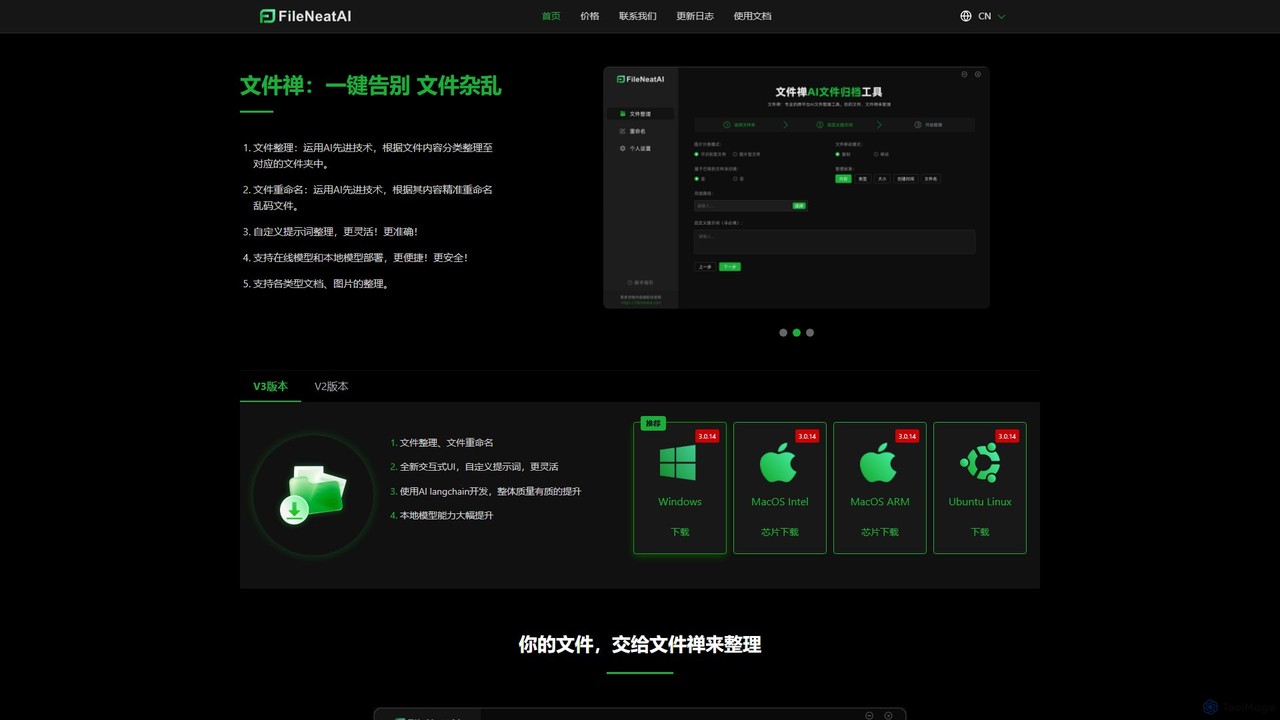
AI Organization tools are AI-powered applications designed to intelligently manage, categorize, and retrieve digital information and assets within a desktop environment. Leveraging advanced machine learning and natural language processing, these tools automate the often tedious process of data organization, transforming chaotic digital workspaces into structured, easily navigable systems. They significantly enhance productivity by enabling quick access to relevant information and reducing manual sorting efforts, making them indispensable for professionals, researchers, and anyone dealing with large volumes of digital content.
Core Features
- Intelligent Categorization: Automatically tags and groups files, notes, and documents based on content, context, and user patterns.
- Semantic Search: Enables natural language queries to find information across various file types, understanding intent beyond keywords.
- Automated Summarization: Condenses long documents or notes into key points, saving time on reading and review.
- Duplicate Detection & Cleanup: Identifies and helps remove redundant files, optimizing storage and reducing clutter.
- Smart Task Prioritization: Analyzes tasks and deadlines to suggest optimal work sequences and highlight critical items.
Applicable Scenarios
These tools are particularly valuable for professionals like researchers managing extensive academic literature, content creators organizing multimedia assets for projects, and project managers needing to keep track of diverse project documentation. They streamline workflows by providing a centralized, intelligently organized hub for all digital resources, from meeting notes to design files, ensuring nothing gets lost in the digital clutter.
How to Choose
When choosing an AI Organization tool, consider its integration capabilities with your existing desktop operating system and applications, the range of file types it supports, and the sophistication of its AI features like natural language understanding. Data privacy and security protocols are crucial, especially for sensitive information. Evaluate the user interface for intuitiveness and ease of setup, alongside the pricing model to ensure it aligns with your budget and usage needs.