Desktop Best in category 1 results Chatbot AI Tool

Popular AI tools in the Chatbot field of Desktop include Msty, etc., helping you quickly improve efficiency.

Msty

Msty

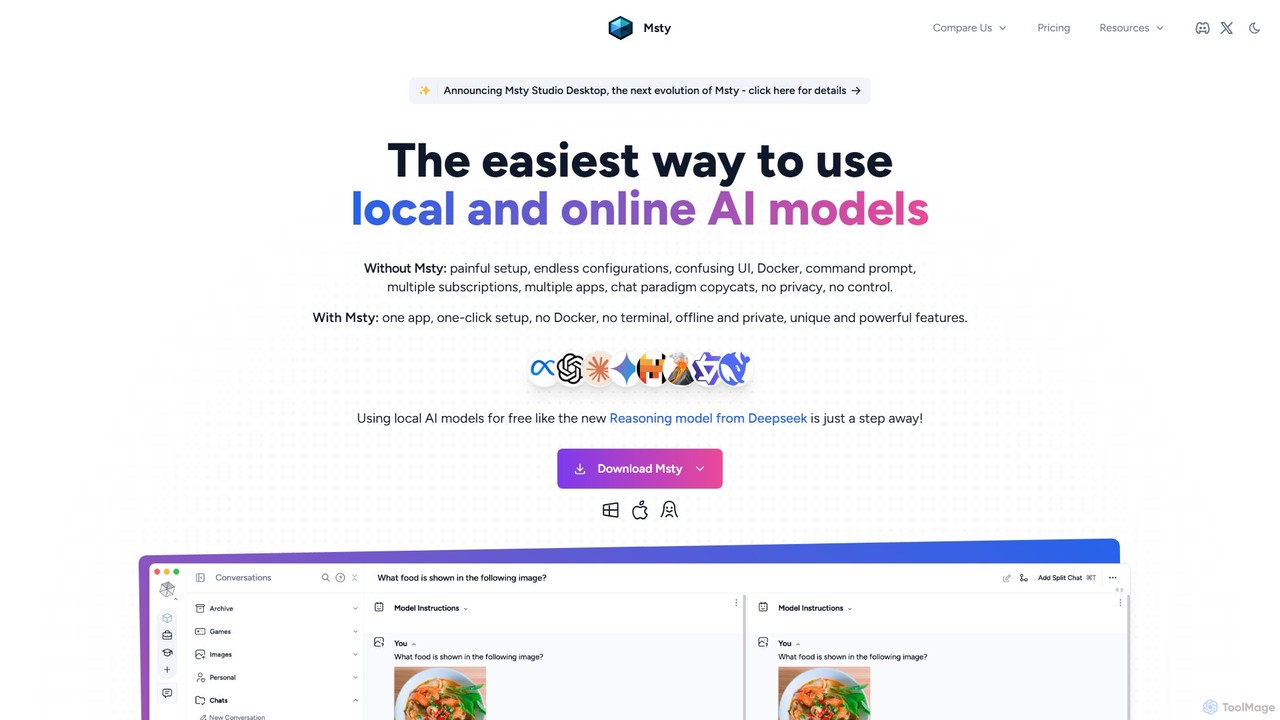
Msty is a user-friendly desktop application that simplifies running both local and online AI models. It offers a …

13.8K

About Chatbot

Desktop Chatbots are conversational AI applications designed to run locally on your computer. These tools leverage large language models (LLMs) to understand and generate human-like text, providing assistance directly within your desktop environment. Their primary value lies in offering powerful AI capabilities with enhanced privacy, offline access, and deep integration with your operating system and local files. This allows for secure data processing and efficient workflow automation without relying on cloud services.

Core Features

  • Offline Functionality: Access core features and converse with locally run models without an internet connection.
  • Deep OS Integration: Interact with local files, applications, and system settings through natural language commands.
  • Enhanced Privacy: Process and store sensitive data on your own machine, minimizing exposure to cloud-based risks.
  • Local Model Support: Ability to run various open-source or custom language models directly on your hardware.
  • High Performance: Leverage direct access to system resources like CPU and GPU for lower latency responses.

Use Cases

Desktop chatbots are ideal for developers seeking offline coding assistance, researchers analyzing confidential documents, and writers looking for a distraction-free creative partner. They are also valuable for any privacy-conscious user who wants to automate tasks, manage their system, or brainstorm ideas without sending data to external servers.

How to Choose

When selecting a desktop chatbot, consider its model compatibility (support for local vs. API-based models), the depth of its operating system integration, and its resource consumption (CPU, GPU, RAM). Also, evaluate its privacy features, such as data encryption and local-first processing, and check for community support or plugin availability to extend its functionality.

ChatbotUse Cases

1

Offline Coding Assistance and Debugging

A software developer working on a confidential project uses a desktop chatbot to get code suggestions, debug snippets, and generate boilerplate code. Since the tool runs locally, no proprietary code is ever sent to the cloud, ensuring project security. The chatbot can access local project files to provide context-aware help, significantly speeding up development while maintaining strict confidentiality.

2

Secure Document Analysis for Researchers

An academic researcher uses a desktop chatbot to summarize and query a large volume of sensitive research papers stored on their local drive. The entire process happens offline, ensuring the confidentiality of unpublished data. They can ask complex questions about the documents, extract key findings, and generate literature reviews without risking data leaks or relying on an internet connection.

3

Automating Repetitive Desktop Tasks

A marketing professional uses a desktop chatbot to automate daily tasks through system integration. With a single natural language prompt, they can trigger a workflow that organizes downloaded assets into specific folders, opens required applications like Photoshop and a spreadsheet, and drafts a template for a daily social media report. This saves significant time compared to performing each action manually.

4

Distraction-Free Creative Writing and Brainstorming

A novelist uses a desktop chatbot as a creative partner while writing. By running the AI locally, they can work in a full-screen, distraction-free writing application without needing an internet browser. They can brainstorm plot points, ask for character name suggestions, or overcome writer's block by generating dialogue ideas, all while keeping their manuscript secure and private on their own computer.

5

Natural Language Interface for System Control

A power user interacts with their operating system using a desktop chatbot as a smart command line. Instead of navigating complex menus or remembering specific terminal commands, they can type requests like, "Find all PNG files larger than 5MB in my Downloads folder" or "Toggle dark mode." The chatbot translates these natural language requests into system actions, providing a more intuitive and efficient way to manage their computer.

6

Offline Language Practice and Translation

A language learner uses a desktop chatbot for conversational practice while traveling in an area with unreliable internet. By loading a language model onto their laptop, they can have text-based conversations, ask for translations of phrases, and get grammar corrections in real-time. This provides a consistent and private learning tool that is always available, regardless of connectivity, helping them build fluency and confidence.

ChatbotFrequently Asked Questions