
Msty Overview
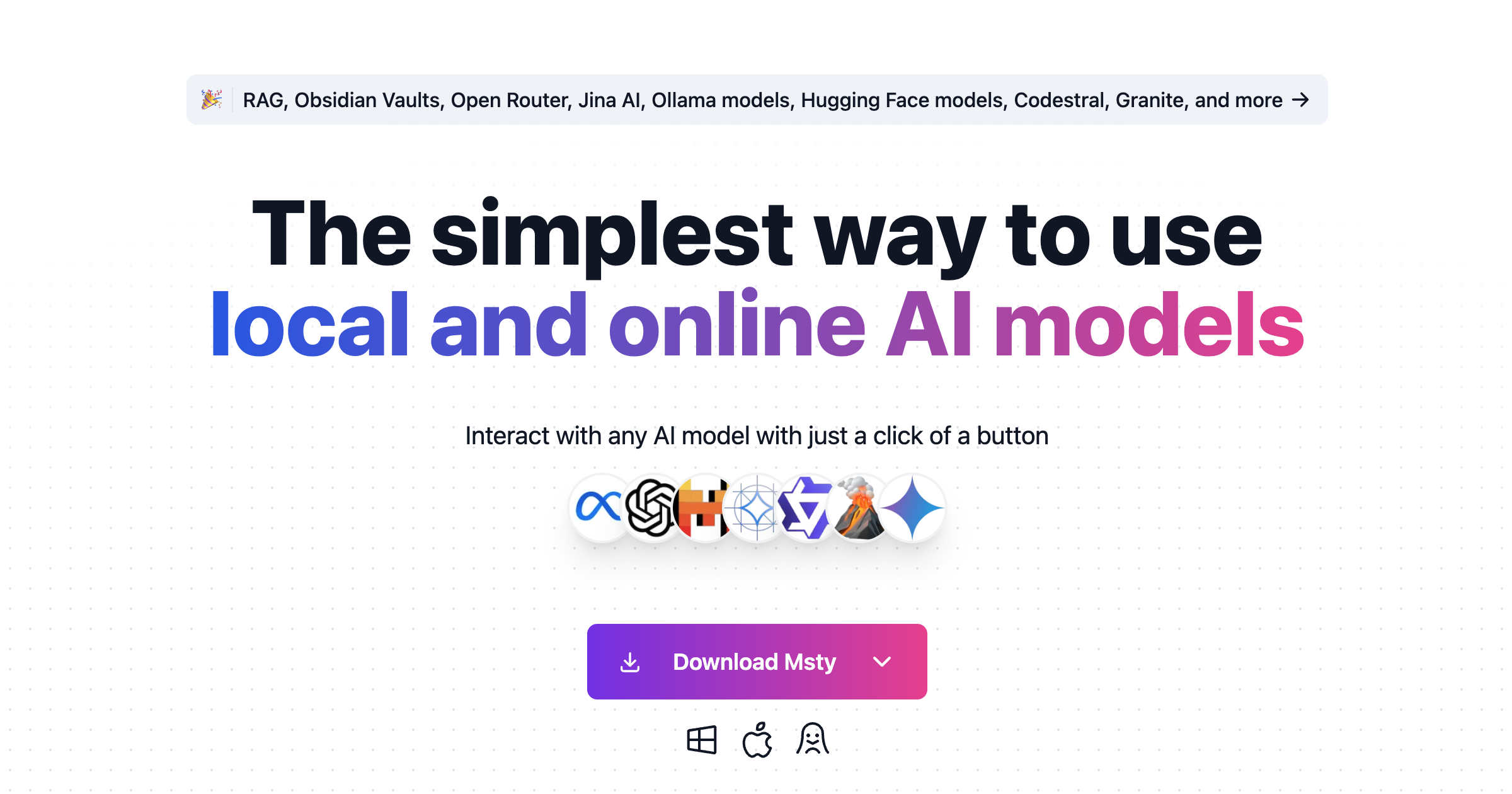
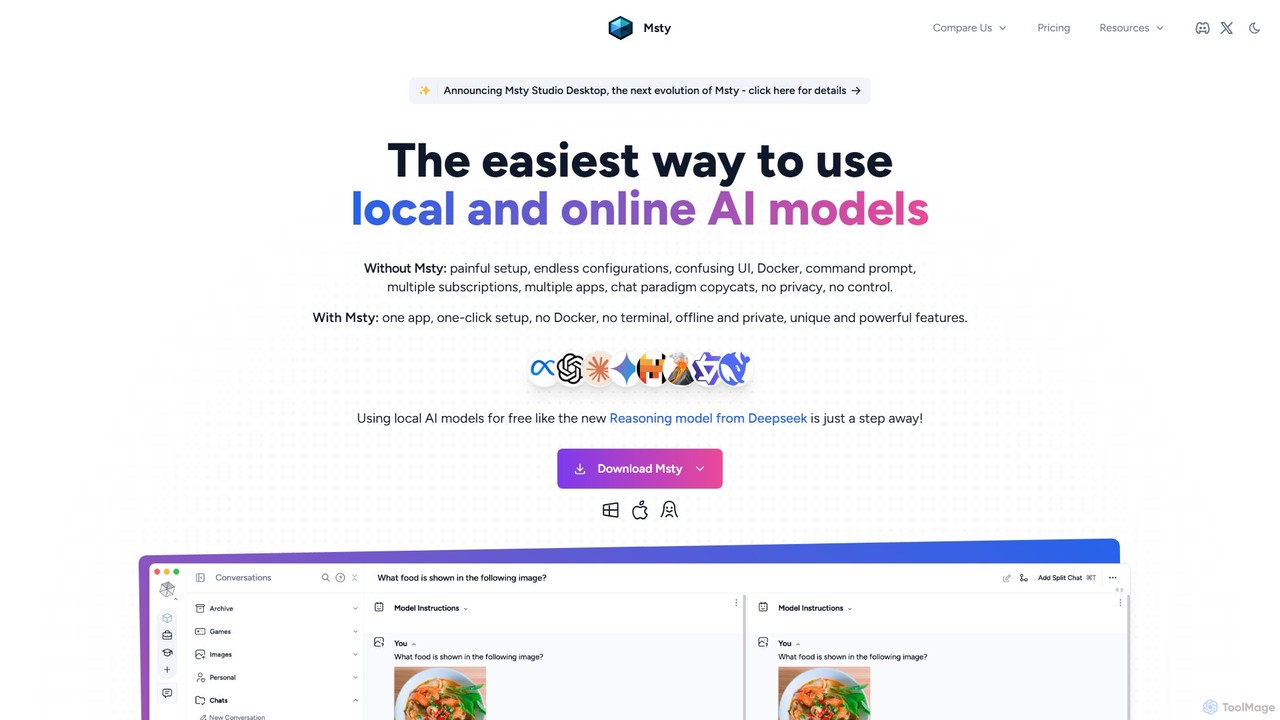
Msty is a revolutionary desktop application designed to make the power of large language models (LLMs) accessible to everyone, from technical developers to everyday users. It eliminates the traditional barriers of complex setups, command-line interfaces, and Docker configurations. With Msty, you get a single, beautifully designed app that provides a seamless experience for interacting with both local, offline models and popular online AI services.
The core philosophy of Msty is 'Offline-First, Online-Ready,' prioritizing user privacy and data control. Your conversations and data remain on your machine, ensuring complete confidentiality. However, for enhanced flexibility, Msty also integrates with leading online model vendors like OpenAI, Anthropic, and services available through Open Router, giving you the best of both worlds.
How to use Msty
Getting started with Msty is designed to be incredibly simple:
- Download and Install: Download the Msty application for your operating system (Windows, macOS, Linux) from the official website. The setup is a straightforward one-click process with no need for Docker or terminal commands.
- Choose Your Models: Upon first launch, Msty helps you set up your models. You can easily connect to your existing Ollama models, download new local models from sources like Hugging Face, or connect to online services by entering your API keys (e.g., OpenAI, Azure OpenAI, Anthropic).
- Start Chatting: Begin a conversation in the clean, intuitive interface. You can organize your chats into folders and workspaces to keep your projects separate.
- Leverage Advanced Features: Enhance your workflow by using Msty's unique features. Use 'Split Chats' to compare responses from multiple models in real-time. Build a 'Knowledge Stack' by importing documents (.txt, .md, .docx, .epub), connecting an Obsidian vault, or adding YouTube transcriptions to perform advanced Retrieval-Augmented Generation (RAG).
- Refine and Control: Take full control of your conversations. Regenerate responses (even with a different model), create and delete conversation branches, and use the extensive 'Prompt Paradise' library to guide the AI effectively.
Core Features of Msty
- Unified Model Access: Seamlessly use local models via Ollama and online models from Hugging Face, Open Router, Azure OpenAI, and more in one interface.
- Parallel Multiverse Chats: A unique split-chat feature to compare and contrast responses from multiple AI models simultaneously in real-time.
- Knowledge Stacks (RAG): Go beyond simple document uploads. Build comprehensive information stacks from multiple sources, including files, folders, Obsidian vaults, and YouTube transcriptions, for highly contextual AI responses.
- Real-Time Web Search: Augment AI conversations with live data from the internet for up-to-date and accurate information.
- Advanced Conversation Branching: Freely explore conversational paths by creating, iterating, and deleting branches. You can regenerate any message, even with a different model.
- Ultimate Privacy & Offline Mode: Designed to be offline-first, ensuring no personal information ever leaves your machine. Use it anywhere, even without an internet connection.
- Prompt Paradise: Access a curated library of over 230 prompts to guide the AI, or add your own custom prompts to the library.
- Vision Capabilities: Attach images and documents to your chats and leverage vision models like LLaVA for image interpretation tasks.
Use Cases for Msty
Msty is a versatile tool suitable for a wide range of users:
- Developers & Researchers: Easily test, compare, and experiment with various open-source and proprietary LLMs without the hassle of environment setup. Use split chats to benchmark model performance on specific tasks.
- Writers & Content Creators: Use conversation branching to explore different narrative paths or writing styles. Leverage the prompt library and RAG to conduct research and generate content efficiently. li>Business Professionals: Enhance productivity by using Msty as a private AI assistant. Use Knowledge Stacks with internal documents to extract insights while ensuring corporate data remains secure and confidential.
- Students & Academics: Conduct research by combining web search with a Knowledge Stack built from academic papers, e-books, and lecture notes for a powerful, personalized study tool.
- Privacy-Conscious Users: Interact with powerful AI models with the peace of mind that all data is stored locally and is never shared.
Advantages of Msty
Msty stands out by offering a combination of simplicity, power, and privacy. Its main advantages include eliminating the technical barrier to entry for local LLMs, providing a superior user interface compared to command-line tools, and offering unique, powerful features like Multiverse Chats and Knowledge Stacks that are not commonly found in other clients. The focus on user control and data privacy makes it a trustworthy tool for both personal and professional use.
Pricing and Plans
Msty operates on a freemium model, making it accessible to everyone.
- Free Plan: $0, free forever for personal use. This plan includes most of the core features like Split Chats, Knowledge Stacks (RAG), Web Search, Local and Online Models, and Advanced Branching. No sign-up is needed.
- Aurum Annual: $129 per user, per year. This plan is required for professional or business use and unlocks all features. Additional features include Azure OpenAI Integration, Advanced Response Metrics, Commercial Use License, and use on up to 2 devices.
- Aurum Lifetime: $249 one-time payment. This limited-availability plan includes all features from the Aurum Annual plan for life, guarantees all future updates, and provides access to the upcoming Msty Studio.
Traffic
Latest traffic
Status
Monthly traffic trend
- 2025-9: 38.5K
- 2026-1: 20.0K
- 2026-2: 19.1K
- 2026-3: 17.9K
- 2026-4: 11.3K
- 2026-5: 14.6K
Geography
Top 5 countries / regions
- 🇺🇸United States29.9%
- 🇻🇳Vietnam24.9%
- 🇷🇺Russia24.1%
- 🇩🇪Germany10.9%
- 🇮🇩Indonesia10.2%
Top keywords
| Keyword | Cost per click |
|---|---|
| make localai available via lan | $0.00 |
| msty docs knowledge stacks | $0.00 |
| msty knowledge base | $0.00 |
| msty obsidian | $0.00 |
| msty studio knowledge stack | $0.00 |
Msty Videos on YouTube

AI for Mac : Your Guides


Msty AI

Msty Alternatives
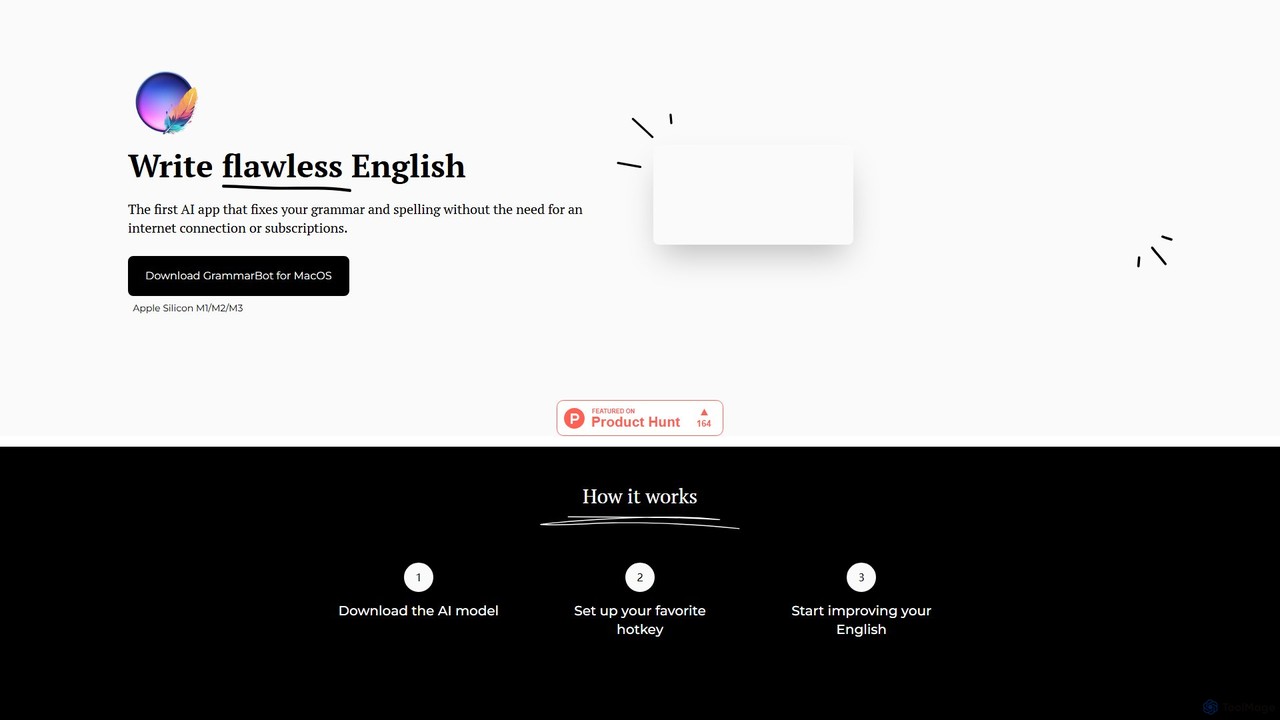
GrammarBot
GrammarBot is a privacy-focused AI grammar and spelling checker for macOS. It operates entirely offline using a local Large Language Model (LLM), ensuring your text never leaves your computer. With a simple hotkey integration, it works across all your applications. It's available for a one-time purchase, offering a lifetime license without any subscriptions.
Language Learning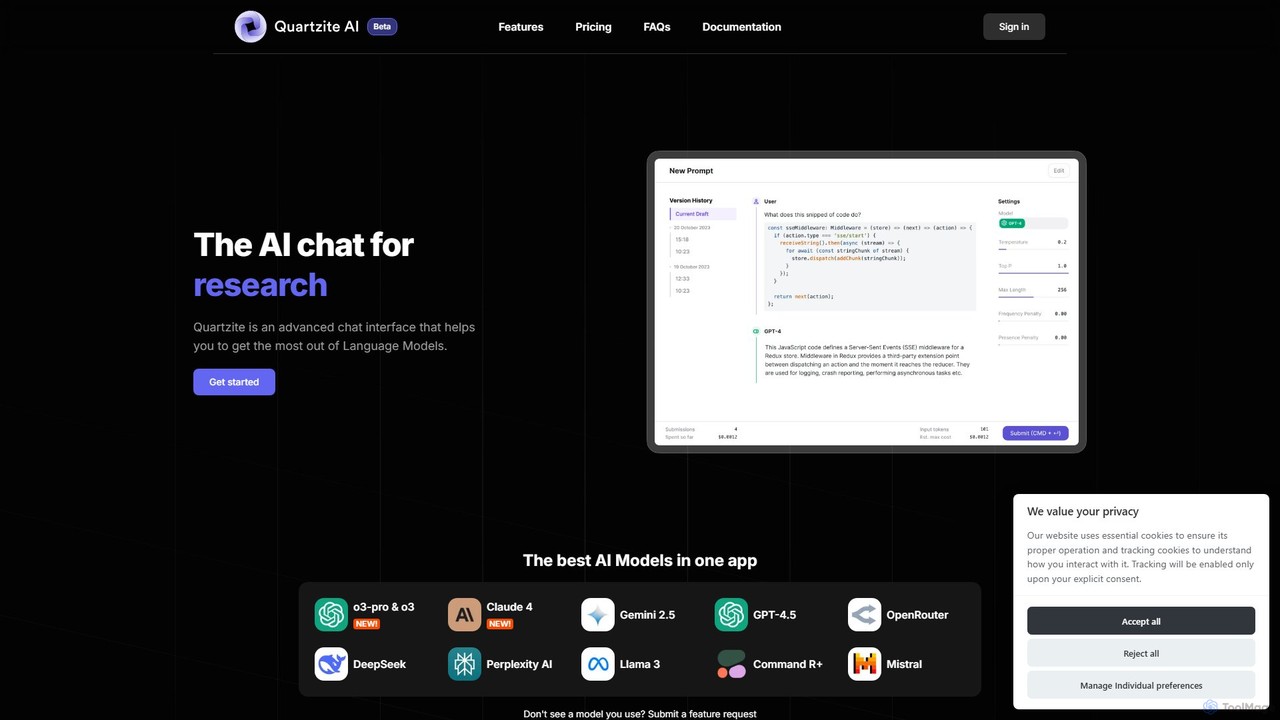
Quartzite
Quartzite is an advanced AI prompt IDE and productivity tool that centralizes access to top LLMs like GPT-4, Claude, and Gemini. It helps users write, optimize, and manage complex prompts with features like a template library, version history, cost preview, and a personal document knowledge base, all while reducing API costs.
Prompt Engineering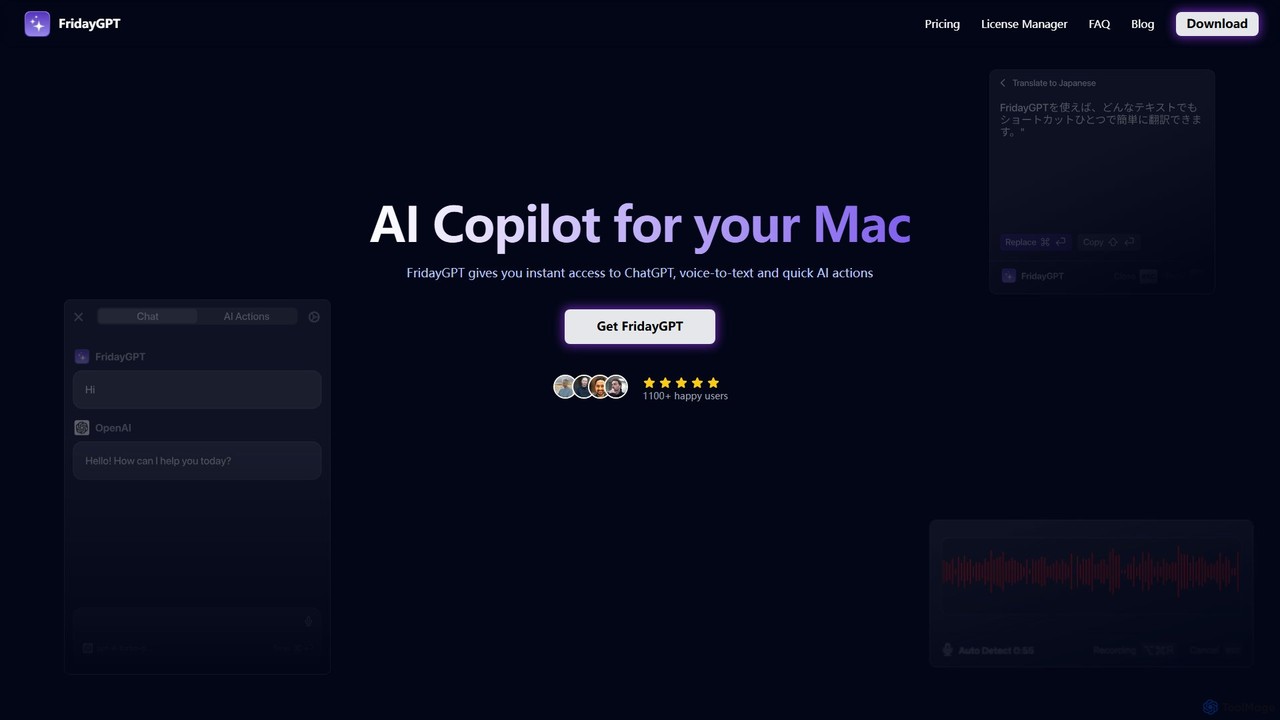
FridayGPT
FridayGPT is an AI copilot for Mac that integrates ChatGPT, Claude, and local LLMs directly into your workflow. It offers instant access to AI, advanced voice-to-text transcription in over 100 languages, and one-click actions like grammar correction and text rewriting. Boost your productivity by using AI anywhere on your Mac without switching contexts.
Desktop Apps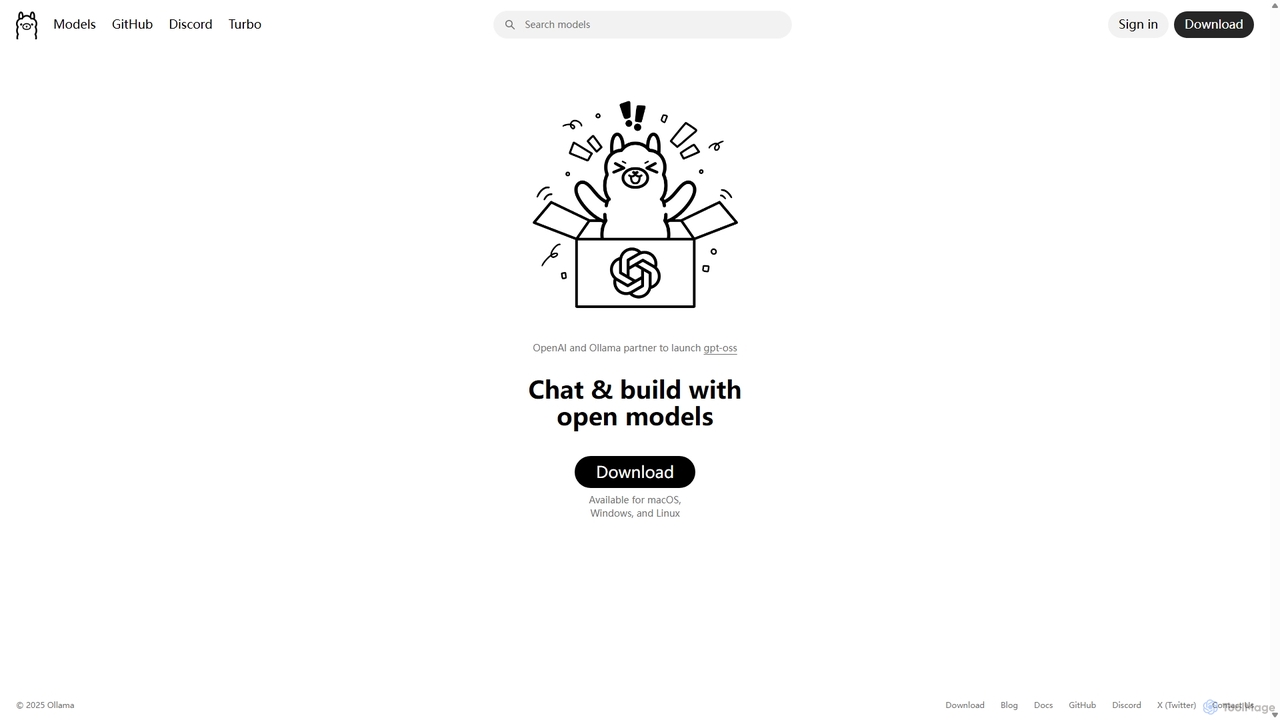
Ollama
Ollama is a powerful open-source framework for running large language models (LLMs) like Llama 3, Mistral, and Gemma locally on your own hardware. Available for macOS, Windows, and Linux, it simplifies the setup and management of open-source models, enabling private, offline, and cost-effective AI development and usage.
Machine Learning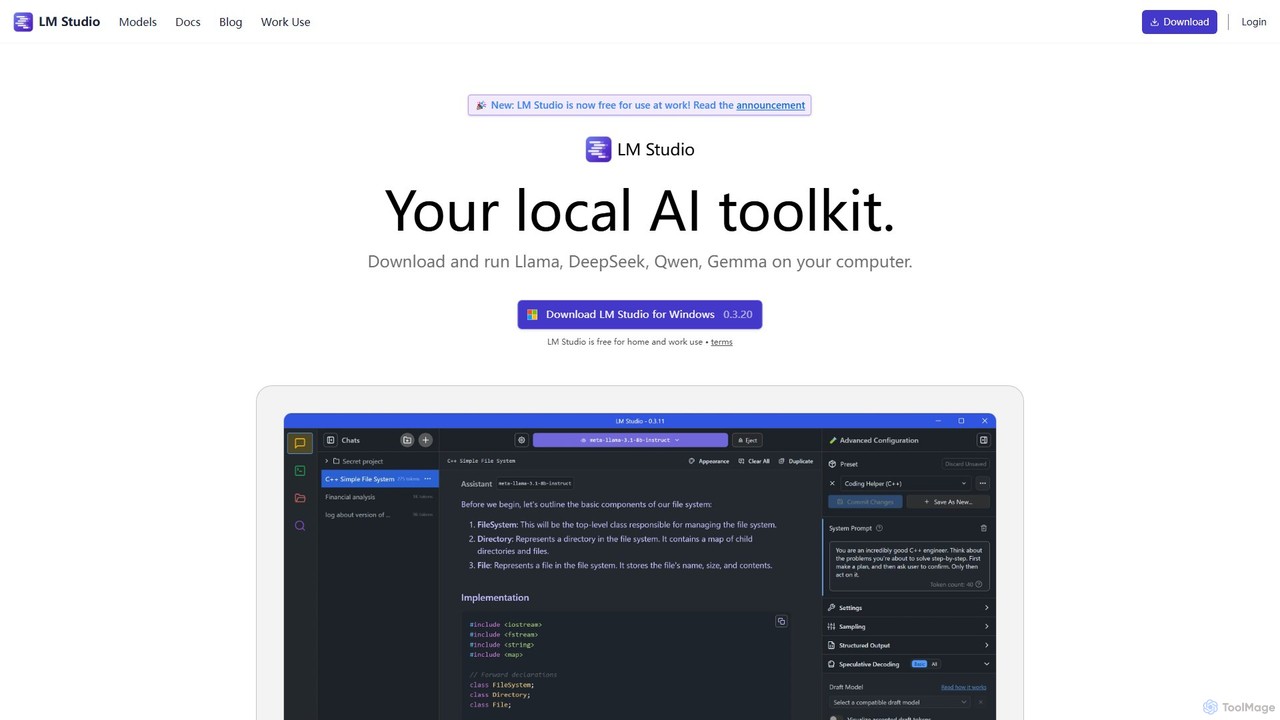
LM Studio
LM Studio is a desktop application for Windows, macOS, and Linux that allows you to discover, download, and run open-source Large Language Models (LLMs) entirely on your local machine. It offers a user-friendly interface, an OpenAI-compatible local server, and robust privacy features, making it ideal for developers, researchers, and anyone seeking a private AI experience.
Model DeploymentMsty Categories
Msty Embed Widget
Copy this embed code to place the badge on your blog, article, or product site and send readers directly to this ToolMage detail page.

Related AI tools
Ollama
Ollama is a powerful open-source framework for running large language models (LLMs) like Llama 3, Mistral, and Gemma locally on your own hardware. Available for macOS, Windows, and Linux, it simplifies the setup and management of open-source models, enabling private, offline, and cost-effective AI development and usage.
Machine LearningLM Studio
LM Studio is a desktop application for Windows, macOS, and Linux that allows you to discover, download, and run open-source Large Language Models (LLMs) entirely on your local machine. It offers a user-friendly interface, an OpenAI-compatible local server, and robust privacy features, making it ideal for developers, researchers, and anyone seeking a private AI experience.
Model Deployment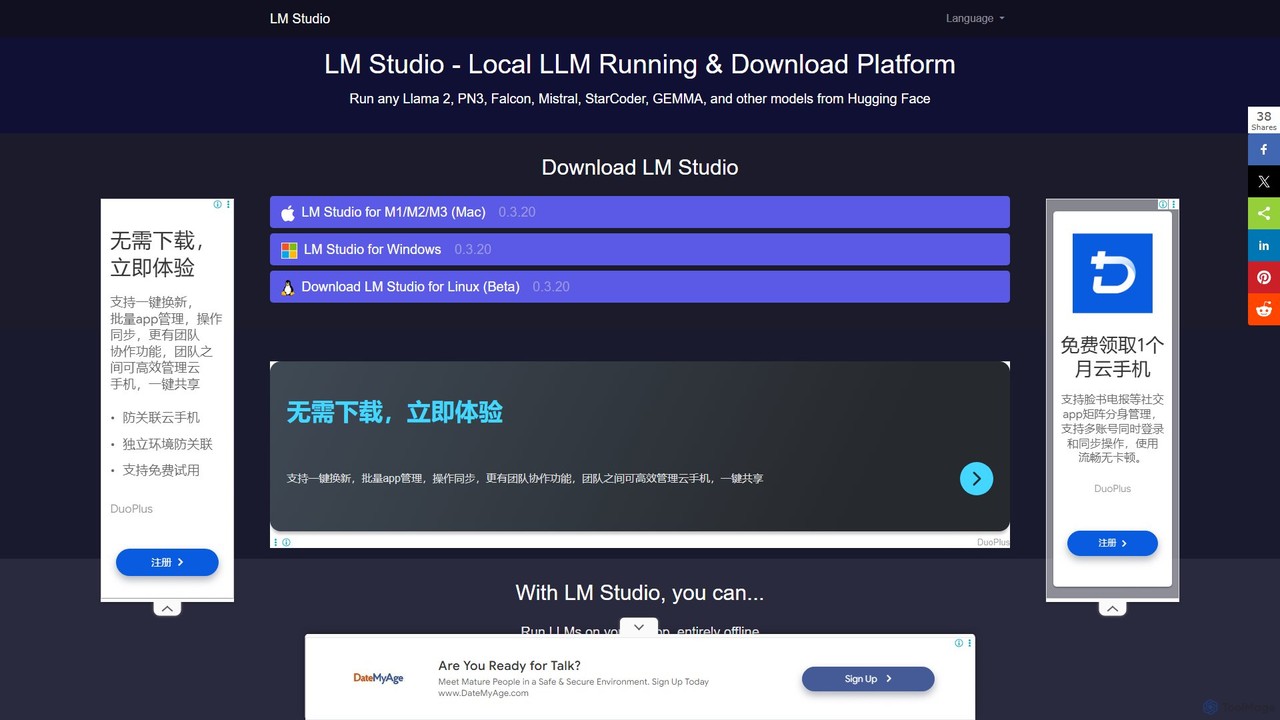
LM Studio
LM Studio is a user-friendly desktop application for discovering, downloading, and running open-source Large Language Models (LLMs) locally on your computer. It offers a simple chat interface and a local inference server, ensuring privacy and offline access.
ChatGrammarBot
GrammarBot is a privacy-focused AI grammar and spelling checker for macOS. It operates entirely offline using a local Large Language Model (LLM), ensuring your text never leaves your computer. With a simple hotkey integration, it works across all your applications. It's available for a one-time purchase, offering a lifetime license without any subscriptions.
Language Learning
Kerlig
Kerlig is a native AI writing assistant for macOS designed to streamline your communication. It integrates seamlessly into your workflow, allowing you to write emails, proofread text, chat with documents, and generate content using over 350 AI models. With custom actions and a focus on privacy, Kerlig saves you hours by bringing powerful AI to your fingertips, without ever leaving your current application.
Mac Apps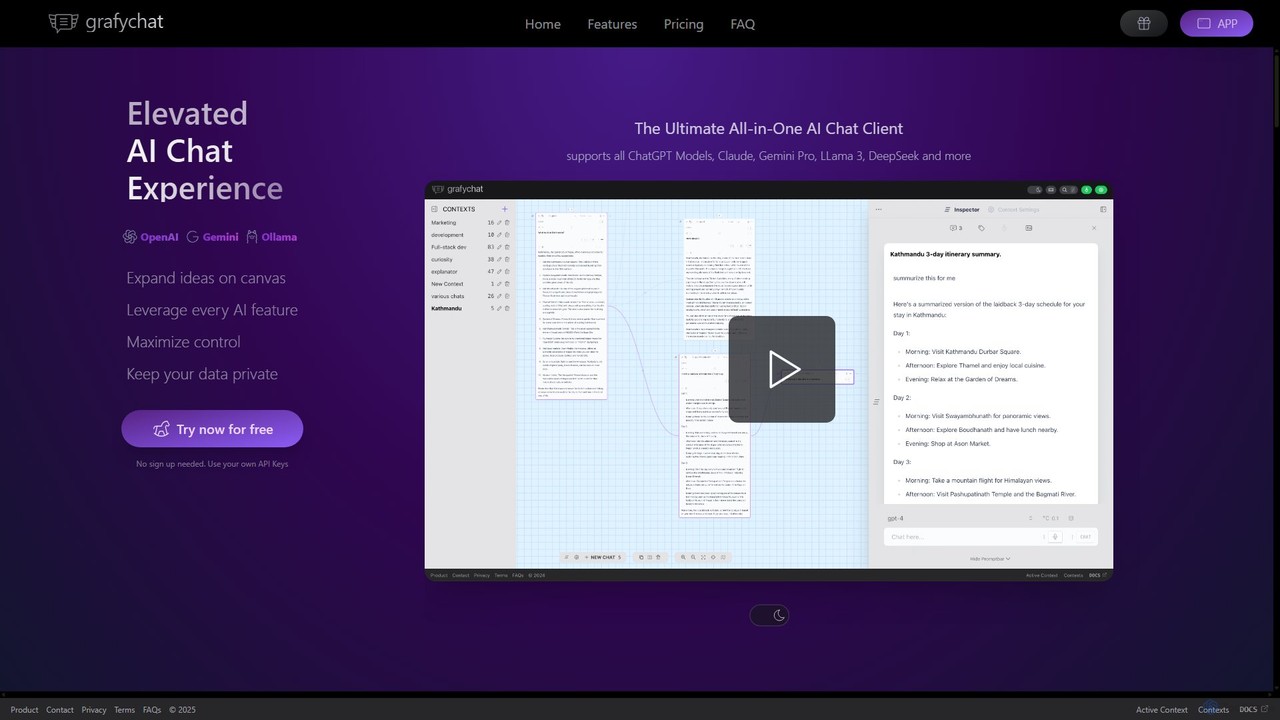
grafychat
grafychat is a privacy-first, all-in-one AI chat client that offers a unique visual canvas interface. It allows users to connect with major AI models like ChatGPT, Gemini, Claude, and Llama 3 using their own API keys, providing a non-linear, organized, and highly customizable chat experience.
Api Management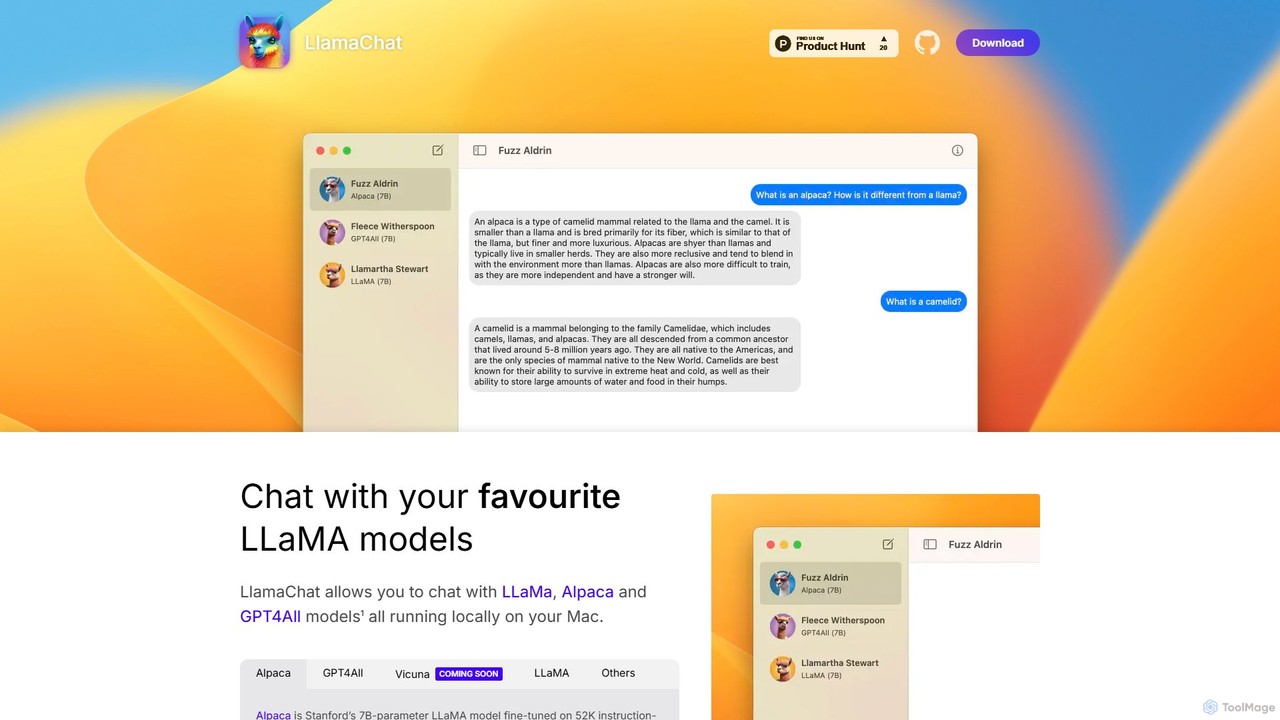
LlamaChat
LlamaChat is a free, open-source macOS application that allows you to run and chat with powerful large language models like LLaMA, Alpaca, and GPT4All directly on your Mac. It prioritizes privacy by keeping all data local and offers a seamless, native experience for offline AI interaction.
Local Models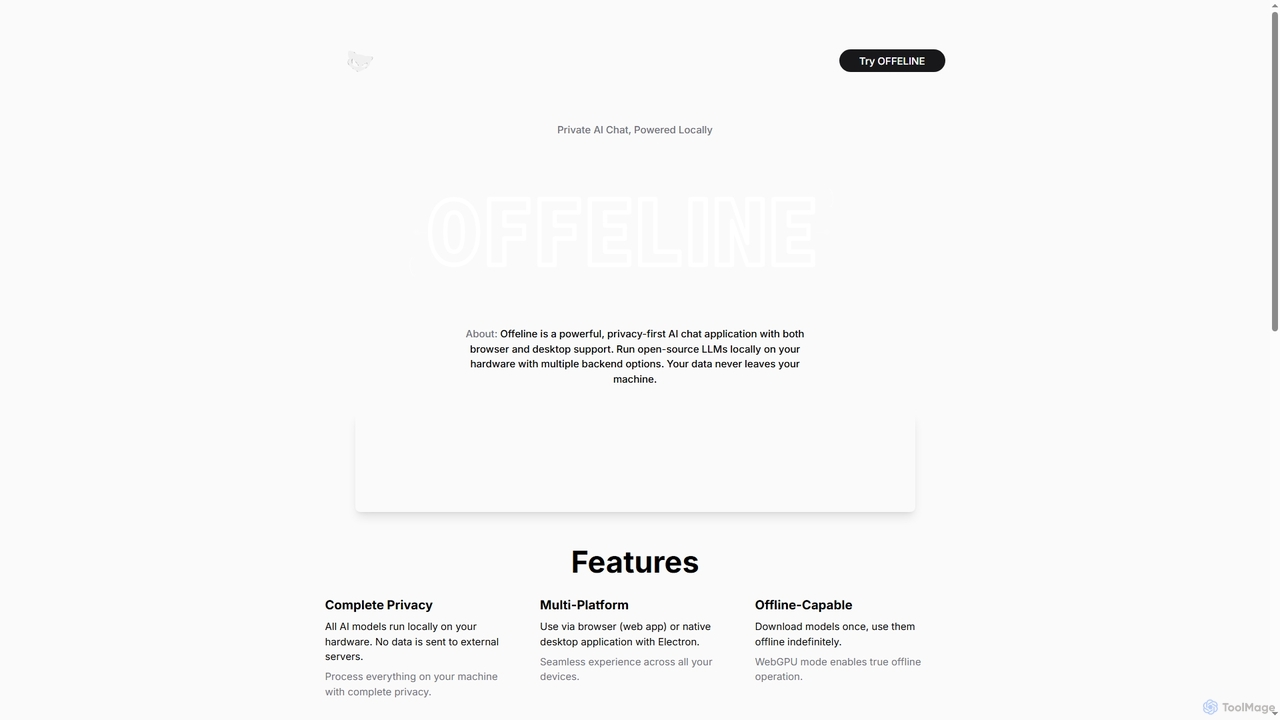
Offeline
Offeline is a powerful, privacy-first AI chat application that runs open-source Large Language Models (LLMs) locally on your hardware. It supports both browser and native desktop use, ensuring your data never leaves your machine. Enjoy offline capabilities, web search integration, document analysis, and voice support.
Local Llms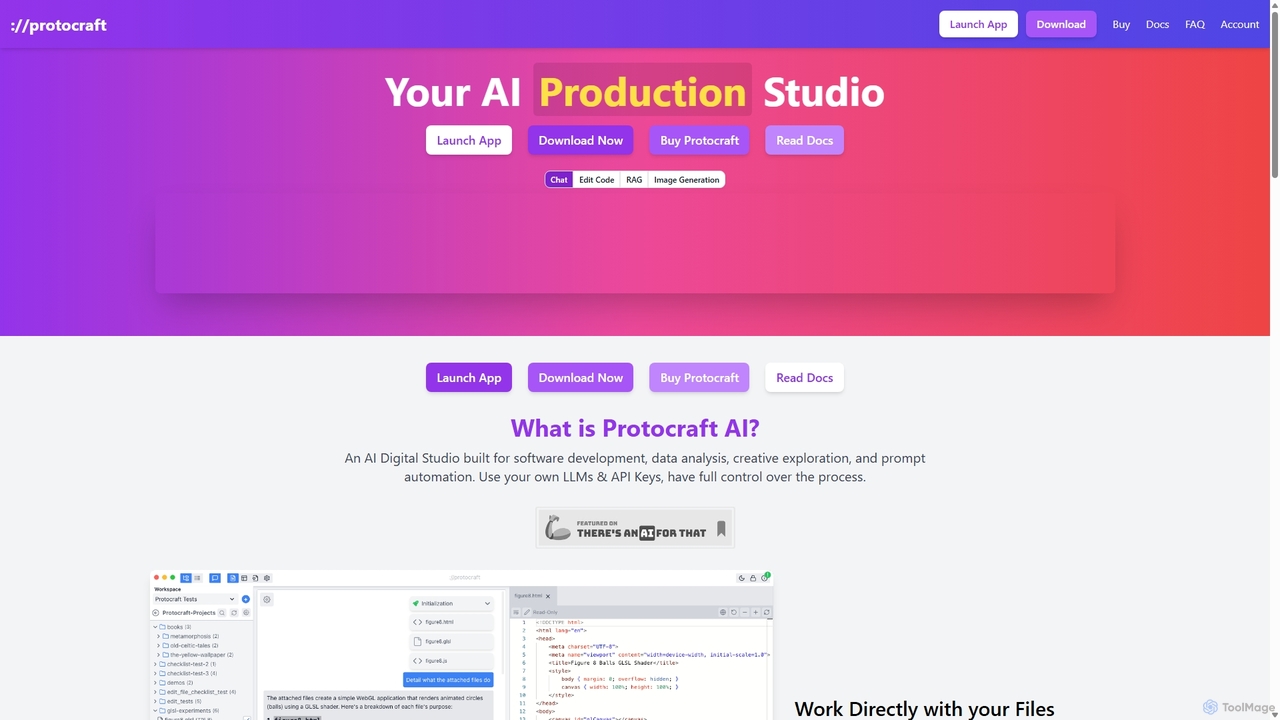
Protocraft AI
Protocraft AI is a versatile AI production studio for software development, data analysis, and creative tasks. It operates on a 'Bring Your Own Key' (BYOK) model, integrating with major LLMs like OpenAI, Anthropic, and Google, as well as local models. Available as both a web and desktop app, it allows users to interact directly with their local files, generate and edit code, create images, and automate prompts, all while maintaining full control over their data and privacy.
Business Intelligence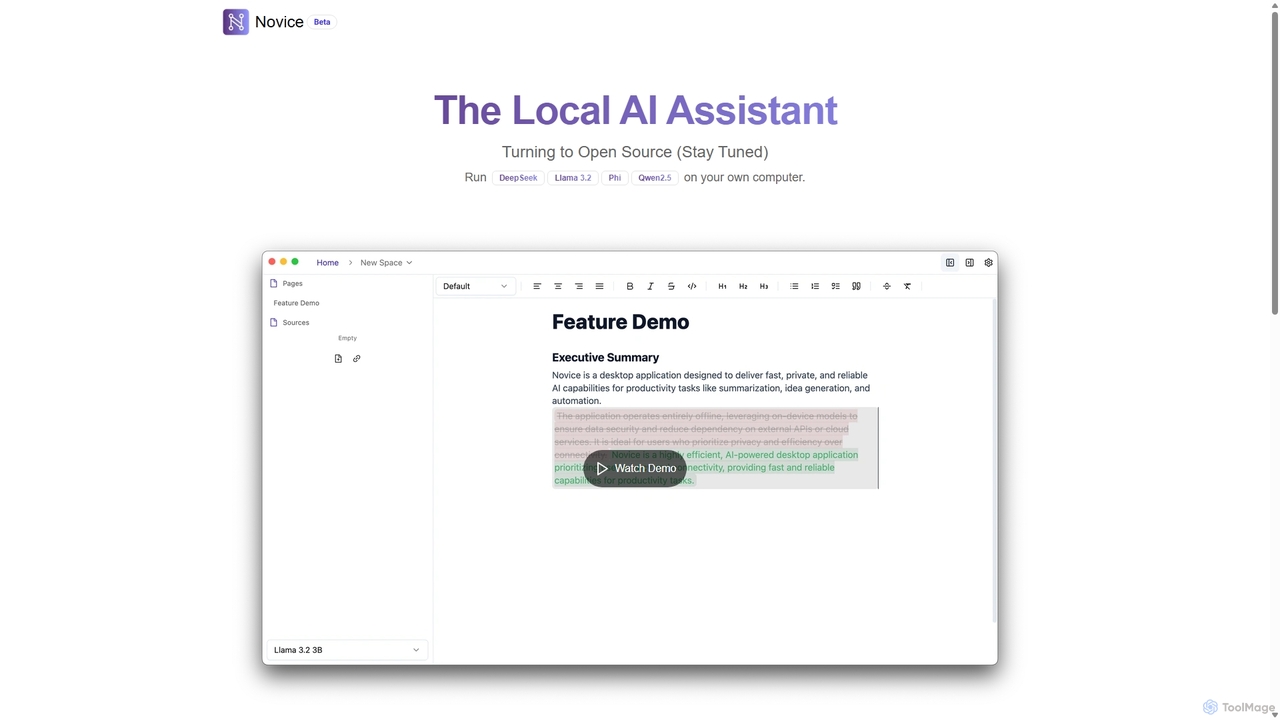
Novice
Novice is a local-first AI assistant that runs powerful language models like Llama 3.2 and Phi directly on your computer. It transforms your documents into a private, offline knowledge base, allowing you to analyze, summarize, and query information with complete data privacy. Every answer is backed by clear citations from your sources, ensuring accuracy and trust.
Local Ai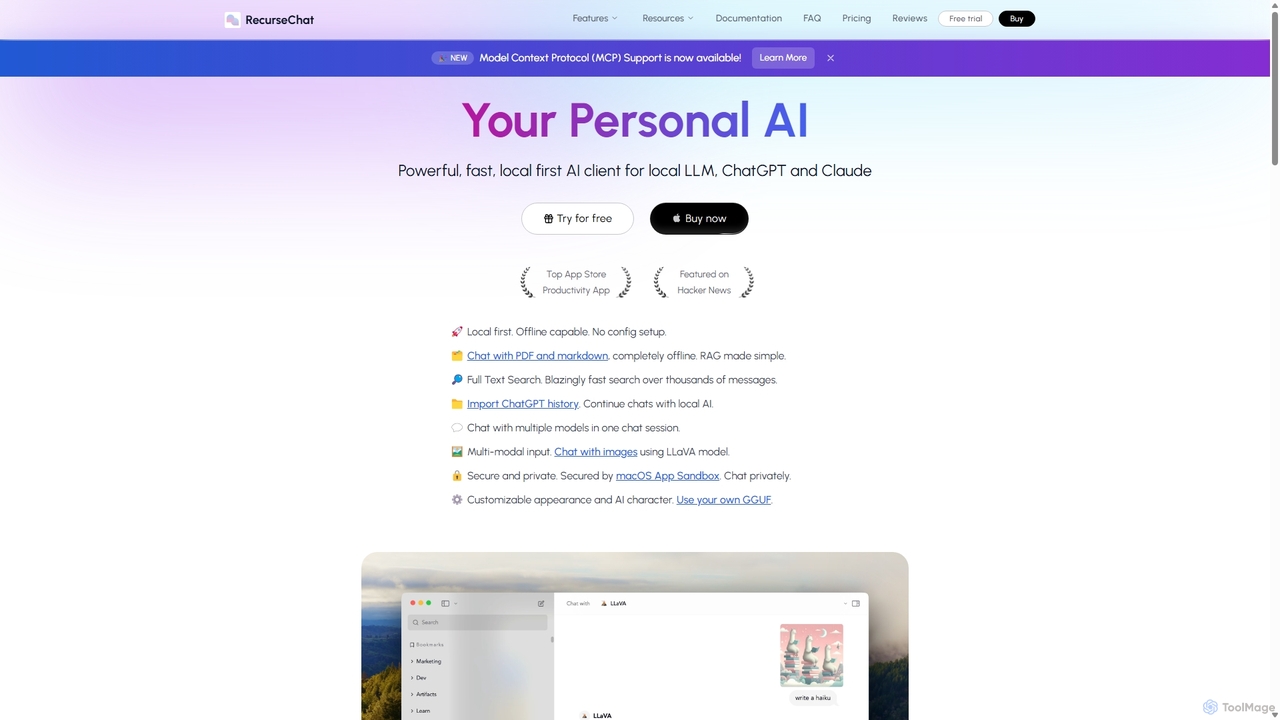
RecurseChat
RecurseChat is a powerful, privacy-focused AI client for macOS. It operates local-first, allowing you to chat with local LLMs, ChatGPT, and Claude, even offline. Interact with your PDFs and documents securely on your device using RAG technology. It features multi-modal input, full-text search, and extensive customization without requiring a subscription.
Llm Clients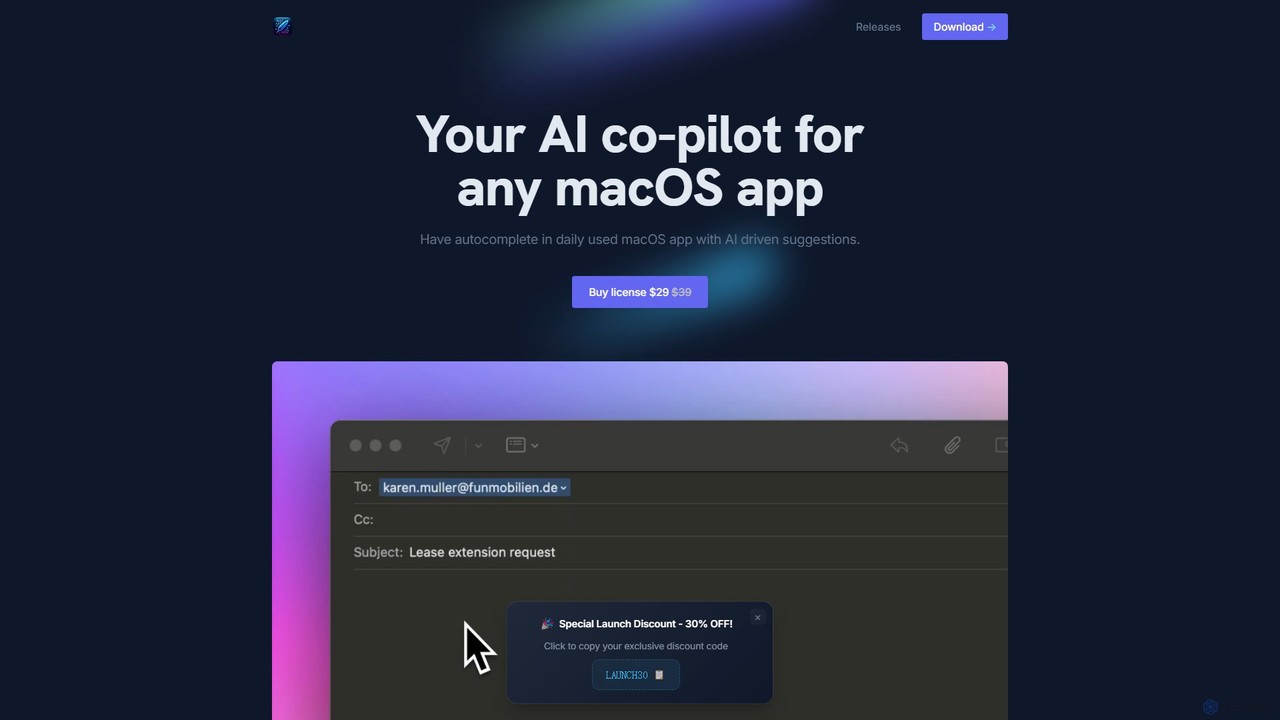
InfinipilotAI
InfinipilotAI is a native macOS AI co-pilot that seamlessly integrates with any application. It boosts productivity with features like AI-driven autocomplete, writing enhancement, translation, and developer utilities. With a strong focus on privacy, it supports local language models via Ollama, ensuring your data stays on your device. It's a lightweight, high-performance tool available for a one-time purchase.
Code Assistant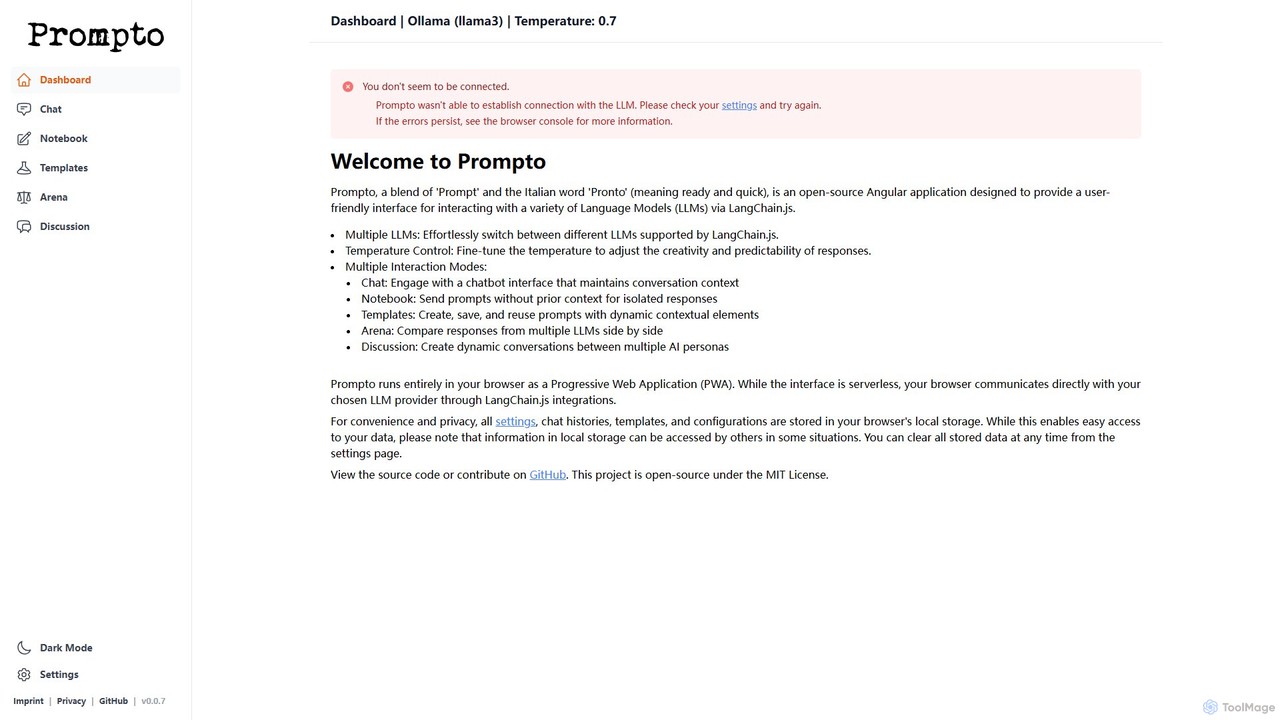
Prompto
Prompto is a free, open-source, browser-based interface for interacting with a wide range of Large Language Models (LLMs). It leverages LangChain.js to connect directly to providers like OpenAI, Anthropic, and local models via Ollama, offering advanced features like a model comparison Arena, prompt templates, and multi-AI discussions, all while prioritizing user privacy by storing data locally.
Model ComparisonQuartzite
Quartzite is an advanced AI prompt IDE and productivity tool that centralizes access to top LLMs like GPT-4, Claude, and Gemini. It helps users write, optimize, and manage complex prompts with features like a template library, version history, cost preview, and a personal document knowledge base, all while reducing API costs.
Prompt EngineeringFridayGPT
FridayGPT is an AI copilot for Mac that integrates ChatGPT, Claude, and local LLMs directly into your workflow. It offers instant access to AI, advanced voice-to-text transcription in over 100 languages, and one-click actions like grammar correction and text rewriting. Boost your productivity by using AI anywhere on your Mac without switching contexts.
Desktop Apps
Msty Comments (0)
Sign in to comment.
Sign inNo comments yet.