
grafychat Overview
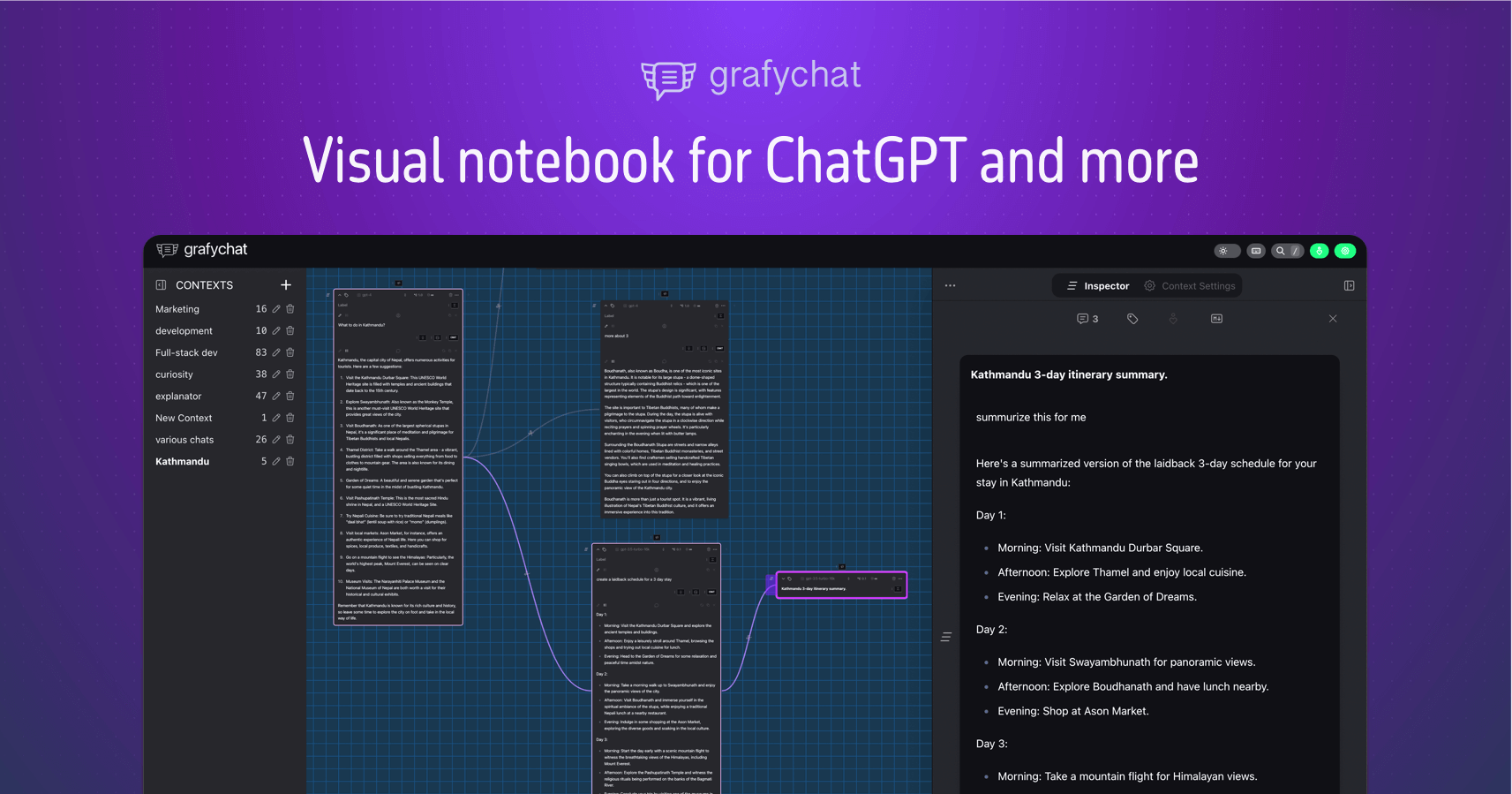
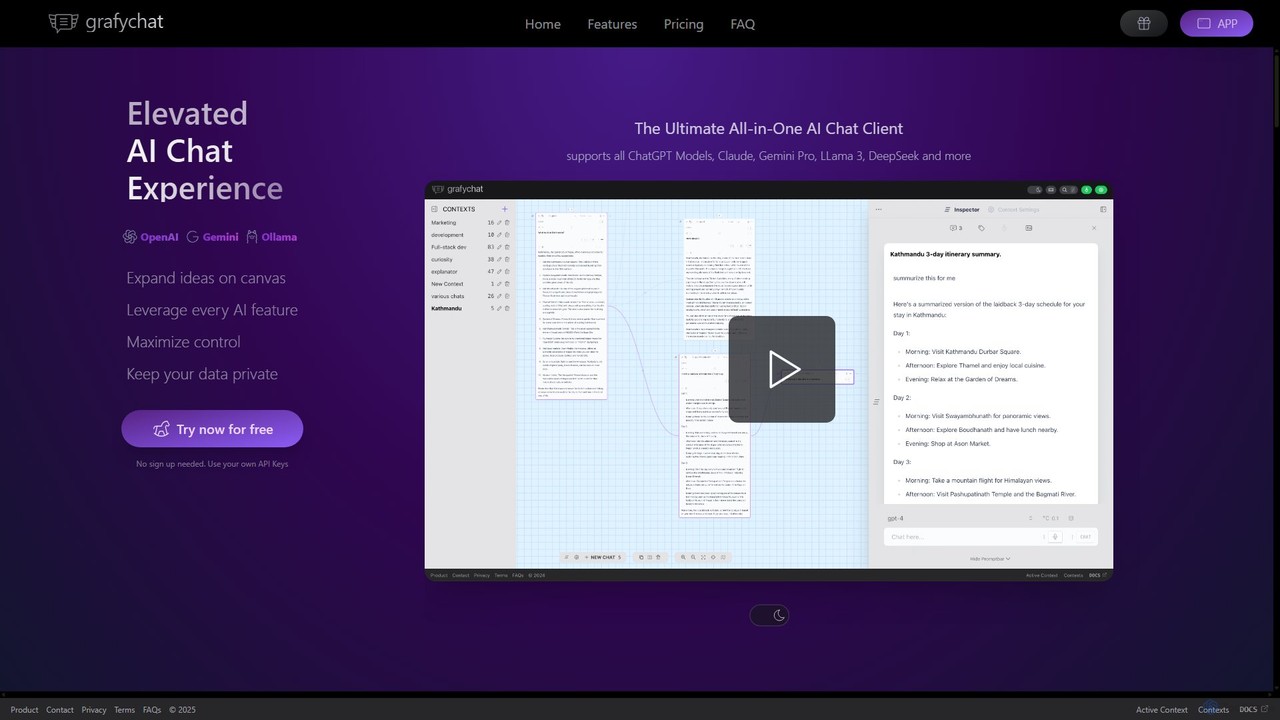
grafychat is an innovative, all-in-one AI chat client designed to elevate your interaction with large language models (LLMs). It stands out with its unique, non-linear canvas interface, allowing users to visually organize, connect, and manage multiple conversations. This approach moves beyond the traditional, linear chat feed, providing a dynamic workspace for brainstorming, research, and complex project management. With a strong emphasis on privacy, grafychat stores all data locally on your device and requires no user sign-up, ensuring your conversations remain confidential. Users bring their own API keys (BYOAK) to access a wide range of models, including all versions of ChatGPT, Google's Gemini Pro, Anthropic's Claude, and open-source giants like Llama 3 via Ollama.
How to use grafychat
Using grafychat is straightforward and designed for immediate productivity. Here's how to get started:
1. Visit the grafychat website and start using the free version instantly without any registration.
2. To unlock the full potential, add your API keys from providers like OpenAI, Google AI, or Anthropic in the settings.
3. For local and open-source models, install and set up the Ollama application on your Mac, Windows, or Linux device, and grafychat will connect to it.
4. Begin your session on the endless canvas. Create new chat nodes, link them together to show relationships, and visually map out your ideas.
5. Switch between different AI models on the fly for any given chat to compare responses or leverage specific model strengths.
6. Customize your experience by adjusting model parameters (like temperature), creating a personal prompt library, and personalizing the interface with colors and themes.
7. To remove limitations, purchase a lifetime license key, which offers a one-time payment for continued access.
Core Features of grafychat
- Endless Canvas: Visually organize your chats in a non-linear, mind-map-style interface. Connect ideas, create branches, and manage complex conversations with ease.
- Privacy-First: All data is stored locally on your device. No sign-up or account is needed, ensuring complete data privacy and ownership.
- Multi-Provider Support (BYOAK): Bring your own API keys to access models from OpenAI (GPT-4, etc.), Google (Gemini), Anthropic (Claude), and local models via Ollama (Llama 3, DeepSeek).
- Full User Control: Easily switch between models, adjust parameters, and apply custom instructions to fine-tune AI responses.
- Markdown Editor: Every chat is a fully editable Markdown editor, allowing you to clean up, format, and export your conversations.
- Customizable Prompt Library: Save, edit, and reuse your most effective prompts across all your chats to streamline your workflow.
- Advanced Functionality: Includes voice input/dictation, speech generation, image generation (with DALL-E), full-text search, and keyboard shortcuts.
- Self-Hosting Option: The Extended license includes a self-hosting package for maximum control and privacy.
Use Cases for grafychat
grafychat is versatile and beneficial for various professionals:
For Researchers & Students: Organize literature reviews, compare theories from different AI perspectives on the same canvas, and visually map out research arguments.
For Writers & Content Creators: Develop complex storylines, outline articles with branching ideas, and manage different creative versions side-by-side.
For Developers: Compare code solutions from different models, document debugging sessions visually, and keep project-specific AI conversations neatly organized.
For Users with ADHD: The non-linear, visual interface is ideal for managing multiple trains of thought, reducing the overwhelm of a linear chat history, and connecting ideas in an intuitive way.
Advantages of grafychat
The primary advantage of grafychat is its ability to transform chaotic AI interactions into a structured, visual, and private workspace. It centralizes access to the best AI models, eliminating the need to switch between multiple tabs and services. The one-time payment model is a cost-effective alternative to recurring subscriptions. Its focus on privacy and local data storage gives users complete control over their information. The canvas interface is not just a feature but a fundamental shift in how users can brainstorm and develop ideas with AI partners.
Pricing and Plans
grafychat operates on a freemium model with a one-time payment for a lifetime license.
Free Version: Allows users to try the core functionality with limitations (maximum of 3 contexts, each with 15 chats).
Standard License ($39 one-time): Unlocks all limits and provides access to all core features.
Extended License ($59 one-time): Includes everything in Standard, plus the self-host package and the upcoming desktop app.
Premium License ($79 one-time): Includes all features from the Extended plan, plus priority support.
Each purchased license comes with 5 activations and does not expire. A 14-day refund policy is available.
Traffic
Latest traffic
Status
Monthly traffic trend
- 2025-9: 1.6K
- 2026-1: 725
- 2026-2: 1.0K
- 2026-3: 1.5K
- 2026-4: 787
- 2026-5: 1.8K
Geography
Top 5 countries / regions
- 🇳🇦Namibia75.4%
- 🇮🇳India24.6%
Top keywords
| Keyword | Cost per click |
|---|---|
| chat cuvry | $0.00 |
| grafy | $0.00 |
| how to restart ollama in windows | $0.00 |
| ollama restart services linux | $0.00 |
| restart ollama | $0.00 |
grafychat Alternatives
ChatWise
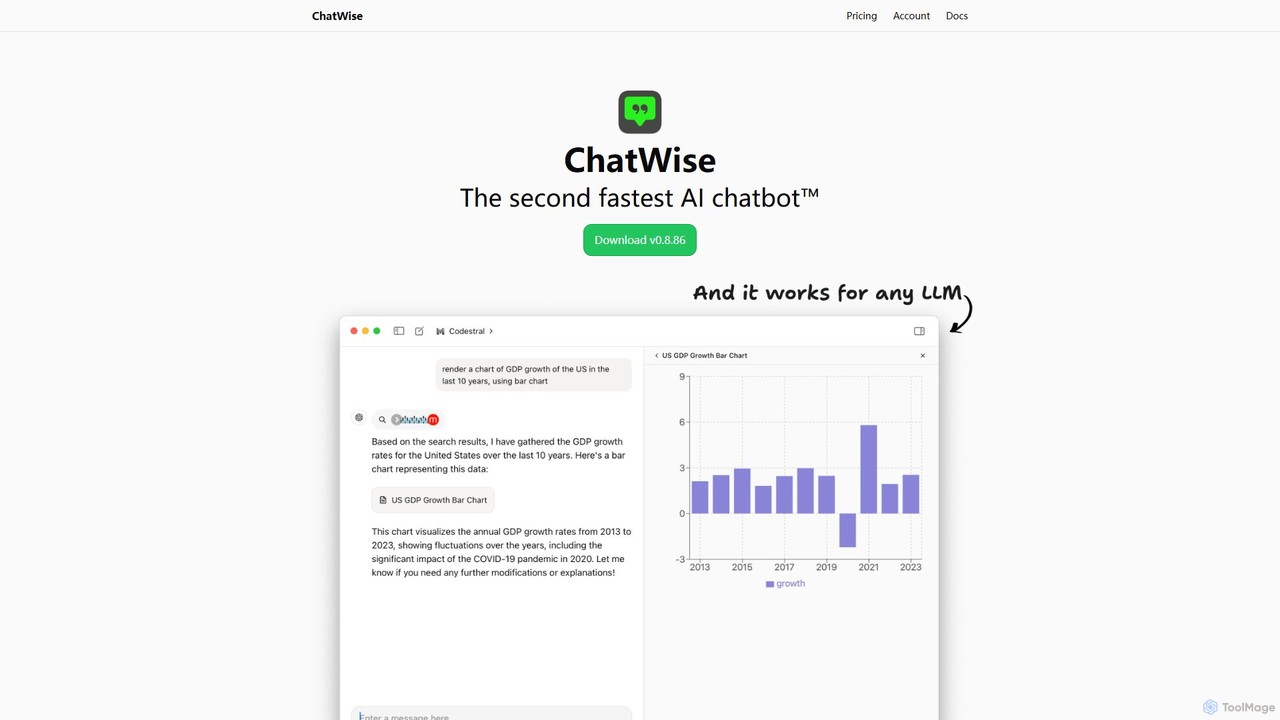
ChatWise is a high-performance, privacy-focused desktop application that provides a unified interface for interacting with various LLMs like ChatGPT, Claude, Gemini, and Llama. It supports multi-modal inputs, web search, and tool integration, storing all your data locally.
Api Management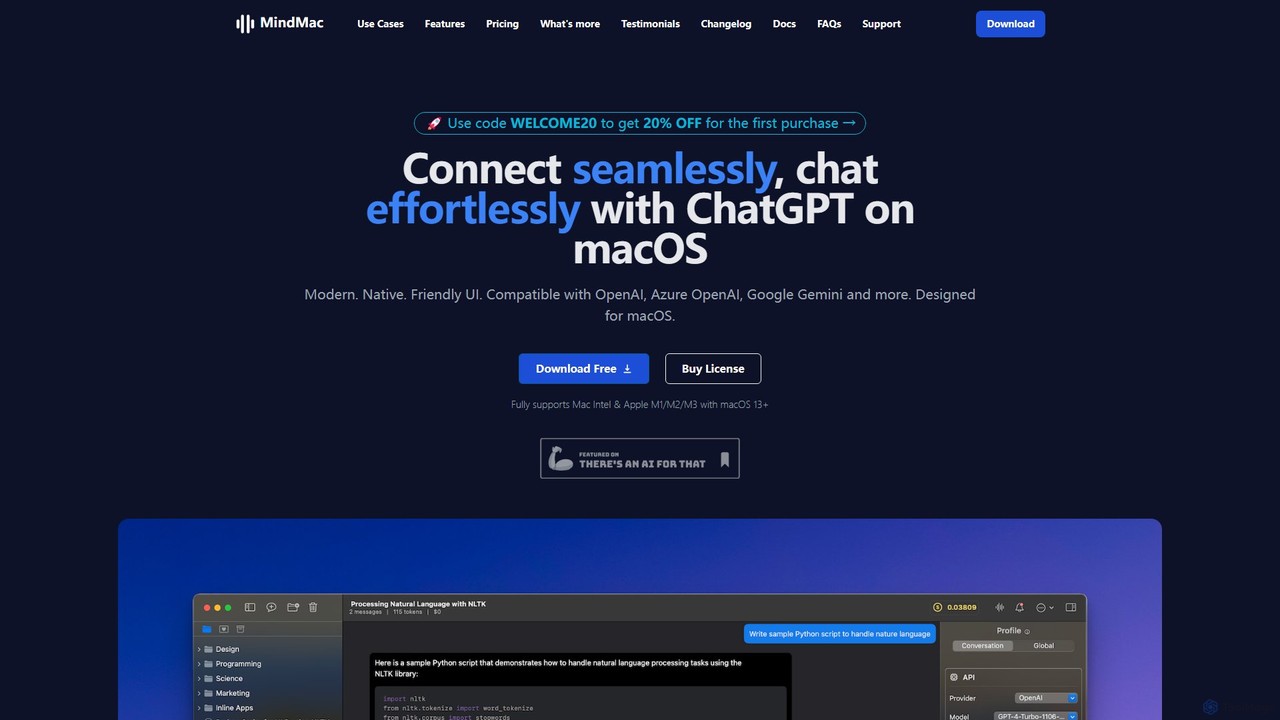
MindMac
MindMac is a powerful, native macOS client that provides a unified interface for interacting with a vast range of AI models, including OpenAI's GPT, Google Gemini, Claude, and local LLMs. It enhances productivity with features like an inline mode for use in any app, a rich prompt library, and extensive customization. It prioritizes privacy and security by storing API keys locally and communicating directly with AI providers.
Macos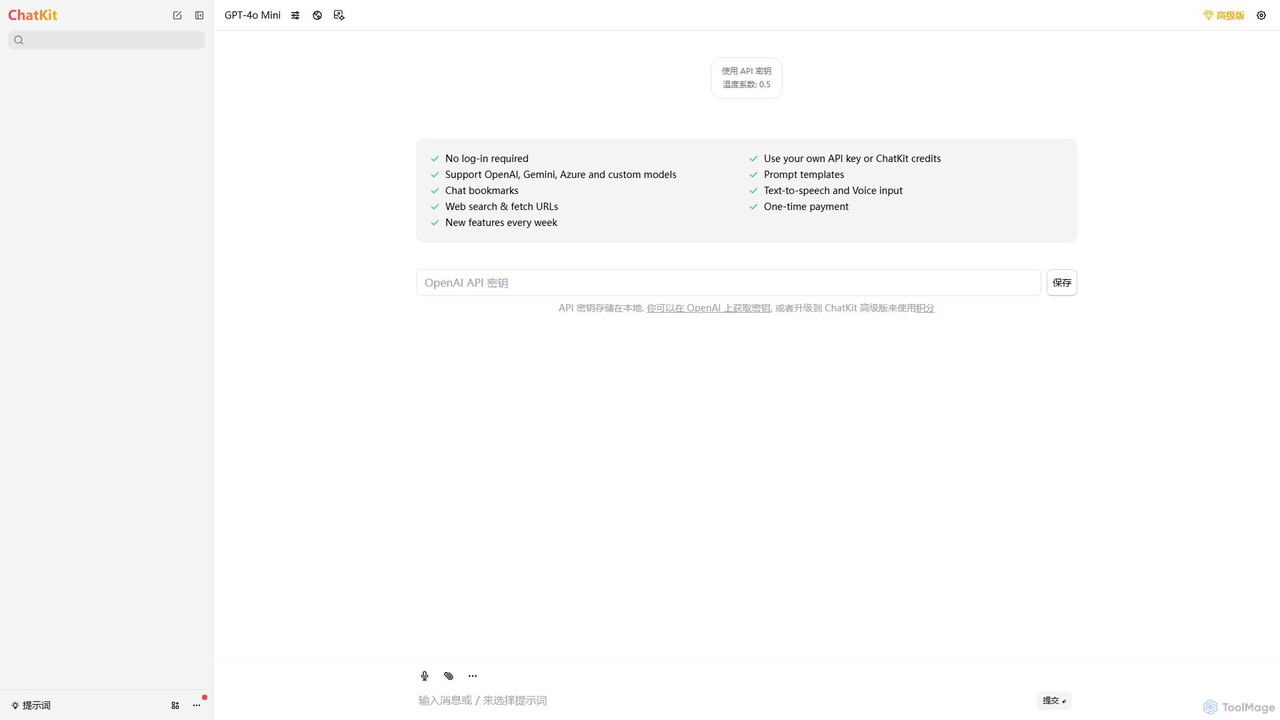
ChatKit
ChatKit is a refined, unified chat interface for top AI models like OpenAI, Gemini, and Azure. It enhances your workflow with features like web search, prompt templates, voice input, and chat bookmarks, all while prioritizing user privacy with local API key storage and no required login.
Api Management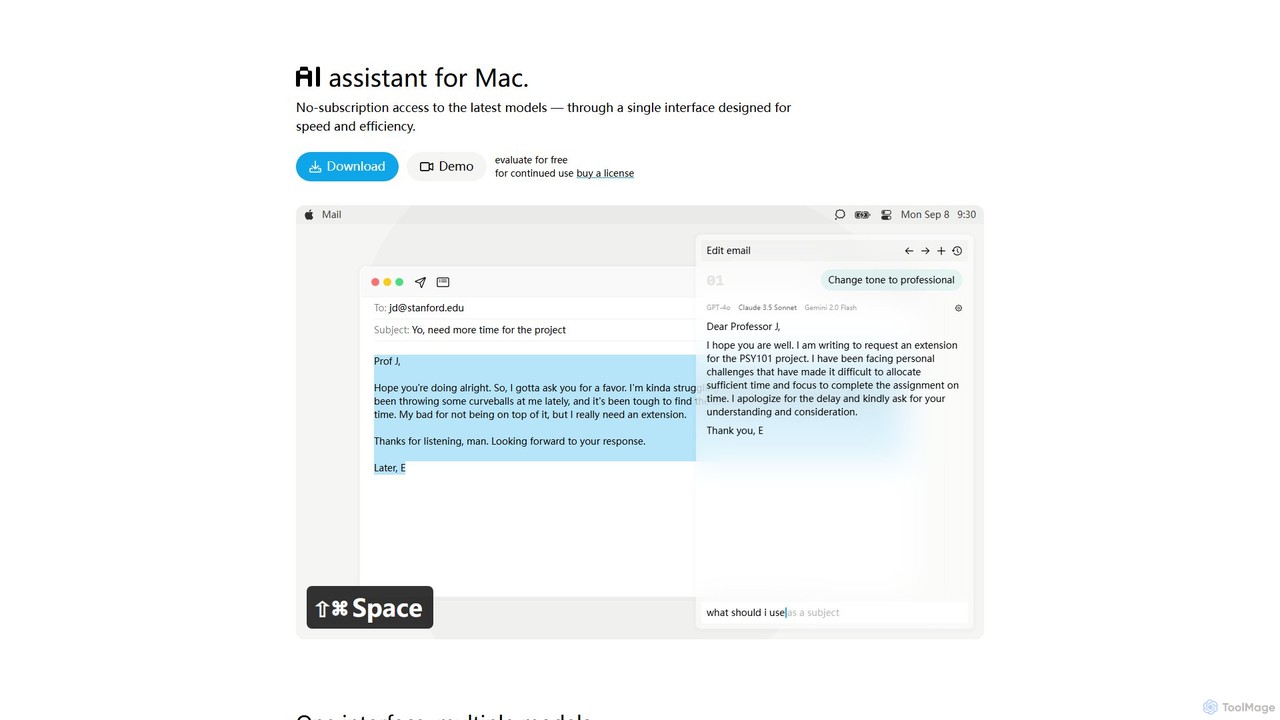
IntelliBar
IntelliBar is a native AI assistant for Mac, providing a unified interface to access the latest large language models like GPT-4o, Claude 3.5, and Gemini, plus local models via Ollama. It focuses on speed, efficiency, and privacy, with a one-time purchase model instead of recurring subscriptions. Compare models, use powerful shortcuts, and keep your data secure on your device.
Api Management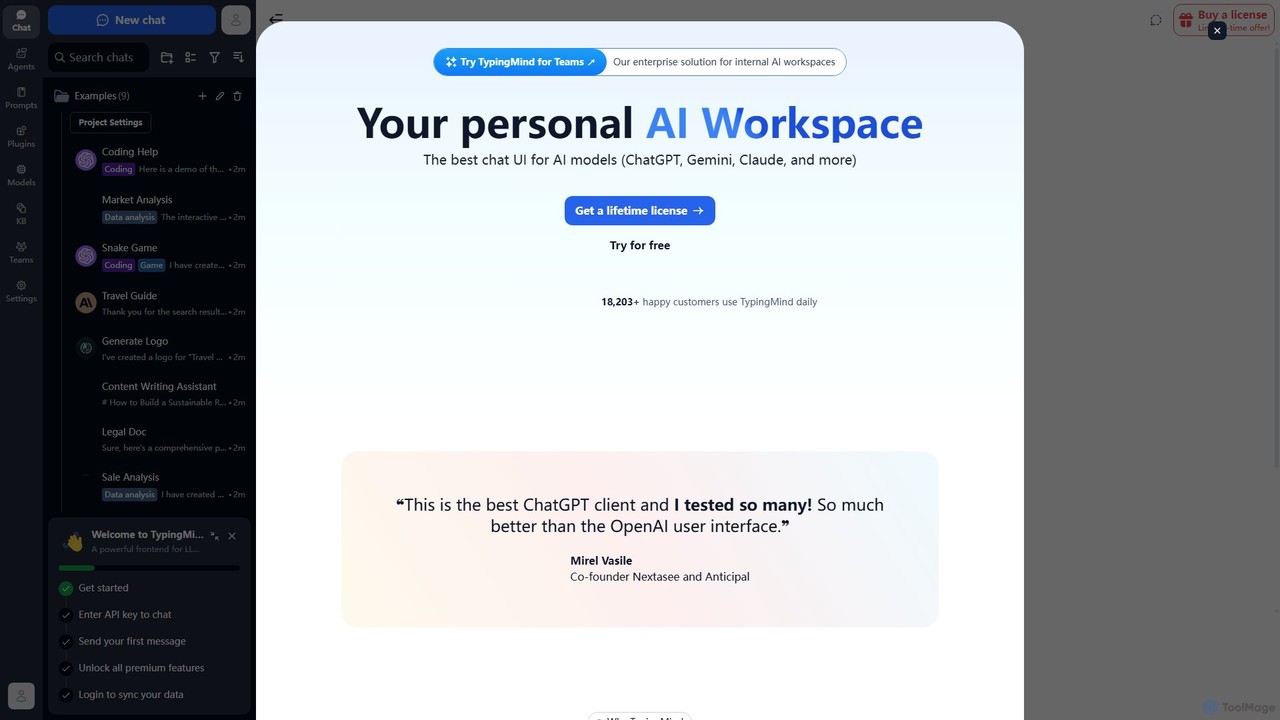
TypingMind
TypingMind is an advanced, privacy-first chat UI for large language models (LLMs) like ChatGPT, Gemini, and Claude. It offers a unified workspace with powerful features, allowing users to bring their own API keys for a one-time fee. Enhance your productivity with custom agents, a rich plugin ecosystem, and advanced chat management tools, all while keeping your data secure on your device.
Api Managementgrafychat Categories
grafychat Embed Widget
Copy this embed code to place the badge on your blog, article, or product site and send readers directly to this ToolMage detail page.

Related AI tools
ChatWise
ChatWise is a high-performance, privacy-focused desktop application that provides a unified interface for interacting with various LLMs like ChatGPT, Claude, Gemini, and Llama. It supports multi-modal inputs, web search, and tool integration, storing all your data locally.
Api ManagementMindMac
MindMac is a powerful, native macOS client that provides a unified interface for interacting with a vast range of AI models, including OpenAI's GPT, Google Gemini, Claude, and local LLMs. It enhances productivity with features like an inline mode for use in any app, a rich prompt library, and extensive customization. It prioritizes privacy and security by storing API keys locally and communicating directly with AI providers.
MacosChatKit
ChatKit is a refined, unified chat interface for top AI models like OpenAI, Gemini, and Azure. It enhances your workflow with features like web search, prompt templates, voice input, and chat bookmarks, all while prioritizing user privacy with local API key storage and no required login.
Api ManagementIntelliBar
IntelliBar is a native AI assistant for Mac, providing a unified interface to access the latest large language models like GPT-4o, Claude 3.5, and Gemini, plus local models via Ollama. It focuses on speed, efficiency, and privacy, with a one-time purchase model instead of recurring subscriptions. Compare models, use powerful shortcuts, and keep your data secure on your device.
Api Management
Cosmicup
Cosmicup is an all-in-one AI platform offering unlimited access to a wide array of advanced AI models like ChatGPT 5, Claude 4.5, Gemini 2.5, and Grok 4 through a single subscription. It streamlines workflows with features including multi-model interaction, code assistance, document analysis, real-time web search, deep research, and AI image generation, eliminating the need for multiple subscriptions.
Multimodal Ai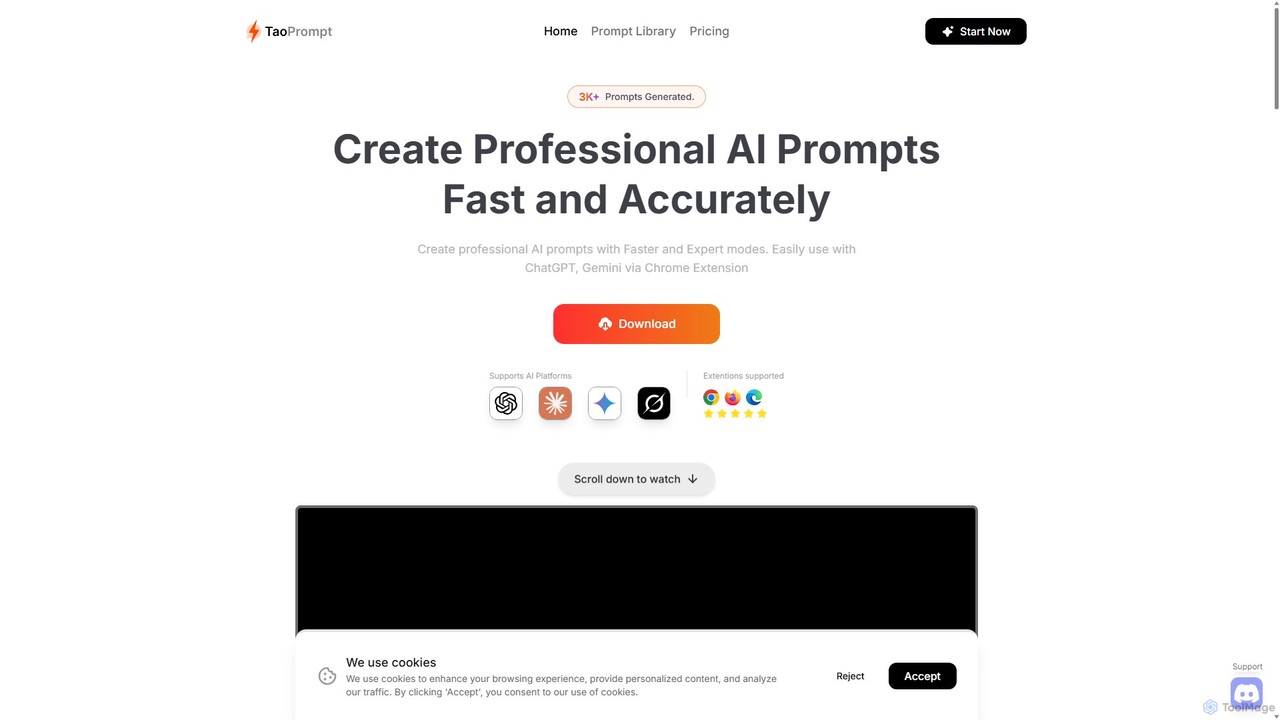
TaoPrompt
An AI-powered tool that helps users create professional, high-quality prompts for major AI chatbots. It simplifies prompt engineering, allowing anyone to generate optimized requests to turn AI into a domain expert, saving time and improving accuracy.
Code Assistant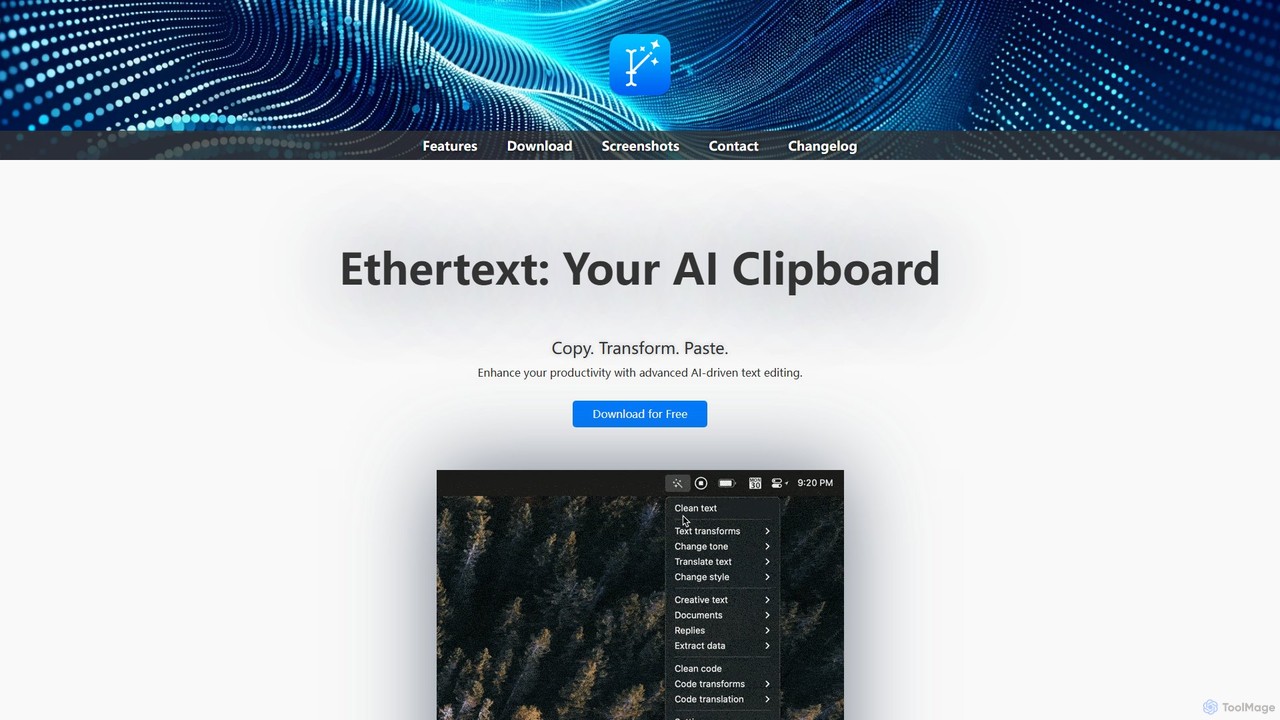
Ethertext
Ethertext is an AI-powered clipboard assistant for macOS that supercharges your productivity. It allows you to instantly transform, edit, and enhance any text you copy. With support for major AI models like OpenAI, Gemini, and Claude, as well as local models via Ollama, it offers powerful text and code manipulation, a smart memory feature, and seamless integration into your daily workflow through keyboard shortcuts.
Code AssistantTypingMind
TypingMind is an advanced, privacy-first chat UI for large language models (LLMs) like ChatGPT, Gemini, and Claude. It offers a unified workspace with powerful features, allowing users to bring their own API keys for a one-time fee. Enhance your productivity with custom agents, a rich plugin ecosystem, and advanced chat management tools, all while keeping your data secure on your device.
Api Management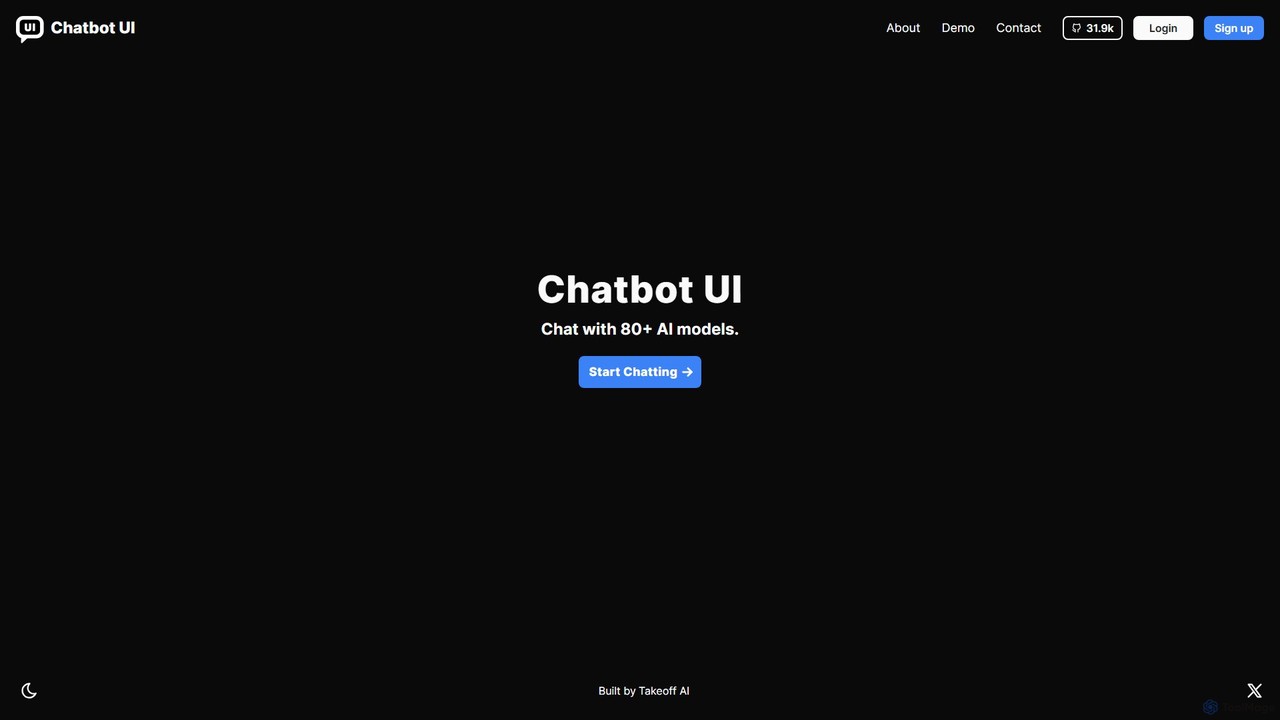
Chatbot UI
Chatbot UI is an open-source chatbot interface that allows you to connect with over 80 AI models, including those from OpenAI, Google, and Anthropic. It offers a self-hostable, customizable alternative to proprietary chat platforms, giving users full control over their data and conversations. Organize chats, create prompts, and seamlessly switch between models in a single, unified workspace.
Api Management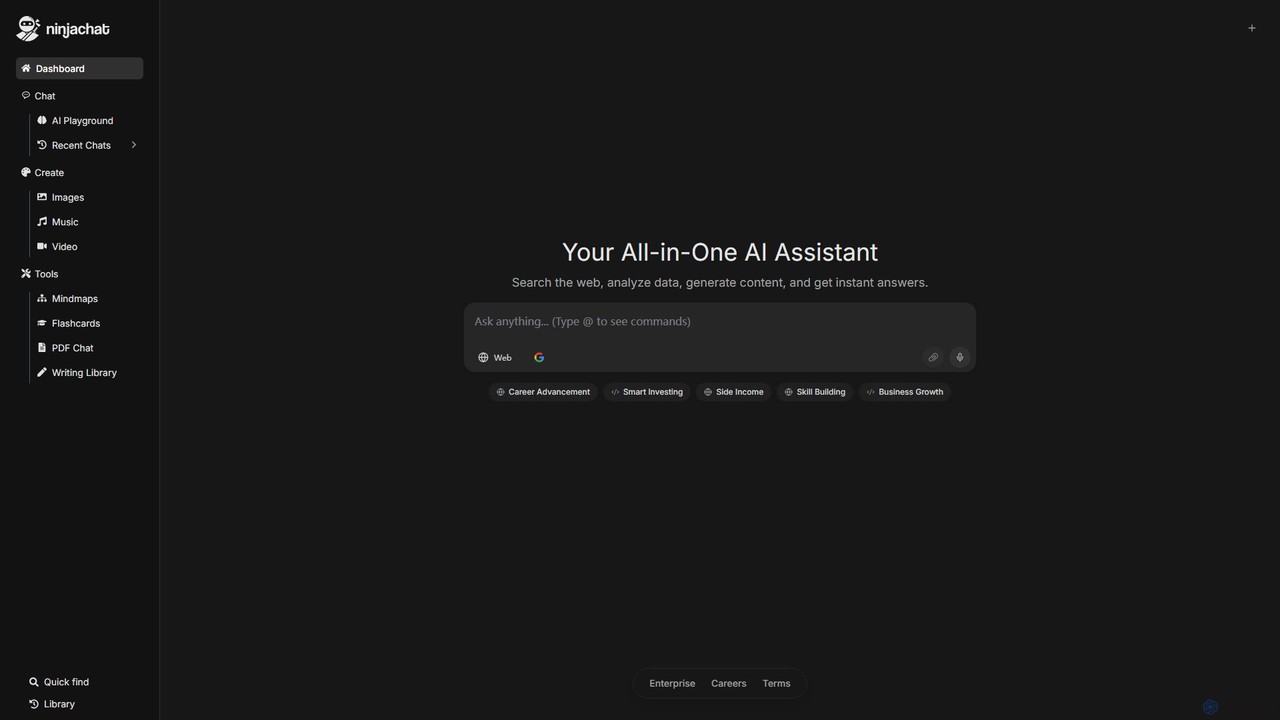
Ninjachat
Ninjachat is an all-in-one AI assistant that provides access to a wide range of leading large language models (LLMs) through a single, unified interface. Compare outputs from models like GPT-4o, Gemini 1.5 Pro, Claude 3.7 Sonnet, and Llama 4 to find the best results for any task, from content creation and coding to complex research.
Code Assistant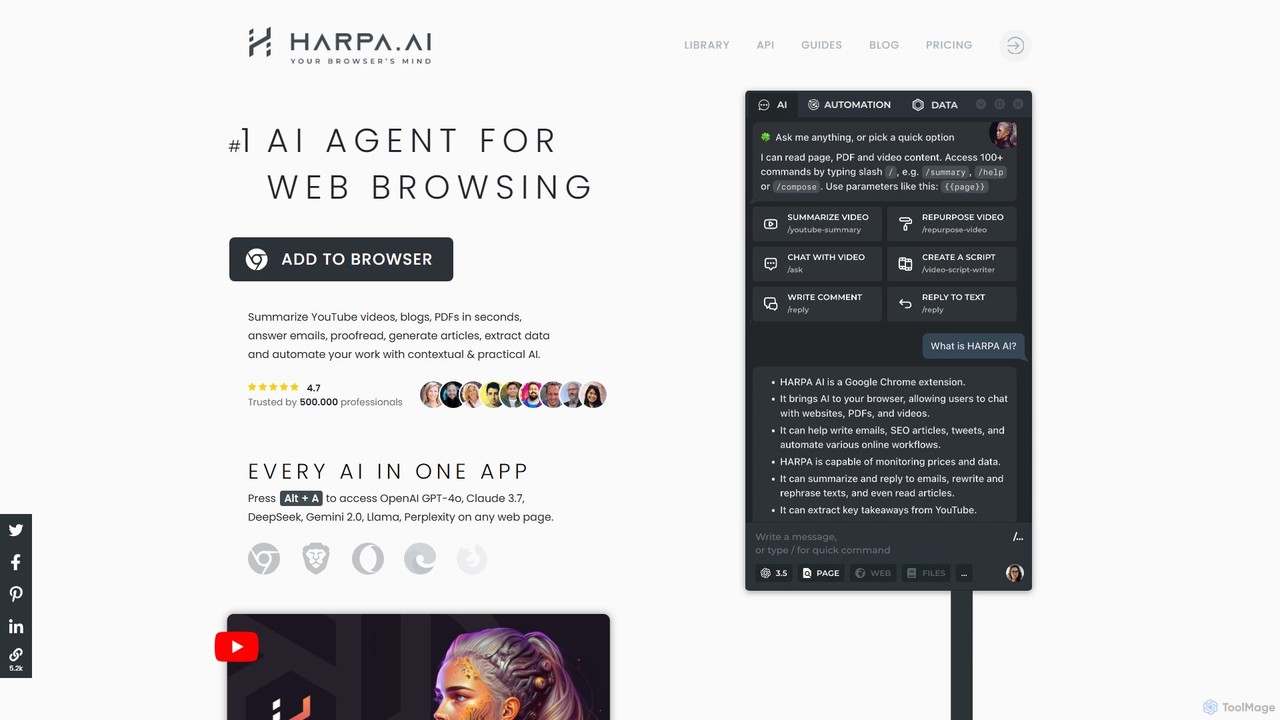
HARPA AI
HARPA AI is an all-in-one AI browser agent that integrates ChatGPT, Claude, Gemini, and more directly into your browser. It automates web tasks, summarizes content, drafts emails, extracts data, and enhances productivity with over 100 pre-built, page-aware commands. It functions as a versatile copilot for browsing, research, and automation.
Automation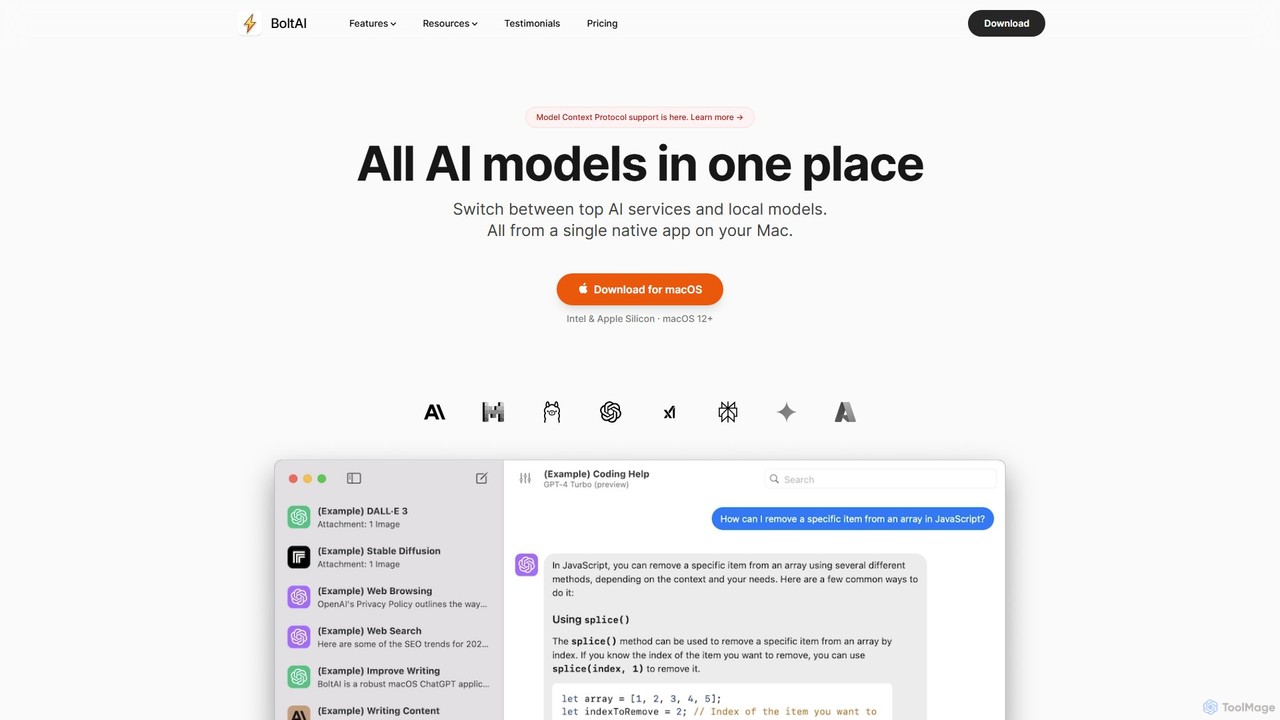
BoltAI
BoltAI is a native, high-performance AI assistant for macOS that integrates multiple AI models like GPT, Claude, and local models directly into your workflow. It offers features like an in-IDE coding assistant, custom AI assistants, a prompt library, and powerful plugins to boost productivity for developers, writers, and professionals.
Coding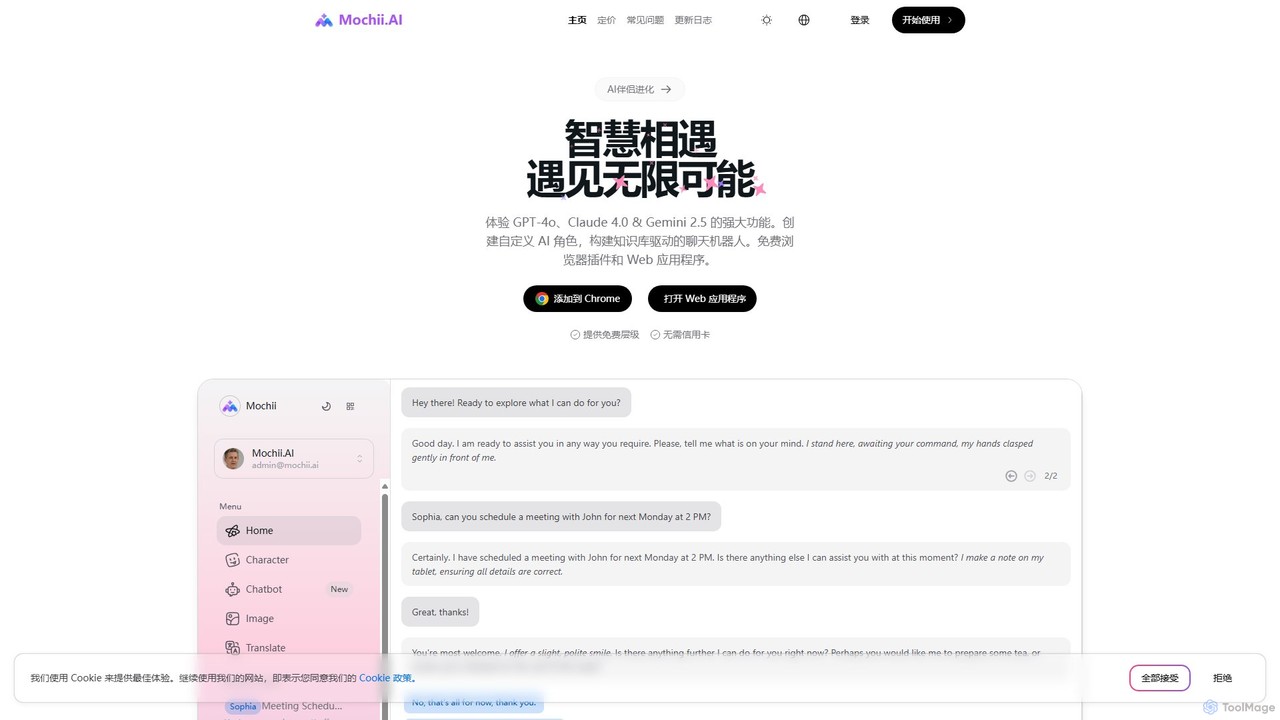
Mochii
Mochii is an all-in-one AI assistant that integrates leading models like GPT-4o, Claude, and Gemini into a seamless browser extension and web app. It enhances productivity by offering features like document analysis, web browsing, AI chatbot building, and customizable AI roles. A generous free tier provides access to advanced AI capabilities for everyone.
Productivity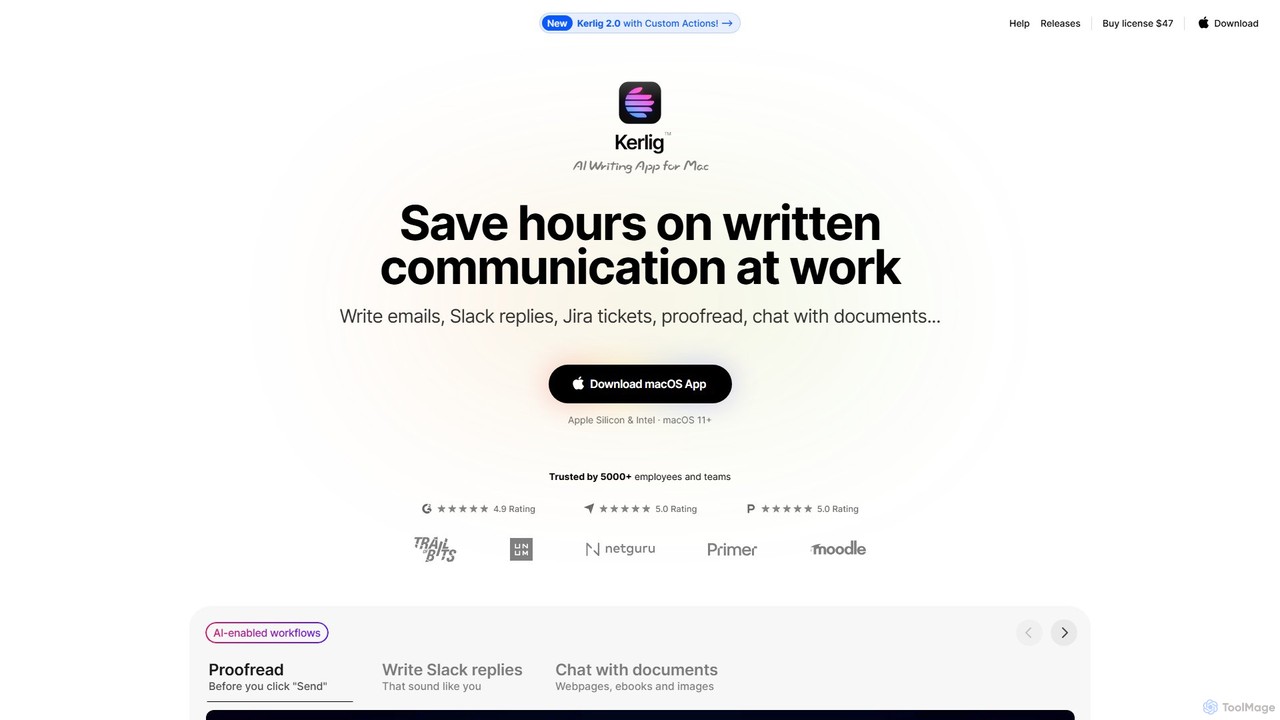
Kerlig
Kerlig is a native AI writing assistant for macOS designed to streamline your communication. It integrates seamlessly into your workflow, allowing you to write emails, proofread text, chat with documents, and generate content using over 350 AI models. With custom actions and a focus on privacy, Kerlig saves you hours by bringing powerful AI to your fingertips, without ever leaving your current application.
Mac Apps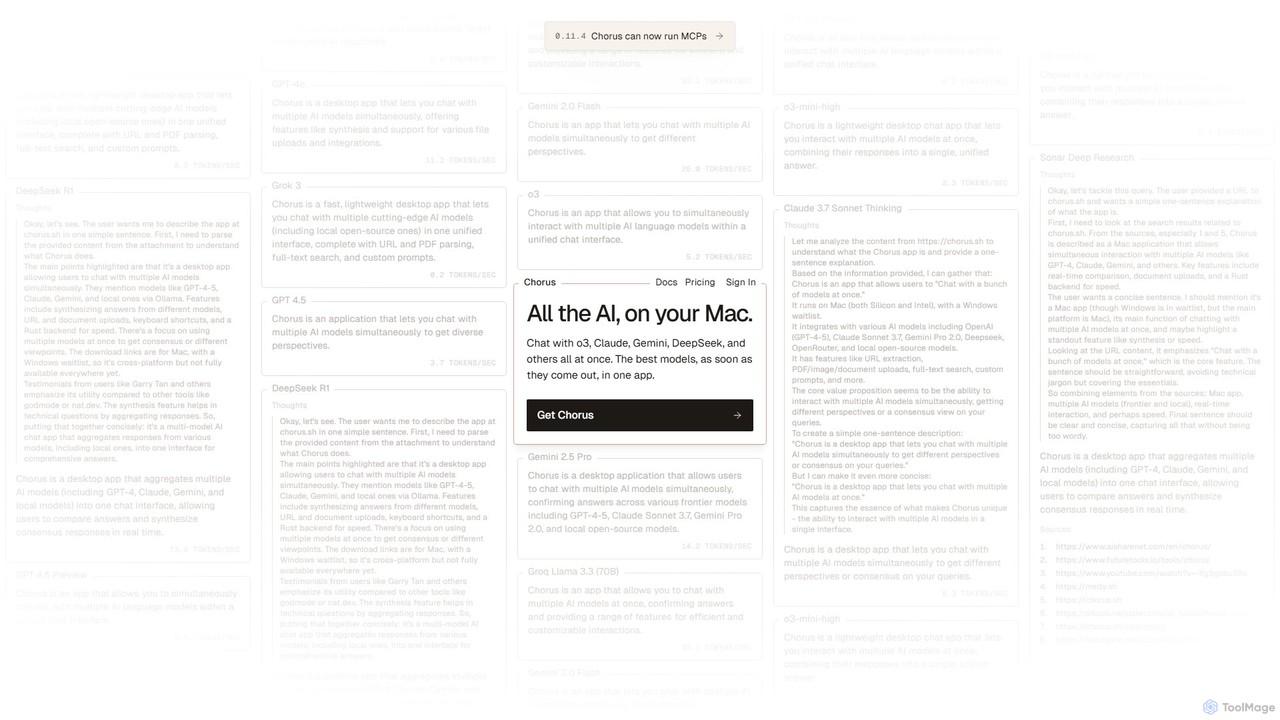
Chorus
Chorus is a fast, lightweight desktop app for Mac that lets you chat with multiple cutting-edge AI models simultaneously. It unifies access to models like GPT, Claude, Gemini, and local open-source AIs in a single interface, complete with features for comparing responses, synthesizing answers, and integrating with your workflow through file uploads and screen context.
Coding Assistant
grafychat Comments (0)
Sign in to comment.
Sign inNo comments yet.