

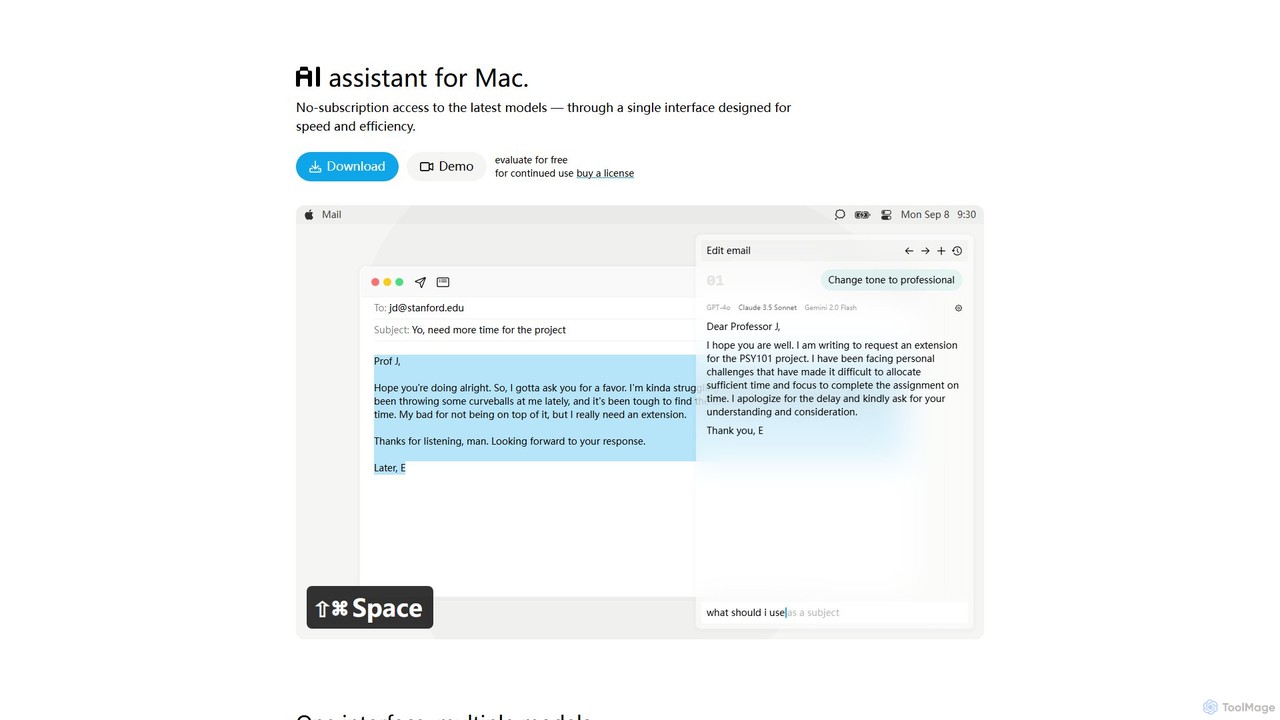
IntelliBar Overview
IntelliBar is a sophisticated, native AI assistant designed exclusively for Mac users who demand speed, efficiency, and control over their digital interactions. It serves as a centralized hub, allowing you to access a vast array of cutting-edge large language models (LLMs) from a single, beautifully designed interface. Forget juggling multiple browser tabs and expensive subscriptions; IntelliBar integrates top-tier models like OpenAI's GPT-4o, Anthropic's Claude 3.5 Sonnet, and Google's Gemini 2.0, alongside open-source and local models through Ollama. This approach not only streamlines your workflow but also offers significant cost savings through its unique one-time purchase model.
How to use IntelliBar
Getting started with IntelliBar is straightforward and designed to get you productive in minutes. First, download the application from the official website and take advantage of the free demo to evaluate its capabilities. Once you're ready, purchase a lifetime license. The core of IntelliBar's functionality lies in connecting your own API keys from various AI providers. This means you pay the providers directly for your usage, often at a fraction of the cost of their consumer-facing subscriptions. For ultimate privacy, you can also configure IntelliBar to work with local models running on your machine via Ollama, ensuring no data ever leaves your computer. Once set up, you can invoke IntelliBar with a simple keyboard shortcut (⇧⌘Space), type your query, and instantly get responses from your chosen models.
Core Features of IntelliBar
- Unified Multi-Model Access: Seamlessly switch between or use multiple models simultaneously, including GPT-4o, Claude 3.5 Sonnet, Gemini 2.0 Pro, Llama 3.2, and many more.
- Side-by-Side Comparison: Send the same prompt to different models and compare their outputs in a clean, side-by-side view to choose the best response for your needs.
- Local Model Support: Connect to local models via Ollama for complete privacy and offline access. Your prompts and data remain entirely on your device.
- Privacy-First Architecture: IntelliBar communicates directly with AI providers without any intermediary servers. Your chat history is stored locally on your Mac, not in the cloud, eliminating the risk of account-based data breaches.
- Efficiency-Boosting Workflow: Features like a Command Menu (⌘K) for quick actions, Instant Search (⌘O) for your chat history, and smart prompt auto-completion are designed to keep you in your flow state.
- Custom Instructions & Slash Commands: Save and reuse common prompts or instructions using intuitive slash commands (e.g., `/code` for a code block, `/brief` for a concise answer).
- One-Time Purchase Model: Pay once for the app license and then only for what you use via your own API keys, avoiding multiple, costly monthly subscriptions.
Use Cases for IntelliBar
IntelliBar is a versatile tool that can enhance a wide range of professional and personal tasks:
- Content Creation & Writing: Draft emails, write articles, generate marketing copy, and brainstorm ideas. Use the 'change tone' feature to instantly adapt your text from casual to professional.
- Development & Coding: Get help with writing code, debugging, understanding complex algorithms, or generating boilerplate code snippets.
- Research & Learning: Quickly summarize long documents, ask complex questions, and get explanations on any topic from multiple AI perspectives.
- Daily Productivity: Plan your travel itinerary, get personal finance advice, find movie recommendations, get recipe suggestions, or receive career advice and resume tips.
- Multilingual Tasks: Translate text, practice a new language, or draft communications in different languages with ease.
Advantages of IntelliBar
IntelliBar stands out from other AI tools with several key advantages. Its primary benefit is the significant cost savings offered by its one-time purchase and pay-as-you-go API model, which is far more economical than maintaining multiple $20/month subscriptions. Secondly, its native Mac experience is optimized for speed and performance, providing a much smoother and more integrated workflow than web-based alternatives. Finally, its unwavering commitment to privacy, with local data storage and direct API communication, gives users peace of mind that their sensitive information remains secure and under their control.
Pricing and Plans
IntelliBar rejects the subscription model common in the software industry. Instead, it offers a single, one-time license purchase for continued use after a free evaluation period. This purchase gives you lifetime access to the IntelliBar application and all its features. Users are responsible for the costs associated with the AI models they use, which are billed directly by the respective providers (e.g., OpenAI, Anthropic, Google) based on API usage. This pay-for-what-you-use model provides maximum flexibility and is typically much cheaper for most users compared to fixed monthly subscriptions. Alternatively, using local models via Ollama incurs no additional cost beyond the initial app license.
Traffic
Latest traffic
Status
Monthly traffic trend
- 2025-9: 309
- 2026-1: 569
- 2026-2: 504
- 2026-3: 166
- 2026-4: 1.2K
- 2026-5: 162
Geography
Top 5 countries / regions
- 🇺🇸United States100.0%
Top keywords
| Keyword | Cost per click |
|---|---|
| ai assistant macos | $0.00 |
| ai limit mac app | $0.00 |
| intellibar download | $0.00 |
| new chat⇧⌘osearch chats⌘k | $0.00 |
| personal ai assistant for mac | $0.00 |
IntelliBar Alternatives
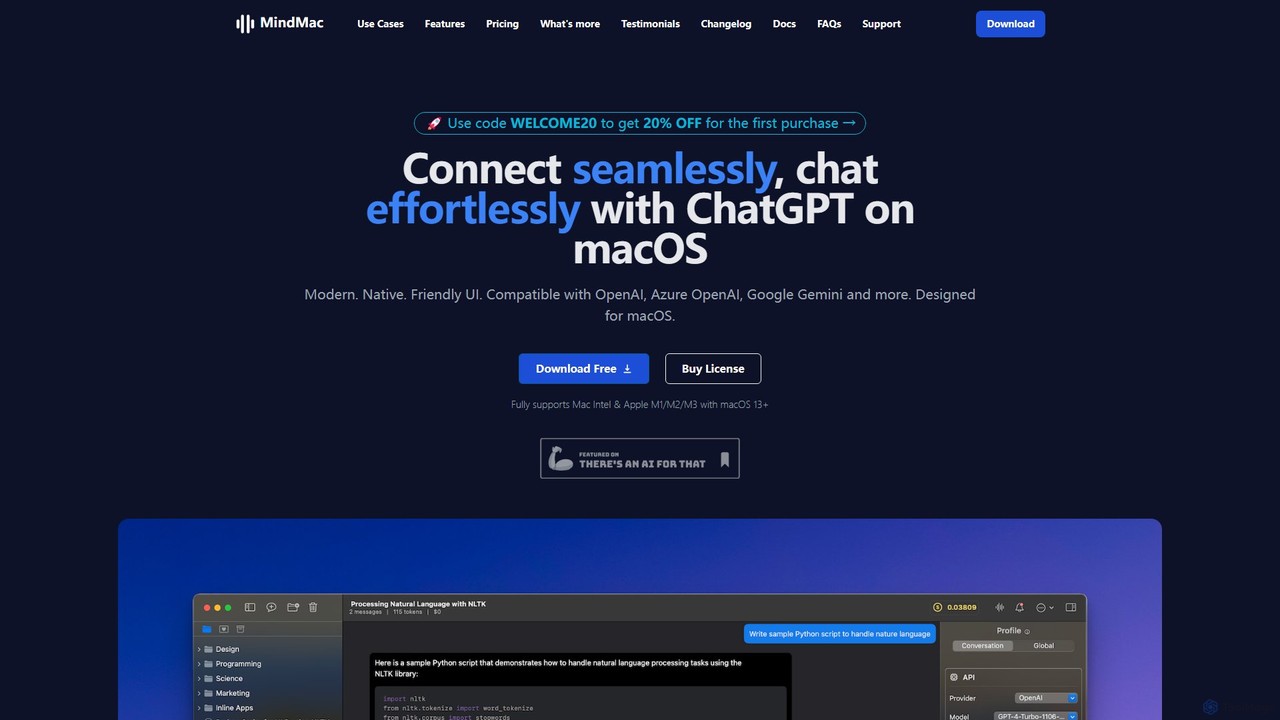
MindMac
MindMac is a powerful, native macOS client that provides a unified interface for interacting with a vast range of AI models, including OpenAI's GPT, Google Gemini, Claude, and local LLMs. It enhances productivity with features like an inline mode for use in any app, a rich prompt library, and extensive customization. It prioritizes privacy and security by storing API keys locally and communicating directly with AI providers.
Macos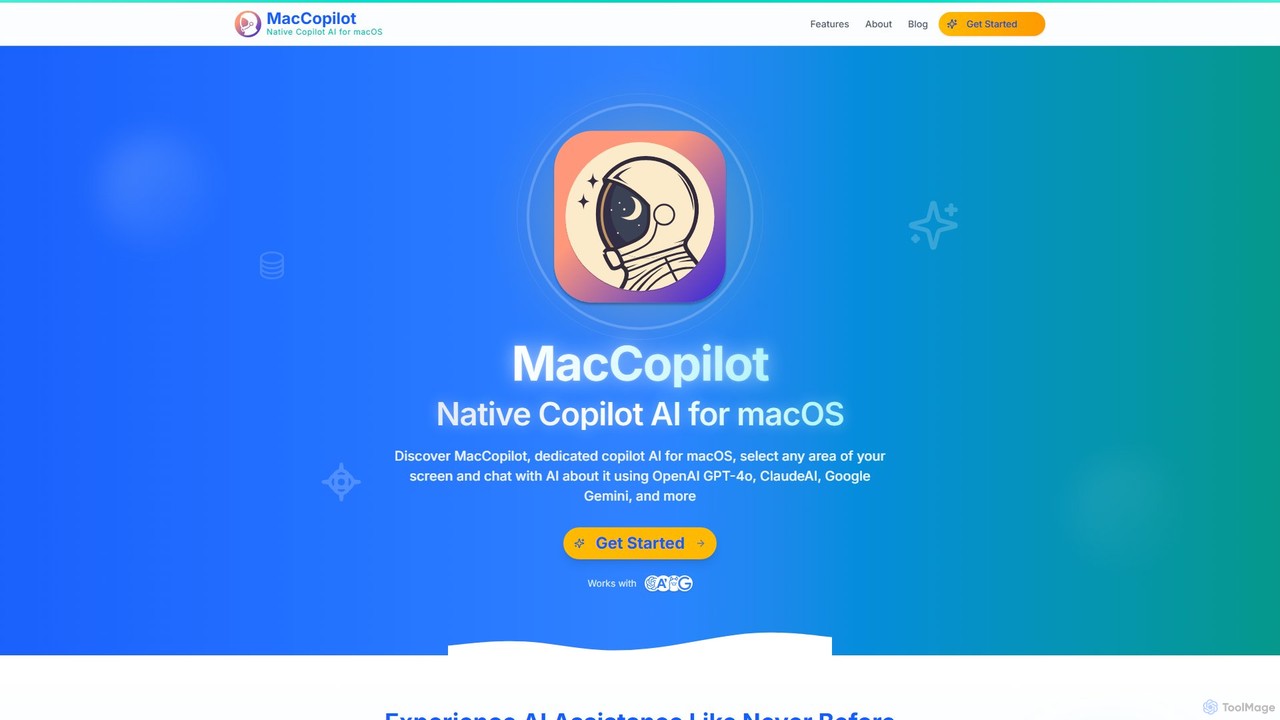
MacCopilot
MacCopilot is a native AI assistant for macOS that revolutionizes productivity. It allows you to select any area of your screen and instantly start a conversation with advanced AI models like GPT-4o, Claude 3.5, and Gemini. Get immediate insights, code explanations, email drafts, and more, without ever leaving your current window. It's a seamless bridge between your screen's content and powerful AI.
Code Assistant
Iris
Iris is a seamless AI assistant for macOS, designed to integrate into your workflow. It provides instant access to top AI models like GPT-4o and Claude 3.5, allowing you to chat, capture your screen for context, and get answers without ever leaving your current application. With intuitive gestures and powerful shortcuts, Iris is there when you need it and invisible when you don't.
Coding Assistant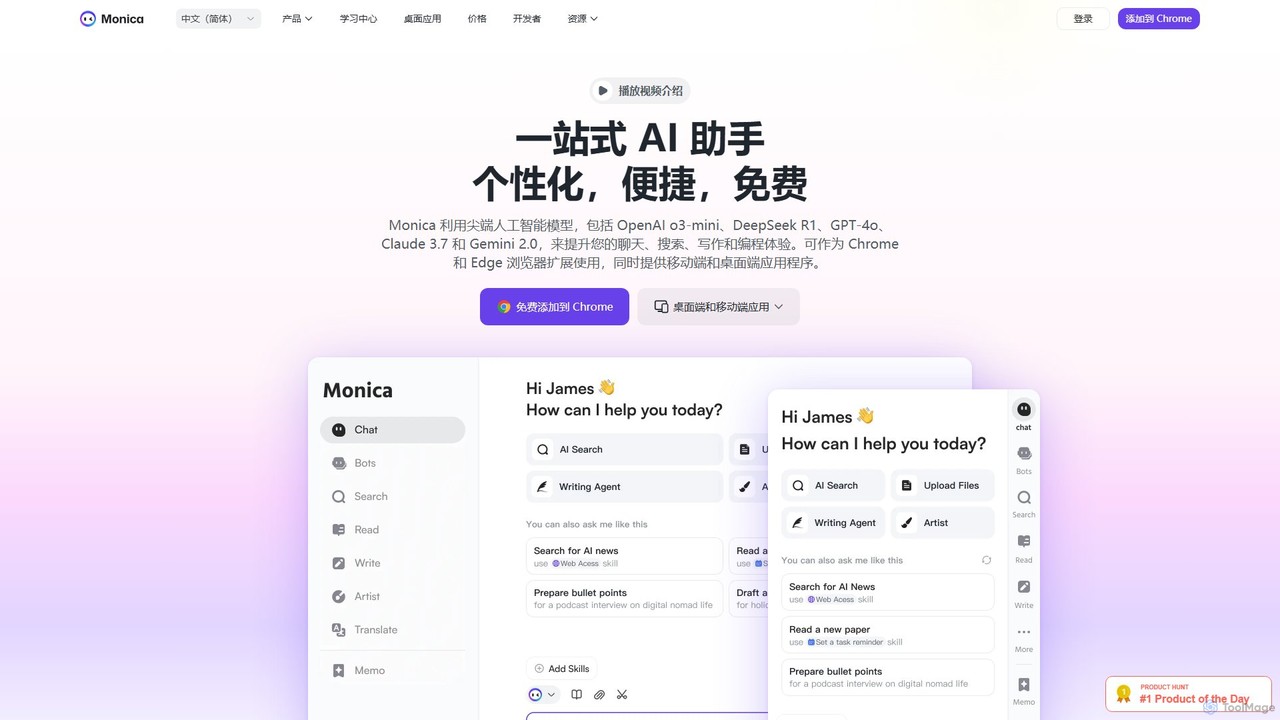
Monica
Monica is an all-in-one AI assistant powered by leading models like GPT-4o, Claude 3.7, and Gemini 1.5. It integrates seamlessly into your workflow as a browser extension, desktop, and mobile app, offering features for chat, search, writing, translation, and image creation to boost productivity.
Chrome Extensions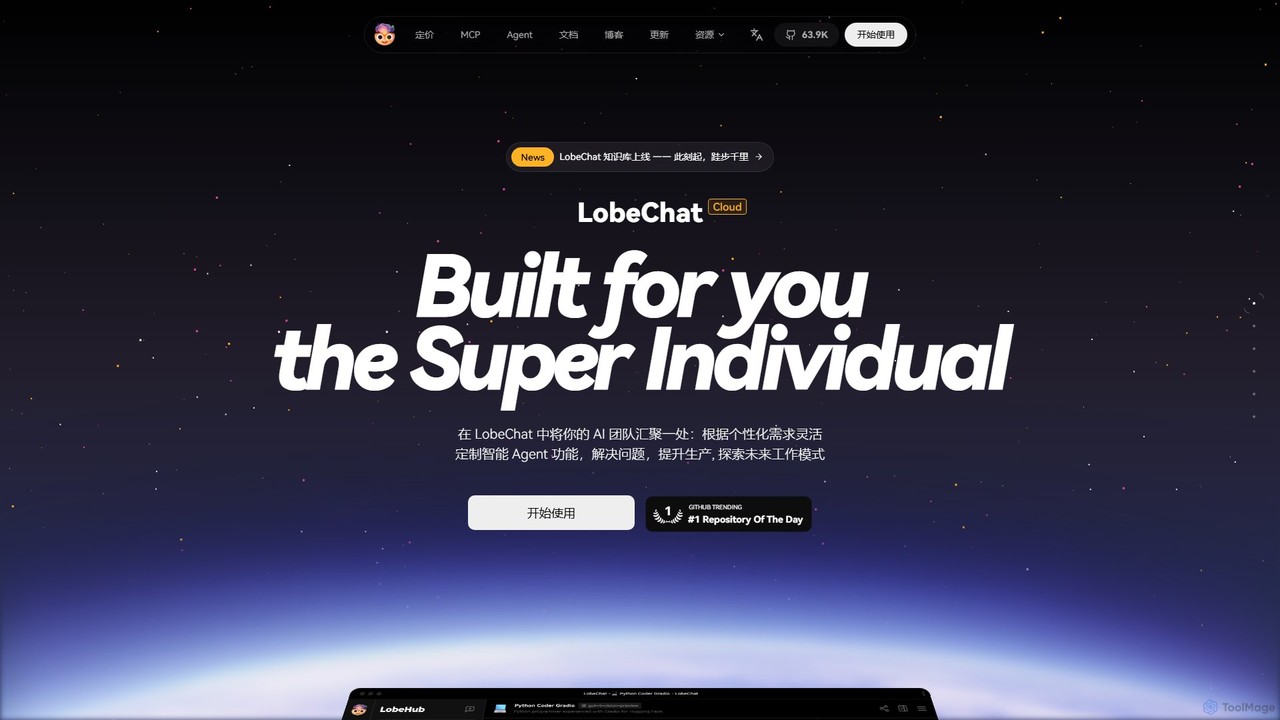
LobeHub
LobeHub is an all-in-one AI platform that allows you to build and manage a personalized team of AI Agents. It offers a superior user experience to standard LLM interfaces like ChatGPT, with support for numerous models, plugins, and multi-modal interactions. Create, share, and use specialized agents for tasks ranging from coding and writing to academic research and daily life, all within a single, intuitive chat interface.
Chatbot PlatformIntelliBar Categories
IntelliBar Embed Widget
Copy this embed code to place the badge on your blog, article, or product site and send readers directly to this ToolMage detail page.

Related AI tools
MacCopilot
MacCopilot is a native AI assistant for macOS that revolutionizes productivity. It allows you to select any area of your screen and instantly start a conversation with advanced AI models like GPT-4o, Claude 3.5, and Gemini. Get immediate insights, code explanations, email drafts, and more, without ever leaving your current window. It's a seamless bridge between your screen's content and powerful AI.
Code AssistantIris
Iris is a seamless AI assistant for macOS, designed to integrate into your workflow. It provides instant access to top AI models like GPT-4o and Claude 3.5, allowing you to chat, capture your screen for context, and get answers without ever leaving your current application. With intuitive gestures and powerful shortcuts, Iris is there when you need it and invisible when you don't.
Coding Assistant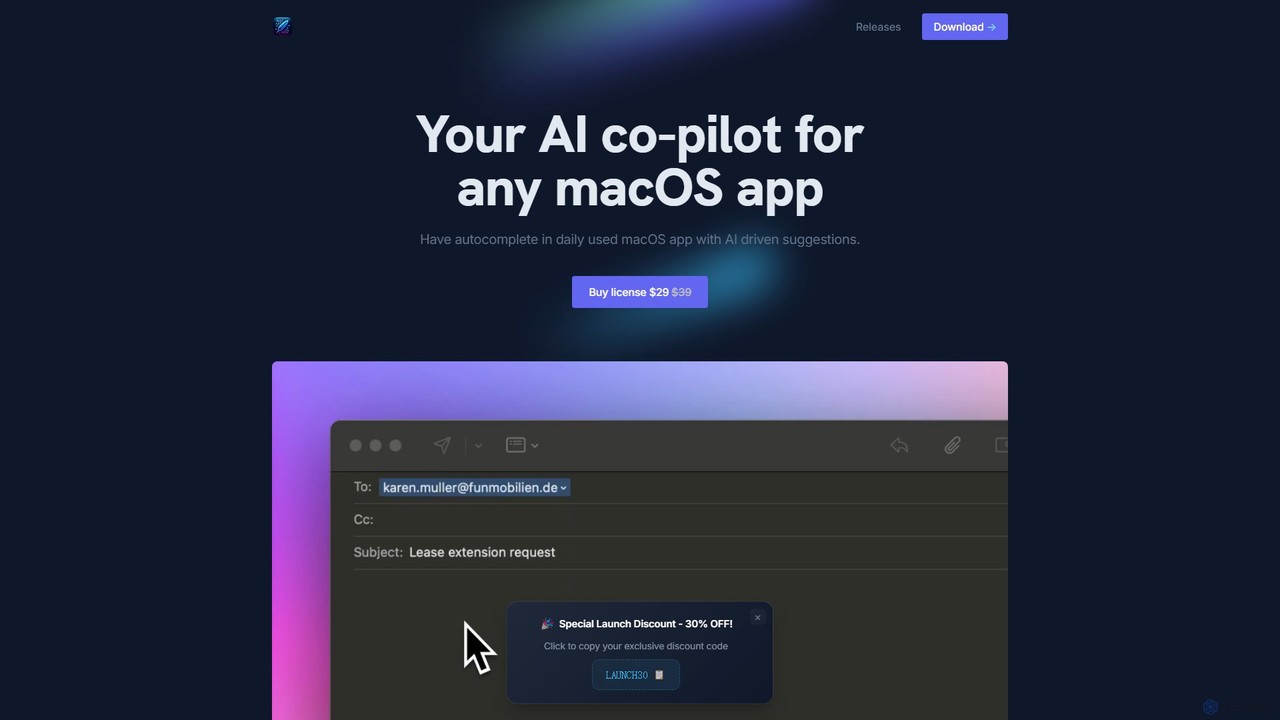
InfinipilotAI
InfinipilotAI is a native macOS AI co-pilot that seamlessly integrates with any application. It boosts productivity with features like AI-driven autocomplete, writing enhancement, translation, and developer utilities. With a strong focus on privacy, it supports local language models via Ollama, ensuring your data stays on your device. It's a lightweight, high-performance tool available for a one-time purchase.
Code AssistantMindMac
MindMac is a powerful, native macOS client that provides a unified interface for interacting with a vast range of AI models, including OpenAI's GPT, Google Gemini, Claude, and local LLMs. It enhances productivity with features like an inline mode for use in any app, a rich prompt library, and extensive customization. It prioritizes privacy and security by storing API keys locally and communicating directly with AI providers.
MacosMonica
Monica is an all-in-one AI assistant powered by leading models like GPT-4o, Claude 3.7, and Gemini 1.5. It integrates seamlessly into your workflow as a browser extension, desktop, and mobile app, offering features for chat, search, writing, translation, and image creation to boost productivity.
Chrome ExtensionsLobeHub
LobeHub is an all-in-one AI platform that allows you to build and manage a personalized team of AI Agents. It offers a superior user experience to standard LLM interfaces like ChatGPT, with support for numerous models, plugins, and multi-modal interactions. Create, share, and use specialized agents for tasks ranging from coding and writing to academic research and daily life, all within a single, intuitive chat interface.
Chatbot Platform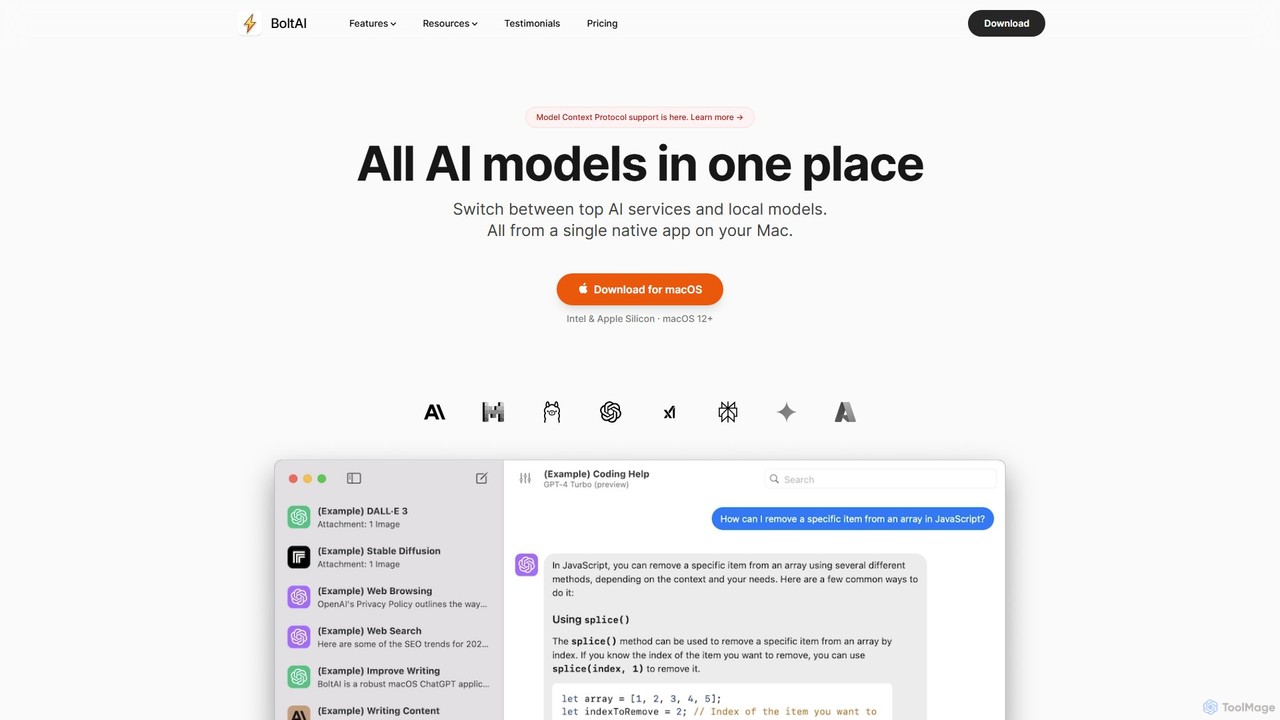
BoltAI
BoltAI is a native, high-performance AI assistant for macOS that integrates multiple AI models like GPT, Claude, and local models directly into your workflow. It offers features like an in-IDE coding assistant, custom AI assistants, a prompt library, and powerful plugins to boost productivity for developers, writers, and professionals.
Coding
Lunabot
Lunabot is a versatile, all-in-one AI assistant that works across all your devices. It integrates leading AI models like GPT-4o, Gemini, and Claude into a seamless experience on your browser, desktop, and mobile. Boost your productivity with features like document chat, AI image generation, voice interaction, and customizable shortcut commands, all from a single, budget-friendly platform.
Chat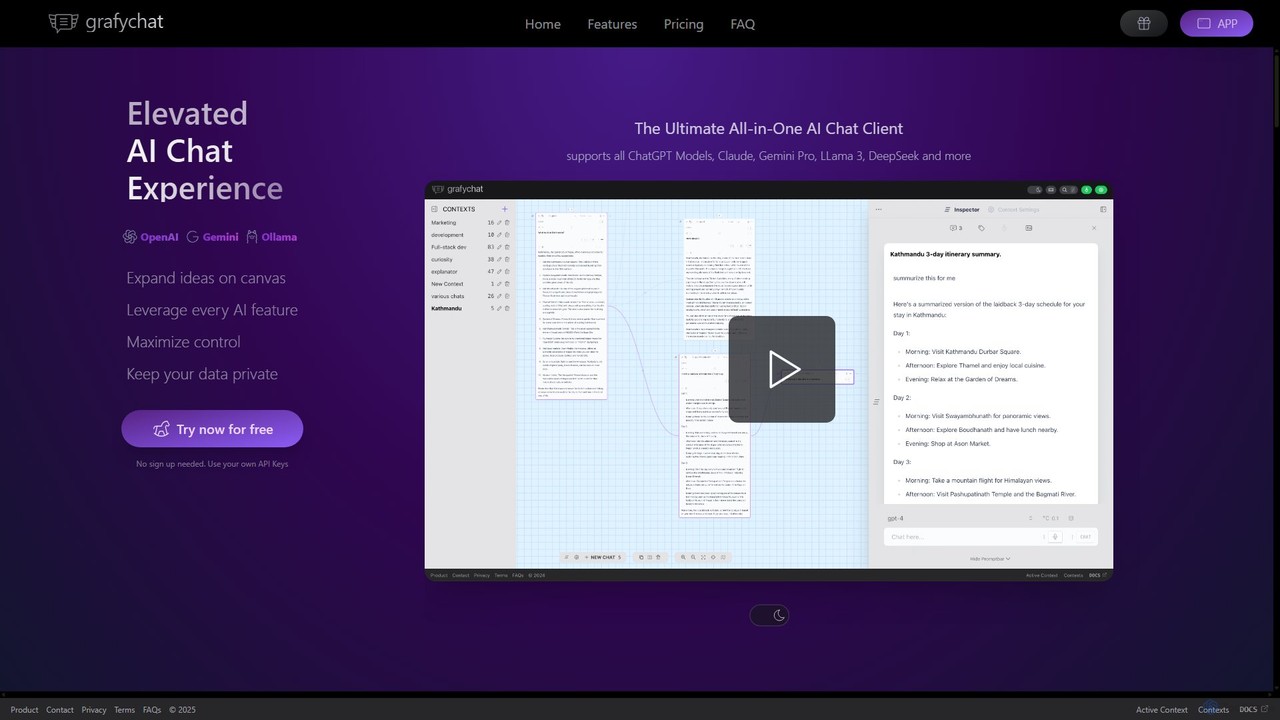
grafychat
grafychat is a privacy-first, all-in-one AI chat client that offers a unique visual canvas interface. It allows users to connect with major AI models like ChatGPT, Gemini, Claude, and Llama 3 using their own API keys, providing a non-linear, organized, and highly customizable chat experience.
Api Management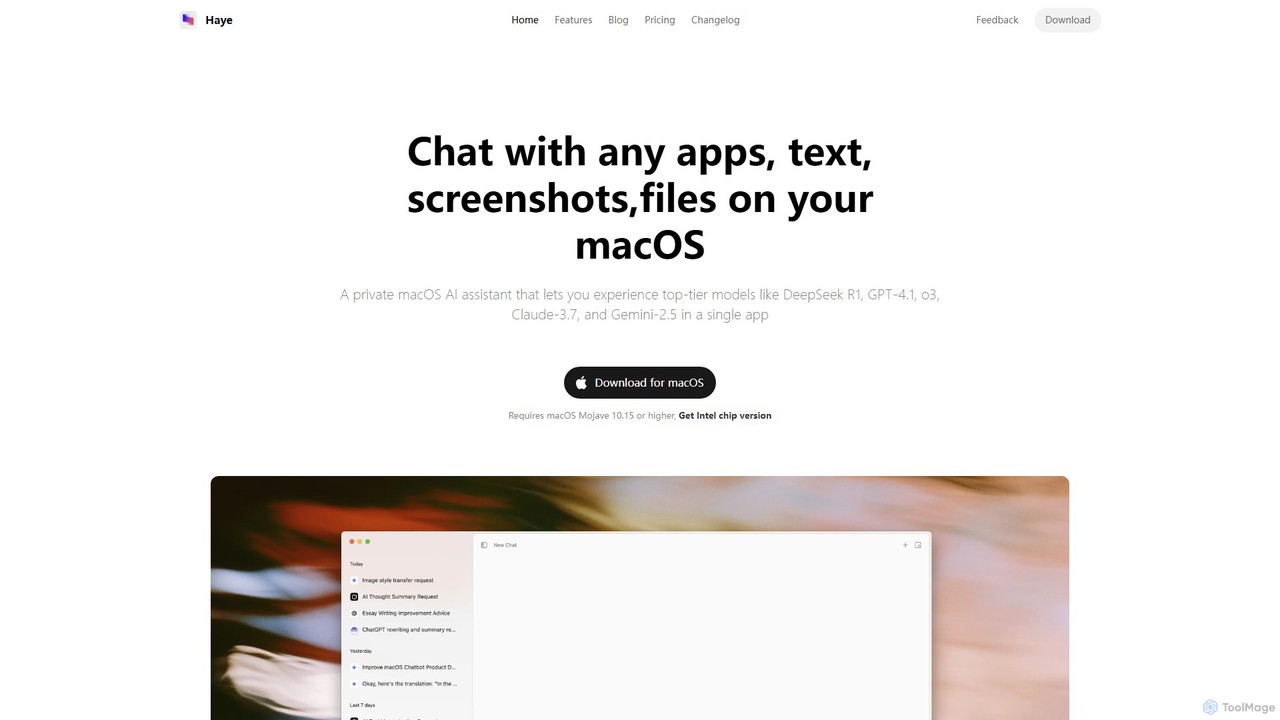
Haye
Haye is a powerful, all-in-one AI chat assistant for macOS, integrating top-tier models like GPT-4.1, Claude-3.7, and Gemini-2.5. It allows users to seamlessly interact with any app, text, screenshot, or file on their desktop, boosting productivity with features like AI search, document chat, and advanced customization.
Code Assistant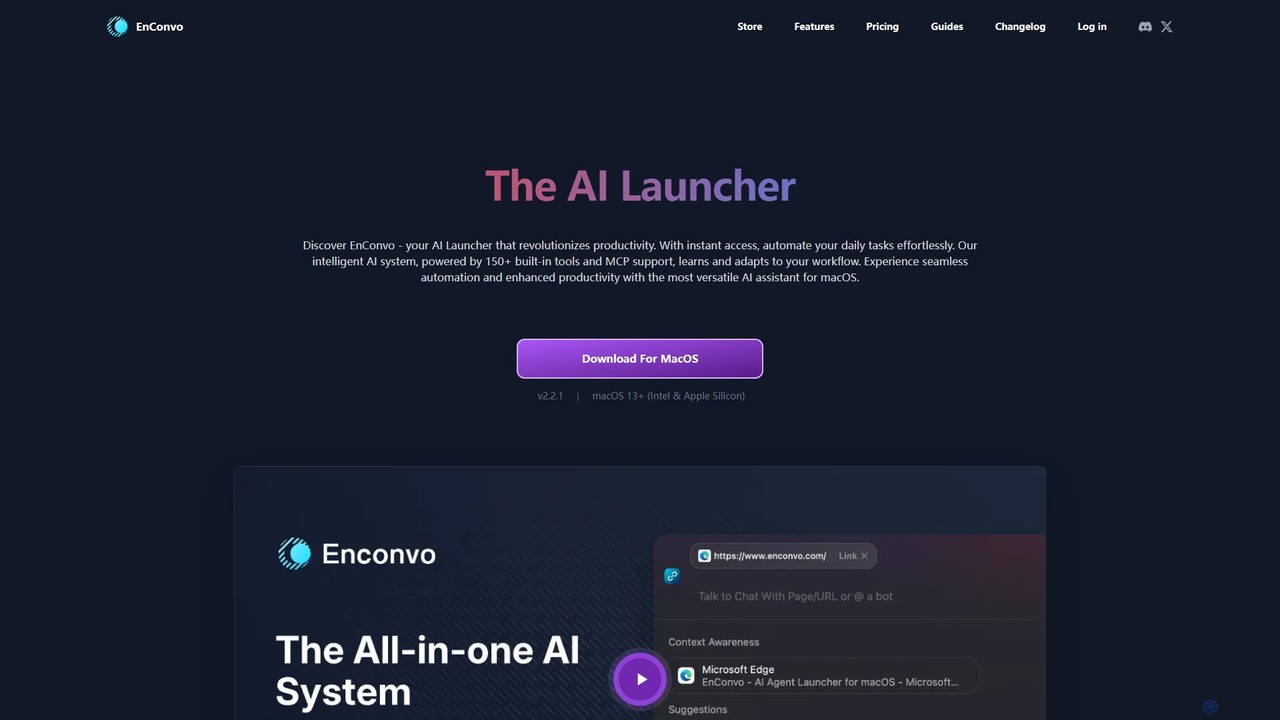
EnConvo
EnConvo is a powerful AI agent launcher for macOS designed to automate tasks and boost productivity. It integrates seamlessly into your workflow with a Spotlight-like interface, offering over 150 tools, custom workflows, context awareness, and support for local LLMs, transforming how you interact with your Mac.
Workflow Automation
timemaster
timemaster is an AI-powered, privacy-first time and productivity tracker for macOS. It automatically monitors your activities in the background, providing insightful analytics to help you understand your work habits, minimize distractions, and supercharge your focus to achieve more every day.
Analytics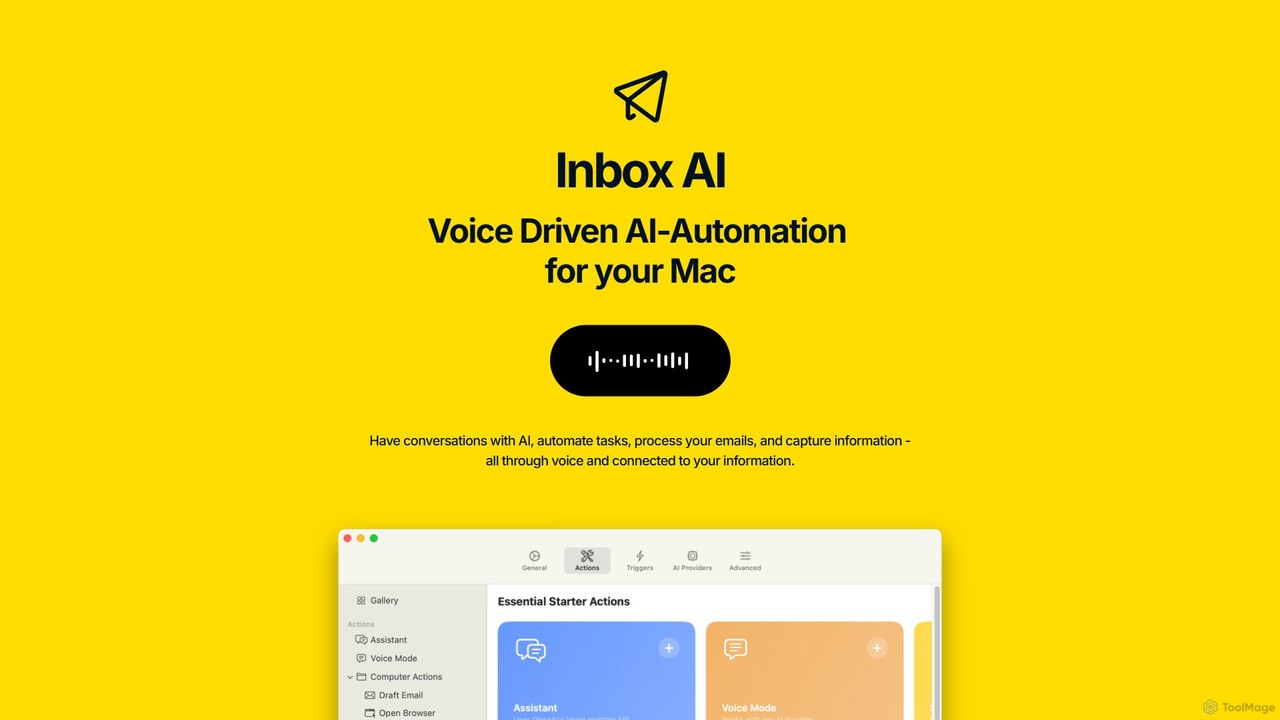
inbox_ai
inbox_ai is a powerful voice-driven AI automation tool for macOS. It allows you to create custom voice commands and build intelligent assistants to streamline your workflow. With features like on-screen quick capture, email filtering, and deep integration with native macOS apps and services like Raycast and PopClip, inbox_ai puts advanced AI capabilities at your fingertips. It operates entirely on-device, ensuring your data remains private and secure, with no login required.
Workflow
Najva
Najva is a free, native macOS app that combines offline, on-device speech recognition with advanced AI models like GPT-4 and Claude 3. It instantly transforms your voice into intelligent text, offering unparalleled privacy and productivity for writers, developers, and professionals. It features context awareness, screenshot integration, and support for numerous AI providers.
Documentation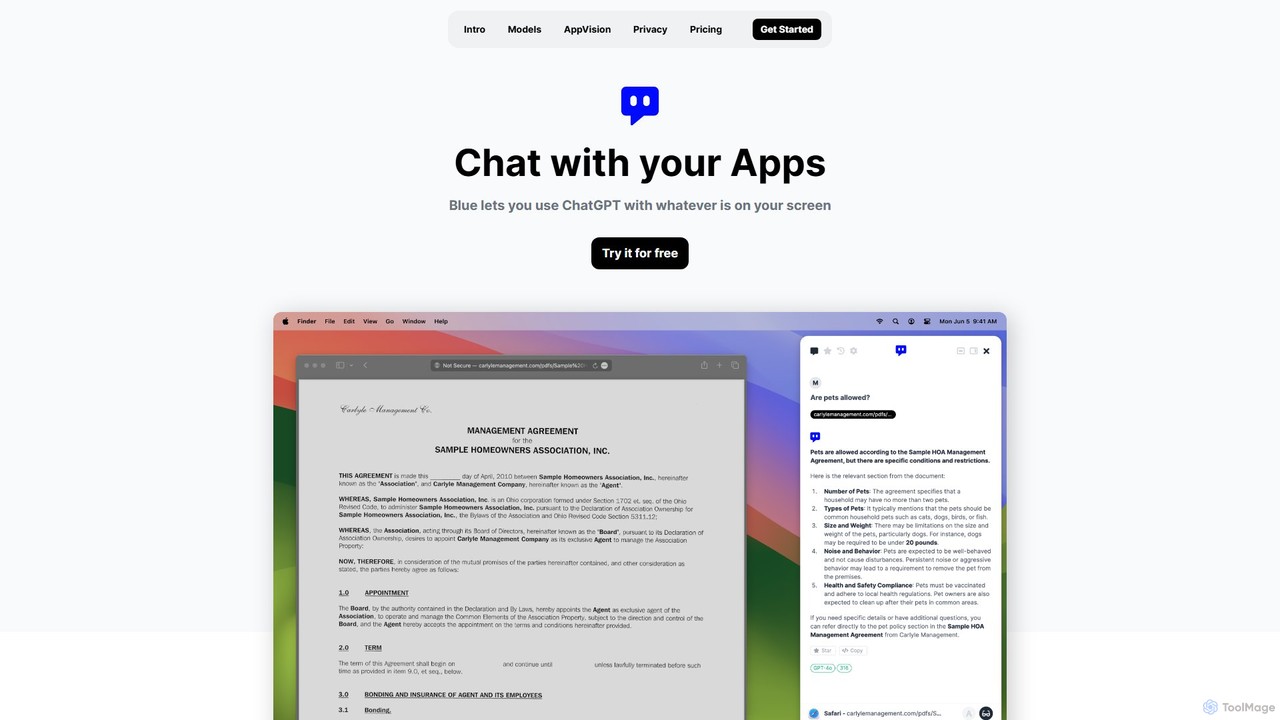
Blue
Blue is a native macOS AI assistant that integrates ChatGPT and other advanced AI models directly into your workflow. Featuring unique screen context awareness (AppVision) and a strong focus on privacy, it allows you to analyze, summarize, or create content in any app with a simple keyboard shortcut, boosting productivity for professionals.
Coding Assistant
IntelliBar Comments (0)
Sign in to comment.
Sign inNo comments yet.