

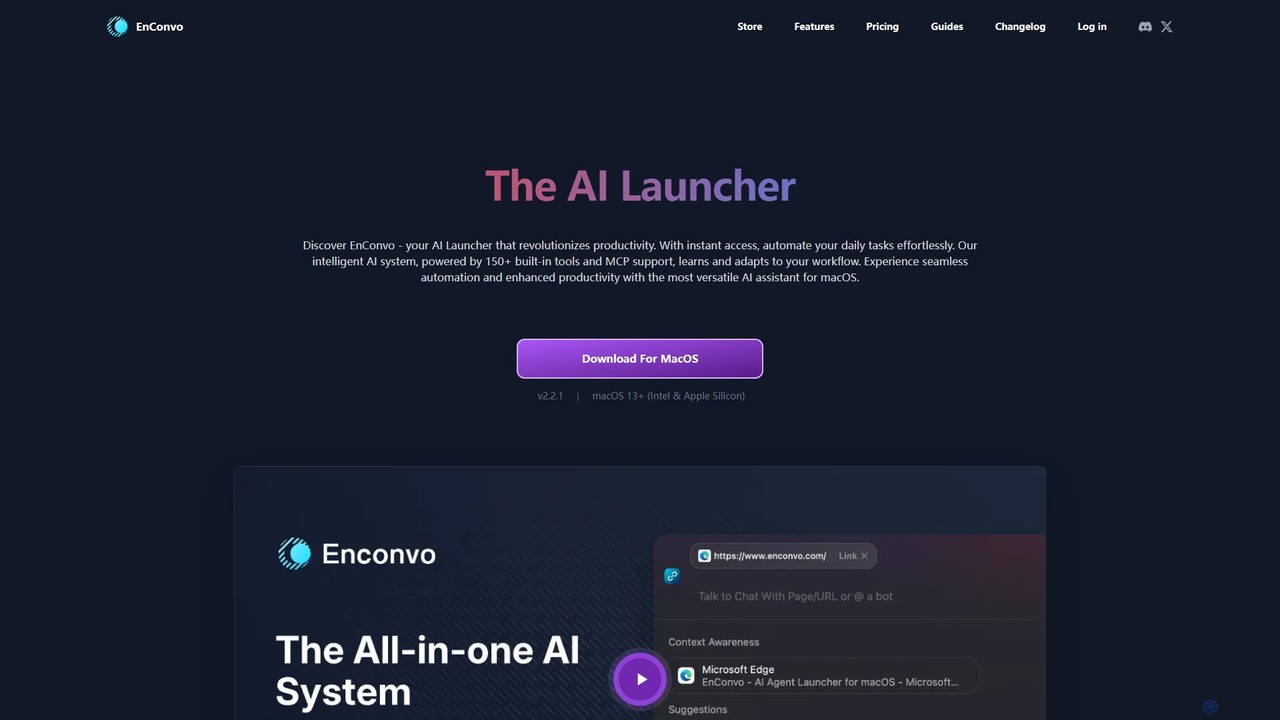
EnConvo Overview
EnConvo is a revolutionary native AI agent launcher built exclusively for macOS. It acts as a supercharged command center, deeply integrated into the operating system to enhance productivity and automate daily tasks. By combining an intelligent, adaptive AI system with a suite of over 150 built-in tools and an extensive plugin ecosystem, EnConvo transforms your Mac into a smarter, more efficient workspace. It learns your workflow, understands context from your current applications, and provides instant access to powerful AI capabilities from anywhere on your system.
How to use EnConvo
Using EnConvo is designed to be intuitive and seamlessly integrated into your existing habits. Here are the primary ways to interact with the tool:
- SmartBar: Press a hotkey to bring up the SmartBar, a unified, Spotlight-like interface. Type the '@' command followed by your query or the tool you want to use. It's the central hub for accessing all features, plugins, and custom workflows.
- PopBar: Simply select any text in any application, and the contextual PopBar will appear. This gives you immediate access to relevant actions like translating, summarizing, improving grammar, or running a custom workflow on the selected text.
- Voice Input: Activate the system-wide voice input with a customizable hotkey. You can dictate text, transcribe audio in real-time, or issue commands to the AI, using providers like Whisper, Deepgram, or Microsoft.
- Workflows: Create your own powerful automations by chaining together different tools and features in the Workflow editor. These can then be triggered via the SmartBar, PopBar, or dedicated hotkeys.
- Knowledge Base: Add your documents (PDFs, DOCs) and websites to create a personal knowledge base. You can then chat with your documents or use the AI to find information within your curated content.
Core Features of EnConvo
- AI Agent & Agent Mode: An intelligent system with memory and context awareness that can access all EnConvo features and plugins to complete complex, multi-step tasks autonomously.
- SmartBar & PopBar: Unified and contextual entry points for instant access to AI tools from any application across macOS.
- Knowledge Base: Build and manage a personal knowledge repository from documents and websites, with AI-powered vector search for quick answers.
- Custom Workflows: A visual editor to combine and arrange system features, tools, and plugins to create personalized automations for your specific needs.
- Context Awareness: Automatically detects the active application, selected text, or files in Finder to provide relevant tool suggestions and context for AI commands.
- Advanced Voice Input: System-wide, high-quality voice dictation and transcription with support for multiple online and offline speech recognition providers.
- Comprehensive Writing Tools: A full suite of tools to fix spelling and grammar, translate, improve, summarize, and expand text.
- Live Screen & Camera: Share your screen or camera feed with the AI for real-time, visually-contextual assistance.
- AI Web Search: Combines AI with multiple search engines (Google, Bing, Tavily) to provide direct, real-time answers without manual browsing.
- Image Generation: Create images directly within your workflow using providers like Stability Diffusion, OpenAI, and Flux.
- Offline & Privacy Mode: Run AI tasks locally using models from Ollama and LM Studio, ensuring your data never leaves your machine.
- Extensive Plugin System: Access over 100 open-source plugins, with the ability for users to develop and contribute their own.
Use Cases for EnConvo
EnConvo is versatile enough for a wide range of professionals:
- Developers: Can use the context-aware PopBar to explain or refactor selected code, search technical documentation in their knowledge base, and automate git commands with custom workflows.
- Writers & Content Creators: Can leverage the writing suite to draft and polish articles, use AI Web Search for quick research, generate blog post images, and summarize long reports.
- Product Managers: Can chat with product requirement documents (PRDs) and user feedback files, create workflows to automate status updates, and use live captions for transcribing user interviews.
- Students & Researchers: Can build a knowledge base from research papers and textbooks, use AI to summarize complex topics, and get help with translations for international sources.
- General Users: Can use it for quick translations, system-wide dictation, downloading online videos, or simply asking the AI questions without switching context.
Advantages of EnConvo
EnConvo stands out with several key advantages:
- Native Performance: As a native macOS app, it's fast, efficient, and deeply integrated with the operating system, unlike cross-platform Electron apps.
- All-in-One Solution: It consolidates the functionality of multiple separate apps (launcher, text expander, AI chatbot, screen capture tool, etc.) into one cohesive interface.
- Extreme Customizability: The ability to create custom workflows and develop new plugins makes it adaptable to any user's specific needs.
- Privacy-Focused: With support for local LLMs via Ollama and LM Studio, users can leverage powerful AI without their data ever leaving their computer.
- Context-Aware Intelligence: Its ability to understand the user's current context makes interactions faster and more relevant, significantly reducing friction.
Pricing and Plans
EnConvo offers a flexible pricing structure to suit different users:
- Free Plan: Includes lifetime access to basic features with a limit of 10 uses per day.
- Standard Plan ($49 one-time): Provides 50,000 points, access for 1 macOS device, 2 years of free updates, and unlocks all features including Knowledge Base, Workflows, and full plugin access.
- Premium Plan ($99 one-time): The most popular option. Includes 150,000 points, access for 3 macOS devices, lifetime free updates, and all features.
- Cloud Premium Plan ($10/month or $96/year): Offers 500,000 points per month, access for 5 devices, and does not require users to provide their own API keys.
- Teams Plan (Custom Pricing): Designed for organizations, offering all premium features plus private deployment options, custom tool development, priority support, and team management features.
A 30% discount is available for students, and a 14-day refund policy is offered for lifetime licenses.
Traffic
Latest traffic
Status
Monthly traffic trend
- 2025-9: 848
- 2026-1: 2.0K
- 2026-2: 2.1K
- 2026-3: 1.3K
- 2026-4: 2.1K
- 2026-5: 432
Geography
Top 5 countries / regions
- 🇺🇸United States100.0%
Top keywords
| Keyword | Cost per click |
|---|---|
| ai agent for mac | $0.00 |
| alter ai is it just for mac not for window | $0.00 |
| enconvo | $0.00 |
| encovo | $0.00 |
| sign up for ienvo | $0.00 |
EnConvo Alternatives
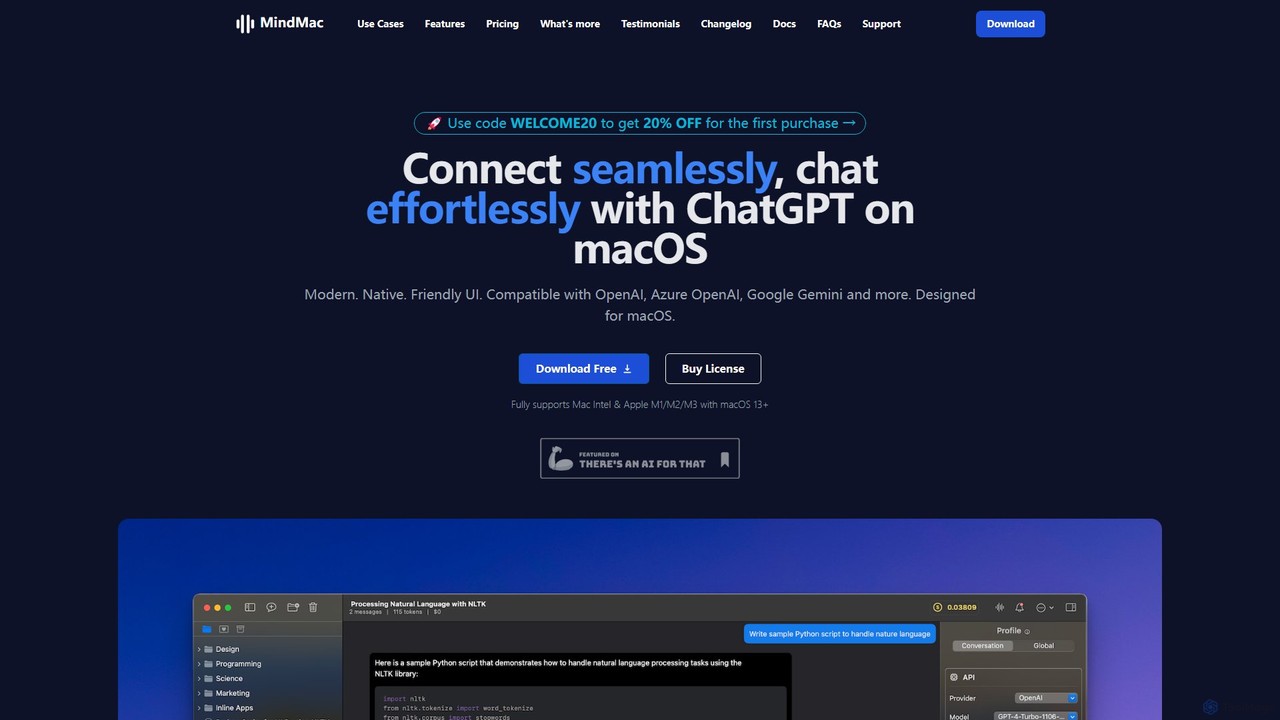
MindMac
MindMac is a powerful, native macOS client that provides a unified interface for interacting with a vast range of AI models, including OpenAI's GPT, Google Gemini, Claude, and local LLMs. It enhances productivity with features like an inline mode for use in any app, a rich prompt library, and extensive customization. It prioritizes privacy and security by storing API keys locally and communicating directly with AI providers.
Macos
Raycast
Raycast is a blazingly fast, extendable launcher for macOS that supercharges your productivity. It replaces Spotlight with a powerful command-line interface to control your tools, search files, run scripts, and automate tasks. With an integrated AI assistant, a vast store of community-built extensions, and features like Clipboard History, Snippets, and Window Management, Raycast centralizes your workflow, saving you time and context-switching.
Workflow Automation
Raycast
Raycast is a blazingly fast, extensible launcher for macOS that supercharges your productivity. It acts as a central command bar to control your tools, with integrated AI, an extensive extension store, and powerful built-in features like window management and clipboard history. It's designed to reduce context switching and keep you in the flow.
Personal Assistant
Omnipilot
Omnipilot is a system-wide AI copilot for macOS, designed to integrate seamlessly into any application. It provides contextual assistance, allowing you to generate text, write code, and automate tasks in any text field, boosting productivity by eliminating the need to switch between apps. Note: Omnipilot has been acquired by and merged into Highlight AI.
Coding Assistant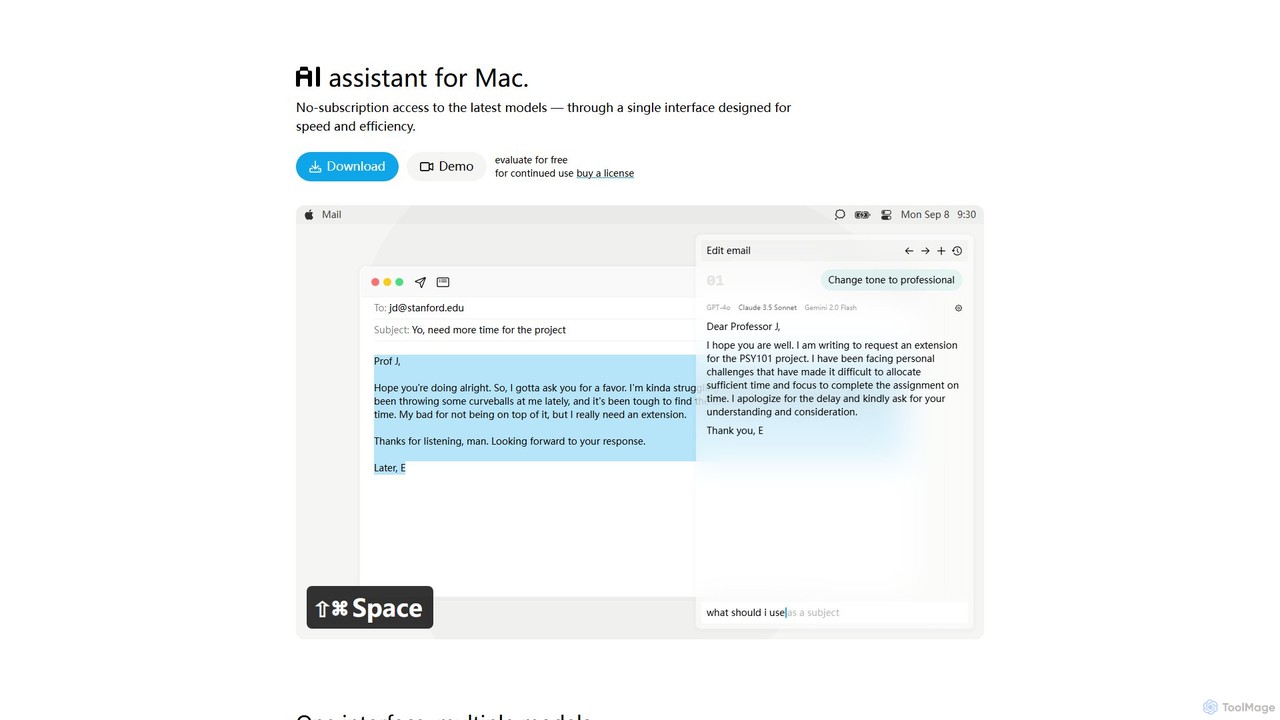
IntelliBar
IntelliBar is a native AI assistant for Mac, providing a unified interface to access the latest large language models like GPT-4o, Claude 3.5, and Gemini, plus local models via Ollama. It focuses on speed, efficiency, and privacy, with a one-time purchase model instead of recurring subscriptions. Compare models, use powerful shortcuts, and keep your data secure on your device.
Api ManagementEnConvo Categories
EnConvo Embed Widget
Copy this embed code to place the badge on your blog, article, or product site and send readers directly to this ToolMage detail page.

Related AI tools
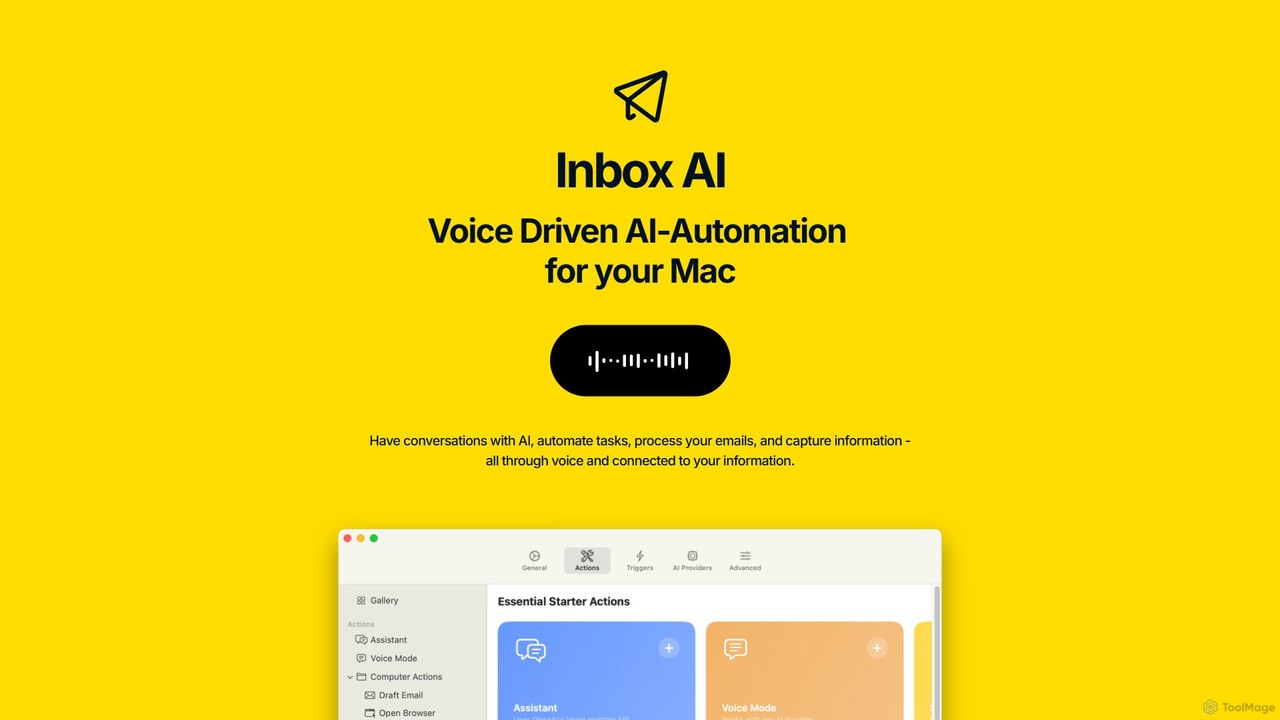
inbox_ai
inbox_ai is a powerful voice-driven AI automation tool for macOS. It allows you to create custom voice commands and build intelligent assistants to streamline your workflow. With features like on-screen quick capture, email filtering, and deep integration with native macOS apps and services like Raycast and PopClip, inbox_ai puts advanced AI capabilities at your fingertips. It operates entirely on-device, ensuring your data remains private and secure, with no login required.
WorkflowMindMac
MindMac is a powerful, native macOS client that provides a unified interface for interacting with a vast range of AI models, including OpenAI's GPT, Google Gemini, Claude, and local LLMs. It enhances productivity with features like an inline mode for use in any app, a rich prompt library, and extensive customization. It prioritizes privacy and security by storing API keys locally and communicating directly with AI providers.
Macos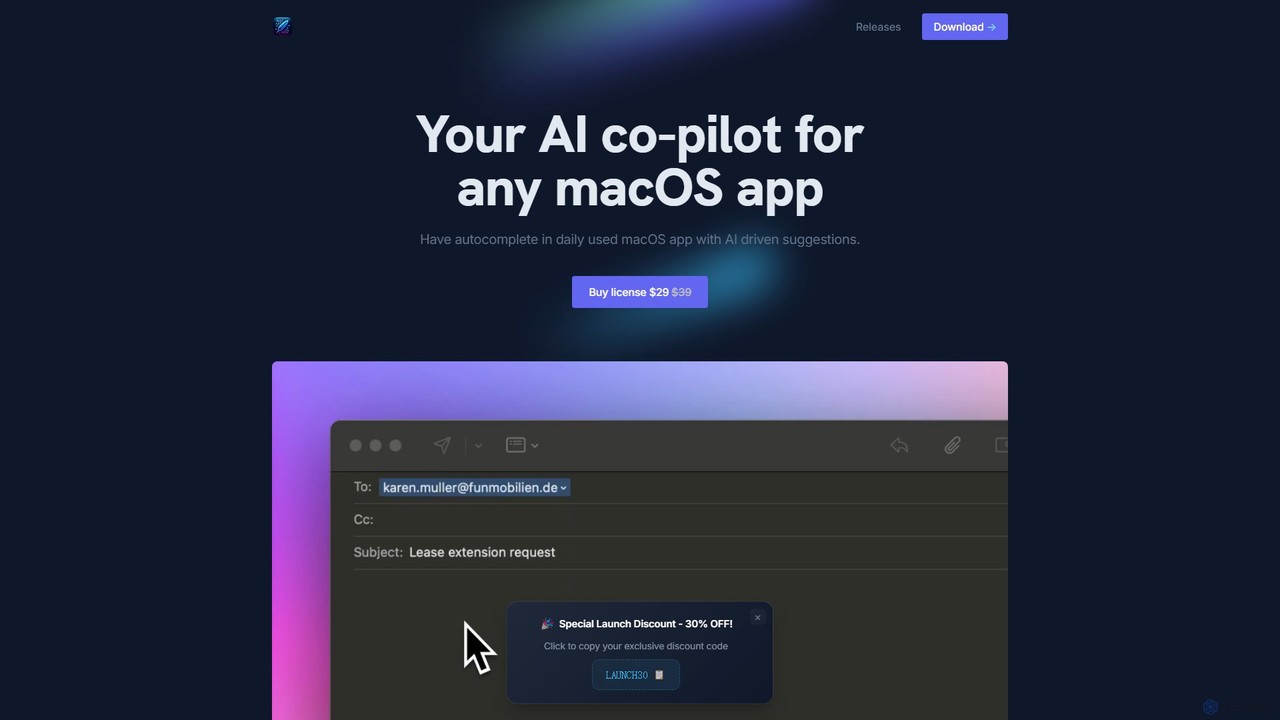
InfinipilotAI
InfinipilotAI is a native macOS AI co-pilot that seamlessly integrates with any application. It boosts productivity with features like AI-driven autocomplete, writing enhancement, translation, and developer utilities. With a strong focus on privacy, it supports local language models via Ollama, ensuring your data stays on your device. It's a lightweight, high-performance tool available for a one-time purchase.
Code AssistantRaycast
Raycast is a blazingly fast, extendable launcher for macOS that supercharges your productivity. It replaces Spotlight with a powerful command-line interface to control your tools, search files, run scripts, and automate tasks. With an integrated AI assistant, a vast store of community-built extensions, and features like Clipboard History, Snippets, and Window Management, Raycast centralizes your workflow, saving you time and context-switching.
Workflow AutomationRaycast
Raycast is a blazingly fast, extensible launcher for macOS that supercharges your productivity. It acts as a central command bar to control your tools, with integrated AI, an extensive extension store, and powerful built-in features like window management and clipboard history. It's designed to reduce context switching and keep you in the flow.
Personal AssistantOmnipilot
Omnipilot is a system-wide AI copilot for macOS, designed to integrate seamlessly into any application. It provides contextual assistance, allowing you to generate text, write code, and automate tasks in any text field, boosting productivity by eliminating the need to switch between apps. Note: Omnipilot has been acquired by and merged into Highlight AI.
Coding AssistantIntelliBar
IntelliBar is a native AI assistant for Mac, providing a unified interface to access the latest large language models like GPT-4o, Claude 3.5, and Gemini, plus local models via Ollama. It focuses on speed, efficiency, and privacy, with a one-time purchase model instead of recurring subscriptions. Compare models, use powerful shortcuts, and keep your data secure on your device.
Api Management
Anakin.ai
Anakin.ai is an all-in-one, no-code AI platform designed to boost productivity. It allows users to build custom AI applications, automate workflows, and perform tasks like content creation, image generation, and data analysis. By integrating major AI models like GPT-4, Claude 3, and Stable Diffusion, Anakin.ai provides a vast library of pre-built apps and a powerful visual editor, making advanced AI accessible to everyone, from individuals to teams, without needing to code.
No Code
Cosmicup
Cosmicup is an all-in-one AI platform offering unlimited access to a wide array of advanced AI models like ChatGPT 5, Claude 4.5, Gemini 2.5, and Grok 4 through a single subscription. It streamlines workflows with features including multi-model interaction, code assistance, document analysis, real-time web search, deep research, and AI image generation, eliminating the need for multiple subscriptions.
Multimodal Ai
timemaster
timemaster is an AI-powered, privacy-first time and productivity tracker for macOS. It automatically monitors your activities in the background, providing insightful analytics to help you understand your work habits, minimize distractions, and supercharge your focus to achieve more every day.
Analytics
SmartCoder
SmartCoder is a no-code/low-code platform that empowers users to build custom AI chatbots and automate complex workflows. It enables businesses to create private AI assistants trained on their own data, integrate with existing IT systems, and streamline repetitive tasks to boost productivity for both developers and non-technical team members.
Data Analytics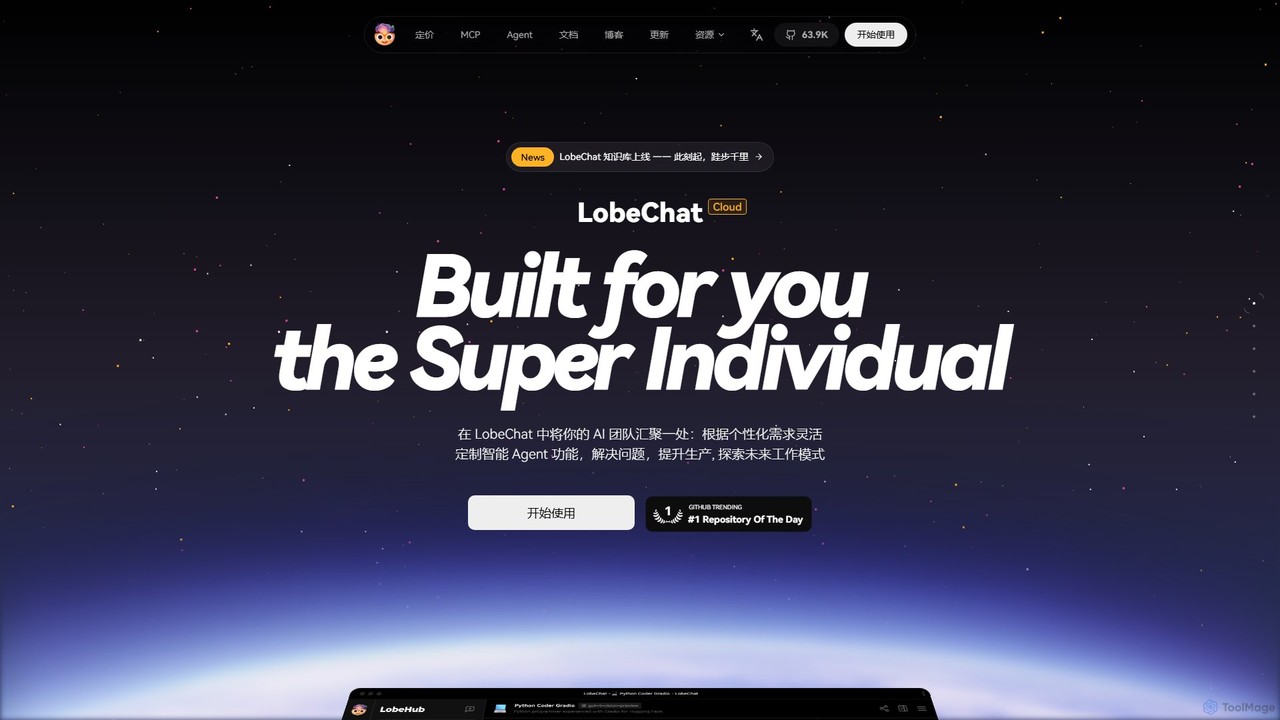
LobeHub
LobeHub is an all-in-one AI platform that allows you to build and manage a personalized team of AI Agents. It offers a superior user experience to standard LLM interfaces like ChatGPT, with support for numerous models, plugins, and multi-modal interactions. Create, share, and use specialized agents for tasks ranging from coding and writing to academic research and daily life, all within a single, intuitive chat interface.
Chatbot Platform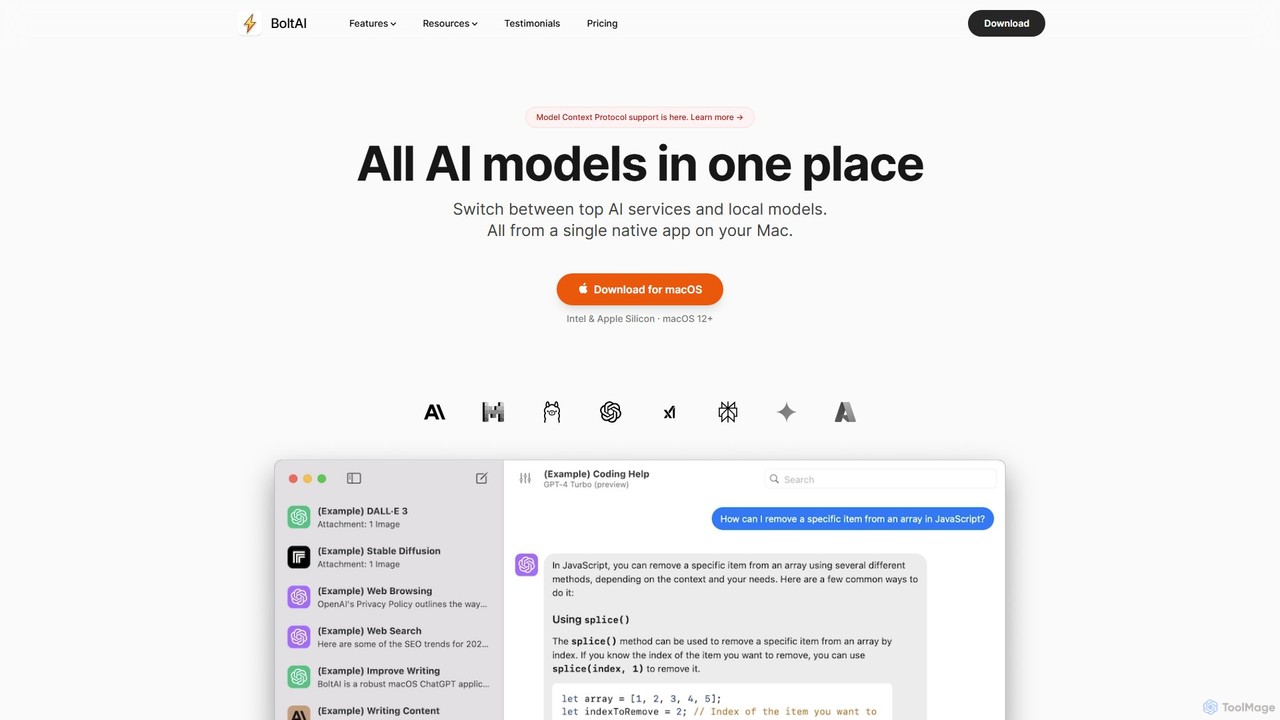
BoltAI
BoltAI is a native, high-performance AI assistant for macOS that integrates multiple AI models like GPT, Claude, and local models directly into your workflow. It offers features like an in-IDE coding assistant, custom AI assistants, a prompt library, and powerful plugins to boost productivity for developers, writers, and professionals.
Coding
Lunabot
Lunabot is a versatile, all-in-one AI assistant that works across all your devices. It integrates leading AI models like GPT-4o, Gemini, and Claude into a seamless experience on your browser, desktop, and mobile. Boost your productivity with features like document chat, AI image generation, voice interaction, and customizable shortcut commands, all from a single, budget-friendly platform.
Chat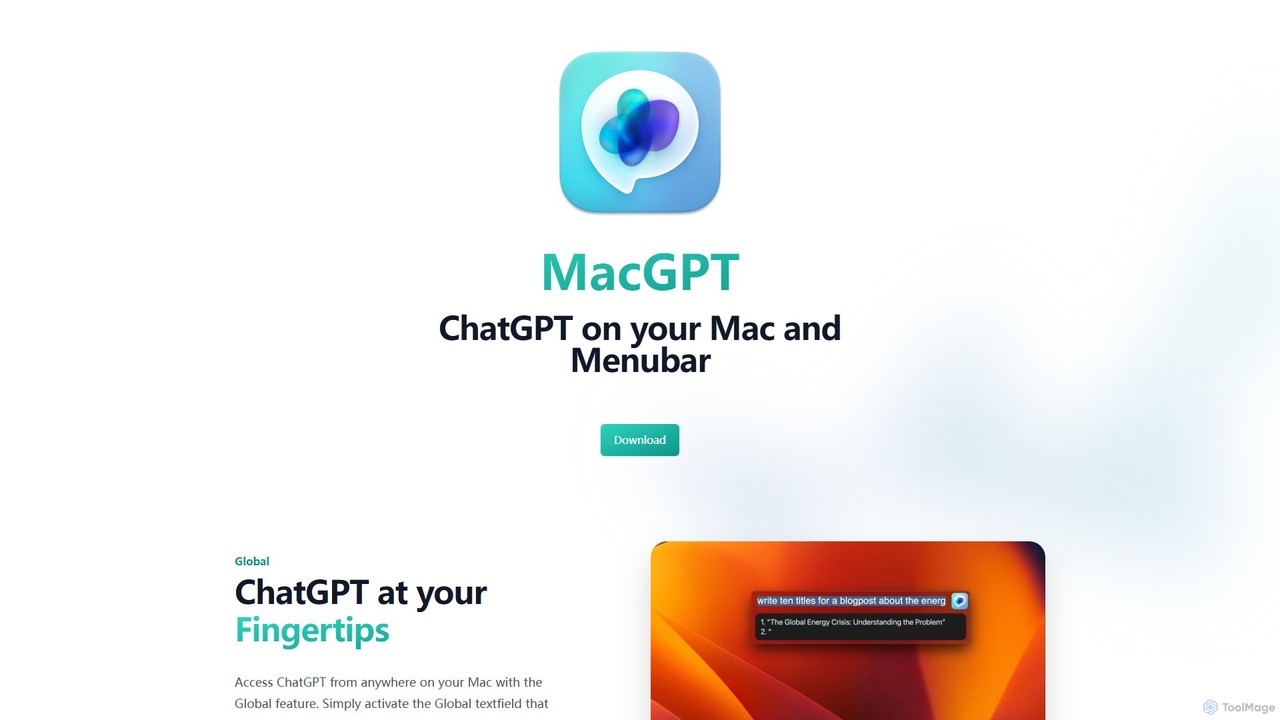
MacGPT
MacGPT brings the power of ChatGPT directly to your macOS desktop. Access OpenAI's models instantly from your menubar, use the Inline feature to write in any application, and switch between a native or web interface for ultimate flexibility and productivity.
Code Assistant
EnConvo Comments (0)
Sign in to comment.
Sign inNo comments yet.