

BoltAI Overview
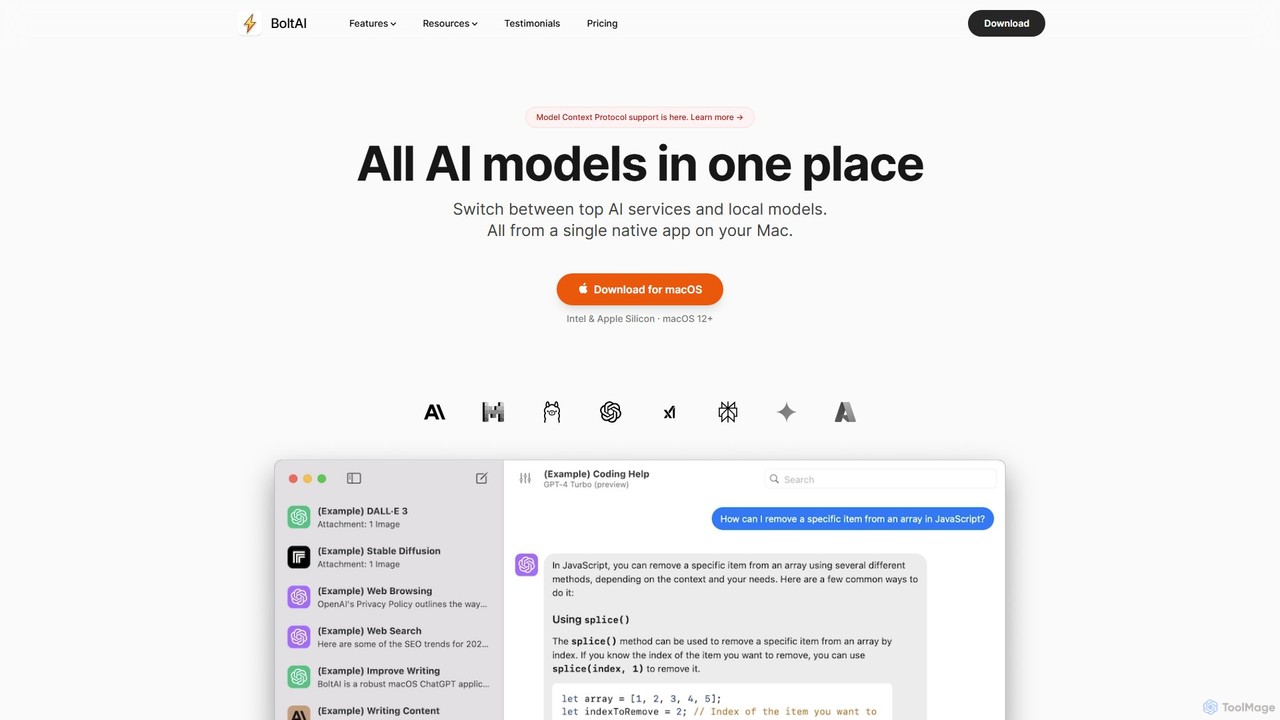
BoltAI is a powerful and versatile native AI application designed exclusively for macOS. It serves as a centralized hub for various large language models (LLMs), including those from OpenAI (GPT), Anthropic (Claude), Google (Gemini), as well as local models, allowing users to seamlessly switch between them within a single, high-performance interface. Unlike many cross-platform apps built with Electron, BoltAI is a native app, ensuring it is fast, lightweight, and deeply integrated with the macOS ecosystem. It is designed to enhance productivity for a wide range of users, from developers and content creators to students and business professionals, by embedding AI assistance directly into their existing workflows.
How to use BoltAI
Getting started with BoltAI is straightforward and designed for immediate productivity. First, download and install the application on your Mac (requires macOS 12.0+). BoltAI operates using your own API keys from various AI service providers like OpenAI, Anthropic, or OpenRouter. Once you've obtained an API key, you add it to BoltAI's secure settings, where it's stored safely in the Apple Keychain. With the setup complete, you can invoke BoltAI from any text field in any application using a customizable keyboard shortcut. This allows you to generate text, fix grammar, refactor code, or ask questions without ever leaving your current window. You can also create custom AI assistants with specific instructions and configurations, utilize a built-in prompt library for common tasks, and extend its capabilities with a wide array of plugins.
Core Features of BoltAI
- Multi-Model Support: Access and switch between top AI services like OpenAI's GPT-4, Anthropic's Claude 3, Google's Gemini, Perplexity, and even local models running on your machine via Ollama.
- Native macOS Experience: Built as a native app for optimal performance, speed, and low resource consumption, providing a seamless and responsive user experience.
- Deep Integration: Works within any application on your Mac. Use it in your IDE, text editor, email client, or browser without context switching.
- Custom AI Assistants: Create and configure specialized AI assistants tailored to specific tasks, such as a coding expert, a marketing copywriter, or a language translator.
- Powerful Plugin System: Extend the AI's capabilities with plugins for web search (Google, Kagi, Brave), web page browsing, image generation (DALL-E, Replicate), code execution, and system automation via AppleScript and shell access.
- Privacy and Security: Your API keys are stored securely in the Apple Keychain, and all prompts are sent directly to the AI provider with no middle servers. It also features automatic redaction of sensitive data.
- Prompt Library: A curated collection of effective prompts to help you get high-quality results for various tasks, from writing to coding.
- Mobile App (Beta): Access your AI assistant on the go with the beta versions of the BoltAI mobile app for iOS and Android.
Use Cases for BoltAI
BoltAI is a versatile tool that adapts to numerous professional and personal needs.
- For Developers: Use the AI Coding Assistant directly within your IDE to ask questions about code, debug issues, generate boilerplate, and refactor complex functions without breaking your flow.
- For Content & Marketing: Generate blog post outlines, write technical articles, create marketing copy, and brainstorm ideas 10x faster. Quickly rephrase or fix grammar in any text.
- For Students: Integrate AI with your favorite Personal Knowledge Management (PKM) tools to learn complex subjects faster, summarize research papers, and get help with assignments.
- For Business Professionals: Draft emails, write reports, manage business operations, and answer support messages more efficiently.
- For Everyone: Get instant access to powerful LLMs for any task, from generating creative ideas and planning trips to creating AI images with Stable Diffusion.
Advantages of BoltAI
BoltAI stands out with its focus on performance, privacy, and workflow integration. Being a native Mac app makes it significantly faster and more efficient than web-based or Electron wrappers. Its ability to integrate into any text field system-wide is a major productivity booster, eliminating the constant need to switch to a browser tab. The emphasis on privacy, with local data storage and no intermediary servers, gives users full control over their data. Furthermore, BoltAI is an independently developed, bootstrapped product, meaning its development is driven by user feedback, not investor demands, ensuring its longevity and customer-centric focus.
Pricing and Plans
BoltAI is offered as a one-time purchase with a perpetual license. This means a single payment allows you to use the current version of the app indefinitely. The purchase also includes one year of free updates. After the first year, you can choose to renew your license to continue receiving updates or continue using the last version you have. There are different license tiers (e.g., Essential and Premium) that grant access to different sets of plugins. Team licenses are also available upon request. BoltAI operates on a Bring-Your-Own-Key (BYOK) model, so the cost of using the AI models is based on your own API usage with providers like OpenAI, which is billed separately by them.
Traffic
Latest traffic
Status
Monthly traffic trend
- 2025-9: 145.4K
- 2026-1: 113.2K
- 2026-2: 82.4K
- 2026-3: 93.0K
- 2026-4: 83.5K
- 2026-5: 81.0K
Geography
Top 5 countries / regions
- 🇺🇸United States36.8%
- 🇳🇬Nigeria18.9%
- 🇮🇳India16.7%
- 🇻🇳Vietnam15.0%
- 🇧🇷Brazil12.7%
Traffic sources
| Source type | Percentage |
|---|---|
Direct | 76.8% |
Referral | 22.4% |
Email | 0.8% |
Top keywords
| Keyword | Cost per click |
|---|---|
| ai voice orb | $0.00 |
| bolt ai | $1.24 |
| boltai | $3.33 |
| boltai chat | $0.00 |
| bolt ai download mac | $0.00 |
BoltAI Videos on YouTube

Cyberplus_AI

Aakash Gupta Learnings



Nitish Verma

Arivi by HCL GUVI
BoltAI Alternatives

ilingban
ilingban is an all-in-one AI-powered assistant designed to boost productivity for work and study. It integrates translation, conversational AI, writing assistance, document analysis, a code helper, and a teaching assistant into a single, seamless platform available as a browser extension and desktop app.
Coding
Omnipilot
Omnipilot is a system-wide AI copilot for macOS, designed to integrate seamlessly into any application. It provides contextual assistance, allowing you to generate text, write code, and automate tasks in any text field, boosting productivity by eliminating the need to switch between apps. Note: Omnipilot has been acquired by and merged into Highlight AI.
Coding Assistant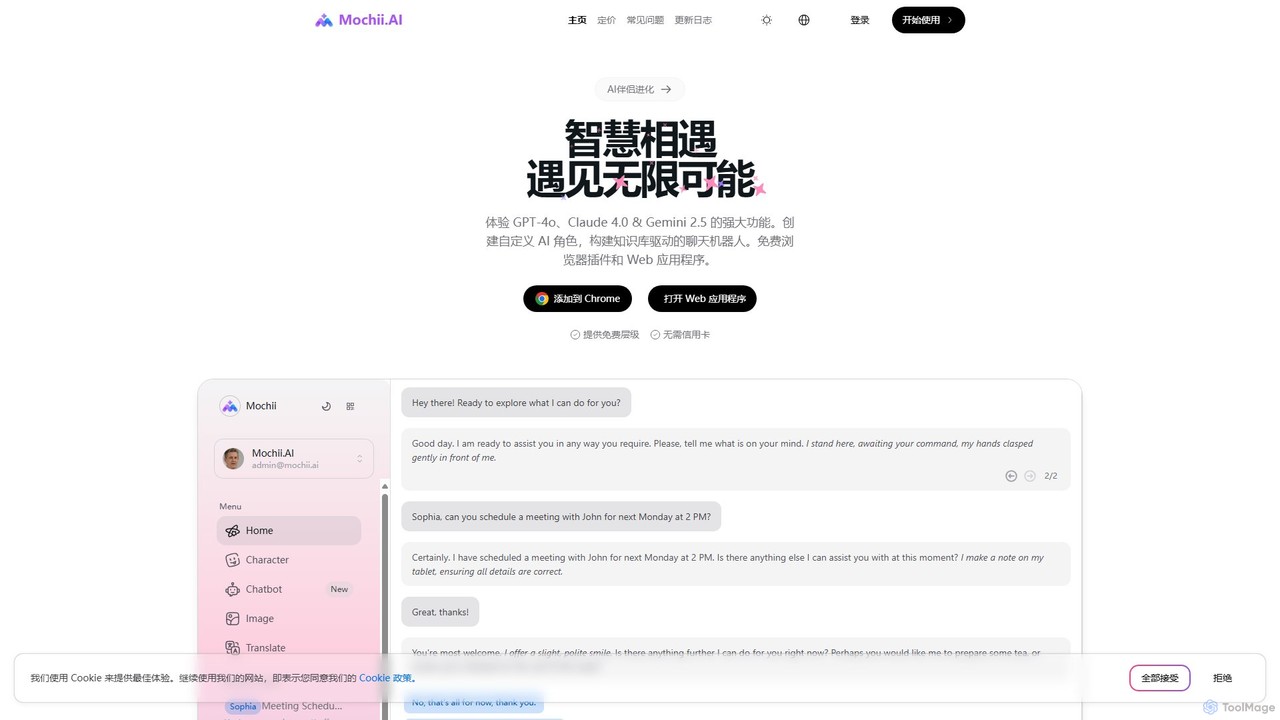
Mochii
Mochii is an all-in-one AI assistant that integrates leading models like GPT-4o, Claude, and Gemini into a seamless browser extension and web app. It enhances productivity by offering features like document analysis, web browsing, AI chatbot building, and customizable AI roles. A generous free tier provides access to advanced AI capabilities for everyone.
Productivity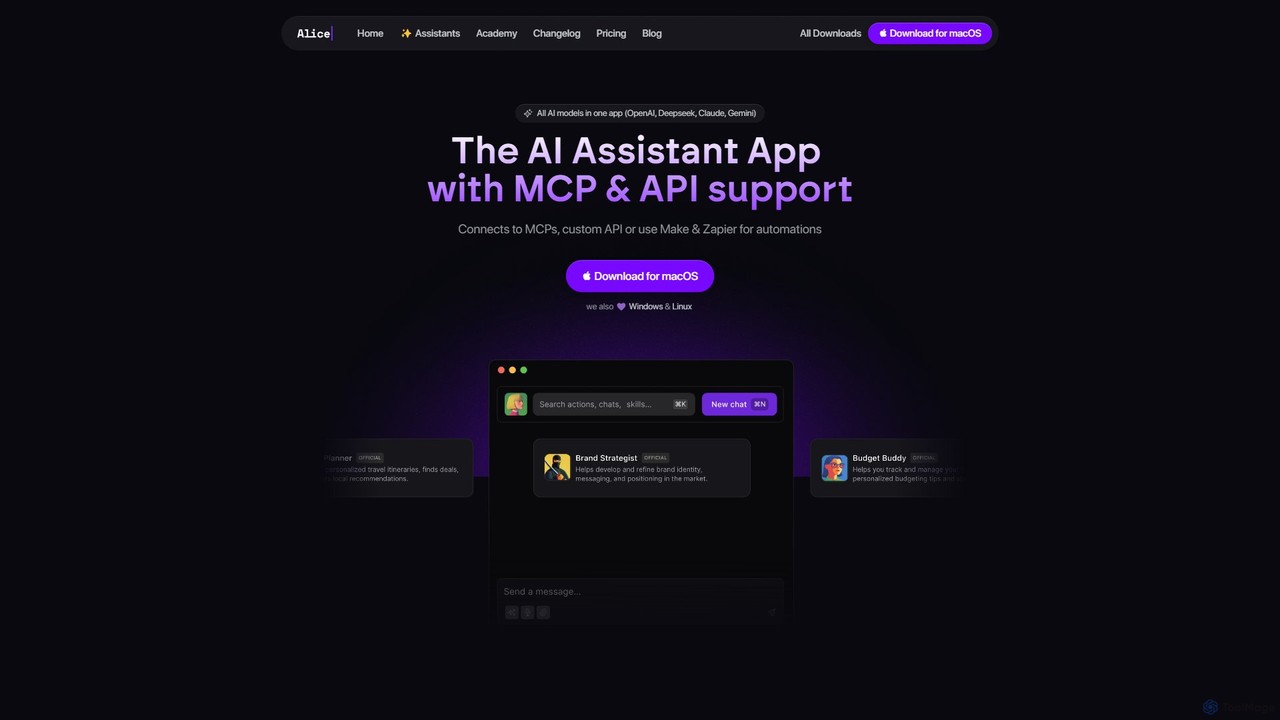
heyalice
heyalice is a personal AI assistant for your desktop (macOS, Windows, Linux) that centralizes top AI models like GPT-4o and Claude 3.5. It enhances productivity through customizable assistants, reusable prompts (Skills), and seamless integration with automation tools like Zapier and Make. Bring your own API keys to control costs and work faster with powerful keyboard shortcuts, all within a privacy-focused, local application.
Code Assistant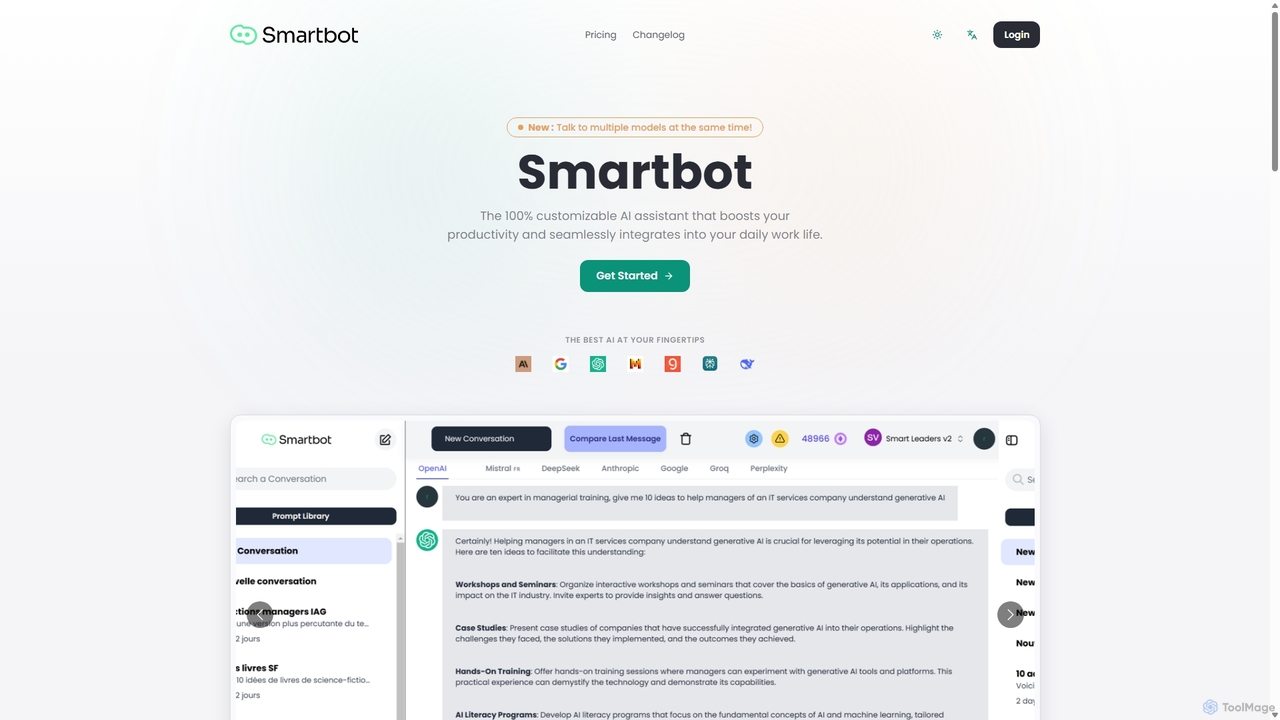
Smart Bot
Smart Bot is a highly customizable AI assistant that boosts productivity by integrating multiple top-tier AI models like ChatGPT, Claude, and Gemini into a single interface. It allows users to compare responses simultaneously, manage a shared library of custom prompts for team collaboration, and even visualize and test generated code. With features like image and file reading, it streamlines daily workflows for individuals and organizations.
Code AssistantBoltAI Categories
BoltAI Embed Widget
Copy this embed code to place the badge on your blog, article, or product site and send readers directly to this ToolMage detail page.

Related AI tools
Omnipilot
Omnipilot is a system-wide AI copilot for macOS, designed to integrate seamlessly into any application. It provides contextual assistance, allowing you to generate text, write code, and automate tasks in any text field, boosting productivity by eliminating the need to switch between apps. Note: Omnipilot has been acquired by and merged into Highlight AI.
Coding Assistant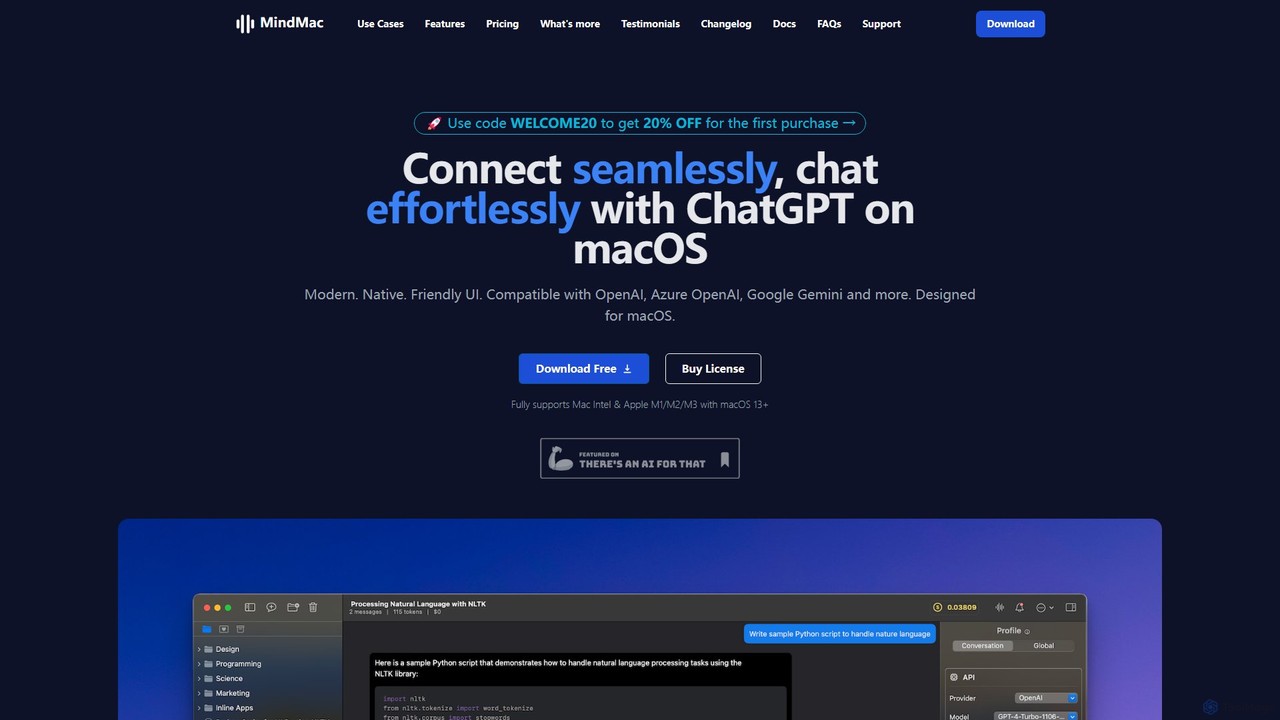
MindMac
MindMac is a powerful, native macOS client that provides a unified interface for interacting with a vast range of AI models, including OpenAI's GPT, Google Gemini, Claude, and local LLMs. It enhances productivity with features like an inline mode for use in any app, a rich prompt library, and extensive customization. It prioritizes privacy and security by storing API keys locally and communicating directly with AI providers.
MacosMochii
Mochii is an all-in-one AI assistant that integrates leading models like GPT-4o, Claude, and Gemini into a seamless browser extension and web app. It enhances productivity by offering features like document analysis, web browsing, AI chatbot building, and customizable AI roles. A generous free tier provides access to advanced AI capabilities for everyone.
Productivityheyalice
heyalice is a personal AI assistant for your desktop (macOS, Windows, Linux) that centralizes top AI models like GPT-4o and Claude 3.5. It enhances productivity through customizable assistants, reusable prompts (Skills), and seamless integration with automation tools like Zapier and Make. Bring your own API keys to control costs and work faster with powerful keyboard shortcuts, all within a privacy-focused, local application.
Code AssistantSmart Bot
Smart Bot is a highly customizable AI assistant that boosts productivity by integrating multiple top-tier AI models like ChatGPT, Claude, and Gemini into a single interface. It allows users to compare responses simultaneously, manage a shared library of custom prompts for team collaboration, and even visualize and test generated code. With features like image and file reading, it streamlines daily workflows for individuals and organizations.
Code Assistant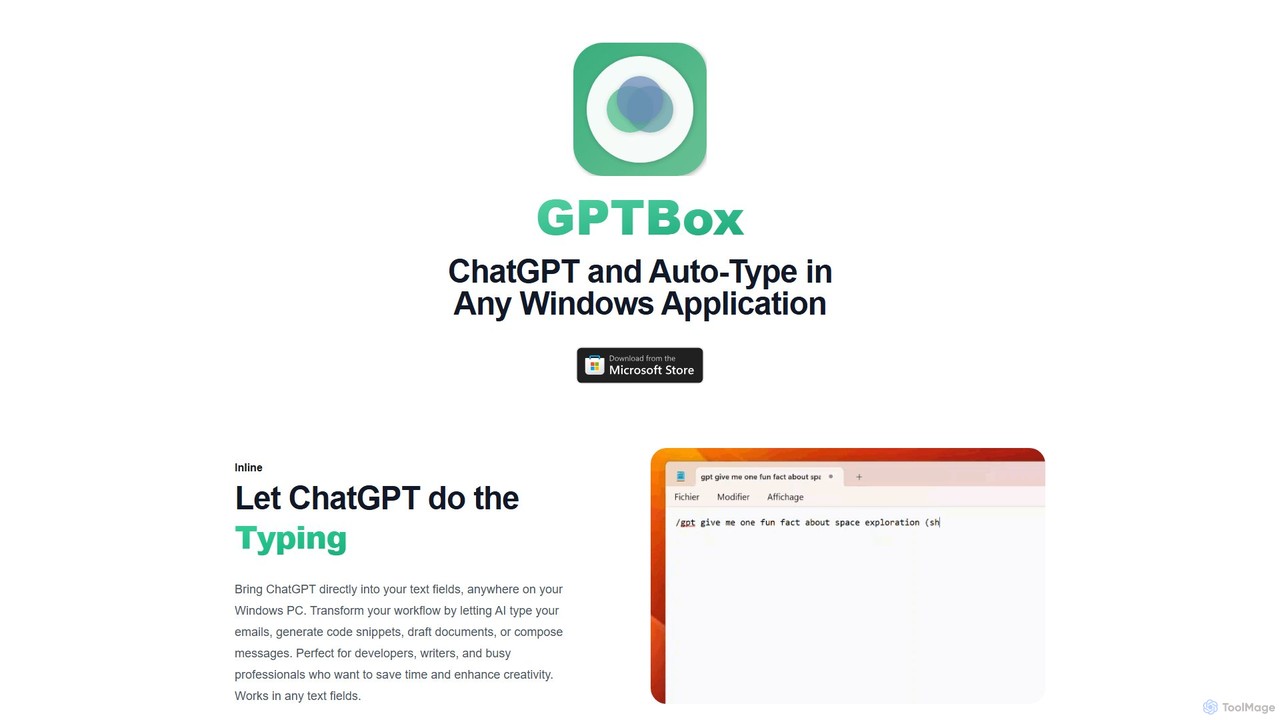
GPTBox
GPTBox is a native Windows application that seamlessly integrates ChatGPT and DeepSeek into your taskbar. It allows you to access AI assistance from anywhere on your PC with a simple keyboard shortcut and use an inline auto-type feature to draft emails, write code, and generate content directly in any text field. Designed for developers, writers, and professionals, it boosts productivity by embedding AI into your daily workflow.
Code Assistant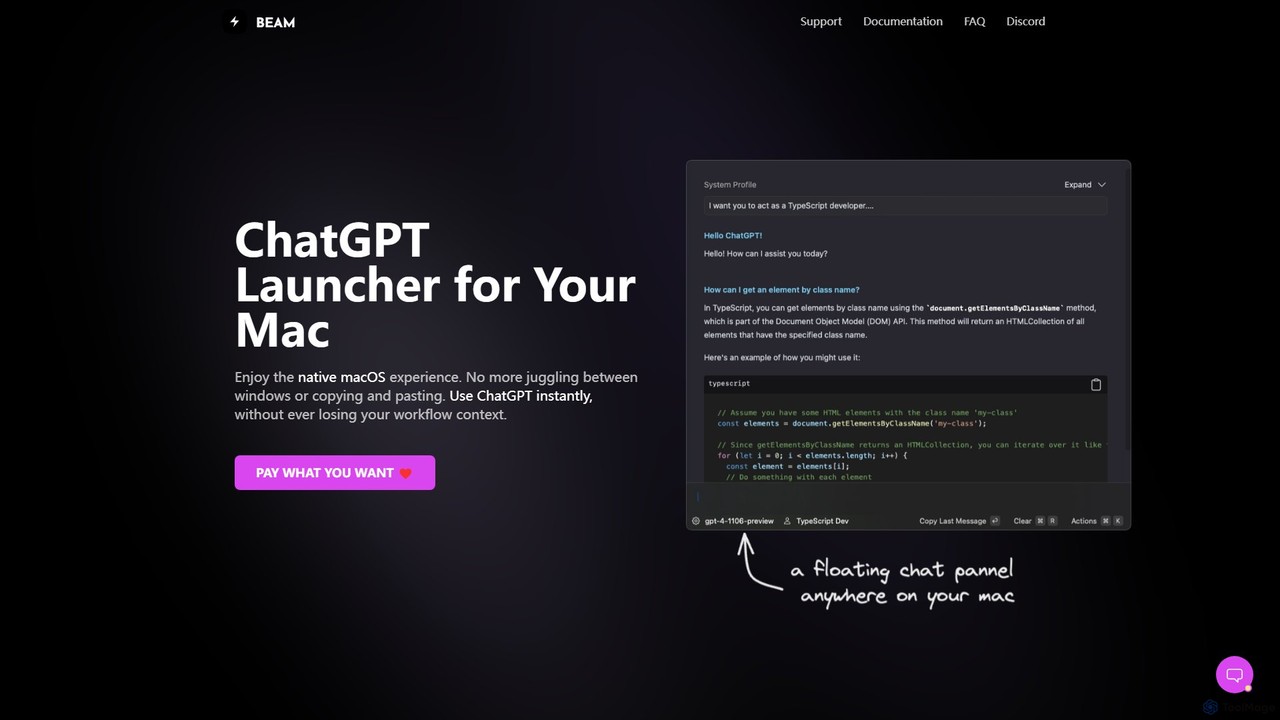
getbeam
A native macOS application that provides instant, system-wide access to ChatGPT. It enhances productivity with features like hotkey activation, contextual chat, screen interaction, and customizable templates. Beam integrates seamlessly into your workflow, allowing you to use AI without switching contexts, all within a secure, fast, and lightweight native interface.
Code Assistant
promptstart
promptstart is an advanced AI prompt engineering platform designed to help users create, manage, and optimize prompts for various AI models. It features a vast library of pre-built prompts, an intelligent prompt builder, and an AI-powered optimizer to enhance the quality and efficiency of AI-generated content and code.
Code Assistant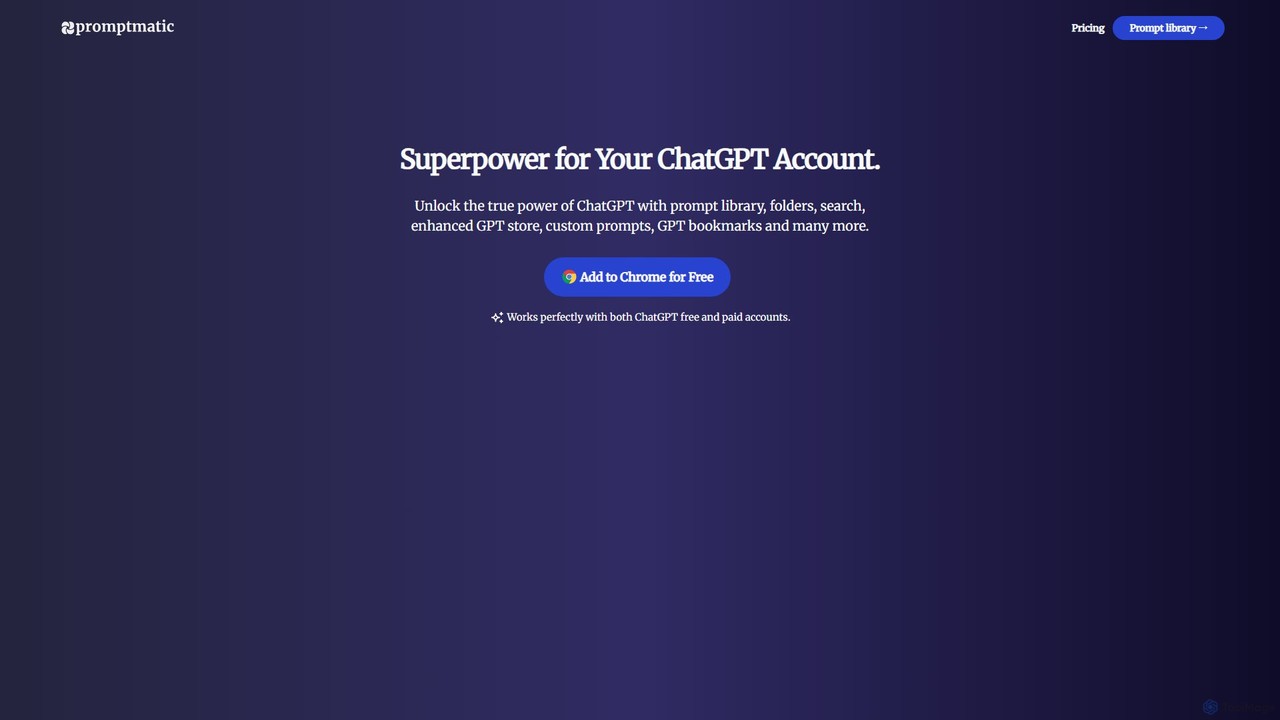
Promptmatic
Promptmatic is a powerful Google Chrome extension for ChatGPT, designed to enhance your AI interactions. It features a massive library of over 2900 prompts, a smart prompt editor, a GPT bookmark manager, and extensive customization options for roles, styles, and tones. It streamlines your workflow, making you more productive and efficient when using ChatGPT for professional tasks.
Chrome Extensions
Machato
Machato is a native macOS application designed to provide a seamless and powerful AI chat experience. It acts as a desktop client for various large language models, offering a clean, fast, and integrated interface that surpasses web-based alternatives. Perfect for developers, writers, and professionals.
Code Assistant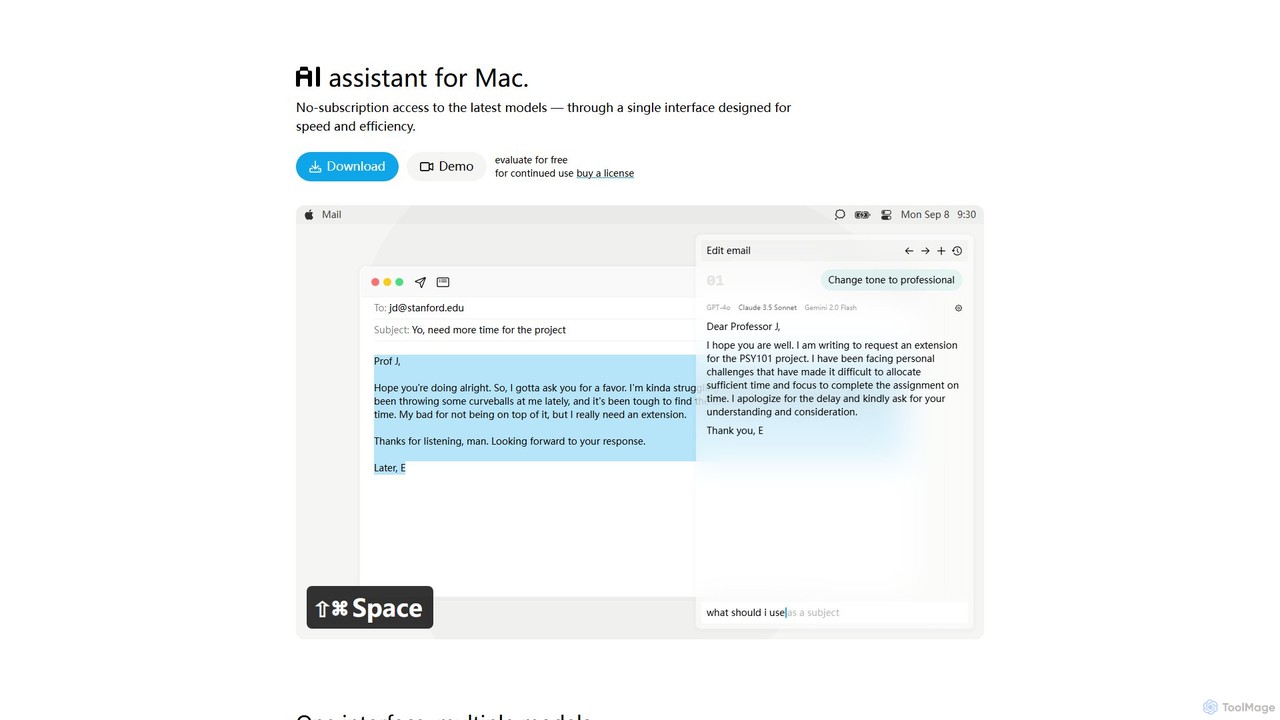
IntelliBar
IntelliBar is a native AI assistant for Mac, providing a unified interface to access the latest large language models like GPT-4o, Claude 3.5, and Gemini, plus local models via Ollama. It focuses on speed, efficiency, and privacy, with a one-time purchase model instead of recurring subscriptions. Compare models, use powerful shortcuts, and keep your data secure on your device.
Api Management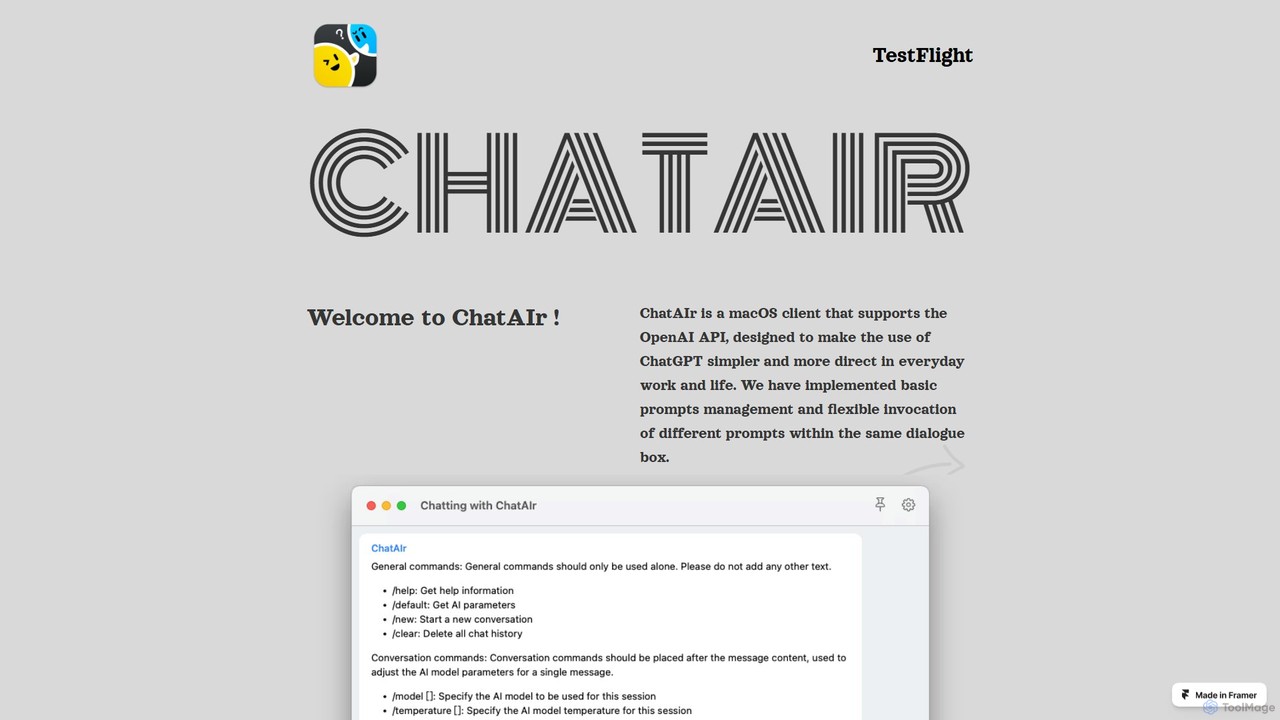
ChatAIr
ChatAIr is a powerful, native macOS client for interacting with OpenAI models like GPT-4 and GPT-3.5. It enhances your workflow with advanced features like prompt management, per-conversation model selection, and parameter control, offering a more flexible and cost-effective alternative to web interfaces.
Code Assistant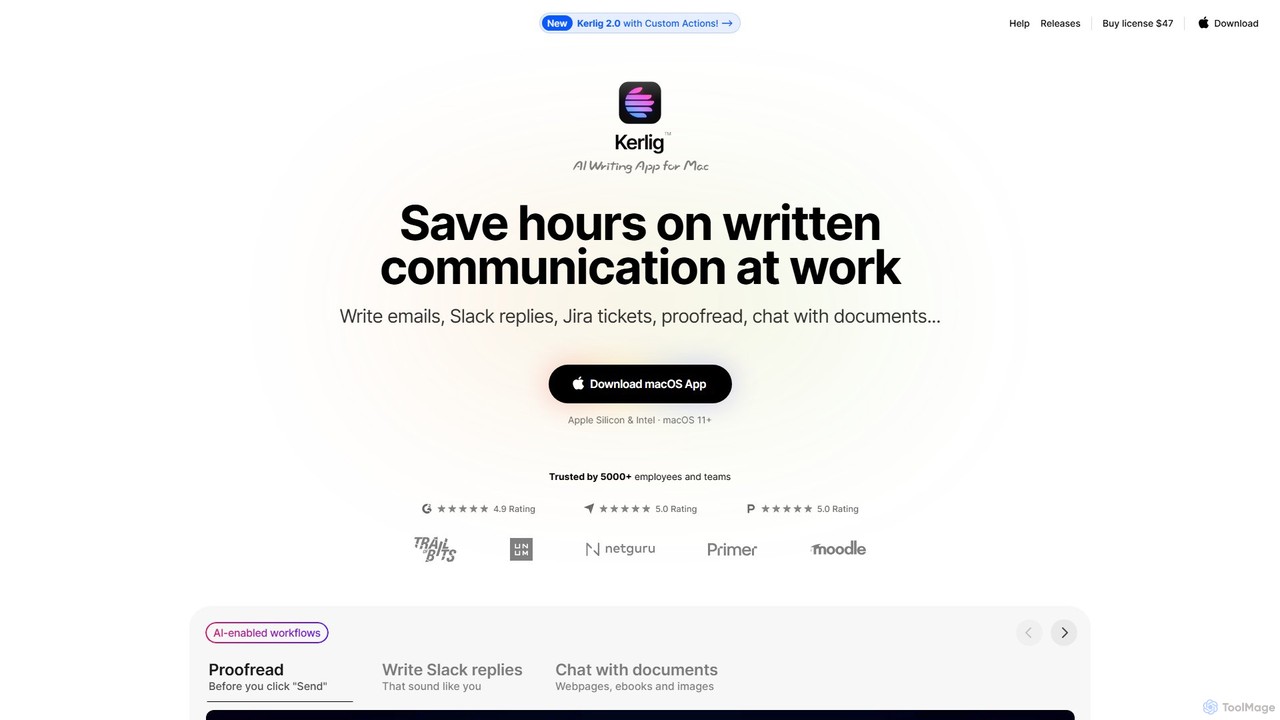
Kerlig
Kerlig is a native AI writing assistant for macOS designed to streamline your communication. It integrates seamlessly into your workflow, allowing you to write emails, proofread text, chat with documents, and generate content using over 350 AI models. With custom actions and a focus on privacy, Kerlig saves you hours by bringing powerful AI to your fingertips, without ever leaving your current application.
Mac Apps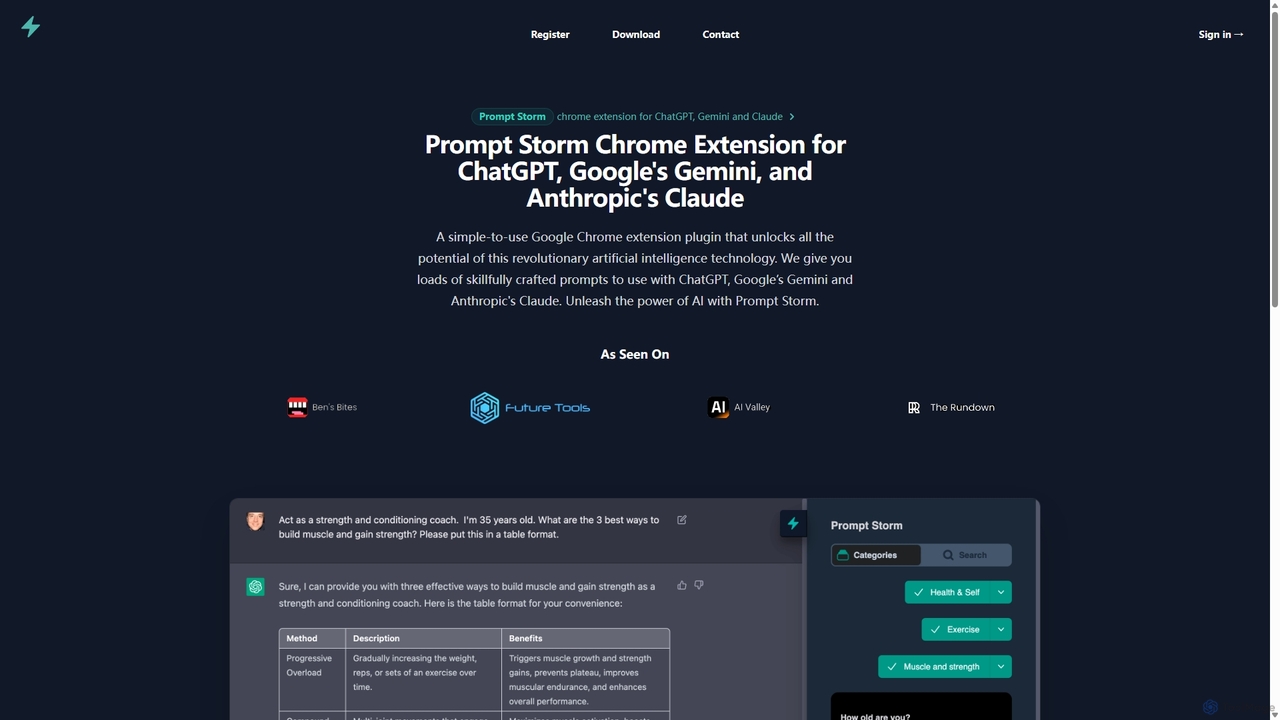
Prompt Storm
Prompt Storm is a powerful Chrome extension that enhances your interactions with ChatGPT, Google Gemini, and Anthropic's Claude. It provides a vast library of expertly crafted prompts, enabling users to unlock the full potential of AI for tasks like content creation, marketing, coding, and learning. Boost your productivity and get higher-quality AI responses with just a few clicks.
Code Generation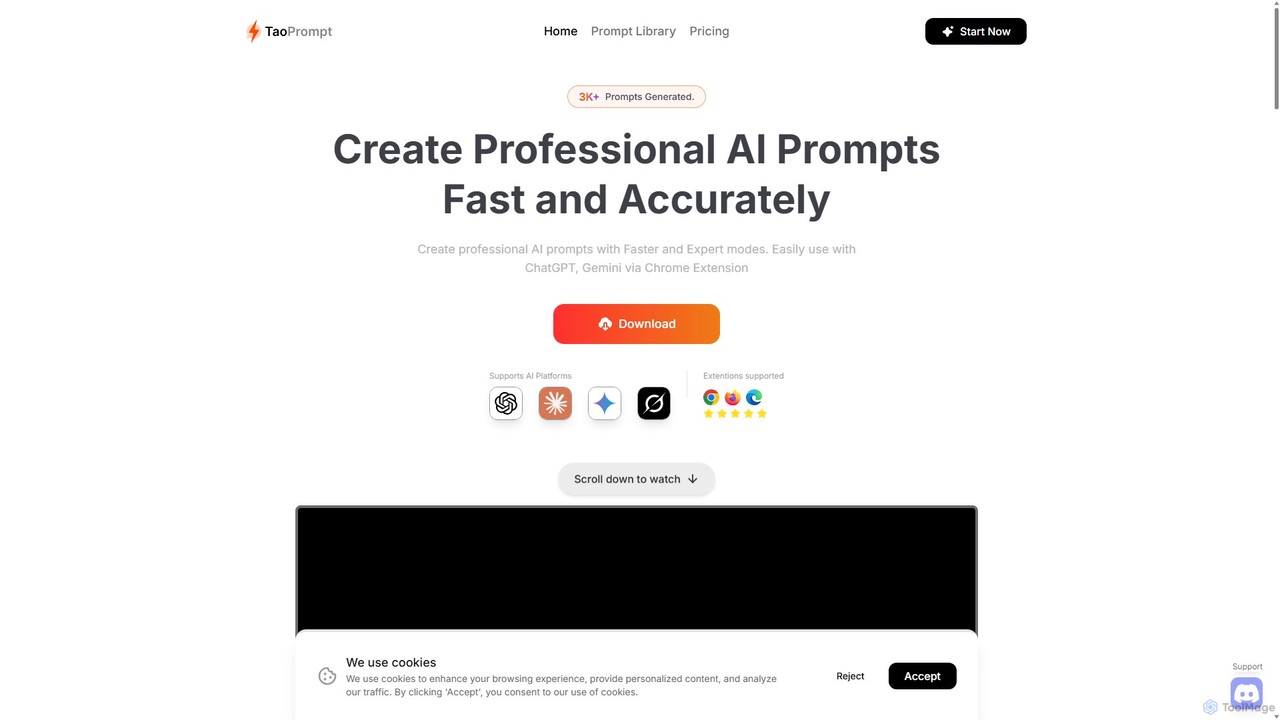
TaoPrompt
An AI-powered tool that helps users create professional, high-quality prompts for major AI chatbots. It simplifies prompt engineering, allowing anyone to generate optimized requests to turn AI into a domain expert, saving time and improving accuracy.
Code Assistant
BoltAI Comments (0)
Sign in to comment.
Sign inNo comments yet.