

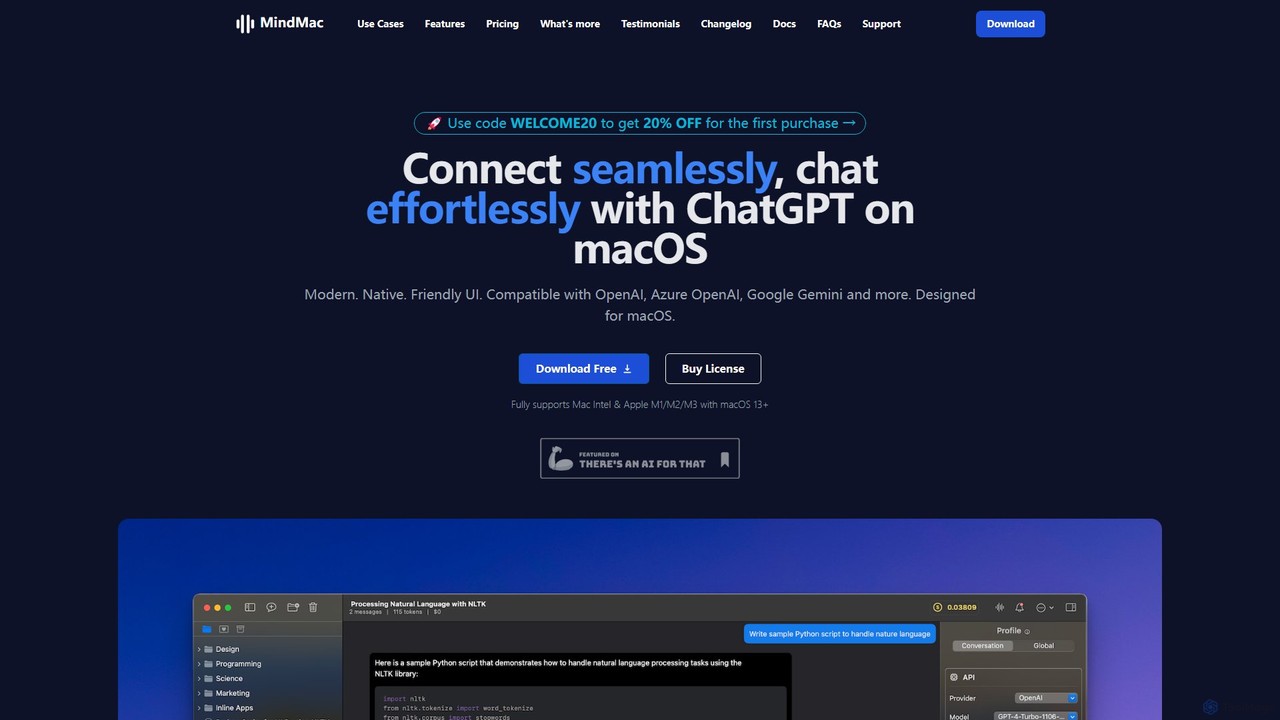
MindMac Overview
MindMac is a premium, native macOS application designed to be the ultimate client for a wide array of Large Language Models (LLMs). It offers a seamless, elegant, and highly efficient way to interact with AI, moving beyond simple web interfaces. It's built for professionals, developers, and anyone looking to deeply integrate AI into their daily workflow on a Mac. It supports models from OpenAI, Google, Anthropic, Mistral, and even local LLMs, all within a single, unified interface that prioritizes speed, security, and user privacy.
How to use MindMac
Using MindMac is straightforward and designed for efficiency:
- Download and install the MindMac application on your device running macOS 13.0 or newer.
- Obtain an API key from your preferred AI service provider (e.g., OpenAI, Google AI, Azure, Anthropic).
- Open MindMac's settings and securely add your API key. The key is stored encrypted in your Mac's Keychain, ensuring it never leaves your device.
- Start a new conversation in the main window. You can select the desired AI model from an extensive dropdown list for each chat.
- For ultimate productivity, activate the Inline Mode. In any text field across any application (like Mail, Notes, or a code editor), type a trigger command (e.g., /gpt) followed by your prompt, press the configurable shortcut (e.g., ⇧↵), and MindMac will replace your text with the AI's response directly.
- Organize your chats with nested folders, use the built-in prompt library for inspiration, and customize the experience with different themes, shortcuts, and model parameters.
Core Features of MindMac
- Extensive Model Support: Access all major models including OpenAI (GPT-4o, GPT-4 Turbo), Google (Gemini Pro), Anthropic (Claude 3 Opus, Sonnet, Haiku), Mistral, Cohere, Groq, Perplexity, and many more.
- Local LLM Integration: Connect to local models running via Ollama, LMStudio, GPT4All, and others for complete privacy and offline use.
- Powerful Inline Mode: Generate text, answer questions, or get code suggestions directly within any application without context switching.
- Rich Prompt Library: Comes with over 150 pre-built prompt templates to kickstart your conversations and creative tasks.
- Advanced Functionality: Features include internet browsing for up-to-date answers, document and image uploads for analysis, and image generation with DALL·E 2 & DALL·E 3.
- Deep Customization: Tailor everything from model parameters (like temperature and top_p) to the app's appearance (light/dark mode), keyboard shortcuts, and context management rules.
- Privacy and Security First: There are no middle servers. Your data is sent directly from your Mac to the AI provider. API keys are securely encrypted and stored in the macOS Keychain.
- Native macOS Experience: Built from the ground up for macOS, ensuring optimal performance, speed, and a familiar user interface that supports both Intel and Apple Silicon Macs.
- Conversation Management: Organize chats with nested folders, search your entire history, automatically or manually rename conversations, and view usage costs per conversation to manage your budget.
- Multi-Language Interface: The app's user interface is available in over 15 languages, including English, Spanish, Chinese, Japanese, and more.
Use Cases for MindMac
MindMac is versatile enough for a wide range of users:
- Developers: Quickly generate code snippets, debug errors, write documentation, or understand complex algorithms using Inline Mode directly in their code editor.
- Writers & Marketers: Draft emails, write blog posts, generate social media content, or brainstorm marketing taglines using the prompt library and the convenience of a native app.
- Students & Researchers: Summarize long documents by uploading them, ask complex questions, translate text, and organize research notes with the help of various AI models.
- Power Users: Compare outputs from different LLMs (e.g., GPT-4o vs. Claude 3 Opus) for the same prompt in a single interface, saving time and money by using API keys instead of multiple subscriptions.
- Privacy-Conscious Individuals: Leverage the power of local LLMs via Ollama or LMStudio for sensitive tasks, ensuring no data ever leaves their machine.
Advantages of MindMac
- Unified Access: Manage and switch between dozens of different AI models from one central, well-organized application.
- Enhanced Productivity: The Inline Mode is a game-changer, seamlessly integrating AI into any existing workflow and eliminating the need to switch windows.
- Cost Control: Pay-as-you-go API usage can be significantly more affordable than fixed monthly subscriptions. The app helps track costs per conversation.
- Superior Security: By avoiding middle servers and using the native Keychain, MindMac offers a much more secure way to use AI services.
- Offline Capability: Support for local LLMs means you can continue working and thinking even without an internet connection.
- Perpetual License: Buy the app once and use it forever, with an affordable option to renew for continued updates.
Pricing and Plans
MindMac operates on a freemium model with a one-time purchase for premium features.
- Free Plan: Allows users to test all features with some limitations, such as a maximum of 5 conversations and 10 daily uses of the Inline Mode.
- Paid Plans (One-Time Purchase): All paid plans unlock all features and include one year of free updates.
- Basic: $29 for use on 1 macOS device.
- Personal: $49 for use on 2 macOS devices.
- Standard: $69 for use on 3 macOS devices.
The license is perpetual, meaning you can use the version you bought forever. An optional renewal at a 40% discount provides another year of updates. A 14-day money-back guarantee is also offered.
Traffic
Latest traffic
Status
Monthly traffic trend
- 2025-9: 16.5K
- 2026-1: 14.0K
- 2026-2: 11.3K
- 2026-3: 17.9K
- 2026-4: 15.0K
- 2026-5: 12.8K
Geography
Top 5 countries / regions
- 🇺🇸United States46.9%
- 🇮🇳India21.9%
- 🇩🇪Germany11.8%
- 🇹🇷Türkiye10.6%
- 🇬🇧United Kingdom8.9%
Top keywords
| Keyword | Cost per click |
|---|---|
| google api key | $0.92 |
| how to generate vertex ai api key | $0.00 |
| mindmac | $0.00 |
| openrouter api | $1.67 |
| replicate api | $3.65 |
MindMac Alternatives
IntelliBar
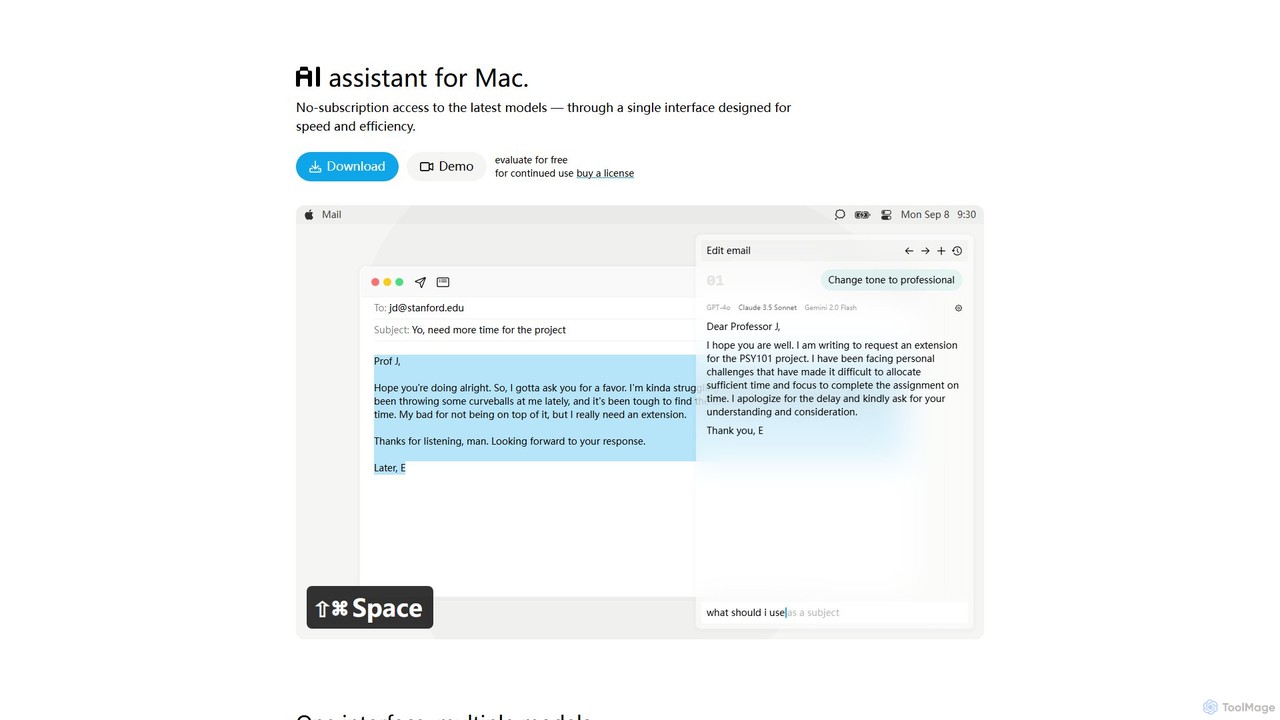
IntelliBar is a native AI assistant for Mac, providing a unified interface to access the latest large language models like GPT-4o, Claude 3.5, and Gemini, plus local models via Ollama. It focuses on speed, efficiency, and privacy, with a one-time purchase model instead of recurring subscriptions. Compare models, use powerful shortcuts, and keep your data secure on your device.
Api Management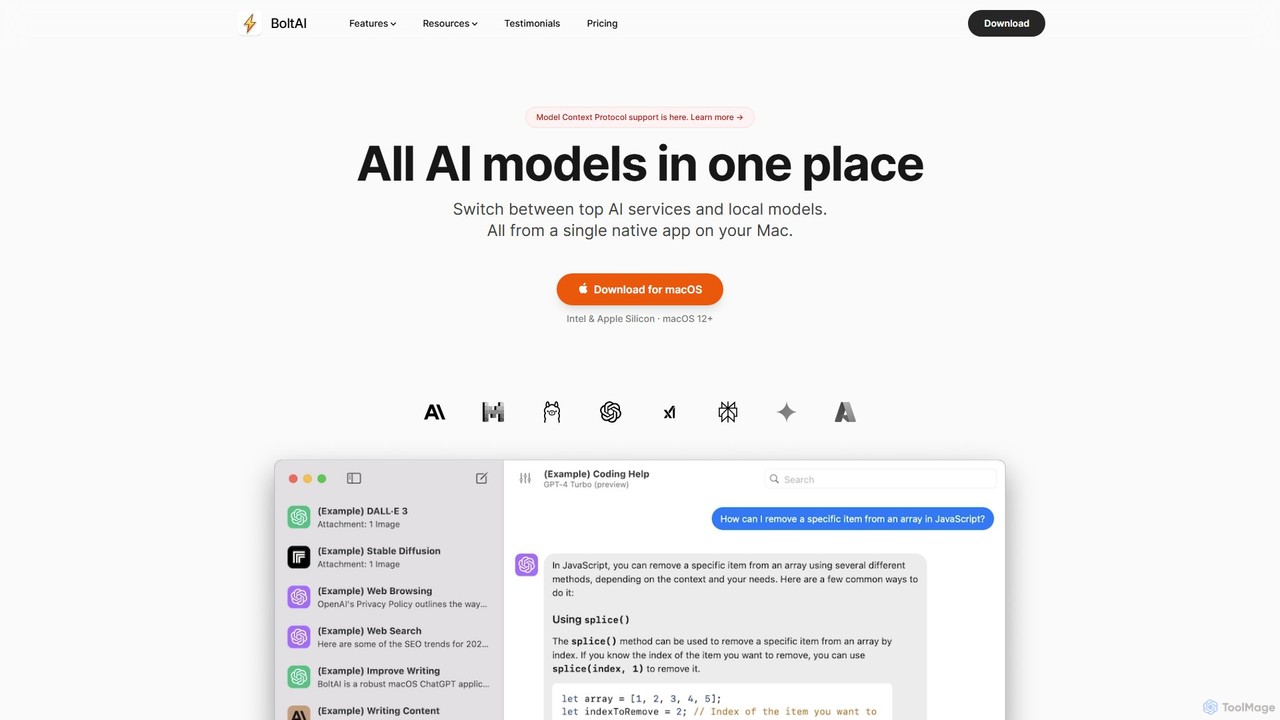
BoltAI
BoltAI is a native, high-performance AI assistant for macOS that integrates multiple AI models like GPT, Claude, and local models directly into your workflow. It offers features like an in-IDE coding assistant, custom AI assistants, a prompt library, and powerful plugins to boost productivity for developers, writers, and professionals.
Coding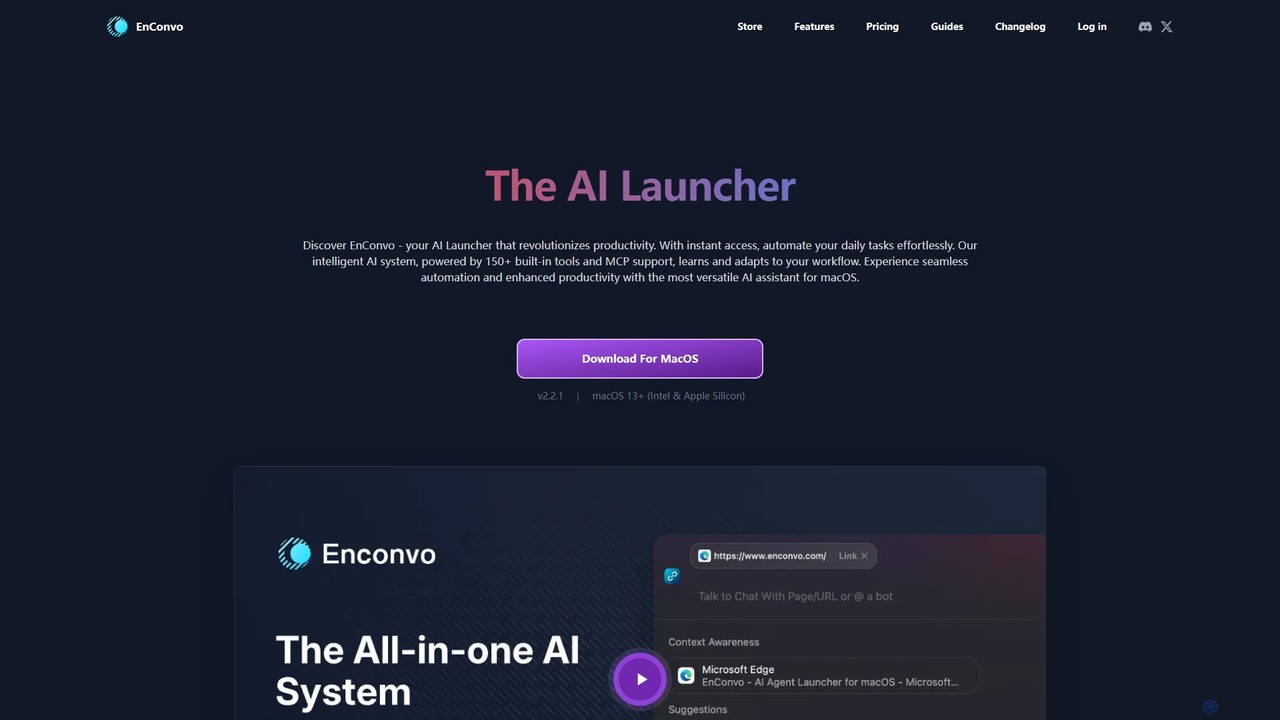
EnConvo
EnConvo is a powerful AI agent launcher for macOS designed to automate tasks and boost productivity. It integrates seamlessly into your workflow with a Spotlight-like interface, offering over 150 tools, custom workflows, context awareness, and support for local LLMs, transforming how you interact with your Mac.
Workflow Automation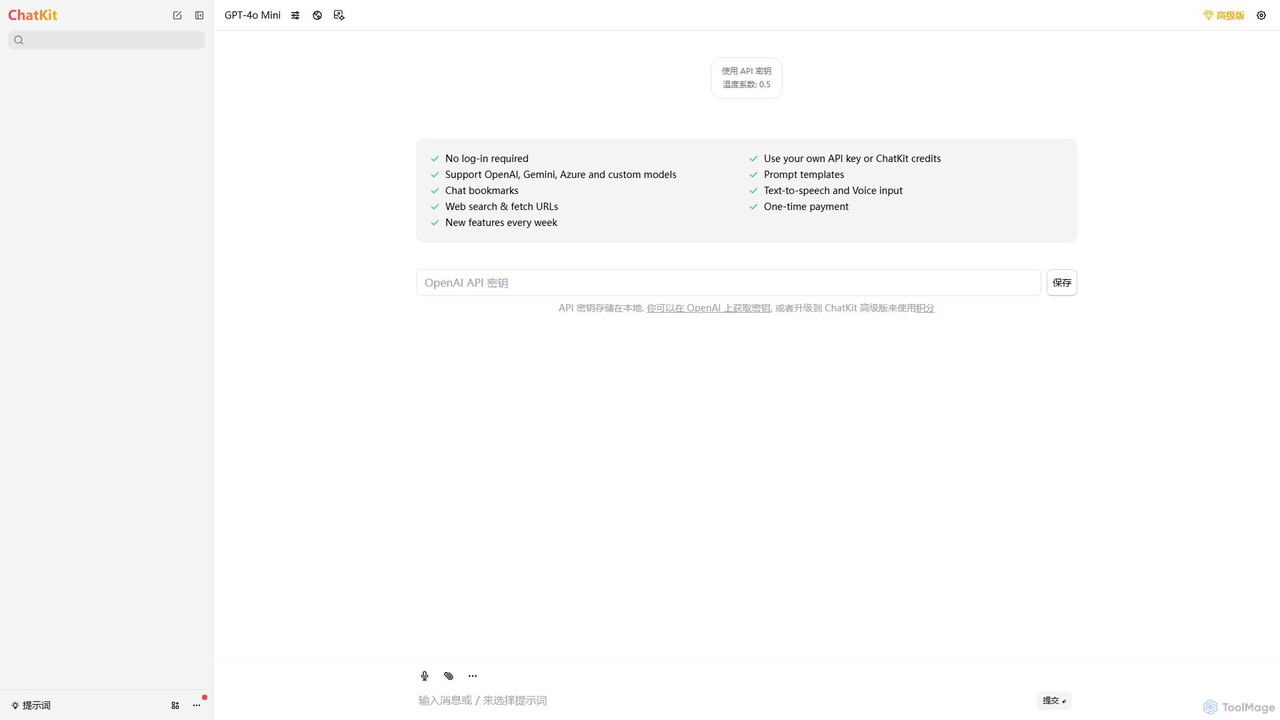
ChatKit
ChatKit is a refined, unified chat interface for top AI models like OpenAI, Gemini, and Azure. It enhances your workflow with features like web search, prompt templates, voice input, and chat bookmarks, all while prioritizing user privacy with local API key storage and no required login.
Api Management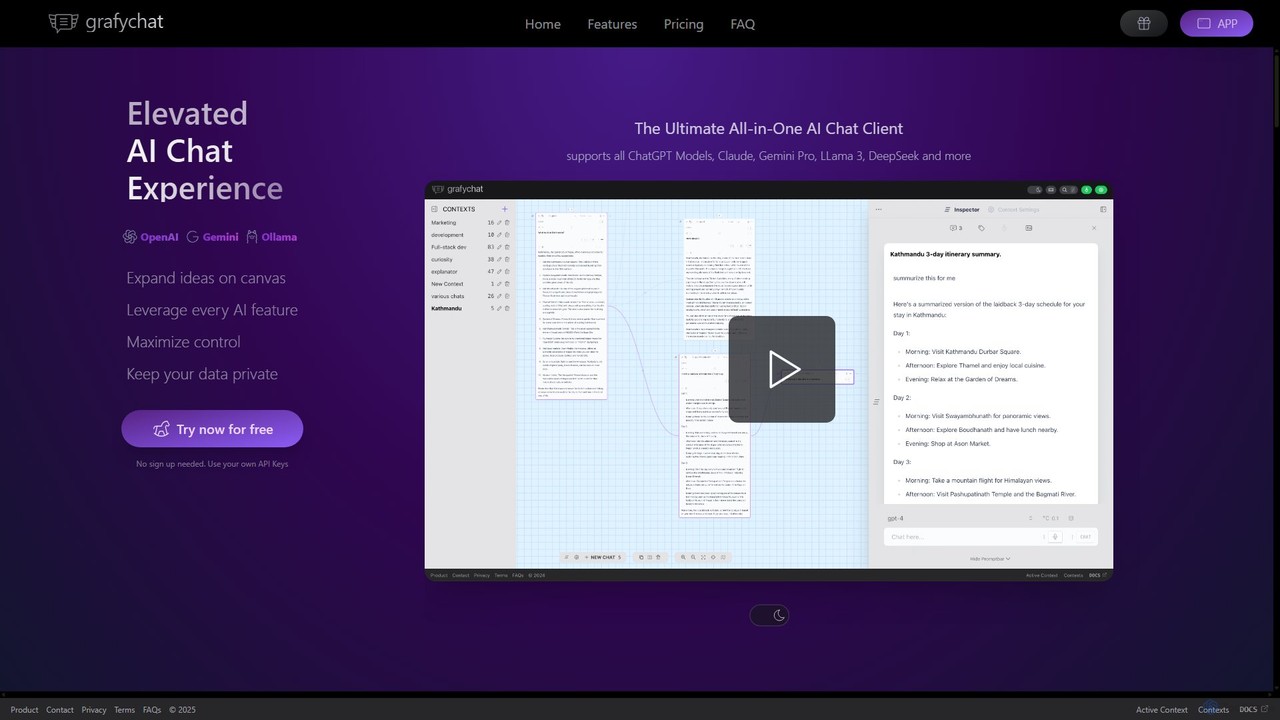
grafychat
grafychat is a privacy-first, all-in-one AI chat client that offers a unique visual canvas interface. It allows users to connect with major AI models like ChatGPT, Gemini, Claude, and Llama 3 using their own API keys, providing a non-linear, organized, and highly customizable chat experience.
Api ManagementMindMac Categories
MindMac Embed Widget
Copy this embed code to place the badge on your blog, article, or product site and send readers directly to this ToolMage detail page.

Related AI tools
BoltAI
BoltAI is a native, high-performance AI assistant for macOS that integrates multiple AI models like GPT, Claude, and local models directly into your workflow. It offers features like an in-IDE coding assistant, custom AI assistants, a prompt library, and powerful plugins to boost productivity for developers, writers, and professionals.
CodingEnConvo
EnConvo is a powerful AI agent launcher for macOS designed to automate tasks and boost productivity. It integrates seamlessly into your workflow with a Spotlight-like interface, offering over 150 tools, custom workflows, context awareness, and support for local LLMs, transforming how you interact with your Mac.
Workflow Automation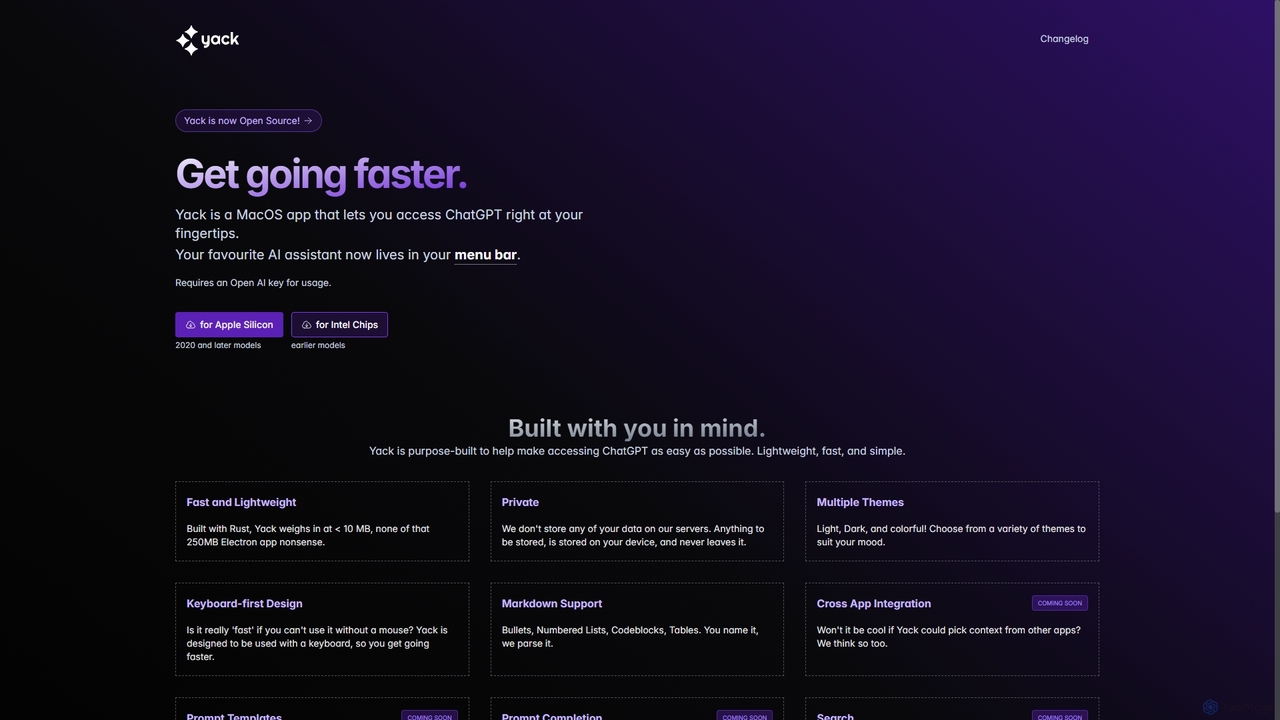
Yack
Yack is a lightweight, fast, and private open-source native macOS application that provides instant access to ChatGPT directly from your menu bar. Built with Rust, it's designed for efficiency with a keyboard-first approach, ensuring you can interact with AI without disrupting your workflow.
Api Client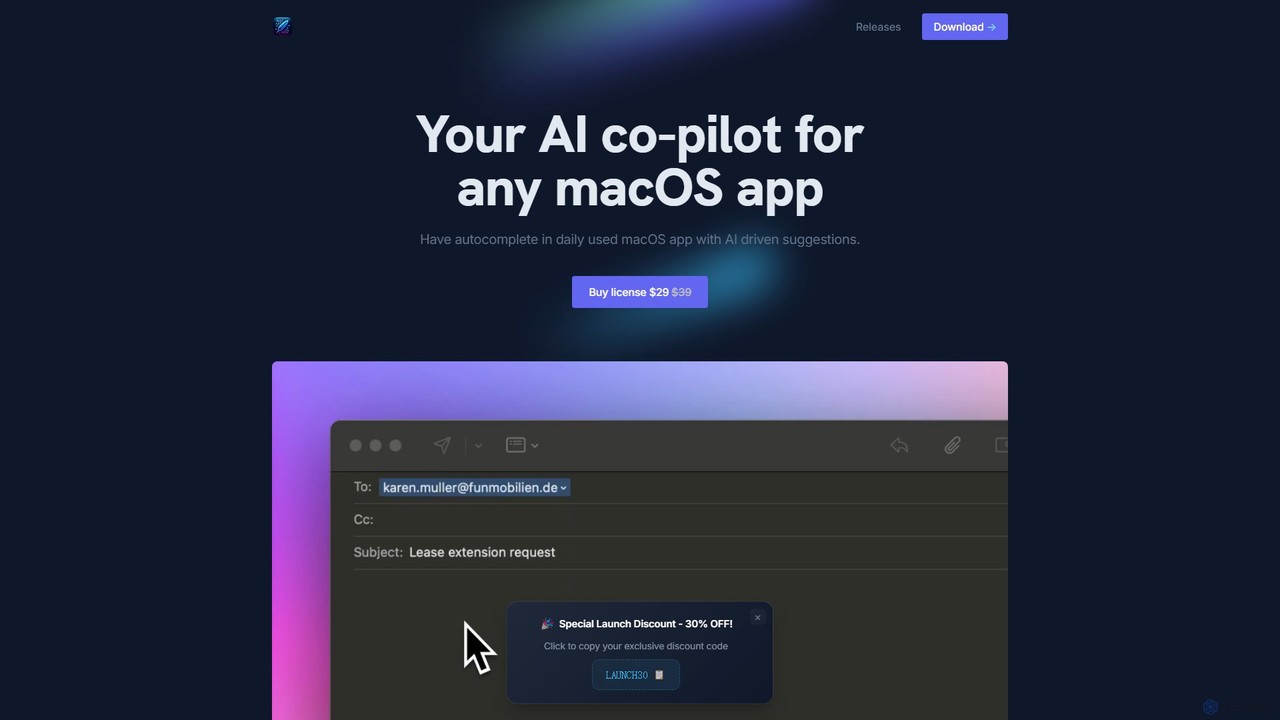
InfinipilotAI
InfinipilotAI is a native macOS AI co-pilot that seamlessly integrates with any application. It boosts productivity with features like AI-driven autocomplete, writing enhancement, translation, and developer utilities. With a strong focus on privacy, it supports local language models via Ollama, ensuring your data stays on your device. It's a lightweight, high-performance tool available for a one-time purchase.
Code AssistantIntelliBar
IntelliBar is a native AI assistant for Mac, providing a unified interface to access the latest large language models like GPT-4o, Claude 3.5, and Gemini, plus local models via Ollama. It focuses on speed, efficiency, and privacy, with a one-time purchase model instead of recurring subscriptions. Compare models, use powerful shortcuts, and keep your data secure on your device.
Api ManagementChatKit
ChatKit is a refined, unified chat interface for top AI models like OpenAI, Gemini, and Azure. It enhances your workflow with features like web search, prompt templates, voice input, and chat bookmarks, all while prioritizing user privacy with local API key storage and no required login.
Api Managementgrafychat
grafychat is a privacy-first, all-in-one AI chat client that offers a unique visual canvas interface. It allows users to connect with major AI models like ChatGPT, Gemini, Claude, and Llama 3 using their own API keys, providing a non-linear, organized, and highly customizable chat experience.
Api Management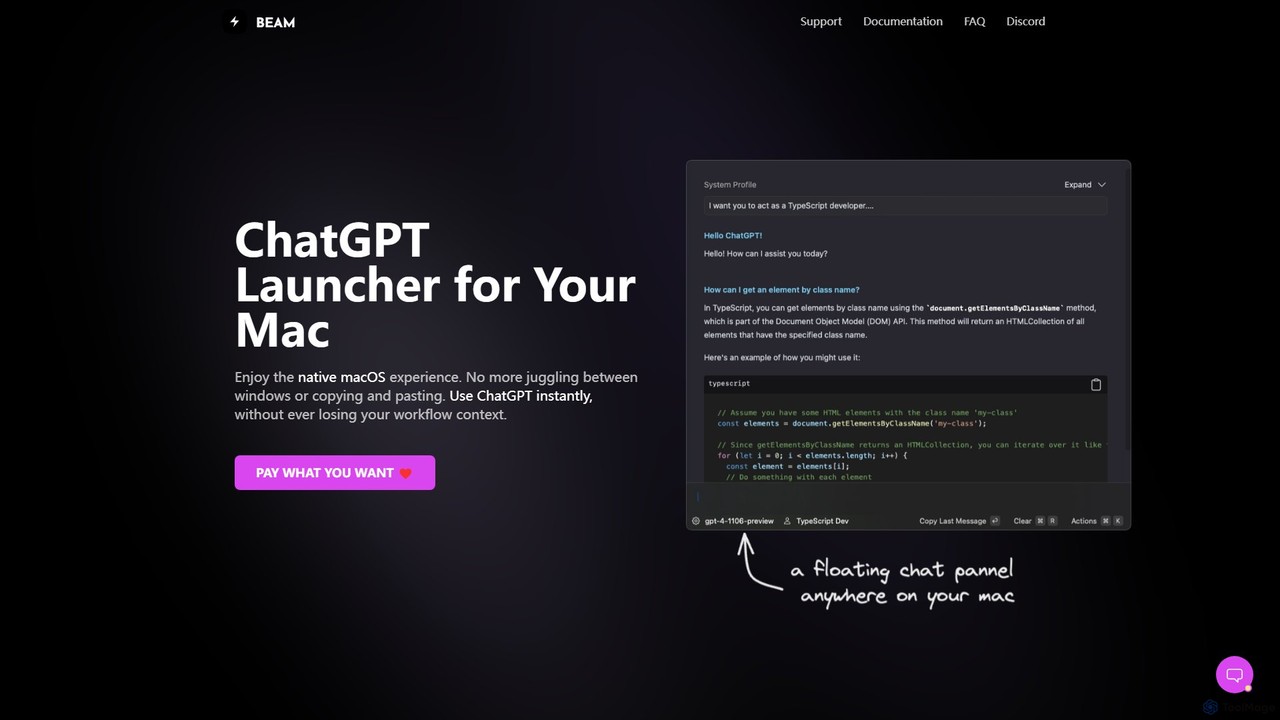
getbeam
A native macOS application that provides instant, system-wide access to ChatGPT. It enhances productivity with features like hotkey activation, contextual chat, screen interaction, and customizable templates. Beam integrates seamlessly into your workflow, allowing you to use AI without switching contexts, all within a secure, fast, and lightweight native interface.
Code Assistant
anygpt.app
anygpt.app is a powerful desktop utility that allows you to access GPT-4, Claude, and other large language models from any application on your computer. Simply use a keyboard shortcut to instantly get AI assistance for writing, coding, summarizing, and more, seamlessly integrating AI into your daily workflow.
Coding Assistant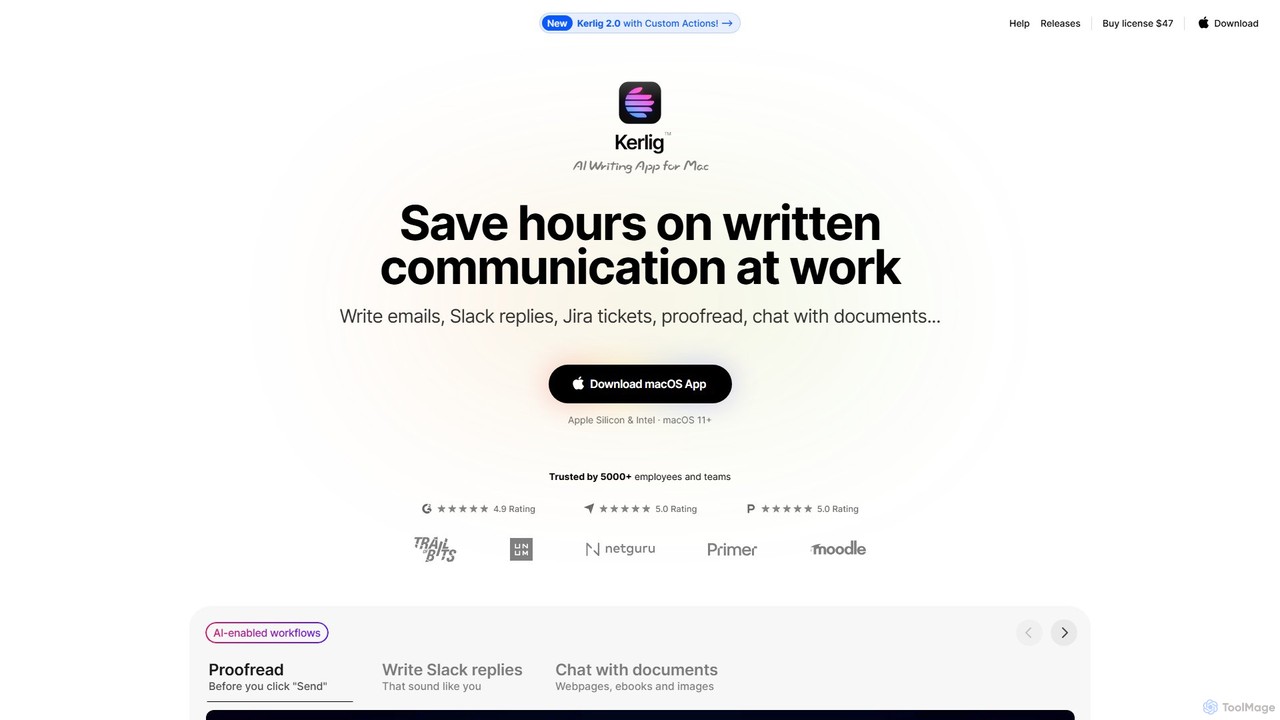
Kerlig
Kerlig is a native AI writing assistant for macOS designed to streamline your communication. It integrates seamlessly into your workflow, allowing you to write emails, proofread text, chat with documents, and generate content using over 350 AI models. With custom actions and a focus on privacy, Kerlig saves you hours by bringing powerful AI to your fingertips, without ever leaving your current application.
Mac Apps
timemaster
timemaster is an AI-powered, privacy-first time and productivity tracker for macOS. It automatically monitors your activities in the background, providing insightful analytics to help you understand your work habits, minimize distractions, and supercharge your focus to achieve more every day.
Analytics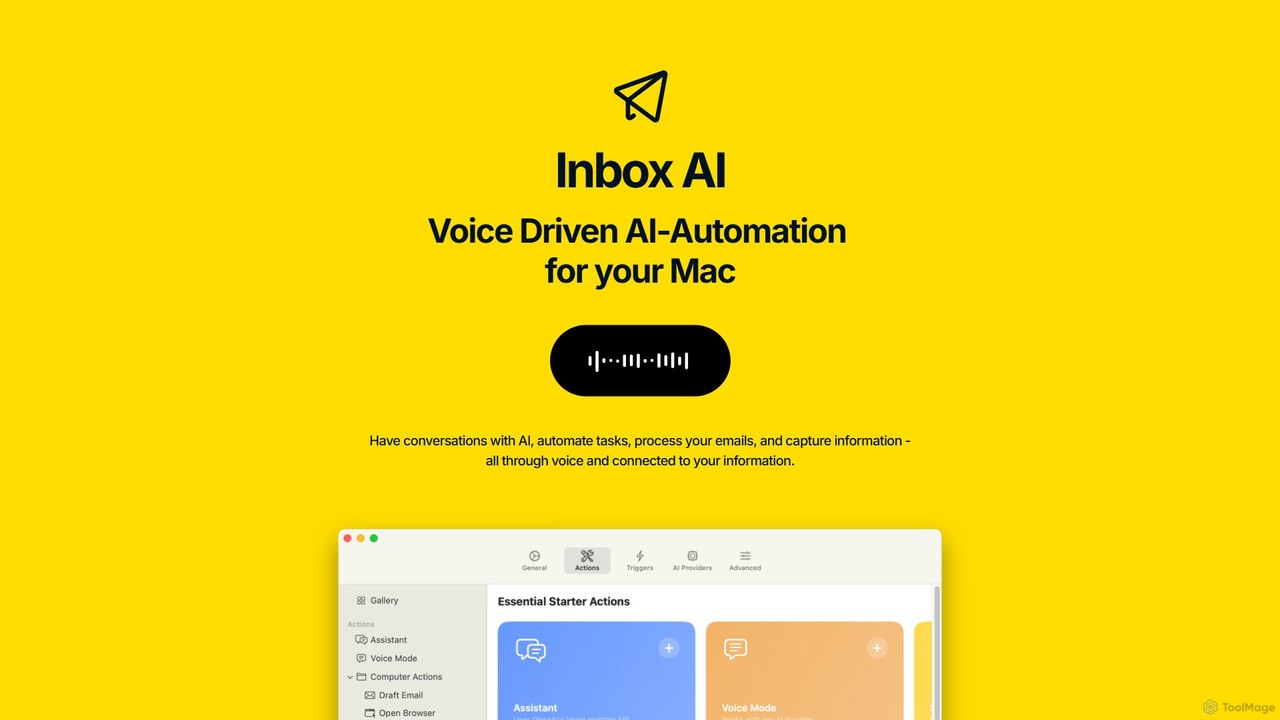
inbox_ai
inbox_ai is a powerful voice-driven AI automation tool for macOS. It allows you to create custom voice commands and build intelligent assistants to streamline your workflow. With features like on-screen quick capture, email filtering, and deep integration with native macOS apps and services like Raycast and PopClip, inbox_ai puts advanced AI capabilities at your fingertips. It operates entirely on-device, ensuring your data remains private and secure, with no login required.
Workflow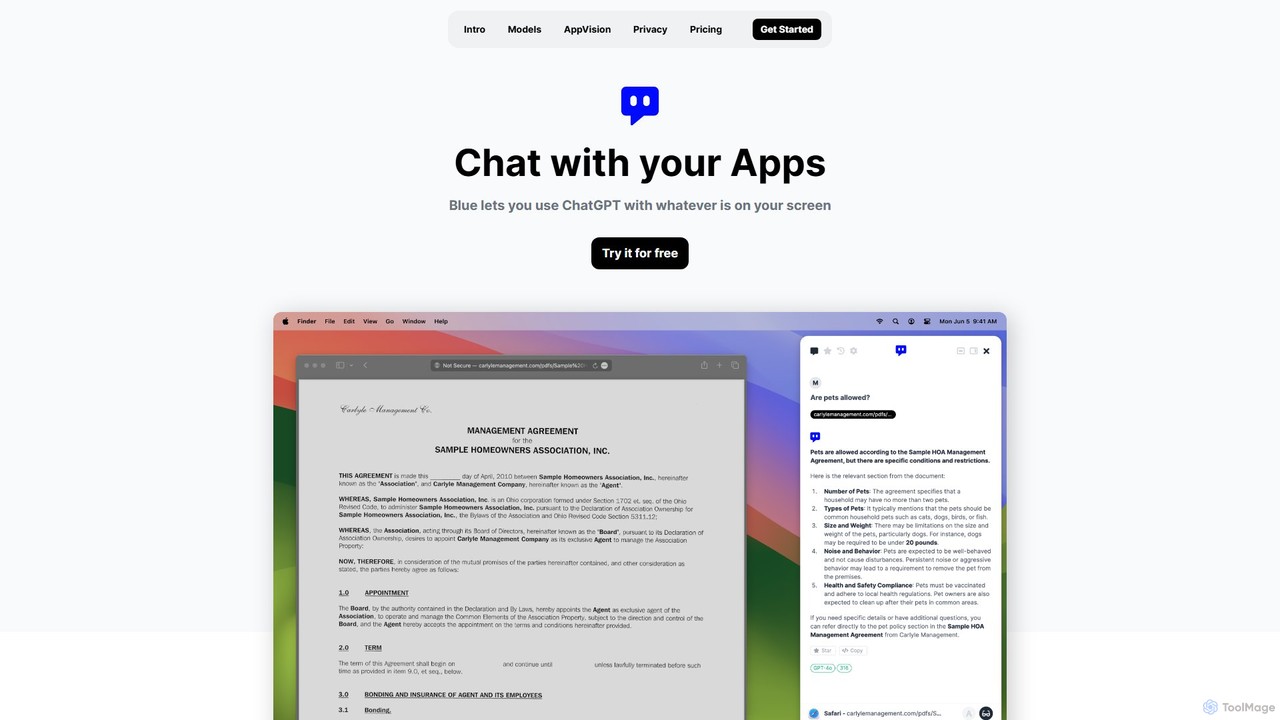
Blue
Blue is a native macOS AI assistant that integrates ChatGPT and other advanced AI models directly into your workflow. Featuring unique screen context awareness (AppVision) and a strong focus on privacy, it allows you to analyze, summarize, or create content in any app with a simple keyboard shortcut, boosting productivity for professionals.
Coding Assistant
Machato
Machato is a native macOS application designed to provide a seamless and powerful AI chat experience. It acts as a desktop client for various large language models, offering a clean, fast, and integrated interface that surpasses web-based alternatives. Perfect for developers, writers, and professionals.
Code Assistant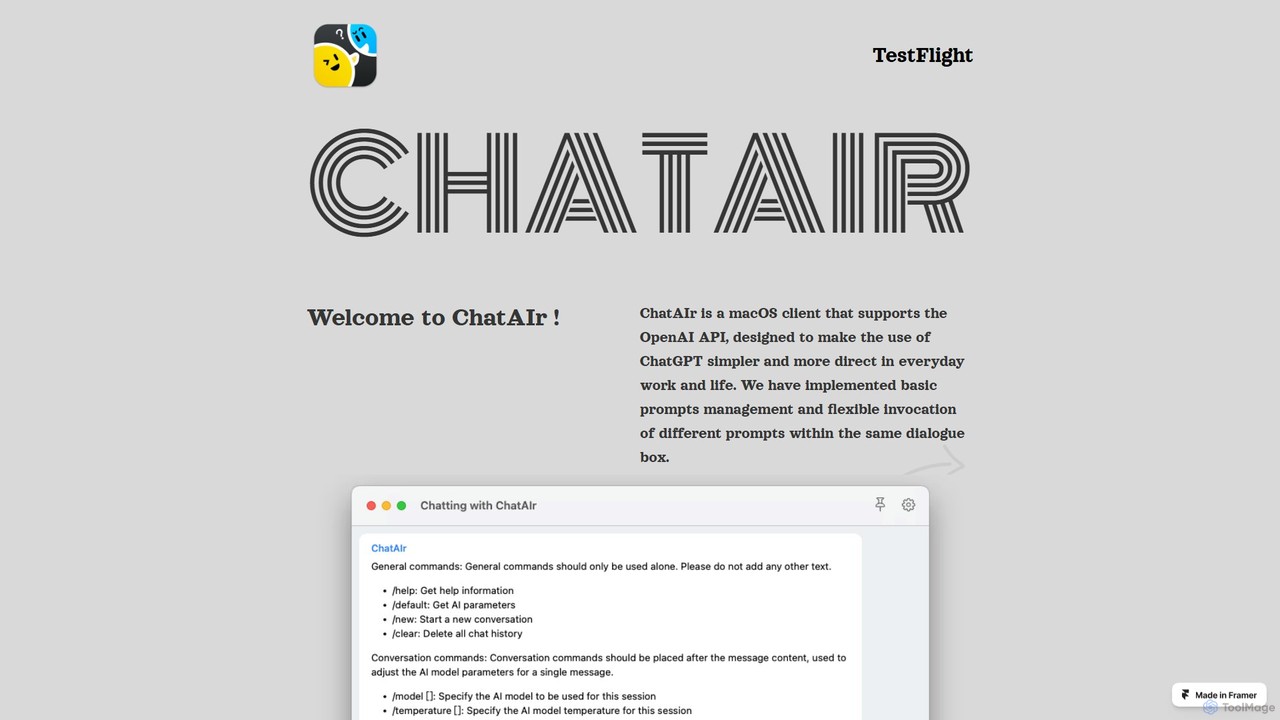
ChatAIr
ChatAIr is a powerful, native macOS client for interacting with OpenAI models like GPT-4 and GPT-3.5. It enhances your workflow with advanced features like prompt management, per-conversation model selection, and parameter control, offering a more flexible and cost-effective alternative to web interfaces.
Code Assistant
MindMac Comments (0)
Sign in to comment.
Sign inNo comments yet.