Best of the Year 16 results Desktop AI Tools

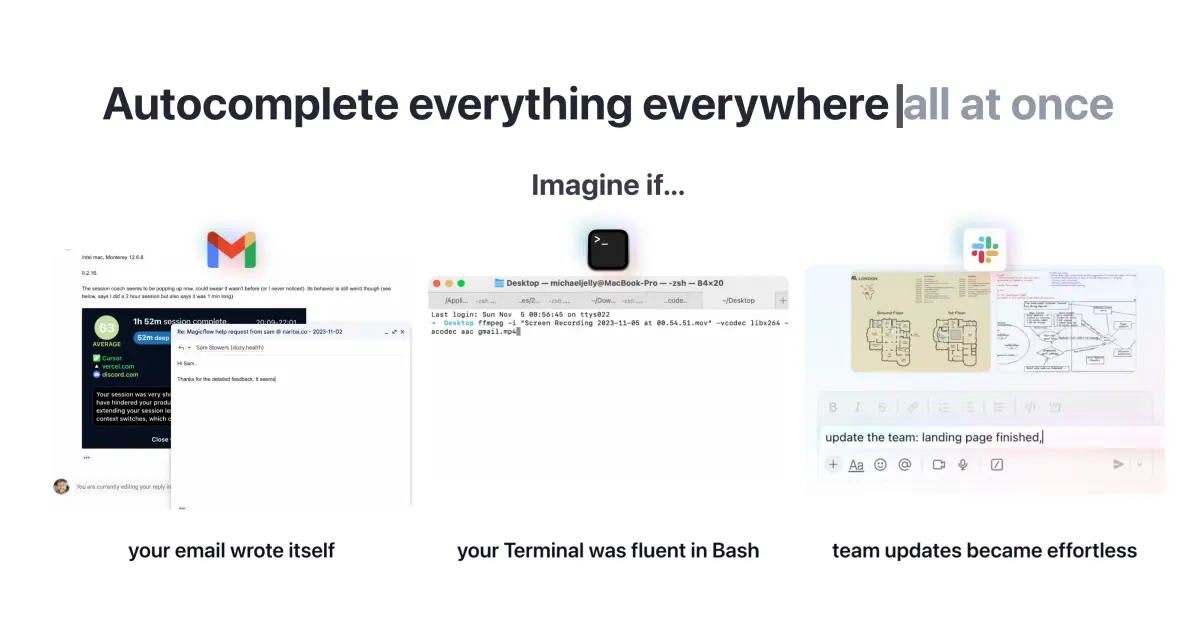
Popular AI tools in the Desktop field include superwhisper、VoiceInk、MacWhisper、Omnipilot、Kerlig、Curiosity、MindMac、Lightkey、Msty、SpeechPulse, etc., helping you quickly improve efficiency.

Novice

Novice

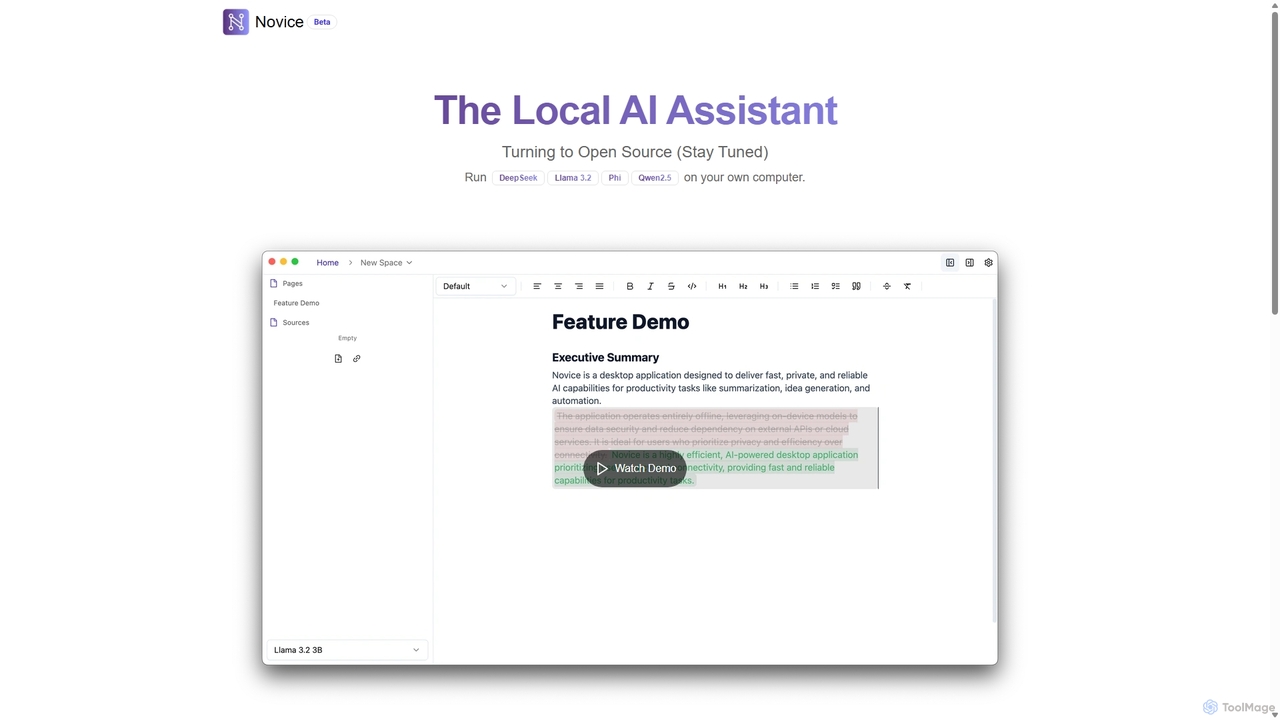
Novice is a local-first AI assistant that runs powerful language models like Llama 3.2 and Phi directly on …

2.4K
Filezen

Filezen

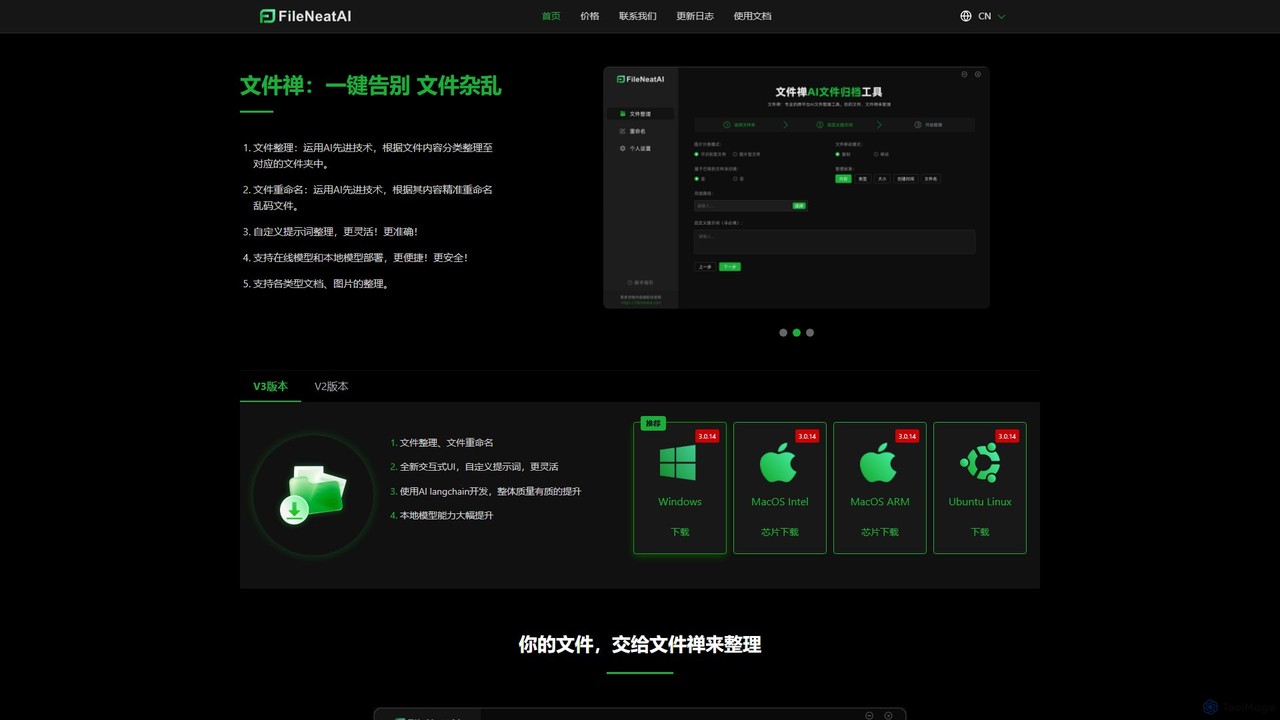
Filezen is an AI-powered desktop application that automatically organizes messy files and renames them based on their content. …

3.2K
Omnipilot

Omnipilot

Omnipilot, now part of Highlight, is a powerful AI assistant for Mac & Windows. It works across all …

37.4K
MindMac

MindMac

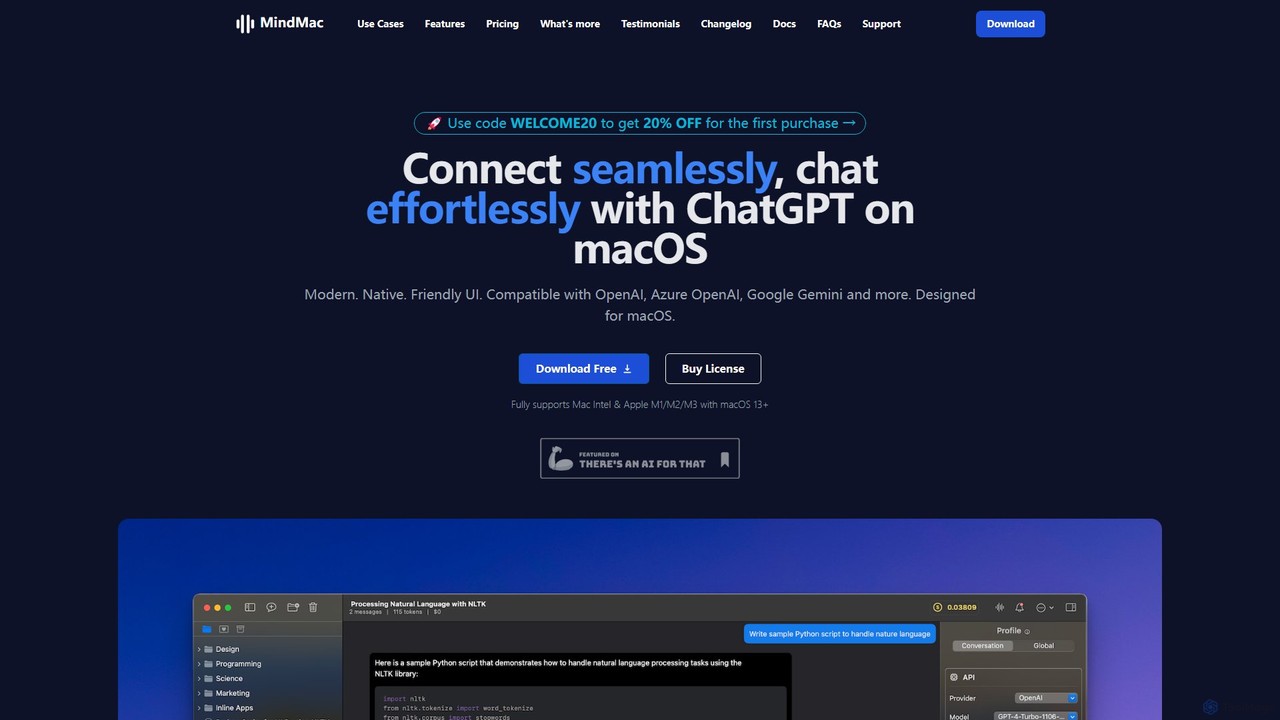
MindMac is a powerful, native macOS client that provides a unified interface for interacting with a vast range …

17.5K
Msty

Msty

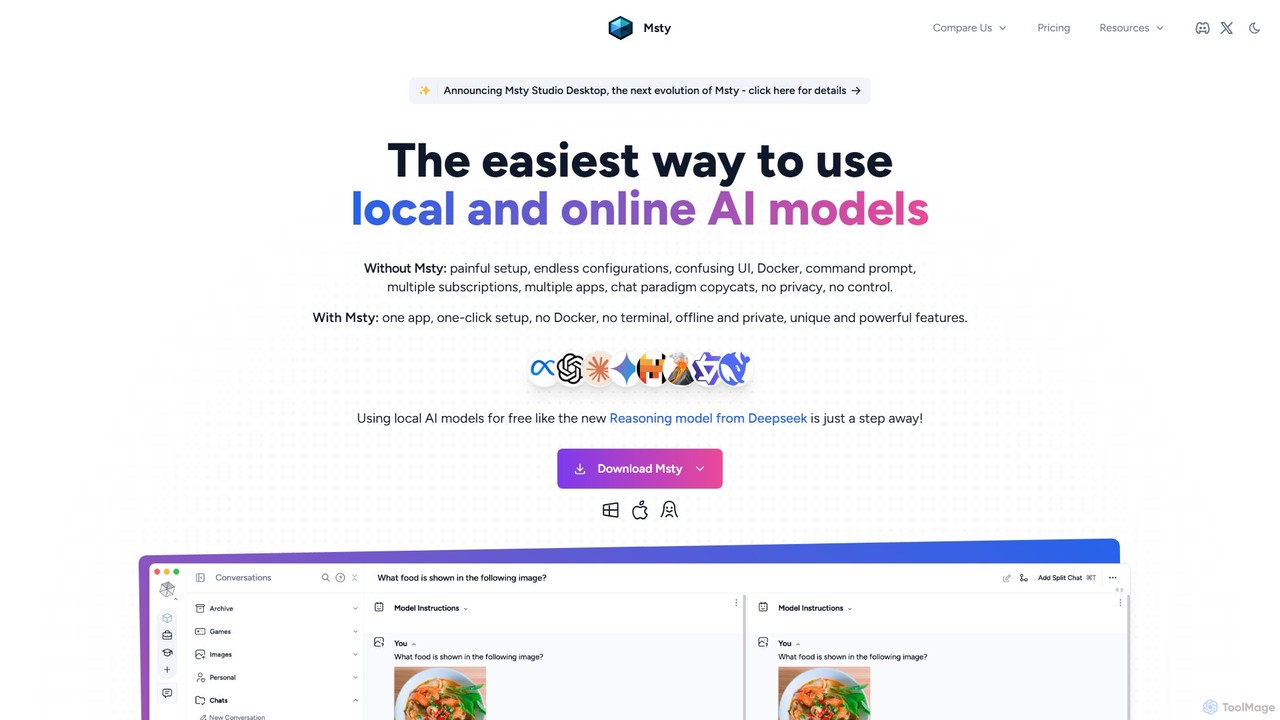
Msty is a user-friendly desktop application that simplifies running both local and online AI models. It offers a …

13.8K
VoiceInk

VoiceInk

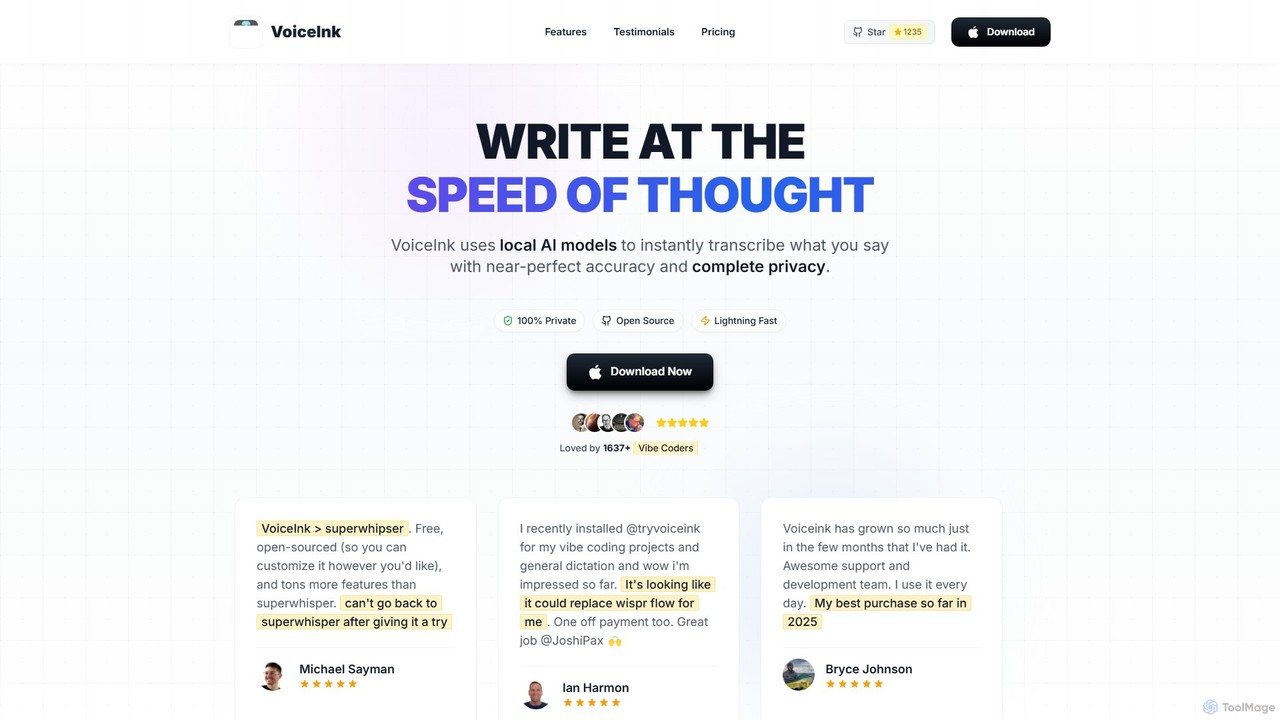
VoiceInk is a privacy-first, open-source AI dictation app for Mac. It uses local AI models for instant, highly …

118.9K
Cosmos

Cosmos

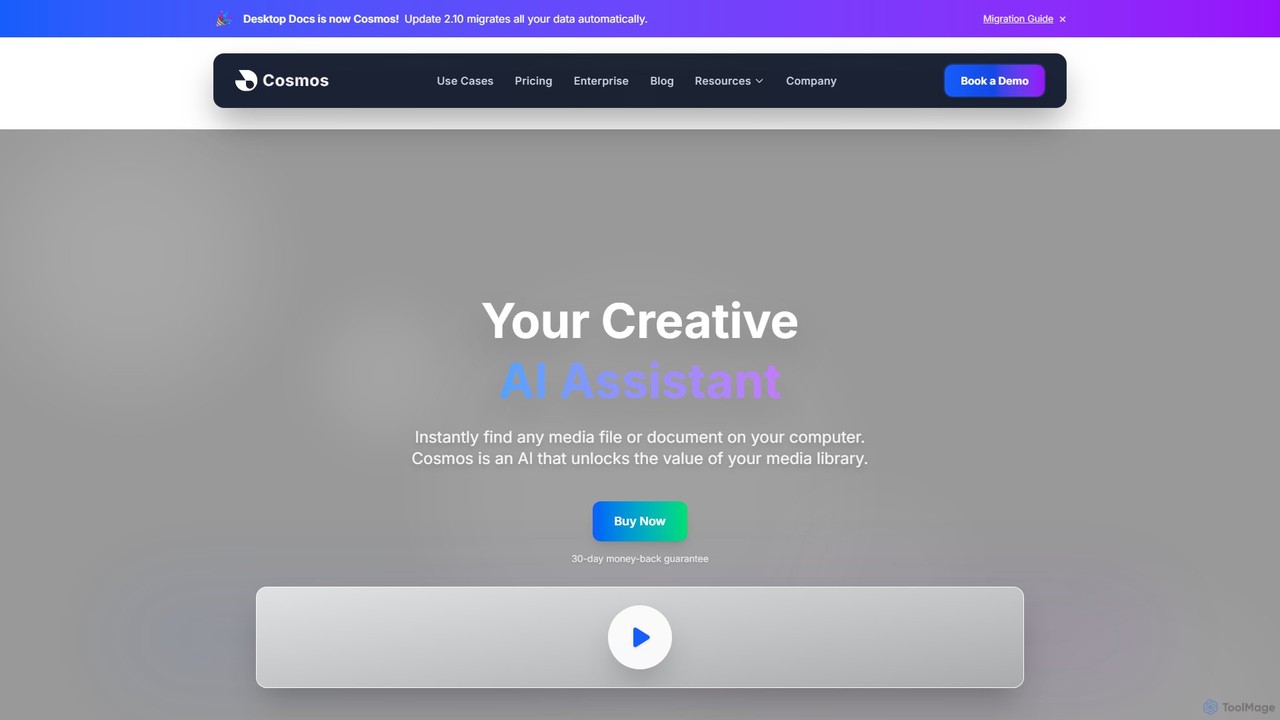
Cosmos is an AI-powered desktop assistant that revolutionizes how you find files. It runs locally on your computer, …

6.1K
MacWhisper

MacWhisper

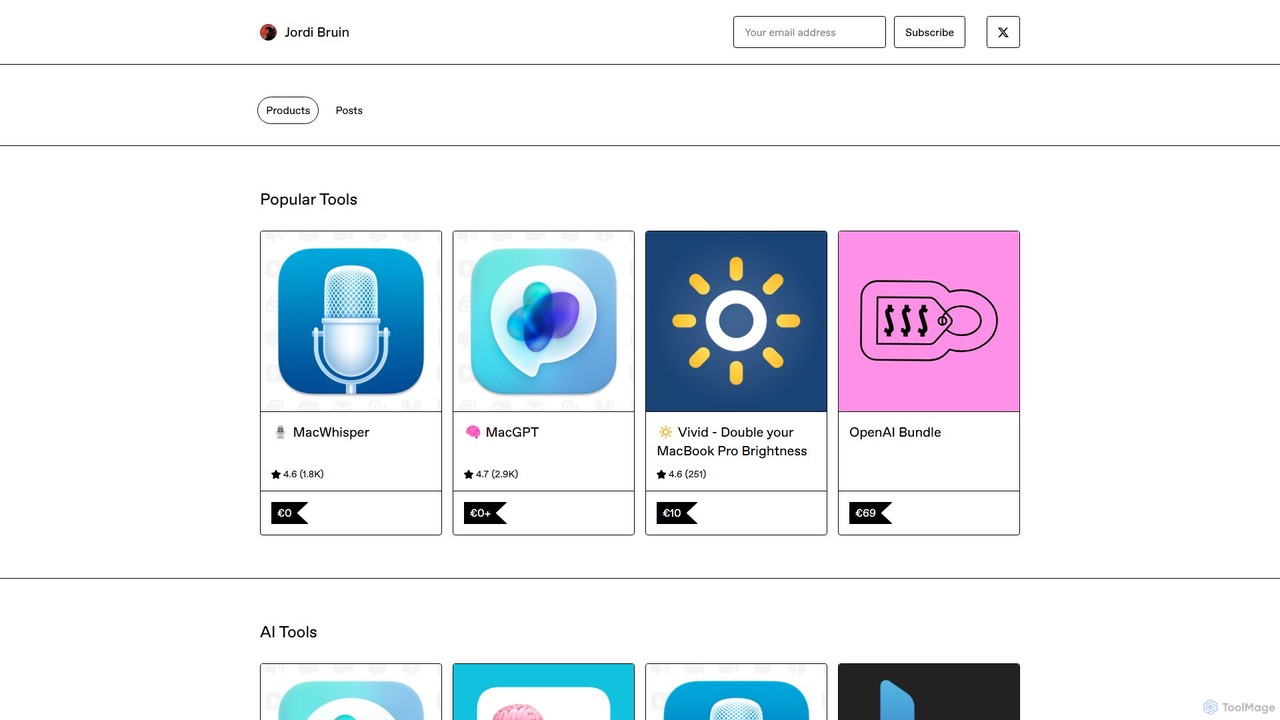
MacWhisper is a powerful macOS application that leverages OpenAI's state-of-the-art Whisper technology for fast, accurate, and private audio-to-text …

90.0K
SpeechPulse

SpeechPulse

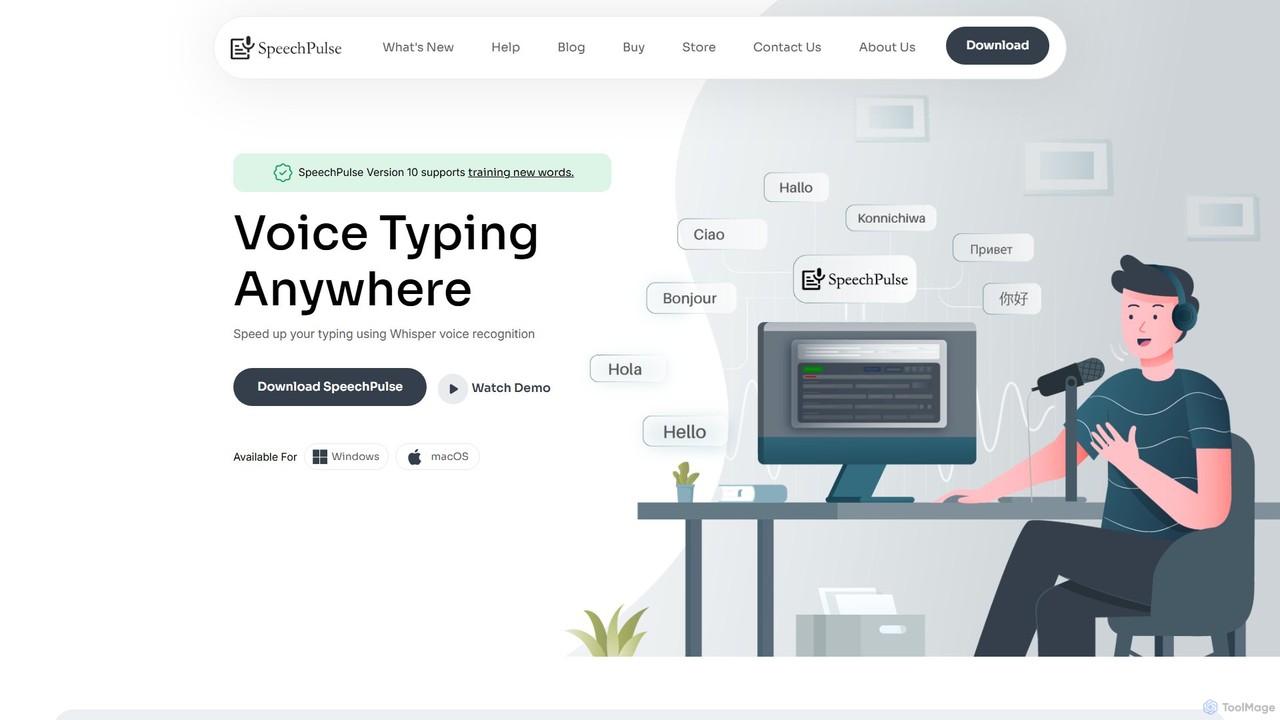
SpeechPulse is a powerful offline AI dictation and transcription application for Windows and macOS. It prioritizes user privacy …

8.8K
Curiosity

Curiosity

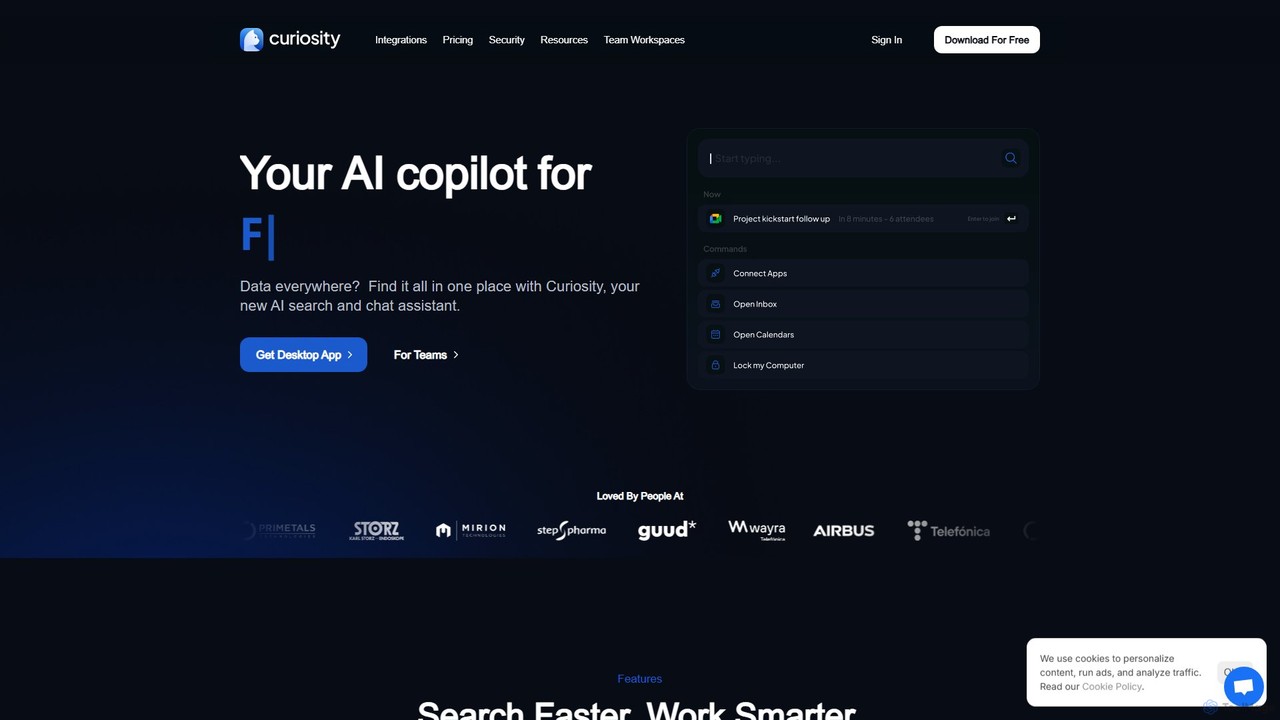
Curiosity is an AI-powered search app that unifies all your local files and cloud apps into one searchable …

24.1K
superwhisper

superwhisper

superwhisper is an AI-powered dictation and transcription tool for macOS and iOS. It offers high-accuracy speech-to-text conversion, intelligent …

329.9K
Steer

Steer

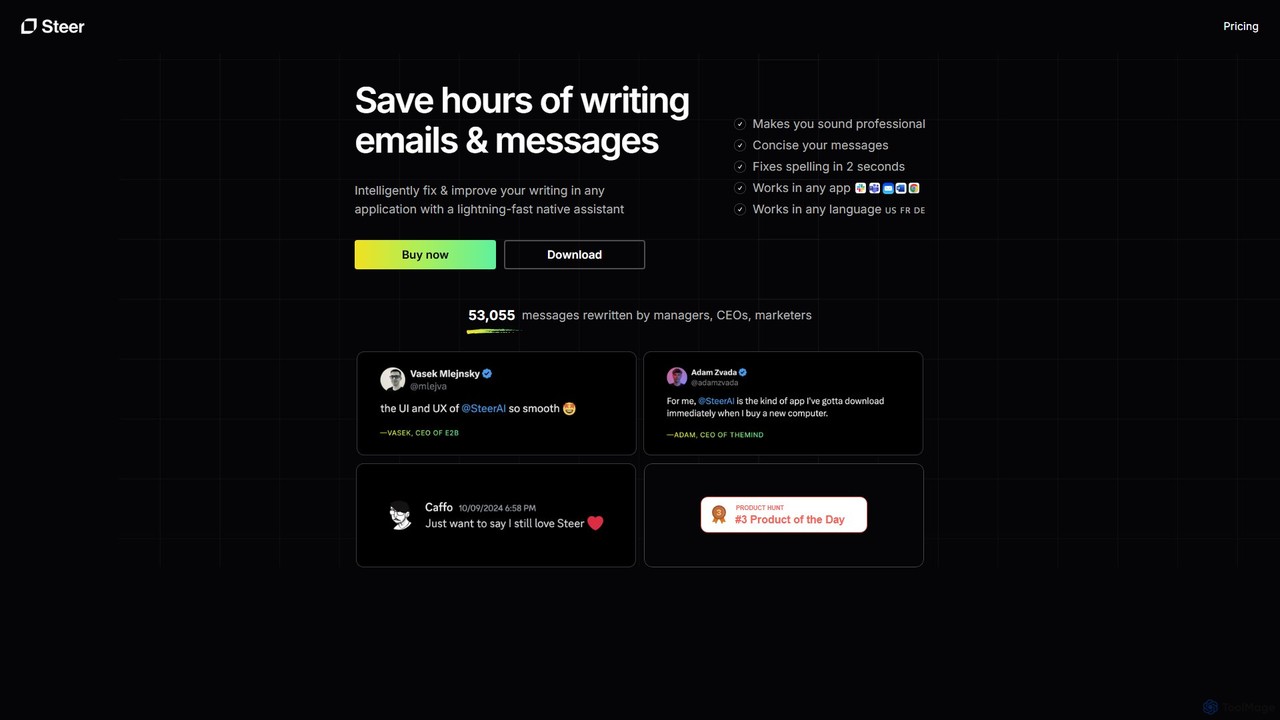
Steer is a native AI writing assistant for macOS and Windows that helps you save hours on writing. …

3.5K
Free
Prompta

Prompta

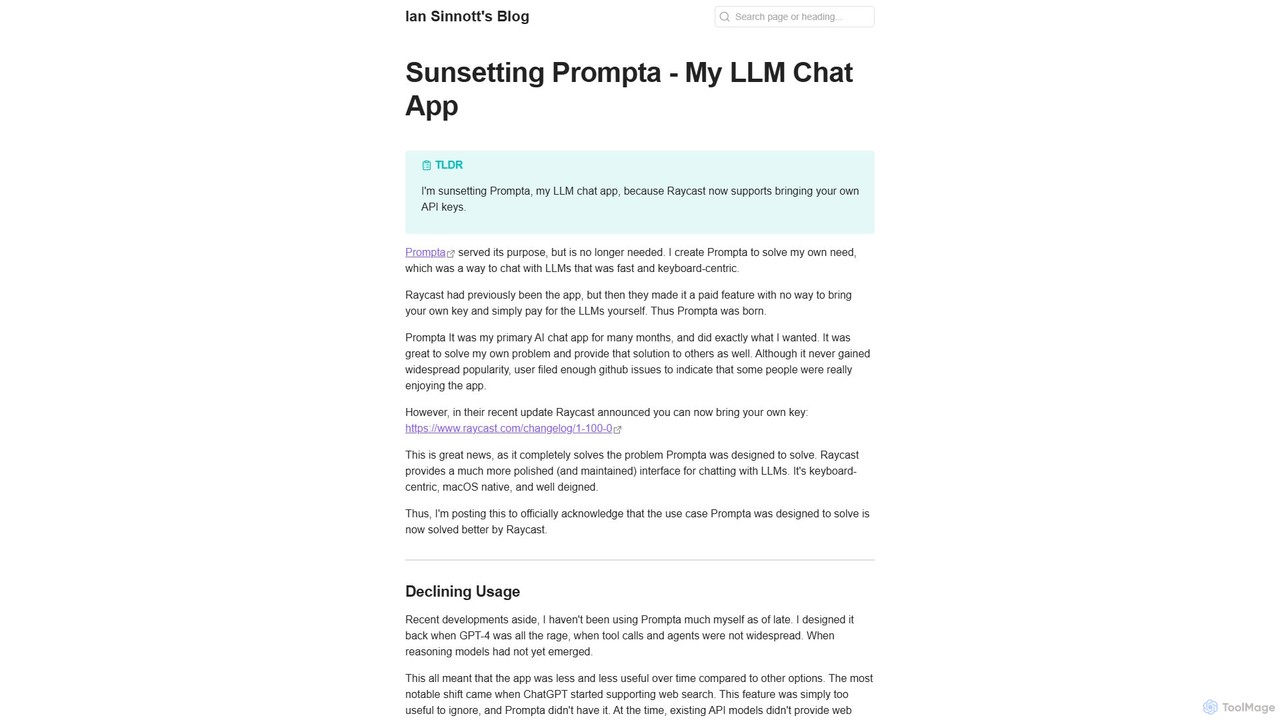
Prompta is a fast, keyboard-centric, and open-source LLM chat application for macOS. It allows users to bring their …

2.4K
Lugs.ai

Lugs.ai

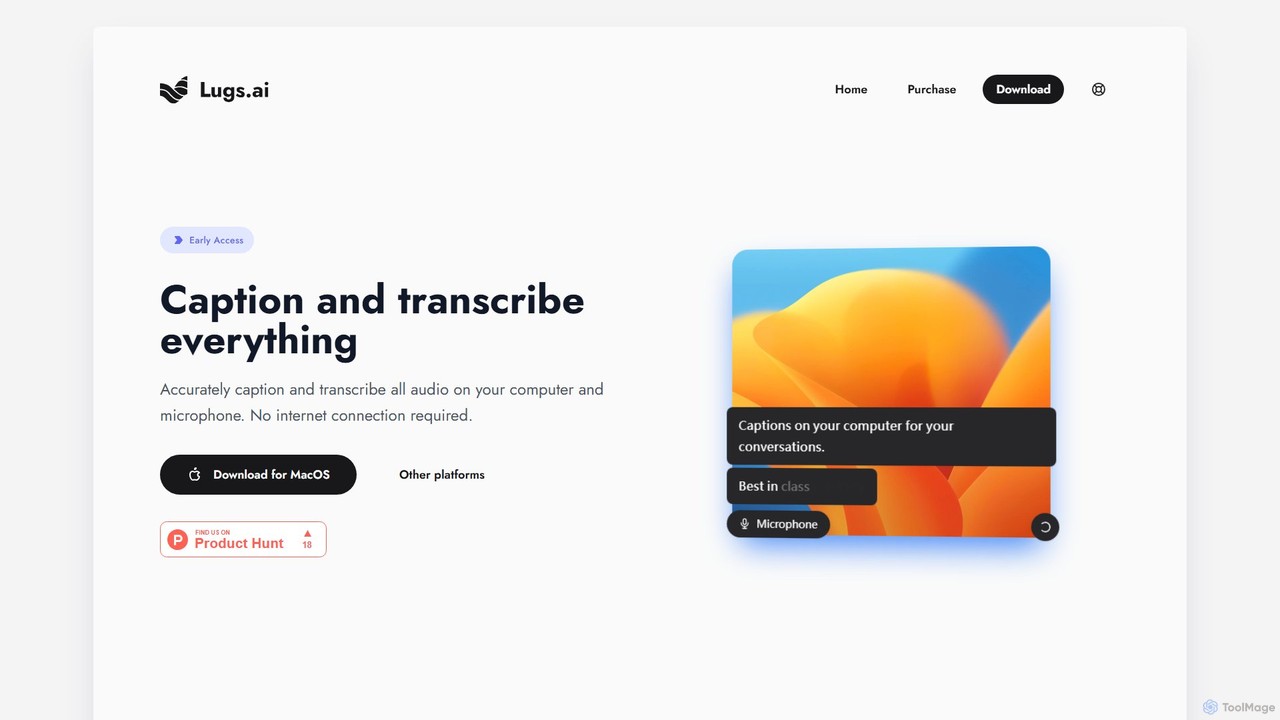
Lugs.ai is a macOS desktop application providing real-time, highly accurate transcription and captioning for all computer and microphone …

2.4K
Lightkey

Lightkey

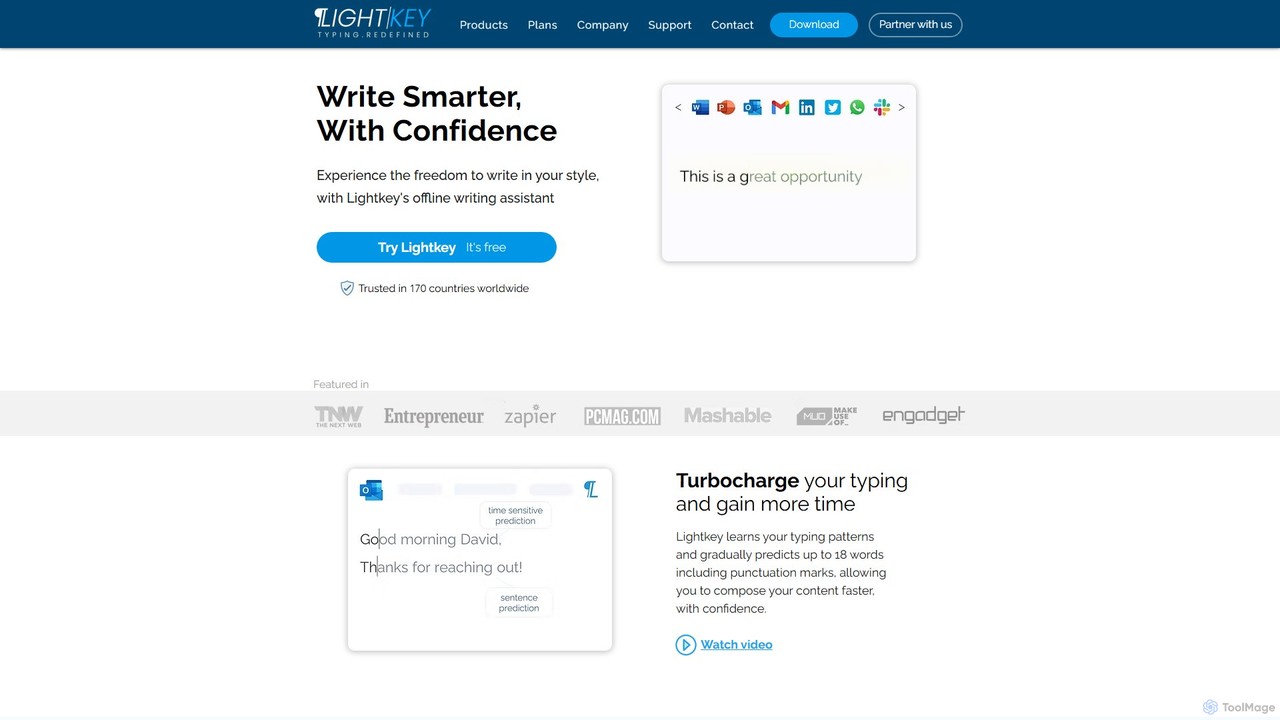
Lightkey is an AI-powered text prediction and real-time correction software for Windows. It learns your typing patterns to …

15.6K
Kerlig

Kerlig

Kerlig is a native AI writing assistant for macOS designed to streamline your communication. It integrates seamlessly into …

35.9K

About Desktop

Desktop AI tools are software applications that run natively on your computer's operating system, such as Windows, macOS, or Linux. Unlike web-based tools, they leverage local hardware resources like the GPU, CPU, and RAM to perform complex AI tasks directly on your machine. This local processing model offers significant advantages in performance, data privacy, and offline accessibility. These tools are ideal for intensive tasks including high-resolution image generation, video processing, and running large language models without relying on an internet connection or cloud servers.

Core Features

  • Offline Functionality: Enables users to work on AI tasks without an active internet connection, ensuring continuous productivity.
  • Hardware Acceleration: Directly utilizes the computer's GPU and NPU for significantly faster processing of demanding AI computations.
  • Enhanced Data Privacy: Processes and stores all data locally, providing maximum security and confidentiality for sensitive information.
  • System Integration: Offers deep integration with the local file system, clipboard, and other desktop applications for seamless workflows.
  • Low Latency: Delivers near-instantaneous results by eliminating the delays associated with sending data to and from cloud servers.

Use Cases

Desktop AI tools are widely used by professionals who require high performance and data security. For instance, digital artists and video editors use them for rapid content creation and rendering. Developers and researchers run local AI models for coding assistance and data analysis without exposing proprietary information. Business users handle sensitive documents with local AI, ensuring compliance with data privacy regulations.

How to Choose

When selecting a Desktop AI tool, first verify its compatibility with your operating system (Windows, macOS, Linux). Assess the hardware requirements, particularly GPU VRAM and system RAM, to ensure your machine can handle the workload. Evaluate the specific features to see if they align with your workflow needs. Finally, consider the pricing model, whether it's a one-time purchase or a subscription, and check its data handling policies for peace of mind.

DesktopUse Cases

1

Local AI Image Generation for Artists

A digital artist uses a desktop AI image generator to create concept art for a new project. By running the tool locally, they can leverage their powerful GPU to generate dozens of high-resolution (4K+) variations in minutes, a process that would be slow and costly on a cloud service. They can iterate on prompts and fine-tune models offline, maintaining a fluid creative workflow without upload/download delays. This approach also ensures that their unique artistic concepts and proprietary models remain confidential on their personal workstation.

2

Offline Video Transcription and Analysis

A journalist needs to transcribe several hours of sensitive interviews for an investigative report. Using a desktop AI transcription tool, they can process the audio files directly on their laptop without an internet connection, ensuring the confidentiality of their sources. The tool leverages the computer's CPU to quickly generate an accurate, time-stamped transcript. They can then search, edit, and analyze the text locally, creating a secure and efficient workflow even while traveling or in locations with poor connectivity.

3

Private Document Analysis with Local LLMs

A legal professional is reviewing thousands of pages of confidential case documents. Instead of uploading them to a cloud-based AI service, which could pose a security risk, they use a desktop application running a local Large Language Model (LLM). This tool allows them to ask complex questions, summarize lengthy documents, and identify key entities and clauses directly on their machine. All data remains within their firm's secure network, ensuring full compliance with client confidentiality agreements and data protection regulations.

4

Local AI Coding Assistant for Developers

A software developer integrates a desktop-based AI coding assistant into their Integrated Development Environment (IDE). The assistant runs entirely on their local machine, providing real-time code completions, function generation, and bug detection without sending any proprietary source code to external servers. This setup offers extremely low latency for suggestions, boosting productivity. More importantly, it maintains the security and intellectual property of the company's codebase, a critical requirement for development in enterprise or sensitive project environments.

5

Batch Image Enhancement for Photographers

A professional photographer needs to process a wedding photoshoot containing over 500 RAW images. They use a desktop AI photo editor to perform batch operations like noise reduction, sharpening, and color correction. The software leverages the computer's GPU to apply these complex enhancements to all photos simultaneously, completing the task in under an hour. This local processing avoids the slow upload speeds of large RAW files and allows the photographer to maintain full control over their original, high-resolution assets while significantly speeding up their post-production workflow.

6

Personalized AI Assistant for Productivity

A business executive runs a personalized AI assistant on their desktop. This tool integrates directly with their local files, calendar, and email client. It operates entirely offline, summarizing meeting notes from local documents, drafting email responses based on past correspondence, and organizing files without ever sending sensitive company data to the cloud. This provides a highly responsive and secure way to automate daily tasks, manage information, and boost personal productivity while adhering to strict corporate data policies.

DesktopFrequently Asked Questions