

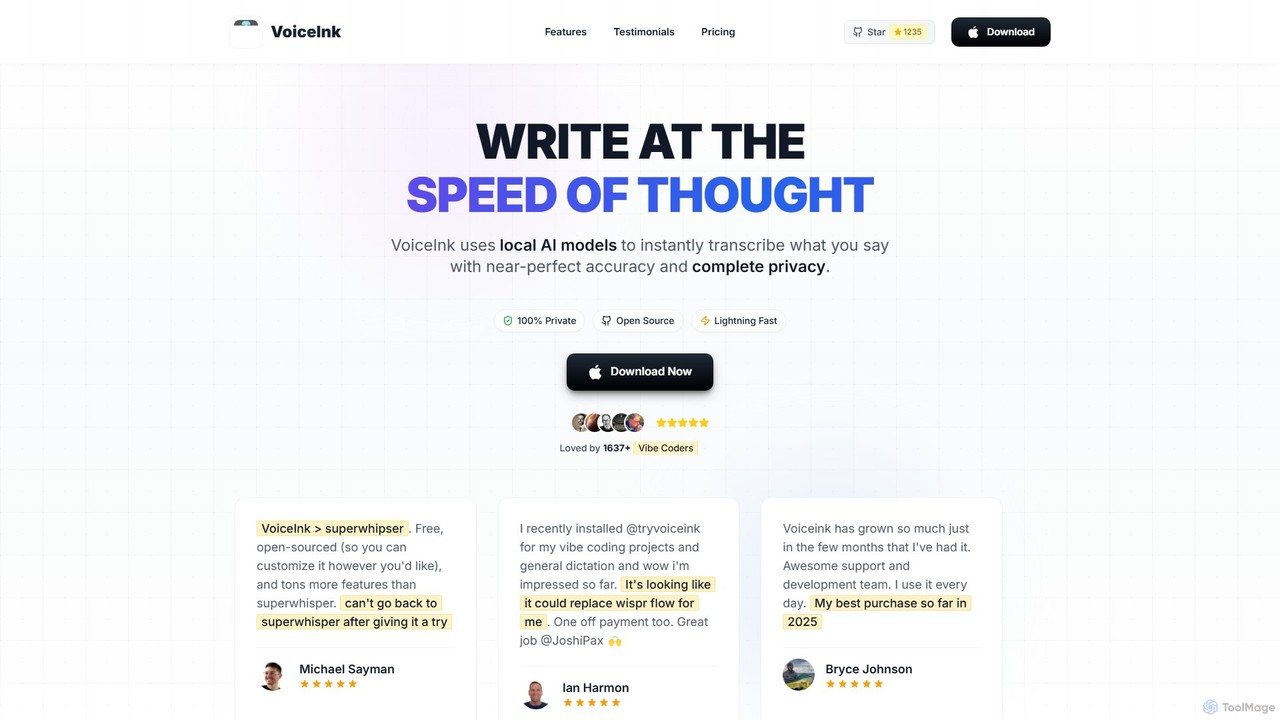
VoiceInk Overview
VoiceInk is a revolutionary dictation and transcription application designed for Apple Silicon Macs, enabling users to write at the speed of thought. It leverages powerful, local AI models to provide instant and exceptionally accurate voice-to-text conversion with up to 99% accuracy. As a privacy-first tool, all processing happens 100% offline on your device, ensuring that your data, conversations, and ideas remain completely private and secure. No data ever leaves your computer.
Being open-source, VoiceInk offers unparalleled transparency and customizability. Users and developers can inspect the source code on GitHub, contribute to its development, and be confident in its security. This sets it apart from many closed-source alternatives, providing peace of mind and the flexibility to tailor the app to specific needs.
How to use VoiceInk
Getting started with VoiceInk is simple and intuitive. After downloading and installing the application on your macOS 14.0+ Apple Silicon Mac, you can immediately begin using it across your entire system. The primary way to interact with VoiceInk is through global shortcuts. You can configure a key to start recording or use a push-to-talk key for more controlled dictation. Simply press the shortcut, speak naturally, and watch your words appear as text in any active application, whether it's a word processor, email client, code editor, or chat app. For advanced usage, you can dive into its settings to create custom templates, define smart text replacements, and configure the Power Mode to automatically switch settings based on the app or website you are using.
Core Features of VoiceInk
- Accurate & Fast Transcription: Utilizes local AI models to transcribe voice to text with 99% accuracy almost instantly, automatically handling filler words and formatting.
- Privacy First & Offline: All audio processing is done locally on your Mac. No data is ever sent to the cloud, guaranteeing complete privacy.
- Open Source: The source code is available on GitHub, allowing for full transparency, community-driven improvements, and custom modifications.
- Global Shortcuts: Configure system-wide hotkeys, including push-to-talk, to start and stop dictation in any application without interrupting your workflow.
- Personal Dictionary: Train the AI to recognize custom words, industry-specific jargon, names, and phrases for even higher accuracy. It also supports Smart Replace for text expansion shortcuts.
- Context-Aware AI & Voice Assistant: The AI can understand the context from your screen to provide more relevant transcriptions. A 'Hey Assistant' mode allows you to get instant answers to questions.
- Smart Modes: Instantly switch between pre-configured or custom modes optimized for different writing styles like Email, Tweet, Chat, or Code.
- Power Mode: Automatically detects the active application or URL (e.g., Gmail, Slack, Cursor) and applies your preferred settings and mode for a seamless experience.
Use Cases for VoiceInk
VoiceInk is a versatile tool for a wide range of users. Writers and students can draft articles, essays, and notes effortlessly, overcoming writer's block by speaking their ideas. Programmers ('Vibe Coders') can use it to write code, comments, and documentation hands-free. Entrepreneurs and professionals can dramatically speed up email correspondence, replying to messages 5x faster by simply dictating the content. It's also perfect for interacting with other AI applications like ChatGPT or Claude, allowing for natural spoken conversation instead of constant typing.
Advantages of VoiceInk
The primary advantage of VoiceInk is its unique combination of performance, privacy, and pricing. Unlike subscription-based services, it offers a lifetime license with a one-time payment. Its commitment to privacy through local, offline processing is a critical feature for users handling sensitive information. Being open-source builds trust and allows for a high degree of customization. The speed, accuracy, and deep integration with the macOS ecosystem (via Smart Modes and Power Mode) make it a superior and more cost-effective choice compared to competitors.
Pricing and Plans
VoiceInk rejects the subscription model in favor of a simple, one-time purchase for lifetime ownership. All plans include lifetime updates and a 14-day money-back guarantee. A free trial is also available.
- Solo Plan: $25 one-time payment for use on 1 device.
- Personal Plan: $39 one-time payment for use on up to 2 devices.
- Extended Plan: $49 one-time payment for use on up to 3 devices.
The application requires an Apple Silicon Mac running macOS 14.0 or later.
Traffic
Latest traffic
Status
Monthly traffic trend
- 2025-9: 30.7K
- 2026-1: 80.3K
- 2026-2: 86.2K
- 2026-3: 104.2K
- 2026-4: 116.5K
- 2026-5: 124.4K
Geography
Top 5 countries / regions
- 🇺🇸United States54.1%
- 🇩🇪Germany15.3%
- 🇳🇬Nigeria12.2%
- 🇫🇷France9.3%
- 🇲🇾Malaysia9.1%
Traffic sources
| Source type | Percentage |
|---|---|
Direct | 77.3% |
Referral | 20.1% |
Email | 2.6% |
Top keywords
| Keyword | Cost per click |
|---|---|
| voice ink | $3.18 |
| voiceink | $2.10 |
| voice ink mac | $0.00 |
| voicelink | $5.85 |
| voicelnk | $0.00 |
VoiceInk Videos on YouTube

Bob Gentle - AmplifyMe™

Mariselle Hartwell

Tinkr | Reviews & Guides

A Fading Thought
School of Terence

Artem Vysotsky
VoiceInk Alternatives
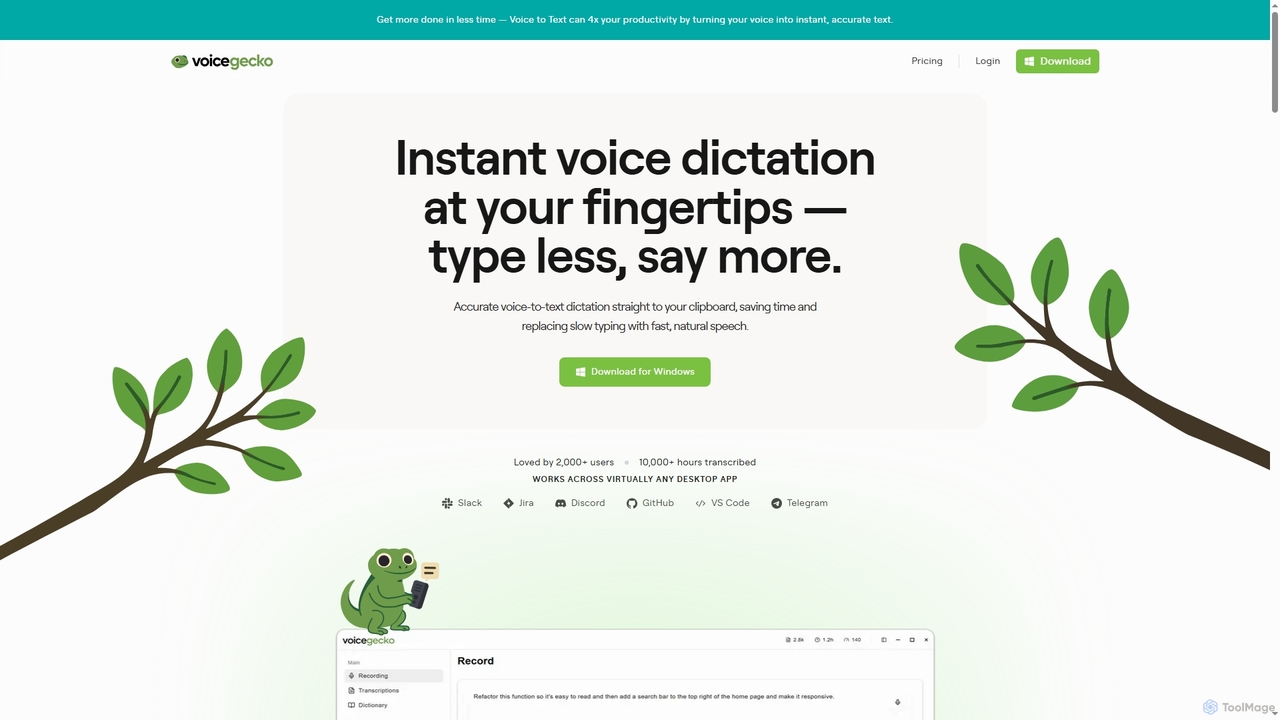
VoiceGecko
VoiceGecko is a desktop application providing instant, high-accuracy voice-to-text dictation. It works across virtually any app, allowing users to type with their voice to save time, reduce typos, and improve workflow, especially for developers and AI users.
Messaging
MacWhisper
MacWhisper is a powerful macOS application that leverages OpenAI's state-of-the-art Whisper technology for fast, accurate, and private audio-to-text transcription. It operates entirely on your device, ensuring your data remains secure.
Speech To Text
superwhisper
superwhisper is an AI-powered dictation and transcription tool for macOS and iOS. It offers high-accuracy speech-to-text conversion, intelligent formatting modes for different contexts (emails, notes), and supports over 100 languages. It prioritizes privacy with offline, on-device processing and works seamlessly in any application.
Speech To Text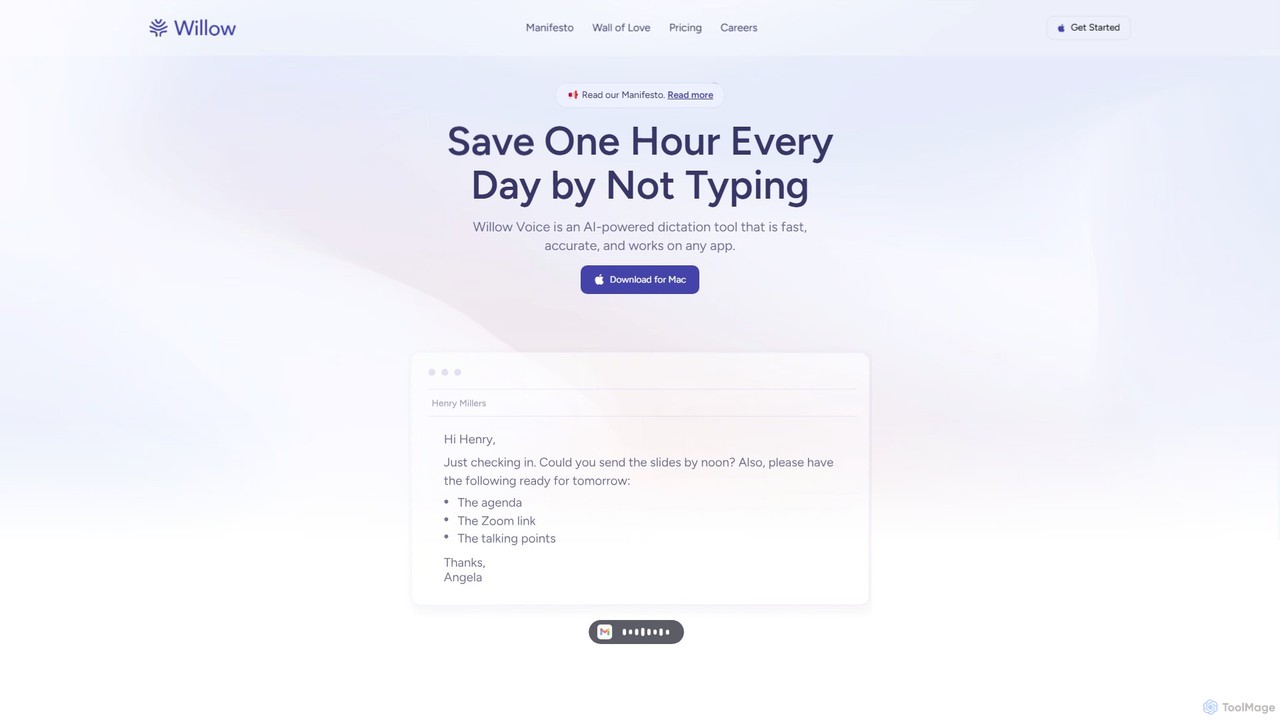
Willow Voice
Willow Voice is an AI-powered dictation app for Mac that transforms your speech into clear, formatted, and personalized text. It works seamlessly in any application, learning your unique style and vocabulary to dramatically increase writing speed and productivity. Say goodbye to typing and hello to the future of communication.
Speech To Text
voicewriter
An AI-powered voice writing tool that transcribes your speech into polished, grammatically correct text in real-time. It supports over 30 languages, learns your unique writing style, and works directly in your browser via a Chrome extension, boosting your writing speed for emails, blogs, and reports.
Note TakingVoiceInk Categories
VoiceInk Embed Widget
Copy this embed code to place the badge on your blog, article, or product site and send readers directly to this ToolMage detail page.

Related AI tools
superwhisper
superwhisper is an AI-powered dictation and transcription tool for macOS and iOS. It offers high-accuracy speech-to-text conversion, intelligent formatting modes for different contexts (emails, notes), and supports over 100 languages. It prioritizes privacy with offline, on-device processing and works seamlessly in any application.
Speech To TextWillow Voice
Willow Voice is an AI-powered dictation app for Mac that transforms your speech into clear, formatted, and personalized text. It works seamlessly in any application, learning your unique style and vocabulary to dramatically increase writing speed and productivity. Say goodbye to typing and hello to the future of communication.
Speech To Textvoicewriter
An AI-powered voice writing tool that transcribes your speech into polished, grammatically correct text in real-time. It supports over 30 languages, learns your unique writing style, and works directly in your browser via a Chrome extension, boosting your writing speed for emails, blogs, and reports.
Note Taking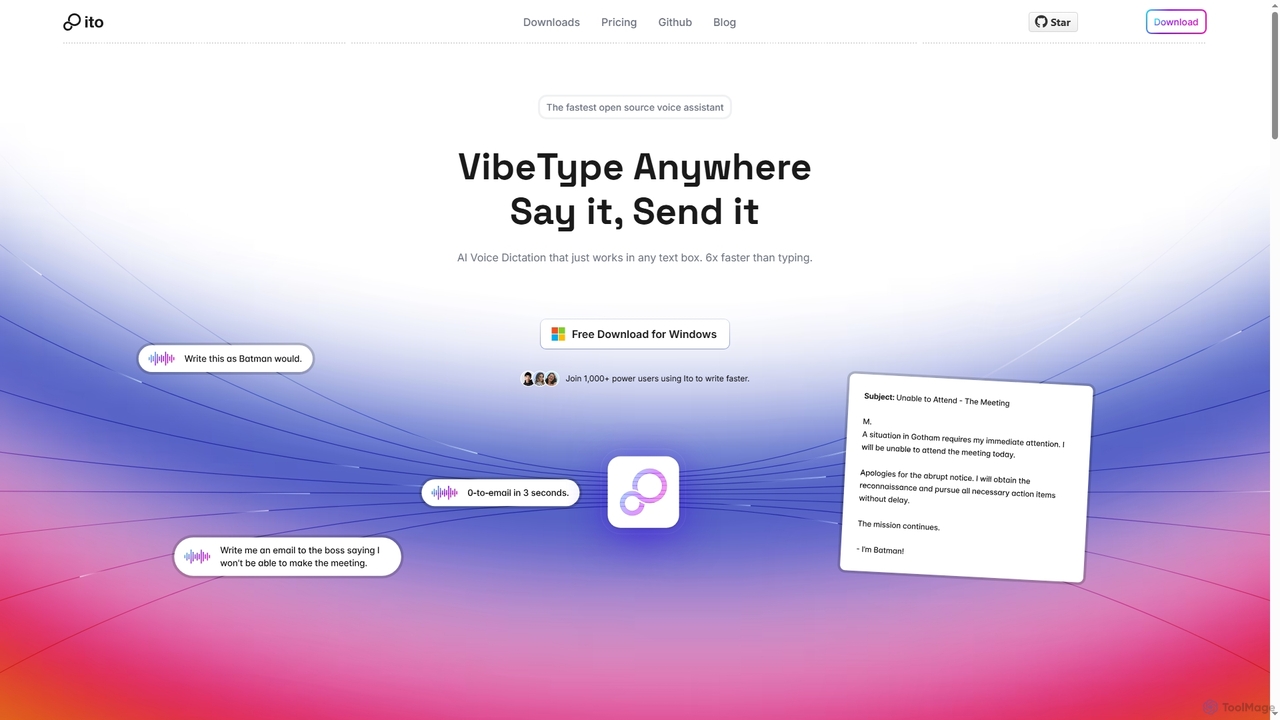
Ito
Ito is an open-source, voice-powered AI assistant for Mac and Windows that goes beyond simple dictation. Using "Vibe Typing," it understands your intent to generate polished text, smart responses, and even code, saving users significant time by allowing them to think, not type.
Email Assistant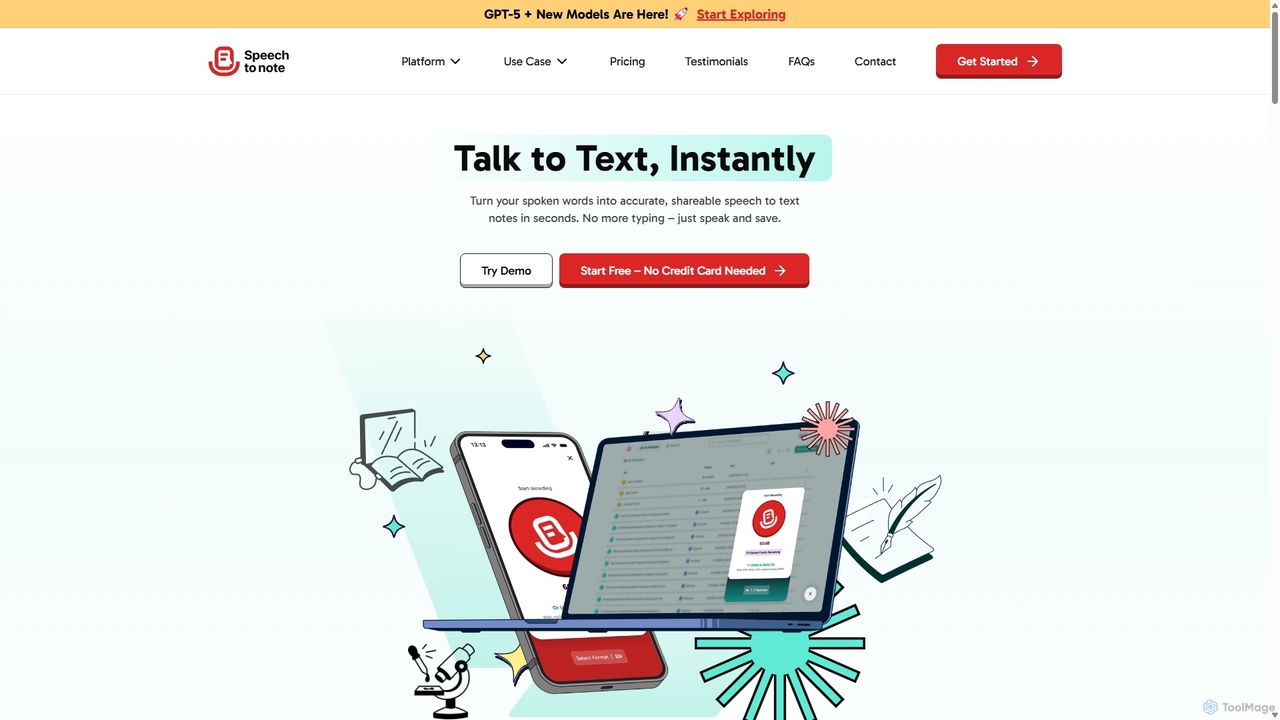
SpeechtoNote
SpeechtoNote is an AI-powered tool that instantly converts spoken words into accurate text notes. It supports over 40 languages and offers 30+ smart note formats, including summaries, emails, and to-do lists. Powered by advanced models like GPT-4o, it's designed for professionals, students, and creators to capture ideas, transcribe meetings, and streamline their workflow effortlessly.
Speech To Text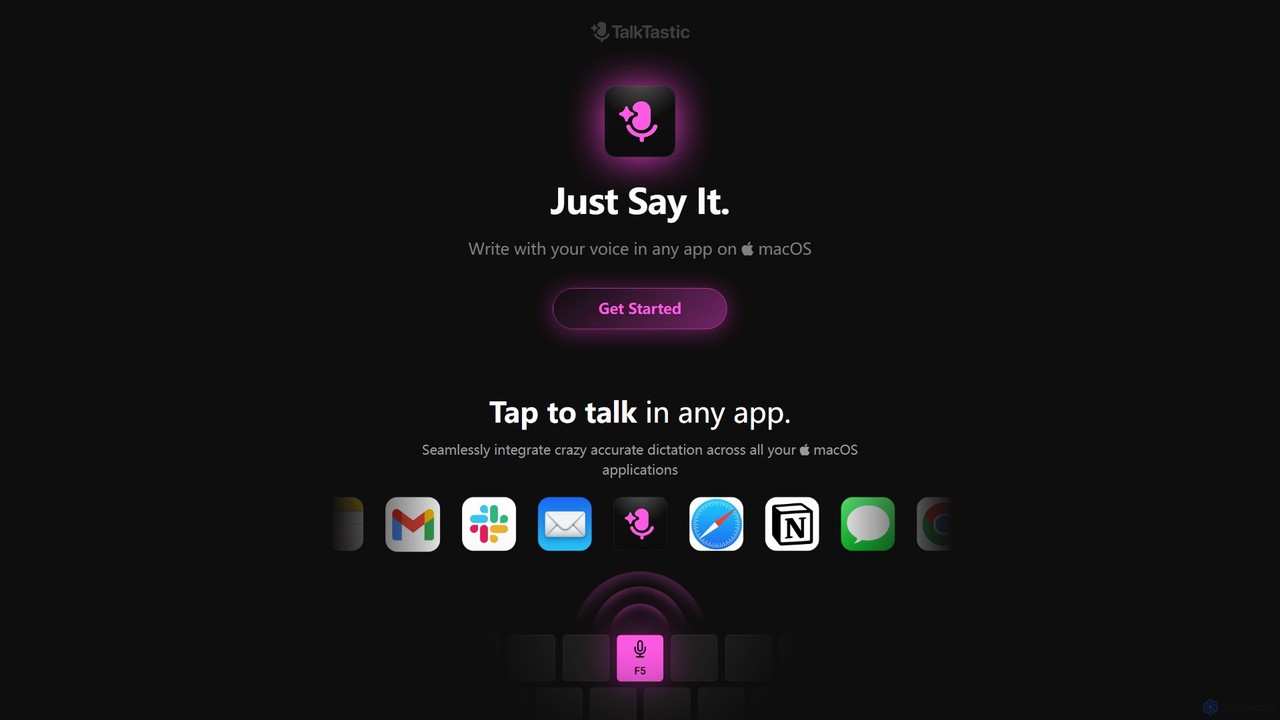
TalkTastic
TalkTastic is a revolutionary AI-powered dictation app for macOS that lets you write with your voice in any application. It goes beyond simple speech-to-text by using multimodal AI to understand on-screen context, ensuring highly accurate, context-aware transcriptions and smart rewrites in your personal style. Boost your productivity and stop typing.
Speech To Text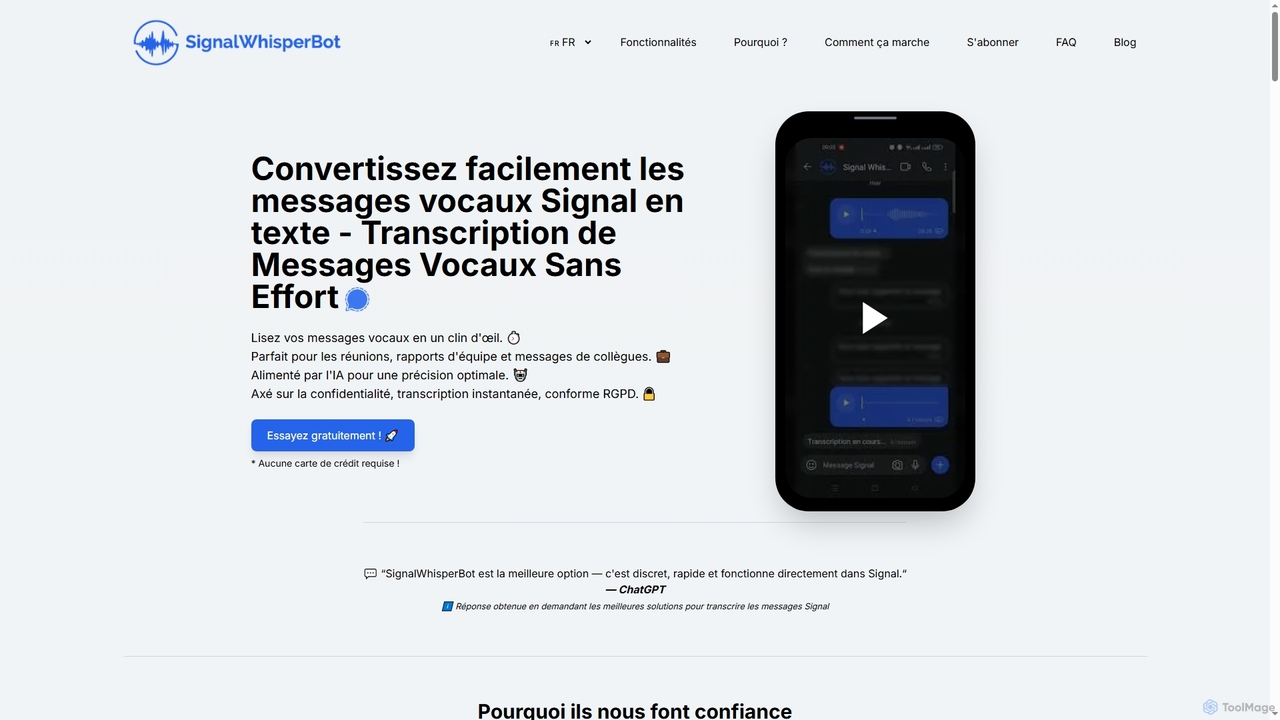
SignalWhisperBot
An AI-powered bot for Signal that instantly transcribes voice messages into text with 95-98% accuracy. It's privacy-focused, GDPR-compliant, and operates directly within Signal, allowing you to read messages silently and save time. Supports over 100 languages and offers a free trial.
Automation
Najva
Najva is a free, native macOS app that combines offline, on-device speech recognition with advanced AI models like GPT-4 and Claude 3. It instantly transforms your voice into intelligent text, offering unparalleled privacy and productivity for writers, developers, and professionals. It features context awareness, screenshot integration, and support for numerous AI providers.
Documentation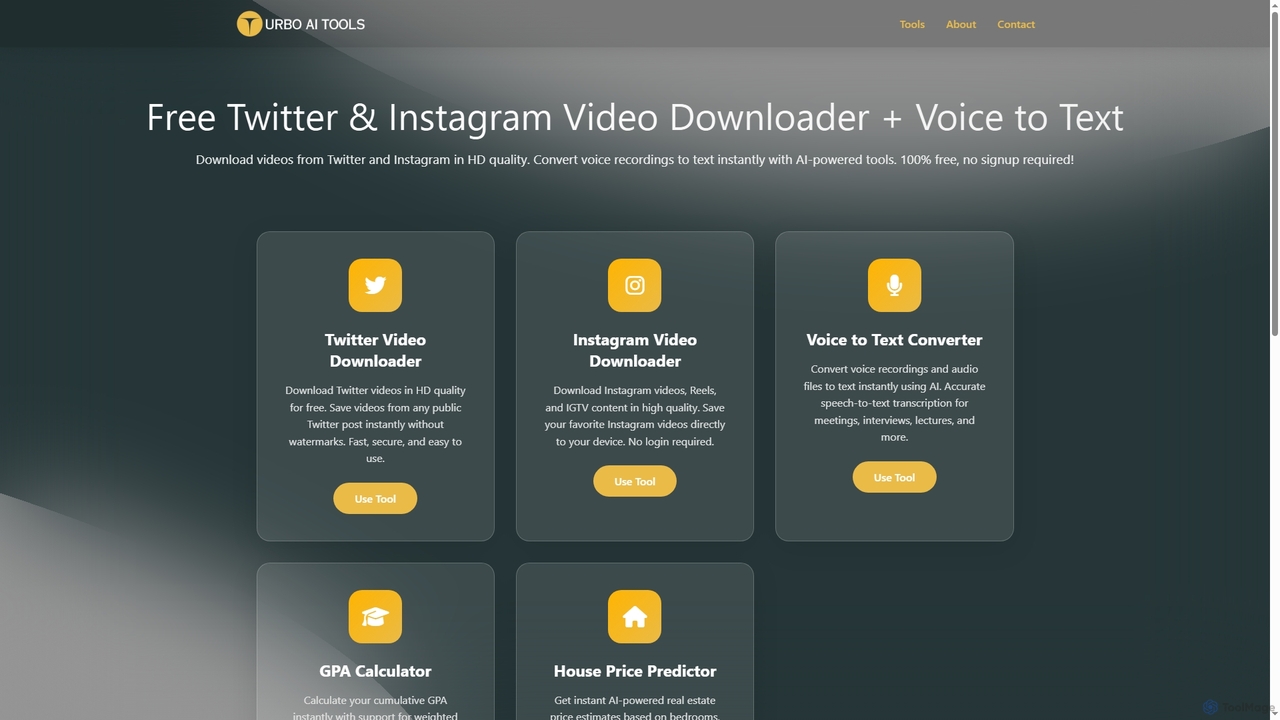
TurboAITools
TurboAITools offers a comprehensive suite of free, AI-powered online utilities designed to simplify digital tasks. It includes tools like Twitter and Instagram video downloaders, an accurate voice-to-text converter, a versatile GPA calculator, and an intelligent house price predictor. Prioritizing user privacy and ease of use, TurboAITools provides fast, registration-free solutions for content creators, students, and real estate enthusiasts alike.
Academic Planning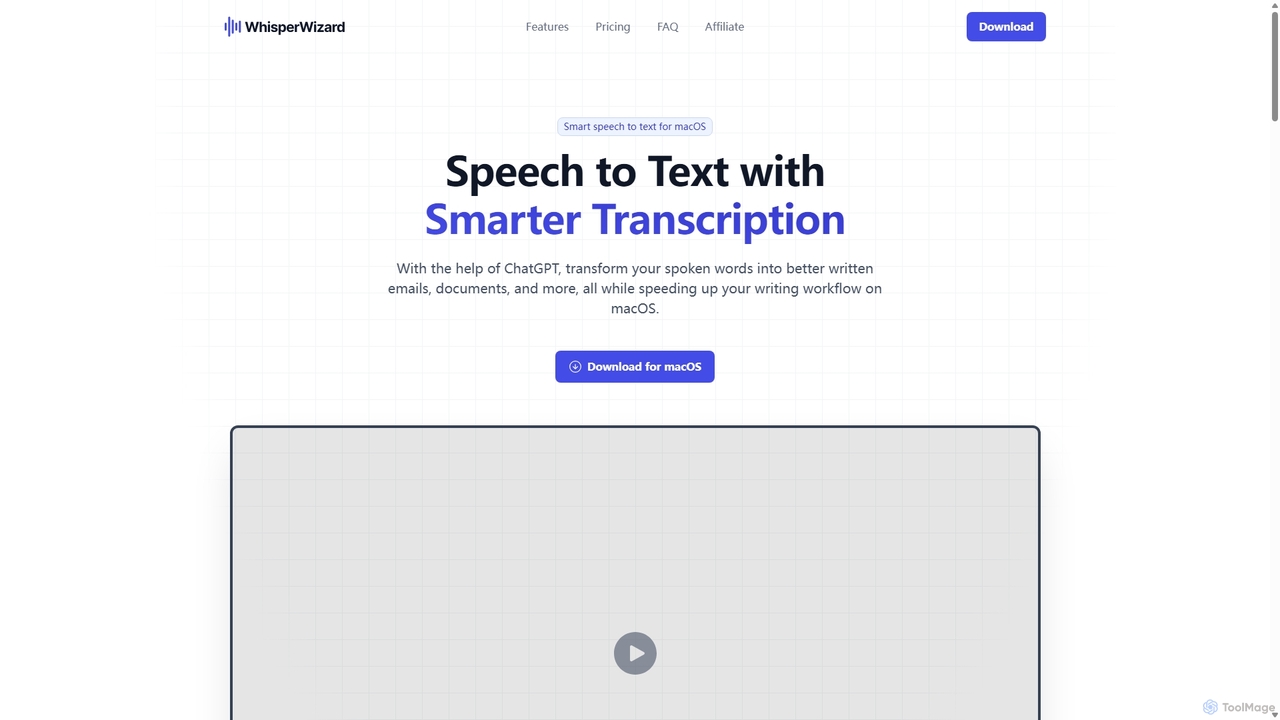
WhisperWizard
WhisperWizard is a powerful macOS application that transforms your speech into text with AI-powered enhancements. Leveraging ChatGPT, it not only transcribes your voice with high accuracy but also refines the output into well-structured emails, documents, and more. Create custom templates and shortcuts to streamline your writing workflow, making it faster and more efficient than ever to capture and perfect your ideas.
Speech To Text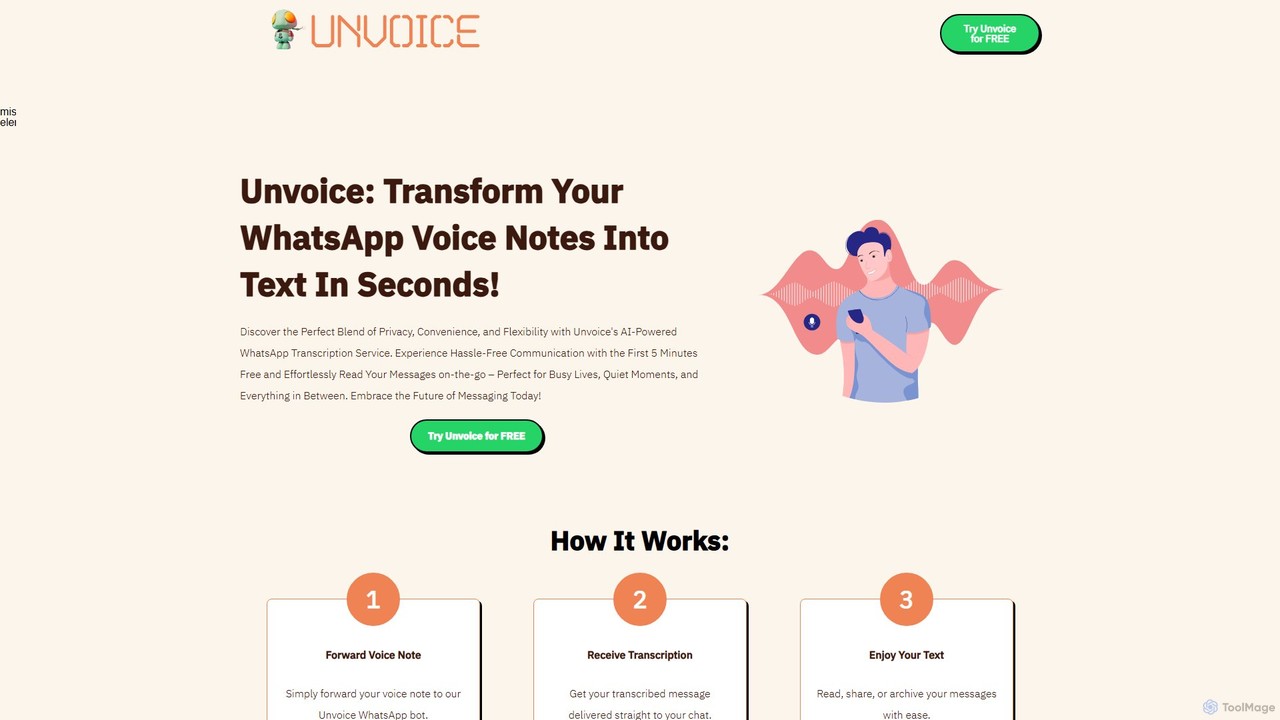
Unvoice
Unvoice is an AI-powered WhatsApp bot that instantly transcribes voice notes into text. It offers a seamless, private, and convenient way to read your voice messages, perfect for when you're in a meeting, a quiet place, or simply prefer reading over listening.
Speech To Text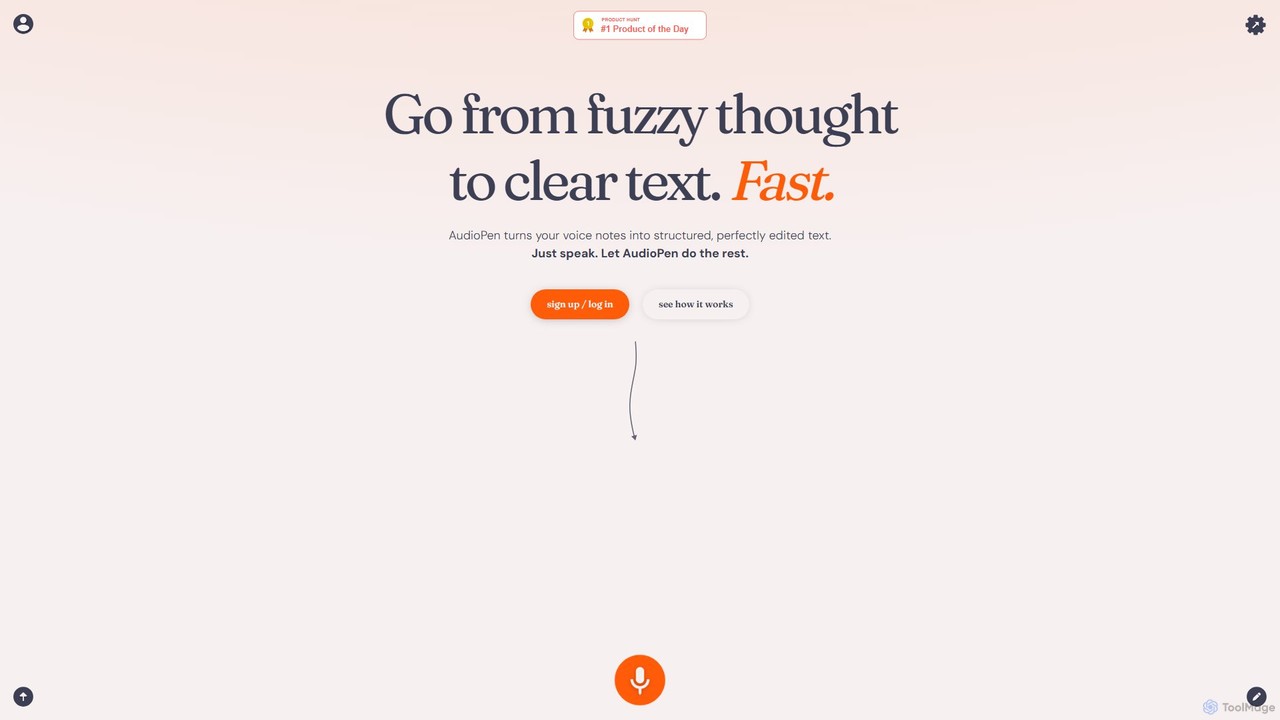
AudioPen
AudioPen is an AI-powered tool that converts unstructured voice notes into clear, well-written text. Simply record your thoughts, and AudioPen will transcribe, summarize, and rewrite them into coherent summaries, blog posts, emails, or lists. It's designed to help you capture ideas on the go without the hassle of typing.
Transcription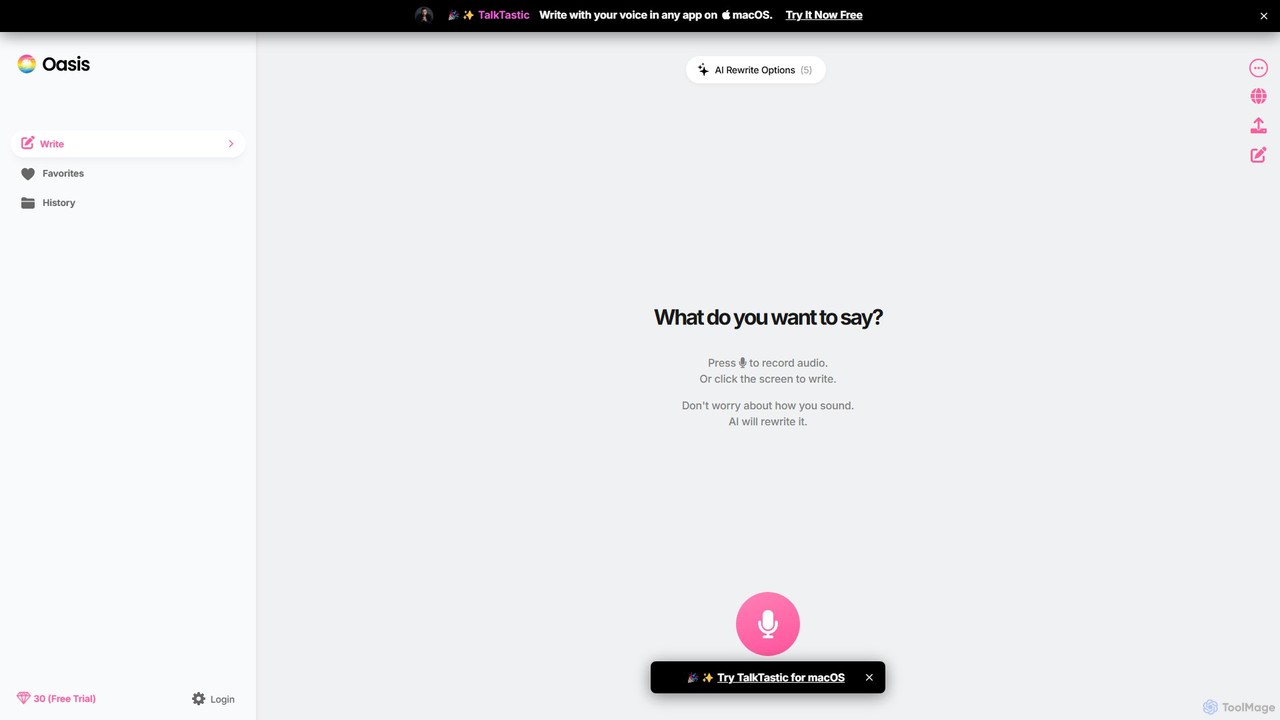
theoasis
OASIS is a revolutionary AI-powered writing assistant for macOS. It allows you to write with your voice in any application. Simply speak your thoughts, and OASIS will not only transcribe them but also use AI to rewrite and polish your text for perfect clarity, tone, and style. It's the fastest way to draft emails, create documents, and overcome writer's block with zero effort.
Transcription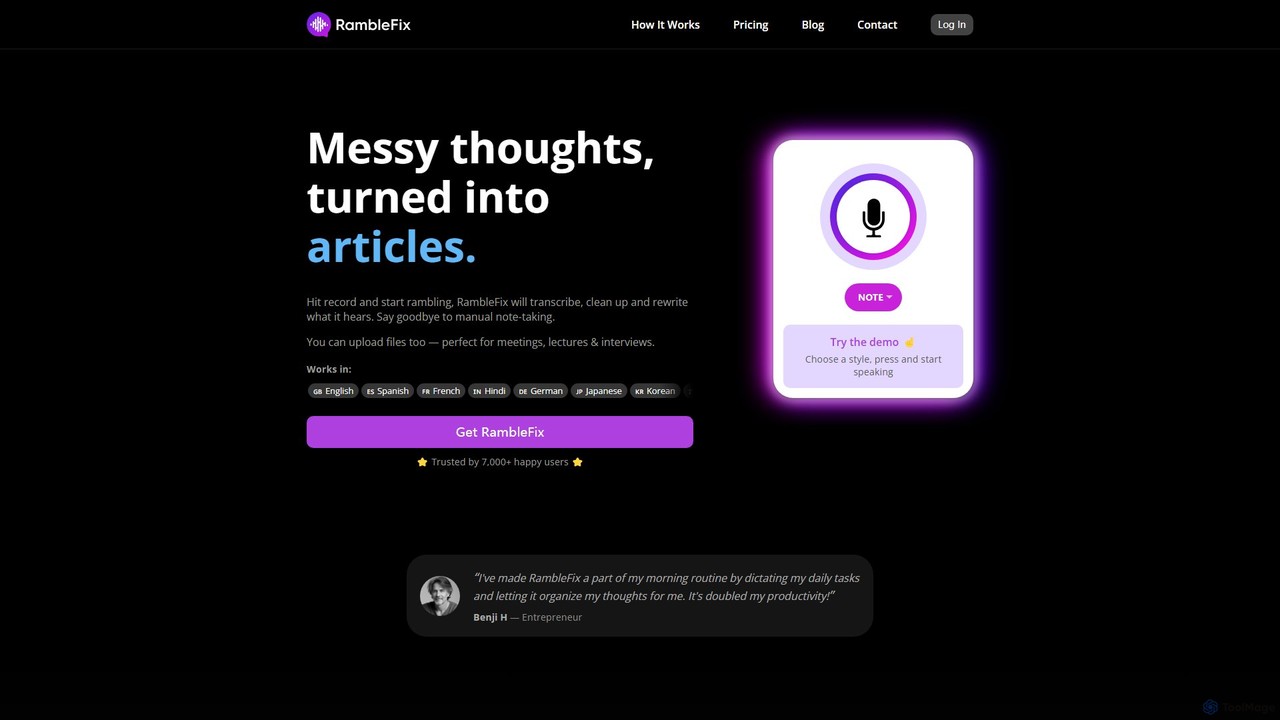
RambleFix
RambleFix is an AI-powered tool that transforms your scattered voice notes and ramblings into structured, polished text. Simply record your thoughts or upload an audio file, and the AI will transcribe, clean up, and rewrite your content into articles, emails, social posts, or organized lists. It supports over 30 languages, making it perfect for boosting productivity, overcoming writer's block, and creating content effortlessly.
Transcription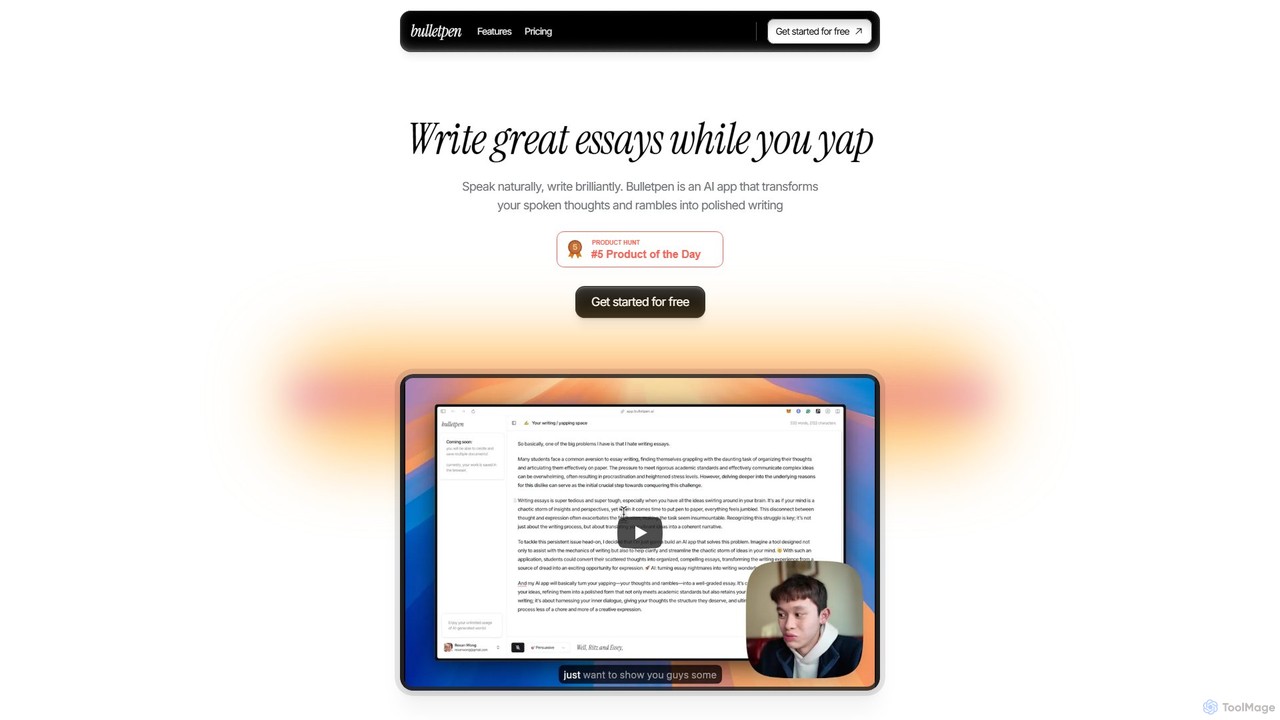
Bulletpen
Bulletpen is an AI-powered application that transforms your spoken thoughts and unstructured rambles into polished, well-structured writing. Simply speak your mind, and the AI will capture, refine, and format your ideas into essays, articles, or any text you need. It offers various tones, style mirroring, and AI editing commands to perfect your content, making it ideal for students, writers, and professionals looking to overcome writer's block and boost productivity.
Speech To Text
VoiceInk Comments (0)
Sign in to comment.
Sign inNo comments yet.