Communication Best in category 18 results Email Assistant AI Tool

Popular AI tools in the Email Assistant field of Communication include Wordtune、Dex、ParagraphAI、Ito、PolitePost、Martin、HeyLuna、Steer、EverlynAI、Aiwritemail, etc., helping you quickly improve efficiency.

Aiwritemail

Aiwritemail

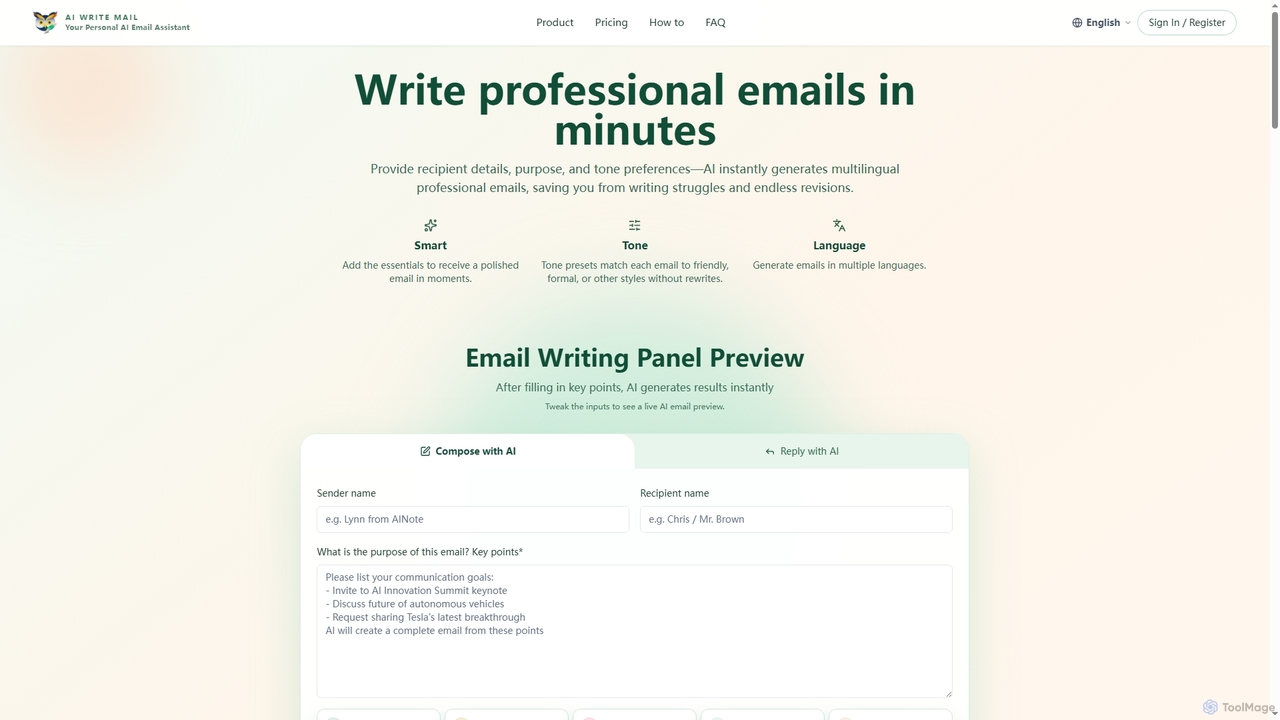
Aiwritemail is an AI-powered email generator designed for professionals and cross-language collaborators. It streamlines email writing by quickly …

2.8K
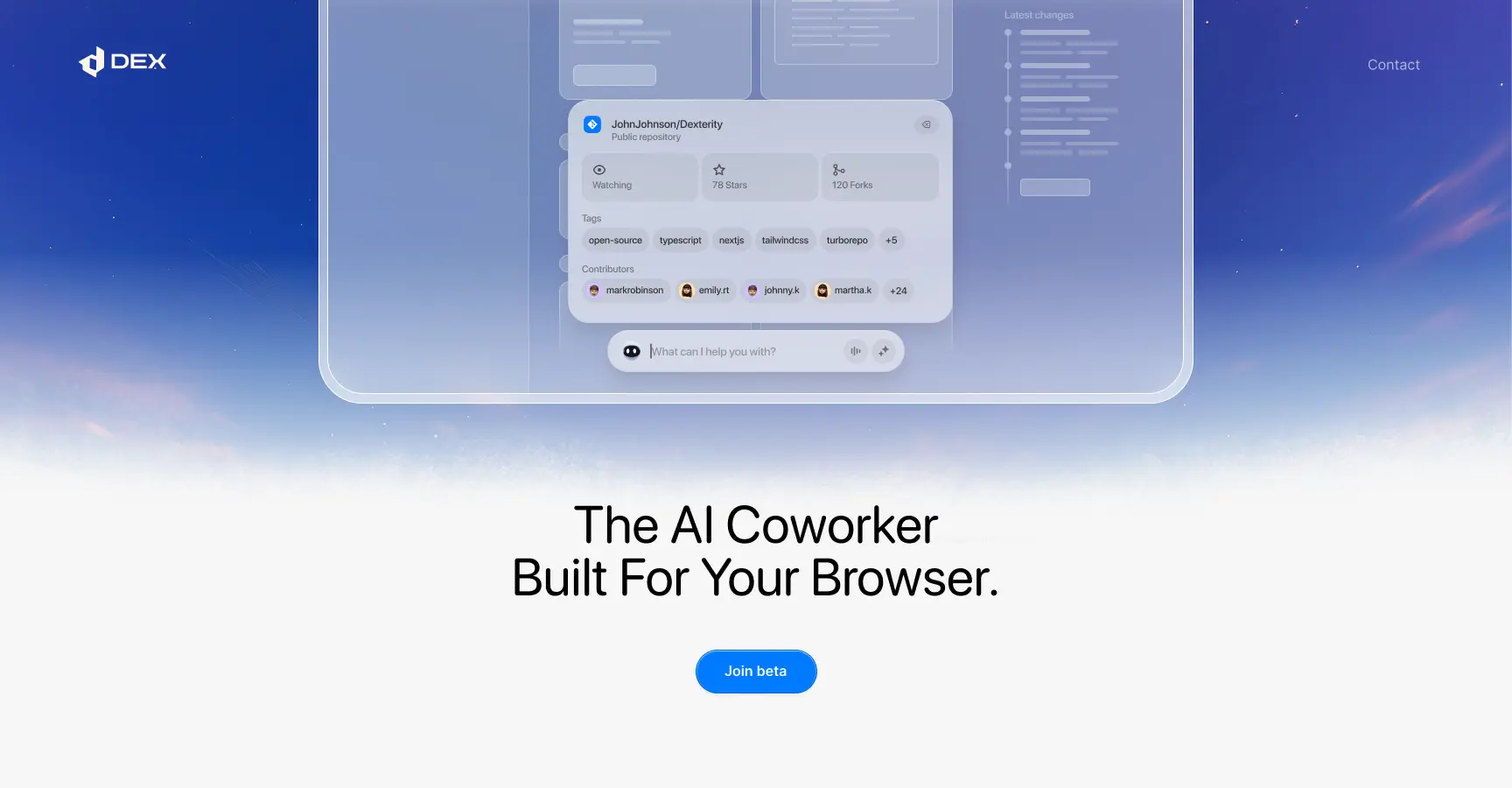
Dex

Dex

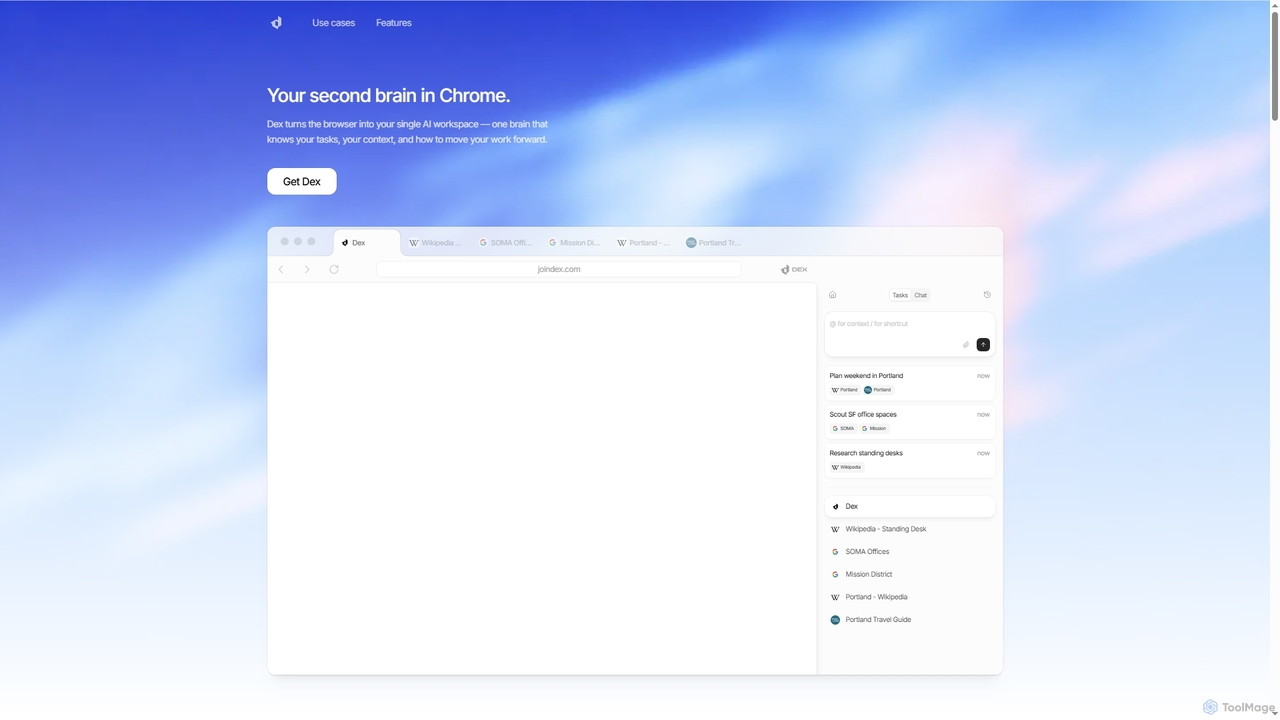
Dex is an AI-powered Chrome extension that transforms your browser into a smart, integrated workspace. It acts as …

31.9K
Ito

Ito

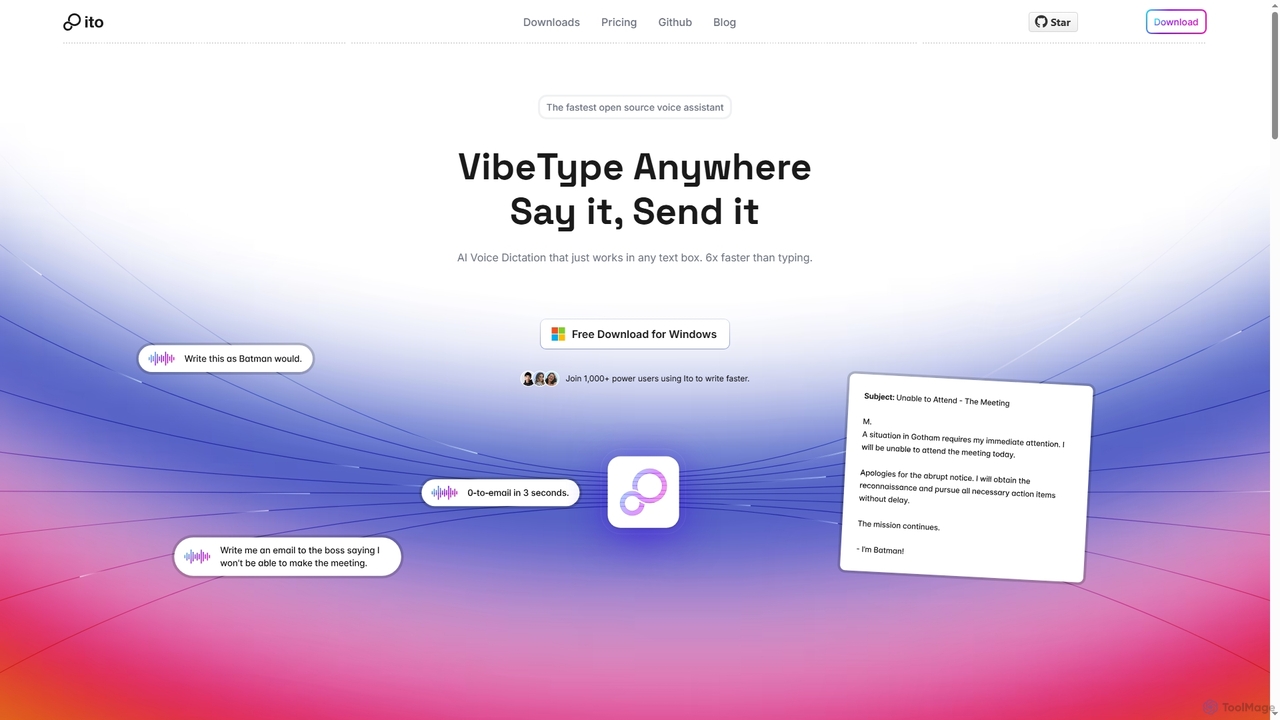
Ito is an open-source, voice-powered AI assistant for Mac and Windows that goes beyond simple dictation. Using "Vibe …

16.6K
Shello Ai

Shello Ai

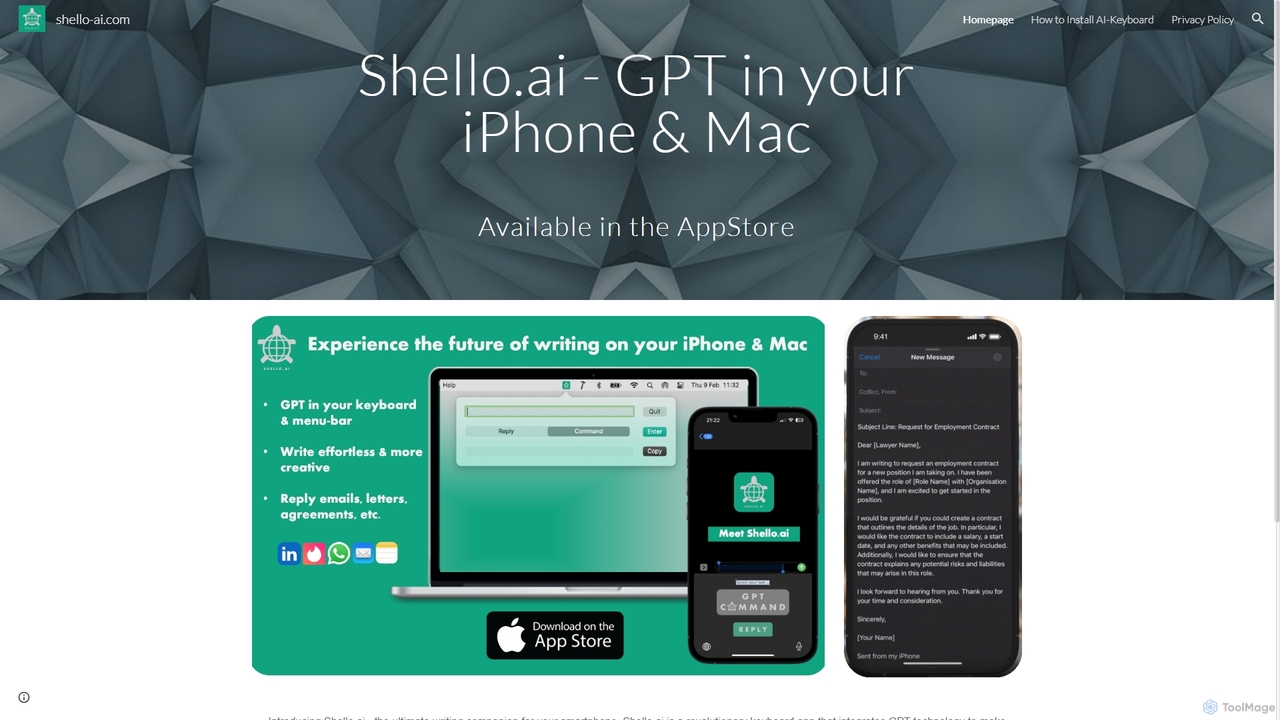
Shello.ai is a revolutionary GPT-powered keyboard app for iPhone and Mac. It acts as an intelligent writing companion, …

2.7K
HowToReplyTo

HowToReplyTo

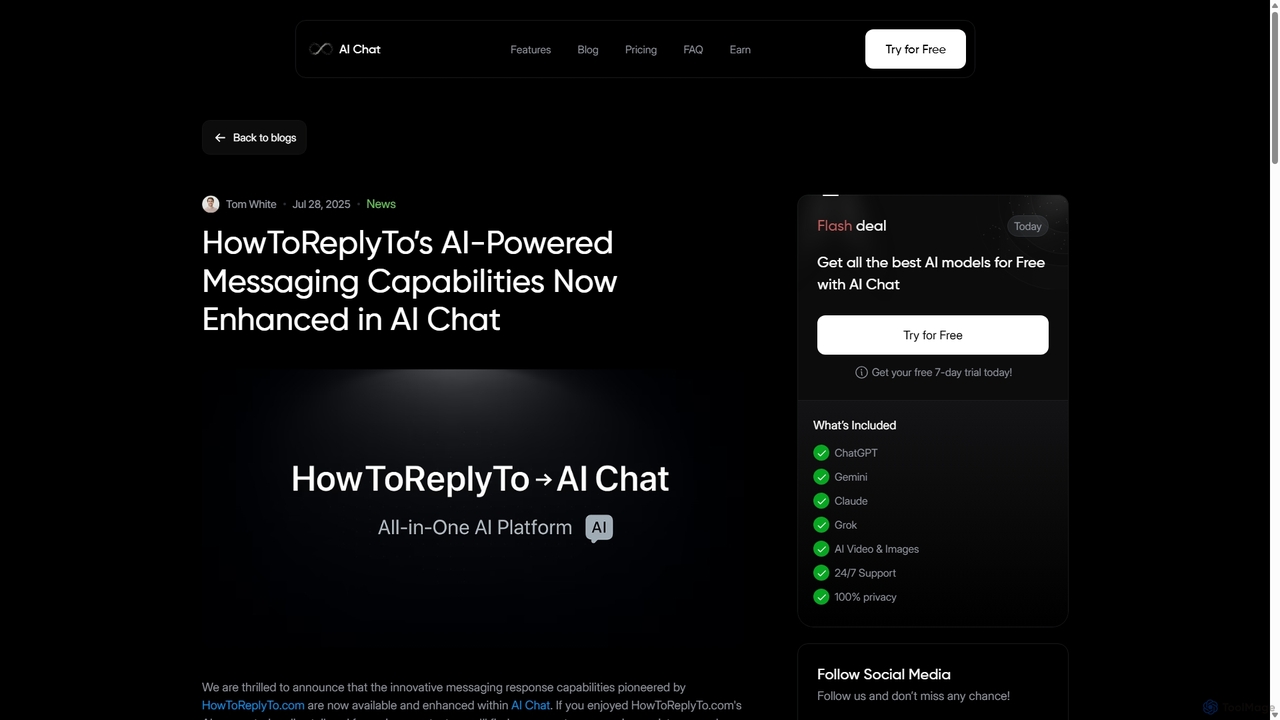
HowToReplyTo is an innovative AI-powered message assistant designed to help users craft perfect, context-aware replies for emails, social …

2.6K
ParagraphAI

ParagraphAI

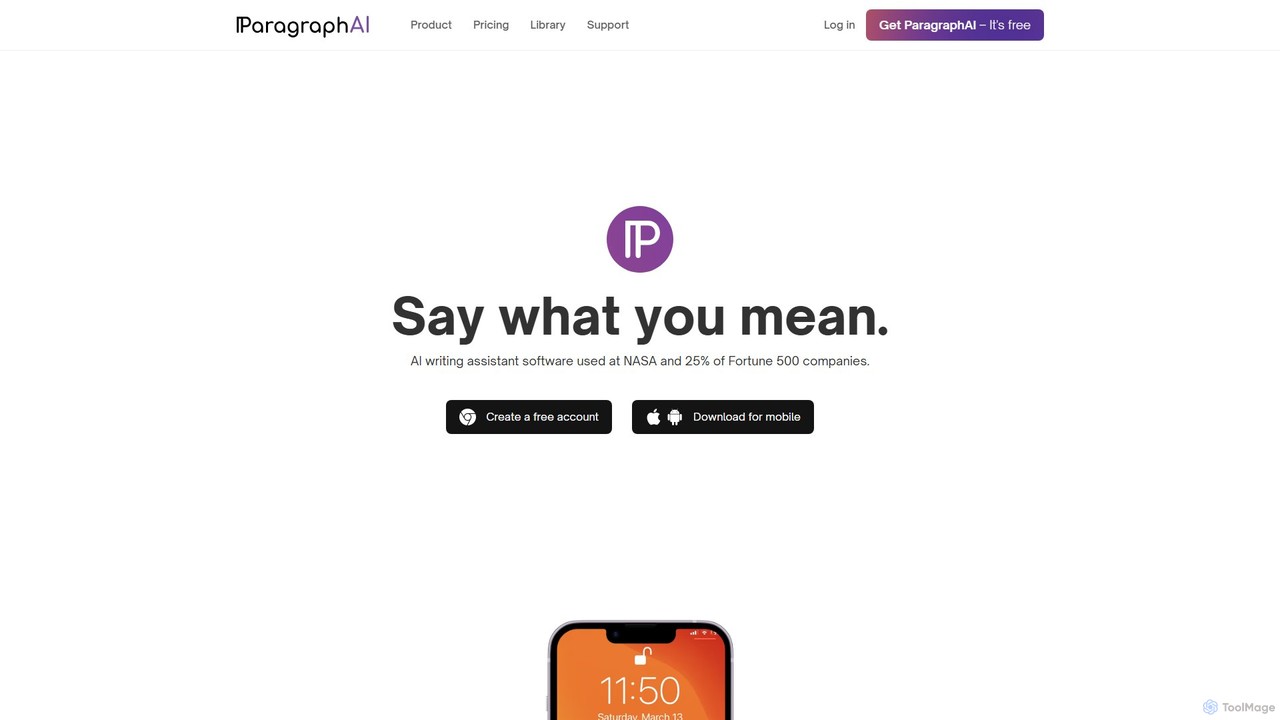
ParagraphAI is a versatile AI writing assistant designed to enhance your writing across all platforms. It offers one-tap …

23.2K
ailettergenerator

ailettergenerator

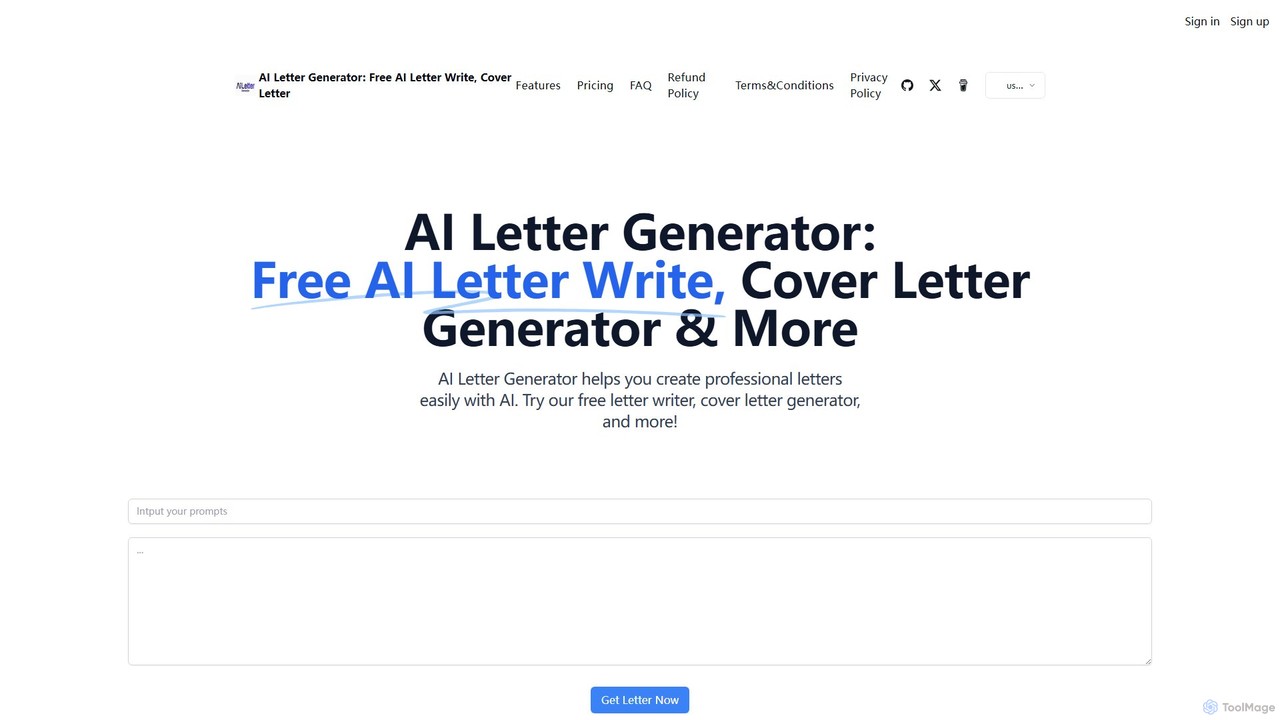
ailettergenerator is a powerful AI-driven tool designed to create a wide variety of professional and personal letters effortlessly. …

2.7K
KAI

KAI

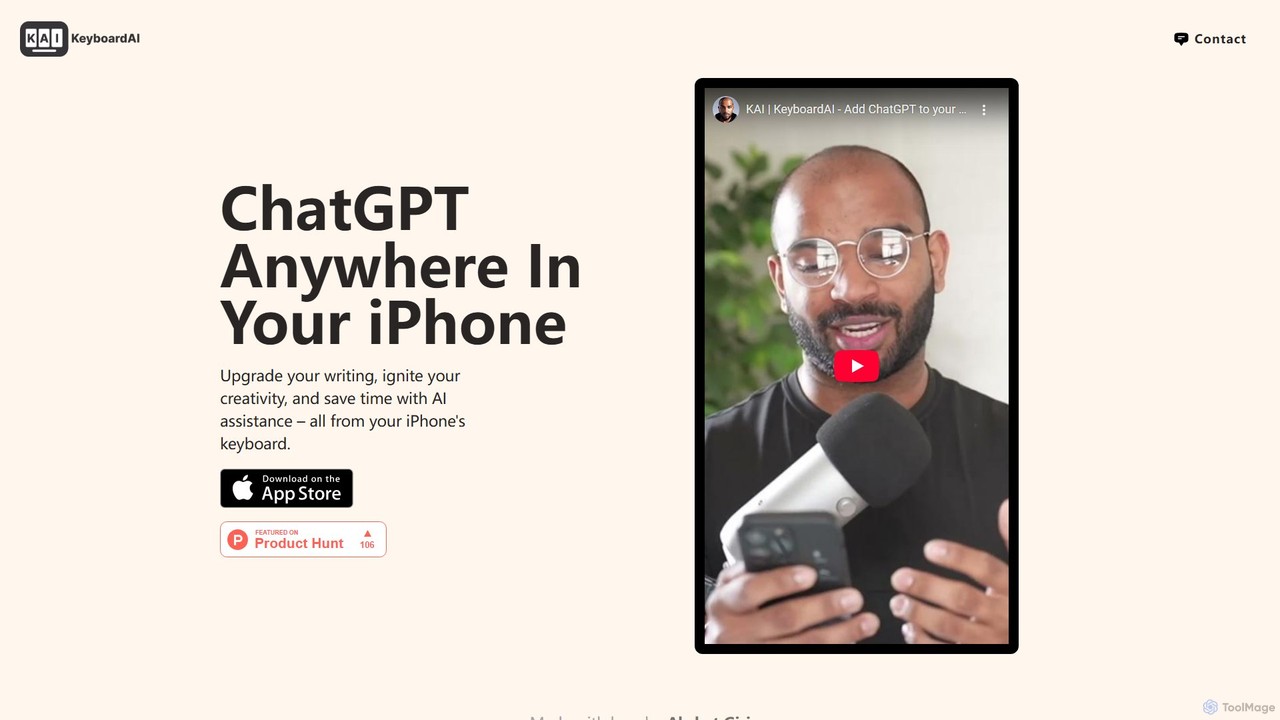
KAI is an AI-powered keyboard for iPhone that integrates ChatGPT-like capabilities directly into any app. It helps you …

2.7K
Free
Angry Email Translator

Angry Email Translator

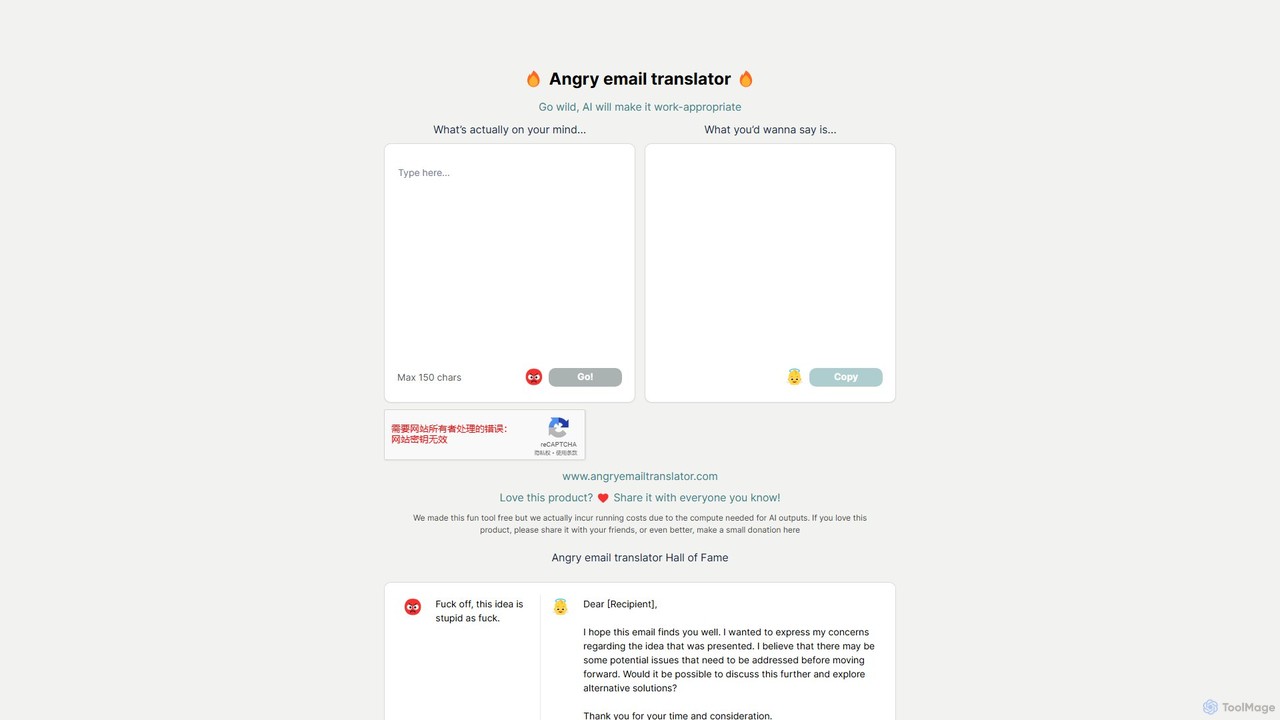
An AI-powered tool that transforms your angry, frustrated, or emotional email drafts into polite, professional, and constructive messages. …

2.7K
Martin

Martin

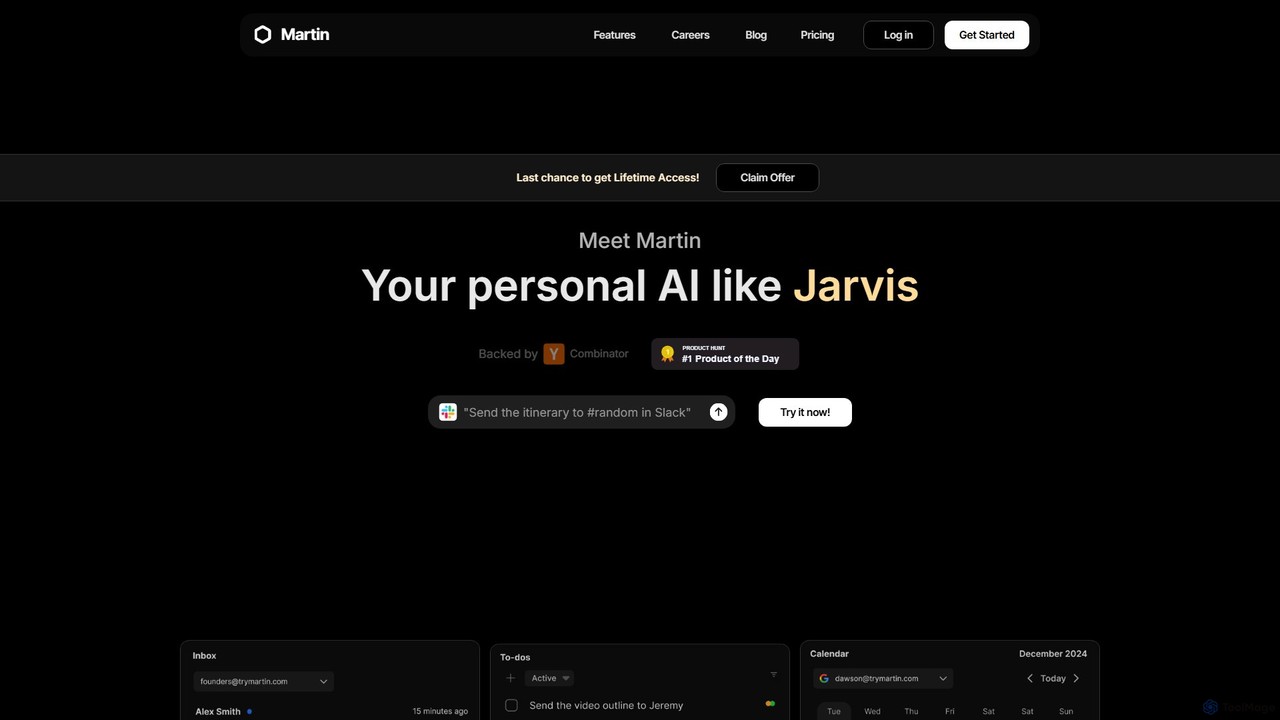
Martin is a personal AI assistant, like Jarvis, designed to streamline your life by managing tasks, communications, and …

11.5K
Cheeta

Cheeta

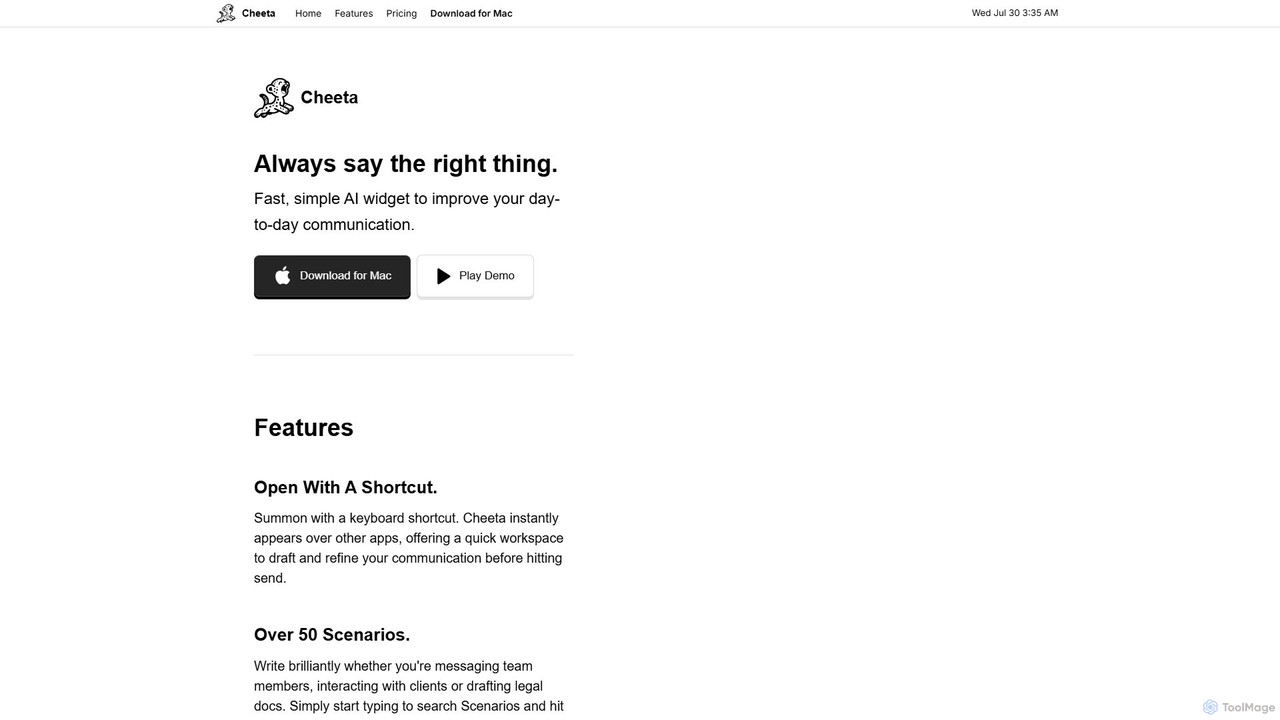
Cheeta is a simple, fast AI writing assistant for Mac. It operates as a keyboard-activated widget, appearing over …

2.6K
Free
PolitePost

PolitePost

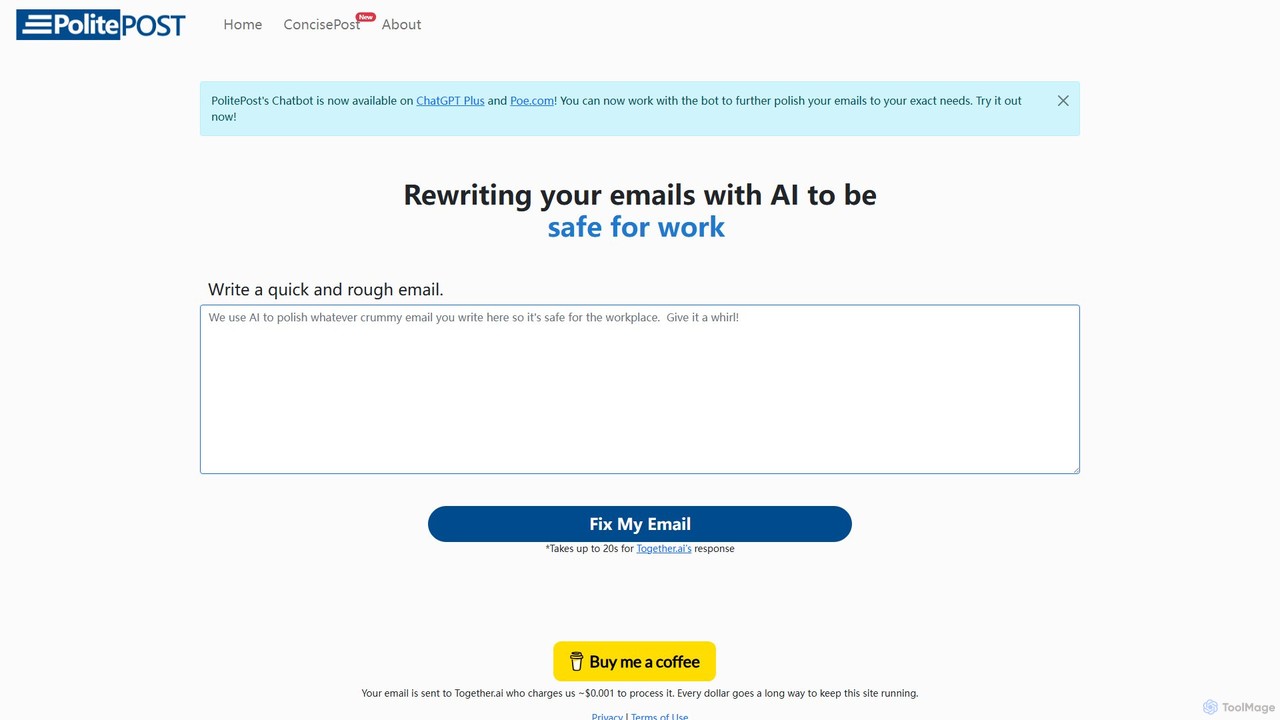
PolitePost is a free, privacy-focused AI tool that rewrites your emails to be more professional, polite, and effective. …

15.8K
Steer

Steer

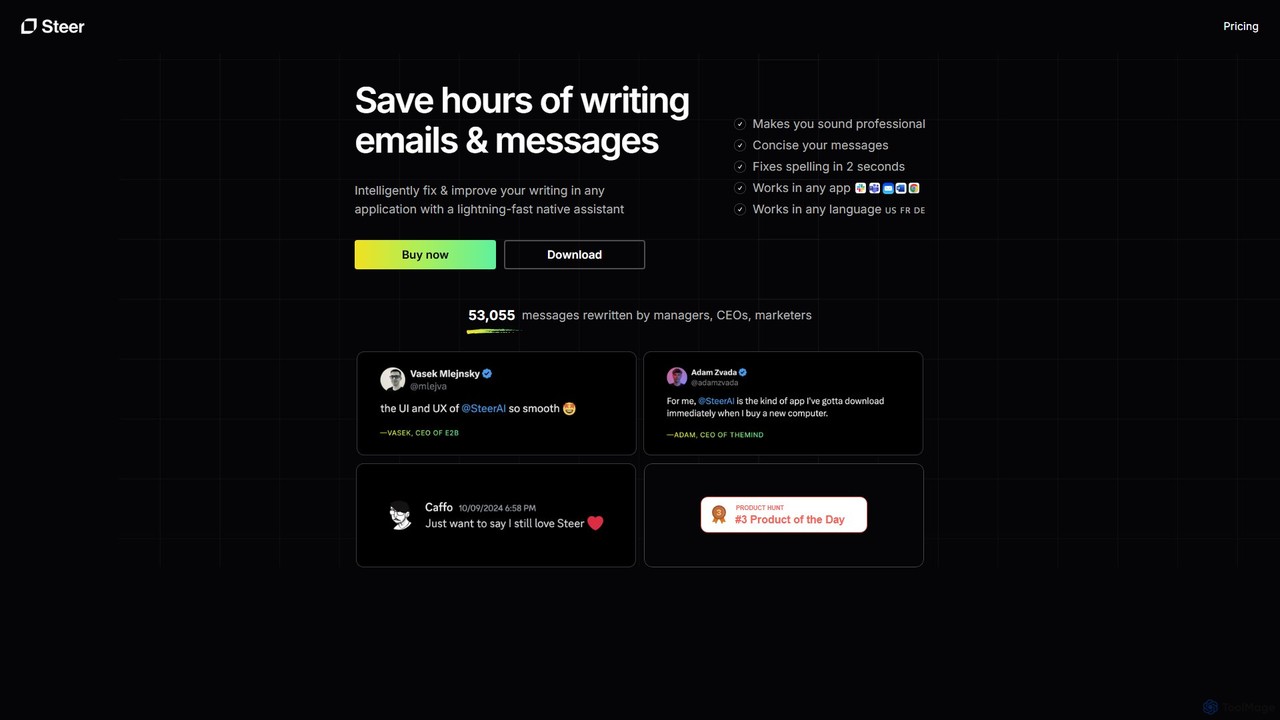
Steer is a native AI writing assistant for macOS and Windows that helps you save hours on writing. …

3.8K
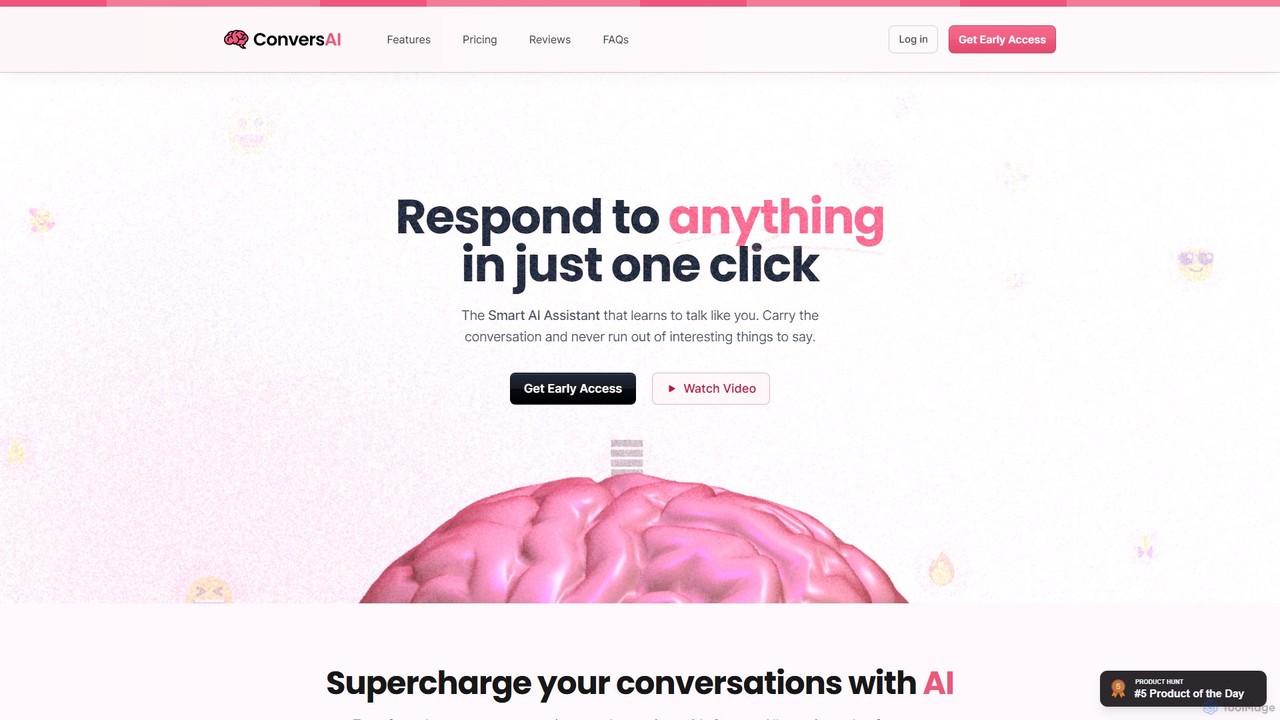
ConversAI

ConversAI

ConversAI is a personal AI chat assistant that learns your communication style to generate natural, one-click responses. It …

2.7K
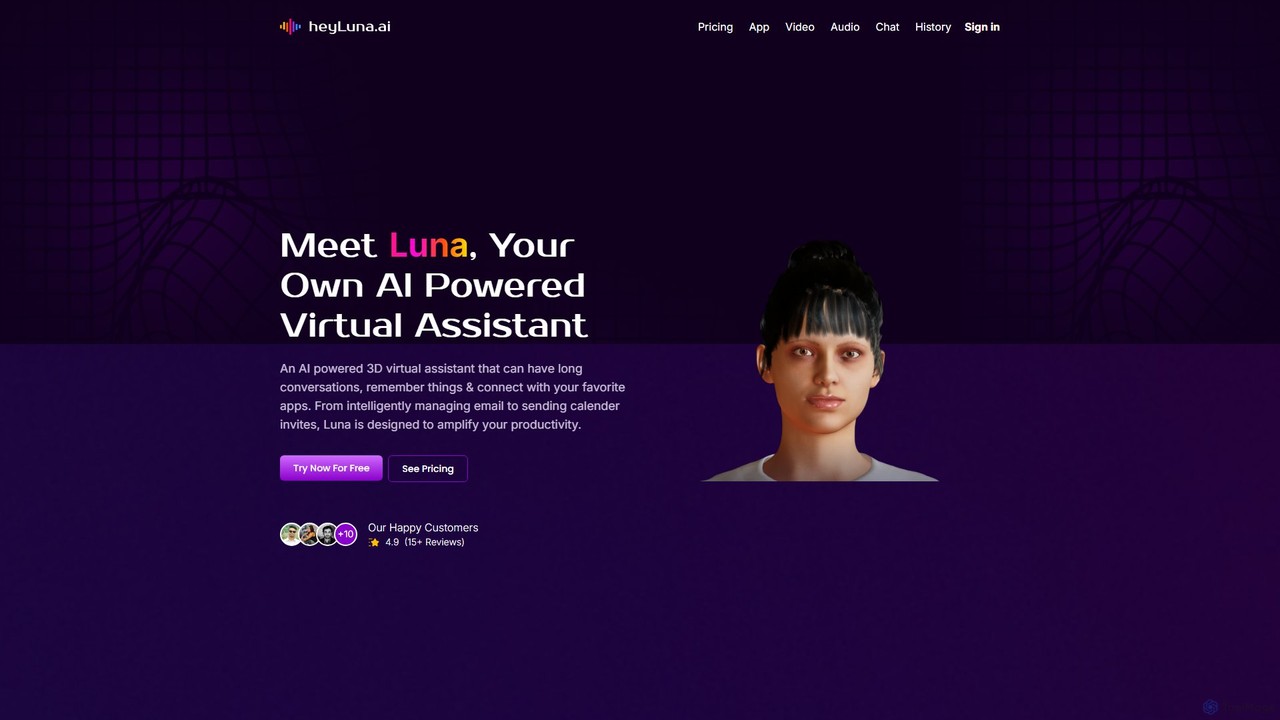
HeyLuna

HeyLuna

HeyLuna is an AI-powered 3D virtual assistant designed to boost your productivity. It engages in natural language conversations, …

4.8K
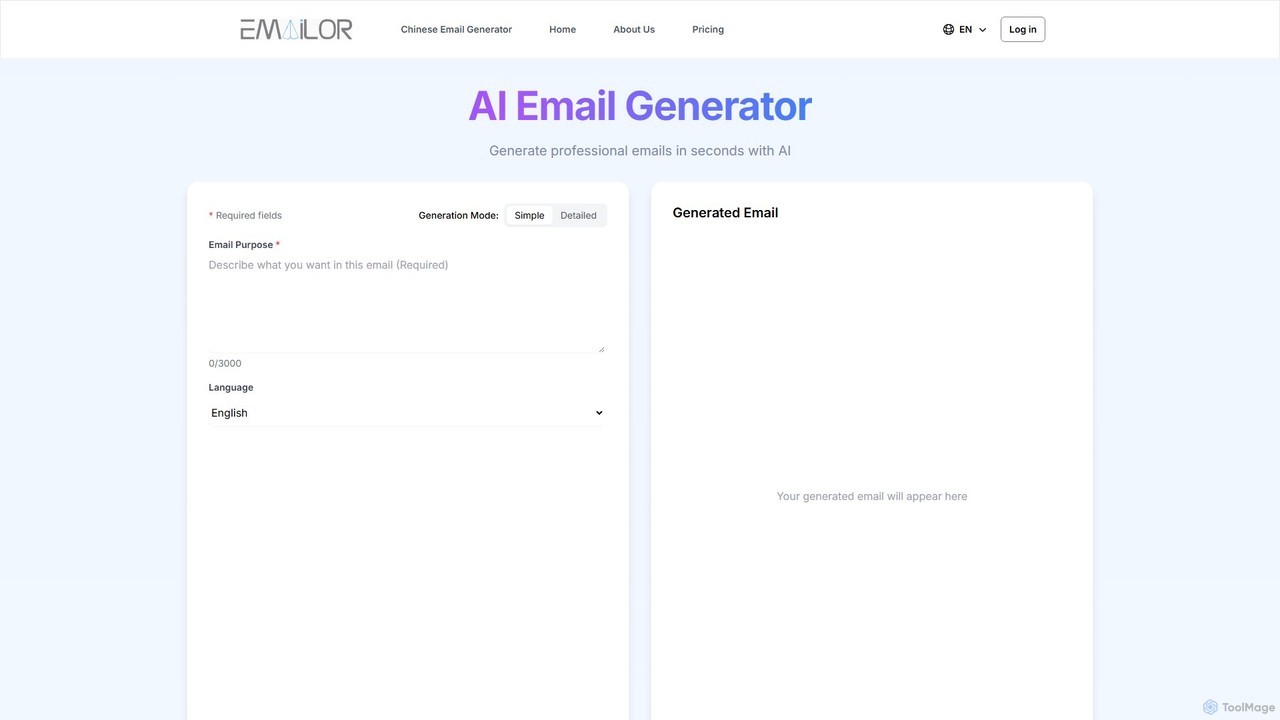
AI Email Generator

AI Email Generator

AI Email Generator is an advanced AI tool that crafts professional, context-aware emails in seconds. It supports multiple …

2.7K
EverlynAI

EverlynAI

EverlynAI is your intelligent personal assistant designed to streamline your daily workflow. It manages your schedule, triages emails, …

3.0K
Wordtune

Wordtune

Wordtune is an AI-powered writing companion and paraphrasing tool that helps you rewrite, rephrase, and improve your text. …

688.5K

About Email Assistant

Email Assistants are AI-powered tools designed to integrate directly into your email client to streamline and enhance your communication workflow. They leverage natural language processing (NLP) to automate tasks like drafting emails, summarizing long threads, and refining the tone of your messages. By analyzing the context of your conversations, these assistants help you manage high volumes of email more efficiently, improve the quality of your responses, and save significant time. Unlike general writing tools, their primary strength lies in deep integration with email platforms like Gmail and Outlook, providing context-aware support right where you need it.

Core Features

  • AI-Powered Drafting: Generate complete emails and replies from short prompts or keywords, adapting to the conversation's context.
  • Email Summarization: Condense lengthy email chains into concise, easy-to-read summaries to quickly catch up on discussions.
  • Tone Analysis & Adjustment: Analyze the tone of your draft (e.g., formal, friendly, confident) and suggest improvements to match your intended message.
  • Smart Reply Suggestions: Offer one-click reply options for common inquiries, speeding up response times.
  • Automated Follow-ups: Schedule and automate the sending of follow-up emails to ensure no opportunity is missed.

Use Cases

Email Assistants are widely used by professionals who handle significant email traffic. Sales teams use them to personalize outreach at scale, customer support agents leverage them for faster, consistent responses, and managers or executives rely on them to efficiently triage their inboxes and delegate tasks. They are also valuable for job seekers crafting application emails and project managers sending team updates.

How to Choose

When selecting an Email Assistant, first consider its integration capabilities with your primary email client (e.g., Gmail, Outlook). Evaluate the specific feature set—whether you need advanced drafting, summarization, or scheduling. Review the tool's privacy policy to understand how it handles your data. Finally, assess the user interface and ease of use to ensure it fits seamlessly into your existing workflow without adding complexity.

Email AssistantUse Cases

1

Automate Sales Outreach Follow-ups

A Sales Development Representative (SDR) often manages hundreds of leads, requiring consistent and personalized follow-up communication. Using an Email Assistant, the SDR can generate context-aware follow-up drafts based on previous interactions in the email thread. The tool can suggest talking points or ask relevant questions, maintaining a natural conversational flow. Furthermore, these follow-ups can be scheduled to send at optimal times for engagement, ensuring messages land in the prospect's inbox when they are most likely to be read. This automation saves hours of manual writing each week and significantly increases the consistency and effectiveness of outreach efforts.

2

Efficiently Manage High-Volume Inboxes

Executives, managers, and executive assistants often face hundreds of emails daily, making it difficult to prioritize and respond promptly. An Email Assistant can automatically triage the inbox by categorizing messages, flagging urgent items, and archiving non-essential communications. Its summarization feature is crucial for quickly understanding the gist of long, complex email threads without reading every single message. For common inquiries, the assistant can suggest one-click replies, allowing the user to respond in seconds. This system transforms a cluttered inbox into a manageable workspace, reducing response times and ensuring that critical information is never overlooked.

3

Standardize Customer Support Responses

For a customer support team, maintaining a consistent tone and providing accurate information is paramount. An Email Assistant helps achieve this by serving as a central knowledge hub. Agents can use it to quickly draft responses to frequently asked questions, ensuring every customer receives a standardized, high-quality reply. The tool's tone analysis feature helps train new agents to adopt the company's desired communication style, whether it's empathetic, formal, or friendly. By reducing the time spent on repetitive inquiries, agents can dedicate more focus to resolving complex customer issues, thereby improving overall customer satisfaction and team efficiency.

4

Craft Professional Job Application Emails

Job seekers need to make a strong first impression, and a well-crafted email can make all the difference. An Email Assistant can help draft compelling cover letters and follow-up emails. By providing the job description and a few key points about their experience, the user can generate a professional draft. The tone analysis feature is particularly useful here, ensuring the message sounds confident, respectful, and enthusiastic without being unprofessional. It can also check for grammar and clarity, reducing the risk of errors that could lead to a negative impression. This allows job seekers to apply for more positions more efficiently while maintaining a high standard of communication.

5

Streamline Internal Project Communication

Project managers are responsible for keeping team members aligned and informed. An Email Assistant streamlines this process by helping to draft clear and concise project updates, meeting requests, and action item summaries. For instance, after a long email discussion about a project milestone, the manager can use the summarization feature to create a brief recap to send to all stakeholders. When drafting weekly updates, the AI can help structure the information logically with clear headings for progress, blockers, and next steps. This ensures that internal communications are efficient, consistent, and easy for everyone on the team to understand, reducing misunderstandings and saving time.

6

Improve Multilingual Business Communication

For professionals working in international business, clear communication across language barriers is essential. An Email Assistant with multilingual capabilities can be a powerful asset. A user can draft a message in their native language, and the tool can help translate and refine it into professional-sounding English, Spanish, or another target language. It goes beyond simple translation by also checking for grammatical accuracy and adjusting the tone to be culturally appropriate. This helps non-native speakers communicate with confidence, ensuring their message is understood exactly as intended and fostering stronger, more effective international business relationships.

Email AssistantFrequently Asked Questions